Get 50% OFF All Premium 3D & STL Models!

The Ferrari 450 Italia 2013 is a symbol of Italian automotive excellence, a machine that perfectly blends performance, style, and luxury. Now, thanks to the detailed 3D model available at 88cars3d.com, you can bring this iconic supercar to life in your own home through the magic of 3D printing. This blog post will guide you through the process of 3D printing your own Ferrari 450 Italia 2013, covering everything from selecting the right materials and settings to post-processing techniques that will make your finished model a true masterpiece.
Several 3D printing technologies are suitable for bringing the Ferrari 450 Italia 2013 model to life. The best choice depends on your desired level of detail, budget, and experience.
FDM is a popular and affordable 3D printing method that uses thermoplastic filaments. It’s a great starting point for larger scale models. For the Ferrari 450 Italia 2013, FDM can produce impressive results, especially when printed at a larger scale (1:24 or 1:18). However, achieving the fine details of the body and interior might require significant post-processing.
Resin printing offers superior detail and surface finish compared to FDM. SLA (Stereolithography), DLP (Digital Light Processing), and MSLA (Masked Stereolithography) technologies use liquid resins cured by light. These technologies are ideal for smaller scale models (1:32 or 1:43) where intricate details like the headlights and wheels are crucial. Resin printing will generally require more care in handling and post-processing, but the results will be worth it if you want a high level of realism.
For FDM, PLA (Polylactic Acid) is a beginner-friendly option that’s easy to print and comes in a wide variety of colors. PETG (Polyethylene Terephthalate Glycol) is a stronger and more durable alternative, offering better heat resistance. For resin printing, standard resins are suitable for display models. If you plan to handle the model frequently, consider using a tougher or impact-resistant resin.
Choosing the right file format is crucial for a successful 3D printing experience. The Ferrari 450 Italia 2013 3D model is available in several formats, each with its own strengths and weaknesses.
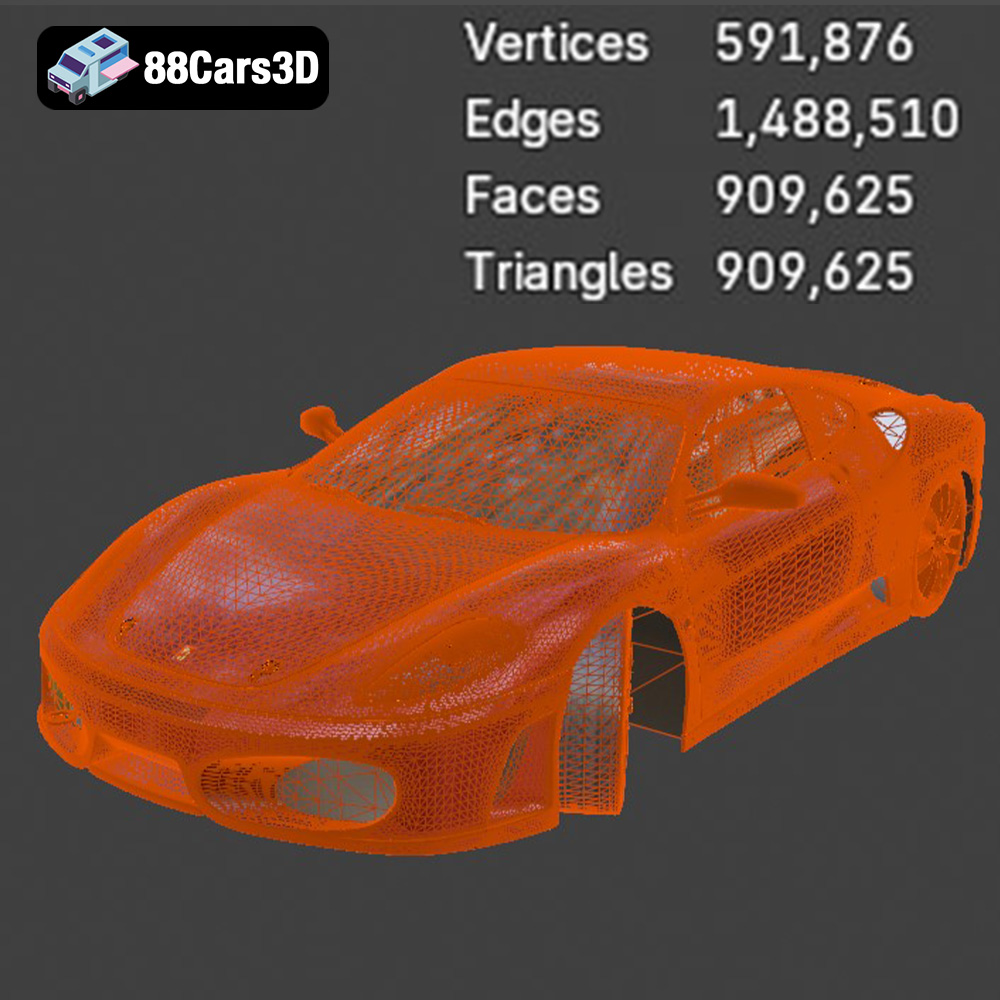
The .stl (Stereolithography) format is the workhorse of 3D printing. It represents the 3D model as a mesh of triangles, defining the surface geometry. It’s universally compatible with slicing software and 3D printers, making it the go-to format for additive manufacturing. However, .stl files only contain geometric data; they don’t include color, texture, or material information. The quality of an .stl file depends on the density of the triangle mesh – a higher density results in a smoother surface but also a larger file size. For the Ferrari 450 Italia 2013, ensure the .stl file has a sufficient number of triangles to capture the car’s complex curves and details, especially if printing at a larger scale. Remember to check the .stl file for errors (e.g., non-manifold geometry) before slicing, as these can lead to print failures.
.obj (Wavefront Object) is a more versatile format than .stl, as it can store color and texture information in addition to geometry. This makes it suitable for 3D printing models with multiple colors or complex surface finishes, provided your printer supports multi-material printing. However, .obj files can be larger than .stl files, and compatibility with slicing software can vary. If you intend to add custom paint jobs or decals to your 3D printed Ferrari 450 Italia 2013, .obj might be a useful format to work with initially for applying textures in 3D modeling software before exporting to .stl for printing.
.ply (Polygon File Format) is designed to store 3D data acquired from 3D scanners. It can represent geometry, color, texture, and other properties. .ply is often used for high-detail models, but its compatibility with slicing software is not as widespread as .stl or .obj. The precision of .ply files can be advantageous for capturing the intricate details of the Ferrari 450 Italia 2013, especially if the original model was created using 3D scanning techniques.
.blend is the native file format for Blender, a popular open-source 3D modeling software. It stores the entire scene, including geometry, textures, materials, lighting, and animations. If you plan to heavily modify the Ferrari 450 Italia 2013 model before printing, the .blend file offers the most flexibility. You can adjust the design, add details, or create variations of the car. Before printing, you’ll need to export the modified model to a printable format like .stl.
.fbx (Filmbox) is a proprietary format developed by Autodesk. It supports geometry, textures, materials, and animations, making it suitable for transferring 3D assets between different software applications. While some slicing software can import .fbx files, the compatibility can be inconsistent. The main advantage of .fbx is its ability to preserve material information, which can be useful if you want to simulate the appearance of different materials in your slicing software.
.glb (GL Transmission Format Binary) is a compact and efficient format for transmitting 3D models. It’s often used for displaying models in augmented reality (AR) applications. While .glb is not directly used for 3D printing, it can be helpful for previewing the Ferrari 450 Italia 2013 model in a real-world environment before committing to a print.
.max is the native file format for 3ds Max, another professional 3D modeling software. Similar to .blend, .max files contain the entire scene data, allowing for extensive modifications. If you’re familiar with 3ds Max, you can use the .max file to customize the Ferrari 450 Italia 2013 model before exporting it to .stl for printing.
For 3D printing the Ferrari 450 Italia 2013 model from 88cars3d.com, the .stl format will likely be your primary choice due to its universal compatibility and ease of use. However, if you plan to customize the model or require color information, consider using other formats like .blend or .obj in conjunction with .stl.
Before you hit the print button, you need to prepare the 3D model using slicing software. This software converts the 3D model into a series of instructions (G-code) that the 3D printer can understand.
Popular slicing software options include Cura, PrusaSlicer, Simplify3D, and Chitubox (for resin printing). Each software has its own strengths and weaknesses, so experiment to find the one that suits your needs. For FDM, Cura and PrusaSlicer are excellent free options. For resin printing, Chitubox is a widely used choice.
Proper print orientation is critical for achieving the best possible surface finish and minimizing the need for supports. For the Ferrari 450 Italia 2013, consider printing the body at an angle to reduce the visibility of layer lines on the curved surfaces. The wheels should be printed separately, ideally in a vertical orientation, to maximize detail. Pay close attention to areas that require supports, such as the side mirrors, rear diffuser, and spoiler edges. Optimize support placement to minimize their impact on the final print and make removal easier. Using tree supports in Cura can be beneficial.
The recommended scales for this model are 1:32, 1:24, 1:18, and 1:14. Choose a scale that fits your printer’s build volume and your desired level of detail. For larger prints, consider hollowing the model to reduce material consumption and print time. Ensure you add drainage holes to allow resin to escape during printing and cleaning if using a resin printer.
Achieving a successful 3D print of the Ferrari 450 Italia 2013 requires careful attention to printer settings. These settings will influence the final quality, strength, and appearance of your model.
A smaller layer height results in a smoother surface finish but increases print time. For FDM printing, a layer height of 0.10-0.16 mm is recommended. For resin printing, you can go even lower, down to 0.04-0.08 mm, for exceptional detail. Reduce print speed to allow for better layer adhesion and detail resolution, especially for intricate features.
Infill density affects the strength and weight of the model. For a display model, an infill density of 15-25% is sufficient. Increase wall thickness to 1.5-2.5 mm for added strength and to prevent warping. With resin printing, 1.5-2mm wall thickness is usually sufficient, but you may need to add internal supports if printing a large hollow model.
For FDM printing, use the recommended nozzle and bed temperatures for your chosen filament. Ensure good bed adhesion to prevent warping or detachment during printing. Use a brim or raft if necessary. For resin printing, follow the resin manufacturer’s recommendations for exposure times.
Post-processing is the key to transforming a raw 3D print into a polished and professional-looking model.
Carefully remove supports using pliers or a sharp knife. Take your time to avoid damaging the model. Sand the surface to remove layer lines and smooth out imperfections. Start with coarse sandpaper (e.g., 220 grit) and gradually move to finer grits (e.g., 400, 600, 800) for a smooth finish. For resin prints, use wet sanding to minimize dust.
Apply a primer coat to the model to create a uniform surface for painting. Sand the primer lightly with fine-grit sandpaper. Use high-quality automotive paint to achieve a realistic finish. Apply multiple thin coats for best results. Consider using an airbrush for a smooth and even application. The original description mentions gloss automotive paint finish being ideal, and a red or yellow finish are very popular for Ferraris. Replicating the factory colors from 2013 would also be a great choice.
Assemble the separate parts of the model, such as the wheels and body. Use glue or epoxy to secure the components. Add details like decals, badges, and interior trim to enhance realism. Applying panel lines with a fine-tipped marker can also add depth to the model.
3D printing can be challenging, and you may encounter issues along the way. Here are some common problems and their solutions:
Warping occurs when the print detaches from the bed due to temperature differences. Ensure good bed adhesion, use a brim or raft, and control the ambient temperature in the printing environment.
Stringing is caused by excessive filament oozing from the nozzle. Adjust retraction settings, reduce nozzle temperature, and increase travel speed.
Layer shifting occurs when the printer’s axis motors skip steps. Check belt tension, reduce print speed, and ensure the printer is stable.
Elephant’s foot is a widening of the first few layers due to excessive bed adhesion. Reduce the bed temperature or adjust the Z-offset.
3D printing the Ferrari 450 Italia 2013 3D model from 88cars3d.com is a rewarding project that combines technical skill with a passion for automotive design. By carefully selecting your materials, optimizing your printer settings, and mastering post-processing techniques, you can create a stunning replica of this iconic supercar. Remember to experiment and learn from your experiences, and don’t be afraid to push the boundaries of what’s possible with 3D printing. With patience and dedication, you’ll be able to proudly display your own 3D printed Ferrari 450 Italia 2013, a testament to your skill and creativity.
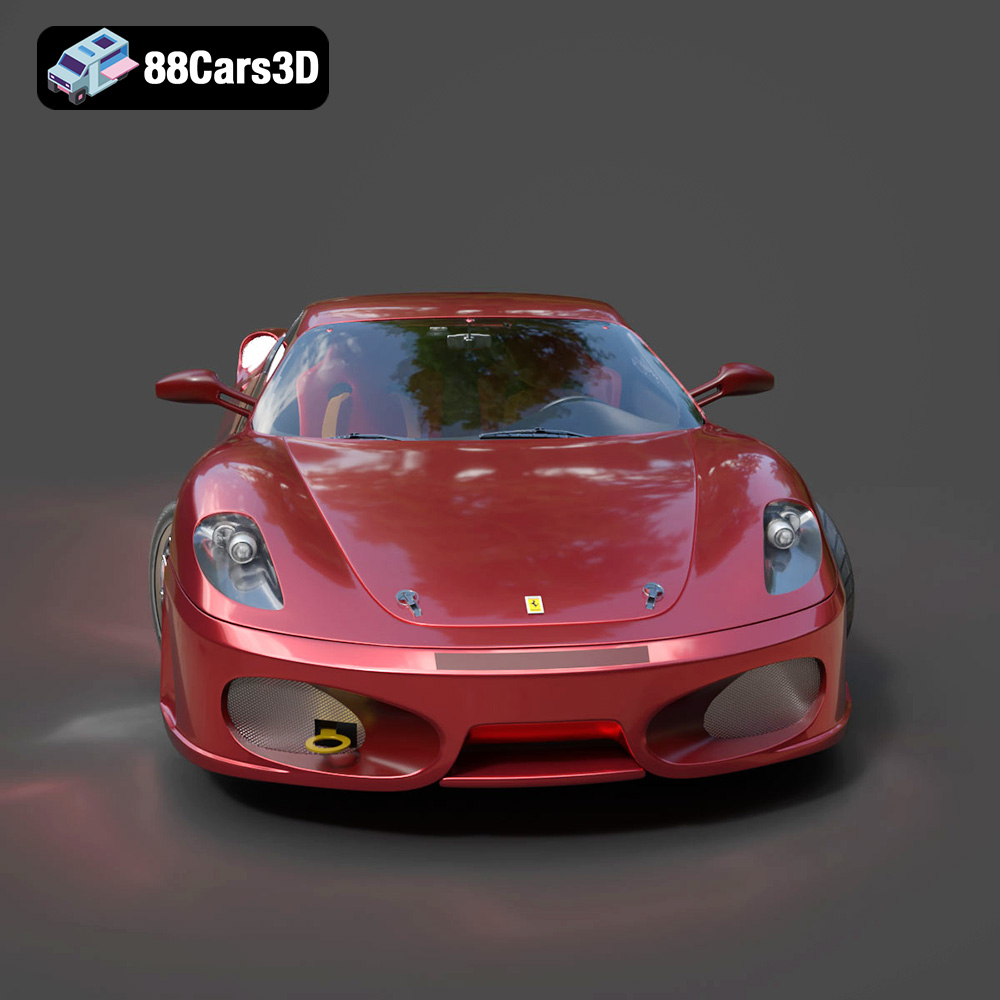
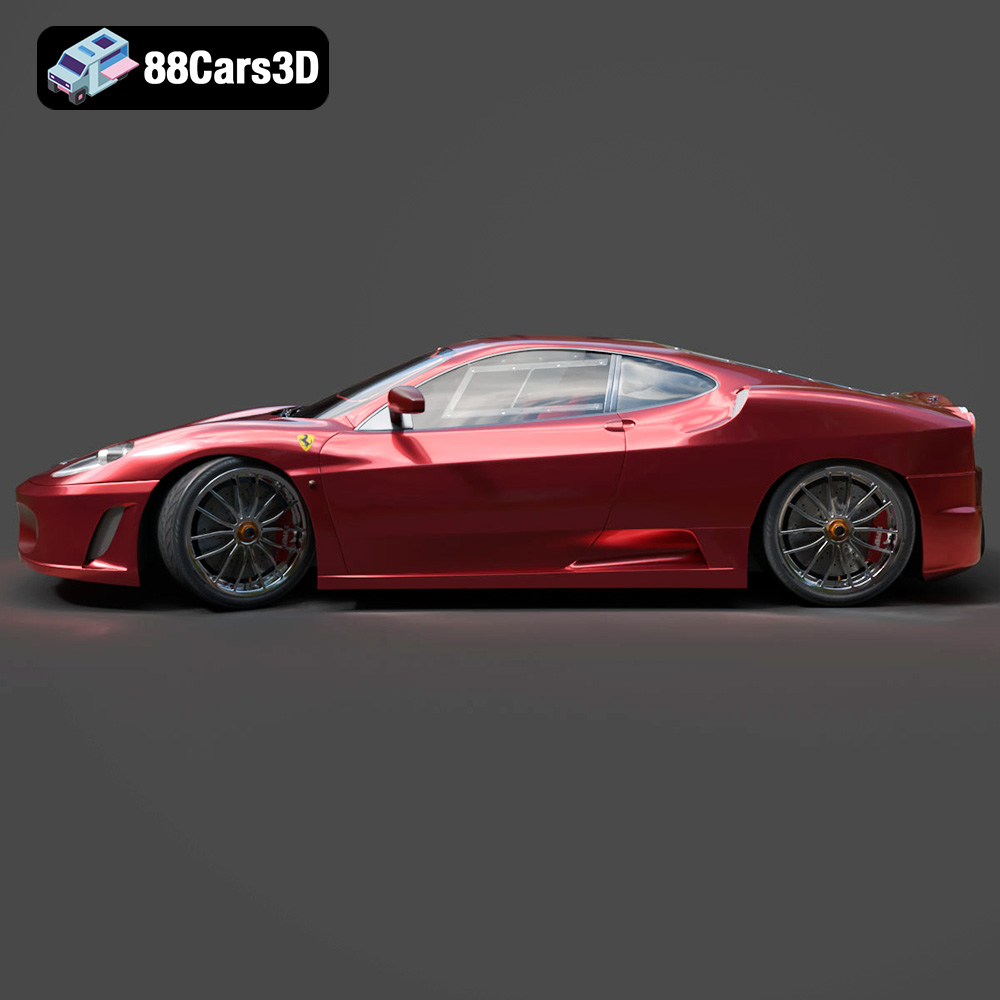
The Ferrari 450 Italia 2013 3D Model is a high-detail digital recreation of the iconic mid-engine Italian supercar engineered for performance, precision, and aerodynamic excellence. Known for its aggressive styling and track-inspired engineering, the 450 Italia delivers a perfect balance of speed, luxury, and driving dynamics.
$9.99
.450italia
.arvr
.automotive
.blend
.car3dmodel
.fbx
.ferrari
.gameasset
.glb
.italiansupercar
.max
.obj
.ply
.racingcar
.rendering
.simulation
.sportsCar
.stl
.supercar
.unreal