Get 50% OFF All Premium 3D & STL Models!

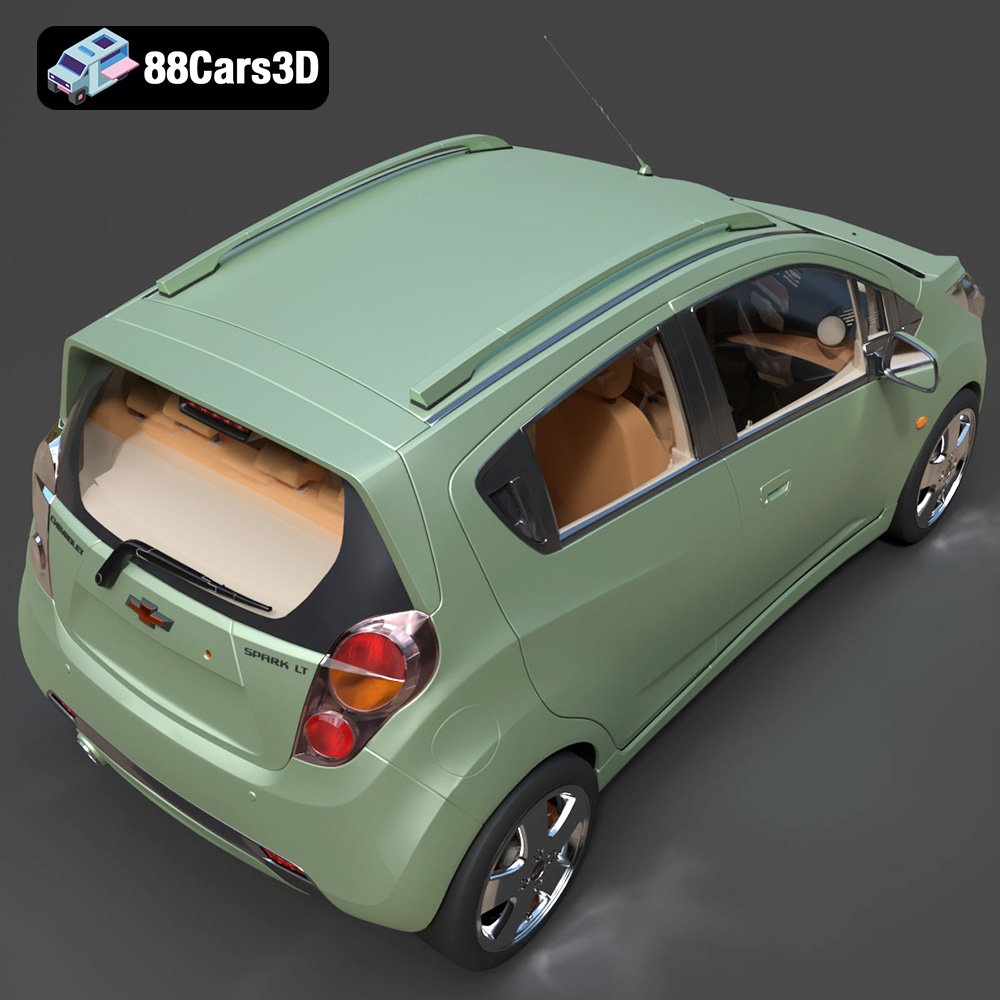
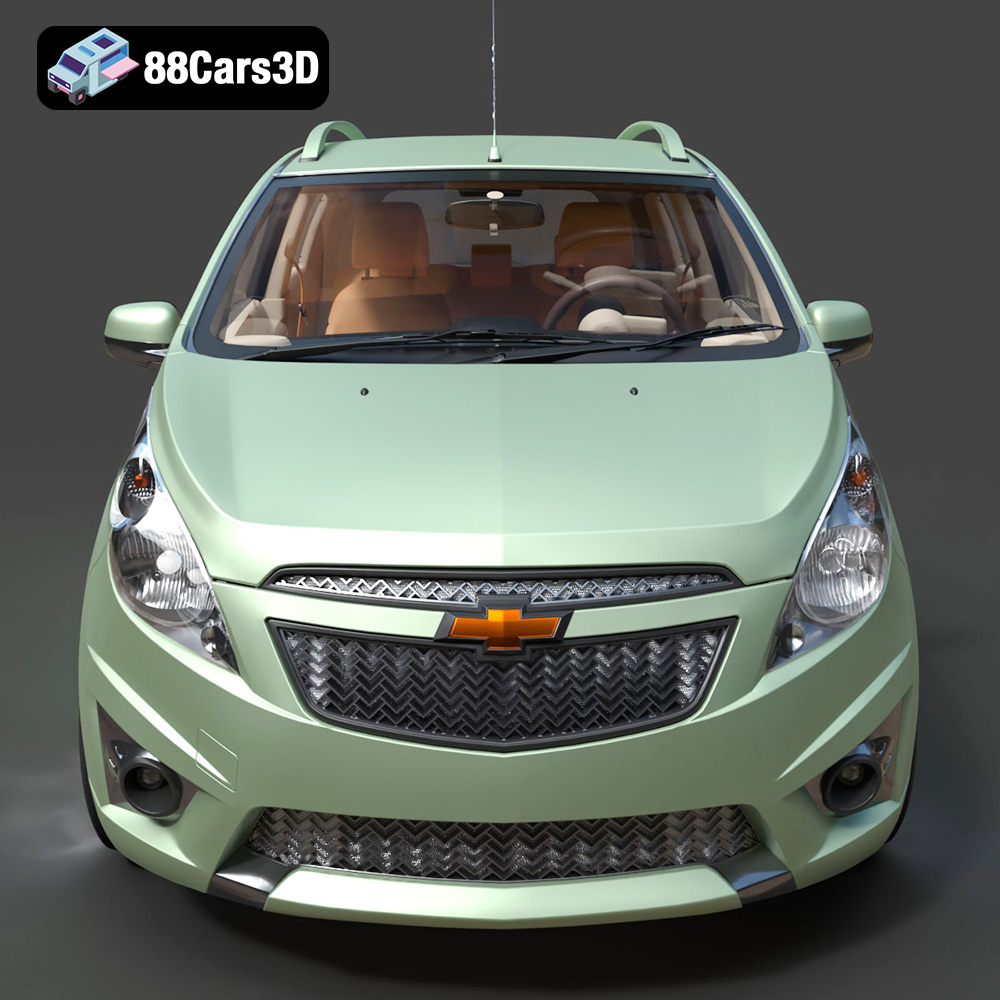
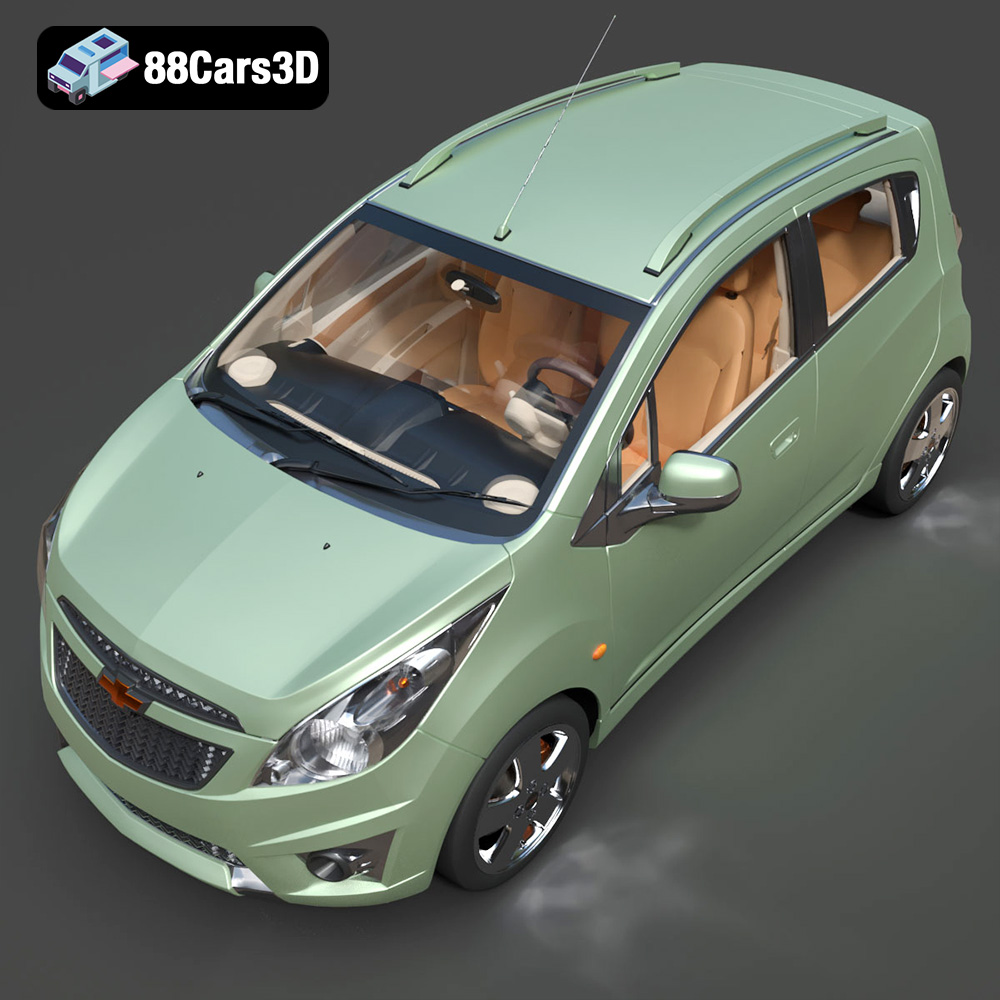
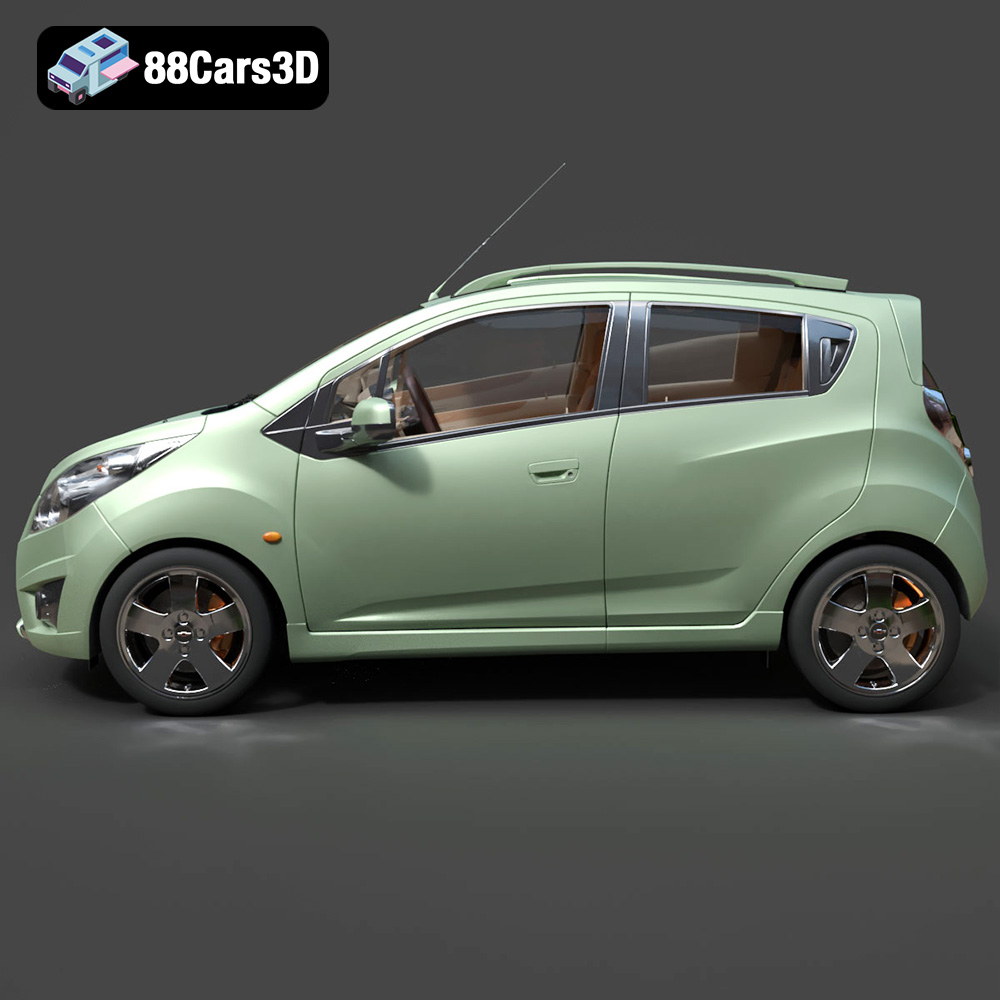
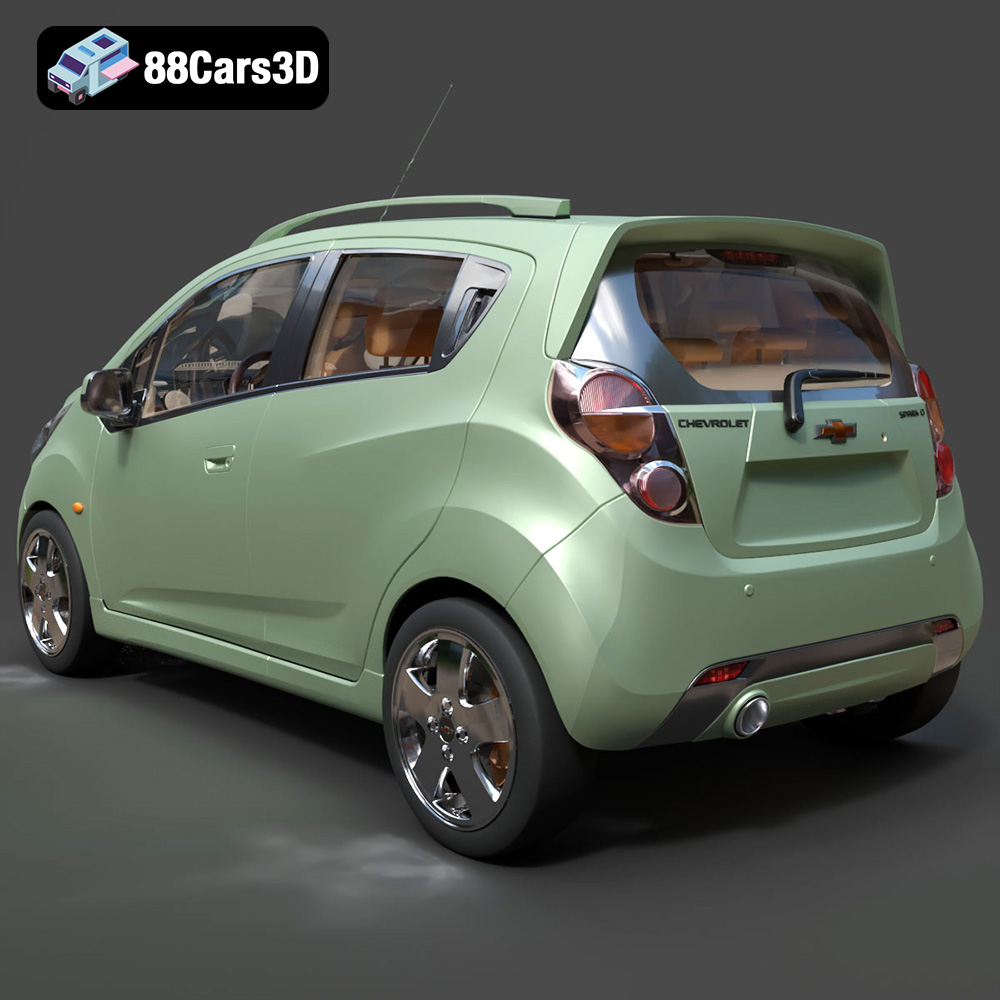
The Chevrolet Spark LT, a beloved subcompact city car, is now within your reach – literally! Thanks to advancements in 3D printing technology and the availability of detailed 3D models, you can create your own miniature Spark. This article provides a comprehensive guide to 3D printing the Chevrolet Spark LT 3D Model available on 88cars3d.com, covering everything from choosing the right materials and settings to post-processing techniques for a flawless finish. Whether you’re a seasoned 3D printing enthusiast or a beginner looking to expand your skills, this guide will help you bring this iconic city car to life.
Before diving into the specifics of 3D printing the Chevrolet Spark LT, it’s crucial to understand the different file formats available and which ones are best suited for additive manufacturing. The model from 88cars3d.com includes several formats, each with its strengths and weaknesses.
The .stl (Stereolithography) format is the industry standard for 3D printing. It represents the surface geometry of a 3D object as a collection of triangles. This simplicity makes it universally compatible with slicing software, which translates the 3D model into instructions for your 3D printer. While .stl files don’t store color or texture information, they are ideal for creating physical objects with a single material. When preparing the Chevrolet Spark LT for 3D printing, the .stl file is your primary choice. Slicing software such as Cura, Simplify3D, or PrusaSlicer can readily import and process .stl files.
The .obj (Object) format is a more versatile format that can store color and texture information along with the 3D geometry. This is particularly useful if you plan to paint your 3D printed Chevrolet Spark LT and want to use the .obj file as a reference for the color scheme. However, .obj files can be more complex to process than .stl files, and not all slicing software fully supports the texture information.
The .ply (Polygon File Format) is designed to store 3D data acquired from 3D scanning. It’s known for its ability to represent high-detail meshes with precision. While .ply files can be used for 3D printing, they are less common than .stl files, and support in slicing software might be limited. If you’re aiming for the highest possible detail in your Chevrolet Spark LT print, you might consider converting the .stl file to .ply, but this is usually unnecessary.
The .blend format is the native file format for Blender, a popular open-source 3D modeling software. This format allows you to fully customize the Chevrolet Spark LT model before exporting it to a printable format. You can modify the geometry, add details, or even create variations of the model. If you’re comfortable with Blender, the .blend file provides the most flexibility.
The .fbx (Filmbox) format is a proprietary format developed by Autodesk. It’s commonly used for exchanging 3D data between different software applications, including game engines and 3D modeling tools. While .fbx can store material information, it’s primarily designed for animation and rendering. For 3D printing, the .stl file is generally preferred.
The .glb (GL Transmission Format Binary) is a relatively new format designed for efficient transmission and loading of 3D models, particularly in web-based applications and augmented reality (AR) environments. It’s a self-contained format that includes geometry, textures, and animations in a single file. The .glb file allows you to preview the Chevrolet Spark LT model in AR before committing to a 3D print, giving you a better sense of its size and appearance in the real world.
The .max format is the native file format for 3ds Max, another professional 3D modeling software. Similar to the .blend file, the .max file allows you to fully customize the Chevrolet Spark LT model before exporting it to a printable format.
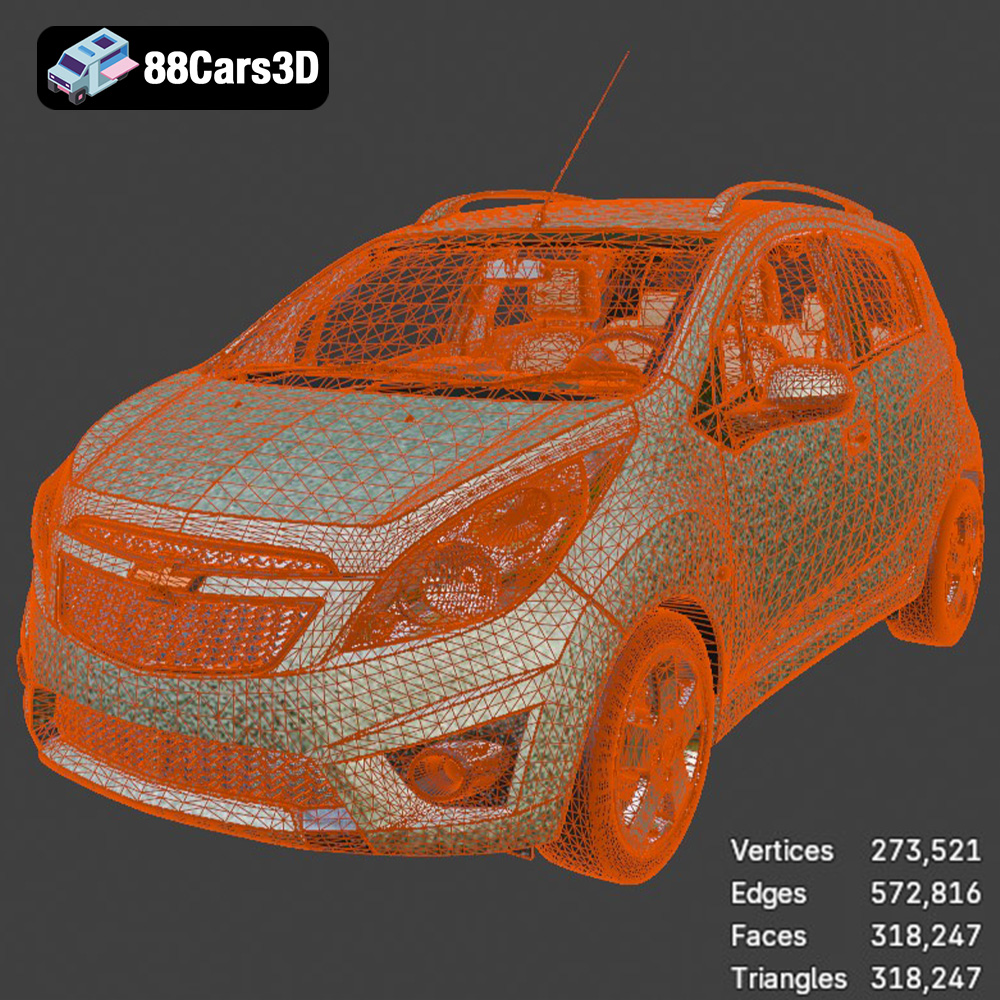
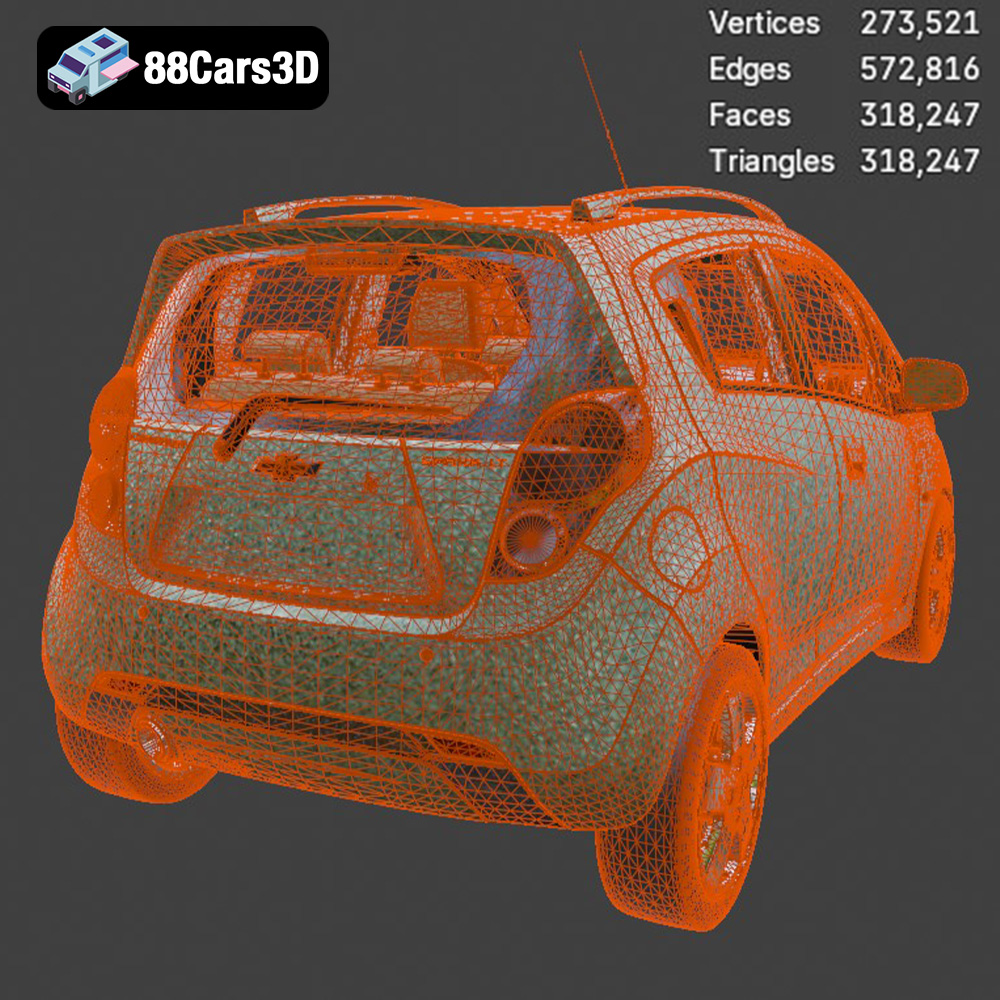
For optimal 3D printing results with the Chevrolet Spark LT, prioritize using the .stl file. Ensure that the mesh quality is sufficient for your desired print resolution. If necessary, you can use 3D modeling software to repair any mesh errors and optimize the model for 3D printing.
The quality of your 3D printed Chevrolet Spark LT will heavily depend on the type of 3D printer you use and the material you choose. Here’s a breakdown of the most suitable options:
FDM printers are the most common type of 3D printer, known for their affordability and versatility. They work by extruding a thermoplastic filament, such as PLA or PETG, layer by layer to build the object.
* **PLA (Polylactic Acid):** PLA is a biodegradable thermoplastic derived from renewable resources. It’s easy to print with, has low warping, and produces good surface details. PLA is an excellent choice for printing the Chevrolet Spark LT, especially if you’re aiming for a display model. However, PLA is not as heat-resistant or durable as other materials.
* **PETG (Polyethylene Terephthalate Glycol-modified):** PETG is a stronger and more heat-resistant alternative to PLA. It’s also more flexible, making it less prone to cracking. PETG is a good option if you want a more durable 3D printed Chevrolet Spark LT.
* **ABS (Acrylonitrile Butadiene Styrene):** ABS is a petroleum-based plastic known for its high strength and heat resistance. However, ABS is more difficult to print with than PLA or PETG, as it’s prone to warping and requires a heated bed and enclosure. While ABS is a viable option, it’s generally not recommended for beginners.
Resin printers use liquid resin that is cured by UV light to create the object. SLA (Stereolithography) and DLP (Digital Light Processing) are the two main types of resin printing. Resin printers are capable of producing parts with exceptionally fine details and smooth surfaces, making them ideal for printing small-scale models like the Chevrolet Spark LT.
* **Standard Resin:** Standard resin is a good all-around choice for resin printing. It offers a balance of strength, detail, and ease of use.
* **Tough Resin:** Tough resin is designed to be more durable and impact-resistant than standard resin. This is a good option if you want a more robust 3D printed Chevrolet Spark LT.
* **Flexible Resin:** Flexible resin is designed to be pliable and bendable. This could be used for specific parts like the tires, adding a touch of realism to your model.
The product description recommends resin printing for smaller scale details, and that makes sense for scales of 1:43 or smaller.
Before you can start printing, you need to prepare the 3D model using slicing software. This software converts the 3D model into a series of instructions that your 3D printer can understand.
Several excellent slicing software options are available, both free and paid. Here are a few popular choices:
* **Cura:** Cura is a free and open-source slicing software that’s easy to use and offers a wide range of features. It supports both FDM and resin printers.
* **Simplify3D:** Simplify3D is a paid slicing software that offers advanced control over the printing process. It’s known for its optimized toolpaths and support generation.
* **PrusaSlicer:** PrusaSlicer is another free and open-source slicing software developed by Prusa Research. It’s known for its accurate print time estimates and advanced features.
Before slicing, it’s essential to optimize the Chevrolet Spark LT 3D model for printing. This may involve:
* **Scaling:** The product description recommends scales of 1:32, 1:43, and 1:64. Choose the scale that best suits your needs and printer capabilities.
* **Orientation:** The product description suggests printing the body angled for a smooth surface finish and the wheels separately. Experiment with different orientations to minimize the need for supports and improve the surface quality.
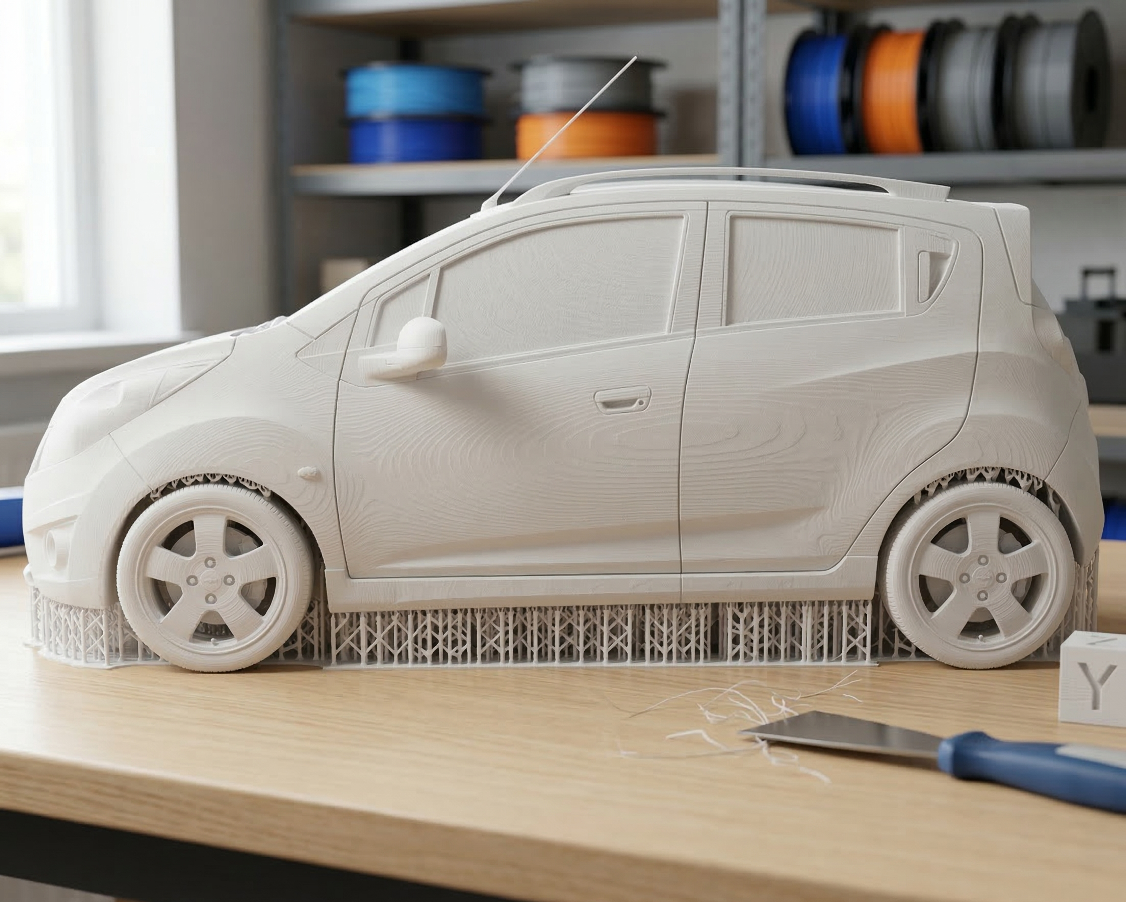
* **Support Generation:** Supports are necessary to hold up overhanging parts of the model during printing. The Chevrolet Spark LT will require supports for the side mirrors, wheel arches, and rear spoiler, as the product description notes. Use the slicing software to generate appropriate supports, and consider using support blockers to prevent supports from being generated in areas where they’re not needed.
* **Mesh Repair:** Sometimes, 3D models can have errors in their mesh, such as holes or non-manifold geometry. Use the slicing software’s mesh repair tools or a dedicated mesh repair software like MeshMixer to fix these errors before printing.
The ideal 3D printing settings will depend on your printer, material, and desired level of detail. However, here are some general guidelines to get you started:
* **Layer Height:** 0.1-0.2 mm. Lower layer heights will produce smoother surfaces but will increase print time.
* **Infill Density:** 15-25%. This provides a good balance of strength and weight.
* **Wall Thickness:** 1.2-2.0 mm. This ensures sufficient strength and rigidity.
* **Print Speed:** 40-60 mm/s.
* **Support Structure:** Enable supports, especially for overhanging features like mirrors and spoilers.
* **Bed Temperature:** 60°C for PLA, 70-80°C for PETG, 100-110°C for ABS.
* **Nozzle Temperature:** 200-220°C for PLA, 230-250°C for PETG, 230-260°C for ABS.
* **Layer Height:** 0.04-0.08 mm. Resin printing excels at fine details, so smaller layer heights are recommended.
* **Exposure Time:** This depends on the resin you’re using and your printer. Consult the resin manufacturer’s recommendations.
* **Bottom Layer Exposure Time:** This should be longer than the normal exposure time to ensure good adhesion to the build plate.
* **Lift Speed:** Adjust the lift speed to prevent the model from detaching from the supports during printing.
Once the 3D printing is complete, post-processing is essential to achieve a polished, professional-looking Chevrolet Spark LT model.
Carefully remove the supports from the 3D printed model. Use pliers, a hobby knife, or other suitable tools. Be gentle to avoid damaging the model. After removing the supports, clean up any remaining support marks with sandpaper or a file. For resin prints, wash the model with isopropyl alcohol (IPA) to remove any uncured resin.
Sanding is essential for smoothing out the surface of the 3D printed model. Start with coarse-grit sandpaper (e.g., 220 grit) and gradually move to finer grits (e.g., 400, 600, 800 grit). After sanding, apply a primer to the model. Primer helps to fill in any remaining imperfections and provides a good surface for painting.
Painting is where you can truly bring your Chevrolet Spark LT to life. Use high-quality acrylic paints and consider using an airbrush for a smoother, more even finish. The product description mentions vibrant factory colors like Red Hot, Mystic Blue, and Summit White, which would be excellent choices. You can also add details like window trim, headlights, and taillights with paint or decals.
If you printed the wheels separately, attach them to the body using glue or other suitable fasteners. Ensure that the wheels are properly aligned and can rotate freely.
Even with careful preparation, you may encounter some challenges during the 3D printing process. Here are some common issues and how to address them:
* **Warping:** This is a common issue with FDM printing, especially with ABS. Ensure that your bed is properly leveled and heated. Use a brim or raft to improve adhesion.
* **Layer Separation:** This can be caused by insufficient bed adhesion, low extrusion temperature, or incorrect layer height. Adjust these settings as needed.
* **Stringing:** This occurs when the printer extrudes plastic while moving between different parts of the model. Increase the retraction distance or reduce the printing temperature.
* **Elephant’s Foot:** This is a slight bulge at the bottom of the print caused by excessive squish of the first layer. Reduce the initial layer height or increase the distance between the nozzle and the bed.
* **Support Failure:** This can be caused by insufficient support density or poor support placement. Increase the support density or reposition the supports to better support overhanging features.
By understanding these potential issues and their solutions, you can increase your chances of a successful 3D print of the Chevrolet Spark LT. Remember to be patient and experiment with different settings to find what works best for your printer and material.
The Chevrolet Spark LT 3D Model is a highly accurate, efficiently modeled digital recreation of the popular subcompact city car. Known for its nimble handling, practical dimensions, and expressive styling, the Spark is a staple of modern urban environments across the globe. Perfect for populating modern city streets, architectural visualizations, urban traffic simulations, and mobile game development.
$9.99
.archviz
.automotive
.blend
.chevrolet
.fbx
.hatchback
.obj
.rendering
.subcompact
car-3d-model
chevy-spark
city-car
game-ready
mid-poly
spark-lt
traffic-car