Get 50% OFF All Premium 3D & STL Models!

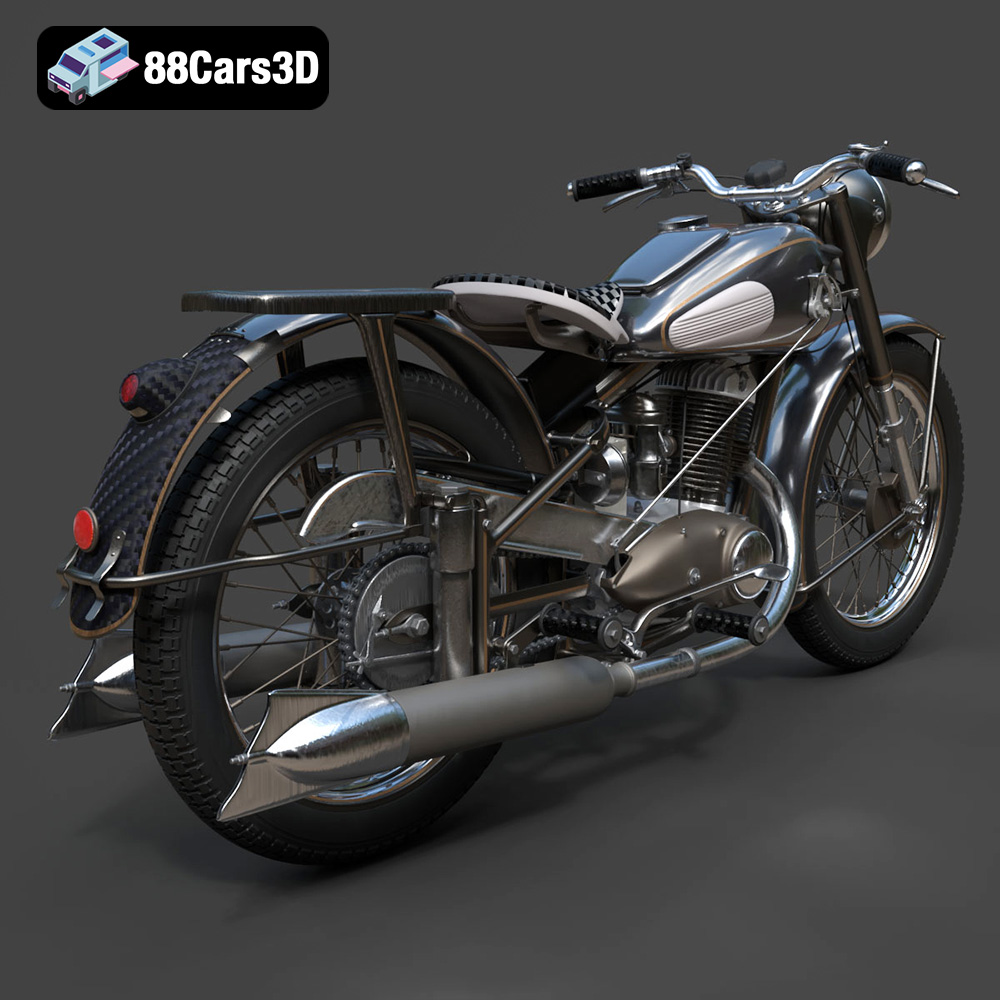
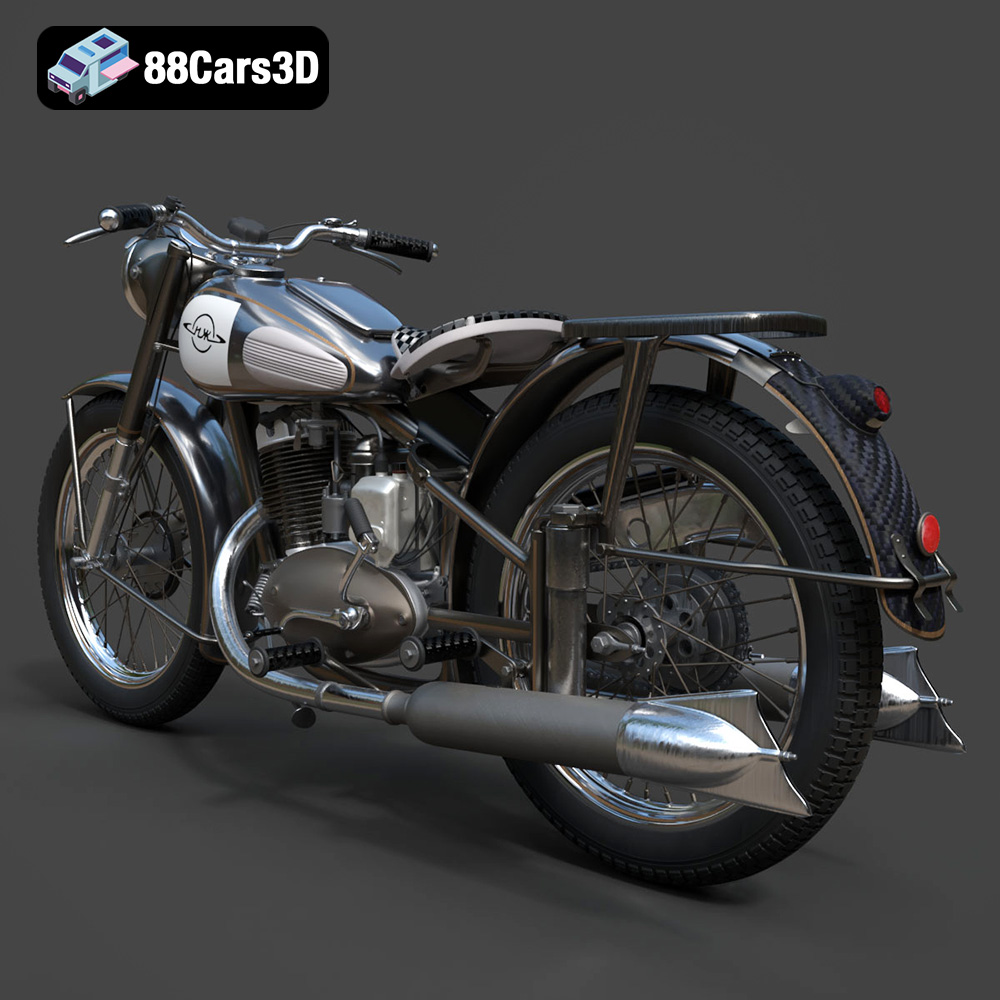
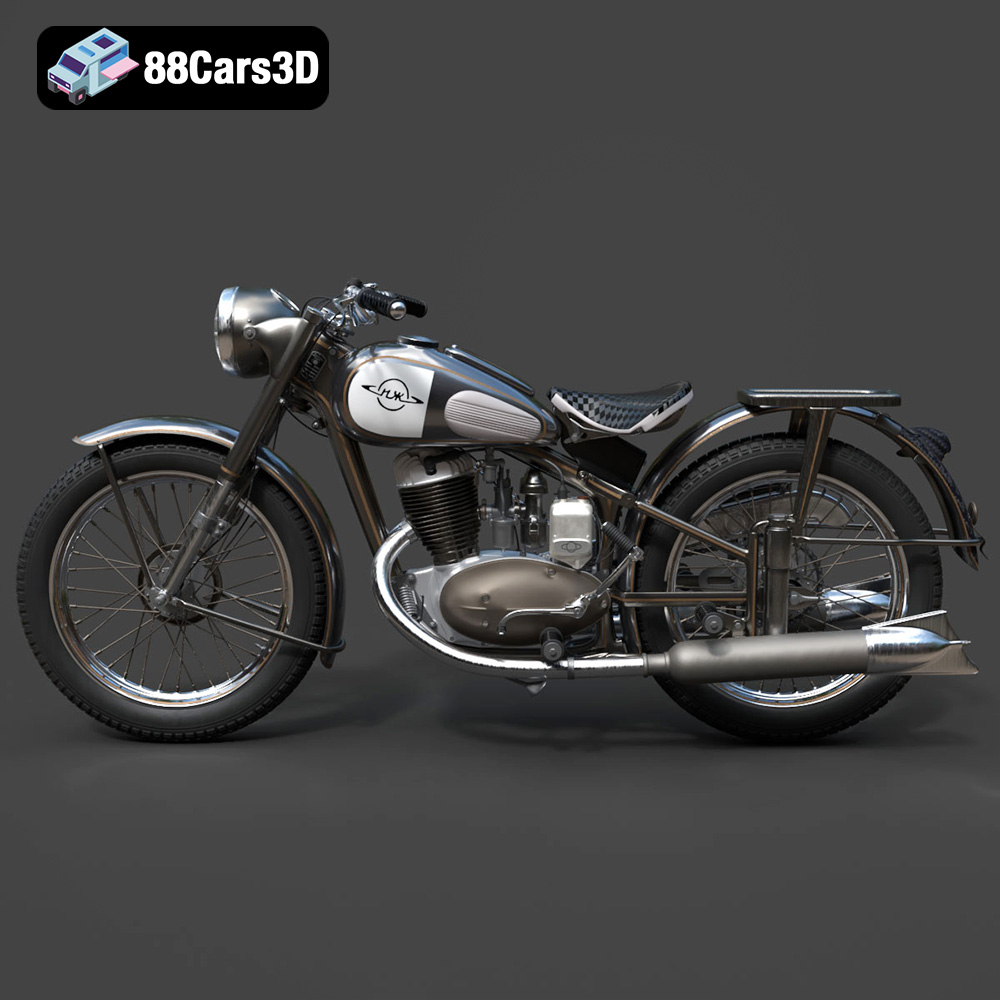
The IZ-49 Classic Motorcycle, a symbol of mid-20th century Soviet engineering, is a fantastic subject for 3D printing. This guide will walk you through the entire process, from preparing the STL files to post-processing your finished 3D printed model. Whether you’re a seasoned 3D printing enthusiast or just starting, you’ll find valuable information here to help you create a stunning replica of this vintage motorcycle. This model, available at 88cars3d.com, offers a great blend of detail and printability.
Before you even think about loading filament or resin, careful preparation is key to a successful 3D print. This section covers essential steps to ensure your IZ-49 motorcycle model turns out perfectly.
The provided product description recommends scales of 1:18, 1:12, 1:10, and 1:8. The best scale for you depends on your printer’s build volume and the level of detail you want to capture.
* **Smaller Scales (1:18, 1:12):** These are excellent for displaying as part of a larger collection or diorama. However, be aware that finer details like the exhaust pipe and intricate engine components may be challenging to print successfully on a standard FDM printer at these scales. Resin printing is highly recommended for smaller scale to get the details needed for a model of the IZ-49.
* **Larger Scales (1:10, 1:8):** These scales allow for greater detail and easier post-processing. They are ideal if you want a more substantial model to display or paint with intricate designs.
Use your slicing software to scale the model accordingly. Ensure that you scale all parts uniformly to maintain accurate proportions.
The orientation of your 3D model on the build plate significantly affects print quality, support requirements, and overall strength. For the IZ-49, consider these recommendations:
* **Frame:** Angling the frame allows for optimal detail on the body while minimizing the need for extensive support structures. Experiment with a 30-45 degree angle to balance detail and support.
* **Wheels:** Print the wheels separately, oriented vertically. This ensures a round, smooth finish and eliminates the need for supports on the tire surface.
* **Handlebars & Exhaust Pipe:** These require careful support placement. Consider rotating them to minimize overhangs and optimize support removal.
Even well-designed 3D models can have minor imperfections that can cause problems during printing. Before slicing, it’s wise to run the STL file through a repair tool. Many slicing software packages have built-in repair functions. You can also use free online services like MeshLab or paid software like Netfabb. Look for issues like:
* **Non-manifold edges:** These can cause slicing errors.
* **Inverted normals:** These can lead to unexpected printing behavior.
* **Holes in the mesh:** These can create weak spots in the printed model.
Choosing the correct file format for your 3D printing project is crucial. The IZ-49 Classic Motorcycle 3D Model from 88cars3d.com is supplied in various formats, catering to different applications. Let’s delve into the common file formats and their suitability for 3D printing, with a primary focus on the widely used STL format.
The STL (Stereolithography) format is the undisputed king of 3D printing. It represents the surface geometry of a 3D object as a collection of triangles. This simplicity makes it universally compatible with slicing software and 3D printers. However, STL files contain only mesh data; they do not store color, texture, or material information.
When working with STL files for the IZ-49 model, keep these points in mind:
* **Slicing Software Compatibility:** Virtually all 3D printing slicing software supports STL files, including Cura, PrusaSlicer, Simplify3D, and others.
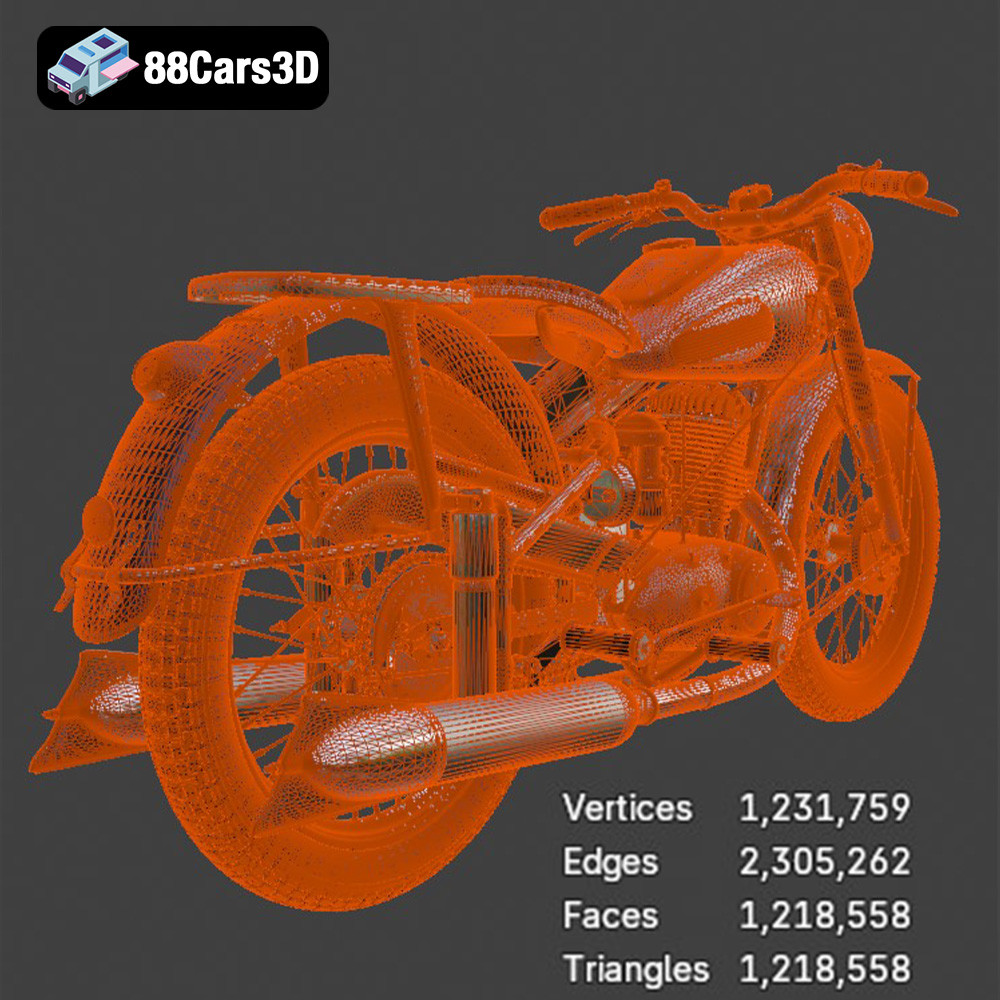
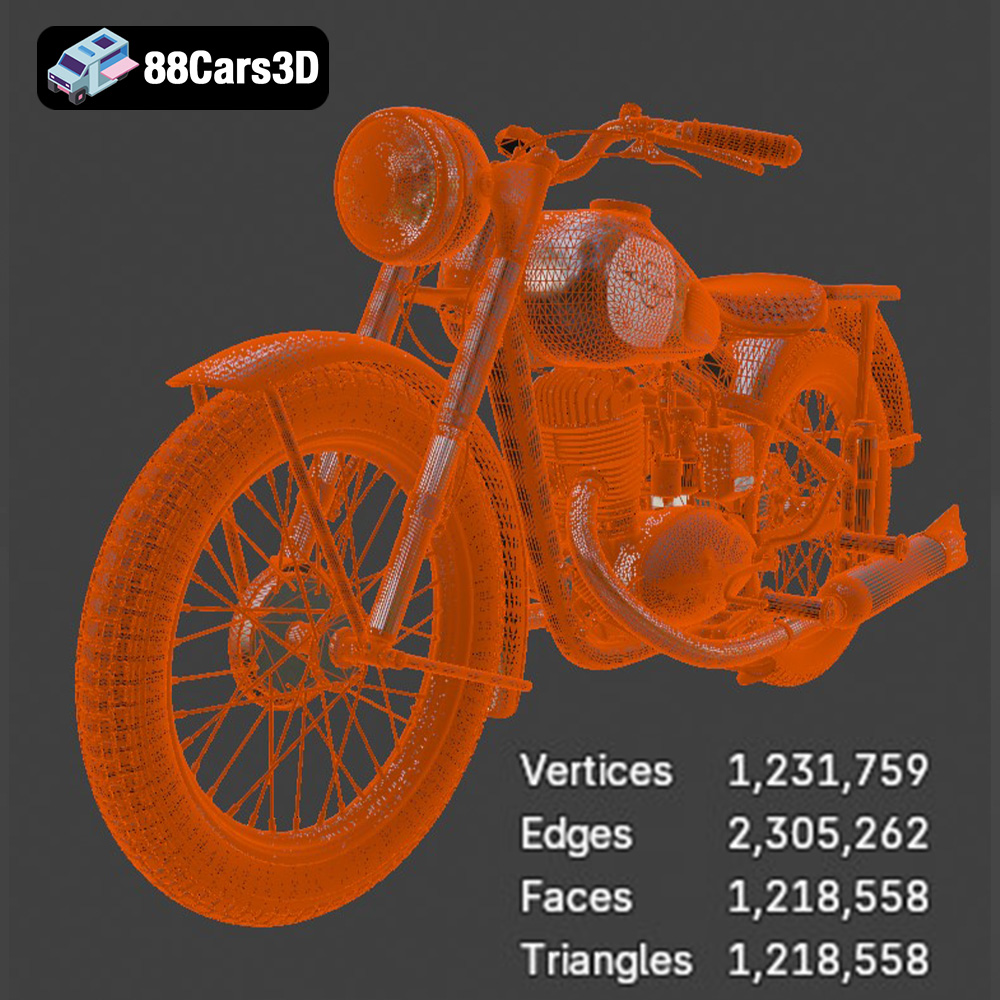
* **Mesh Quality:** The resolution of the STL mesh directly impacts the smoothness of the final print. A higher triangle count results in a smoother surface but increases file size and processing time. The IZ-49 model from 88cars3d.com is optimized for a balance of detail and printability, but you can adjust the mesh resolution during export if needed.
* **Converting to STL:** If you are working with a different file format (like .obj or .blend), ensure you export the model as an STL with appropriate settings. Pay attention to chord height/tolerance (controls detail) and angle tolerance (controls facetting).
The OBJ format is another widely supported file type, offering the advantage of storing color and texture information along with the 3D geometry. While OBJ can be used for 3D printing, it’s less common than STL, especially for single-color prints.
PLY (Polygon File Format) is designed for storing 3D data acquired from scanning devices. It supports color and other properties. While capable of representing high-detail meshes, it’s not as universally supported by slicing software as STL.
The BLEND format is the native file format for Blender, a popular open-source 3D creation suite. Having the model in BLEND format allows you to make modifications, adjustments, or even create custom versions of the IZ-49 before exporting to a 3D printable format like STL.
FBX (Filmbox) is primarily used for exchanging 3D data between different software applications. While it can store material and animation information, it’s not typically used directly for 3D printing.
GLB is a binary file format that represents 3D models, often used for augmented reality (AR) applications. It’s generally not used for 3D printing directly.
MAX is the native file format for 3ds Max, a professional 3D modeling and animation software. Like BLEND, it allows for extensive modification of the model before exporting for 3D printing.
**In summary, for 3D printing the IZ-49 Classic Motorcycle model, the STL format is the most reliable and widely supported option. Ensure the STL file is properly repaired and optimized for your desired print settings before slicing.**
The right printer settings are crucial for a successful 3D print of the IZ-49 model. These settings will need to be adjusted based on your specific printer, material, and desired level of detail.
* **PLA (Polylactic Acid):** This is a popular, easy-to-use filament. It’s biodegradable and offers good detail for larger parts of the motorcycle. It’s a good starting point for beginners.
* **PETG (Polyethylene Terephthalate Glycol-modified):** PETG is stronger and more flexible than PLA, making it suitable for parts that need to withstand some stress, like the suspension components. It also has better temperature resistance.
* **Resin:** For smaller scales and intricate details, resin printing is highly recommended. Resin printers can capture the fine details of the engine and other small parts that FDM printers might struggle with.
* **Layer Height:** A smaller layer height (0.08-0.16mm as suggested in the product description) will result in smoother surfaces and finer detail. However, it will also increase print time. For larger parts like the frame and fuel tank, you can use a slightly larger layer height (0.2mm) to speed up the process.
* **Print Speed:** Adjust the print speed according to your chosen material and layer height. Slower speeds generally improve print quality, especially for intricate parts. Start with the manufacturer’s recommended settings for your filament and fine-tune as needed.
* **Infill Density:** An infill density of 15-25% is a good starting point for most parts of the IZ-49 model. Increase the infill for parts that need to be stronger, such as the frame and suspension components.
* **Infill Pattern:** Choose an infill pattern that provides good strength and support. Gyroid, honeycomb, and rectilinear patterns are all good options.
The IZ-49 model features several overhanging parts that require support structures to print successfully. The product description specifically mentions the exhaust pipe, handlebars, and fender edges.
Careful support placement is crucial for minimizing material waste and ensuring easy removal.
* **Manual Support Placement:** Manually placing supports in your slicing software allows you to control where they are generated. This is especially useful for delicate areas where automatic support generation might create too many supports or damage the model during removal.
* **Support Type:** Experiment with different support types, such as tree supports or linear supports. Tree supports can be more efficient and easier to remove in some cases.
* **Support Density:** Adjust the support density to provide adequate support without making them too difficult to remove.
* **Support Interface:** Enable a support interface layer to create a smoother transition between the supports and the model. This can improve the surface finish of the printed part.
* **Support Z Distance:** Adjust the Z distance (the gap between the supports and the model) to find a balance between adhesion and ease of removal.
Post-processing is the key to transforming your raw 3D print into a museum-worthy replica of the IZ-49 motorcycle.
Carefully remove the support structures using pliers, a hobby knife, or specialized support removal tools. Be patient and avoid applying too much force, which could damage the model.
Sanding is essential for smoothing out layer lines and other imperfections on the surface of the print.
* **Start with a coarse grit sandpaper (220-320) to remove larger imperfections.**
* **Gradually move to finer grits (400-600) to smooth the surface.**
* **Finish with ultra-fine grit sandpaper (800-1000) for a polished look.**
Wet sanding can help reduce dust and improve the smoothness of the surface.
Apply a coat of primer to the model to create a smooth, even surface for painting. Primer also helps the paint adhere better to the plastic.
The product description suggests several color options, including military green, black, red, and classic cream.
* **Use high-quality acrylic paints designed for models.**
* **Apply multiple thin coats of paint for a smooth, even finish.**
* **Consider using an airbrush for a professional-looking finish.**
Adding weathering effects can enhance the realism of your IZ-49 model. Techniques include dry brushing, washes, and pigment powders.
Even with careful preparation, you may encounter some common 3D printing issues. Here are a few tips for troubleshooting:
* **Warping:** Ensure your build plate is properly leveled and heated. Use a brim or raft to improve adhesion.
* **Stringing:** Reduce the nozzle temperature or retraction settings.
* **Layer Separation:** Increase the nozzle temperature or decrease the print speed.
* **Support Issues:** Adjust the support settings or manually place supports.
3D printing the IZ-49 Classic Motorcycle model is a rewarding project that combines historical appreciation with the excitement of additive manufacturing. By following the guidelines outlined in this comprehensive guide, you can create a stunning replica of this iconic motorcycle. The detailed model available on 88cars3d.com provides an excellent foundation for your 3D printing journey. Remember to experiment with different materials, settings, and post-processing techniques to achieve your desired results.
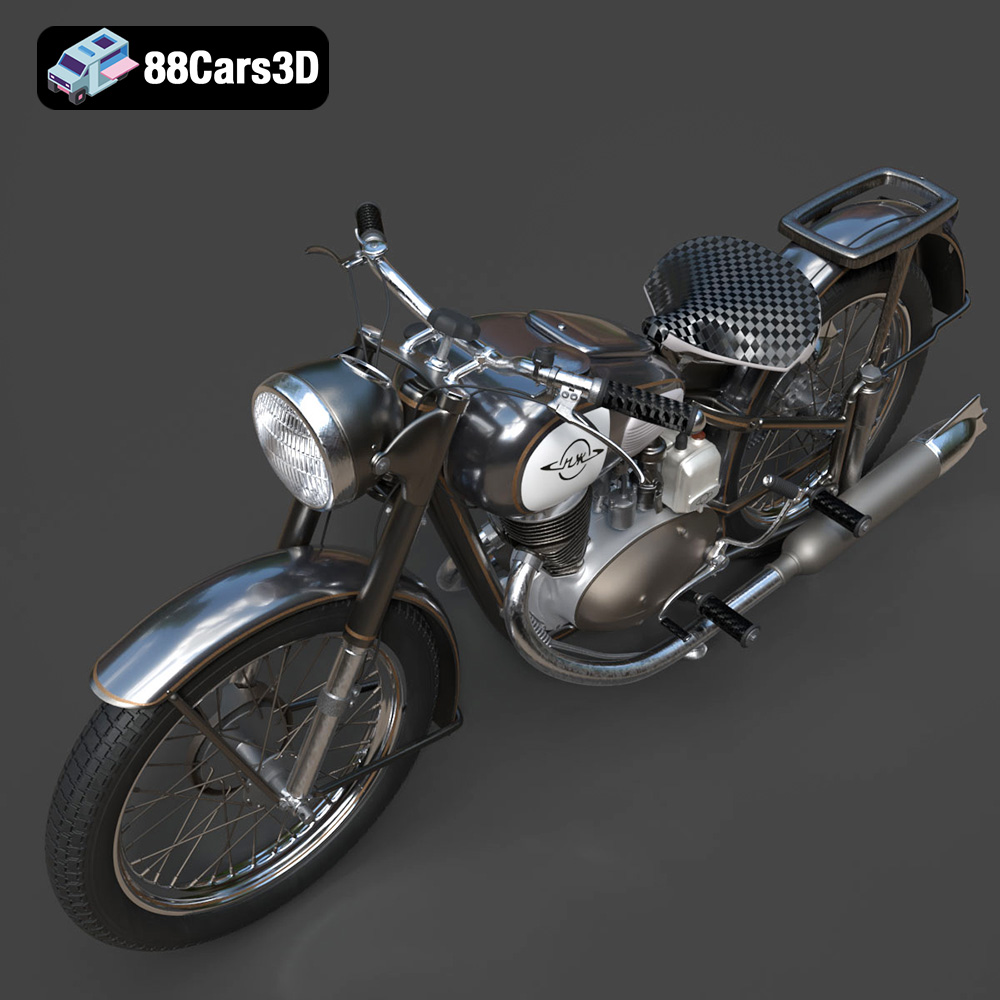
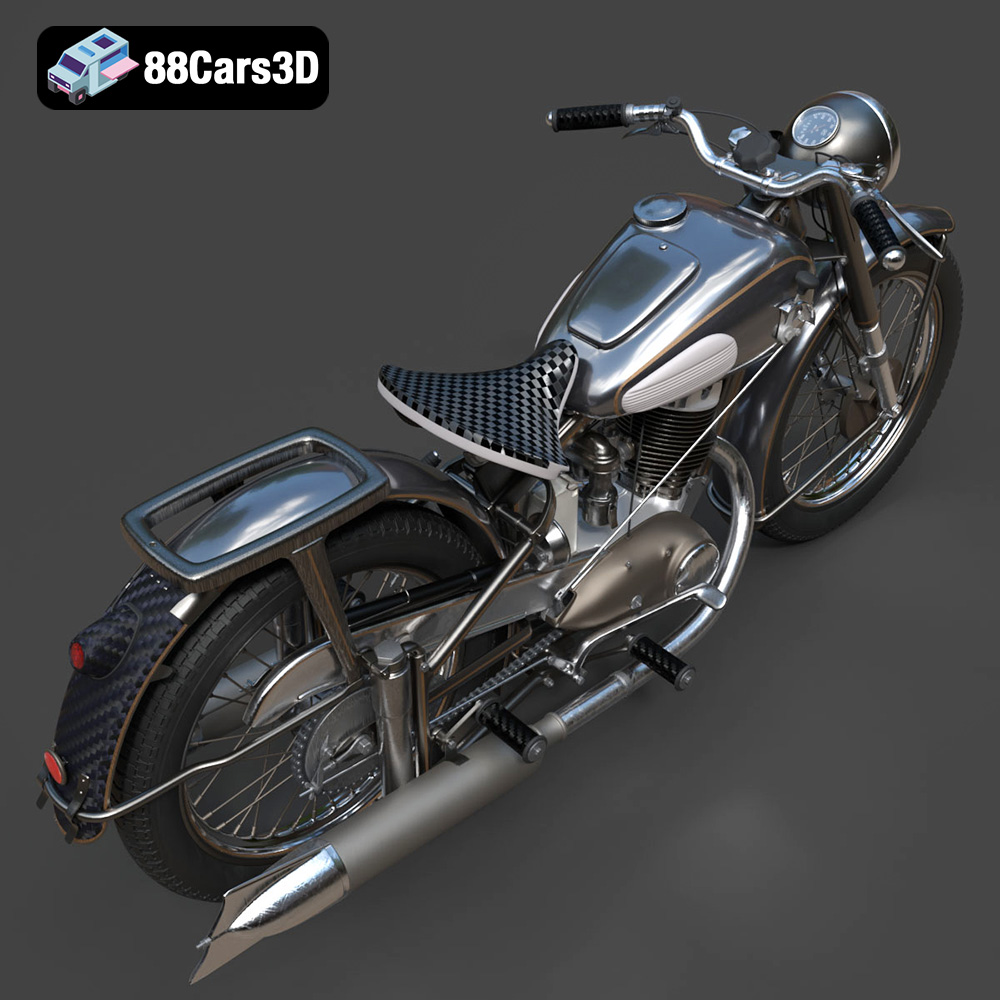
The IZ-49 Classic Motorcycle 3D Model is a high-detail digital recreation of the iconic mid-20th century Soviet motorcycle known for its simplicity, durability, and post-war engineering heritage. Originally produced between 1951 and 1958, the IZ-49 became a symbol of reliable transportation across Eastern Europe. Perfect for retro street scenes, museum displays, historical reconstructions, cinematic projects, and vintage motorcycle collections.
$9.99
.arvr
.blend
.classicmotorcycle
.fbx
.gameasset
.glb
.historicalvehicle
.iz49
.max
.motorcycle3dmodel
.obj
.ply
.rendering
.retrovehicle
.simulation
.sovietbike
.stl
.unreal
.vintagemotorcycle