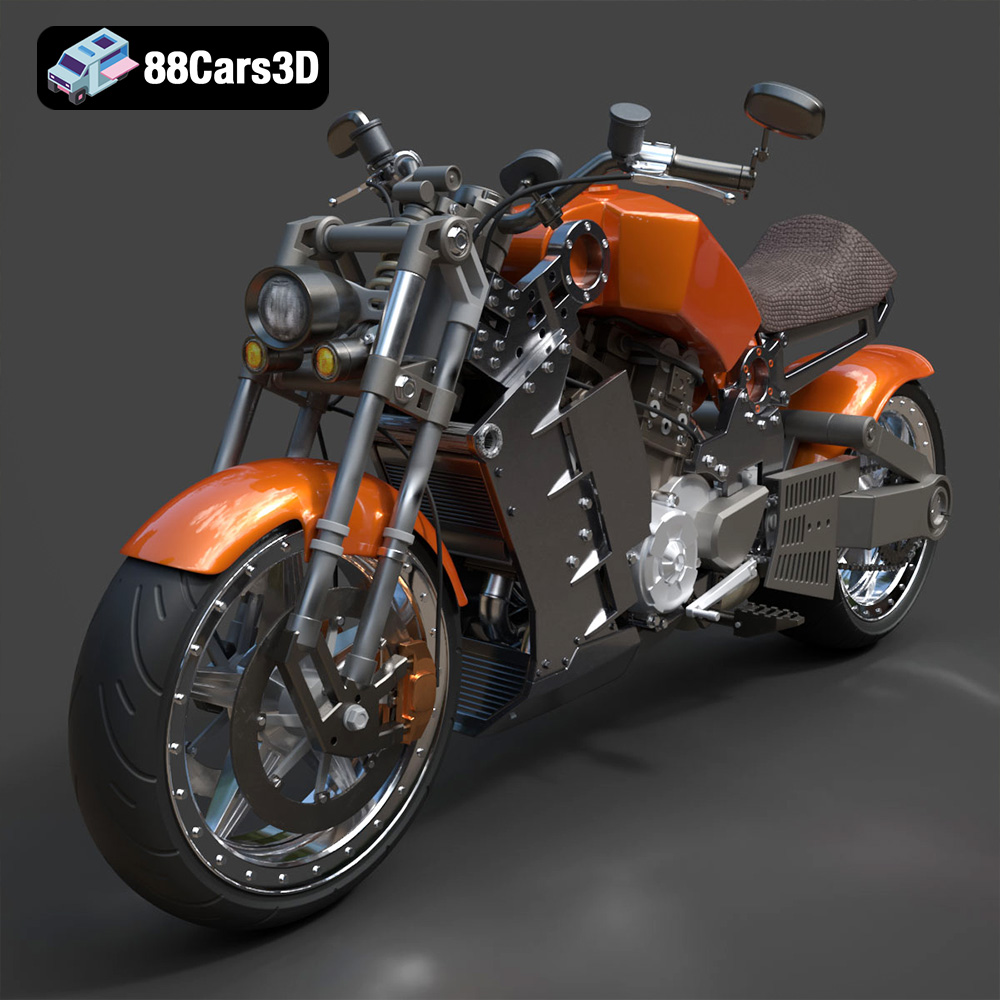
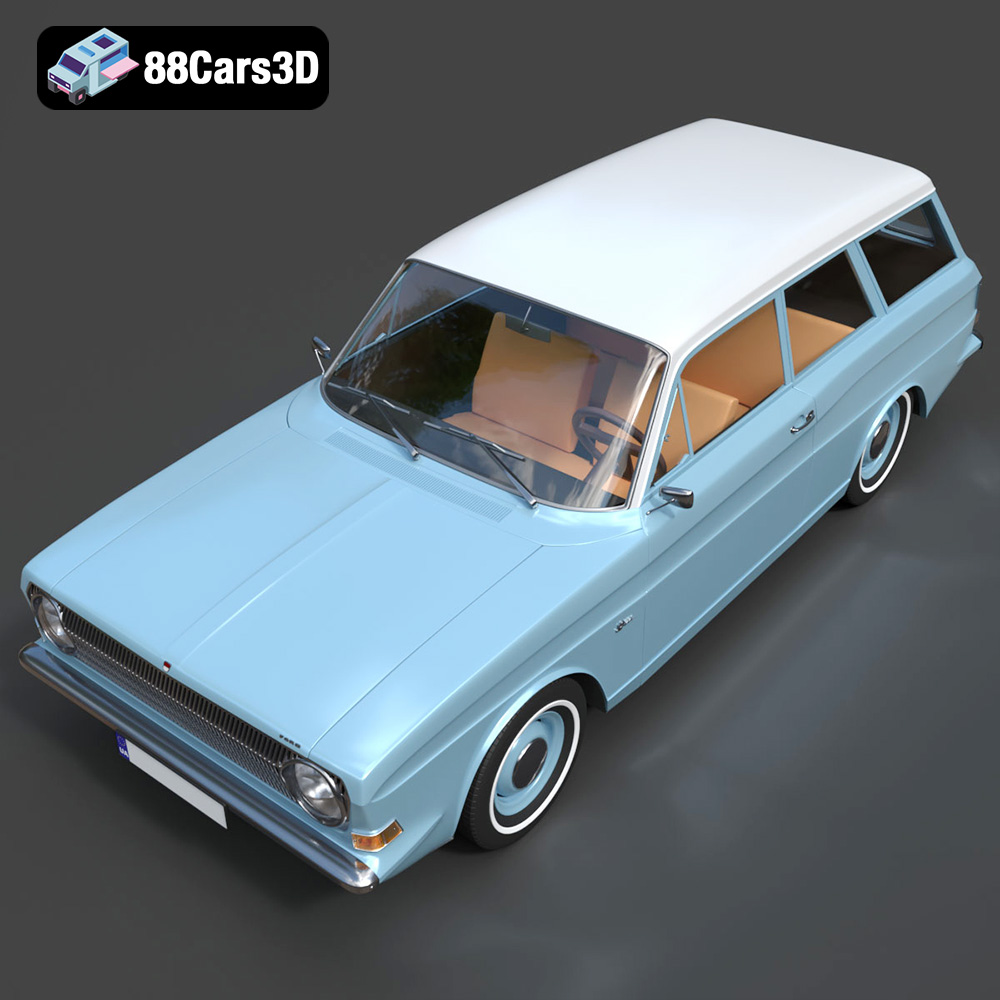
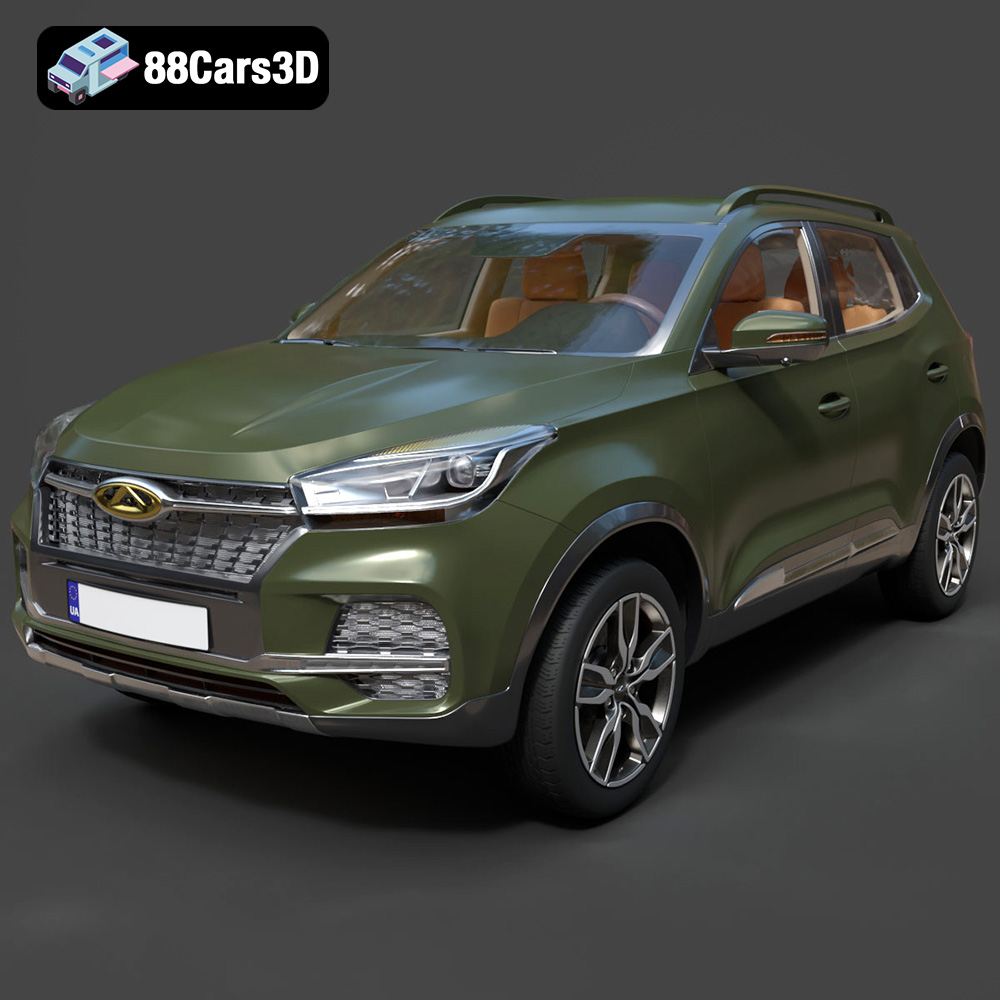
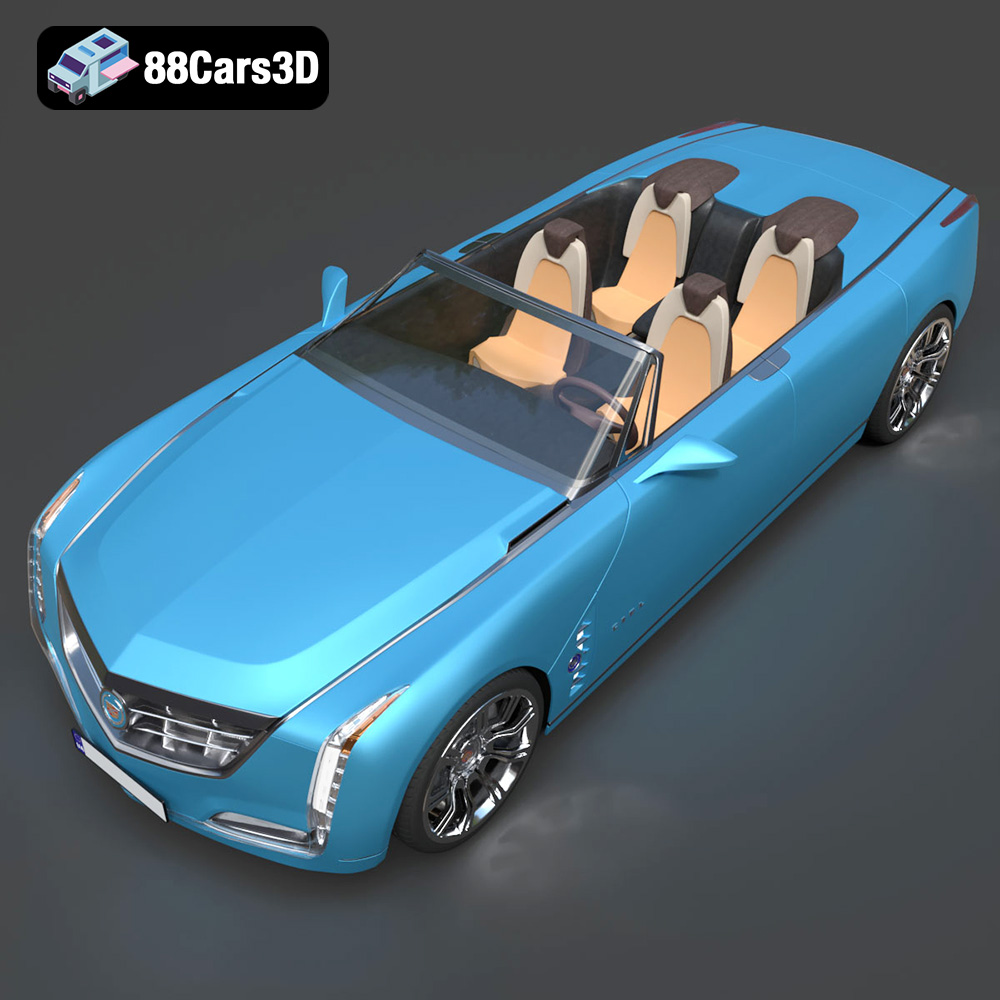
Get 50% OFF All Premium 3D & STL Models!

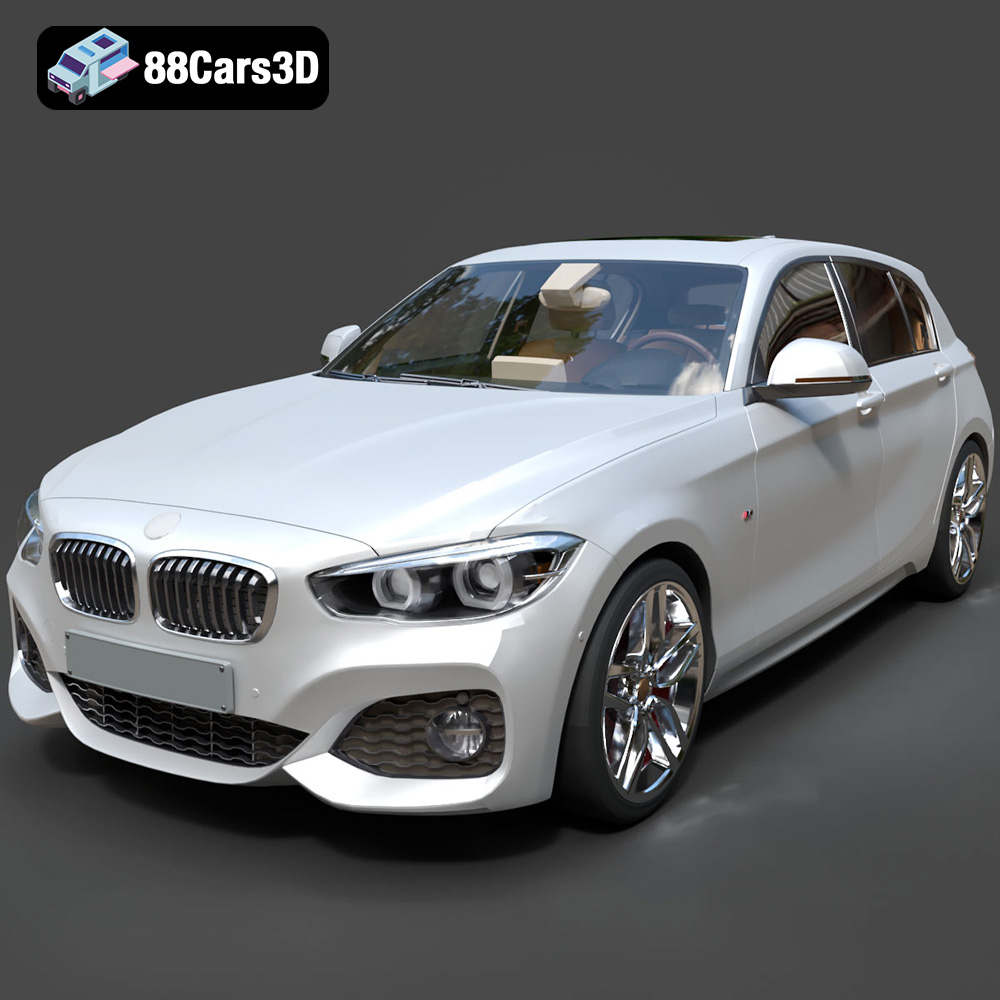
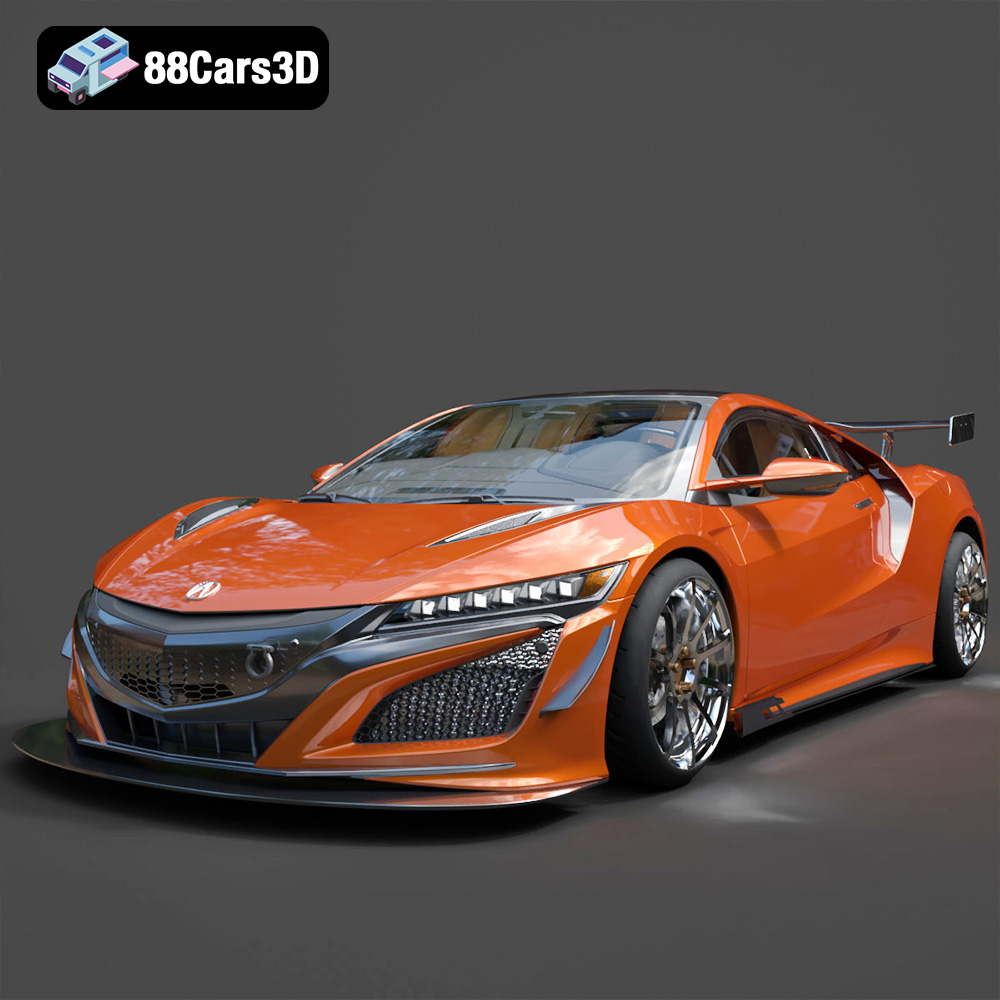
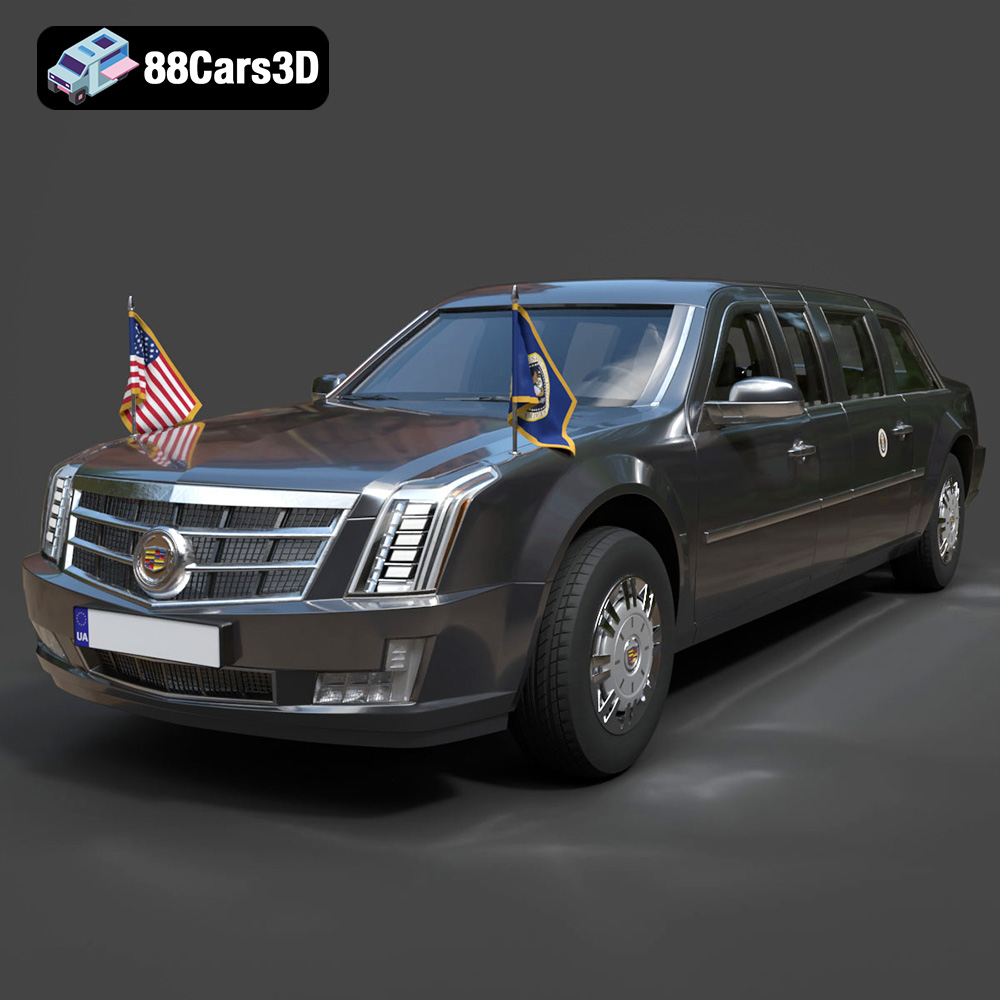
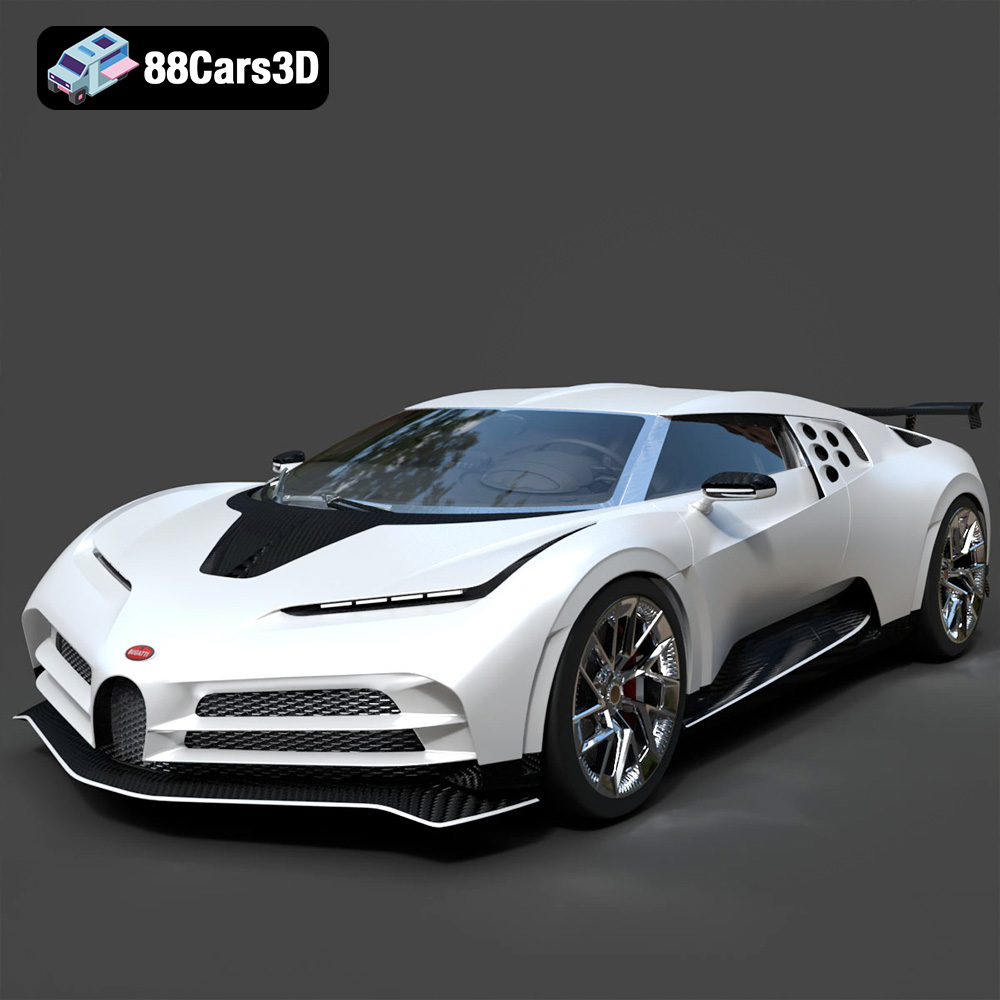
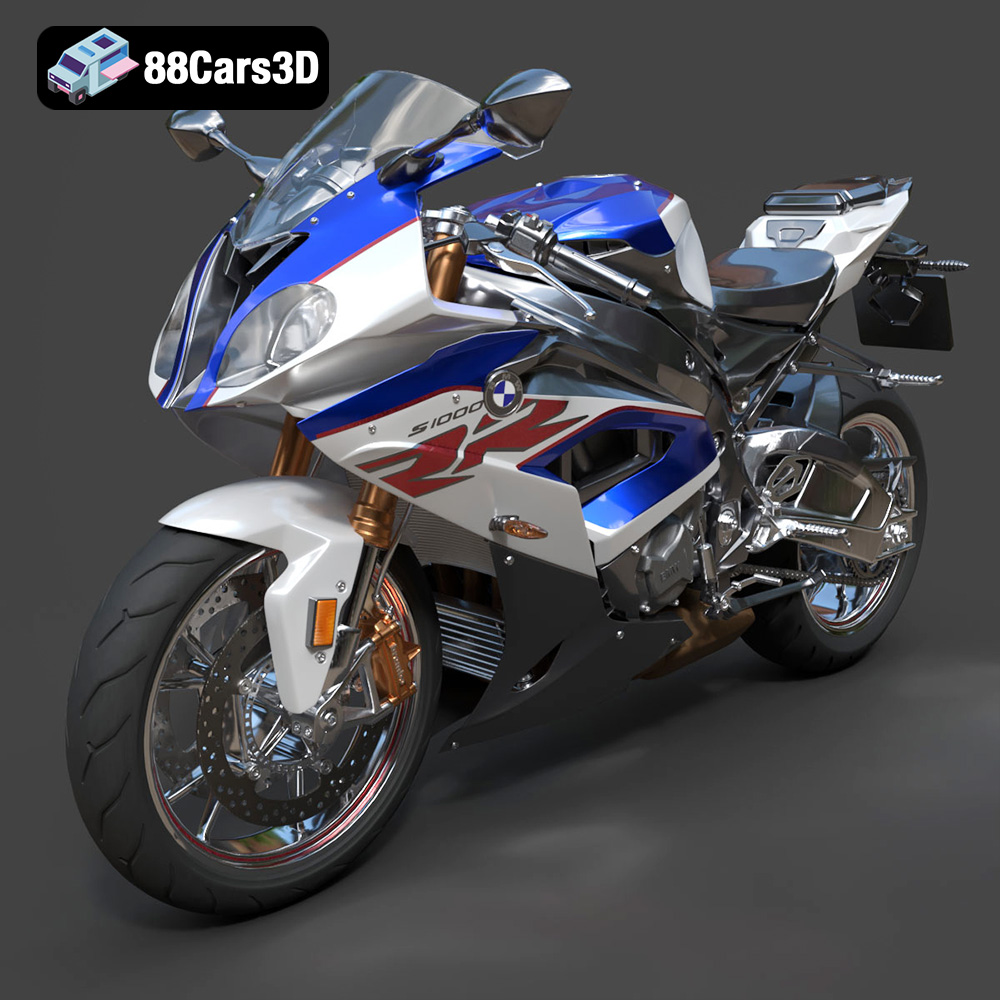
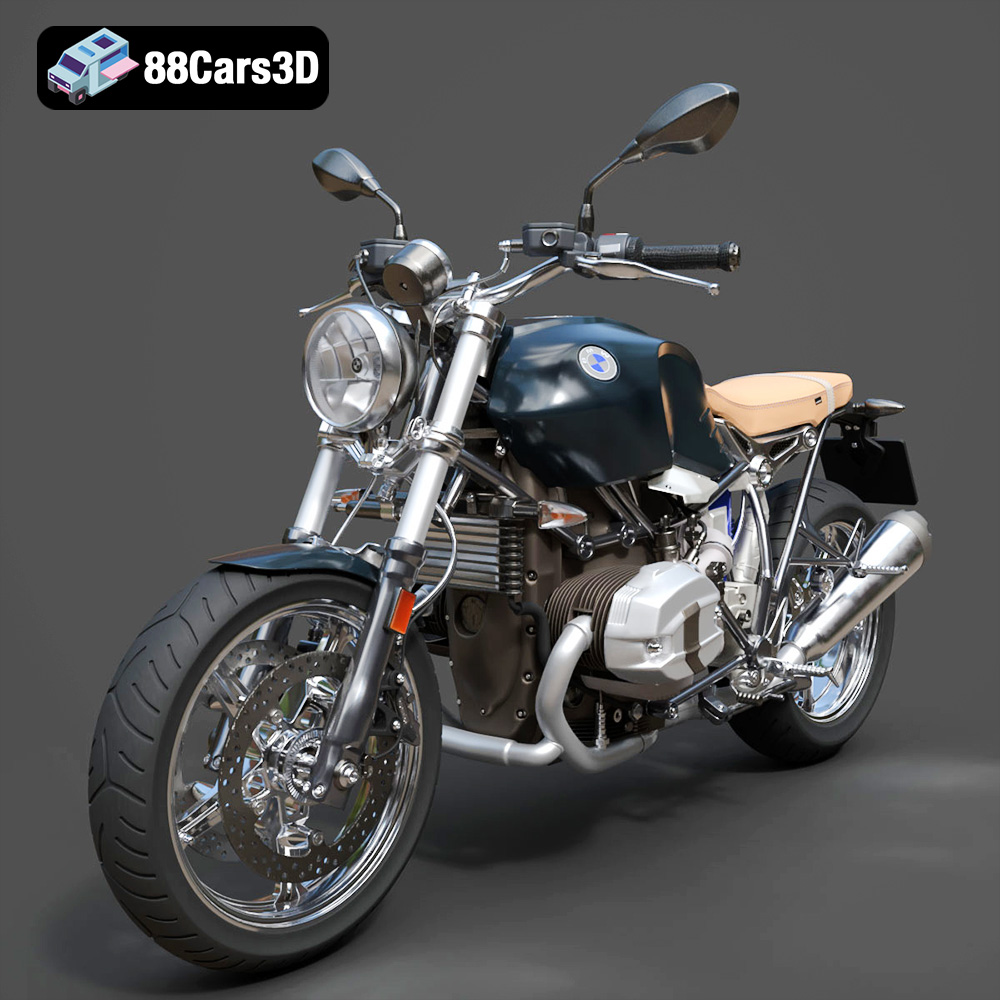
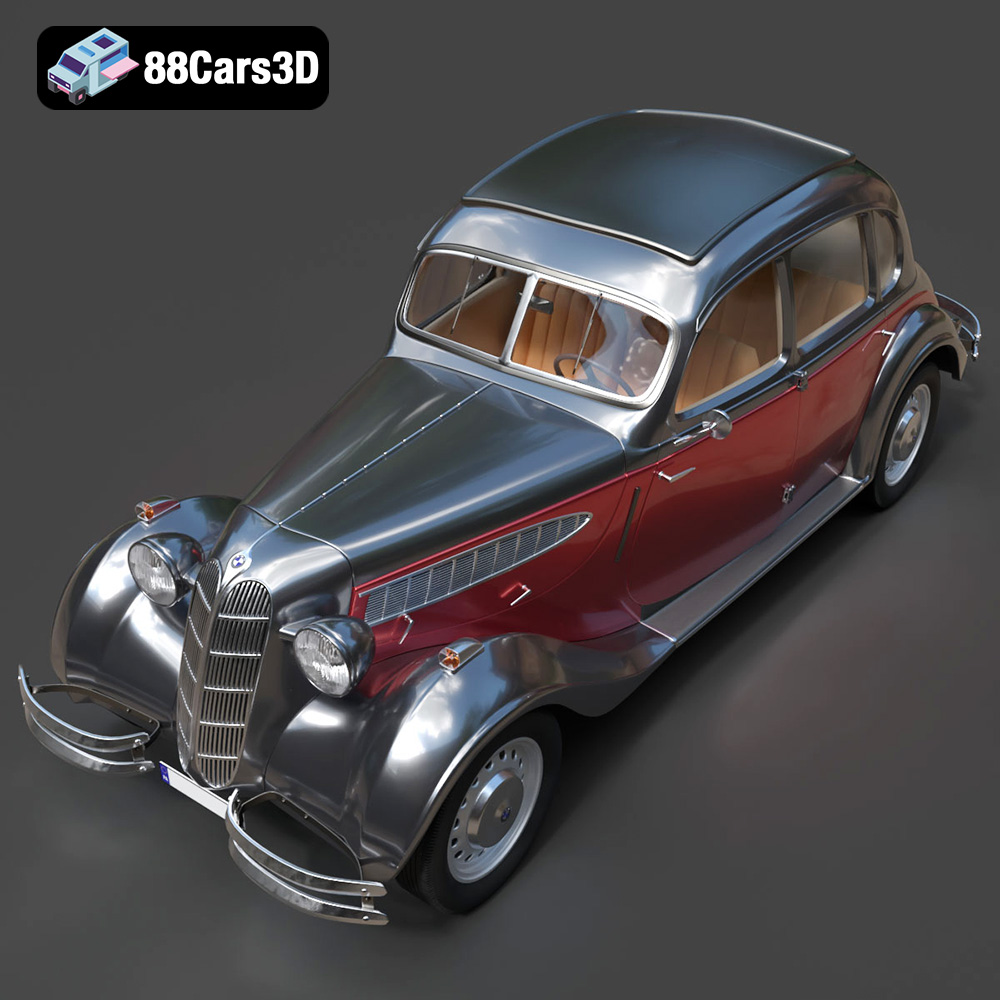
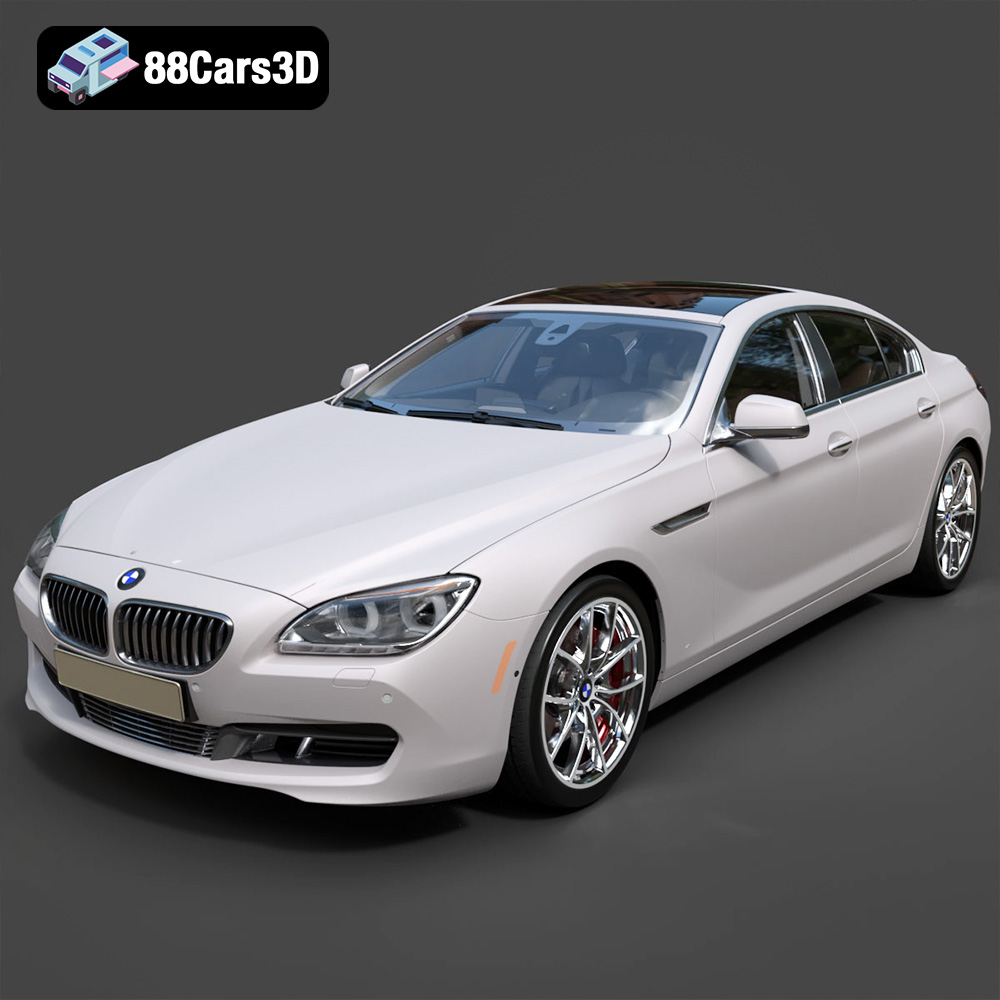
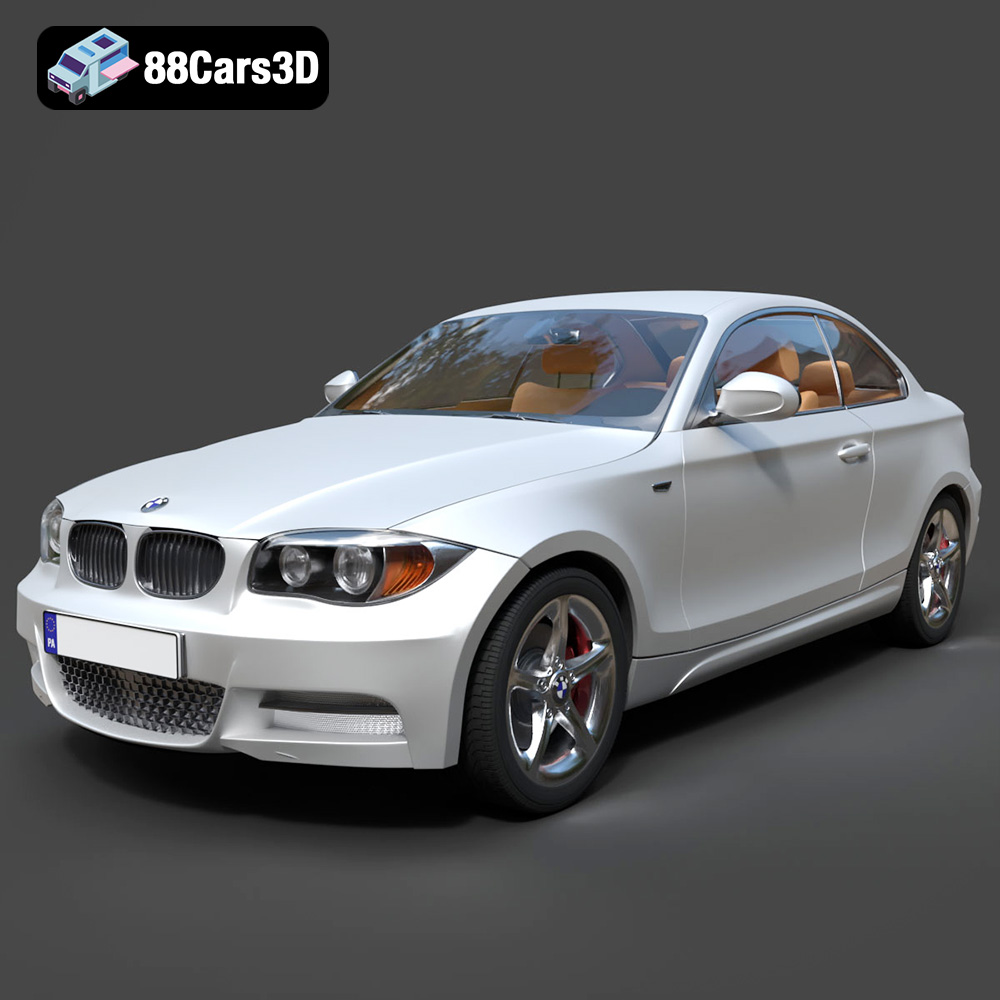
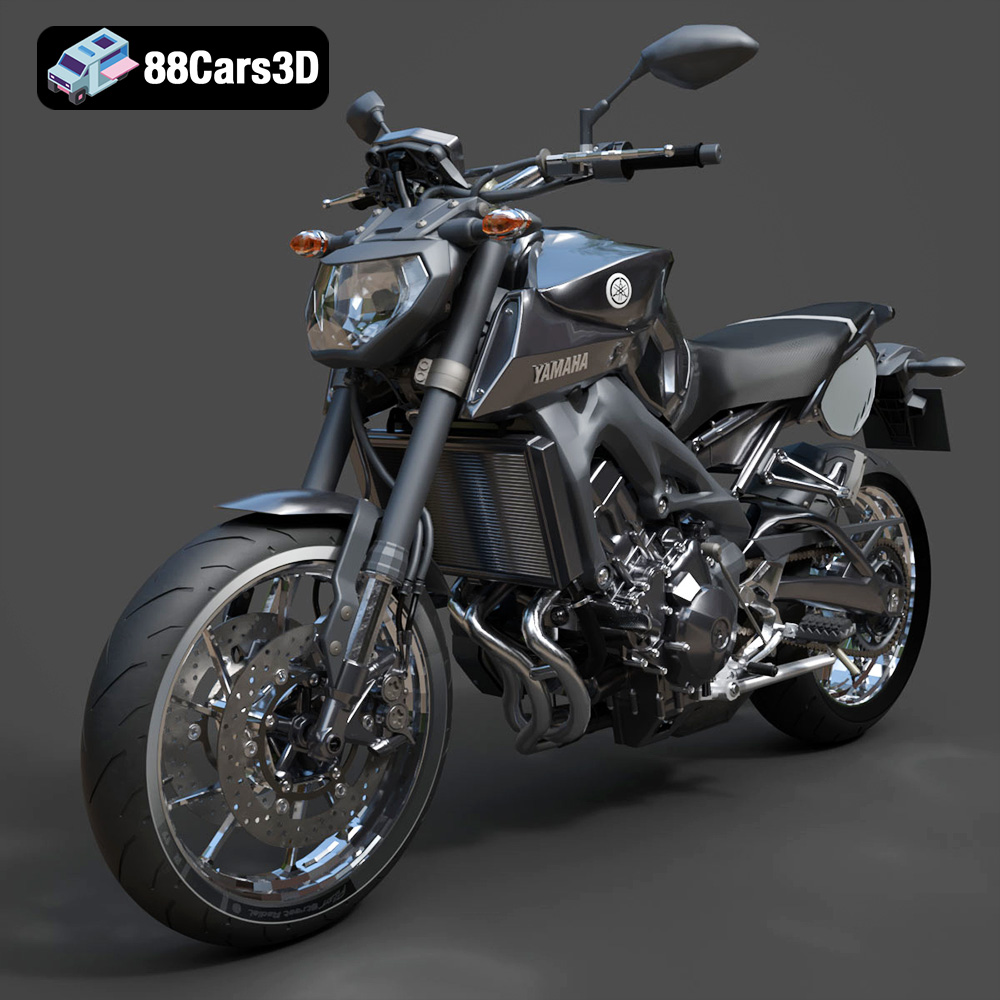
The world of 3D is constantly evolving, and at its forefront is the creation and utilization of stunning 3D car models. Whether you’re an automotive rendering artist, a game developer, or a designer exploring AR/VR experiences, high-quality 3D car models are essential for bringing your visions to life. This article dives deep into the key aspects of working with 3D car models, covering everything from file formats to optimization techniques and real-world applications. 88cars3d.com offers a vast library of these assets, catering to diverse project requirements.
3D car models are no longer limited to just the automotive industry. Their applications span across various sectors, including:
* Automotive Rendering: Creating photorealistic images and animations for marketing and design purposes.
* Game Development: Integrating detailed car models into racing games, open-world environments, and vehicle simulators.
* AR/VR Experiences: Allowing users to interact with and explore car models in immersive virtual and augmented reality environments.
* 3D Printing: Producing physical prototypes and scaled models for design validation and hobbyist projects.
* Visualization: Showcasing architectural designs, urban planning projects, and transportation concepts with realistic car representations.
Choosing the right file format is critical for ensuring compatibility, maintaining quality, and optimizing performance. Each format has its strengths and weaknesses, making it suitable for specific workflows and applications. Here’s a detailed overview of common 3D model file formats:
The .blend format is the native file format for Blender, a powerful open-source 3D creation suite. It stores the entire scene, including geometry, materials, textures, animations, and rigging.
* When to Use: Ideal for projects primarily using Blender, allowing for seamless editing and manipulation of the model.
* Compatibility: Best suited within the Blender ecosystem. Exporting to other formats is often necessary for use in other software.
* Technical Details: .blend files can be quite large, especially for complex scenes. They support a wide range of Blender’s features, including modifiers, procedural textures, and scripting.
Filmbox (.fbx) is a widely supported format developed by Autodesk. It’s designed for interoperability between different 3D software packages and is particularly well-suited for game development.
* When to Use: Essential for transferring 3D car models into Unreal Engine and Unity. It preserves crucial data like meshes, textures, materials, and animations.
* Compatibility: Highly compatible with major 3D software like 3ds Max, Maya, Blender, and game engines.
* Technical Details: .fbx supports both ASCII and binary formats. The binary format is more compact, while the ASCII format is human-readable. It’s crucial to configure export settings correctly to ensure data integrity. Pay close attention to axis conventions and material assignments.
Wavefront .obj is a simple and widely supported format that stores basic geometric data, including vertices, faces, and texture coordinates. It doesn’t typically store animation or rigging data.
* When to Use: Useful as an interchange format when transferring models between different software packages, especially when animation data isn’t required.
* Compatibility: Extremely compatible with almost all 3D software and viewers.
* Technical Details: .obj files are text-based, making them easy to parse and edit. However, they can be quite large for complex models. They often require accompanying .mtl files for material information.
glTF (GL Transmission Format) is designed for efficient transmission and loading of 3D scenes. .glb is the binary version of glTF, making it more compact and easier to handle.
* When to Use: Perfect for AR/VR applications, web-based viewers, and mobile devices where performance is critical.
* Compatibility: Supported by many AR/VR platforms and web browsers.
* Technical Details: .glb files store geometry, textures, and animations in a single file. They are designed to be easily parsed and rendered by graphics hardware, making them ideal for real-time applications.
Stereolithography (.stl) is a format designed for 3D printing. It represents the surface geometry of a 3D object using a mesh of triangles.
* When to Use: Essential for preparing 3D car models for 3D printing.
* Compatibility: Compatible with virtually all 3D printing software and printers.
* Technical Details: .stl files only store surface geometry, without color, texture, or material information. It’s crucial to ensure that the model is watertight (closed and without holes) before exporting to .stl.
Polygon File Format (.ply), also known as Stanford Triangle Format, is a format for storing 3D data from scanners. It can store various properties per vertex, including color, normals, and texture coordinates.
* When to Use: Often used for storing data from 3D scanners or for applications requiring detailed mesh analysis.
* Compatibility: Supported by a range of CAD and mesh processing software.
* Technical Details: .ply can be either ASCII or binary. It’s more flexible than .stl, allowing for the storage of additional data per vertex.
This isn’t strictly a single file format, but refers to the collection of files (including .uasset, .umap, etc.) that comprise an asset ready for use within the Unreal Engine.
* When to Use: When you have a 3D car model already imported and configured within Unreal Engine, and want to share or distribute it.
* Compatibility: Exclusively within the Unreal Engine ecosystem.
* Technical Details: Includes the mesh (.uasset), textures, materials, and any associated blueprint logic. Requires an understanding of Unreal Engine’s asset management system.
The .max format is the native file format for 3ds Max, a professional 3D modeling, animation, and rendering software. Similar to .blend, it stores the entire scene.
* When to Use: When working primarily in 3ds Max and needing to preserve all scene data, including modifiers, animations, and rendering settings.
* Compatibility: Best suited within the 3ds Max environment. Exporting to other formats is necessary for use in other software.
* Technical Details: .max files can be large, especially with complex scenes. They support a wide range of 3ds Max features, making them ideal for high-end rendering and animation projects.
Performance is crucial, especially when dealing with real-time applications like games and AR/VR experiences. Optimizing 3D car models involves reducing polygon count, optimizing textures, and employing various techniques to improve rendering efficiency.
* Decimation: Reducing the number of polygons in a mesh while preserving its overall shape. Tools like MeshLab and Blender’s decimate modifier can be used.
* Level of Detail (LOD): Creating multiple versions of the model with varying levels of detail. The engine dynamically switches between these versions based on the object’s distance from the camera.
* Edge Loop Reduction: Removing unnecessary edge loops that don’t contribute significantly to the model’s shape.
* Texture Atlases: Combining multiple textures into a single image to reduce draw calls.
* Mipmapping: Creating lower-resolution versions of textures for distant objects to reduce aliasing and improve performance.
* Texture Compression: Using compressed texture formats like DXT or BC to reduce memory usage.
Different software packages have their own strengths and workflows. Understanding these differences is essential for efficiently working with 3D car models.
1. Modeling: Create the 3D car model using splines, polygons, and modifiers.
2. UV Unwrapping: Unwrap the model to create UV coordinates for texturing.
3. Texturing: Apply materials and textures to the model.
4. Rigging and Animation (Optional): Create a rig and animate the car for dynamic scenes.
5. Rendering: Use the built-in renderer or a third-party renderer like V-Ray to create photorealistic images.
6. Exporting: Export the model to various formats like .fbx or .obj for use in other software.
1. Modeling: Utilize Blender’s sculpting tools, polygonal modeling, and modifiers.
2. UV Unwrapping: Unwrap the model using Blender’s UV editing tools.
3. Texturing: Use Blender’s node-based material system to create complex materials.
4. Rigging and Animation (Optional): Create a rig and animate the car using Blender’s animation tools.
5. Rendering: Use Blender’s Cycles or Eevee renderers for high-quality visuals.
6. Exporting: Export the model to various formats like .fbx or .obj.
1. Importing: Import the 3D car model in .fbx format.
2. Material Setup: Create and assign materials using Unreal Engine’s material editor.
3. Collision Setup: Create collision meshes for realistic physics interactions.
4. Blueprint Scripting (Optional): Use Blueprints to add interactive elements and functionality.
5. Optimization: Optimize the model for performance using LODs and other techniques.
Let’s look at some practical examples:
* Automotive Advertising: A leading car manufacturer uses 3D car models from 88cars3d.com to create stunning promotional videos and interactive web configurators, allowing customers to customize their dream cars.
* Game Development: An indie game studio integrates highly detailed 3D car models into their racing game, enhancing the realism and immersion for players.
* Architectural Visualization: An architectural firm uses 3D car models to populate their renderings of urban environments, showcasing the scale and context of their designs.
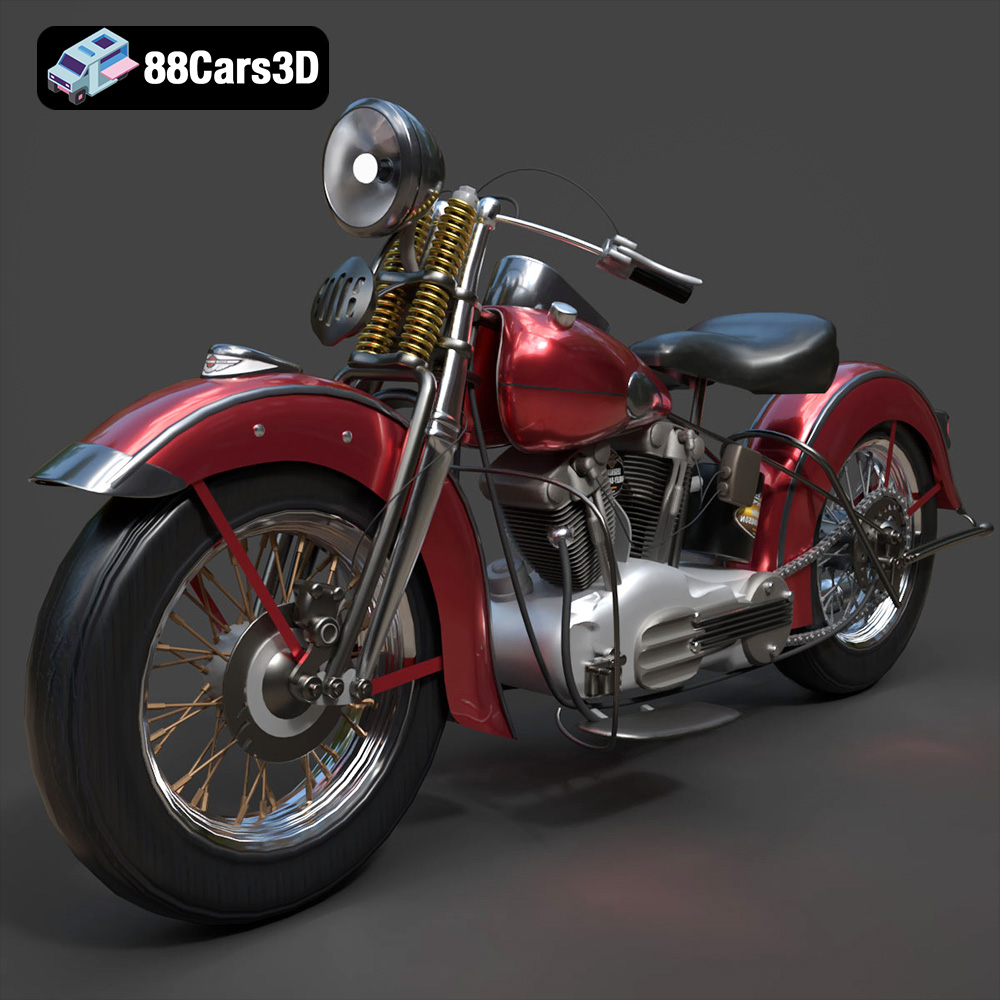
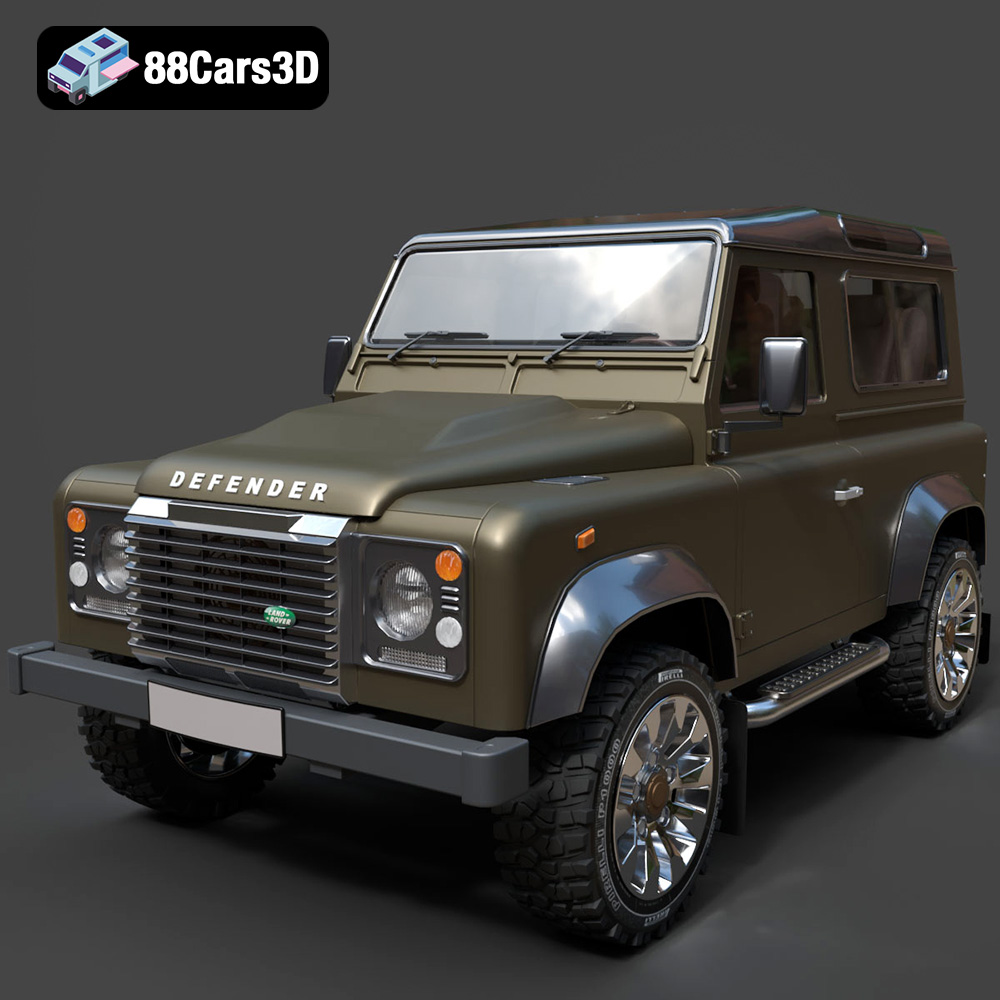
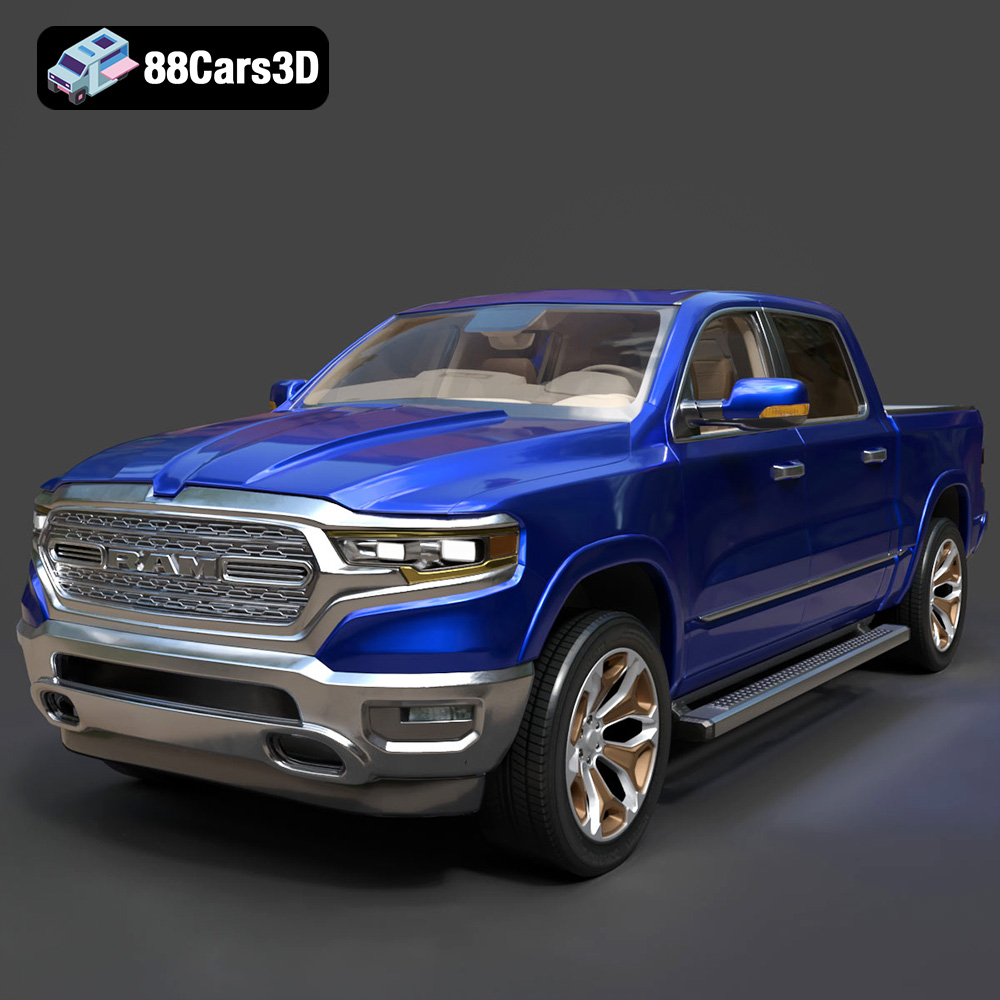
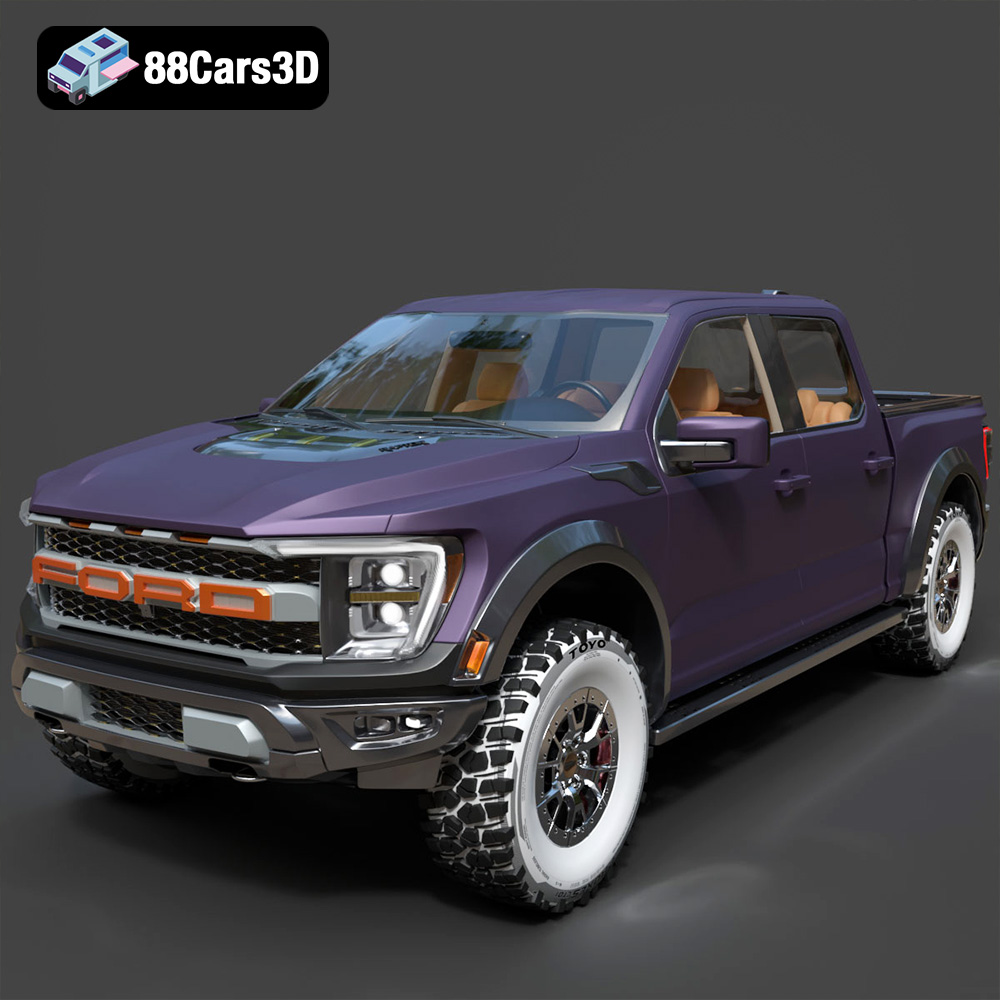
Finding the right 3D car model can be time-consuming. 88cars3d.com provides a curated marketplace of high-quality 3D car models, ranging from classic vehicles to modern supercars. Each model is meticulously crafted, ensuring accuracy and detail. This allows artists and developers to focus on their creative vision without spending countless hours on modeling.
Working with 3D car models is a multifaceted process that requires a solid understanding of file formats, optimization techniques, and software workflows. By choosing the right tools and techniques, you can unlock the full potential of these assets and create stunning visuals, immersive experiences, and innovative designs. From automotive rendering to game development and AR/VR, the possibilities are endless. Explore the extensive collection of 3D car models at 88cars3d.com to find the perfect assets for your next project.

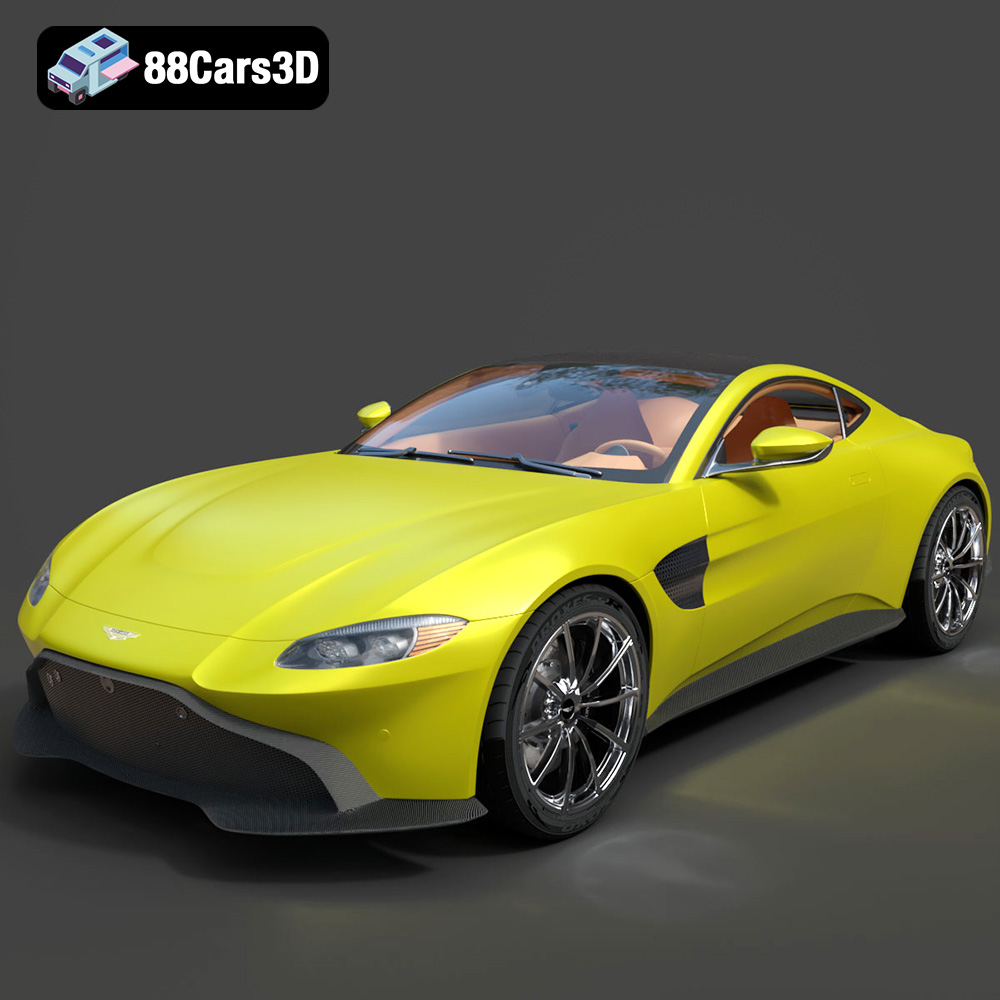
Price: $129.99

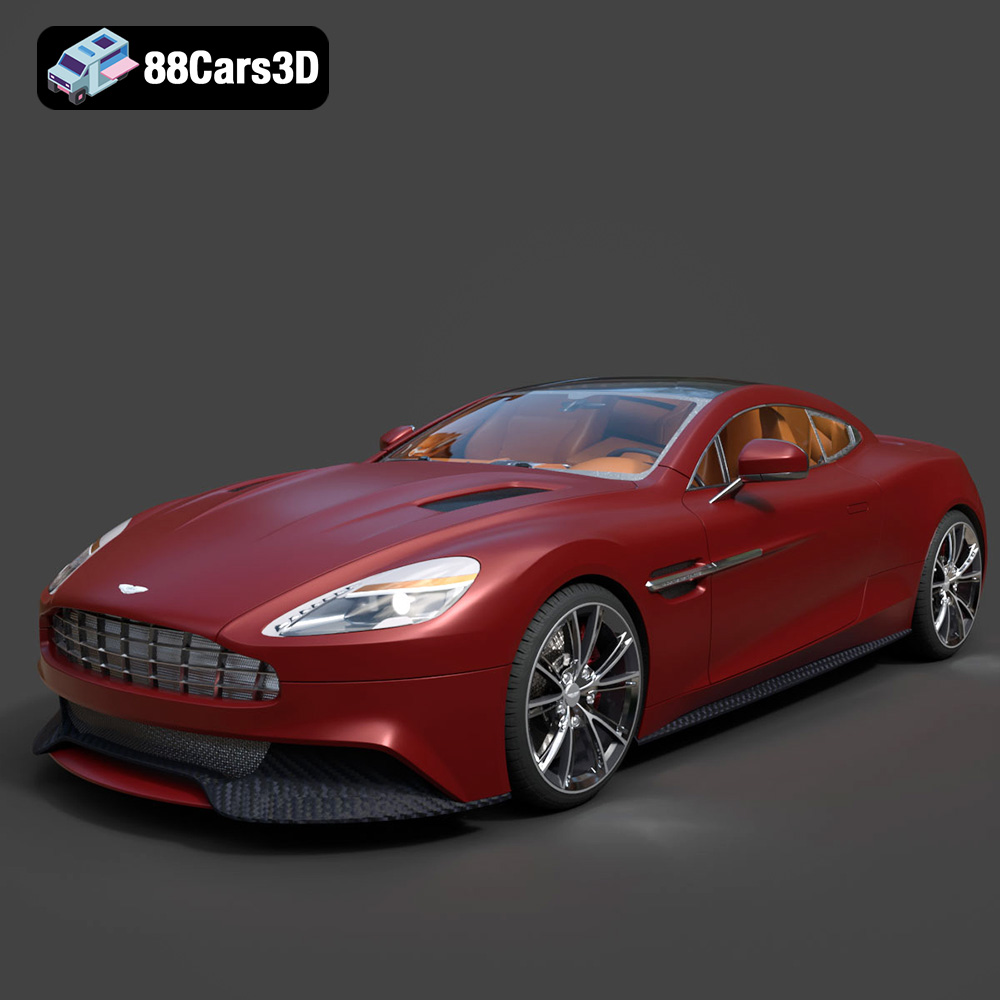
Price: $99.99

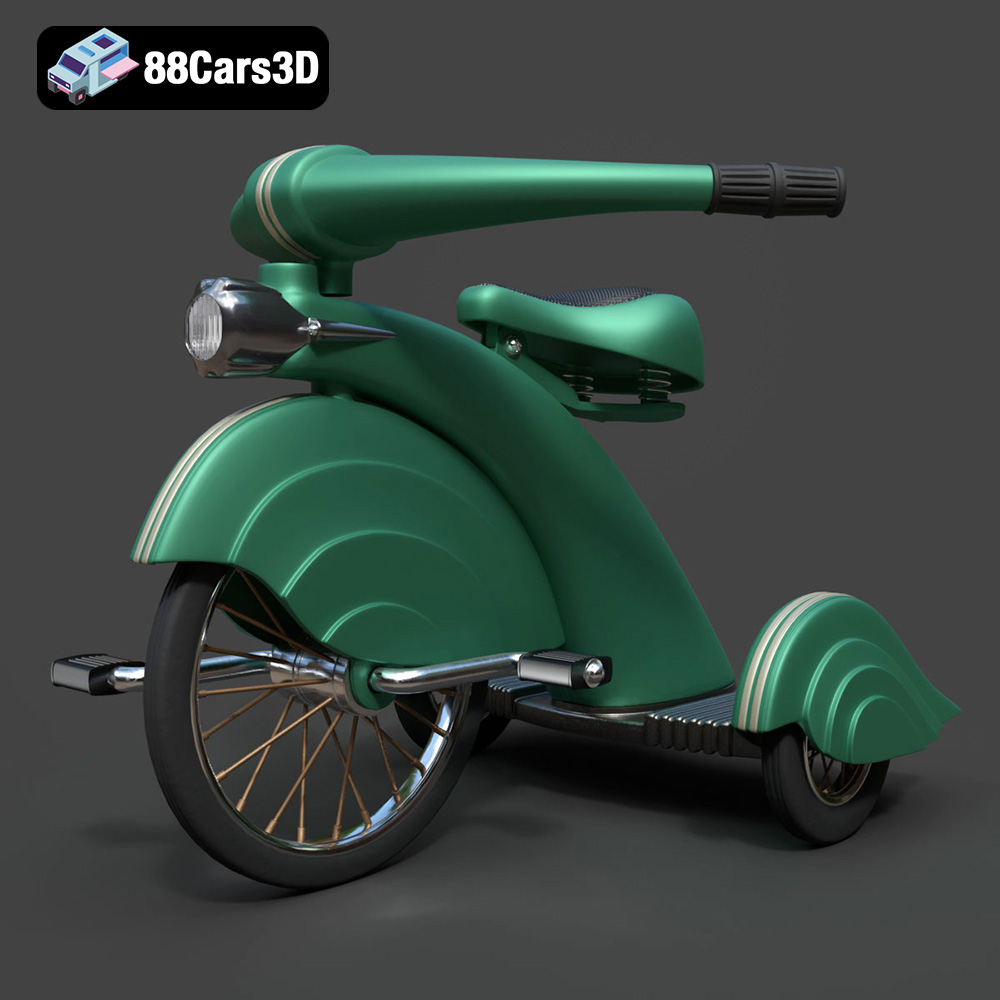
Price: $89.99