Get 50% OFF All Premium 3D & STL Models!

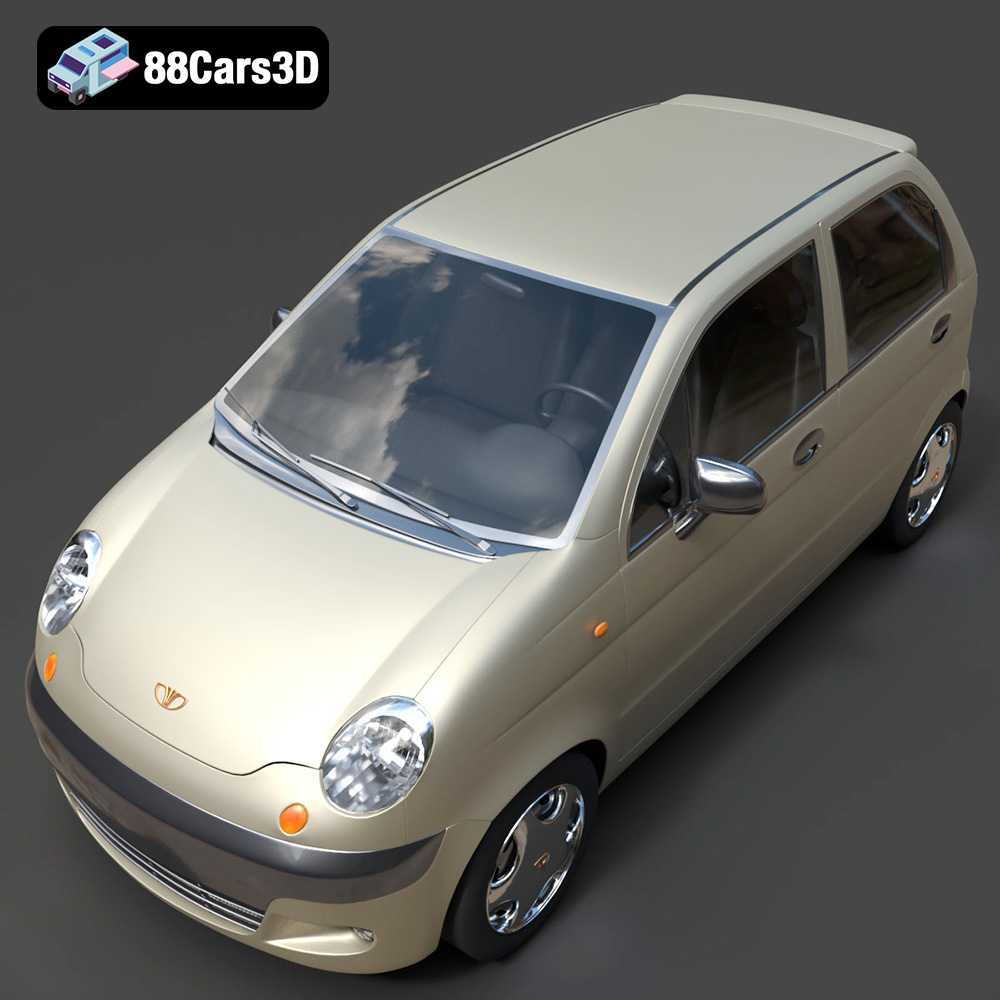
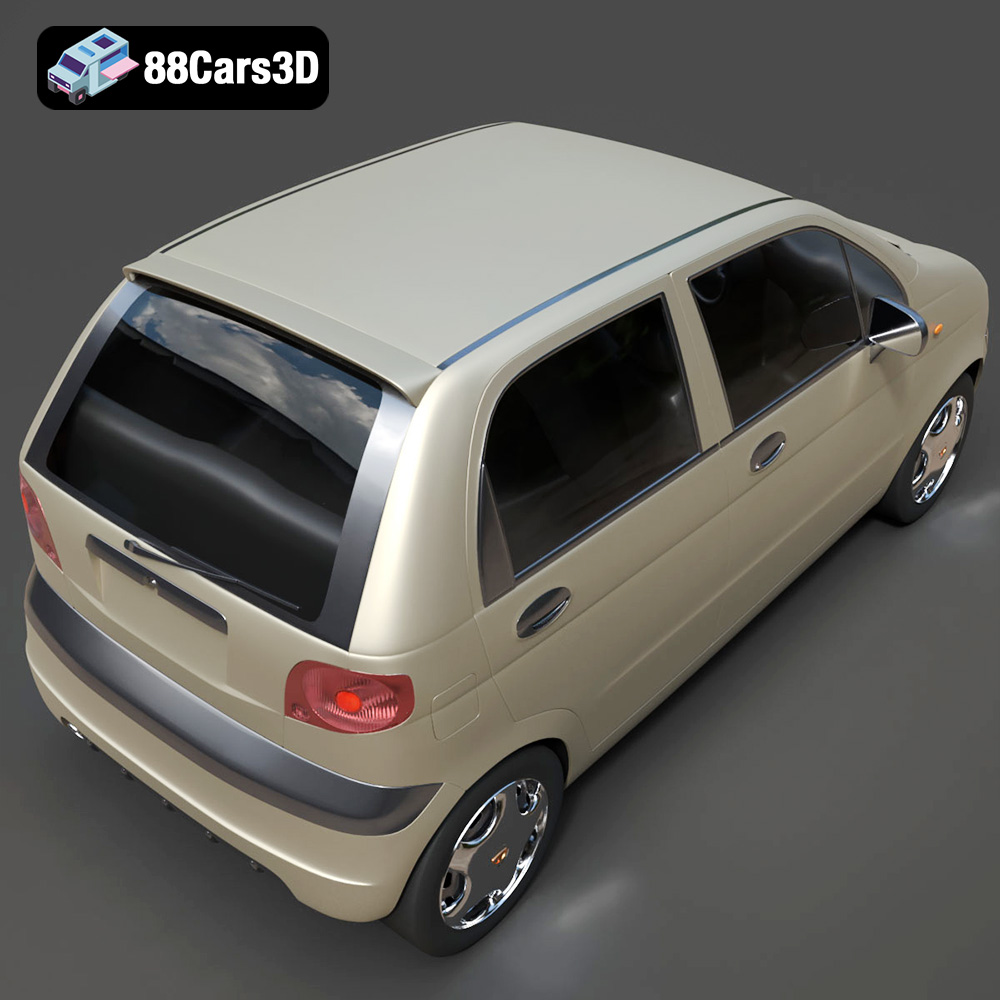
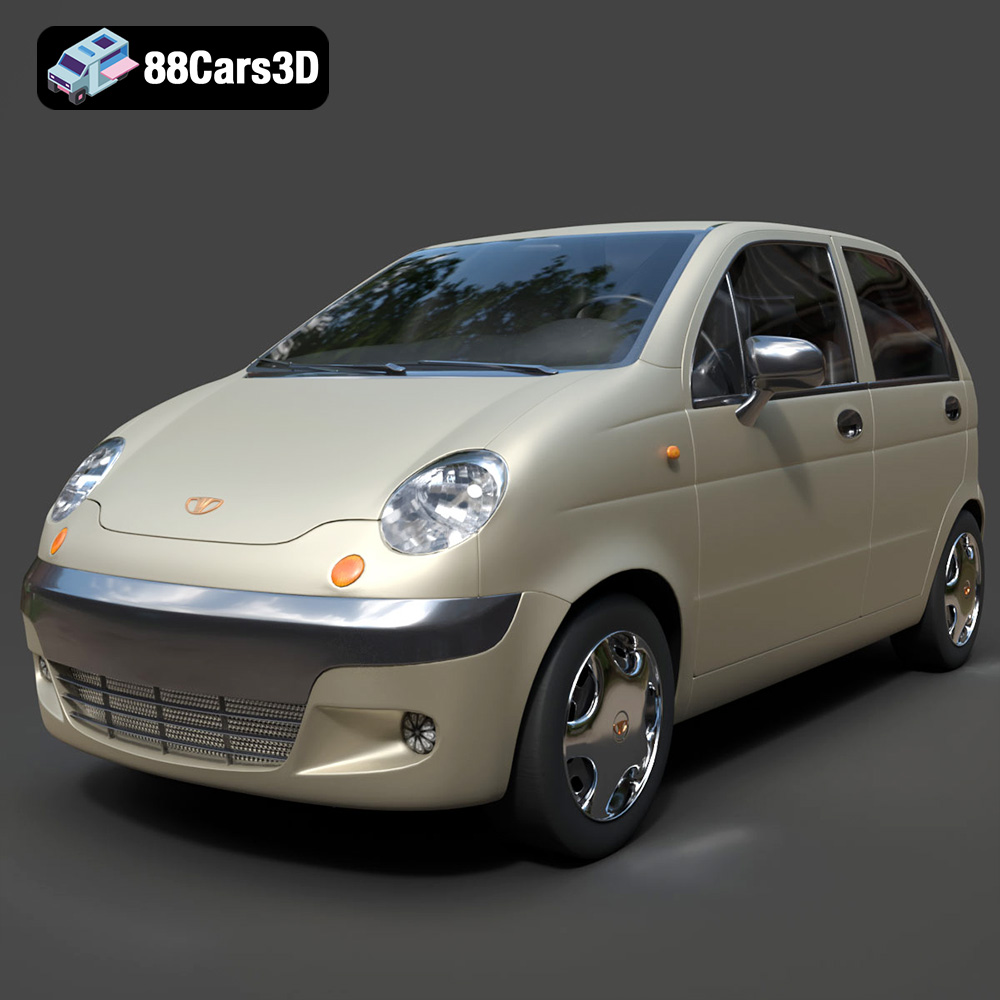
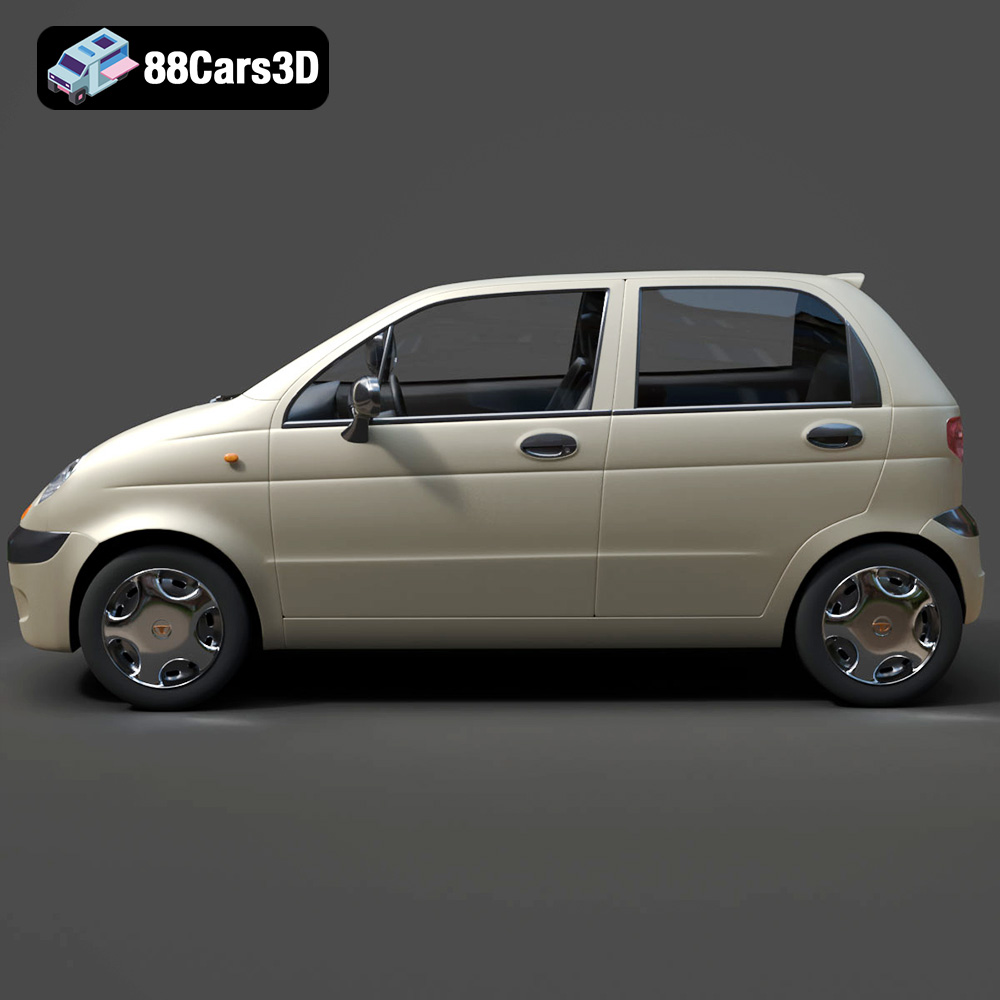
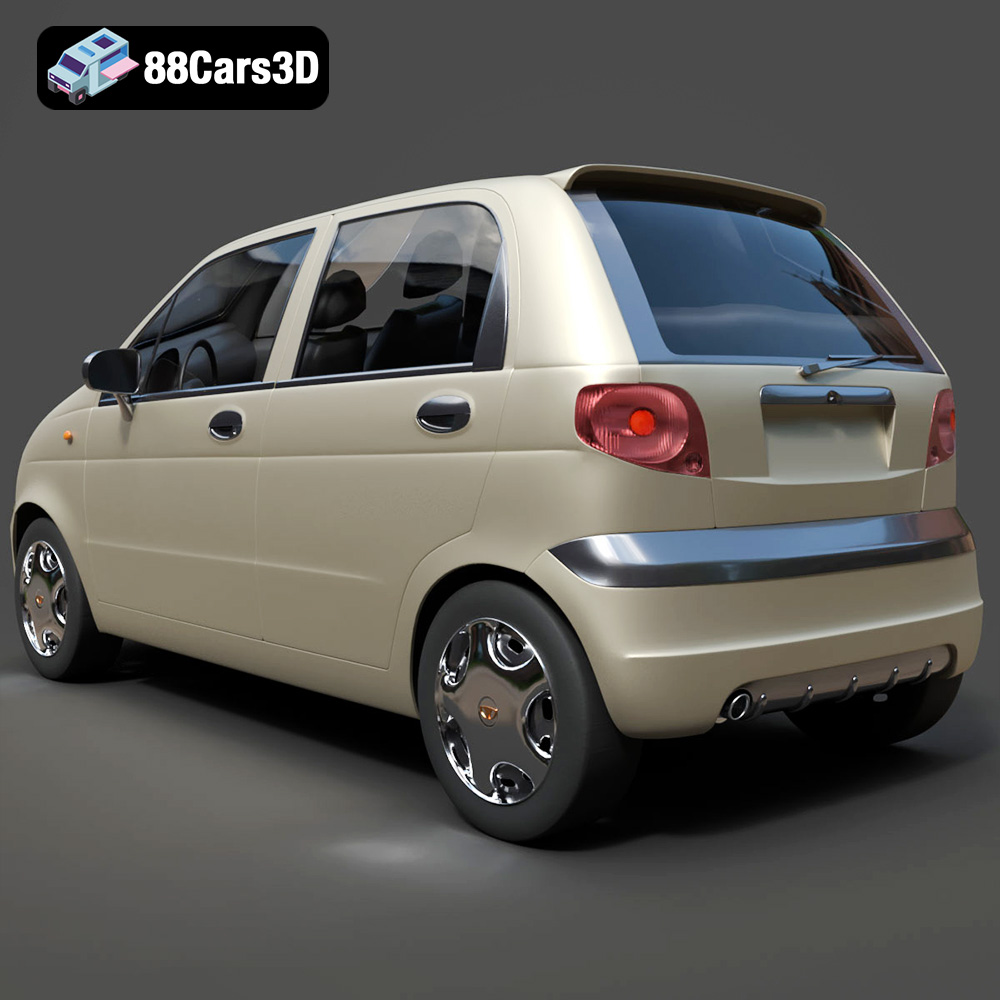
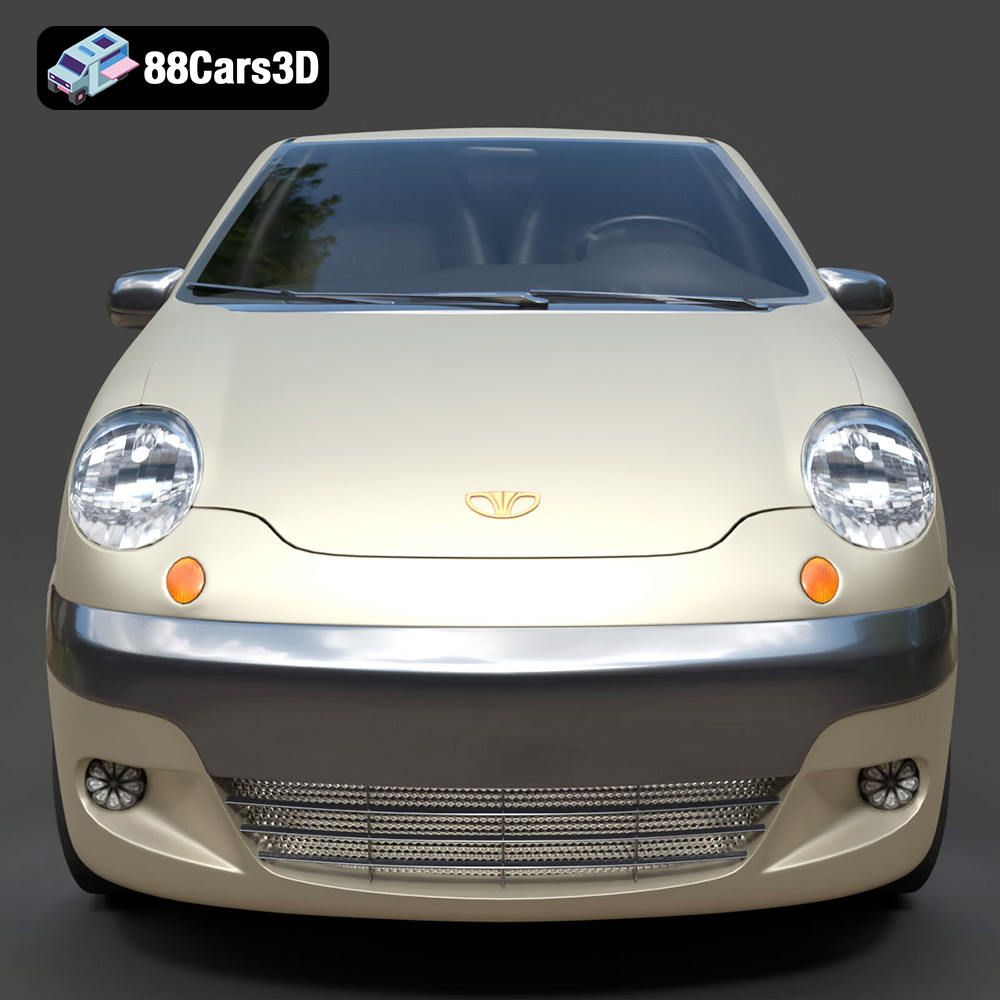
The Daewoo Damas microvan, a ubiquitous sight in cities across South Korea, Central Asia, and the Middle East, is now available as a highly detailed 3D model from 88cars3d.com. This little workhorse, known for its practicality and compact design, is a fantastic subject for 3D printing. Whether you’re a model enthusiast, a diorama builder, or just looking for a unique desktop piece, this guide will walk you through the process of successfully 3D printing the Daewoo Damas Microvan model. We’ll cover everything from selecting the right materials and preparing the STL files to fine-tuning your printer settings and applying the finishing touches.
The Daewoo Damas Microvan 3D model can be successfully printed using various 3D printing technologies, each offering its own advantages and disadvantages. The key is to select the technology that best suits your desired level of detail, budget, and post-processing capabilities.
FDM is the most common and affordable 3D printing method. It involves extruding a thermoplastic filament layer by layer to build the object. For the Daewoo Damas, FDM is a viable option, especially for larger scales (1:24 and above).
* Advantages: Lower cost, wide range of materials (PLA, ABS, PETG), readily available printers.
* Disadvantages: Lower resolution compared to resin printing, visible layer lines, may require more post-processing (sanding) to achieve a smooth finish.
* Material Recommendations: PLA is a good starting point due to its ease of printing. PETG offers greater durability and temperature resistance. ABS can be used for higher temperature resistance but requires an enclosed printer.
SLA and DLP are resin-based 3D printing technologies that use a light source to cure liquid resin layer by layer. These technologies offer significantly higher resolution and detail than FDM, making them ideal for smaller scales (1:32, 1:43) where fine details like the wipers, door handles, and headlight details of the Daewoo Damas Microvan become more prominent.
* Advantages: High resolution, smooth surface finish, excellent detail reproduction.
* Disadvantages: Higher cost of printers and materials, requires post-processing (washing and curing), resin can be messy and requires careful handling.
* Material Recommendations: Standard resin is suitable for general-purpose printing. Tough resin offers increased durability. Flexible resin can be used for tires.
Choosing the right file format is crucial for a successful 3D printing experience. The Daewoo Damas Microvan model from 88cars3d.com includes a variety of file formats to accommodate different software and workflows. Here’s a breakdown of the most common formats and their suitability for 3D printing:
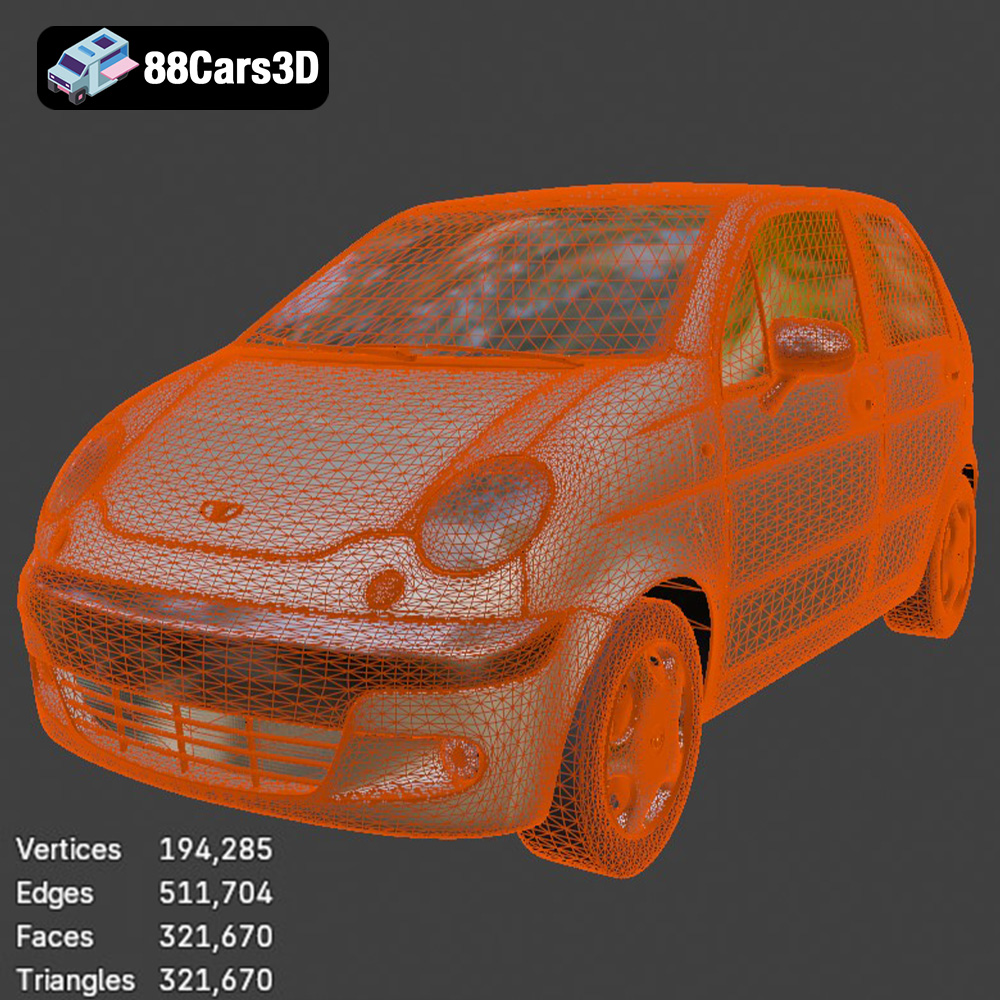
The STL (stereolithography) format is the industry standard for 3D printing. It represents the surface geometry of a 3D object as a collection of triangles. This format is universally compatible with slicing software and 3D printers. When preparing an STL file for printing, it’s essential to ensure the mesh is watertight (no holes) and has sufficient resolution to capture the desired details. Higher resolution STL files will result in smoother surfaces but also larger file sizes. Slicing software can often repair minor mesh errors, but for complex issues, it’s best to use a dedicated mesh editing tool like MeshMixer or Blender. The STL file is the primary format you’ll use for 3D printing the Daewoo Damas model.
The OBJ (object) format is another widely used 3D model format. Unlike STL, OBJ can store color and texture information, which is useful for 3D printing with multi-material or color printers. However, most standard 3D printers don’t support color printing directly. OBJ files are generally larger than STL files due to the additional texture data. While OBJ files can be used for 3D printing, they are less common than STL, and you might need to convert them to STL for compatibility with your slicing software.
The PLY (polygon) format is designed for storing 3D data acquired from 3D scanners. It can represent both surface geometry and other properties like color, transparency, and normals. PLY files can be used for 3D printing, especially when high detail and accuracy are required. However, like OBJ, PLY files are not as universally supported as STL.
The .blend format is the native file format for Blender, a popular open-source 3D modeling software. This format allows you to directly edit and customize the Daewoo Damas model before exporting it for 3D printing. You can make modifications to the geometry, add details, or split the model into separate parts for easier printing. Blender is a powerful tool for preparing 3D models for printing, offering a wide range of features for mesh editing, sculpting, and rigging.
The FBX (Filmbox) format is a proprietary file format developed by Autodesk. It’s commonly used for exchanging 3D data between different software applications. FBX files can store geometry, textures, materials, and animations. While some slicing software may support importing FBX files, it’s generally recommended to convert them to STL for 3D printing.
The GLB (GL Transmission Format Binary) format is designed for efficient transmission and loading of 3D models. It’s commonly used for web-based 3D viewing and augmented reality (AR) applications. GLB files are typically smaller than other 3D model formats and can be easily previewed in AR environments before printing.
The .max format is the native file format for 3ds Max, another popular 3D modeling software. Similar to Blender, 3ds Max allows you to edit and customize the Daewoo Damas model before exporting it for 3D printing. If you have access to 3ds Max, you can use it to make advanced modifications to the model.
In summary, for 3D printing the Daewoo Damas Microvan model, the STL format is the most reliable and widely supported option. If you need to make modifications to the model, use the .blend or .max files in Blender or 3ds Max, respectively, and then export the modified model as an STL file.
Before sending the Daewoo Damas Microvan model to your 3D printer, you need to prepare it using slicing software. The slicing software converts the 3D model into a series of layers that the printer can understand. This step involves several crucial decisions that will impact the final print quality, strength, and material consumption.
Numerous slicing software options are available, both free and paid. Popular choices include:
* Cura: A free and open-source slicer with a user-friendly interface and a wide range of customizable settings.
* PrusaSlicer: Another excellent free slicer based on Slic3r, known for its advanced features and accurate print predictions.
* Simplify3D: A paid slicer offering advanced control over printing parameters and excellent support.
* Chitubox: Specifically designed for resin printing, Chitubox offers features like automatic support generation and hollowing.
Choose a slicer that is compatible with your printer and offers the features you need.
The orientation of the Daewoo Damas model on the build plate is critical for achieving a smooth surface finish and minimizing the need for supports. For the main body, printing it at an angle (as suggested in the product description) is generally recommended. This minimizes the visible layer lines on the curved surfaces and reduces the amount of support material required. Experiment with different angles to find the optimal orientation for your printer.
Wheels should generally be printed separately, lying flat on the build plate, to maximize adhesion and avoid the need for supports within the wheel wells.
Support structures are necessary to print overhangs and unsupported areas of the model, such as the side mirrors, wheel arches, and bumper overhangs of the Daewoo Damas. The type and density of supports can significantly impact print quality and post-processing effort.
* FDM Printing: Use tree supports or linear supports with a low density to minimize material usage and make removal easier.
* Resin Printing: Use light supports with small contact points to avoid damaging the model during removal. Chitubox offers excellent automatic support generation features.
The ideal printer settings will vary depending on your chosen 3D printing technology, material, and desired print quality. However, here are some general guidelines for 3D printing the Daewoo Damas Microvan model:
Layer height determines the resolution of the print. Lower layer heights result in smoother surfaces but increase print time.
* FDM Printing: Use a layer height of 0.1-0.2mm for a good balance between print quality and speed. For finer details, you can go as low as 0.06mm.
* Resin Printing: Use a layer height of 0.02-0.05mm for excellent detail reproduction.
Infill density affects the strength and weight of the print. For a display model like the Daewoo Damas, a low infill density is sufficient.
* FDM Printing: Use an infill density of 15-25%.
* Resin Printing: Solid infill is generally used for resin prints.
Wall thickness determines the strength and durability of the outer shell of the model.
* FDM Printing: Use a wall thickness of 1.2-2.0mm (3-4 perimeters).
* Resin Printing: Use a wall thickness of 1.0-1.5mm.
Print speed affects the print quality and the likelihood of errors.
* FDM Printing: Use a print speed of 40-60mm/s.
* Resin Printing: Follow the recommended settings for your resin and printer.
The optimal printing temperature depends on the material you are using.
* PLA: 200-220°C
* PETG: 230-250°C
* ABS: 230-260°C (with a heated bed at 100-110°C)
Once the Daewoo Damas Microvan model is printed, post-processing is necessary to remove support structures, smooth the surface, and add the finishing touches.
Carefully remove the support structures using pliers, a hobby knife, or sandpaper. Be patient and avoid damaging the model. For resin prints, soaking the model in warm water can soften the supports and make removal easier.
Sanding is essential for smoothing the surface of FDM prints and removing layer lines. Start with coarse sandpaper (220 grit) and gradually move to finer grits (400, 600, 800, 1000) to achieve a smooth finish. Wet sanding can help to reduce dust and improve the smoothness of the surface.
Apply a coat of primer to the model to create a smooth surface for painting and improve paint adhesion. Choose a primer that is compatible with your chosen material.
Paint the Daewoo Damas Microvan model using acrylic paints or spray paints. Apply multiple thin coats for a smooth and even finish. You can customize the paint scheme to match your desired look, from the classic commercial colors (Factory White, Light Blue, Taxi Yellow) to custom designs.
If you printed the wheels separately, attach them to the body using glue or friction fit. You can also add other details, such as mirrors, wipers, and decals, to enhance the realism of the model.
Even with careful preparation, you may encounter some common 3D printing issues. Here are some solutions:
* Warping: Ensure the build plate is level and use a heated bed for materials like ABS. Apply an adhesive like glue stick or hairspray to improve bed adhesion.
* Stringing: Reduce the printing temperature, increase retraction distance, and decrease travel speed.
* Layer Shifting: Check the belts and pulleys for tightness, reduce print speed, and ensure the printer is stable.
* Support Failure: Increase the density of the supports, adjust the support angle, and ensure the supports are properly attached to the model.
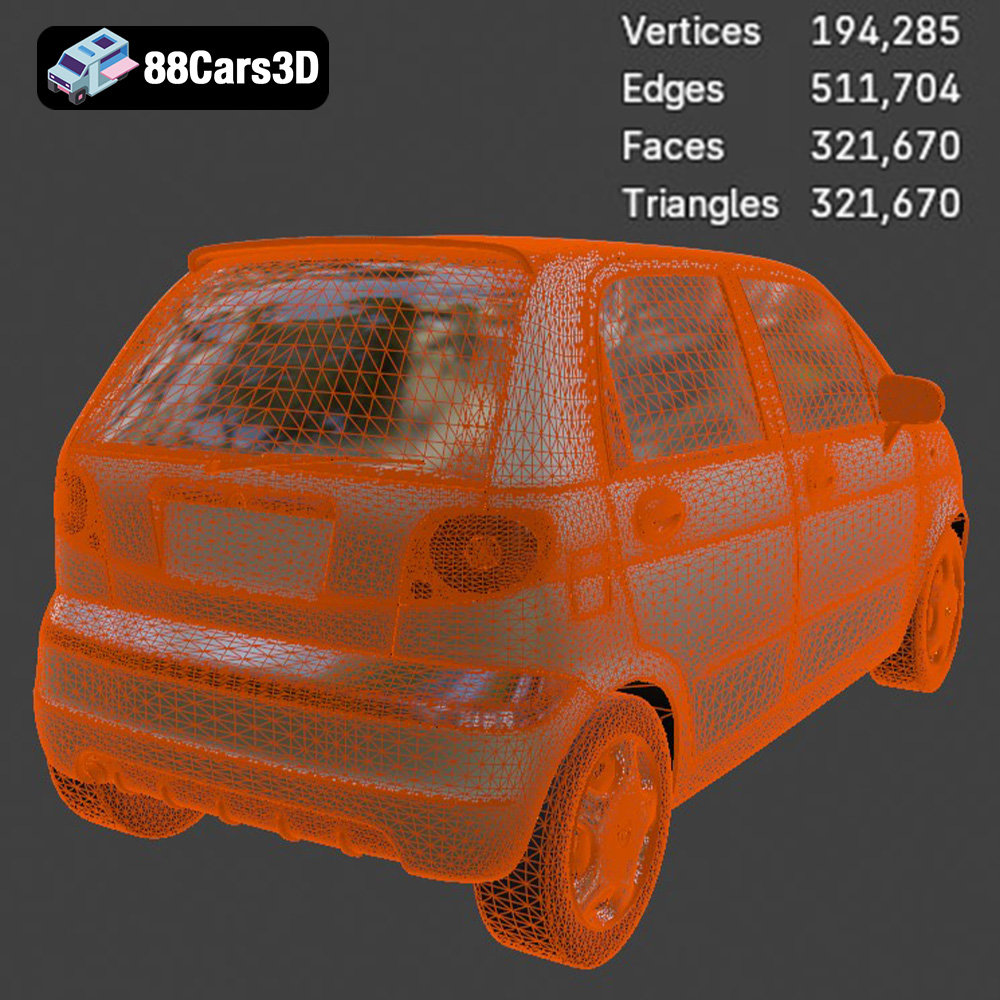
By following these tips and techniques, you can successfully 3D print the Daewoo Damas Microvan model from 88cars3d.com and create a stunning replica of this iconic vehicle. This model, with its efficient topology and real-world accuracy, is a fantastic addition to any collection.
The Daewoo Damas 3D Model is an incredibly accurate, highly optimized digital recreation of the legendary compact commercial microvan. Based on the classic kei-van architecture, the Damas is a ubiquitous and unstoppable workhorse recognized globally—serving as the ultimate urban delivery vehicle, taxi, and daily commuter, particularly across South Korea, Central Asia (such as Uzbekistan), and the Middle East.
$9.99