Get 50% OFF All Premium 3D & STL Models!

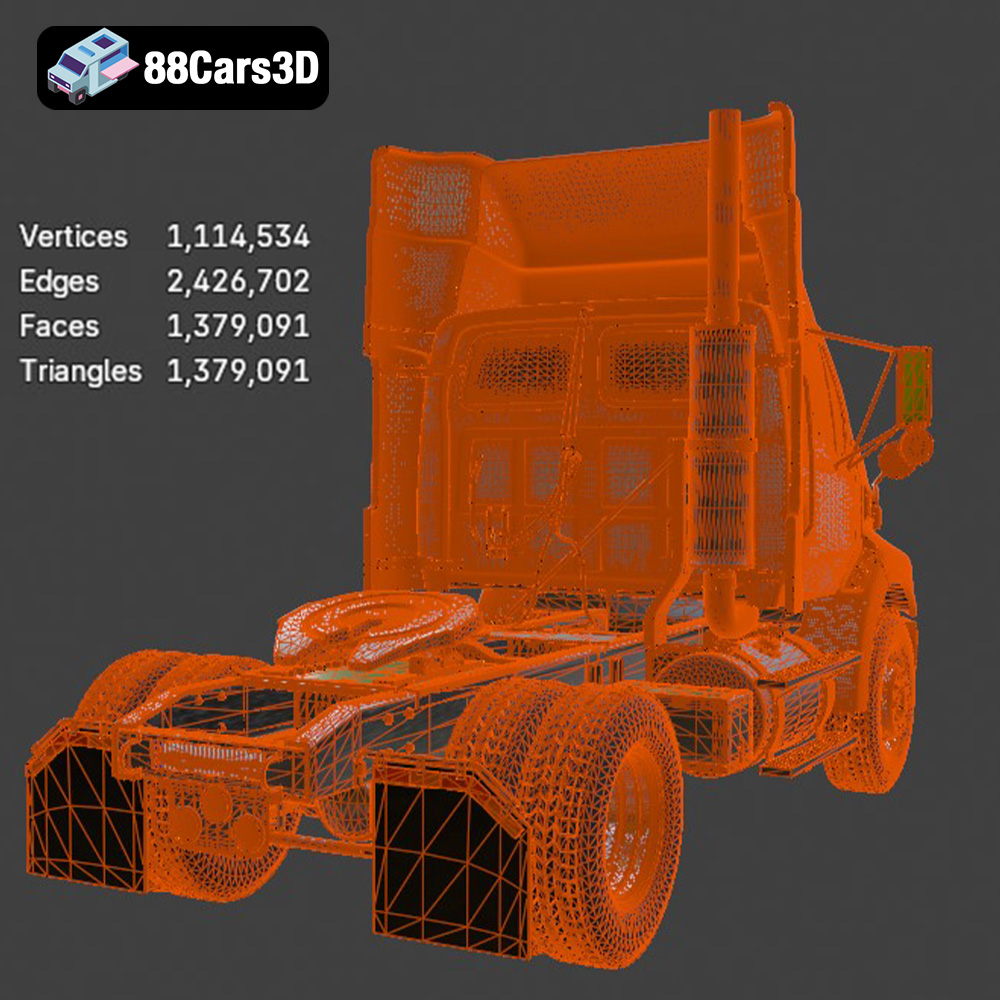
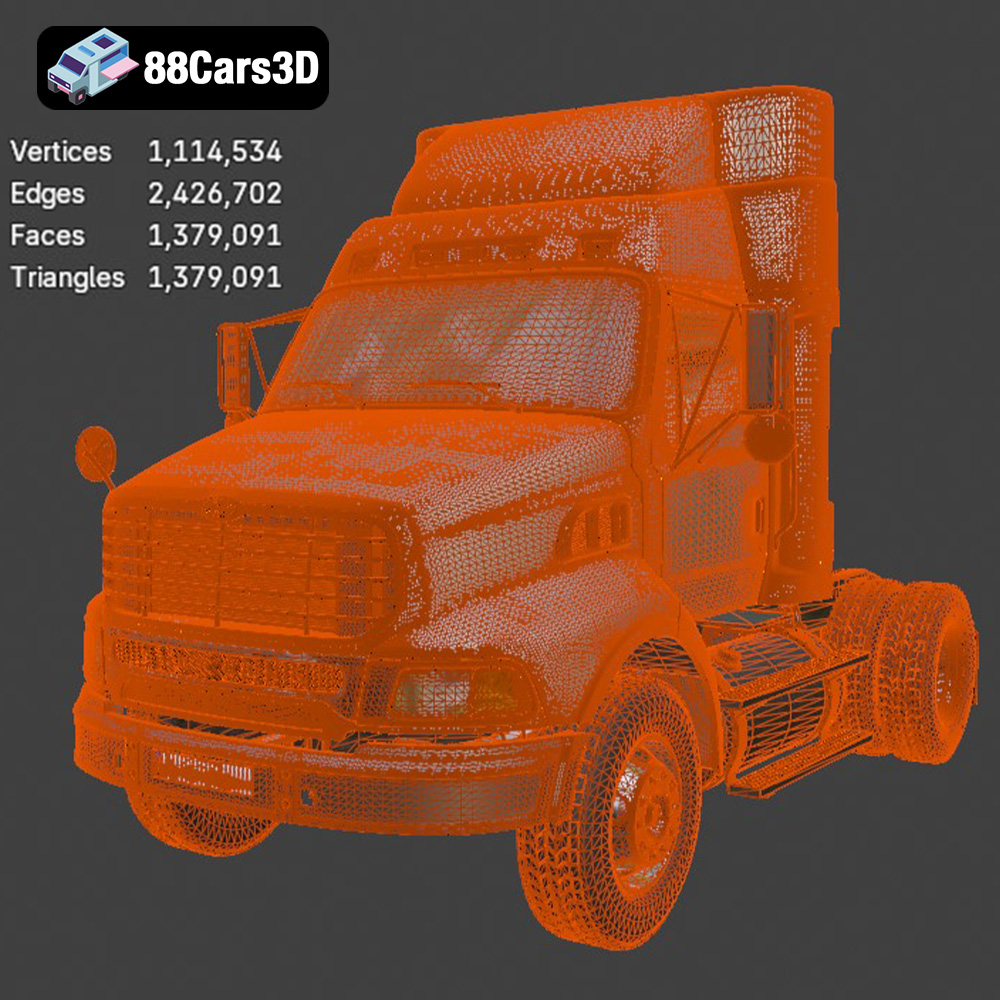
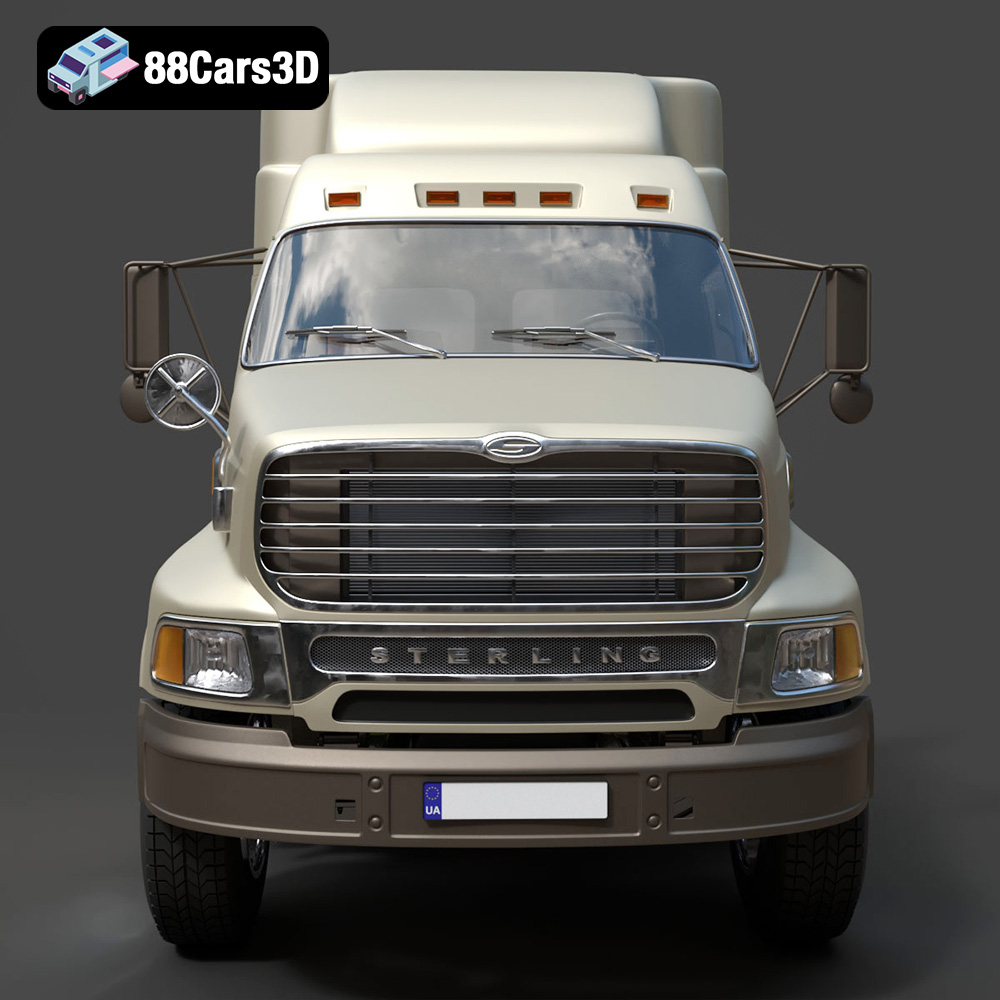
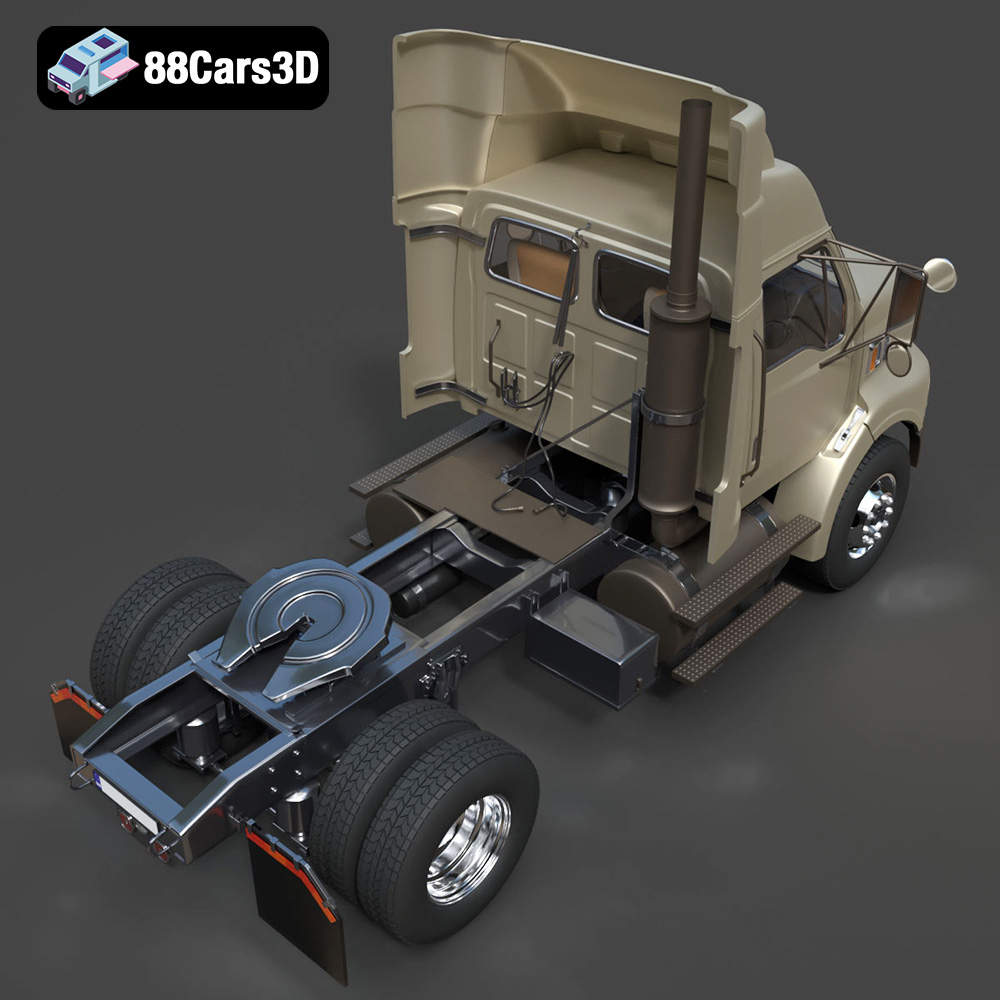
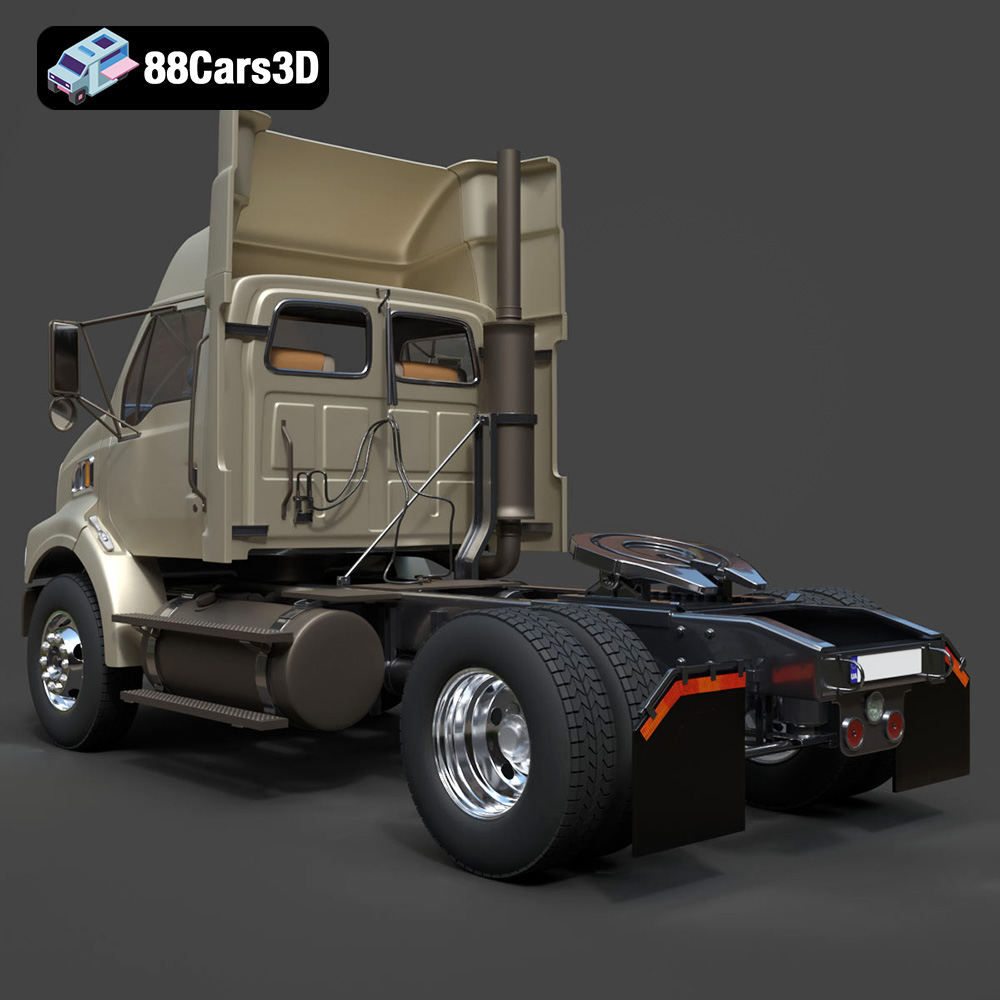
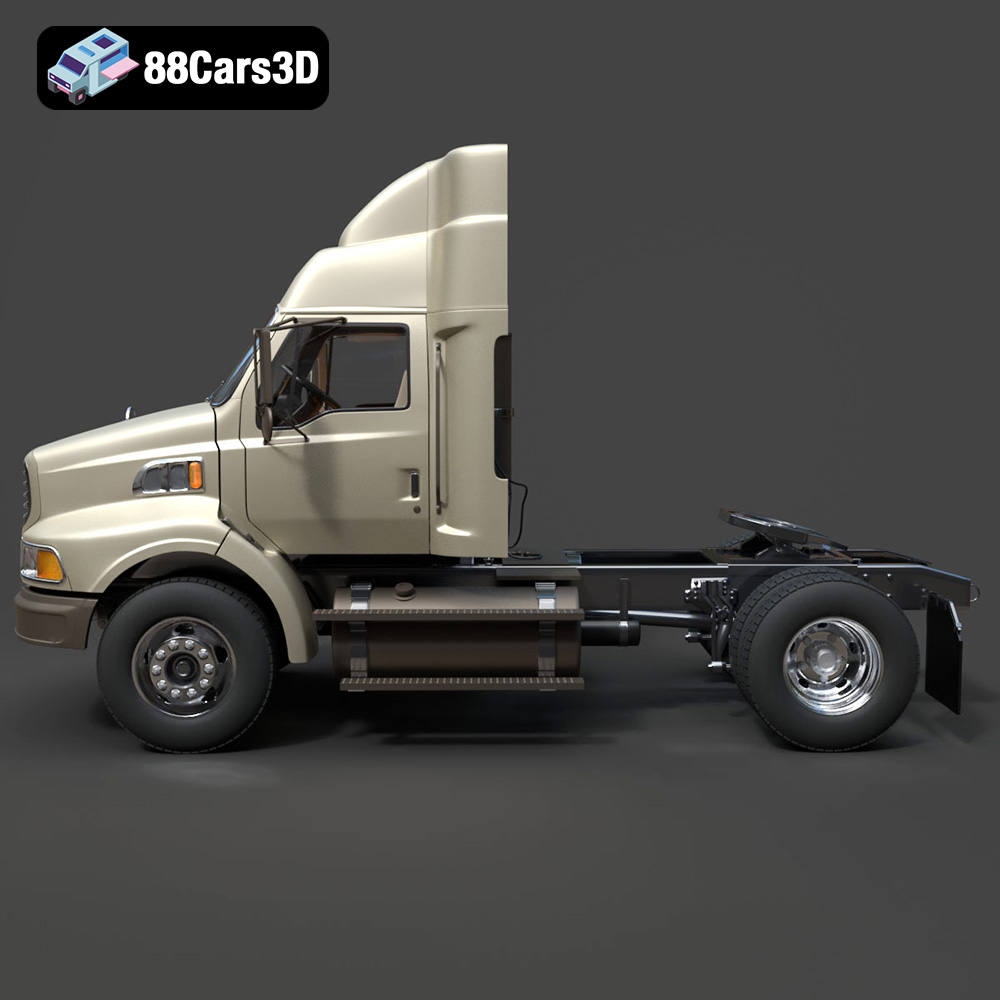
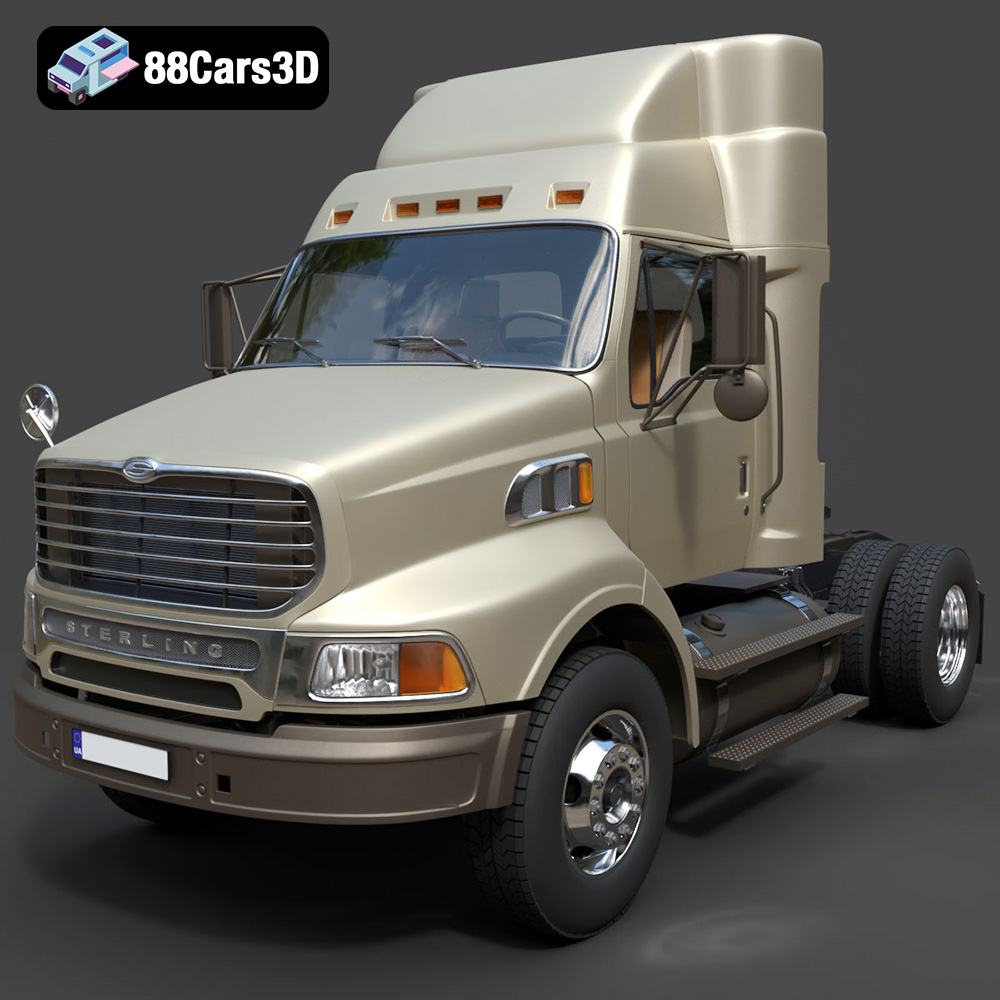
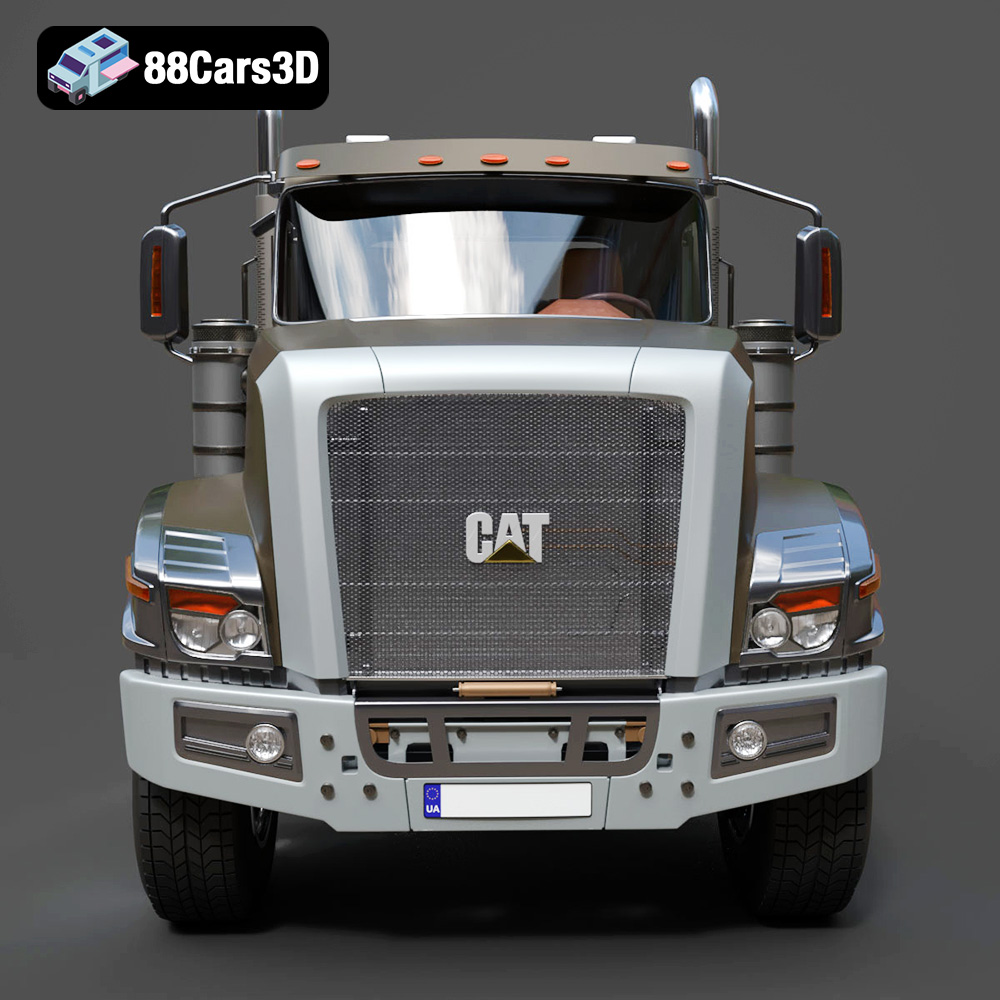
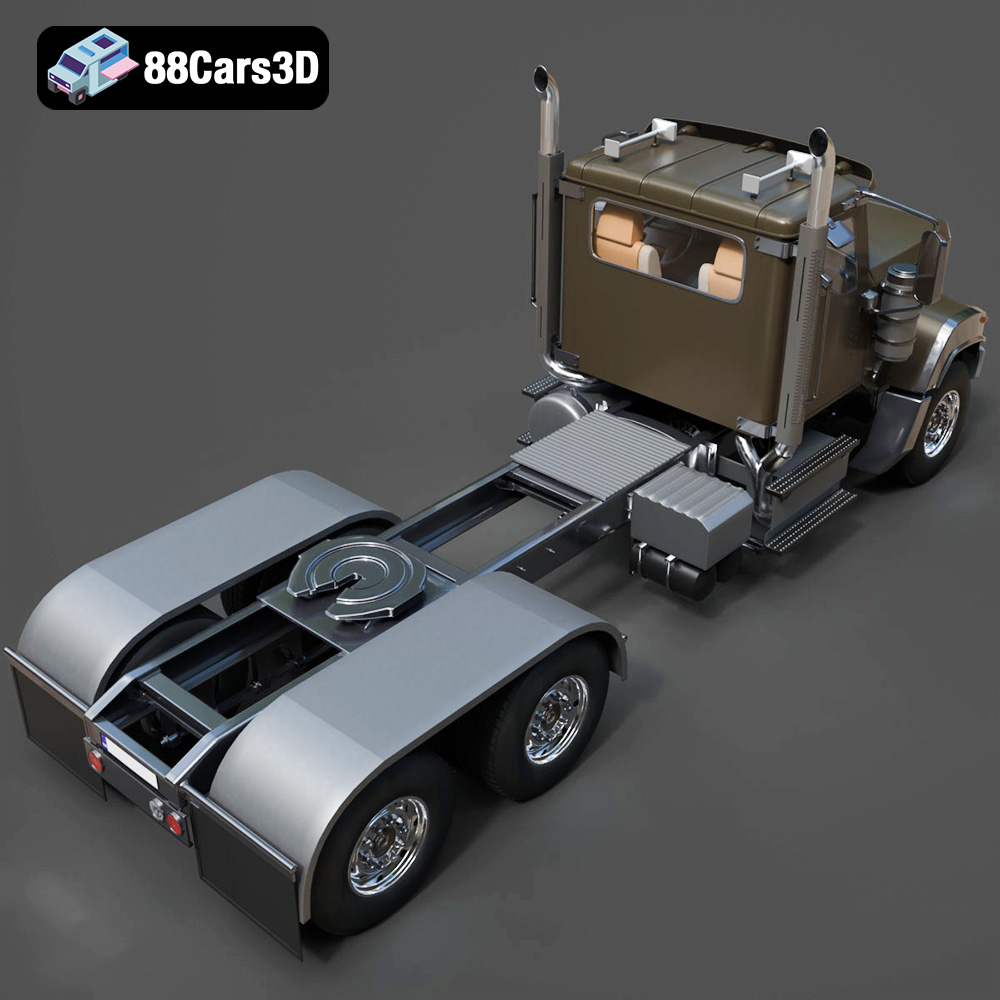
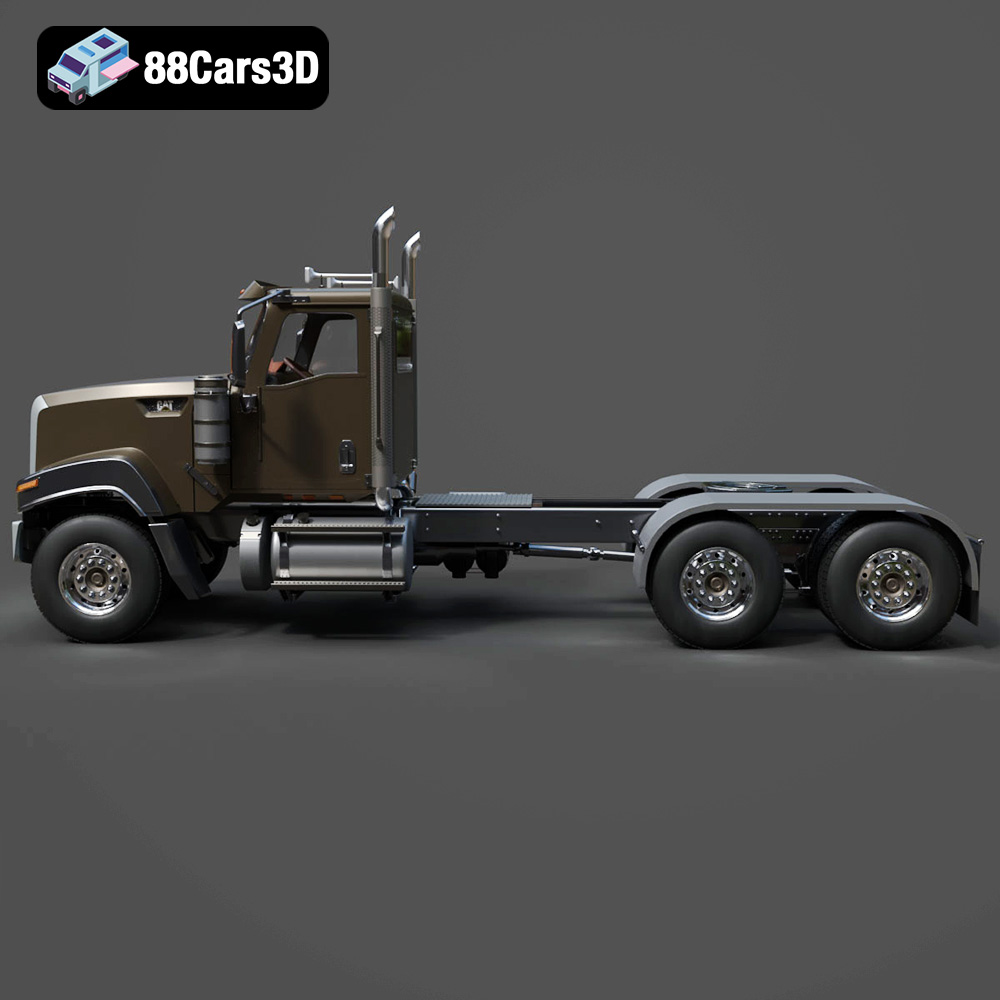
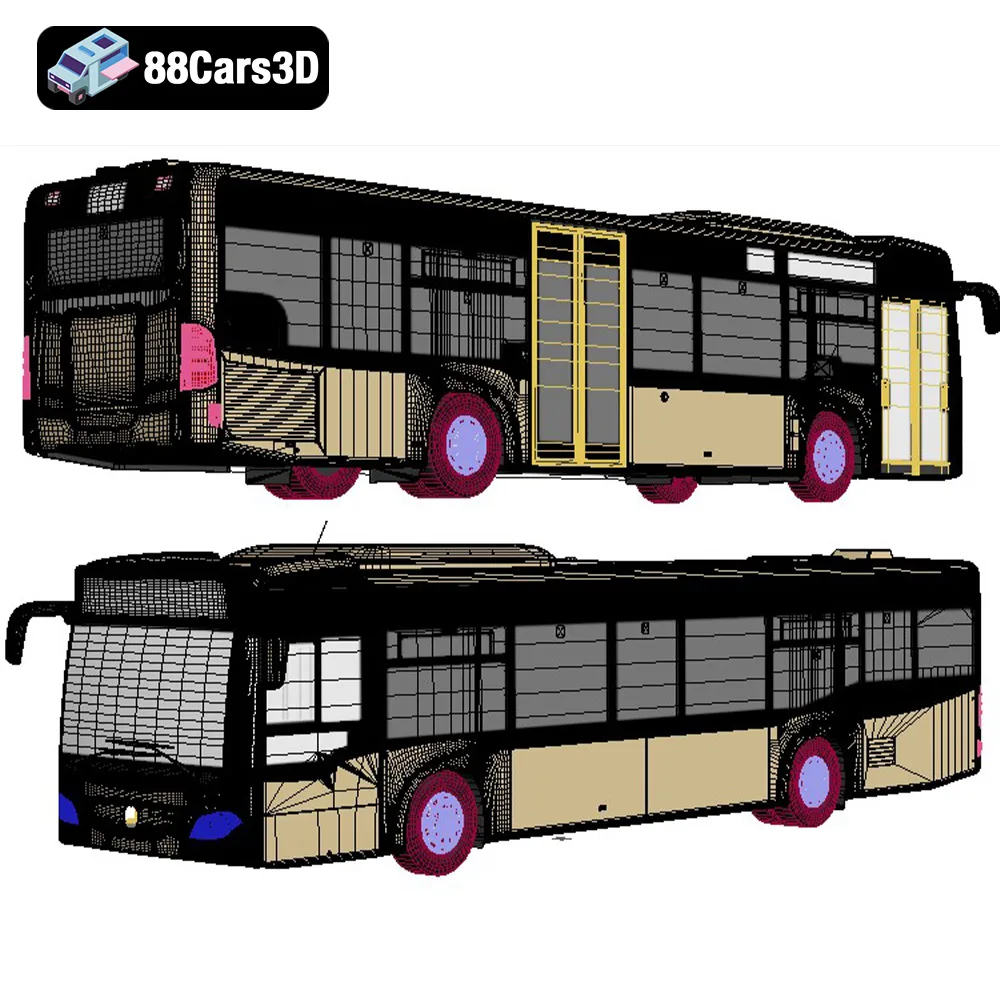
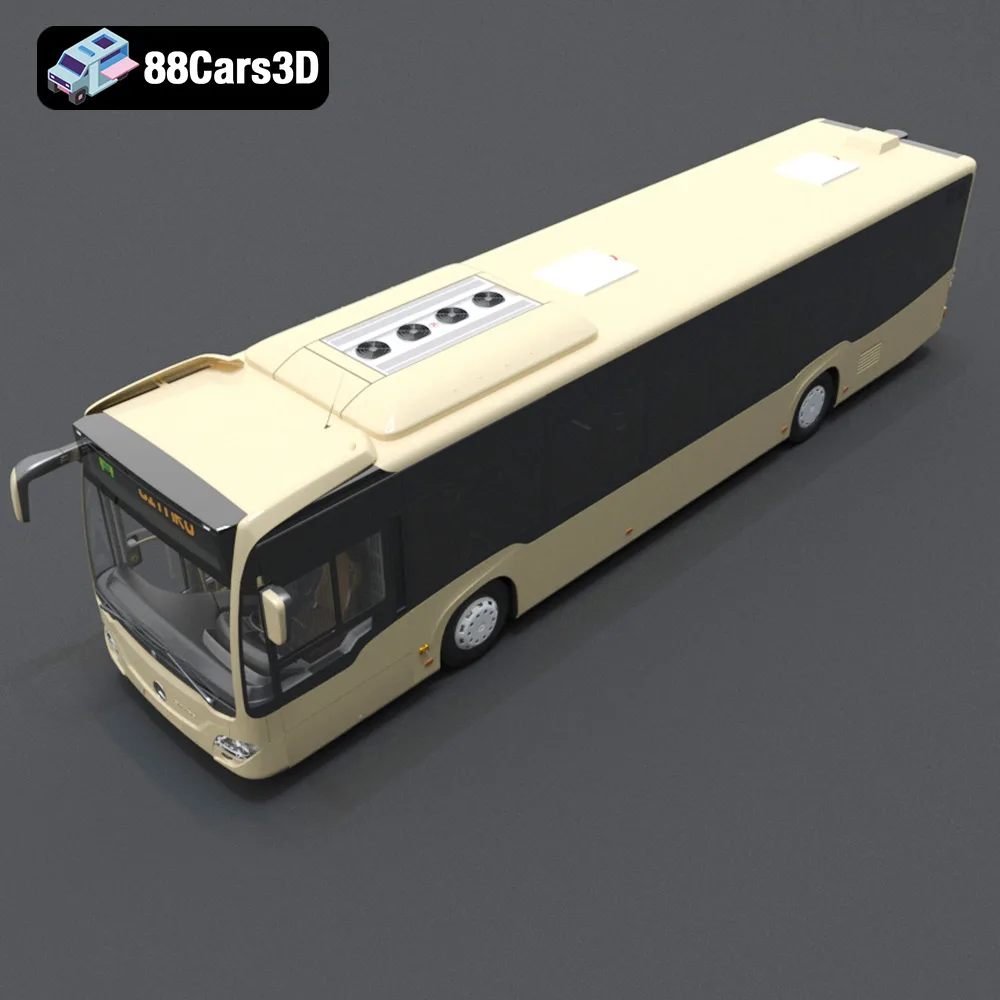
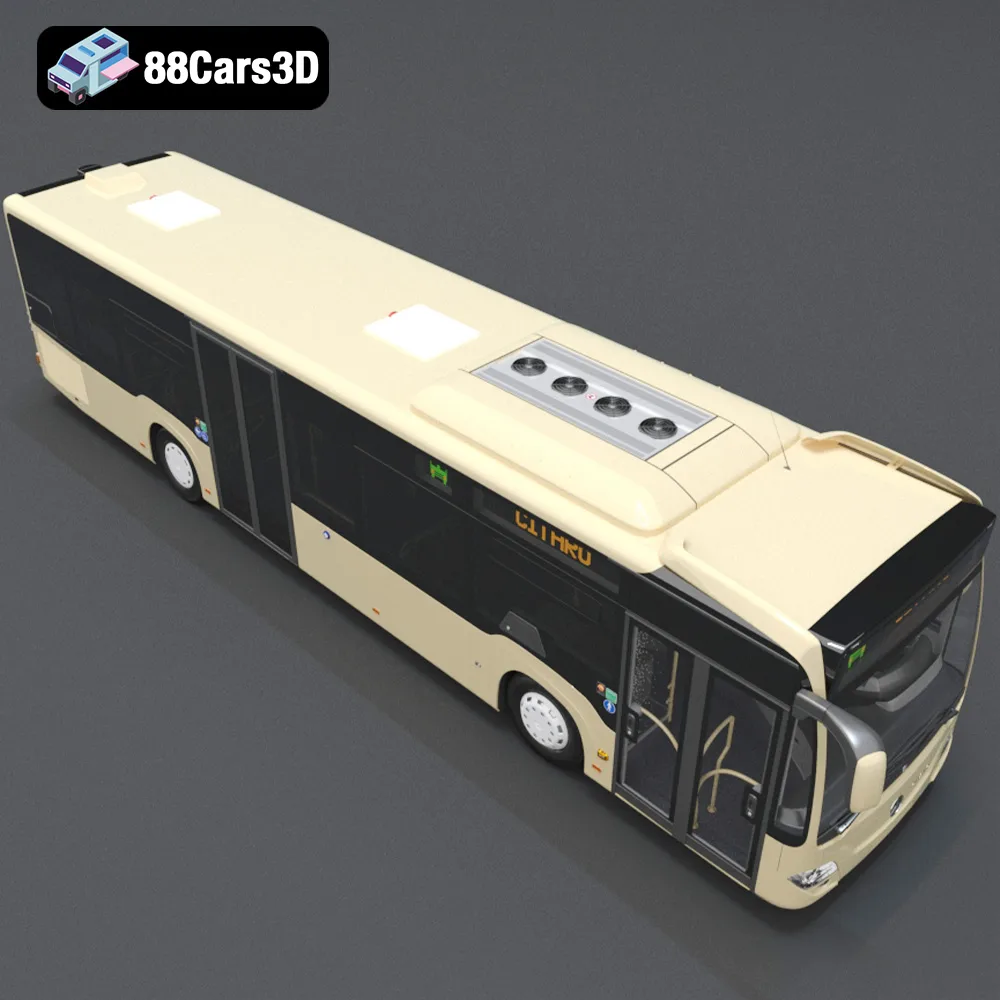
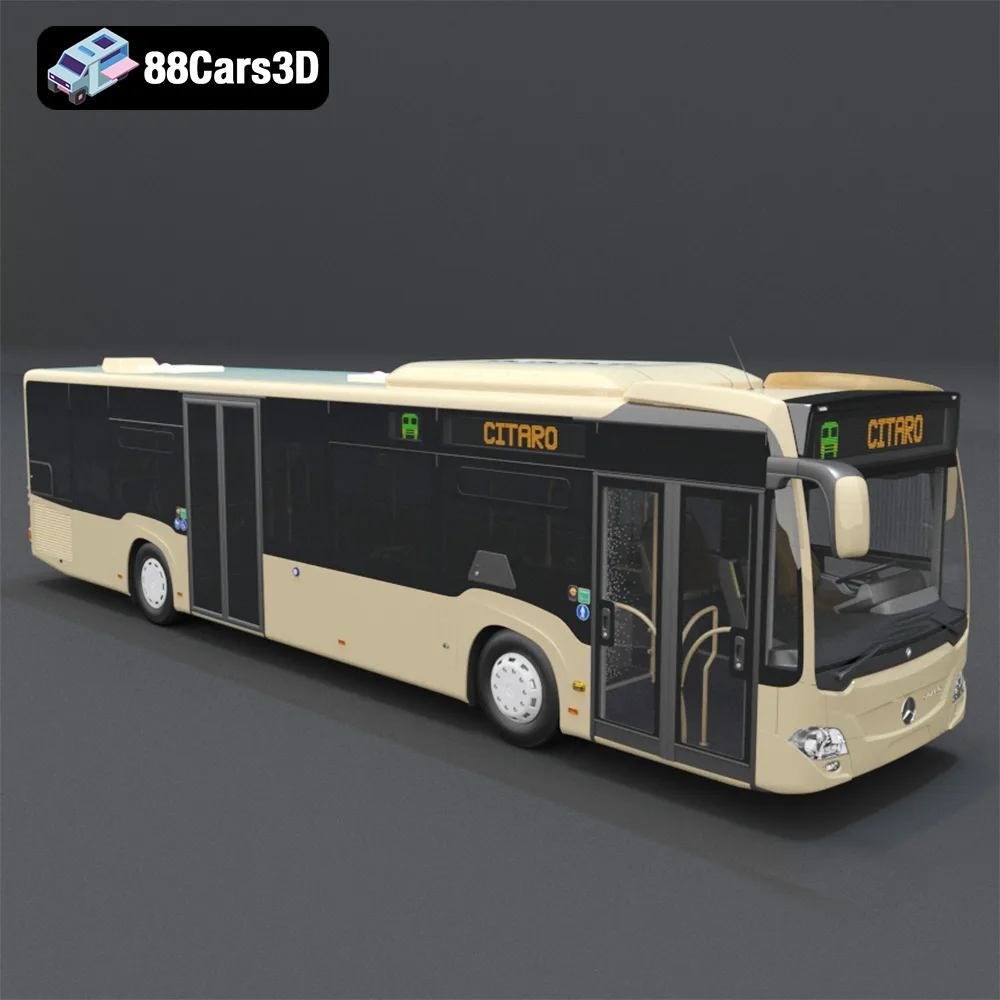
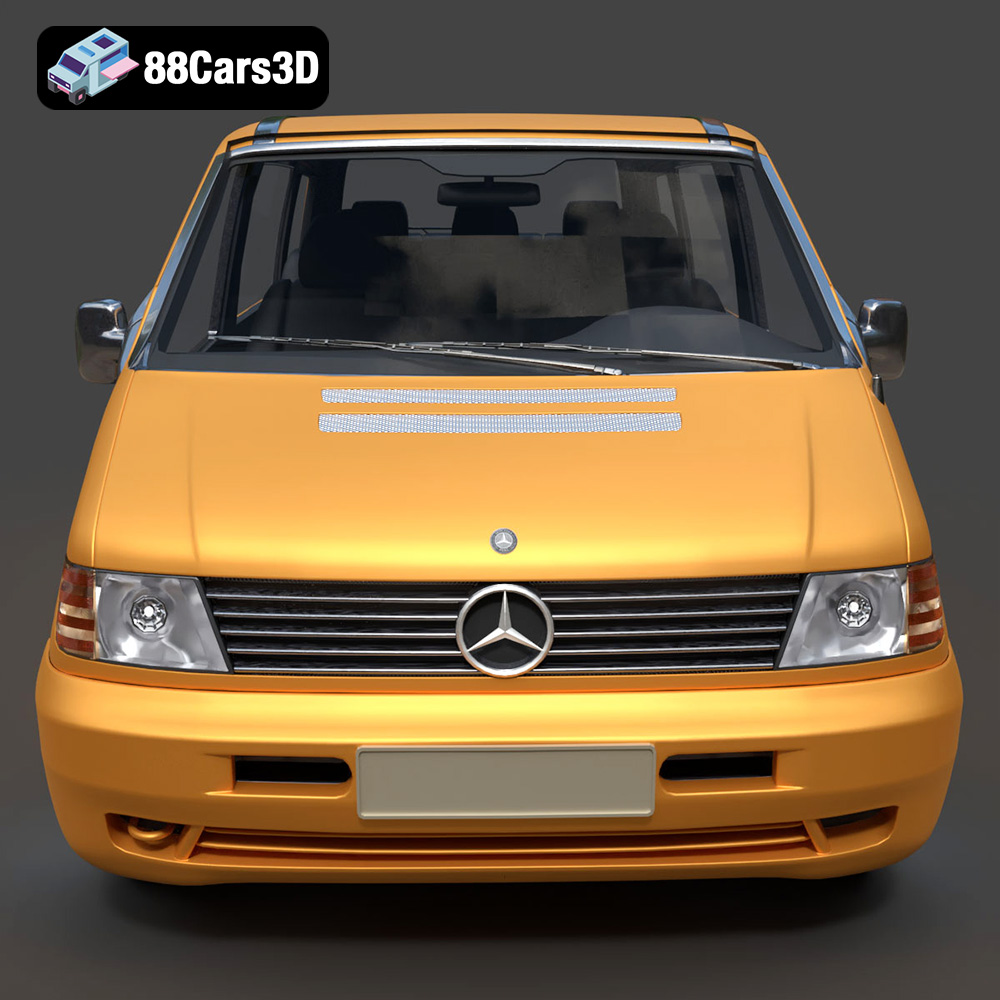
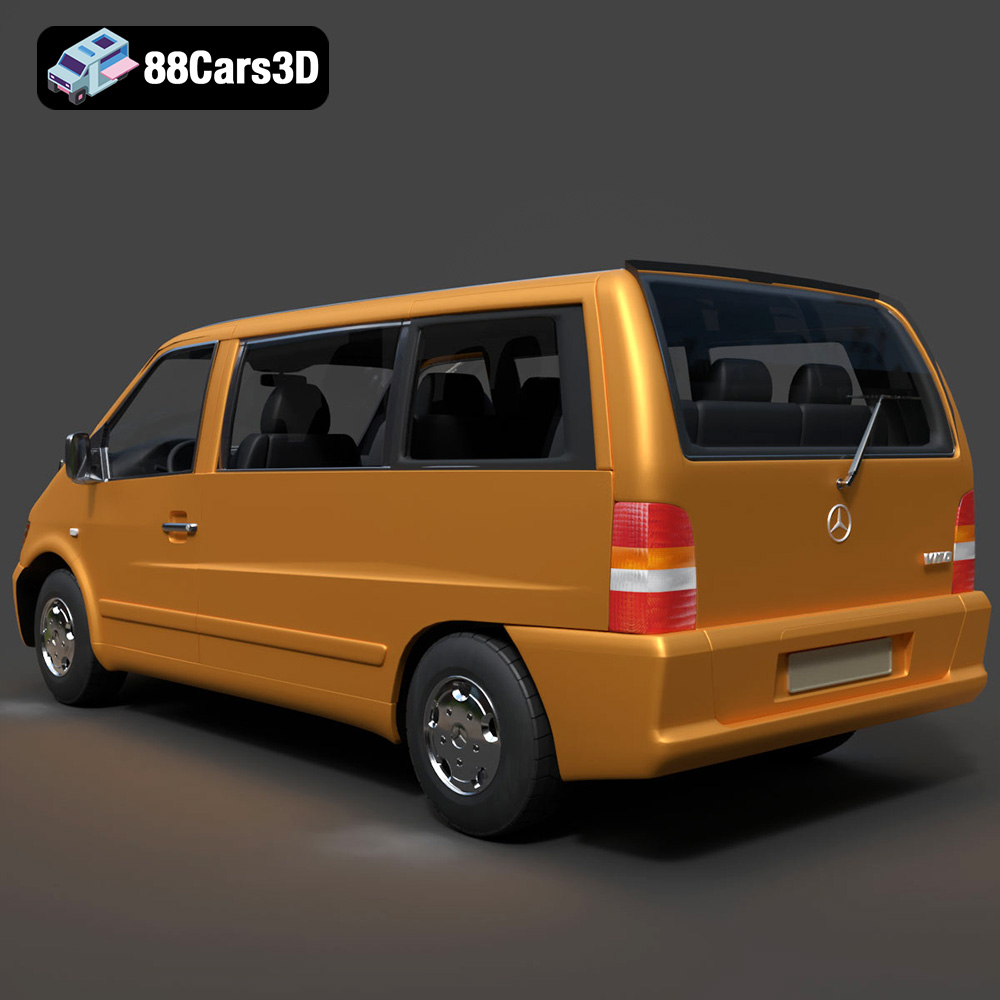
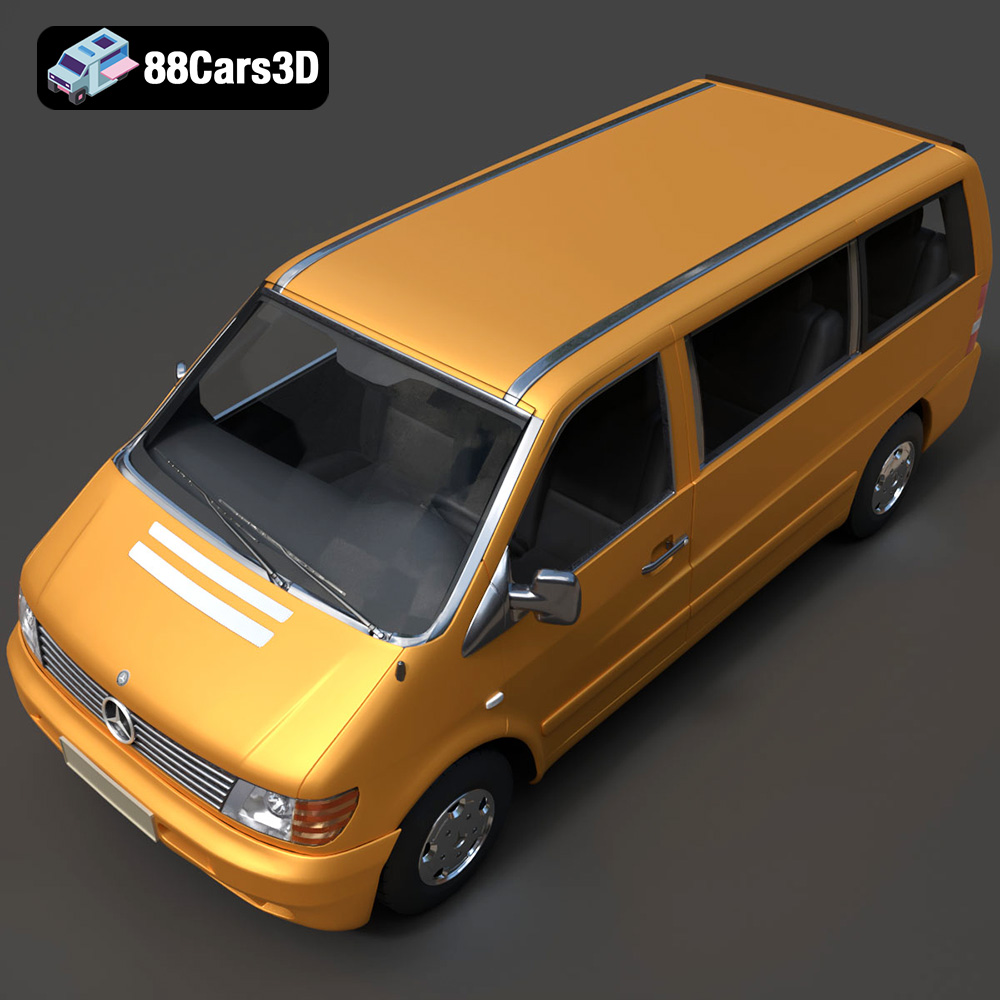
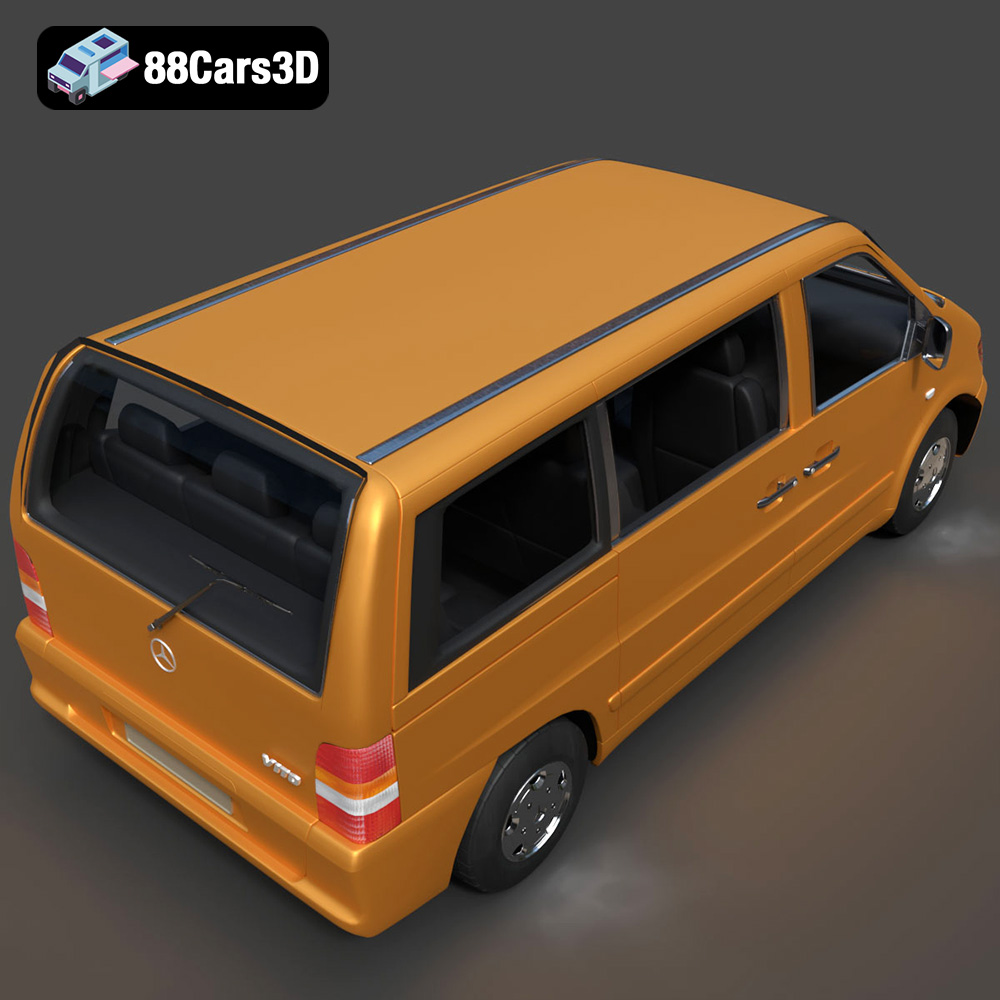
The Heavy Duty & Commercial Logistics 3D Models Bundle from 88cars3d.com offers an incredible opportunity to bring a fleet of realistic commercial vehicles to life through 3D printing. This 4-in-1 pack, featuring the Ford Sterling A9500 Tractor Truck, Caterpillar CT680 Tractor Truck, Mercedes Citaro NGT Modern City Bus, and Mercedes-Benz Vito Passenger Van, is perfect for scale model enthusiasts, diorama creators, and anyone interested in adding detailed vehicles to their collection. This comprehensive guide will walk you through the process of successfully 3D printing these models, covering everything from choosing the right materials and settings to post-processing and assembly.
Before diving into the specifics of printing the Heavy Duty & Commercial Logistics Bundle, it’s crucial to understand the different file formats available and which ones are best suited for 3D printing. The bundle includes several formats, each with its own strengths and weaknesses.
The .stl (Stereolithography) format is the workhorse of 3D printing. It represents the surface geometry of a 3D object as a collection of triangles. This simplicity makes it universally compatible with slicing software and 3D printers. When preparing your models for printing, the .stl format is generally the go-to choice.
* **Advantages:** Widespread compatibility, relatively small file size, and simplicity.
* **Disadvantages:** Only stores geometric data, no color or texture information.
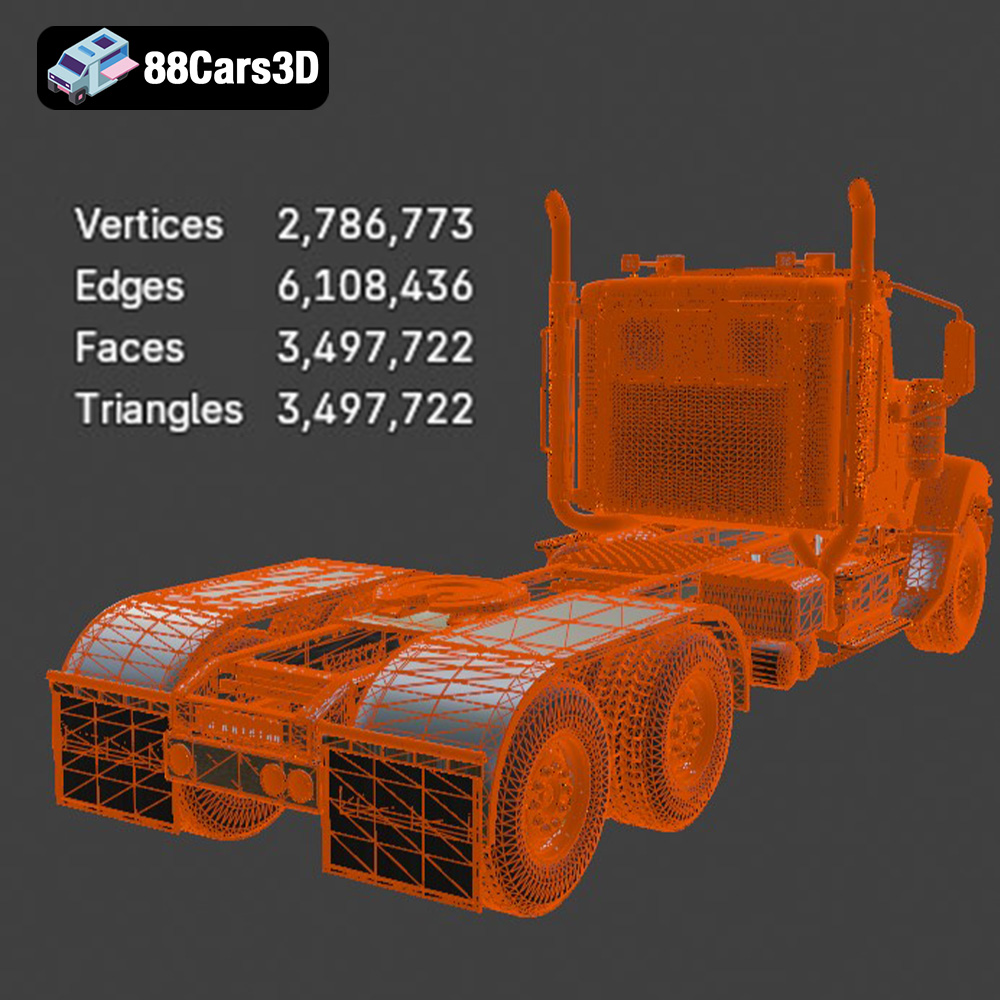
For the Heavy Duty & Commercial Logistics Bundle, the STL files provided are specifically optimized for 3D printing. However, it’s still important to inspect the mesh quality within your slicing software. Look for any gaps, holes, or non-manifold geometry (where edges are shared by more than two faces), as these can cause printing errors.
The .obj (Object) format is another common file type used in 3D modeling. Unlike .stl, .obj supports color and texture information, making it suitable for models with complex surface details. However, for 3D printing, the color and texture data is typically not used unless you have a full-color 3D printer, which is uncommon.
* **Advantages:** Supports color and texture, widely used in 3D modeling software.
* **Disadvantages:** Larger file size compared to .stl, color and texture data not typically used in standard 3D printing.
The .ply (Polygon File Format) is designed for storing 3D data acquired from 3D scanners. It can capture high levels of detail and supports color information. While less common than .stl for general 3D printing, it can be useful for highly detailed models where preserving fine details is crucial.
* **Advantages:** High precision, supports color information.
* **Disadvantages:** Can result in very large file sizes, less widely supported by slicing software compared to .stl.
The .blend file is the native format for Blender, a popular open-source 3D modeling software. This format allows you to directly edit the 3D model before exporting it for 3D printing. This is incredibly useful if you want to customize the models in the Heavy Duty & Commercial Logistics Bundle, such as adding details, modifying the design, or separating parts for easier printing.
* **Advantages:** Full editing capabilities in Blender, access to the model’s construction history.
* **Disadvantages:** Requires Blender software, models must be exported to a printable format like .stl.
The .fbx (Filmbox) format is primarily used for exchanging data between different 3D software packages, especially in game development. It supports materials, animations, and other complex data. However, for 3D printing purposes, the material information is usually ignored by slicing software.
* **Advantages:** Supports complex data, widely used in game development.
* **Disadvantages:** Material information is not typically used in standard 3D printing.
The .glb format is designed for real-time display of 3D models, particularly in augmented reality (AR) applications. It’s a compact format that includes textures and animations, making it ideal for previewing the models before committing to a print. This allows you to visualize the final product on a mobile device using AR and make sure it meets your expectations.
* **Advantages:** Ideal for AR applications, compact file size, supports textures and animations.
* **Disadvantages:** Not directly used for 3D printing; serves as a preview format.
The .max file is the native format for 3ds Max, another professional 3D modeling software. Similar to .blend, this format provides full editing capabilities but requires 3ds Max software. If you have access to 3ds Max, you can use this file to modify and customize the models before exporting them for 3D printing.
* **Advantages:** Full editing capabilities in 3ds Max, access to the model’s construction history.
* **Disadvantages:** Requires 3ds Max software, models must be exported to a printable format like .stl.
For 3D printing the Heavy Duty & Commercial Logistics Bundle, start with the STL files. If you need to make modifications, use the .blend or .max files, and then export the modified model as an STL for slicing.
Once you have your STL files ready, the next step is to prepare them for 3D printing using slicing software. This involves configuring printer settings, adding supports, and ensuring the model is properly oriented.
Several excellent slicing software options are available, each with its own strengths. Popular choices include:
* **Cura:** A free and user-friendly option, perfect for beginners.
* **PrusaSlicer:** Another free option known for its advanced features and precise control.
* **Simplify3D:** A paid option offering a wide range of customization and optimization tools.
Regardless of which software you choose, familiarize yourself with its interface and features before proceeding.
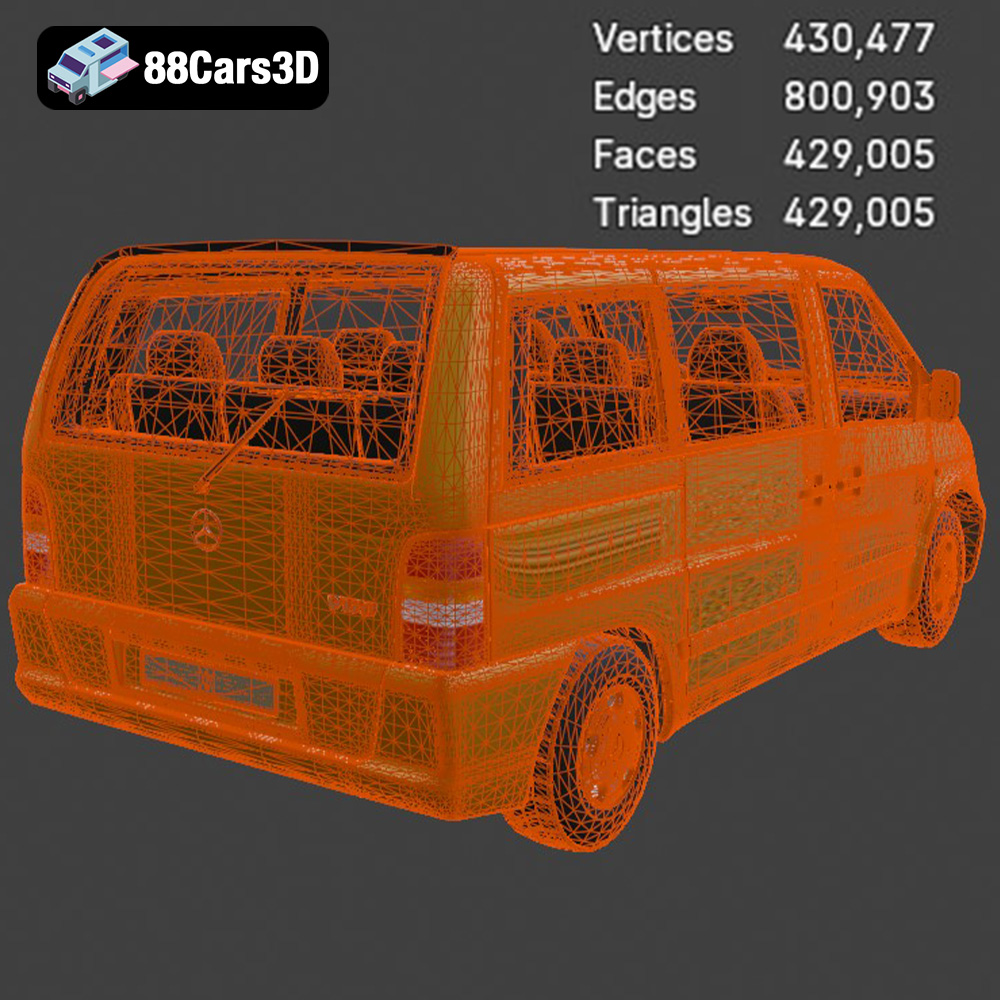
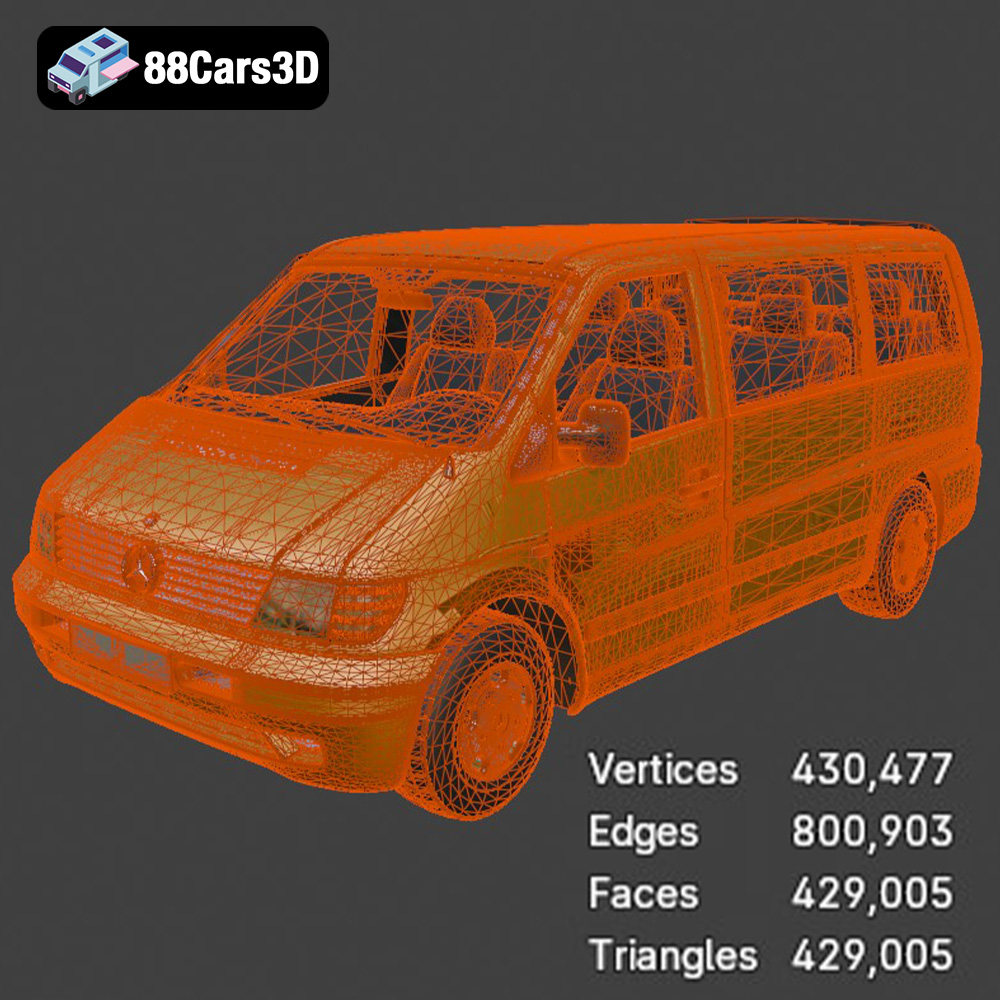
Before slicing, it’s crucial to inspect your STL files for any errors. Slicing software often has built-in tools for repairing common issues like holes, non-manifold edges, and inverted normals. Utilize these tools to ensure a clean and printable model.
For the Heavy Duty & Commercial Logistics Bundle, pay special attention to the intricate details of the models, such as the grilles, chassis, and wheels. These areas are more susceptible to errors and may require manual repair.
The product description recommends scales of 1:43 / 1:50 for these models. Ensure you scale the models appropriately within your slicing software. The correct orientation of the model on the print bed can significantly impact print quality and the amount of support material required. Experiment with different orientations to find the optimal setup.
* **Ford Sterling A9500 & Caterpillar CT680:** Consider printing the cabins and chassis separately, with the cabins angled slightly back to minimize overhangs.
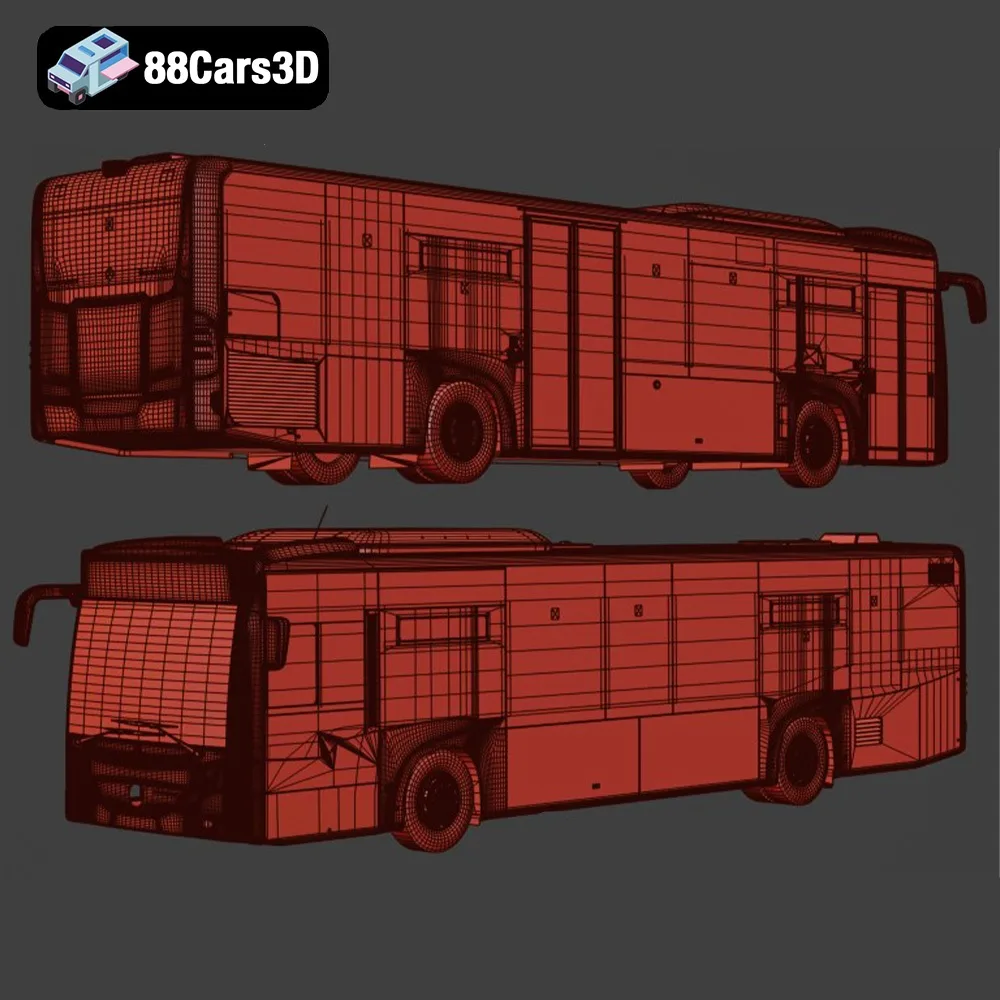
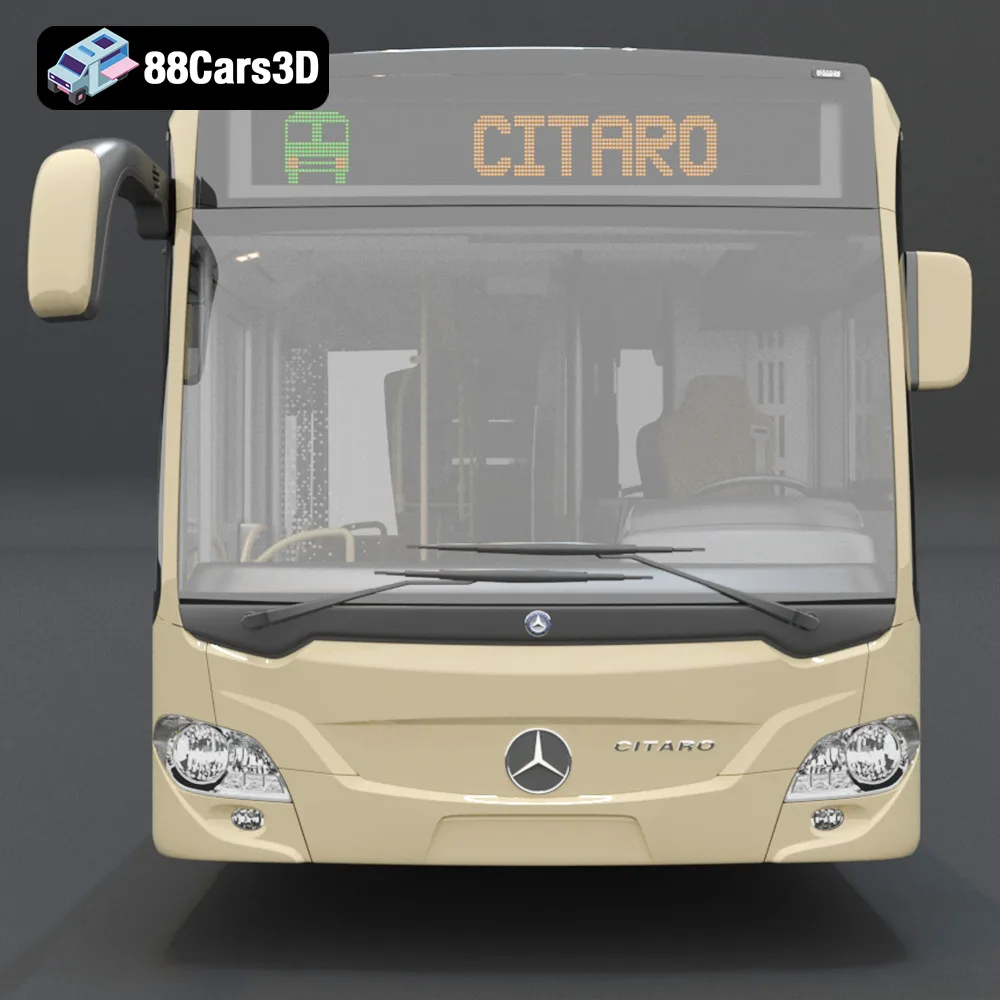
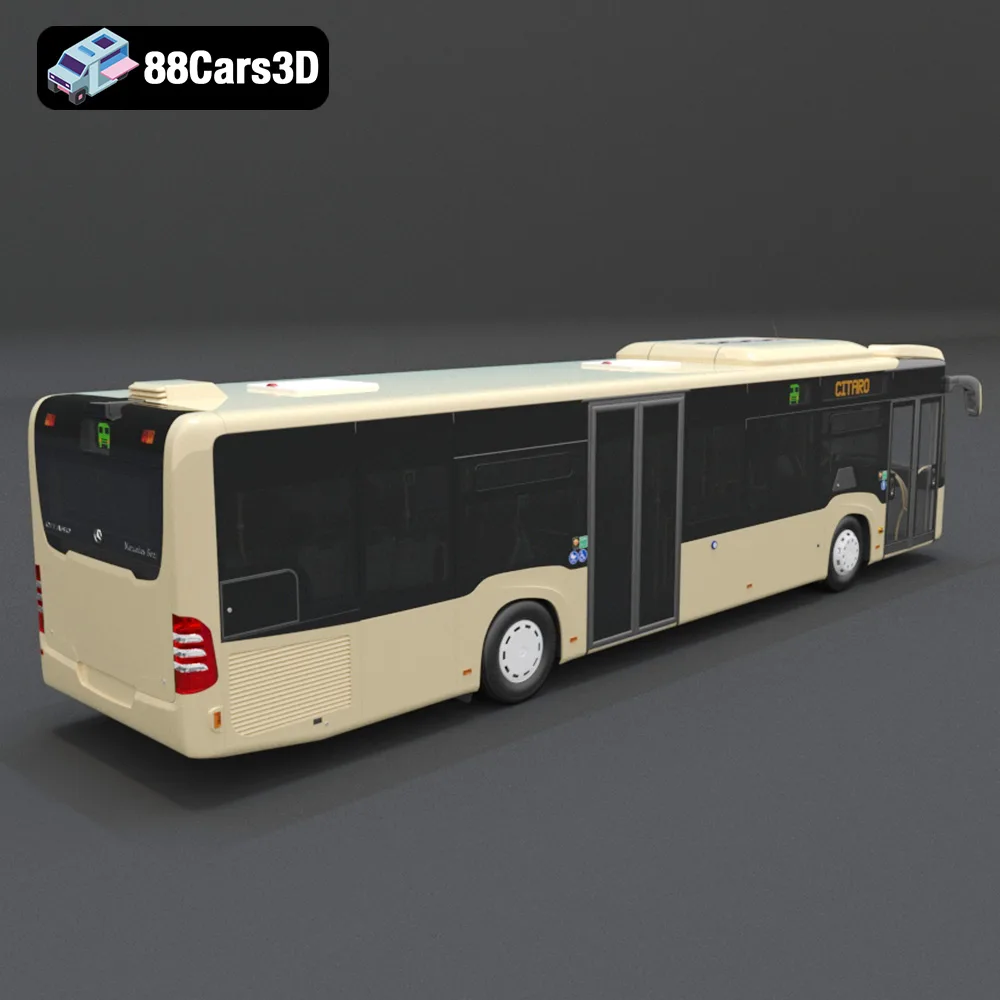
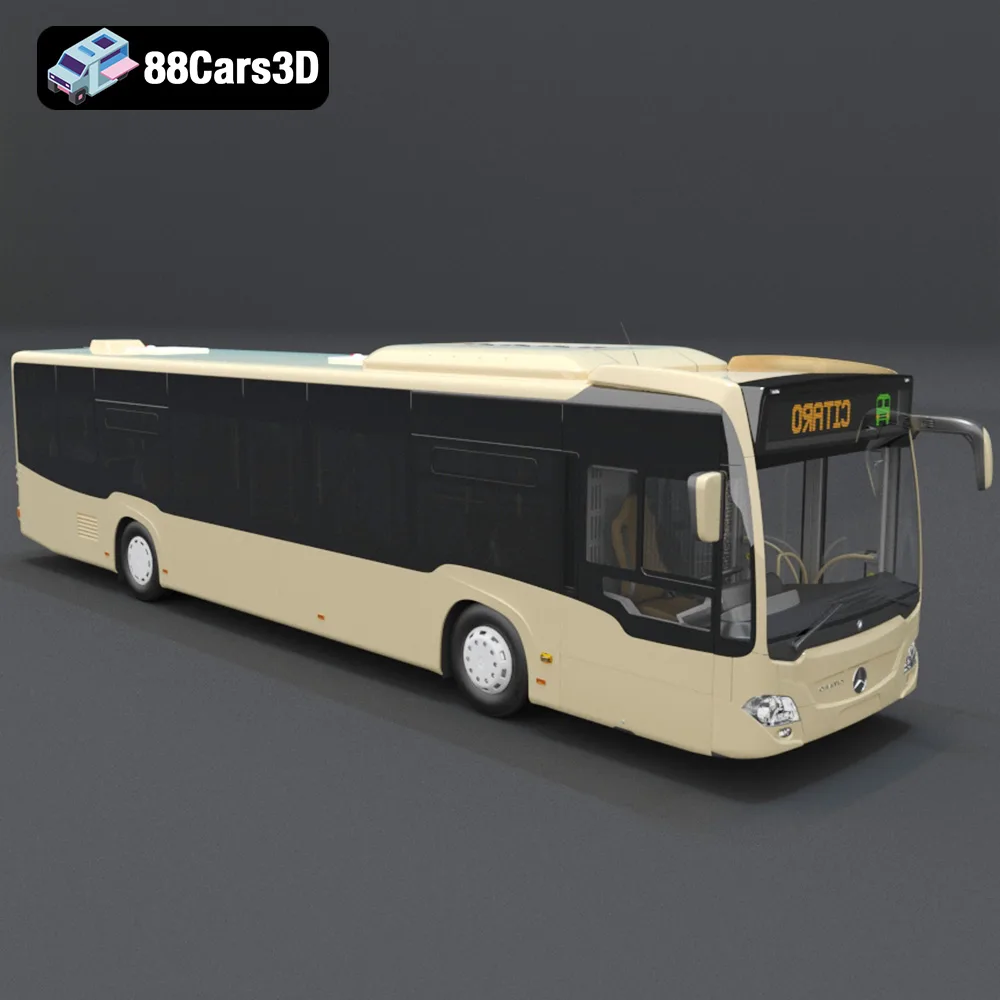
* **Mercedes Citaro NGT:** Print the bus body on its side to avoid excessive supports inside the cabin.
* **Mercedes-Benz Vito:** Similar to the trucks, printing the van body at an angle can improve surface finish.
The choice of material depends on your desired level of detail, strength, and finish. For the Heavy Duty & Commercial Logistics Bundle, consider the following options:
PLA is a biodegradable thermoplastic derived from renewable resources. It’s easy to print, offers good detail, and is relatively inexpensive. However, it’s not as strong or heat-resistant as other materials.
* **Pros:** Easy to print, good detail, inexpensive.
* **Cons:** Lower strength and heat resistance.
PLA is a good option for larger scale models where strength is not a primary concern.
PETG offers a good balance of strength, flexibility, and ease of printing. It’s more durable and heat-resistant than PLA, making it suitable for functional parts or models that will be exposed to higher temperatures.
* **Pros:** Good strength and flexibility, higher heat resistance than PLA.
* **Cons:** Can be slightly more challenging to print than PLA, may require higher print temperatures.
PETG is a versatile option suitable for most parts of the Heavy Duty & Commercial Logistics Bundle.
Resin 3D printing, using technologies like SLA (Stereolithography) or DLP (Digital Light Processing), offers the highest level of detail and surface finish. It’s ideal for small, intricate parts like the grilles, mirrors, and wheels of the commercial vehicles.
* **Pros:** Exceptional detail and surface finish.
* **Cons:** More expensive than FDM printing, requires post-processing (washing and curing), resin can be toxic.
The product description specifically recommends resin printing for capturing fine details. Consider using resin for smaller components of the models.
Achieving successful 3D prints of the Heavy Duty & Commercial Logistics Bundle requires careful attention to printer settings. Here are some recommended settings for FDM (Fused Deposition Modeling) and resin printing:
* **Layer Height:** 0.1mm – 0.2mm (lower layer heights for finer detail)
* **Infill Density:** 15% – 25% (adjust based on desired strength)
* **Print Speed:** 40mm/s – 60mm/s (reduce speed for intricate details)
* **Nozzle Temperature:** PLA: 200°C – 220°C, PETG: 230°C – 250°C
* **Bed Temperature:** PLA: 60°C, PETG: 70°C – 80°C
* **Supports:** Enable supports for overhangs (side mirrors, wheel arches, etc.)
* **Brim/Raft:** Use a brim or raft for better adhesion, especially for larger parts
* **Layer Height:** 0.04mm – 0.05mm (as recommended in the product description)
* **Exposure Time:** Follow resin manufacturer’s recommendations (typically 6-12 seconds)
* **Lift Speed:** Adjust based on printer and resin (typically 60-80 mm/min)
* **Supports:** Generate supports in your slicing software (light to medium density)
* **Hollowing:** Hollow out larger parts to reduce resin consumption and prevent warping
Print times can vary significantly depending on the size, complexity, and settings used. A full-scale model of one of the trucks could take anywhere from 20 to 50 hours to print on an FDM printer, while smaller resin parts might take only a few hours.
Material costs also vary depending on the material and the size of the model. A spool of PLA or PETG typically costs around $20-$30, while resin can cost $30-$50 per liter.
Once your parts are printed, post-processing is essential to achieve a polished and professional look. This involves removing supports, sanding, priming, and painting.
Carefully remove supports using pliers or a sharp knife. Sand down any remaining support marks and layer lines, starting with coarse sandpaper and gradually moving to finer grits.
Apply a primer coat to smooth the surface and improve paint adhesion. Once the primer is dry, paint the model using acrylic paints or spray paint. The product description suggests modern Volvo factory colors like Sage Green, Glacier Silver, or Crystal White for the Mercedes-Benz Vito, but you can choose any color scheme you prefer.
After painting, assemble the individual parts using glue or screws. Ensure proper alignment and allow the glue to dry completely before handling the model.
Even with careful preparation, you may encounter some common 3D printing issues. Here are some troubleshooting tips:
* **Warping:** Ensure your bed is properly leveled and use a brim or raft for better adhesion.
* **Stringing:** Adjust retraction settings in your slicing software.
* **Layer Shifting:** Check belt tension and ensure the printer is stable.
* **Under-Extrusion:** Increase flow rate or nozzle temperature.
* **Failed Prints:** Carefully examine the print and identify the cause of the failure. Adjust settings accordingly and try again.
By understanding these potential issues and their solutions, you can overcome challenges and achieve successful 3D prints of the Heavy Duty & Commercial Logistics Bundle.
The Heavy Duty & Commercial Logistics 3D Models Bundle is the ultimate asset collection for industrial architectural visualization, logistics animations, and simulator game development. Includes the Ford Sterling, Caterpillar CT680, Mercedes Citaro Bus, and Vito Van.
$109.99
caterpillar-ct680
commercial-vehicles
ford-sterling
heavy-duty-truck
industrial-archviz
logistics-3d-models
mercedes-citaro-bus
simulator-ready
truck-3d-model
vehicle-bundle