Get 50% OFF All Premium 3D & STL Models!

The Aston Martin Vantage 2019 is a striking sports car, and now you can bring a piece of that automotive excellence into your home through the power of 3D printing. This guide will walk you through the process of 3D printing the Aston Martin Vantage 2019 3D model, available on 88cars3d.com, covering everything from selecting the right materials and printer settings to post-processing and troubleshooting. Whether you’re a seasoned 3D printing enthusiast or just starting out, this article will provide the technical details you need to create a stunning replica of this iconic vehicle.
Before diving into the specifics of printing the Aston Martin Vantage 2019, it’s essential to understand the different file formats provided with the model and how they relate to 3D printing. While 88cars3d.com offers a variety of formats for different applications, the .stl format is the workhorse for 3D printing.
The STL (stereolithography) file format is the industry standard for 3D printing. It represents the surface geometry of a 3D object as a collection of triangles. This simplicity is what makes it universally compatible with slicing software and 3D printers. However, this also means STL files do *not* contain information about color, texture, or materials. For those details, you’d look to other formats, but when it comes to physically creating a model, STL is the key.
Let’s briefly discuss the other file formats and why they’re useful for different workflows:
* **.obj:** This format is more versatile than STL, as it can store color and texture information. While some slicing software supports OBJ files, they are typically used for colored 3D prints or as an intermediate format when converting between different 3D modeling programs.
* **.ply:** The PLY format is designed to store 3D data acquired from 3D scanners. It can store per-vertex color and other properties, making it suitable for high-detail models. However, its complexity can sometimes make it less ideal for 3D printing compared to STL.
* **.blend:** This is the native file format for Blender, a popular open-source 3D modeling software. It contains the entire scene, including the model, lighting, and other settings. You can use this to modify the model *before* exporting it as an STL for printing.
* **.fbx:** A proprietary file format developed by Autodesk, FBX is often used for exchanging data between different 3D applications. It can contain information about geometry, materials, and animations. For 3D printing, you’ll likely export the model as STL from FBX.
* **.glb:** GLB is a binary file format that represents 3D models in the glTF (GL Transmission Format) format. It is designed for efficient delivery and loading of 3D content on the web and in applications. Useful for AR/VR previews *before* printing.
* **.max:** This is the native file format for 3ds Max, another professional 3D modeling software. Similar to .blend, you can use this to modify the model before exporting it as an STL.
The quality of the STL file directly impacts the quality of your 3D print. A poorly constructed mesh can lead to errors, artifacts, and a weak final product. Before slicing, it’s crucial to inspect the STL file for any issues, such as non-manifold geometry (holes or edges that don’t connect properly) or self-intersecting faces.
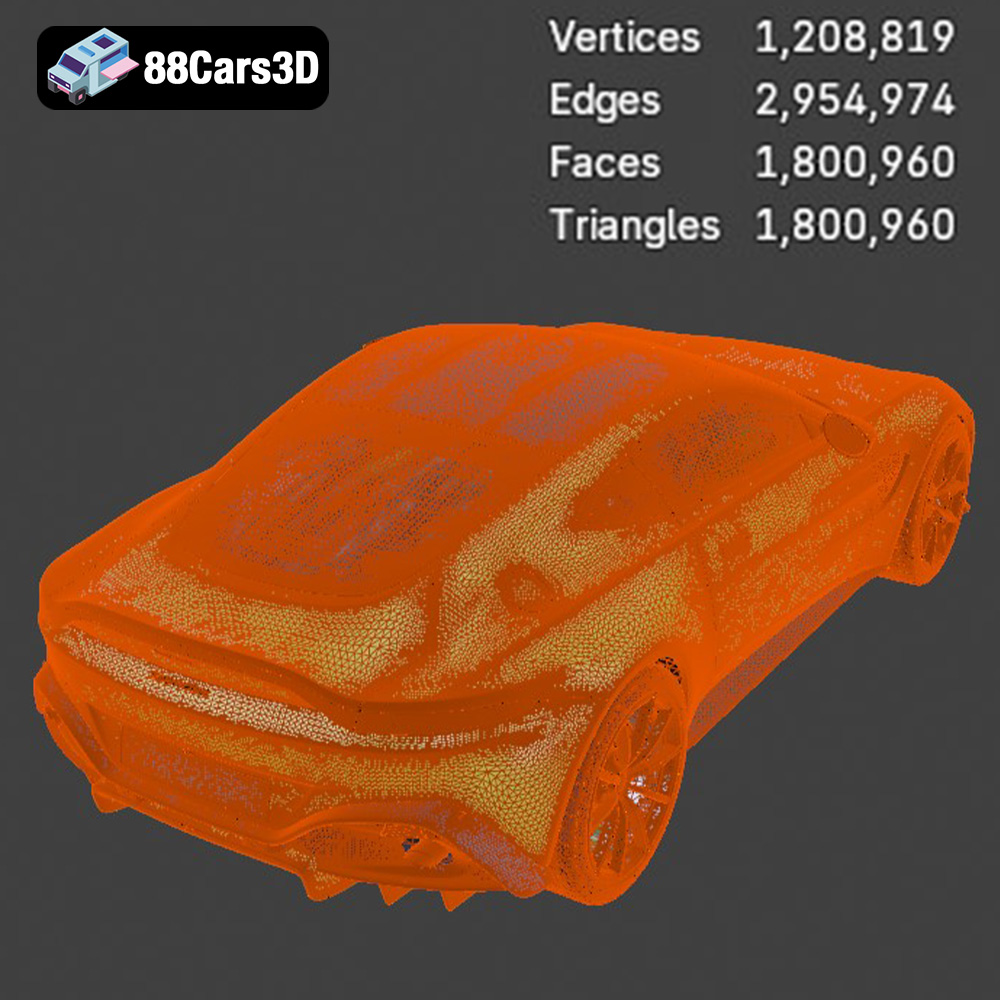
Slicing software, such as Cura, PrusaSlicer, or Simplify3D, takes the STL file and converts it into a series of instructions (G-code) that the 3D printer can understand. These programs allow you to control various printing parameters, such as layer height, infill density, support structures, and printing speed. Choosing the right settings is critical for achieving a successful print. When you import your chosen file format, often .STL, into slicing software, it must be converted into a mesh that can be interpreted. The more polygons that constitute the mesh, the more detail in the final print. However, a larger number of polygons also increases the file size and processing time. Therefore, a good balance must be struck between the detail of the 3D model and the practicality of printing it.
The selection of your 3D printer and material will significantly impact the final result of your Aston Martin Vantage 2019 model. Consider the level of detail you want to achieve and the intended use of the printed model.
Two main types of 3D printing technologies are commonly used: Fused Deposition Modeling (FDM) and Stereolithography (SLA) or resin printing.
* **FDM Printers:** These printers use a filament made of thermoplastic material, such as PLA or ABS, which is melted and extruded through a nozzle to build the object layer by layer. FDM printers are generally more affordable and easier to use, making them a good choice for beginners.
* **Resin Printers:** Resin printers use a liquid resin that is cured by UV light to create the object. Resin printers are capable of producing much finer details and smoother surfaces compared to FDM printers. This makes them ideal for printing intricate models like the Aston Martin Vantage 2019, especially at smaller scales.
For the Aston Martin Vantage 2019, if you’re aiming for a highly detailed model, especially at smaller scales like 1:32 or 1:43, a resin printer is highly recommended. However, a well-tuned FDM printer can still produce acceptable results, particularly at larger scales like 1:18 or 1:14.
* **PLA (Polylactic Acid):** PLA is a biodegradable thermoplastic polymer derived from renewable resources. It’s easy to print with, has low warping, and is available in a wide range of colors. PLA is a good choice for initial test prints and for larger models where fine details are not critical.
* **PETG (Polyethylene Terephthalate Glycol-modified):** PETG is a strong, durable, and heat-resistant material that is also relatively easy to print. It offers a good balance of strength and flexibility, making it suitable for parts that need to withstand some stress.
* **ABS (Acrylonitrile Butadiene Styrene):** ABS is a strong and heat-resistant thermoplastic that is commonly used in automotive parts. However, it’s more challenging to print with than PLA or PETG, as it’s prone to warping and requires a heated bed and enclosure.
* **Resin:** For resin printing, you’ll need to use a UV-curable resin. There are many different types of resins available, each with its own properties. Standard resins are a good general-purpose choice, while tougher resins offer increased strength and durability.
For the Aston Martin Vantage 2019, PLA is a good starting point for FDM printing. If you need a more durable model, consider PETG or ABS. For resin printing, a standard resin will work well for display models, while a tougher resin may be preferred for models that will be handled frequently.
Proper pre-print preparation is crucial for a successful 3D print. This involves inspecting the model, orienting it correctly, and setting the appropriate slicing parameters.
Before slicing, it’s essential to inspect the STL file for any errors or defects. Use a mesh editing software like MeshMixer or Netfabb to check for non-manifold geometry, holes, and self-intersecting faces. Repair any issues you find to ensure a clean and printable model.
The orientation of the model on the print bed can significantly impact the print quality and the amount of support material required. For the Aston Martin Vantage 2019, printing the body at an angle is recommended to minimize the need for supports on the curved surfaces. The wheels should be printed separately, ideally with the flat side down.
Support structures are necessary to support overhanging features, such as the mirrors, diffuser fins, and splitter edges. Use your slicing software to generate appropriate support structures. Consider using tree supports, as they are often easier to remove and leave fewer marks on the model.
Here are some recommended slicing parameters for FDM printing the Aston Martin Vantage 2019:
* **Layer Height:** 0.10-0.16 mm. Lower layer heights will result in finer details but will also increase the print time.
* **Wall Thickness:** 1.5-2.5 mm. A thicker wall will increase the strength of the model.
* **Infill:** 15-25%. Higher infill will make the model stronger but will also increase the print time and material usage.
* **Print Speed:** 40-60 mm/s. Slower print speeds can improve the print quality, especially for fine details.
* **Bed Temperature:** 60-70°C for PLA, 80-100°C for ABS.
* **Nozzle Temperature:** 200-220°C for PLA, 230-250°C for ABS.
Here are some recommended slicing parameters for resin printing the Aston Martin Vantage 2019:
* **Layer Height:** 0.04-0.08 mm. Lower layer heights will result in finer details.
* **Exposure Time:** Varies depending on the resin and printer. Consult the resin manufacturer’s recommendations and perform test prints to determine the optimal exposure time.
* **Lift Speed:** 60-80 mm/min.
* **Retract Speed:** 150-200 mm/min.
The product description on 88cars3d.com recommends scales of 1:32, 1:24, 1:18, and 1:14. Choose the scale that best suits your needs and printer capabilities. Remember that smaller scales will require finer details and may be more challenging to print successfully, especially on an FDM printer.
Once the print is complete, post-processing is necessary to remove support structures, smooth the surface, and add finishing touches.
Carefully remove the support structures using pliers or a sharp knife. Be gentle to avoid damaging the model. Once the supports are removed, use sandpaper to smooth the surface and remove any imperfections. Start with a coarse grit sandpaper (e.g., 220 grit) and gradually move to finer grits (e.g., 400, 600, 800 grit) to achieve a smooth finish.
Apply a primer to the model to create a smooth surface for painting. Use multiple thin coats of primer to avoid drips and runs. Once the primer is dry, sand it lightly with fine-grit sandpaper.
Paint the model using automotive-grade spray paint for a professional finish. Apply multiple thin coats of paint, allowing each coat to dry completely before applying the next. Consider using stencils or masking tape to create intricate details and color schemes. The product description mentions optional carbon-fiber detailing, which can be achieved using carbon fiber vinyl wrap or specialized carbon fiber paint.
If you printed the wheels separately, attach them to the body using glue or small screws. Ensure that the wheels are properly aligned and rotate freely.
Even with careful preparation, you may encounter some common printing issues. Here are some tips for troubleshooting:
* **Warping:** Warping occurs when the corners of the print lift off the print bed. To prevent warping, use a heated bed, apply an adhesive to the print bed (e.g., glue stick or hairspray), and ensure that the bed is properly leveled.
* **Stringing:** Stringing occurs when thin strands of filament are left between different parts of the print. To prevent stringing, reduce the nozzle temperature, increase the retraction distance, and decrease the travel speed.
* **Layer Separation:** Layer separation occurs when the layers of the print don’t adhere properly to each other. To prevent layer separation, increase the nozzle temperature, decrease the print speed, and ensure that the bed is properly leveled.
* **Elephant’s Foot:** Elephant’s foot is a phenomenon where the first few layers of the print are wider than the rest of the model. To prevent elephant’s foot, adjust the bed temperature and initial layer height settings in your slicing software.
The print time and material costs will vary depending on the size of the model, the printer settings, and the material used. As a rough estimate, printing a 1:24 scale Aston Martin Vantage 2019 model on an FDM printer with PLA could take 20-30 hours and use 200-300 grams of filament. On a resin printer, the same model could take 10-15 hours and use 100-150 ml of resin.
Material costs will depend on the price of the filament or resin. PLA filament typically costs around $20-30 per kg, while resin can cost $30-50 per liter.
3D printing the Aston Martin Vantage 2019 is a rewarding project that allows you to create a stunning replica of this iconic sports car. By following the tips and guidelines outlined in this article, you can achieve a high-quality print that you’ll be proud to display. Remember to choose the right printer and material, prepare the model carefully, and take your time with post-processing. With a little patience and attention to detail, you can bring the Aston Martin Vantage 2019 to life in your own home. Visit 88cars3d.com to download the STL files and start your 3D printing journey today!
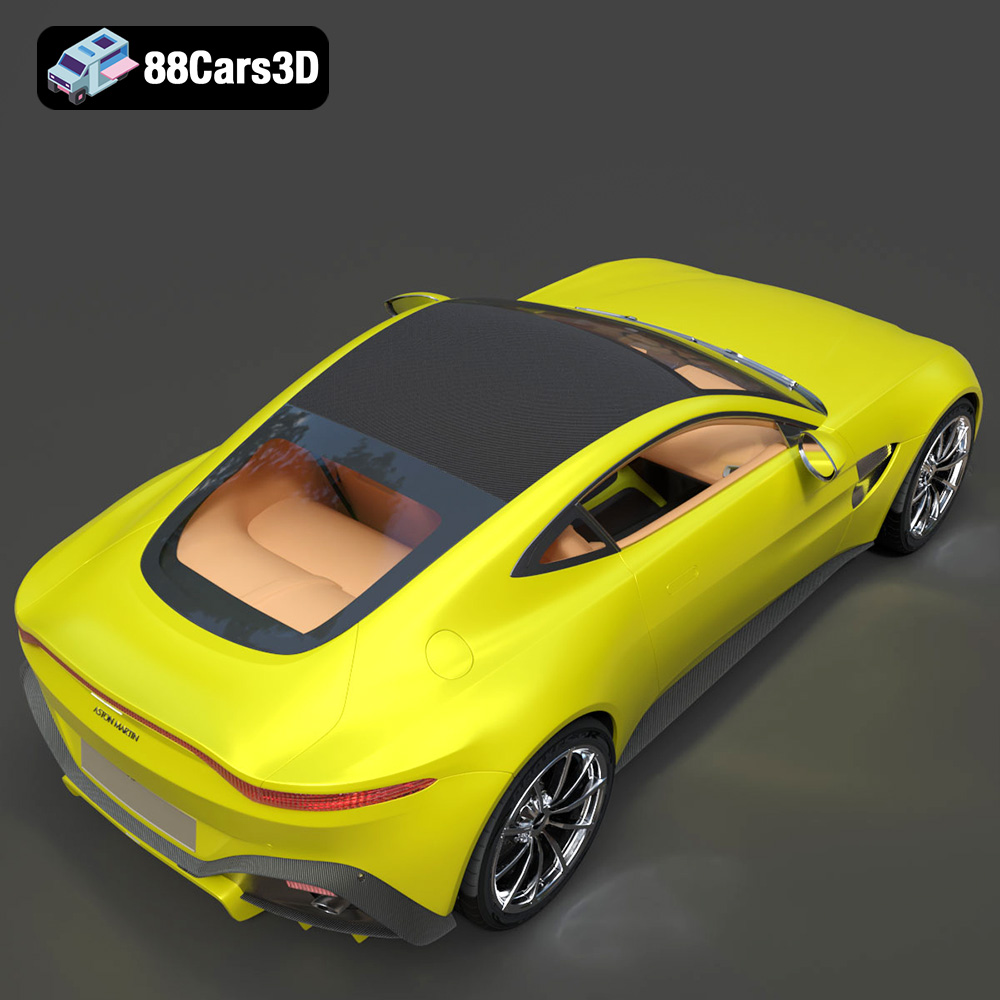
The Aston Martin Vantage 2019 3D Model is a high-detail digital recreation of the modern British sports coupe known for its aggressive stance, sharp aerodynamic profile, and performance-focused engineering. Redesigned for 2019, the Vantage features a bold front fascia, sculpted side intakes, lightweight aluminum structure, and a powerful twin-turbocharged V8 configuration.
$9.99