Get 50% OFF All Premium 3D & STL Models!

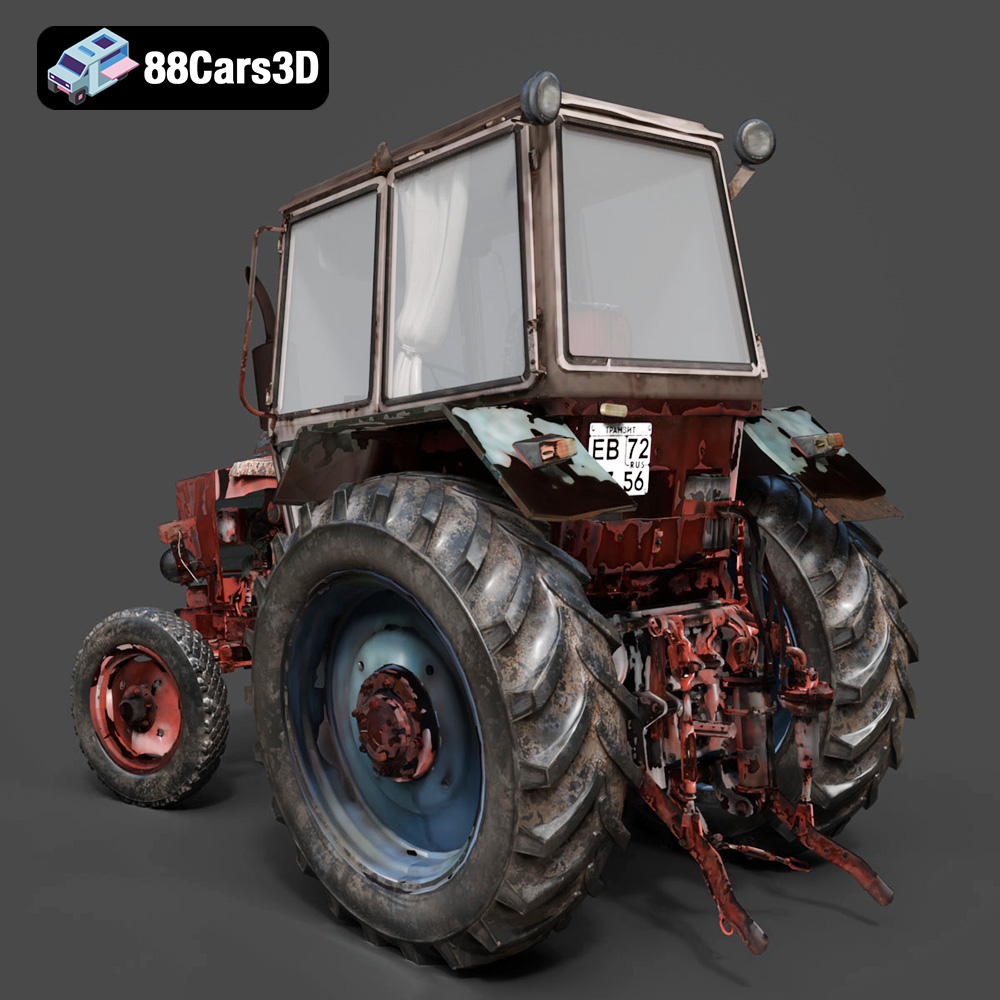
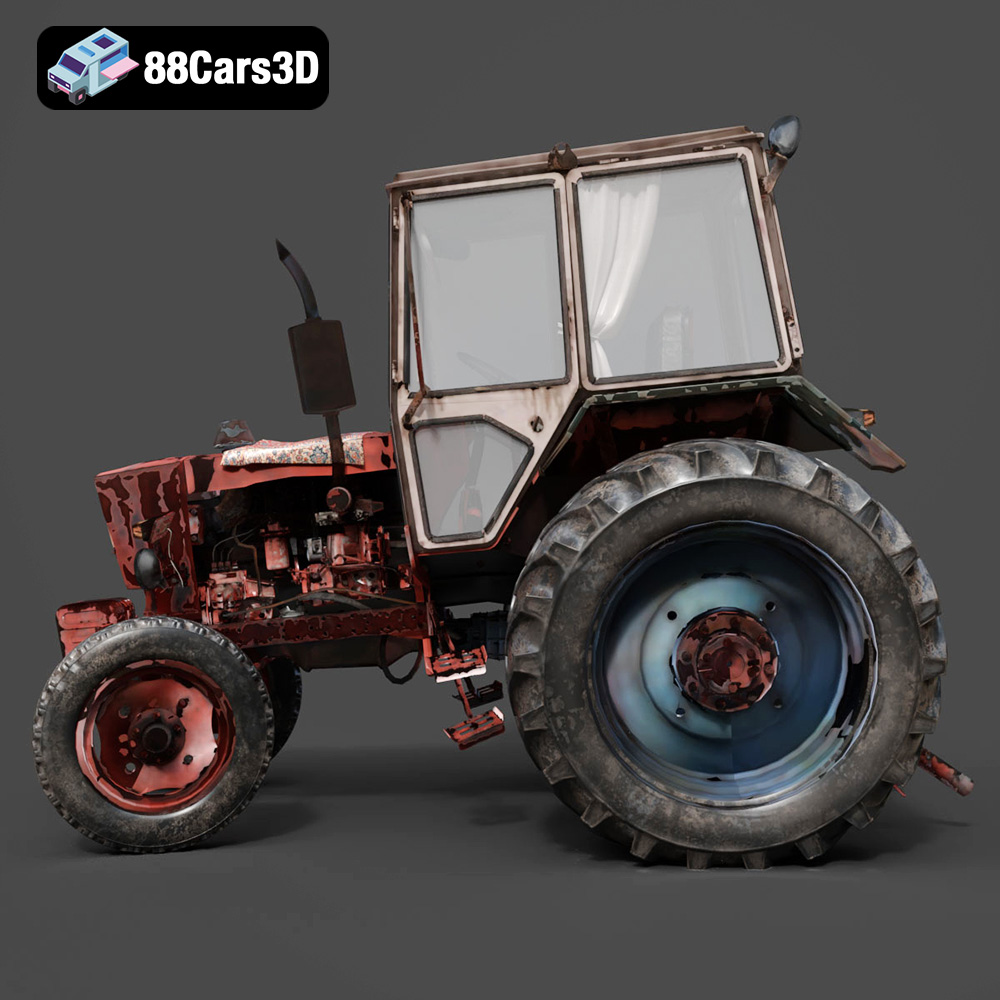
The allure of vintage machinery, with its blend of raw power and mechanical artistry, is undeniable. Now, thanks to 3D printing technology, you can bring a piece of that history into your home or workspace with the Old Tractor 3D Model. This meticulously crafted digital recreation of a classic agricultural tractor offers a fantastic opportunity to explore the world of additive manufacturing while celebrating the ingenuity of early farm equipment. This blog post will guide you through the entire 3D printing process, from preparing the STL files to post-processing and painting your miniature masterpiece. Whether you’re a seasoned 3D printing enthusiast or a curious beginner, you’ll find valuable insights and practical tips to ensure a successful and rewarding project. This Old Tractor 3D Model available at 88cars3d.com is a great starting point.
Before diving into the specifics of printing the Old Tractor 3D Model, it’s crucial to understand the different file formats you might encounter and how they relate to the 3D printing process. Choosing the right format and ensuring its quality are essential for a smooth and successful print.
The file format acts as a blueprint, translating the 3D model’s geometry into a language that your slicing software and 3D printer can understand. Different formats store information in different ways, affecting factors like detail level, color support, and compatibility.
Here’s a detailed look at some common 3D model file formats:
* **.stl:** Stands for Stereolithography. This is the industry standard for 3D printing. STL files represent the 3D model’s surface as a collection of triangles, forming a mesh. It’s a relatively simple format, storing only the geometry (shape) of the object, without color or texture information. Because it is a mesh-only format, this lack of texture can be limiting for complex rendering projects.
* **.obj:** A more versatile format compared to STL. OBJ files can store both geometry and color/texture information, making them suitable for colored 3D prints (if your printer supports it) and rendering applications.
* **.ply:** Developed at Stanford, PLY is designed to store data from 3D scanners. It can store color, texture, and other properties, and it typically offers a more precise mesh representation than STL, ideal for high-detail prints.
* **.blend:** The native file format for Blender, a popular open-source 3D modeling software. It contains the entire Blender scene, including the model, lighting, materials, and animation data. While not directly printable, it’s highly valuable for customizing the model before exporting to a printable format.
* **.fbx:** Developed by Autodesk, FBX is a widely used format for exchanging 3D data between different software applications. It supports geometry, textures, materials, and animations. It can be useful for importing the model into slicing software while retaining material assignments for visual preview, although the printer will generally only output one material at a time.
* **.glb:** A binary file format representing 3D models, GLB is designed for efficient transmission and loading. It is commonly used for displaying 3D models on the web and in augmented reality (AR) applications, allowing you to preview the model in AR before committing to a print.
* **.max:** The native file format for 3ds Max, another professional 3D modeling software. Similar to .blend, it contains the entire project and is useful for advanced modifications before exporting for 3D printing.
For 3D printing, the **STL format is generally the most reliable and widely supported option**. Most slicing software programs are optimized to work seamlessly with STL files. When preparing the Old Tractor 3D Model for printing, you’ll primarily work with the STL file provided by 88cars3d.com. The quality of the STL file is paramount. A well-prepared STL will have a clean, watertight mesh without holes, self-intersections, or other errors that can cause problems during slicing and printing.
All popular slicing software programs, such as Cura, Simplify3D, PrusaSlicer, and others, fully support the STL format. These programs take the STL file and convert it into G-code, the language that your 3D printer understands.
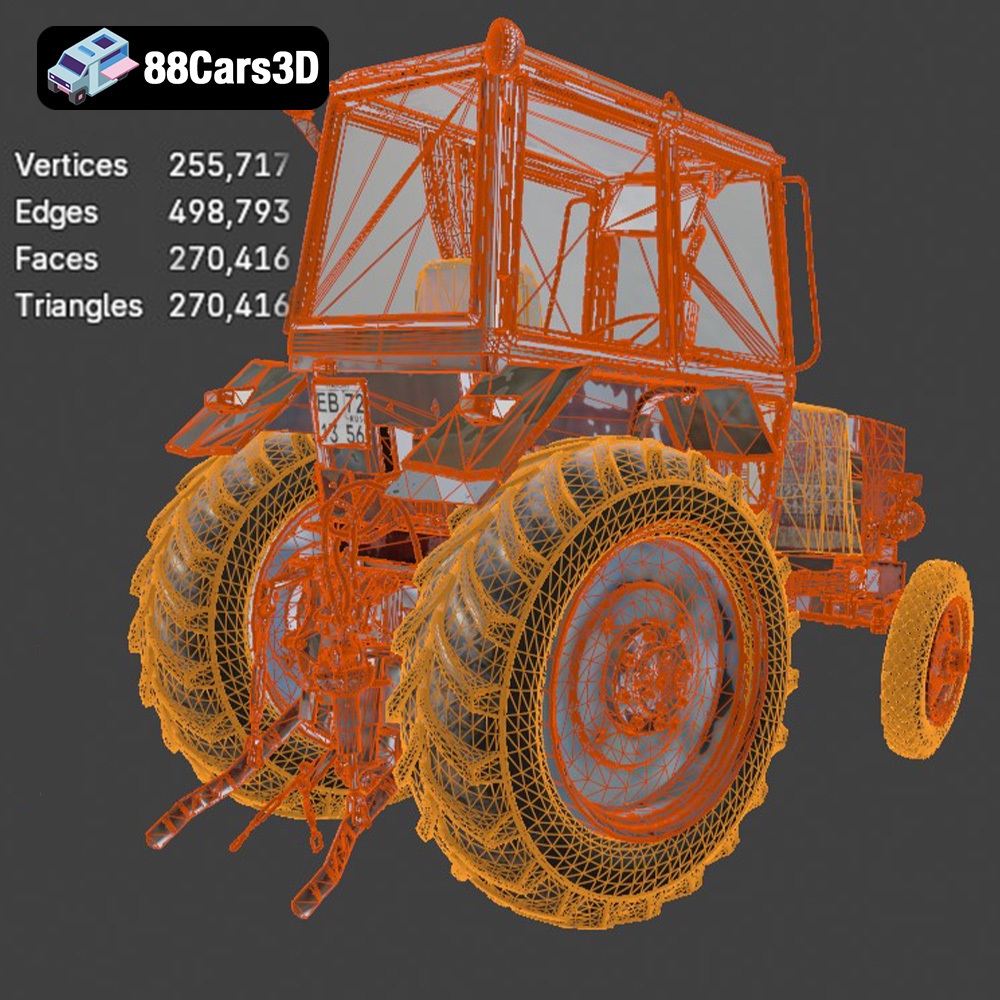
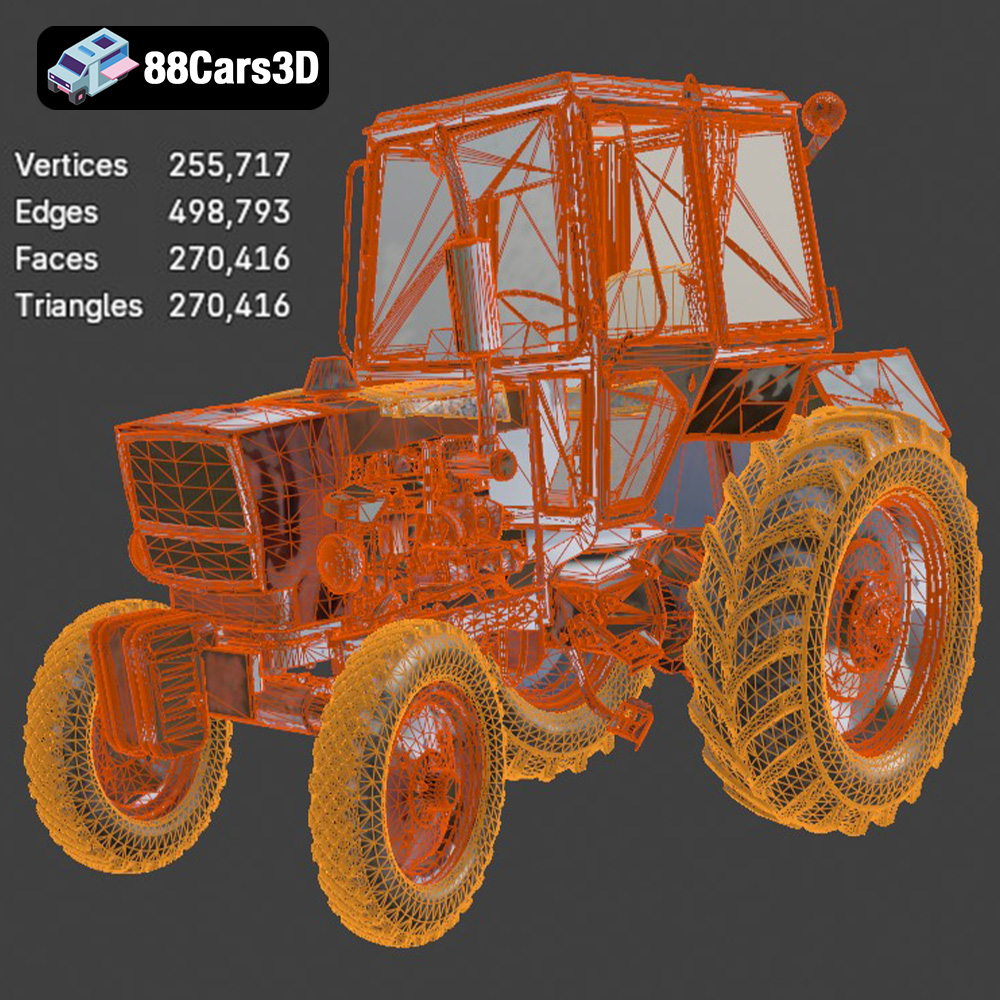
The resolution of the STL mesh is crucial. A low-resolution mesh will result in a faceted, blocky print, while an excessively high-resolution mesh can create unnecessarily large files and increase processing time. The ideal resolution is a balance between detail and file size. The Old Tractor 3D Model from 88cars3d.com is designed with an optimized mesh to provide a good balance. If necessary, you can use mesh editing tools in software like MeshMixer or Blender to refine the mesh, smooth out surfaces, or repair any minor errors before slicing.
Before hitting the “print” button, a few crucial steps ensure a successful outcome. This involves inspecting the model, choosing the right orientation, and setting up your slicing software.
* **Mesh Analysis:** Use software like MeshMixer or Netfabb Basic to analyze the STL file for errors such as non-manifold edges, holes, or self-intersections. These issues can disrupt the slicing process and lead to print failures.
* **Repair Tools:** Most mesh analysis tools have automatic repair functions that can fix common errors. Apply these repairs to ensure a watertight and printable model. The Old Tractor 3D Model from 88cars3d.com should already be optimized, but it’s always wise to double-check.
* **Minimizing Supports:** Consider the geometry of the tractor and choose an orientation that minimizes the need for support structures. Supports, while necessary for overhangs, can leave marks on the surface and increase post-processing time.
* **Surface Quality:** Orient the model to place the most critical details face-up, as this often results in a smoother surface finish. For example, the engine hood and the driver’s seat would benefit from being oriented upwards.
* **Strength Considerations:** If the finished model will be subject to stress, orient it so that the layers are aligned in the direction of the force. However, for a display model, visual quality often outweighs strength considerations. Printing the body of the tractor upright is a good starting point. The wheels should be printed separately for ease of assembly and to avoid excessive support material.
* **Layer Height:** A lower layer height (e.g., 0.1mm) will result in finer details and smoother curves, but it will also increase print time. A layer height of 0.12-0.2mm is a good balance for this model.
* **Infill Density:** The infill density determines how solid the inside of the print is. A higher infill density (e.g., 25%) will make the model stronger, but it will also use more material and increase print time. For a display model, 15-20% infill is generally sufficient.
* **Support Settings:** Configure your support settings carefully to ensure adequate support for overhangs without generating excessive material. Consider using tree supports or light supports for easier removal and reduced surface damage.
* **Adhesion:** Use a brim or raft to improve bed adhesion, especially if you’re printing with materials that are prone to warping, such as ABS.
The choice of material significantly impacts the final appearance, strength, and durability of your 3D printed Old Tractor. Here’s a guide to common materials and their suitability for this project:
* **Pros:** Easy to print, biodegradable, available in a wide range of colors, and provides good detail.
* **Cons:** Lower strength and heat resistance compared to other materials.
* **Suitability:** PLA is a good choice for beginners and for models that won’t be subjected to high temperatures or significant stress.
* **Pros:** Stronger and more heat-resistant than PLA, with good layer adhesion and flexibility.
* **Cons:** Can be more challenging to print than PLA, and may require higher temperatures and slower print speeds.
* **Suitability:** PETG is a great option if you want a more durable model that can withstand higher temperatures, such as if you plan to display the tractor outdoors or in a hot environment.
* **Pros:** High strength, heat resistance, and impact resistance.
* **Cons:** Prone to warping, requires a heated bed and an enclosure, and emits fumes during printing.
* **Suitability:** ABS is suitable for experienced users who need a very strong and durable model, but it’s not recommended for beginners due to its printing challenges.
* **Pros:** Exceptional detail and smooth surface finish, ideal for intricate models and miniatures.
* **Cons:** Requires a resin printer, which can be more expensive than FDM printers, and involves messy post-processing with isopropyl alcohol and UV curing.
* **Suitability:** Resin printing is excellent for the Old Tractor 3D Model if you want to capture the finest details, such as the intricate engine components or the tire treads. Resin is highly recommended for smaller scales.
* **PLA:** Best for beginners and display models.
* **PETG:** Ideal for a more durable model.
* **Resin:** Recommended for the highest detail and intricate features, especially at smaller scales.
Achieving a high-quality 3D print depends on carefully calibrating your printer settings. Here are some recommended settings for the Old Tractor 3D Model:
* **PLA/PETG:** 0.12-0.2 mm
* **Resin:** 0.02-0.05 mm
* **PLA/PETG:** 15-25% (Gyroid or Cubic infill patterns are good choices for strength and material efficiency)
* **PLA:** 40-60 mm/s
* **PETG:** 30-50 mm/s
* **Resin:** Follow the manufacturer’s recommendations for your specific resin.
* **PLA:** 200-220°C nozzle, 60°C bed
* **PETG:** 230-250°C nozzle, 70-80°C bed
* **Resin:** Room temperature is usually sufficient.
* **Placement:** Enable supports for overhangs, such as the steering wheel, exhaust pipe, and hitch components.
* **Type:** Use tree supports or light supports for easier removal and reduced surface damage.
* **Density:** Adjust the support density to balance support strength and ease of removal. A lower density will be easier to remove but may not provide sufficient support for large overhangs.
* **Brim:** Use a brim for PLA and PETG to improve bed adhesion. A brim is a single-layer outline around the base of the model that helps prevent warping.
Post-processing is where you transform a raw 3D print into a finished masterpiece. This involves removing supports, sanding, priming, painting, and assembling the various components.
* **Careful Removal:** Use pliers, cutters, or a sharp knife to carefully remove support structures. Take your time to avoid damaging the model’s surface.
* **Cleanup Tools:** Use small files, sandpaper, and hobby knives to clean up any remaining support marks or imperfections.
* **Gradual Sanding:** Start with a coarser grit sandpaper (e.g., 220 grit) and gradually move to finer grits (e.g., 400, 600, 800 grit) to smooth the surface. Wet sanding can help reduce dust and create a smoother finish.
* **Filler Primer:** Apply a few coats of filler primer to fill in any remaining imperfections and create a uniform surface for painting. Sand the primer between coats for the best results.
* **Primer:** Apply a primer coat to help the paint adhere to the plastic surface.
* **Base Coat:** Apply the base coat color of your choice. Classic tractor colors include red, green, blue, and weathered metal.
* **Detailing:** Use fine brushes and acrylic paints to add details such as rust, dirt, and weathering effects. You can also use washes and dry brushing techniques to create a more realistic and aged look.
* **Clear Coat:** Apply a clear coat to protect the paint and add a glossy or matte finish.
* **Adhesive:** Use super glue or epoxy to assemble the various components of the tractor, such as the wheels, steering wheel, and exhaust pipe.
* **Alignment:** Ensure that the components are properly aligned before the glue sets.
Even with careful preparation, 3D printing can present challenges. Here are some common issues and their solutions:
* **Cause:** Uneven cooling, poor bed adhesion.
* **Solution:** Use a heated bed, apply a brim or raft, reduce print speed, and ensure proper bed leveling. An enclosure can also help maintain a consistent temperature.
* **Cause:** Filament oozing from the nozzle during travel moves.
* **Solution:** Increase retraction distance, decrease nozzle temperature, and increase travel speed.
* **Cause:** Poor layer adhesion.
* **Solution:** Increase nozzle temperature, decrease print speed, and ensure proper bed leveling.
* **Cause:** The first layer is too squished.
* **Solution:** Increase Z offset, reduce initial layer flow, and reduce initial layer temperature.
The print time and material cost will vary depending on the size of the model, the chosen material, and the printer settings. A 1:24 scale Old Tractor model printed with PLA at 0.15mm layer height and 20% infill could take 15-20 hours and use approximately 100-150 grams of filament. The material cost would be around $3-5. The Old Tractor 3D Model and other great models are available at 88cars3d.com.
3D printing the Old Tractor 3D Model is a rewarding project that combines technical skill with creative expression. By following the guidelines in this blog post, you can create a stunning replica of a classic piece of agricultural history. Experiment with different materials, colors, and detailing techniques to personalize your model and bring your vision to life. Happy printing!
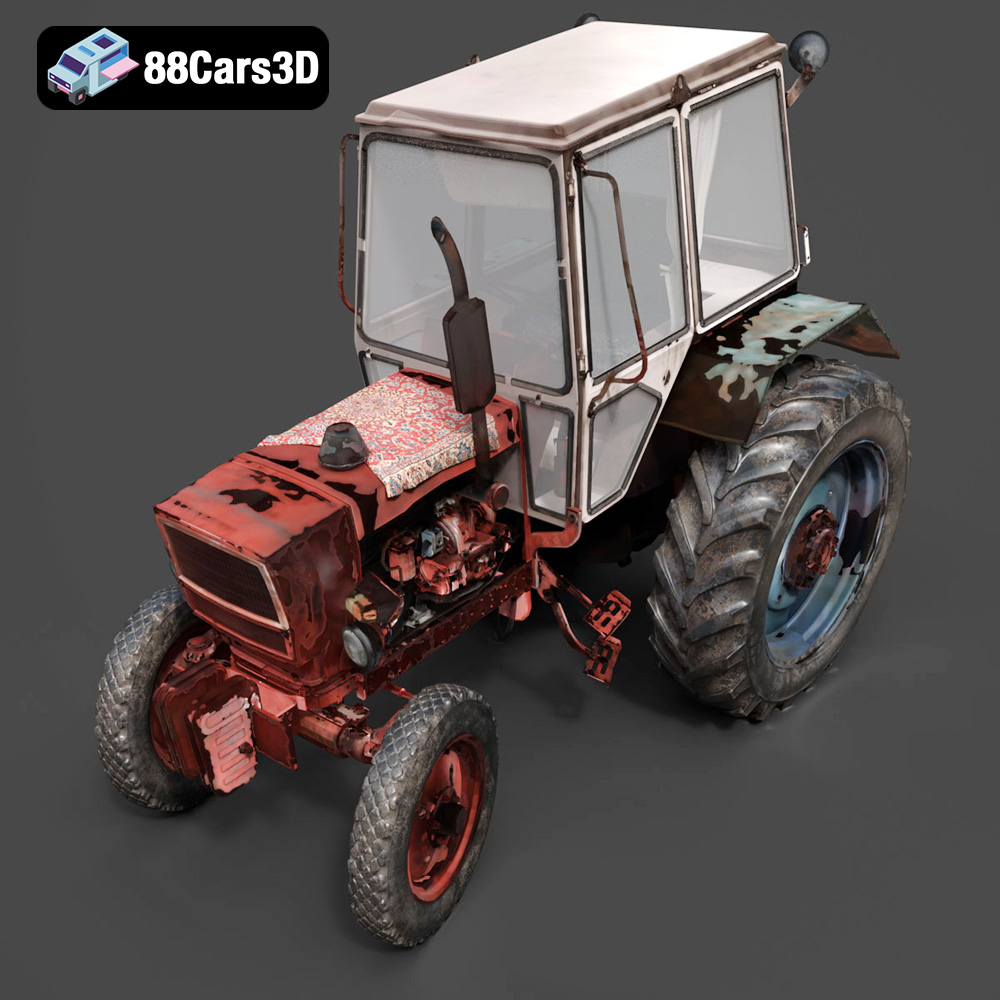
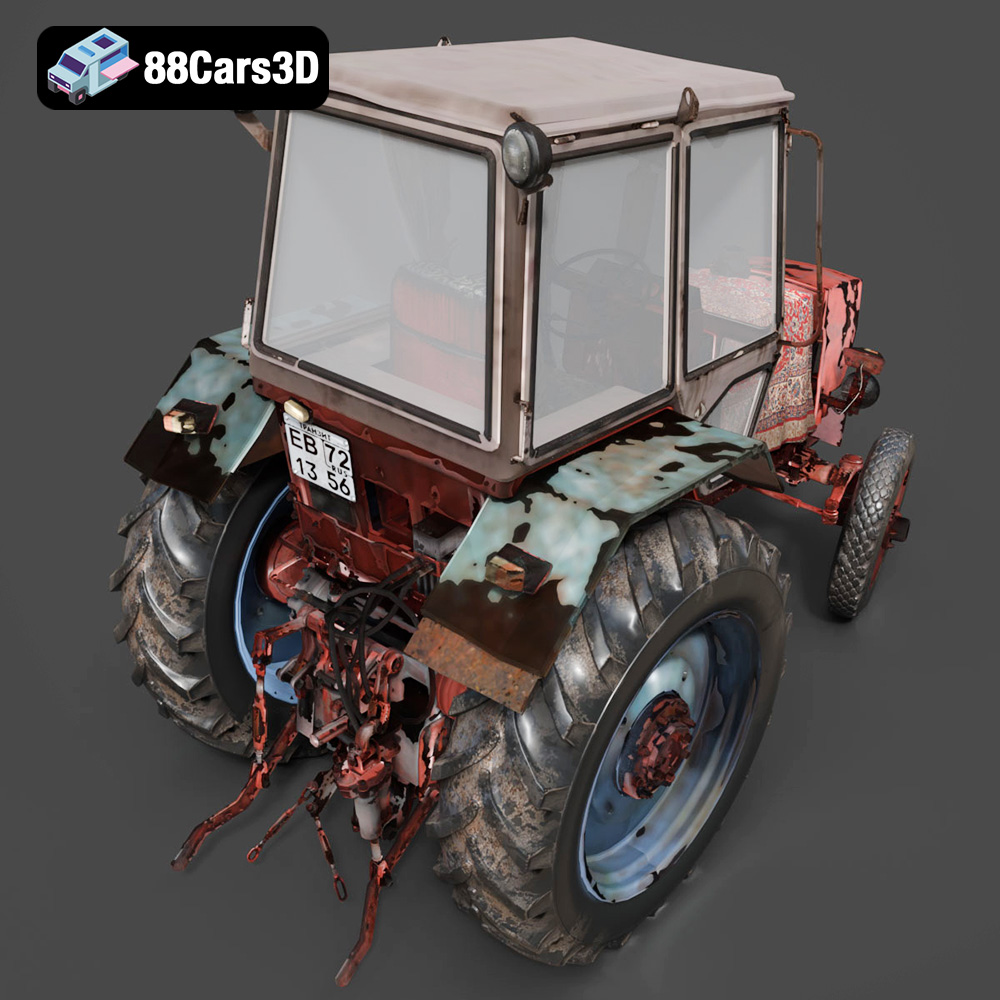
The Old Tractor 3D Model is a high-detail digital recreation of a classic agricultural tractor designed to reflect vintage farming machinery from the mid-20th century. Built with a rugged steel frame, exposed engine components, and large rear drive wheels, this model captures the mechanical simplicity and durability of early farm equipment.
$9.99
.agriculturalvehicle
.arvr
.blend
.farmingequipment
.farmtractor
.fbx
.gameasset
.glb
.max
.obj
.oldtractor
.ply
.rendering
.ruralvehicle
.simulation
.stl
.tractor3dmodel
.unreal
.vintagetractor