Get 50% OFF All Premium 3D & STL Models!

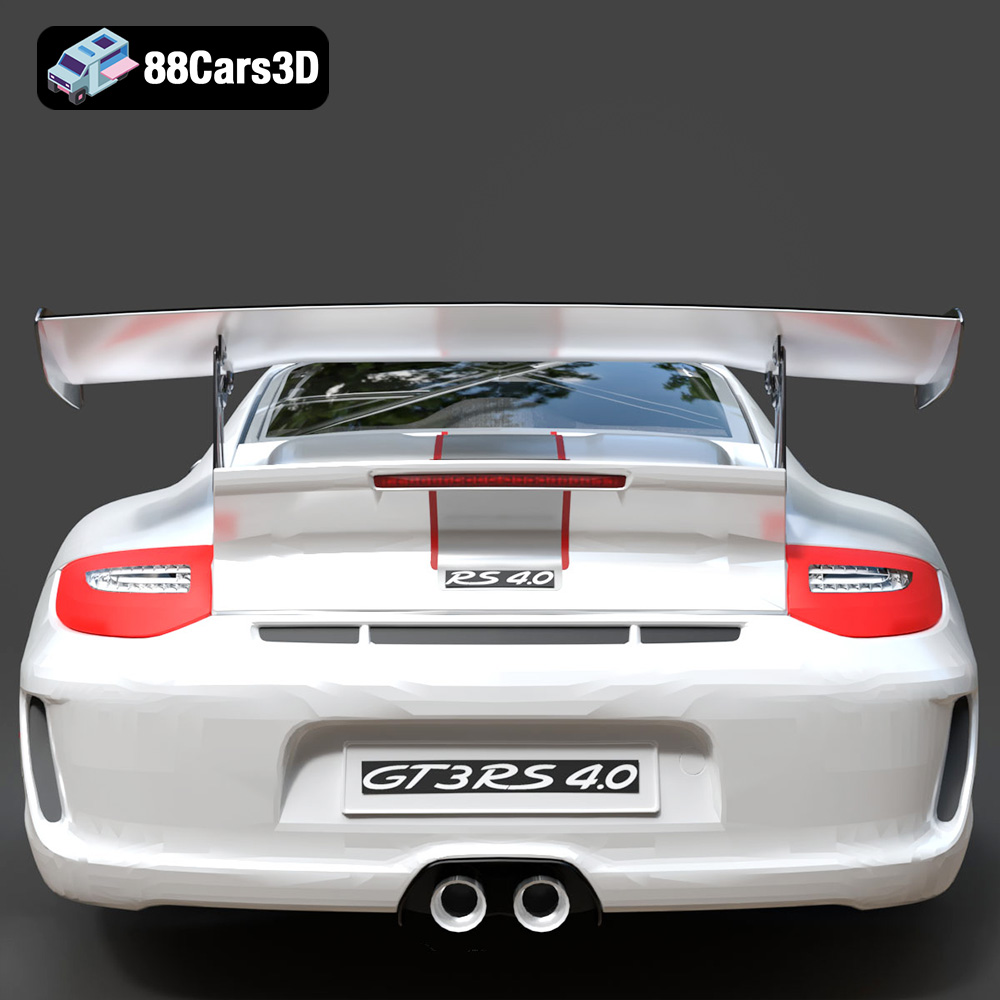
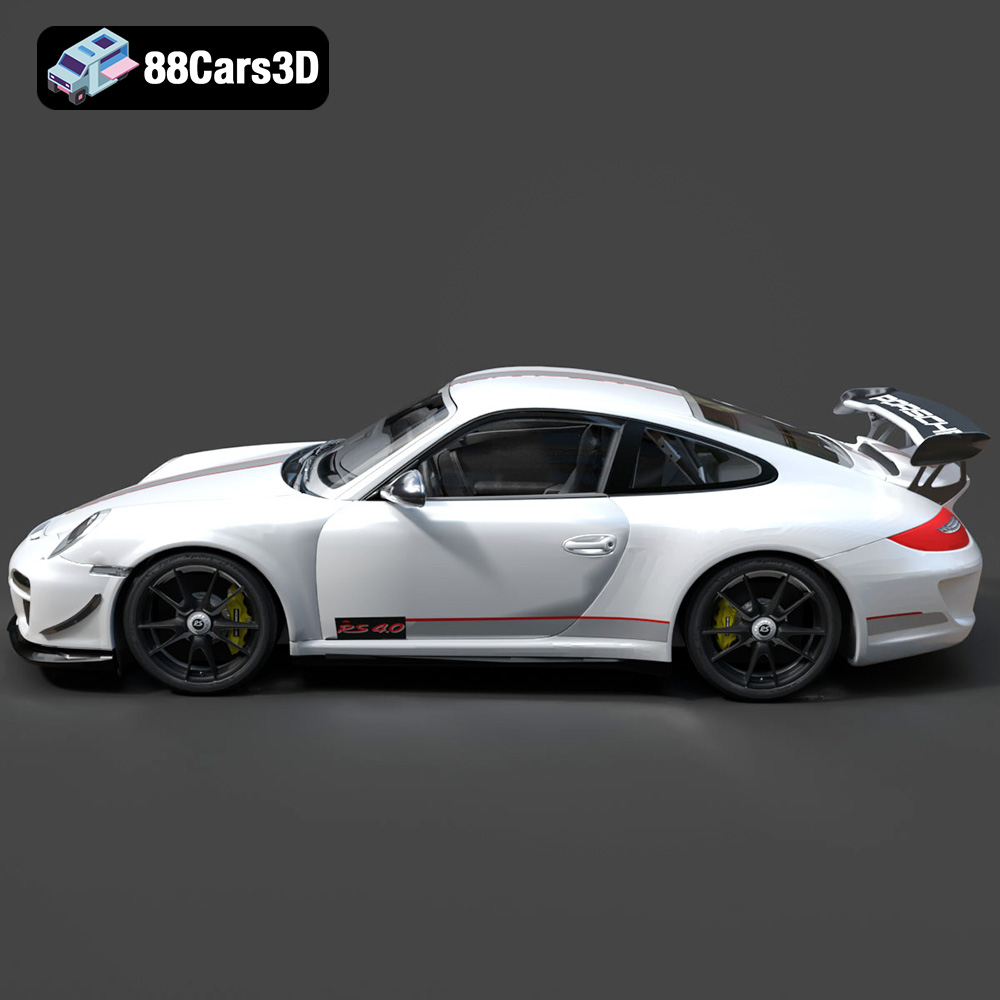
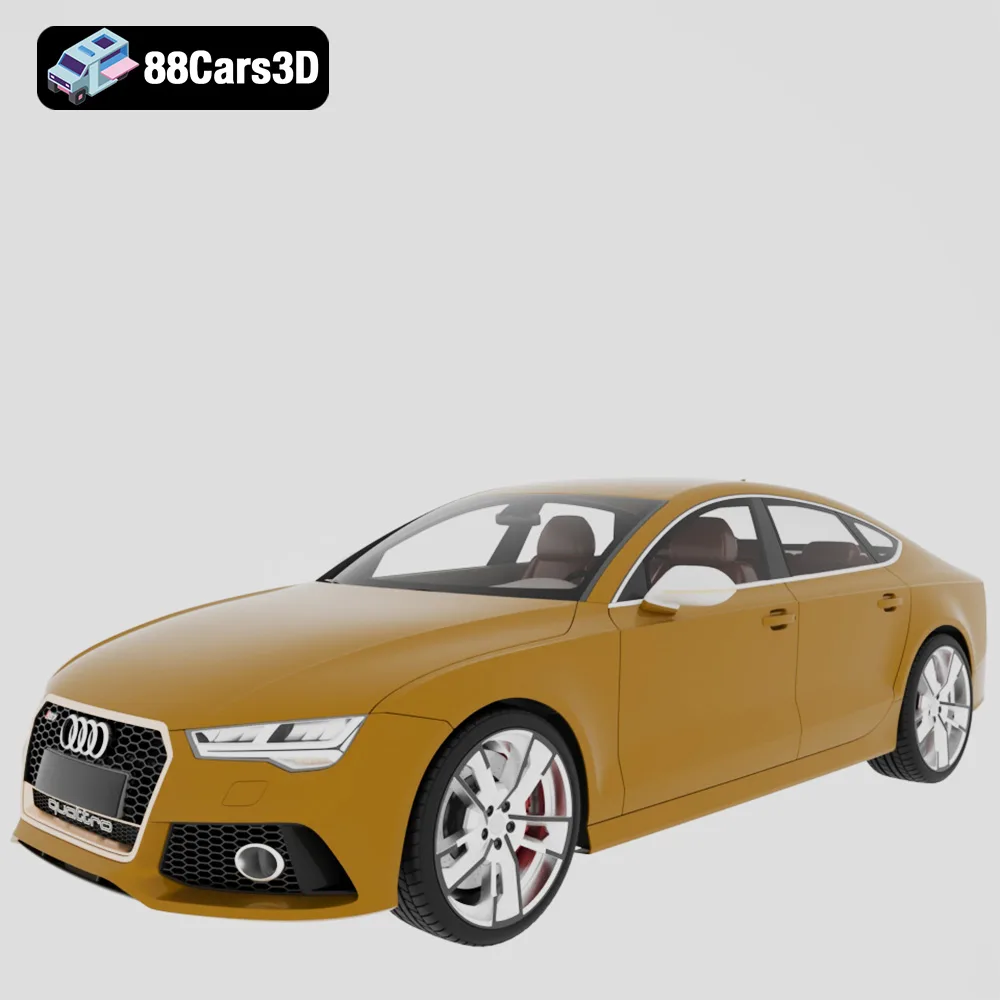
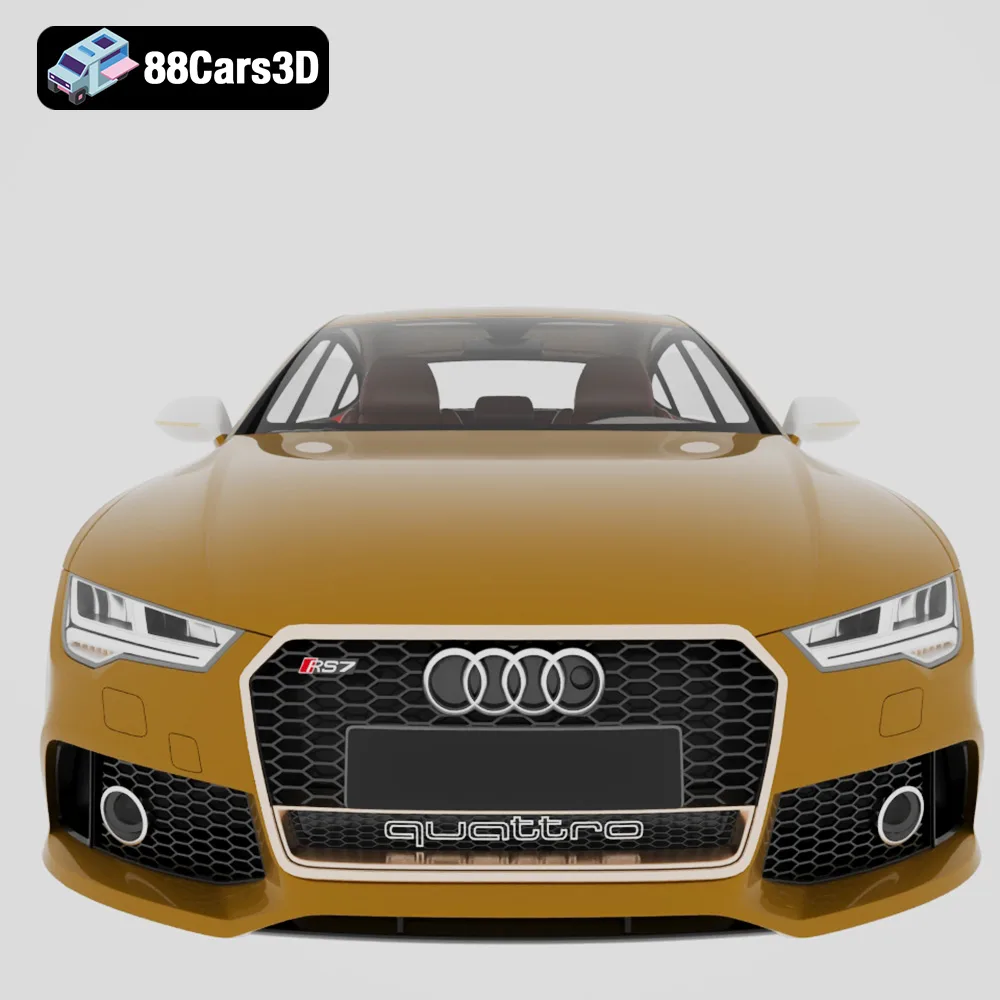
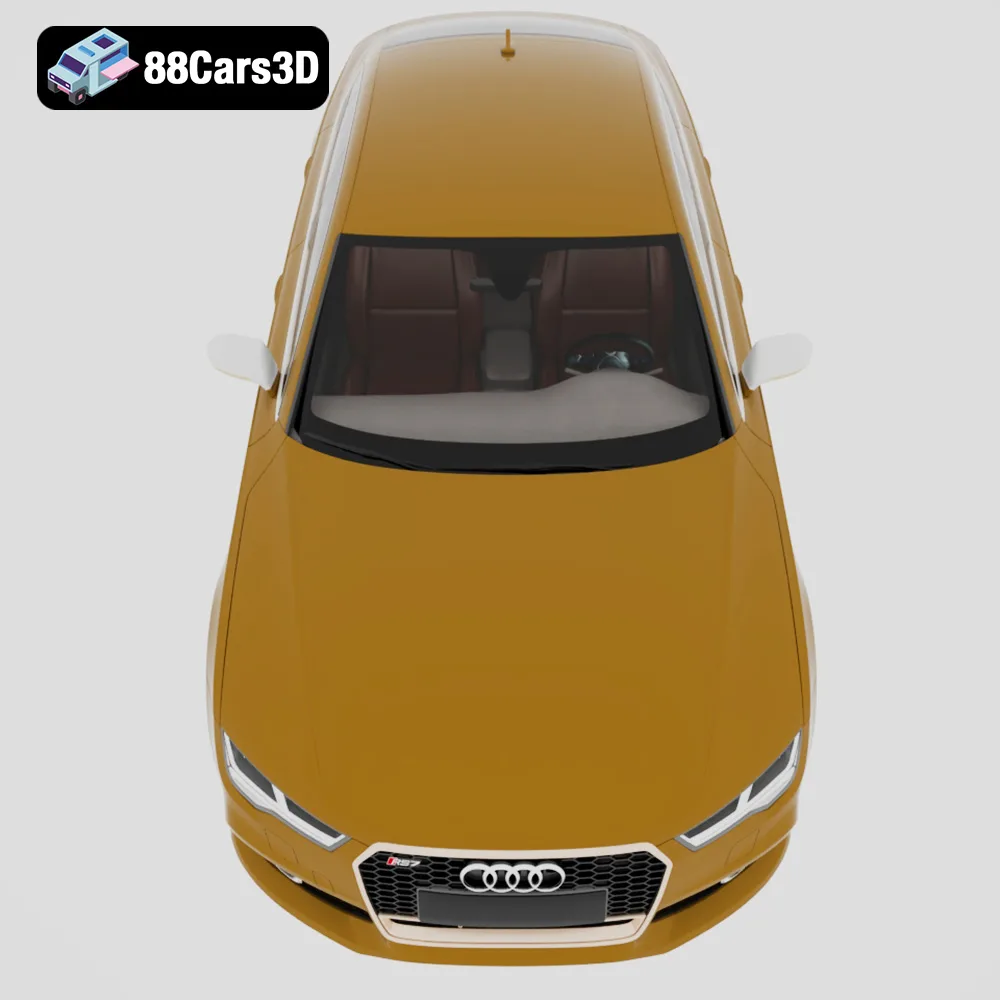
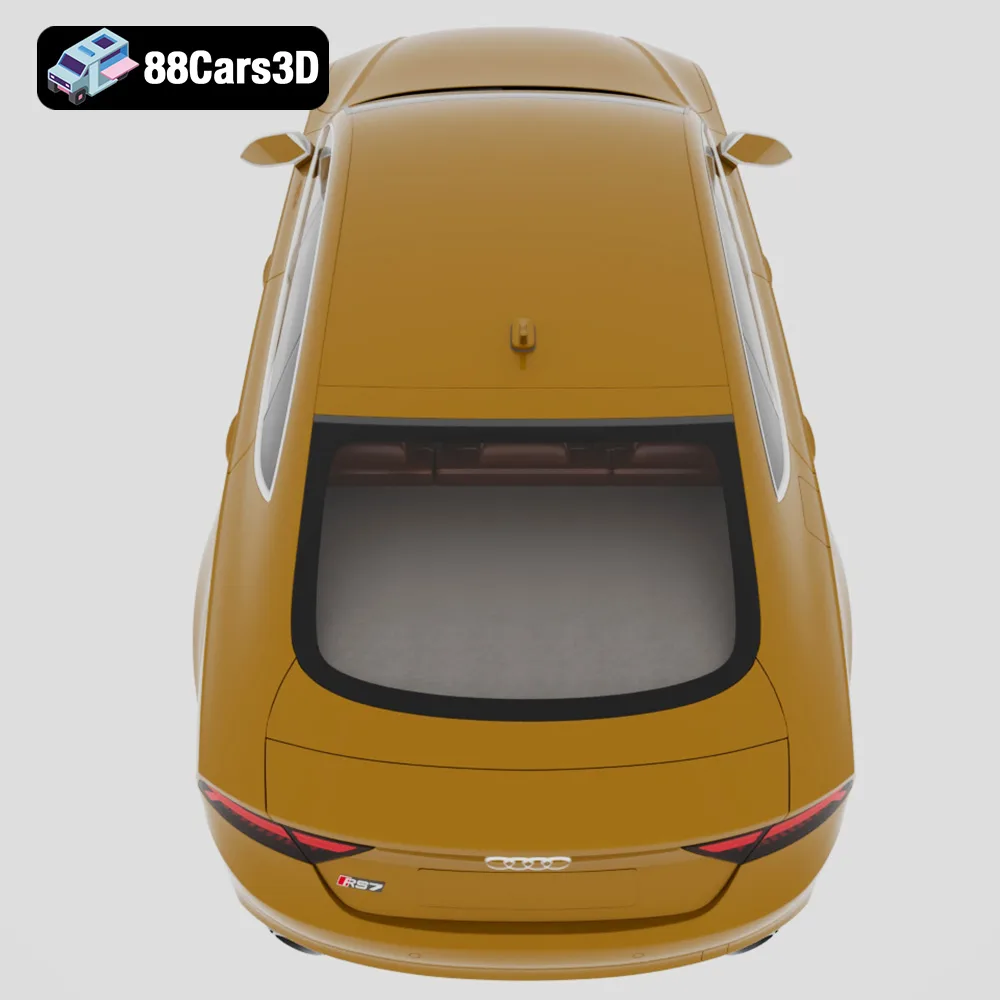
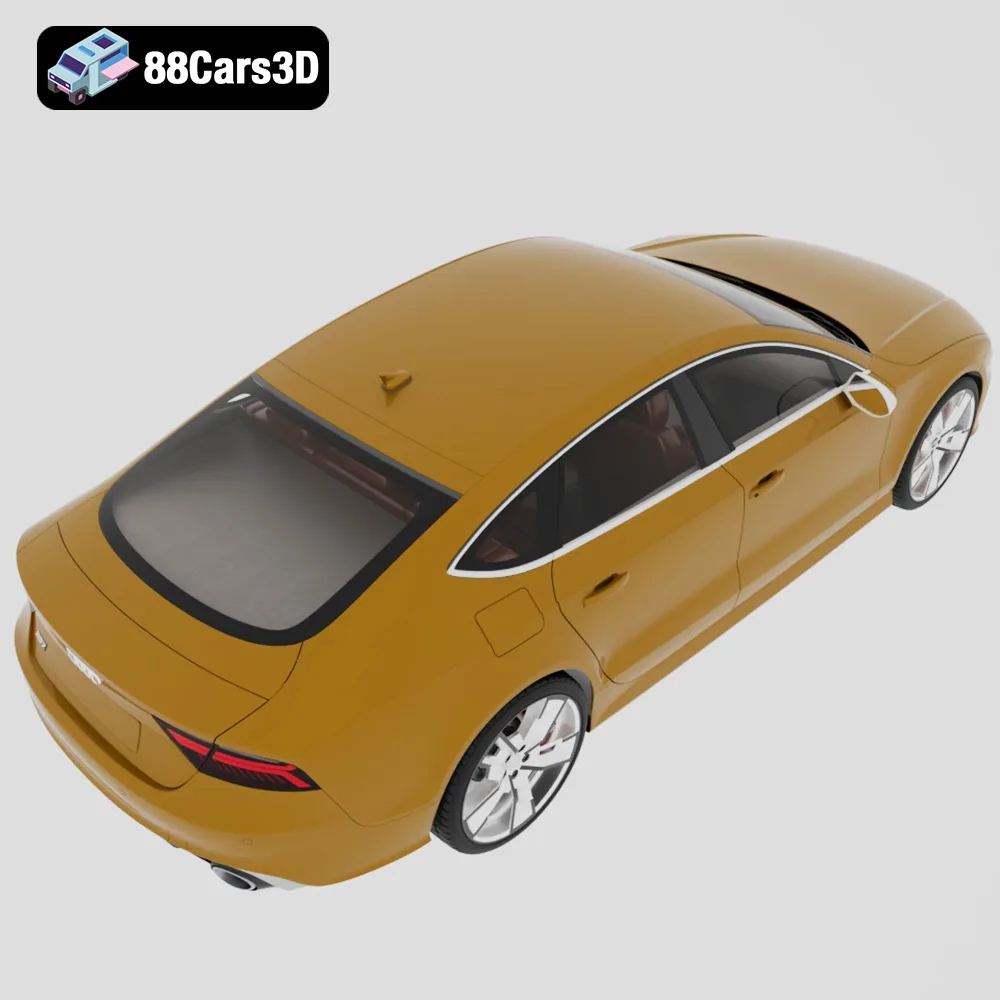
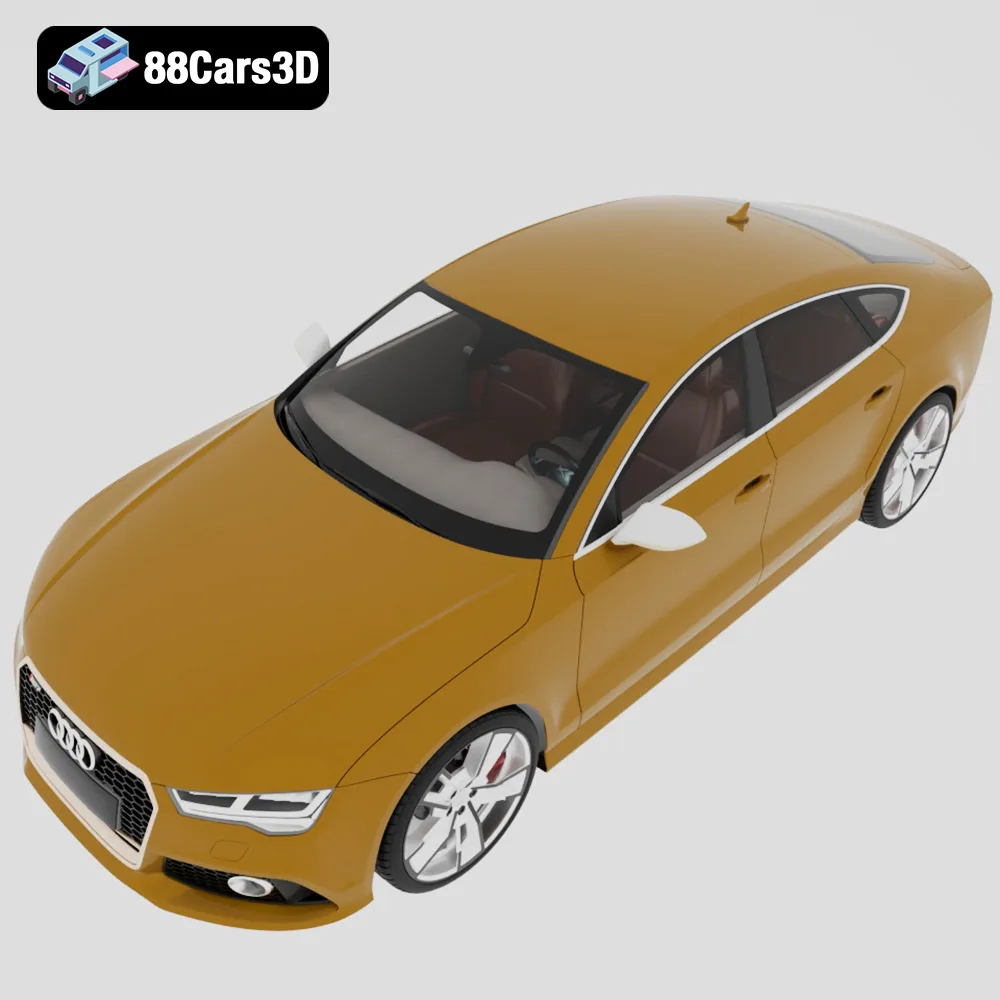
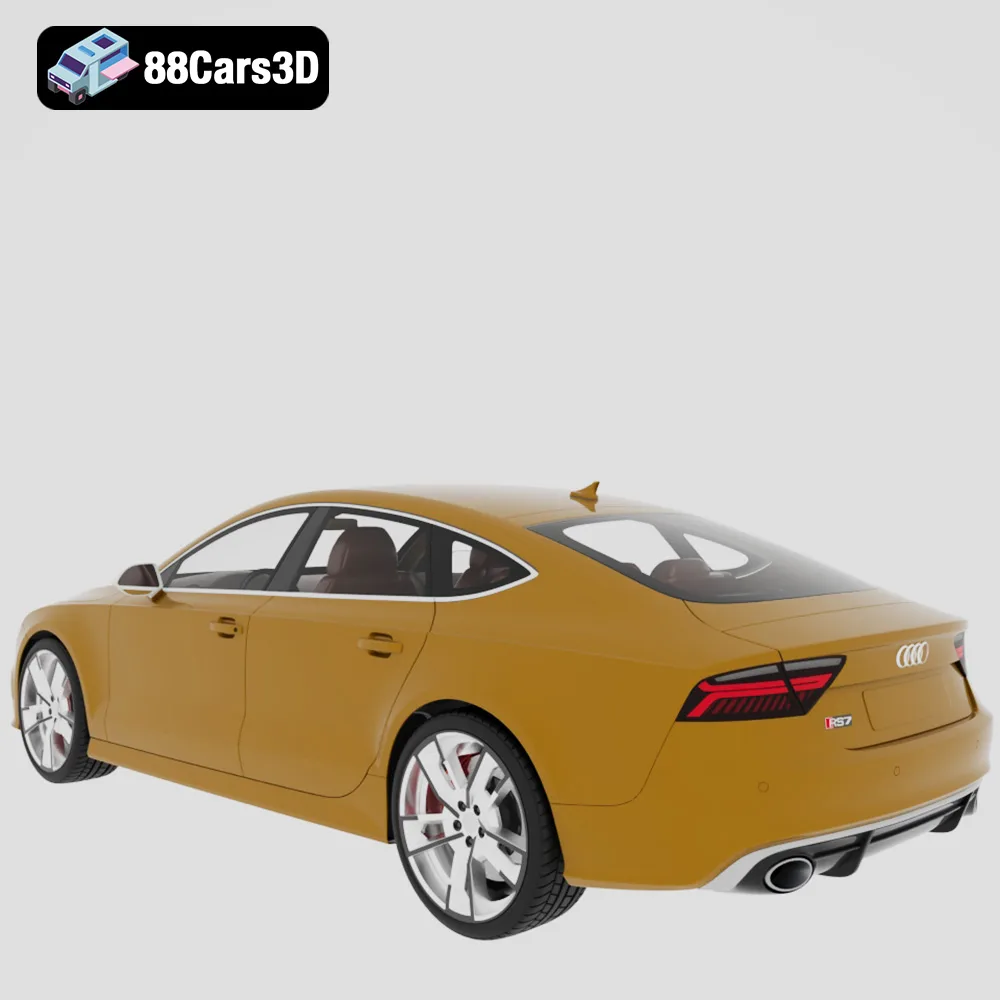
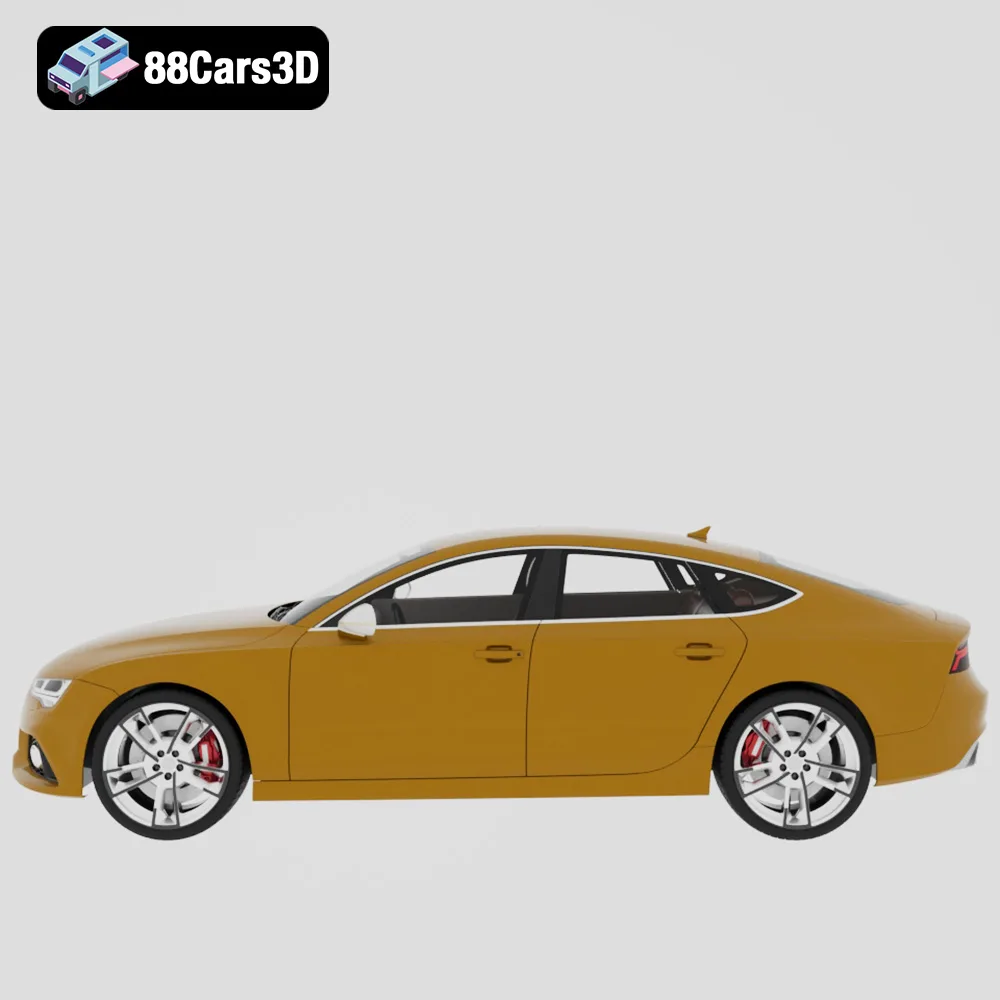
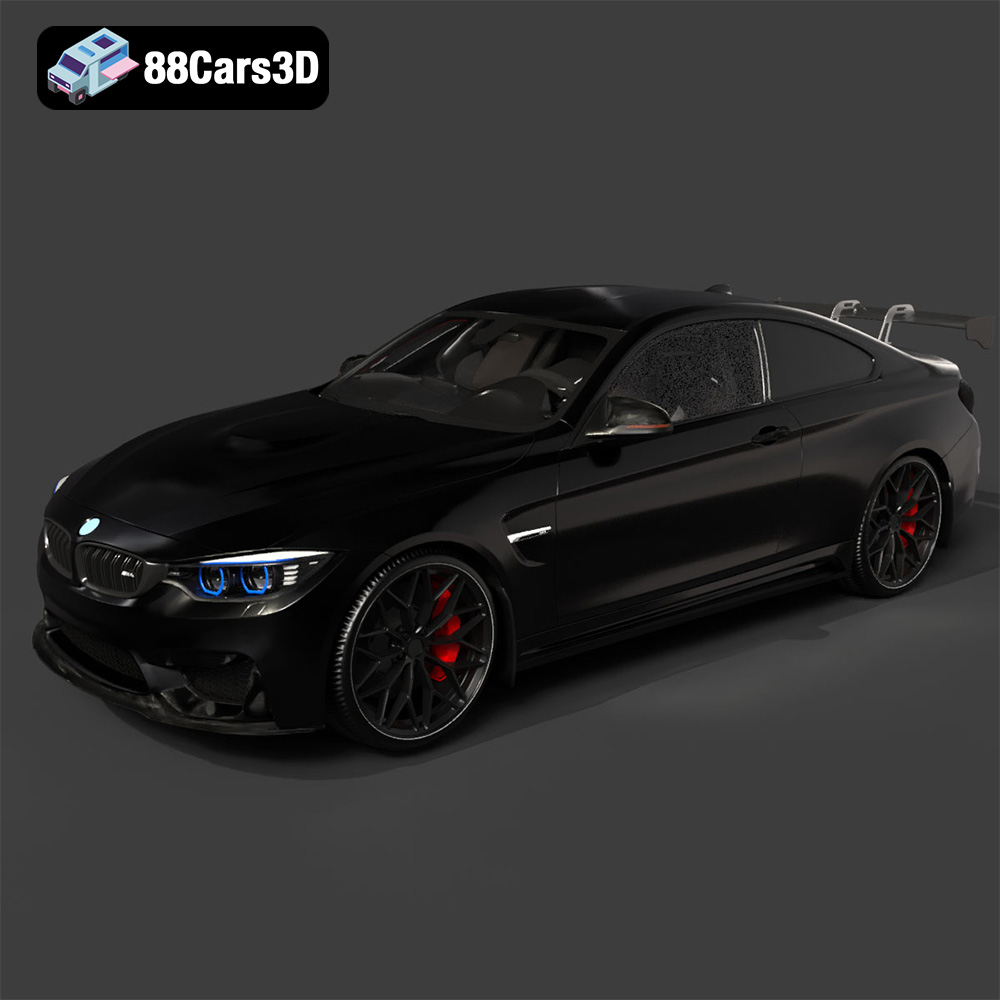
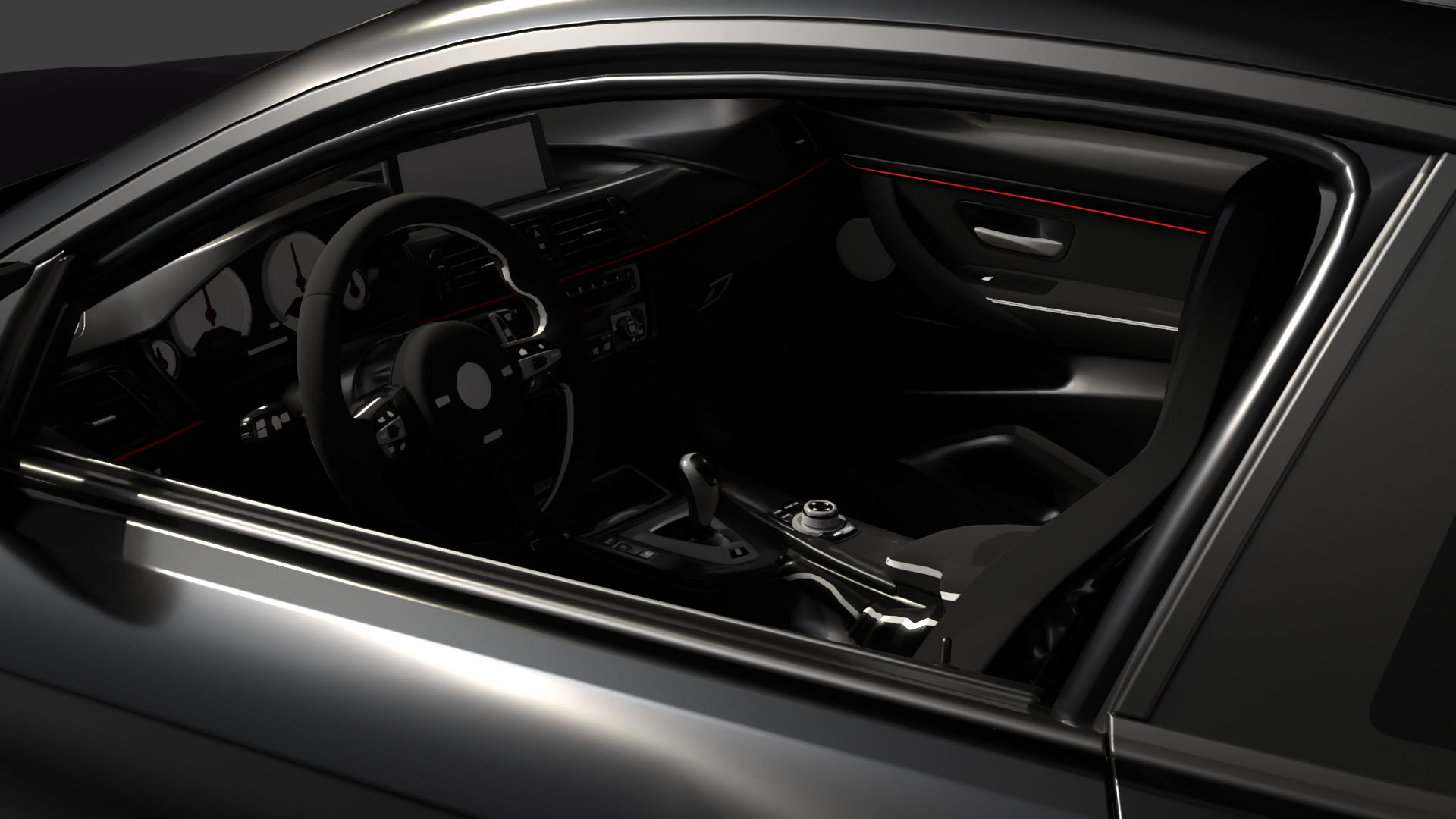
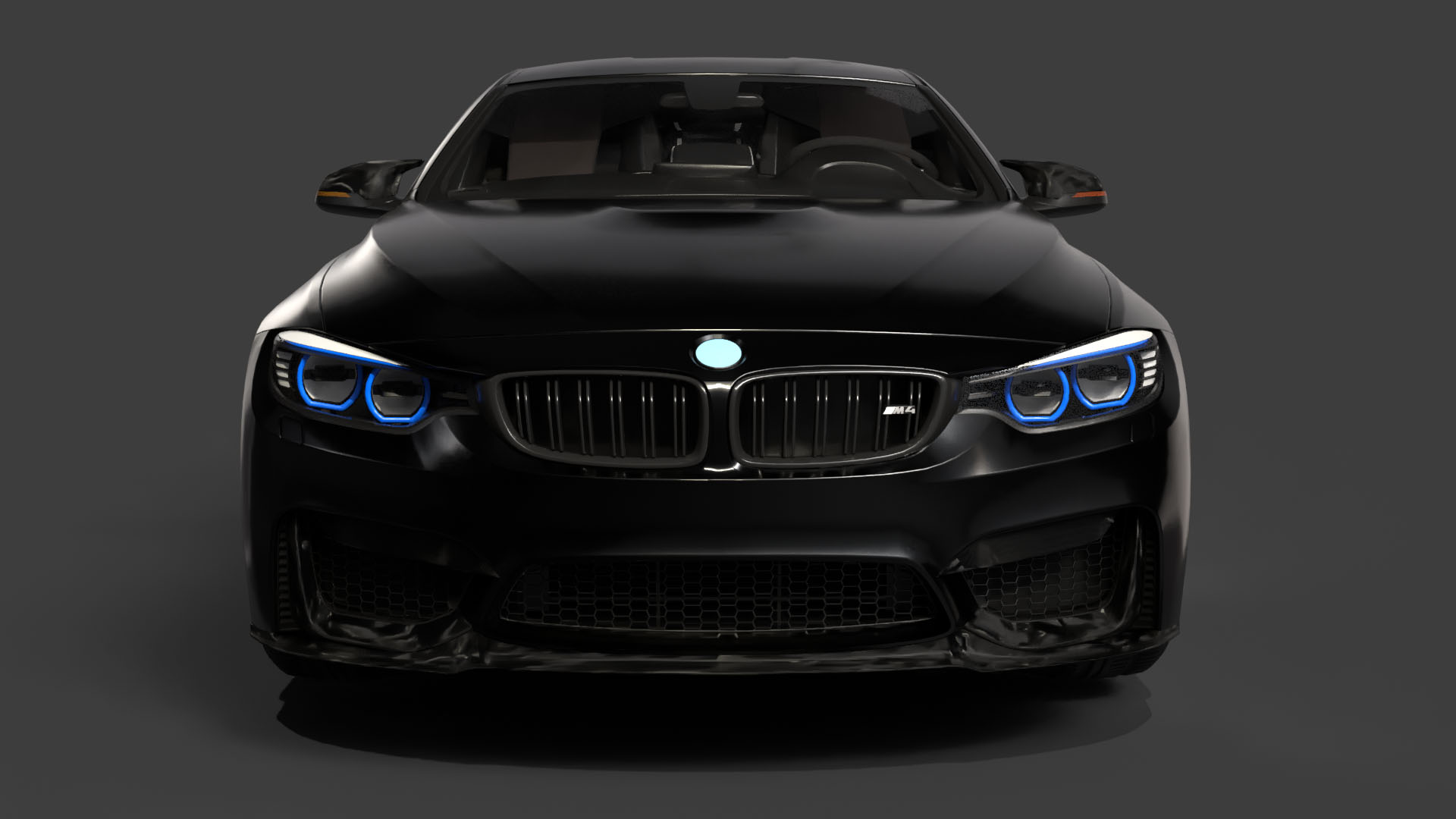
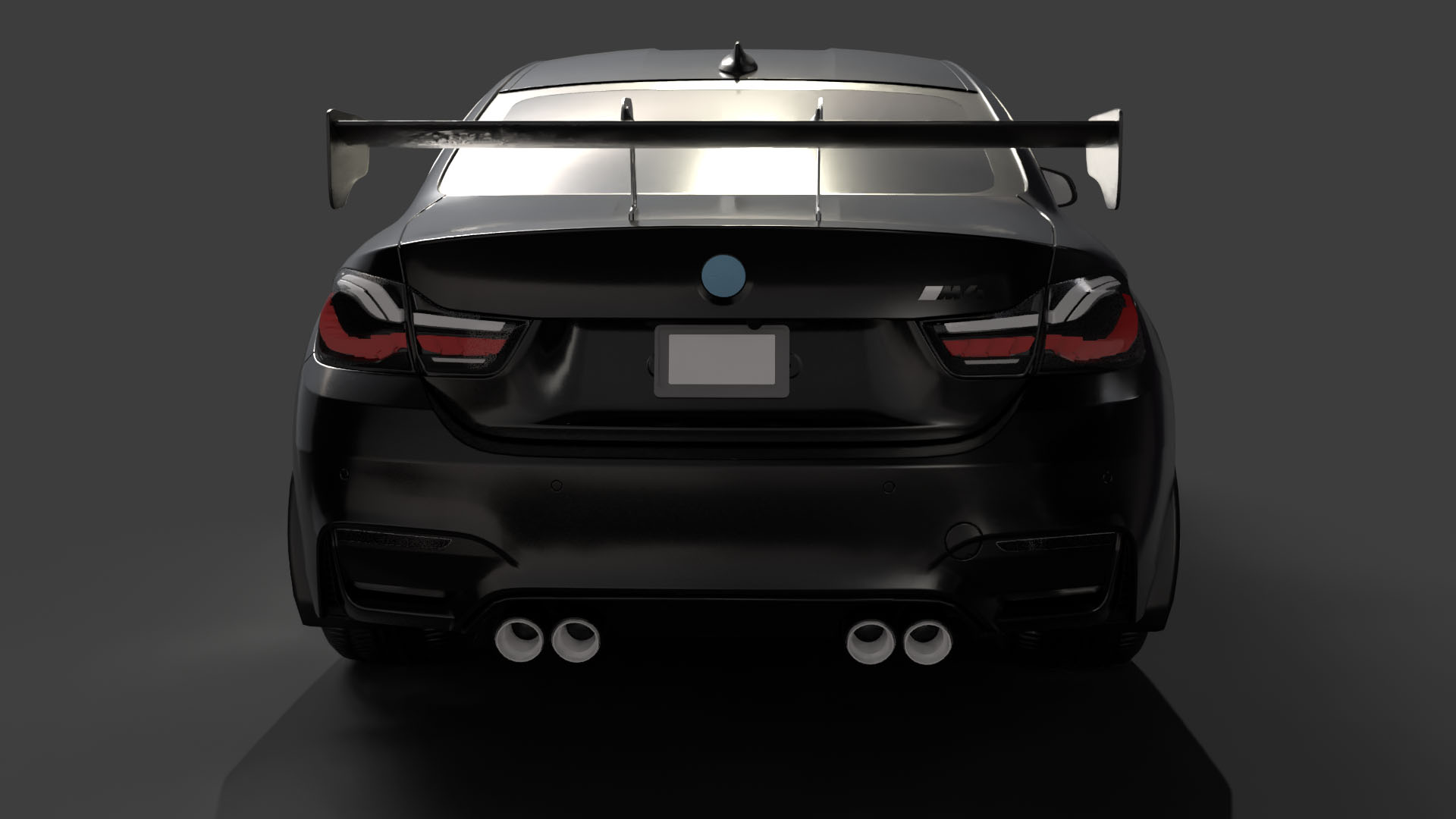
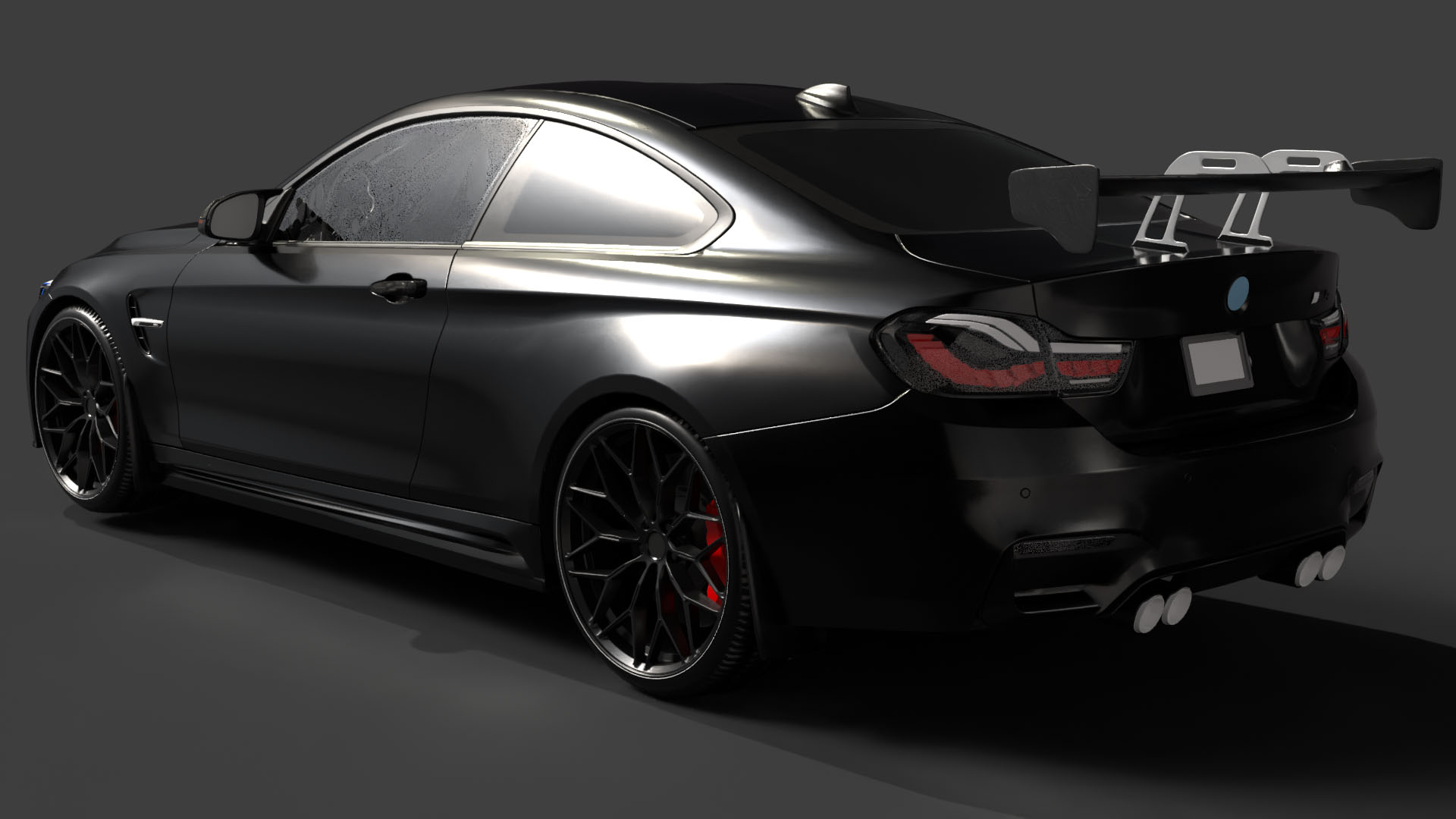
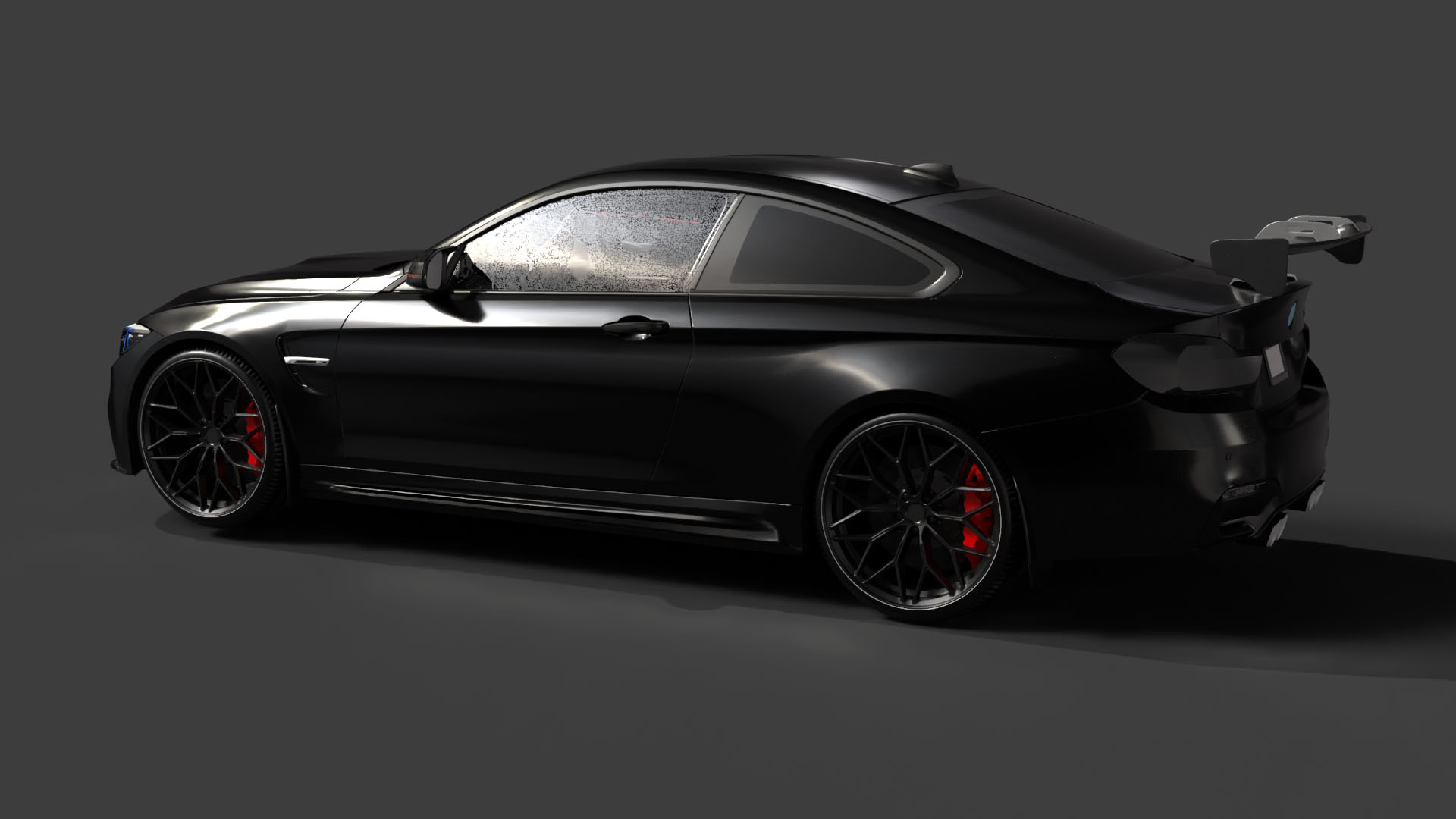
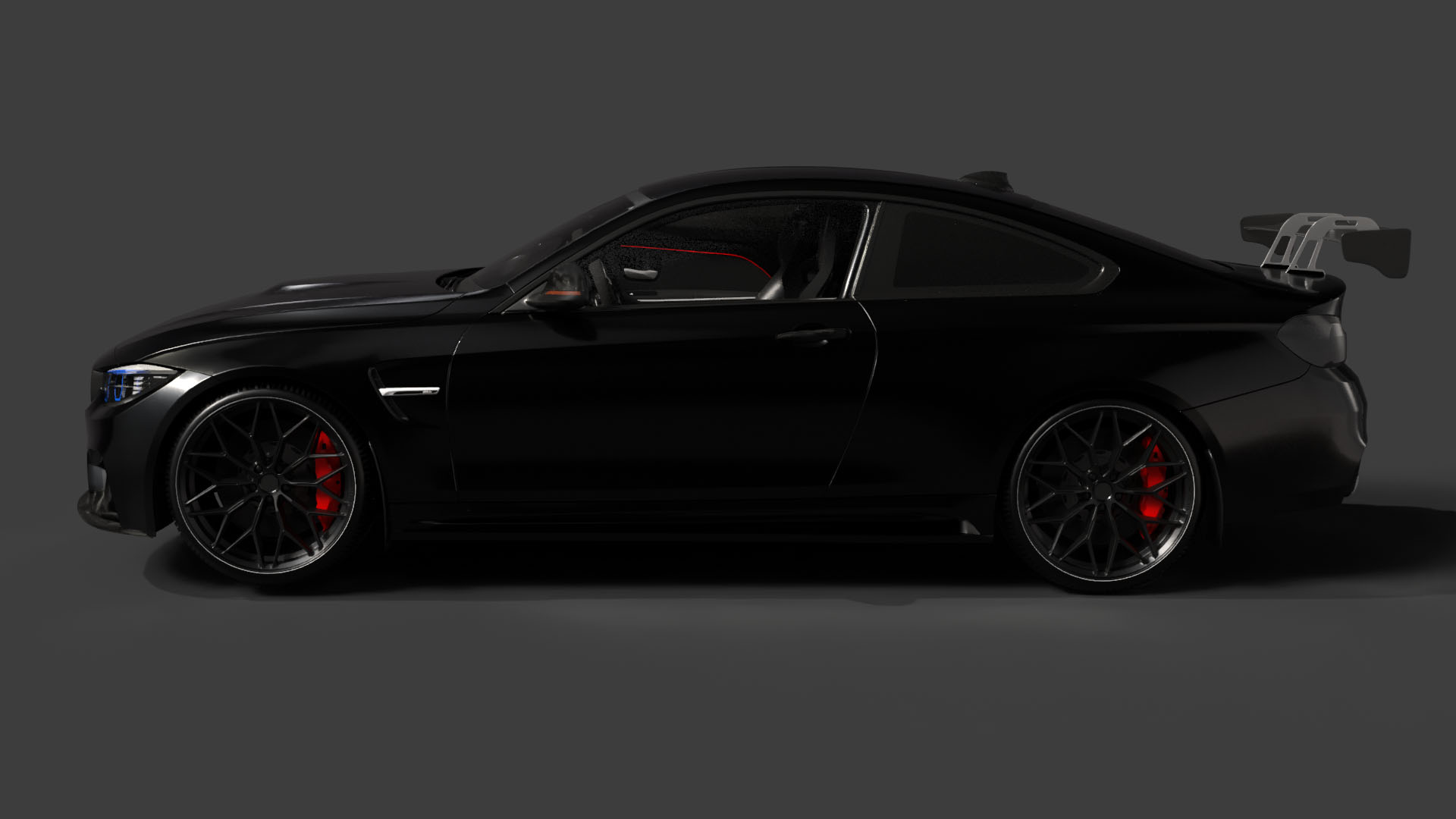
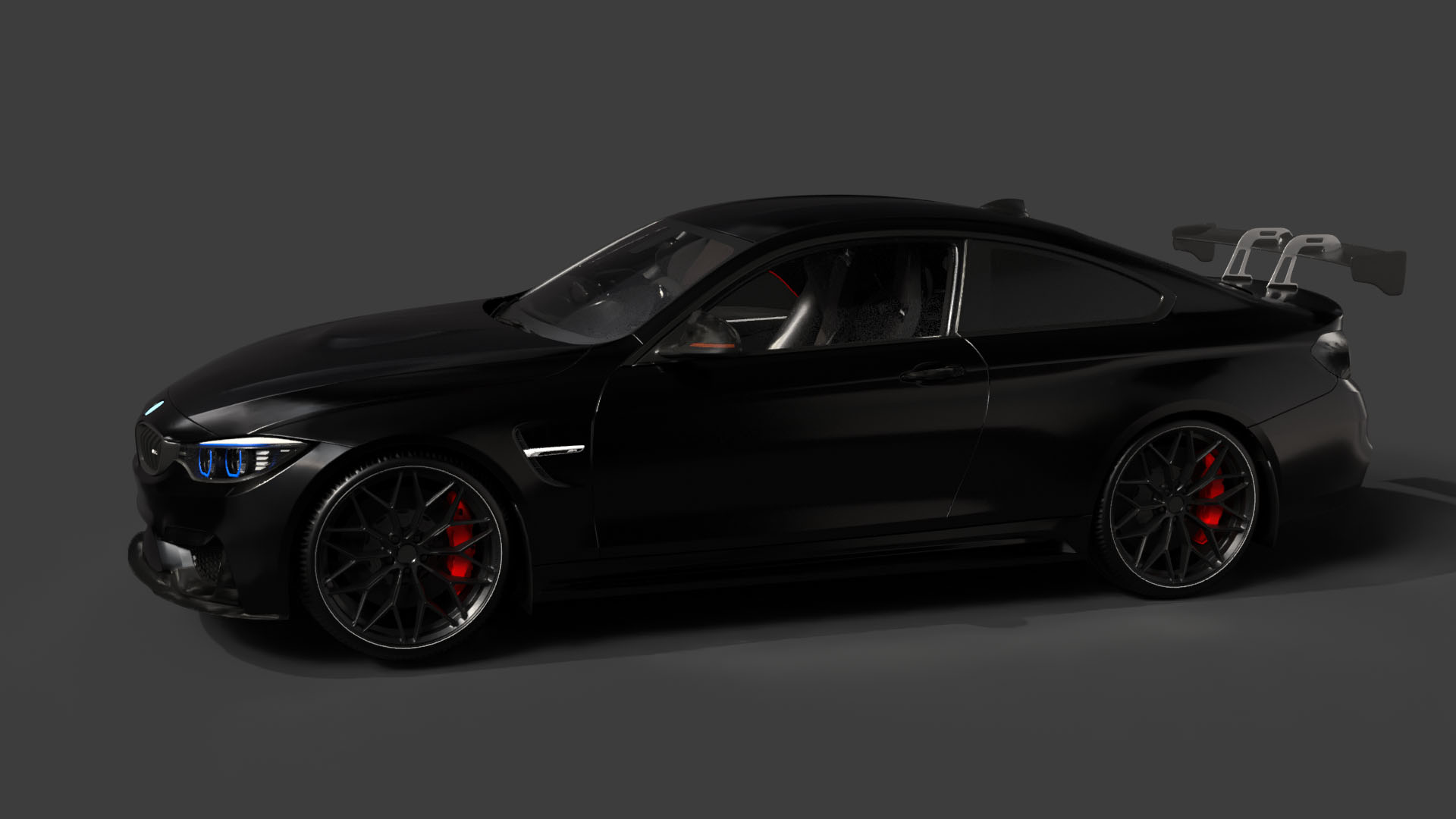
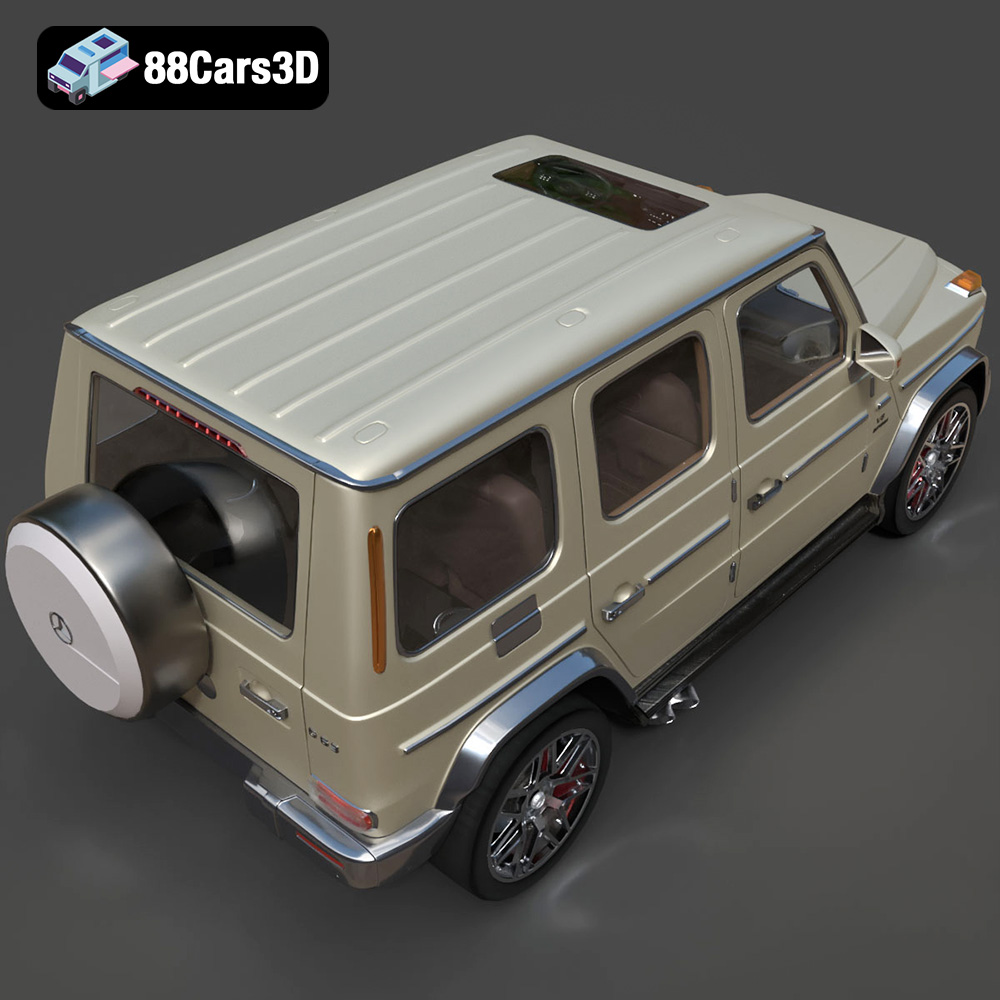
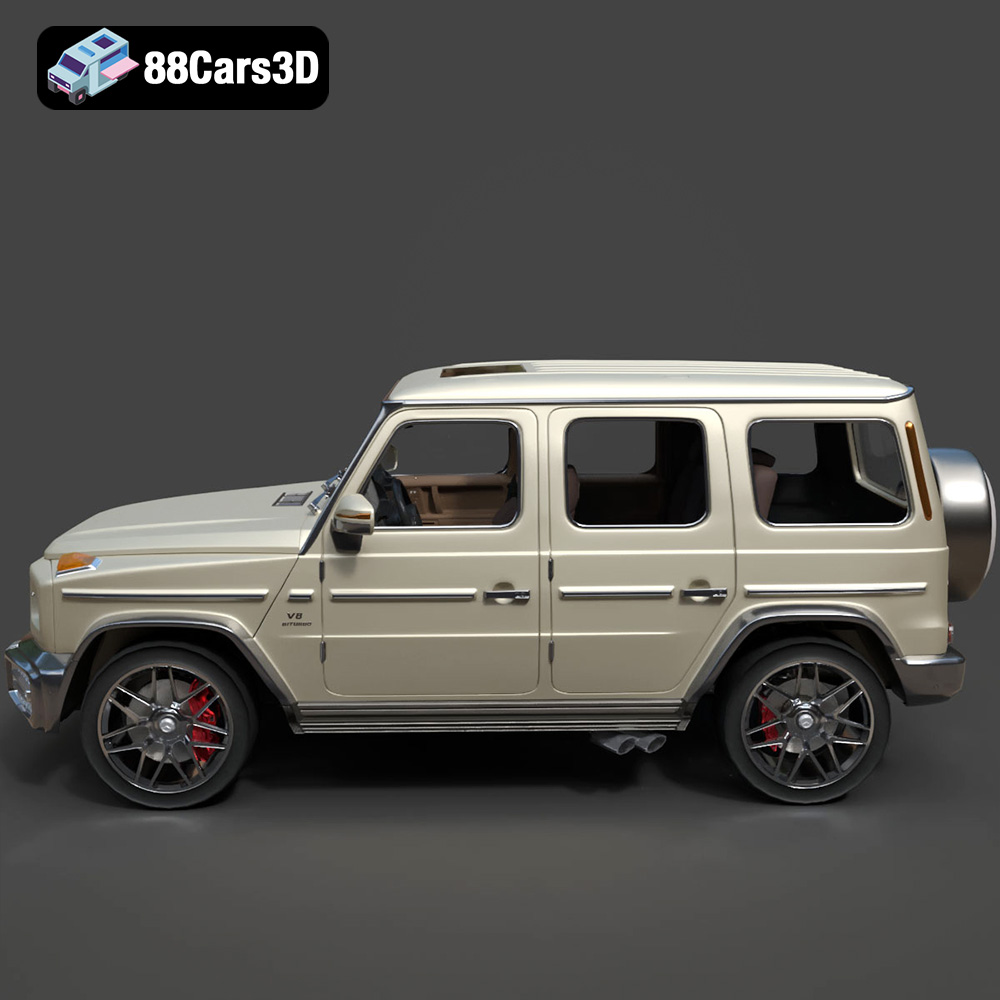
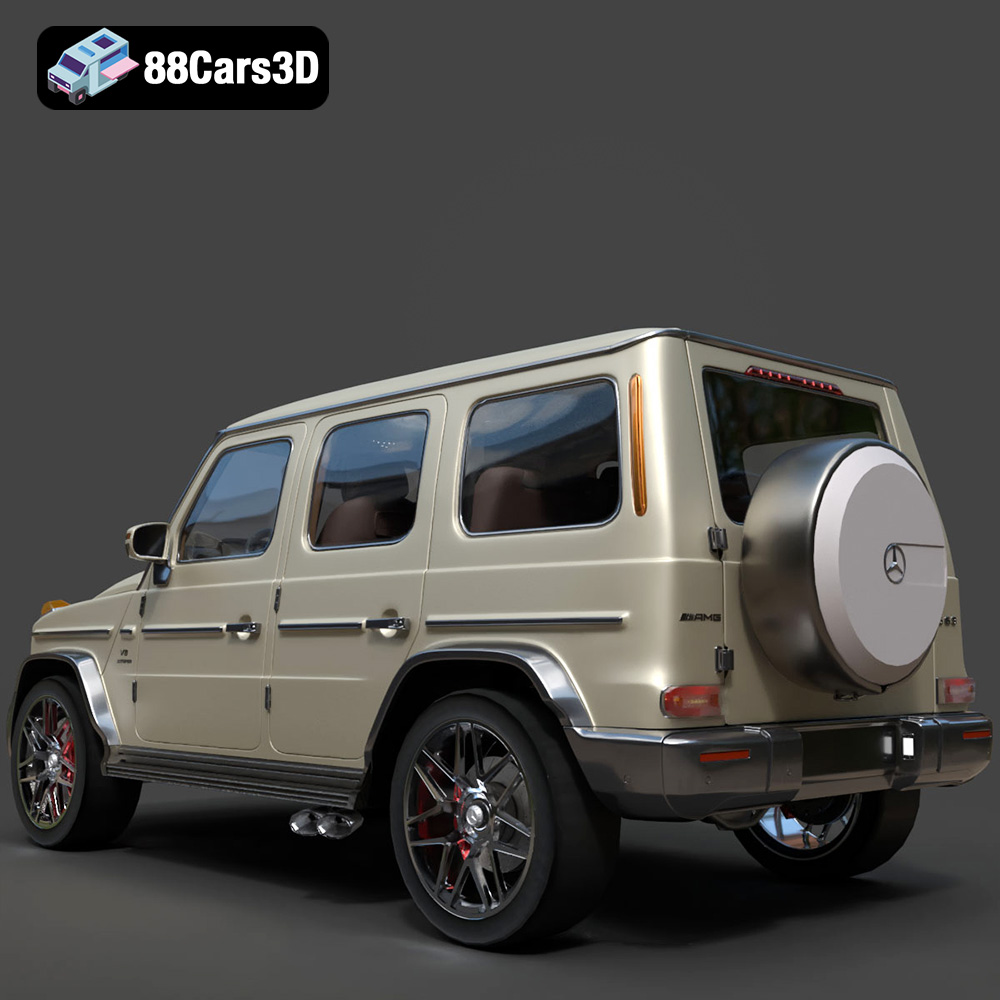
The allure of German automotive engineering is undeniable. The sleek lines of a Porsche 911, the aggressive stance of a Mercedes-Benz G63 AMG, the refined power of an Audi RS7, and the sporty elegance of a BMW M4 – these cars represent the pinnacle of automotive design. Now, thanks to 88cars3d.com, you can bring these iconic vehicles to life in miniature form with the “Ultimate German Luxury ArchViz Pack.” This collection of meticulously crafted 3D models is optimized for various applications, including 3D printing. This blog post will serve as your comprehensive guide to successfully 3D printing these stunning models, covering everything from pre-print preparation to post-processing techniques.
The first step in your 3D printing journey is selecting the right technology for the job. The “Ultimate German Luxury ArchViz Pack” models can be printed using both Fused Deposition Modeling (FDM) and Stereolithography (SLA) or resin-based printers, each with its own set of advantages and disadvantages.
FDM printers are known for their affordability and ease of use. They work by extruding molten plastic filament layer by layer to build the desired object. For larger scale models (1:24 and up), FDM printing can be a viable option.
* **Pros:** Affordable, wide range of materials available (PLA, PETG, ABS), larger build volumes.
* **Cons:** Lower resolution compared to resin, visible layer lines, requires more post-processing.
Resin printers use liquid resin cured by UV light to create objects. This technology excels at producing highly detailed prints with smooth surfaces, making it ideal for capturing the intricate grilles, rims, and fine lines of the German luxury car models. As the product description recommends a layer height of 0.04-0.05mm, resin printing is the preferred method to meet that level of detail.
* **Pros:** High resolution, smooth surface finish, excellent detail reproduction.
* **Cons:** More expensive than FDM, smaller build volumes, requires careful handling of resin and post-curing.
The “Ultimate German Luxury ArchViz Pack” comes with a variety of file formats to cater to different applications. Understanding these formats and their suitability for 3D printing is crucial for achieving optimal results.
The STL (Stereolithography) file format is the most widely used format in 3D printing. It represents the surface geometry of a 3D object as a collection of triangles. STL files are simple, universally compatible with slicing software, and readily available for download from platforms like 88cars3d.com. However, STL files only store the mesh data and do not contain any color or texture information. Therefore, all colorization needs to be done in post-processing. For this bundle, the STL files are the ideal starting point for 3D printing. They provide a solid base for creating physical models of the Porsche 911 GT3, Audi RS7, BMW M4 F82, and Mercedes-Benz G63 AMG.
OBJ files are another common 3D model format that can store both geometry and texture information. This means you can potentially print models with color if your 3D printer supports it (though this is less common). OBJ files are compatible with many slicing software programs, but might need some conversion or tweaking to be optimized for printing.
PLY files are designed for storing 3D data acquired from 3D scanners. They can represent geometry, color, and other properties with high precision. While PLY files can be used for 3D printing, they are often larger and require more processing power than STL files.
BLEND files are native to Blender, a popular open-source 3D creation suite. These files contain the entire Blender scene, including the model geometry, textures, lighting, and animation data. If you want to customize the models before printing, Blender and the .blend files offer a great starting point. You can modify the design, add details, or even create variations of the original models. After making your changes, you can export the modified model as an STL file for 3D printing.
FBX is a proprietary file format developed by Autodesk. It’s commonly used for exchanging 3D data between different software applications. FBX files can contain geometry, textures, animations, and other data. While FBX files aren’t directly used for printing, they are useful for importing the models into certain slicing software that can handle material properties, even if only for visual representation during slicing.
GLB is a binary file format for 3D models that is designed to be compact and efficient for transmission over the internet. It’s often used for displaying 3D models in augmented reality (AR) applications. While GLB files cannot be directly used for 3D printing, they can be helpful for previewing the models on your phone or tablet before committing to a print. This allows you to get a better sense of the scale and details of the models.
Similar to .blend files, .max files are native to 3ds Max, another industry-standard 3D modeling and rendering software. These files contain the complete project data, allowing for extensive modification and customization of the 3D models. If you’re familiar with 3ds Max, you can use the .max files to fine-tune the models before exporting them as STL files for 3D printing.
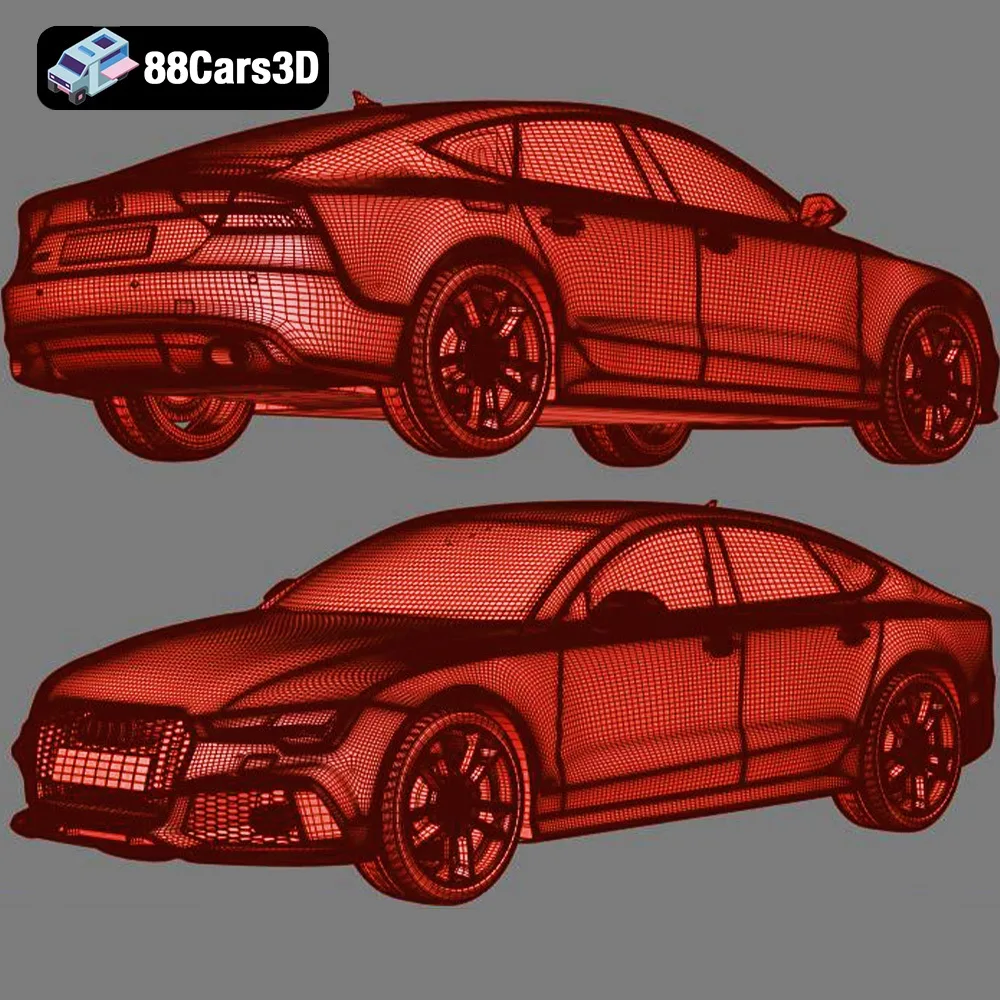
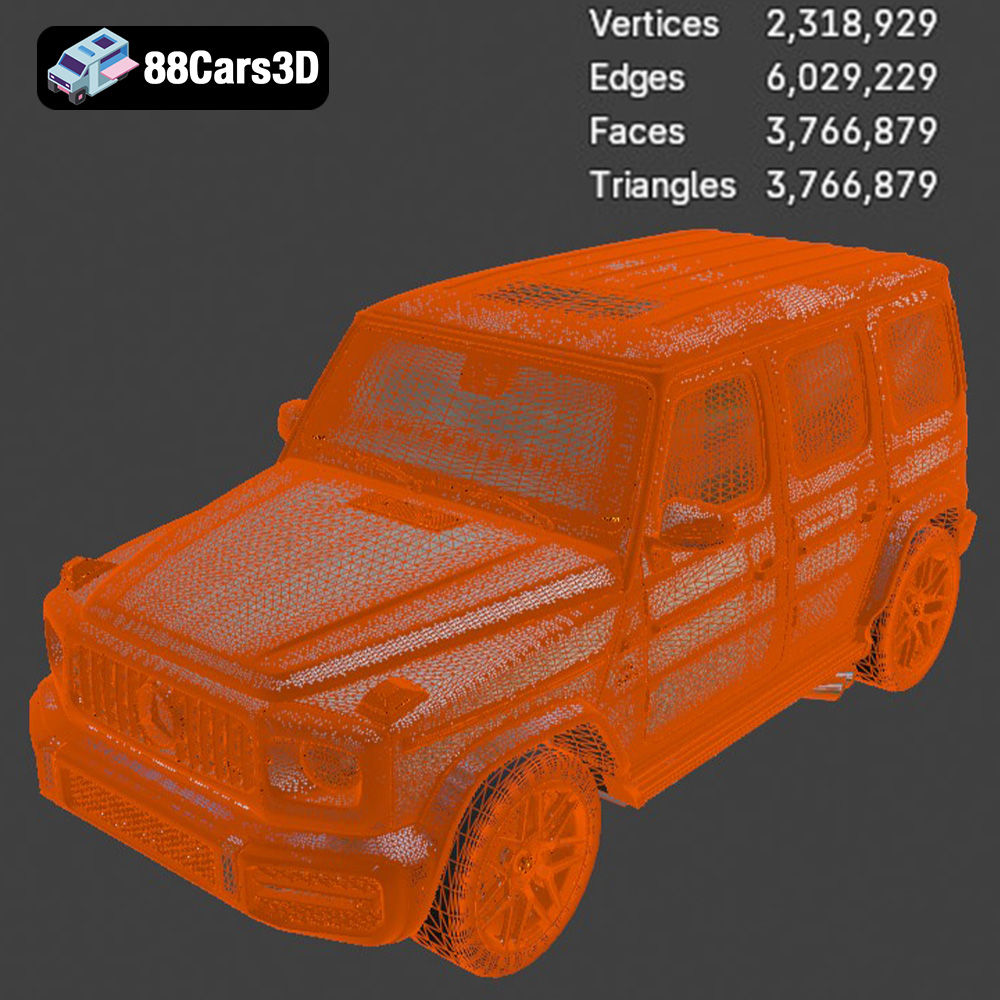
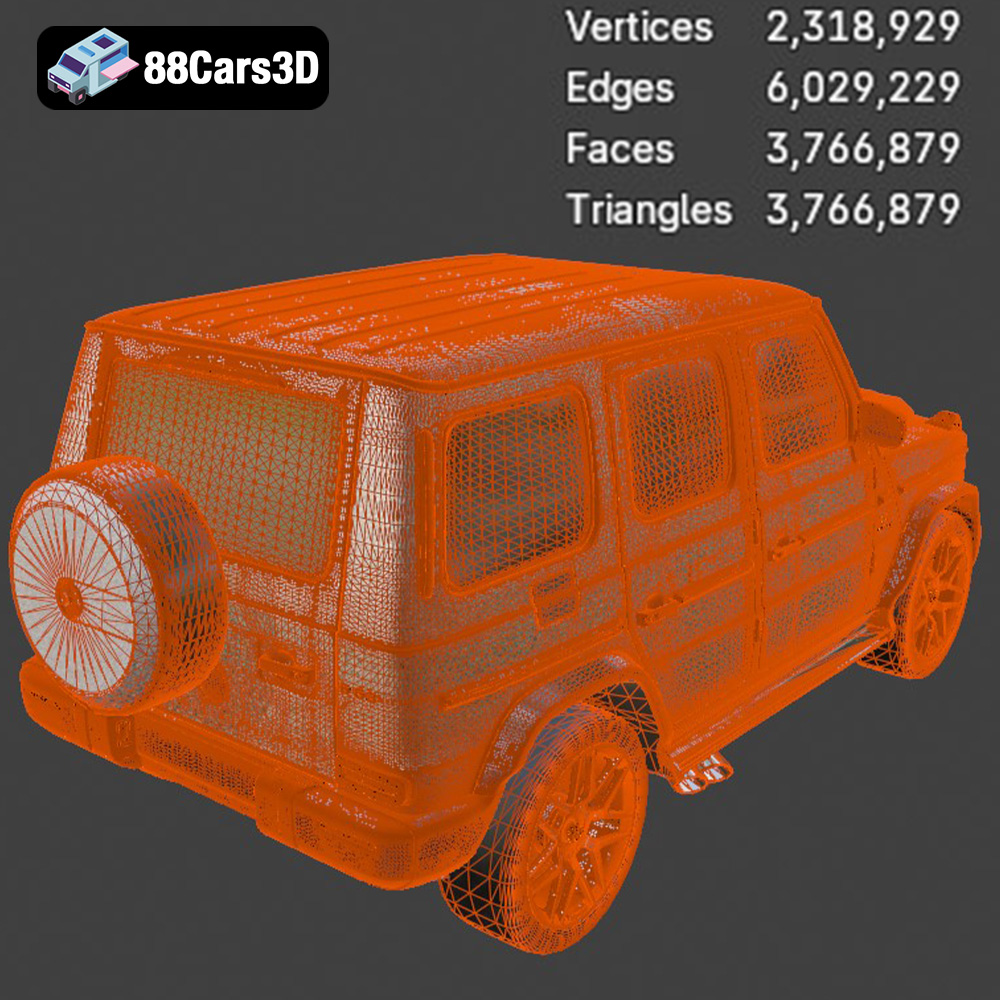
**For 3D printing, STL is the recommended format.** It provides a clean, efficient representation of the model’s geometry, and it’s universally supported by slicing software. When preparing your STL files, ensure that the mesh is clean, manifold (watertight), and free of errors. This will prevent issues during slicing and printing. Software like Meshmixer or Netfabb can be used to repair any mesh defects.
Once you’ve chosen your 3D printing technology and file format, the next step is to prepare the model for printing using slicing software. Slicing software takes the 3D model and converts it into a series of instructions that the printer can understand, including layer height, print speed, temperature, and support structures.
Popular slicing software options include Cura, Simplify3D, PrusaSlicer, and Chitubox (for resin printing). Each slicer has its own unique features and interface, so choose one that you’re comfortable with. Import the STL file of your chosen car model into the slicer.
The orientation of the model on the build plate can significantly impact the print quality, strength, and support requirements. As the product description suggests, printing the car bodies at a 45-degree angle is recommended for both FDM and resin printing. This helps to minimize the visibility of layer lines on the curved surfaces of the roof and hood. Separately print the wheels, ideally with the tire facing down for best results.
Support structures are temporary structures that are printed to support overhanging parts of the model during printing. These are particularly important for the “Ultimate German Luxury ArchViz Pack” due to the complex geometries of the car bodies and the need to avoid deformation or collapse during printing.
* **FDM Printing:** Use tree supports or traditional linear supports. Experiment with support density and overhang angle settings to find the optimal balance between support strength and ease of removal.
* **Resin Printing:** Use light supports with fine tips to minimize the impact on the surface finish. Pay close attention to areas like the wheel arches, side mirrors, and rear spoilers, where support structures are crucial.
The specific printer settings will vary depending on your printer model, material, and desired print quality. However, here are some general guidelines to get you started:
Layer height is the thickness of each layer of plastic or resin that the printer deposits. A lower layer height results in finer details and smoother surfaces, but it also increases the print time.
* **FDM Printing:** Start with a layer height of 0.1mm to 0.2mm. If you want to prioritize speed, you can increase the layer height to 0.25mm or 0.3mm.
* **Resin Printing:** As the product description recommends, aim for a layer height of 0.04mm to 0.05mm for optimal detail reproduction.
Infill density refers to the amount of material that is printed inside the model. A higher infill density increases the strength and weight of the model but also increases the print time and material consumption.
* **FDM Printing:** Use an infill density of 15% to 25% for most parts of the car models. You can increase the infill density for parts that require more strength, such as the chassis or suspension components.
* **Resin Printing:** Since resin prints are generally solid, infill density is not a relevant parameter.
Print speed is the rate at which the printer head moves during printing. A lower print speed results in higher quality prints, but it also increases the print time.
* **FDM Printing:** Start with a print speed of 40mm/s to 60mm/s. You can increase the print speed for less detailed parts of the model.
* **Resin Printing:** The print speed in resin printing is determined by the exposure time per layer. Refer to your resin manufacturer’s recommendations for optimal exposure settings.
The choice of material depends on the desired properties of the finished model, such as strength, flexibility, and temperature resistance.
* **FDM Printing:** PLA is a good all-around material for 3D printing car models. It’s easy to print, biodegradable, and available in a wide range of colors. PETG is a stronger and more durable option, but it can be more challenging to print. ABS is a strong and heat-resistant material, but it requires a heated bed and good ventilation.
* **Resin Printing:** Standard resin is a good choice for general-purpose printing. Tough resin is more durable and impact-resistant. Flexible resin can be used for tires or other parts that require some flexibility.
Once the printing is complete, the next step is to remove the support structures and post-process the model to achieve a smooth and professional finish.
Carefully remove the support structures using pliers, cutters, or a sharp knife. Be careful not to damage the model during support removal. For resin prints, you may need to use isopropyl alcohol (IPA) to clean the model and remove any uncured resin.
Sanding is an essential step for removing layer lines and imperfections from the surface of the model. Start with a coarse grit sandpaper (e.g., 220 grit) and gradually move to finer grits (e.g., 400 grit, 600 grit, 800 grit) to achieve a smooth surface.
Apply a coat of primer to the model to create a uniform surface for painting. Primer also helps to fill in any remaining imperfections and improves the adhesion of the paint.
Paint the model using acrylic paints or spray paints. Apply multiple thin coats of paint to avoid runs and drips. Consider using stencils or masking tape to create intricate designs or details. For the “Ultimate German Luxury ArchViz Pack” models, research the factory colors offered for each car model to achieve an authentic look. For example, a Porsche 911 GT3 could be painted in Guards Red or Racing Yellow, while a Mercedes-Benz G63 AMG could be painted in Obsidian Black or G Manufaktur Olive Metallic.
If the model consists of multiple parts, assemble them using glue or screws. Ensure that the parts fit together properly and that the assembly is strong and durable. Separating the wheels from the body allows for independent painting and detailing before final assembly.
3D printing can be a challenging process, and it’s common to encounter issues along the way. Here are some common problems and their solutions:
Warping occurs when the corners of the model lift off the build plate during printing. This is often caused by poor bed adhesion or uneven cooling. To prevent warping, ensure that the build plate is clean and level, use a heated bed (if available), and apply an adhesive such as glue stick or hairspray to the build plate.
Stringing occurs when the printer head extrudes plastic while moving between different parts of the model. This can be caused by high printing temperature or excessive retraction settings. To prevent stringing, lower the printing temperature, increase the retraction distance, and adjust the travel speed.
Layer shifting occurs when the layers of the model become misaligned during printing. This can be caused by loose belts, jerky movements, or vibrations. To prevent layer shifting, tighten the belts, reduce the print speed, and ensure that the printer is placed on a stable surface.
The print time and material costs will vary depending on the size of the model, the printer settings, and the material used. However, here are some rough estimates:
* **FDM Printing (1:24 scale):** Print time: 10-20 hours per car. Material cost: $10-$20 per car.
* **Resin Printing (1:43 scale):** Print time: 5-10 hours per car. Material cost: $5-$10 per car.
Remember that these are just estimates, and the actual print time and material costs may vary.
The “Ultimate German Luxury ArchViz Pack” from 88cars3d.com offers a fantastic opportunity to bring your favorite luxury cars to life through 3D printing. With careful planning, proper preparation, and attention to detail, you can create stunning miniature replicas of these iconic vehicles that you’ll be proud to display.
The Ultimate German Luxury Cars 3D Models Bundle is an elite collection featuring the pinnacle of European automotive engineering. Designed for high-end architectural visualization (ArchViz), AAA game development, and photorealistic rendering, this 4-in-1 premium package provides everything a 3D artist needs to populate luxury driveways, urban streetscapes, and virtual showrooms.
$129.99
.corona
3d-assets
archviz-pack
audi-rs7
bmw-m4
car-collection
game-ready
german-cars-bundle
luxury-car-3d-model
mercedes-g63
porsche-911-gt3
vehicle-bundle
vray