Get 50% OFF All Premium 3D & STL Models!

The Fantic Caballero 500 Scrambler is a stunning motorcycle, blending retro aesthetics with modern engineering. Now, thanks to 88cars3d.com, you can bring this iconic bike to life in your own home with 3D printing. This guide provides a comprehensive overview of how to successfully 3D print the Fantic Caballero 500 Scrambler 3D Model, covering everything from pre-print preparation to post-processing techniques.
Selecting the right 3D printer is crucial for achieving a high-quality print of the Fantic Caballero 500 Scrambler. Two primary types of 3D printers are suitable: Fused Deposition Modeling (FDM) and Stereolithography Apparatus (SLA) or resin printers.
FDM printers are a popular choice due to their affordability and ease of use. They work by extruding melted plastic filament layer by layer. For the Fantic Caballero, an FDM printer with a nozzle size of 0.4mm or smaller is recommended to capture finer details. While FDM can produce a decent model, achieving the intricate details of the spoked wheels and engine components might be challenging without significant post-processing.
Resin printers, on the other hand, use liquid resin that is cured by UV light. SLA and other resin-based technologies offer significantly higher resolution and accuracy compared to FDM. This makes them ideal for printing the Fantic Caballero 500 Scrambler, especially if you aim to capture the delicate spokes, engine fins, and other fine details. The recommended layer height for resin printing is 0.04mm to 0.12mm, as specified in the product description, to maximize detail resolution. However, resin printers often have a smaller build volume and require more careful handling of materials.
The Fantic Caballero 500 Scrambler 3D Model from 88cars3d.com includes various file formats, but not all are equally suitable for 3D printing. Let’s delve into the specifics of each format:
The STL (stereolithography) format is the de facto standard for 3D printing. It represents the surface geometry of a 3D object as a collection of triangles, effectively creating a mesh. The STL format is simple, widely supported by slicing software, and generally reliable. However, it only stores the surface geometry, lacking information about color, texture, or materials. For 3D printing, the STL file is the most common and often the best choice for its compatibility and ease of use. When preparing an STL file, ensure the mesh is watertight (no holes) and has consistent normals (surface orientation). Using a mesh repair tool in your slicing software can help fix any issues.
OBJ is a more versatile format than STL, capable of storing color and texture information alongside the 3D geometry. This makes it suitable for models intended for rendering or visualization. While some 3D printers can handle colored filaments or multiple materials, the OBJ format is not as universally supported as STL for printing. If you plan to print in multiple colors or materials, you’ll need to ensure your printer and slicing software are compatible with OBJ and can interpret the material definitions correctly. However, for most single-material 3D printing applications, STL remains the preferred choice.
PLY (Polygon File Format) is designed to store 3D data acquired from scanning devices. It can represent color and other properties per vertex, allowing for high-detail models. While PLY supports more complex data than STL, it’s less commonly used in 3D printing due to its larger file size and potentially increased processing demands on the slicing software. If you require extremely high precision and detail, and your slicing software supports PLY, it can be a viable option. However, for most cases, STL offers a good balance of detail and compatibility.
BLEND files are native to Blender, a popular open-source 3D modeling software. This format contains the entire Blender scene, including the model, materials, lighting, and animation data. If you wish to modify the Fantic Caballero 500 Scrambler before printing, having the BLEND file is a significant advantage. You can adjust the model’s geometry, add details, or simplify parts to make it more suitable for 3D printing. Once you’ve made your changes, you’ll need to export the model as an STL file for slicing and printing.
FBX (Filmbox) is a proprietary format developed by Autodesk. It’s commonly used for exchanging 3D data between different software applications, particularly in game development and animation. FBX supports materials, textures, and animation, but its compatibility with 3D printing slicers can vary. Some advanced slicers may be able to import FBX files and interpret material information, while others may require you to convert the model to STL first. If your slicing software supports FBX, it can be useful for preserving material assignments during the import process.
GLB is a binary file format that represents 3D models, often used for augmented reality (AR) and virtual reality (VR) applications. It’s efficient for transmitting and displaying 3D models on various devices. While GLB is great for previewing the Fantic Caballero 500 Scrambler in AR before printing, it’s typically not directly used for 3D printing. You would need to convert the GLB file to STL or another printable format first.
.max files are the native format for Autodesk 3ds Max, another industry-leading 3D modeling and animation software. Similar to Blender’s .blend format, a .max file contains the entire scene, including the model, textures, materials, lighting, and animation data. If you have access to 3ds Max and possess the necessary skills, the .max file allows you to fully customize the Fantic Caballero 500 Scrambler before preparing it for 3D printing. You can make detailed modifications, optimize the model for printing, and then export it as an STL file.
Before sending the STL file to your 3D printer, you’ll need to use slicing software to convert the 3D model into a series of instructions that the printer can understand. Popular slicing software options include Cura, PrusaSlicer, Simplify3D, and Chitubox (for resin printers).
Proper orientation is crucial for minimizing support material and maximizing print quality. For the Fantic Caballero 500 Scrambler, consider printing the frame at an angle to improve the surface finish and structural integrity. The wheels should be printed separately, potentially in a vertical orientation. Pay close attention to areas like the handlebars, high-mount exhaust, kickstand, and footpegs, as these will require support structures. Experiment with different support settings to find a balance between support strength and ease of removal.
The product description recommends scales of 1:12, 1:10, and 1:8. Choose a scale that suits your printer’s build volume and desired level of detail. For larger scales, consider hollowing the model to reduce material consumption and print time. Be sure to add drainage holes to allow resin or filament to escape during the printing process.
The choice of material significantly impacts the final appearance and durability of your 3D printed Fantic Caballero 500 Scrambler.
PLA (Polylactic Acid) is a biodegradable thermoplastic polymer derived from renewable resources. It’s easy to print with, requires relatively low printing temperatures, and produces minimal warping. PLA is a good option for beginners and for creating display models. However, it’s not as durable or heat-resistant as other materials, making it less suitable for functional parts or models that will be exposed to high temperatures.
PETG (Polyethylene Terephthalate Glycol-modified) offers a good balance of strength, flexibility, and ease of printing. It’s more durable and heat-resistant than PLA, making it a better choice for parts that need to withstand some stress. PETG also has good layer adhesion, resulting in stronger prints. It’s a versatile option for printing the Fantic Caballero, offering a good compromise between printability and durability.
For achieving the highest level of detail and a smooth surface finish, resin is the preferred material. Resin printers can capture incredibly fine details, making them ideal for the intricate components of the Fantic Caballero, such as the spoked wheels and engine. However, resin prints are typically more brittle than FDM prints and require careful handling. Also, resin printing involves post-processing steps like washing and curing.
The following settings are recommended as a starting point for 3D printing the Fantic Caballero 500 Scrambler. Adjustments may be needed based on your specific printer and material.
Post-processing is essential for achieving a professional-looking finish on your 3D printed Fantic Caballero 500 Scrambler.
Carefully remove the support structures using pliers or a sharp knife. Be patient and avoid damaging the model. Once the supports are removed, sand the surface to eliminate any remaining support marks and layer lines. Start with coarse sandpaper (e.g., 220 grit) and gradually move to finer grits (e.g., 400, 600, 800) for a smooth finish.
Apply a primer coat to the model to prepare it for painting. Primer helps to fill in any remaining imperfections and provides a uniform surface for the paint to adhere to. Once the primer is dry, sand it lightly with fine-grit sandpaper. Paint the model using your desired colors. The product description suggests classic Fantic Red for the tank, matte black for the frame, and metallic finishes for the Arrow exhaust. Consider using an airbrush for a smoother and more professional-looking finish. Clear coat can then be applied for protection.
After painting, carefully assemble the individual parts of the Fantic Caballero 500 Scrambler. Use glue or epoxy to secure the components together. Pay attention to the alignment of the parts to ensure a seamless fit. The model’s design allows for separate printing of wheels, suspension forks, and steering components, which facilitates animation if desired.
Despite careful preparation, you may encounter some common 3D printing issues. Here are some troubleshooting tips:
Warping occurs when the first layer of the print doesn’t adhere properly to the build plate. Ensure the build plate is clean and level. Use a bed adhesion aid like hairspray or glue stick. Increase the bed temperature slightly.
Stringing is caused by excess filament oozing from the nozzle during travel moves. Reduce the printing temperature, increase retraction distance and speed, and enable travel avoidance in your slicing software.
Layer separation happens when the layers of the print don’t adhere properly to each other. Increase the printing temperature, reduce the printing speed, and ensure proper bed adhesion.
If supports are failing, increase their density and thickness. Also, reduce the distance between the supports and the model.
3D printing the Fantic Caballero 500 Scrambler 3D Model offers a rewarding experience for motorcycle enthusiasts and 3D printing hobbyists alike. By carefully selecting the right 3D printer, preparing the model properly, choosing appropriate materials, and mastering post-processing techniques, you can create a stunning replica of this iconic motorcycle.
Remember to visit 88cars3d.com for more high-quality 3D models optimized for printing, rendering, and game development. The detailed Fantic Caballero model is a testament to the quality available on the platform. With its intricate details and accurate representation, this model is sure to impress. Happy printing!
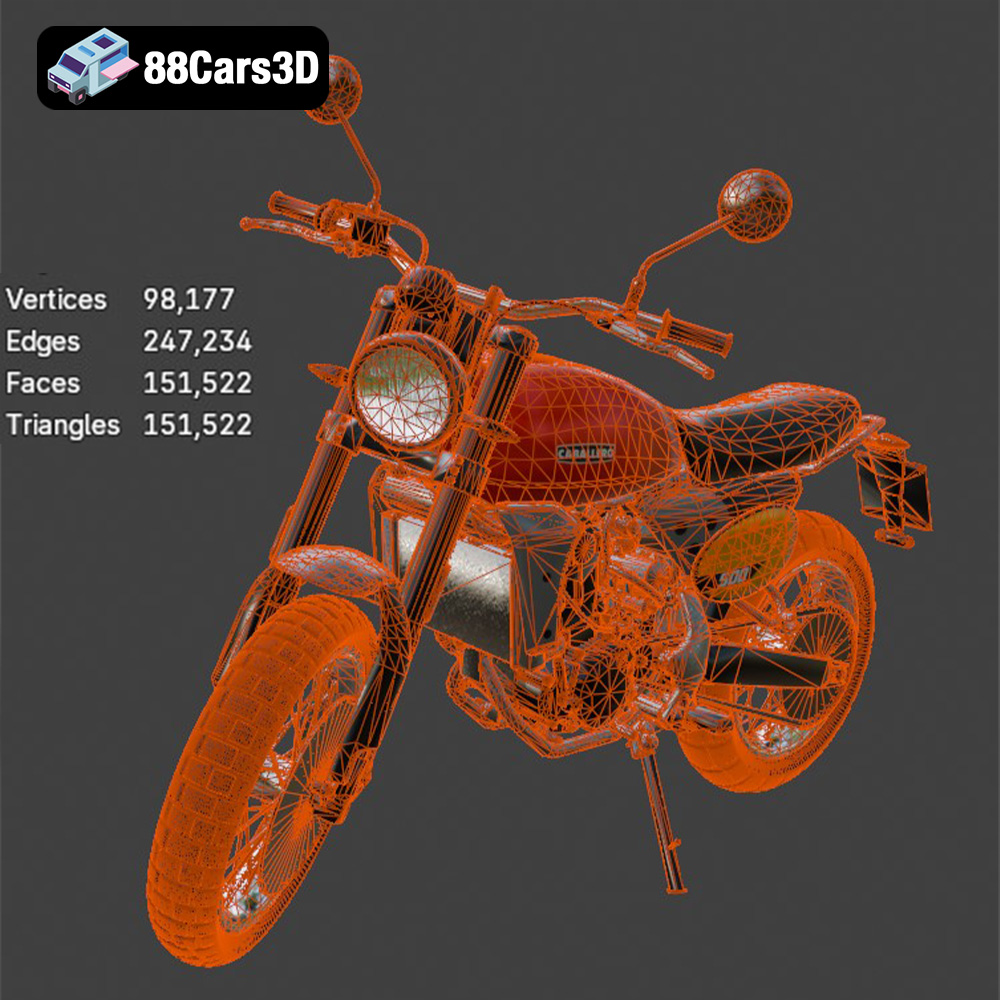
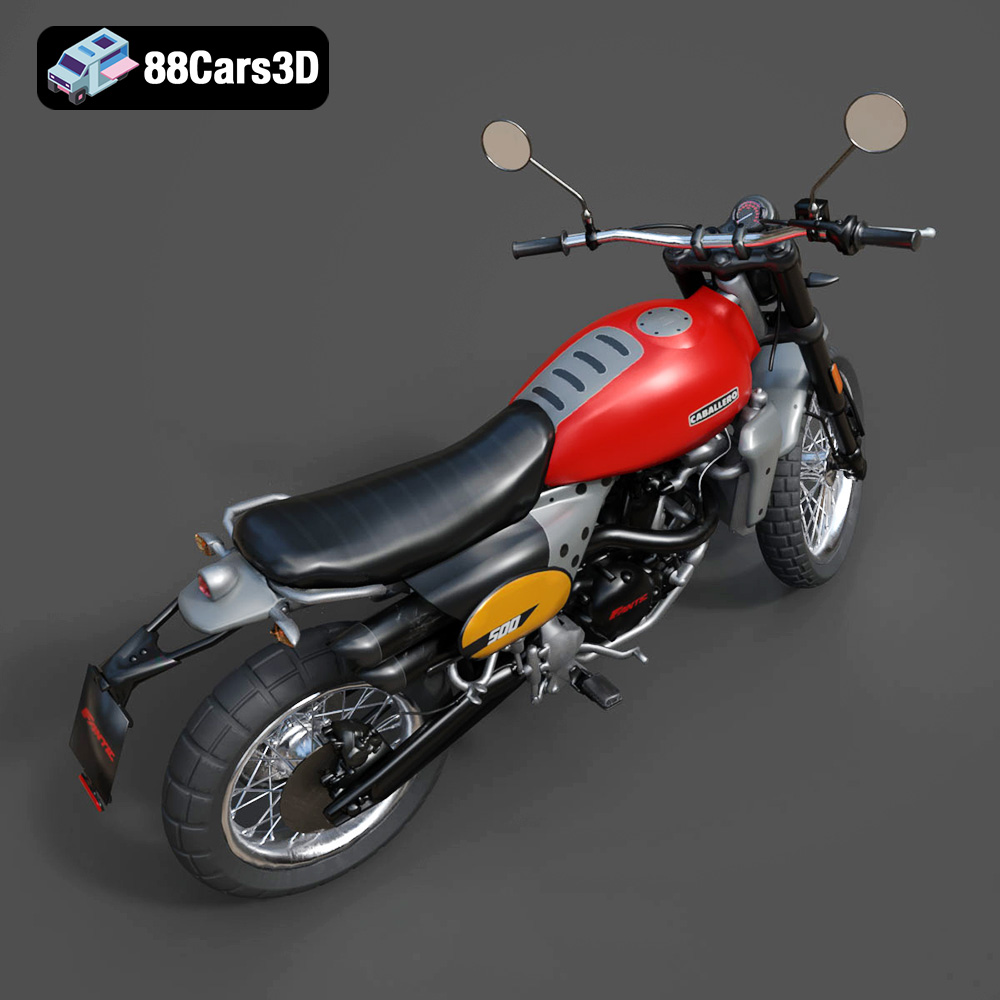
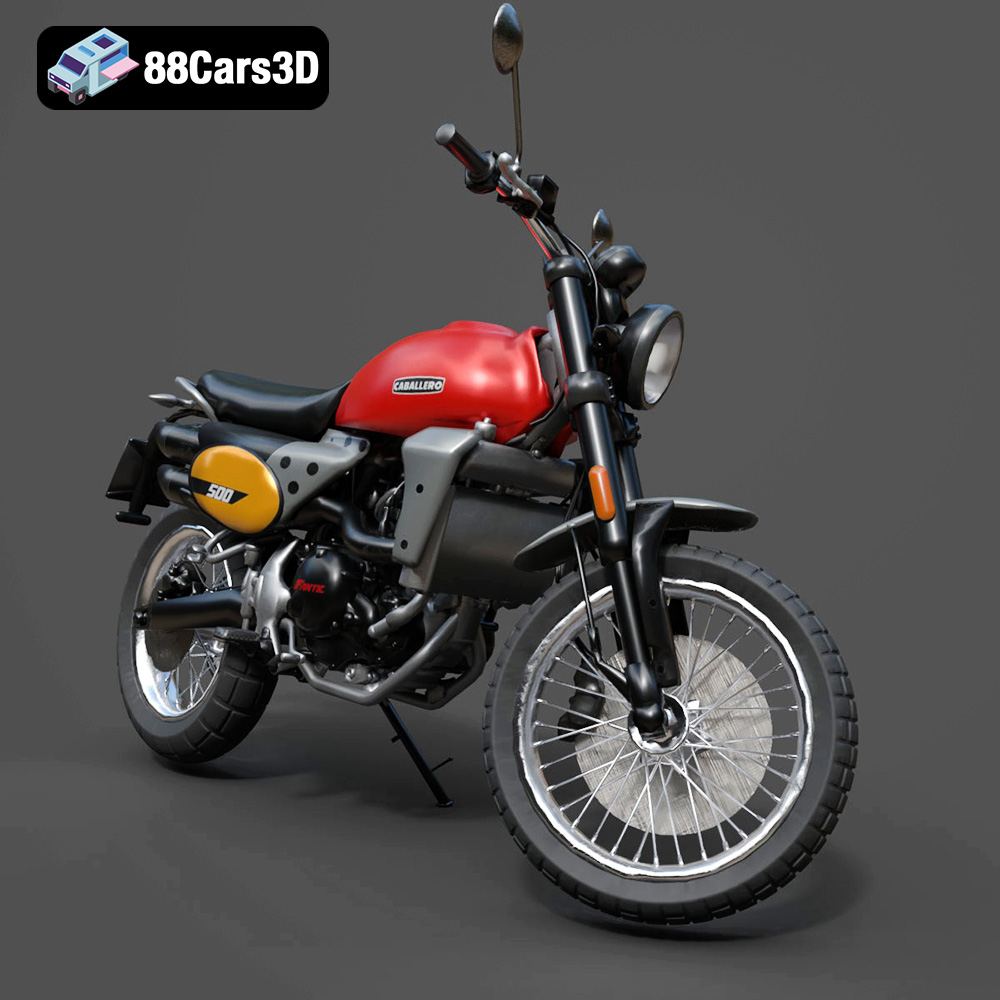
The Fantic Caballero 500 Scrambler 3D Model is a highly detailed, optimized digital recreation of the iconic Italian modern-classic motorcycle. Blends 1970s retro dirt-track aesthetics with contemporary engineering, the Caballero 500 is famous for its rugged off-road stance, punchy single-cylinder engine, signature dual Arrow exhaust, and aggressive knobby tires.
$9.99
.blend
.fbx
.obj
.rendering
.scrambler
caballero-500
dirt-bike
fantic
flat-tracker
game asset
game-ready
low-poly
motorcycle-3d-model
optimized
retro-motorcycle
VR/AR