Get 50% OFF All Premium 3D & STL Models!

The allure of German automotive engineering is undeniable. The blend of luxury, performance, and iconic design has captivated enthusiasts for decades. Now, thanks to the “German Luxury & Performance Bundle” available at 88cars3d.com, you can bring this automotive excellence to life with your 3D printer. This comprehensive guide will walk you through the process of 3D printing these stunning vehicles, covering everything from printer settings and material selection to pre-print preparation and post-processing techniques. We’ll focus on achieving the highest possible detail and accuracy, allowing you to showcase these miniature masterpieces.
Before diving into specific settings, it’s crucial to understand which 3D printing technology is best suited for this project. The “German Luxury & Performance Bundle,” with its intricate details and smooth curves, benefits greatly from the precision offered by two primary 3D printing methods: Fused Deposition Modeling (FDM) and Stereolithography (SLA) (including resin printing).
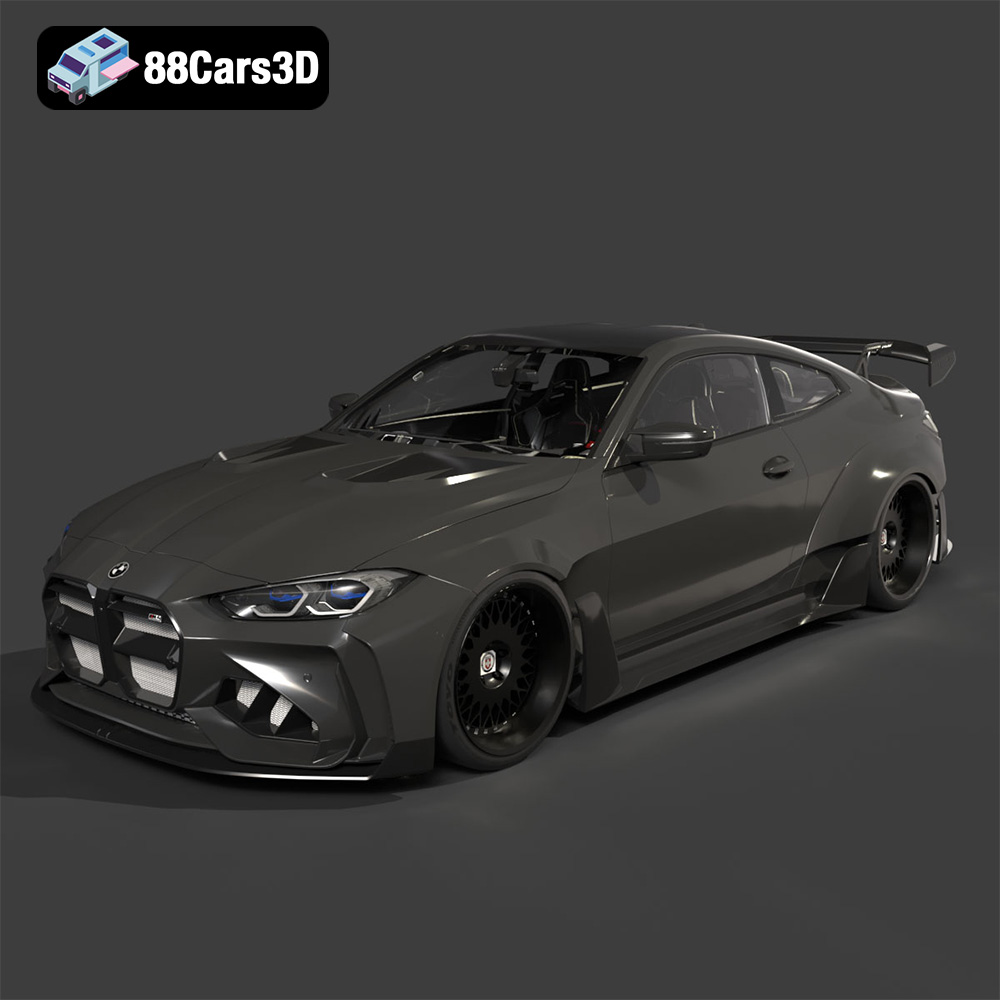
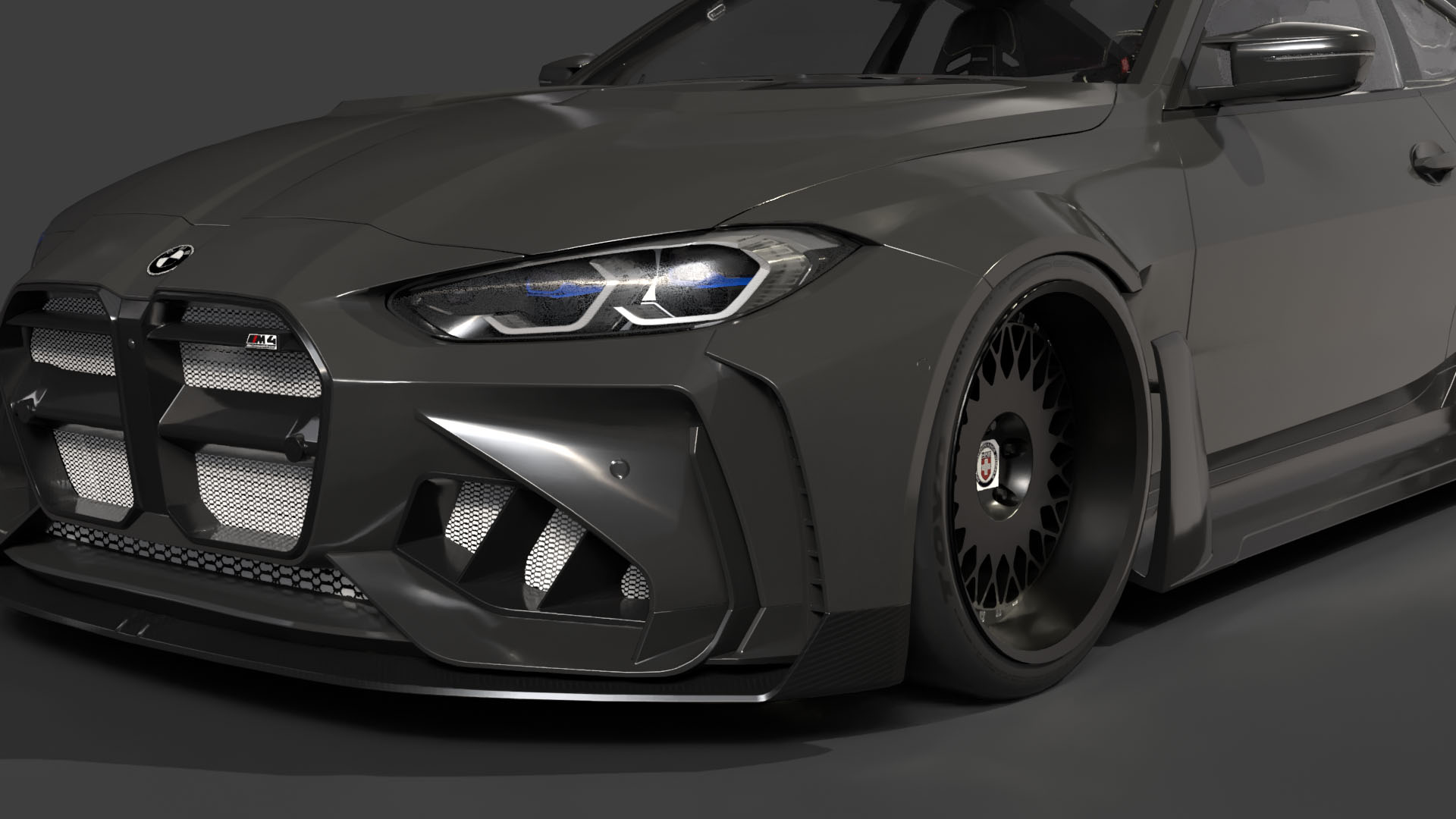
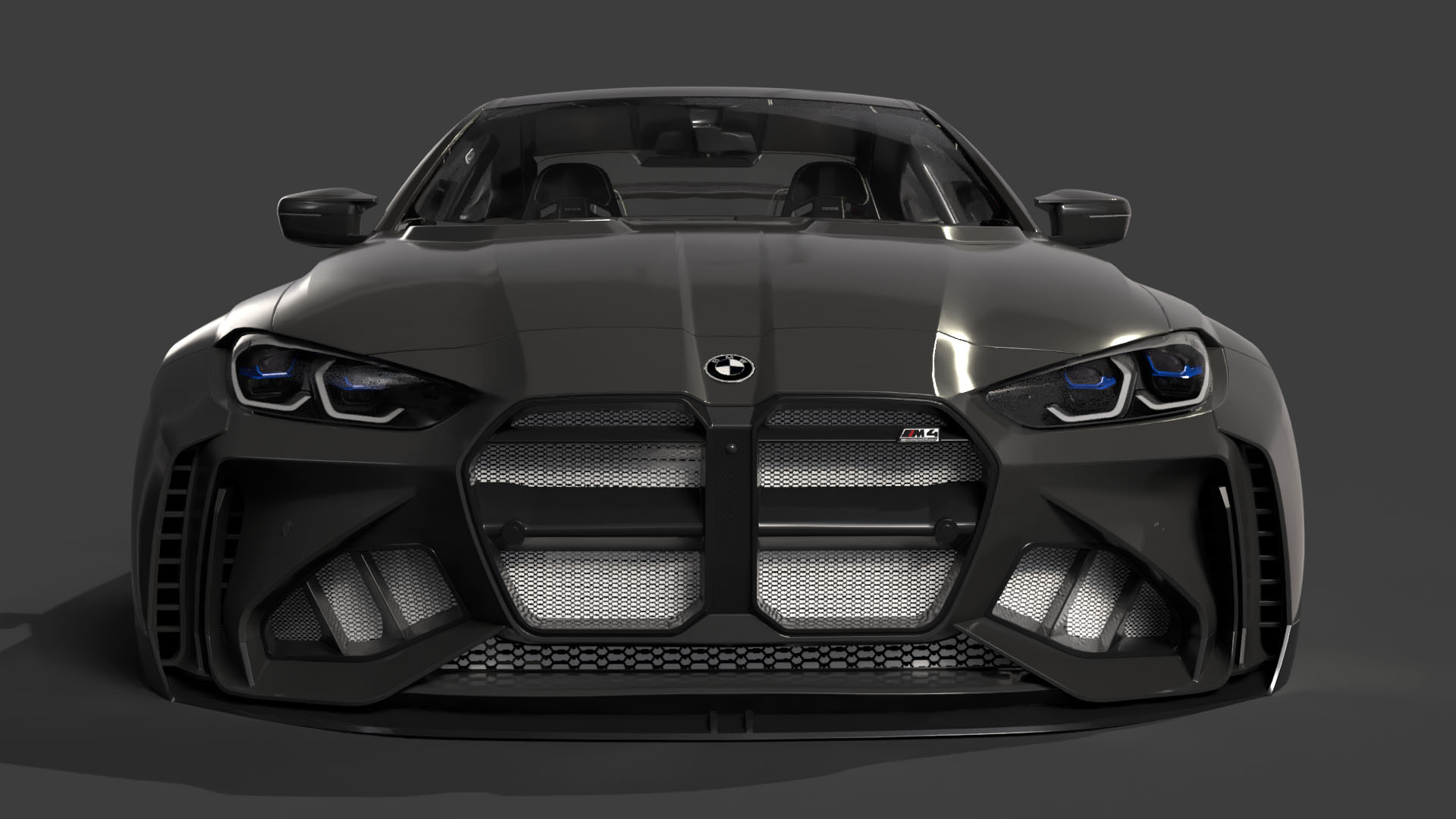
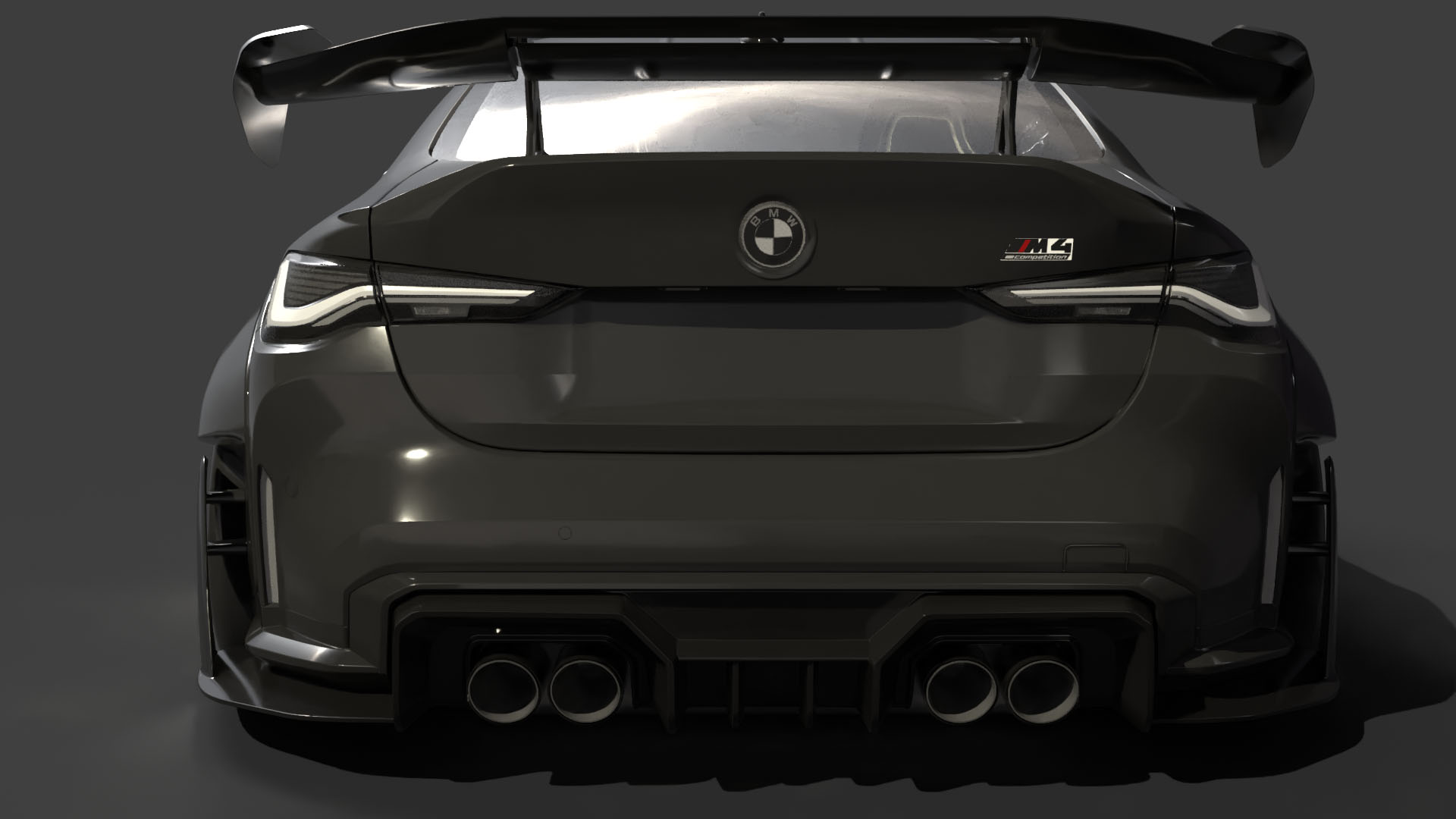
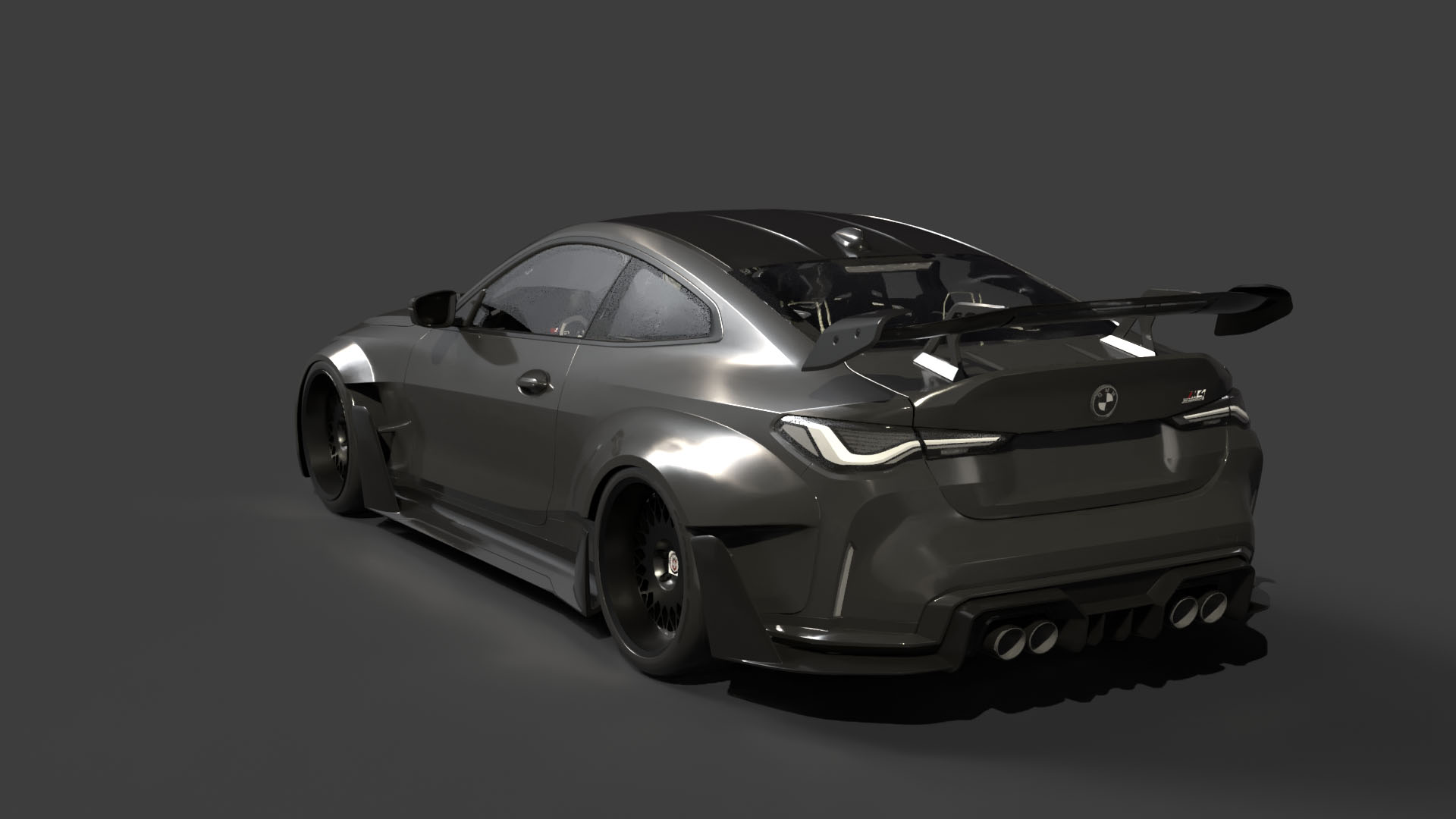
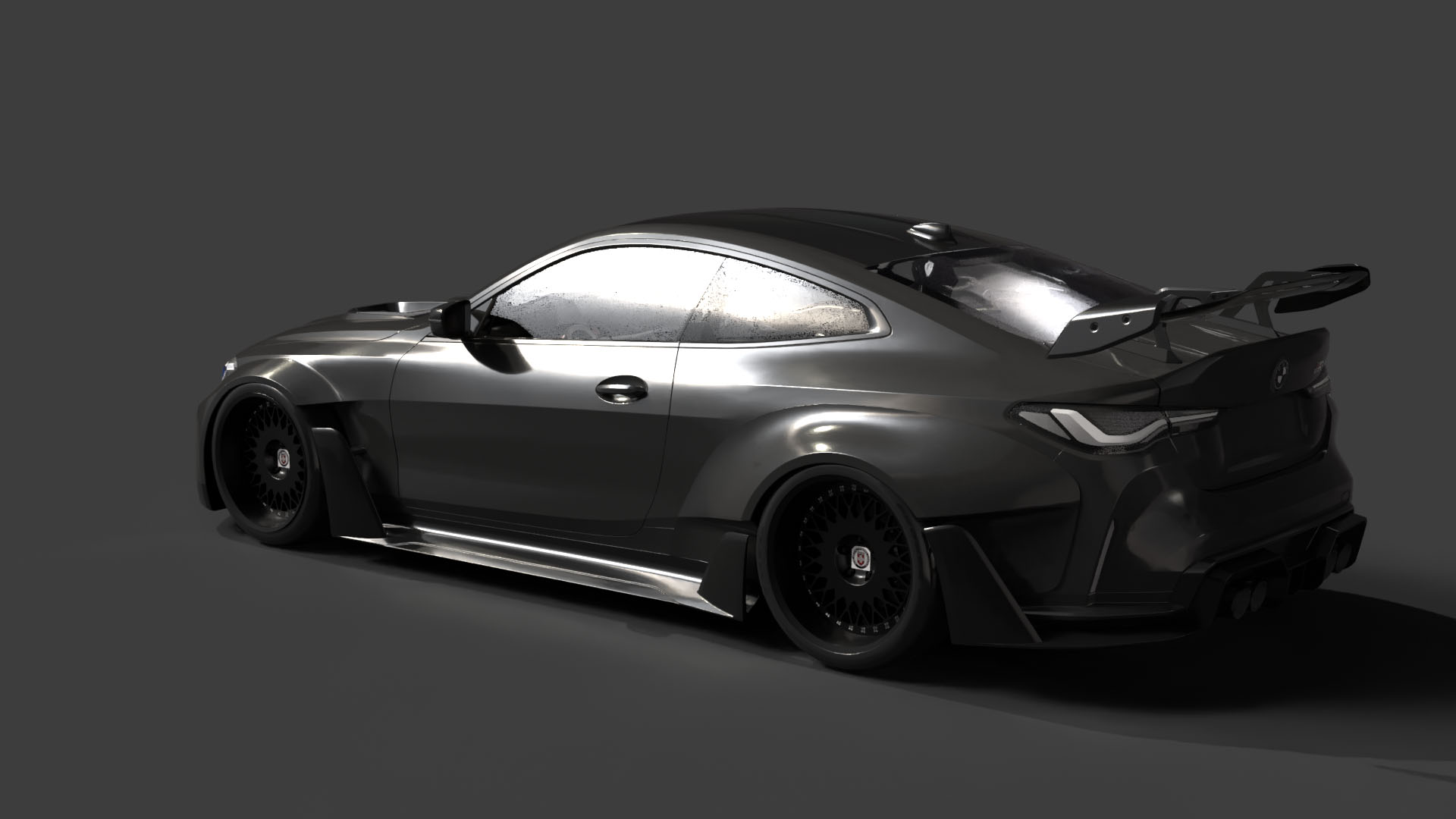
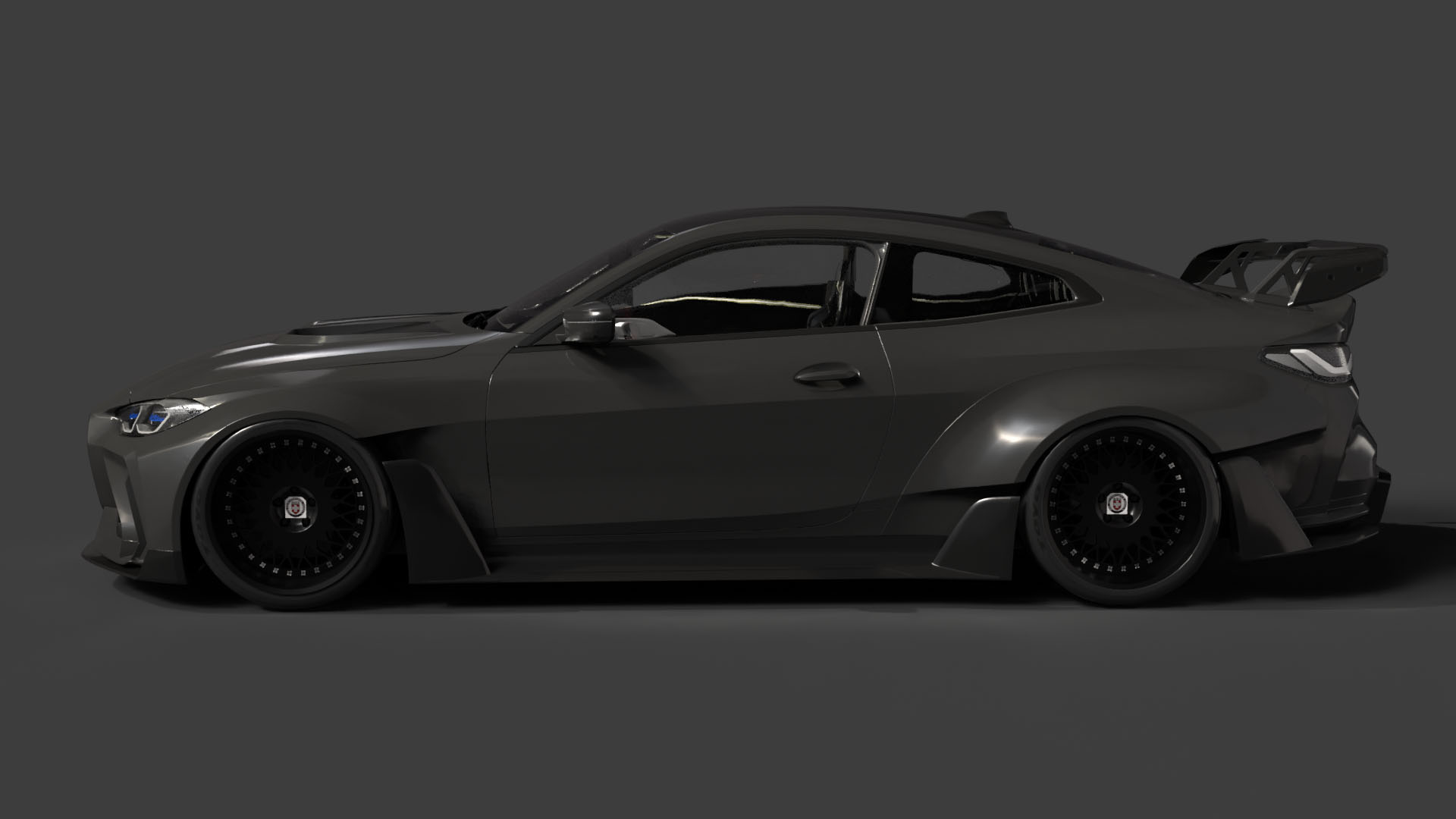
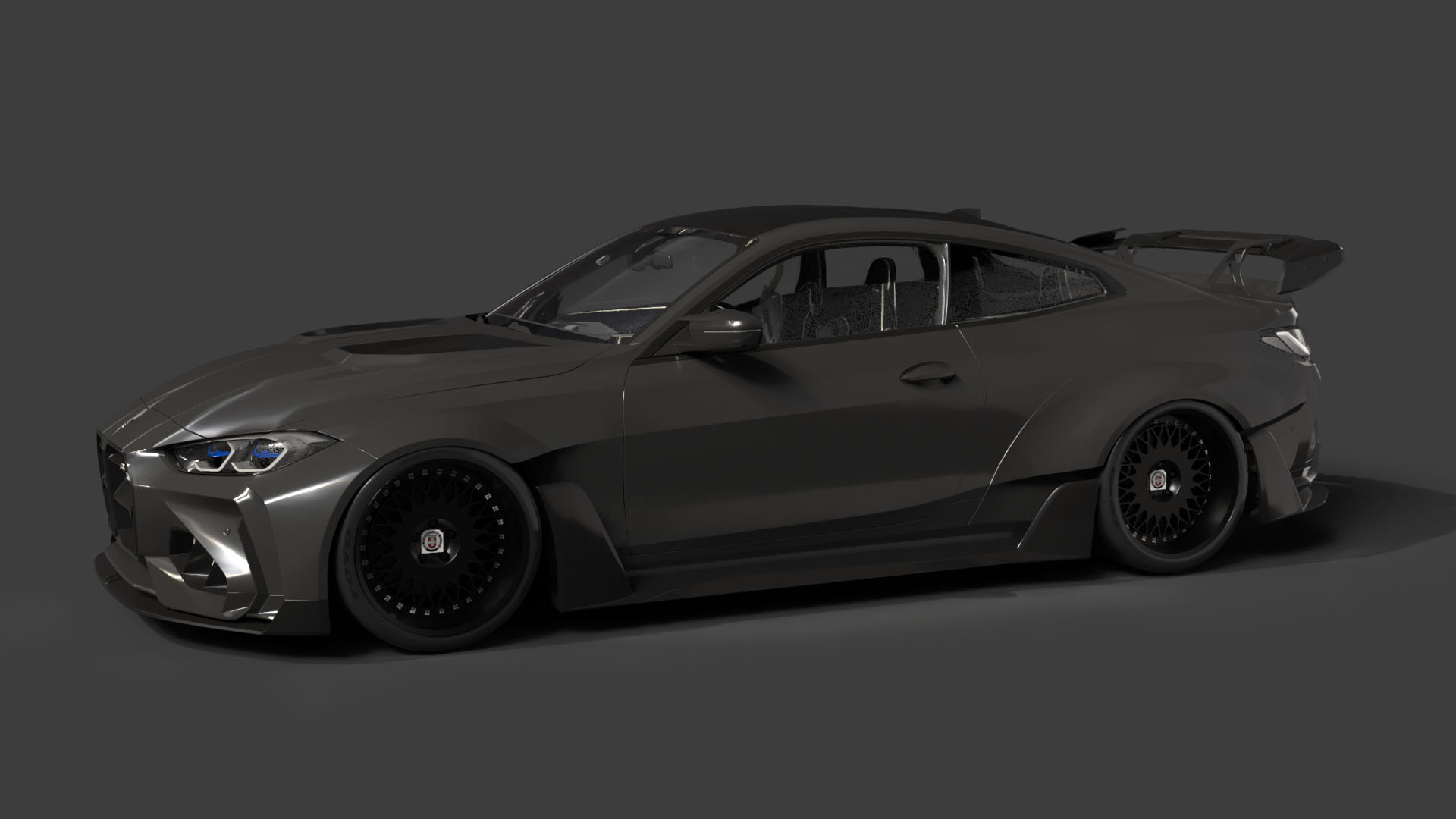
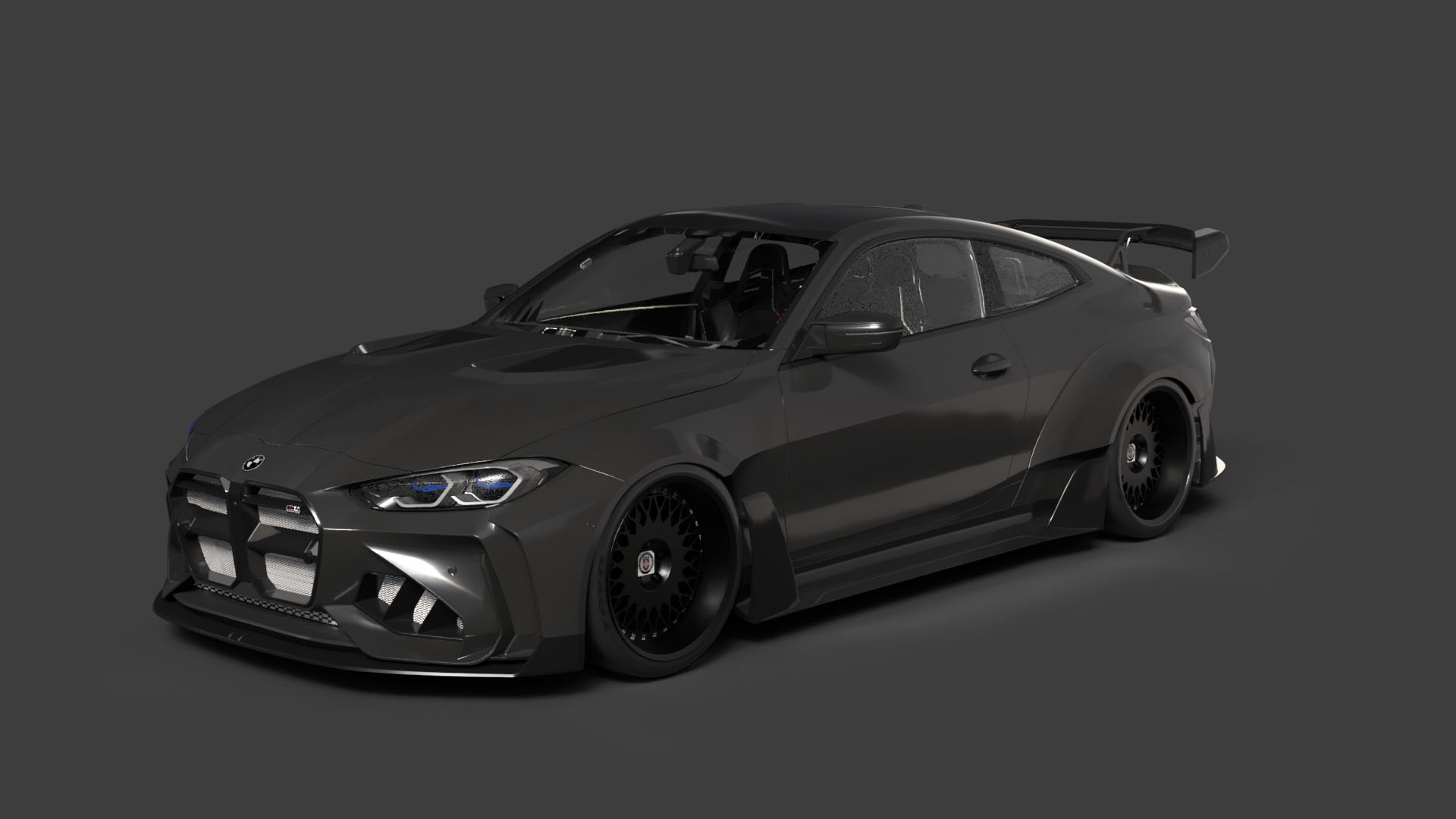
FDM printing, which uses filaments like PLA and PETG, is a popular choice for its affordability and ease of use. It’s a good option for larger scale models or for those prioritizing durability. However, achieving the finest details of the BMW M4 G82’s custom bodykit or the precise lines of the Mercedes-Benz E-Class AMG Line can be challenging without careful calibration and fine-tuning.
Resin printing, on the other hand, excels at capturing intricate details and producing smooth surfaces. This makes it ideal for smaller-scale models and those where visual fidelity is paramount. The recommended layer height of 0.04–0.12 mm, as suggested in the product description, is much easier to achieve consistently with resin printers. Consider using a high-quality resin designed for detailed models.
The “German Luxury & Performance Bundle” comes with various file formats, each designed for specific purposes. Understanding these formats is critical for ensuring a smooth 3D printing workflow. While the bundle includes formats optimized for rendering and game development, the STL format is the primary choice for 3D printing.
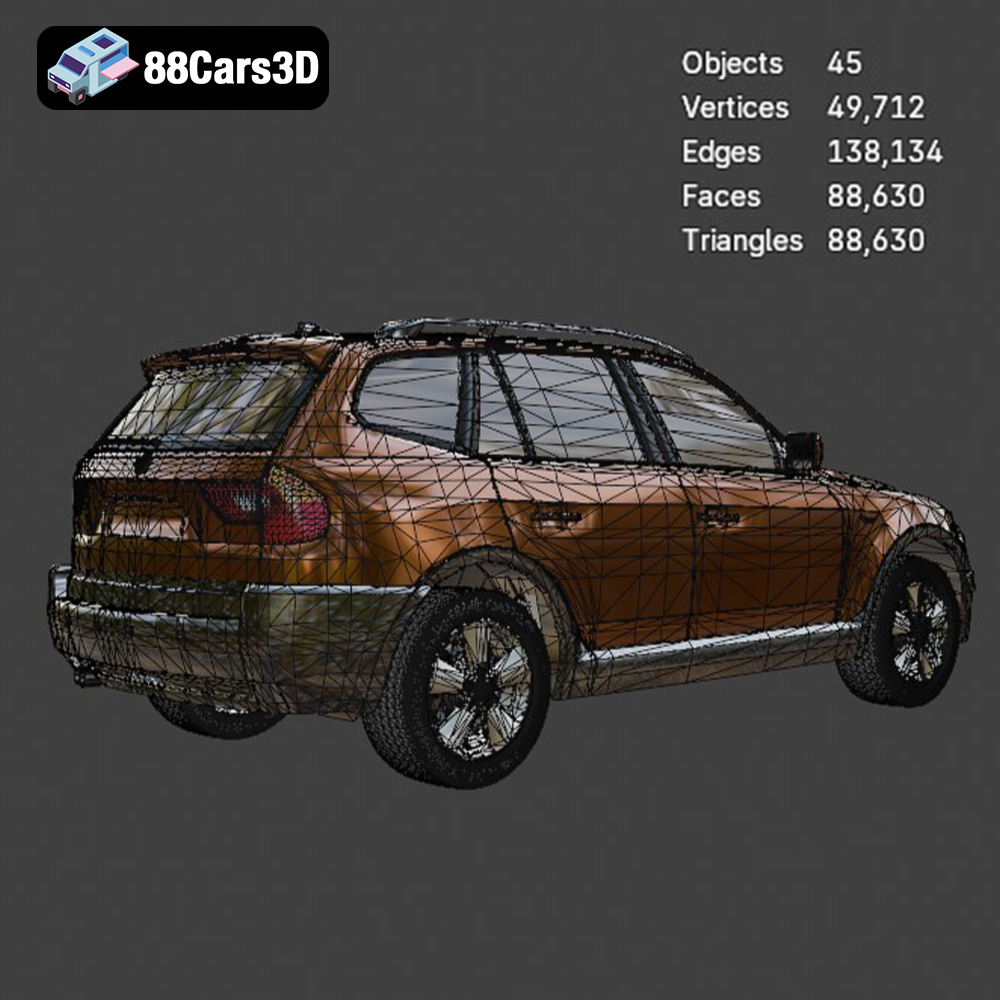
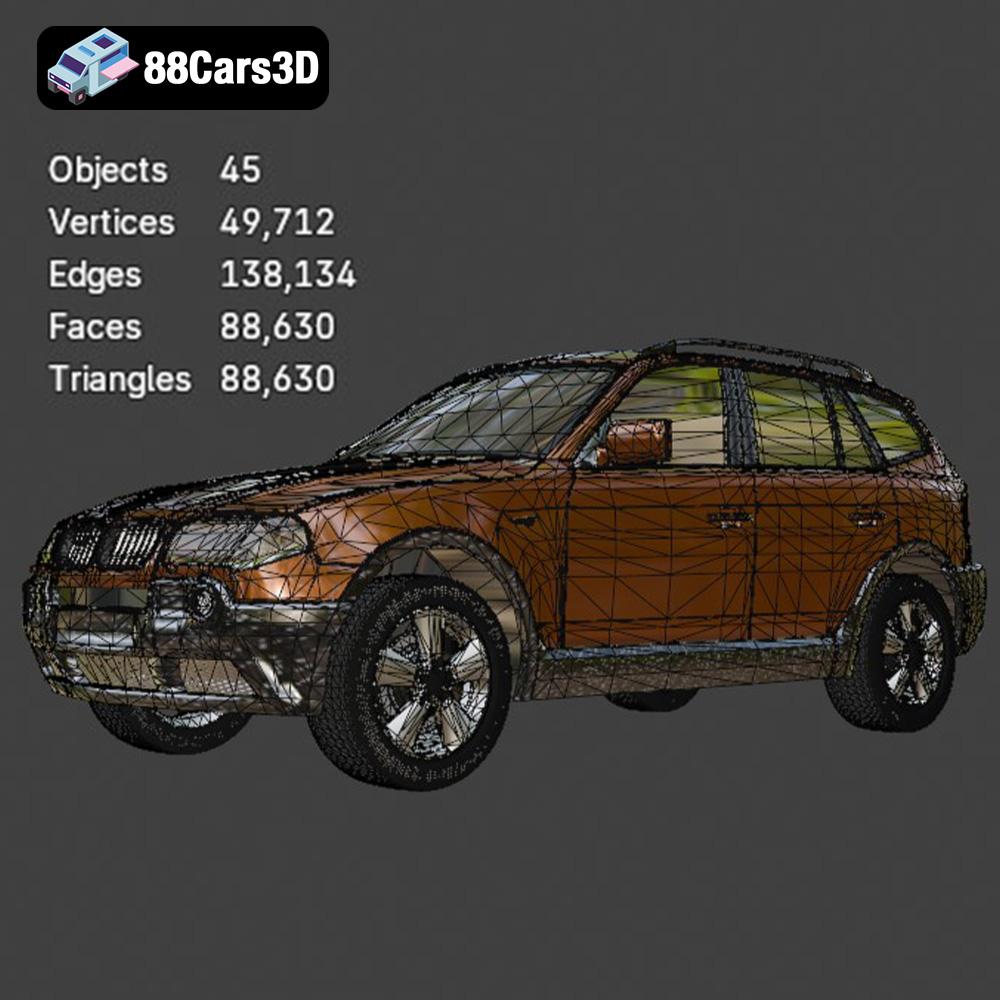
The STL (stereolithography) file format is the workhorse of 3D printing. It represents the surface geometry of a 3D object as a collection of triangles, forming a mesh. This format is universally compatible with slicing software, which translates the 3D model into instructions that your 3D printer can understand. The quality of the STL file directly impacts the final print. A higher triangle count results in a smoother surface but increases file size and processing time. Ensure that the STL files from 88cars3d.com are optimized for 3D printing with a sufficient level of detail without being excessively dense. For the German Luxury & Performance Bundle, balancing detail and file size is crucial, especially considering the intricate designs of the vehicles.
The OBJ format is more versatile than STL, as it supports color and texture information. However, it’s less commonly used for 3D printing unless you have a multi-material printer capable of handling color data. While the German Luxury & Performance Bundle may include OBJ files for rendering purposes, you’ll likely stick to STL for the actual printing process.
PLY (Polygon File Format) is another mesh-based format that can store color and other properties. It’s known for its ability to represent high-detail models accurately, making it suitable for complex geometries. However, not all slicing software fully supports PLY files, so compatibility should be checked before use.
Blender is a popular open-source 3D modeling software. The .blend file contains the entire Blender scene, including the model, materials, textures, and lighting. This format is incredibly useful if you want to customize the models before printing, such as adding personalized details or modifying the geometry. However, you’ll need Blender to open and edit these files, and you’ll need to export the modified model as an STL file for 3D printing.
FBX (Filmbox) is a proprietary format developed by Autodesk, commonly used for exchanging 3D models between different software applications. It supports materials, textures, and animations. While some slicing software may import FBX files, it’s primarily used for transferring models between design and animation tools, rather than directly for 3D printing.
GLB is a binary file format representing 3D models, often used for augmented reality (AR) applications. It’s designed to be compact and efficient for real-time rendering. While not directly used for 3D printing, GLB files can be helpful for previewing the models in AR before committing to a physical print.
Similar to .blend files, .max files are project files specifically for Autodesk 3ds Max, a professional 3D modeling and rendering software. These files contain all the information about the scene, including the model’s geometry, materials, textures, and lighting setup. They are ideal for advanced users who want to make detailed modifications to the models before 3D printing.
For the best 3D printing results with the German Luxury & Performance Bundle, focus on utilizing the STL files. Ensure the mesh quality is high enough to capture the intricate details of each vehicle but not so dense that it causes performance issues with your slicing software. If you need to make modifications, use the .blend or .max files, but always export the final model as an STL for printing.
Once you’ve chosen your printing technology and file format, the next step is to prepare the 3D models for printing. This involves using slicing software to convert the STL files into a set of instructions that your 3D printer can follow. Popular slicing software options include Cura, Simplify3D, and PrusaSlicer.
The orientation of the model on the print bed is crucial for both FDM and resin printing. As suggested in the product description, printing the car body at an angle can help minimize the need for supports on the visible surfaces, resulting in a smoother finish. For FDM printing, consider orienting the model with the flattest side down. For resin printing, angling the model can improve resin drainage and reduce suction forces during printing.
Support structures are often necessary to support overhanging features, such as side mirrors, wheel arches, and the rear roof spoiler. Carefully consider the placement and type of supports. For FDM printing, tree supports can be a good option as they are easier to remove and leave fewer marks. For resin printing, use light supports to minimize damage to the model during removal.
The recommended scales for these models are 1:24, 1:32, and 1:43. Choose a scale that suits your needs and printer capabilities. Before slicing, inspect the STL files for any errors or imperfections. Software like MeshMixer or Netfabb can be used to repair common issues such as non-manifold edges or holes in the mesh. Addressing these issues before printing can prevent print failures and improve the final quality of the model.
The right printing parameters are essential for achieving high-quality 3D printed models. Here’s a breakdown of recommended settings for both FDM and resin printing:
* **Layer Height:** 0.1mm – 0.2mm. Lower layer heights result in smoother surfaces but increase print time.
* **Infill:** 15-25%. This provides internal support without adding excessive weight or material.
* **Wall Thickness:** 1.2mm – 2.0mm. This ensures sufficient strength and rigidity.
* **Print Speed:** 40-60 mm/s. Slower speeds generally result in better quality.
* **Material:** PLA or PETG. PLA is easier to print but PETG offers greater durability and heat resistance.
* **Layer Height:** 0.04mm – 0.12mm. As recommended, this is crucial for capturing fine details.
* **Exposure Time:** This will vary depending on the resin and printer. Consult the resin manufacturer’s recommendations and perform test prints.
* **Lift Speed:** Adjust the lift speed to prevent suction forces from damaging the model.
* **Bottom Layer Count:** Use a higher bottom layer count for better adhesion to the build plate.
* **Resin:** Choose a high-quality resin designed for detailed models.
Choosing the right material is critical to the success of your 3D printed car model. The “German Luxury & Performance Bundle” can be printed using a variety of materials, each with its own advantages and disadvantages.
PLA (Polylactic Acid) is a biodegradable thermoplastic derived from renewable resources. It’s known for its ease of printing, low odor, and wide availability. PLA is a good choice for beginners and for models that don’t require high heat resistance. However, it can be brittle and is not suitable for outdoor use.
PETG (Polyethylene Terephthalate Glycol-modified) is a stronger and more durable alternative to PLA. It offers better heat resistance and impact resistance, making it suitable for models that will be handled frequently or exposed to higher temperatures. PETG can be slightly more challenging to print than PLA, requiring higher temperatures and careful bed adhesion.
Resin is the ideal choice for capturing the intricate details of the German Luxury & Performance Bundle. It allows for very fine layer heights, resulting in smooth surfaces and sharp edges. Resin prints are typically more brittle than FDM prints and require post-processing, such as washing and curing.
Once the 3D printing is complete, the real fun begins: post-processing. This involves removing supports, sanding the surfaces, and painting the model to bring it to life.
Carefully remove the support structures using pliers or a sharp knife. Take your time to avoid damaging the model. Once the supports are removed, use sandpaper to smooth any rough edges or imperfections. Start with a coarse grit sandpaper (e.g., 220 grit) and gradually move to finer grits (e.g., 400, 600, 800 grit) to achieve a smooth finish.
Apply a primer to the model to create a uniform surface for painting. Choose a primer that is compatible with the material you used for printing. Once the primer is dry, you can begin painting the model. Use acrylic paints or model paints for best results. Apply multiple thin coats of paint, allowing each coat to dry completely before applying the next.
Consider using stencils or masking tape to create intricate paint schemes. For the German Luxury & Performance Bundle, you might want to replicate the iconic colors of BMW and Mercedes-Benz, such as Alpine White, Black Sapphire Metallic, or Iridium Silver. Applying a clear coat after painting can protect the paint and add a glossy finish.
The “German Luxury & Performance Bundle” features separated components such as wheels, steering wheels, and doors. These components can be printed separately and assembled after painting. Use super glue or epoxy to attach the components.
Even with careful preparation, 3D printing can sometimes present challenges. Here are some common issues and how to troubleshoot them:
Warping occurs when the corners of the model lift off the print bed. This is more common with FDM printing, especially with larger models. To prevent warping, ensure that the print bed is properly leveled and heated. Use a brim or raft to increase the surface area in contact with the bed.
Layer separation occurs when the layers of the print don’t adhere properly to each other. This can be caused by insufficient bed adhesion, low printing temperature, or insufficient cooling. Ensure that the bed is properly cleaned and leveled. Increase the printing temperature and reduce the cooling fan speed.
Stringing occurs when strands of plastic are left between different parts of the model. This is more common with FDM printing and can be caused by excessive printing temperature, slow retraction speed, or a worn nozzle. Reduce the printing temperature, increase the retraction speed, and check the nozzle for wear.
Before starting a print, it’s helpful to estimate the print time and material cost. Slicing software typically provides estimates of both. Print time depends on factors such as layer height, print speed, and model size. Material cost depends on the material used and the amount of filament or resin consumed.
For the German Luxury & Performance Bundle, a single car model at a 1:32 scale might take anywhere from 5 to 15 hours to print using FDM, depending on the complexity and settings. Resin prints, while potentially faster per layer, might require more time for post-processing. Material costs can range from a few dollars for a small PLA print to $10 or more for a larger PETG or resin print.
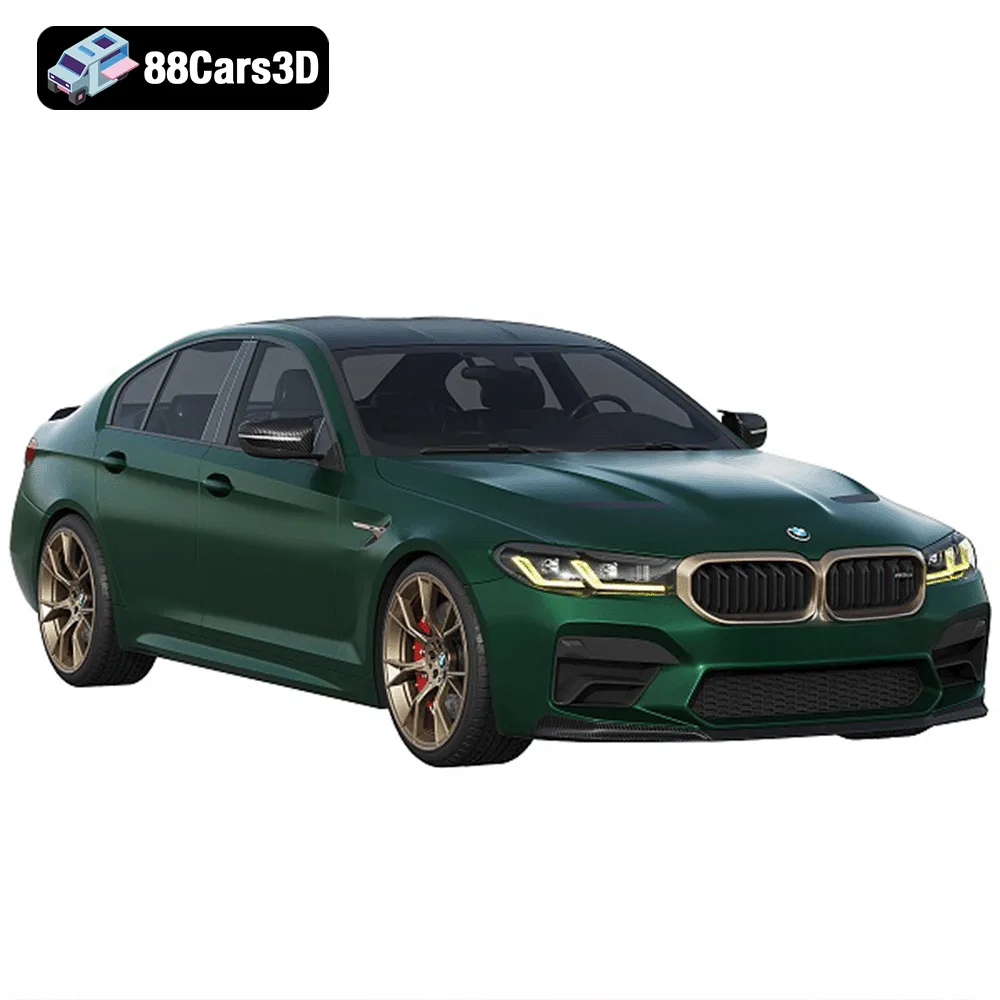
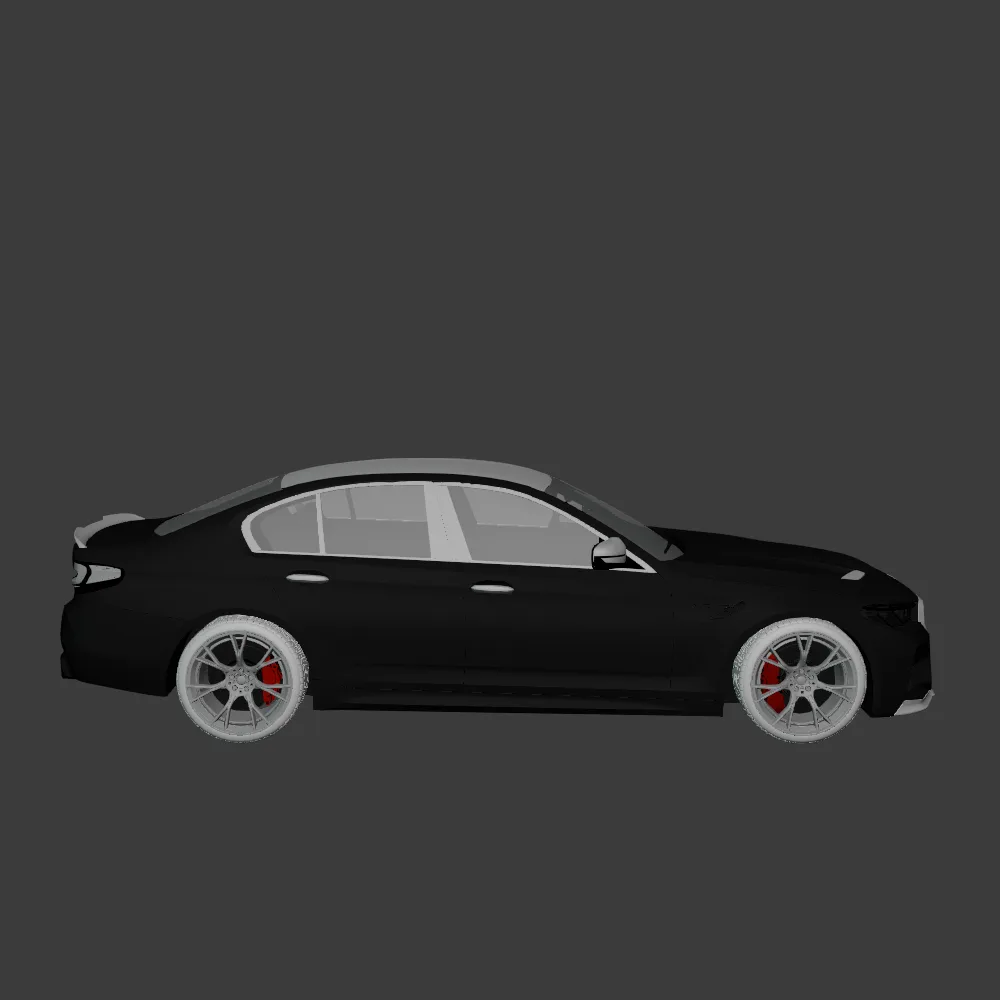
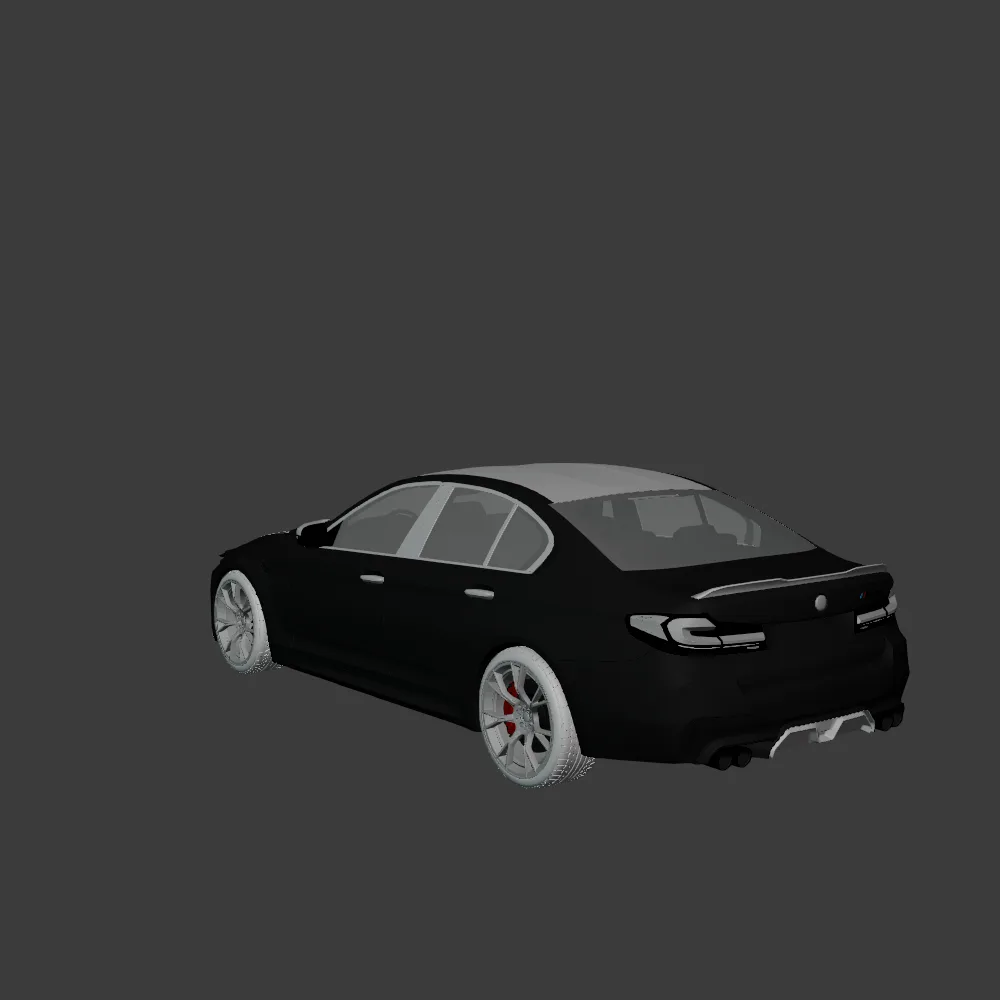
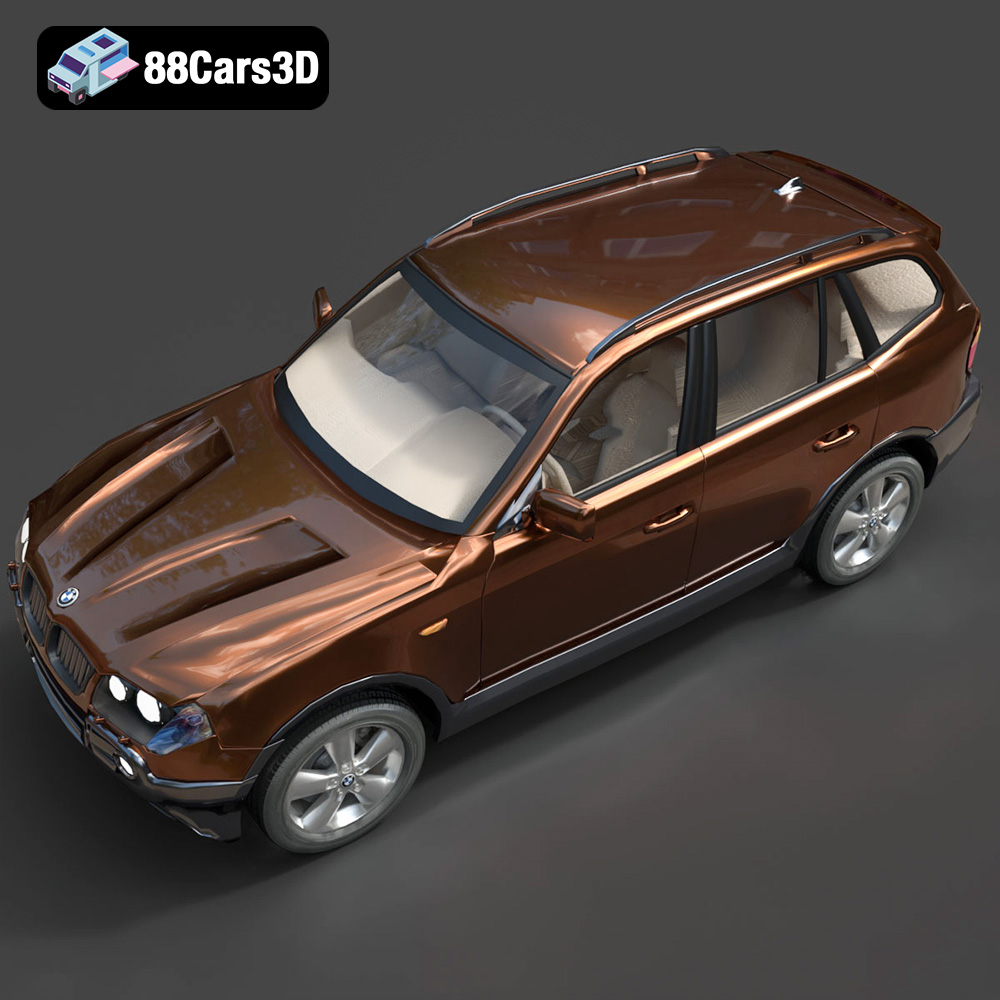
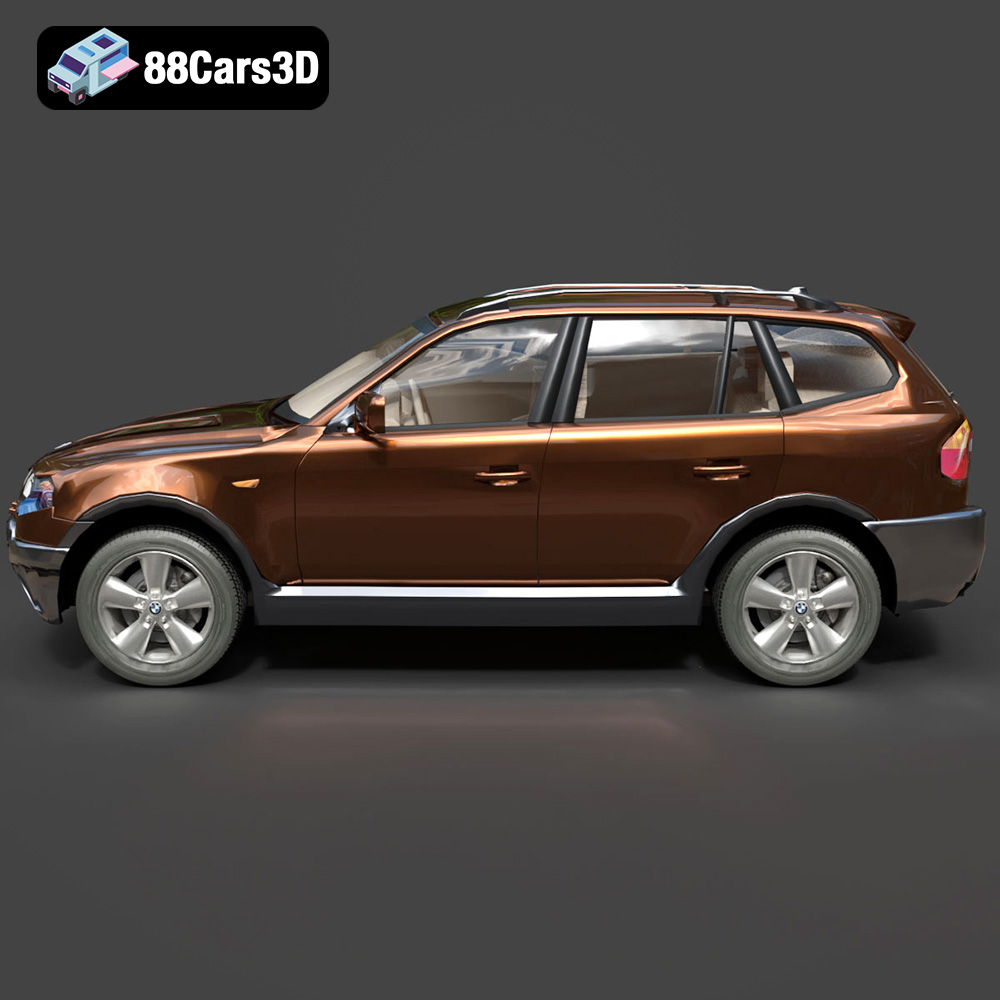
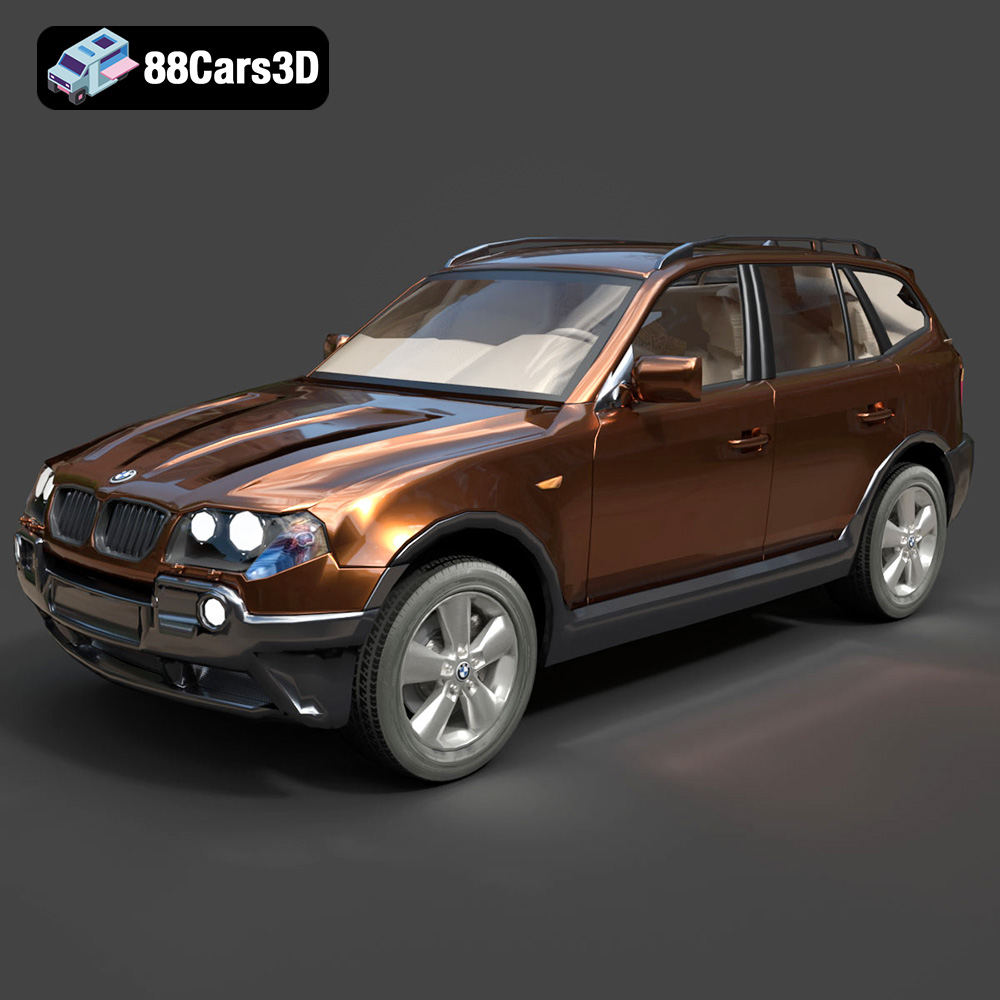
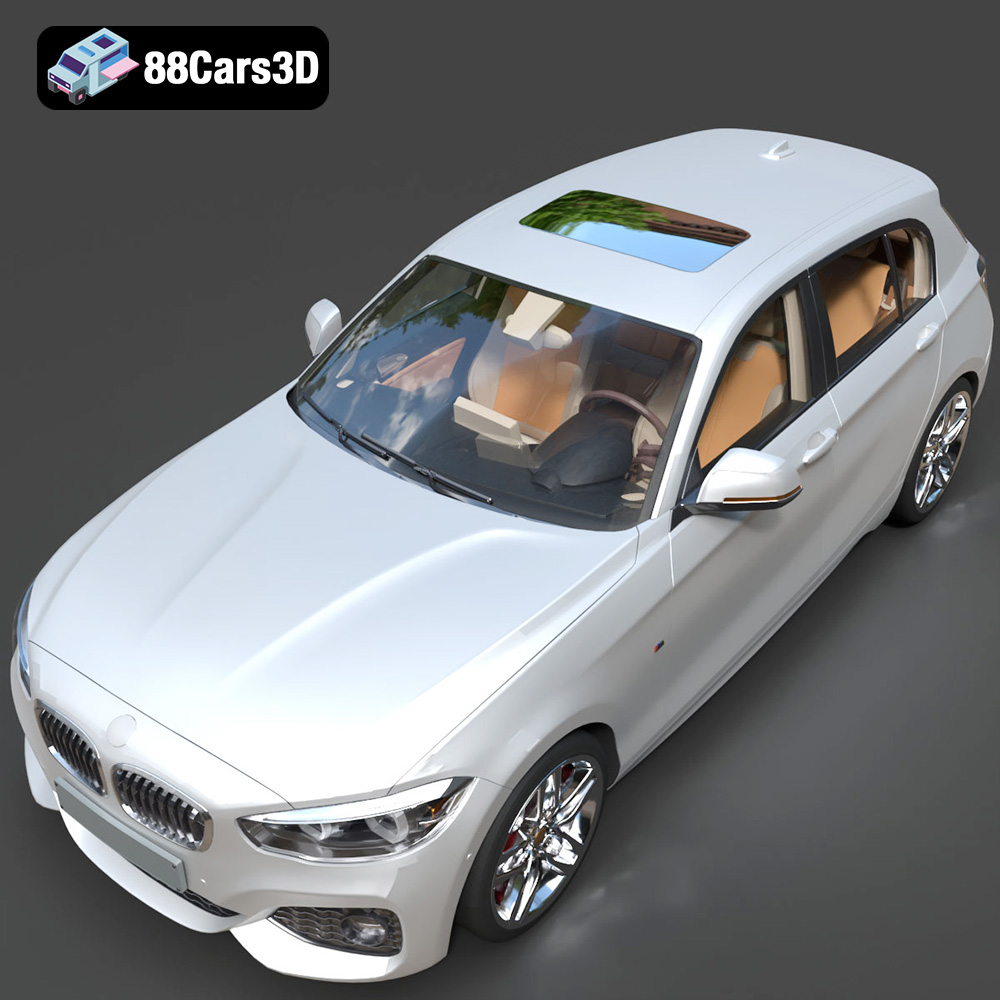
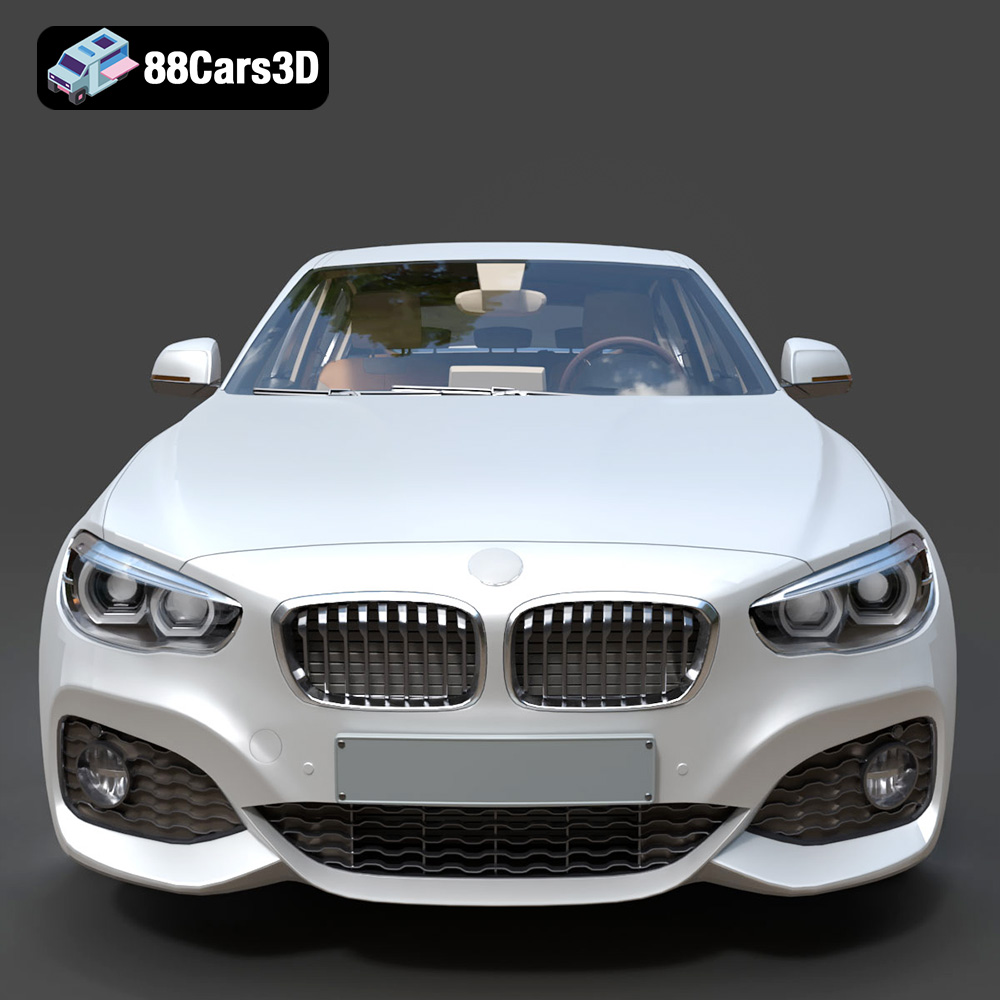
The German Luxury & Performance Bundle is a masterfully curated collection of Germany’s most iconic and sought-after vehicles. This bundle brings together the perfect synergy of aggressive sport aesthetics, executive elegance, and everyday versatility. Featuring industry-leading models from BMW and Mercedes-Benz, this collection is designed specifically for artists who refuse to compromise between high-fidelity detail and engine performance.
$119
3D printing the “German Luxury & Performance Bundle” is a rewarding project that combines technical skill with artistic expression. By carefully selecting your printing technology, preparing the models properly, choosing the right materials, and mastering post-processing techniques, you can create stunning replicas of these iconic vehicles. Remember to pay attention to the recommended settings and troubleshooting tips outlined in this guide. With practice and patience, you’ll be able to showcase your 3D printing skills and enjoy the beauty of German automotive engineering in miniature form. Don’t hesitate to explore other amazing 3D printed models available at 88cars3d.com!
.bmw
.bodykit
.e-class
.mercedes
3d-car-bundle
archviz-cars
automotive-design
corona-renderer
game-ready-cars
german-cars
luxury-sedan
m4-g82
m5-cs
SUV
vray-ready