Get 50% OFF All Premium 3D & STL Models!

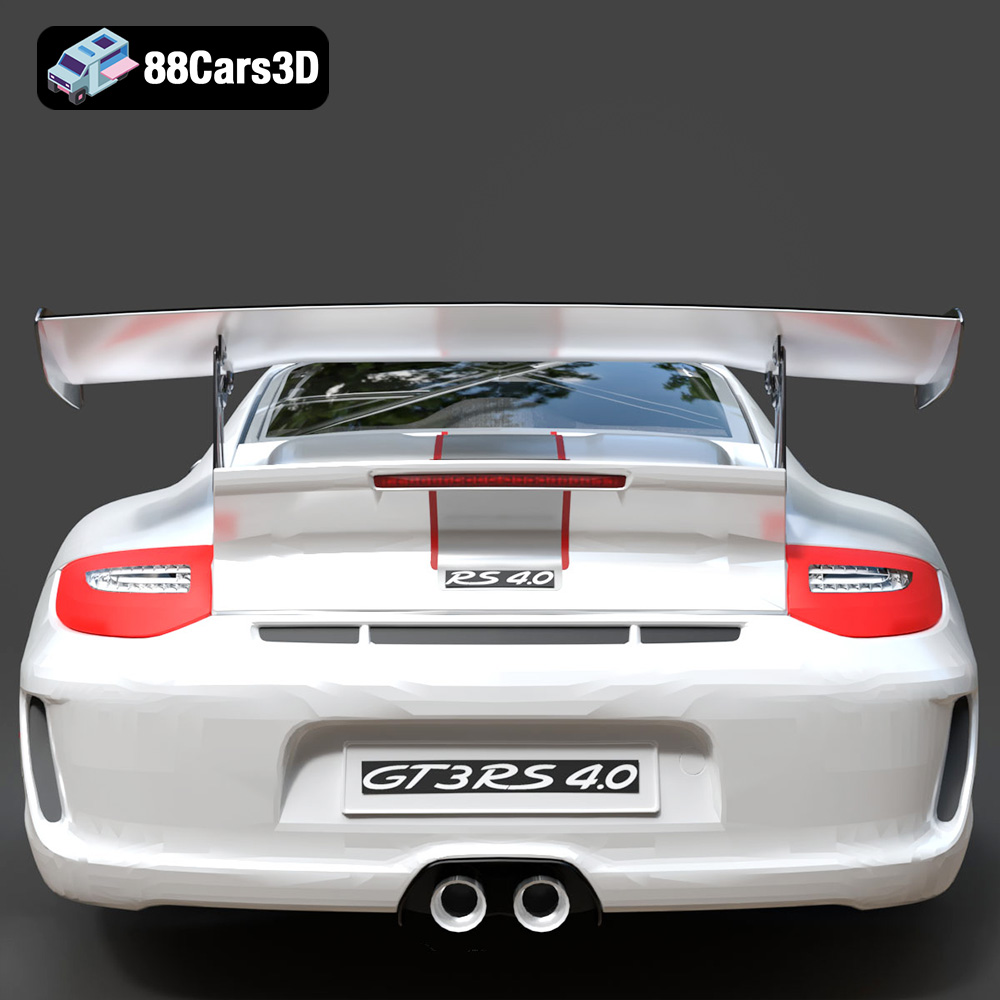
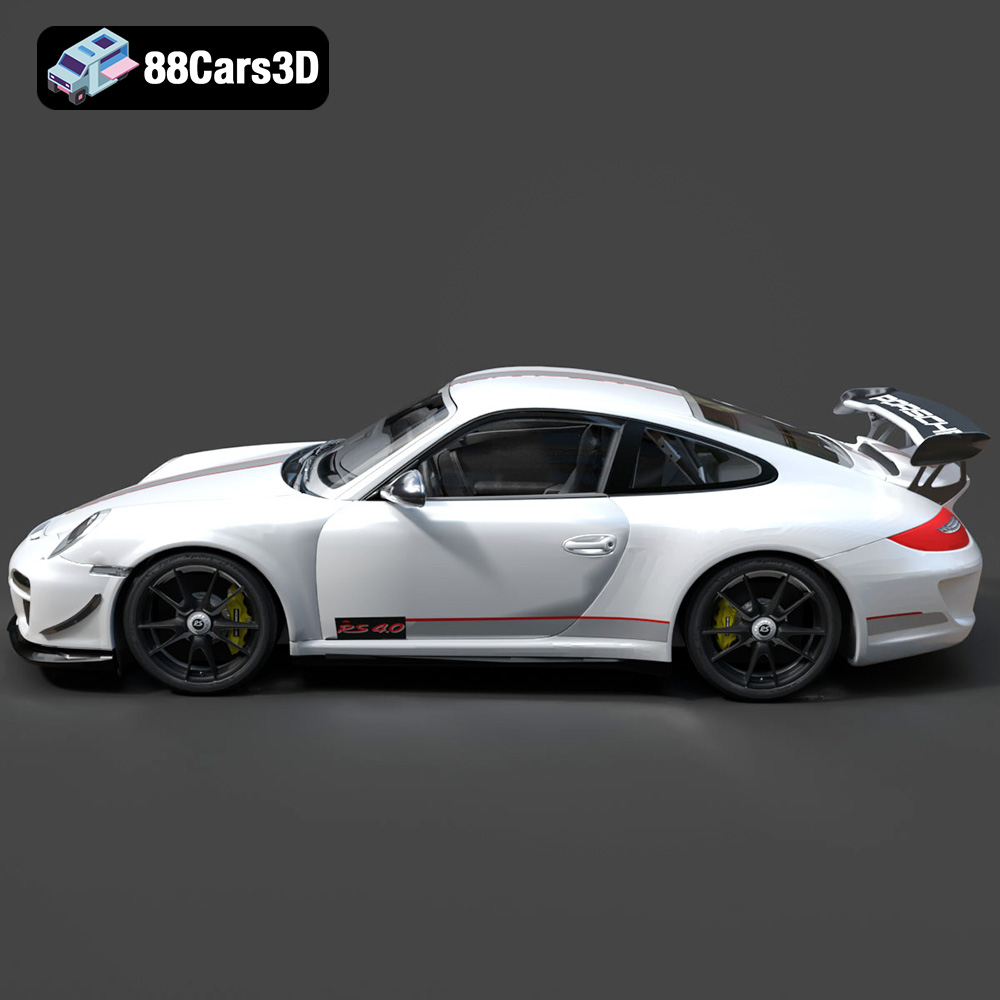
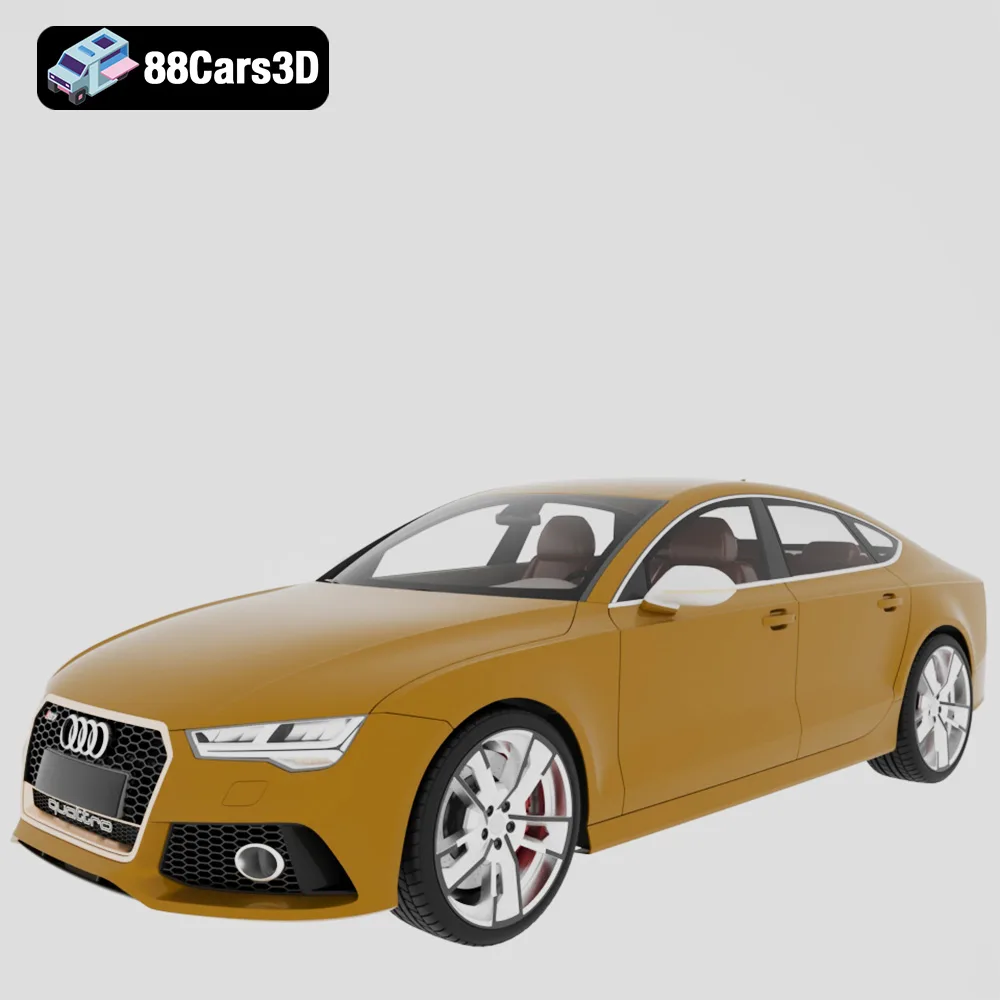
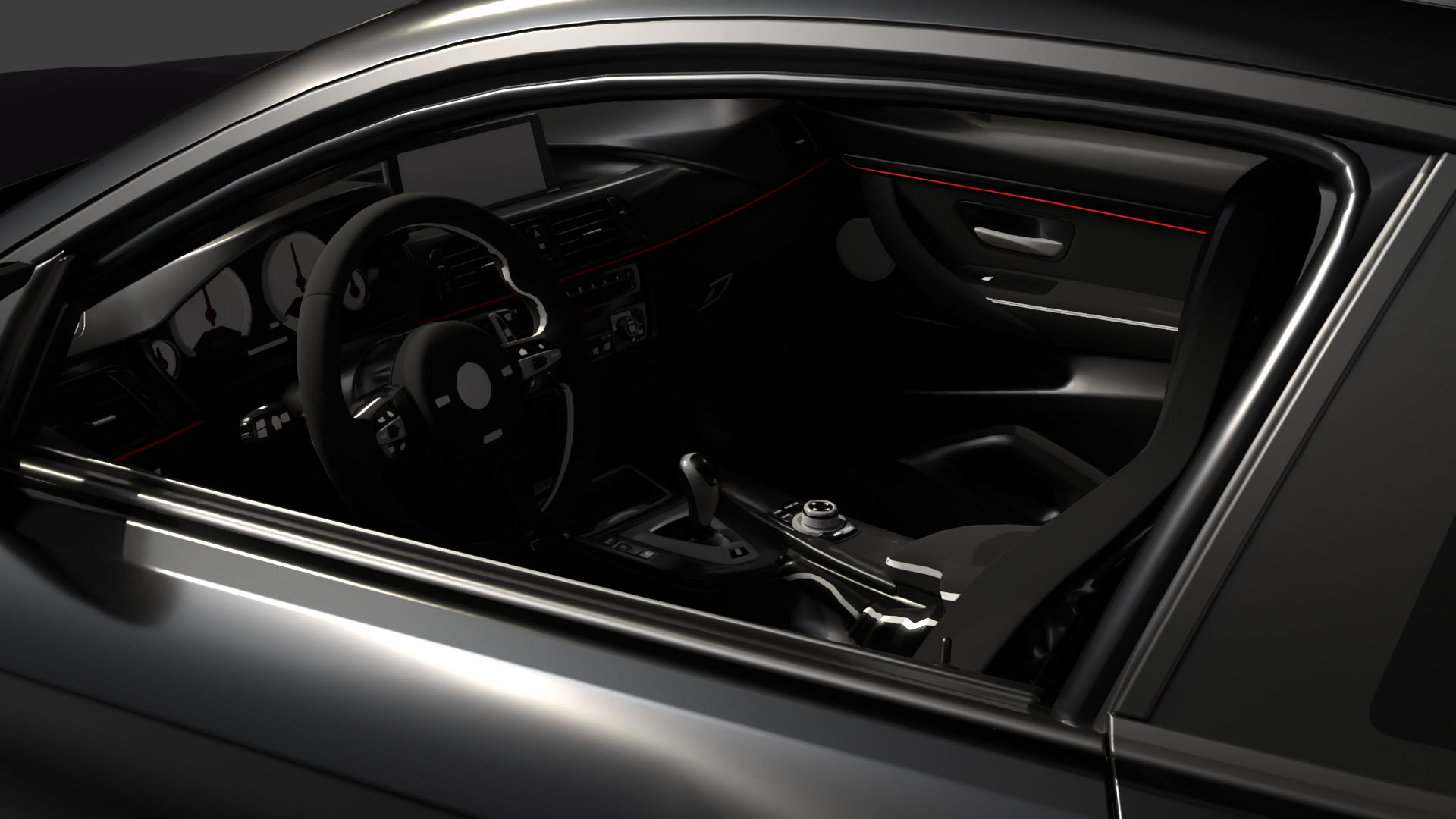
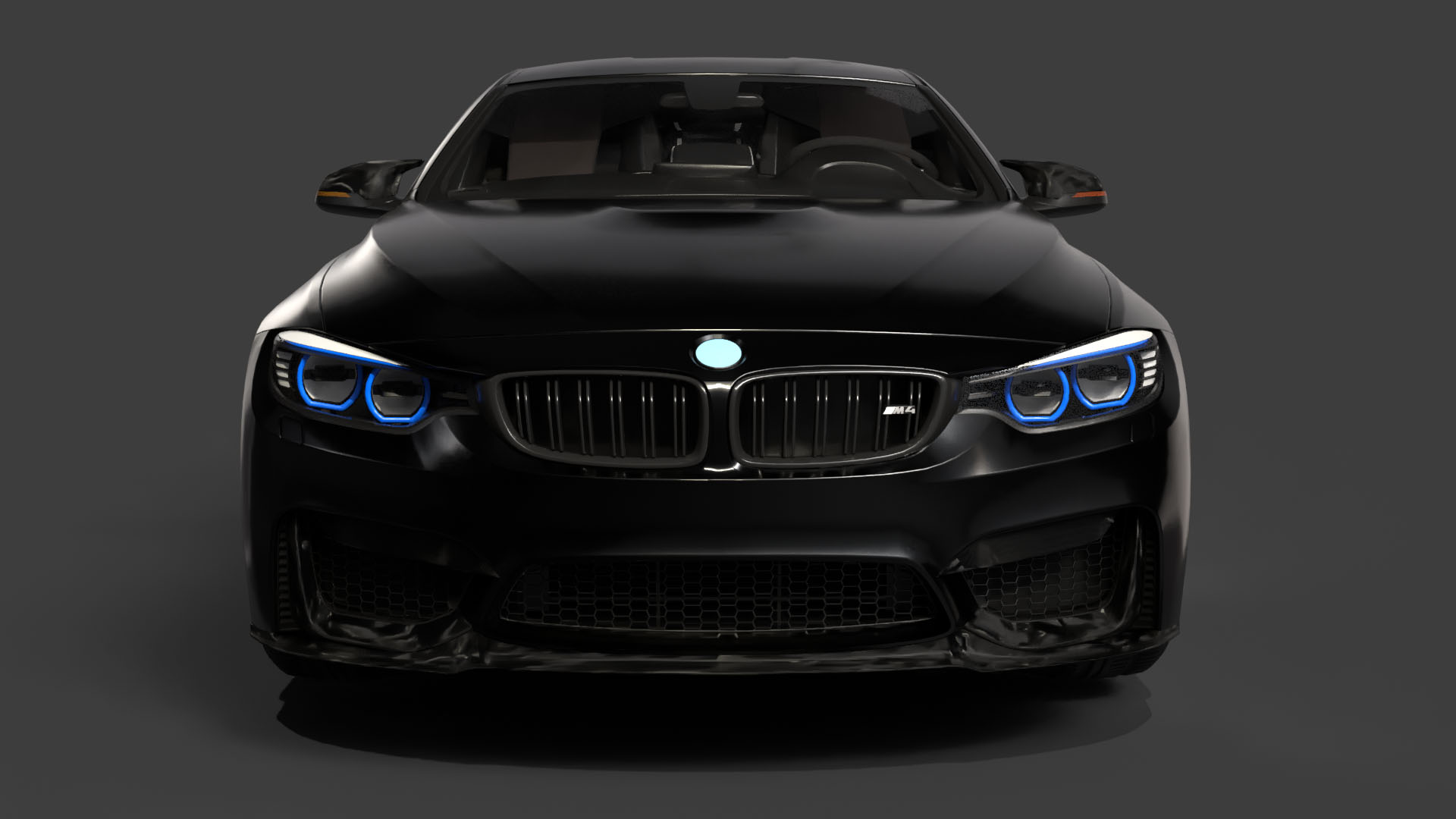
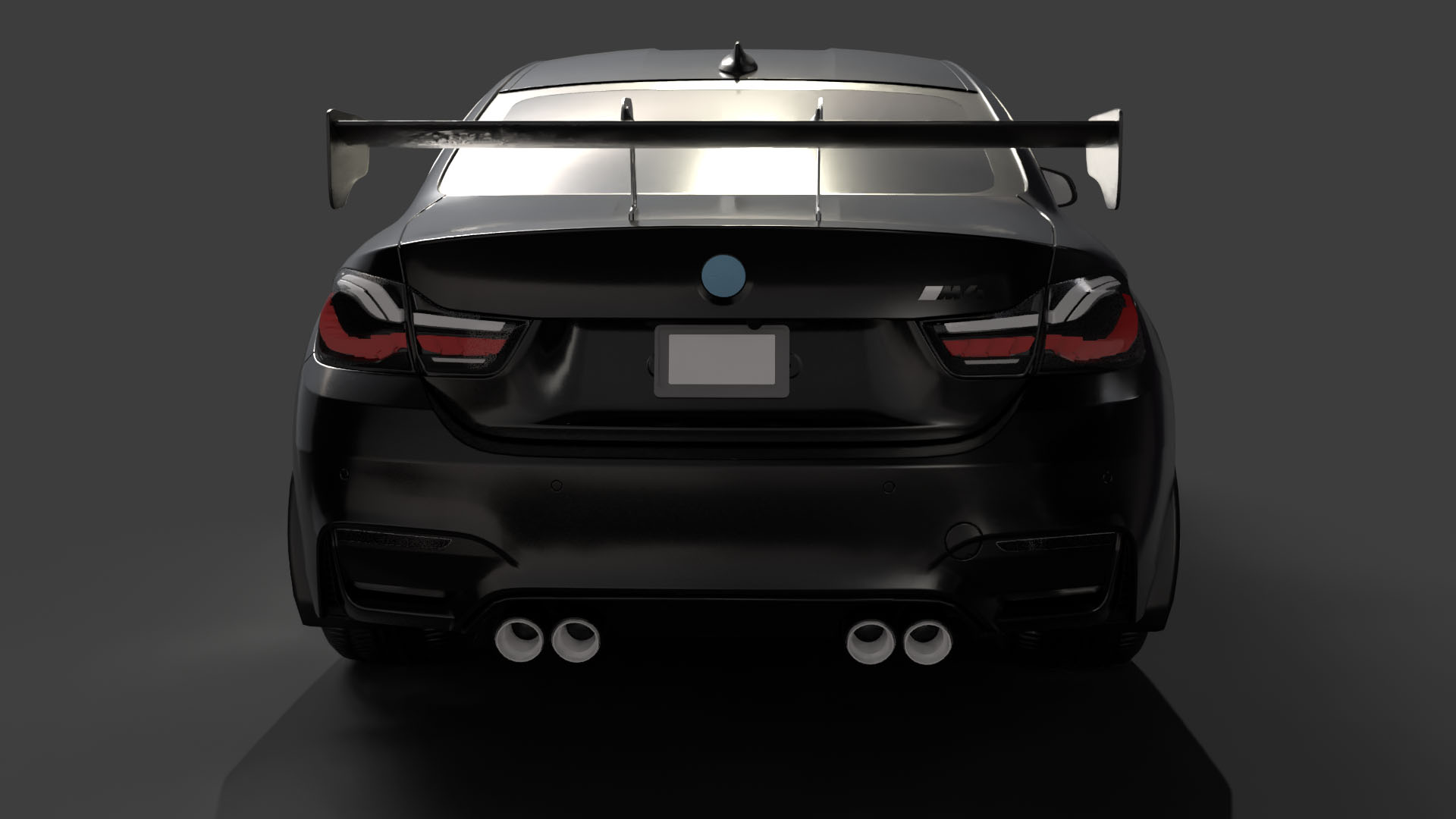
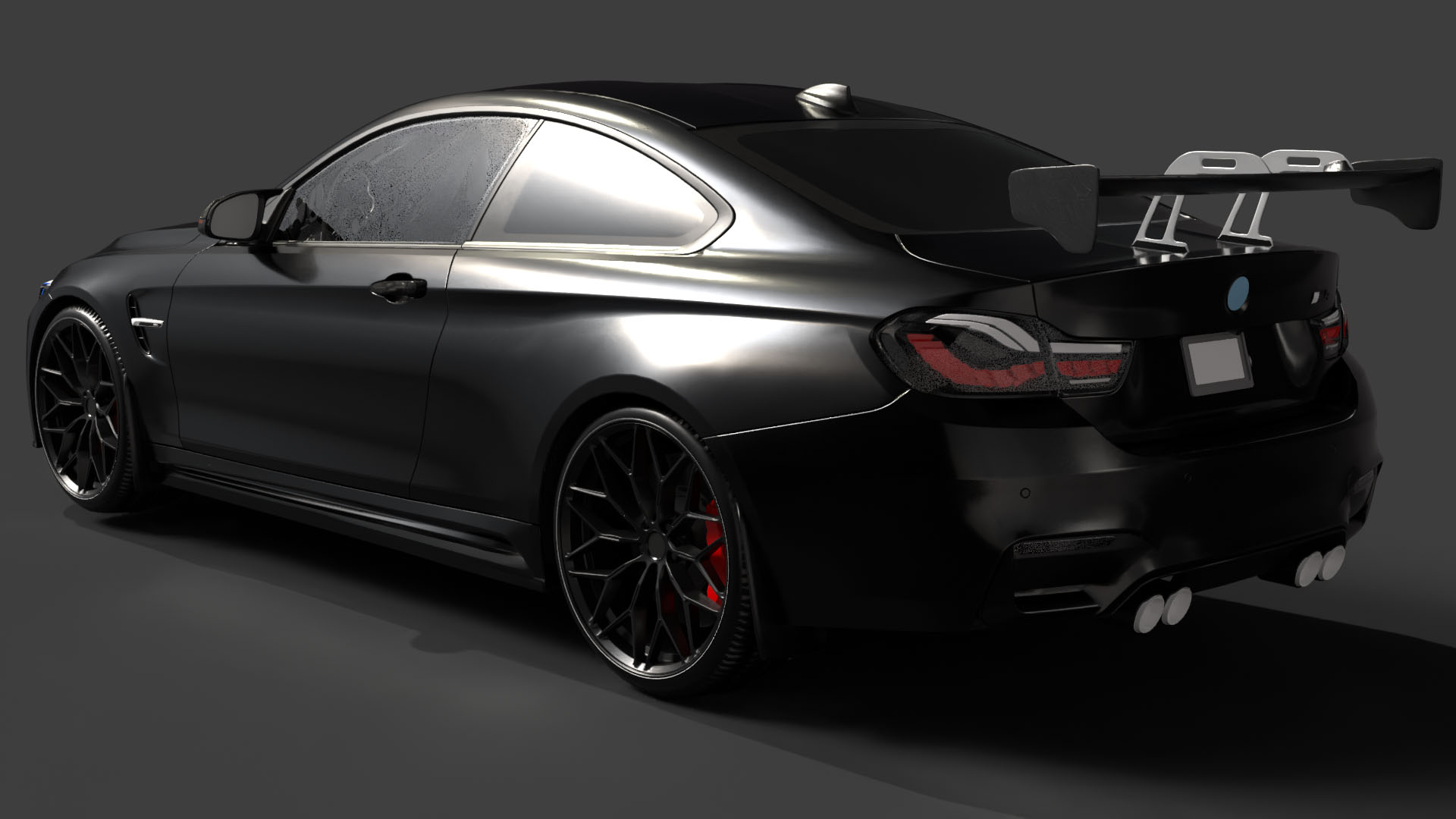
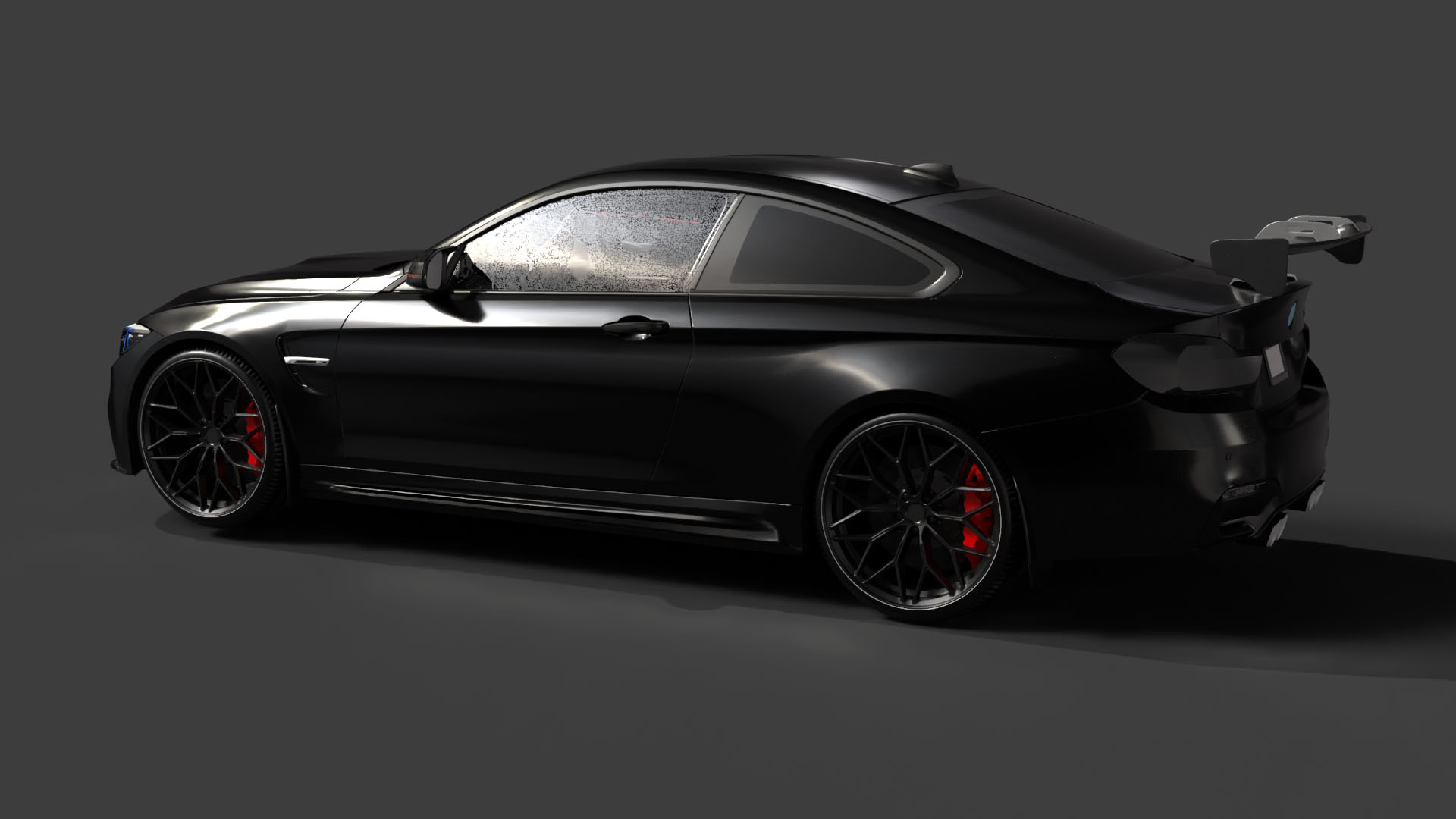
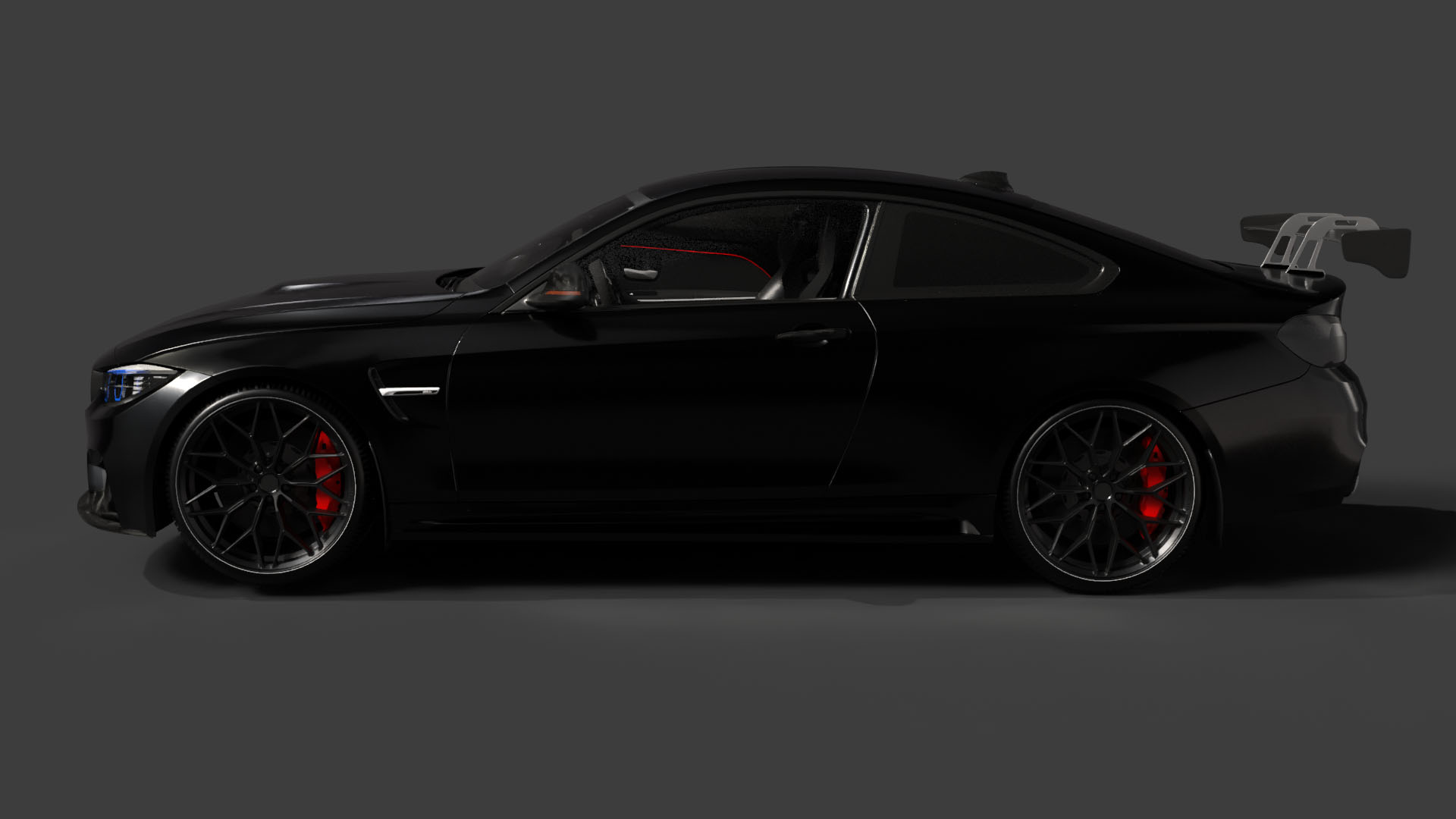
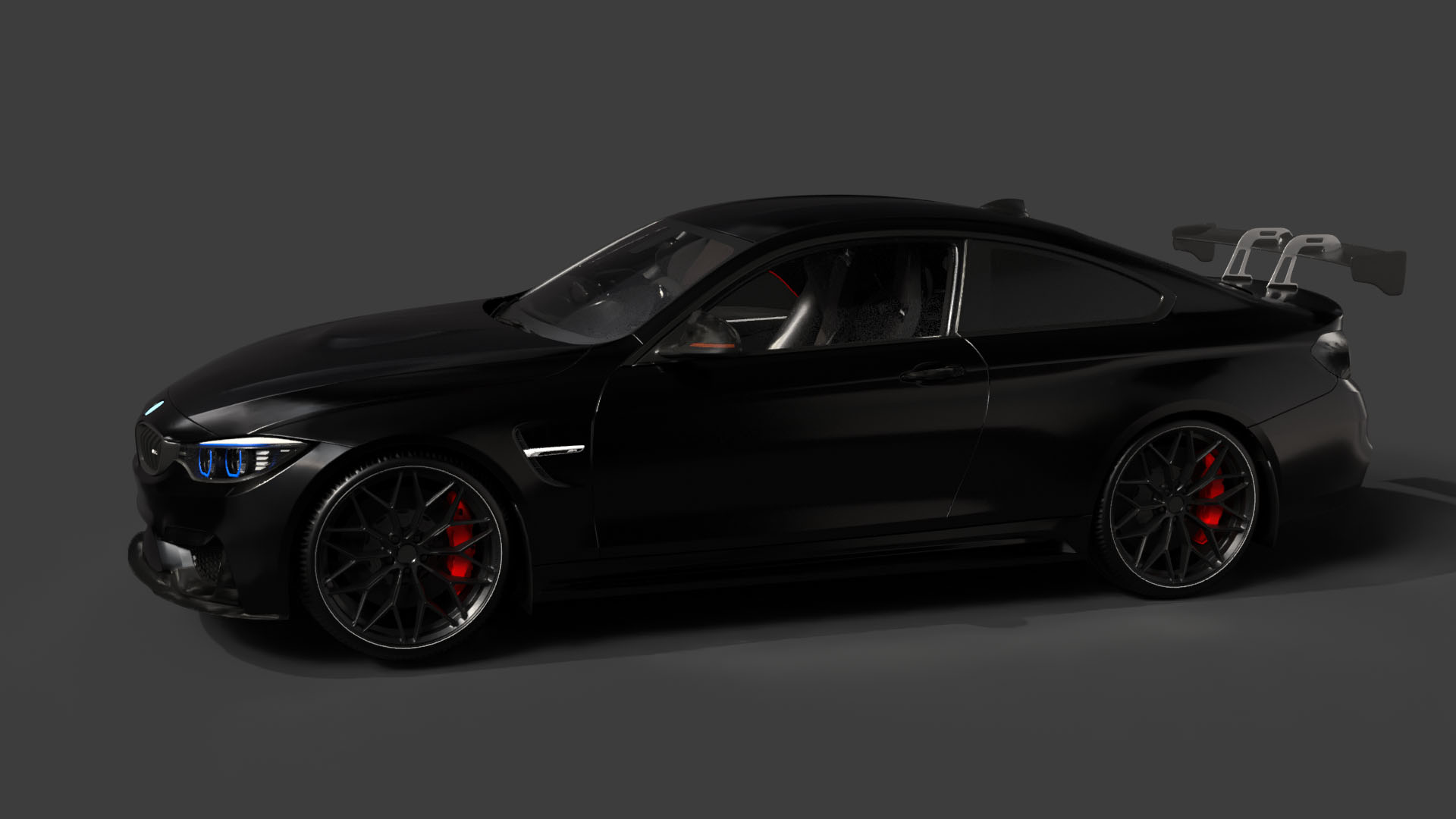
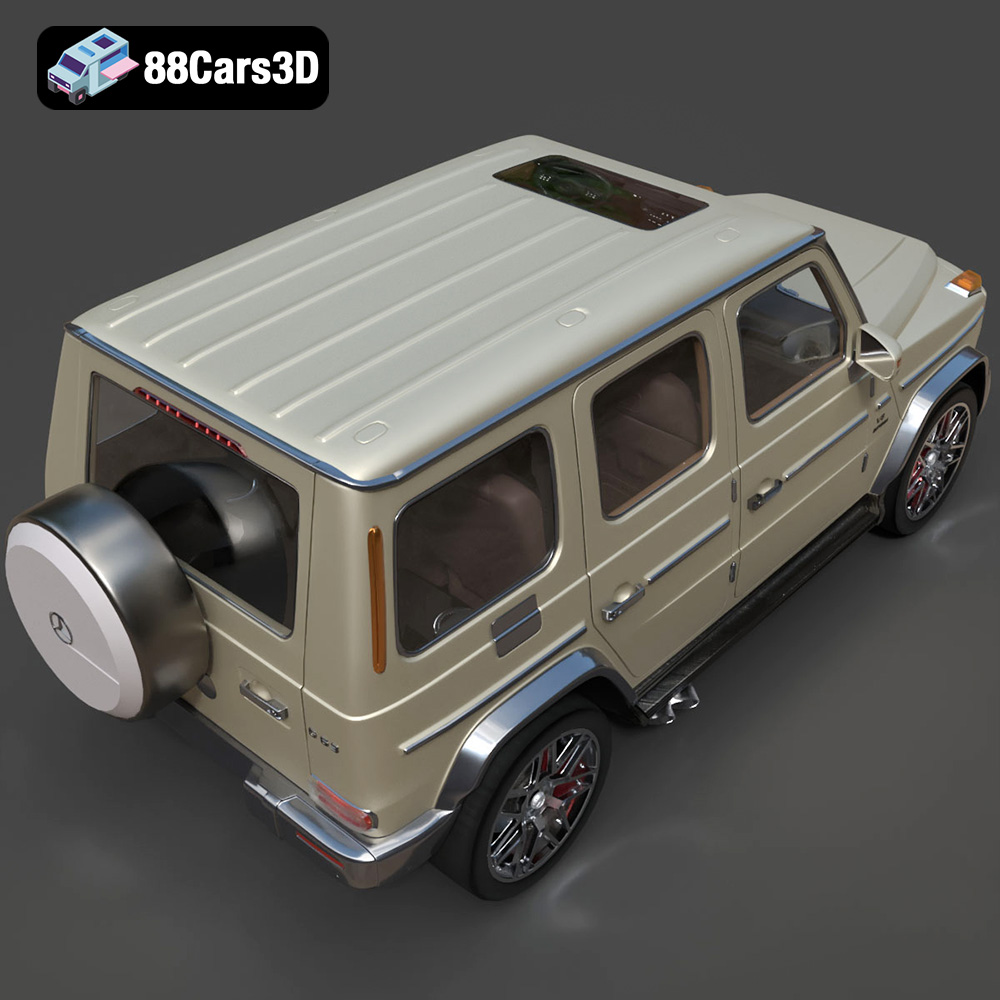
The roar of a finely tuned engine, the sleek lines of a perfectly sculpted body – the allure of German luxury cars is undeniable. Now, thanks to the “Ultimate German Luxury ArchViz Pack” from 88cars3d.com, you can bring these automotive masterpieces to life in your own home through the power of 3D printing. This comprehensive guide will walk you through the process of 3D printing the Porsche 911 GT3, Audi RS7, BMW M4 F82, and Mercedes-Benz G63 AMG, covering everything from pre-print preparation to post-processing perfection. Whether you’re a seasoned 3D printing enthusiast or a curious beginner, this guide will provide the knowledge and techniques necessary to create stunning, detailed models that capture the essence of German automotive engineering.
Before diving into the specifics of printing these stunning car models, it’s crucial to understand the different file formats you might encounter. The “Ultimate German Luxury ArchViz Pack” includes a variety of formats, each serving a different purpose. While some formats are ideal for 3D printing, others are better suited for rendering, game development, or further model customization.
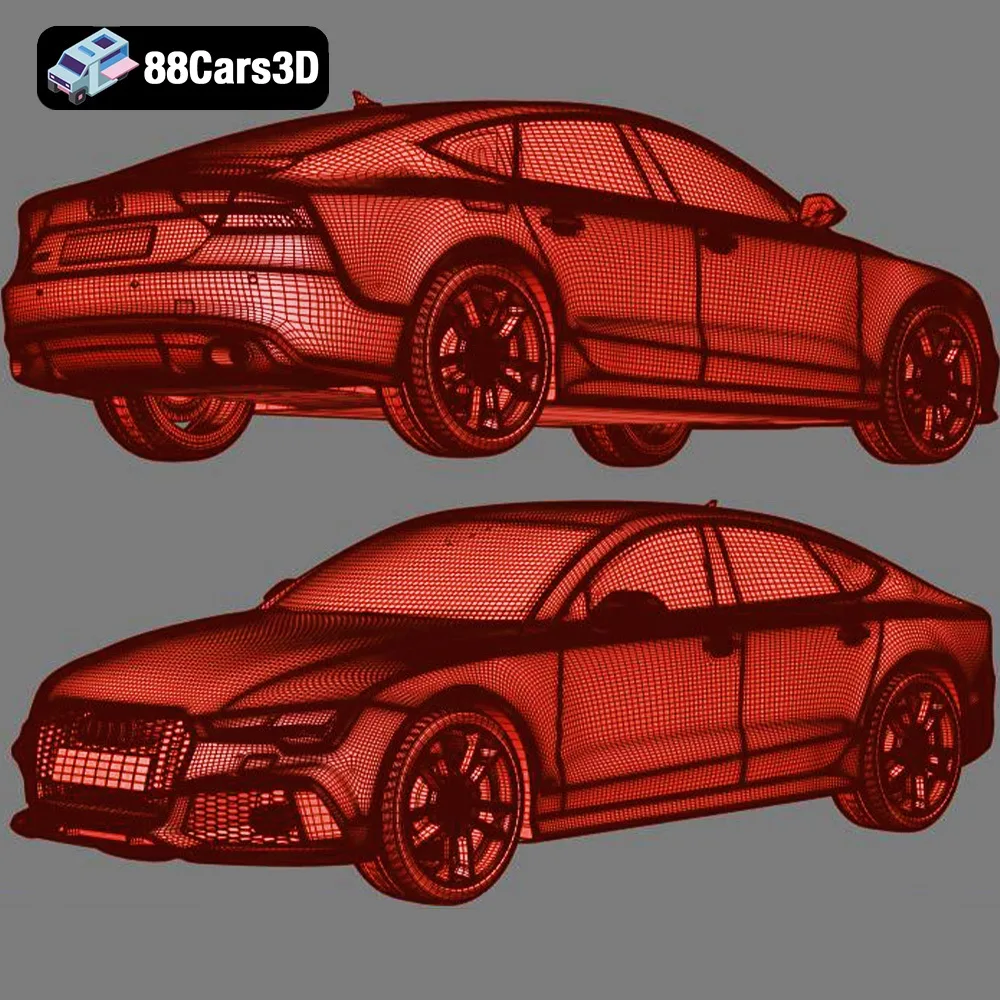
The **.stl** (Stereolithography) format is the industry standard for 3D printing. It represents the surface geometry of a 3D object as a collection of triangles. This simplicity makes it universally compatible with slicing software, which converts the 3D model into a set of instructions for your 3D printer. The STL format only stores the mesh data (vertices and faces) without any color or texture information. Therefore, prints from STL files are typically single-color. For the “Ultimate German Luxury ArchViz Pack,” the STL files are your primary resource for 3D printing. They have been carefully prepared to ensure manifold geometry and optimized triangle counts for good print quality.
The **.obj** (Object) format is a more versatile format that can store not only the geometry but also color and texture information. This opens up the possibility of multi-color 3D printing, although it requires a printer capable of handling multiple filaments or specialized techniques like MMU (Multi-Material Upgrade) on Prusa printers. While less common than STL for basic 3D printing, OBJ becomes valuable when you want to explore printing car models with different colored elements or even try to replicate the original factory paint jobs of the Porsche 911 GT3, Audi RS7, BMW M4 F82, and Mercedes-Benz G63 AMG.
The **.ply** (Polygon File Format) is designed for storing 3D data acquired from 3D scanners. It can capture highly detailed mesh information with additional properties like color and normals per vertex. For complex shapes and intricate details, the .ply format can offer a more accurate representation compared to a standard .stl. However, .ply files can be significantly larger and might require more processing power from your slicing software. For the 3D printing of the “Ultimate German Luxury ArchViz Pack” models, .stl typically provides a good balance between detail and printability.
The **.blend** format is the native file format for Blender, a powerful and free open-source 3D creation suite. Including .blend files allows you to directly modify the 3D car models before exporting them for 3D printing. You can adjust the geometry, add custom features, or even create variations of the Porsche 911 GT3, Audi RS7, BMW M4 F82, and Mercedes-Benz G63 AMG to make them truly unique. However, working with .blend files requires familiarity with Blender.
The **.fbx** (Filmbox) format is a widely used format for exchanging 3D data between different software applications. It can store geometry, textures, materials, and animations. While primarily used for game development and animation, the .fbx file can be imported into some slicing software to retain material information if supported. The **.glb** (GL Transmission Format) is designed for efficient transmission and loading of 3D models, often used for AR/VR applications. .glb files let you preview the models in AR on your smartphone or tablet before printing, giving you a sense of their size and appearance in the real world.
The **.max** format is the native file format for 3ds Max, another professional 3D modeling and rendering software. Similar to .blend files, .max files allow for extensive customization of the car models if you have access to 3ds Max and the necessary skills.
For 3D printing, the STL files are your go-to option. Ensure that the STL files are clean and free of errors before slicing. Most slicing software includes tools to repair minor mesh issues. A high-quality STL file with sufficient triangle resolution will result in smoother prints that accurately capture the intricate details of these German luxury vehicles.
Before you hit the “print” button, careful preparation is key. This involves inspecting the STL files, choosing the right slicing software, and optimizing the model’s orientation for the best possible results.
* **Mesh Analysis:** Open the STL files in a mesh editing program like MeshLab or Netfabb Basic (often included with slicers). Look for non-manifold edges (edges connected to more than two faces), holes, and self-intersections. These errors can cause print failures.
* **Repair Tools:** Most mesh editing programs offer automatic repair tools. Use these tools to fix any identified errors. Be cautious, as aggressive repair can sometimes distort the model.
* **Slicing Software Diagnostics:** Even if the model appears clean, your slicing software will perform its own diagnostic checks. Pay attention to any warnings or errors reported by the slicer and address them before proceeding.
* **Popular Choices:** Cura, Simplify3D, PrusaSlicer, and IdeaMaker are all excellent slicing software options. Choose one you’re comfortable with.
* **Key Settings:**
* **Layer Height:** This is the most critical setting. As recommended by 88cars3d.com, use a layer height of 0.04-0.05mm for resin printing to capture fine details. For FDM printing, a layer height of 0.1-0.15mm provides a good balance between detail and print time.
* **Infill Density:** Start with 15-25% infill. Increase if you need more structural rigidity, especially for larger models. Experiment to find the optimal balance between strength and material usage.
* **Wall Thickness:** Use at least 1.2mm wall thickness for FDM printing. This ensures sufficient strength and prevents thin walls from collapsing during printing.
* **Support Structures:** These are essential for overhanging features like side mirrors, spoilers, and wheel arches. Use tree supports for easier removal and minimal surface scarring.
* **Print Speed:** Slower speeds generally result in higher quality prints. Reduce the print speed for the first few layers to improve bed adhesion.
* **Bed Adhesion:** Use a brim or raft to improve bed adhesion, especially for models with a small footprint.
* **Profiles:** Create profiles specific to each car model and material type to streamline the printing process.
* **Optimal Orientation:** The 88cars3d.com product description recommends printing the car bodies at a 45-degree angle. This minimizes the need for supports on the roof and hood, resulting in a smoother surface finish. Print wheels separately for better detail and easier post-processing.
* **Scaling:** The product description suggests scales of 1:18, 1:24, and 1:43. Choose a scale that suits your printer’s build volume and desired level of detail. Consider the final use of the model when selecting a scale – larger models are great for display, while smaller models are better suited for dioramas or wargaming.
* **Consider Hollowing:** For resin printing, hollow out the larger parts (like the car body) to reduce material consumption and prevent cracking due to resin shrinkage. Ensure you add drainage holes to allow resin to escape during printing.
The choice of material significantly impacts the final appearance, strength, and durability of your 3D printed car models.
* **PLA:** A biodegradable thermoplastic that’s easy to print and offers good detail. It’s a great choice for beginners. However, PLA is not very heat-resistant and can warp in direct sunlight.
* **PETG:** A more durable and heat-resistant alternative to PLA. PETG is also more flexible, making it less prone to cracking. It can be slightly more challenging to print than PLA, requiring higher temperatures and careful bed adhesion.
* **ABS:** A strong and heat-resistant plastic commonly used in the automotive industry. ABS requires a heated bed and an enclosure to prevent warping. It also emits fumes during printing, so proper ventilation is essential.
* **TPU/Flexible Filament:** For tires and other flexible parts, consider using TPU or other flexible filaments. These materials offer excellent grip and shock absorption.
* **Standard Resin:** Affordable and readily available, standard resin provides good detail and surface finish. However, it can be brittle and prone to cracking.
* **Tough Resin:** Formulated for increased strength and impact resistance. Tough resin is a better choice for parts that need to withstand stress or handling.
* **ABS-Like Resin:** Combines the detail of standard resin with the durability of ABS. This type of resin offers a good balance of properties for 3D printing car models.
* **Clear Resin:** Can be used to create transparent parts like windows and headlights. Requires careful post-processing to achieve a clear finish.
* **For FDM:** PETG or ABS are good choices for the car bodies, providing durability and heat resistance. PLA can be used for less critical parts. TPU is ideal for tires.
* **For Resin:** ABS-like resin is recommended for its combination of detail and strength. Clear resin can be used for windows and headlights.
Now that you’ve prepared the models and chosen your materials, it’s time to start printing!
* **Orientation:** As mentioned earlier, print the body at a 45-degree angle. This minimizes supports on visible surfaces.
* **Supports:** Use tree supports with a low density to minimize scarring. Place supports strategically to support overhanging features like wheel arches and the roof.
* **Layer Height:** Use the recommended layer height of 0.04-0.05mm for resin printing or 0.1-0.15mm for FDM printing.
* **Print Speed:** Reduce the print speed for the first few layers to ensure good bed adhesion.
* **Monitoring:** Monitor the print closely, especially during the first few layers, to ensure everything is going smoothly.
* **Wheels:** Print wheels separately for better detail. Orient them vertically to minimize supports on the tread.
* **Small Parts:** Use a brim or raft to improve bed adhesion for small parts like side mirrors and spoilers.
* **Resin Printing:** When printing small parts with resin, use a longer exposure time to ensure they adhere properly to the build plate.
* **Estimates:** Print times and material costs will vary depending on the size of the model, the material used, and the printer settings. Expect print times to range from several hours to several days for larger models.
* **Slicing Software Estimates:** Your slicing software will provide estimates of print time and material usage. Use these estimates as a guide.
* **Material Costs:** Factor in the cost of filament or resin when planning your project.
Post-processing is essential for achieving a professional-looking finish on your 3D printed car models.
* **Careful Removal:** Carefully remove support structures using pliers, flush cutters, or a hobby knife. Be patient and avoid damaging the model.
* **Sanding:** Use sandpaper to smooth out any imperfections left by support removal. Start with a coarse grit (e.g., 220) and gradually move to finer grits (e.g., 400, 600, 800) for a smooth finish.
* **Resin Printing:** After removing supports, cure the resin parts in a UV curing chamber. This will harden the resin and improve its durability.
* **Priming:** Apply a primer to the model to create a smooth surface for painting.
* **Painting:** Use acrylic paints or spray paints to apply the desired color scheme. Consider using stencils for intricate details.
* **Clear Coat:** Apply a clear coat to protect the paint and give the model a glossy finish.
* **Detailing:** Use fine-tipped brushes and weathering techniques to add realistic details like panel lines, dirt, and grime.
* **Glue or Adhesive:** Use super glue or epoxy to assemble the different parts of the model.
* **Alignment:** Ensure that all parts are properly aligned before the glue sets.
* **Finishing Touches:** Add any final details, such as decals or chrome accents.
Even with careful preparation, 3D printing can sometimes be challenging. Here are some common issues and how to address them:
* **Problem:** Corners lifting off the build plate.
* **Solution:** Use a heated bed, increase bed adhesion, reduce print speed, and enclose the printer.
* **Problem:** Thin strands of plastic between different parts of the model.
* **Solution:** Reduce printing temperature, increase retraction distance, and decrease travel speed.
* **Problem:** Layers misaligned during printing.
* **Solution:** Check belt tension, reduce print speed, and ensure the printer is stable.
* **Problem:** The print detaching from the build plate.
* **Solution:** Clean the build plate with isopropyl alcohol, use a brim or raft, and adjust the Z-offset.
* **Problem:** Parts not adhering to the build plate, incomplete prints.
* **Solution:** Increase exposure time, level the build plate, and ensure the resin is properly mixed.
By understanding these common issues and their solutions, you can overcome most 3D printing challenges and create stunning car models from the “Ultimate German Luxury ArchViz Pack.” Don’t be afraid to experiment with different settings and techniques to find what works best for your printer and materials.
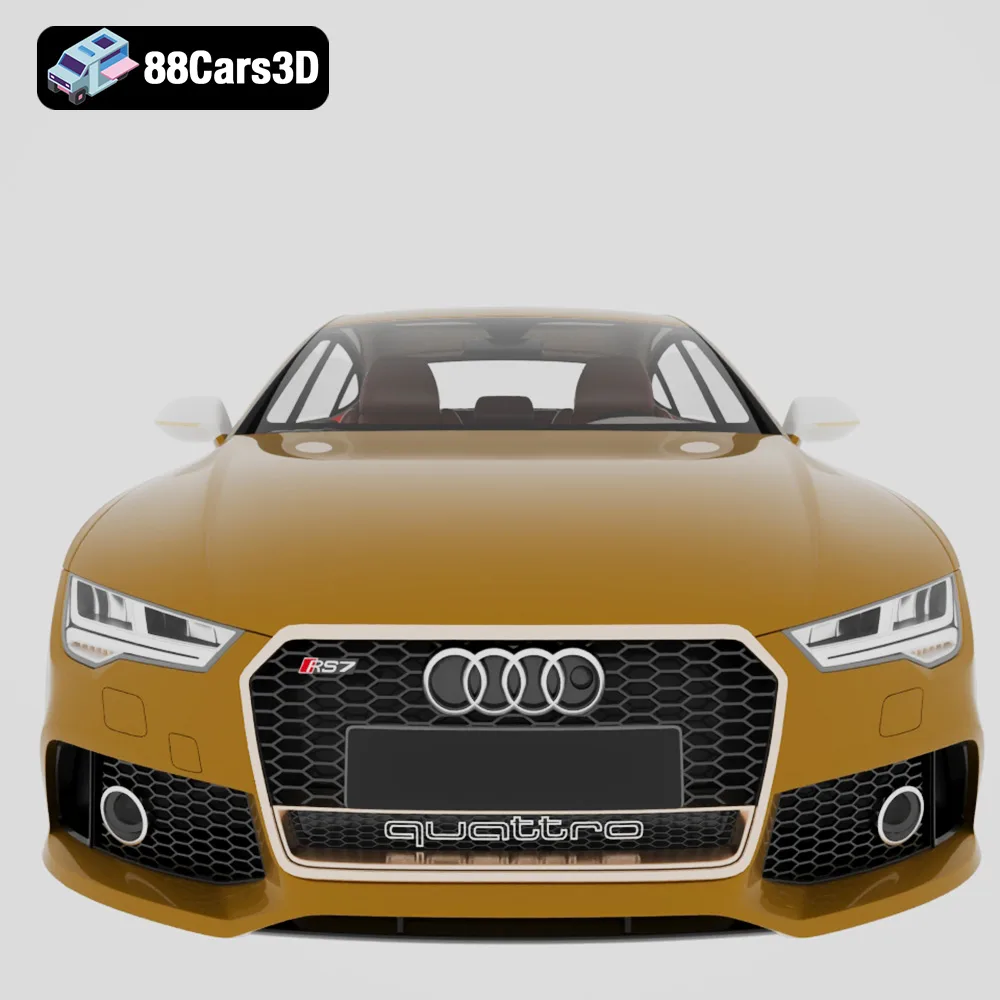
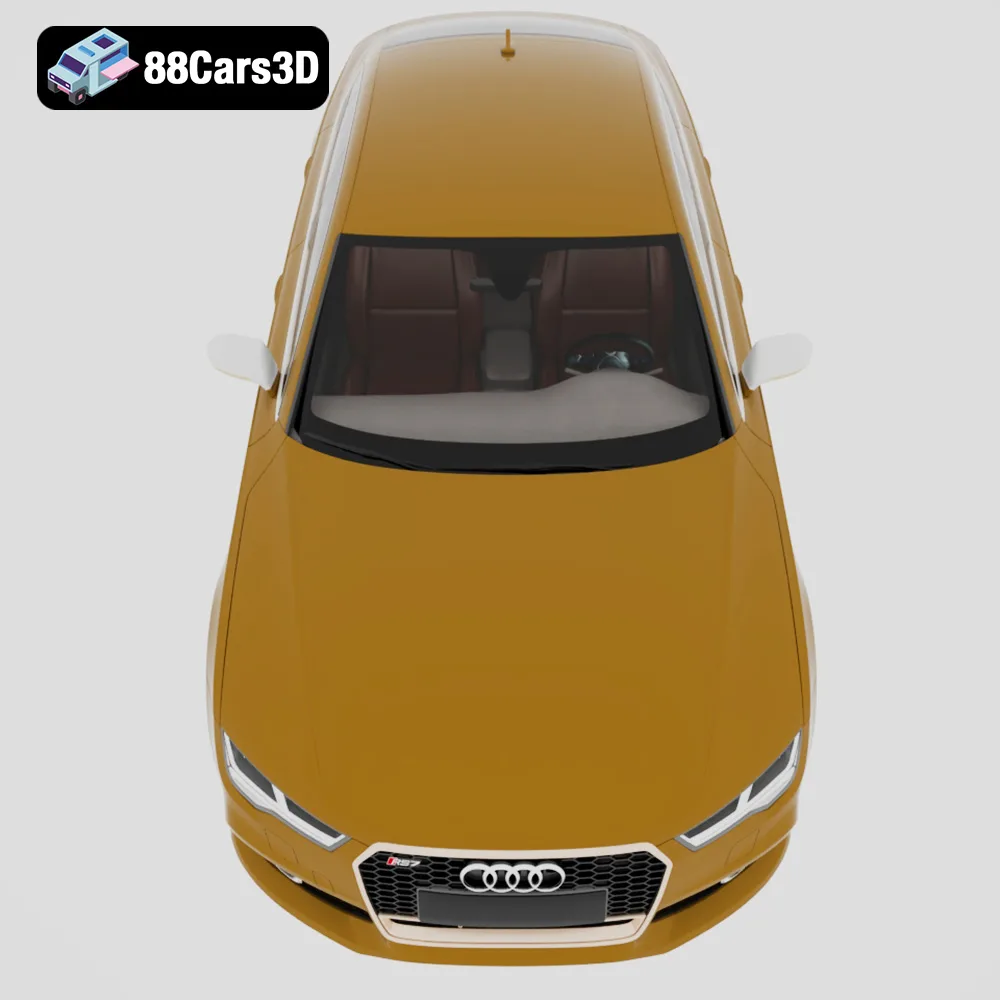
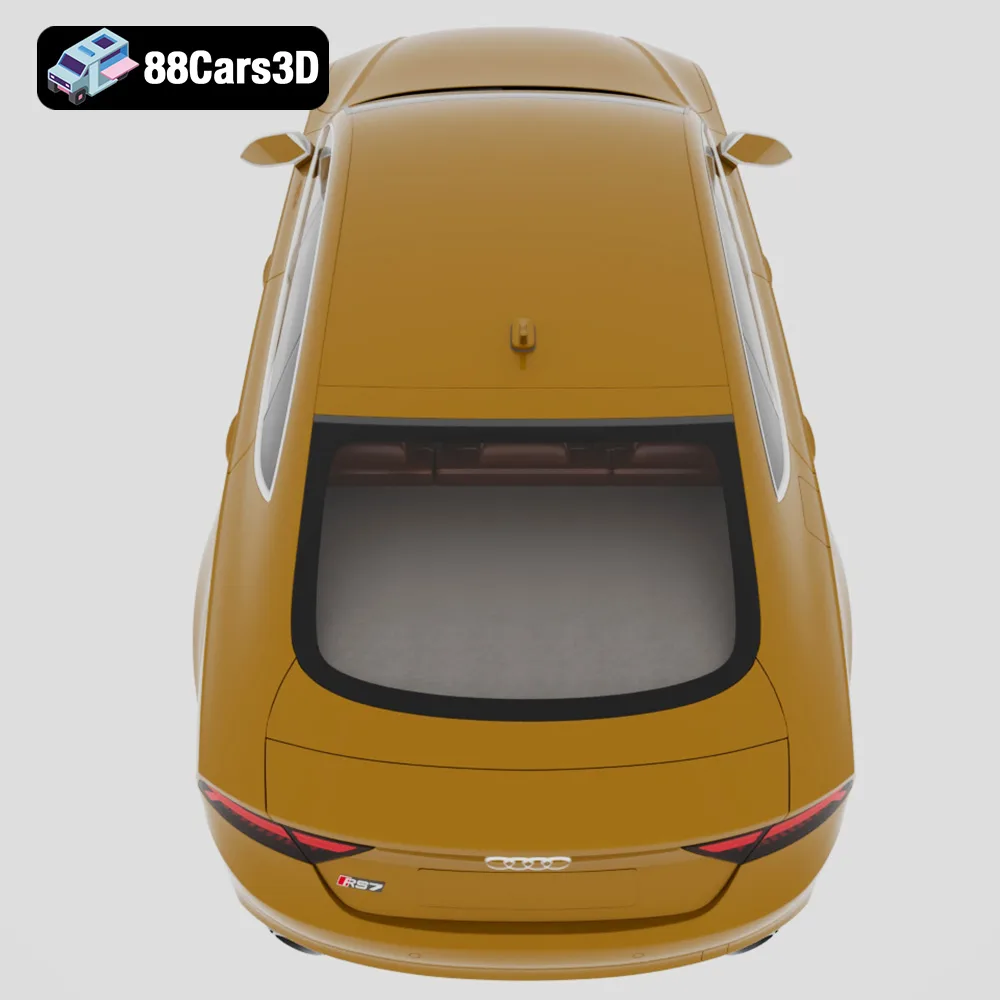
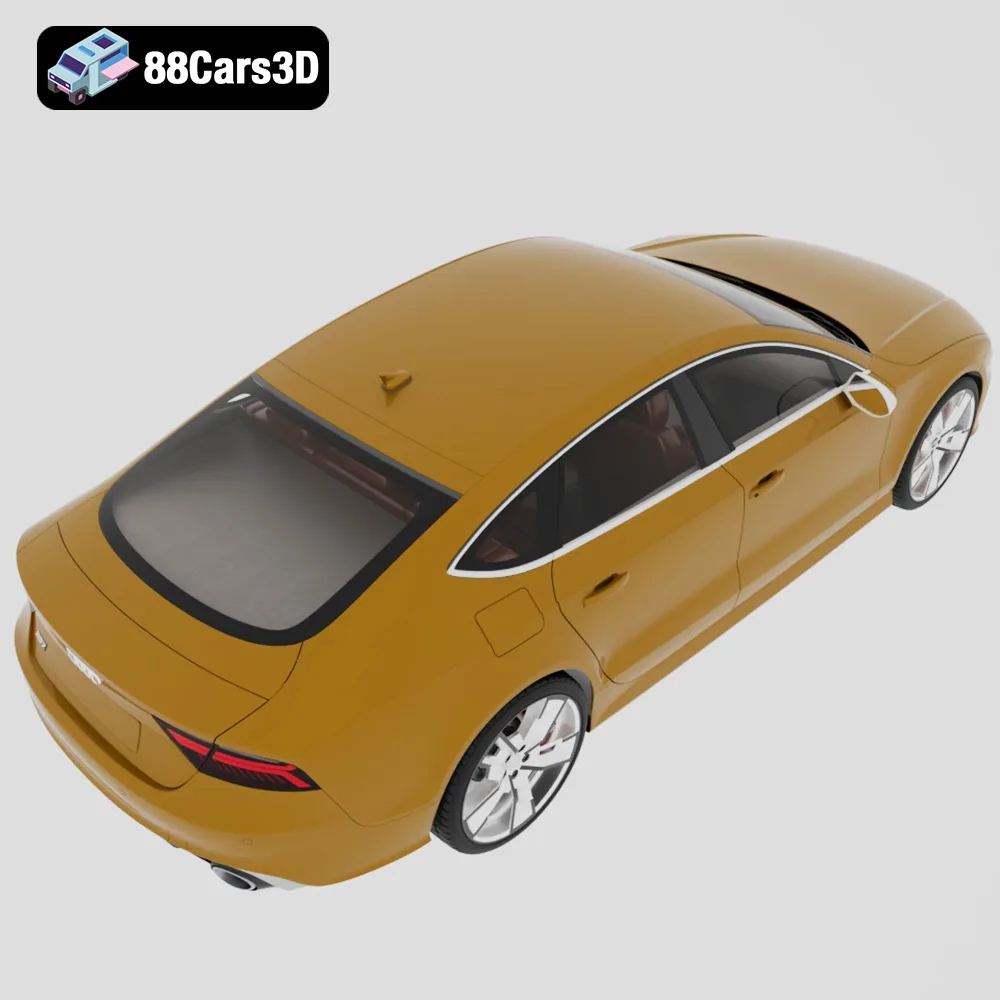
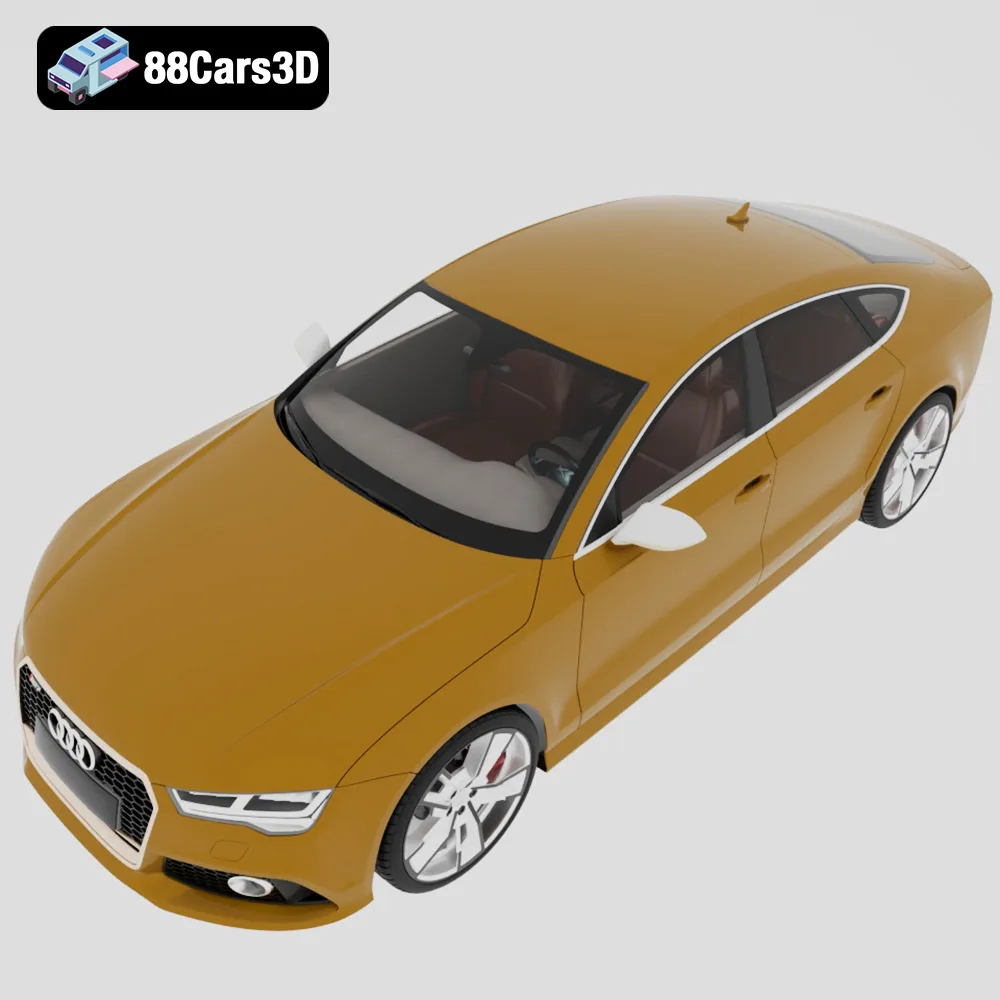
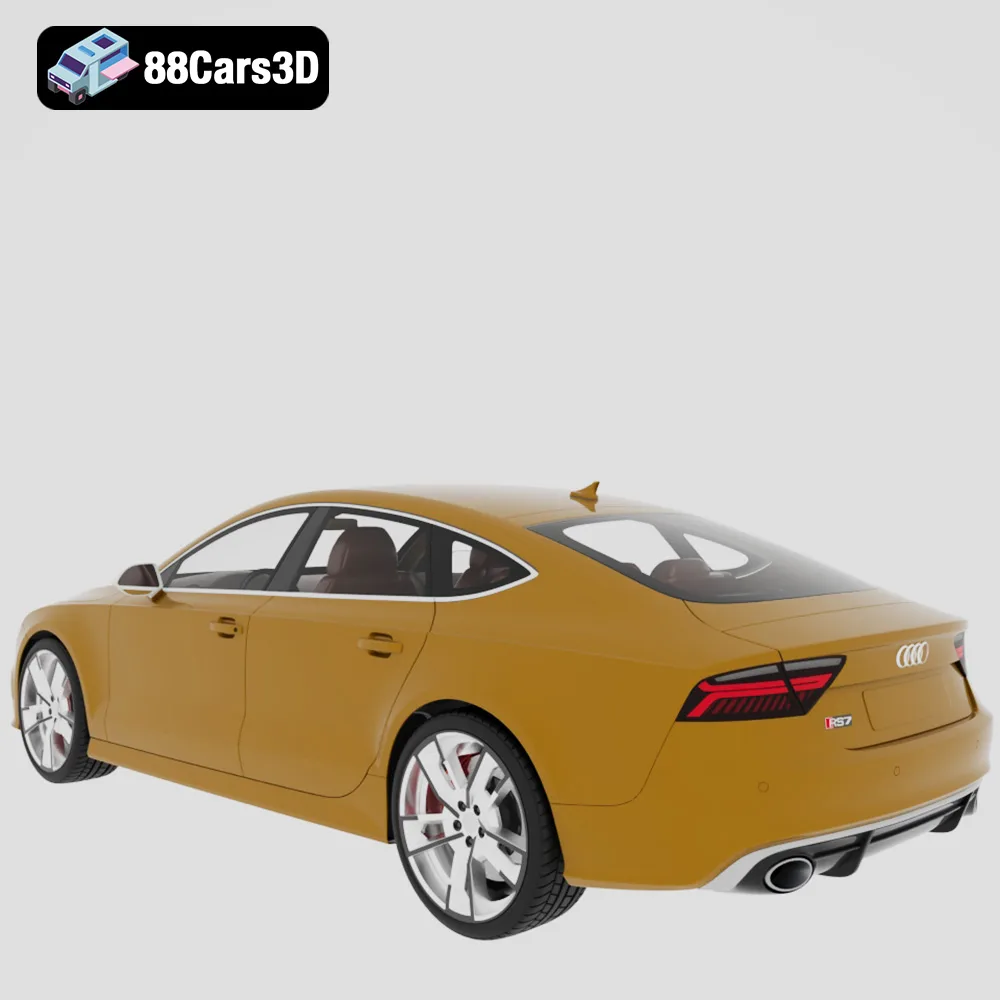
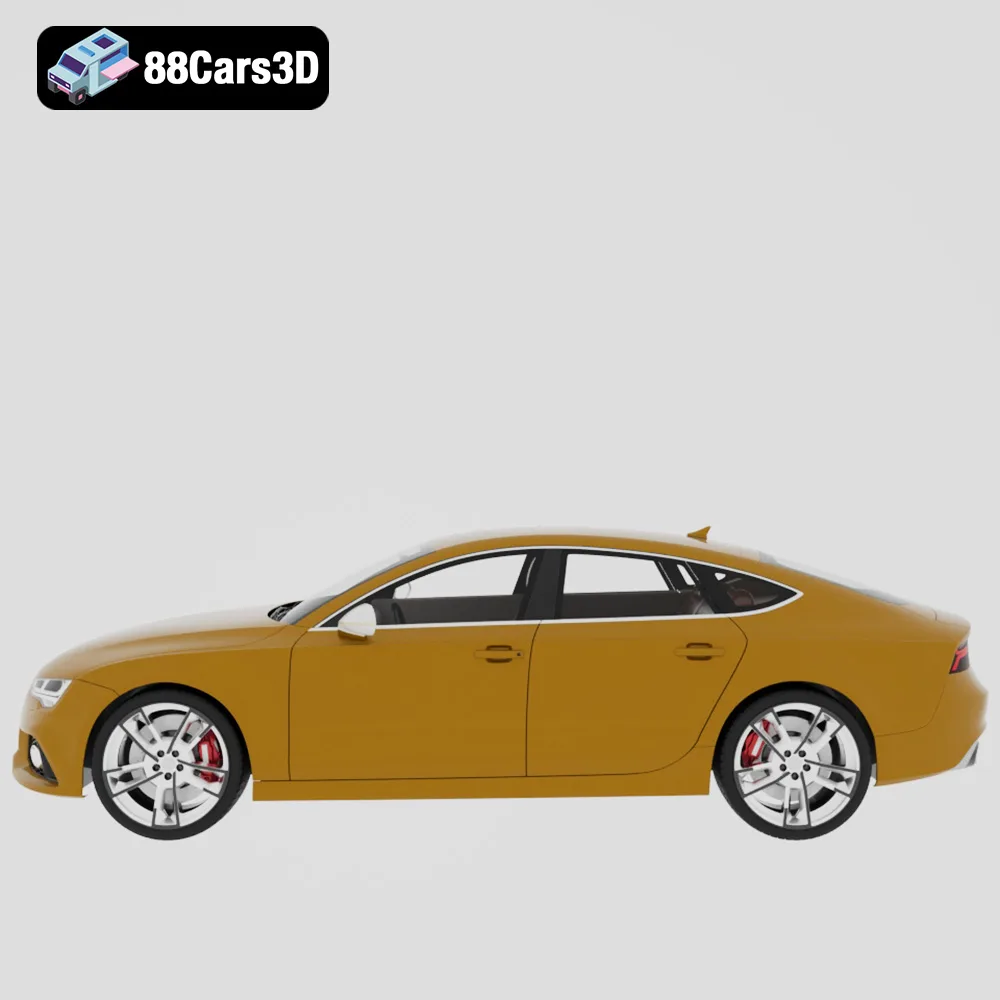
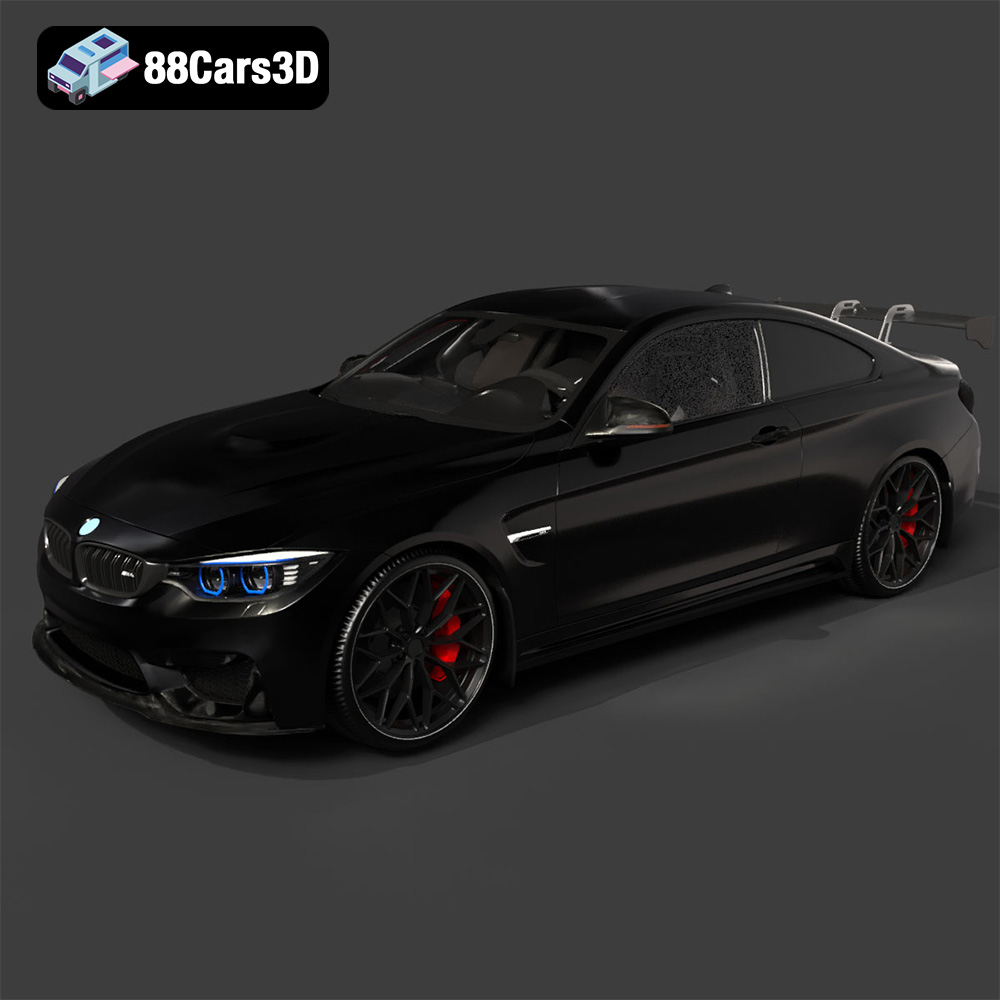
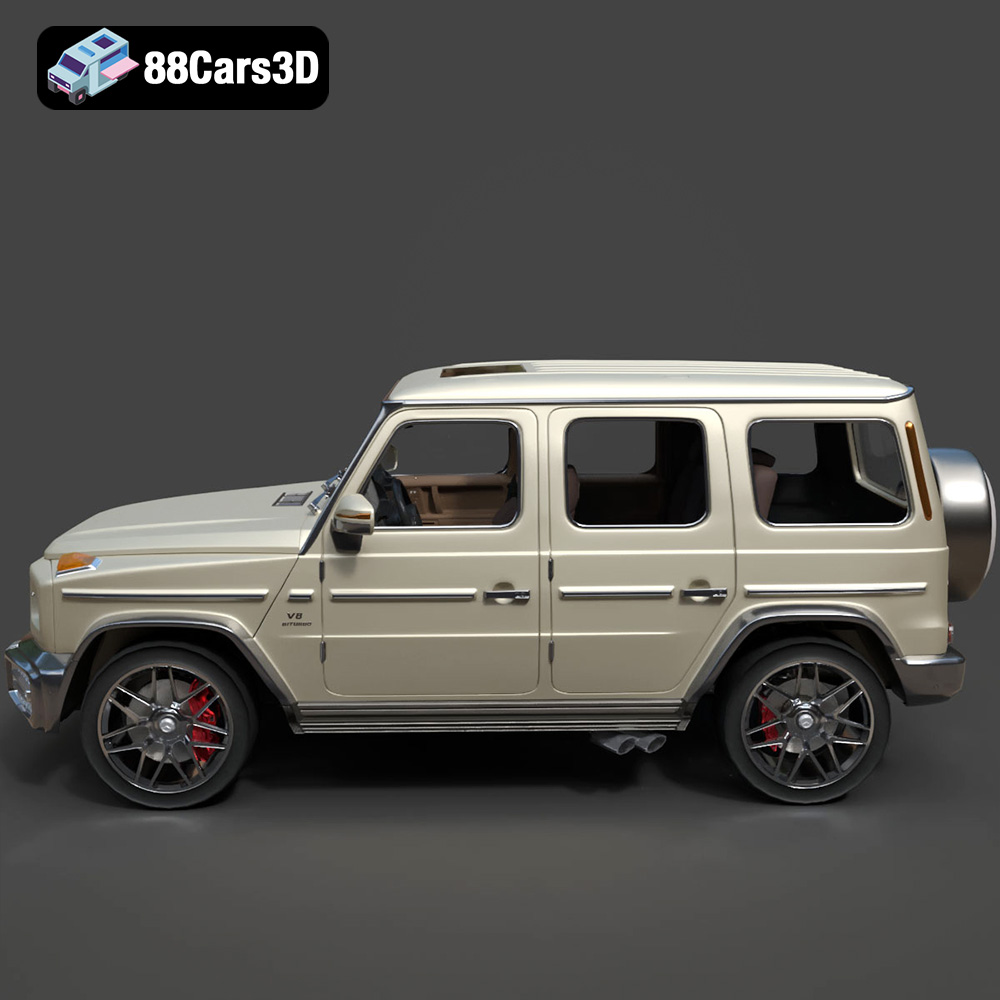
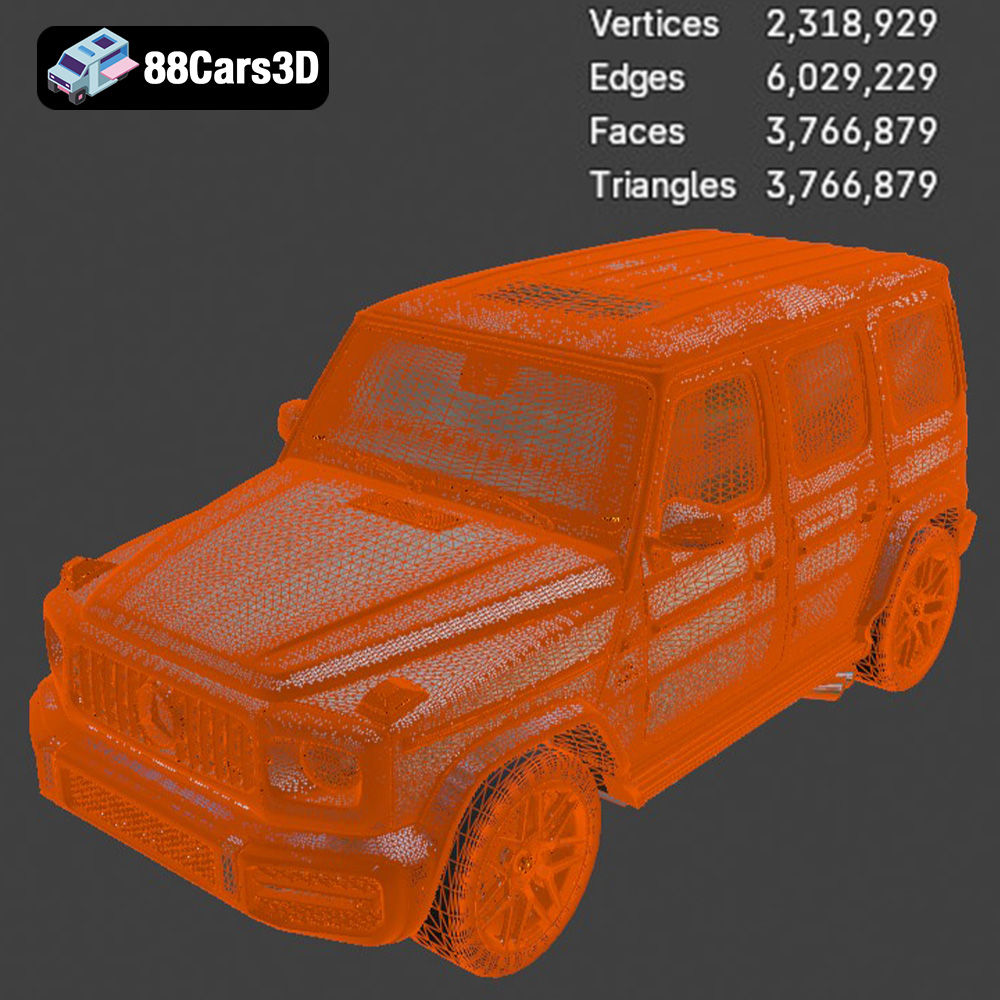
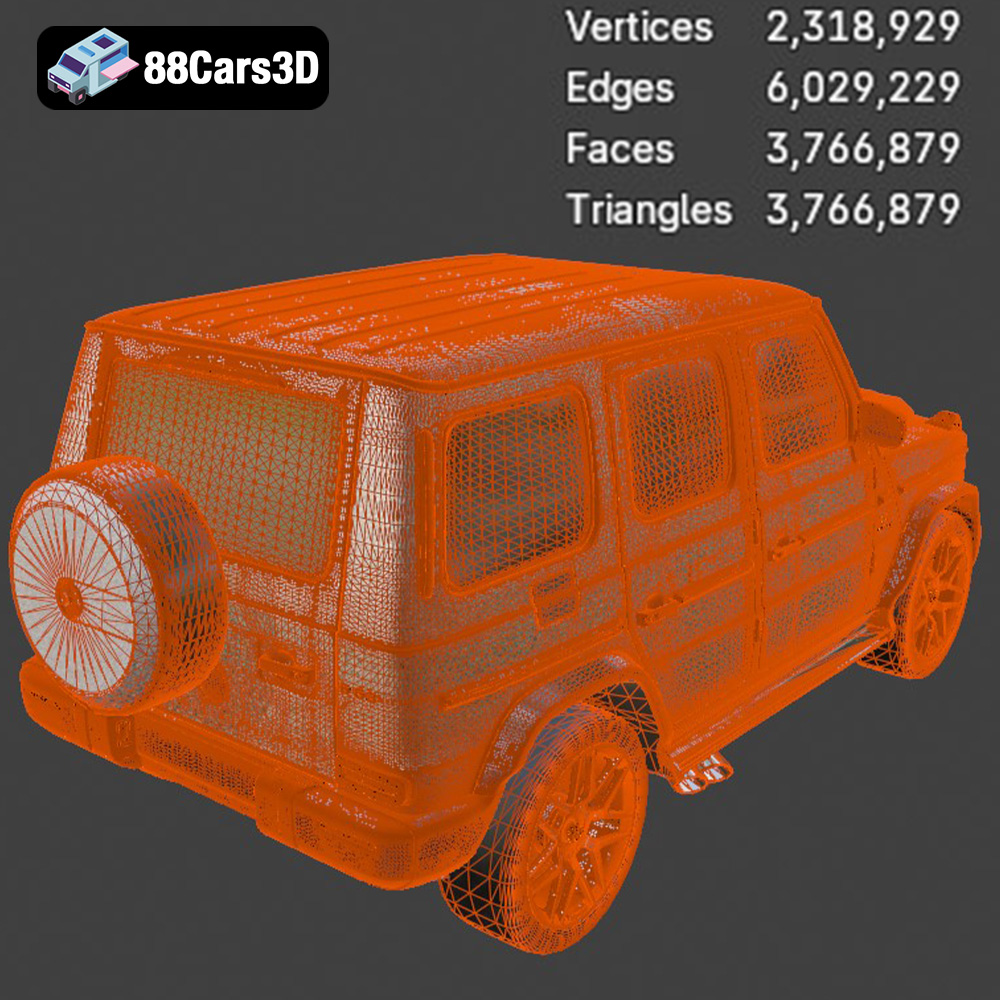
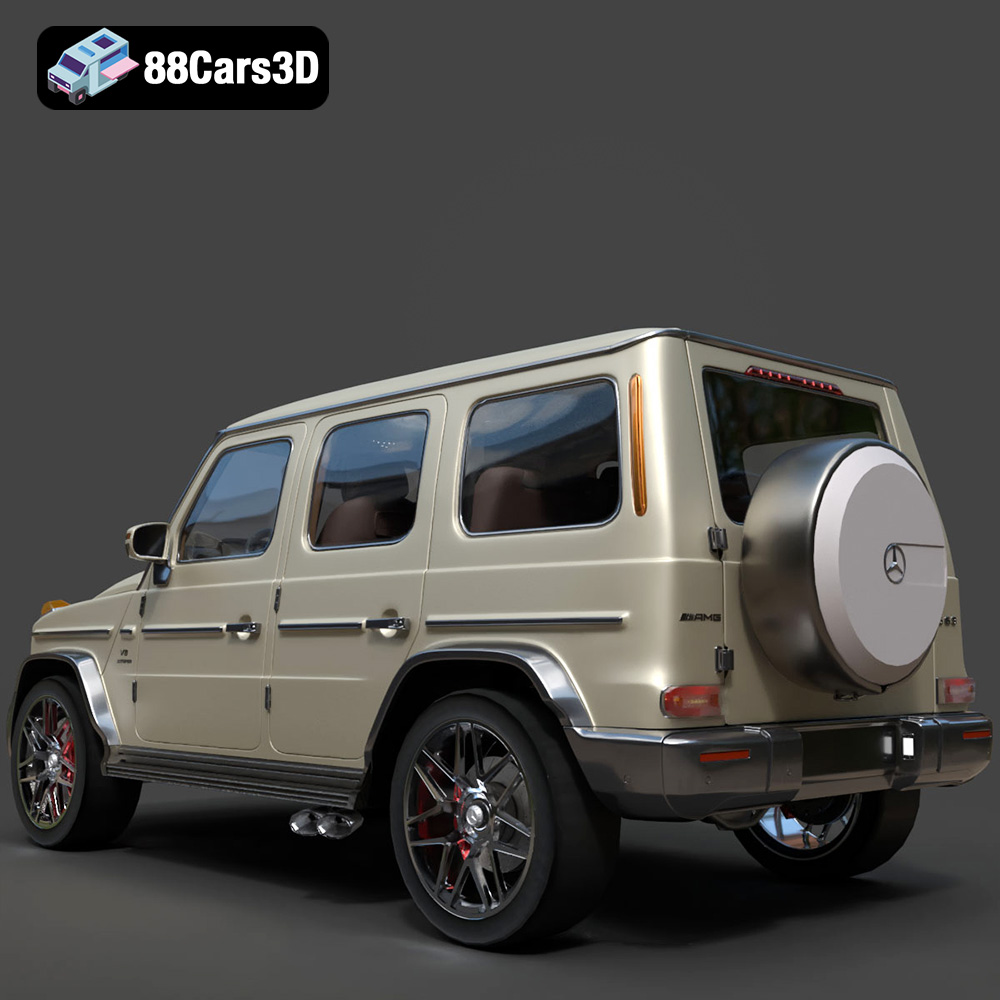
The Ultimate German Luxury Cars 3D Models Bundle is an elite collection featuring the pinnacle of European automotive engineering. Designed for high-end architectural visualization (ArchViz), AAA game development, and photorealistic rendering, this 4-in-1 premium package provides everything a 3D artist needs to populate luxury driveways, urban streetscapes, and virtual showrooms. Includes the Porsche 911 GT3, Audi RS7, BMW M4 F82, and Mercedes-Benz G63 AMG.
$129.99
.corona
3d-assets
archviz-pack
audi-rs7
bmw-m4
car-collection
game-ready
german-cars-bundle
luxury-car-3d-model
mercedes-g63
porsche-911-gt3
vehicle-bundle
vray