Get 50% OFF All Premium 3D & STL Models!

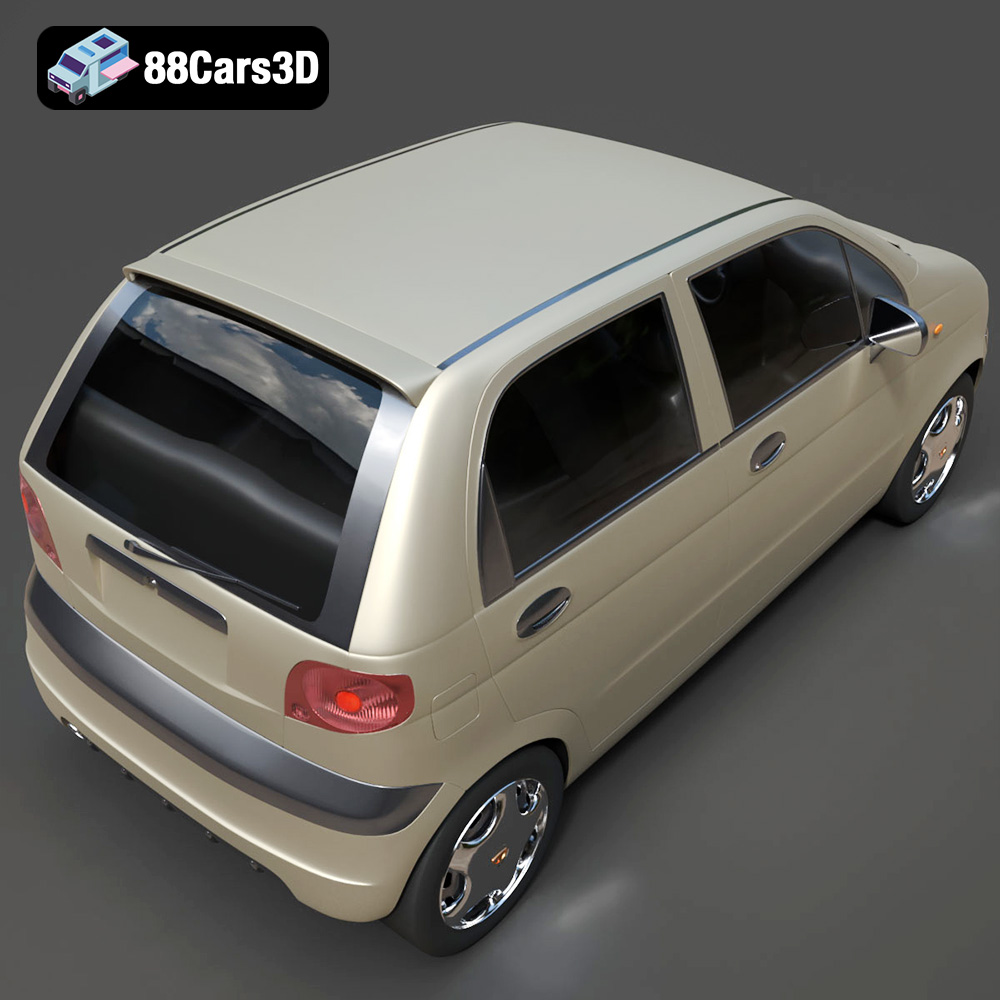
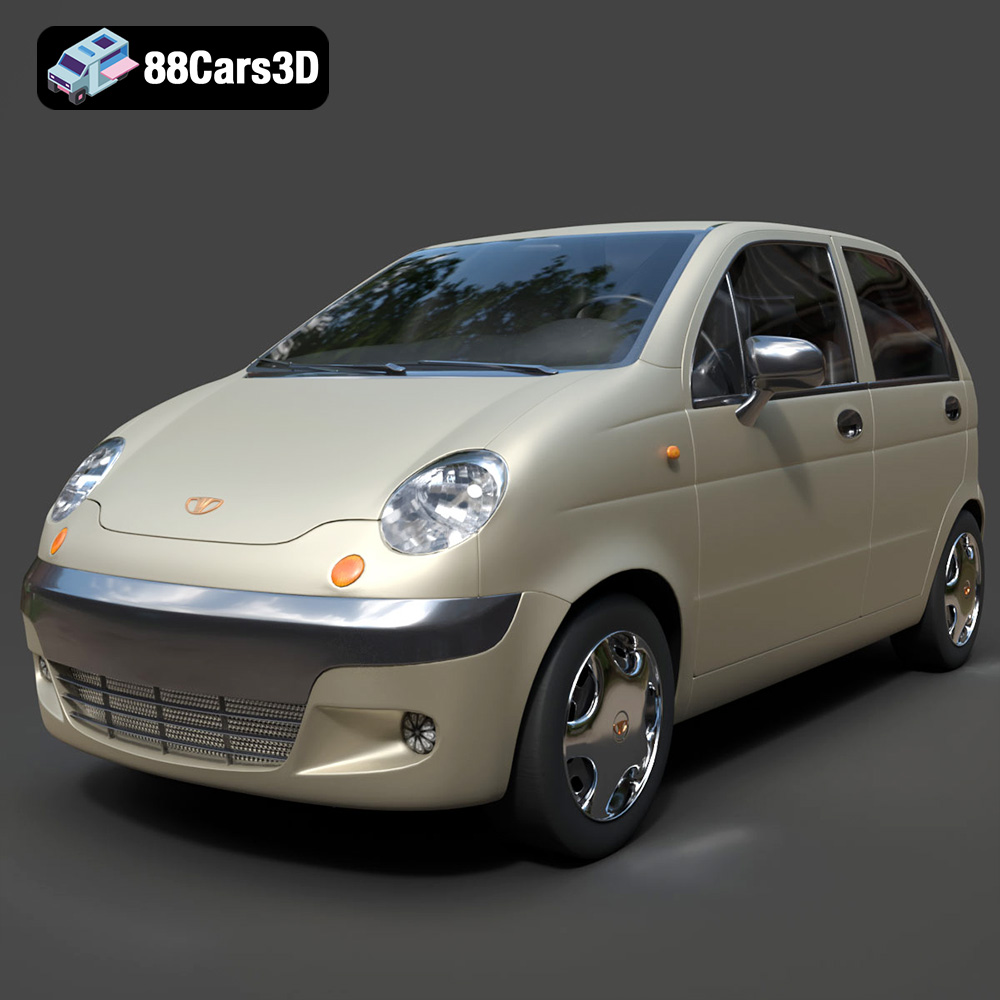
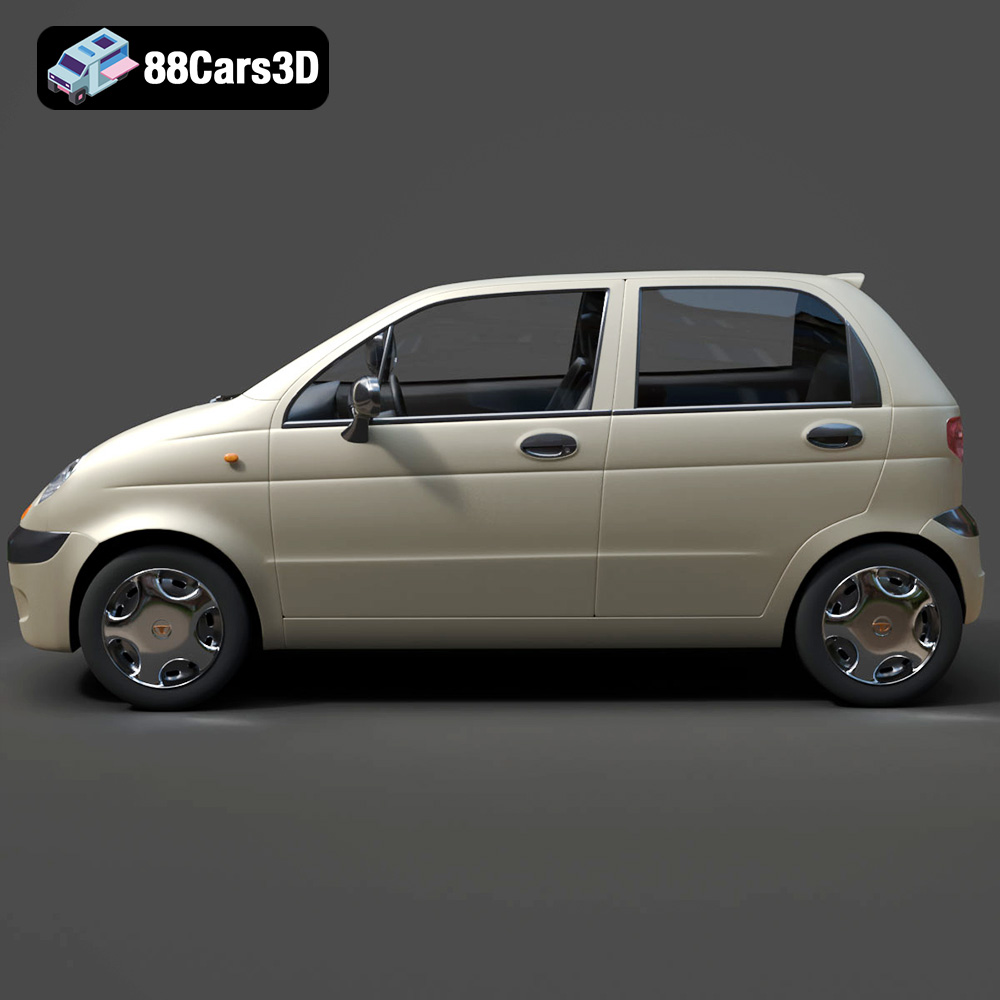
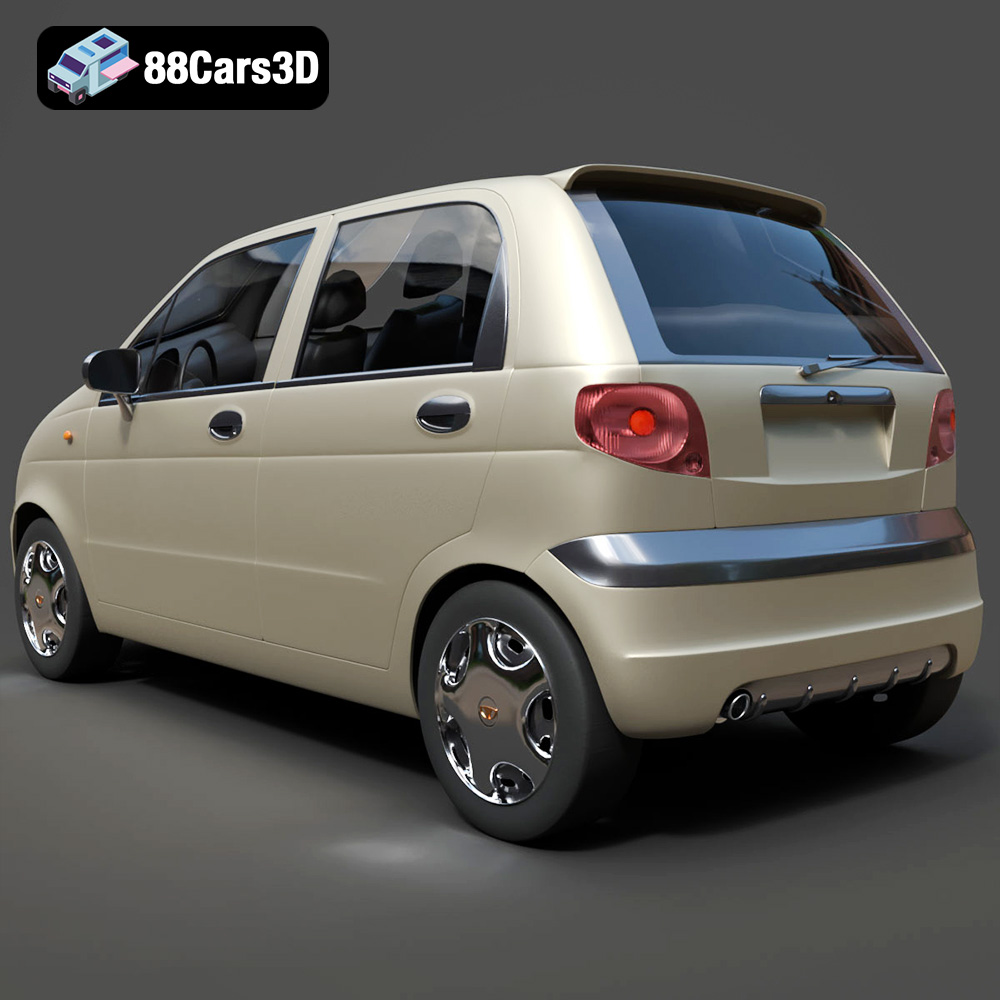
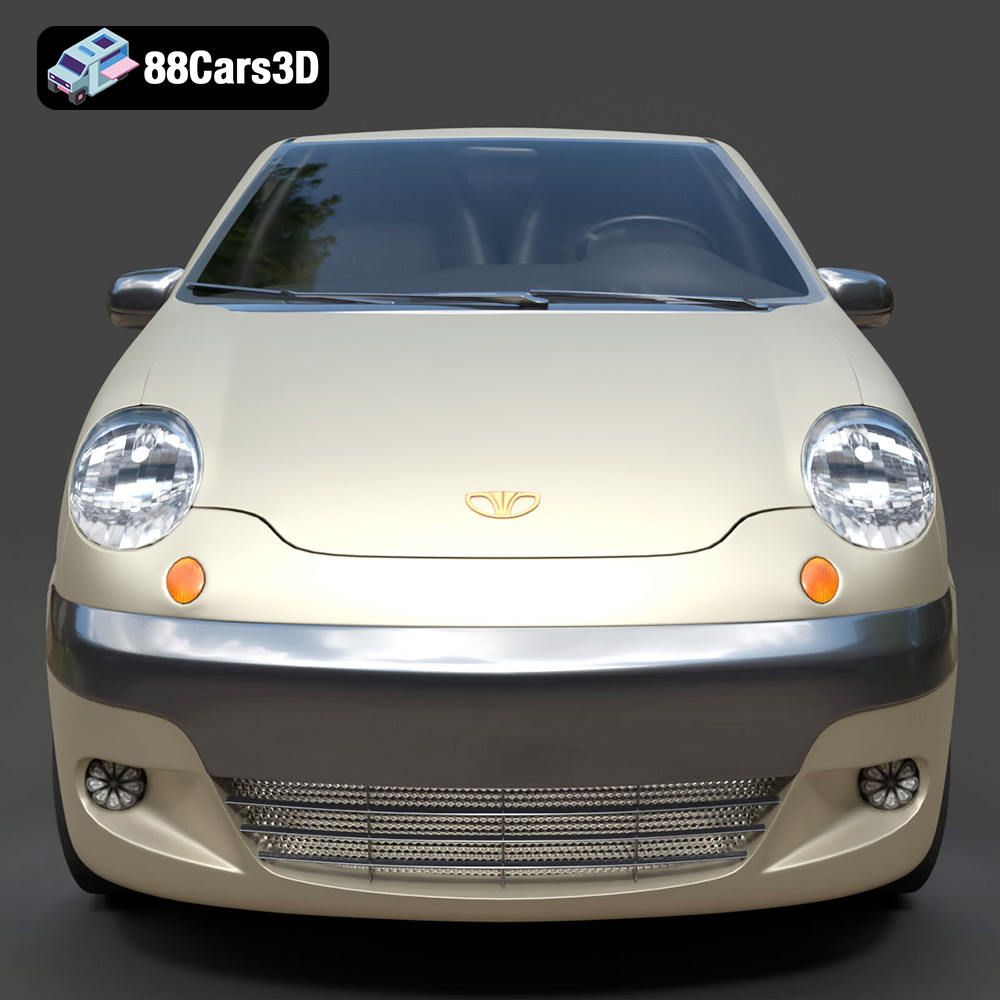
The Daewoo Damas Microvan, a compact and iconic workhorse, can now be brought to life in miniature form through the power of 3D printing. This guide will walk you through the process of successfully 3D printing the Daewoo Damas 3D model available on 88cars3d.com, covering everything from pre-print preparation to post-processing techniques. Whether you’re a seasoned 3D printing enthusiast or just starting, this article provides the technical details and insights needed to create a stunning replica of this classic microvan.
Before diving into printer settings and material selection, understanding the different 3D model file formats is crucial. The Daewoo Damas Microvan 3D model from 88cars3d.com includes a variety of formats to cater to different applications, but some are better suited for 3D printing than others.
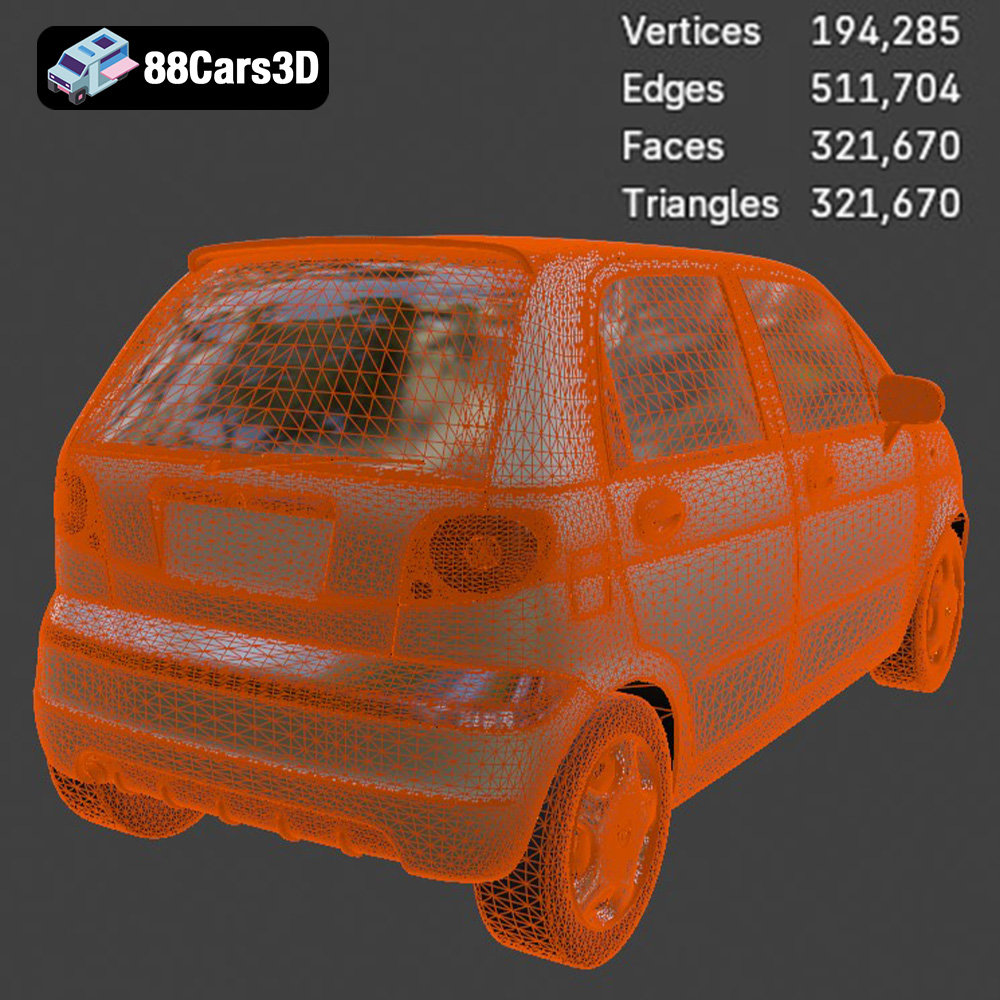
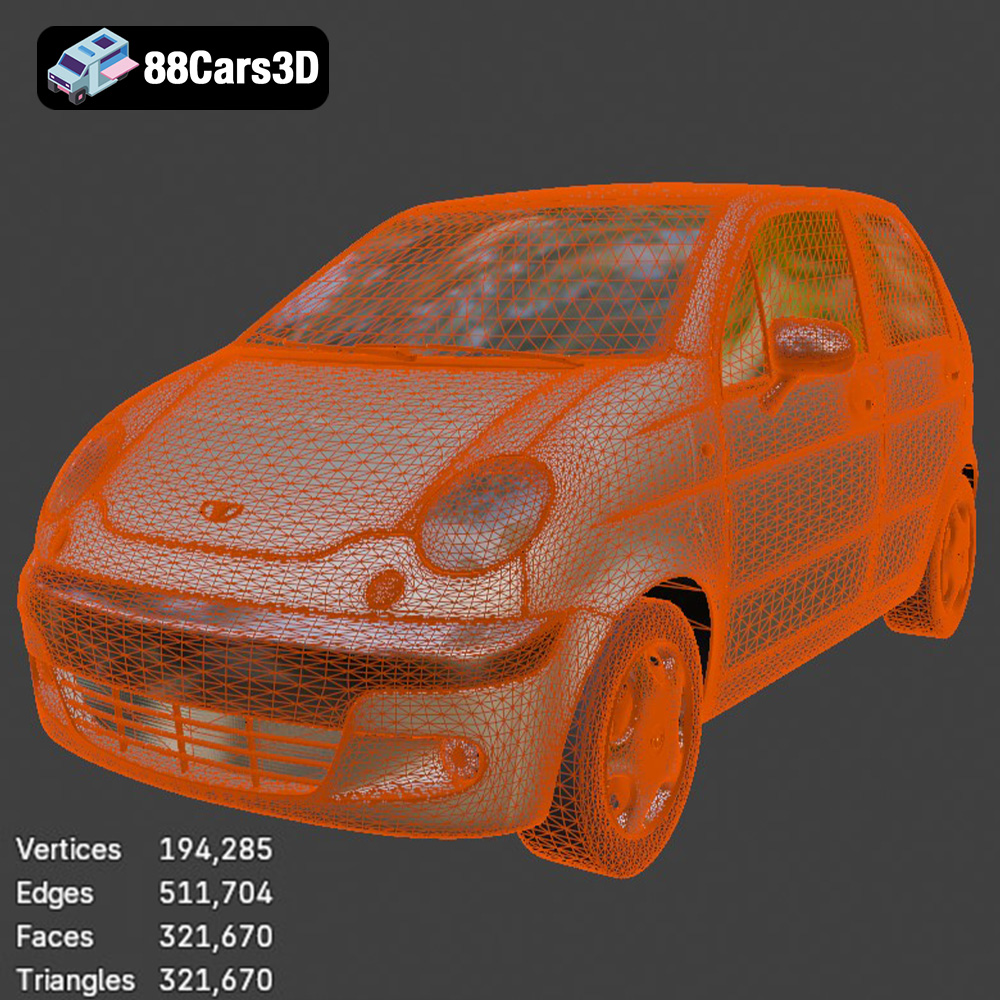
The .stl (stereolithography) format is the most widely accepted file type for 3D printing. It represents the surface geometry of a 3D object as a collection of triangles. This simplicity makes it universally compatible with slicing software, which converts the 3D model into layers for the printer to build. While .stl files only contain mesh data (no color or texture information), they are perfect for creating physical objects with single-color filaments or resins. When working with STL files, ensure the mesh is “watertight” (closed and without holes) to avoid printing errors. Most slicing software includes tools to automatically repair minor mesh issues, but complex problems might require using dedicated 3D modeling software. The Daewoo Damas Microvan 3D Model includes a pre-optimized STL file ready for printing.
The .obj format is another common 3D model format that, unlike .stl, can store color and texture information along with the geometry. This makes it suitable for colored 3D prints, although it requires a printer capable of handling multiple filaments or a post-processing painting workflow. While .obj files are generally compatible with slicing software, the added complexity of texture data can sometimes lead to import issues or increased processing time. The .obj file for the Daewoo Damas Microvan is ideal if you plan to paint the model with accurate colors and want to use the UV maps as a guide.
The .ply (Polygon File Format) is designed for storing 3D data acquired from 3D scanners. It supports various properties per vertex, including color, transparency, surface normals, and texture coordinates. .ply can represent models with very high levels of detail. This format can be useful if you are planning to edit the model and need to preserve the details of the scanned information. The slicing software should be able to handle the .ply file format.
The .blend format is the native file format for Blender, a free and open-source 3D creation suite. This format contains the entire Blender scene, including the model’s geometry, textures, materials, lighting, and animation data. If you are familiar with Blender, the .blend file allows you to fully customize the Daewoo Damas Microvan model before exporting it to a 3D printable format like .stl. You can modify the model’s shape, add details, or create variations for specific purposes.
The .fbx (Filmbox) format is a proprietary file format developed by Autodesk for interoperability between different 3D software packages. It supports the transfer of geometry, materials, textures, animations, and other scene data. While some slicing software can import .fbx files, compatibility can vary. Using .fbx is mainly for importing into other 3D software or game engines, but it is included in the Daewoo Damas Microvan 3D Model package for flexibility.
The .glb (GL Transmission Format Binary) is a binary file format that represents 3D models in a compact, efficient, and easily shareable way. It is designed for real-time applications and is widely used for displaying 3D models on the web and in augmented reality (AR) applications. Before committing to a print, the .glb file allows you to visualize the Daewoo Damas Microvan in AR to get a sense of its size and appearance in the real world.
The .max format is the native file format for Autodesk 3ds Max, a professional 3D modeling, animation, rendering, and visualization software package. Similar to the .blend format for Blender, the .max file contains the entire 3ds Max project, including the model’s geometry, textures, materials, lighting, and animation data. If you are a 3ds Max user, the .max file allows you to fully customize the Daewoo Damas Microvan model before exporting it to a 3D printable format like .stl.
For 3D printing the Daewoo Damas Microvan, the .stl format is generally the most reliable and straightforward choice due to its widespread compatibility and simplicity. Ensure the .stl file is properly scaled and oriented within your slicing software for optimal printing results. Mesh quality is paramount; a high-quality mesh will translate to a smoother, more detailed final print. Inspect the model for any non-manifold geometry or holes before slicing.
Successful 3D printing hinges on meticulous pre-print preparation. This involves selecting the right slicing software, orienting the model correctly, and optimizing it for your chosen 3D printing method (FDM or resin).
Slicing software is essential for converting the 3D model (.stl file) into a series of instructions (G-code) that your 3D printer can understand. Popular options include Cura, PrusaSlicer, Simplify3D, and Chitubox (for resin printers). Each software offers unique features and settings, so experiment to find the one that best suits your needs and printer capabilities. Consider factors like ease of use, advanced settings, and community support. For the Daewoo Damas Microvan, Cura and PrusaSlicer offer excellent control over print parameters and are a good starting point.
The orientation of the Daewoo Damas Microvan on the build plate significantly affects print quality and support requirements. For FDM printing, angling the body slightly (e.g., 30-45 degrees) can minimize the need for supports on the roof and other overhanging features. However, this might increase support usage on the underside. The recommended “Body printed angled for a smooth surface finish” from 88cars3d.com is excellent advice. Experiment with different orientations within your chosen slicing software to find the optimal balance between surface finish and support material usage.
Supports are necessary for printing overhanging sections of the model, such as the side mirrors, wheel arches, and bumper overhangs. Use the slicing software’s support generation tools to strategically place supports where needed. Consider using tree supports or light supports to minimize the impact on the surface finish and make removal easier. For resin printing, proper support placement is even more critical due to the layer-by-layer curing process.
The choice of material and printer settings is crucial for achieving the desired print quality, strength, and aesthetic.
For the Daewoo Damas Microvan, several materials are suitable, depending on your desired outcome:
* **PLA (Polylactic Acid):** PLA is an excellent choice for beginners due to its ease of use, low printing temperature, and biodegradability. It’s ideal for creating display models and prototypes. However, PLA is not as heat-resistant or durable as other materials.
* **PETG (Polyethylene Terephthalate Glycol):** PETG offers a good balance of strength, flexibility, and heat resistance. It’s a great option for parts that need to withstand some wear and tear.
* **Resin:** Resin printing (SLA/DLP) is highly recommended for capturing the fine details of the Daewoo Damas Microvan, especially at smaller scales (1:43 or smaller). Resin printers can produce incredibly smooth surfaces and intricate details.
The following printer settings are recommended as a starting point for printing the Daewoo Damas Microvan:
* **Layer Height:**
* FDM: 0.1mm – 0.2mm (lower layer heights for finer details)
* Resin: 0.025mm – 0.05mm (lower layer heights for finer details)
* **Infill Density:** 15-25% (provides sufficient internal support without excessive material usage)
* **Wall Thickness:** 1.2mm – 2.0mm (ensures adequate strength and rigidity)
* **Print Speed:** Adjust based on your printer and material. Start with slower speeds (e.g., 40-60mm/s for FDM) and increase gradually as needed.
* **Support Settings:** Optimize support placement and density for easy removal and minimal surface damage.
* **Bed Adhesion:** Use a brim or raft to improve bed adhesion, especially for larger prints or materials prone to warping.
Post-processing enhances the appearance and functionality of your 3D printed Daewoo Damas Microvan.
Carefully remove the support structures using pliers, a hobby knife, or specialized support removal tools. Take your time to avoid damaging the model’s surface. Once the supports are removed, sand the affected areas with progressively finer grits of sandpaper (e.g., 220, 400, 600) to smooth out any imperfections. For resin prints, use wet sanding to prevent dust from becoming airborne.
Apply a primer coat to the entire model to create a smooth and uniform surface for painting. Automotive-grade primer is ideal for achieving a durable finish. Once the primer is dry, apply multiple thin coats of your chosen paint colors. The Daewoo Damas Microvan is often seen in classic commercial colors like Factory White, Light Blue, or Taxi Yellow. Consider using stencils or masking tape for intricate details and multi-color schemes.
The Daewoo Damas Microvan model may consist of separate parts, such as the body, wheels, and chassis. Use glue (e.g., super glue or epoxy) to assemble the parts according to the model’s design. Ensure proper alignment and allow the glue to dry completely before handling the assembled model.
Even with careful preparation, 3D printing can sometimes present challenges. Here are some common issues and solutions:
Warping occurs when the corners of the print lift off the build plate due to uneven cooling. To prevent warping:
* Use a heated bed and ensure it is properly leveled.
* Apply a bed adhesion aid (e.g., glue stick, hairspray, or painter’s tape).
* Enclose the printer to maintain a consistent temperature.
Stringing is the formation of thin strands of filament between different parts of the print. To reduce stringing:
* Optimize retraction settings in your slicing software.
* Lower the printing temperature.
* Increase travel speed.
Layer delamination is the separation of layers due to poor adhesion. To improve layer adhesion:
* Increase the printing temperature.
* Reduce the layer height.
* Ensure proper bed adhesion.
Problems with supports can include difficulty removing them or damage to the model’s surface. To improve support performance:
* Optimize support placement and density.
* Use tree supports or light supports.
* Adjust the support interface settings.
The print time and material cost for the Daewoo Damas Microvan depend on several factors, including the size of the model, the layer height, the infill density, and the type of material used. As a rough estimate:
* **FDM Print:**
* Print Time: 8-16 hours
* Material Cost: $5-$15
* **Resin Print:**
* Print Time: 4-8 hours
* Material Cost: $10-$20
These are approximate values, and the actual figures may vary.
3D printing the Daewoo Damas Microvan 3D model provides a fantastic opportunity to explore the world of additive manufacturing and create a stunning replica of this iconic vehicle. With careful planning, the right materials, and attention to detail, you can achieve exceptional results. Remember to consult the 3D Print Setting information provided on 88cars3d.com. Experiment with different colors, finishes, and customization options to personalize your Daewoo Damas Microvan and make it truly unique.
The Daewoo Damas 3D Model is an incredibly accurate, highly optimized digital recreation of the legendary compact commercial microvan. Based on the classic kei-van architecture, the Damas is a ubiquitous and unstoppable workhorse recognized globally—serving as the ultimate urban delivery vehicle, taxi, and daily commuter.
$9.99