Get 50% OFF All Premium 3D & STL Models!

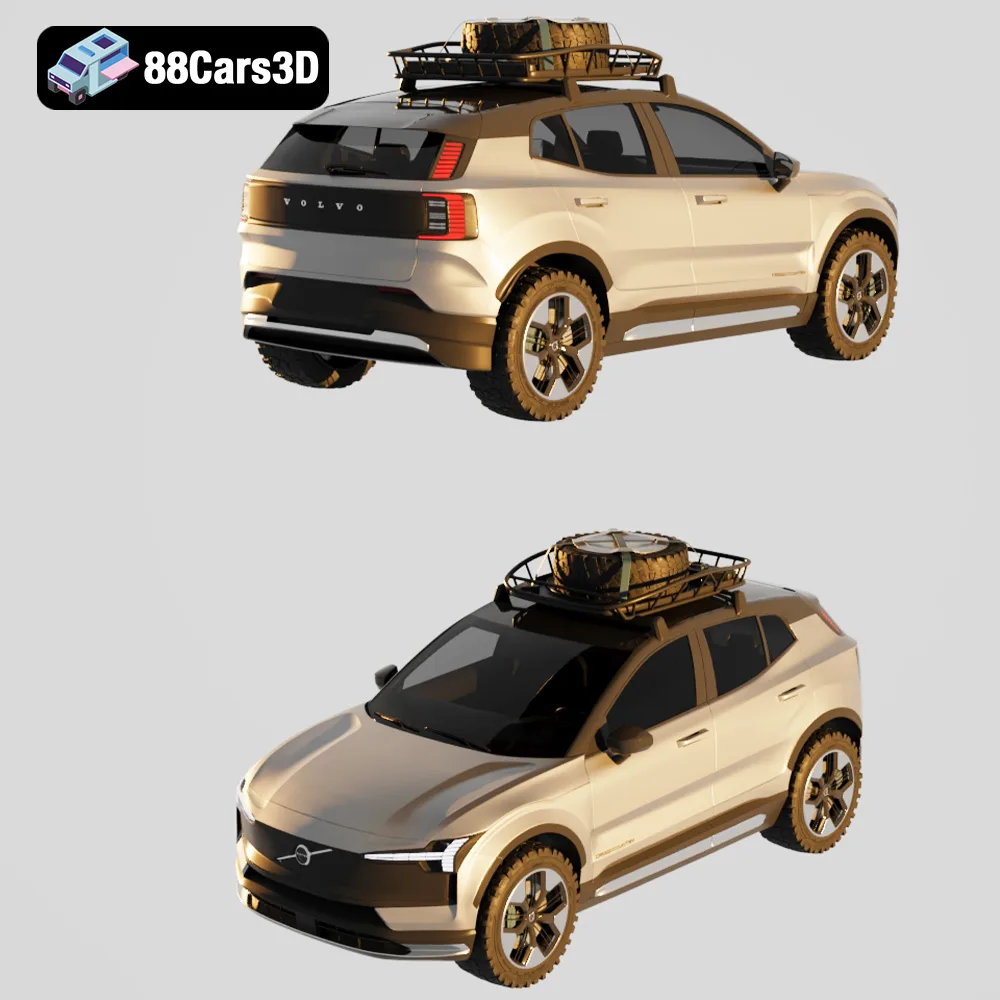
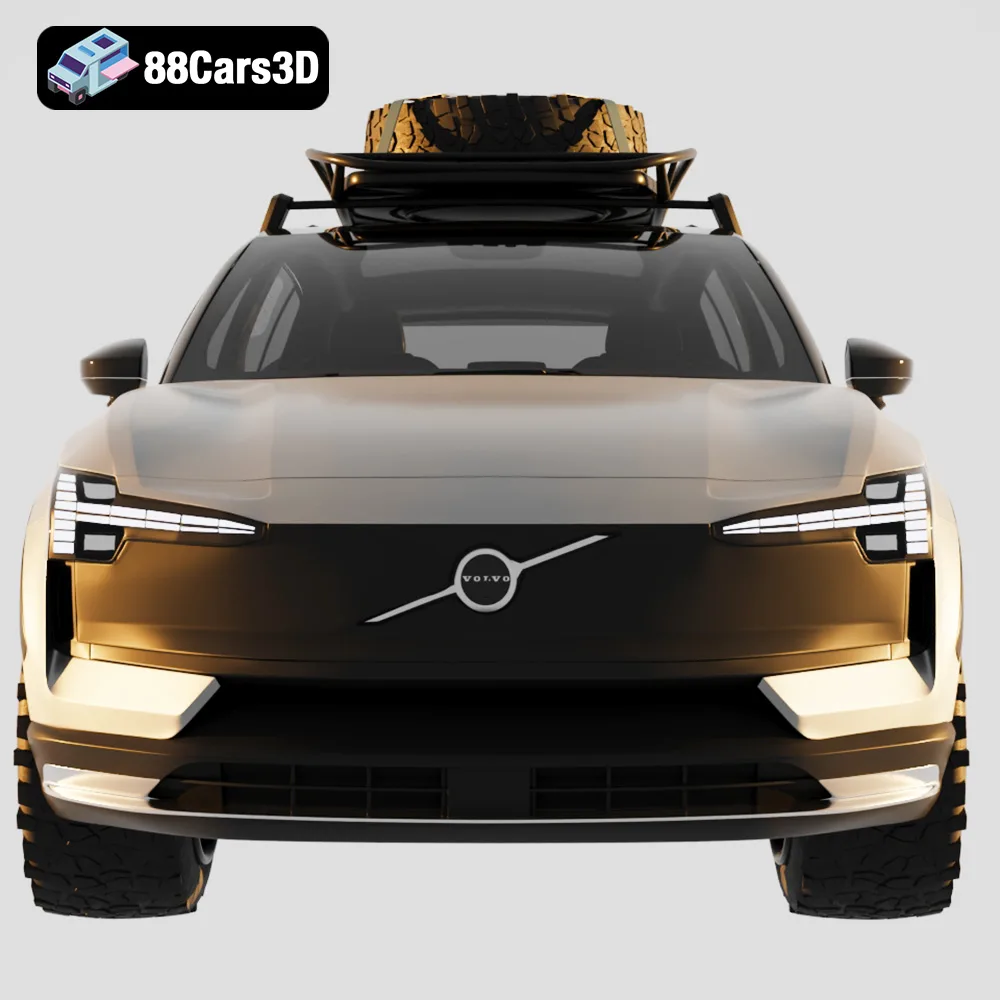
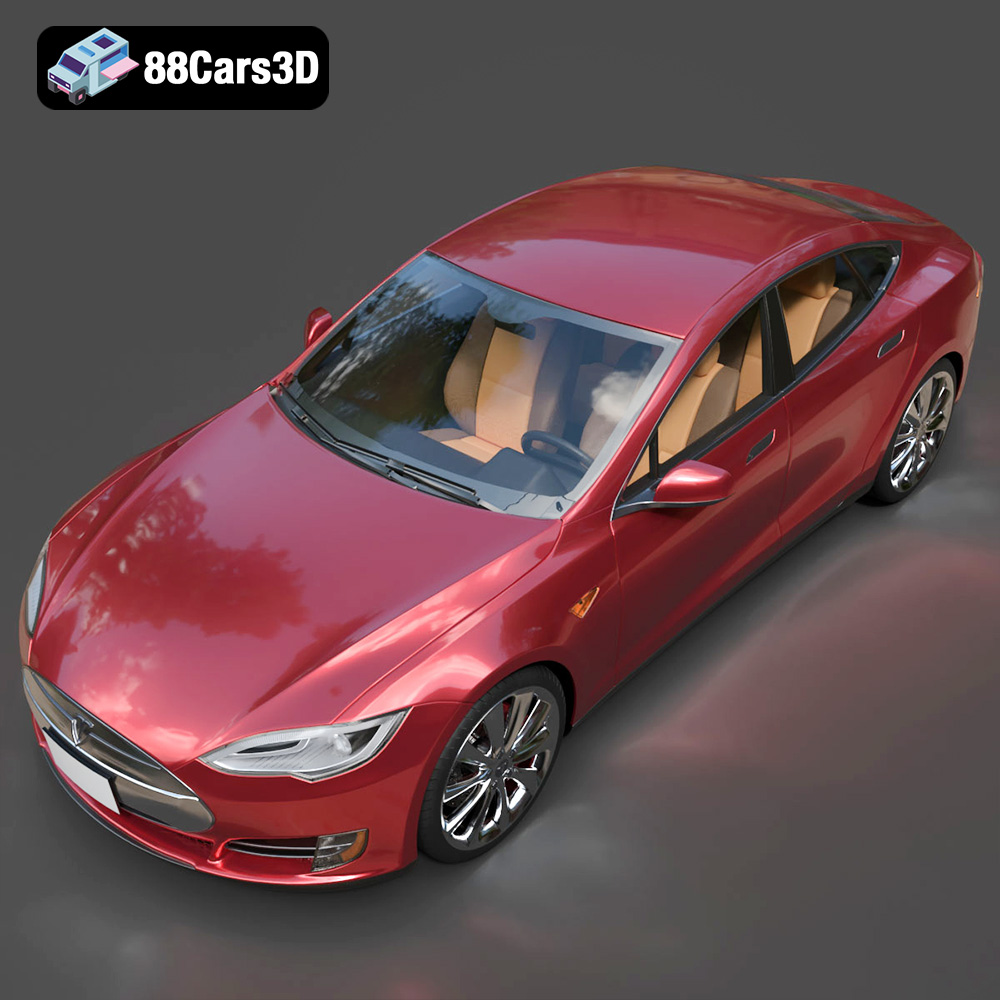
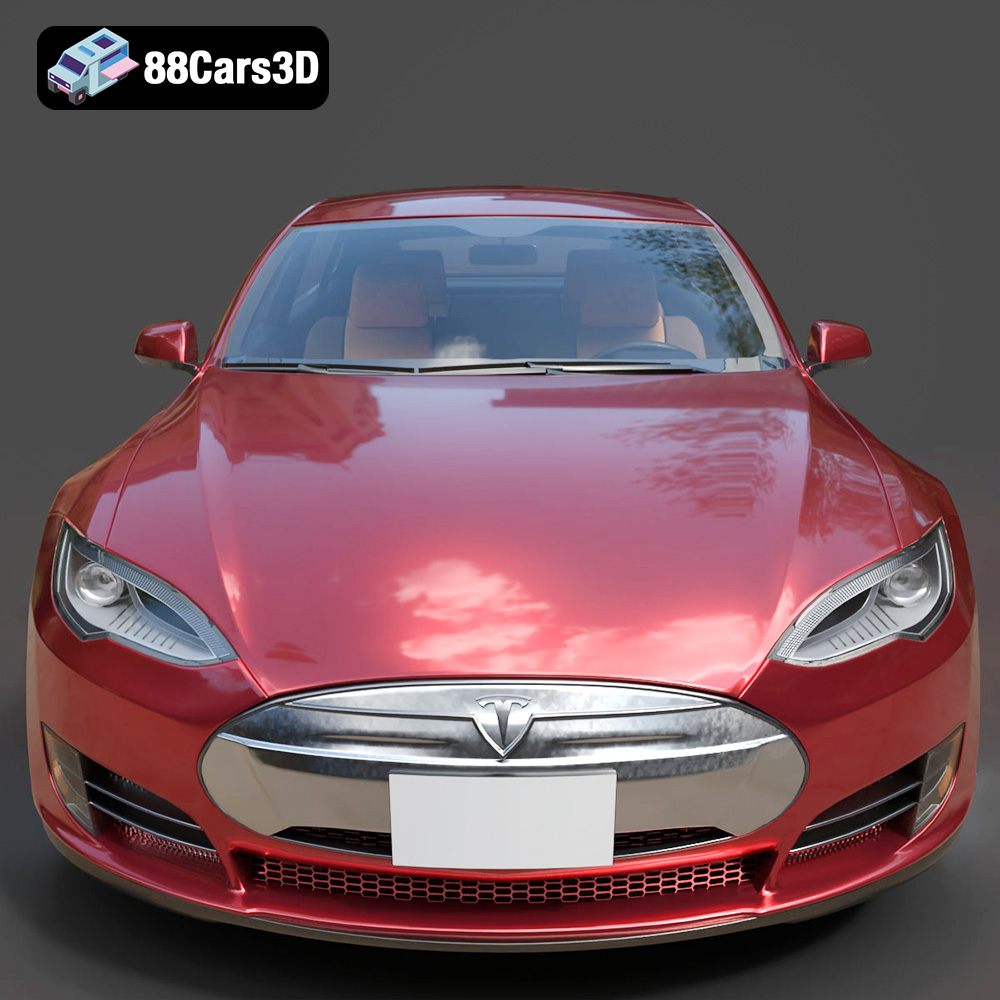
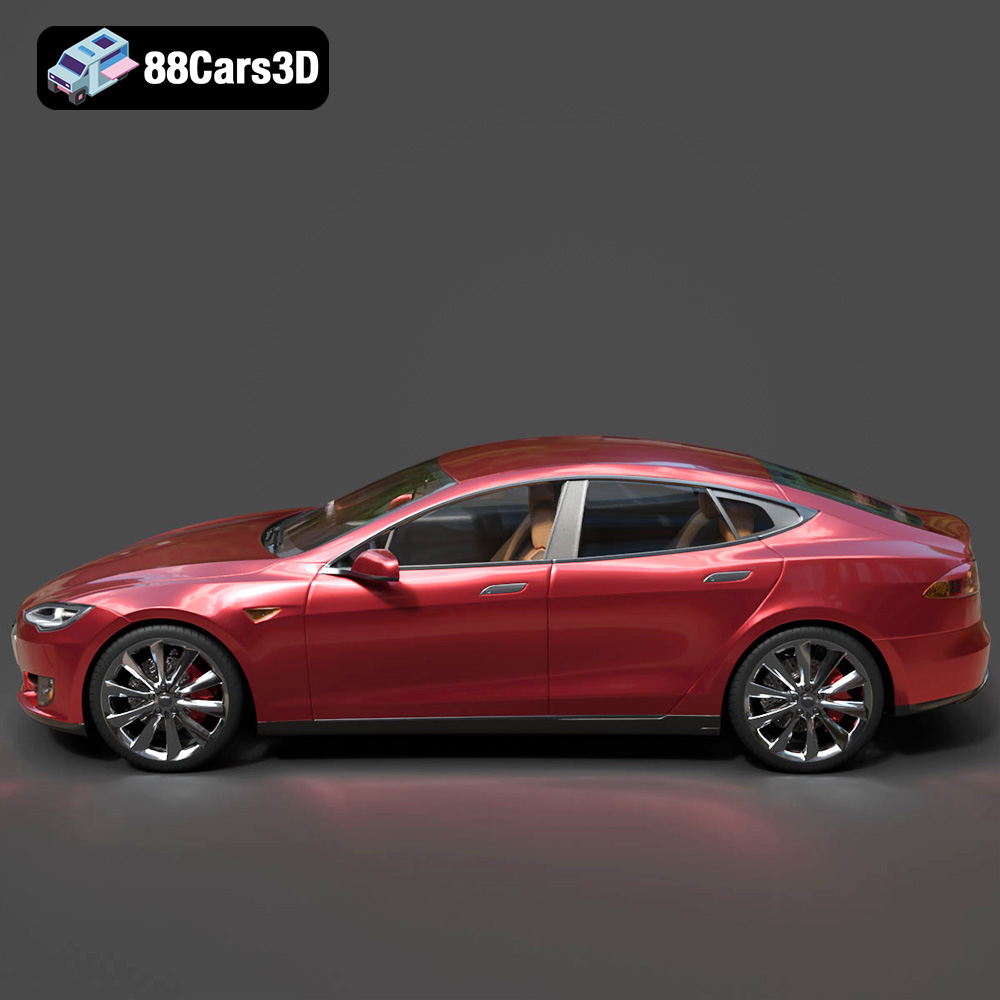
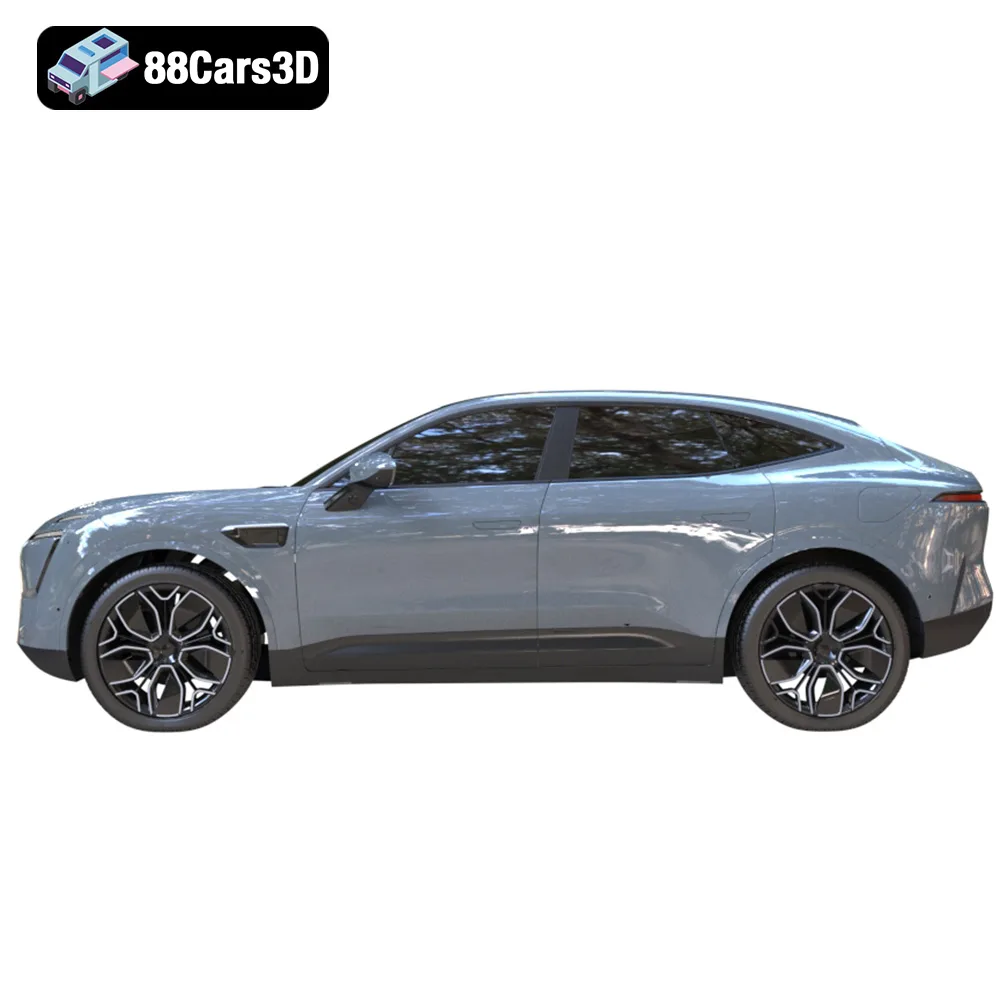
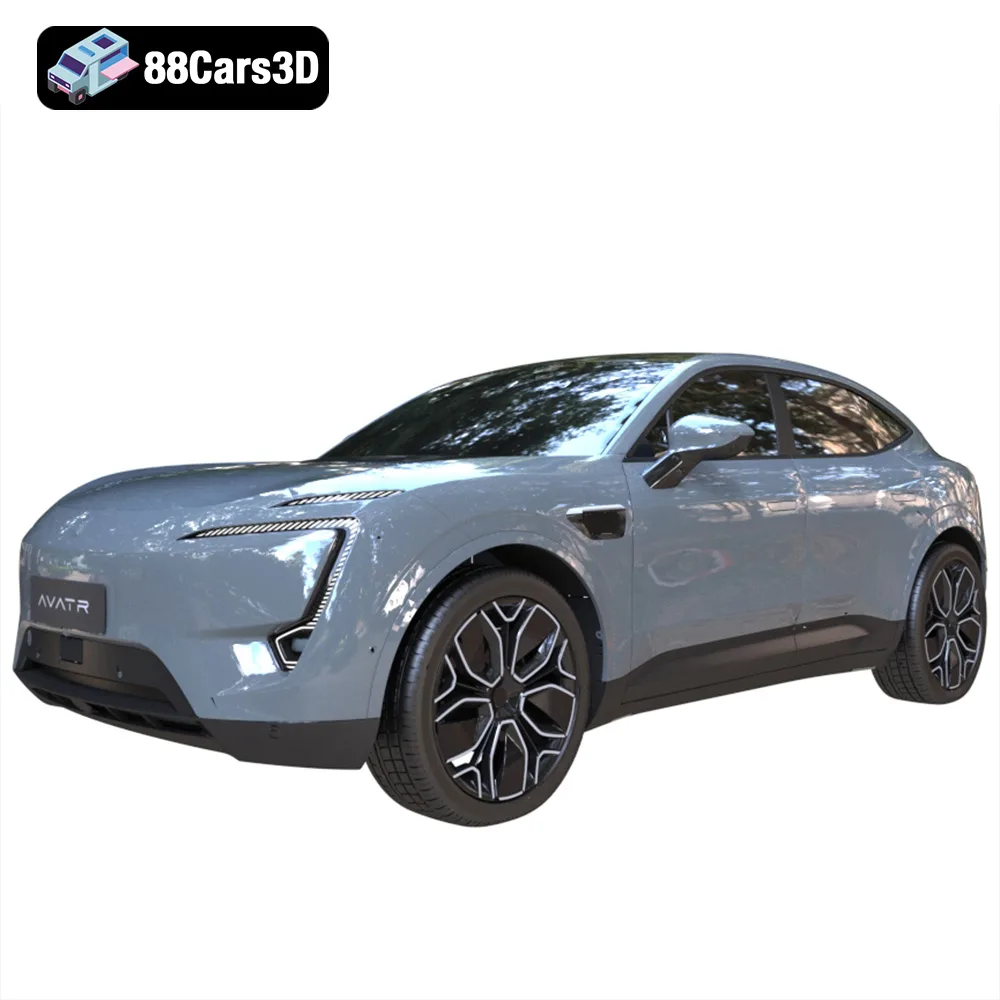
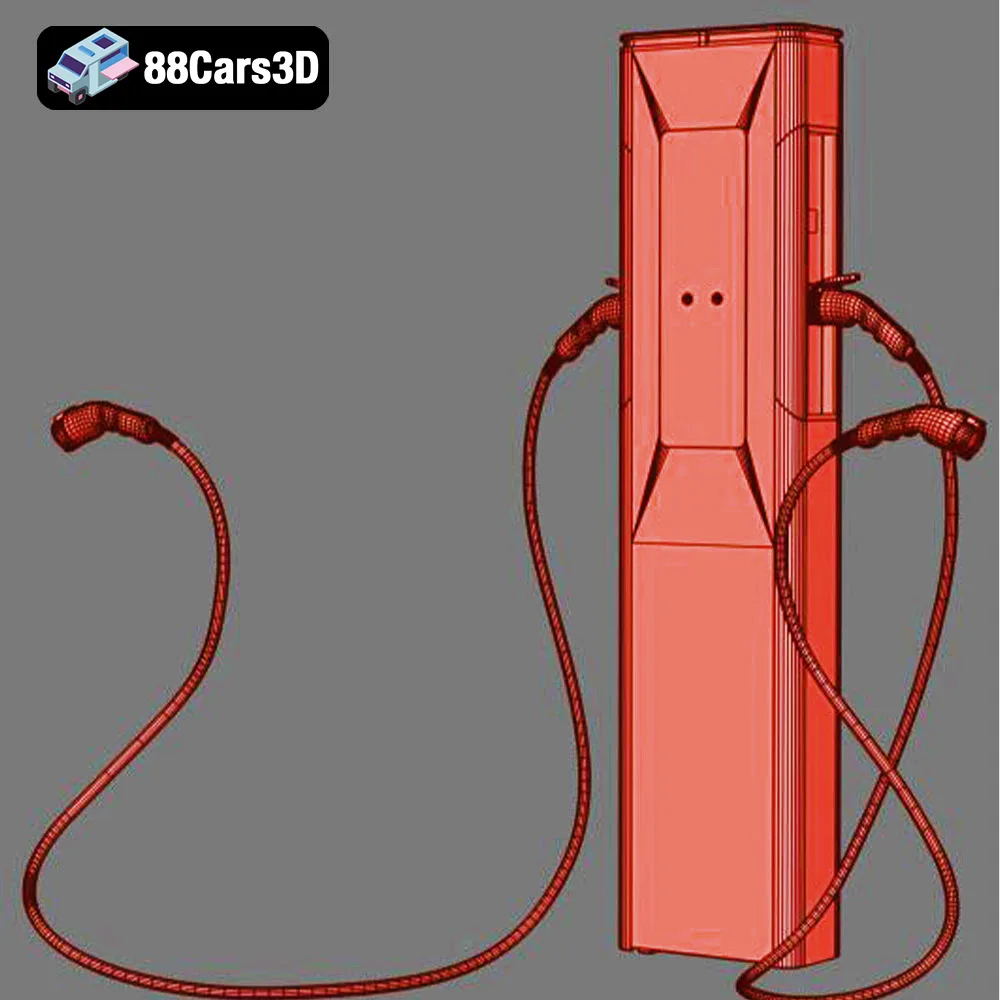
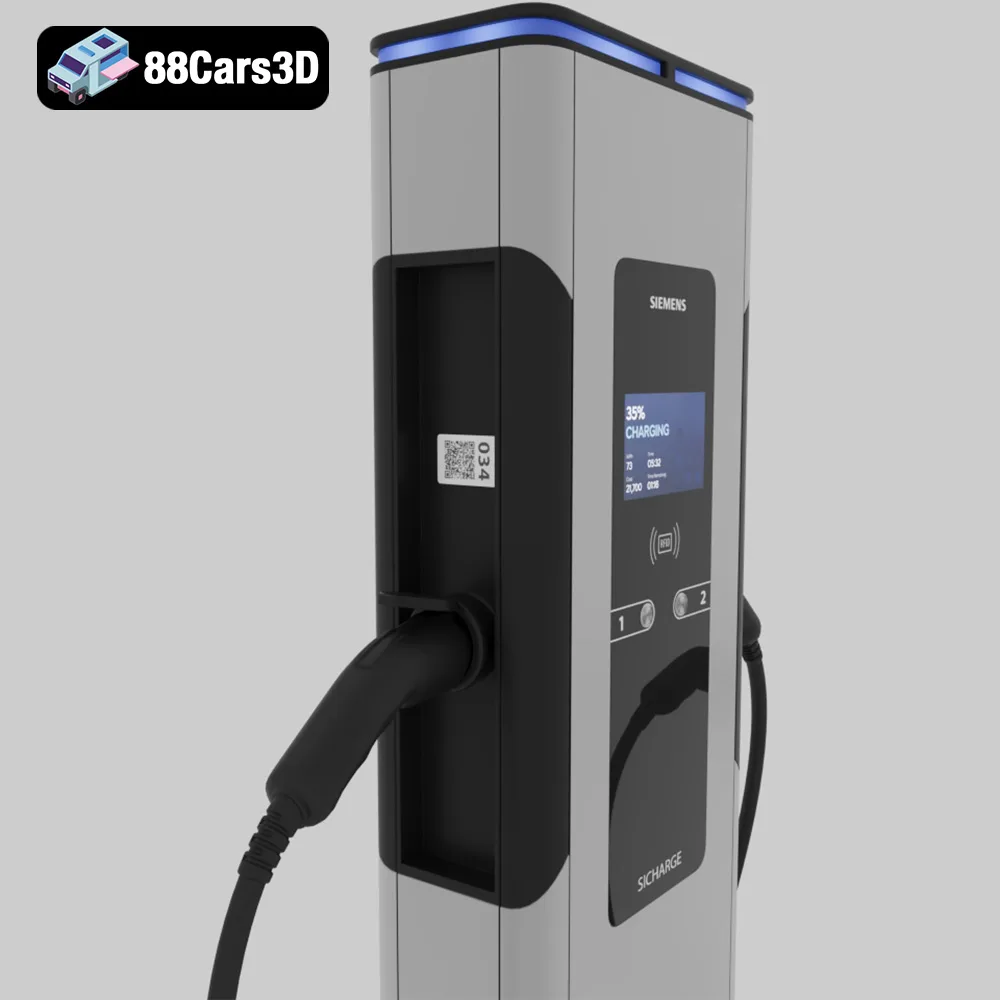
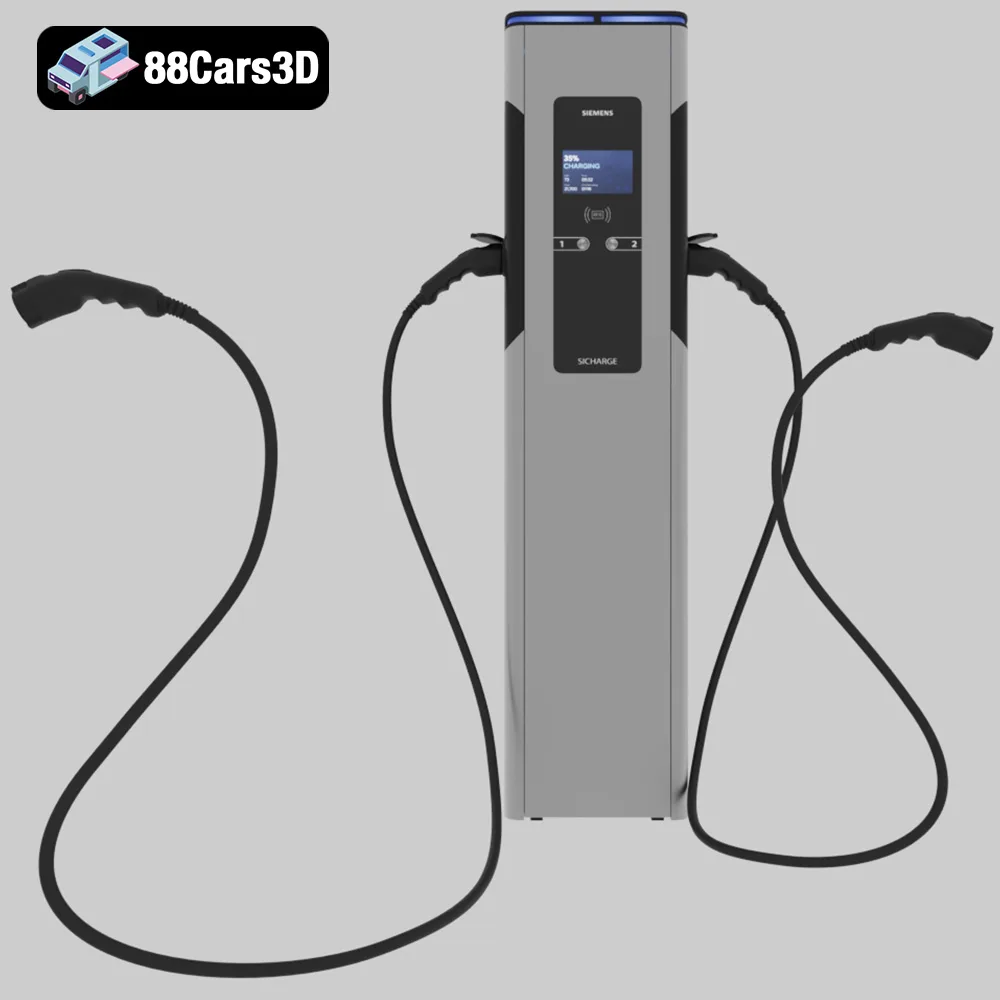
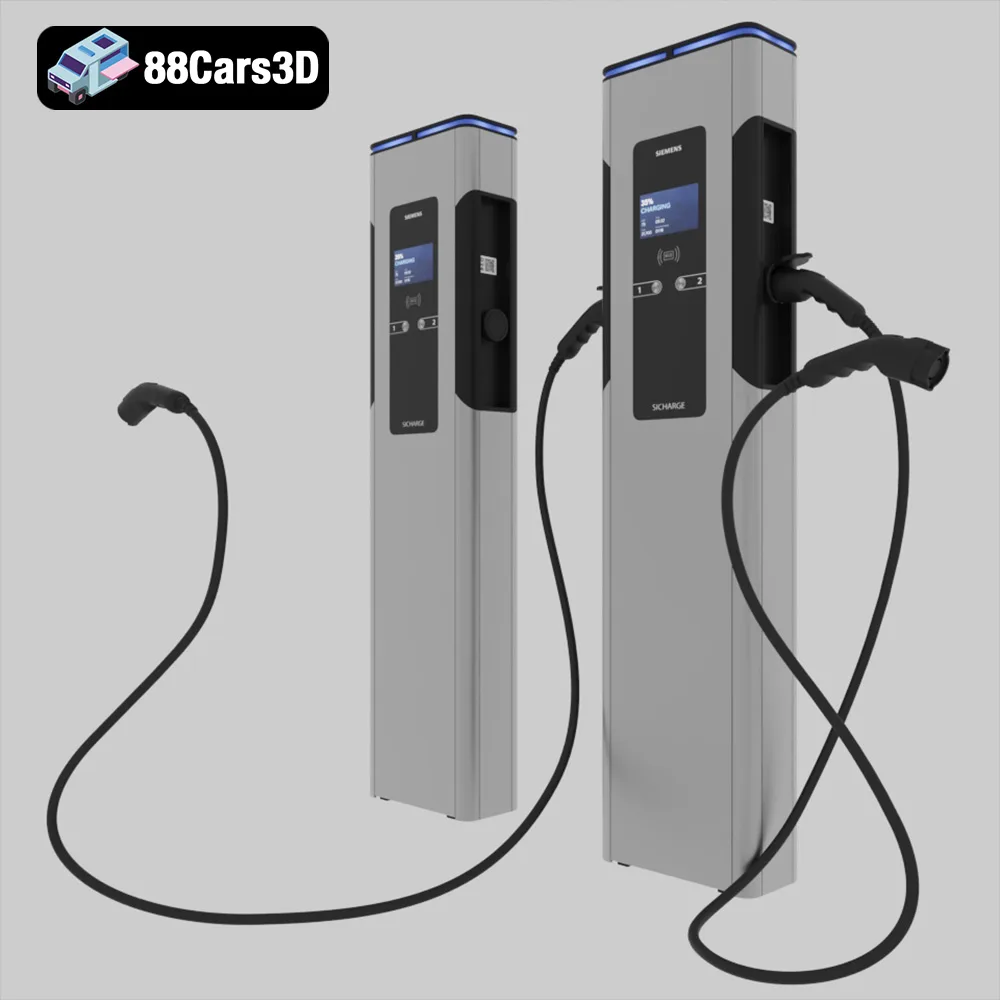
The “Future of Mobility: Smart City EV 3D Models Bundle” from 88cars3d.com offers an exciting opportunity to bring a slice of the electric vehicle revolution into the physical world. This bundle, featuring iconic EVs like the Volvo EX30, Tesla Model S, AVATR 11, and Porsche Taycan, along with a Siemens SiCharge EV charging station, provides a diverse set of models perfect for 3D printing enthusiasts. Whether you’re a seasoned model maker or just starting with additive manufacturing, this guide will walk you through the process of 3D printing these models, from initial preparation to final finishing. We’ll cover everything from choosing the right materials and printer settings to post-processing techniques that will make your 3D printed EVs stand out.
Before diving into the specifics of printing the Smart City EV bundle, it’s crucial to understand the different file formats available and which are best suited for 3D printing. The bundle includes several formats, each with its own strengths and weaknesses. Choosing the right format can significantly impact the quality and ease of your 3D printing experience.
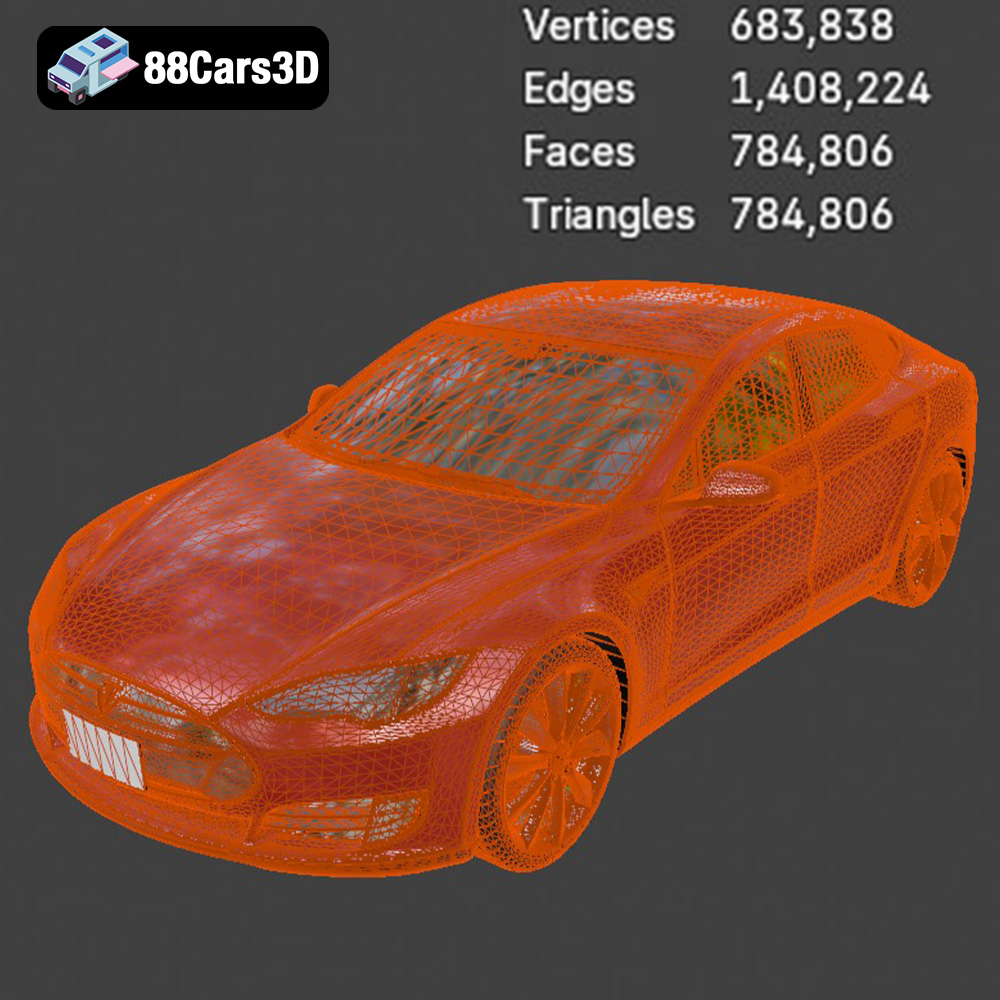
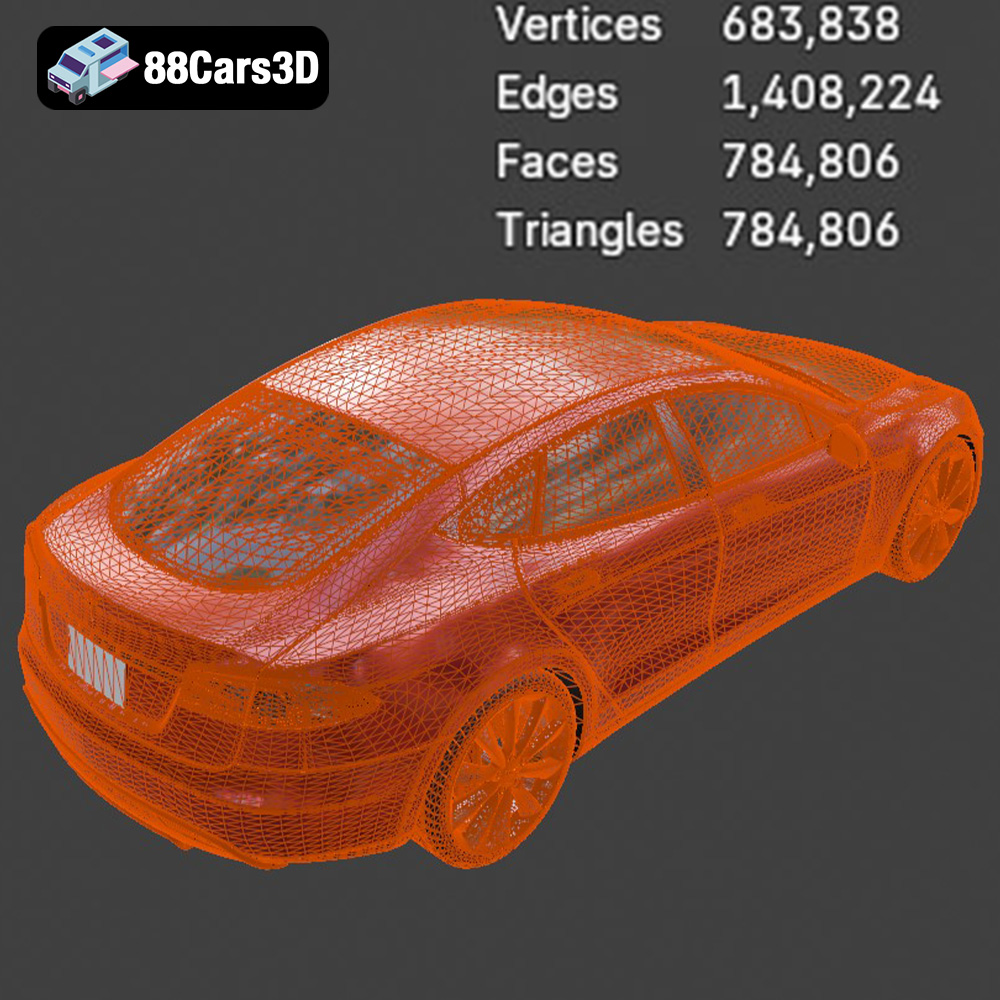
The STL (Stereolithography) file format is the industry standard for 3D printing. It represents the surface geometry of a 3D object as a collection of triangles. This simplicity makes it universally compatible with slicing software and 3D printers. The downside of STL is that it only stores mesh data, meaning it doesn’t contain information about color, textures, or materials. For 3D printing the Smart City EV models, the STL format will be your primary choice. When downloading from 88cars3d.com, ensure you select the STL files for each car and the charging station.
OBJ files are more versatile than STL, as they can store color and texture information along with the 3D geometry. This makes them suitable for applications beyond 3D printing, such as rendering and game development. However, not all 3D printers support printing in multiple colors or materials directly from an OBJ file. If you plan to paint or apply textures to your 3D printed models after printing, the STL format will still be the preferred choice.
PLY (Polygon File Format) is designed for storing 3D data acquired from 3D scanners. It can represent a model with a high level of detail and is often used in reverse engineering and digital archiving. While PLY files can be used for 3D printing, their complexity can sometimes cause issues with slicing software and printer performance. For the Smart City EV bundle, the STL format is generally more practical due to its wider compatibility and efficiency.
BLENDER is the native file format for Blender, a popular open-source 3D creation suite. It stores the entire Blender scene, including the model’s geometry, textures, materials, lighting, and animation data. While not directly printable, .blend files are incredibly useful for customizing the models before exporting them in a printable format like STL. If you want to modify the design, add details, or prepare the models for printing by splitting them into smaller parts, working with the .blend files in Blender is an excellent option.
FBX (Filmbox) is a proprietary file format developed by Autodesk. It’s widely used in the game development and animation industries for transferring 3D data between different software applications. FBX files can store geometry, textures, materials, and animation data, making them a comprehensive format for complex 3D scenes. While FBX is generally not used for direct 3D printing, it can be imported into some slicing software to retain material information, but often this is lost during the final slicing process.
GLB (Binary glTF) is a file format designed for efficient transmission and loading of 3D scenes and models in applications like augmented reality (AR) and virtual reality (VR). It’s a binary version of the glTF (Graphics Language Transmission Format) and includes all necessary data, such as geometry, textures, and animations, in a single file. GLB files are excellent for previewing the models in AR applications before committing to printing, giving you a sense of their size and appearance in the real world.
Before sending the Smart City EV models to your 3D printer, careful preparation is essential. This involves using slicing software to convert the 3D model into a set of instructions (G-code) that the printer can understand. It also includes optimizing the model for printing, such as adjusting its orientation, adding supports, and ensuring it’s watertight.
Choosing the right slicing software is crucial. Popular options include Cura, PrusaSlicer, Simplify3D, and IdeaMaker. Each software offers a range of settings that can be tailored to your specific printer and material. For the Smart City EV models, consider the following settings:
* **Layer Height:** A lower layer height (0.04-0.12mm, as recommended in the product description) will result in finer details and a smoother surface finish, particularly important for capturing the intricate details of the EV models like the Thor’s Hammer headlights on the Volvo EX30.
* **Infill Density:** A higher infill density (15-25%) will make the model stronger and more durable.
* **Wall Thickness:** A wall thickness of 1.2-2.0mm provides a good balance between strength and material usage.
* **Support Structures:** These are necessary for overhanging features like side mirrors, wheel arches, and rear spoilers. Experiment with different support patterns to find the best balance between support strength and ease of removal.
The orientation of the model on the print bed can significantly impact the print quality and the need for support structures. For the car bodies, printing at an angle (approximately 45 degrees) can help minimize the visibility of layer lines and reduce the need for supports on the roof. Wheels and the EV charging station should be printed upright for optimal detail. Pay close attention to support placement, especially around delicate areas like the light clusters and door handles. Pre-supported models are extremely beneficial and can save time in manual support creation.
The choice of material will influence the final appearance, strength, and durability of your 3D printed Smart City EV models. Different materials offer different properties, making some more suitable for specific applications than others.
PLA (Polylactic Acid) is a biodegradable thermoplastic derived from renewable resources. It’s easy to print, requires relatively low printing temperatures, and doesn’t produce strong odors. PLA is a great option for beginners and for creating models that are primarily for display purposes. It comes in a wide range of colors, allowing you to print the EV models in their signature colors. However, PLA is not as strong or heat-resistant as other materials, so it’s not ideal for models that will be subjected to stress or high temperatures.
PETG (Polyethylene Terephthalate Glycol-modified) offers a good balance between strength, flexibility, and ease of printing. It’s more durable and heat-resistant than PLA, making it a suitable choice for models that need to withstand some wear and tear. PETG is also less prone to warping than ABS, another common 3D printing material. It’s a good all-around option for the Smart City EV models, providing a good compromise between printability and durability.
For the most intricate details, resin printing is often the best choice, as the product description suggests. Resin printers use liquid resin that is cured by UV light, allowing for much higher resolution and smoother surfaces than FDM printers. This is particularly important for capturing the fine details of the EV models, such as the intricate wheel designs and the sharp lines of the headlights. Resin printing is more involved than FDM printing, requiring careful calibration, post-processing (washing and curing), and proper ventilation. However, the results can be stunning, especially when printing at smaller scales (1:24, 1:32, or 1:43) as recommended for diecast enthusiasts.
Achieving optimal results when 3D printing the Smart City EV models requires careful attention to printing parameters. This includes settings such as temperature, speed, and cooling, all of which can significantly impact the quality of the final print.
The optimal temperature settings will depend on the material you choose. PLA typically prints well at temperatures between 190-220°C, while PETG requires higher temperatures, around 230-250°C. Resin printing, on the other hand, doesn’t involve temperature settings, as the resin is cured by UV light. Print speed also plays a crucial role. A slower print speed generally results in higher quality, especially for intricate details. Start with a moderate print speed (e.g., 40-60mm/s for FDM) and adjust as needed based on the results.
Proper cooling is essential for preventing warping and ensuring that each layer adheres properly to the previous one. For PLA, use a cooling fan to cool the print as it’s being deposited. PETG, on the other hand, requires less cooling. Good bed adhesion is also crucial for preventing the model from detaching from the print bed during printing. Use a heated bed (around 60°C for PLA and 80°C for PETG) and consider using a bed adhesive like glue stick or hairspray to improve adhesion.
Once the 3D printing is complete, post-processing is necessary to remove support structures, smooth surfaces, and add finishing touches. This can involve a variety of techniques, from sanding and filling to painting and assembly.
Carefully remove the support structures using pliers or a sharp knife. Be patient and avoid damaging the model. After removing the supports, sand the surfaces to smooth out any imperfections and remove any remaining support marks. Start with a coarse grit sandpaper (e.g., 220 grit) and gradually move to finer grits (e.g., 400, 600, 800 grit) for a smoother finish.
Painting is a great way to add realism and visual appeal to your 3D printed Smart City EV models. Prime the model with a spray primer to create a smooth surface for the paint to adhere to. Then, apply multiple thin coats of paint, allowing each coat to dry completely before applying the next. Consider using automotive paints for a durable and realistic finish. Add details like headlights, taillights, and logos using fine brushes or paint markers.
Even with careful preparation and optimal settings, 3D printing can sometimes present challenges. Here are some common issues and how to address them:
Warping occurs when the corners of the model lift off the print bed during printing. This is often caused by poor bed adhesion or uneven cooling. To prevent warping, ensure that the print bed is clean and level, use a heated bed and bed adhesive, and adjust the cooling settings.
Stringing refers to thin strands of plastic that form between different parts of the model during printing. This is often caused by excessive retraction or high printing temperatures. To address stringing, adjust the retraction settings in your slicing software and lower the printing temperature.
Layer separation occurs when the layers of the print don’t adhere properly to each other. This can be caused by low printing temperatures, insufficient cooling, or a dirty print bed. Increase the printing temperature, ensure proper cooling, and clean the print bed thoroughly.
The “Future of Mobility: Smart City EV 3D Models Bundle” from 88cars3d.com provides a fantastic opportunity to explore the world of 3D printing and create your own miniature fleet of electric vehicles. By following the tips and techniques outlined in this guide, you can successfully 3D print these models and bring a piece of the future into your home. Remember to experiment with different materials and settings to find what works best for your printer and your desired results. With a little patience and practice, you’ll be creating stunning 3D printed EVs in no time.
The Future of Mobility 3D Models Bundle is the ultimate, eco-conscious collection designed for modern architectural visualization (ArchViz), smart-city game environments, and forward-thinking digital showrooms. This comprehensive 5-in-1 package provides exactly that. Instead of sourcing these high-quality models individually, this bundle gives you four of the most recognizable modern electric vehicles plus a highly detailed EV charging station at an unbeatable discount.
$89.99
archviz-pack
avatr-11
car-bundle
eco-friendly
electric-vehicle-3d-model
ev-bundle
ev-charger-3d
game-ready
porsche-taycan
smart-city
tesla-model-s
volvo-ex30