Get 50% OFF All Premium 3D & STL Models!

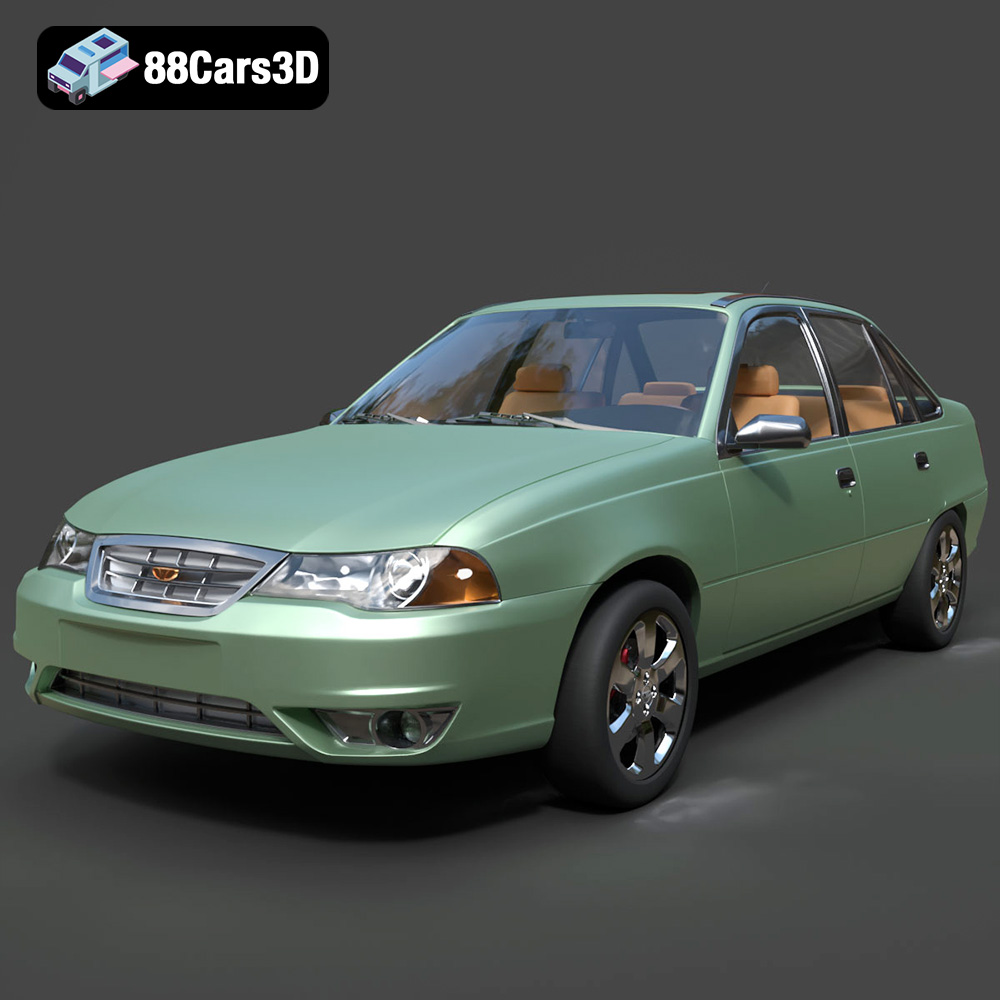
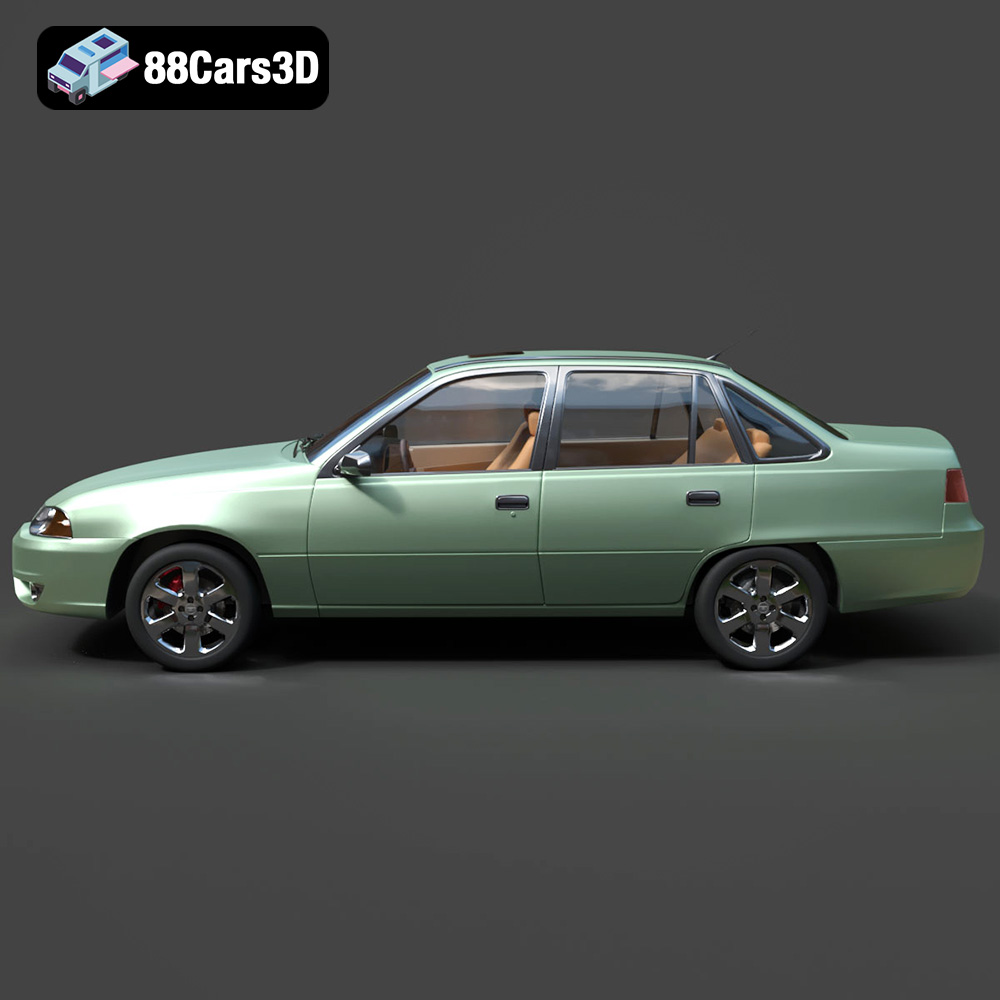
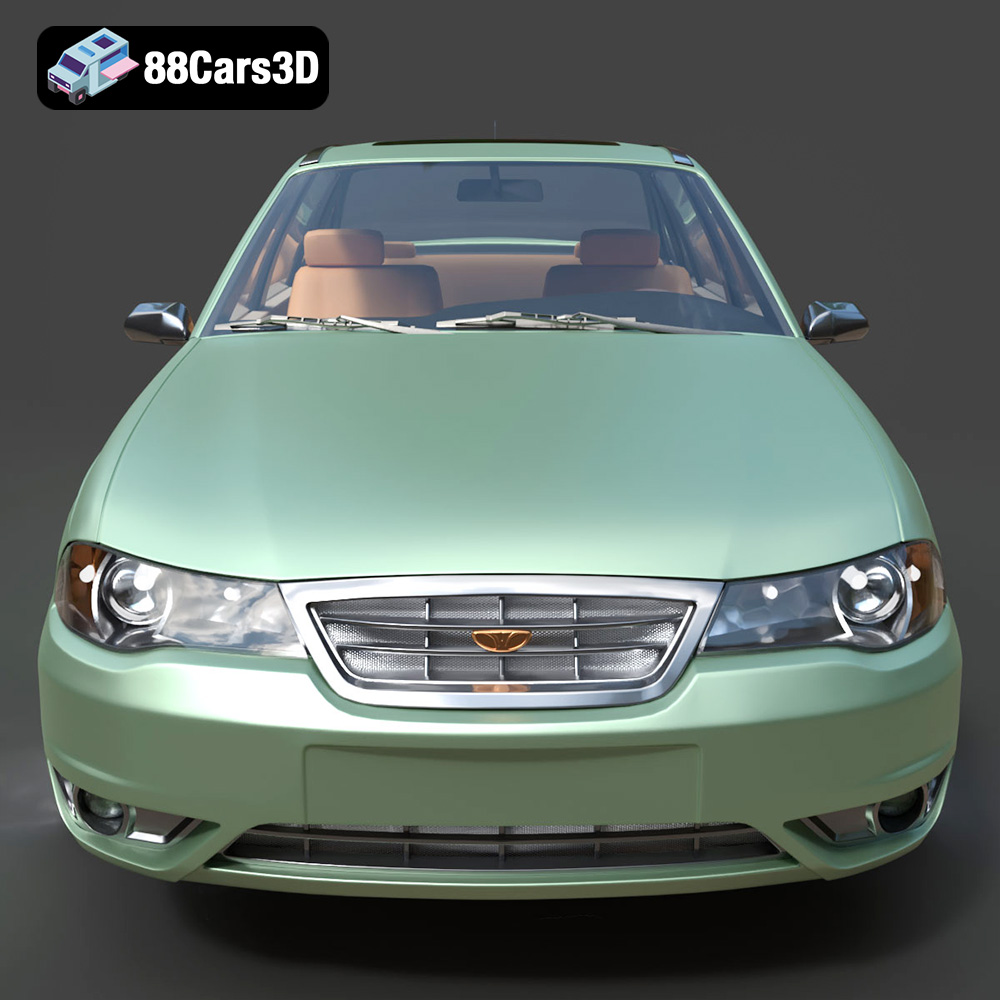
The Daewoo Nexia N100, a classic 90s sedan, holds a special place in the hearts of many, particularly in Eastern Europe and Central Asia. Now, thanks to 88cars3d.com, you can bring this iconic vehicle to life in miniature form through the magic of 3D printing. This blog post will guide you through the process of 3D printing the Daewoo Nexia N100 3D model, covering everything from pre-print preparation to post-processing techniques. We’ll delve into printer settings, material choices, and tips for overcoming common challenges, ensuring you achieve a stunningly detailed replica of this beloved car. Whether you’re a seasoned 3D printing enthusiast or a beginner, this guide will provide the knowledge you need to successfully create your own Daewoo Nexia N100 model.
Before diving into the specifics of printing the Daewoo Nexia N100 model, it’s crucial to understand the various file formats available and how they impact the 3D printing process. Different formats offer different advantages, especially when it comes to compatibility with slicing software and the overall print quality. Here’s a breakdown of the most common file formats you’ll encounter:
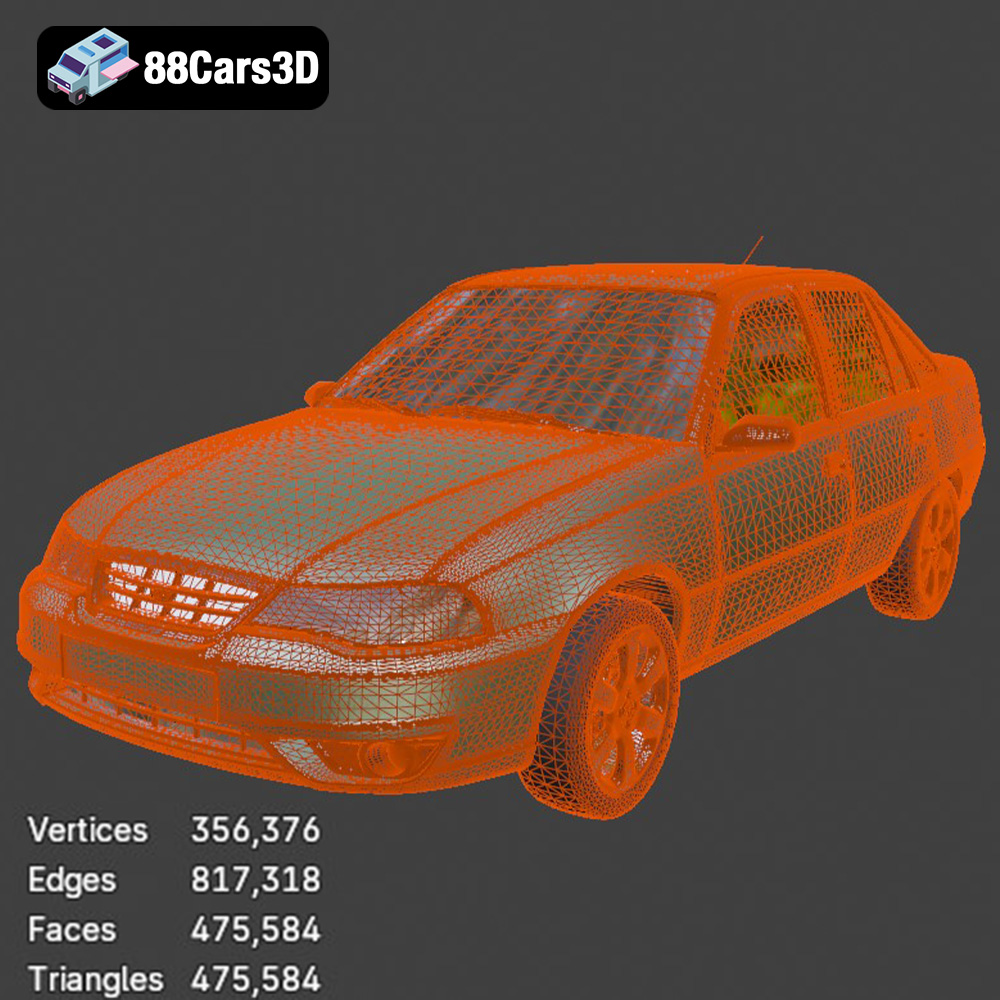
The .stl (stereolithography) format is the industry standard for 3D printing. It represents the 3D model’s surface geometry as a mesh of triangles. While it’s simple and widely supported by virtually every 3D printer and slicing software, it only stores the surface geometry, meaning it doesn’t include color, texture, or material information. For printing the Daewoo Nexia N100, the .stl format is your primary choice. You’ll import the .stl file into your slicing software, where you’ll define the printing parameters like layer height, infill, and support structures. Since the .stl format only contains mesh data, any color or texture you want to add will need to be applied during post-processing.
The .obj format is a more versatile format that can store not only the geometry but also color and texture information. This makes it suitable for 3D printing models with multiple colors or intricate surface details, *if* your printer supports multi-material printing. However, .obj files can be larger and more complex than .stl files. While not strictly necessary for printing the Daewoo Nexia N100 (as the model is intended for painting), the .obj format allows for the potential of pre-colored parts if you have a compatible printer.
The .ply format is designed for capturing 3D data with high precision, often used in 3D scanning. It’s excellent for models with intricate details and complex geometries. While not essential for the Daewoo Nexia N100, it’s a viable option if the .stl file contains very fine details that need to be accurately represented. The .ply format can sometimes lead to larger file sizes and increased processing time in slicing software.
.blend is the native file format for Blender, a popular open-source 3D modeling software. It’s ideal for making modifications to the Daewoo Nexia N100 model before exporting it to a printable format. If you intend to customize the model significantly, .blend is the format you’ll work with within Blender. You can adjust the geometry, add details, or create variations before exporting the final model as an .stl file for printing.
The .fbx format is commonly used for exchanging 3D data between different software applications. It can store geometry, materials, textures, and animation data. While it’s not the primary format for 3D printing, some advanced slicing software can import .fbx files to preserve material assignments. This can be useful if you want to predefine specific material properties for different parts of the Daewoo Nexia N100 model before printing, assuming your printer and slicing software support this feature.
The .glb format is designed for efficient transmission and loading of 3D models, particularly in augmented reality (AR) applications. It’s a binary file format that contains the 3D model, textures, and animations in a single file. While not directly used for 3D printing, the .glb file allows you to preview the Daewoo Nexia N100 model in AR environments before committing to printing it, giving you a better sense of its scale and appearance in the real world.
When preparing the Daewoo Nexia N100 model for 3D printing, focus on the .stl format for its widespread compatibility and simplicity. Ensure that the mesh quality is high enough to capture the details of the car. The .stl file should be free of errors like non-manifold edges, flipped normals, and holes. Use mesh repair tools in your slicing software or a dedicated mesh editing program to fix any issues before proceeding with the printing process. The better the quality of the .stl file, the better the final 3D printed model will be.
Proper pre-print preparation is crucial for achieving a high-quality 3D print of the Daewoo Nexia N100. This stage involves several key steps, from inspecting and repairing the model to choosing the right slicing software and optimizing the printing parameters.
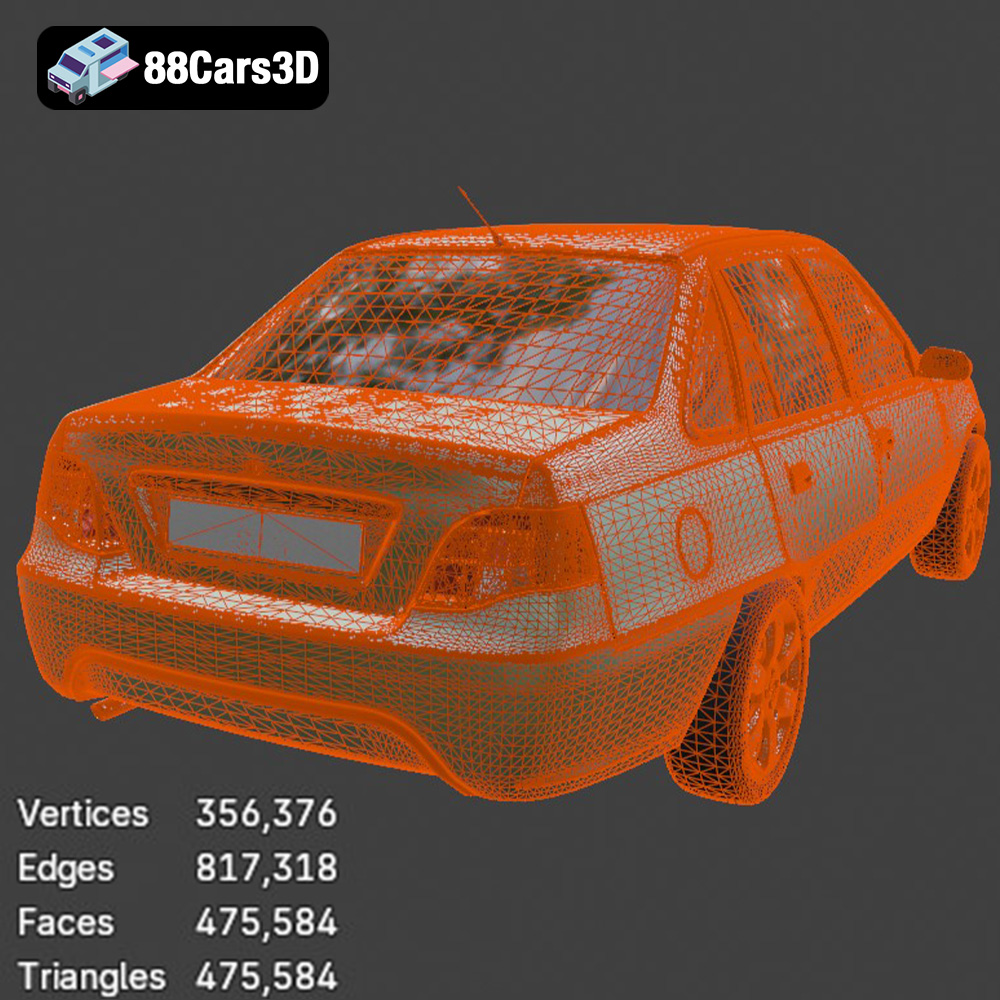
Before you even think about slicing the Daewoo Nexia N100 3D model, it’s essential to inspect it for any potential issues. Common problems include non-manifold geometry (edges that don’t connect properly), flipped normals (surfaces facing the wrong way), and holes in the mesh. These issues can lead to printing errors and a flawed final product.
* **Mesh Editing Software:** Use software like MeshMixer, Netfabb, or Blender to inspect the .stl file. These programs offer tools to automatically detect and repair common mesh errors.
* **Identify and Fix Issues:** Pay close attention to areas with fine details, such as the grille, mirrors, and wheels. Repair any identified errors before proceeding.
The slicing software converts the 3D model into a series of instructions (G-code) that the 3D printer can understand. Several excellent slicing software options are available, each with its own strengths and weaknesses.
* **Popular Choices:** Cura, PrusaSlicer, Simplify3D are popular choices. Cura is free and user-friendly, making it a great option for beginners. PrusaSlicer offers advanced features and excellent support for Prusa printers. Simplify3D is a paid option known for its customization capabilities.
* **Import and Orient:** Import the Daewoo Nexia N100 .stl file into your chosen slicing software. Orient the model in a way that minimizes the need for support structures and maximizes surface quality. As the product description suggests, angling the body can improve surface finish.
The product description recommends scales of 1:24, 1:32, or 1:43 for the Daewoo Nexia N100. Choose the scale that best suits your needs and printer’s capabilities.
* **Consider Printer Volume:** Ensure that the scaled model fits within your printer’s build volume.
* **Scaling in Slicer:** Use the scaling tools in your slicing software to resize the model accurately.
Achieving a successful 3D print of the Daewoo Nexia N100 relies heavily on using the correct printer settings. These settings determine the resolution, strength, and overall quality of the print.
Layer height is a critical setting that directly affects the print’s resolution and surface finish.
* **Recommended Range:** The product description suggests a layer height of 0.04–0.12 mm.
* **Resin vs. FDM:** Resin printing is recommended for smaller scales due to its ability to capture finer details. If using an FDM printer, aim for the lower end of the layer height range (0.1 mm or less) to improve surface quality.
Infill density determines the internal structure of the print, affecting its strength and weight.
* **Recommended Range:** The product description suggests an infill of 15–25%.
* **Infill Pattern:** Choose an infill pattern that provides adequate support without adding excessive weight. Gyroid or cubic infill patterns are good choices.
Support structures are necessary for printing overhanging features, such as the side mirrors, wheel arches, and exhaust pipe of the Daewoo Nexia N100.
* **Placement:** Carefully place supports to minimize their impact on the visible surfaces of the model.
* **Support Type:** Use tree supports or adjustable supports for easier removal and cleaner surfaces.
* **Support Density:** Adjust the support density to provide sufficient support without being overly difficult to remove.
Print speed affects both the print quality and the overall print time.
* **Moderate Speed:** Use a moderate print speed to ensure that the layers adhere properly and the details are accurately reproduced.
* **Experimentation:** Experiment with different print speeds to find the optimal balance between quality and speed for your printer and material.
The choice of material plays a significant role in the final appearance and durability of the 3D printed Daewoo Nexia N100. Different materials offer different properties, making them suitable for various applications.
PLA is a biodegradable thermoplastic that is easy to print and produces good results. It’s a good choice for beginners due to its low printing temperature and minimal warping.
* **Pros:** Easy to print, good surface finish, wide range of colors.
* **Cons:** Lower strength and heat resistance compared to other materials.
* **Recommendation:** Suitable for display models and prototypes.
PETG is a more durable and heat-resistant alternative to PLA. It’s still relatively easy to print and offers a good balance of strength and flexibility.
* **Pros:** Higher strength and heat resistance than PLA, good layer adhesion.
* **Cons:** Can be more prone to stringing than PLA, requires higher printing temperatures.
* **Recommendation:** Suitable for models that require more durability or need to withstand higher temperatures.
Resin printing offers the highest level of detail and is ideal for small, intricate models like the Daewoo Nexia N100, especially at smaller scales.
* **Pros:** Exceptional detail, smooth surface finish, high accuracy.
* **Cons:** Requires post-processing (washing and curing), can be more expensive than filament-based printing, resins can be brittle.
* **Recommendation:** Ideal for display models and intricate details.
* **Color:** Choose a material that closely matches the desired color of the car or can be easily painted.
* **Brand:** Use a reputable brand of filament or resin to ensure consistent quality and reliable printing.
Post-processing is the final stage in the 3D printing process, where you refine the printed model to achieve a polished and professional look. For the Daewoo Nexia N100, this may involve removing supports, sanding, priming, and painting.
Carefully remove the support structures from the printed model.
* **Tools:** Use a sharp hobby knife, pliers, or specialized support removal tools.
* **Technique:** Gently cut or break away the supports, being careful not to damage the model’s surface.
Sanding smooths out the surface of the print and removes any imperfections.
* **Sandpaper:** Use a range of sandpaper grits, starting with a coarse grit (e.g., 220) to remove larger imperfections and gradually moving to finer grits (e.g., 400, 600, 800) to achieve a smooth finish.
* **Wet Sanding:** Wet sanding can help to reduce dust and create an even smoother surface.
Priming prepares the surface for painting and helps the paint adhere properly.
* **Primer Type:** Use a plastic primer specifically designed for 3D printed models.
* **Application:** Apply the primer in thin, even coats, allowing each coat to dry completely before applying the next.
Painting brings the Daewoo Nexia N100 to life with realistic colors and details.
* **Paint Type:** Use acrylic paints or enamel paints for a durable and long-lasting finish.
* **Technique:** Apply the paint in thin, even coats, using an airbrush or fine-tipped brushes for detailed areas.
* **Color Matching:** Research the original colors of the Daewoo Nexia N100 and use color matching techniques to achieve an accurate replica. Consider classic 90s colors like Metallic Silver, Cherry Red, or Navy Blue.
Even with careful preparation, you may encounter issues during the 3D printing process. Here are some common problems and their solutions:
Warping occurs when the corners of the print lift off the build plate due to uneven cooling.
* **Solutions:** Use a heated bed, increase bed adhesion (e.g., using glue stick or hairspray), enclose the printer to maintain a consistent temperature, or add a brim to the print.
Stringing is when thin strands of filament are left between different parts of the print.
* **Solutions:** Reduce the printing temperature, increase retraction settings, decrease travel speed, or dry the filament.
Layer adhesion issues occur when the layers of the print don’t bond properly.
* **Solutions:** Increase the printing temperature, decrease the print speed, increase the layer height slightly, or ensure that the bed is properly leveled.
Elephant’s foot is when the first few layers of the print are wider than the rest.
* **Solutions:** Adjust the Z-offset, reduce the bed temperature, or use a raft.
By understanding these common issues and their solutions, you can overcome challenges and achieve a successful 3D print of the Daewoo Nexia N100.
3D printing the Daewoo Nexia N100 3D model from 88cars3d.com is a rewarding project that allows you to create a detailed replica of a classic car. By following the steps outlined in this guide, including proper pre-print preparation, optimized printer settings, careful material selection, and diligent post-processing, you can achieve a stunning result. Remember to inspect and repair the model, choose the right slicing software, and adjust the printer settings to match your chosen material and printer capabilities. With a little patience and attention to detail, you’ll be able to showcase your own 3D printed Daewoo Nexia N100, a testament to the power of additive manufacturing and the enduring appeal of this iconic vehicle. Whether it’s for display, a diorama, or a unique collectible, your 3D printed Nexia will surely impress.
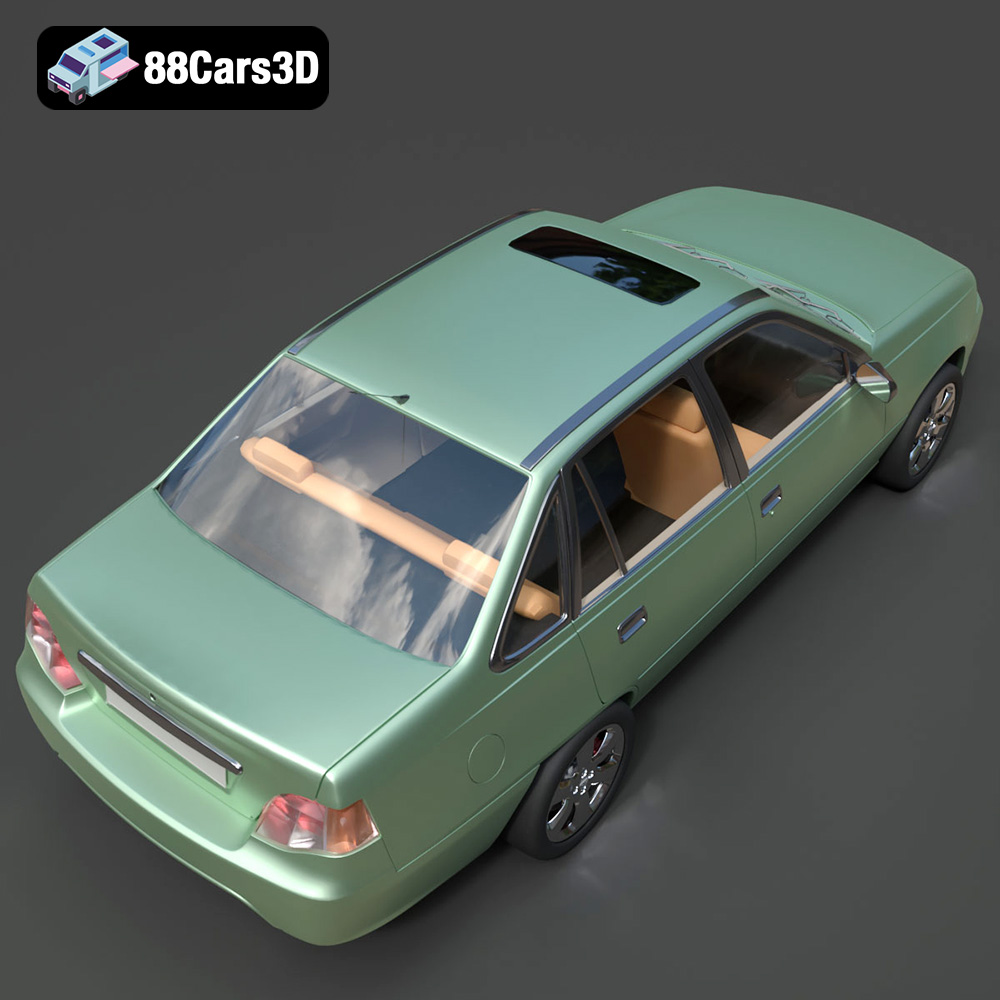
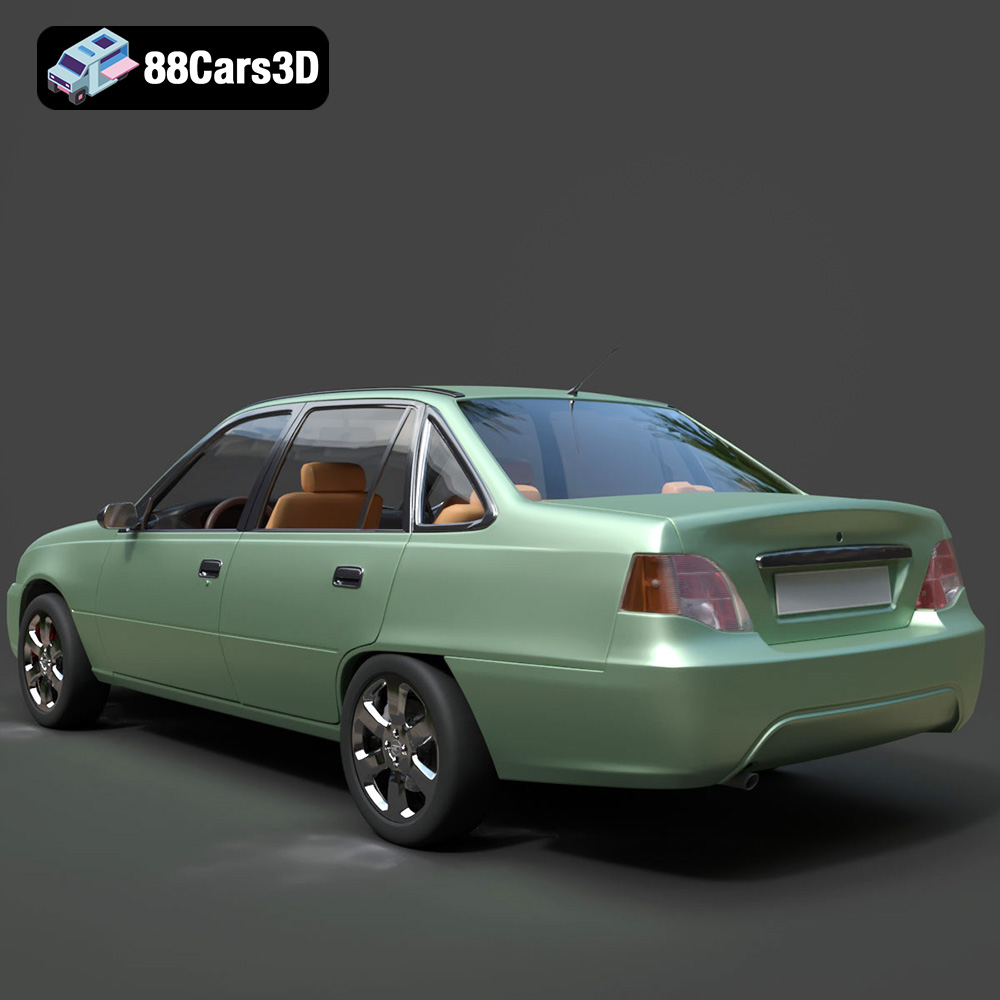
The Daewoo Nexia N100 3D Model is a highly accurate digital recreation of the classic 1990s budget sedan that became a global phenomenon. Built on the proven architecture of the Opel Kadett E, the original N100 Nexia earned a legendary reputation for rugged reliability. It remains an absolute icon of everyday commuting and taxi fleets across Eastern Europe, Russia, and Central Asia to this day. Perfect for populating realistic 90s or modern CIS (Commonwealth of Independent States) street scenes, architectural visualizations, urban taxi simulators, and mobile game development.
$9.99