Get 50% OFF All Premium 3D & STL Models!

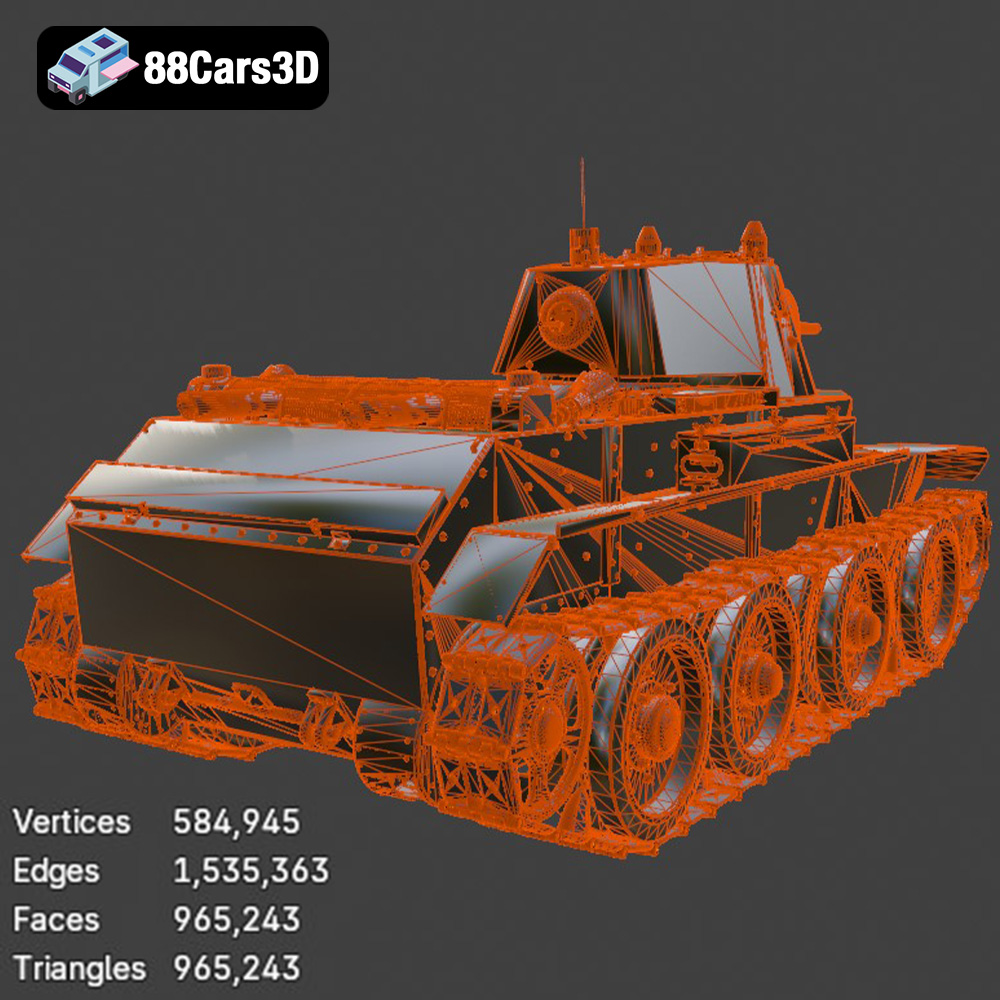
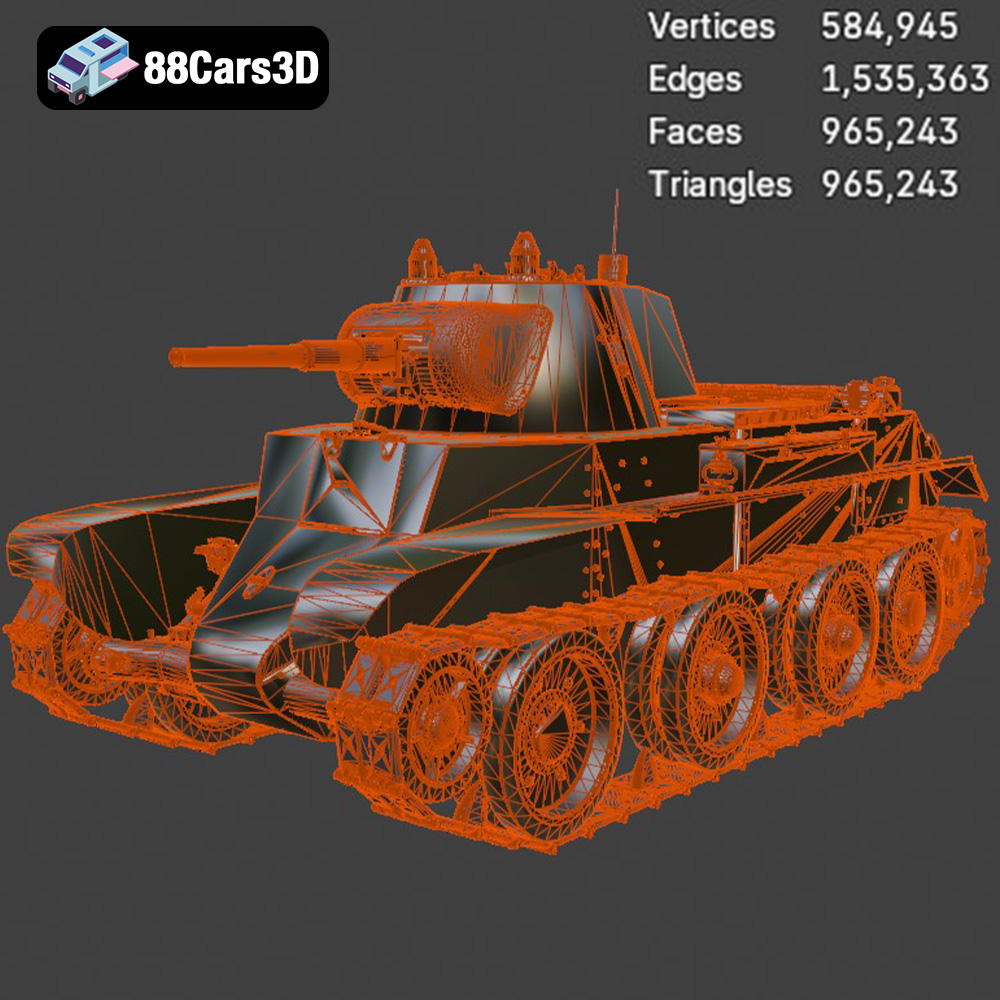
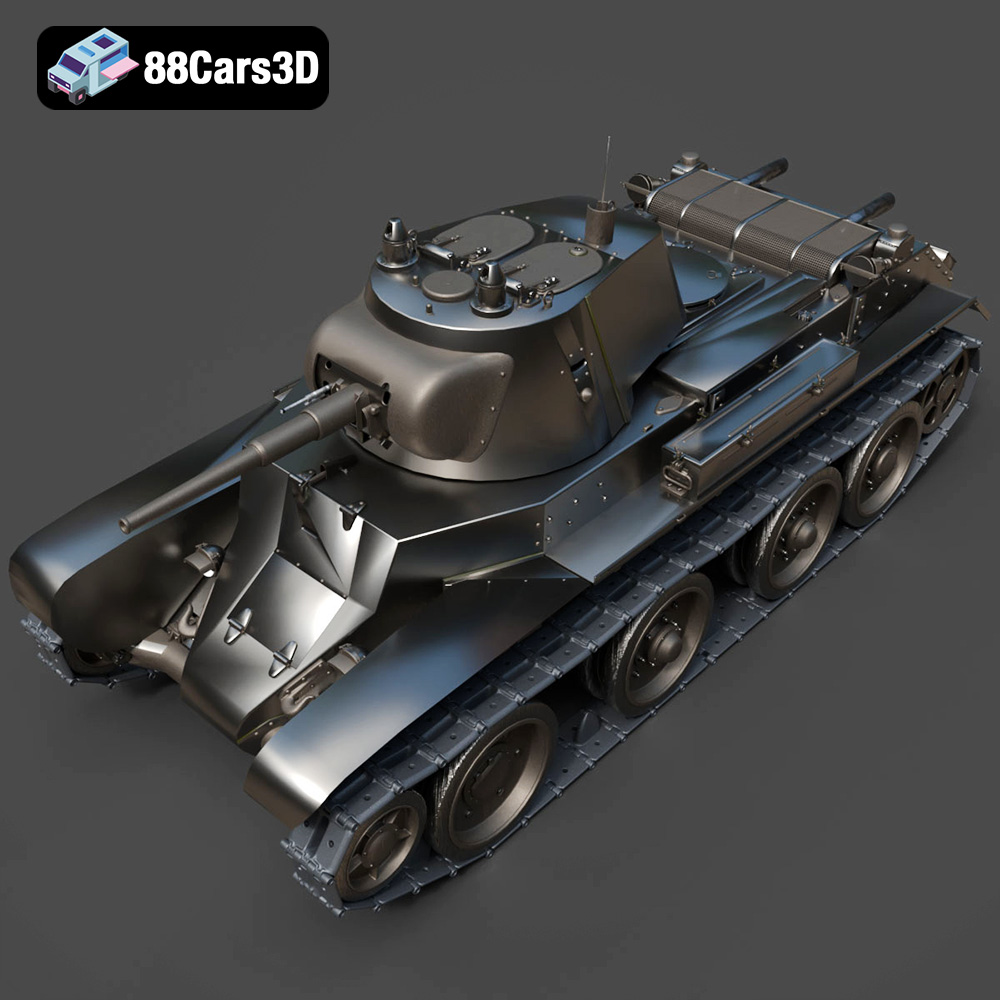
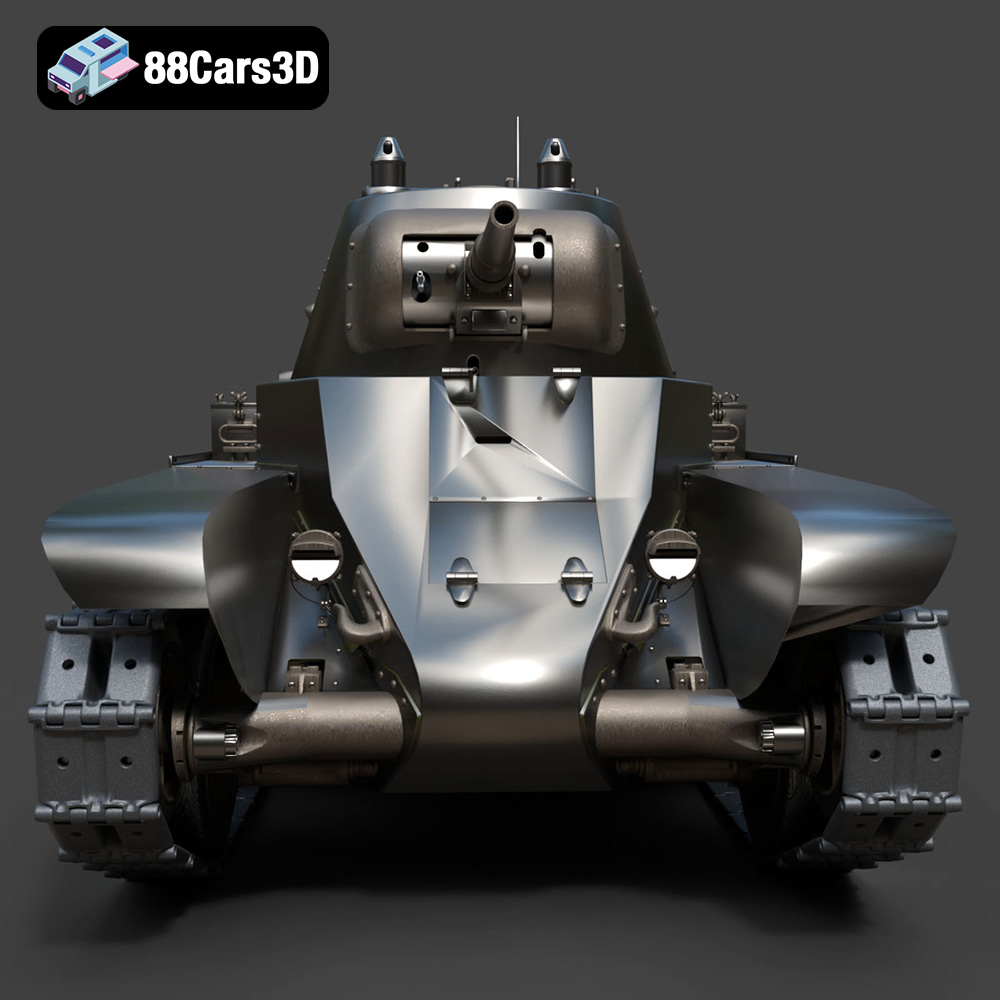
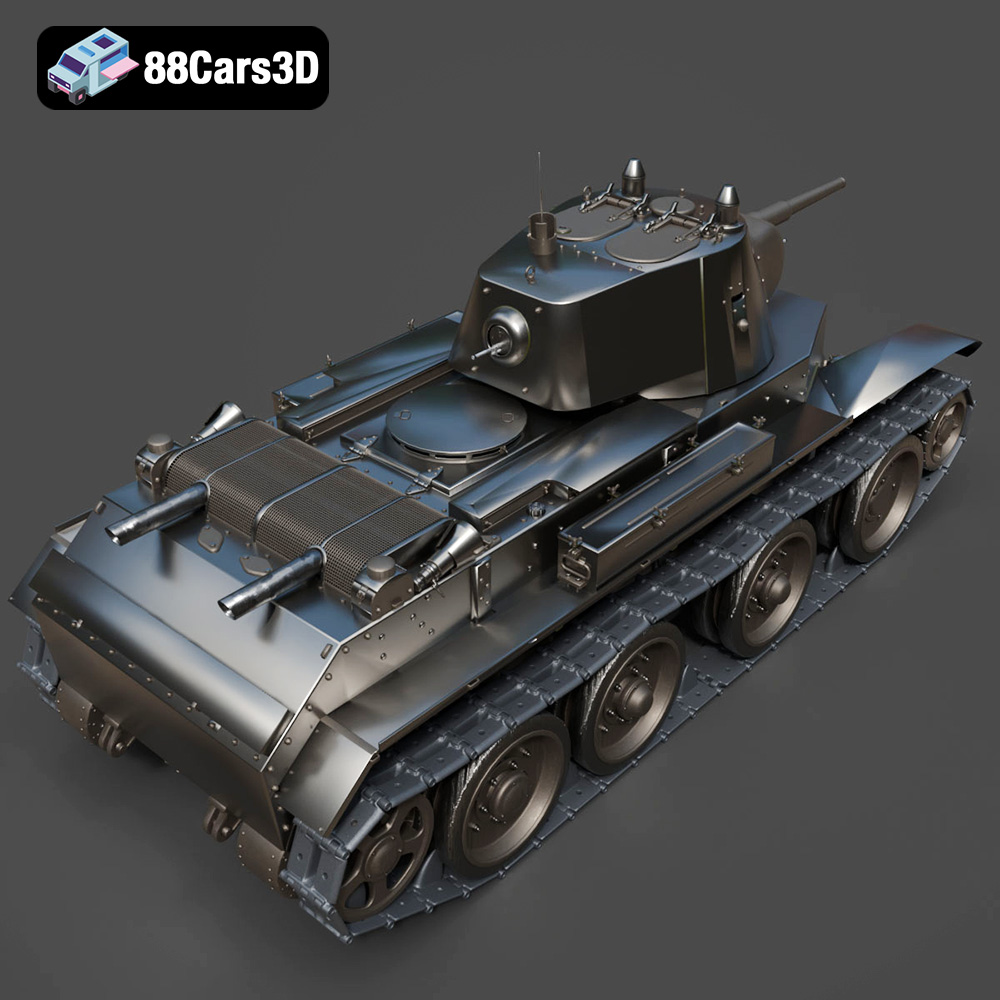
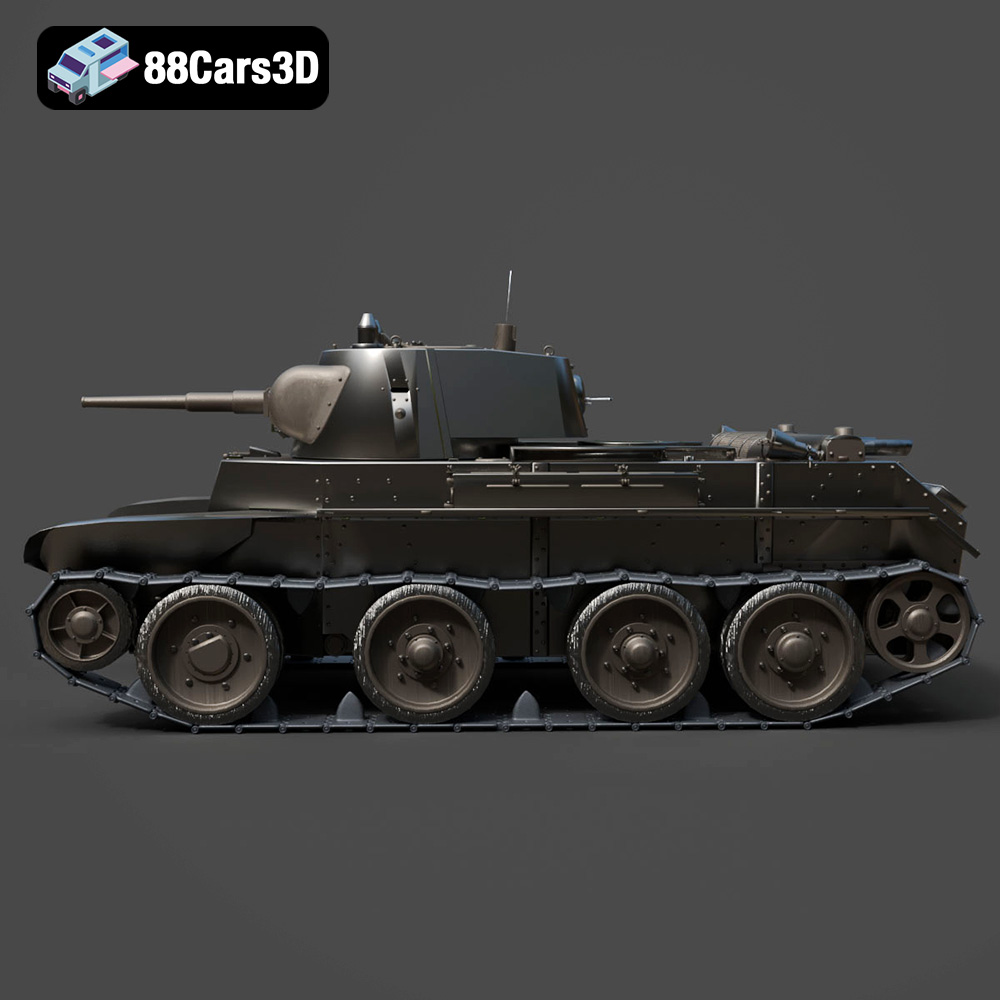
The Heavy Armored Tank 3D Model from 88cars3d.com is a remarkable piece of digital craftsmanship, meticulously designed to capture the essence of modern armored warfare. With its detailed exterior, articulated turret, and impressive track system, this model offers a fantastic opportunity for 3D printing enthusiasts to bring a piece of military might to life. Whether you’re a seasoned modeler or a newcomer to the world of additive manufacturing, this guide will provide you with the technical insights needed to successfully 3D print this formidable tank. We’ll explore optimal printer settings, material choices, pre-print preparation, post-processing techniques, and address common challenges to ensure a satisfying and impressive final product.
Before diving into the specifics of printing the Heavy Armored Tank, it’s crucial to understand the various file formats associated with 3D models and their suitability for additive manufacturing. Choosing the right format can significantly impact the print quality and the overall success of your project. Here’s a breakdown of the common file formats you might encounter:
The .stl (Stereolithography) format is the workhorse of 3D printing. It represents the surface geometry of a 3D object as a collection of triangles. This simplicity is its strength, making it universally compatible with virtually all slicing software and 3D printers. The .stl format only stores mesh data, meaning it doesn’t retain information about color, texture, or materials. For the Heavy Armored Tank model, the .stl format provides a solid foundation for a detailed and accurate print. When working with .stl files, it’s essential to ensure the mesh is watertight (no holes) and has proper orientation for optimal printing. 88cars3d.com provides STL files with this in mind.
The .obj (Object) format is more versatile than .stl, as it can store color and texture information alongside the geometric data. This makes it suitable for 3D printed models that require a multi-colored finish or intricate surface details. However, not all 3D printers or slicing software fully support the color capabilities of .obj files. For the Heavy Armored Tank, while the base model from 88cars3d.com might not include textures, the .obj format would allow for future customization with added textures if desired.
The .ply (Polygon File Format) is designed for storing 3D data acquired from 3D scanners. It can represent surface geometry, color, and other properties using various data representations, including triangles, quadrilaterals, and point clouds. .ply is known for its ability to capture high-detail meshes, making it suitable for complex models. While less common for basic 3D printing, it can be useful if you plan to modify the Heavy Armored Tank model with scanned data or incorporate it into a project with other high-resolution assets.
The .blend format is the native file format for Blender, a popular open-source 3D creation suite. This format stores the entire Blender scene, including the model’s geometry, textures, materials, lighting, and animation data. The Heavy Armored Tank model being available in .blend format allows users to make extensive modifications before exporting to a print-ready format. You can adjust the model’s design, add details, or optimize it further for 3D printing within Blender.
The .fbx (Filmbox) format is a proprietary format developed by Autodesk. It’s widely used for exchanging 3D data between different software applications, including 3D modeling tools and game engines. .fbx supports a wide range of data, including geometry, textures, materials, animation, and skeletal rigs. While less commonly used directly for 3D printing, the .fbx format can be useful for importing the Heavy Armored Tank model into slicing software that supports advanced material properties or for preparing the model for rendering before printing.
The .glb (GL Transmission Format Binary) is a binary file format that represents 3D models in a compact and efficient manner. It’s designed for real-time applications, such as web-based viewers, augmented reality (AR), and virtual reality (VR). The .glb format can store geometry, textures, materials, and animations in a single file. While not directly used for 3D printing, it can be helpful for previewing the Heavy Armored Tank model in AR or VR environments before committing to a print.
The .max format is the native file format for Autodesk 3ds Max, another industry-leading 3D modeling and animation software. Similar to .blend, the .max format stores the entire project scene, including the model’s geometry, textures, materials, lighting, and animation data. Having the Heavy Armored Tank model available in .max format allows users familiar with 3ds Max to make extensive modifications and optimizations before exporting it for 3D printing.
For 3D printing, the .stl format remains the most widely supported and reliable choice. Ensure the .stl file you use is free of errors and has sufficient mesh density to capture the details of the Heavy Armored Tank model. Software like MeshMixer or Netfabb can be used to repair and optimize .stl files before slicing.
Once you have the .stl file for the Heavy Armored Tank, preparing it for 3D printing involves several crucial steps within a slicing software like Cura, Simplify3D, or PrusaSlicer.
The orientation of the model on the print bed significantly impacts print quality, support requirements, and overall success. For the Heavy Armored Tank, consider the following:
* **Hull:** Printing the hull flat on the bed maximizes structural integrity and reduces the need for supports on large, flat surfaces.
* **Turret and Barrel:** Print these separately. Orient the turret to minimize overhangs, possibly requiring supports inside the turret ring. The barrel requires careful support placement to avoid damaging the delicate details. Vertical printing might be optimal, but check for drooping and ensure adequate adhesion.
* **Tracks:** The continuous track system can be challenging. Consider printing the tracks in segments to simplify support removal and improve detail.
* **Wheels:** Print the wheels separately for better surface finish and easier post-processing.
Proper support generation is critical. Use tree supports or manually placed supports to minimize material usage and ease removal. Focus on supporting overhangs on the turret, barrel, and potentially the tracks. Consider using a support interface layer for easier removal and to avoid damaging the model’s surface.
Fine-tuning the slicing parameters is essential for achieving the desired print quality and structural integrity.
* **Layer Height:** A layer height of 0.1mm to 0.2mm is recommended for FDM printing, balancing detail and print time. For resin printing, a layer height of 0.04mm to 0.08mm will capture the intricate details, especially on the tracks and gun barrel.
* **Infill:** An infill density of 15-25% provides adequate internal support without excessive material usage. Consider increasing the infill for areas that will bear significant stress or require mounting hardware.
* **Wall Thickness:** A wall thickness of 1.2mm to 2.0mm provides sufficient strength and rigidity to the tank’s hull and turret.
Carefully consider these settings based on your chosen material and printer capabilities. Adjustments may be needed to achieve optimal results.
The choice of 3D printing material greatly influences the final appearance, strength, and durability of the Heavy Armored Tank model.
PLA (Polylactic Acid) is a popular thermoplastic known for its ease of use, low printing temperature, and biodegradability. It’s a good option for beginners due to its minimal warping and wide availability. However, PLA is relatively brittle and not suitable for parts that require high strength or heat resistance. It’s best suited for display models or prototypes that won’t be subjected to significant stress.
PETG (Polyethylene Terephthalate Glycol-modified) offers a good balance of strength, flexibility, and ease of printing. It has better impact resistance and temperature resistance than PLA, making it a more durable option for the Heavy Armored Tank. PETG is a good all-around choice for those seeking a more robust print without the complexities of other materials.
Resin printing, using technologies like SLA (Stereolithography) or DLP (Digital Light Processing), is ideal for capturing the fine details of the Heavy Armored Tank model, particularly the intricate track links, machine gun barrels, and other small features. Resin prints offer a smooth surface finish and high precision. However, resin materials are generally more brittle than filaments and require careful handling and post-processing, including washing and curing.
Achieving a high-quality 3D printed Heavy Armored Tank requires careful attention to printer settings. These settings will vary depending on your specific printer and chosen material.
* **Nozzle Temperature:** Varies depending on filament type. PLA typically prints between 200°C and 220°C, while PETG prints between 230°C and 250°C.
* **Bed Temperature:** 60°C for PLA and 70-80°C for PETG.
* **Print Speed:** A print speed of 40-60 mm/s is recommended for PLA and PETG.
* **Retraction Settings:** Adjust retraction distance and speed to minimize stringing and oozing, especially around the turret and barrel.
* **Layer Exposure Time:** This depends on the resin used. Start with the manufacturer’s recommended settings and adjust as needed based on test prints.
* **Lift Speed:** Adjust lift speed to prevent suction forces from separating the print from the build plate.
* **Support Settings:** Customize support thickness and density to provide adequate support without being too difficult to remove.
Post-processing is a crucial step in transforming a raw 3D print into a realistic and visually appealing Heavy Armored Tank model.
Carefully remove the supports using pliers or a sharp knife. Take your time to avoid damaging the model’s surface. Sand down any remaining support marks or imperfections using progressively finer grits of sandpaper, starting with 220 grit and working up to 400 or 600 grit. Wet sanding can help to achieve a smoother finish.
Apply a primer coat to the model to create a uniform surface for painting. Choose a primer that is compatible with your chosen paint. Once the primer is dry, apply your desired base coat of paint. Common colors for military vehicles include Olive Drab, Desert Sand, and Woodland Camo. Use masking tape to create clean lines for camouflage patterns.
To add realism to the model, apply weathering effects such as washes, dry brushing, and pigment powders. Washes can be used to accentuate panel lines and recesses. Dry brushing can be used to highlight edges and raised surfaces. Pigment powders can be used to simulate dust, dirt, and mud. Consider adding details such as decals, stowage, and crew figures to further enhance the model’s realism.
Even with careful preparation, 3D printing can present challenges. Here are some common issues and their solutions:
Warping occurs when the printed part lifts off the build plate due to uneven cooling. To prevent warping:
* Ensure the build plate is properly leveled and clean.
* Use a heated bed and maintain the recommended bed temperature for your chosen material.
* Apply an adhesive such as glue stick or hairspray to the build plate.
* Use a brim or raft to increase the contact area between the part and the build plate.
Stringing occurs when filament oozes from the nozzle during travel moves. To prevent stringing:
* Adjust retraction distance and speed settings.
* Decrease printing temperature.
* Increase travel speed.
* Ensure the filament is dry.
Poorly placed or insufficient supports can lead to print failures. To improve support performance:
* Carefully analyze the model and identify areas that require support.
* Use a support generator that allows for customization of support placement, density, and thickness.
* Experiment with different support patterns, such as tree supports or linear supports.
* Ensure the supports are firmly attached to the build plate and the model.
By understanding these common issues and their solutions, you can increase your chances of a successful 3D print.
The Heavy Armored Tank 3D Model is a high-detail digital recreation of a formidable tracked combat vehicle. Designed to represent the raw power and tactical dominance of armored warfare, this model features heavy plating, a commanding main gun barrel, a fully articulated turret, and intricate continuous track (caterpillar) systems.
$9.99
3D printing the Heavy Armored Tank model is an engaging project that combines technical skill with creative expression. By understanding the nuances of file formats, mastering slicing techniques, selecting the appropriate materials, and fine-tuning your printer settings, you can produce a stunning replica of this iconic military vehicle. The Heavy Armored Tank 3D Model from 88cars3d.com offers a fantastic foundation for exploring the world of 3D printed models. Remember to take your time, experiment with different settings, and embrace the learning process. With dedication and attention to detail, you’ll be able to create a truly impressive piece that showcases the power of 3D printing and your own modeling skills.
.blend
.fbx
.mbt
.military
.obj
.rendering
.stl
.tank
3d printing
armored-vehicle
combat
game asset
main-battle-tank
mid-poly
military-3d-model
tracks
turret
war