Get 50% OFF All Premium 3D & STL Models!

The Genesis G70 2018 is a remarkable vehicle, blending luxury with sporty performance. Now, thanks to 88cars3d.com, you can bring this iconic car to life in miniature form through the magic of 3D printing. This guide provides a comprehensive walkthrough on how to successfully 3D print the Genesis G70 2018 3D model, covering everything from pre-print preparation to post-processing techniques. Whether you’re a seasoned 3D printing enthusiast or a beginner, this guide will equip you with the knowledge and skills to create a stunning replica of this Korean luxury sports sedan. Let’s dive in and explore the world of 3D printing the Genesis G70 2018.
Before embarking on the 3D printing journey, it’s crucial to understand the different file formats available and their suitability for additive manufacturing. The Genesis G70 2018 3D model is available in several formats, each with its own strengths and weaknesses. Choosing the right format can significantly impact the quality and ease of your 3D printing experience.
The .stl (Stereolithography) file format is the workhorse of 3D printing. It represents the 3D model’s surface geometry as a collection of triangles. STL files are universally compatible with slicing software and 3D printers, making them the go-to choice for most 3D printing projects. While STL files only store mesh data (no color or texture information), their simplicity and widespread support make them ideal for creating physical objects. The STL file is the most important and common one for 3D printing. When downloading models from 88cars3d.com, you will find that STL is always included.
The .obj (Object) file format is a more versatile format than STL, as it can store color and texture information in addition to the mesh geometry. This makes it suitable for colored 3D prints, where the model’s surface appearance is important. However, not all slicing software fully supports .obj files with color information, so it’s essential to check compatibility beforehand.
The .ply (Polygon File Format) is designed for capturing high-density 3D data, making it suitable for models with intricate details. It supports color, texture, and other surface properties, allowing for a more accurate representation of the original model. However, .ply files can be large, and some slicing software may struggle with their complexity.
The .blend file is the native format for Blender, a popular open-source 3D modeling software. It contains the entire Blender scene, including the model’s geometry, textures, materials, and lighting. While .blend files are not directly compatible with most 3D printers, they allow for extensive customization and modification of the model before exporting it to a printable format like STL.
The .fbx (Filmbox) file format is widely used in the entertainment industry and supports various data types, including geometry, textures, animations, and scene information. It’s useful for transferring models between different software packages. While not directly used for 3D printing, you can import .fbx files into slicing software that supports material assignments.
The .glb (GL Transmission Format Binary) file format is designed for efficient transmission and loading of 3D models in applications like augmented reality (AR) and virtual reality (VR). It is a binary format that includes the model’s geometry, textures, and animations in a single file. It’s best used to preview the model before printing.
.max is the proprietary file format used by Autodesk 3ds Max, a professional 3D modeling, rendering, and animation software. This format stores the entire scene setup, including geometry, textures, materials, lighting, and animation data. While .max files are not directly compatible with 3D printers or slicing software, they provide the most comprehensive and editable version of the 3D model. To 3D print a model saved in the .max format, it must first be exported to a compatible format like .STL.
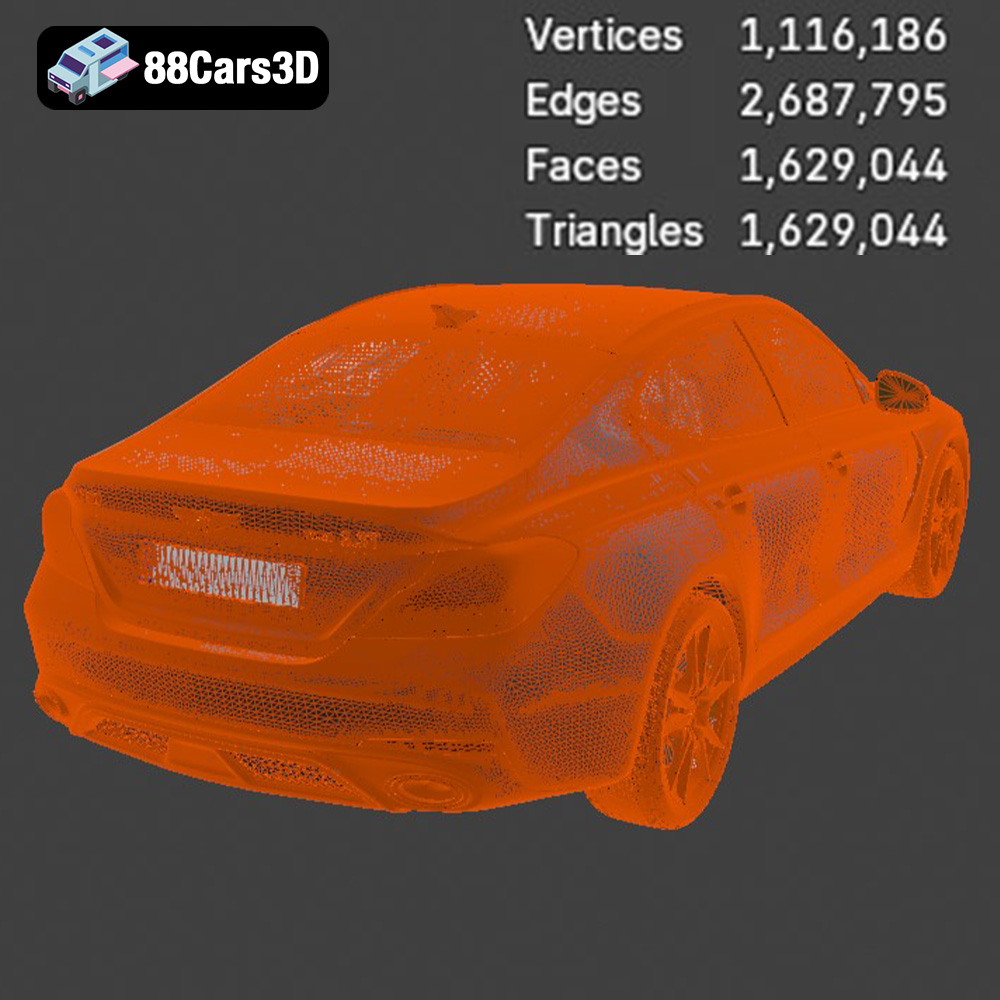
For 3D printing the Genesis G70 2018 model, the **STL format is the most suitable** due to its widespread compatibility and simplicity. Slicing software readily accepts STL files, allowing you to prepare the model for printing without compatibility issues. The high-poly nature of the Genesis G70 2018 model (over 1.6 million triangles) ensures that the STL file retains sufficient detail for a high-quality print. However, be mindful of the mesh quality and resolution when exporting to STL, as excessively high resolution can lead to large file sizes and longer processing times.
Once you have the STL file of the Genesis G70 2018, the next step is to prepare it for 3D printing using slicing software. This software converts the 3D model into a series of layers that the 3D printer can understand. Careful preparation is essential for a successful print.
Choosing the right slicing software is crucial. Popular options include Cura, Simplify3D, and PrusaSlicer. Each offers different features and settings, so experiment to find the one that best suits your needs. Key settings to consider include:
* **Layer Height:** A smaller layer height (e.g., 0.08-0.16 mm) will result in smoother surfaces and finer details, ideal for the Genesis G70’s intricate design.
* **Infill Density:** This determines the internal structure of the print. A higher infill density (e.g., 15-25%) provides greater strength and rigidity, but also increases print time and material usage.
* **Wall Thickness:** Increasing the wall thickness (e.g., 1.2-2.0 mm) enhances the model’s durability and prevents warping.
* **Support Structures:** The Genesis G70 model requires supports for overhanging features like side mirrors, door handles, and exhaust tips. Experiment with support placement and settings to minimize material usage and ensure easy removal.
The orientation of the model on the print bed significantly affects the print quality and the need for supports. For the Genesis G70, printing the body at an angle can minimize the visibility of layer lines on the curved surfaces. Printing the wheels separately allows for better detail and easier post-processing.
Consider scaling the model to your desired size. The product description recommends scales of 1:24, 1:18, or 1:12. Choose a scale that balances detail and print time. Be aware that smaller scales may require finer layer heights and more precise printer calibration.
Before slicing, it’s essential to check the STL file for any errors or imperfections. Slicing software often includes tools to repair minor mesh issues. For more complex repairs, consider using dedicated mesh editing software like MeshLab or Blender. Optimizing the mesh by reducing the polygon count (without sacrificing detail) can also improve slicing performance and reduce file size.
The choice of 3D printing material significantly impacts the final appearance, strength, and durability of the Genesis G70 2018 model. Different materials offer unique properties, making them suitable for various applications.
PLA (Polylactic Acid) is a popular thermoplastic known for its ease of use and biodegradability. It’s a great choice for beginners due to its low printing temperature, minimal warping, and wide availability. PLA produces detailed prints with a smooth surface finish, making it suitable for display models like the Genesis G70. However, PLA is not as strong or heat-resistant as other materials, so it may not be ideal for functional parts or models exposed to high temperatures.
PETG (Polyethylene Terephthalate Glycol-modified) offers a good balance of strength, flexibility, and ease of printing. It’s more durable and heat-resistant than PLA, making it a suitable option for parts that require some structural integrity. PETG also has good layer adhesion, reducing the risk of delamination. While it can be slightly more challenging to print than PLA, the improved properties make it a worthwhile upgrade.
For the ultimate in detail and surface finish, resin 3D printing is the way to go. Resin printers use liquid photopolymer resins that are cured by UV light, resulting in incredibly fine details and smooth surfaces. Resin is ideal for printing the Genesis G70 at smaller scales (e.g., 1:24 or smaller) where intricate details like the headlight assemblies and emblems are crucial. However, resin printing requires more specialized equipment, ventilation, and post-processing steps (e.g., washing and curing).
While PLA, PETG, and resin are the most common choices, other materials like ABS (Acrylonitrile Butadiene Styrene) and nylon can also be used. ABS offers high strength and heat resistance but is more prone to warping. Nylon is incredibly strong and flexible but requires specialized printing conditions. These materials are generally more suitable for experienced users.
For the Genesis G70 2018, if you’re aiming for a balance of ease and detail, PETG is a great choice. If you want the highest possible detail, especially at smaller scales, go with resin. PLA is suitable for larger prints where strength isn’t a primary concern.
Achieving a successful 3D print of the Genesis G70 2018 depends on carefully selecting and tuning the printing parameters. These parameters control various aspects of the printing process, from the temperature of the nozzle and bed to the speed at which the printer moves.
* **Nozzle Temperature:** The optimal nozzle temperature depends on the chosen material. For PLA, a temperature range of 190-220°C is typically recommended. PETG requires a higher temperature range of 220-250°C. Resin printing does not involve a heated nozzle.
* **Bed Temperature:** A heated bed improves adhesion and reduces warping. For PLA, a bed temperature of 60-70°C is usually sufficient. PETG benefits from a slightly higher temperature of 70-80°C. Resin printing typically does not require a heated bed.
* **Print Speed:** A slower print speed generally results in higher quality prints. For the Genesis G70, a print speed of 40-60 mm/s is recommended for FDM printing (PLA or PETG). Resin printing speeds are determined by layer exposure times.
* **Retraction:** Retraction settings control how the filament is pulled back when the nozzle moves between different parts of the model. Proper retraction settings minimize stringing and oozing. Experiment with retraction distance and speed to find the optimal settings for your printer and material.
* **Support Density:** Adjusting the support density affects the strength and ease of removal of the support structures. A higher density provides better support but can be more difficult to remove.
* **Support Interface:** Adding a support interface layer improves the surface finish of the supported areas.
* **Support Placement:** Manually placing supports can optimize their effectiveness and minimize material usage. Focus on supporting overhanging features like side mirrors, door handles, and the rear spoiler.
By carefully adjusting these printing parameters, you can significantly improve the quality, strength, and appearance of your 3D printed Genesis G70 2018 model.
Once the 3D print is complete, post-processing is essential to achieve a professional-looking finish. This involves removing supports, sanding, priming, painting, and assembling the various parts.
Carefully remove the support structures using pliers or a sharp knife. Take your time to avoid damaging the model. Once the supports are removed, sand the surface to smooth out any imperfections and layer lines. Start with coarse sandpaper (e.g., 220 grit) and gradually move to finer grits (e.g., 400, 600, 800 grit) for a smooth finish.
Apply a thin layer of primer to the model to create a uniform surface for painting. Primer also helps the paint adhere better. Once the primer is dry, paint the model with your desired colors. Consider using automotive paints for a realistic finish. Apply multiple thin coats for even coverage.
Assemble the various parts of the Genesis G70 model, such as the wheels and doors. Use glue or adhesive to secure the parts in place. Add finishing touches like chrome detailing, window tinting, and decals to enhance the realism of the model.
To achieve a glossy finish, polish the painted surface with a polishing compound. Apply a clear coat to protect the paint and add extra shine. The level of detail you apply in post-processing will determine how realistic and professional your final 3D printed Genesis G70 2018 model appears.
3D printing can be challenging, and it’s common to encounter issues along the way. Here are some common problems and their solutions:
* **Warping:** This occurs when the corners of the print lift off the bed. Increase the bed temperature, use a brim or raft, and ensure good bed adhesion.
* **Stringing:** This is caused by filament oozing from the nozzle during travel moves. Adjust retraction settings and lower the nozzle temperature.
* **Layer Delamination:** This happens when the layers of the print separate. Increase the nozzle temperature, improve bed adhesion, and ensure proper cooling.
* **Poor Surface Finish:** This can be caused by incorrect layer height, print speed, or temperature settings. Experiment with different settings to optimize the surface finish.
* **Support Issues:** If supports are too difficult to remove or don’t provide enough support, adjust the support density, interface, and placement.
By understanding these common issues and their solutions, you can overcome challenges and achieve successful 3D prints of the Genesis G70 2018 model. Remember to consult online resources and forums for additional help and troubleshooting tips.
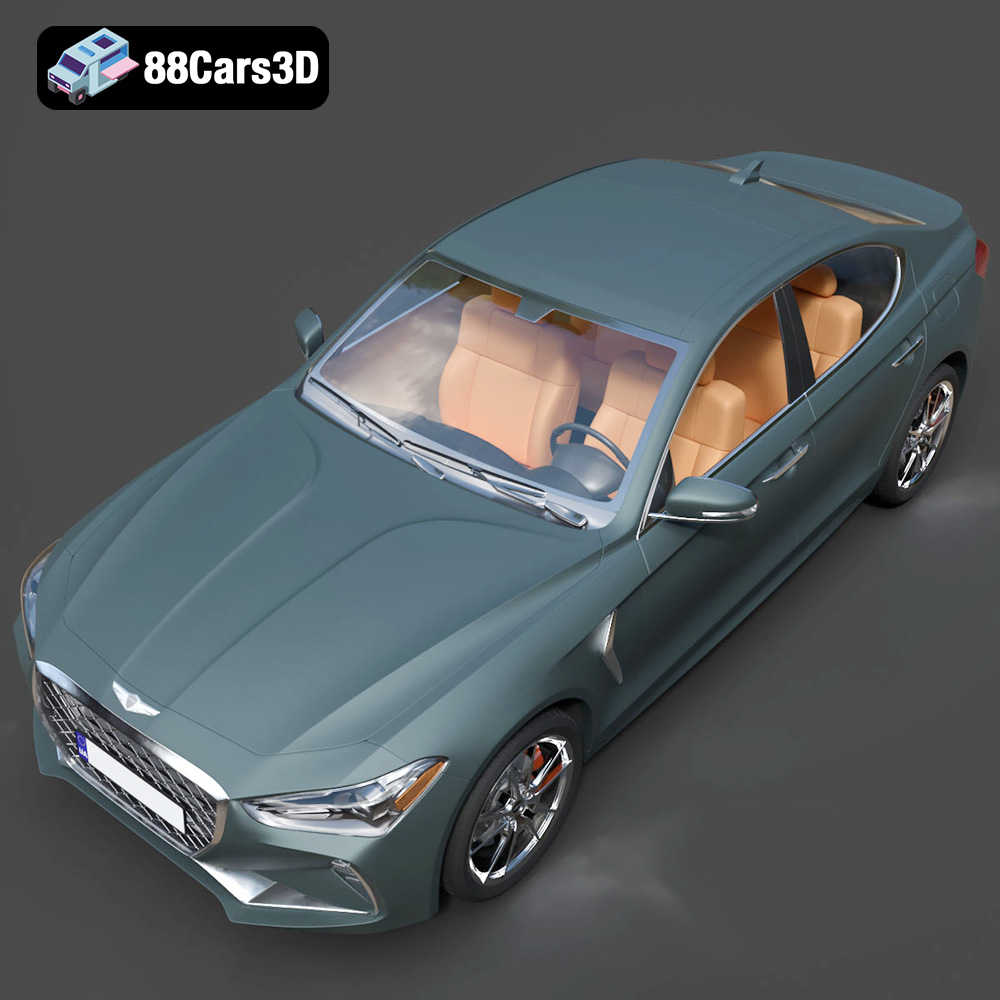
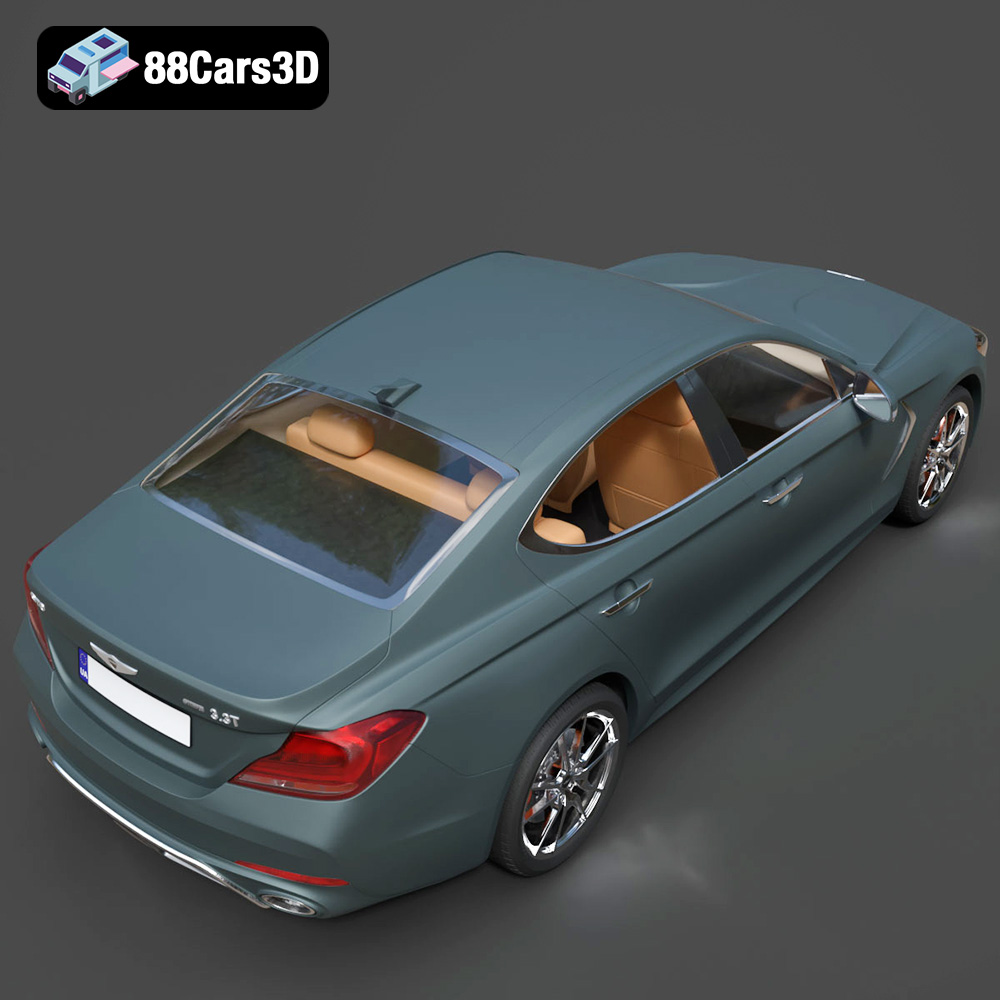
The Genesis G70 2018 3D Model is a premium, high-detail digital recreation of the acclaimed Korean luxury sports sedan. As the vehicle that firmly established Genesis as a serious competitor in the compact executive segment, the 2018 G70 combines an aggressive, athletic stance with refined elegance and world-class luxury design.
$9.99
.automotive
.blend
.fbx
.g70
.genesis
.obj
.rendering
.stl
2018-g70
3d printing
car-3d-model
compact-executive
high poly
korean-auto
luxury car
sports-sedan