Get 50% OFF All Premium 3D & STL Models!

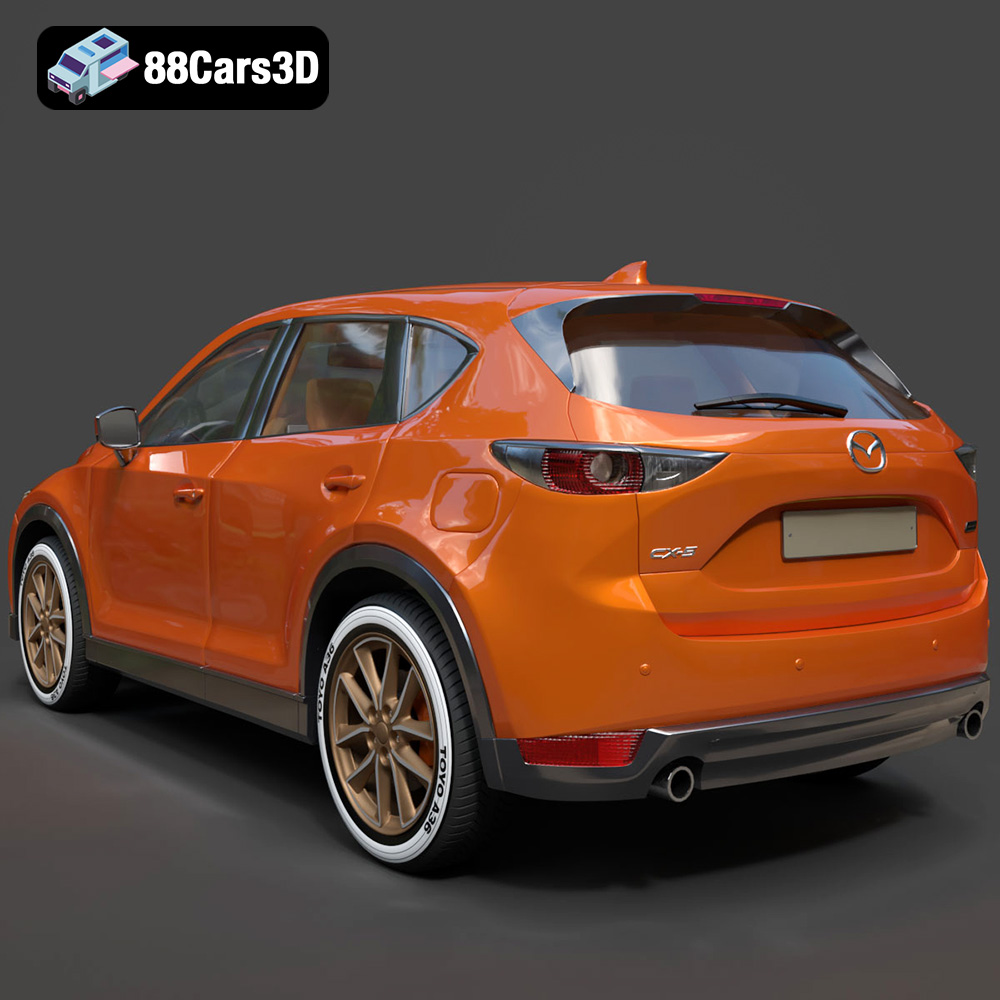
The Mazda CX-5, especially the 2014 model, is a beloved compact crossover SUV known for its stylish design and enjoyable driving experience. Now, thanks to advancements in 3D printing, you can bring this automotive icon to your desk or display cabinet. This guide provides a comprehensive overview of how to successfully 3D print a high-quality model of the Mazda CX-5 (2014), leveraging the STL files available at 88cars3d.com. We’ll cover everything from selecting the right materials and preparing the model to post-processing techniques for a flawless finish.
Before diving into the specifics of printing the Mazda CX-5 model, it’s essential to understand the different file formats commonly used in 3D printing and their implications. The choice of file format can impact print quality, compatibility with slicing software, and the level of detail preserved in the final 3D printed object. While 88cars3d.com provides a range of formats, let’s focus on those most relevant to 3D printing.
The STL (stereolithography) file format is the undisputed king of 3D printing. It represents the surface geometry of a 3D object as a collection of triangles. This simplicity makes it universally compatible with virtually all 3D printers and slicing software. However, STL files only store information about the shape of the object; they don’t include color, texture, or material properties.
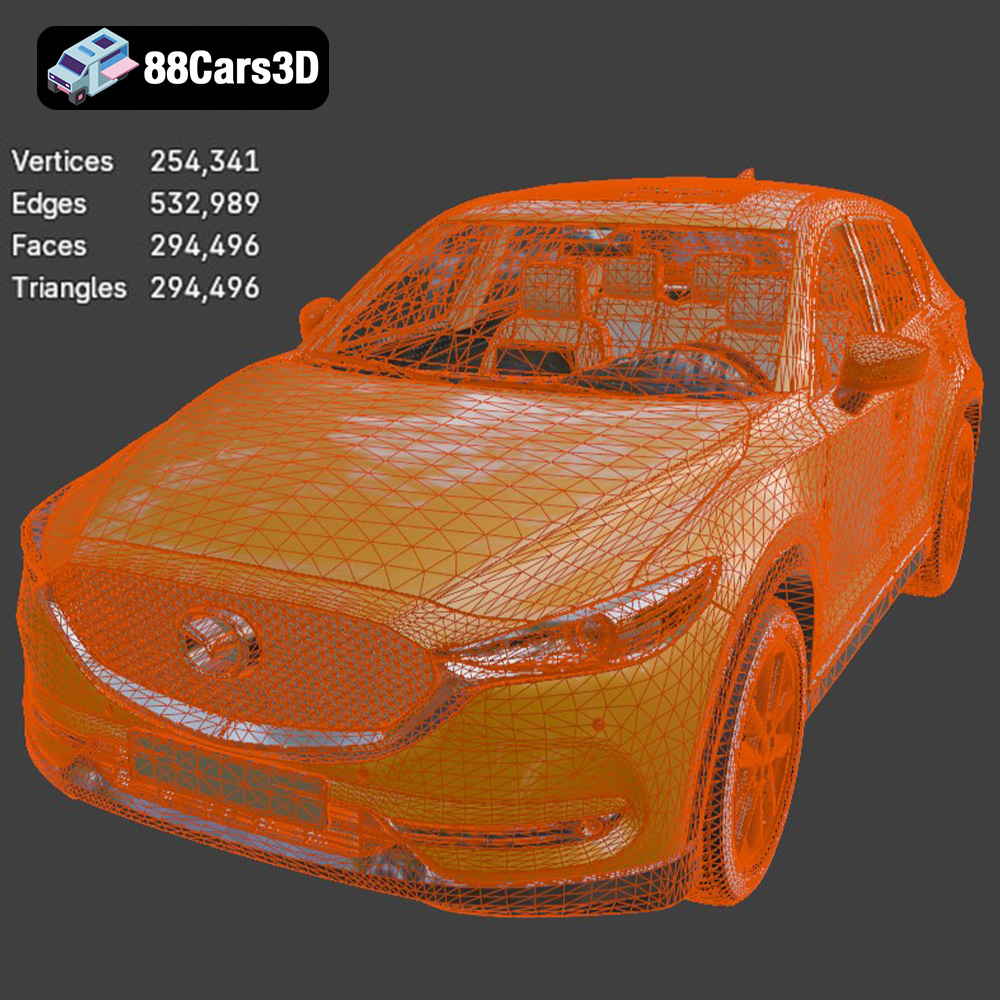
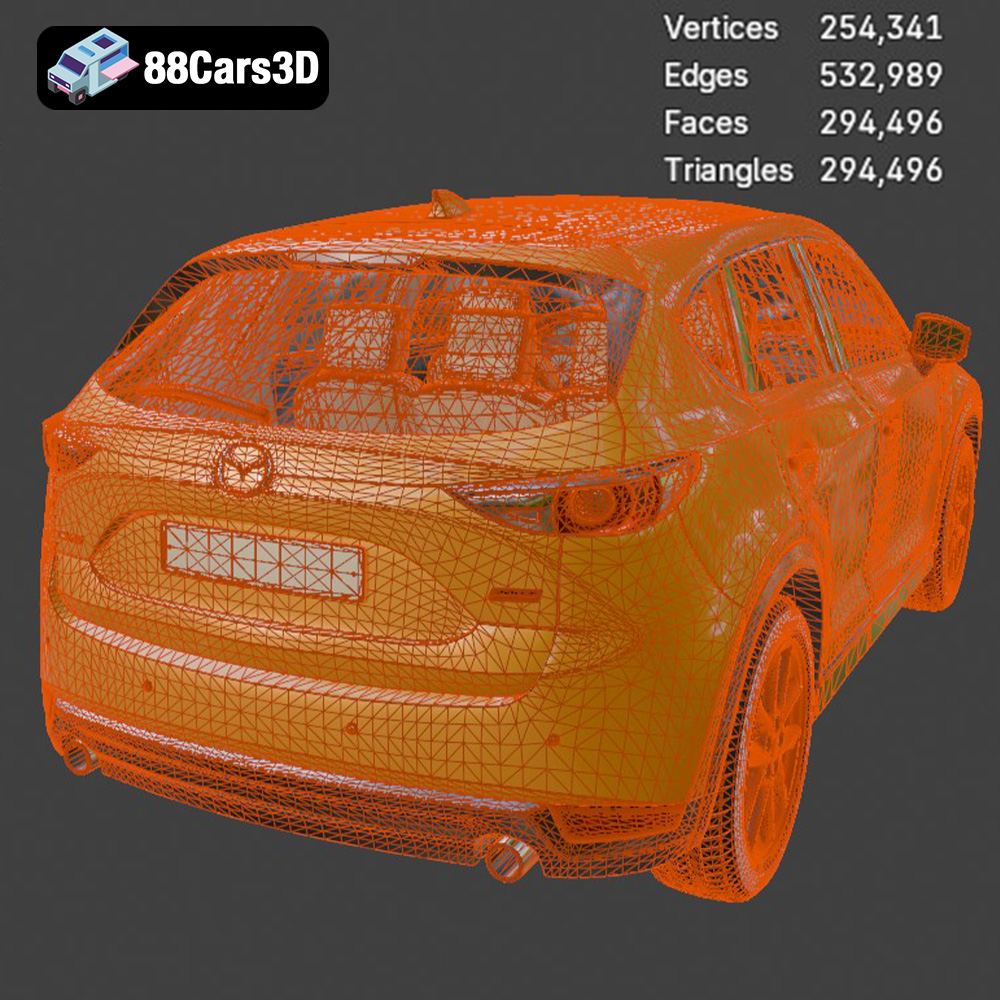
When preparing an STL file for 3D printing, mesh quality is crucial. A high-quality STL file will have a dense mesh with smaller triangles, resulting in a smoother surface finish on the printed model. Conversely, a low-quality STL file with larger triangles will lead to a faceted, less detailed print. Ensure that the STL file you download for the Mazda CX-5 model from 88cars3d.com has a sufficient resolution to capture the vehicle’s intricate details, such as the signature front grille and sleek body lines. Using a slicing software, you can often increase the mesh resolution if needed, but keep in mind that this will also increase the file size and processing time.
The OBJ file format is another popular option, especially when you want to incorporate color or textures into your 3D print (although most consumer 3D printers are single color). Unlike STL, OBJ files can store information about the color and texture of the object’s surface. However, this added complexity can sometimes make them less reliable for 3D printing, as not all slicing software fully supports the texture information.
The PLY format is designed for storing 3D data acquired from 3D scanners. It’s capable of capturing high-resolution mesh data and color information, making it suitable for reproducing intricate details. However, PLY files can be quite large, and their compatibility with 3D printing software isn’t as universal as STL.
Formats like .blend (Blender), .fbx, .glb, and .max (3ds Max) are primarily used for creating and editing 3D models in specialized software. While you can’t directly 3D print these files, they are invaluable for customizing the Mazda CX-5 model before exporting it as an STL file for printing. For instance, you might use Blender to modify the model’s geometry, add custom details, or split it into separate parts for easier printing and assembly. The .glb format is excellent for previewing the model in AR environments before committing to a print.
In summary, for 3D printing the Mazda CX-5 model from 88cars3d.com, the STL format is the most reliable and widely supported option. Ensure that the STL file has sufficient resolution to capture the vehicle’s details, and use slicing software to optimize it for your specific 3D printer and material.
The choice of material significantly impacts the final appearance, durability, and functionality of your 3D printed Mazda CX-5 model. Here’s a breakdown of common 3D printing materials and their suitability for this project:
* Pros: PLA is a biodegradable thermoplastic derived from renewable resources like corn starch or sugarcane. It’s easy to print with, requires relatively low temperatures, and produces minimal warping. PLA is an excellent choice for beginners and for creating aesthetically pleasing models.
* Cons: PLA has lower heat resistance than other materials, meaning it can soften or deform if exposed to high temperatures. It’s also more brittle than materials like PETG, making it less suitable for parts that require high impact resistance.
* Recommendation: PLA is a great option for printing the Mazda CX-5 model if you’re primarily concerned with visual appearance and ease of printing.
* Pros: PETG combines the ease of printing of PLA with improved strength, flexibility, and heat resistance. It’s also more resistant to chemicals and moisture than PLA.
* Cons: PETG can be more prone to stringing than PLA, requiring careful tuning of print settings. It also tends to be slightly more expensive.
* Recommendation: PETG is an excellent all-around choice for the Mazda CX-5 model, offering a good balance of printability, durability, and heat resistance.
* Pros: Resin printing (SLA/DLP) offers exceptional detail and smooth surface finishes. It’s ideal for creating highly detailed models with intricate features, like the Mazda CX-5’s grille.
* Cons: Resin printing can be more complex than FDM printing, requiring careful calibration and post-processing. Resin materials are also generally more expensive and can be toxic, requiring proper ventilation and handling procedures.
* Recommendation: Resin printing is highly recommended for smaller scale models (1:43 or smaller) where capturing fine details is critical. 88cars3d.com specifically suggests resin for the smaller scale models.
* Pros: ABS is a strong, heat-resistant plastic commonly used in automotive applications. It’s more durable and impact-resistant than PLA.
* Cons: ABS is more difficult to print with than PLA, requiring higher temperatures and an enclosed build chamber to prevent warping. It also emits fumes during printing, so proper ventilation is essential.
* Recommendation: ABS is a good choice for printing the Mazda CX-5 model if you need high durability and heat resistance, but it’s not recommended for beginners.
Based on the recommended scale and infill (15-25%), printing the Mazda CX-5 model in PLA or PETG should cost approximately $5-$15 in material. Resin printing can be more expensive, potentially costing $10-$30 depending on the resin type and model size.
Achieving a successful 3D print of the Mazda CX-5 model requires careful attention to printer settings. Here’s a breakdown of key settings and recommended values:
* Recommendation: 0.04-0.12 mm. Lower layer heights result in smoother surfaces and finer details, but they also increase print time. A layer height of 0.1 mm provides a good balance between quality and speed.
* Recommendation: 15-25%. Infill density affects the strength and weight of the model. For a display model like the Mazda CX-5, a lower infill density is sufficient.
* Recommendation: 1.2-2.0 mm (3-5 perimeters with a 0.4mm nozzle). Thicker walls provide greater strength and rigidity to the model.
* Recommendation: Required for side mirrors, wheel arches, and the rear roof spoiler. Use a support pattern that is easy to remove without damaging the model’s surface. Tree supports are often a good option.
* Recommendation: Body printed angled for a smooth surface finish; wheels printed separately. Angling the body helps minimize the visibility of layer lines on the curved surfaces. Printing the wheels separately allows for more precise control over their orientation and support placement.
* PLA: 200-220°C nozzle, 60°C bed
* PETG: 230-250°C nozzle, 70-80°C bed
* ABS: 230-260°C nozzle, 80-110°C bed
* Resin: Follow the manufacturer’s recommendations for your specific resin.
* Recommendation: 40-60 mm/s. Slower print speeds generally result in higher quality prints.
Before sending the STL file to your 3D printer, it’s crucial to prepare it using slicing software. Slicing software converts the 3D model into a series of instructions (G-code) that the printer can understand. Popular slicing software options include Cura, PrusaSlicer, Simplify3D, and Chitubox (for resin printing).
* Mesh Analysis: Use the slicing software’s mesh analysis tools to identify and repair any errors in the STL file, such as non-manifold edges or holes.
* Base Support: Ensure the base of the model is flat and stable for printing. You may need to add a raft or brim to improve adhesion to the build plate.
* Strategic Orientation: As recommended, orient the body of the Mazda CX-5 model at an angle to minimize the visibility of layer lines on curved surfaces. Consider the placement of supports and their potential impact on surface finish.
* Wheels Separate: Printing the wheels separately allows for more precise control over their orientation and support placement. This is critical for achieving a clean and accurate wheel design.
* Recommended Scales: 1:24, 1:32, or 1:43. Choose a scale that is appropriate for your printer’s build volume and the level of detail you want to capture. Larger scales will allow for more intricate details but will also require more material and print time.
* Fine-Tune: Experiment with different slicing parameters to optimize the print quality. Adjust layer height, infill density, support settings, and print speed to achieve the best results for your specific printer and material.
Once the 3D printing is complete, post-processing is essential to refine the model’s appearance and achieve a professional finish. Here’s a breakdown of common post-processing techniques:
* Careful Removal: Carefully remove the support structures using pliers, cutters, or a sharp knife. Take care not to damage the model’s surface.
* Dissolvable Supports: If using a dual-extrusion printer, consider using dissolvable support material for easier removal and a cleaner surface finish.
* Progressive Sanding: Start with coarse sandpaper (e.g., 220 grit) to remove any remaining support marks or imperfections. Gradually move to finer grits (e.g., 400, 600, 800 grit) to smooth the surface.
* Wet Sanding: Wet sanding can help reduce dust and create an even smoother surface.
* Primer Application: Apply a thin, even coat of primer to the model’s surface. Primer helps to fill in any remaining imperfections and provides a smooth base for painting.
* Mazda’s Iconic Colors: Paint the Mazda CX-5 model in Mazda’s iconic “Soul Red Metallic” or classic Crystal White Pearl to capture the authentic look of the vehicle. Use multiple thin coats of paint for best results.
* Detail Painting: Use fine brushes and masking tape to paint the intricate details, such as the headlights, taillights, and grille.
* Secure Assembly: Assemble the separate parts (body, wheels, etc.) using glue or fasteners. Ensure that the parts are properly aligned and securely attached.
Even with careful preparation, you may encounter some common 3D printing issues. Here are some troubleshooting tips:
* Cause: Uneven cooling of the plastic can cause the model to warp and detach from the build plate.
* Solution: Use a heated build plate, apply adhesive (e.g., glue stick or hairspray) to the build plate, or enclose the printer to maintain a consistent temperature.
* Cause: Excess plastic oozing from the nozzle during travel moves.
* Solution: Reduce the nozzle temperature, increase retraction settings, or adjust travel speed.
* Cause: Poor layer adhesion due to insufficient temperature or improper calibration.
* Solution: Increase the nozzle temperature, reduce print speed, or ensure that the build plate is properly leveled.
* Cause: Supports that are too weak or difficult to remove.
* Solution: Adjust the support density, pattern, or attachment settings. Experiment with different support materials.
By addressing these common issues, you can significantly improve the quality and success rate of your 3D prints. With the right techniques, you can create a stunning replica of the Mazda CX-5 2014. Visit 88cars3d.com for high-quality STL files and start your 3D printing adventure today!
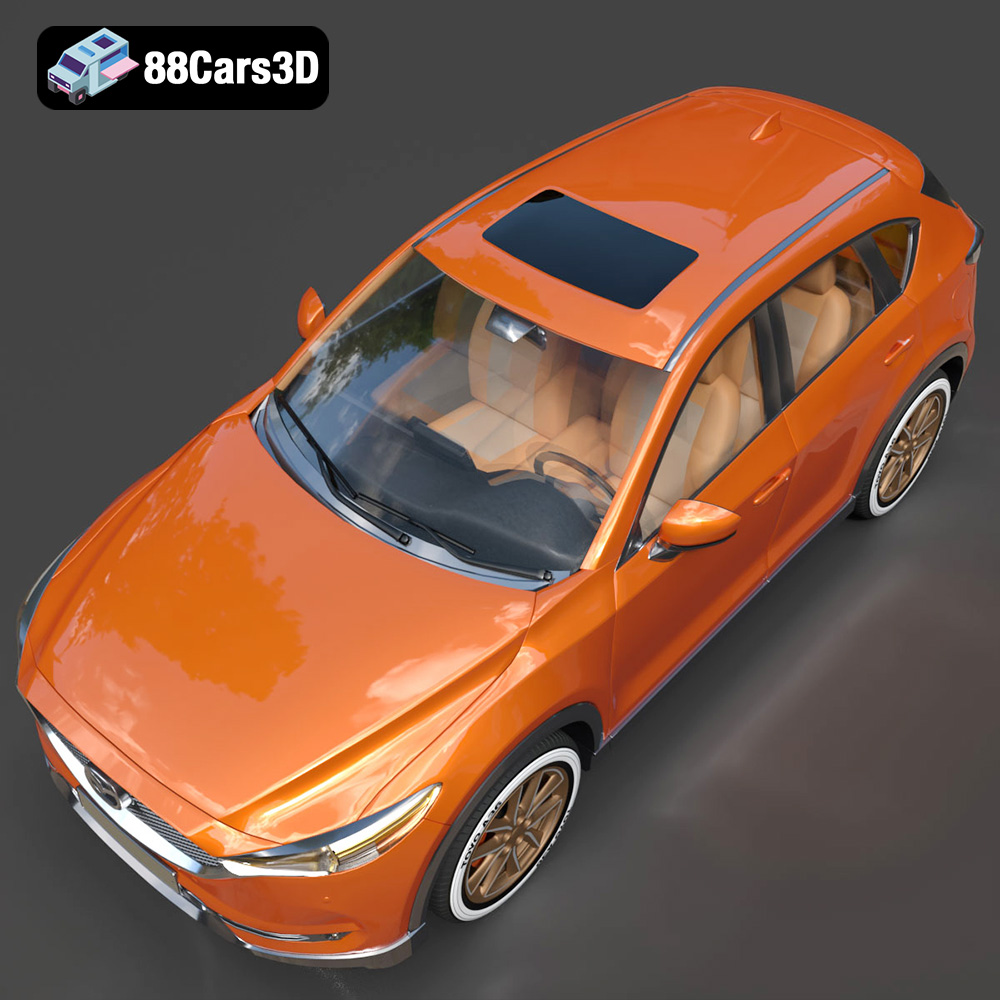
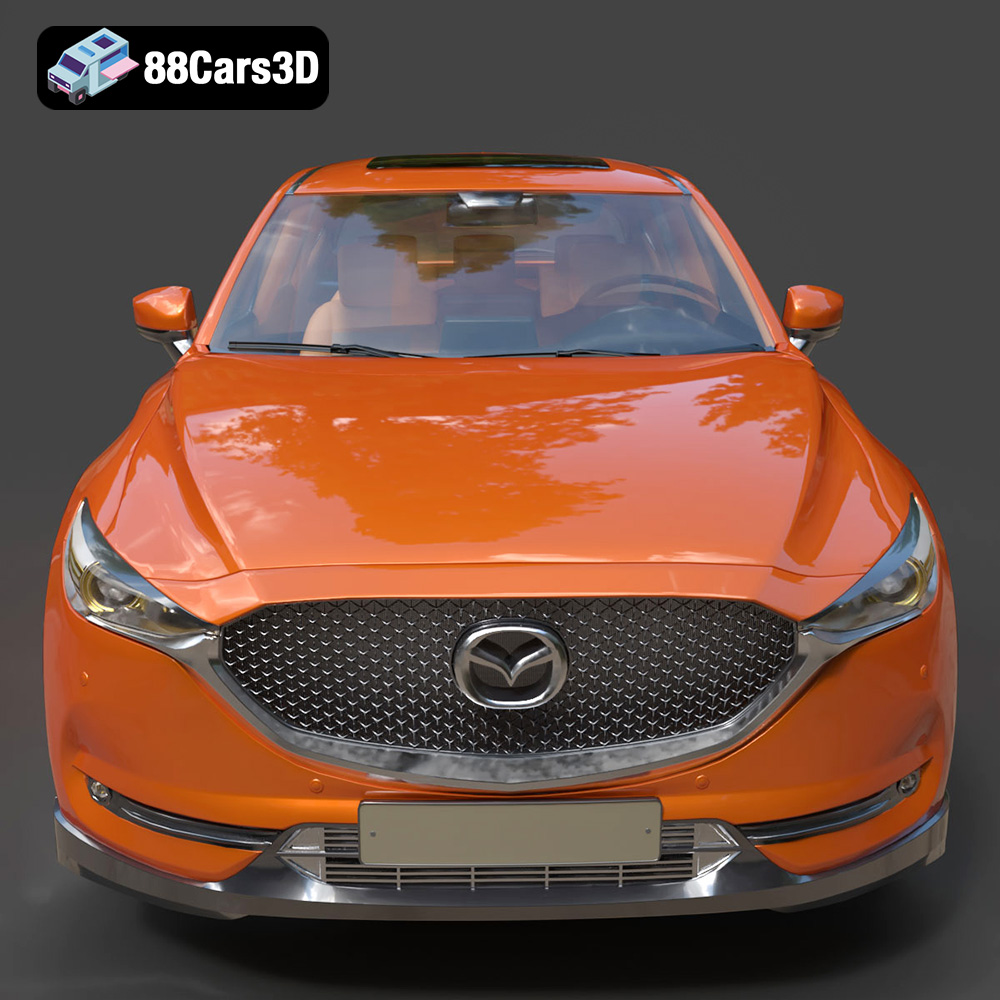
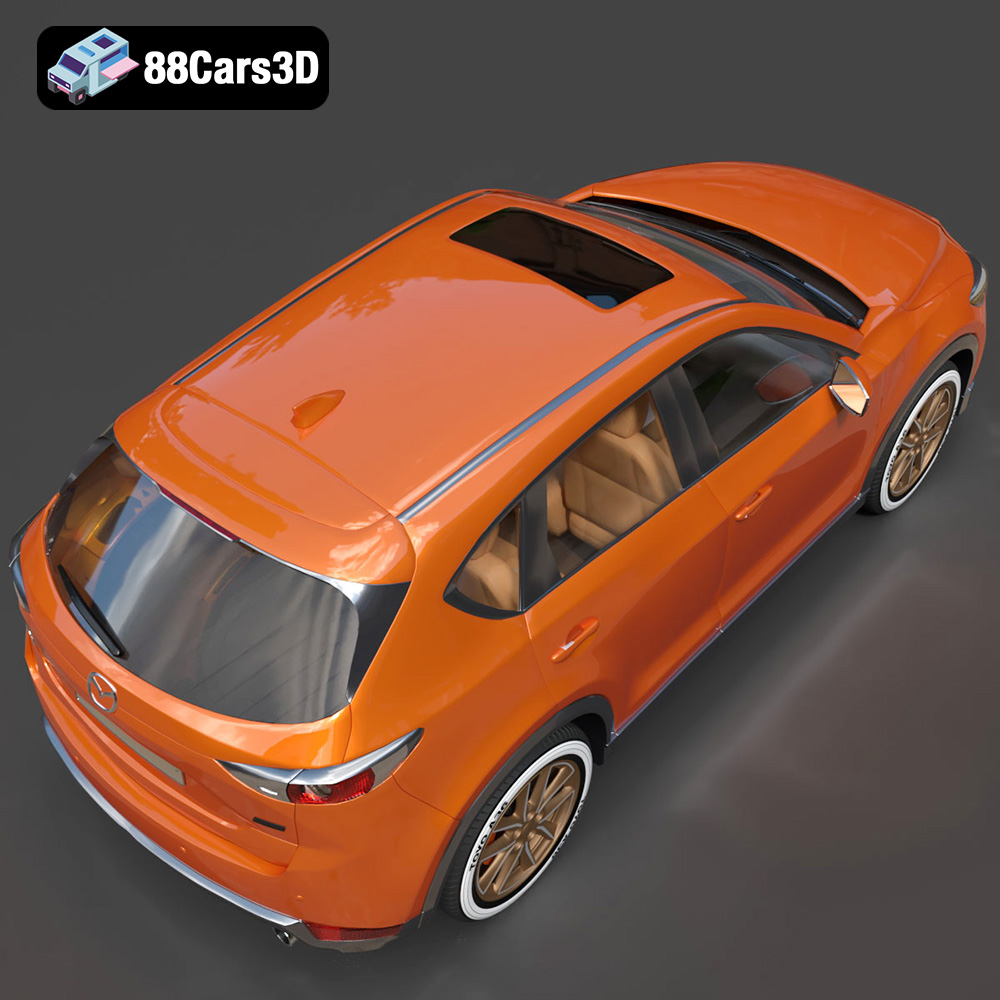
The Mazda CX-5 (2014) 3D Model is a highly accurate, beautifully optimized digital recreation of the acclaimed compact crossover SUV. As the first Mazda vehicle to fully embody the striking “Kodo: Soul of Motion” design language and feature the full suite of Skyactiv technologies, the 2014 CX-5 boasts a dynamic, athletic stance that stands out from standard commuter SUVs.
$19.99
.archviz
.blend
.crossover
.cx5
.fbx
.mazda
.obj
.rendering
2014-mazda
car-3d-model
cx-5
game-ready
kodo-design
mazda-cx5
mid-poly
SUV
traffic-car