Get 50% OFF All Premium 3D & STL Models!

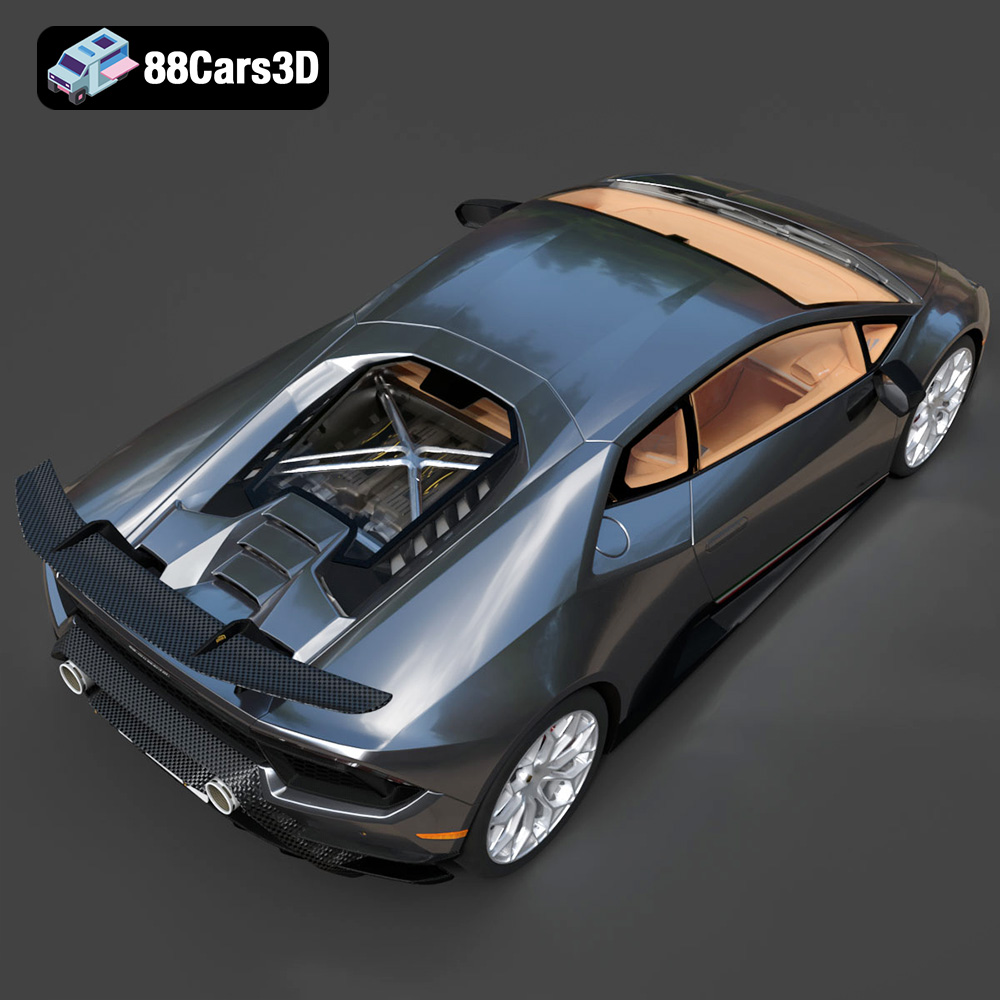
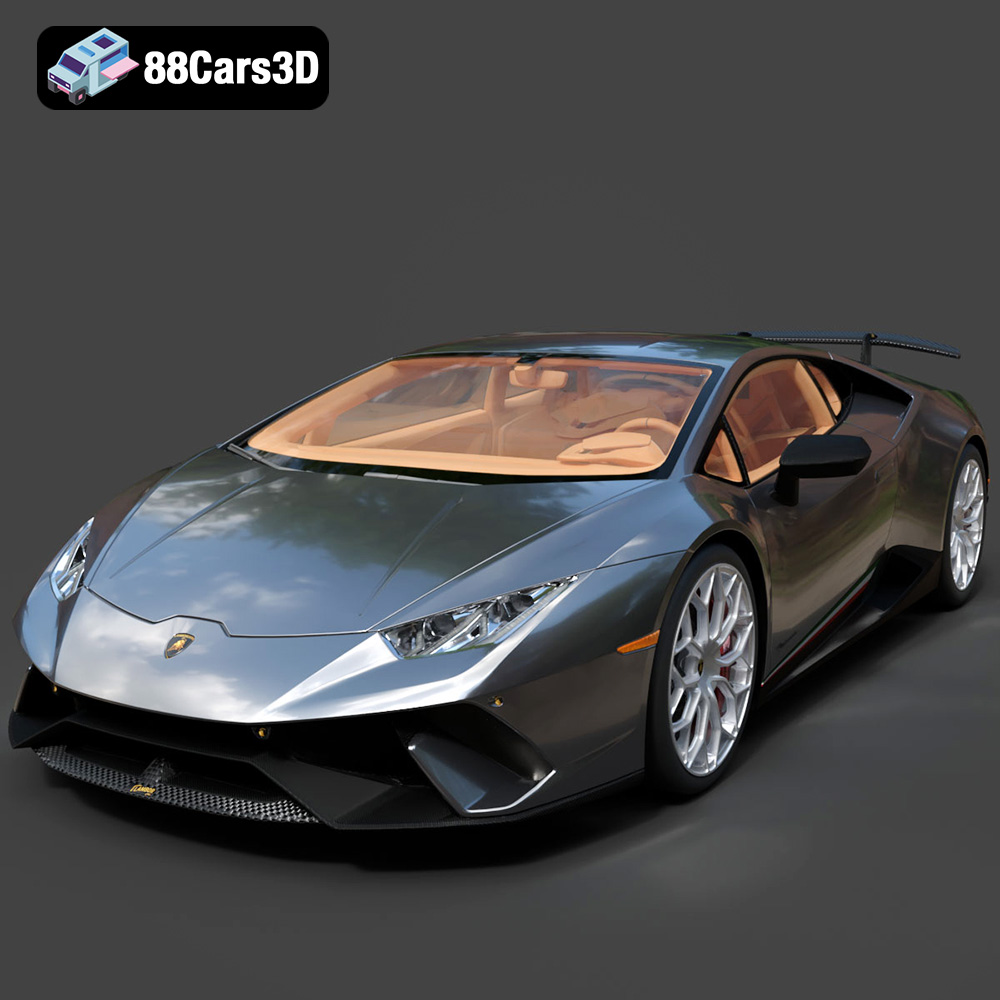
The allure of Italian supercars is undeniable. The sleek lines, powerful engines, and rich history have captivated automotive enthusiasts for generations. Now, thanks to the power of 3D printing, you can bring that passion to life with the Italian Legends Bundle from 88cars3d.com. This collection features five iconic Italian vehicles – the Lamborghini Huracán Performante, Ferrari 458 Italia, Lamborghini Urus, Lamborghini Diablo SV, and Maserati GranTurismo – each meticulously crafted as a high-quality 3D model. This article will guide you through the process of successfully 3D printing these stunning machines, covering everything from pre-print preparation to post-processing techniques.
Before you dive into 3D printing, it’s essential to understand the different file formats associated with 3D models. The Italian Legends Bundle, like many models available on 88cars3d.com, includes several formats designed for various applications. While some formats are excellent for rendering or animation, others are specifically tailored for additive manufacturing. Choosing the right format is crucial for a successful 3D printing outcome.
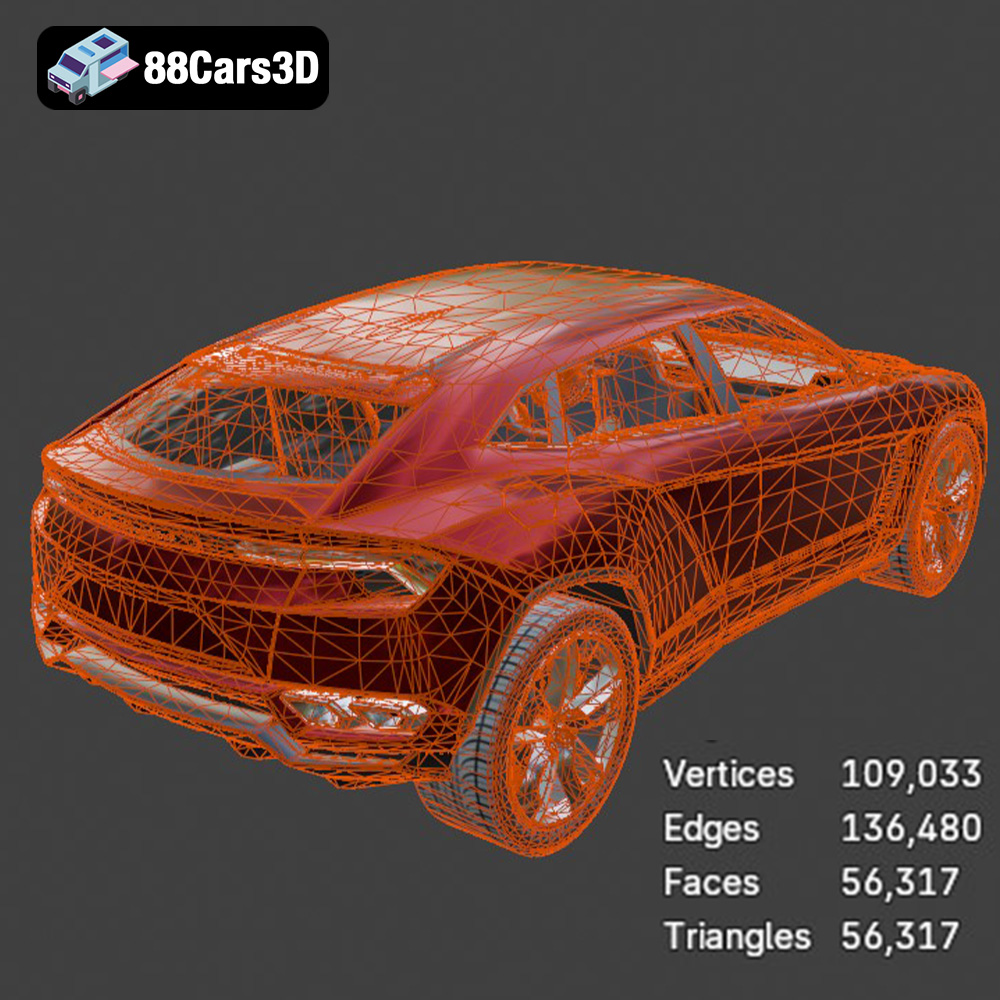
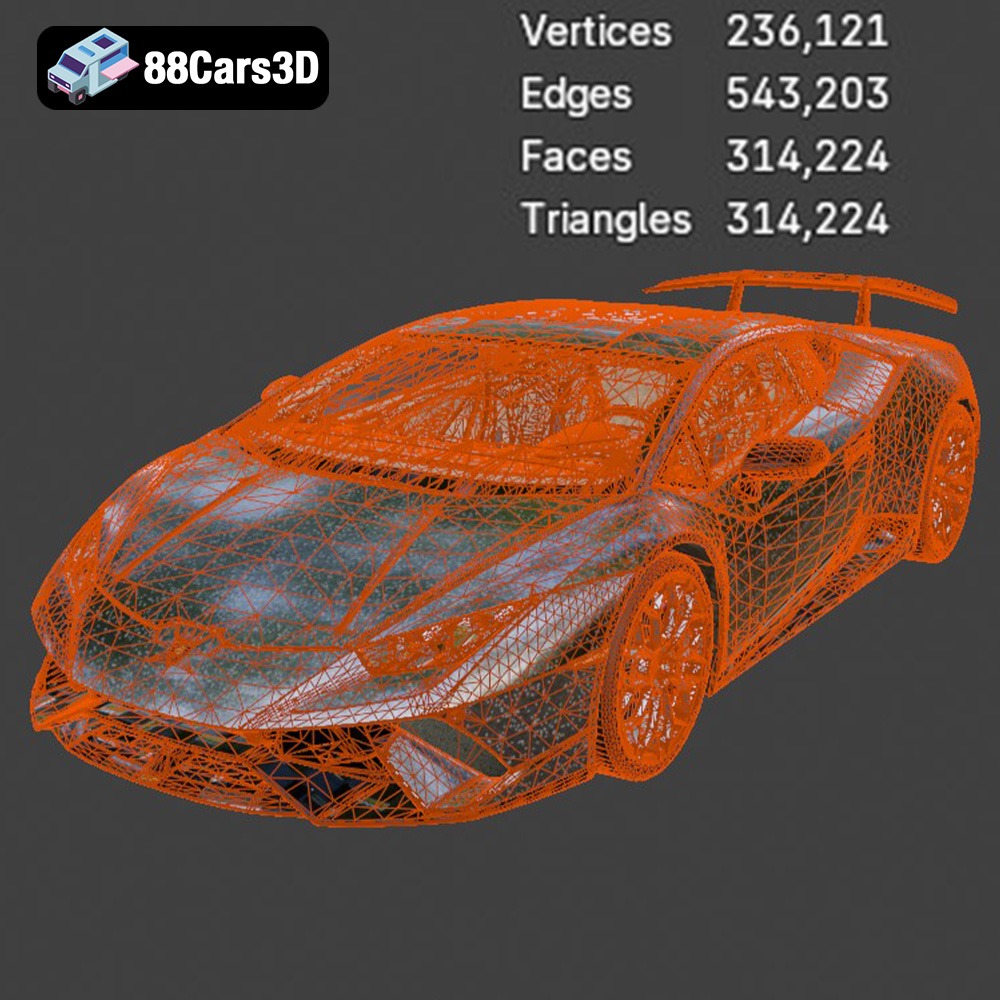
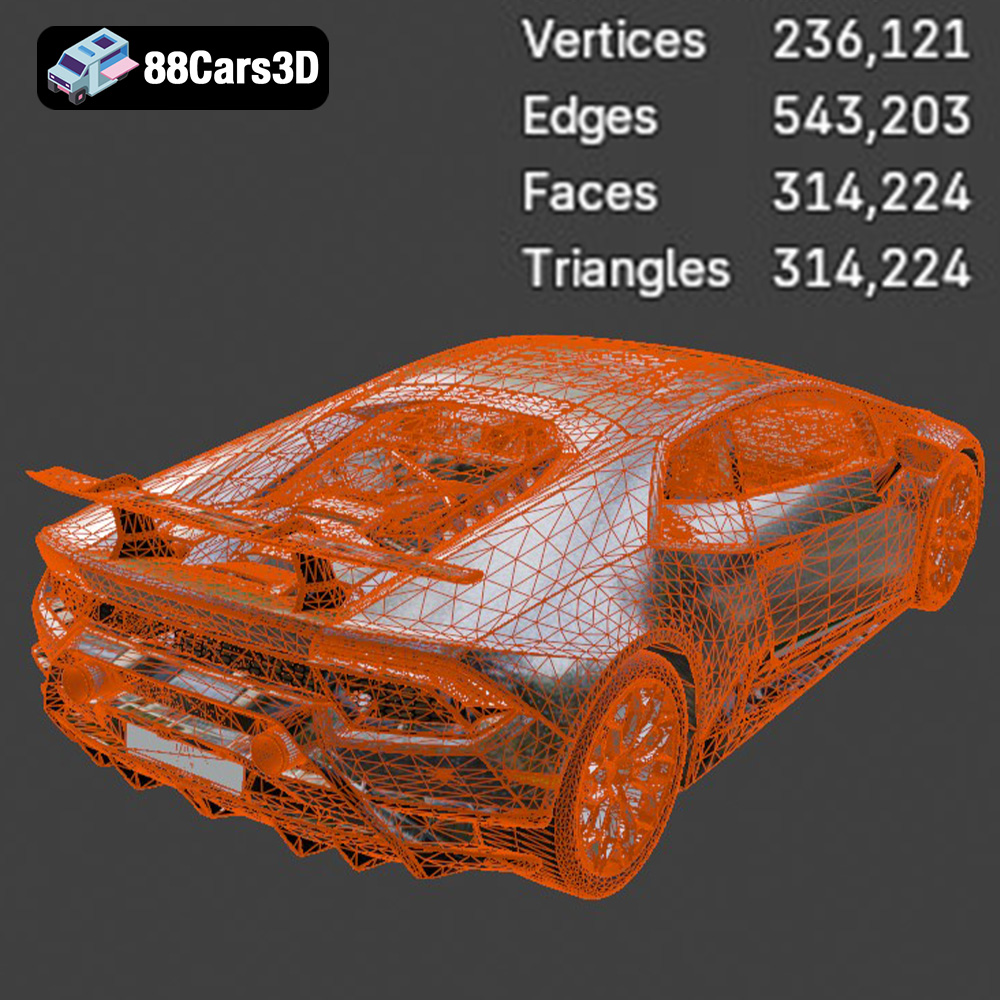
.STL (Stereolithography) is the industry standard for 3D printing. This format represents the surface geometry of a 3D object using a collection of triangles. It’s a simple format, storing only the surface mesh without any color, texture, or material information. This simplicity makes it universally compatible with virtually all 3D printing slicing software. When you download the Italian Legends Bundle, the STL files are your primary resource for 3D printing. The quality of an STL file is directly related to the number of triangles used to define the surface. Higher triangle counts result in smoother, more detailed prints, but also larger file sizes and potentially longer processing times. The STLs provided with this bundle are optimized to strike a balance between detail and printability. Slicing software uses STL files to generate the toolpath instructions for your 3D printer.
While STL is the primary format for printing, the other formats included in the Italian Legends Bundle offer unique advantages for different applications:
For 3D printing, stick with the STL files provided in the Italian Legends Bundle. They are specifically prepared and optimized for additive manufacturing. If you need to make modifications, use the .blend file in Blender, then export to STL for printing. Ensure the STL is manifold (watertight) before printing to avoid errors.
The Italian Legends Bundle models are optimized for both FDM (Fused Deposition Modeling) and SLA (Stereolithography) 3D printing technologies. Each technology offers distinct advantages, and the choice depends on your desired level of detail, budget, and the intended use of the printed model.
FDM printing is the most common and affordable 3D printing technology. It works by extruding a thermoplastic filament, such as PLA or PETG, layer by layer to build the 3D object. For the Italian Legends Bundle, FDM printing is a great option for creating larger scale models or for those new to 3D printing.
SLA printing uses a UV laser or projector to cure liquid resin layer by layer. This technology produces incredibly detailed and smooth prints, making it ideal for capturing the intricate features of the Italian Legends Bundle models. SLA printing is particularly well-suited for smaller scale models where fine details are crucial.
Once you’ve chosen your 3D printing technology and material, the next step is to prepare the 3D model for printing. This involves using slicing software to convert the 3D model into a set of instructions that the 3D printer can understand.
Popular slicing software options include Cura, PrusaSlicer, Simplify3D, and Chitubox (for resin printing). Each software offers a range of settings that can be adjusted to optimize the print quality, speed, and material usage. Key settings include:
The orientation of the model on the print bed can significantly impact the print quality and the amount of support material required. Consider the following when orienting the Italian Legends Bundle models:
Careful support placement is essential for both FDM and SLA printing. Use the slicing software’s support generation tools to automatically create supports, then manually adjust the placement and density of supports to optimize for strength and ease of removal. For the Lamborghini Huracán Performante, for example, the rear wing will require significant support. Similarly, the complex curves of the Ferrari 458 Italia will benefit from well-placed supports to prevent sagging.
While the general principles of 3D printing apply to all models in the Italian Legends Bundle, each vehicle has unique features that require specific considerations during the printing process.
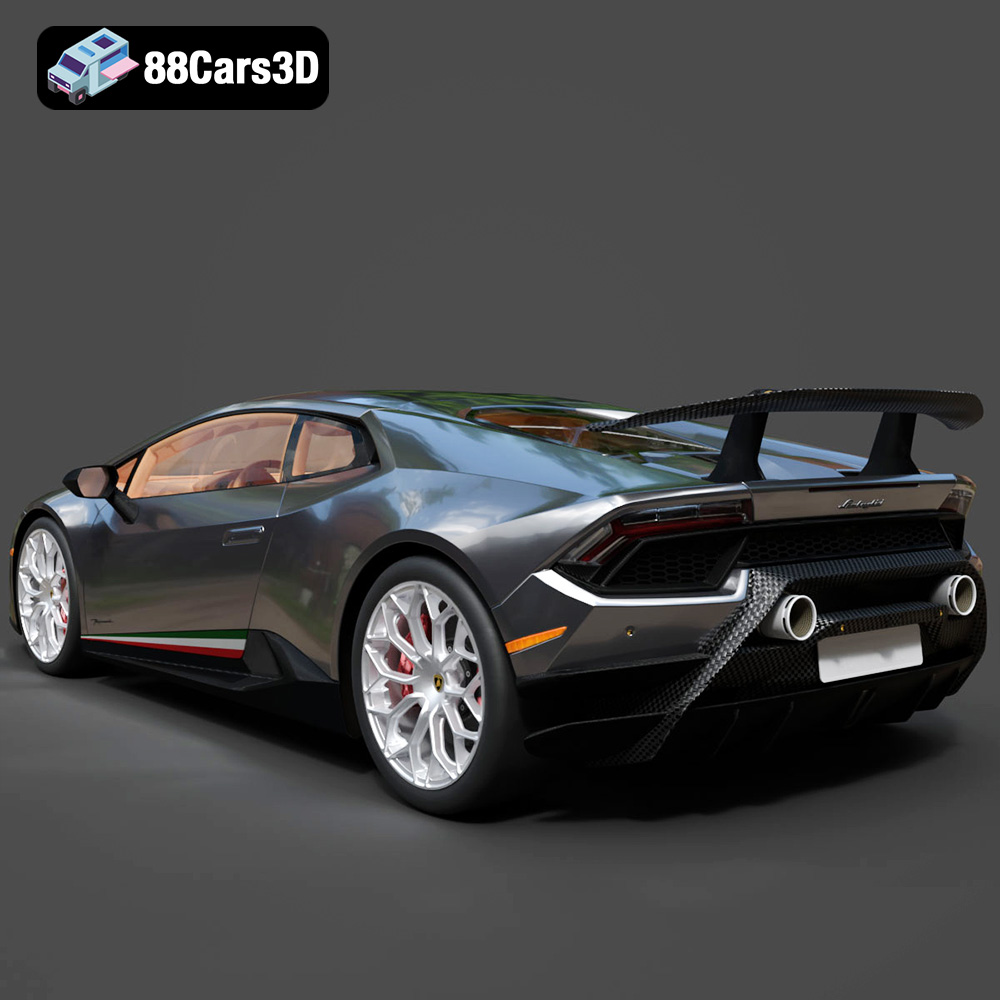
The Huracán Performante’s aggressive aerodynamics, including the ALA (Aerodinamica Lamborghini Attiva) system, present a challenge for 3D printing. Pay close attention to support placement around the front splitter, rear wing, and side skirts. Using a smaller layer height can help capture the fine details of these features.
The 458 Italia’s flowing lines and smooth curves require careful attention to layer height and print speed. A lower layer height will help minimize the “stair-stepping” effect on curved surfaces. Ensure proper bed adhesion to prevent warping, especially on larger prints.
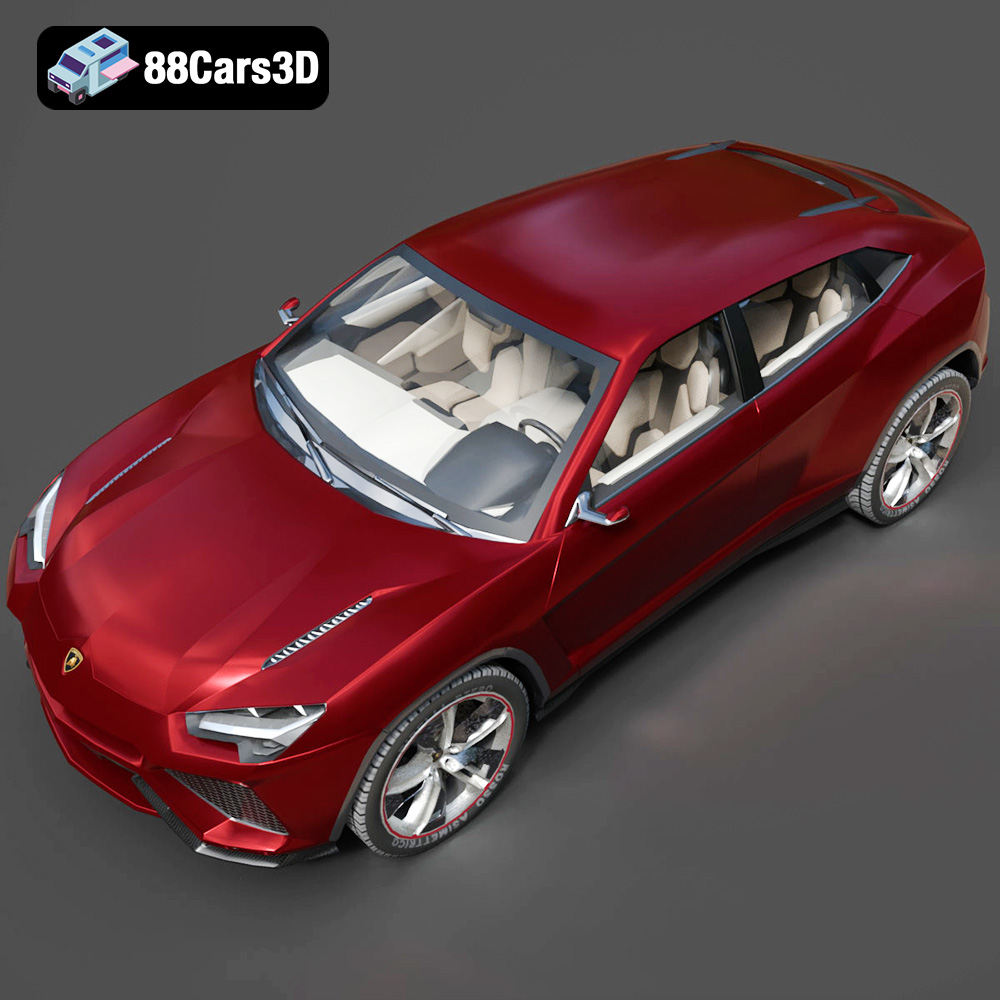
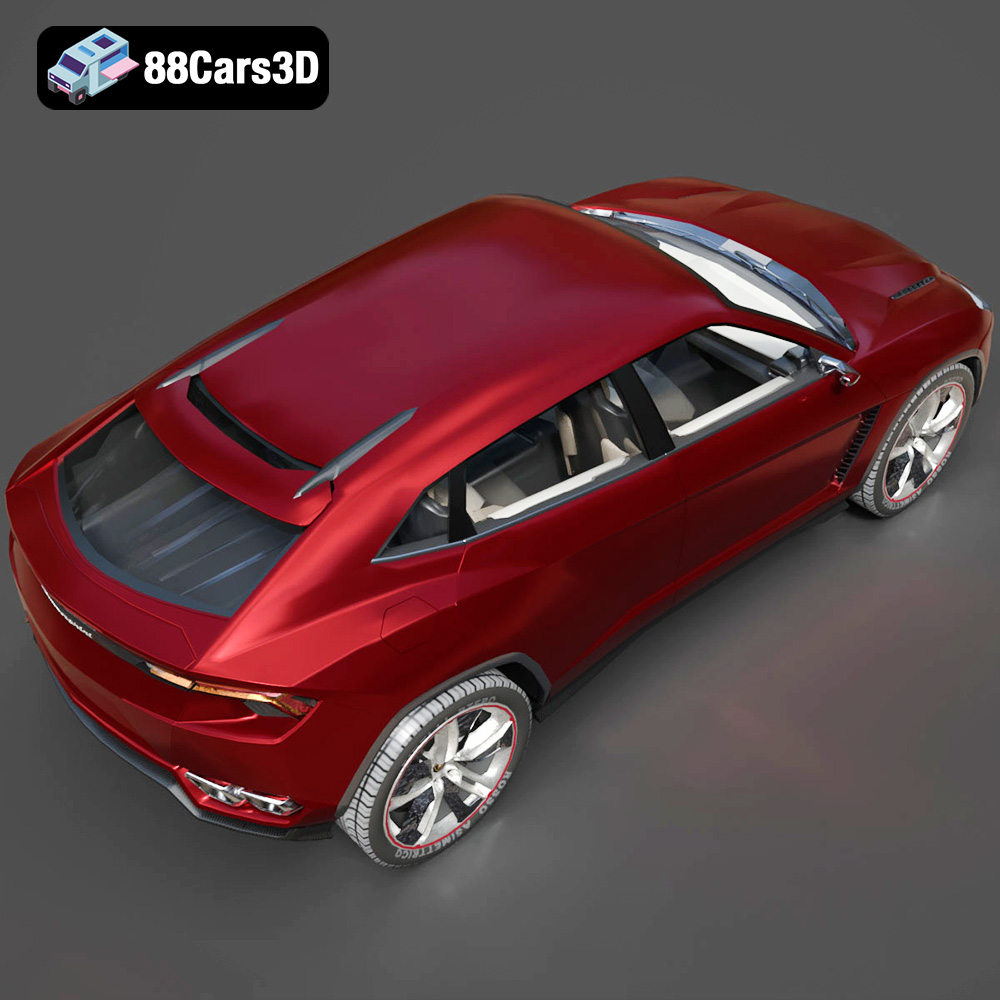
The Urus, being an SUV, is a larger model than the others in the bundle. Consider printing it in multiple parts and assembling them afterward to reduce the risk of warping and improve print quality. Use a higher infill density for increased strength, especially if the model will be handled frequently.
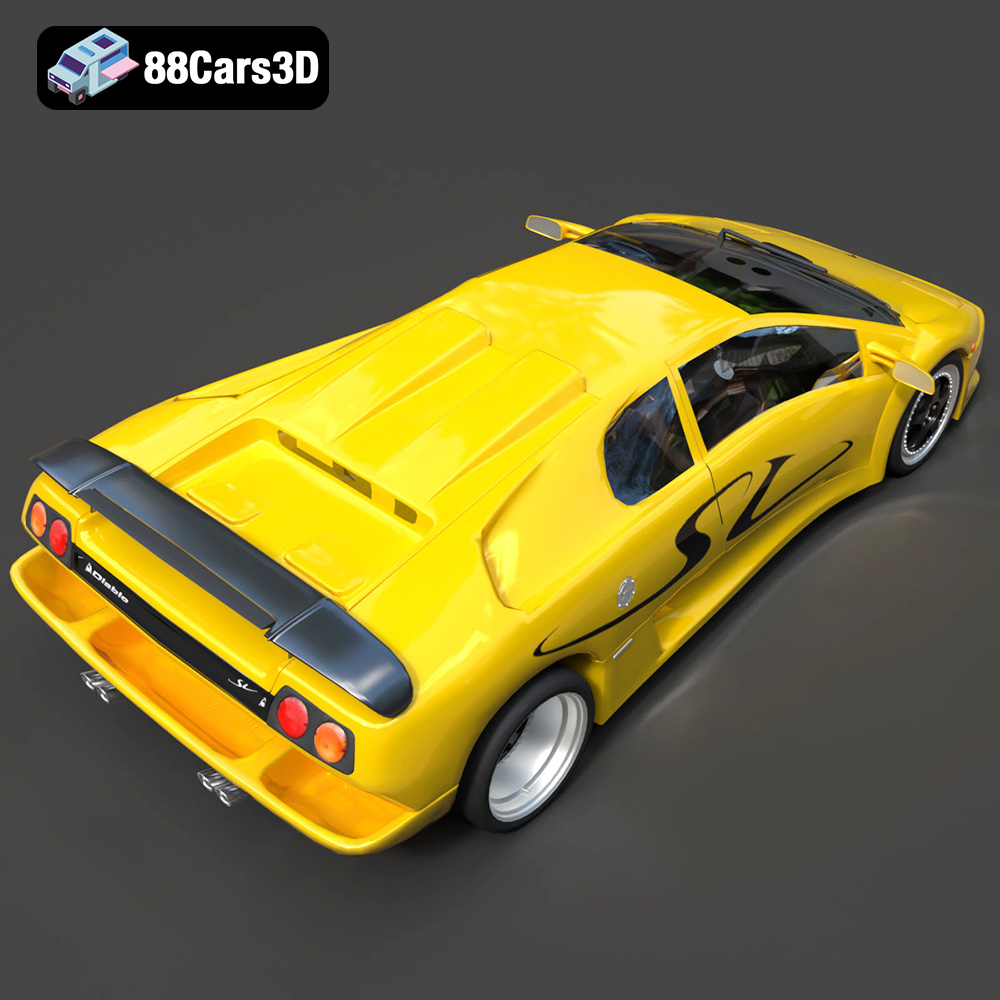
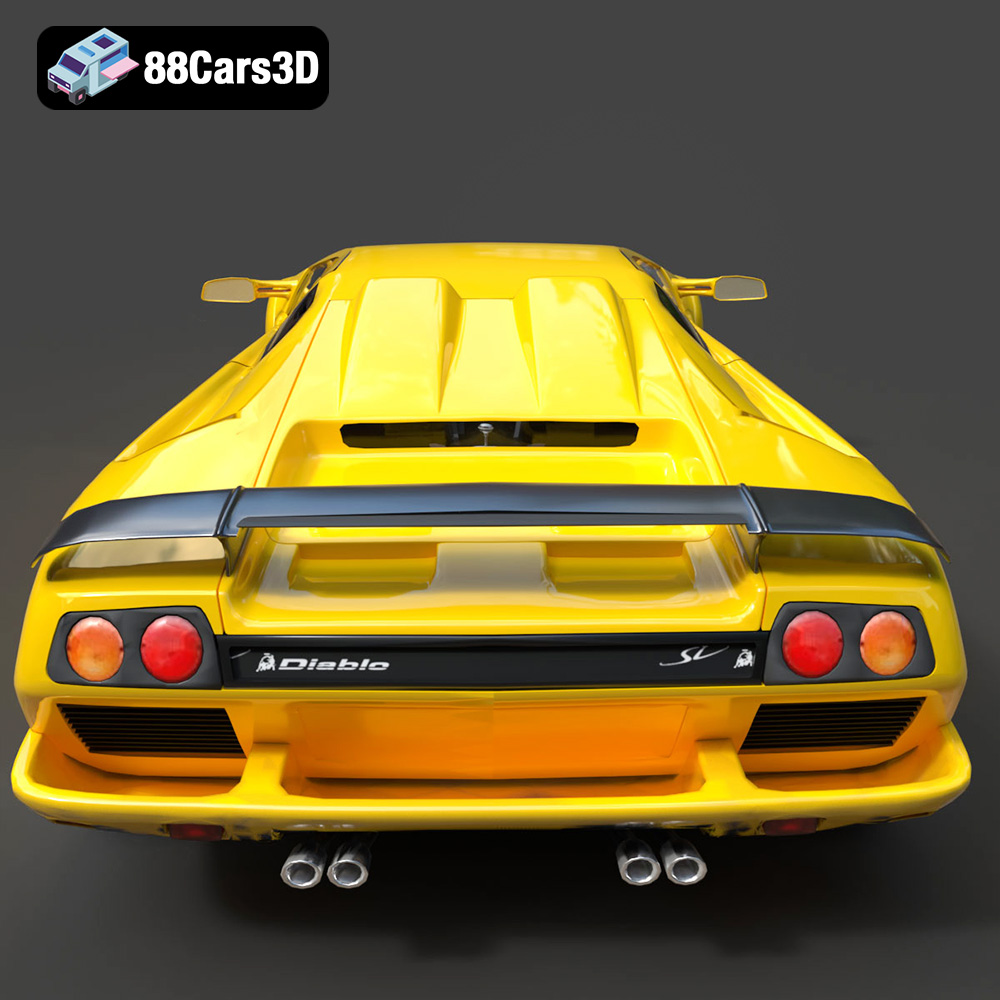
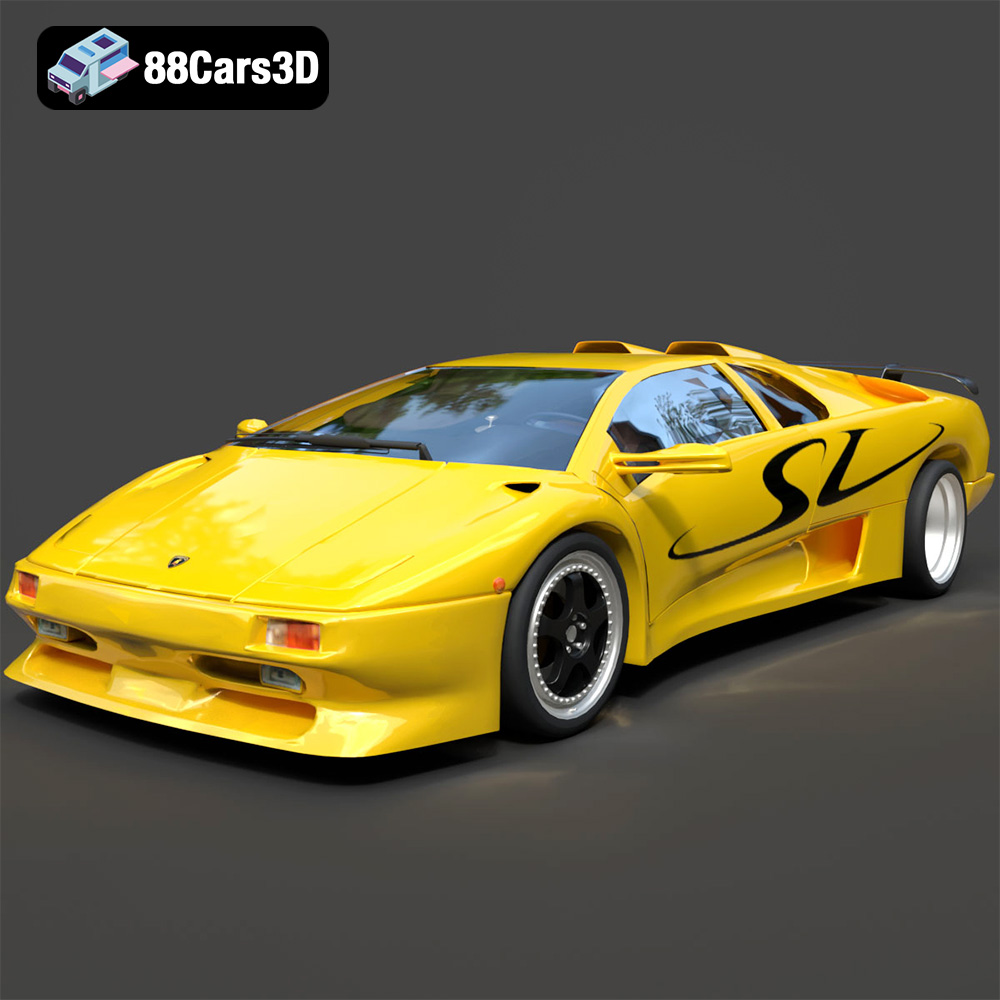
The Diablo SV’s sharp angles and iconic rear wing require careful support placement. Pay attention to the overhangs on the rear wing and ensure they are adequately supported to prevent sagging. The flat surfaces of the Diablo may also benefit from a brim to improve bed adhesion.
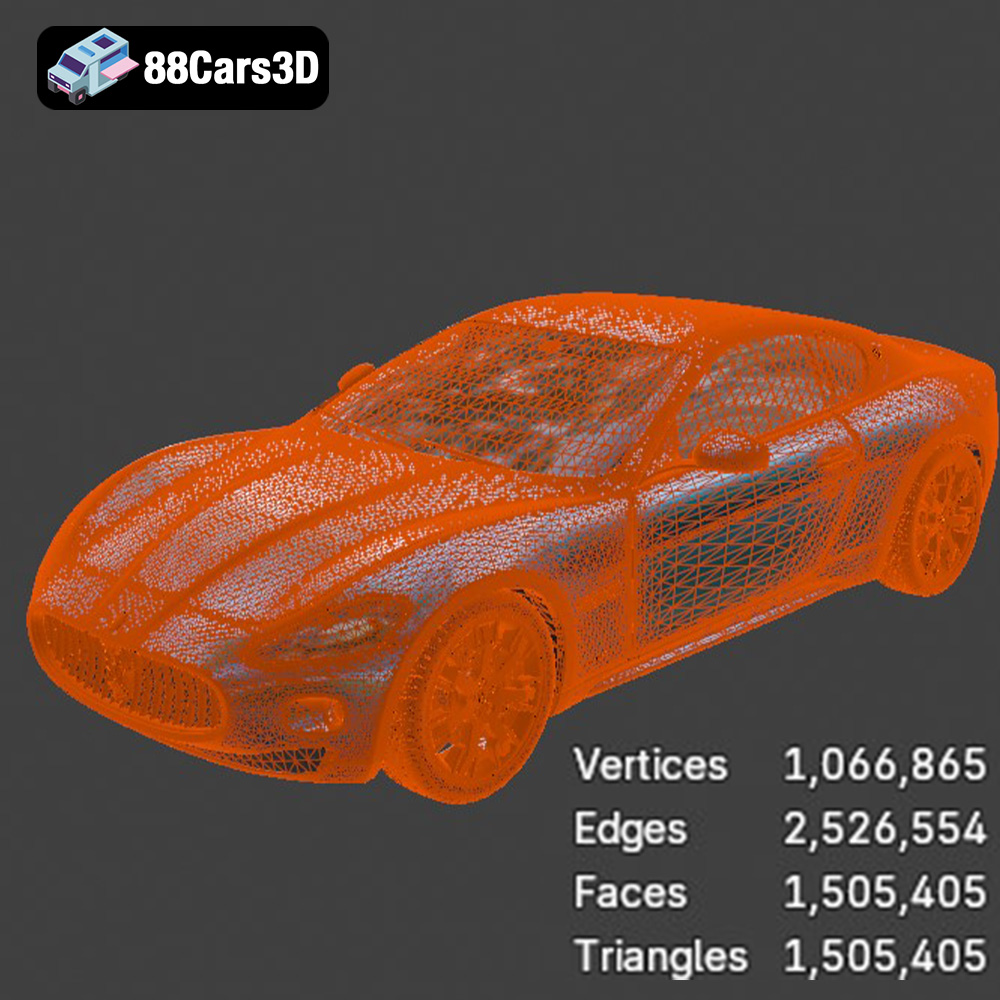
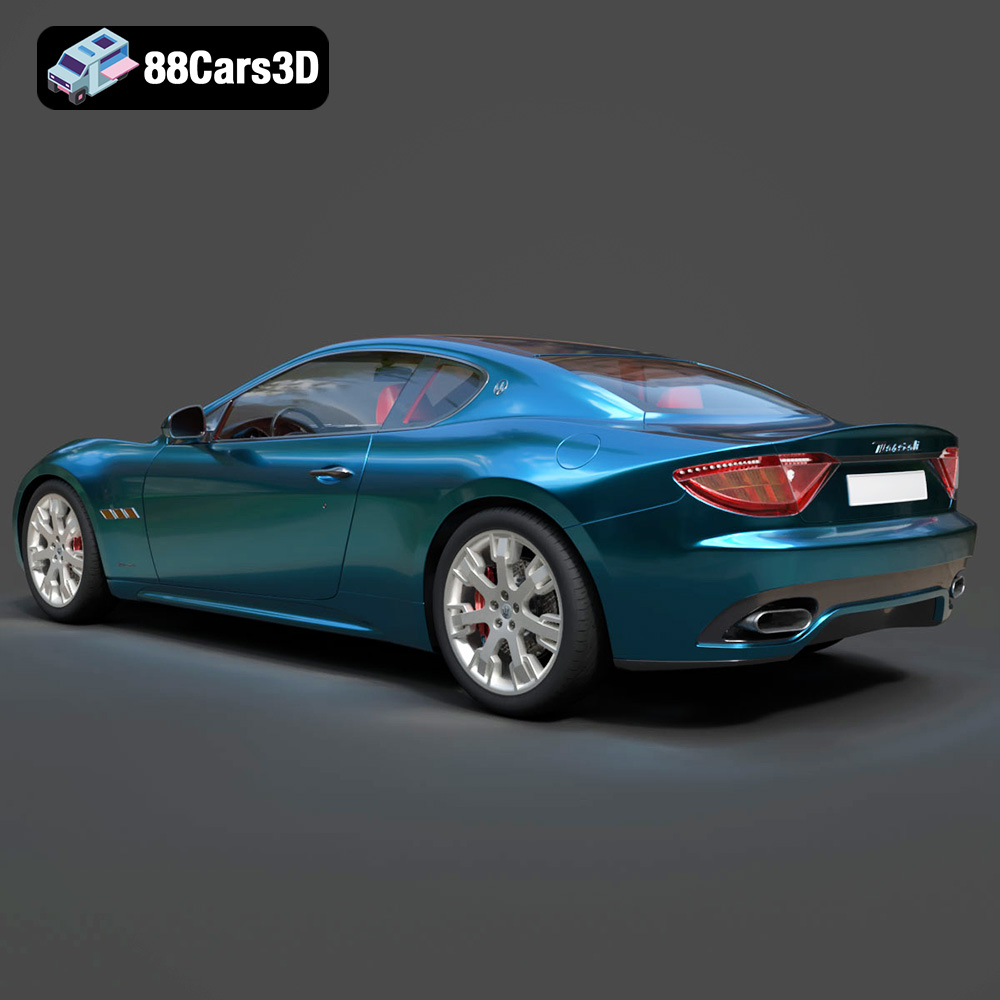
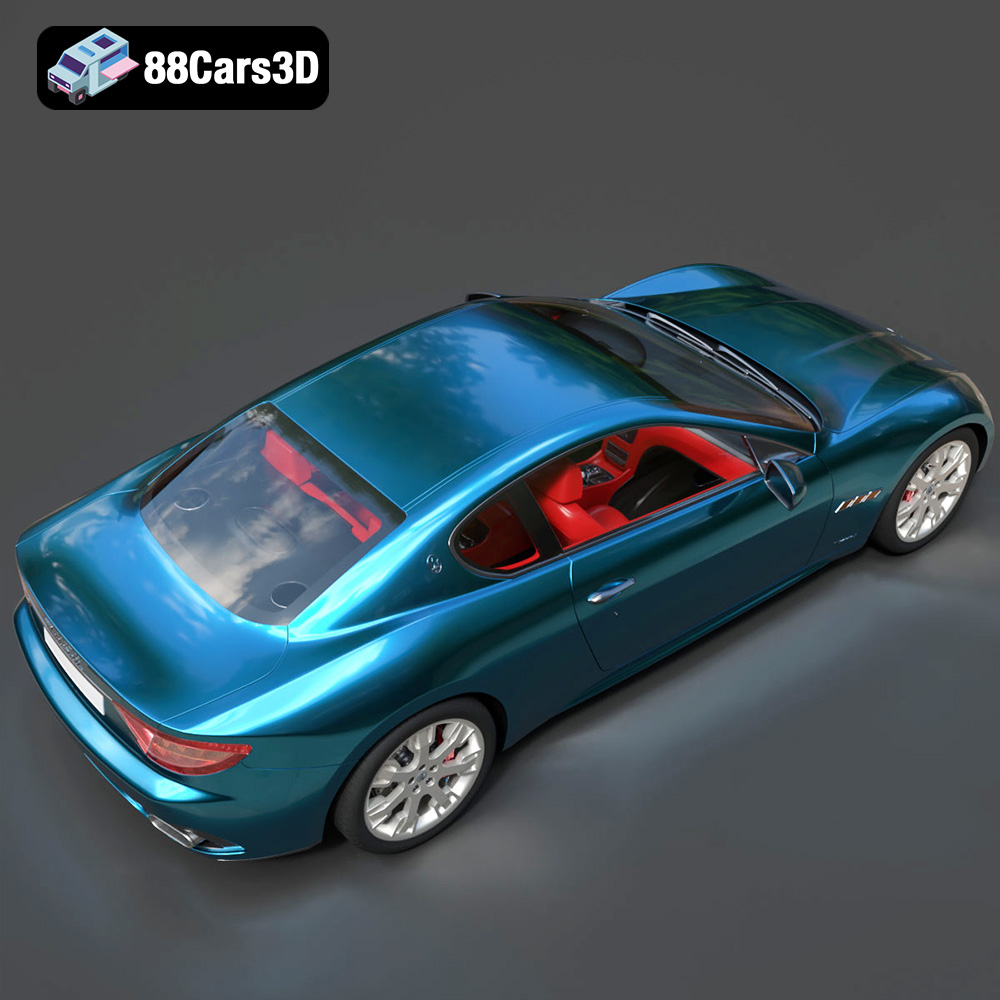
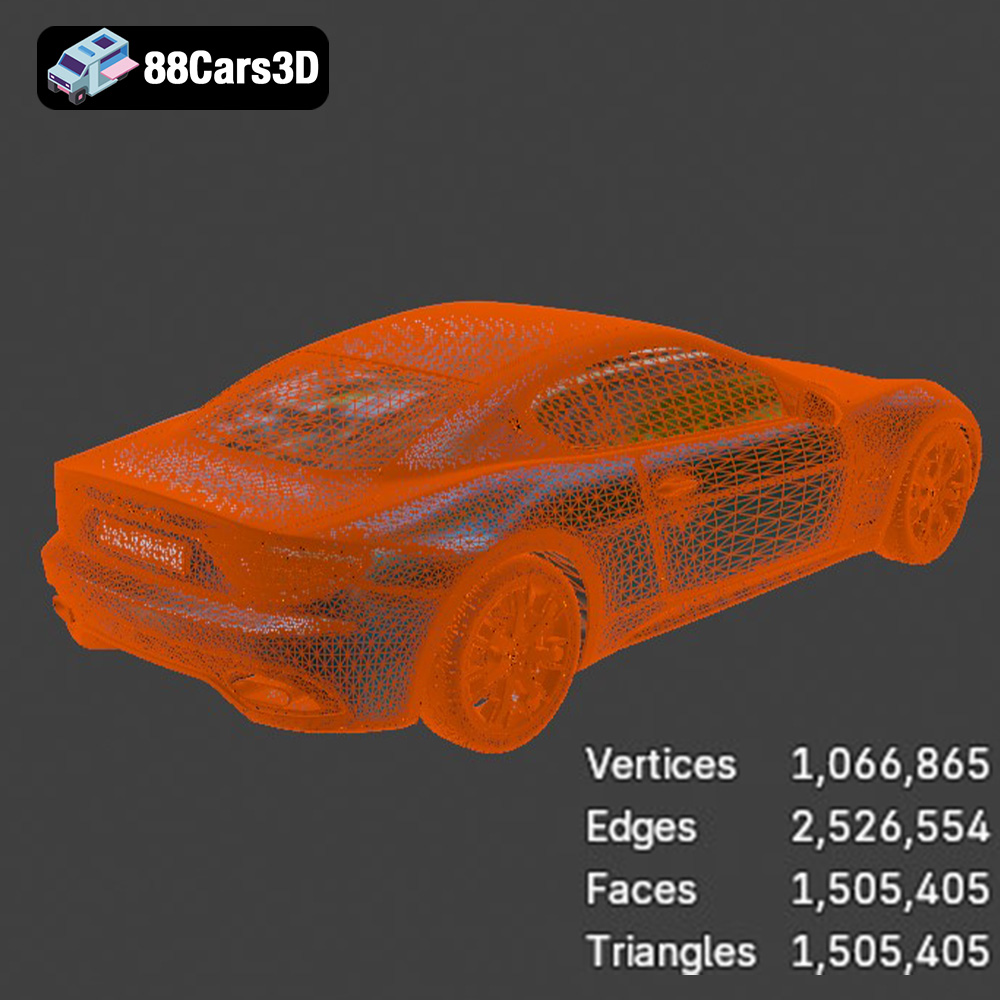
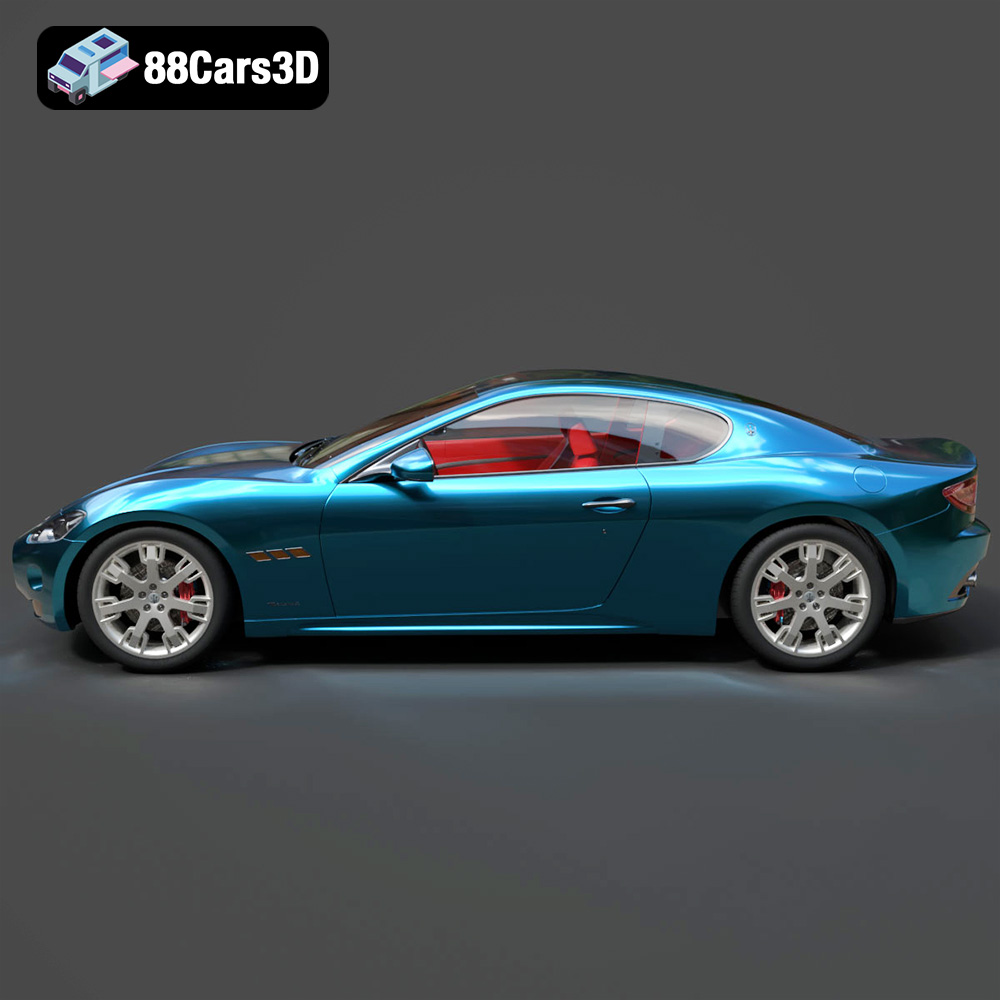
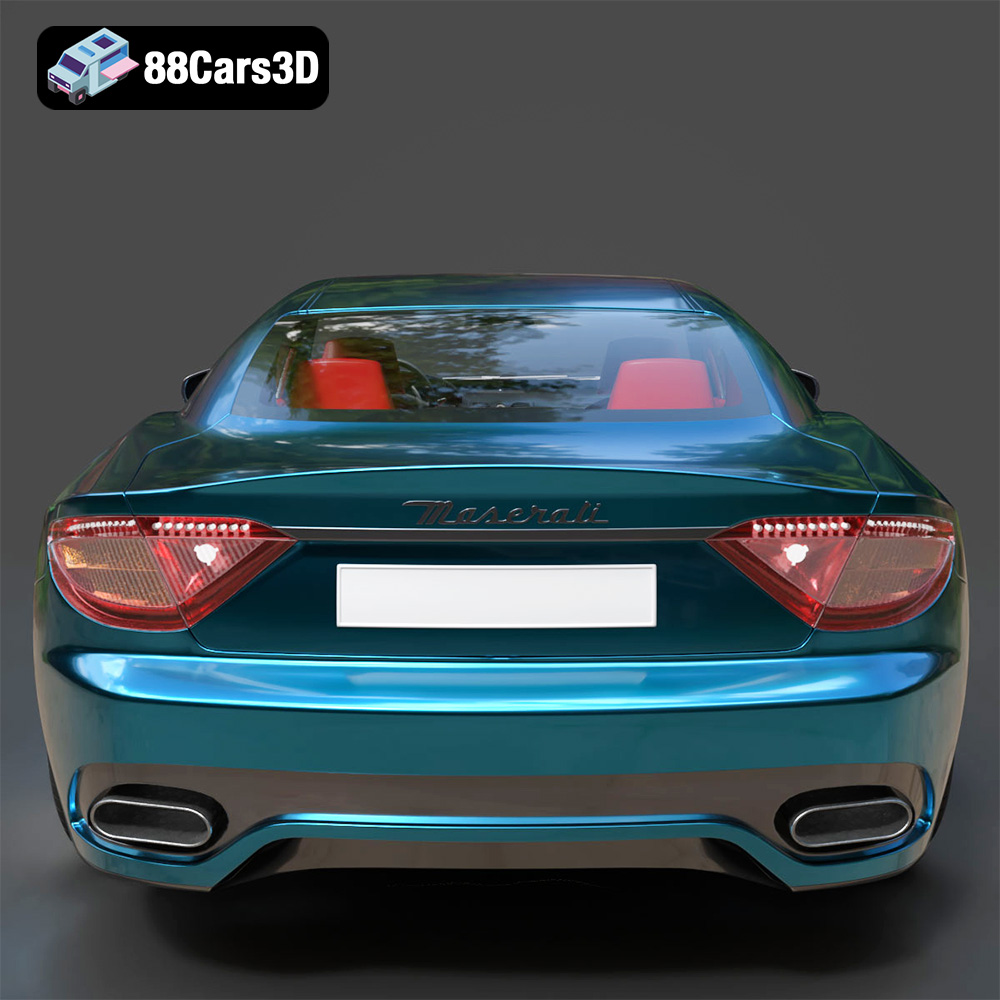
The GranTurismo’s elegant lines and refined details require a balance of detail and print speed. A moderate layer height and print speed will generally produce good results. Pay attention to the thin pillars of the roof and ensure they are adequately supported.
Once the 3D printing is complete, the post-processing stage is where you transform the raw print into a polished masterpiece. This typically involves removing supports, sanding, filling, and painting.
Carefully remove the support structures using pliers or cutters. Take your time to avoid damaging the model. Sand the surface to remove any imperfections, layer lines, or support scars. Start with coarse sandpaper and gradually move to finer grits for a smooth finish.
Fill any gaps or imperfections with filler. Sand the filler smooth once it has dried. Apply a primer coat to prepare the surface for painting. Primer helps the paint adhere better and provides a uniform base color.
Apply multiple thin coats of paint, allowing each coat to dry completely before applying the next. Use masking tape to create clean lines and define different areas of the model. Add details such as lights, badges, and trim using fine-tipped brushes or paint markers. Consider using clear coat to protect the paint and add a glossy finish.
Even with careful preparation, 3D printing can sometimes present challenges. Here are some common issues and their solutions:
By understanding these common issues and their solutions, you can overcome challenges and achieve successful 3D prints of the Italian Legends Bundle models.
The Italian Thoroughbreds Bundle is an elite, curated collection representing the pinnacle of Italian automotive soul, speed, and sculptural design. This bundle brings together the aggressive track-focused aerodynamics of Lamborghini and Ferrari with the grand-touring elegance of Maserati. Designed for creators, collectors, and 3D printing enthusiasts, this collection offers a diverse range of vehicles—from 90s icons to modern-day engineering marvels.
$199.99
Ferrari & Maserati STL Collection
Italian Supercar 3D Models Bundle – Lamborghini