Get 50% OFF All Premium 3D & STL Models!

“`html
3D printing offers an unparalleled level of customization, especially when it comes to automotive models. At 88cars3d.com, we provide high-quality, print-ready STL files, but many enthusiasts want to take their creations a step further. This guide will delve into the intricate process of adding car logos, emblems, and custom details to STL files, enabling you to create truly unique and personalized 3D-printed car models. We’ll cover everything from preparing your model and selecting the right software to mastering techniques for incorporating fine details and troubleshooting common issues. Whether you’re a seasoned 3D printing veteran or a curious beginner, this comprehensive guide will equip you with the knowledge and skills to elevate your car model projects to the next level.
In this article, you will learn:
Before diving into the exciting world of adding logos and details, it’s crucial to prepare your STL file. This involves ensuring the mesh is clean, manifold (watertight), and properly oriented. A well-prepared STL file will significantly improve the success and quality of your 3D prints. Often, models downloaded from platforms like 88cars3d.com are already optimized, but it’s still wise to check them before adding your own modifications.
The first step is to inspect the STL file for errors such as non-manifold edges, holes, and flipped normals. Software like MeshMixer or Netfabb are invaluable for this purpose. Load the STL file into your chosen software. In MeshMixer, use the “Inspector” tool (Analysis -> Inspector) to automatically identify and repair errors. Netfabb offers more advanced repair options, including manual mesh editing and boolean operations. The goal is to create a closed, watertight mesh free of any errors that could cause printing problems. Always aim for a perfectly manifold mesh; even small errors can lead to slicing issues or failed prints.
Correct orientation is critical for successful printing. Consider how the model will be oriented on the print bed. Factors to consider include support structure requirements, surface finish, and the direction of layer lines. Rotate the model in your software of choice (e.g., Cura, PrusaSlicer) so that the flattest surface is in contact with the bed for maximum adhesion. If the model has complex overhangs, you may need to strategically rotate it to minimize the need for supports. For example, orienting the car body with the roof facing down may reduce the amount of support needed inside the cabin.
The software you choose will heavily influence the complexity and quality of the customization you can achieve. Several options cater to different skill levels and project requirements, ranging from free and user-friendly to professional-grade and feature-rich. We will discuss a few popular options and their strengths.
Autodesk MeshMixer is a free and powerful tool that’s perfect for basic STL editing and modification. It excels at tasks like smoothing surfaces, adding simple shapes, and performing boolean operations (combining or subtracting meshes). For adding simple logos or emblems, MeshMixer’s “Sculpt” tools can be surprisingly effective. You can import an SVG file of your desired logo and use MeshMixer’s “Make Solid” function to convert it into a 3D object, which can then be merged with the car model. However, MeshMixer has limitations when it comes to complex shapes and precise detail.
Blender is a free and open-source 3D creation suite that offers unparalleled flexibility and control. While it has a steeper learning curve than MeshMixer, Blender’s advanced modeling tools, sculpting capabilities, and texturing features make it ideal for complex customization projects. You can import your STL file into Blender, create a new mesh for your logo or emblem, and use boolean modifiers to merge the two meshes seamlessly. Blender also allows for intricate sculpting, enabling you to create custom body modifications or add realistic weathering effects.
The key to adding realistic logos, emblems, and details lies in mastering the techniques for incorporating fine details into your 3D models. This often involves a combination of modeling, sculpting, and texturing. The goal is to create details that are both visually appealing and printable, ensuring they don’t get lost during the printing process.
Embossing and engraving are common techniques for adding logos and text to surfaces. Embossing involves raising the logo above the surface, while engraving involves sinking it into the surface. In Blender, you can achieve this by creating a separate mesh for the logo and using the “Boolean” modifier with the “Difference” (for engraving) or “Union” (for embossing) operation. Ensure the logo mesh has sufficient resolution to capture the fine details. A layer height of 0.1mm or less is recommended for printing embossed or engraved details.
For more advanced customization, you can create custom body modifications such as spoilers, vents, or body kits. This requires a good understanding of 3D modeling principles and sculpting techniques. Blender’s sculpting tools are particularly useful for creating organic shapes and refining the overall design. Consider using reference images to ensure the modifications are proportionally accurate and aesthetically pleasing. When adding modifications, always ensure the new mesh integrates seamlessly with the existing car model, avoiding any gaps or overlaps that could cause printing issues. Remember to keep wall thickness in mind to maintain structural integrity.
After adding your custom details, the next critical step is to optimize your slicing parameters. Slicing software translates your 3D model into instructions for the 3D printer, and the settings you choose will significantly impact the final print quality. Particular attention should be paid to layer height, infill density, support structures, and print speed.
Layer height directly affects the resolution and surface finish of your 3D print. Lower layer heights (e.g., 0.1mm or 0.05mm) produce smoother surfaces and capture finer details, but they also increase print time. For car models with intricate details, a layer height of 0.1mm is generally recommended. However, for less detailed areas, you can increase the layer height to reduce print time. Some slicers, like PrusaSlicer, offer variable layer height settings that allow you to adjust the layer height dynamically based on the complexity of the model.
Support structures are necessary for printing overhangs and complex geometries. However, supports can also mar the surface finish and require careful removal. When generating supports, consider the type of support structure (e.g., tree supports, linear supports), the support density, and the support interface layer. Tree supports are generally easier to remove and leave less scarring than linear supports. A lower support density can also reduce the amount of material used and make removal easier. The key is to strike a balance between providing sufficient support and minimizing the impact on the surface finish. Experiment with different support settings in your slicing software to find the optimal configuration for your specific model and printer.
The choice of printing material and proper printer calibration are crucial for achieving high-quality 3D prints. Different materials have different properties, such as strength, flexibility, and temperature resistance, and it’s essential to choose a material that’s appropriate for your project. Printer calibration ensures that your printer is accurately extruding material and that the bed is level.
FDM (Fused Deposition Modeling) and resin printing are the two most common 3D printing technologies. FDM printing uses filaments like PLA, PETG, and ABS, while resin printing uses liquid resins that are cured by UV light. FDM printing is generally more affordable and easier to use, but resin printing offers higher resolution and finer detail. For car models with intricate details, resin printing is often preferred, but high-quality results can be achieved with FDM printing as well. When printing with FDM, consider using a small nozzle (e.g., 0.4mm or 0.25mm) to improve the resolution of fine details. For resin printing, choose a resin that’s specifically designed for high-detail models.
Proper printer calibration is essential for achieving accurate and consistent prints. This includes leveling the print bed, calibrating the extruder, and adjusting the temperature settings. A well-leveled print bed ensures that the first layer adheres properly to the bed. Extruder calibration ensures that the printer is extruding the correct amount of material. Temperature settings should be optimized for the specific material you’re using. Regularly clean and maintain your printer to ensure optimal performance. This includes cleaning the nozzle, lubricating the moving parts, and checking for any wear or damage. Regular maintenance will extend the lifespan of your printer and improve the quality of your prints.
Even with optimized slicing parameters and proper printer calibration, some post-processing is usually required to achieve a professional finish. This may include removing support structures, sanding surfaces, filling gaps, and painting. The goal is to create a smooth, seamless, and visually appealing final product.
Sanding is used to smooth the surface of the 3D print and remove any layer lines or imperfections. Start with coarse sandpaper (e.g., 220 grit) and gradually work your way up to finer grits (e.g., 400 grit, 600 grit, 800 grit). For curved surfaces, consider using sanding sponges or flexible sanding pads. After sanding, apply a primer to the surface to prepare it for painting. Primer helps to fill in any remaining imperfections and provides a smooth, uniform surface for the paint to adhere to. Choose a primer that’s compatible with the material you’re using. Apply multiple thin coats of primer, allowing each coat to dry completely before applying the next. Finally, apply the paint of your choice. Use high-quality model paints and apply multiple thin coats for the best results. Consider using an airbrush for a smoother and more even finish. After the paint has dried, apply a clear coat to protect the paint and add a glossy or matte finish. With patience and attention to detail, you can achieve a professional-looking paint job that rivals factory finishes. Remember to take your time and enjoy the process. The journey is just as rewarding as the destination. When downloading models from marketplaces such as 88cars3d.com, keep in mind that the post-processing is just as important as the initial print.
Adding car logos, emblems, and custom details to STL files opens up a world of possibilities for 3D printing enthusiasts. By carefully preparing your STL file, choosing the right software, mastering techniques for incorporating fine details, optimizing slicing parameters, selecting the appropriate material, and employing effective post-processing techniques, you can create stunning and personalized 3D-printed car models. Remember, patience and experimentation are key to success. Don’t be afraid to try new things and learn from your mistakes. As you gain experience, you’ll develop your own unique workflow and discover new techniques for achieving the desired results. The world of 3D printing is constantly evolving, so stay curious, keep learning, and continue pushing the boundaries of what’s possible.
Your next steps should be:
“`
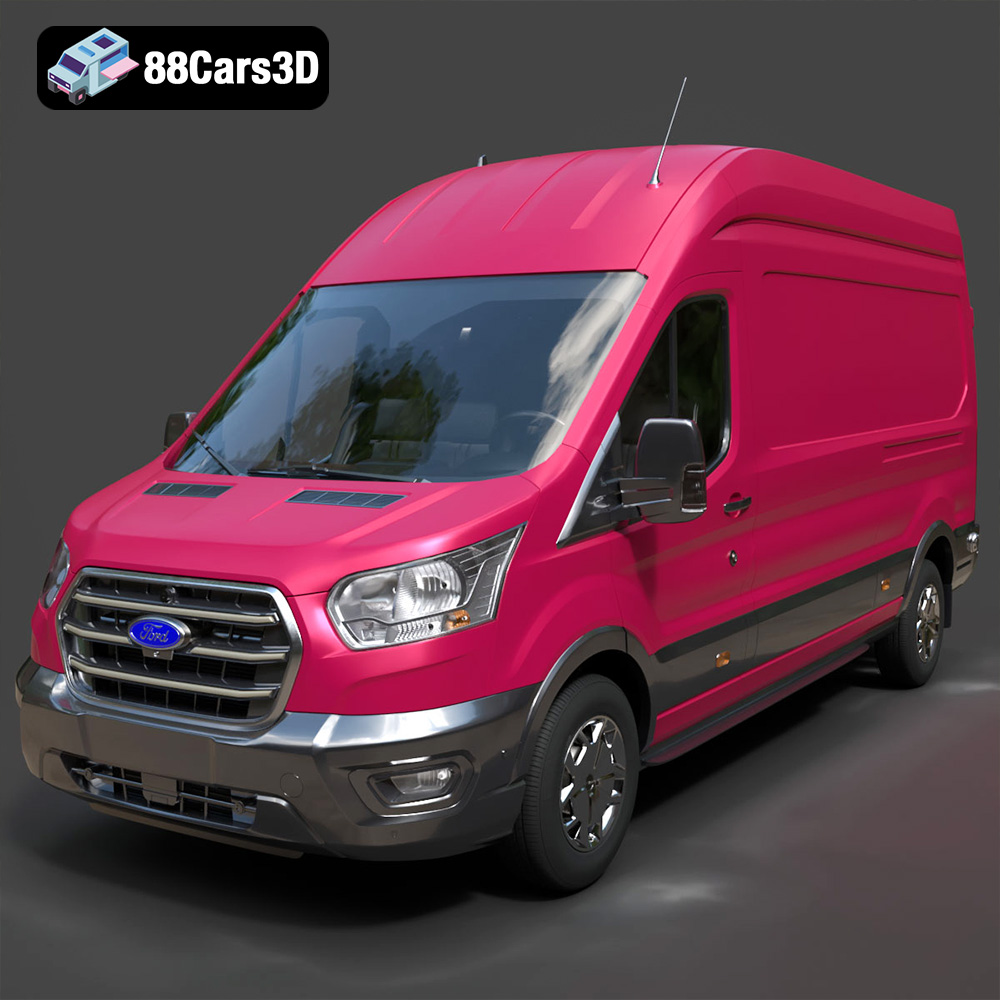
Texture: Yes
Material: Yes
Download the Ford Transit Van L3H3 Trend 2021 3D Model featuring clean geometry, realistic detailing, and a fully modeled interior. Includes .blend, .fbx, .obj, .glb, .stl, .ply, .unreal, and .max formats for rendering, simulation, and game development.
Price: $19.99

Texture: Yes
Material: Yes
Download the Ferrari SF90 Stradale 3D Model featuring clean geometry, realistic detailing, and a fully modeled interior. Includes .blend, .fbx, .obj, .glb, .stl, .ply, .unreal, and .max formats for rendering, simulation, and game development.
Price: $19.99

Texture: Yes
Material: Yes
Download the Harley Davidson F 1946 3D Model featuring clean geometry, realistic detailing, and a fully modeled interior. Includes .blend, .fbx, .obj, .glb, .stl, .ply, .unreal, and .max formats for rendering, simulation, and game development.
Price: $19.99

Texture: Yes
Material: Yes
Download the Land Rover Defender Works V8 3D Model featuring clean geometry, realistic detailing, and a fully modeled interior. Includes .blend, .fbx, .obj, .glb, .stl, .ply, .unreal, and .max formats for rendering, simulation, and game development.
Price: $19.99

Texture: Yes
Material: Yes
Download the Dodge RAM 2019 3D Model featuring clean geometry, realistic detailing, and a fully modeled interior. Includes .blend, .fbx, .obj, .glb, .stl, .ply, .unreal, and .max formats for rendering, simulation, and game development.
Price: $19.99

Texture: Yes | Material: Yes Download the ultra-high-detail Ford F-150 Raptor 2021 3D Model (8.73M Triangles). Features uncompromised widebody styling, fully modeled Fox Live Valve suspension, 37-inch tires, and interior. Perfect for premium VFX, cinematic rendering, and ArchViz. Includes .blend, .fbx, .obj, .glb, .stl, and .max formats.
Price: $29.99

Texture: Yes | Material: Yes Download the ultra-high-detail BMW 3 Series Limousine (2022) 3D Model (4.16M Triangles). Features the modernized G20 LCI exterior, the all-new BMW Curved Display interior, and ultra-dense topology. Perfect for ArchViz, VFX, and cinematic rendering. Includes .blend, .fbx, .obj, .glb, .stl, and .max formats.
Price: $19.99

Texture: Yes | Material: Yes Download the ultra-high-detail BMW i7 (2023) 3D Model (4.14M Triangles). Features the illuminated kidney grille, split crystal headlights, fully modeled Theatre Screen interior, and monolithic luxury styling. Perfect for ArchViz, VFX, and cinematic rendering. Includes .blend, .fbx, .obj, .glb, .stl, and .max formats.
Price: $19.99

Texture: Yes | Material: Yes Download the highly detailed CAT Manual Loader & Warehouse Carts Kit 3D Model (2.4M Triangles). Features a macro-detailed hydraulic pallet jack, heavy-duty forks, and transport carts. Perfect for industrial ArchViz, factory rendering, and logistics simulations. Includes .blend, .fbx, .obj, .glb, .stl, and .max formats.
Price: $19.99

Texture: Yes | Material: Yes
Download the highly optimized Mazda CX-5 2014 3D Model (294k Triangles). Features the dynamic Kodo design language, signature grille, and a clean interior. Perfectly balanced for ArchViz, background traffic, and game development. Includes .blend, .fbx, .obj, .glb, .stl, and .max formats.
Price: $19.99

