Get 50% OFF All Premium 3D & STL Models!

“`html
The world of 3D printing offers incredible possibilities, especially for automotive enthusiasts and model makers. At 88cars3d.com, we provide high-quality 3D printable car models in STL format, ready to bring your dream cars to life. However, achieving successful and detailed prints requires careful consideration of your 3D printer’s capabilities, specifically the nozzle size and bed size. Choosing the right combination is crucial for balancing print speed, resolution, and the ability to handle complex designs. This comprehensive guide will walk you through the technical aspects of nozzle and bed size selection, empowering you to optimize your 3D printing workflow for stunning results, whether you’re printing a miniature classic car or a larger-scale prototype.
The nozzle is the component that extrudes the melted filament, dictating the width of each printed line. The nozzle diameter has a significant impact on both the print resolution and the overall print time. A smaller nozzle creates finer details but requires more time to cover the same area, while a larger nozzle prints faster but sacrifices intricate features. For printing highly detailed car models from platforms like 88cars3d.com, understanding this tradeoff is essential.
A smaller nozzle diameter allows for finer layer heights and narrower extrusion widths, leading to higher print resolution. For example, a 0.25mm nozzle can produce significantly sharper details compared to a standard 0.4mm nozzle. This is particularly important for intricate details like grills, emblems, and body lines commonly found in car models. However, it’s crucial to remember that extremely small nozzles are more prone to clogging and require more precise printer calibration.
A larger nozzle can extrude more material per unit of time, significantly reducing print time. Using a 0.8mm nozzle instead of a 0.4mm nozzle can potentially halve the print time for the same part. However, this comes at the cost of reduced detail and potentially visible layer lines. When speed is a priority and fine details are not critical, a larger nozzle is a practical choice. For example, if you’re printing multiple copies of a simple chassis component, a larger nozzle might be preferable.
Example: Printing a car body with a 0.4mm nozzle might take 12 hours, while the same model printed with a 0.8mm nozzle could be completed in 6-7 hours, but with noticeably less detail.
The print bed is the foundation upon which your 3D prints are built. The dimensions of your print bed directly limit the maximum size of the objects you can print. Understanding your bed’s X, Y, and Z dimensions is crucial for selecting appropriate car models and planning your print jobs. For detailed car models available on marketplaces such as 88cars3d.com, it’s important to check the model dimensions against your printer’s bed size before purchasing.
Before downloading any STL files, always verify the model’s dimensions and ensure they fit within your printer’s build volume. Consider the orientation of the model as well, as rotating it can sometimes allow a larger model to fit diagonally. Many slicing programs allow you to import the STL file and visually confirm if it fits within the virtual build plate. Remember to account for any brims or rafts you plan to use, as these will increase the overall footprint of the print.
If you want to print a car model that exceeds your printer’s bed size, you have a few options. One common approach is to split the model into multiple parts using software like Meshmixer or Blender. These parts can then be printed individually and assembled later. This method requires careful planning and alignment during the splitting process to ensure seamless assembly. Another option is to scale down the model to fit within your bed size, although this will reduce the overall detail and impact of the final print.
Slicing software is the bridge between your 3D model and your 3D printer. Programs like Cura, PrusaSlicer, and Simplify3D allow you to adjust various settings that directly impact the quality, strength, and print time of your objects. Understanding these settings and how they interact with your chosen nozzle and bed size is critical for achieving successful prints, especially when working with detailed car models.
Layer height is the thickness of each individual layer of plastic that is deposited during printing. A smaller layer height results in smoother surfaces and finer details, but it also increases print time. Generally, the layer height should be between 25% and 75% of your nozzle diameter. For example, with a 0.4mm nozzle, a layer height of 0.1mm to 0.3mm is recommended. Experimenting within this range will help you find the optimal balance between detail and speed for your specific model.
Infill is the internal structure of your 3D print. The infill density determines how solid the inside of the object will be, impacting its strength and weight. Different infill patterns, such as grid, honeycomb, or gyroid, offer varying levels of strength and material usage. For car models, the infill density and pattern can affect the structural integrity of the chassis and other critical components. A higher infill density (e.g., 20-30%) is generally recommended for parts that require more strength, while a lower density (e.g., 10-15%) can be used for purely aesthetic components.
Example: A solid chassis component for a remote-controlled car model would benefit from a higher infill density and a strong infill pattern like honeycomb or gyroid.
The choice of filament plays a crucial role in the appearance, durability, and overall success of your 3D printed car models. Common materials include PLA, PETG, and ABS, each with its own set of advantages and disadvantages. Understanding the properties of each material and how they interact with your chosen nozzle and bed size is essential for achieving the desired results.
PLA (Polylactic Acid) is a biodegradable thermoplastic derived from renewable resources like cornstarch or sugarcane. It’s known for its ease of printing, low warping, and relatively low printing temperature. PLA is a great choice for beginners and for printing models with intricate details. However, PLA is not as heat-resistant or durable as other materials, so it’s not ideal for parts that will be exposed to high temperatures or stress.
PETG (Polyethylene Terephthalate Glycol-modified) combines the ease of printing of PLA with the strength and durability of ABS. It offers good chemical resistance, impact resistance, and temperature resistance. PETG is a versatile material suitable for a wide range of applications, including car model components that require more strength and durability. It’s slightly more prone to stringing than PLA, so careful retraction settings are important.
Even with careful planning and the right settings, 3D printing can sometimes present challenges. Understanding common issues and how to troubleshoot them is essential for achieving consistent and high-quality prints. These problems can stem from a variety of factors including bed adhesion, filament quality, and incorrect printer settings.
Poor bed adhesion is a common issue that can lead to warping, curling, or even complete print failures. Ensuring a clean and level print bed is the first step. Using a bed adhesive like glue stick, hairspray, or specialized bed adhesion solutions can significantly improve adhesion. Adjusting the Z-offset (the distance between the nozzle and the bed) is also crucial. The first layer should be slightly squished onto the bed to ensure proper adhesion.
Warping and curling occur when the printed part cools unevenly, causing it to detach from the bed and distort. This is more common with materials like ABS that have a higher shrinkage rate. To minimize warping, ensure proper bed adhesion, use an enclosure to maintain a consistent temperature, and avoid drafts. Printing with a brim or raft can also help to increase the surface area in contact with the bed, improving adhesion and reducing warping.
Tip: For ABS, a heated enclosure is highly recommended to minimize warping.
Once your car model is printed, post-processing techniques can significantly enhance its final appearance and bring it closer to a finished product. These techniques can range from simple sanding and painting to more advanced methods like applying decals and clear coats. The level of post-processing you choose will depend on the desired final look and the intended use of the model.
Sanding is a fundamental post-processing technique used to remove layer lines and imperfections from the surface of your 3D prints. Start with a coarse grit sandpaper (e.g., 220 grit) and gradually move to finer grits (e.g., 400 grit, 600 grit, 800 grit) to achieve a smooth surface. For larger imperfections or gaps, use a filler primer or putty to fill the voids before sanding. Remember to wear a dust mask to protect yourself from airborne particles.
Painting can transform your 3D printed car model from a raw plastic object into a realistic replica. Start by applying a primer to create a uniform surface for the paint to adhere to. Use multiple thin coats of paint instead of one thick coat to avoid runs and drips. After the paint has dried, apply a clear coat to protect the paint and add a glossy or matte finish. Decals and other details can be added to further enhance the realism of the model.
Tip: Use masking tape to protect areas that you don’t want to paint.
Choosing the right nozzle and bed size for your 3D printer is a critical step in achieving successful and detailed prints of car models. Understanding the trade-offs between print speed, resolution, and material properties allows you to optimize your workflow and create stunning replicas. By carefully considering the factors discussed in this guide, including nozzle diameter, bed dimensions, slicing software settings, material selection, and post-processing techniques, you can unlock the full potential of your 3D printer and bring your dream cars to life. Whether you’re a hobbyist, a model maker, or an automotive enthusiast, mastering these techniques will empower you to create impressive and realistic 3D printed car models, especially when starting with high-quality STL files from resources like 88cars3d.com. Now, experiment with different settings, explore various materials, and embark on your 3D printing journey with confidence!
“`
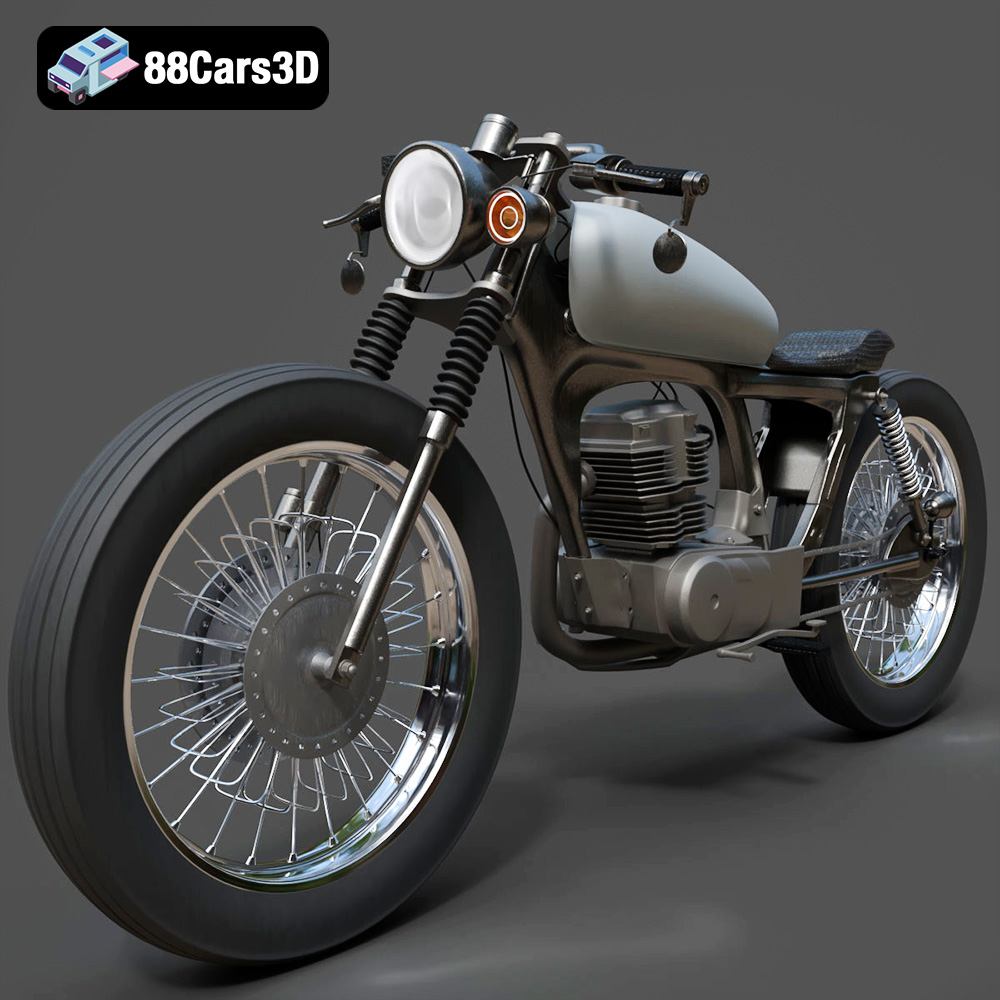
Texture: Yes
Material: Yes
Download the Honda CG125 Motorcycle 3D Model featuring clean geometry, realistic detailing, and a fully modeled interior. Includes .blend, .fbx, .obj, .glb, .stl, .ply, .unreal, and .max formats for rendering, simulation, and game development.
Price: $19.99
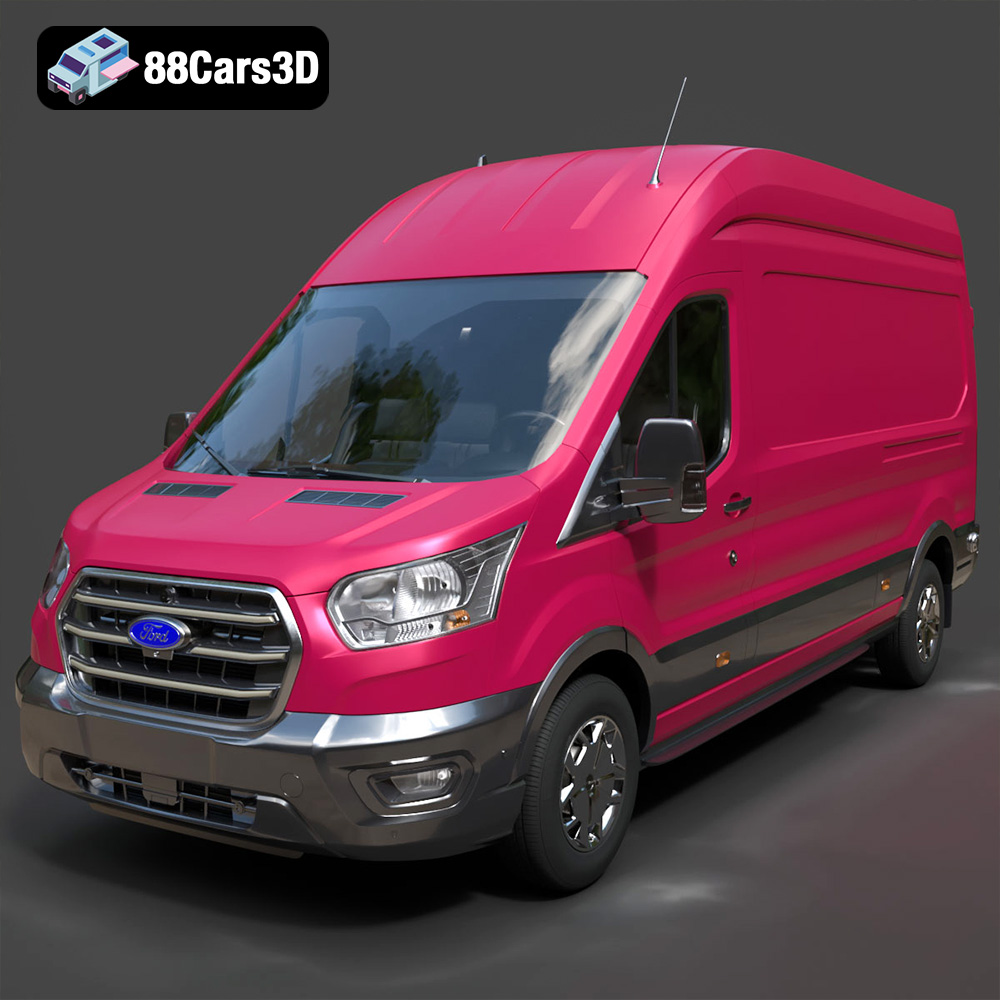
Texture: Yes
Material: Yes
Download the Ford Transit Van L3H3 Trend 2021 3D Model featuring clean geometry, realistic detailing, and a fully modeled interior. Includes .blend, .fbx, .obj, .glb, .stl, .ply, .unreal, and .max formats for rendering, simulation, and game development.
Price: $19.99

Texture: Yes
Material: Yes
Download the Ferrari SF90 Stradale 3D Model featuring clean geometry, realistic detailing, and a fully modeled interior. Includes .blend, .fbx, .obj, .glb, .stl, .ply, .unreal, and .max formats for rendering, simulation, and game development.
Price: $19.99

Texture: Yes
Material: Yes
Download the Harley Davidson F 1946 3D Model featuring clean geometry, realistic detailing, and a fully modeled interior. Includes .blend, .fbx, .obj, .glb, .stl, .ply, .unreal, and .max formats for rendering, simulation, and game development.
Price: $19.99

Texture: Yes
Material: Yes
Download the Land Rover Defender Works V8 3D Model featuring clean geometry, realistic detailing, and a fully modeled interior. Includes .blend, .fbx, .obj, .glb, .stl, .ply, .unreal, and .max formats for rendering, simulation, and game development.
Price: $19.99

Texture: Yes
Material: Yes
Download the Dodge RAM 2019 3D Model featuring clean geometry, realistic detailing, and a fully modeled interior. Includes .blend, .fbx, .obj, .glb, .stl, .ply, .unreal, and .max formats for rendering, simulation, and game development.
Price: $19.99

Texture: Yes | Material: Yes Download the ultra-high-detail Ford F-150 Raptor 2021 3D Model (8.73M Triangles). Features uncompromised widebody styling, fully modeled Fox Live Valve suspension, 37-inch tires, and interior. Perfect for premium VFX, cinematic rendering, and ArchViz. Includes .blend, .fbx, .obj, .glb, .stl, and .max formats.
Price: $29.99

Texture: Yes | Material: Yes Download the ultra-high-detail BMW 3 Series Limousine (2022) 3D Model (4.16M Triangles). Features the modernized G20 LCI exterior, the all-new BMW Curved Display interior, and ultra-dense topology. Perfect for ArchViz, VFX, and cinematic rendering. Includes .blend, .fbx, .obj, .glb, .stl, and .max formats.
Price: $19.99

Texture: Yes | Material: Yes Download the ultra-high-detail BMW i7 (2023) 3D Model (4.14M Triangles). Features the illuminated kidney grille, split crystal headlights, fully modeled Theatre Screen interior, and monolithic luxury styling. Perfect for ArchViz, VFX, and cinematic rendering. Includes .blend, .fbx, .obj, .glb, .stl, and .max formats.
Price: $19.99

Texture: Yes | Material: Yes Download the highly detailed CAT Manual Loader & Warehouse Carts Kit 3D Model (2.4M Triangles). Features a macro-detailed hydraulic pallet jack, heavy-duty forks, and transport carts. Perfect for industrial ArchViz, factory rendering, and logistics simulations. Includes .blend, .fbx, .obj, .glb, .stl, and .max formats.
Price: $19.99

