Get 50% OFF All Premium 3D & STL Models!

“`html
Embarking on a 3D printing project, especially when it involves detailed car models from platforms like 88cars3d.com, requires careful consideration of your printer’s capabilities. Two of the most important factors influencing the outcome of your print are the nozzle size and the build plate (bed) dimensions. Selecting the appropriate nozzle and bed size isn’t just about fitting the model; it’s about optimizing print quality, speed, and overall success. This comprehensive guide will walk you through the nuances of nozzle and bed size selection, providing you with the knowledge to make informed decisions and achieve stunning results with your 3D printed automotive masterpieces. We’ll cover everything from the technical specifications to practical examples, ensuring you’re equipped to tackle any 3D printing challenge. This article is designed for both beginners and experienced 3D printing enthusiasts looking to fine-tune their printing process.
The nozzle size is a critical parameter determining the resolution and speed of your 3D prints. It dictates the width of the plastic filament extruded during the printing process. Common nozzle sizes range from 0.25mm to 1.0mm, with 0.4mm being the most frequently used. However, selecting the right nozzle size depends heavily on the specifics of your model and desired outcome.
Smaller nozzles (e.g., 0.25mm) excel at producing highly detailed prints. They allow for finer layers and sharper edges, which are crucial for capturing the intricate features of car models. For example, printing a detailed scale model of a classic car from 88cars3d.com with intricate grilles and emblems would benefit from a smaller nozzle. However, smaller nozzles necessitate slower print speeds and are more prone to clogging, especially with filaments containing additives like wood or carbon fiber. A good starting point for detailed parts is a layer height between 0.05mm and 0.1mm when using a 0.25mm nozzle. Expect print times to increase substantially.
Larger nozzles (e.g., 0.8mm or 1.0mm) prioritize speed and structural integrity. They deposit wider layers of plastic, resulting in faster print times and stronger parts. While sacrificing some fine detail, larger nozzles are ideal for printing larger components or prototypes where dimensional accuracy and speed are more important than cosmetic appeal. Using a larger nozzle allows for increased layer heights, up to approximately 80% of the nozzle diameter. For example, a 0.8mm nozzle can effectively print layers up to 0.64mm thick. Infill can also be printed with wider lines, decreasing print time. This approach is generally reserved for simple models or functional prototypes.
The bed size, or build volume, dictates the maximum dimensions of objects you can print. Choosing the right bed size is paramount to successfully printing car models, especially larger or multi-part designs. It’s also important to consider the types of materials you’ll be using. Some materials warp more easily, necessitating larger beds and better temperature control.
Before purchasing a 3D printer or downloading a model, carefully measure the dimensions of your desired print. Add a small buffer (e.g., 10-20mm) to account for potential inaccuracies or the need for support structures. If your car model exceeds the bed size, consider splitting it into multiple parts using software like Meshmixer or Blender. Platforms like 88cars3d.com often provide models already optimized for printing on standard bed sizes, but it’s always wise to double-check.
Ensuring proper bed adhesion is critical, especially for large prints. Techniques like using a heated bed (typically around 60°C for PLA and 80-110°C for ABS), applying adhesive solutions (e.g., glue stick, hairspray, or specialized bed adhesion enhancers), and employing a raft or brim can significantly improve adhesion. A raft creates a disposable base layer, while a brim adds a single-layer outline to the base of the model, increasing the surface area in contact with the bed. For large car models, a brim is generally preferred as it uses less filament than a raft and is easier to remove.
Slicing software, such as Cura or PrusaSlicer, translates your 3D model into instructions for the printer. Optimizing slicing parameters based on your nozzle and bed size is crucial for achieving optimal print quality and efficiency. The parameters discussed below are essential for achieving optimal print quality and efficiency for car models from platforms like 88cars3d.com.
Layer height directly impacts print resolution and time. Smaller layer heights (e.g., 0.1mm) yield finer details but increase print time. A general rule of thumb is to keep the layer height between 25% and 75% of the nozzle diameter. Print speed should be adjusted accordingly. Slower speeds (e.g., 30-40 mm/s) are generally recommended for smaller nozzles and intricate details, while faster speeds (e.g., 50-60 mm/s) can be used with larger nozzles and simpler geometries. Consider using adaptive layer height in your slicer. This feature will automatically adjust the layer height based on the model’s geometry, using smaller layer heights for detailed areas and larger layer heights for simpler sections, optimizing both print quality and speed.
Infill density determines the internal strength of your print. Higher infill densities (e.g., 20-30%) provide greater strength but consume more filament and increase print time. Common infill patterns include grid, honeycomb, and gyroid. For car models intended for display, a lower infill density (e.g., 10-15%) may suffice. However, for functional prototypes or models intended for stress testing, a higher infill density is recommended. Gyroid infill offers excellent strength-to-weight ratio and is a good option for parts that need to withstand stress.
The type of filament you choose significantly impacts the nozzle size you should use. Some filaments are more abrasive or require higher temperatures, necessitating specific nozzle materials and sizes. Understanding the properties of different filaments is crucial for successful 3D printing.
PLA (Polylactic Acid) is a beginner-friendly filament that prints at relatively low temperatures (190-220°C) and is compatible with most nozzle sizes. PETG (Polyethylene Terephthalate Glycol) offers improved strength and temperature resistance compared to PLA, but requires slightly higher printing temperatures (220-250°C). ABS (Acrylonitrile Butadiene Styrene) is known for its durability and high-temperature resistance, but it requires a heated bed (80-110°C) and good ventilation to prevent warping and fumes. For PLA and PETG, a 0.4mm nozzle is generally suitable, while ABS may benefit from a slightly larger nozzle (e.g., 0.5mm) to reduce the risk of clogging.
Filaments containing additives like wood, carbon fiber, or metal particles can be abrasive and may require a hardened steel or ruby-tipped nozzle to prevent wear. These filaments also tend to clog more easily, so a larger nozzle (e.g., 0.6mm or 0.8mm) is often recommended. For example, printing a car model with a wood-filled filament to achieve a realistic wood grain effect requires a nozzle that can handle the abrasive nature of the wood particles.
Support structures are essential for printing overhanging features, but they can also impact print quality and require post-processing. Choosing the right support settings and removal techniques is crucial for achieving a clean and polished final product, particularly for intricate car models with complex geometries available on platforms like 88cars3d.com.
Common support types include tree supports and linear supports. Tree supports are more efficient in terms of material usage and easier to remove, but they may not be suitable for all geometries. Linear supports provide more consistent support but consume more material and can be more difficult to remove. Support placement is also critical. Avoid placing supports on critical surfaces or areas that are difficult to access. Consider using support blockers in your slicing software to prevent supports from generating in unwanted areas. The ideal overhang angle for printing without supports is generally around 45 degrees. Anything beyond that will typically require some form of support structure.
Carefully remove supports using pliers, a hobby knife, or specialized support removal tools. For soluble support materials (e.g., PVA for PLA), simply dissolve the supports in water. Be patient and avoid applying excessive force, as this can damage the print. After removing supports, sand or file down any remaining imperfections to achieve a smooth surface. Consider using a heat gun to gently soften the support material before removal, making it easier to detach without damaging the model.
Even with careful planning and optimization, 3D printing can be prone to errors. Recognizing and addressing common printing issues is crucial for achieving successful results. Issues such as warping, stringing, and layer adhesion can all be traced to the choice of nozzle, bed settings, and material properties. By understanding these relationships, you can troubleshoot problems more effectively.
Warping occurs when the corners of the print lift off the bed due to uneven cooling. To prevent warping, ensure your bed is properly leveled and heated, use a bed adhesion solution, and enclose your printer to maintain a consistent temperature. Increasing the brim width can also improve bed adhesion and reduce warping. For materials like ABS that are particularly prone to warping, an enclosure is almost essential.
Stringing occurs when small strands of filament are left behind as the nozzle moves between different parts of the print. To minimize stringing, optimize your retraction settings in your slicing software. Retraction involves pulling the filament back into the nozzle to prevent oozing. Adjust the retraction distance and speed until stringing is minimized. Also, ensure that your filament is dry, as moisture can exacerbate stringing issues.
Post-processing is the final step in transforming a raw 3D print into a polished and professional-looking object. Techniques like sanding, filling, and painting can significantly enhance the appearance of your car models. These techniques can turn a good print into a truly stunning model.
Start by sanding the print with progressively finer grits of sandpaper (e.g., 220, 400, 600 grit) to remove layer lines and imperfections. For larger gaps or imperfections, use a filler primer or spot putty. Apply the filler in thin layers and allow it to dry completely before sanding. Wet sanding can also help to achieve a smoother finish.
Prime the print with a suitable primer to create a smooth and uniform surface for painting. Apply multiple thin coats of paint, allowing each coat to dry completely before applying the next. Use masking tape to create clean lines and details. Consider using airbrushing techniques for a more professional finish. After painting, apply a clear coat to protect the paint and add a glossy or matte finish. Weathering techniques, such as dry brushing or washes, can be used to add realism to your car model.
Key Takeaways:
By carefully considering these factors, you can unlock the full potential of your 3D printer and create stunning car models from platforms like 88cars3d.com. Remember to experiment with different settings and techniques to find what works best for your specific printer, filament, and model.
As a next step, begin experimenting with different nozzle sizes and bed adhesion techniques on smaller, less complex models. Note the results and adjust your settings accordingly. Over time, you will develop a strong understanding of how these factors influence your prints and be able to confidently tackle even the most challenging projects.
“`
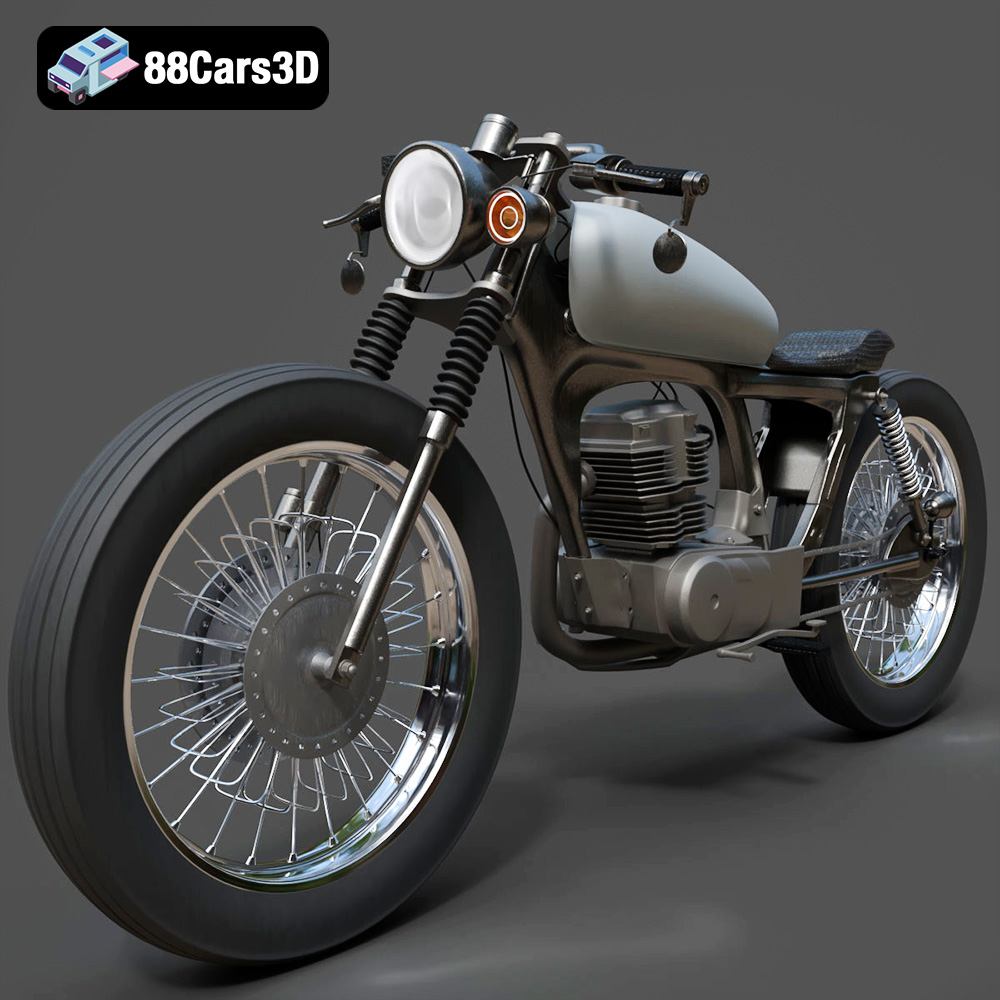
Texture: Yes
Material: Yes
Download the Honda CG125 Motorcycle 3D Model featuring clean geometry, realistic detailing, and a fully modeled interior. Includes .blend, .fbx, .obj, .glb, .stl, .ply, .unreal, and .max formats for rendering, simulation, and game development.
Price: $19.99
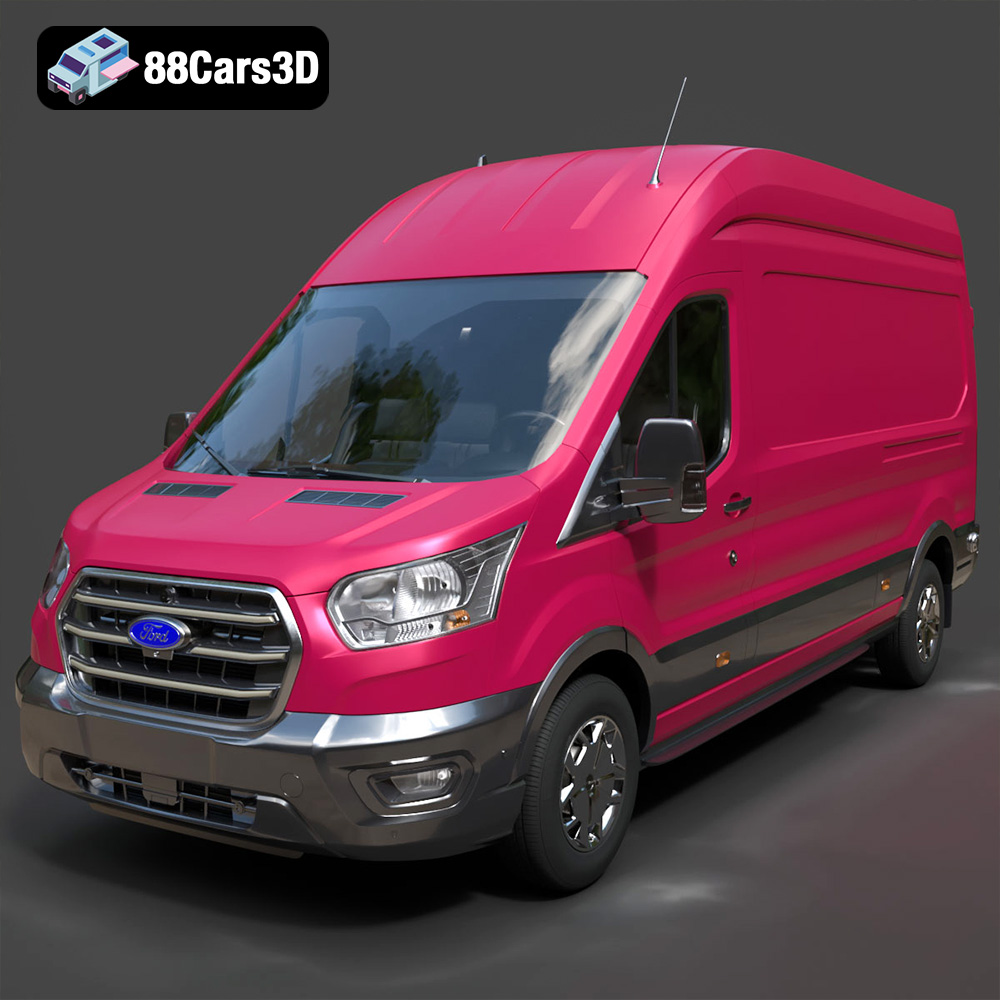
Texture: Yes
Material: Yes
Download the Ford Transit Van L3H3 Trend 2021 3D Model featuring clean geometry, realistic detailing, and a fully modeled interior. Includes .blend, .fbx, .obj, .glb, .stl, .ply, .unreal, and .max formats for rendering, simulation, and game development.
Price: $19.99

Texture: Yes
Material: Yes
Download the Ferrari SF90 Stradale 3D Model featuring clean geometry, realistic detailing, and a fully modeled interior. Includes .blend, .fbx, .obj, .glb, .stl, .ply, .unreal, and .max formats for rendering, simulation, and game development.
Price: $19.99

Texture: Yes
Material: Yes
Download the Harley Davidson F 1946 3D Model featuring clean geometry, realistic detailing, and a fully modeled interior. Includes .blend, .fbx, .obj, .glb, .stl, .ply, .unreal, and .max formats for rendering, simulation, and game development.
Price: $19.99

Texture: Yes
Material: Yes
Download the Land Rover Defender Works V8 3D Model featuring clean geometry, realistic detailing, and a fully modeled interior. Includes .blend, .fbx, .obj, .glb, .stl, .ply, .unreal, and .max formats for rendering, simulation, and game development.
Price: $19.99

Texture: Yes
Material: Yes
Download the Dodge RAM 2019 3D Model featuring clean geometry, realistic detailing, and a fully modeled interior. Includes .blend, .fbx, .obj, .glb, .stl, .ply, .unreal, and .max formats for rendering, simulation, and game development.
Price: $19.99

Texture: Yes | Material: Yes Download the ultra-high-detail Ford F-150 Raptor 2021 3D Model (8.73M Triangles). Features uncompromised widebody styling, fully modeled Fox Live Valve suspension, 37-inch tires, and interior. Perfect for premium VFX, cinematic rendering, and ArchViz. Includes .blend, .fbx, .obj, .glb, .stl, and .max formats.
Price: $29.99

Texture: Yes | Material: Yes Download the ultra-high-detail BMW 3 Series Limousine (2022) 3D Model (4.16M Triangles). Features the modernized G20 LCI exterior, the all-new BMW Curved Display interior, and ultra-dense topology. Perfect for ArchViz, VFX, and cinematic rendering. Includes .blend, .fbx, .obj, .glb, .stl, and .max formats.
Price: $19.99

Texture: Yes | Material: Yes Download the ultra-high-detail BMW i7 (2023) 3D Model (4.14M Triangles). Features the illuminated kidney grille, split crystal headlights, fully modeled Theatre Screen interior, and monolithic luxury styling. Perfect for ArchViz, VFX, and cinematic rendering. Includes .blend, .fbx, .obj, .glb, .stl, and .max formats.
Price: $19.99

Texture: Yes | Material: Yes Download the highly detailed CAT Manual Loader & Warehouse Carts Kit 3D Model (2.4M Triangles). Features a macro-detailed hydraulic pallet jack, heavy-duty forks, and transport carts. Perfect for industrial ArchViz, factory rendering, and logistics simulations. Includes .blend, .fbx, .obj, .glb, .stl, and .max formats.
Price: $19.99

