Get 50% OFF All Premium 3D & STL Models!

In the dynamic world of 3D content creation, high-quality automotive models are indispensable. Whether you’re crafting a stunning visualization for a luxury car brand, developing an immersive open-world racing game, or even creating a tangible scale model through 3D printing, the foundation of your project lies in the fidelity and versatility of your 3D assets. A well-crafted 3D car model isn’t just a visual representation; it’s a meticulously engineered digital object designed to perform across a myriad of applications.
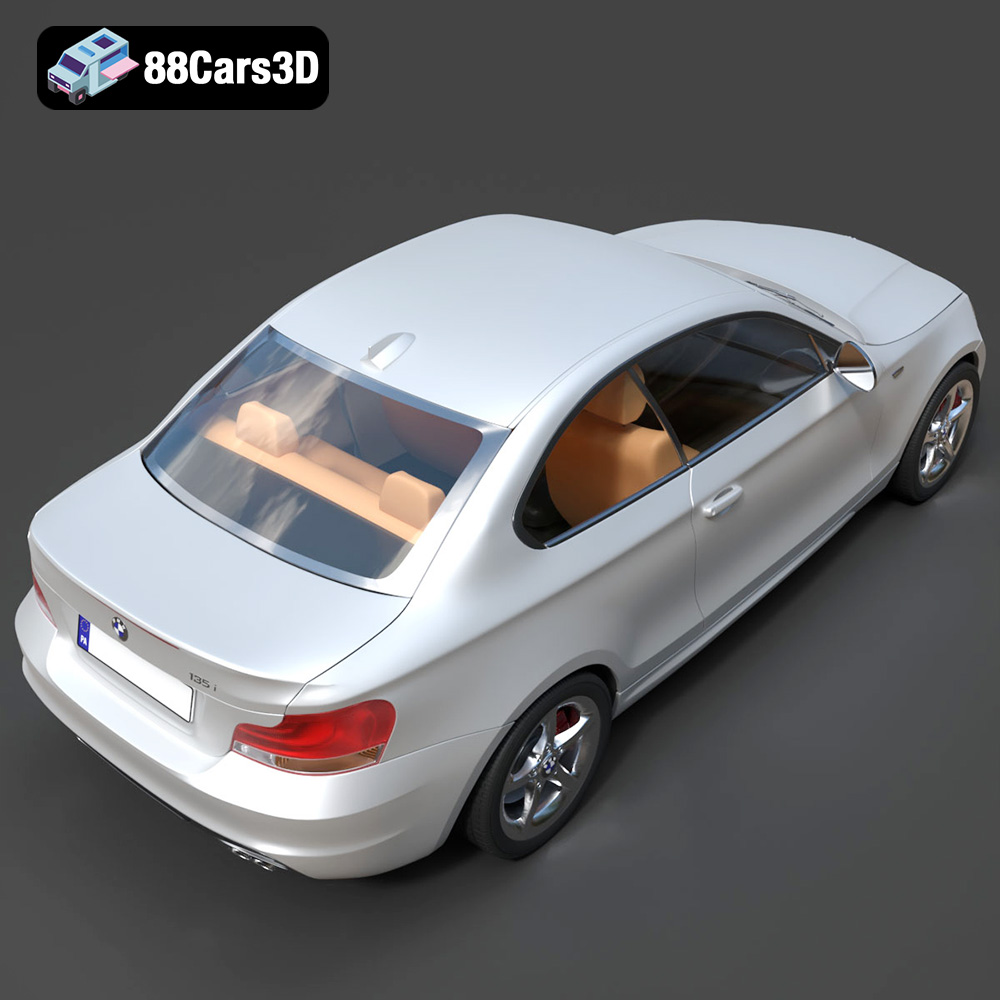
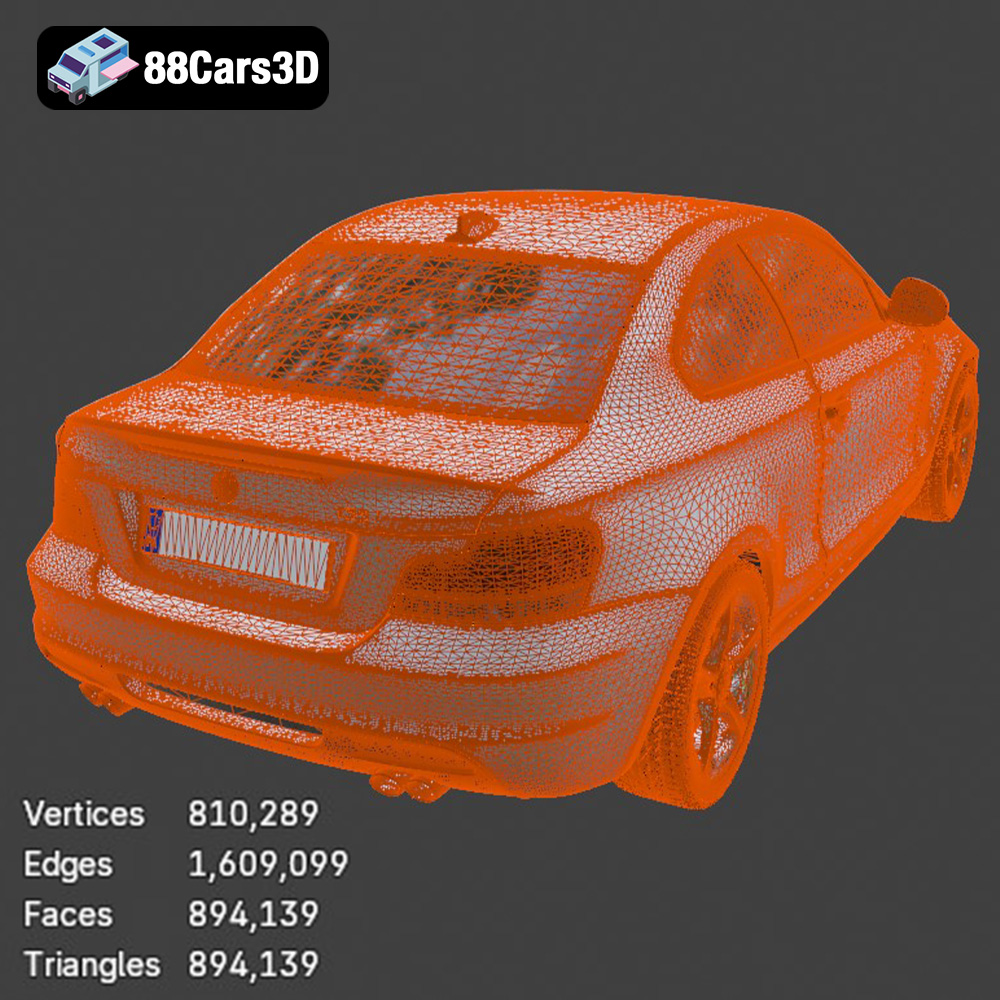
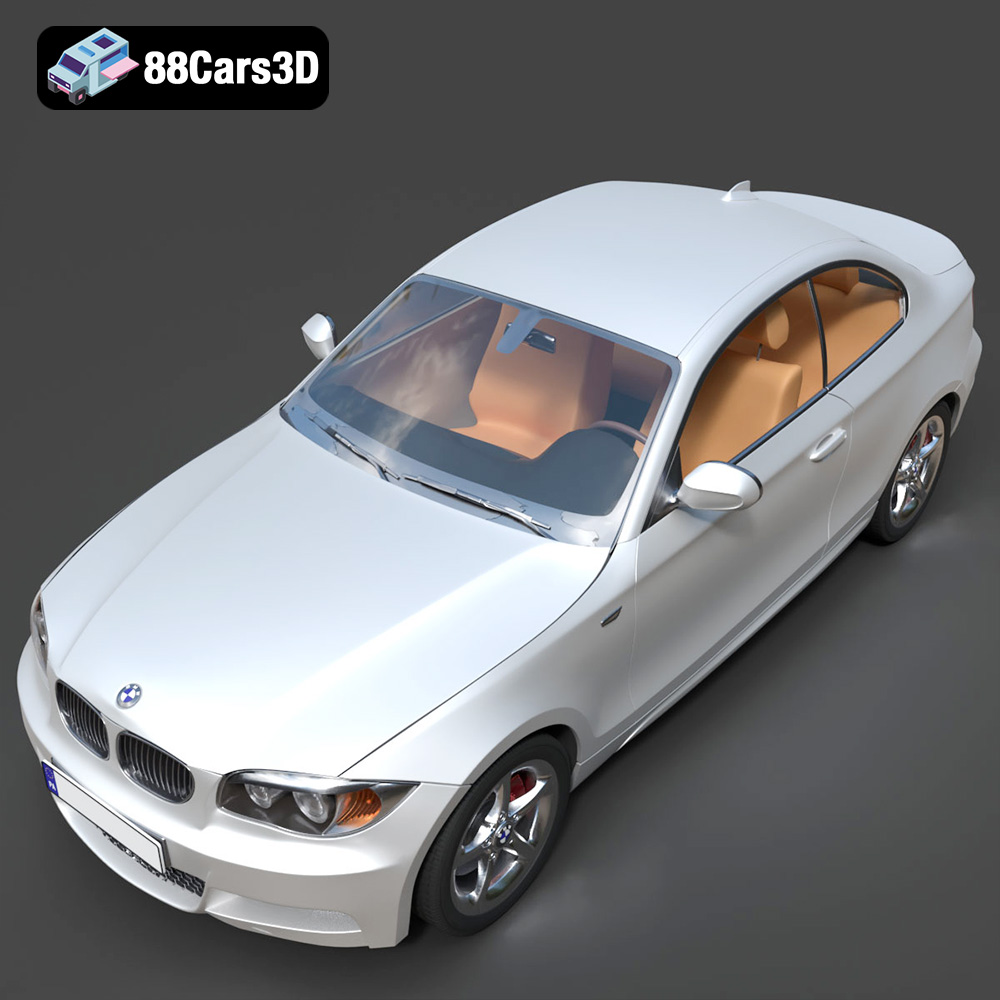
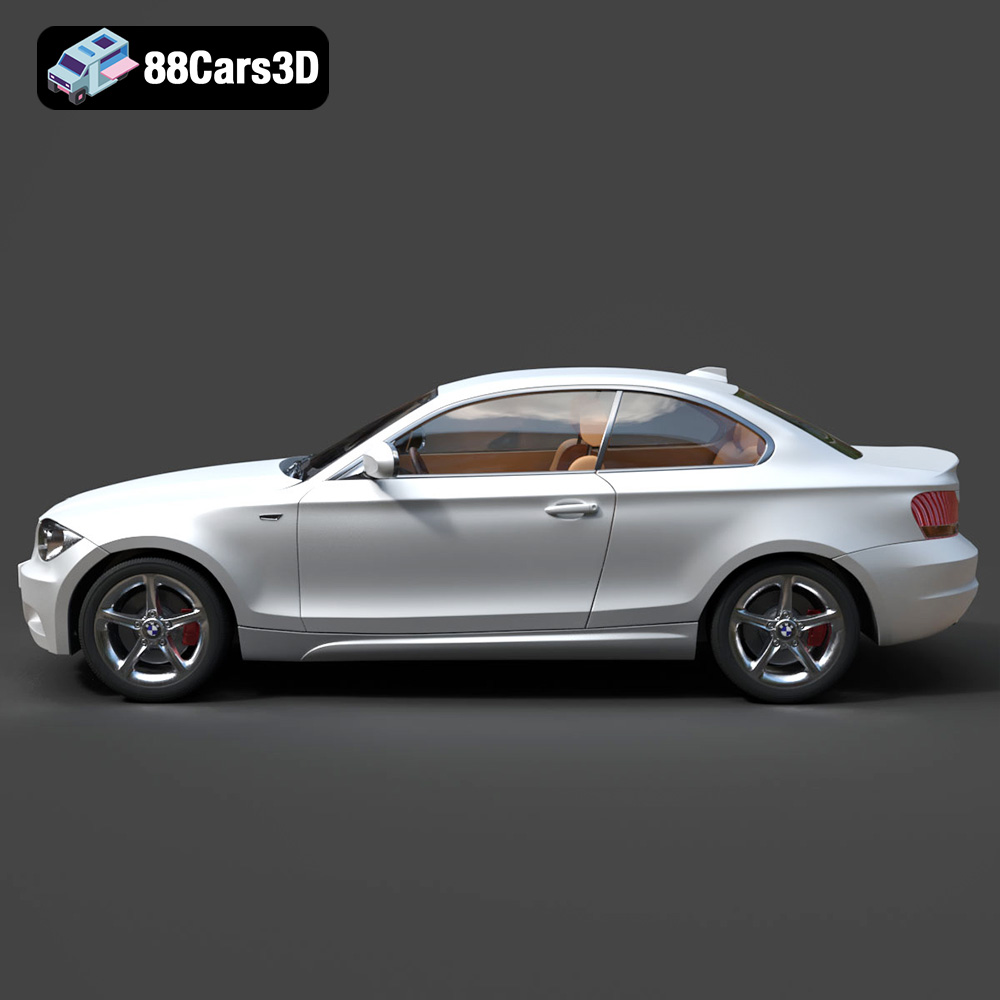
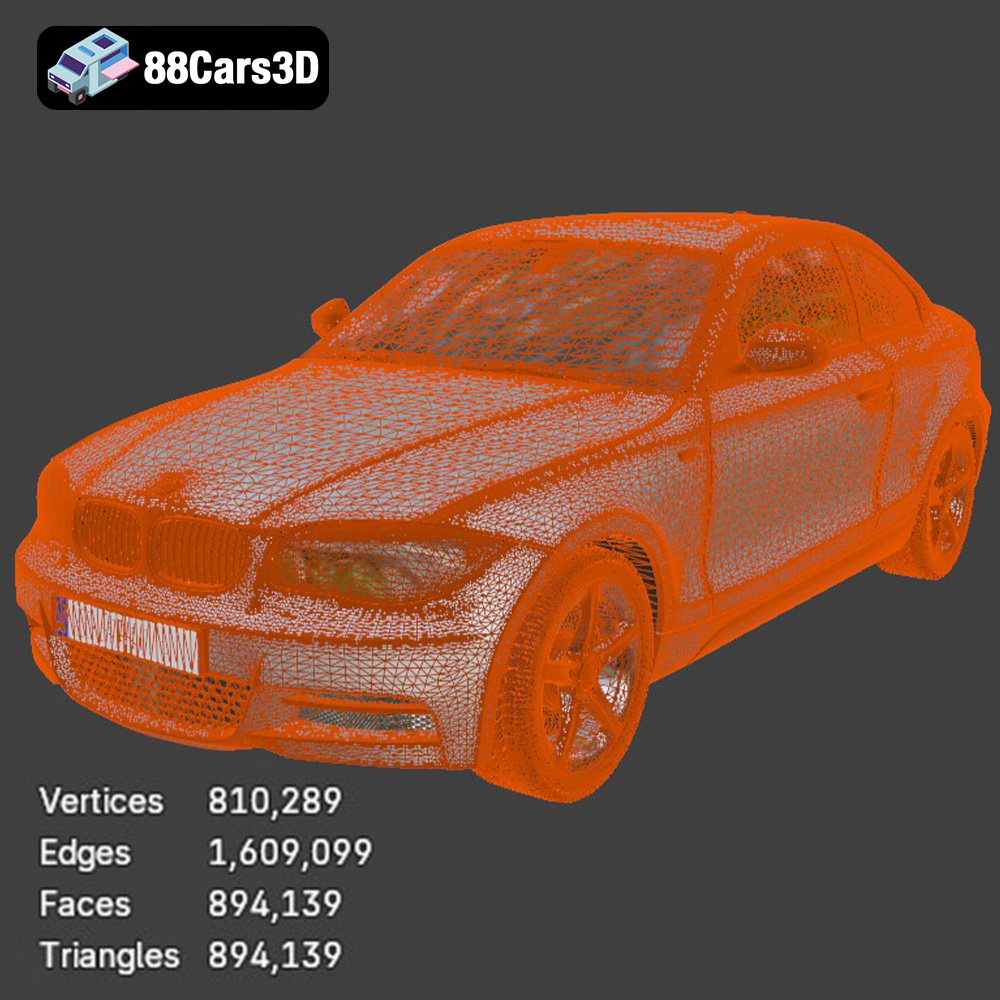
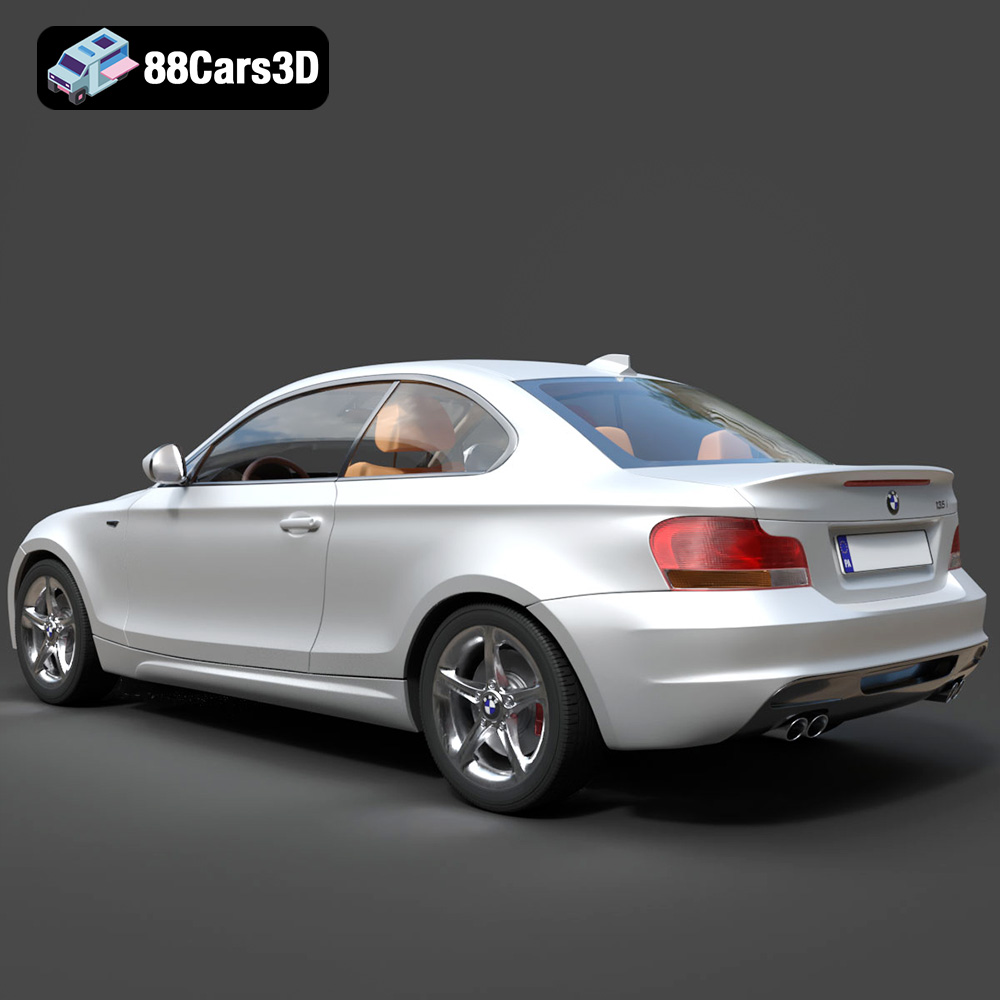
Today, we’re diving deep into the technical intricacies and creative possibilities offered by professional-grade 3D car models, using a prime example: the BMW 1 Series Coupe 2009 3D Model. This asset, available on marketplaces like 88cars3d.com, encapsulates the essence of what makes a 3D model truly valuable. It’s a high-detail digital recreation of the compact premium sports coupe, known for its balanced chassis, rear-wheel-drive dynamics, and distinctive BMW styling. With clean topology, real-world scale accuracy, and a comprehensive set of features from its signature kidney grille to its detailed interior, it stands as a testament to the blend of artistry and technical precision required in modern 3D production.
The journey of a 3D model, from its creation to its final application, often involves traversing various software environments and pipelines. This is where understanding file formats becomes paramount. A versatile model, like the BMW 1 Series Coupe 2009 3D Model, typically offers a range of formats, each optimized for different stages and purposes in your workflow. Choosing the right format can significantly impact compatibility, performance, and the integrity of your project data. Let’s explore the common formats and their best use cases:
The .blend file is Blender’s native format, acting as a complete scene container. It stores everything: mesh data, materials, textures, lighting, cameras, animations, rigging, modifiers, and even custom scripts. When you download a .blend file, you’re getting the original working project, fully editable and ready for in-depth customization within Blender. This format is ideal for artists who primarily work in Blender, offering the most flexibility for modifications, re-texturing, or integrating the model into complex Blender scenes with minimal hassle. For the BMW 1 Series Coupe 2009 3D Model, the .blend file allows direct access to all its construction elements.
FBX (Filmbox) is a proprietary file format developed by Autodesk, serving as a widely adopted exchange format across 3D applications, especially in game development and animation. It excels at transferring geometry, materials, textures, animation, and rigging data between different software packages like 3ds Max, Maya, Blender, Unity, and Unreal Engine. Its robust support for skeletal animations makes it an ideal choice for characters and, in the case of 3D car models, for transferring wheel rotations or steering animations seamlessly into real-time pipelines. For game developers, an .fbx version of the BMW 1 Series Coupe 2009 3D Model is often the go-to for its balanced data retention and engine compatibility.
OBJ (or Wavefront OBJ) is one of the oldest and most universally supported 3D file formats. It’s a simple, text-based format primarily used for transferring 3D geometry data, including vertices, normals, UV coordinates, and polygons. While it doesn’t typically store animation or rigging data within the file itself (materials are often referenced by an accompanying .mtl file), its wide compatibility makes it a safe bet for static mesh transfers between almost any 3D software. If you need a clean mesh of the BMW 1 Series Coupe 2009 for straightforward rendering or as a base for further modeling in a less common software, .obj is an excellent choice.
GLB is the binary version of glTF (GL Transmission Format), a relatively new open standard designed for the efficient transmission and loading of 3D scenes and models by engines and applications. It’s particularly optimized for web-based 3D, augmented reality (AR), and virtual reality (VR) environments due to its compact size and ability to embed all necessary assets (geometry, textures, animations) into a single file. For interactive showrooms or web configurators featuring the BMW 1 Series Coupe 2009 3D Model, the .glb format offers a streamlined, performant solution.
STL (STereoLithography) is the most common file format used for 3D printing. It represents a 3D model as a series of connected triangles (a triangulated surface mesh), defining only the surface geometry without any color, texture, or material information. The key characteristic of an STL file for 3D printing is that its mesh must be “manifold,” meaning it has no holes, self-intersections, or inverted normals, ensuring a watertight model that can be reliably fabricated. The BMW 1 Series Coupe 2009 3D Model’s availability in .stl format means it’s directly convertible for creating collectible scale coupe models or display miniatures, as detailed in its product description.
PLY (Polygon File Format or Stanford Triangle Format) is another format for storing 3D data, often used for data obtained from 3D scanners, CAD systems, or for scientific and engineering applications. It can store a wider range of properties than .obj or .stl, including color, transparency, texture coordinates, and even material properties per vertex or face. While not as universally supported as .obj, it’s a robust format for precise mesh representation and analysis, making it valuable for specific prototyping or reverse engineering workflows for an automotive model.
The “.unreal” format isn’t a standalone file type but rather indicates an asset specifically prepared and optimized for direct import or even pre-packaged as an asset bundle for the Unreal Engine. This often means PBR (Physically Based Rendering) materials are set up, LODs (Levels of Detail) are configured, collision meshes are generated, and UV maps are properly laid out for light baking and texture mapping. For developers building realistic racing simulations or cinematic sequences within Unreal, an “Unreal-ready” version of the BMW 1 Series Coupe 2009 3D Model significantly reduces setup time and ensures optimal performance and visual fidelity straight out of the box.
Similar to .blend for Blender, .max is the native file format for Autodesk 3ds Max. It contains the complete scene data, including all geometry, textures, materials (like V-Ray or Corona setups), lighting, cameras, animations, and render settings. For professionals operating within the 3ds Max ecosystem, the .max file provides full access to the original project, allowing for intricate adjustments, detailed rendering configurations, and leveraging 3ds Max’s powerful modeling and animation tools. This is particularly useful for high-end automotive rendering where precise control over every aspect of the scene is critical.
Automotive rendering is an intricate discipline, blending technical prowess with an artist’s eye to create photorealistic images and animations. A high-quality 3D car model, such as the BMW 1 Series Coupe 2009 3D Model from 88cars3d.com, serves as the perfect canvas for this art. Achieving breathtaking realism involves meticulous attention to materials, lighting, and environmental setup, often within professional software like 3ds Max or Blender.
The authenticity of a 3D car model largely hinges on its materials. Automotive paint, with its metallic flakes and clear coat reflections, requires sophisticated shader networks. Glass needs accurate refractive and reflective properties. Tires demand detailed normal maps for tread patterns and subtle roughness variations. Interior elements, from leather seats to dashboard plastics, each contribute to the overall tactile feel. The BMW 1 Series Coupe 2009 3D Model is designed with optimized geometry for both real-time engines and high-quality renders, implying that its material zones are logically separated, making it straightforward to apply PBR (Physically Based Rendering) textures. This includes base color, metallic, roughness, normal, and even ambient occlusion maps to capture every nuance of the car’s surface.
Lighting is the sculptor of form and mood. For automotive rendering, various lighting setups are employed to showcase a vehicle’s design. Studio lighting, often using large softboxes and area lights, highlights body lines and reflections in a controlled environment. HDRI (High Dynamic Range Image) lighting offers realistic outdoor environments, instantly immersing the car in a natural setting with accurate reflections and illumination. Volumetric lighting can add atmospheric depth, such as god rays or fog, enhancing the drama. The separate wheels and steering components of the BMW model allow for dynamic scene creation, where lighting interacts with moving parts, capturing realistic motion blur and highlights for compelling animations.
Even the most perfect render benefits from post-production. This stage, typically done in software like Photoshop or After Effects, involves color grading to set the mood, adding subtle lens flares or depth of field for photographic realism, and refining reflections or highlights. Noise reduction, chromatic aberration, and vignetting can further enhance the cinematic quality. For car commercials or promotional materials, post-production is where the “final polish” is applied, transforming a raw render into a truly captivating visual experience that highlights the design and allure of the BMW 1 Series Coupe 2009 3D Model.
For game developers, 3D car models are more than just static objects; they are interactive elements that drive gameplay and player engagement. Integrating a model like the BMW 1 Series Coupe 2009 into a game engine like Unreal or Unity demands a different set of optimizations and considerations compared to purely cinematic rendering. Performance, scalability, and interactivity are key.
Real-time performance is paramount in game development. While a high-poly model provides incredible detail for renders, it can cripple frame rates in a game. This necessitates techniques like polygon optimization, ensuring a clean and well-organized mesh structure without unnecessary vertices or edges. Crucially, the use of LODs (Levels of Detail) allows the game engine to switch to simpler versions of the model when it’s further away from the camera, dynamically balancing visual fidelity with performance. Proper UV mapping is also critical for efficient texture baking and consistent material application across varying distances. The BMW 1 Series Coupe 2009 3D Model is built with optimized polygon flow, making it game-ready.
Unreal Engine, a powerhouse for real-time graphics, offers a robust pipeline for importing and configuring 3D assets. After importing an .fbx or even an Unreal-specific asset, developers can set up PBR materials, ensuring realistic interactions with light. Collision meshes are essential for accurate physics and player interaction, preventing the car from passing through environmental objects. The BMW 1 Series Coupe 2009 3D Model‘s proper pivot setup for steering and wheel rotation simplifies animation integration, allowing for immediate setup of drivable vehicles with realistic handling. Blueprint scripting can then be used to define driving mechanics, engine sounds, and other interactive elements, bringing the car to life within the game world.
A car doesn’t exist in a vacuum. It interacts with its environment, which requires careful planning. For open-world driving games or racing simulations, assets like the BMW 1 Series Coupe 2009 3D Model are placed within richly detailed urban scenes or sprawling landscapes. This involves integrating the car with dynamic weather systems, road networks, traffic AI, and interactive props. Optimizing the entire environment, including streaming assets and managing draw calls, ensures a smooth and immersive player experience. High-quality 3D car models are fundamental building blocks for creating compelling and believable digital worlds.
The utility of a 3D model extends far beyond digital screens. With the advent of accessible 3D printing technology, a virtual asset can become a tangible object. The BMW 1 Series Coupe 2009 3D Model provides a perfect example of this dual utility, offering an .stl format specifically tailored for physical output. This opens up avenues for collectors, designers, and hobbyists alike.
The transformation from a digital 3D model to a physical object hinges on the .stl file format. This format, as discussed earlier, represents the model’s surface as a collection of triangles, ready for a 3D printer to interpret and build layer by layer. For complex automotive designs like the BMW 1 Series Coupe 2009, ensuring the digital mesh is “manifold” (watertight) is crucial. Any holes or non-manifold geometry in the .stl file can lead to printing errors. Professional 3D models are typically prepared to ensure this integrity, making them reliable for printing straight away. The ability to convert the model to .stl allows for collectible scale coupe models and display miniatures, offering a unique blend of digital and physical ownership.
Achieving a high-quality 3D print of an automotive model requires careful consideration of print settings. The recommended scales (1:32, 1:24, 1:18, 1:12) suggest a balance between detail retention and manageable print size. Layer height is critical for surface smoothness; finer layers (0.08–0.16 mm) will result in a smoother finish, crucial for a car’s glossy bodywork. Wall thickness (1.2–2.0 mm) ensures structural integrity. Infill (15–25%) provides internal support without excessive material usage. Supports are almost always required for complex overhangs like side mirrors, bumper elements, and underbody details, preventing sagging during printing. Print orientation, often angled for the main body and separate for wheels, minimizes visible layer lines and optimizes surface quality.
Once printed, the physical model undergoes post-processing to achieve a professional finish. This typically involves removing supports, sanding to smooth out layer lines and imperfections, and applying a primer. The primer not only prepares the surface for paint but also helps reveal any remaining imperfections. For an automotive model, a gloss automotive paint finish is often desired to replicate the vehicle’s original sheen. Further detailing can include painting trim accents, adding custom decals, or even integrating tiny transparent elements for lights. This meticulous post-processing transforms a raw 3D print into a display-worthy replica, showcasing the precision of the initial BMW 1 Series Coupe 2009 3D Model.
The true value of a versatile 3D asset lies in its diverse applications across various industries. The BMW 1 Series Coupe 2009 3D Model, with its detailed exterior, integrated interior, and optimized geometry, exemplifies this versatility. Let’s consider a few real-world scenarios where such a model becomes an invaluable tool for professionals.
Imagine an automotive manufacturer launching a retro campaign for their new 1 Series, wanting to evoke nostalgia by featuring classic models. A high-quality 3D model of the 2009 Coupe would be perfect for this. Marketing agencies could use it to create stunning photorealistic renders for print advertisements, generate dynamic animations for TV commercials, or even develop interactive configurators for online campaigns. The model’s accurate proportions and detailed features, from the signature kidney grille to the alloy wheel detailing, ensure brand consistency and visual appeal. The ability to customize body color and configure lighting allows for endless creative possibilities, showcasing the car in various scenarios without the need for expensive photoshoots of a physical vehicle.
Dealerships and automotive enthusiasts are increasingly leveraging AR and VR technologies to provide immersive experiences. An interactive virtual showroom could feature the BMW 1 Series Coupe 2009 3D Model, allowing potential customers to explore the car in a 360-degree environment. Users could walk around it, open doors to view the detailed interior (dashboard, multifunction steering wheel, sport seats), change its color in real-time, and even place it in their driveway using AR on their smartphone. The model’s optimized geometry and inclusion of formats like .glb make it ideal for such real-time, interactive applications, providing a rich, engaging experience that transcends traditional static imagery.
Consider an independent game studio developing a city driving simulation or a niche racing title. Acquiring pre-made, high-quality 3D car models significantly accelerates development, reducing the need for extensive in-house modeling. The BMW 1 Series Coupe 2009 3D Model, with its game-ready optimizations and proper pivot setup for steering and wheel rotation, would be a plug-and-play asset. Developers could quickly integrate it into their game engine (like Unreal), apply custom performance characteristics, and populate their virtual streets with a recognizable and detailed vehicle. This not only saves time and resources but also ensures a higher level of visual fidelity for the final product, directly contributing to player immersion.
The journey through the world of 3D car models reveals a multifaceted discipline where technical precision meets artistic vision. From the crucial selection of file formats that dictate a model’s utility across software to the intricate processes of rendering photorealistic visuals, optimizing for real-time game engines, and even transitioning to physical 3D prints, every step demands expertise.
The BMW 1 Series Coupe 2009 3D Model stands as an excellent example of a versatile, high-quality asset that empowers creators across these diverse applications. Its detailed design, clean topology, and multi-format compatibility make it an invaluable resource for automotive rendering, game development, AR/VR experiences, and even collectible 3D prints. Whether you are an architectural visualizer, a game developer, or a passionate hobbyist, investing in such meticulously crafted 3D car models provides a robust foundation for your projects. Explore the extensive range of premium game assets and automotive designs available at 88cars3d.com to elevate your creative ventures and bring your visions to life with unparalleled realism and efficiency.
The BMW 1 Series Coupe 2009 3D Model is a high-detail digital recreation of the compact premium sports coupe known for its balanced chassis, rear-wheel-drive dynamics, and distinctive BMW styling. The 2009 1 Series Coupe blends everyday practicality with sporty performance, making it a popular choice among driving enthusiasts. This 3D model accurately represents the signature kidney grille, dual headlight design, sculpted hood lines, compact coupe proportions, sporty side profile, rear trunk layout, and alloy wheel detailing. Built with clean topology and real-world scale accuracy, it is ideal for rendering, animation, automotive visualization, game development, and AR/VR experiences. Perfect for urban driving scenes, car commercials, open-world simulations, cinematic projects, and automotive showcases.
$9.99
.1series
.arvr
.automotive
.blend
.bmw
.bmw2009
.car3dmodel
.compactcoupe
.fbx
.gameasset
.glb
.max
.obj
.ply
.rendering
.simulation
.sportcoupe
.stl
.unreal