Get 50% OFF All Premium 3D & STL Models!

“`html
3D printing has revolutionized the automotive world, from prototyping components to creating intricate scale models. At the heart of this revolution lies material science. The success of your 3D printed automotive project, whether it’s a high-performance part or a detailed replica from platforms like 88cars3d.com, hinges on selecting the correct resin or filament. This guide dives deep into the world of 3D printing materials, exploring the properties, applications, and best practices for achieving exceptional results in your automotive 3D printing endeavors.
We’ll explore the common types of resins and filaments, compare their strengths and weaknesses, and provide actionable advice on choosing the ideal material for your specific needs. From understanding the nuances of STL files and slicing parameters to mastering post-processing techniques, this guide is your comprehensive resource for automotive 3D printing material selection and optimization.
Before diving into specific materials, it’s crucial to define the requirements of your 3D printed automotive component or model. Are you creating a functional part that needs to withstand heat and stress, or a purely aesthetic model for display? Understanding these requirements will guide your material selection process.
Fused Deposition Modeling (FDM) remains a popular 3D printing method due to its versatility and relatively low cost. A wide range of filaments are available, each with its own unique properties and applications within the automotive realm.
PLA is a biodegradable thermoplastic derived from renewable resources. It’s known for its ease of printing, low warping, and smooth surface finish. While PLA is a great option for prototyping and creating aesthetically pleasing models, it’s less suitable for functional automotive parts due to its lower temperature resistance and strength compared to other filaments.
ABS is a more robust filament known for its higher temperature resistance, impact strength, and durability. It’s commonly used in automotive applications for parts that need to withstand higher temperatures and stresses, such as dashboards, housings, and some exterior components. However, ABS is more prone to warping and requires a heated bed and enclosure for optimal printing.
PETG combines the ease of printing of PLA with the strength and temperature resistance of ABS. It’s a versatile filament with good layer adhesion, chemical resistance, and a glossy finish. PETG is a great all-around choice for automotive applications where a balance of properties is required.
Beyond the common filaments, a range of specialty materials offer unique properties for specific automotive applications. These include carbon fiber-reinforced filaments for increased strength and stiffness, nylon filaments for high wear resistance, and flexible filaments for seals and gaskets.
Resin printing, particularly Stereolithography (SLA) and Digital Light Processing (DLP), offers exceptional detail and precision, making it ideal for creating intricate automotive models and prototypes with fine features.
Standard resins are a good starting point for resin printing. They offer a balance of strength, detail, and affordability. They are well-suited for creating aesthetically pleasing models and prototypes that don’t require extreme mechanical properties. However, standard resins typically have lower temperature resistance and may be brittle.
Tough resins are engineered to withstand higher stresses and impacts. They offer improved strength, elongation, and impact resistance compared to standard resins. These resins are suitable for creating functional prototypes and parts that need to withstand some level of mechanical stress.
High-temperature resins are specifically formulated to withstand high temperatures without deforming or losing their mechanical properties. These resins are essential for creating parts that will be exposed to heat, such as engine components or exhaust system prototypes.
Flexible resins offer elasticity and flexibility, allowing you to create parts that can bend and deform without breaking. These resins are ideal for creating seals, gaskets, and other components that require flexibility and resilience.
Regardless of the chosen material, proper preparation of your STL files and meticulous slicing are crucial for achieving high-quality automotive 3D prints. This involves ensuring the model is watertight, correctly oriented, and properly supported.
Before slicing, it’s essential to inspect your STL file for errors such as non-manifold edges, holes, and flipped normals. Software like Meshmixer, Netfabb, and Blender can be used to repair these issues and optimize the mesh for 3D printing. Ensuring a clean and watertight mesh is paramount for successful printing.
The orientation of your model on the build plate significantly impacts print quality, support requirements, and print time. Orient the model to minimize overhangs and maximize bed adhesion. Use slicing software like Cura or PrusaSlicer to generate appropriate support structures. Consider using dissolvable support materials for complex geometries.
Slicing parameters such as layer height, infill density, print speed, and temperature play a crucial role in determining the final print quality, strength, and appearance. Experiment with different settings to optimize your prints for the chosen material and printer. Lower layer heights generally result in smoother surfaces, while higher infill densities increase strength.
Post-processing is an essential step in achieving a professional finish on your automotive 3D prints. This can involve removing support structures, sanding, painting, and assembling multiple parts.
Carefully remove support structures using tools like pliers, cutters, or specialized support removal tools. Sand the surface of the print to remove any remaining support marks and smooth out imperfections. Start with coarse sandpaper and gradually move to finer grits for a smooth finish.
Apply a primer to the print to create a smooth and uniform surface for painting. Choose a primer that is compatible with the chosen material. Once the primer is dry, sand it lightly before applying paint. Use multiple thin coats of paint for a smooth and even finish. Consider using automotive-grade paints for durability and UV resistance.
For multi-part prints, carefully assemble the components using adhesives, screws, or other joining methods. Add any finishing touches, such as decals, chrome accents, or clear coats, to enhance the appearance of the model.
3D printing can be a complex process, and it’s common to encounter issues such as warping, poor layer adhesion, and clogged nozzles. Understanding the causes of these issues and knowing how to troubleshoot them is essential for achieving successful prints.
Warping occurs when the corners or edges of the print lift off the build plate. This is often caused by temperature differences between the print and the surrounding environment. To prevent warping, ensure the bed is properly leveled and heated, use a bed adhesion aid such as glue stick or hairspray, and consider using an enclosure to maintain a consistent temperature.
Poor layer adhesion, also known as delamination, occurs when the layers of the print do not bond together properly. This can be caused by insufficient nozzle temperature, incorrect layer height, or inadequate cooling. To improve layer adhesion, increase the nozzle temperature, reduce the layer height, and adjust the cooling settings.
Clogged nozzles can prevent the filament or resin from extruding properly, resulting in incomplete prints or poor surface quality. To prevent clogged nozzles, use high-quality filaments or resins, clean the nozzle regularly, and avoid printing at excessively low temperatures. If a nozzle becomes clogged, try using a cleaning filament or acupuncture needle to clear the blockage.
Selecting the right resin or filament is paramount for successful automotive 3D printing. Whether you’re crafting intricate scale models or functional prototypes, understanding the properties and limitations of each material is essential. By carefully considering your project requirements, optimizing your STL files and slicing parameters, and mastering post-processing techniques, you can unlock the full potential of 3D printing for automotive applications. Platforms like 88cars3d.com offer a fantastic starting point with a wide selection of printable car models in STL format. So, experiment with different materials, refine your workflow, and bring your automotive visions to life.
From PLA’s ease of use for initial mockups to the ruggedness of ABS for functional parts, the world of 3D printing materials offers a solution for nearly every automotive need. As you gain experience, explore specialty filaments and advanced resins to push the boundaries of what’s possible. Remember to always prioritize safety, follow manufacturer recommendations, and continuously learn and adapt your techniques. Happy printing!
“`
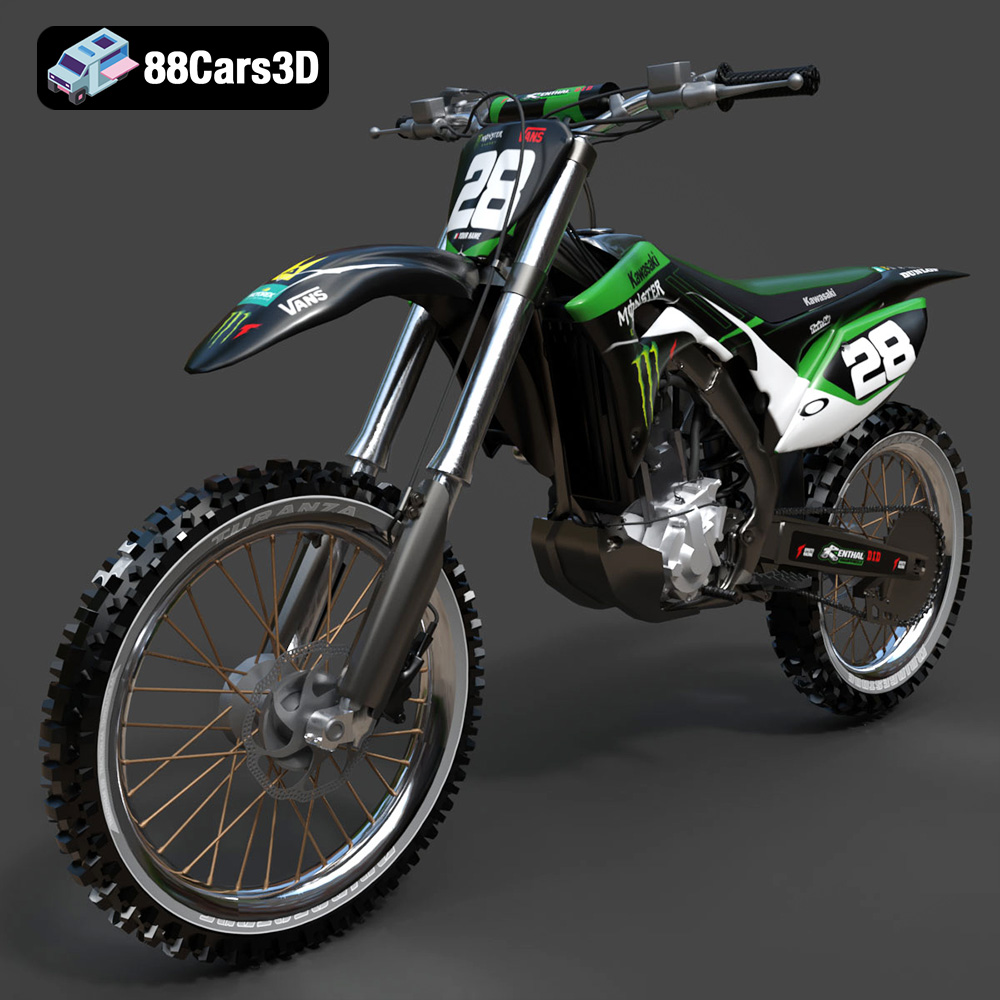
Texture: Yes
Material: Yes
Download the Kawasaki Motorcycle-001 3D Model featuring clean geometry, realistic detailing, and a fully modeled interior. Includes .blend, .fbx, .obj, .glb, .stl, .ply, .unreal, and .max formats for rendering, simulation, and game development.
Price: $19.99
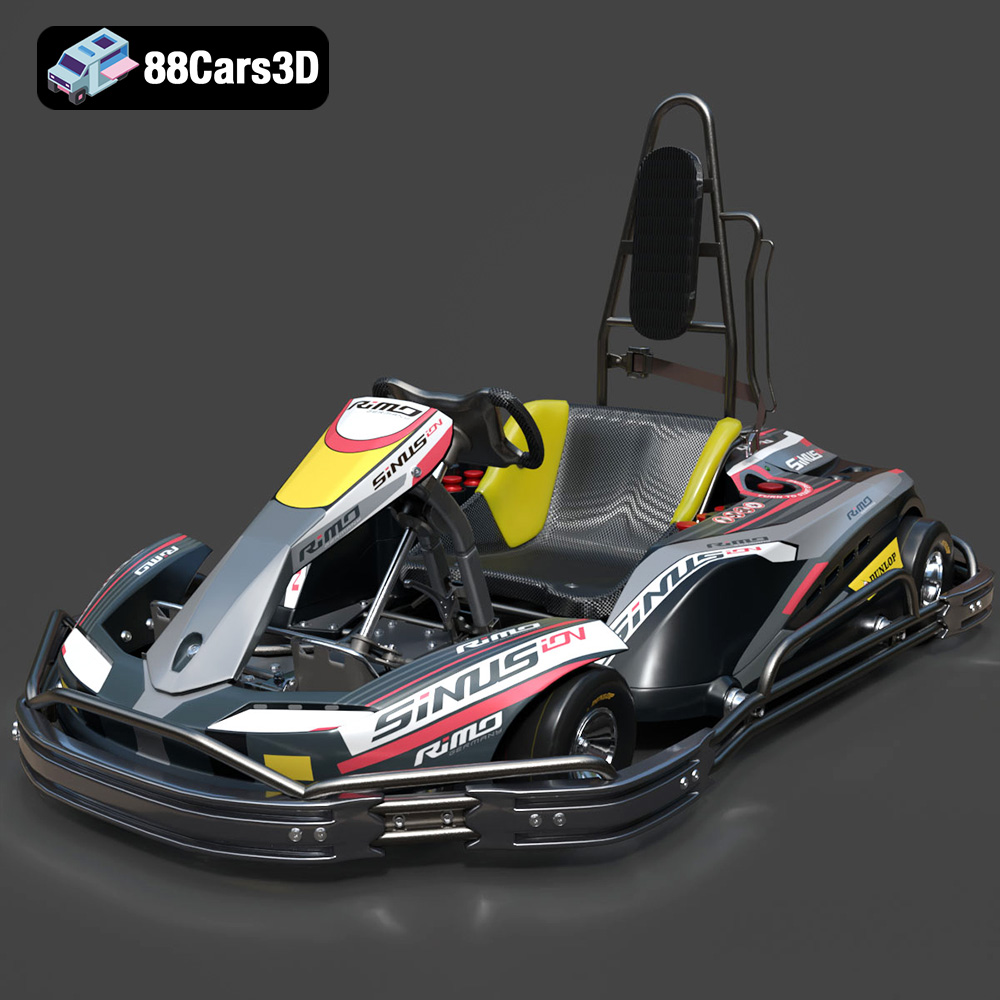
Texture: Yes
Material: Yes
Download the RiMO SiNUS iON-001 Kart 3D Model featuring clean geometry, realistic detailing, and a fully modeled interior. Includes .blend, .fbx, .obj, .glb, .stl, .ply, .unreal, and .max formats for rendering, simulation, and game development.
Price: $19.99

Texture: Yes
Material: Yes
Download the JCB Excavator-001 3D Model featuring clean geometry, realistic detailing, and a fully modeled interior. Includes .blend, .fbx, .obj, .glb, .stl, .ply, .unreal, and .max formats for rendering, simulation, and game development.
Price: $19.99
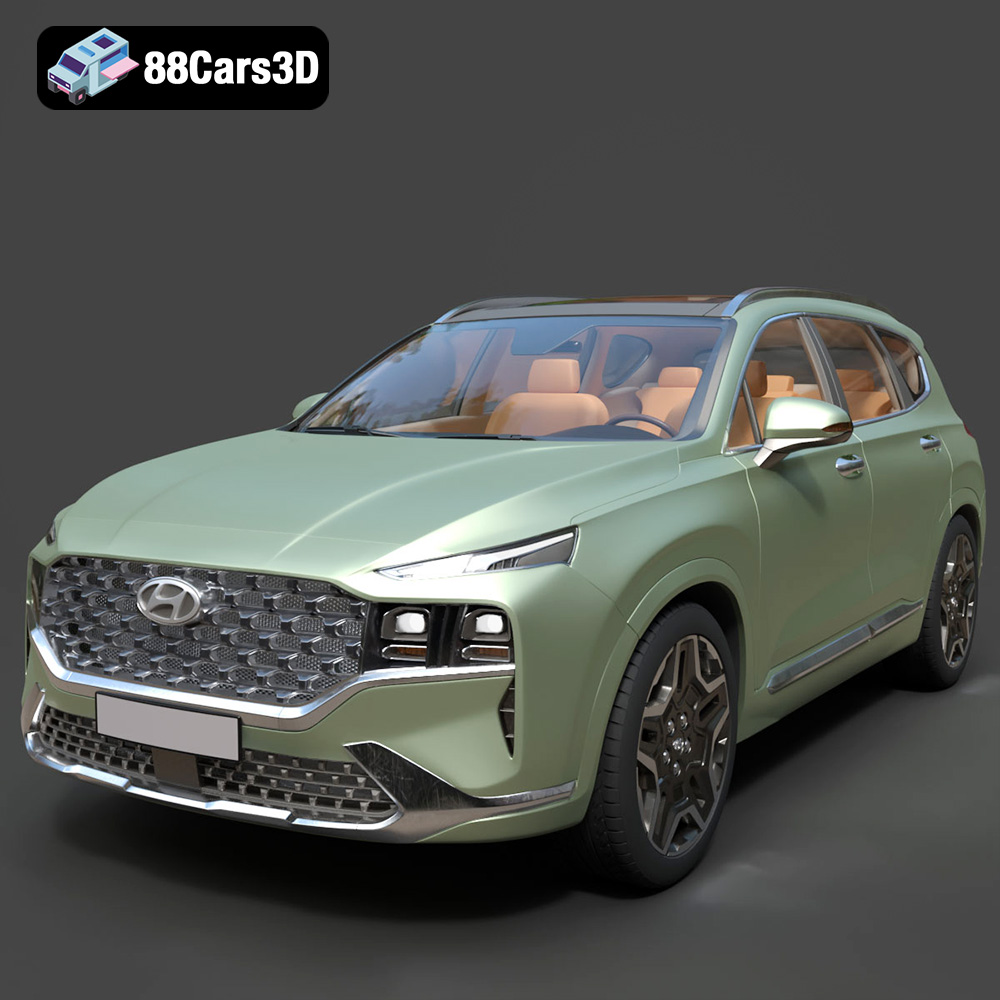
Texture: Yes
Material: Yes
Download the Hyundai Santa Fe 2021 3D Model featuring clean geometry, realistic detailing, and a fully modeled interior. Includes .blend, .fbx, .obj, .glb, .stl, .ply, .unreal, and .max formats for rendering, simulation, and game development.
Price: $19.99
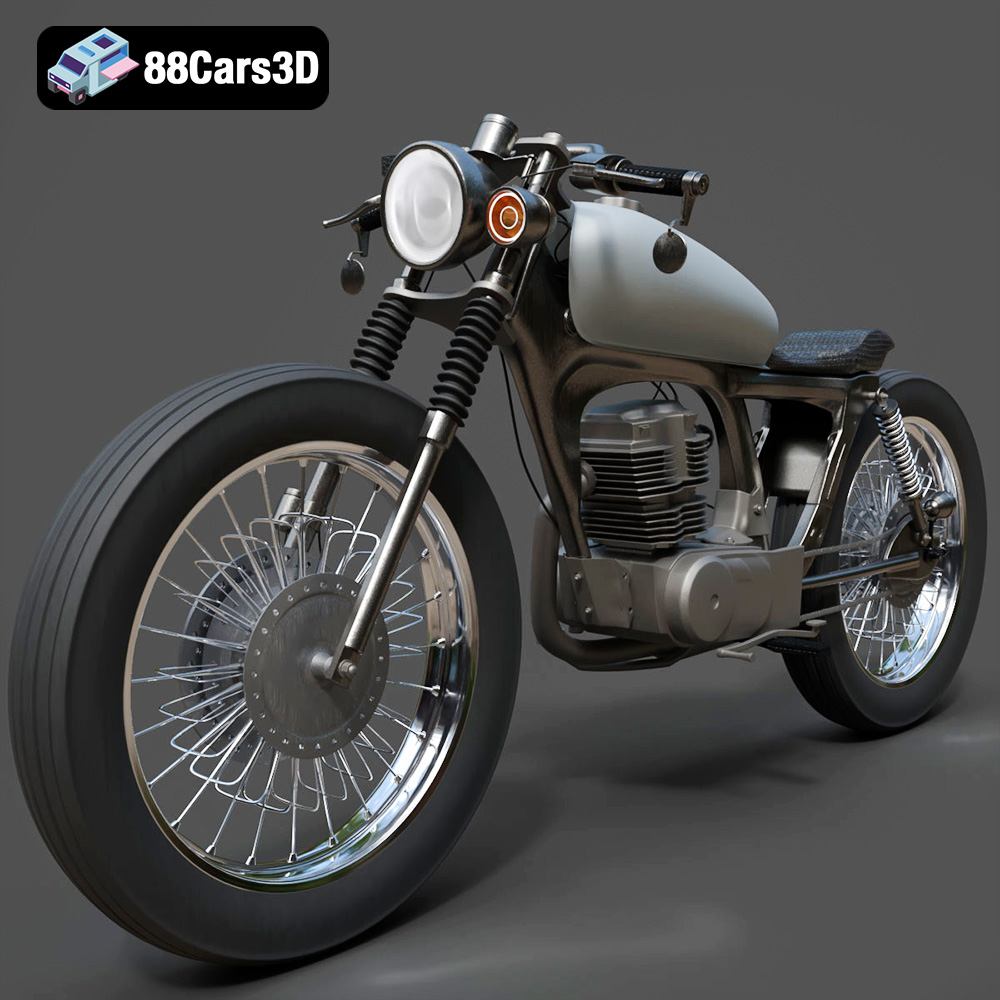
Texture: Yes
Material: Yes
Download the Honda CG125 Motorcycle 3D Model featuring clean geometry, realistic detailing, and a fully modeled interior. Includes .blend, .fbx, .obj, .glb, .stl, .ply, .unreal, and .max formats for rendering, simulation, and game development.
Price: $19.99
Texture: Yes
Material: Yes
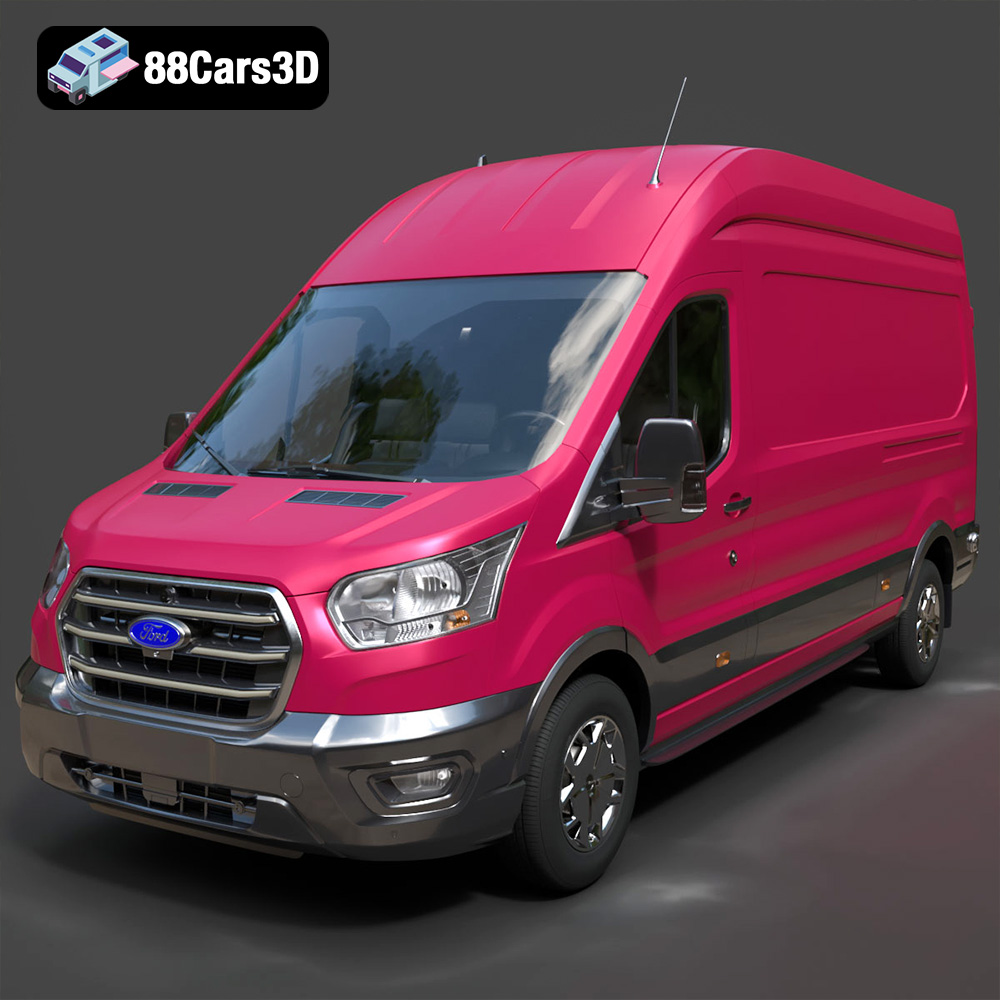
Download the Ford Transit Van L3H3 Trend 2021 3D Model featuring clean geometry, realistic detailing, and a fully modeled interior. Includes .blend, .fbx, .obj, .glb, .stl, .ply, .unreal, and .max formats for rendering, simulation, and game development.
Price: $19.99

Texture: Yes
Material: Yes
Download the Ferrari SF90 Stradale 3D Model featuring clean geometry, realistic detailing, and a fully modeled interior. Includes .blend, .fbx, .obj, .glb, .stl, .ply, .unreal, and .max formats for rendering, simulation, and game development.
Price: $19.99

Texture: Yes
Material: Yes
Download the Harley Davidson F 1946 3D Model featuring clean geometry, realistic detailing, and a fully modeled interior. Includes .blend, .fbx, .obj, .glb, .stl, .ply, .unreal, and .max formats for rendering, simulation, and game development.
Price: $19.99

Texture: Yes
Material: Yes
Download the Land Rover Defender Works V8 3D Model featuring clean geometry, realistic detailing, and a fully modeled interior. Includes .blend, .fbx, .obj, .glb, .stl, .ply, .unreal, and .max formats for rendering, simulation, and game development.
Price: $19.99

Texture: Yes
Material: Yes
Download the Dodge RAM 2019 3D Model featuring clean geometry, realistic detailing, and a fully modeled interior. Includes .blend, .fbx, .obj, .glb, .stl, .ply, .unreal, and .max formats for rendering, simulation, and game development.
Price: $19.99

