Get 50% OFF All Premium 3D & STL Models!

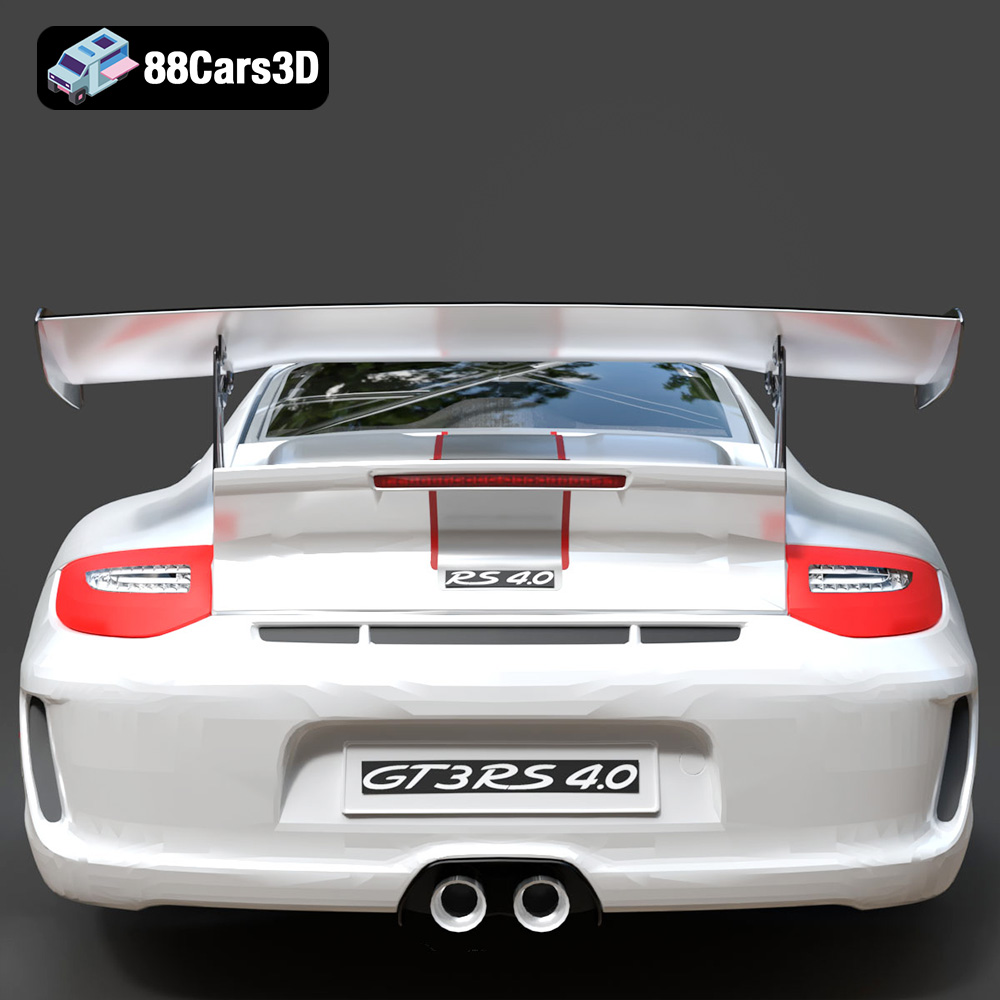
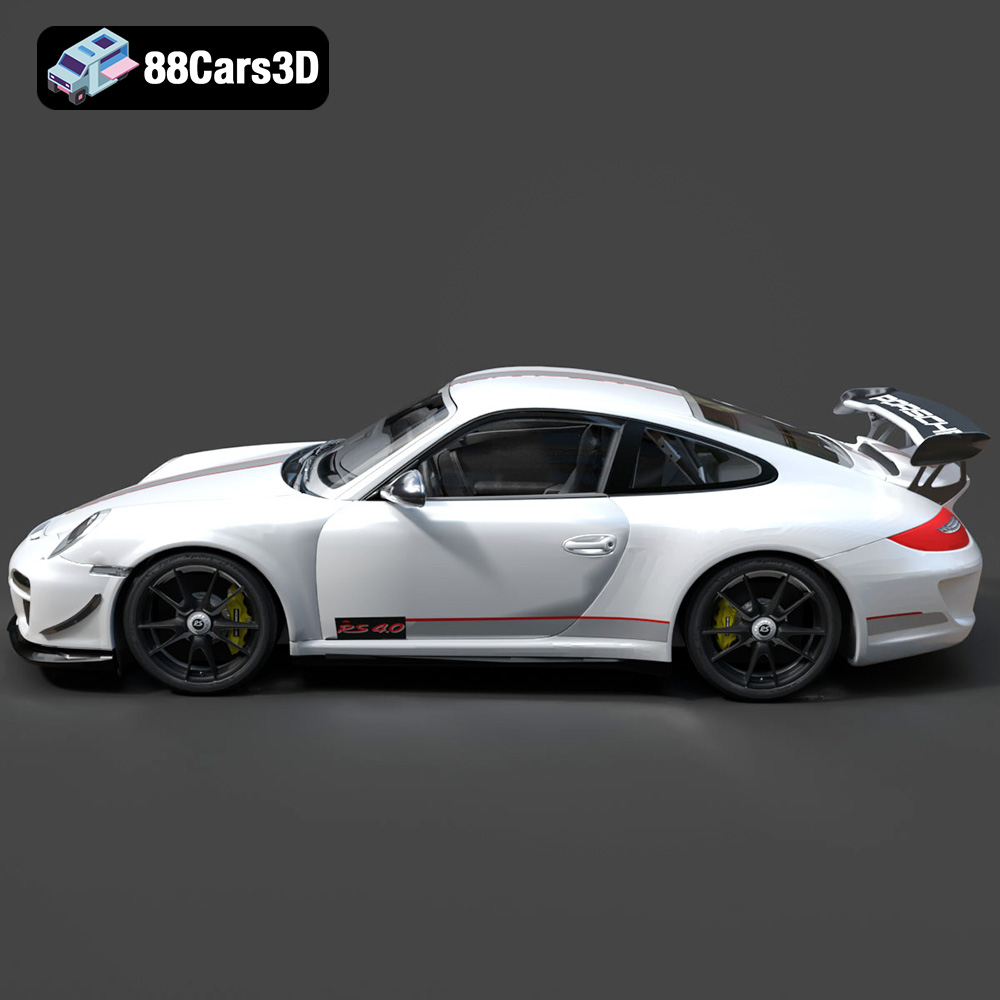
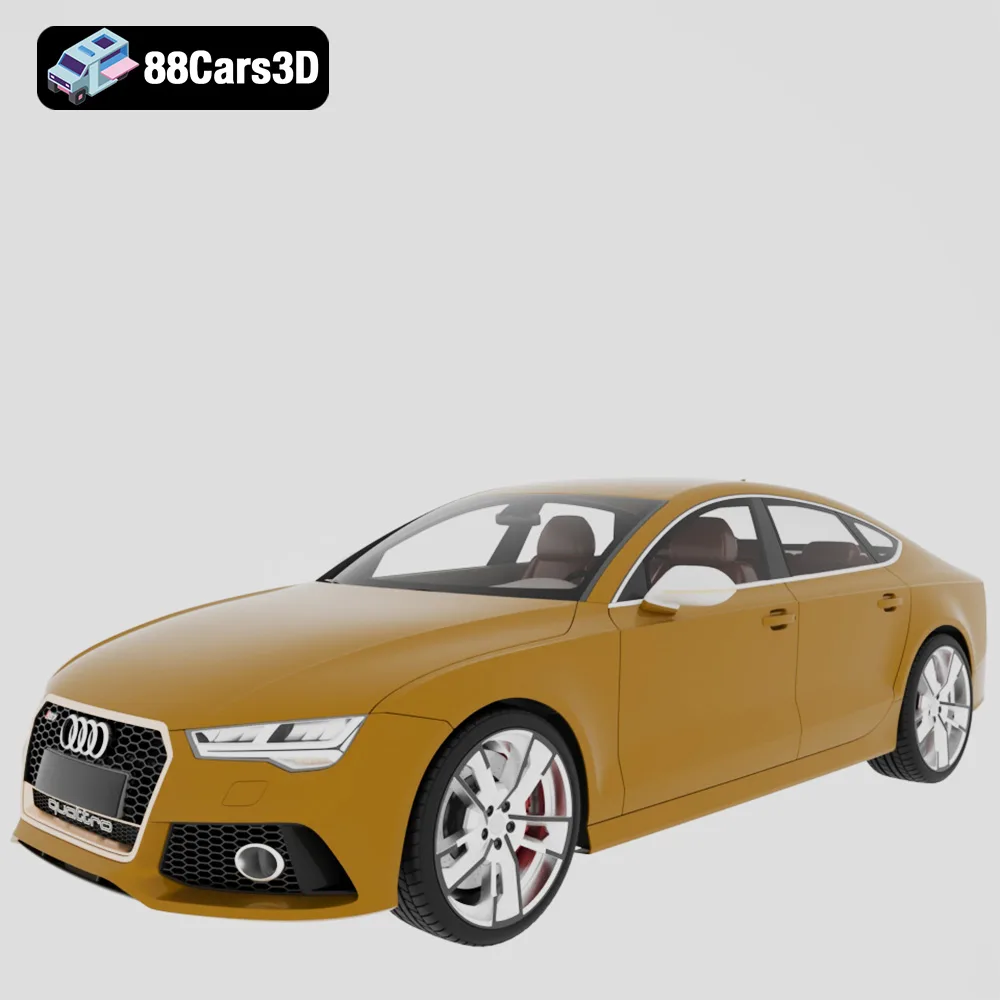
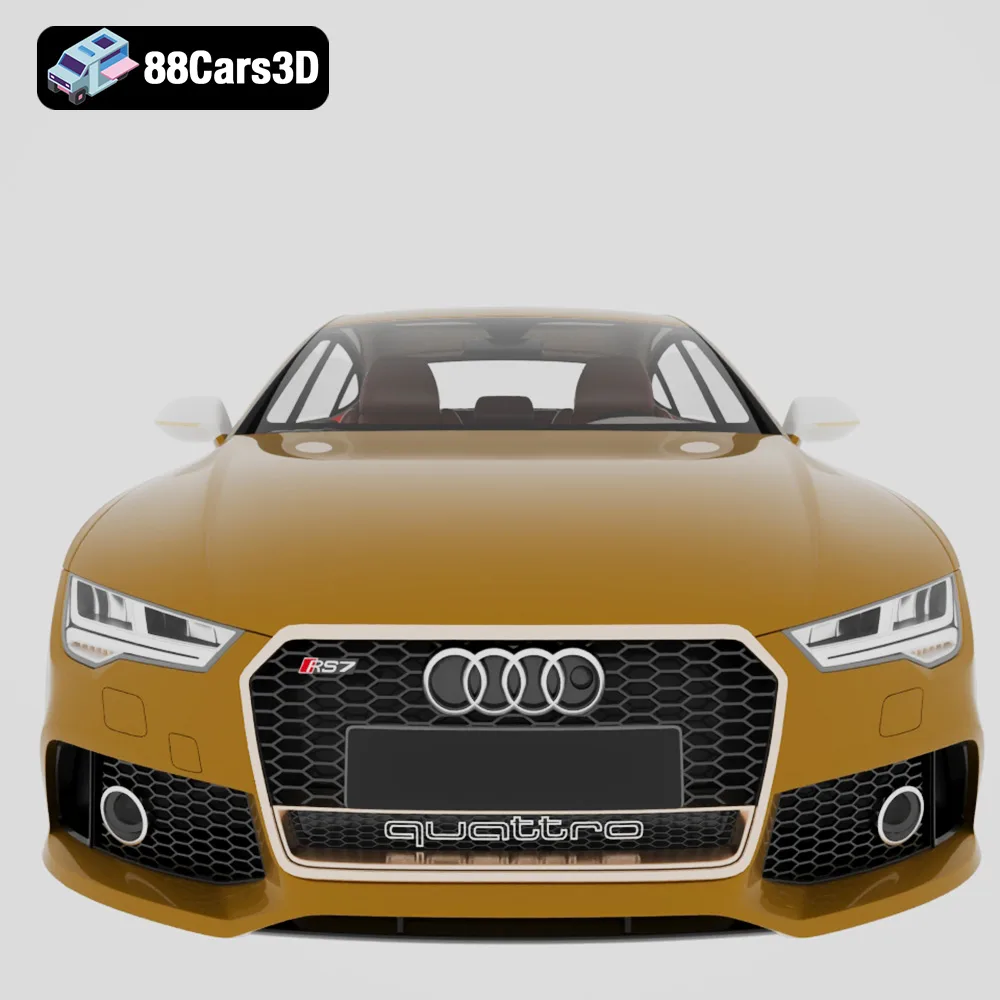
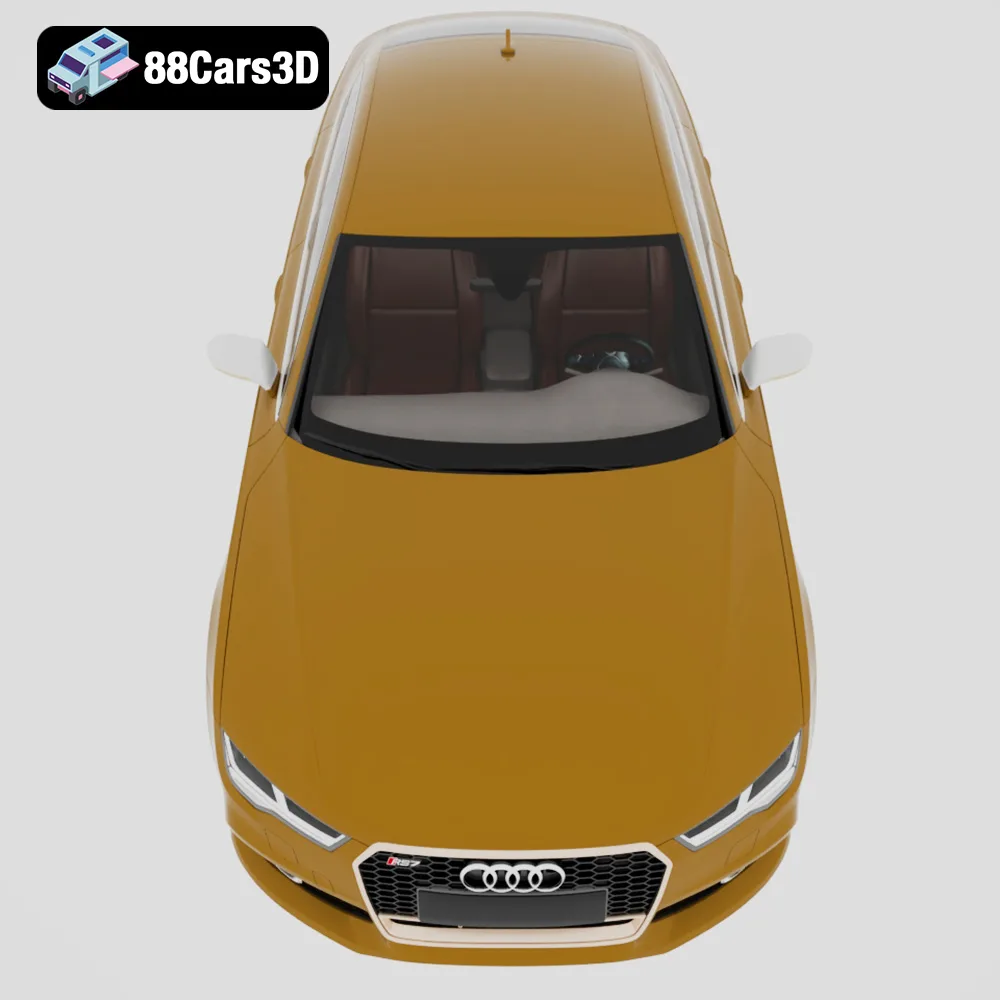
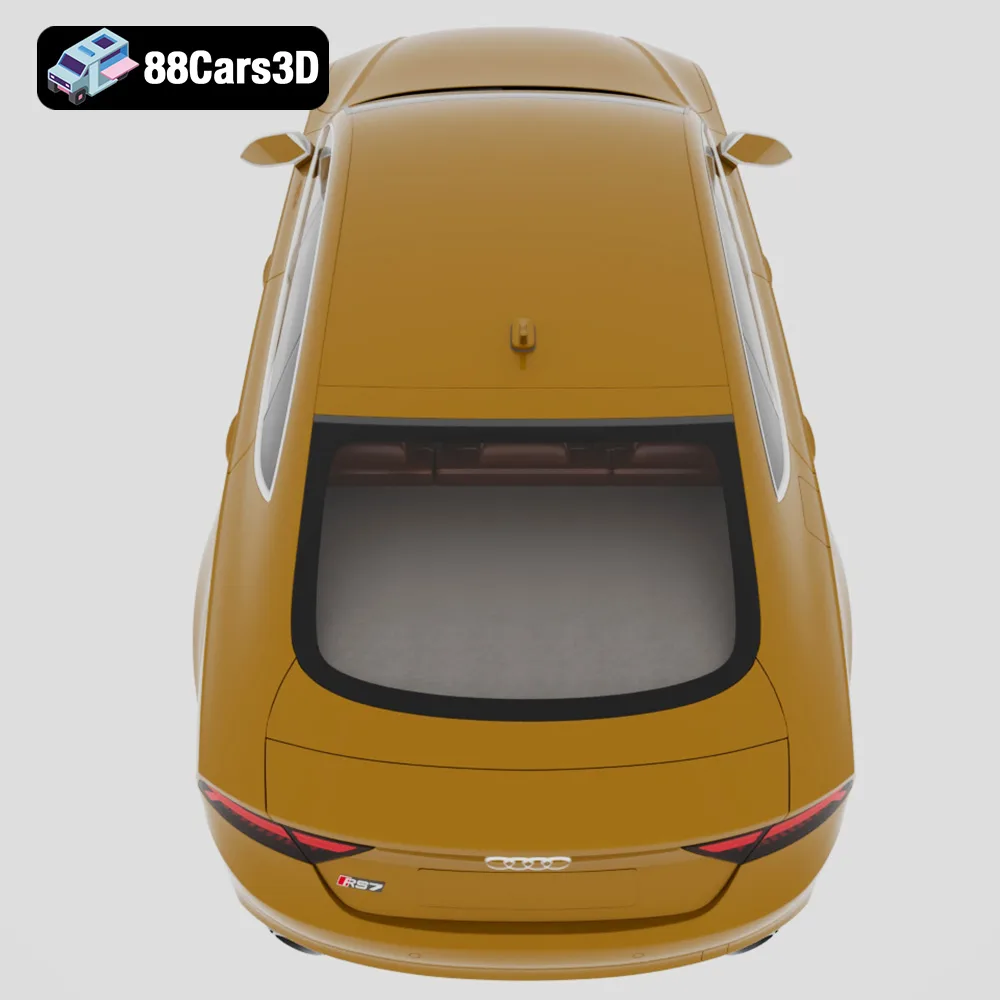
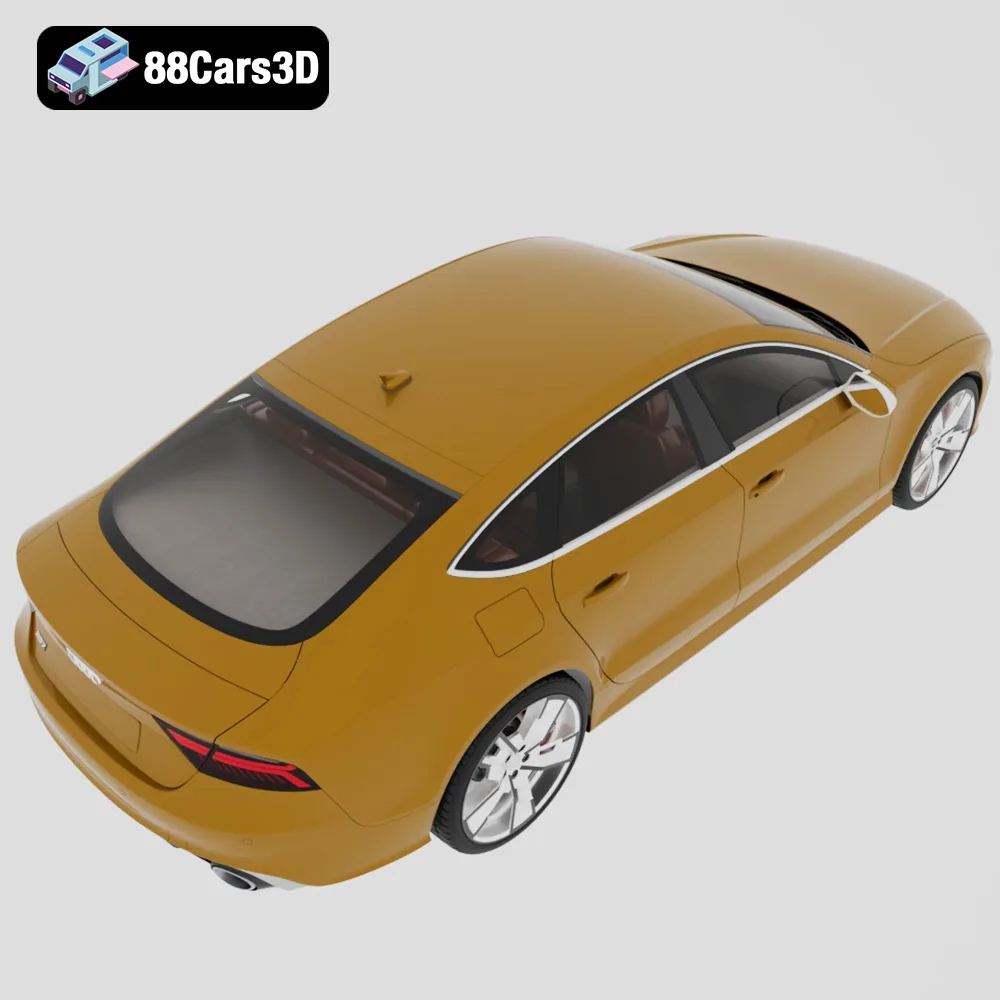
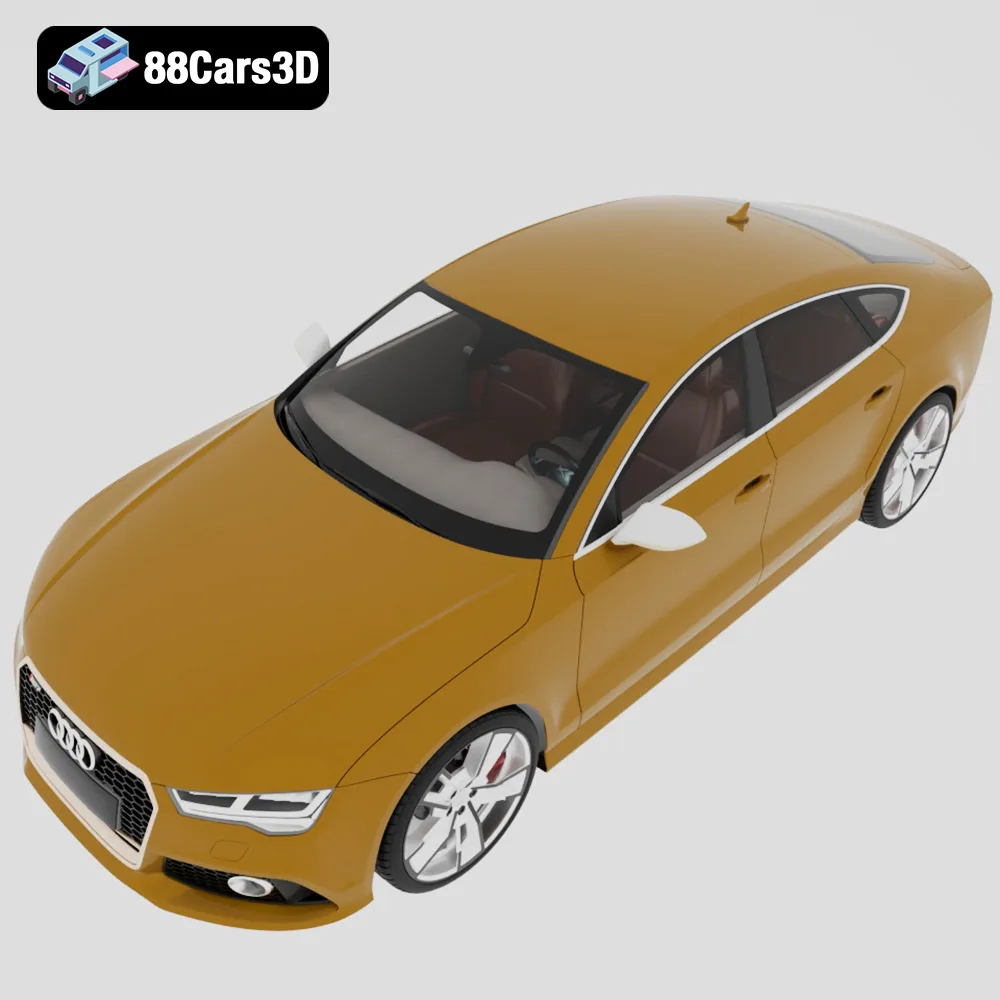
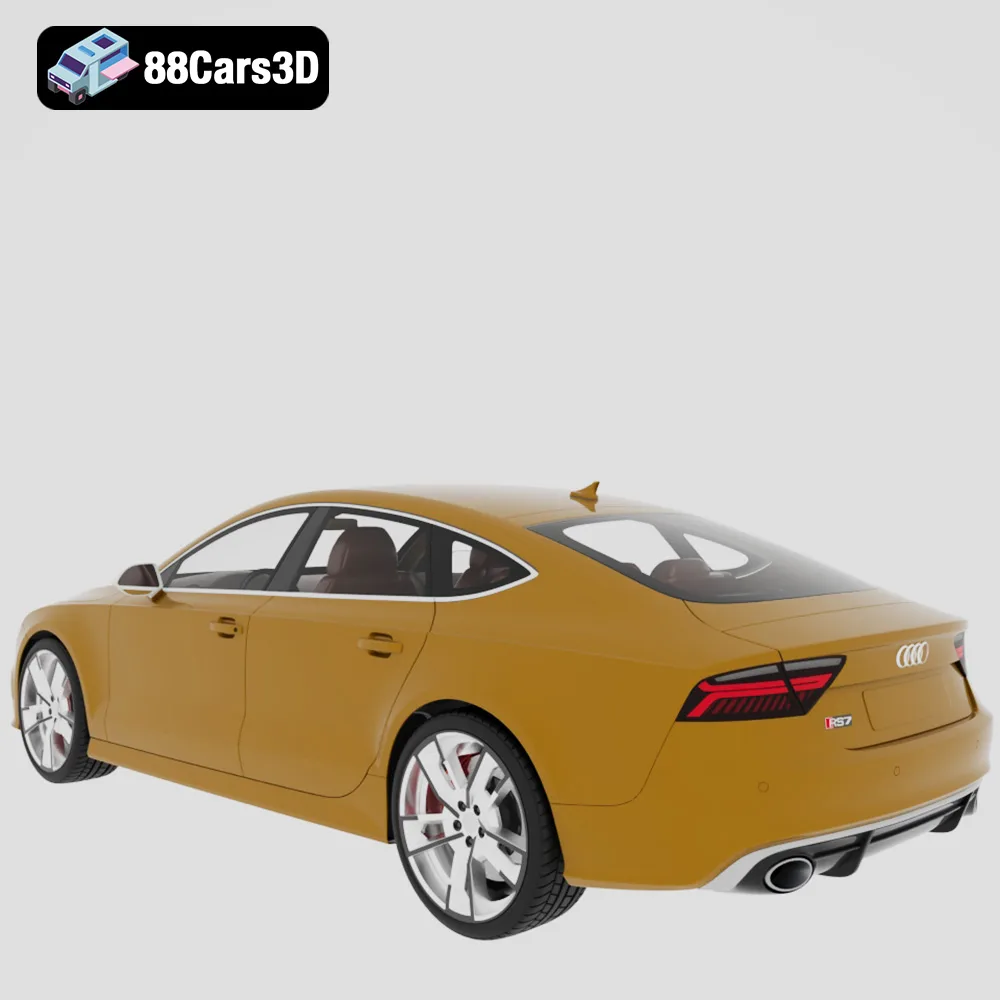
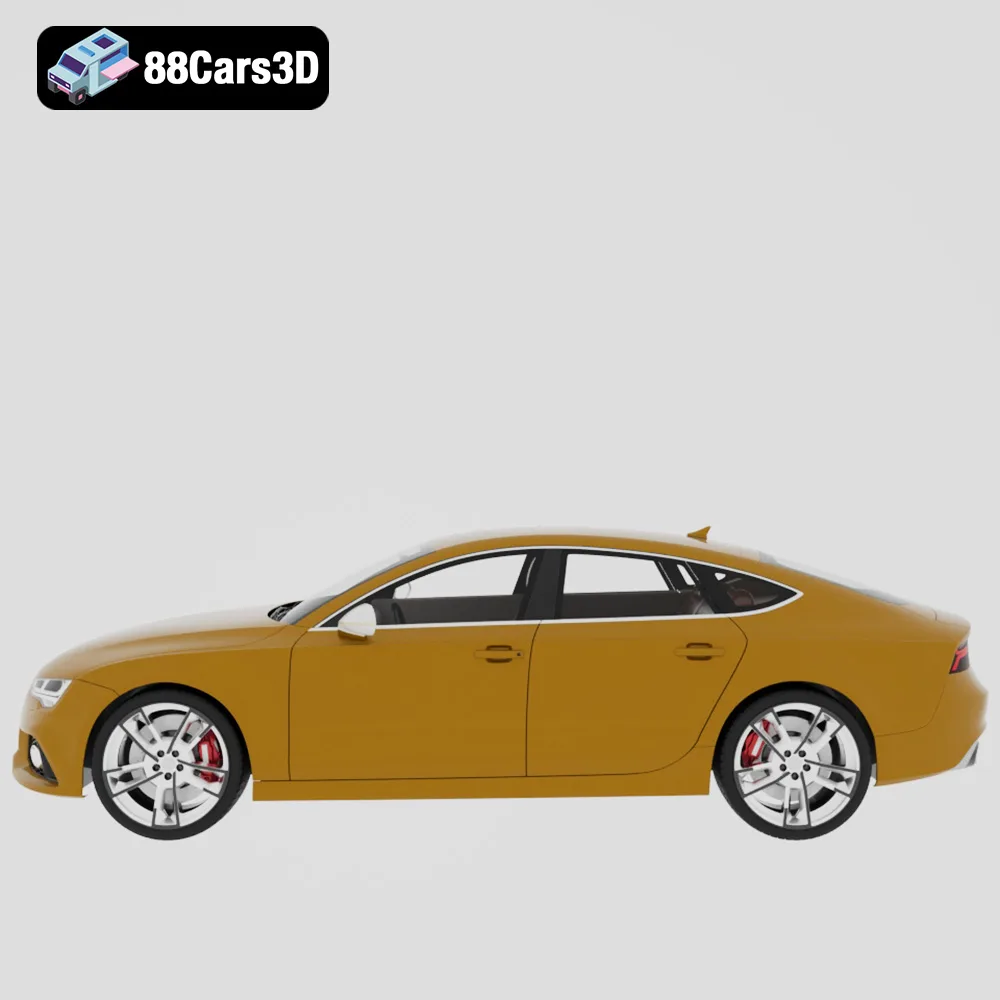
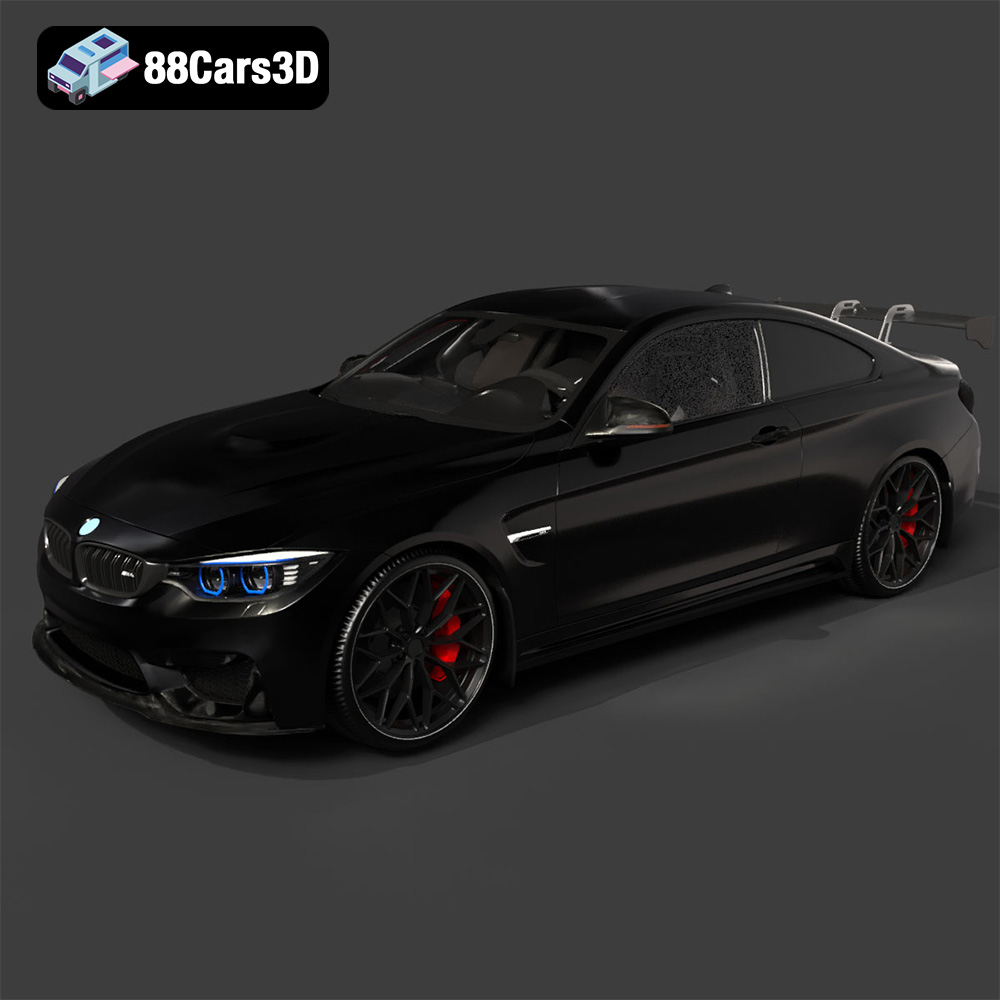
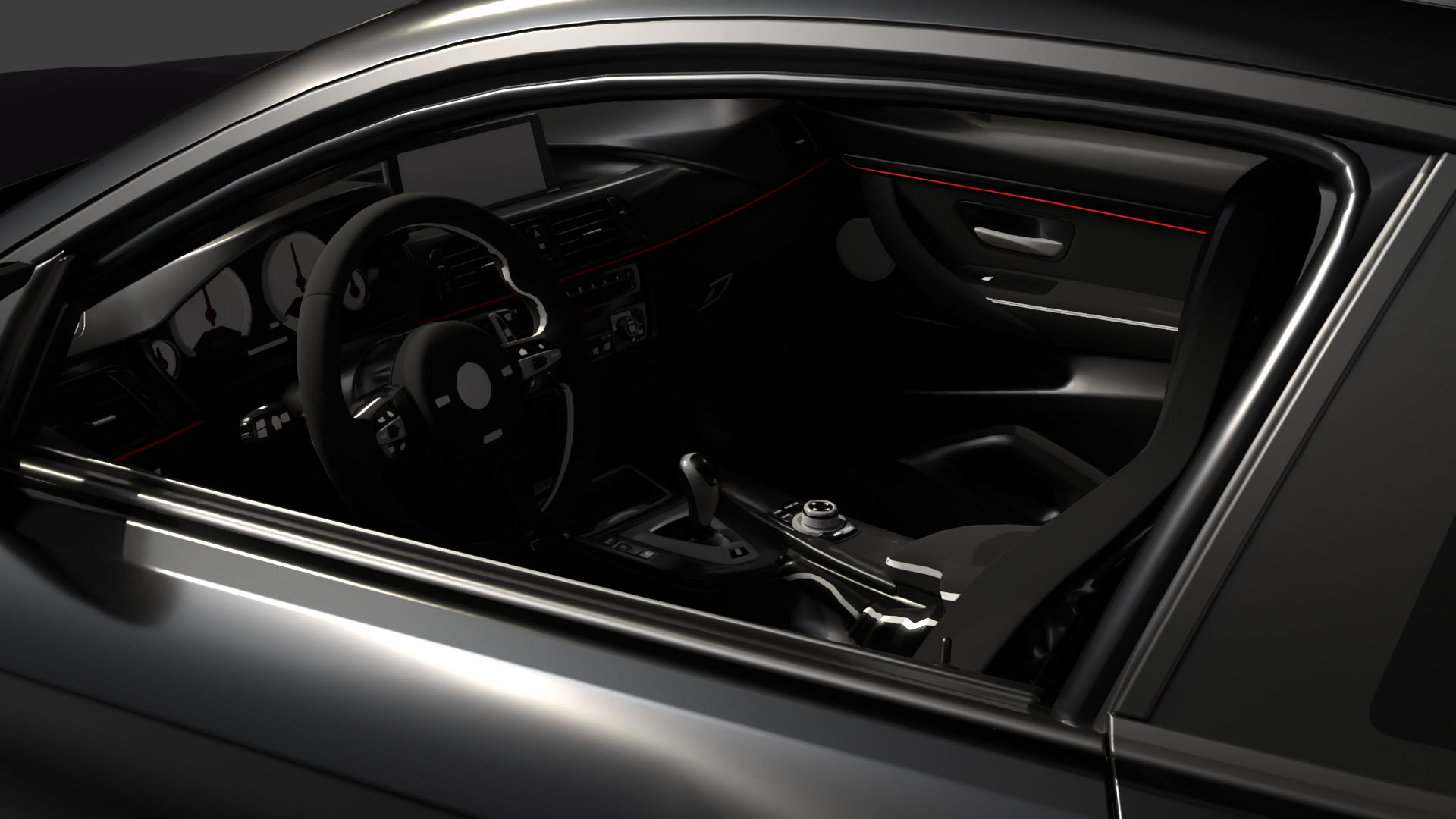
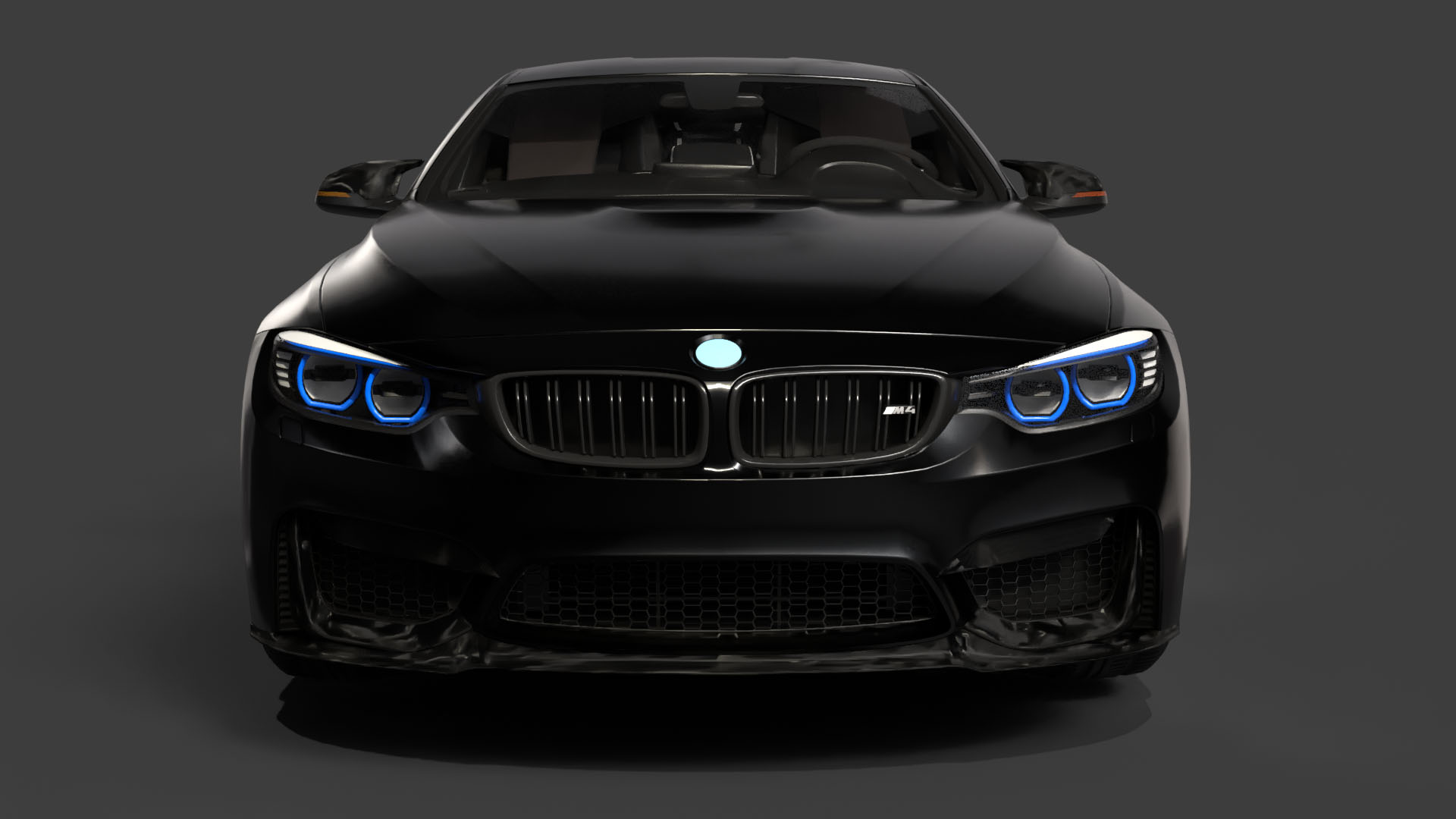
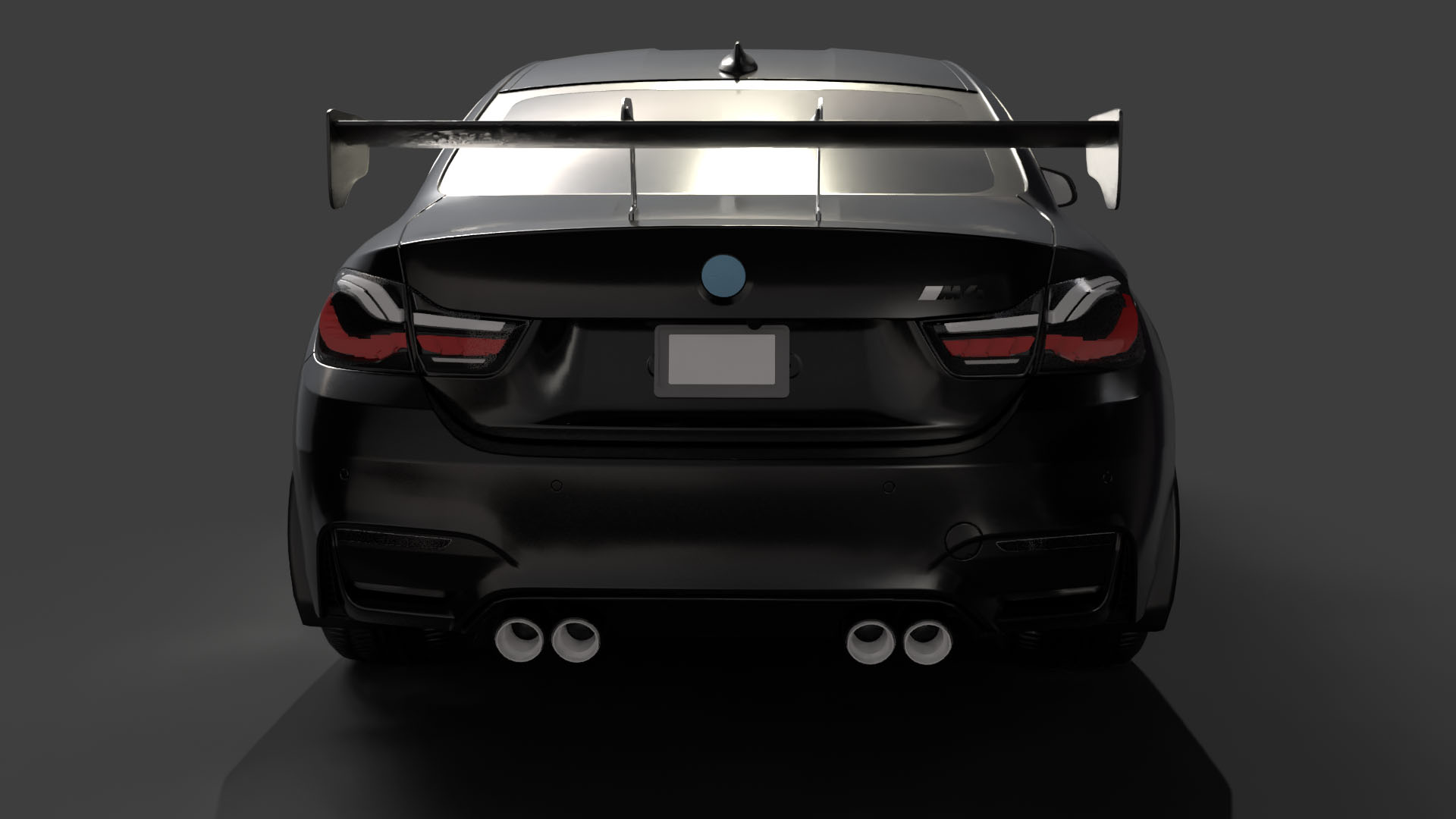
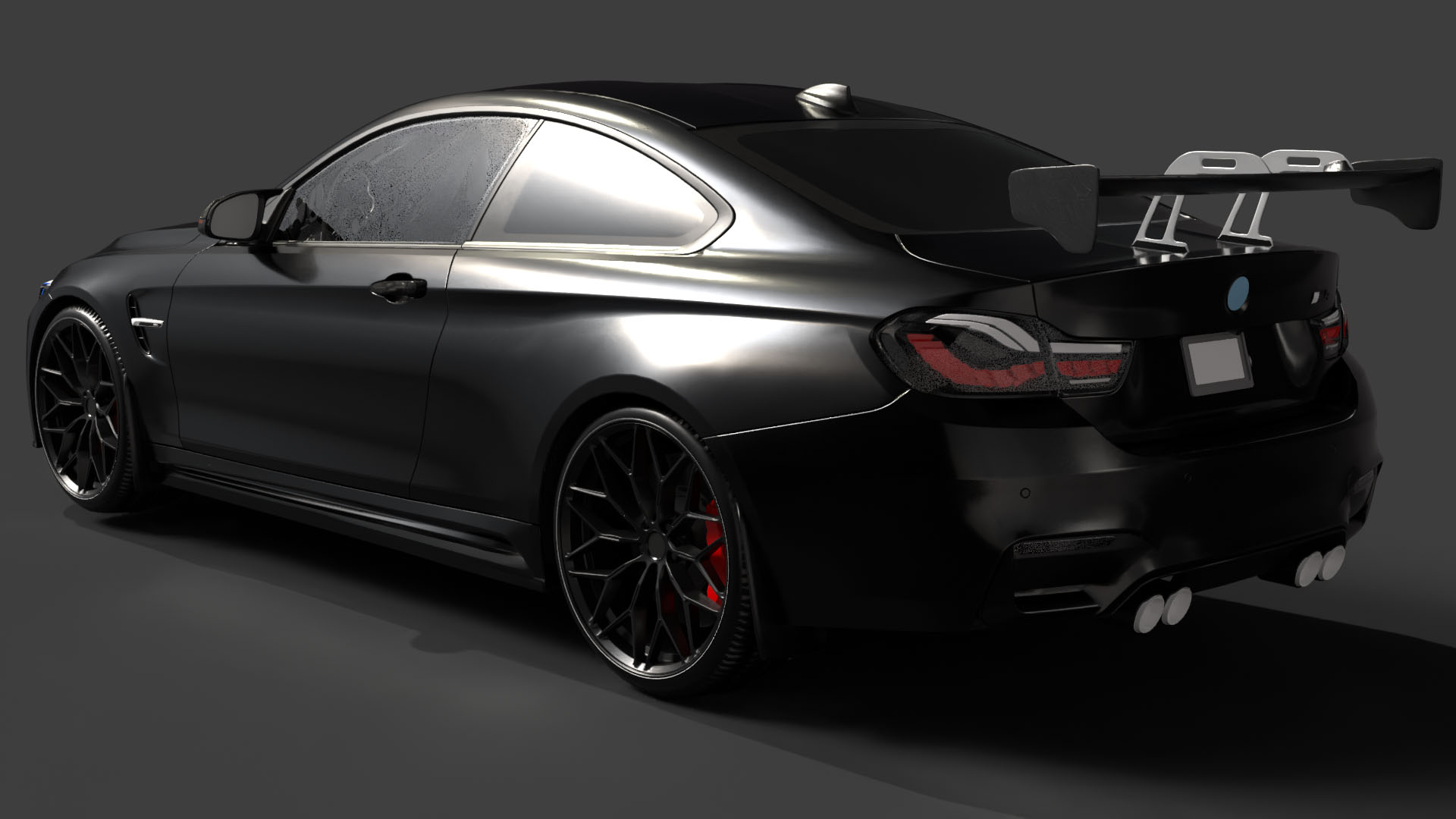
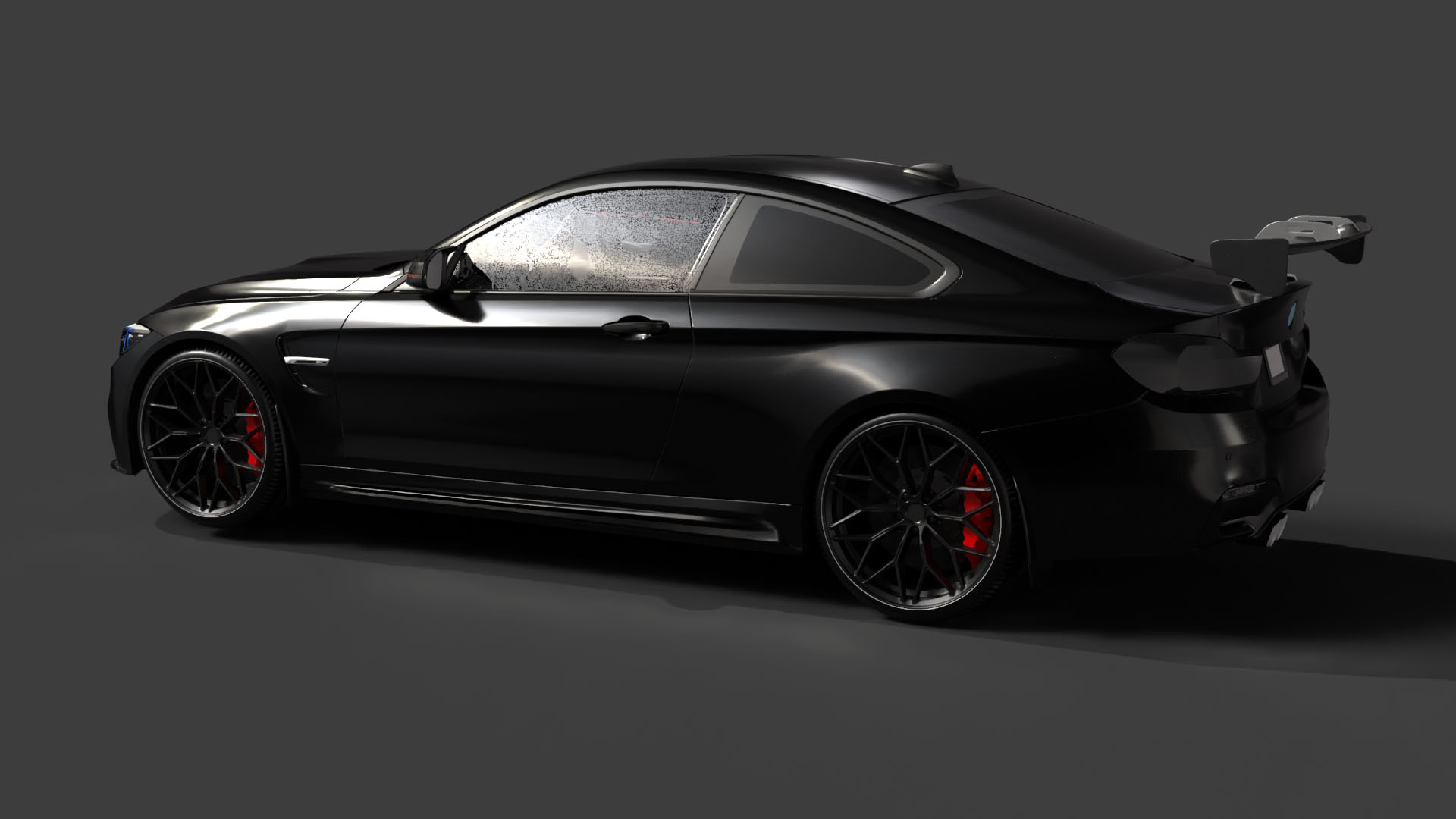
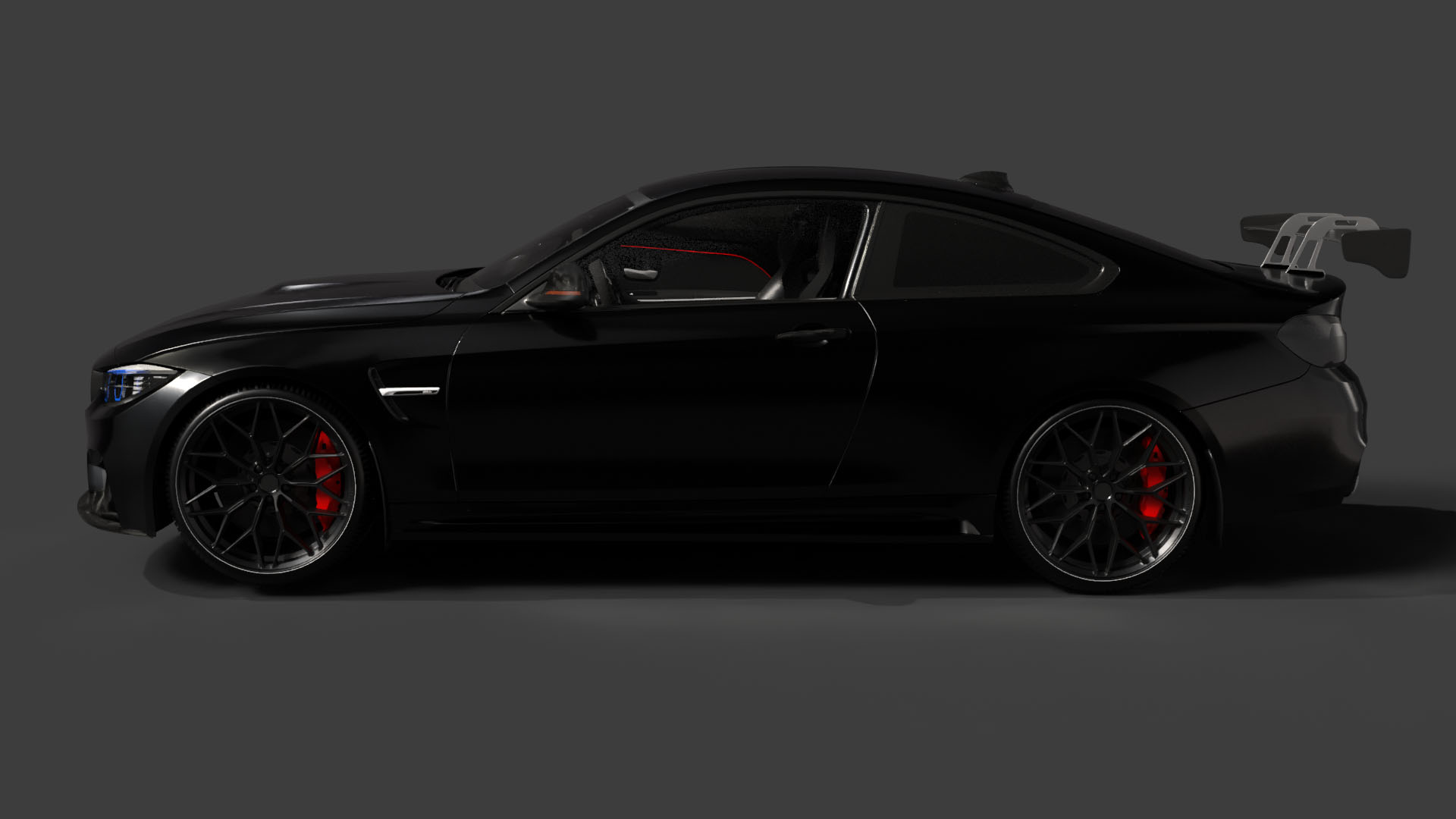
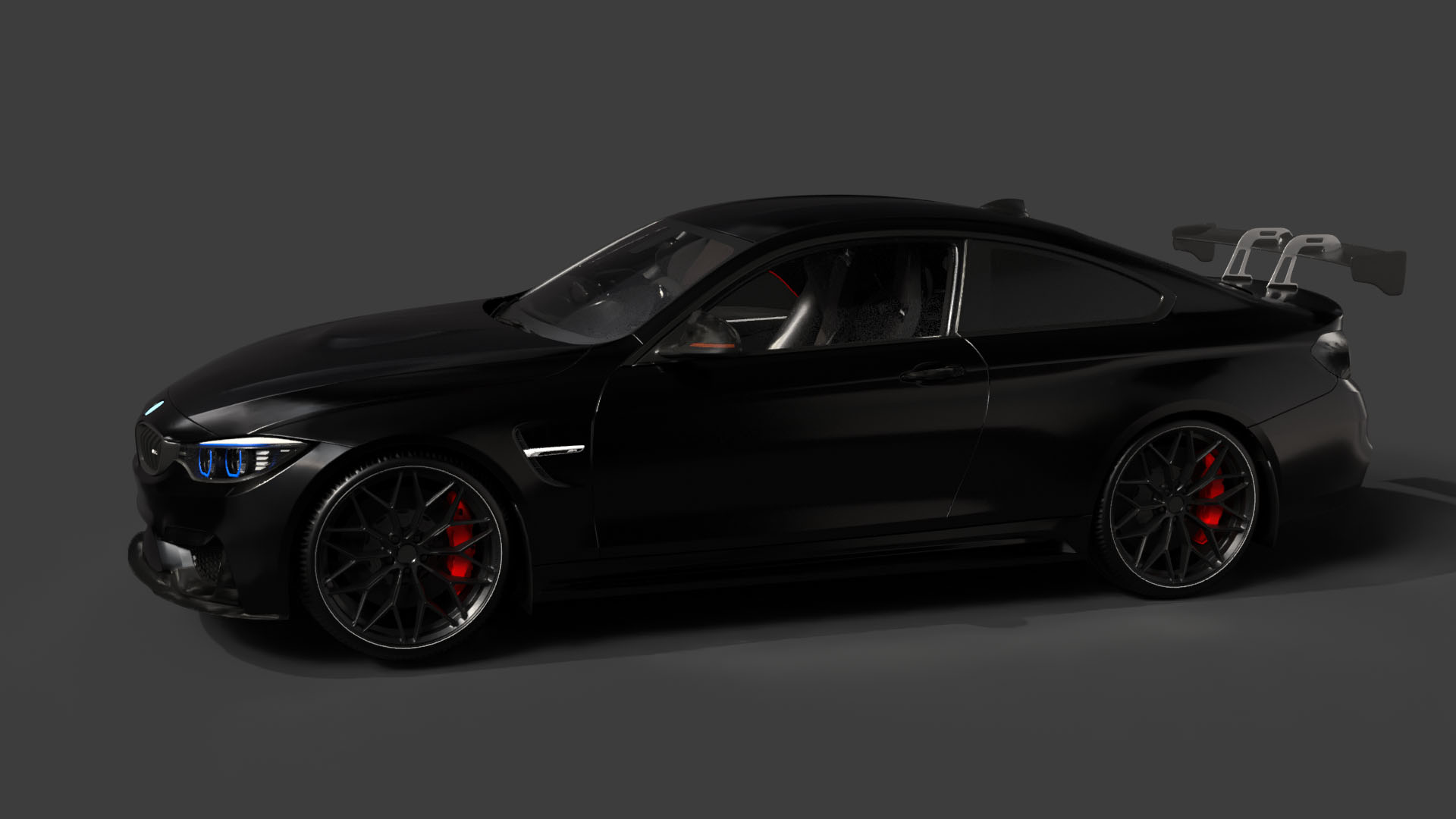
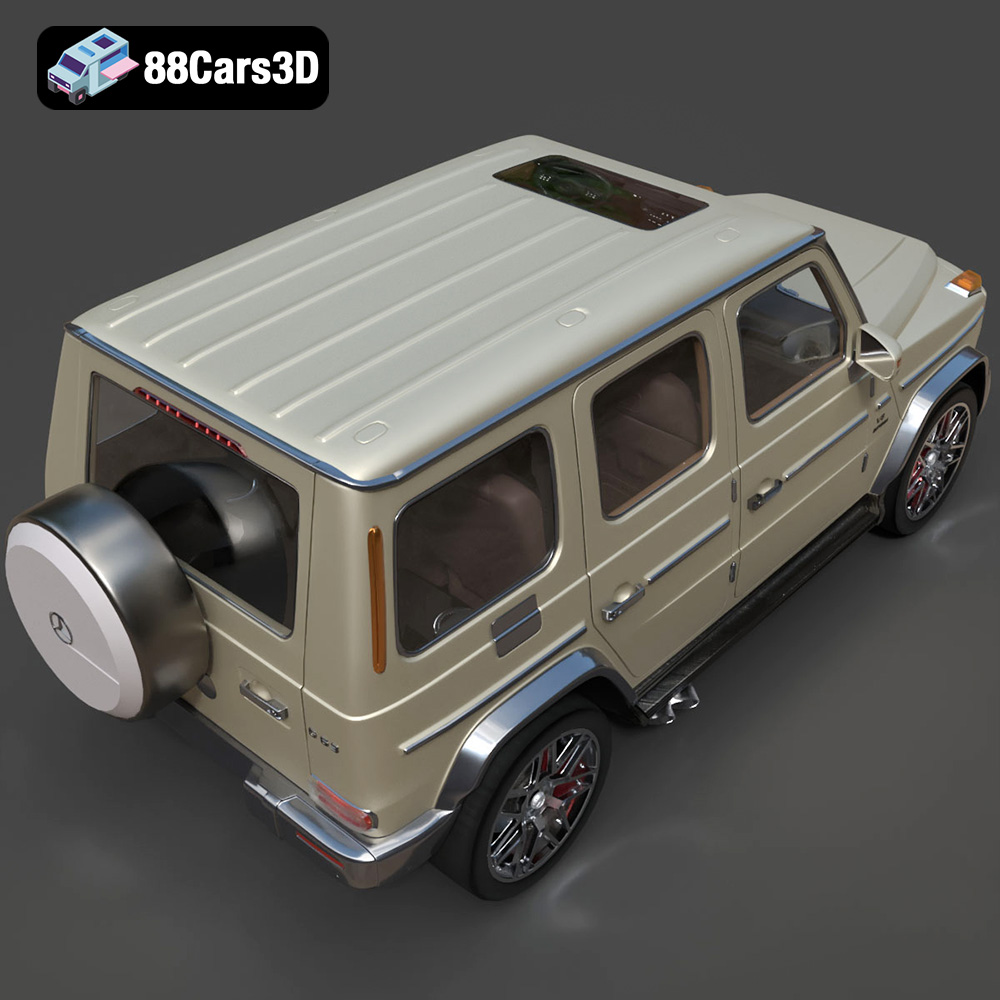
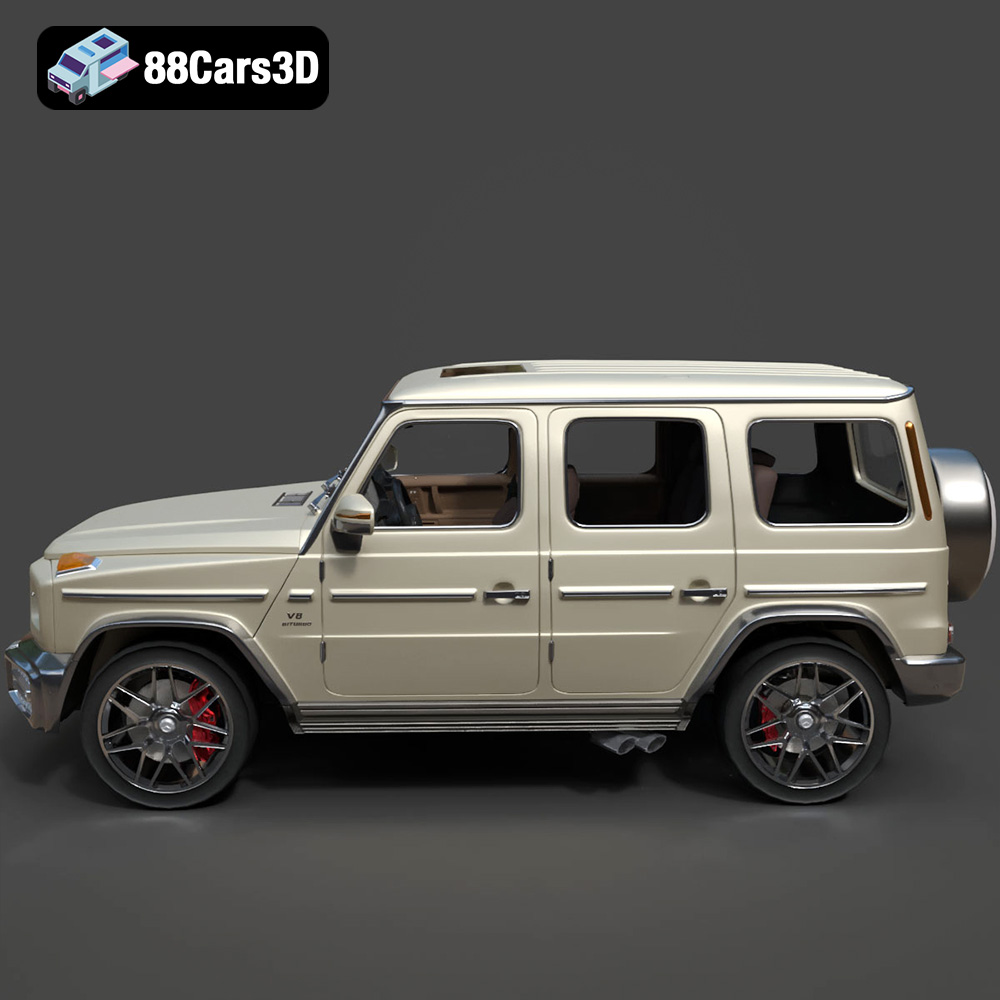
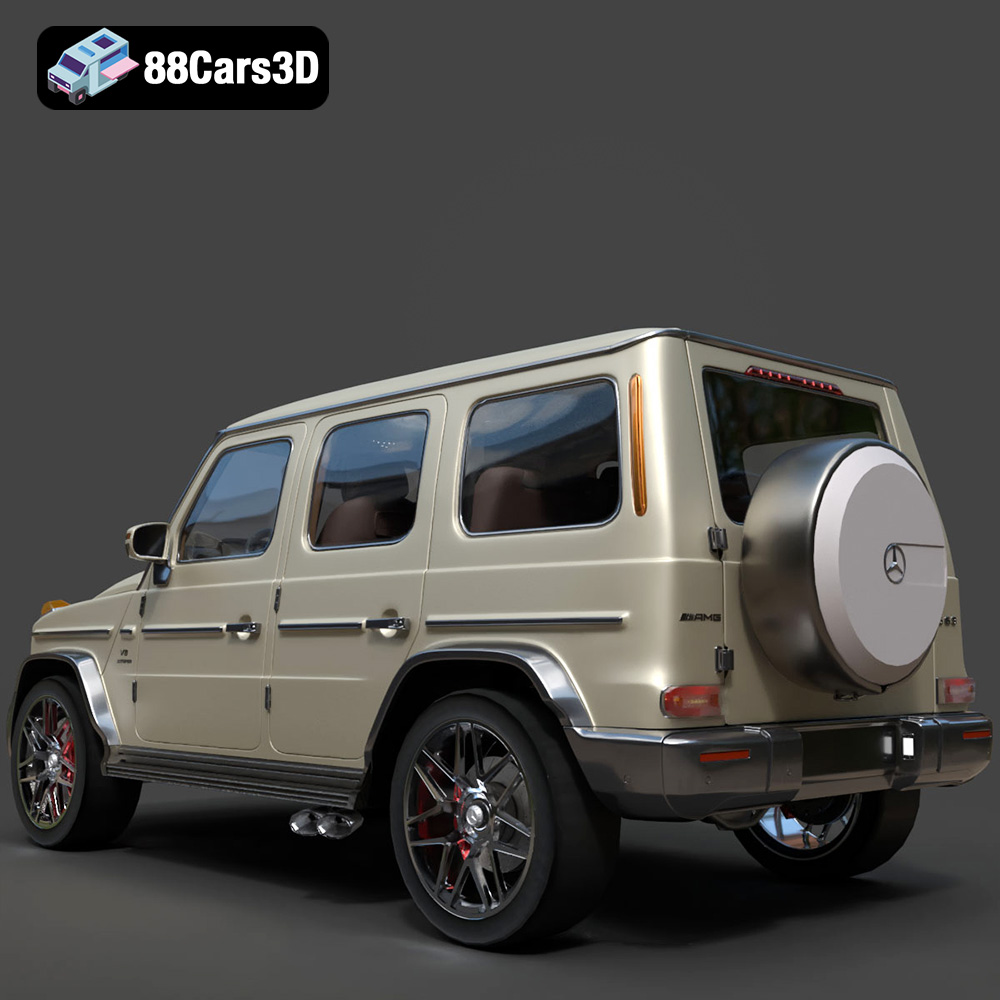
The roar of a Porsche 911 GT3, the sleek lines of an Audi RS7, the powerful stance of a BMW M4, and the imposing presence of a Mercedes-Benz G63 AMG – these are automotive icons that evoke passion and prestige. Now, thanks to the incredible advancements in 3D printing, you can bring these automotive masterpieces to life in your own home. This comprehensive guide will walk you through the process of 3D printing the “Ultimate German Luxury ArchViz Pack” available on 88cars3d.com, ensuring you achieve stunning results, whether you’re a seasoned 3D printing enthusiast or a newcomer to the world of additive manufacturing. We’ll cover everything from selecting the right materials and printer settings to post-processing techniques that will elevate your 3D printed models to the next level.
Choosing the right file format is a crucial first step in the 3D printing process. While the “Ultimate German Luxury ArchViz Pack” includes a variety of formats, some are better suited for 3D printing than others. Here’s a detailed breakdown:
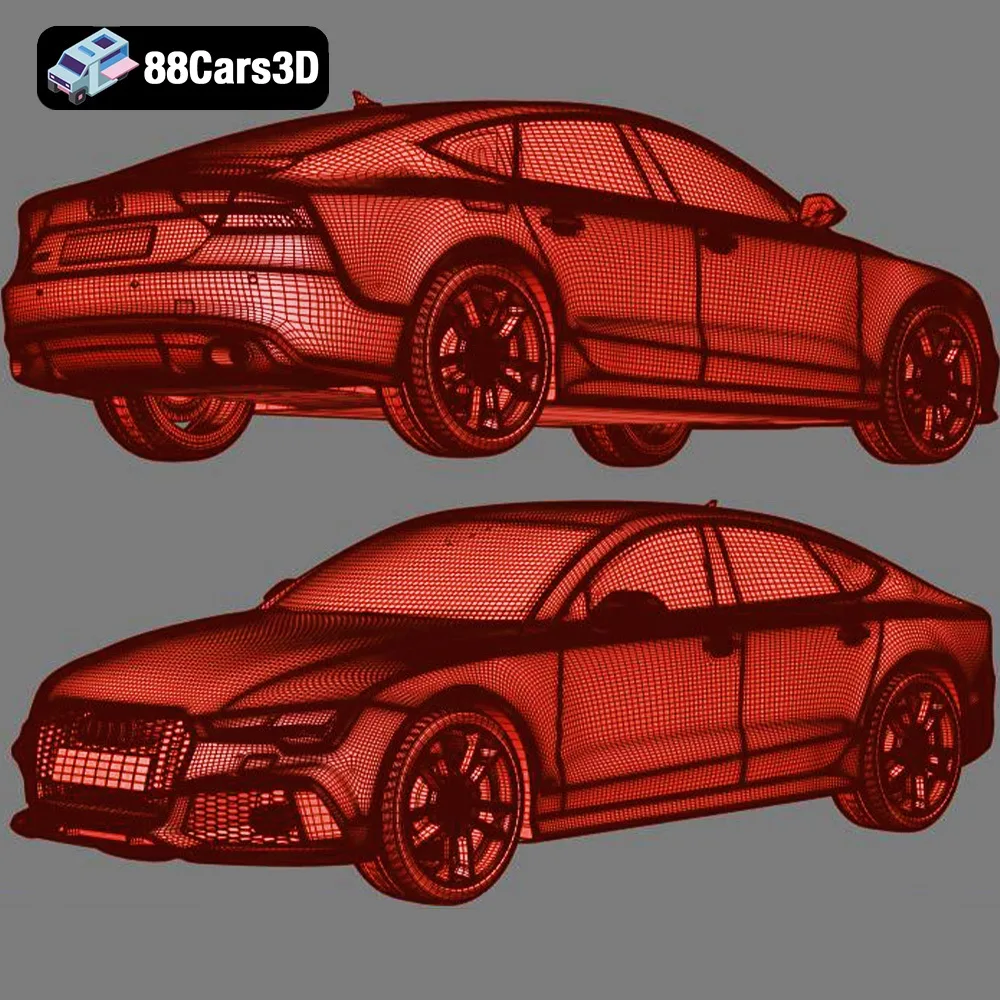
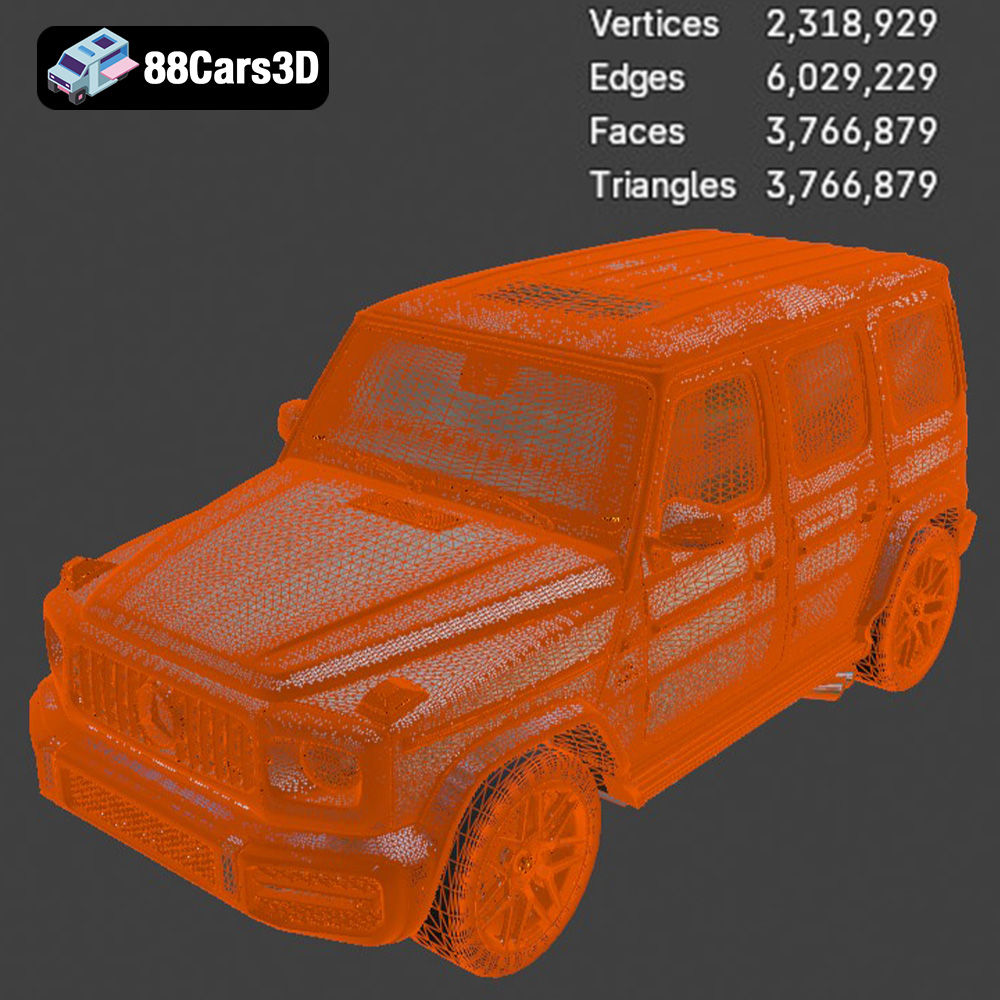
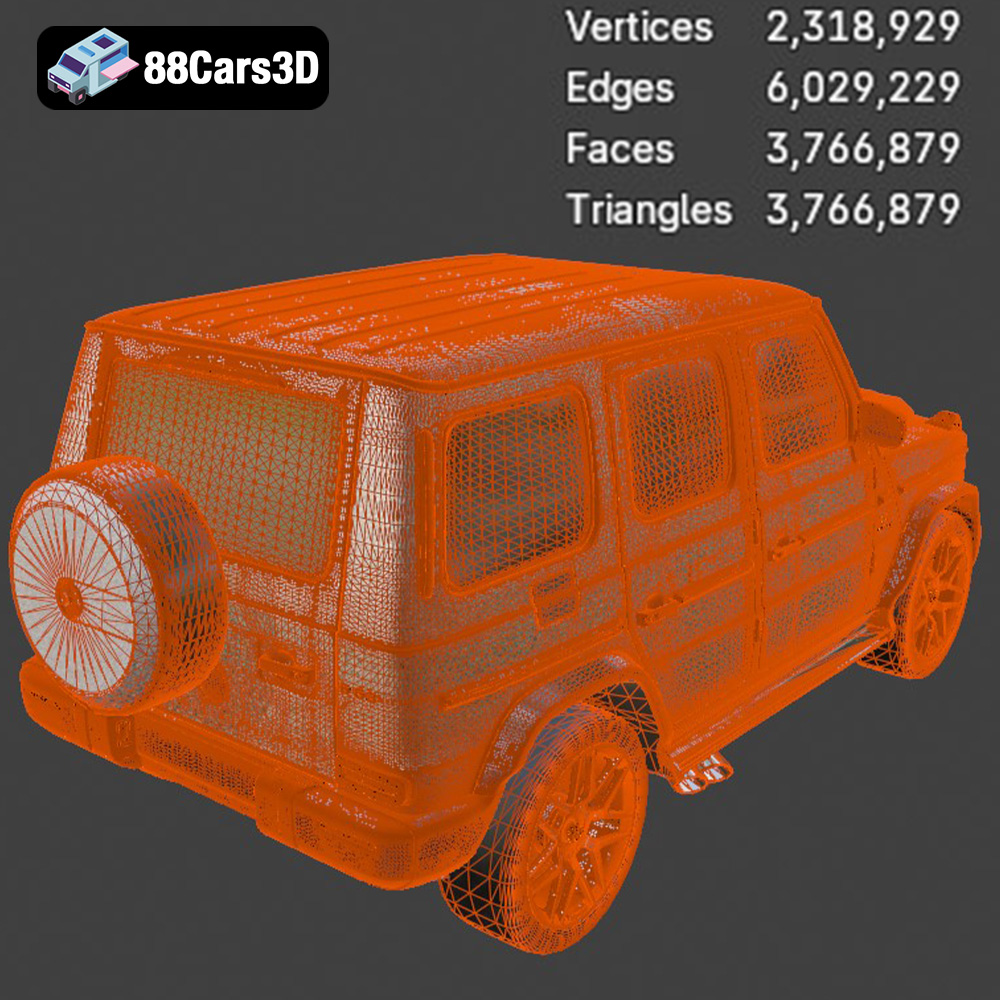
The .stl (Stereolithography) file format is the workhorse of 3D printing. It represents the surface geometry of a 3D object as a collection of triangles. This simplicity is what makes it universally compatible with virtually all 3D printers and slicing software. When working with the luxury car pack, the .stl files are your go-to option for printing. It’s crucial to ensure the .stl file has sufficient mesh density to capture the intricate details of the cars, like the grilles and rims. However, excessively high mesh density can lead to large file sizes and increased processing time in your slicing software.
The .obj (Object) format is another widely used format that, unlike .stl, can store color and texture information. While this is advantageous for rendering and visualization, it’s less relevant for most 3D printing applications, especially if you plan on painting the model after printing. If the .obj file contains textures, be aware that your slicing software may not be able to interpret them, and they will be ignored during the printing process.
.ply (Polygon File Format or Stanford Triangle Format) is designed for storing 3D data acquired from 3D scanners. It supports more complex data than .stl, including color, normals, and texture coordinates, potentially enabling higher detail and accuracy. However, .ply files can be larger and may not be supported by all slicing software. If you’re aiming for the highest possible detail and your software supports it, .ply could be an option, but it’s less common for general 3D printing of models like those in the car pack.
The .blend format is the native file format for Blender, a popular open-source 3D modeling software. If you’re comfortable with Blender, the .blend files offer the greatest flexibility for customization. You can modify the models, add details, or even create variations before exporting them to a printable format like .stl. This is ideal for advanced users who want to personalize their 3D printed cars.
.fbx (Filmbox) is a proprietary file format developed by Autodesk. It supports a wide range of 3D data, including geometry, materials, textures, and animations. While it’s primarily used for game development and animation, you might use .fbx to transfer the models into certain advanced slicing software that can interpret material properties. However, for most 3D printing scenarios, the .stl format derived from the .fbx model will be more practical.
.glb (GL Transmission Format Binary) is a format designed for efficient delivery and loading of 3D models, often used in augmented reality (AR) applications. It’s excellent for previewing the models on your phone or tablet to get a sense of their size and appearance in the real world before committing to a print. However, it’s not a direct printing format; you’ll still need to convert it to .stl for 3D printing.
Which Format Works Best for 3D Printing? For the “Ultimate German Luxury ArchViz Pack,” the .stl format is the most practical and widely supported option for 3D printing. Ensure that the .stl files are properly manifold (watertight) and free of errors before proceeding. Programs like Meshmixer or Netfabb can be used to repair any issues.
Before you can start printing your dream car, you need to prepare the model using slicing software. This software converts the 3D model into a series of instructions (G-code) that your 3D printer can understand.
There are many excellent slicing software options available, both free and paid. Popular choices include Cura, PrusaSlicer, Simplify3D, and IdeaMaker. Each slicer has its own strengths and weaknesses, so experiment to find one that suits your needs and printer. Cura and PrusaSlicer are excellent starting points for beginners, while Simplify3D offers more advanced control for experienced users.
Orientation plays a vital role in the success of your print. As mentioned in the product description, printing the car bodies at a 45-degree angle is recommended to ensure smooth roofs and hoods. This minimizes the need for support structures on these critical surfaces. Support structures are necessary for overhangs and unsupported areas, but they can leave blemishes on the finished print. Carefully consider the orientation to minimize support usage and the impact on surface quality. Wheel arches, side mirrors, and subtle rear spoilers will likely require support. For the wheels, printing them upright often yields the best results.
The “Ultimate German Luxury ArchViz Pack” is designed to be accurate in real-world scale. However, for 3D printing, you’ll likely want to scale the models down to a manageable size. The product description suggests scales of 1:18, 1:24, and 1:43, which are common for diecast models. Scale the models uniformly in your slicing software to maintain their proportions. Keep in mind that smaller scales will require finer print settings to capture the details.
The material you choose will significantly impact the appearance, strength, and durability of your 3D printed car models.
For FDM (Fused Deposition Modeling) printers, PLA (Polylactic Acid) is a popular choice due to its ease of printing, biodegradability, and wide availability. It’s a good option for beginners and for models that won’t be subjected to high temperatures. PETG (Polyethylene Terephthalate Glycol-modified) offers improved strength, flexibility, and temperature resistance compared to PLA. It’s a good choice for parts that need to withstand some stress. ABS (Acrylonitrile Butadiene Styrene) is another option, known for its high strength and heat resistance, but it can be more challenging to print due to its tendency to warp. For the luxury car pack, PETG is a good all-around choice, offering a balance of printability and durability. Experiment with different colors to match the real-world counterparts.
For intricate details like the grilles, rims, and badges, resin printing (SLA or DLP) is highly recommended. Resin printers use liquid photopolymer resin that is cured by UV light, resulting in incredibly high resolution and smooth surfaces. While resin printing can be more expensive and requires more post-processing (washing and curing), the results are often worth the effort, especially for smaller scales. Consider using a grey or white resin, as these are easier to paint.
The Mercedes-Benz G63 AMG, with its boxy shape and relatively flat surfaces, might be easier to print with FDM. The Porsche 911 GT3, with its complex curves and aerodynamic elements, would benefit greatly from resin printing to capture its subtle details. Ultimately, the best choice depends on your printer, budget, and desired level of detail.
Dialing in the right printer settings is crucial for achieving high-quality 3D prints. These settings will vary depending on your printer, material, and desired level of detail.
Layer height determines the thickness of each layer of plastic or resin. Lower layer heights result in smoother surfaces and finer details but increase print time. For FDM printing, a layer height of 0.1mm to 0.2mm is a good starting point. For resin printing, layer heights as low as 0.025mm can be achieved. The product description recommends 0.04-0.05mm for resin printing, which is a good balance between detail and print time.
Infill density refers to the amount of material used inside the model. Higher infill densities increase strength and weight but also increase print time and material usage. For car models, an infill density of 15-25% is typically sufficient. Focus on using more walls (perimeter layers) to create a strong and smooth exterior.
Proper support settings are essential for preventing print failures and ensuring good surface quality. Experiment with different support types (linear, tree) and densities to find what works best for your printer and model. Minimize the contact area between the supports and the model to reduce blemishes during removal. For resin printing, consider using pre-supported models or auto-support generation features in your slicing software. Carefully inspect the supports before printing to ensure they are strong enough to support the model.
Printing temperature and speed are critical for material adhesion and print quality. Refer to the manufacturer’s recommendations for your chosen material. Printing too hot can lead to warping and stringing, while printing too cold can result in poor layer adhesion. Slower print speeds generally improve quality but increase print time. Experiment to find the optimal balance for your printer and material.
Post-processing is the finishing touch that transforms a raw 3D print into a polished masterpiece.
Carefully remove support structures using pliers, tweezers, or a sharp knife. Take your time and avoid damaging the model. For resin prints, supports can be brittle and may require soaking in warm water to soften them. Consider investing in specialized support removal tools for cleaner results.
Sanding is essential for removing layer lines and imperfections. Start with coarse sandpaper (e.g., 220 grit) and gradually work your way up to finer grits (e.g., 400, 600, 800). Wet sanding can help to reduce dust and improve the finish. For hard-to-reach areas, use small sanding sticks or rotary tools with sanding attachments.
Priming creates a smooth and even surface for paint to adhere to. Apply multiple thin coats of primer, allowing each coat to dry completely before applying the next. Use automotive-grade primers for best results. Once the primer is dry, you can apply paint. Use spray paint or airbrush for a smooth and even finish. Consider using stencils or masking tape to create intricate designs or two-tone paint jobs. Clear coat adds a protective layer and enhances the shine.
The “Ultimate German Luxury ArchViz Pack” features separated parts, such as wheels and doors. Use glue or fasteners to assemble the model. Ensure proper alignment and allow the glue to dry completely before handling the model. Consider using magnets for removable parts, such as doors or hoods.
Even with careful preparation, 3D printing can present challenges. Here are some common issues and solutions:
Warping occurs when the corners of the print lift off the build plate due to uneven cooling. To prevent warping, ensure good bed adhesion by using a heated bed, applying adhesive (e.g., glue stick or hairspray), and leveling the bed properly. Enclosing the printer can also help to maintain a consistent temperature.
Stringing occurs when the printer extrudes plastic while moving between parts, leaving behind thin threads. To reduce stringing, adjust retraction settings (distance and speed), decrease printing temperature, and increase travel speed.
Layer shifting occurs when the layers of the print become misaligned. This can be caused by loose belts, stepper motor issues, or obstructions on the build plate. Check the belts for proper tension, lubricate the lead screws, and ensure that the build plate is clean and free of debris.
Delamination occurs when layers fail to properly adhere to each other. This can be caused by printing at too low of a temperature, insufficient cooling, or drafts in the printing environment. Increase the printing temperature, reduce cooling fan speed, and enclose the printer to maintain a consistent temperature.
The Ultimate German Luxury Cars 3D Models Bundle is an elite collection featuring the pinnacle of European automotive engineering. Designed for high-end architectural visualization (ArchViz), AAA game development, and photorealistic rendering, this 4-in-1 premium package provides everything a 3D artist needs to populate luxury driveways, urban streetscapes, and virtual showrooms.
$129.99
3D printing the “Ultimate German Luxury ArchViz Pack” from 88cars3d.com is a rewarding project that allows you to create stunning replicas of iconic German automobiles. By carefully selecting the right materials, optimizing printer settings, and mastering post-processing techniques, you can achieve professional-quality results. Remember to start with the .stl files, pay close attention to orientation and support structures, and experiment with different materials to find what works best for your printer and desired aesthetic. With patience and practice, you’ll be able to proudly display your own collection of 3D printed luxury cars, a testament to the incredible capabilities of 3D printing and additive manufacturing.
.corona
3d-assets
archviz-pack
audi-rs7
bmw-m4
car-collection
game-ready
german-cars-bundle
luxury-car-3d-model
mercedes-g63
porsche-911-gt3
vehicle-bundle
vray