Get 50% OFF All Premium 3D & STL Models!

The Land Rover Defender 110. A name synonymous with ruggedness, adventure, and unwavering capability. This iconic vehicle has traversed continents, conquered unforgiving terrains, and served as a reliable workhorse across the globe. Now, thanks to the advancements in 3D printing technology, you can bring a piece of that legacy into your own home by creating a highly detailed 3D printed model. This guide provides a comprehensive overview of how to successfully 3D print the Land Rover Defender 110 3D model, ensuring a rewarding and satisfying project. We’ll delve into everything from pre-print preparation to post-processing techniques, covering crucial aspects like choosing the right materials, optimizing printer settings, and addressing common printing challenges.
Before diving into the specifics of 3D printing the Land Rover Defender 110, it’s essential to understand the various file formats you might encounter and their implications for the printing process. Different formats offer different features and compatibility levels with slicing software. Knowing which to use is key to a successful print.
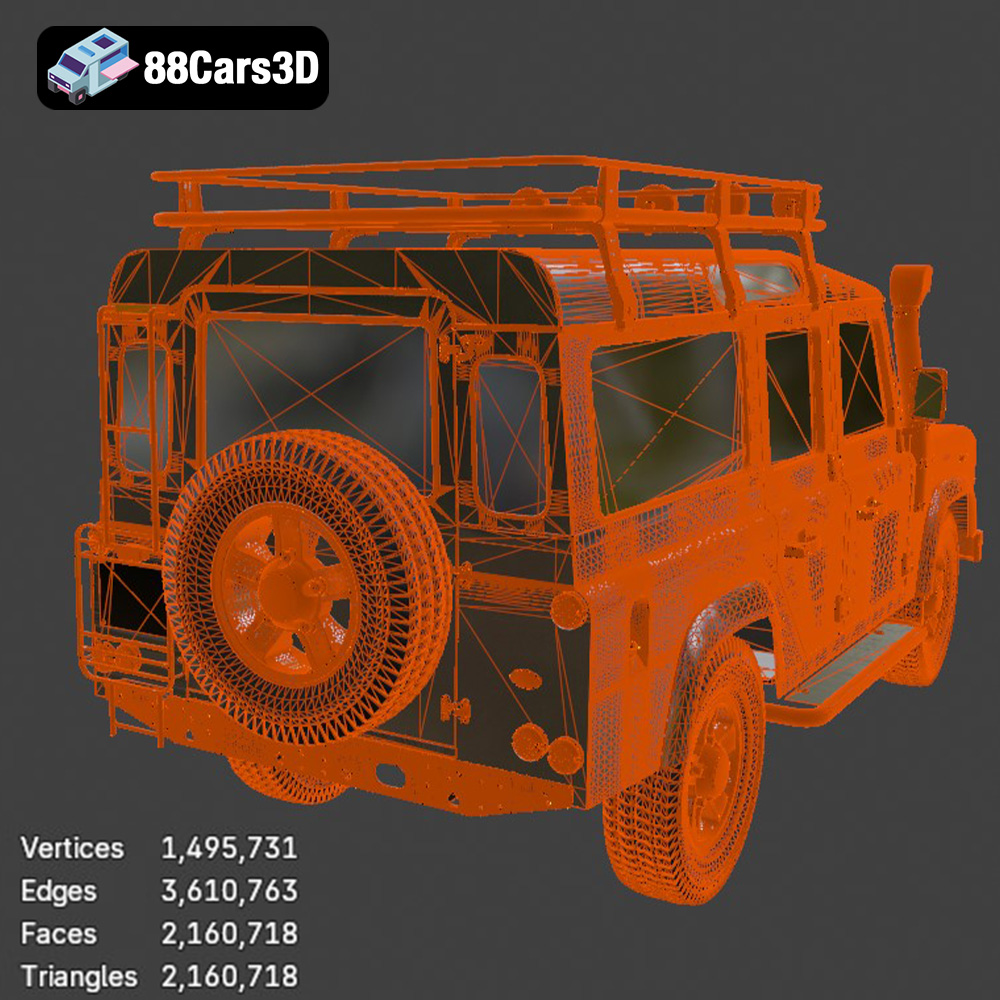
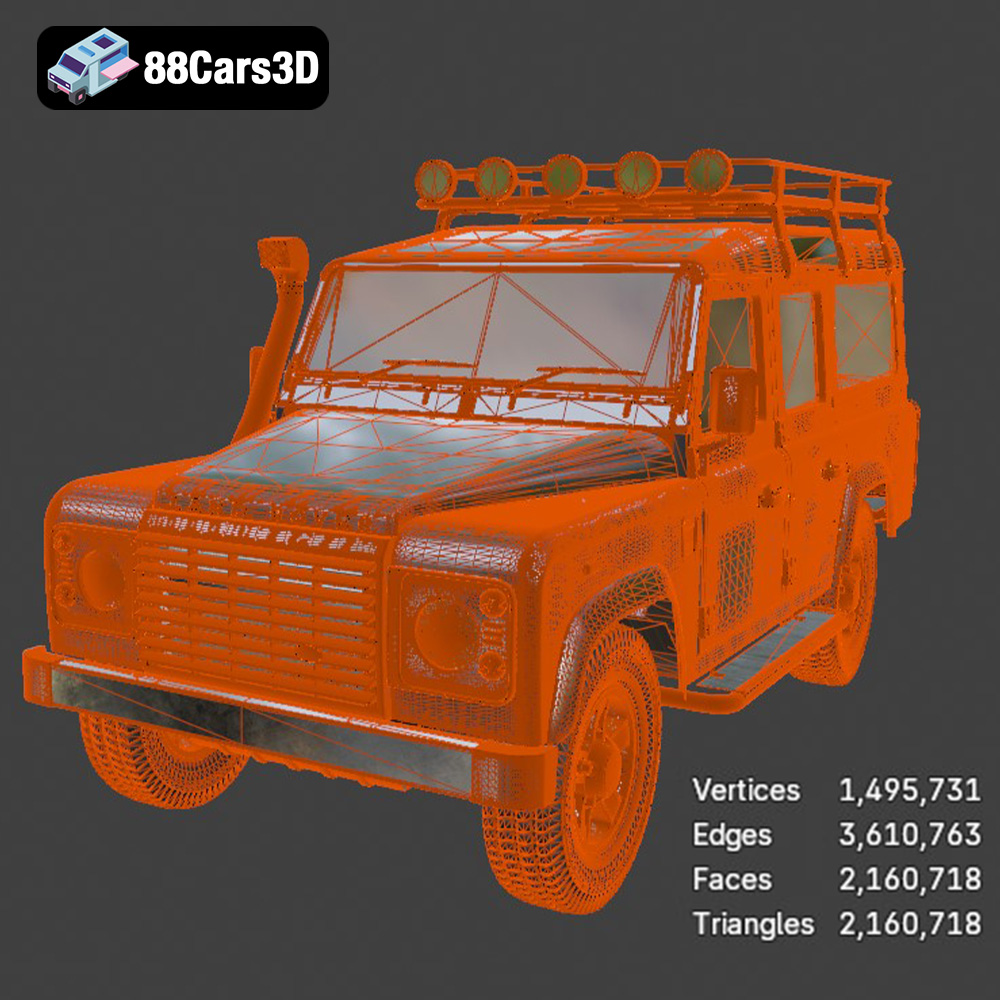
The .stl (Stereolithography) file format is the industry standard for 3D printing. It represents the surface geometry of a 3D object as a collection of triangles, essentially creating a mesh. This simplicity is its strength, making it universally compatible with almost all 3D printing software and printers. However, .stl files only contain information about the shape of the object, lacking color, texture, or material properties. For the Land Rover Defender 110, the .stl format will primarily define the shape of all the exterior and interior components. The quality of the .stl file directly impacts the final print quality. A high-resolution mesh with smaller triangles will result in a smoother surface, but also a larger file size and potentially longer processing times in your slicing software. It’s important to strike a balance between detail and practicality.
The .obj (Object) file format is a more versatile format that, in addition to geometry, can store color and texture information. This allows for colored 3D prints, provided your printer supports multi-material printing. While the Defender 110 model from 88cars3d.com may not come with pre-defined color textures, the .obj format allows you to add your own using 3D modeling software before importing into a slicing program.
.ply (Polygon File Format) is designed to store data from 3D scanners and is capable of representing very high-detail meshes. While beneficial for accuracy, .ply files can be very large, potentially straining your slicing software and printer’s memory. It’s best suited for highly detailed parts of the Defender 110, if you have a source file in that format, that need the most accuracy during printing.
The .blend (Blender), .fbx (Filmbox), .glb and .max formats are specific to 3D modeling software and typically contain the complete project file with all editing history, materials, and textures. While you won’t directly print these formats, they are invaluable for customizing the Defender 110 model before exporting to a printable format like .stl. For example, you could use .blend to modify the roof rack, add accessories, or separate the body into smaller, more manageable parts for printing. The .fbx format is particularly useful for importing into game engines and some advanced slicing software that supports material properties. The .glb format allows for previewing the model in AR environments, giving you a sense of its scale and appearance in the real world before committing to a print.
In summary, for 3D printing the Land Rover Defender 110 model, the .stl format is the most practical and widely supported choice. Ensure the .stl file you’re using has sufficient resolution to capture the details of the model, but is also optimized for efficient slicing and printing. The models available on 88cars3d.com should provide this optimal balance.
The quality of your 3D print depends heavily on the preparation you undertake before hitting the “print” button. This involves inspecting and potentially repairing the model, choosing the right orientation, and configuring your slicing software.
Before slicing, thoroughly inspect the Land Rover Defender 110 STL files using software like Meshmixer or Netfabb. Look for potential issues such as:
* **Non-manifold geometry:** Areas where the mesh isn’t properly closed, leading to printing errors.
* **Inverted normals:** Surfaces facing the wrong way, causing slicing problems.
* **Holes and gaps:** Obvious openings in the model that need to be sealed.
* **Intersecting geometry:** Overlapping parts that can confuse the slicer.
Most of these issues can be automatically fixed within Meshmixer using the “Make Solid” function. However, carefully review the results to ensure the repairs haven’t compromised the model’s detail.
Choosing the right print orientation is critical for minimizing support material, maximizing detail, and ensuring structural integrity. For the Defender 110 body, consider printing it at a slight angle (around 45 degrees) with the roof facing upwards. This reduces the need for supports on the main body panels, resulting in a smoother surface finish. Separate components like wheels, bumpers, and the spare tire can be printed individually in orientations that minimize supports and highlight detail.
Careful planning of support structures is essential. Areas that will likely require supports include:
* **Wheel arches:** Especially on the underside.
* **Side mirrors:** These are delicate and need robust support.
* **Roof rack (if included):** The overhangs require extensive support.
* **Spare tire mount:** The cantilevered design needs strong support.
Experiment with different support settings in your slicer, such as support density, overhang angle, and support interface thickness, to find the optimal balance between support strength and ease of removal.
The material you choose for 3D printing the Land Rover Defender 110 will influence its strength, appearance, and overall durability. Here are some popular options and their pros and cons:
PLA is a biodegradable thermoplastic known for its ease of printing, low warping, and wide availability. It’s a great choice for beginners and for creating aesthetically pleasing models. However, PLA is relatively brittle and has low heat resistance, making it less suitable for parts that will be subjected to stress or high temperatures. For the Defender 110, PLA is ideal for the body, interior components, and non-functional parts.
PETG offers a good balance of strength, flexibility, and heat resistance. It’s more durable than PLA and less prone to warping than ABS. PETG is a good all-around choice for the Defender 110, especially for parts that need some flexibility, like the bumpers and wheels.
ABS is a strong and heat-resistant plastic commonly used in automotive parts. It’s a good choice for the Defender 110 if you need high durability and heat resistance. However, ABS is more difficult to print than PLA and PETG, requiring a heated bed and enclosure to prevent warping.
Resin printing offers exceptional detail and smooth surface finish, making it ideal for small, intricate parts like the grille, headlights, and interior details of the Defender 110. However, resin prints tend to be more brittle than filament-based prints and require post-processing steps like washing and curing.
Ultimately, the best material choice depends on your specific needs and priorities. If you prioritize ease of printing and aesthetics, PLA is a good choice. If you need more durability, PETG or ABS are better options. If you want the highest level of detail, consider resin printing for certain parts.
Once you’ve chosen your material, it’s time to configure your printer settings in your slicing software. These settings will directly impact the quality, strength, and print time of your Land Rover Defender 110 model.
Layer height determines the vertical resolution of your print. Lower layer heights (e.g., 0.1mm or 0.12mm) result in smoother surfaces and finer details but also increase print time. Higher layer heights (e.g., 0.2mm or 0.25mm) are faster but result in less detailed surfaces. For the Defender 110, a layer height of 0.15mm to 0.2mm is a good compromise between detail and speed.
Infill density determines the amount of material inside the printed part. Higher infill densities increase strength but also increase print time and material usage. For the Defender 110 body, an infill density of 20-30% is usually sufficient. Choose an infill pattern that provides good support, such as grid, gyroid, or cubic.
Print speed and temperature should be adjusted according to the material you’re using and your printer’s capabilities. Refer to the filament manufacturer’s recommendations for optimal settings. Generally, slower print speeds result in better quality but increase print time.
As mentioned earlier, proper support settings are crucial. Experiment with different support densities, overhang angles, and support interface thicknesses to find the optimal settings for your printer and material. Consider using soluble support material for complex geometries or areas where support removal is difficult.
Once the 3D printing is complete, post-processing is essential to achieve a professional-looking finish for your Land Rover Defender 110 model. This typically involves removing supports, sanding, priming, and painting.
Carefully remove support structures using pliers, a hobby knife, or specialized support removal tools. Be gentle to avoid damaging the printed part. After removing supports, sand the surface with progressively finer grits of sandpaper (e.g., 220, 400, 600) to remove layer lines and smooth out imperfections.
Apply a primer coat to the sanded surface to create a uniform base for painting. Choose a primer that is compatible with your chosen paint. Once the primer is dry, apply several thin coats of paint, allowing each coat to dry completely before applying the next. Consider using an airbrush for a smoother, more professional finish. For the Land Rover Defender 110, consider iconic colors like classic green, sand, or black.
If you printed the Defender 110 in separate parts, carefully assemble them using glue or fasteners. Ensure proper alignment and secure bonding for a durable final product.
Even with careful preparation, you may encounter printing issues. Here are some common problems and their solutions:
* **Warping:** This occurs when the printed part pulls away from the build plate due to uneven cooling. Ensure your bed is properly leveled and heated, and consider using an enclosure to maintain a consistent temperature.
* **Stringing:** This occurs when the printer extrudes filament while moving between different parts of the model. Adjust retraction settings in your slicer.
* **Layer shifting:** This occurs when the print head suddenly shifts position, resulting in misaligned layers. Check for loose belts or pulleys on your printer.
* **Poor adhesion:** This occurs when the first layer of the print doesn’t stick to the build plate. Clean the build plate with isopropyl alcohol, adjust the nozzle height, and consider using a bed adhesive like hairspray or glue stick.
The print time and material costs for the Land Rover Defender 110 3D model will vary depending on the scale, material, printer settings, and complexity of the model. However, here’s a rough estimate:
* **Print time:** 20-50 hours (depending on scale and settings)
* **Material cost:** $10-$50 (depending on material and size)
These are just estimates, and the actual values may vary.
By following these guidelines and paying attention to detail, you can successfully 3D print a stunning Land Rover Defender 110 model that you’ll be proud to display. Remember to visit 88cars3d.com for high-quality STL files optimized for 3D printing! With a little patience and effort, you can bring this iconic vehicle to life in your own home. Happy printing!
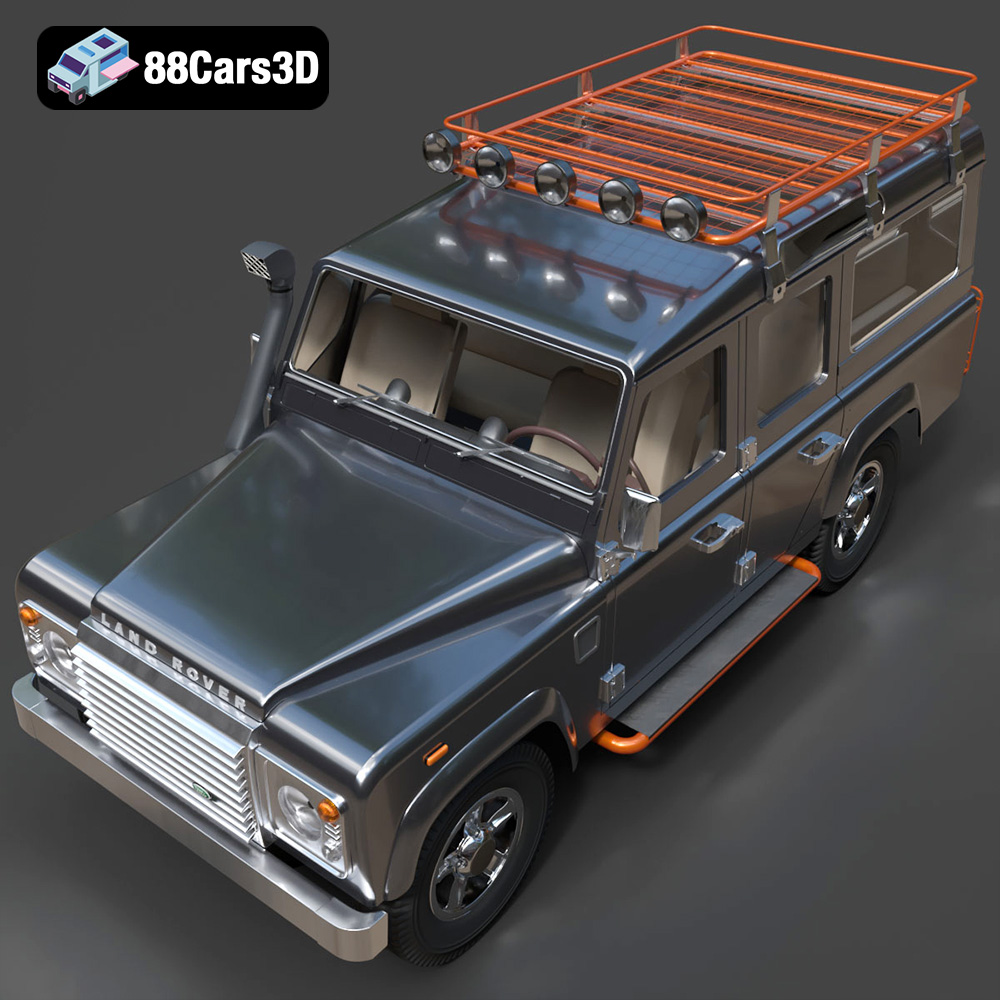
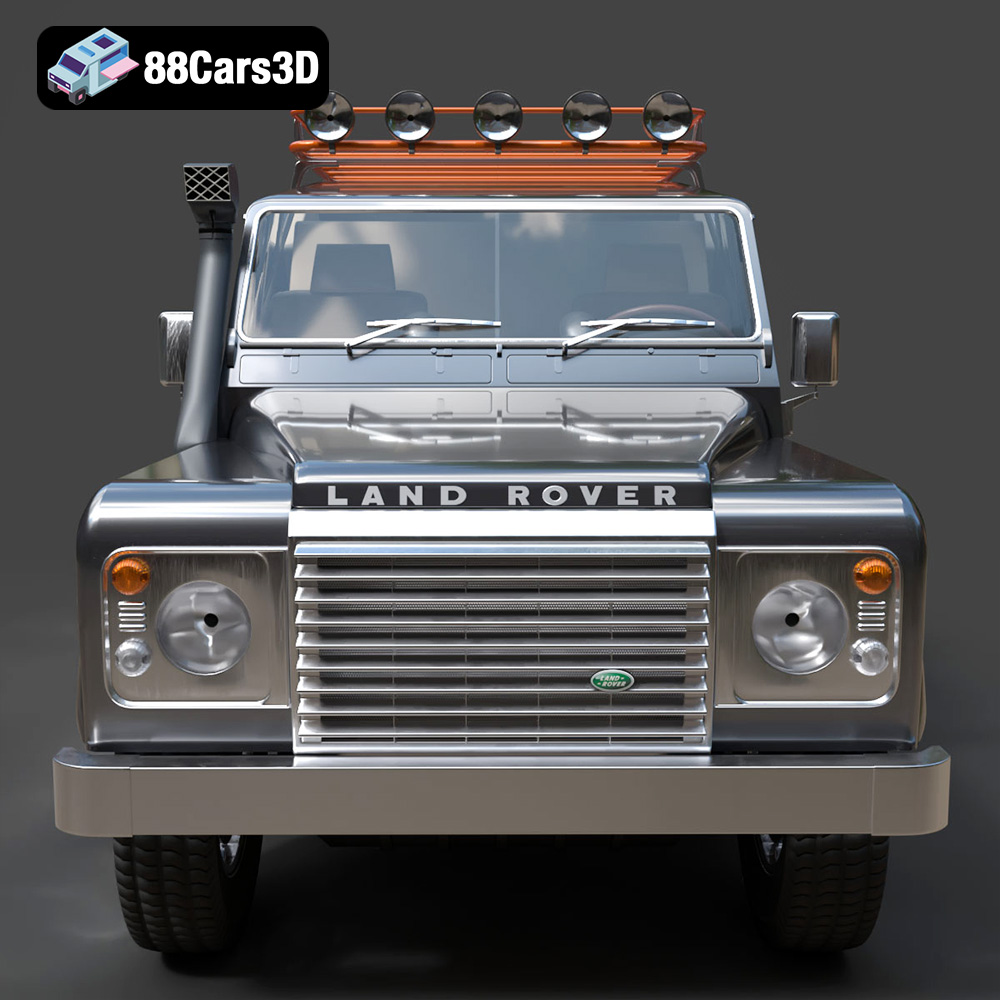
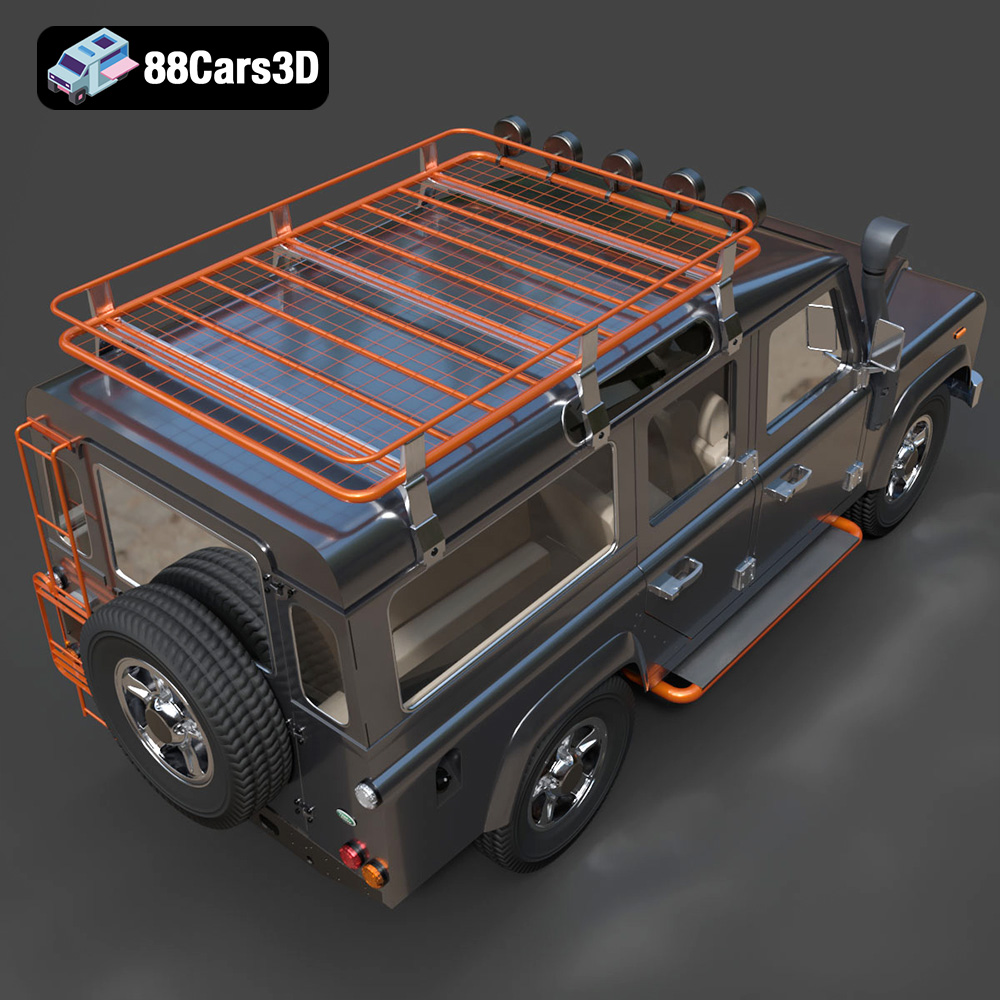
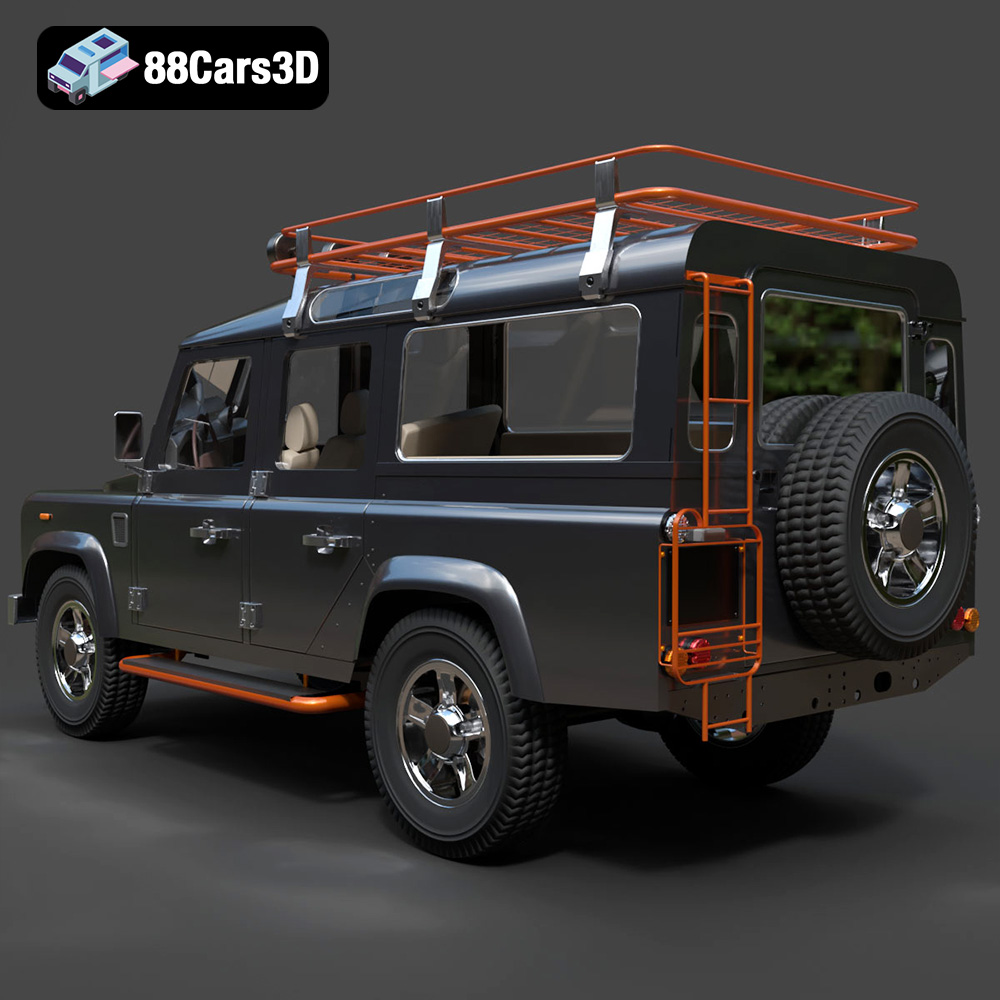
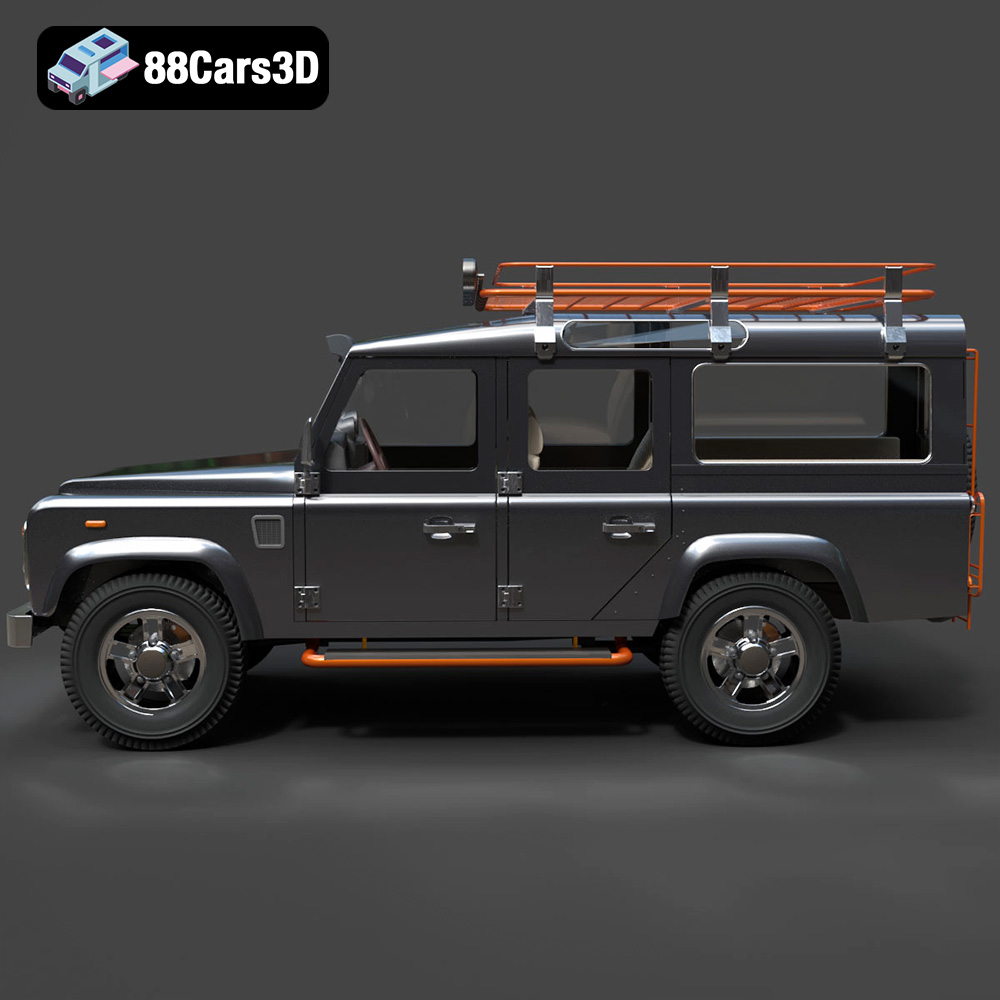
The Land Rover Defender 110 3D Model is a high-detail digital recreation of the legendary long-wheelbase off-road SUV known for its rugged durability, utilitarian design, and global expedition heritage. Built to conquer extreme terrains, the Defender 110 has become an icon of adventure, military service, agriculture, and exploration worldwide.
$9.99
.4×4
.arvr
.automotive
.blend
.car3dmodel
.defender110
.expeditionvehicle
.fbx
.gameasset
.glb
.landrover
.max
.obj
.offroadvehicle
.ply
.rendering
.simulation
.stl
.unreal
.utilityvehicle
SUV