Get 50% OFF All Premium 3D & STL Models!

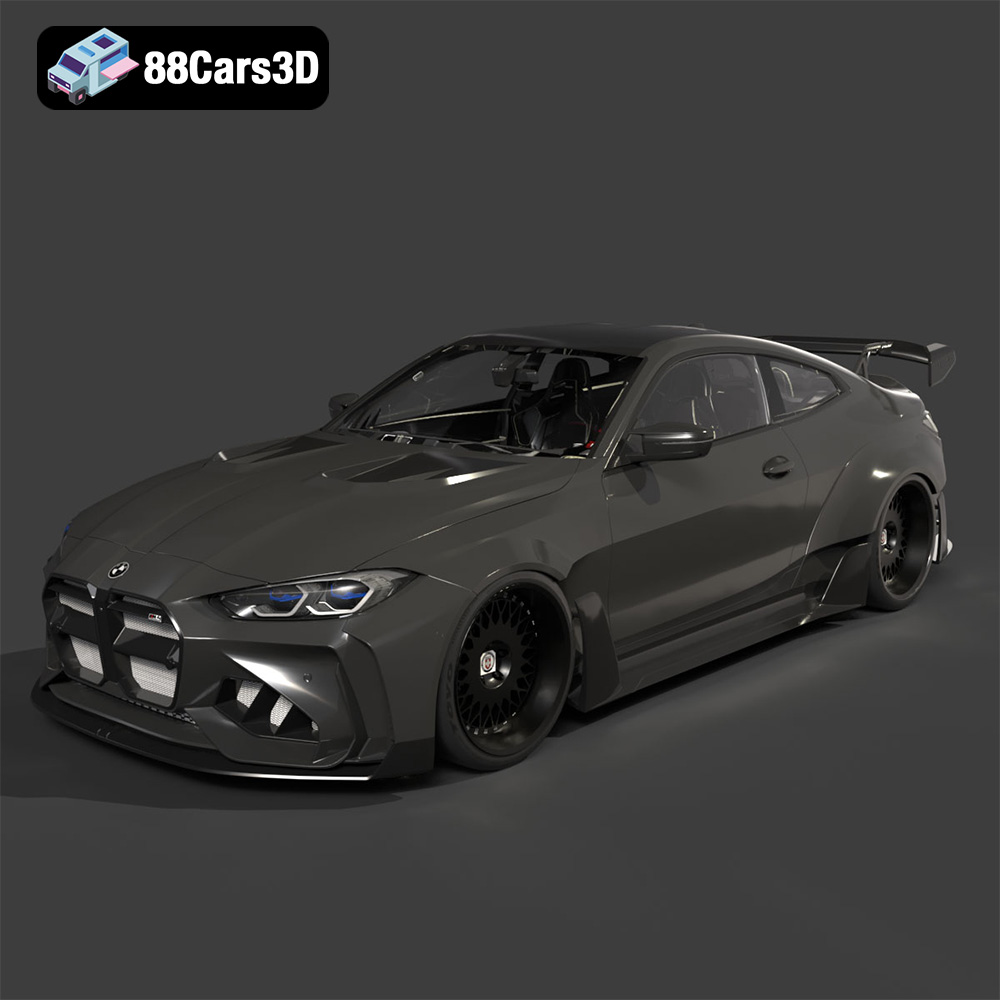
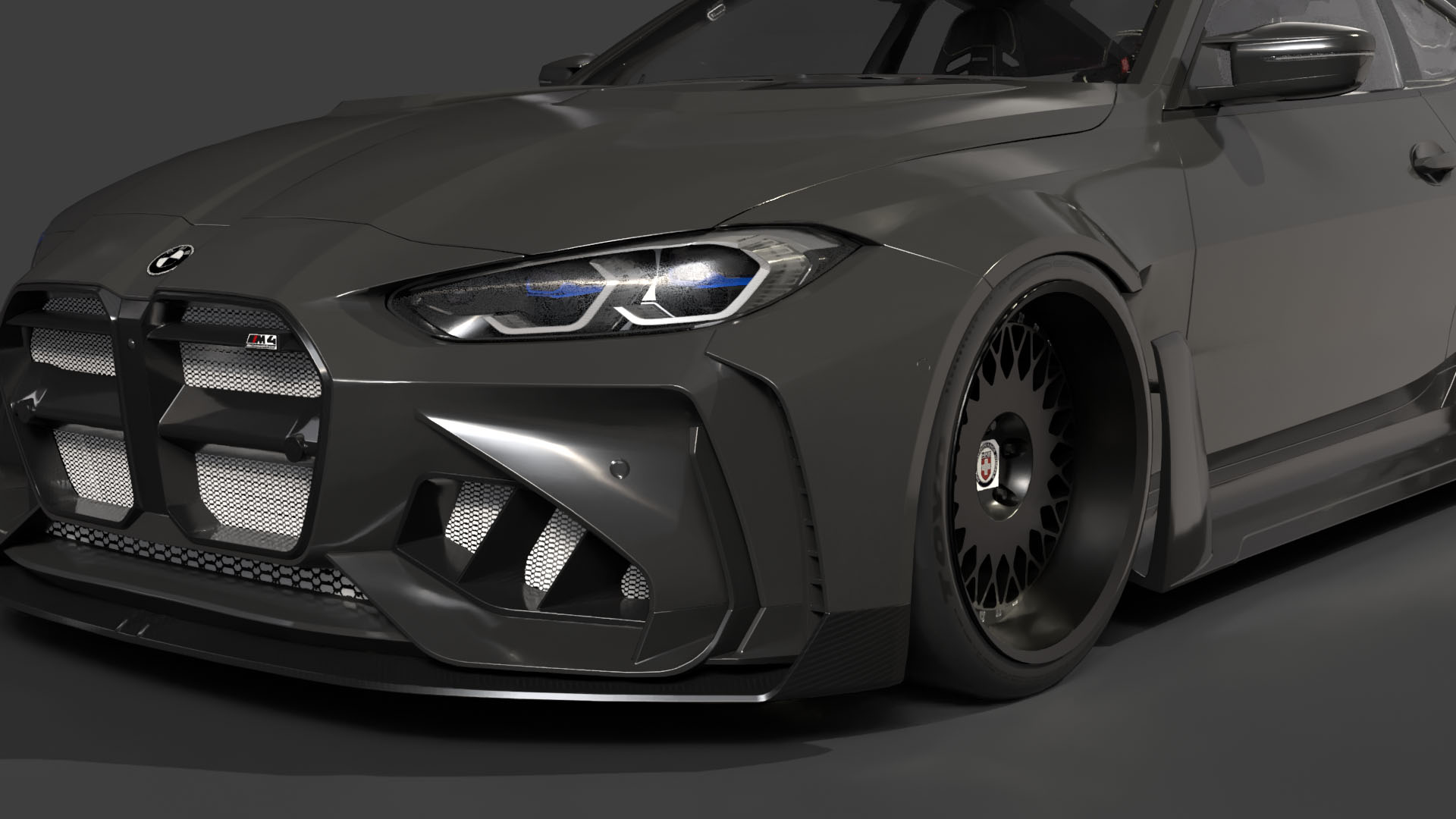
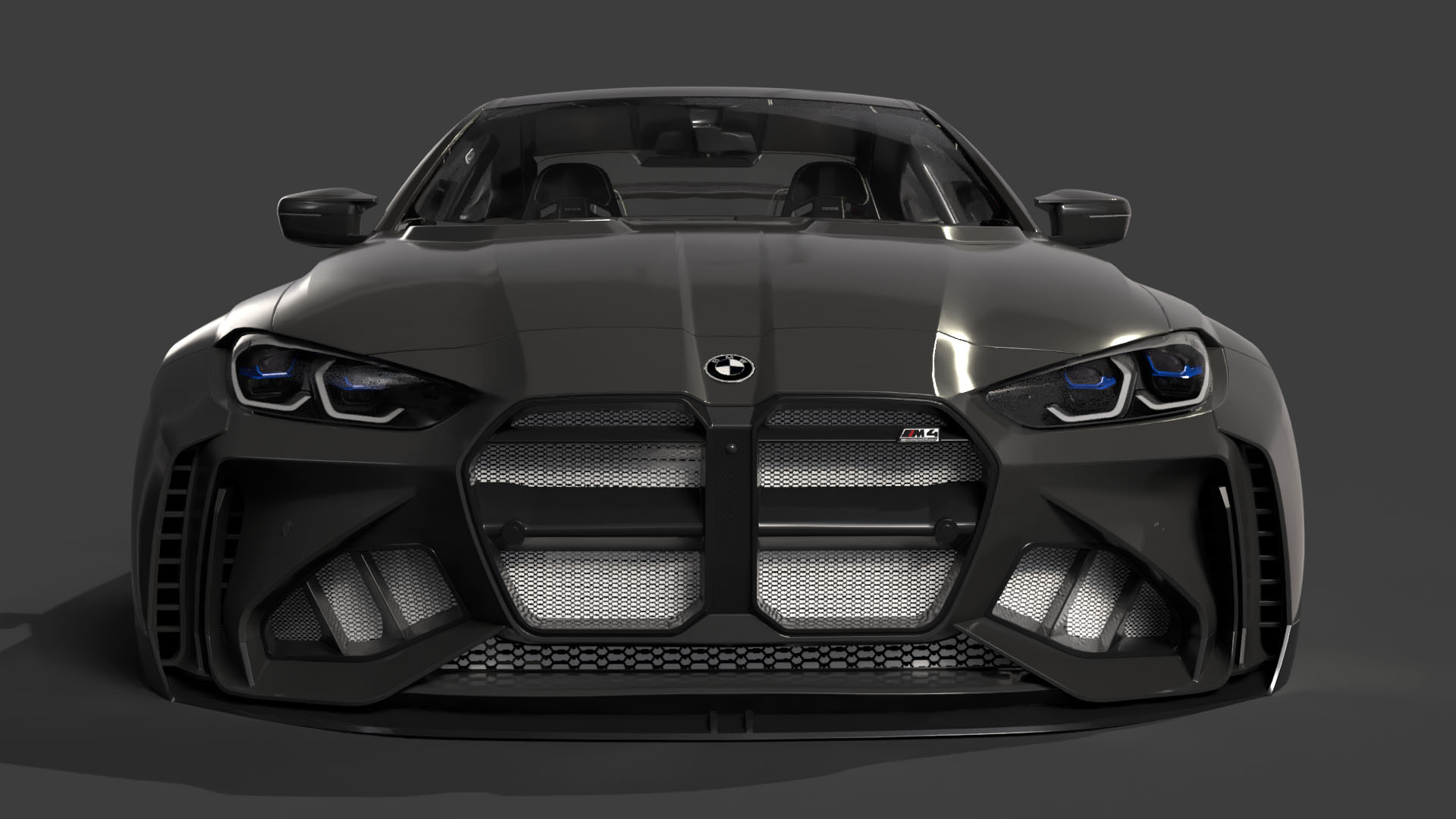
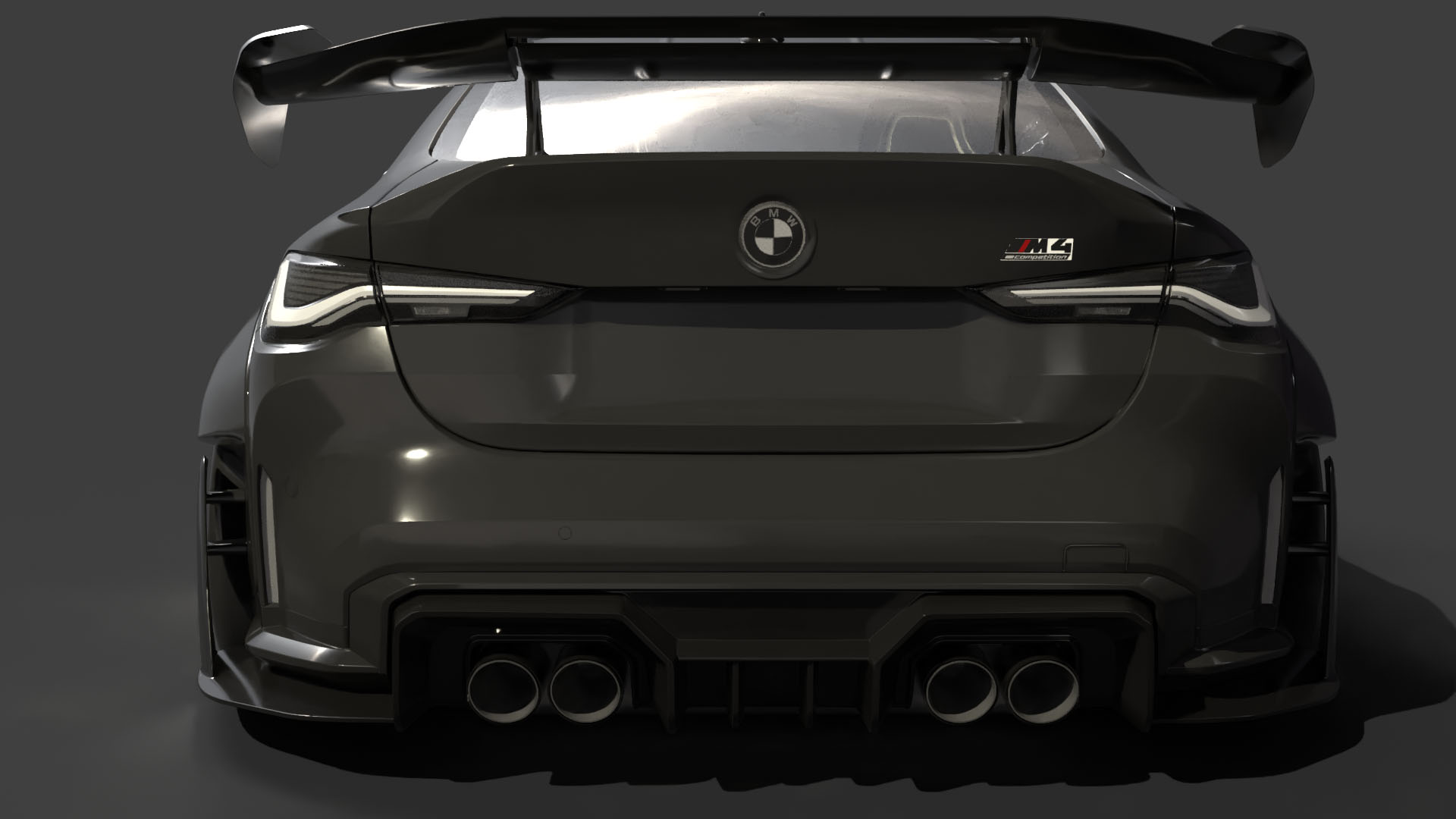
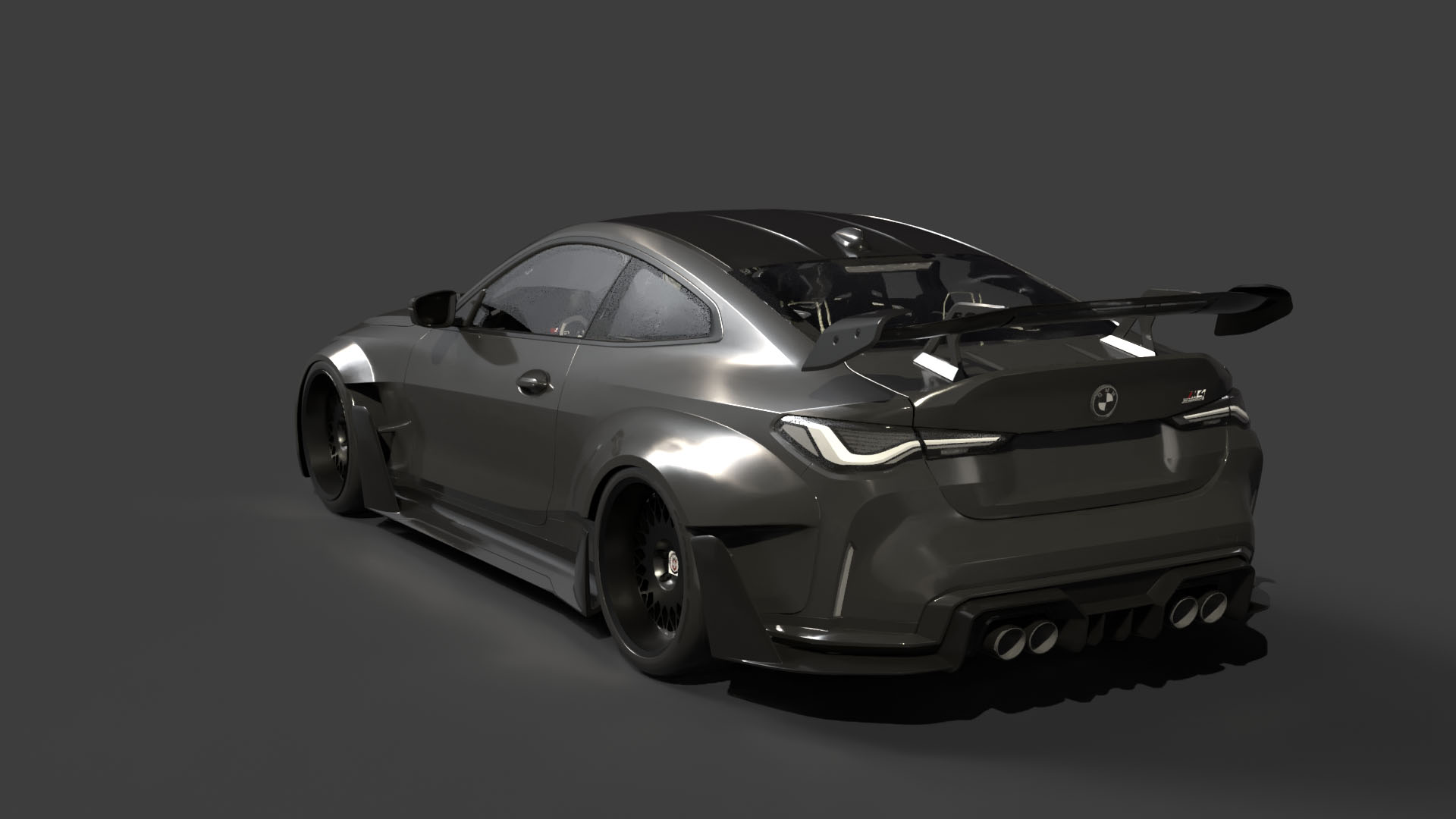
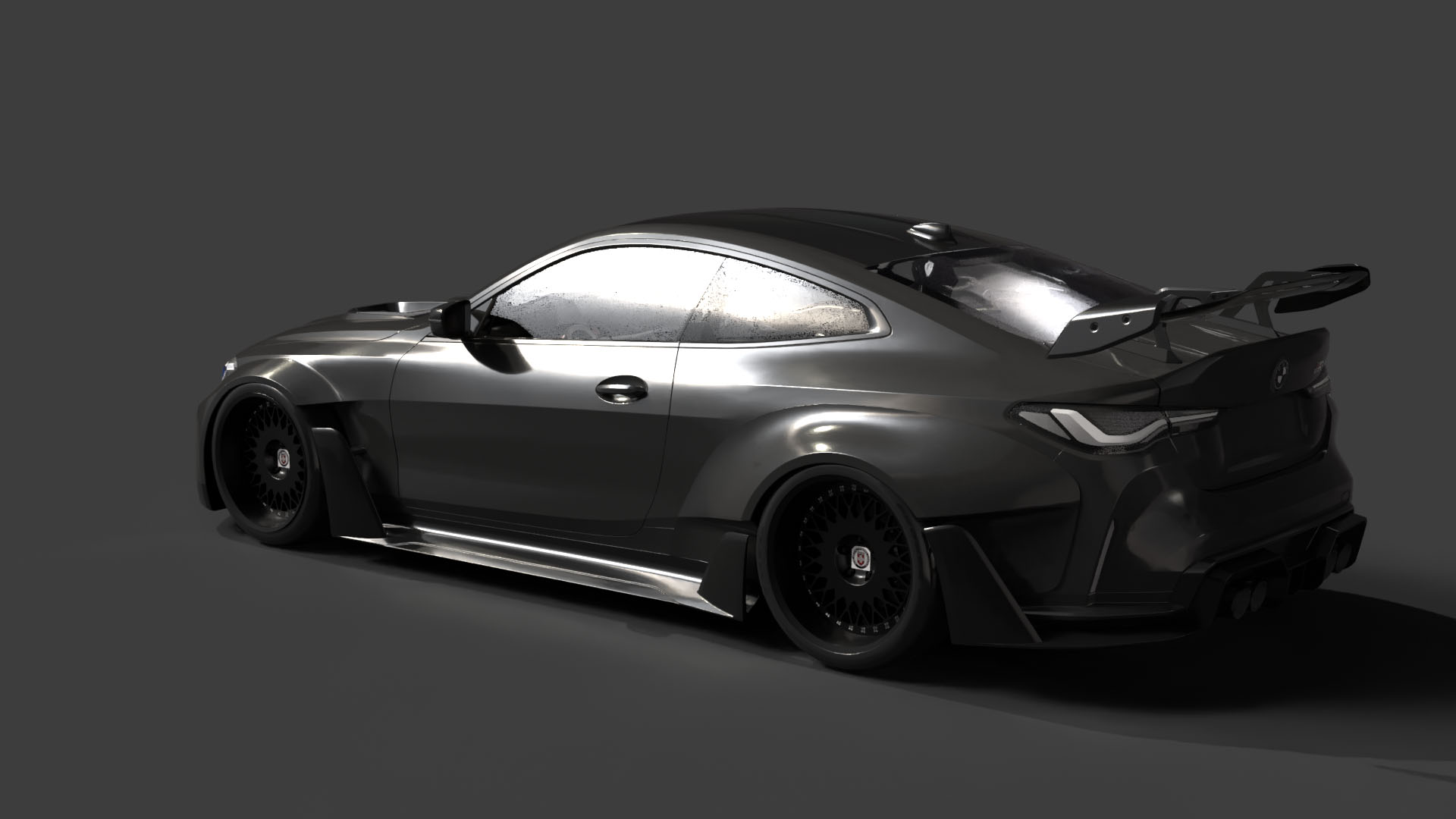
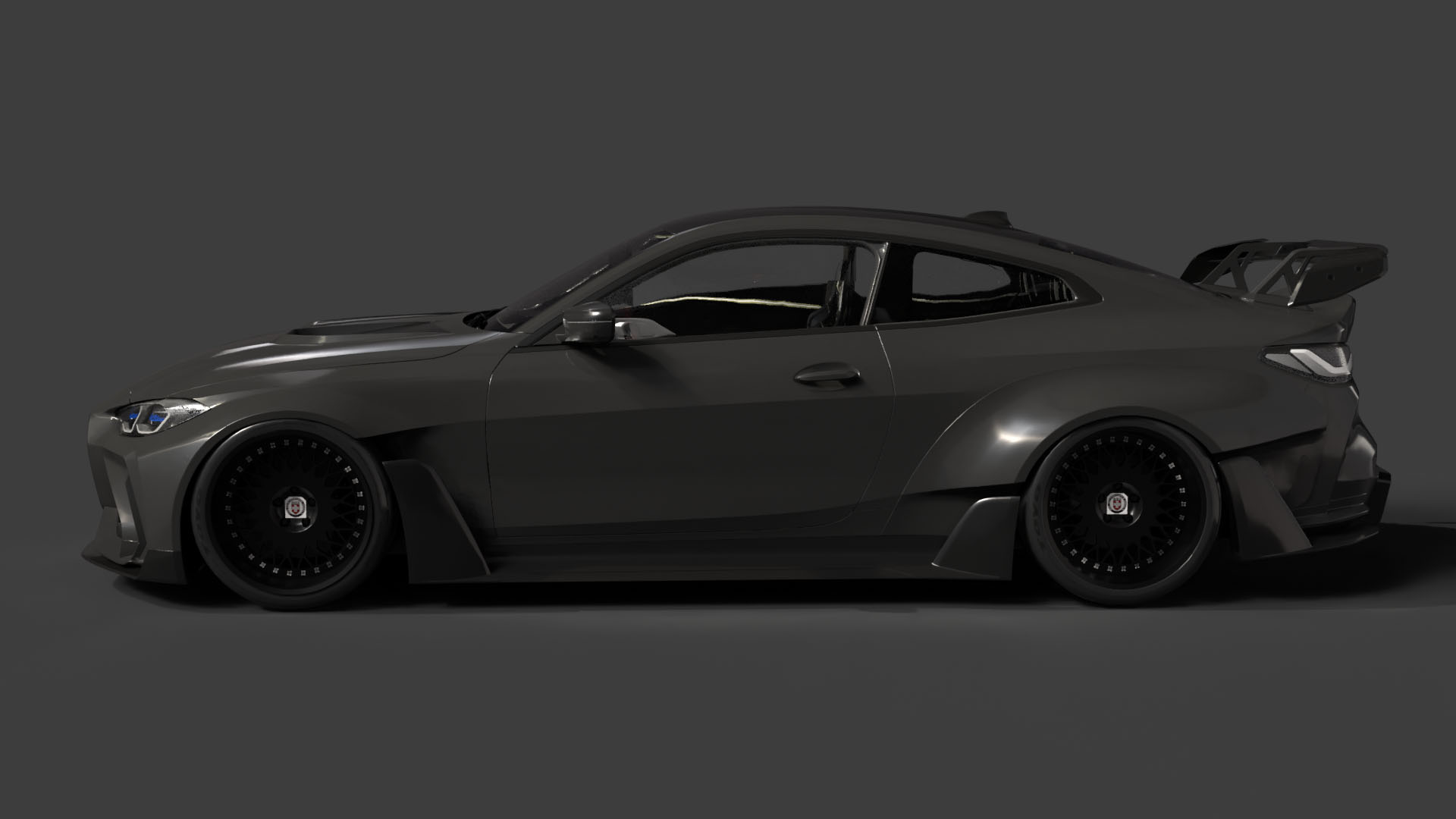
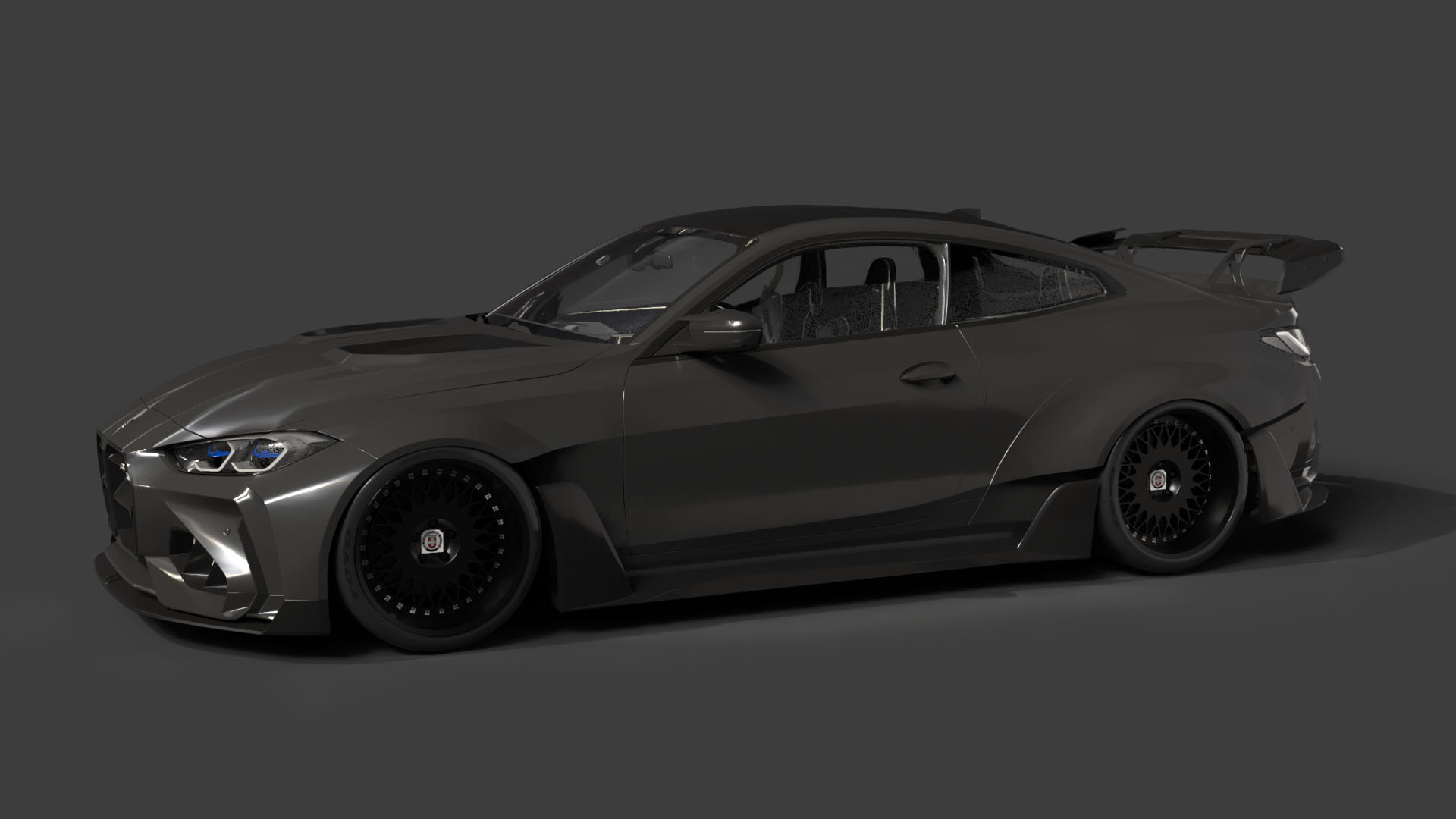
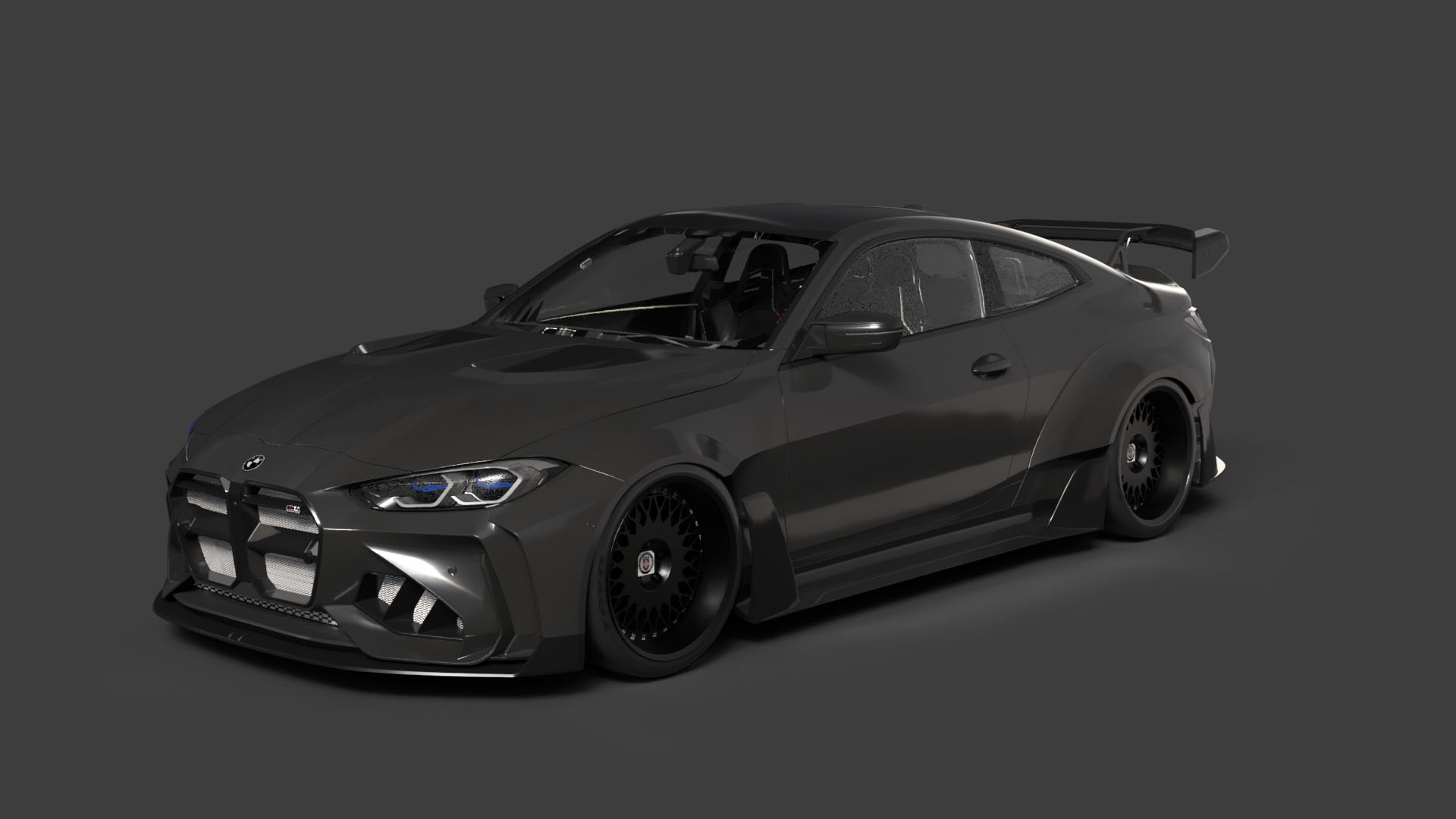
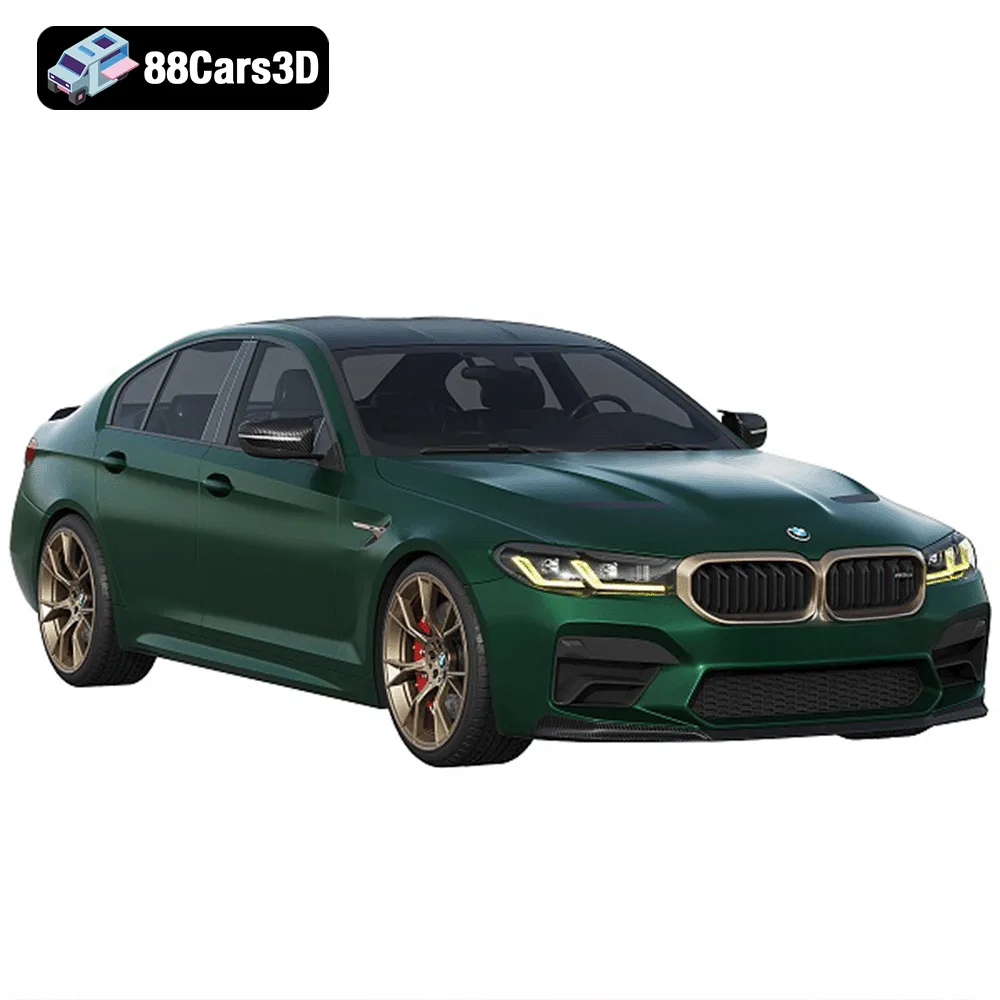
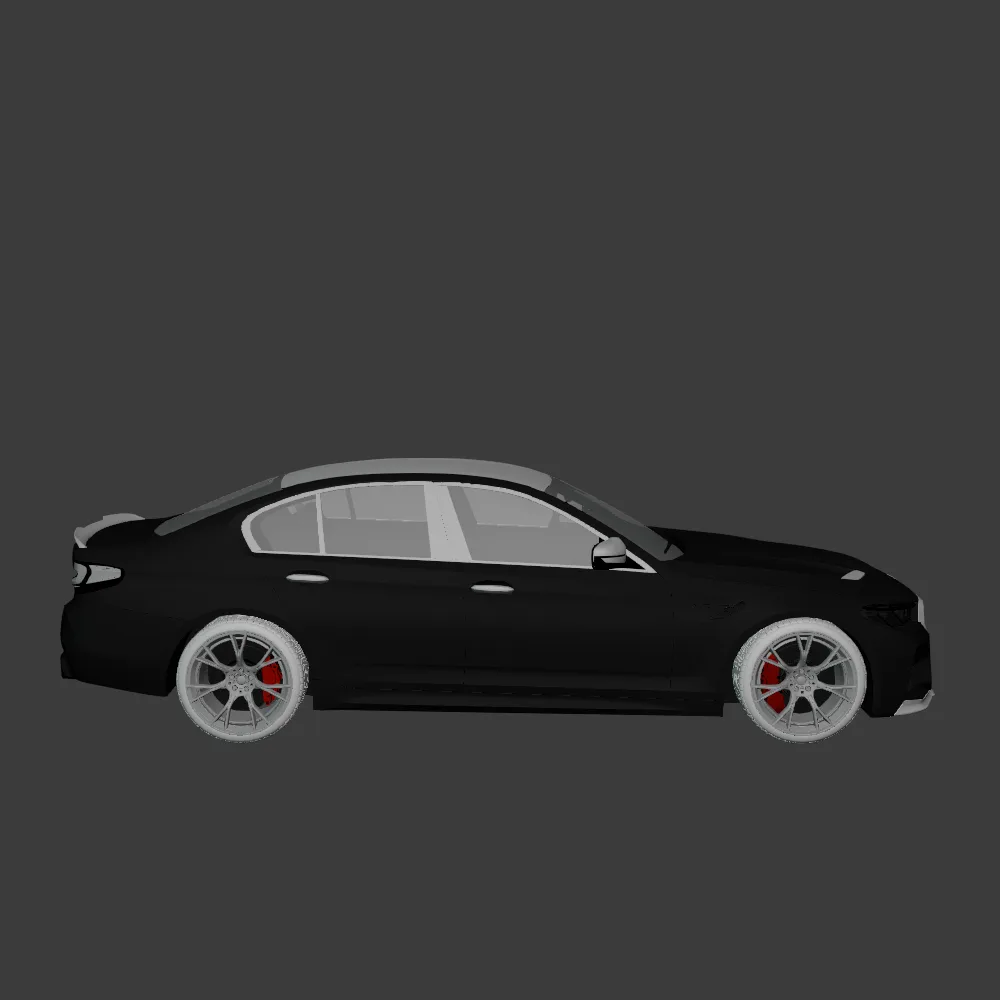
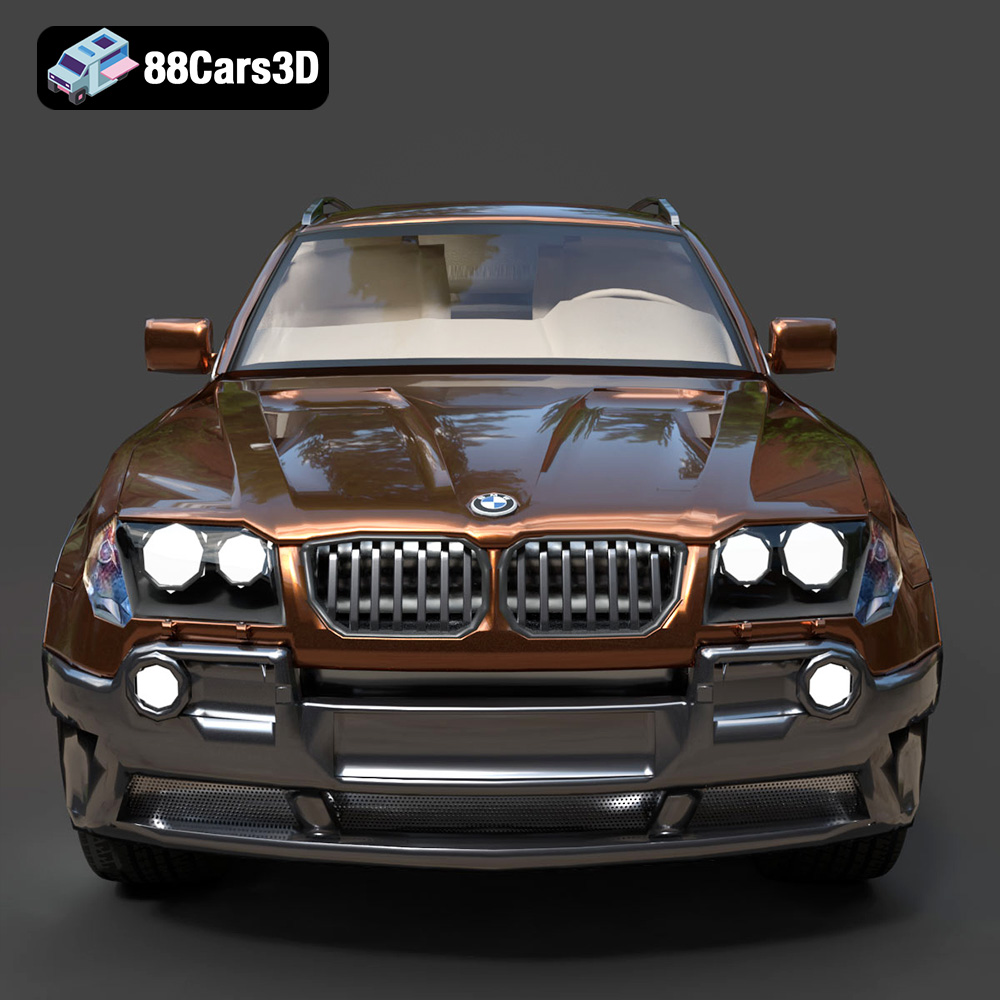
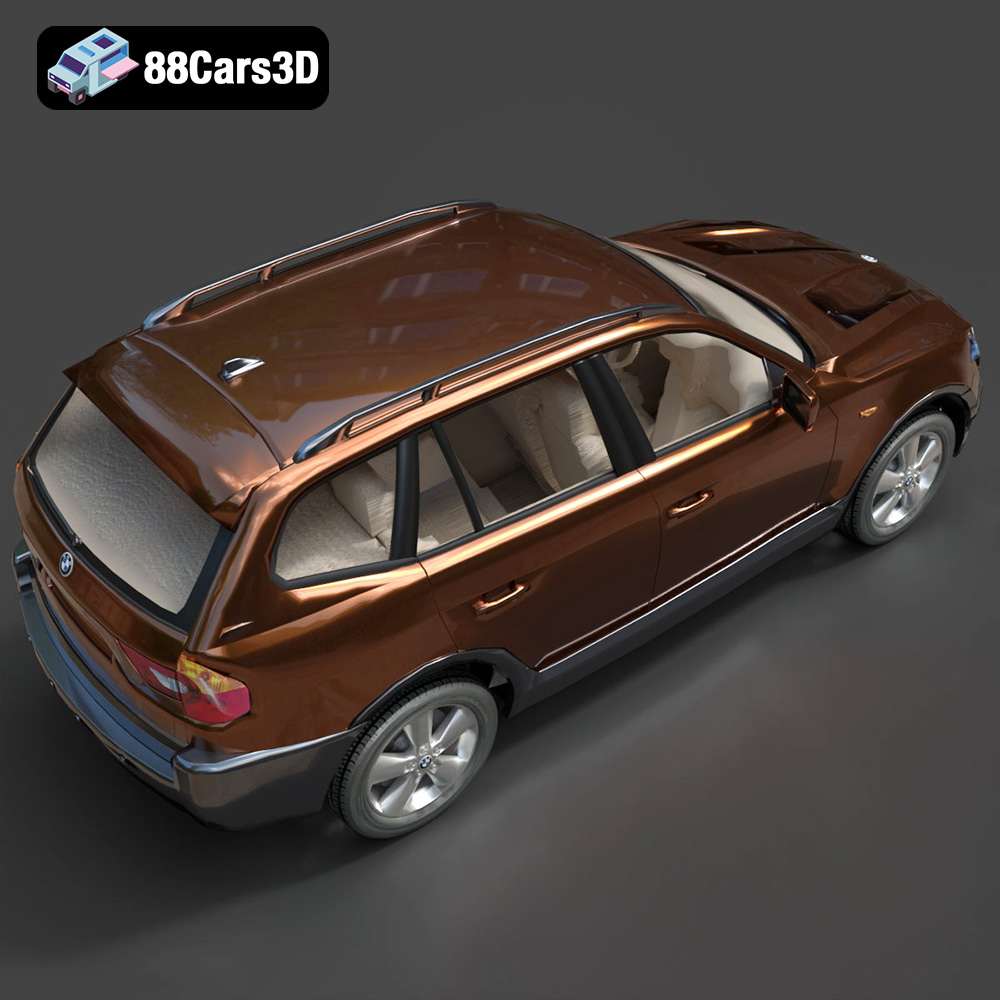
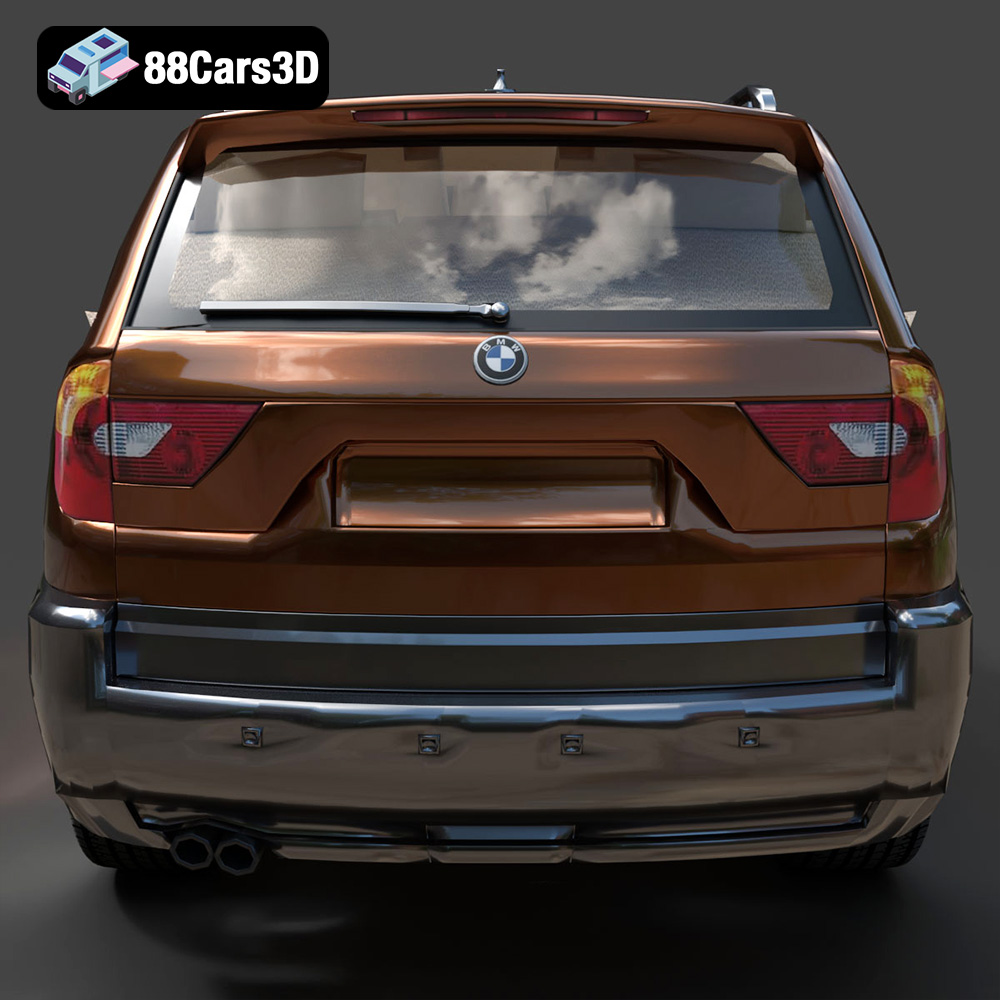
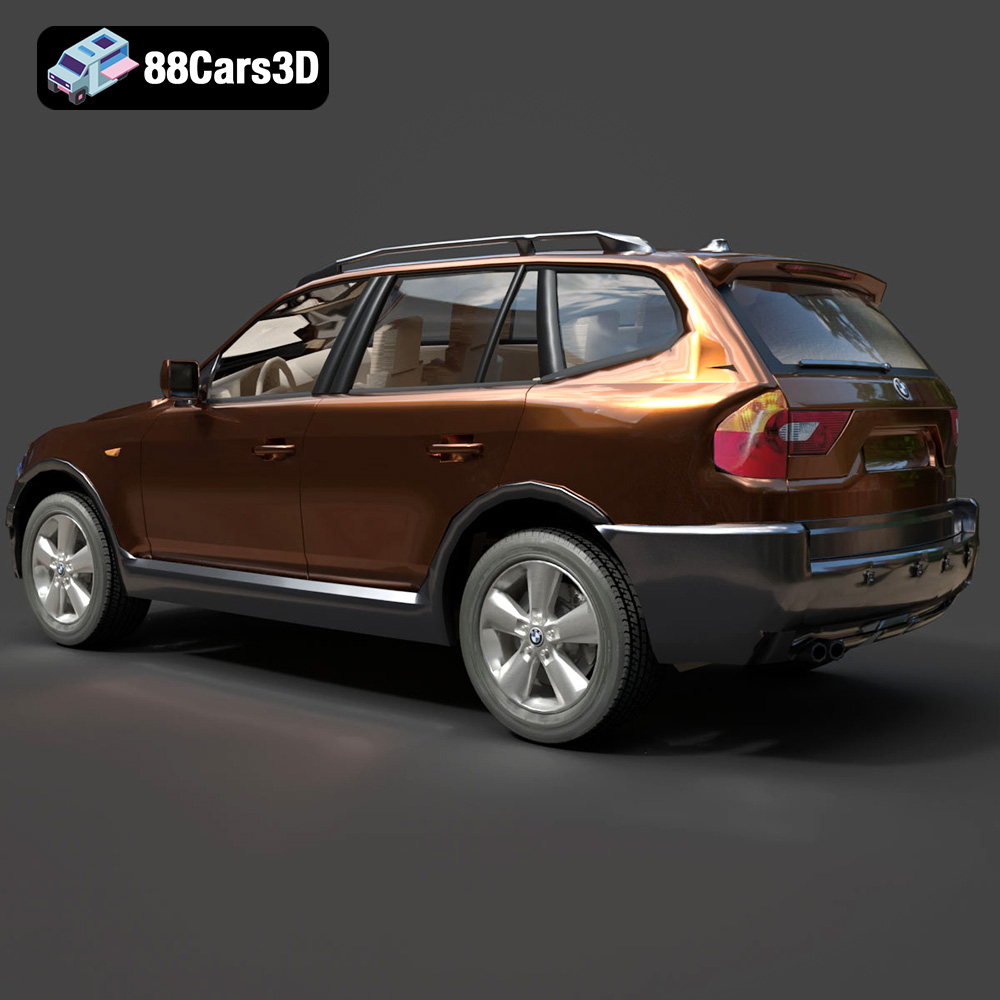
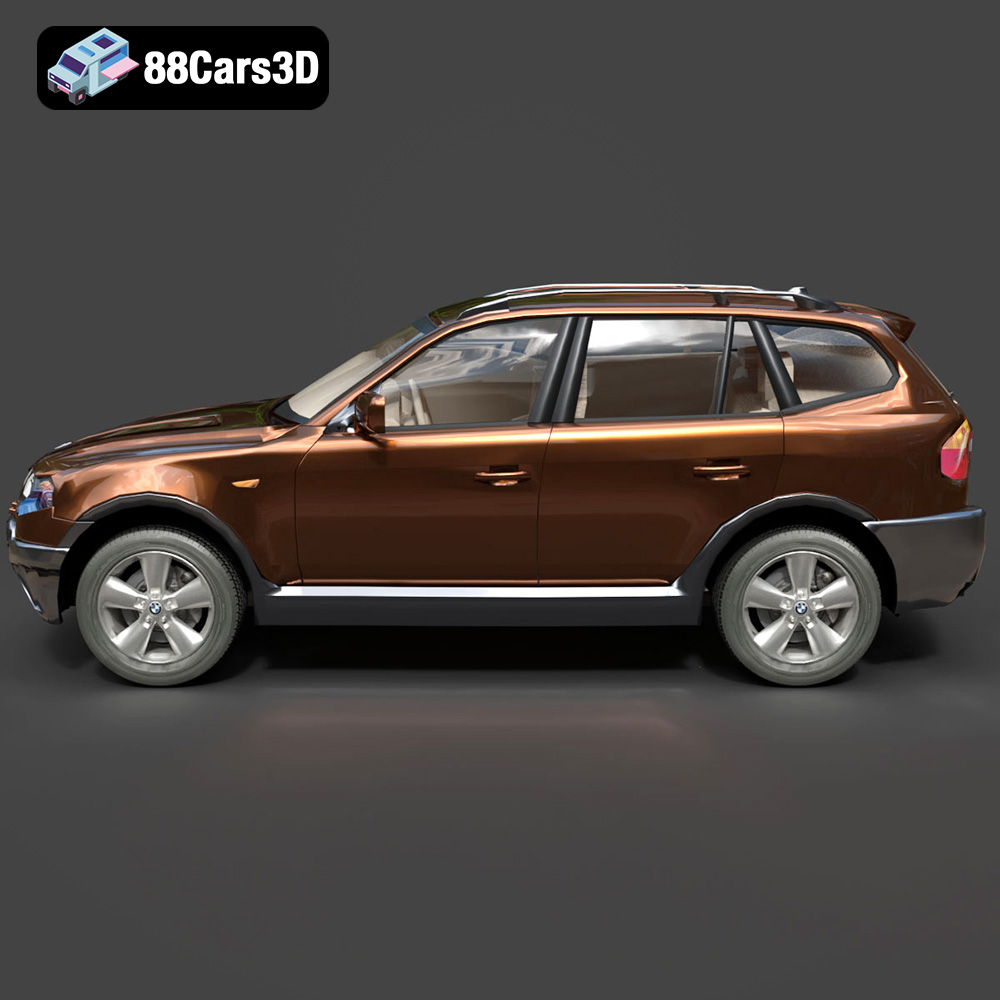
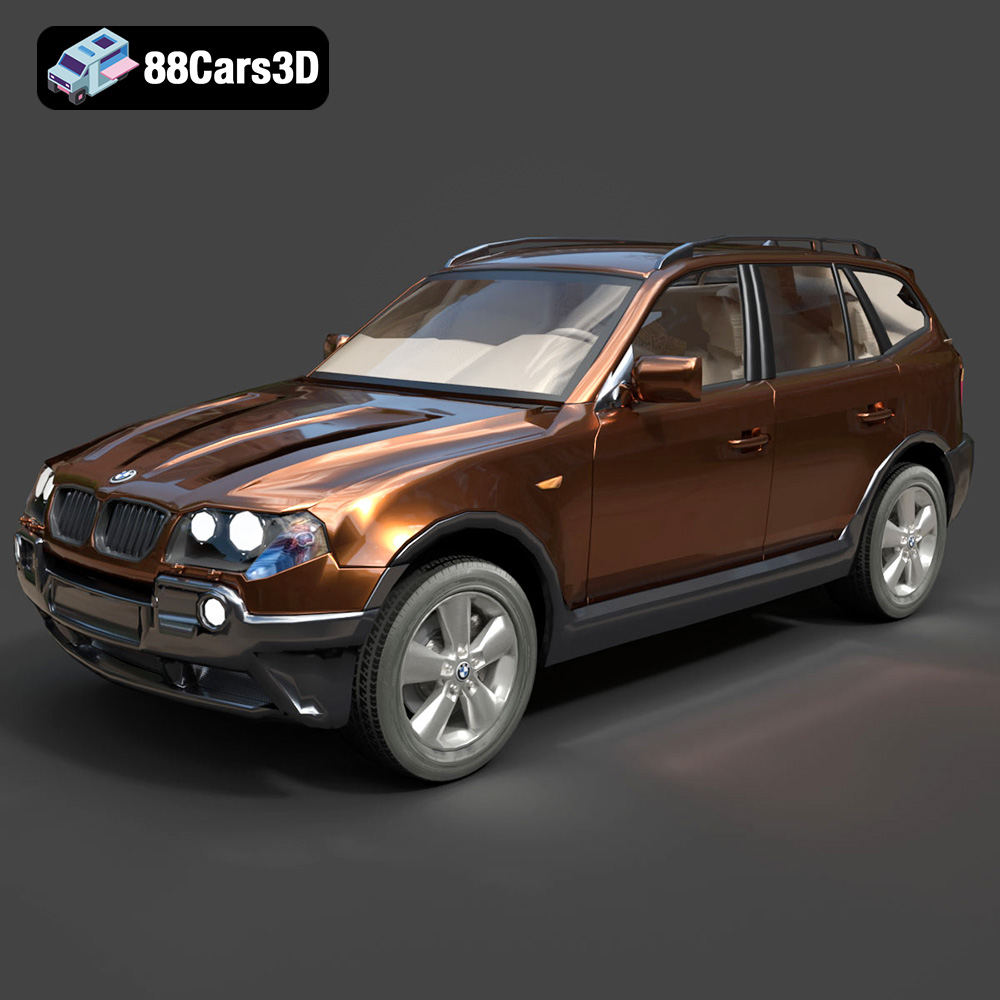
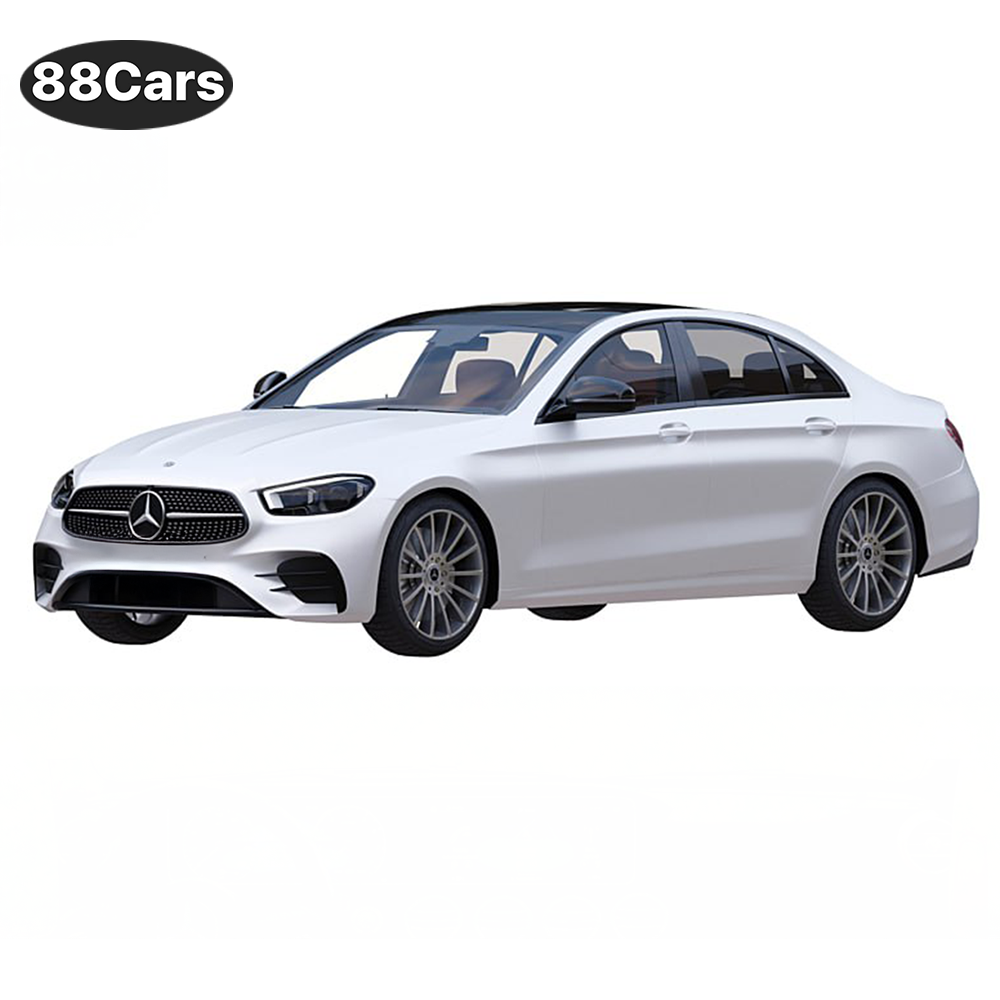
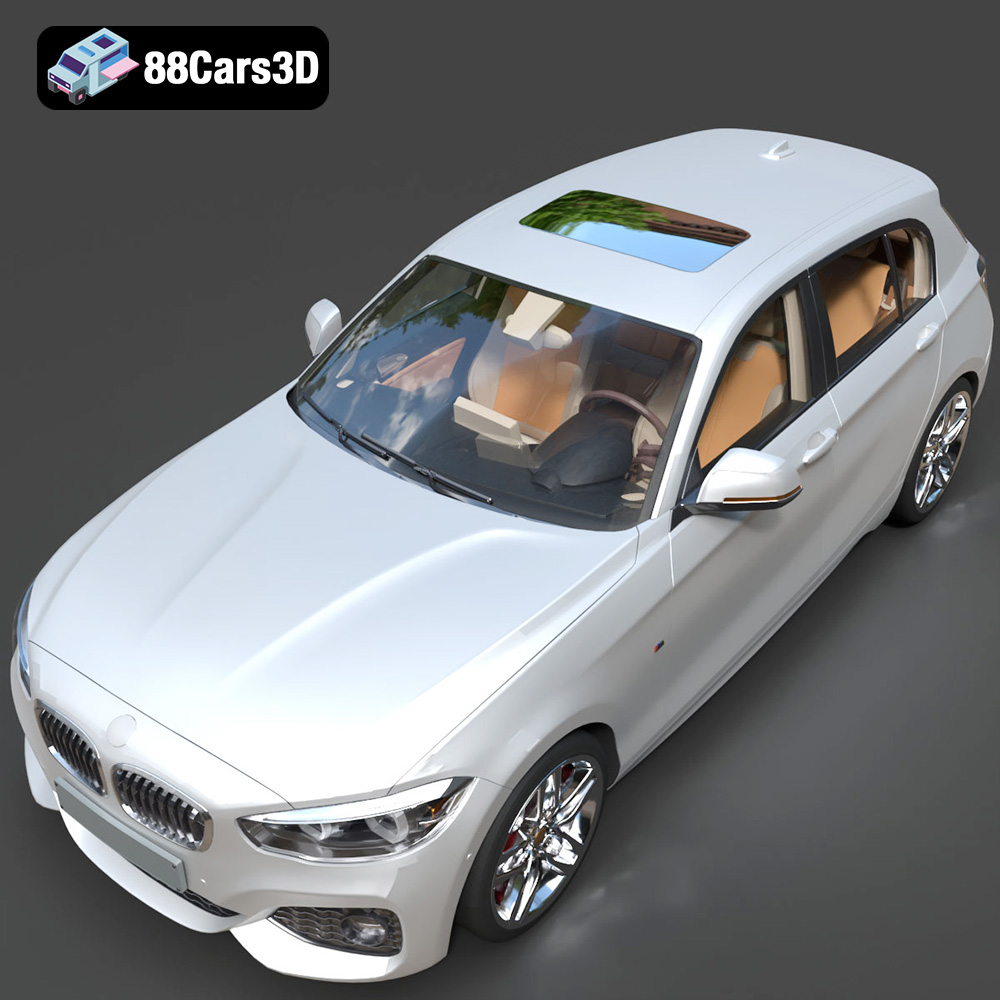
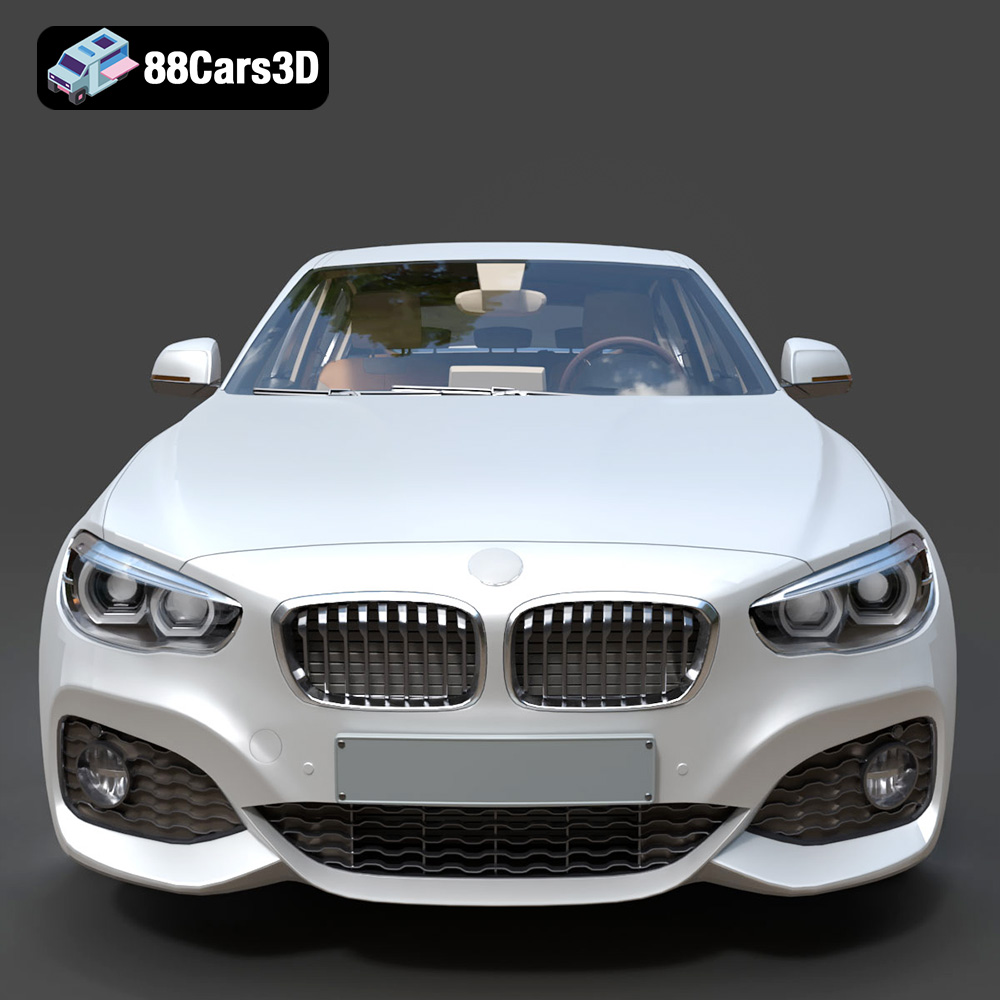
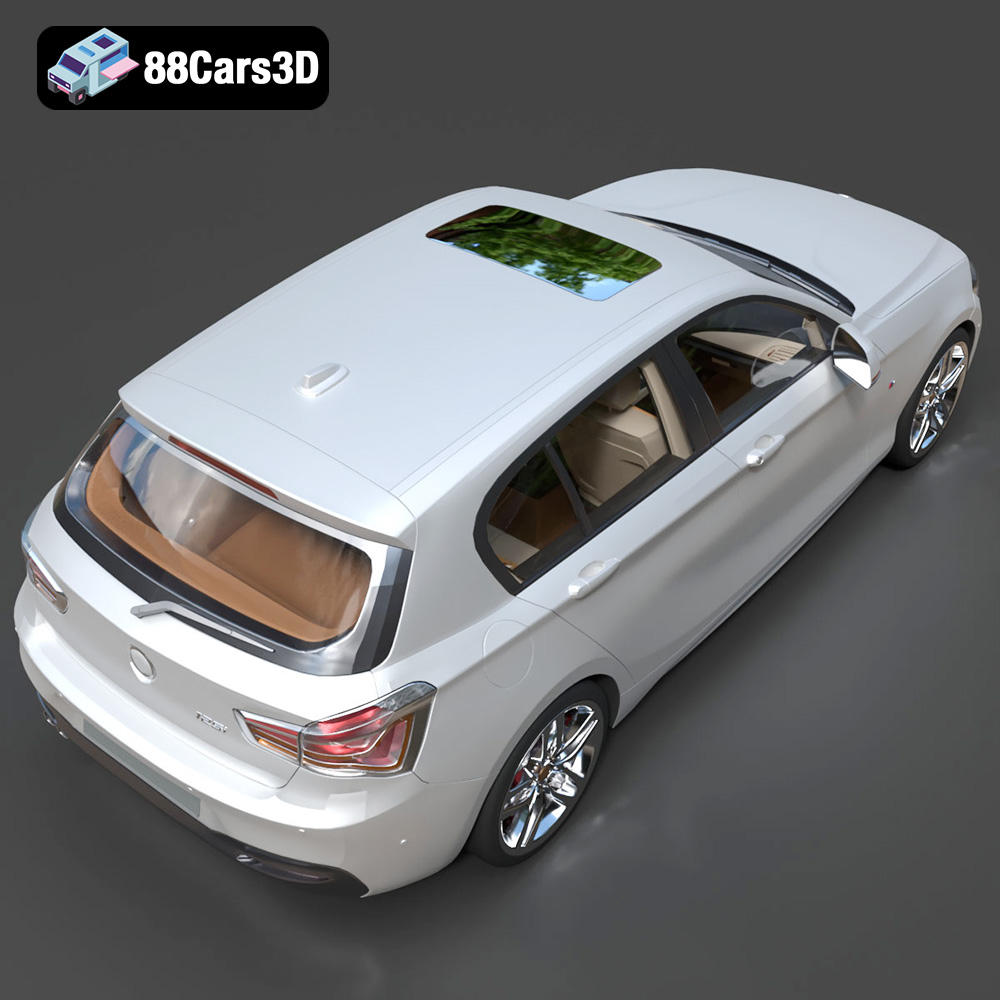
The allure of German automotive engineering, with its blend of luxury and performance, is undeniable. Now, thanks to advancements in 3D printing technology and the availability of high-quality 3D models from sources like 88cars3d.com, you can bring a piece of that automotive excellence into your own home or workspace. The German Luxury & Performance Bundle – High-End 3D Vehicle Collection offers a fantastic opportunity to 3D print iconic vehicles like the BMW G82 M4, M5 CS, X3, Mercedes-Benz E-Class AMG Line, and BMW 1 Series. This blog post will guide you through the process of 3D printing these models, ensuring a successful and rewarding experience.
Choosing the correct file format is paramount for a successful 3D printing experience. The German Luxury & Performance Bundle from 88cars3d.com includes multiple formats, but not all are equally suited for direct 3D printing. Let’s delve into the details of each:
The STL (Stereolithography) file format is the workhorse of 3D printing. It represents the surface geometry of a 3D object using a mesh of triangles. This simplicity makes it universally compatible with slicing software, the programs that translate 3D models into instructions for your 3D printer. STL files, however, are purely geometric; they contain no color, texture, or material information. This means that the 3D printed object will be a single color, determined by the filament or resin you use. When working with the German Luxury & Performance Bundle, the STL files are your primary choice for 3D printing due to their widespread support and ease of use. Before printing, always inspect the STL files in your slicing software for any errors, such as non-manifold geometry (holes or gaps in the mesh). Repairing these errors is crucial for a successful print.
OBJ files are more versatile than STL files as they can store color and texture information. This format is often used in 3D modeling and animation software. While some 3D printers can handle colored prints using specialized multi-material systems, these are less common. For the German Luxury & Performance Bundle, the OBJ files are primarily intended for rendering and visualization, not necessarily for direct 3D printing unless you have a printer capable of utilizing the color data. Even then, converting the textures into a printable format might require significant work in 3D modeling software.
The PLY (Polygon File Format) is designed for storing 3D data acquired from 3D scanners. It can store color, texture, and other properties per vertex, allowing for highly detailed representations. While PLY files can be used for 3D printing, they are often larger than STL files and may require more processing power from your slicing software. For the German Luxury & Performance Bundle, using PLY files might provide slightly better detail, but the benefits are likely marginal compared to the widely compatible STL format.
The BLEND format is the native file format for Blender, a free and open-source 3D creation suite. This format allows you to open and edit the 3D models directly within Blender, making it ideal for customization. If you want to modify the BMW G82 M4’s custom bodykit, add personalized details to the Mercedes-Benz E-Class AMG Line, or adjust any other aspect of the models in the German Luxury & Performance Bundle, the BLEND files offer complete control. However, to 3D print these modified models, you will need to export them as STL files after making your changes.
The FBX (Filmbox) format is a proprietary file format developed by Autodesk. It is commonly used for exchanging data between different 3D software packages. While FBX files can contain material information, most slicing software primarily focuses on the geometric data for 3D printing. Therefore, for the German Luxury & Performance Bundle, the FBX files are more useful for importing the models into other 3D applications rather than directly 3D printing them.
The GLB format is a binary file format representing 3D models, often used for Augmented Reality (AR) and Virtual Reality (VR) applications. It is designed to be compact and efficient for real-time rendering. While GLB files are not directly used for 3D printing, they can be helpful for previewing the models in AR before committing to a print. This allows you to visualize the German Luxury & Performance Bundle cars in your physical space, helping you choose the appropriate scale and placement.
Similar to the .blend format, the .max format is the native file format for Autodesk 3ds Max, another popular 3D modeling and rendering software. It offers similar editing capabilities to .blend but requires a 3ds Max license. If you are proficient in 3ds Max, you can use the .max files from the German Luxury & Performance Bundle to customize the models before exporting them as STL files for 3D printing.
In summary, for 3D printing the vehicles from the German Luxury & Performance Bundle, prioritize the STL files. They are the most compatible and readily usable format. If you desire to modify the models, use the .blend or .max files and export them as STL files after making your changes. Ensure that the resulting STL files are free of errors before sending them to your 3D printer.
The slicing process converts the 3D model (typically an STL file) into a series of instructions (G-code) that your 3D printer can understand. Selecting the right slicing software and configuring it correctly is crucial for achieving high-quality 3D printed models of the German Luxury & Performance Bundle vehicles.
Several excellent slicing software options are available, both free and paid. Popular choices include:
* **Ultimaker Cura:** A free and user-friendly option with a wide range of customizable settings.
* **PrusaSlicer:** Another excellent free slicer, known for its advanced features and support for various printers.
* **Simplify3D:** A paid option offering advanced control and optimization features.
The choice of software often comes down to personal preference and the specific features you require. For beginners, Cura and PrusaSlicer are excellent starting points.
Once you’ve chosen your slicing software, you’ll need to configure the settings to optimize for the detailed models in the German Luxury & Performance Bundle. Here are some key settings to consider:
* **Layer Height:** A smaller layer height (e.g., 0.1mm – 0.15mm) will result in smoother surfaces and finer details, which is crucial for capturing the intricate design of vehicles like the BMW M4 G82 and Mercedes-Benz E-Class AMG Line.
* **Infill Density:** This setting determines the internal structure of the print. A higher infill density (e.g., 15%-25%) provides greater strength and rigidity, especially important for larger parts like the car bodies. Experiment with different infill patterns (e.g., gyroid, honeycomb) to find the best balance between strength and material usage.
* **Supports:** These structures provide support for overhanging features, such as the side mirrors, wheel arches, and rear spoilers on the BMW M5 CS and BMW X3. Carefully consider the placement and type of supports to minimize material waste and post-processing effort. Tree supports are often a good option for their stability and ease of removal.
* **Print Speed:** A slower print speed generally results in better detail and fewer errors. Start with a moderate speed (e.g., 40-60 mm/s) and adjust as needed based on your printer’s capabilities and the complexity of the model.
* **Orientation:** The orientation of the model on the print bed significantly impacts the print quality and the need for supports. For the car bodies, printing at an angle (e.g., 45 degrees) can help reduce the visibility of layer lines on the curved surfaces. Orient the wheels separately to ensure a clean, flat surface for contact with the ground.
The choice of material also plays a crucial role in the final appearance and durability of your 3D printed vehicles from the German Luxury & Performance Bundle.
PLA (Polylactic Acid) is a popular and widely available thermoplastic known for its ease of printing and relatively low cost. It’s a good choice for beginners and for creating prototypes of the models. However, PLA is not as strong or heat-resistant as other materials, so it may not be the best option for parts that will be subjected to stress or high temperatures.
PETG (Polyethylene Terephthalate Glycol-modified) offers a good balance of strength, durability, and ease of printing. It’s more heat-resistant than PLA and less prone to warping, making it a suitable choice for parts that require greater strength or will be used outdoors. Consider PETG for printing the wheels or other components that need to withstand some wear and tear.
ABS (Acrylonitrile Butadiene Styrene) is a strong and heat-resistant thermoplastic commonly used in the automotive industry. However, it can be more challenging to print with than PLA or PETG, as it’s prone to warping and requires a heated print bed and enclosure. If you have experience with ABS and want the most durable parts, it can be a good option, but it’s generally not recommended for beginners.
For the ultimate level of detail, especially for smaller scale models or intricate parts like the grilles and headlights, consider using a resin printer (SLA or DLP). Resin printing offers significantly higher resolution and smoother surfaces compared to FDM printing. However, resin printers are typically more expensive, and the resin itself can be more costly and require careful handling.
Now, let’s walk through the general steps involved in 3D printing the German Luxury & Performance Bundle vehicles:
1. **Download the STL Files:** Purchase and download the STL files for the desired vehicle models from 88cars3d.com.
2. **Inspect and Repair the Models:** Open the STL files in your slicing software and carefully inspect them for any errors, such as non-manifold geometry. Use the software’s repair tools (or a dedicated mesh repair tool like MeshMixer) to fix any issues.
3. **Orient and Slice the Models:** Orient the models on the print bed to minimize the need for supports and achieve the desired surface finish. Configure your slicing software with the appropriate settings for your chosen material and printer.
4. **Generate G-Code:** Once you’re satisfied with the settings, generate the G-code file, which contains the instructions for your 3D printer.
5. **Print the Models:** Load the G-code file onto your 3D printer and start the printing process. Monitor the print closely, especially during the initial layers, to ensure that everything is going smoothly.
6. **Remove Supports and Clean Up the Prints:** Once the print is complete, carefully remove the supports using pliers or a sharp knife. Clean up any rough edges or imperfections with sandpaper or a file.
Post-processing is essential for transforming your raw 3D prints into polished, showroom-worthy models.
Sanding is crucial for removing layer lines and creating a smooth surface for painting. Start with a coarse grit sandpaper (e.g., 220 grit) and gradually work your way up to finer grits (e.g., 400, 600, 800 grit). Wet sanding can help reduce dust and create an even smoother finish.
Apply a primer to the sanded parts to create a uniform surface for painting and improve adhesion. Use spray paints designed for plastic models, and apply multiple thin coats rather than one thick coat to avoid runs and drips. Choose colors that accurately represent the German Luxury & Performance Bundle vehicles, such as the BMW M4 G82’s vibrant paint options or the Mercedes-Benz E-Class AMG Line’s sophisticated hues.
Once the parts are painted and dry, carefully assemble them using glue or screws. Add any final details, such as decals, badges, or clear coat, to enhance the realism of the models.
Even with careful preparation, you may encounter some challenges during the 3D printing process. Here are some common issues and their solutions:
* **Warping:** This occurs when the plastic contracts as it cools, causing the corners of the print to lift off the print bed. Ensure your print bed is properly leveled and heated, and use a brim or raft to improve adhesion.
* **Stringing:** This refers to thin strands of plastic that form between different parts of the print. Increase retraction settings in your slicing software, and ensure your filament is dry.
* **Layer Separation:** This happens when the layers of the print don’t adhere properly, resulting in weak or delaminated parts. Increase the print temperature, reduce print speed, and ensure your print bed is properly leveled.
* **Support Issues:** Supports can sometimes be difficult to remove or leave behind unsightly marks on the print. Experiment with different support types and settings in your slicing software, and use a sharp knife or pliers to carefully remove them.
The print time and material costs will vary depending on the size of the model, the chosen settings, and the material used. As a general estimate, printing a single car body at a scale of 1:24 might take 10-20 hours and use 100-200 grams of filament. Material costs can range from a few dollars for PLA to $10-$20 for higher-end filaments or resin.
3D printing the German Luxury & Performance Bundle vehicles offers a unique opportunity to bring these iconic cars to life in your own home. By carefully selecting the right materials, configuring your slicing software, and mastering post-processing techniques, you can create stunningly realistic models that showcase the beauty and engineering excellence of German automotive design. And with high-quality 3D models readily available from sources like 88cars3d.com, the possibilities are endless.
The German Luxury & Performance Bundle is a masterfully curated collection of Germany’s most iconic and sought-after vehicles. This bundle brings together the perfect synergy of aggressive sport aesthetics, executive elegance, and everyday versatility. Featuring a selection of industry-leading models from BMW and Mercedes-Benz, this collection is designed specifically for artists who refuse to compromise between high-fidelity detail and engine performance.
$119
.bmw
.bodykit
.e-class
.mercedes
3d-car-bundle
archviz-cars
automotive-design
corona-renderer
game-ready-cars
german-cars
luxury-sedan
m4-g82
m5-cs
SUV
vray-ready