Get 50% OFF All Premium 3D & STL Models!

“`html
3D printing has revolutionized the world of model making, offering hobbyists, engineers, and automotive enthusiasts unprecedented control over the creation process. From intricate architectural models to detailed replicas of classic cars (easily found as STL files on platforms like 88cars3d.com), the possibilities are virtually limitless. However, the key to achieving stunning results lies in choosing the right 3D printer. With a vast array of options available, understanding the critical features that impact print quality, accuracy, and overall workflow is paramount. This guide dives deep into the essential aspects to consider when selecting a 3D printer specifically for model making, empowering you to make an informed decision and bring your visions to life with exceptional detail.
In this article, we will explore the crucial specifications and functionalities that separate a good 3D printer from an excellent one for model making. We’ll cover everything from the fundamental technologies (FDM vs. Resin) to the nuanced settings that can dramatically affect the final outcome. Whether you’re printing scale models of cars downloaded as STL files from 88cars3d.com or complex architectural prototypes, this guide will provide you with the knowledge to choose the perfect machine for your needs.
The first and arguably most important decision when selecting a 3D printer is choosing between Fused Deposition Modeling (FDM) and Resin-based technologies (SLA, DLP, MSLA). Each offers distinct advantages and disadvantages in terms of print quality, material options, and overall cost, making them suitable for different types of model making projects.
FDM printers work by melting and extruding thermoplastic filaments, such as PLA, ABS, or PETG, layer by layer. The melted plastic is deposited onto a build platform, solidifying as it cools. FDM printers are generally more affordable than resin printers and offer a wider range of readily available materials. They are well-suited for larger models and functional prototypes, but they typically produce parts with visible layer lines and lower resolution compared to resin printing. For printing larger scale models, and more functional parts like chassis components, FDM is often a good option, especially for beginners.
Resin printers utilize liquid resins that are cured by light (either a laser in SLA or a projector in DLP/MSLA). SLA printers use a laser to selectively cure the resin, while DLP and MSLA printers use a projector to cure an entire layer at once. Resin printing offers significantly higher resolution and smoother surfaces compared to FDM, making it ideal for intricate details and highly accurate models. However, resin printers typically have smaller build volumes, require more careful handling of materials (resins are often toxic), and involve more extensive post-processing (washing and curing). The higher detail achievable with resin is often necessary for small-scale car models where details like panel lines and emblems are crucial.
The build volume of a 3D printer determines the maximum size of objects you can print in a single piece. For model makers, carefully assessing your project requirements and choosing a printer with an adequate build volume is crucial to avoid the need for splitting models into multiple parts, which can introduce inaccuracies and require time-consuming assembly and finishing.
Before selecting a printer, consider the typical size of the models you plan to create. If you primarily focus on smaller figurines or architectural details, a printer with a smaller build volume may suffice. However, if you intend to print larger models, such as 1/10 scale car models, you’ll need a printer with a build volume large enough to accommodate the dimensions of the model, ideally with some extra headroom for support structures. Models available on marketplaces such as 88cars3d.com will often list the dimensions of the printed model, which is helpful in determining the required build volume.
A larger build volume doesn’t necessarily guarantee successful prints of large objects. Proper bed adhesion is critical to prevent warping or detachment during printing. FDM printers typically rely on heated beds, adhesive sprays, or specialized build surfaces to improve adhesion. Resin printers utilize a build plate that is submerged in the resin vat, and adhesion is often achieved through surface preparation and proper leveling. Ensure that the printer you choose has a reliable bed adhesion system and that you understand how to optimize it for different materials and print sizes.
Resolution and layer height are key specifications that directly influence the level of detail and surface finish achievable with a 3D printer. Lower layer heights result in smoother surfaces and finer details, but also increase print time. Striking a balance between desired quality and printing efficiency is essential for model makers.
Layer height refers to the thickness of each individual layer deposited by the printer. In FDM printing, smaller layer heights (e.g., 0.1mm or 0.05mm) result in smoother, less visible layer lines and allow for the reproduction of finer details. However, reducing layer height also increases the overall print time, as more layers are required to build the object. For resin printing, layer height is typically much smaller (e.g., 0.05mm or even 0.025mm), resulting in incredibly smooth surfaces and exceptional detail.
While layer height determines the vertical resolution, XY resolution refers to the precision of the printer’s movement in the horizontal plane. In FDM printing, this is primarily determined by the nozzle diameter. Smaller nozzles (e.g., 0.25mm) allow for finer details to be printed. In resin printing, XY resolution is determined by the pixel size of the LCD screen (in MSLA printers) or the laser spot size (in SLA printers). Lower pixel sizes or smaller laser spots result in higher resolution and the ability to reproduce finer details.
For example, when printing a 1/24 scale model car from an STL file, details such as door handles, panel lines, and emblems will be significantly more defined with a printer capable of a lower layer height and higher XY resolution.
Slicing software is an essential tool for preparing 3D models for printing. It converts the 3D model into a series of instructions that the printer can understand, allowing you to customize various parameters that directly impact print quality, such as support structures, infill density, and print speed.
Several excellent slicing software options are available, each offering a unique set of features and capabilities. Some popular choices include:
Several slicing parameters can be adjusted to optimize print quality for model making:
The choice of material significantly impacts the appearance, strength, and durability of the printed model. Understanding the properties of different materials and selecting the right one for your project is essential for achieving the desired results.
FDM printers offer a wide range of filament options, each with its own unique properties:
Resin printers offer a variety of resin options tailored to different applications:
Consider the intended use of the model when selecting a material. For example, if you are printing a model car that will be handled frequently, a more durable material like ABS or PETG (for FDM) or tough resin (for resin) may be a better choice than PLA or standard resin.
Proper printer calibration and regular maintenance are essential for ensuring consistent and reliable performance and maximizing the lifespan of your 3D printer. A well-maintained printer will produce higher-quality prints and minimize the risk of printing failures.
Different types of printers require specific calibration procedures. For FDM printers, key calibration steps include:
For resin printers, key calibration steps include:
Regular maintenance is essential for preventing issues and extending the life of your 3D printer. Common maintenance tasks include:
Failing to perform regular maintenance can lead to print quality issues, reduced printer lifespan, and even printer damage. A little preventative care can go a long way. Many online communities and resources offer detailed guides on printer-specific calibration and maintenance procedures.
Post-processing is often a necessary step to achieve a professional-looking finish on 3D printed models. This involves various techniques to remove support structures, smooth surfaces, and add color and detail. Proper post-processing can transform a raw 3D print into a stunning masterpiece. From removing support structures on car models to sanding and painting figurines, post-processing is where the magic often happens.
Support structures are often necessary for printing overhangs and complex geometries, but they need to be removed after printing. Several techniques can be used for support removal:
After support removal, the model may require sanding to smooth out any imperfections or layer lines. Start with a coarse grit sandpaper and gradually move to finer grits until the desired surface finish is achieved. Once the model is sanded, it can be painted to add color and detail. Use appropriate paints and primers for the material being used. For multi-part models, assembly may be required after painting. Use adhesives designed for the specific materials being used to ensure a strong and durable bond.
Choosing the right 3D printer for model making is a crucial decision that significantly impacts the quality, accuracy, and overall success of your projects. By carefully considering the factors discussed in this guide – from understanding the fundamental differences between FDM and resin technologies to optimizing slicing parameters and selecting the appropriate materials – you can make an informed decision and select a printer that perfectly aligns with your specific needs and aspirations. Remember to assess your project requirements, prioritize print quality and detail, and invest in a printer that offers reliable performance and ease of use. Platforms like 88cars3d.com offer a wealth of printable car models in STL format to get you started once you’ve chosen your perfect printer.
Take the time to research different printer models, read reviews, and compare specifications before making your final decision. With the right 3D printer and a bit of practice, you’ll be able to bring your creative visions to life with exceptional detail and precision, whether you’re crafting intricate architectural models, realistic replicas of classic cars, or imaginative figurines. Now, go explore the world of 3D printing and unleash your creativity!
“`
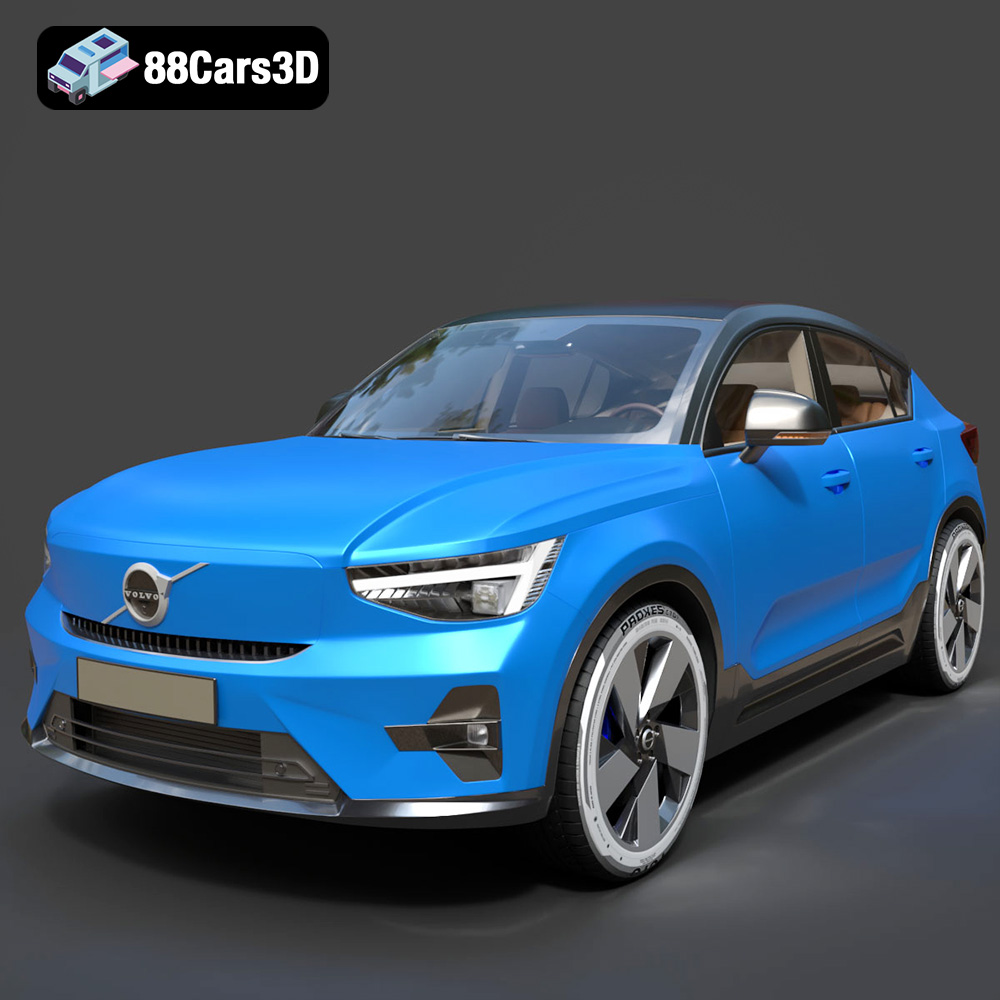
Texture: Yes
Material: Yes
Download the Volvo C40 Recharge 3D Model featuring clean geometry, realistic detailing, and a fully modeled interior. Includes .blend, .fbx, .obj, .glb, .stl, .ply, .unreal, and .max formats for rendering, simulation, and game development.
Price: $19.99
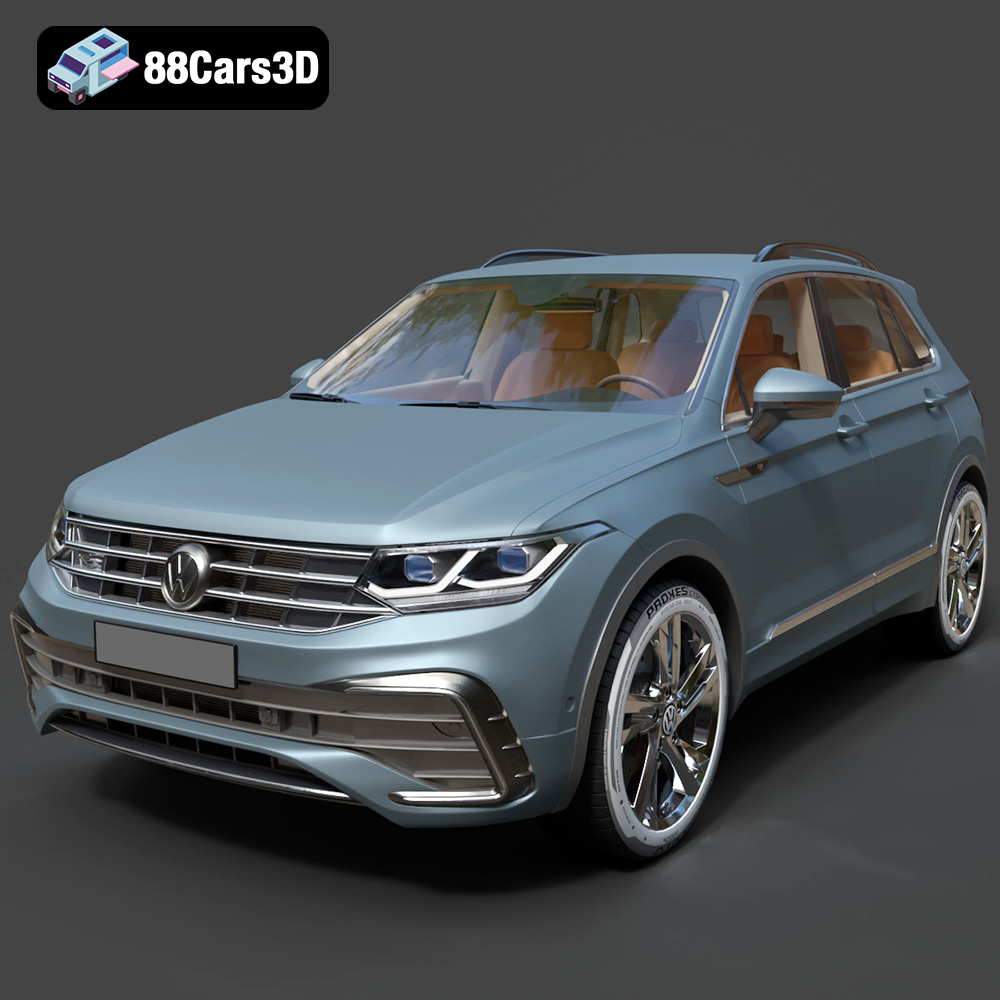
Texture: Yes
Material: Yes
Download the Volkswagen Tiguan 2021 3D Model featuring clean geometry, realistic detailing, and a fully modeled interior. Includes .blend, .fbx, .obj, .glb, .stl, .ply, .unreal, and .max formats for rendering, simulation, and game development.
Price: $19.99
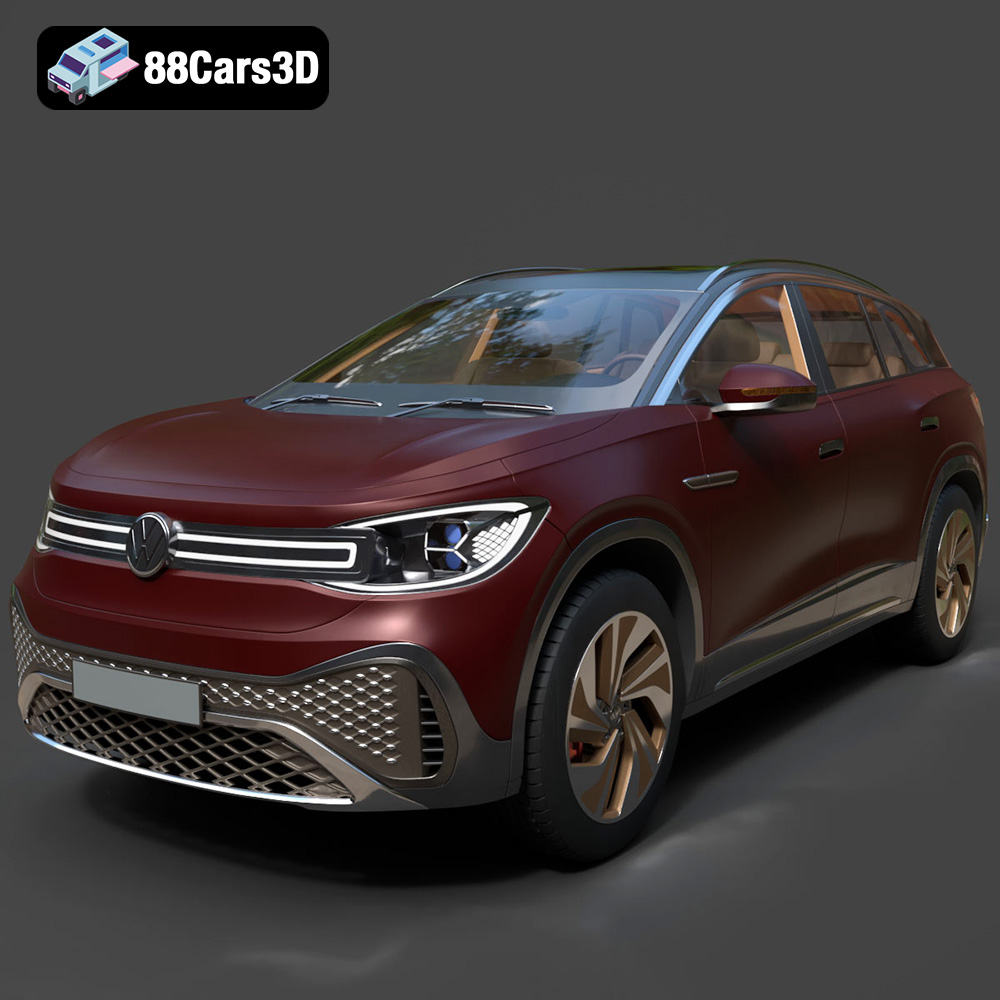
Texture: Yes
Material: Yes
Download the Volkswagen ID6 CROZZ 2022 3D Model featuring clean geometry, realistic detailing, and a fully modeled interior. Includes .blend, .fbx, .obj, .glb, .stl, .ply, .unreal, and .max formats for rendering, simulation, and game development.
Price: $19.99

Texture: Yes
Material: Yes
Download the Volkswagen ID4 2021 3D Model featuring clean geometry, realistic detailing, and a fully modeled interior. Includes .blend, .fbx, .obj, .glb, .stl, .ply, .unreal, and .max formats for rendering, simulation, and game development.
Price: $19.99
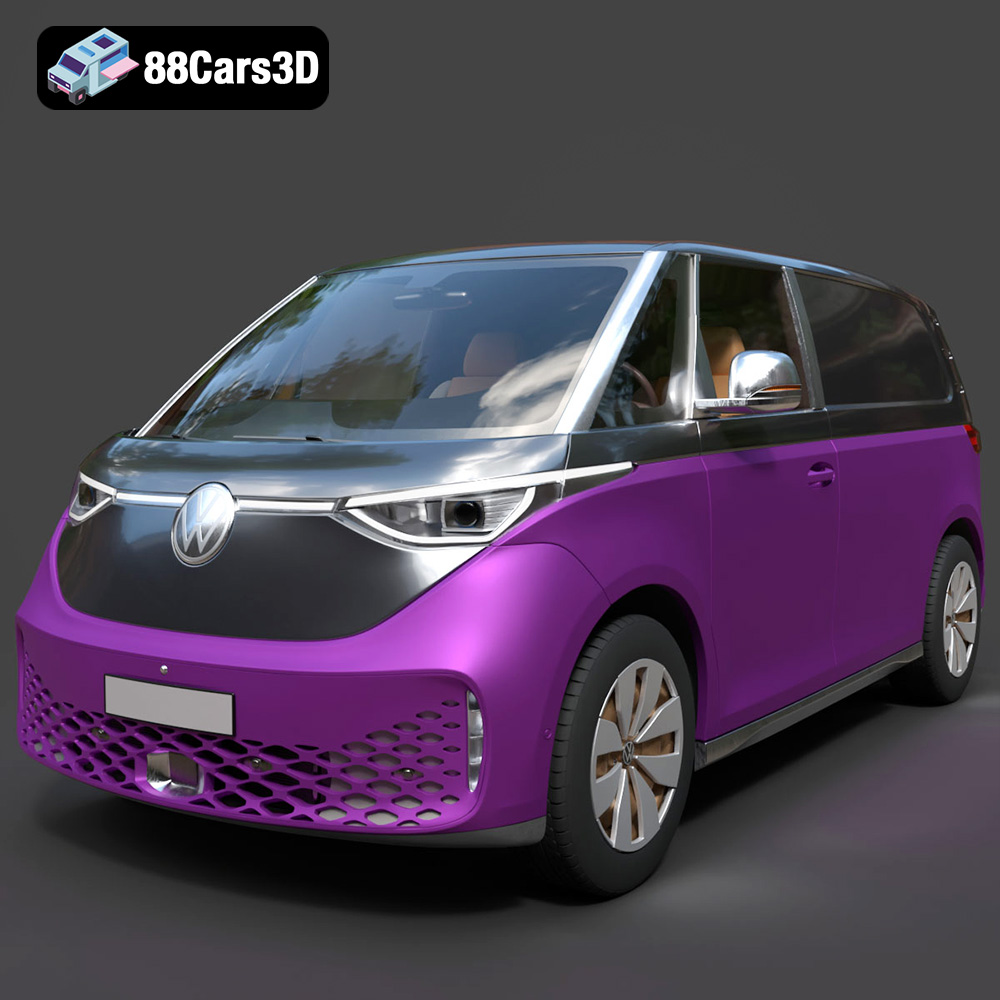
Texture: Yes
Material: Yes
Download the Volkswagen ID. Buzz Cargo 2023 3D Model featuring clean geometry, realistic detailing, and a fully modeled interior. Includes .blend, .fbx, .obj, .glb, .stl, .ply, .unreal, and .max formats for rendering, simulation, and game development.
Price: $19.99
Texture: Yes
Material: Yes
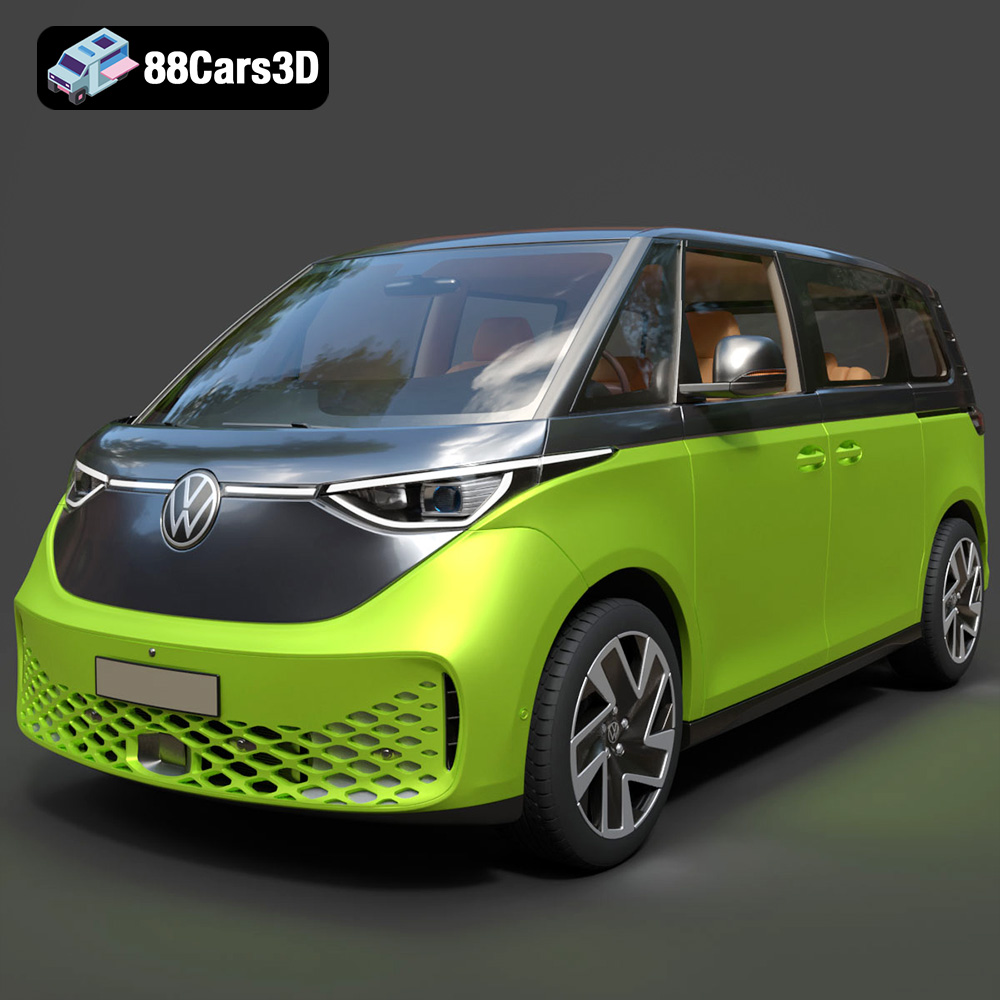
Download the Volkswagen ID. Buzz 2023 3D Model featuring clean geometry, realistic detailing, and a fully modeled interior. Includes .blend, .fbx, .obj, .glb, .stl, .ply, .unreal, and .max formats for rendering, simulation, and game development.
Price: $19.99
Texture: Yes
Material: Yes
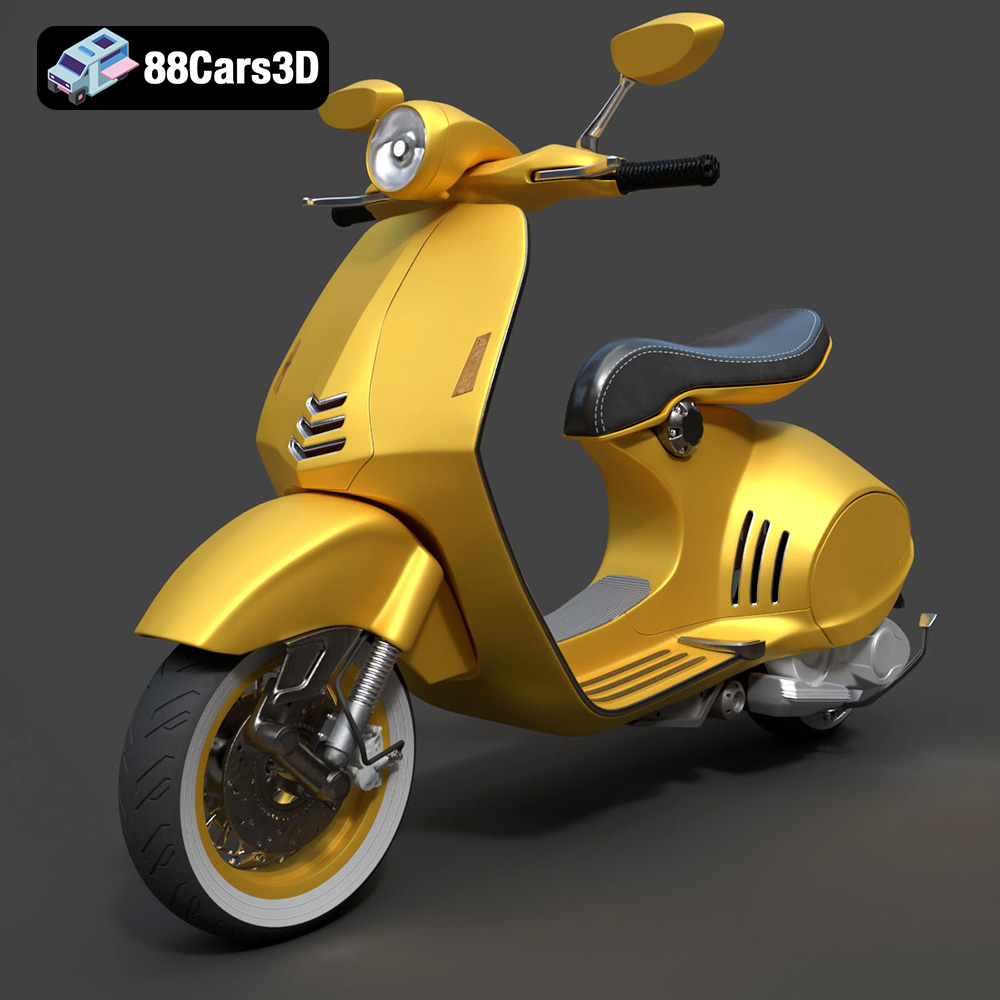
Download the Vespa 946 3D Model featuring clean geometry, realistic detailing, and a fully modeled interior. Includes .blend, .fbx, .obj, .glb, .stl, .ply, .unreal, and .max formats for rendering, simulation, and game development.
Price: $19.99

Texture: Yes
Material: Yes
Download the Toyota Yaris Cross 3D Model featuring clean geometry, realistic detailing, and a fully modeled interior. Includes .blend, .fbx, .obj, .glb, .stl, .ply, .unreal, and .max formats for rendering, simulation, and game development.
Price: $19.99

Texture: Yes
Material: Yes
Download the Volkswagen Amarok 2019 3D Model featuring clean geometry, realistic detailing, and a fully modeled interior. Includes .blend, .fbx, .obj, .glb, .stl, .ply, .unreal, and .max formats for rendering, simulation, and game development.
Price: $19.99

Texture: Yes
Material: Yes
Download the Tesla Model S Plaid 2023 3D Model featuring clean geometry, realistic detailing, and a fully modeled interior. Includes .blend, .fbx, .obj, .glb, .stl, .ply, .unreal, and .max formats for rendering, simulation, and game development.
Price: $19.99

