Get 50% OFF All Premium 3D & STL Models!

The Vespa VNB 125-B, a true icon of Italian design and post-war mobility, holds a special place in automotive history. Now, thanks to the advancements in 3D printing technology, you can bring this classic scooter to life in miniature form. This blog post will guide you through the process of 3D printing the Vespa VNB 125-B 3D model, ensuring a successful and rewarding experience. Whether you’re a seasoned 3D printing enthusiast or a newcomer to the world of additive manufacturing, this comprehensive guide will provide the essential information needed to create a stunning replica of this vintage scooter. The high-quality STL files available at 88cars3d.com make this project accessible to a wide range of skill levels.
Before diving into the specifics of 3D printing the Vespa VNB 125-B, it’s crucial to understand the different file formats associated with 3D models and which ones are best suited for additive manufacturing. Several formats are included with the Vespa VNB 125-B 3D model from 88cars3d.com, each designed for different purposes. However, when it comes to 3D printing, one format reigns supreme: STL.
The STL (Stereolithography) file format is the de facto standard for 3D printing. It represents the surface geometry of a 3D object as a collection of triangles. This simplicity makes it universally compatible with slicing software and 3D printers. When you download the Vespa VNB 125-B 3D model, the included STL file is your go-to option for printing. Slicing software takes the STL file and divides it into thin layers, generating the instructions that your 3D printer follows to build the object layer by layer.
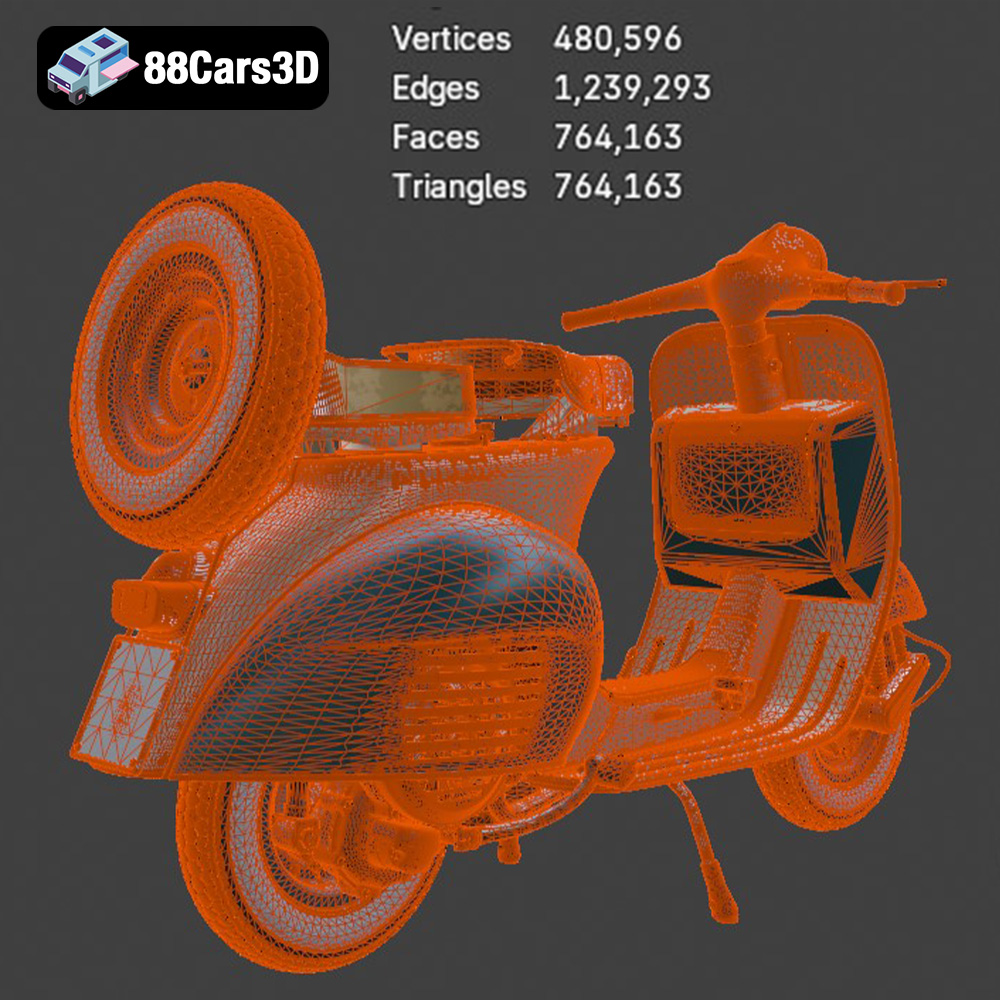
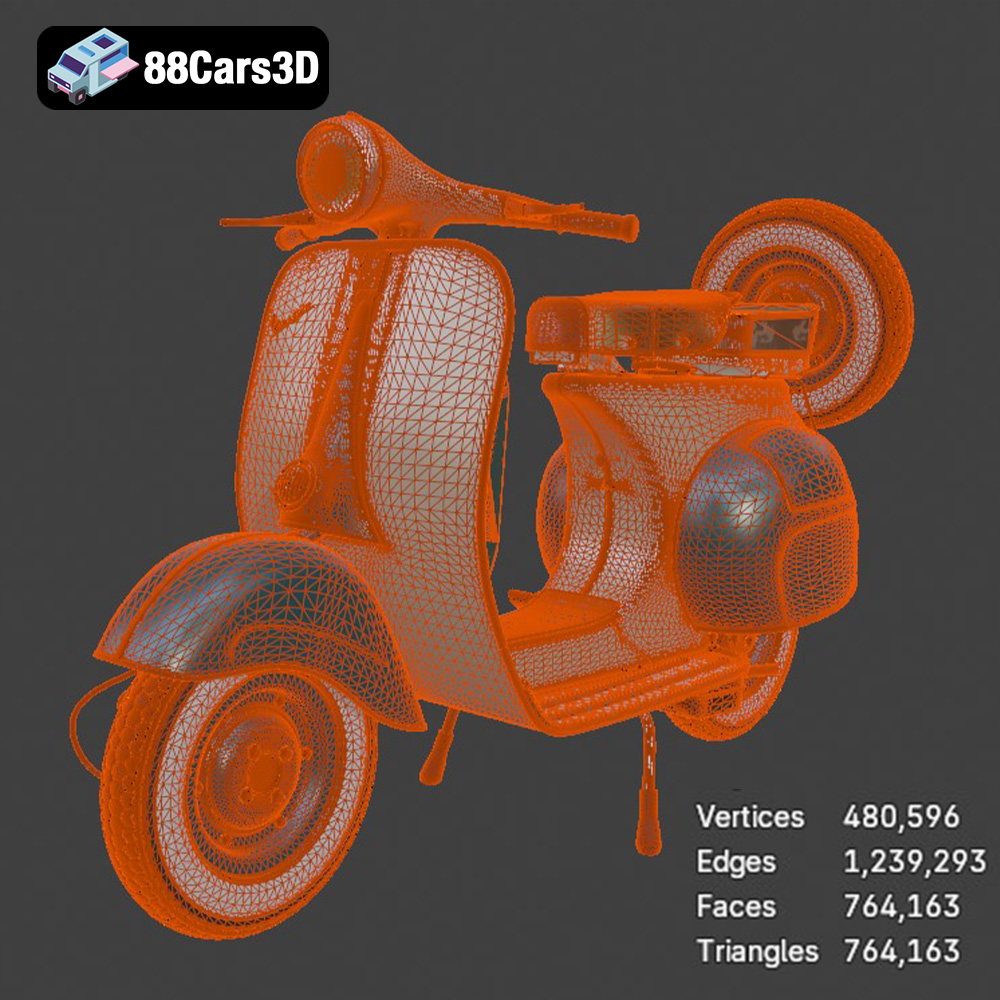
The quality of the STL file directly impacts the quality of the final 3D printed object. A high-resolution STL file, with a large number of small triangles, will result in a smoother surface and finer details. Conversely, a low-resolution STL file can lead to a faceted appearance, where the individual triangles are visible. It is important to inspect the STL file in a 3D viewer before slicing to ensure it meets your quality expectations. The STL files available on 88cars3d.com are carefully optimized for 3D printing, balancing detail and printability.
While STL is the primary format for 3D printing, other formats included with the Vespa VNB 125-B 3D model serve different purposes:
* **.obj:** A more universal format that can store color and texture information. While less common for basic 3D printing, it’s useful if you plan to experiment with multi-material or full-color printing.
* **.ply:** Designed for storing data acquired from 3D scanners, PLY files can capture high-resolution mesh data.
* **.blend:** This is the native file format for Blender, a popular open-source 3D modeling software. It allows you to directly edit and customize the Vespa VNB 125-B model before exporting it to STL for printing.
* **.fbx:** A common format for exchanging 3D models between different software applications, often used in game development. It can contain information about meshes, materials, and animations.
* **.glb:** A binary file format that represents 3D models, often used for displaying models in web browsers and AR applications.
* **.max:** The native file format for 3ds Max, another professional 3D modeling software.
Ultimately, for 3D printing, the STL format is your best choice. It’s widely supported, efficient, and specifically designed for the process of turning digital models into physical objects.
Once you have your STL file of the Vespa VNB 125-B, the next step is to prepare it for 3D printing using slicing software. Slicing software takes your 3D model and converts it into a series of instructions (G-code) that your 3D printer can understand. Popular slicing software options include Cura, PrusaSlicer, Simplify3D, and Chitubox (for resin printing).
* **Layer Height:** This setting determines the thickness of each layer in your 3D print. Lower layer heights (e.g., 0.1mm – 0.15mm) will result in smoother surfaces and finer details, but will also increase print time. For the Vespa VNB 125-B, a layer height of 0.12mm is a good balance between detail and speed.
* **Infill Density:** Infill refers to the internal structure of your 3D print. A higher infill density (e.g., 20-25%) will make the print stronger, but will also increase material usage and print time. For a display model of the Vespa VNB 125-B, a 15-20% infill is usually sufficient.
* **Wall Thickness (Shells):** This setting determines the thickness of the outer walls of your 3D print. A thicker wall (e.g., 1.2mm – 1.6mm) will make the print more durable and less prone to warping.
* **Supports:** The Vespa VNB 125-B model will require supports for overhanging features such as the handlebars, exhaust, and potentially the center stand depending on the orientation. Experiment with support settings in your slicing software to find the optimal balance between support strength and ease of removal.
* **Print Speed:** Start with a moderate print speed (e.g., 40-60mm/s) and adjust as needed based on your printer’s capabilities and the material you’re using.
* **Bed Adhesion:** Ensure good bed adhesion to prevent warping or detachment during printing. Use a heated bed (if your printer has one), apply a bed adhesion aid (e.g., glue stick, hairspray), or use a brim or raft if necessary.
* **Orientation:** The orientation of the model on the print bed can significantly impact the print quality and the amount of support material needed. Printing the body upright, as suggested in the product description on 88cars3d.com, will generally result in a smoother curved finish. Consider the placement of delicate features and orient the model to minimize the need for supports in those areas.
* **Scaling:** The product description recommends scales of 1:18, 1:12, or 1:10. Choose a scale that suits your needs and printer’s build volume. Keep in mind that smaller scales will require finer detail and may be better suited for resin printing.
The choice of material is crucial for achieving the desired appearance and durability of your 3D printed Vespa VNB 125-B. The two main categories of 3D printing materials are filaments (for FDM printers) and resins (for resin printers).
* **PLA (Polylactic Acid):** PLA is a popular, biodegradable filament known for its ease of use and good print quality. It’s a good choice for beginners and for creating display models. PLA is available in a wide range of colors, making it easy to match the classic pastel schemes of the Vespa VNB 125-B.
* **PETG (Polyethylene Terephthalate Glycol-modified):** PETG is a more durable and heat-resistant filament than PLA. It’s a good choice if you want a more robust model that can withstand higher temperatures. PETG also has better layer adhesion than PLA, reducing the risk of delamination.
* **ABS (Acrylonitrile Butadiene Styrene):** ABS is a strong and durable filament, but it’s more challenging to print than PLA or PETG. It requires a heated bed and an enclosure to prevent warping. ABS is a good choice if you need a model that can withstand significant stress or wear.
* **Standard Resin:** Standard resin is a good all-around choice for resin printing. It offers good detail and strength, and it’s relatively affordable.
* **ABS-Like Resin:** ABS-like resin offers increased strength and impact resistance compared to standard resin. It’s a good choice if you need a more durable model.
* **High-Detail Resin:** High-detail resin is designed to capture fine details and smooth surfaces. It’s a good choice for printing intricate parts or models with complex geometries.
* **Flexible Resin:** Flexible resin allows you to print parts that are flexible and bendable. This could be used for the seat to give it some squish or the tires to give the model more realism.
For the Vespa VNB 125-B, PLA or PETG are excellent choices for FDM printing, while standard or high-detail resin would be ideal for resin printing, especially if you’re aiming for a smaller scale.
Now that you have prepared your model and chosen your material, it’s time to start 3D printing!
1. **Load the G-code file into your 3D printer.**
2. **Ensure your print bed is clean and leveled.**
3. **Preheat your printer to the recommended temperature for your chosen material.**
4. **Start the print!**
5. **Monitor the print closely, especially during the first few layers, to ensure proper adhesion.**
6. **Once the print is complete, carefully remove it from the print bed.**
7. **Remove any support structures.**
Post-processing is an essential step in achieving a professional-looking finish on your 3D printed Vespa VNB 125-B.
* Start with coarse-grit sandpaper (e.g., 220-grit) to remove any major imperfections or support marks.
* Gradually move to finer-grit sandpaper (e.g., 400-grit, 600-grit, 800-grit) to smooth the surface.
* Wet sanding can help to reduce dust and create an even smoother finish.
* Apply a primer coat to the model to create a smooth surface for painting.
* Choose paints that are compatible with your chosen material. Acrylic paints are a good option for both PLA and resin prints.
* Apply multiple thin coats of paint for a smooth, even finish.
* Consider using stencils or masking tape to create intricate details or patterns.
* Apply a clear coat to protect the paint and add a glossy or matte finish. As the product description suggests, a gloss pastel or cream paint finish, along with chrome detailing, will truly capture the vintage aesthetic of the Vespa VNB 125-B.
* The Vespa VNB 125-B model from 88cars3d.com likely consists of multiple parts that need to be assembled.
* Use glue or adhesive to attach the parts together.
* Refer to the model’s instructions or reference images to ensure proper assembly.
Even with careful preparation, 3D printing can sometimes present challenges. Here are some common issues and their solutions:
* **Warping:** This occurs when the corners of the print lift off the print bed. Ensure proper bed adhesion, use a heated bed (if available), and consider using a brim or raft.
* **Stringing:** This occurs when thin strands of filament are left between different parts of the print. Reduce the print temperature, increase retraction settings, and adjust travel speed.
* **Layer Shifting:** This occurs when layers are misaligned. Check your printer’s belts and pulleys for tightness, and ensure that the print bed is stable.
* **Under-Extrusion:** This occurs when not enough material is being extruded. Increase the flow rate, check for clogs in the nozzle, and ensure that the filament is feeding properly.
* **Support Removal Difficulties:** Increase the support Z distance (the gap between the supports and the model). Experiment with different support patterns.
The print time and material cost will vary depending on the size of the model, the infill density, the layer height, and the material you choose. As a rough estimate, a 1:18 scale model of the Vespa VNB 125-B could take anywhere from 10 to 20 hours to print, and use between 50 and 100 grams of filament or resin. Remember to factor in the cost of electricity and any post-processing materials (e.g., sandpaper, paint, glue).
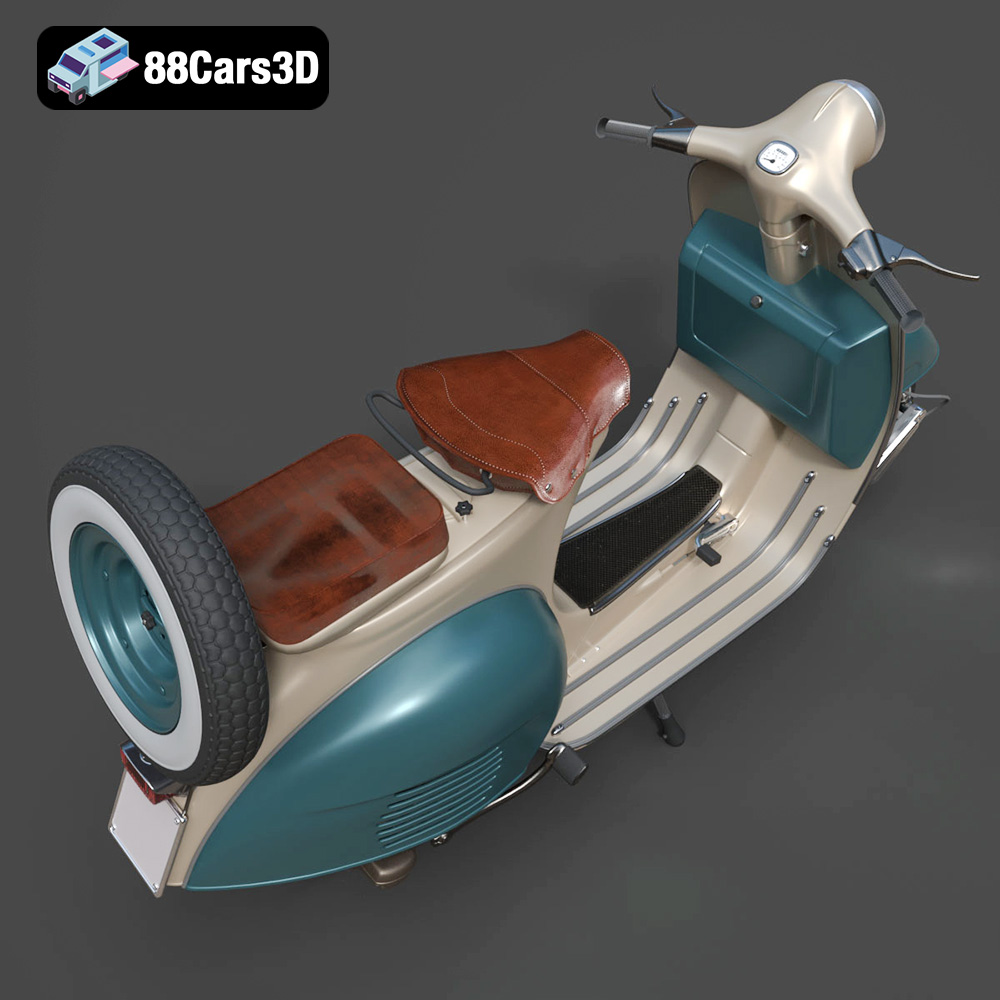
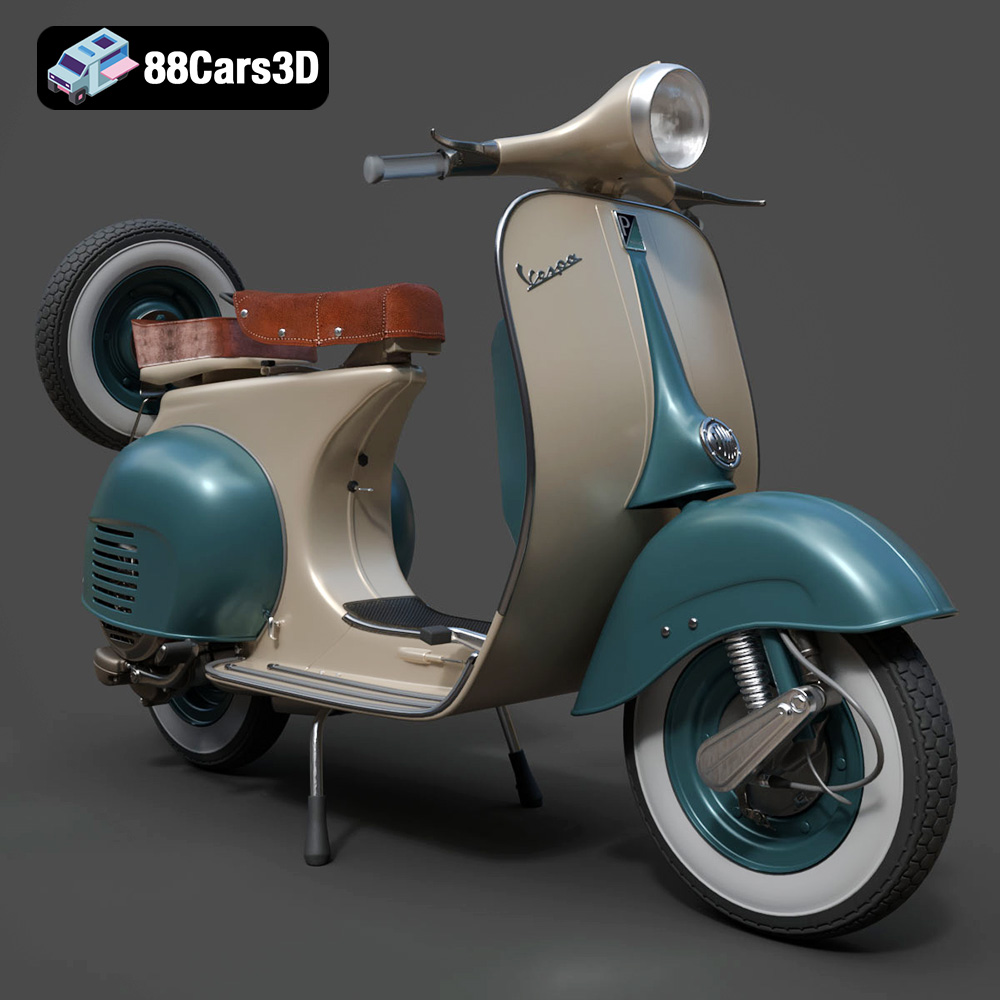
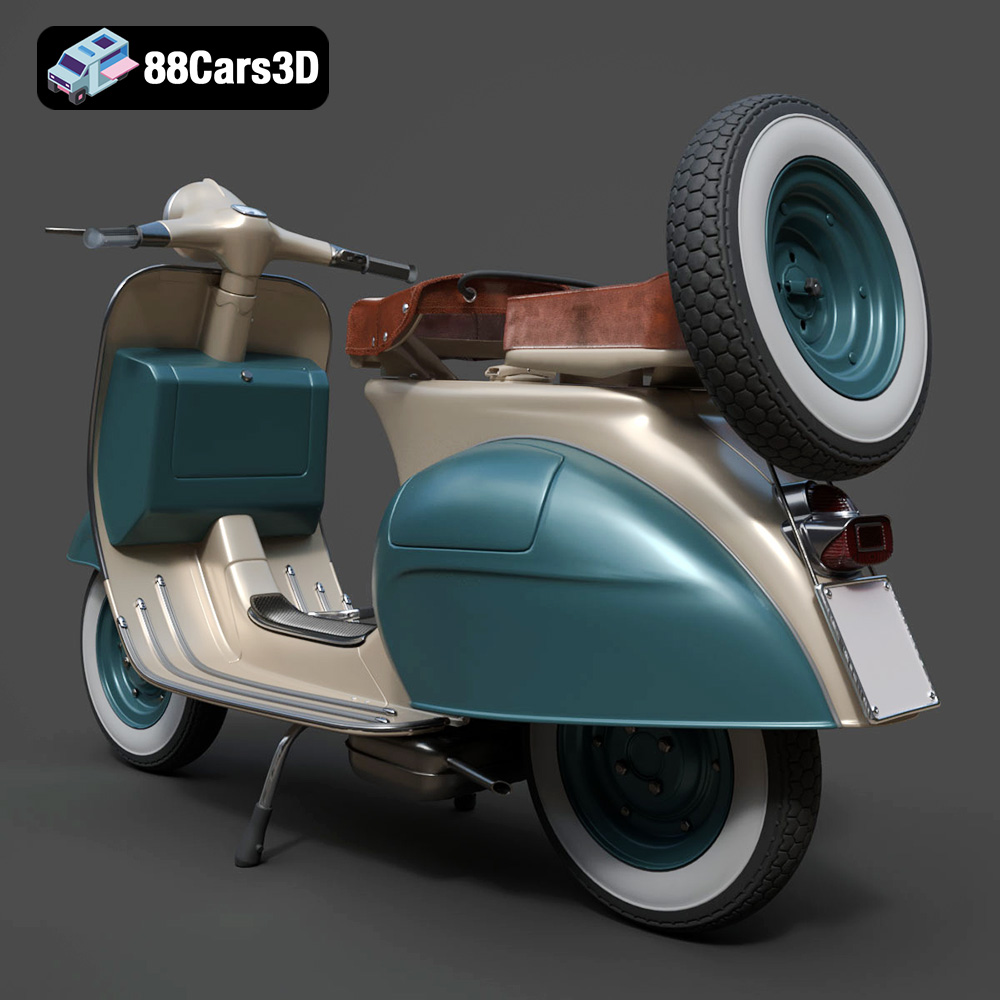
The Vespa VNB 125-B 3D Model is a high-detail digital recreation of the classic Italian scooter variant from the early 1960s. The VNB 125-B maintained the timeless Vespa silhouette while incorporating subtle production refinements, improved mechanical components, and refined detailing that defined the era of practical European urban mobility. Perfect for rendering, simulation, AR/VR, game development, and 3D printing.
$9.99
3D printing the Vespa VNB 125-B model is a rewarding project that combines the nostalgia of classic automotive design with the cutting-edge technology of additive manufacturing. By carefully selecting your materials, preparing your model with precision, and paying attention to post-processing techniques, you can create a stunning replica of this iconic scooter. Remember to experiment with different settings and techniques to find what works best for your printer and your desired aesthetic. With the high-quality STL files available at 88cars3d.com and a little patience, you can bring a piece of Italian history to life on your desktop. Happy printing!
.arvr
.blend
.classicscooter
.fbx
.gameasset
.glb
.italianscooter
.max
.motorcycle3dmodel
.obj
.ply
.rendering
.retro
.simulation
.stl
.twowheeler
.unreal
.urbanvehicle
.vespa
.vintagevehicle
.vnb125b