Get 50% OFF All Premium 3D & STL Models!

The Ford F-250 Super Duty is an icon of American automotive engineering, known for its robust design and workhorse capabilities. Now, thanks to advancements in 3D printing technology, you can bring this legendary truck to your desk or workbench. This guide will provide a comprehensive overview of how to 3D print the Ford F-250 Super Duty Super Cab XLT 2015 3D model available on 88cars3d.com, ensuring a successful and rewarding printing experience.
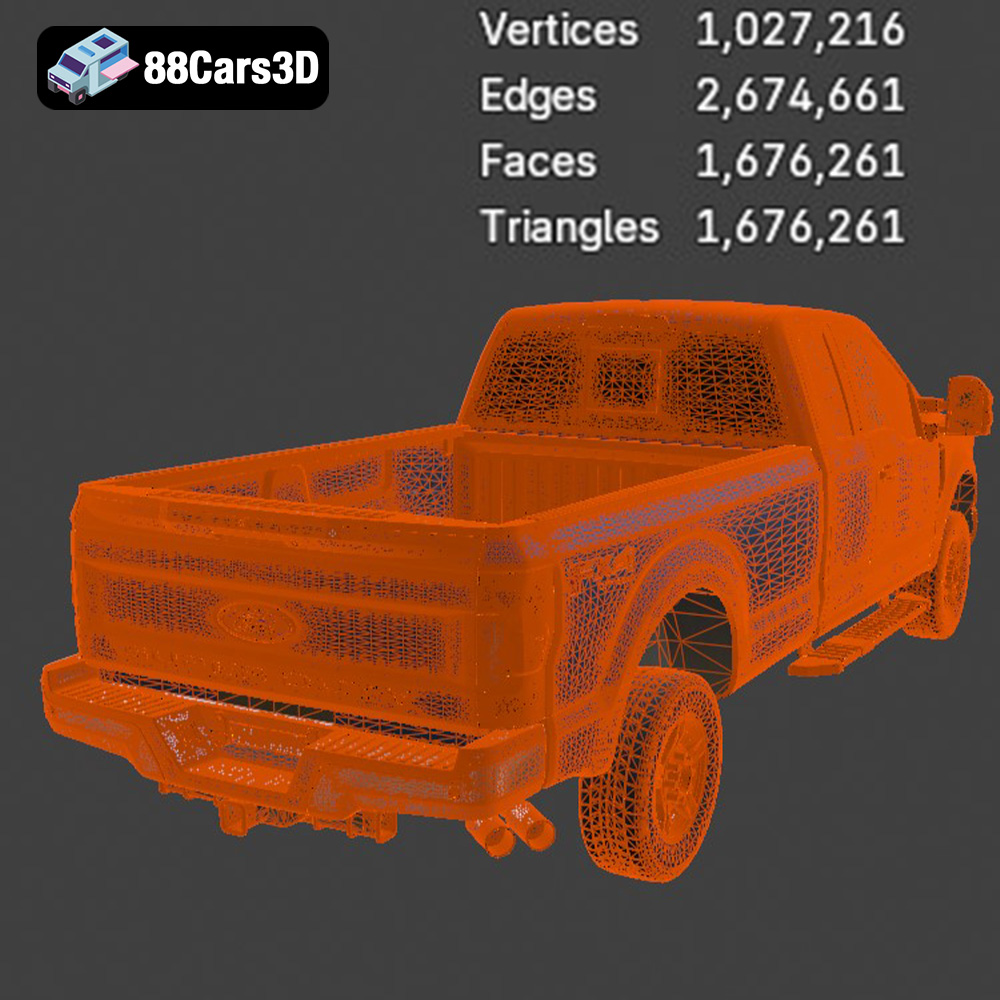
Before diving into the printing process, preparing the 3D model is crucial for optimal results. The high-poly Ford F-250 Super Duty model from 88cars3d.com, boasting over 1.6 million polygons, offers incredible detail but also requires careful handling.
* Visual Inspection: Begin by visually inspecting the model in your chosen 3D software or slicer. Look for any obvious errors such as holes, non-manifold edges, or intersecting faces.
* Mesh Repair Software: Utilize mesh repair tools like MeshLab, Netfabb Basic, or the built-in repair functions in your slicer (e.g., Cura’s “Make Mesh Manifold” option). These tools can automatically identify and fix common mesh issues.
* Polygon Reduction (If Needed): While the model is designed for high detail, for smaller prints or less powerful printers, consider slightly reducing the polygon count to improve slicing performance. Software like Blender can achieve this without significant loss of detail.
* Optimal Orientation: Experiment with different orientations in your slicer to minimize the need for supports and achieve the best surface finish. Angling the cab and bed slightly can reduce the staircase effect.
* Support Placement: The Ford F-250 Super Duty model will likely require supports for overhanging features like the tow mirrors, wheel arches, exhaust system, and undercarriage details. Carefully plan support placement to minimize their impact on the visible surfaces of the print.
* Support Settings: Adjust support settings such as density, overhang angle, and interface layer settings to balance support strength and ease of removal.
Choosing the right file format is a fundamental step in ensuring a smooth and successful 3D printing experience. Different file formats store 3D model data in various ways, impacting compatibility, detail retention, and print quality.
The .stl (Stereolithography) file format is the most widely used and accepted format in the 3D printing world. It represents the surface geometry of a 3D object as a collection of triangles, forming a mesh. STL files are simple and efficient, making them universally compatible with slicing software and 3D printers. However, STL files only store information about the shape of the object; they do not contain any color, texture, or material information. The resolution of an STL file depends on the number and size of the triangles used to represent the surface. A higher triangle count results in a smoother, more detailed representation, but also a larger file size. For the Ford F-250 Super Duty model, the STL format provided by 88cars3d.com ensures compatibility with virtually any 3D printer.
When working with STL files, it’s important to ensure that the mesh is “watertight” or “manifold,” meaning that it has no holes, gaps, or self-intersecting surfaces. Non-manifold meshes can cause problems during slicing and printing, leading to errors or incomplete prints. Slicing software often includes tools to automatically repair minor mesh issues in STL files.
The .obj (Wavefront Object) file format is another popular format that, unlike STL, can store color and texture information alongside the geometry of the 3D model. OBJ files represent the surface as a collection of vertices, edges, and faces. While .obj is supported by many slicing programs, its primary use is for rendering and visualization rather than 3D printing complex models like the F-250.
The .ply (Polygon File Format or Stanford Triangle Format) is designed to store 3D data acquired from 3D scanners. It supports various data types, including color, texture coordinates, transparency, surface normals, and other properties. While .ply can store detailed information, its use in 3D printing is less common compared to STL, as not all slicing software fully supports it.
The .blend format is the native file format for Blender, a free and open-source 3D creation suite. It stores the entire Blender scene, including the model geometry, textures, materials, lighting, and animation data. While .blend files cannot be directly used for 3D printing, they are valuable for customizing the model before exporting it to a printable format like STL.
The .fbx (Filmbox) format is a proprietary file format developed by Autodesk. It is commonly used for exchanging 3D data between different software applications, such as 3D modeling software, game engines, and animation software. FBX files can store geometry, textures, materials, animations, and other scene data. While some advanced slicing software can import .fbx files, their primary use is for preparing the model for use in other applications before 3D printing.
The .glb (GL Transmission Format Binary) is a file format designed for efficient transmission and loading of 3D models in applications like augmented reality (AR) and virtual reality (VR). GLB files are self-contained, meaning they include all the necessary data, such as geometry, textures, and animations, in a single file. While .glb is excellent for previewing the model, it isn’t typically used for 3D printing directly.
.max is the native file format for Autodesk 3ds Max, a professional 3D modeling, animation, and rendering software. It stores the entire project scene, including geometry, textures, materials, lighting, and animation data. Like .blend files, .max files are not directly used for 3D printing but are valuable for customizing the model before exporting to a printable format.
The choice of 3D printing technology and material significantly impacts the final result. For the Ford F-250 Super Duty Super Cab XLT 2015 model, both Fused Deposition Modeling (FDM) and Stereolithography (SLA) are viable options, each with its own advantages and disadvantages.
* Material Options: PLA, PETG, and ABS are common FDM materials. PLA is easy to print and offers good detail, making it a suitable choice for beginners. PETG provides increased strength and temperature resistance. ABS offers durability and heat resistance, but requires an enclosed printer due to fumes.
* Layer Height: A layer height of 0.1mm to 0.2mm is recommended for a balance of detail and print time. Lower layer heights (e.g., 0.08mm) can improve surface finish but increase print time.
* Infill Density: An infill density of 15-25% provides sufficient strength while minimizing material usage. Increase infill for parts that require higher structural integrity.
* Resin Types: Standard resin, ABS-like resin, and tough resin are suitable options. Standard resin offers excellent detail but can be brittle. ABS-like resin provides increased strength and flexibility. Tough resin is ideal for parts that require high impact resistance.
* Layer Height: A layer height of 0.025mm to 0.05mm is recommended for capturing the intricate details of the Ford F-250 Super Duty model.
* Hollowing and Drain Holes: For larger parts, consider hollowing the model to reduce resin consumption and printing time. Add drain holes to allow resin to escape during printing.
Slicing software converts the 3D model into instructions that the 3D printer can understand. Proper slicing settings are crucial for achieving the desired print quality and structural integrity.
* Layer Height: 0.12mm
* Infill Density: 20%
* Wall Thickness: 1.6mm (4 walls)
* Printing Temperature: 210°C (PLA) / 240°C (PETG)
* Bed Temperature: 60°C (PLA) / 80°C (PETG)
* Print Speed: 50mm/s
* Support Structure: Enable supports with a support overhang angle of 60° and a support density of 15%.
* Layer Height: 0.03mm
* Bottom Layer Count: 6
* Exposure Time: 8s (Standard Resin) / 12s (Tough Resin)
* Bottom Exposure Time: 60s
* Lift Distance: 6mm
* Lift Speed: 60mm/min
* Retract Speed: 150mm/min
* Support Structure: Enable supports with a medium density and a heavy tip.
Post-processing is essential for refining the printed model and achieving a professional finish.
* Careful Removal: Use pliers or a sharp knife to carefully remove support structures. Take your time to avoid damaging the model.
* Sanding: Sand down any remaining support marks or imperfections with sandpaper of varying grits (e.g., 220, 400, 600).
* Filling Gaps: Use putty or filler to fill any gaps or imperfections. Sand smooth after drying.
* Priming: Apply a primer coat to provide a smooth surface for painting and improve paint adhesion.
* Painting: Use acrylic paints or spray paints to apply the desired colors. Consider using stencils for intricate details. Oxford White, Blue Jeans Metallic, and Ingot Silver are authentic color options for the 2015 Ford F-250 Super Duty.
* Clear Coating: Apply a clear coat to protect the paint and add a glossy or matte finish.
* Chrome Detailing: Use silver metalizer paint or chrome pens to highlight the chrome accents on the grille, bumpers, and mirrors.
Even with careful preparation, 3D printing can present challenges. Here are some common issues and their solutions:
* Cause: Uneven cooling or poor bed adhesion.
* Solution: Use a heated bed, apply adhesive (e.g., glue stick or hairspray) to the bed, and ensure proper bed leveling.
* Cause: Insufficient bed adhesion, low printing temperature, or incorrect exposure time (resin).
* Solution: Ensure proper bed leveling and adhesion, increase printing temperature or exposure time, and check for drafts.
* Cause: Insufficient support density or incorrect support placement.
* Solution: Increase support density, adjust support placement, and ensure proper support adhesion to the model and the build plate.
The print time and material cost for the Ford F-250 Super Duty Super Cab XLT 2015 model will vary depending on the size of the print, the material used, and the printer settings. However, here’s a general estimate:
* FDM Printing (1:24 scale):
* Print Time: 20-40 hours
* Material Cost: $15-$30 (PLA or PETG)
* Resin Printing (1:43 scale):
* Print Time: 10-20 hours
* Material Cost: $20-$40 (Resin)
These are just estimates, and the actual values may vary.
By following this comprehensive guide, you’ll be well-equipped to 3D print the Ford F-250 Super Duty Super Cab XLT 2015 model from 88cars3d.com successfully. Remember to take your time, experiment with different settings, and enjoy the process of bringing this iconic truck to life!
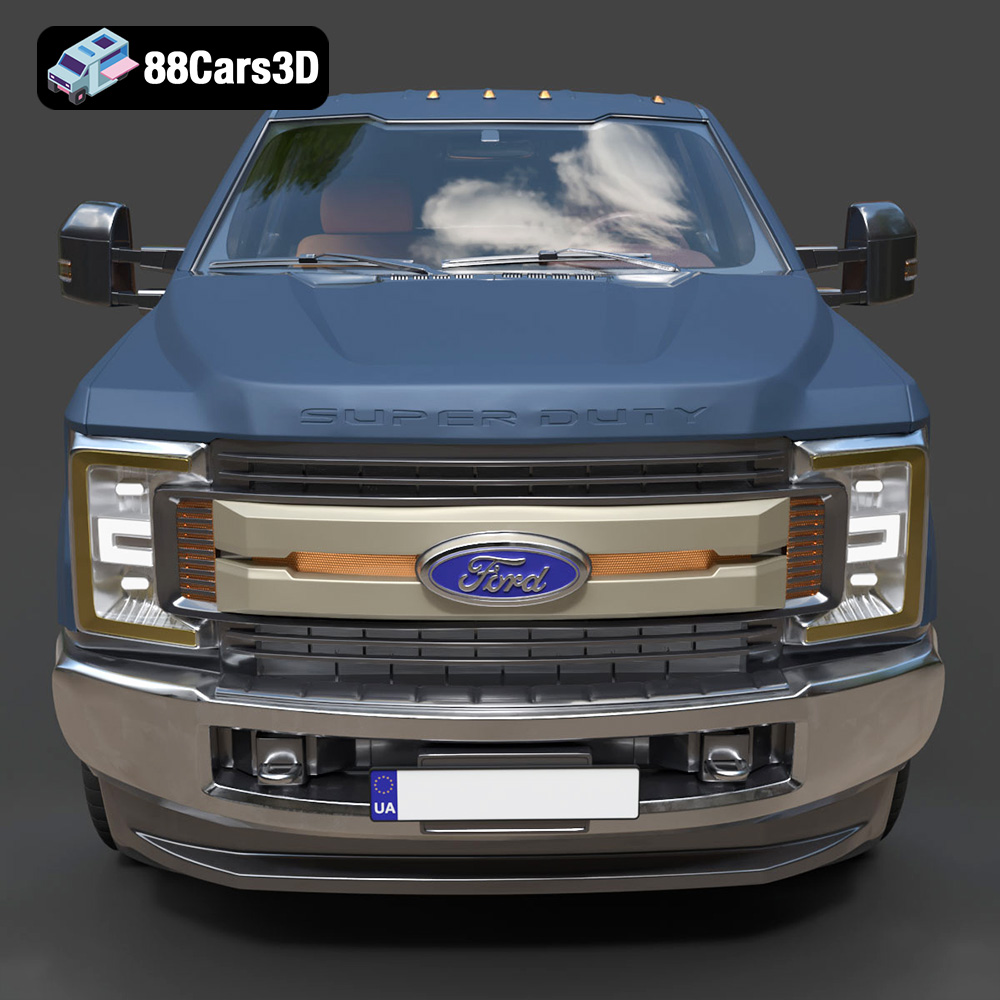
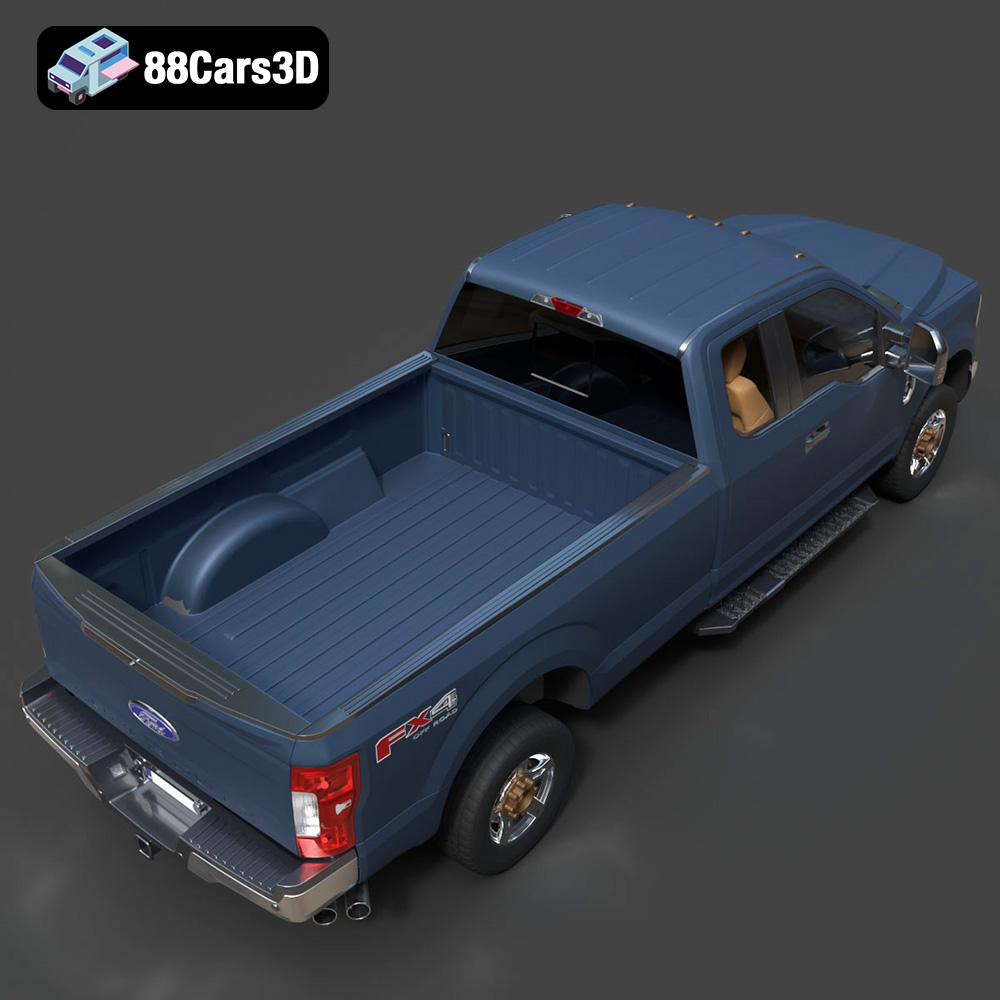
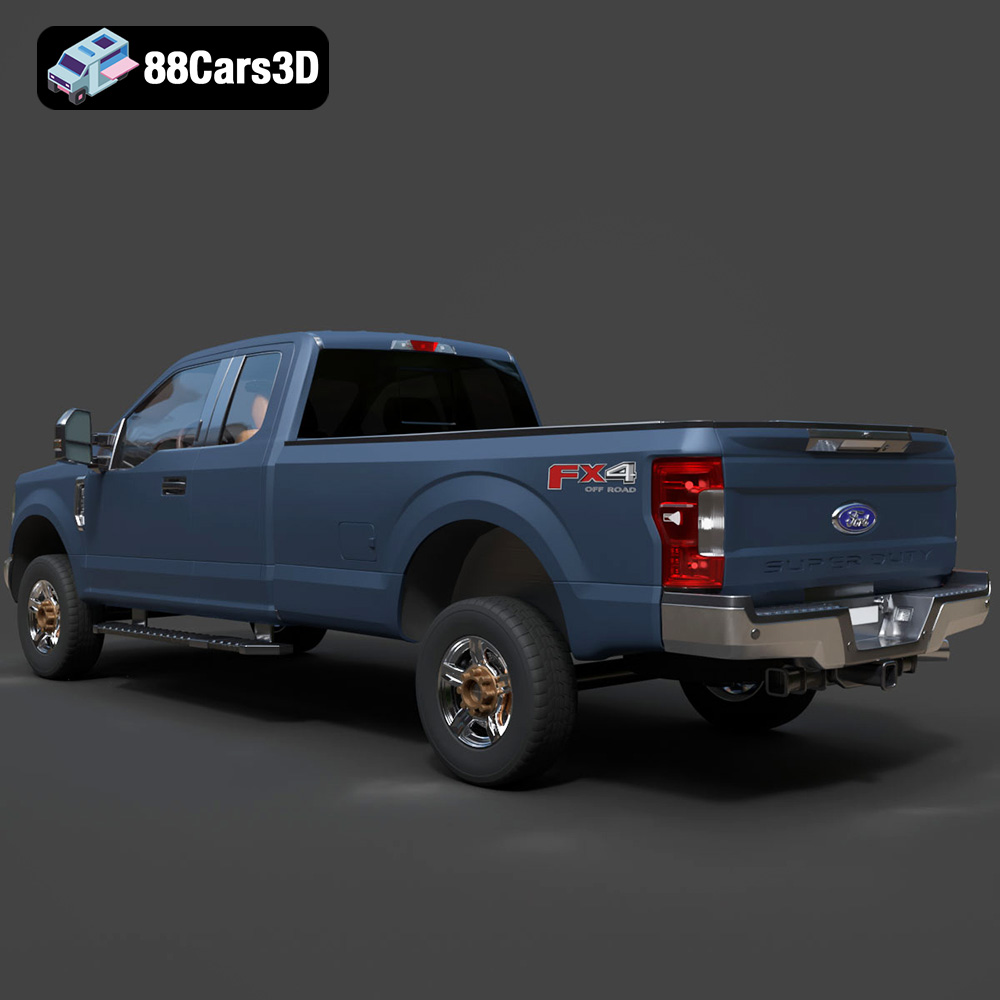
The Ford F-250 Super Duty Super Cab XLT 2015 3D Model is a premium, high-detail digital recreation of America’s iconic heavy-duty work truck. Representing the final iteration of the legendary steel-body generation, this 2015 model captures the imposing, muscular stance that makes the F-250 a favorite for towing, off-roading, and commercial fleets.
$9.99
.automotive
.blend
.fbx
.ford
.obj
.rendering
.stl
.xlt
2015-ford
3d printing
car-3d-model
f-250
heavy-duty
high poly
pickup-truck
super-cab
super-duty