Get 50% OFF All Premium 3D & STL Models!

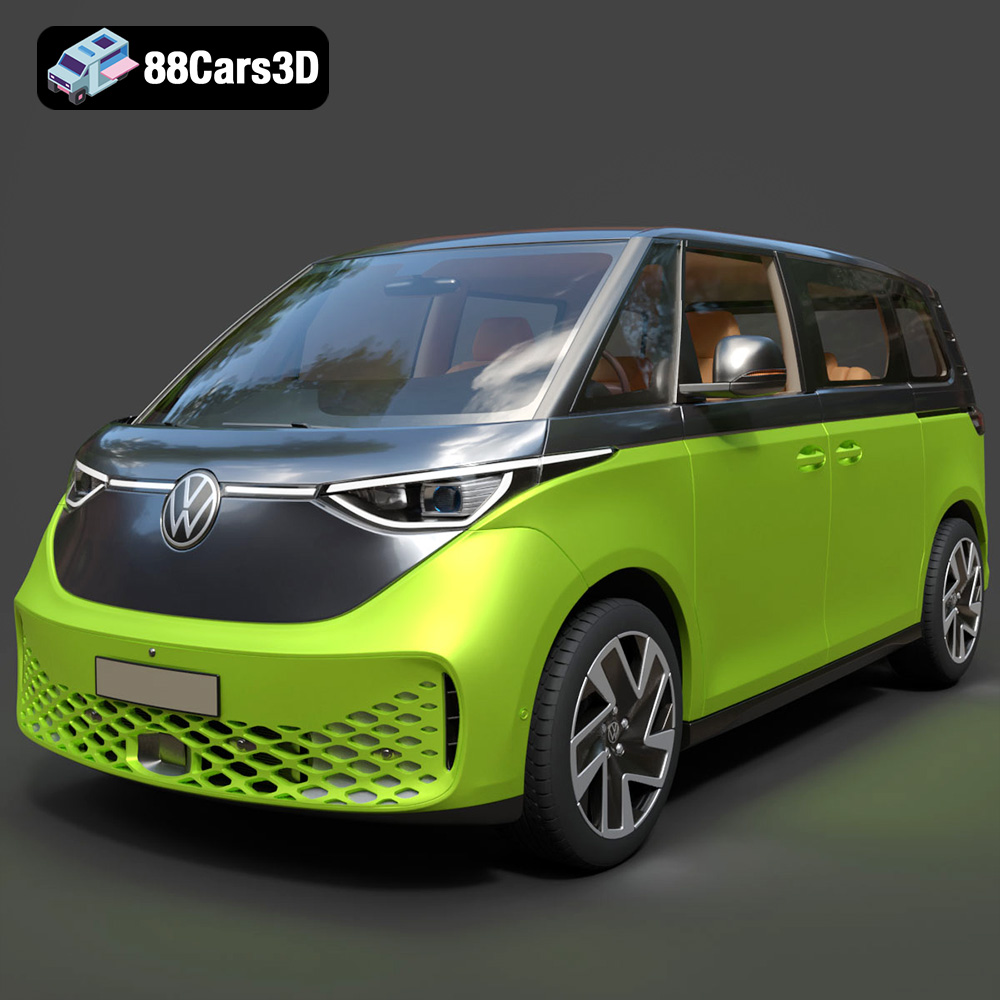
The Volkswagen ID. Buzz 2023 has captured the imagination of car enthusiasts and tech lovers alike. Its retro-futuristic design and electric powertrain make it a truly unique vehicle. Now, thanks to 88cars3d.com, you can bring this iconic van to life with 3D printing! This guide will walk you through the entire process, from preparing the STL files to post-processing your finished 3D printed model. We’ll cover everything you need to know to achieve a stunning replica of the ID. Buzz.
Before you even think about hitting the “print” button, you need to ensure your 3D model is properly prepared. This involves checking for errors, optimizing the mesh, and choosing the right orientation for printing.
* **Mesh Integrity:** The first step is to inspect the STL file for any errors. Common issues include non-manifold edges, holes in the mesh, and self-intersections. These flaws can lead to print failures or artifacts in the final product. Use software like Meshmixer, Netfabb, or even the repair tools built into some slicers to identify and fix these problems. Ensure all surfaces are closed and the mesh is watertight.
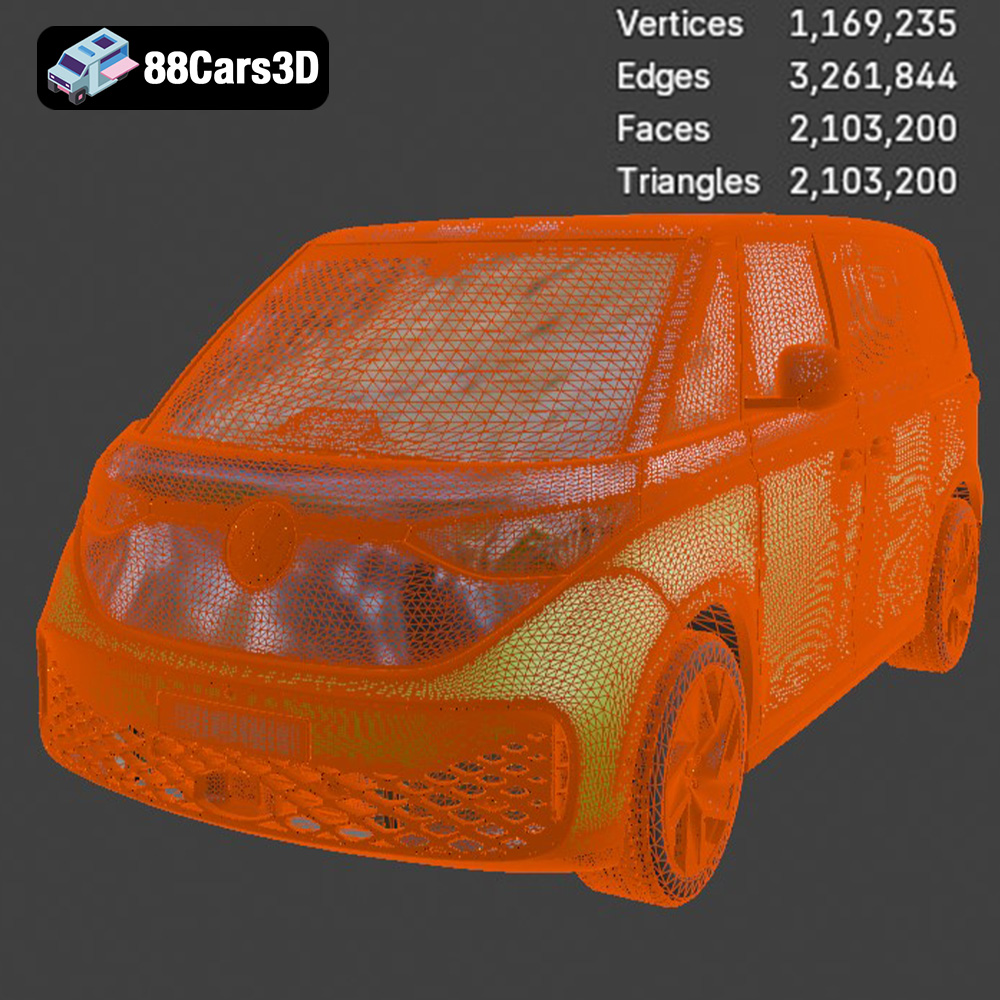
* **Polygon Count Optimization:** While the detailed Volkswagen ID. Buzz 2023 3D model from 88cars3d.com is meticulously crafted, high polygon counts can increase slicing time and potentially overwhelm your printer’s processing power. Consider using mesh simplification tools to reduce the polygon count without sacrificing too much detail, especially for larger prints.
* **Choosing the Right Scale:** Consider the size of your printer’s build volume and the desired level of detail. A smaller scale might be quicker to print, but you’ll lose some of the finer features. A larger scale will showcase the details beautifully, but it will take longer and consume more material. Experiment with different scales to find the sweet spot.
* **Uniform Scaling:** Always scale the model uniformly along all three axes (X, Y, and Z) to maintain the correct proportions of the ID. Buzz. Most slicing software allows you to lock the aspect ratio during scaling.
Choosing the correct file format is crucial for successful 3D printing. While several formats exist, some are better suited for additive manufacturing than others. This section will break down the most common file formats and their implications for your 3D printed Volkswagen ID. Buzz 2023.
* **.stl – Industry standard for 3D printing, mesh-only format:** The STL (stereolithography) format is the undisputed champion of 3D printing. It represents the 3D model’s surface as a collection of triangles, forming a mesh. The simplicity of the STL format makes it universally compatible with almost all slicing software and 3D printers. However, it only stores geometric data (the shape of the object) and lacks information about color, textures, or materials. This means your 3D printed ID. Buzz will be a single-color model unless you plan to paint it afterwards. The resolution of an STL file is determined by the size and number of triangles used to create the mesh. A higher triangle count results in a smoother surface but also a larger file size. For optimal 3D printing results, especially for curved surfaces like those found on the ID. Buzz, ensure the STL file has a sufficiently high resolution to avoid a faceted appearance.
* **.obj – Universal format with texture support for colored prints:** The OBJ format is another popular choice for 3D models and supports storing color and texture information. This is useful if you plan to import the model into rendering software or a game engine. However, most consumer-grade 3D printers can’t directly print in multiple colors. Even if you could, the STL format is a better option for the actual printing phase because slicing software is highly optimized for it.
* **.ply – Precision mesh format for high-detail prints:** The PLY format, originally developed at Stanford, is designed to store 3D data obtained from scanning technologies. It can capture detailed geometry and color information but is less commonly used for general 3D printing compared to STL.
* **.blend – Editable Blender scene for customization before export:** BLEND files are native to Blender, a free and open-source 3D creation suite. If you have the Volkswagen ID. Buzz 2023 in BLEND format, you can modify the model before exporting it as an STL for 3D printing. This allows for extensive customization, such as adding details, simplifying parts for easier printing, or even creating variations of the original design.
* **.fbx – For importing into slicing software with materials:** The FBX format is primarily used for exchanging 3D data between different software applications, especially in game development. It supports animations, textures, and materials. While you can import FBX files into some slicing software, the material information is typically ignored, and the slicer only uses the geometric data for generating the print path.
* **.glb – For previewing models in AR before printing:** GLB is a binary file format for 3D models, often used for displaying models in augmented reality (AR) applications or on websites. While not directly used for 3D printing, it allows you to preview the Volkswagen ID. Buzz 2023 in a real-world environment before committing to a print. This can help you visualize the size and appearance of the model.
* **.max – Editable 3ds Max project for modifications:** MAX files are specific to 3ds Max, a professional 3D modeling and animation software package. Similar to BLEND files, having the model in MAX format allows for extensive editing and customization before exporting it for 3D printing.
For 3D printing the Volkswagen ID. Buzz 2023, **STL is the recommended format.** It provides a balance between compatibility, simplicity, and performance within slicing software. When exporting from other formats like BLEND or MAX, make sure to optimize the mesh resolution and check for any errors before saving as an STL.
The material you choose will significantly impact the appearance, strength, and durability of your 3D printed Volkswagen ID. Buzz 2023. Here’s a breakdown of some popular options:
* **Pros:** PLA is a biodegradable thermoplastic derived from renewable resources, making it an environmentally friendly option. It’s easy to print with, has a low printing temperature, and produces minimal warping. PLA is ideal for aesthetic models and prototypes that don’t require high strength or heat resistance.
* **Cons:** PLA is brittle and not very heat-resistant. It can soften or deform if exposed to high temperatures (above 60°C). It’s also not ideal for functional parts that will be subjected to stress or impact. For a decorative ID. Buzz model, PLA is an excellent choice.
* **Pros:** PETG combines the ease of printing of PLA with improved strength and durability. It’s more heat-resistant than PLA and offers better impact resistance. PETG is a good all-around material for functional parts and models that need to withstand some wear and tear.
* **Cons:** PETG can be slightly more challenging to print than PLA, requiring higher printing temperatures and careful bed adhesion. It can also be more prone to stringing if not properly tuned. If you plan on displaying your ID. Buzz in a warmer environment or want it to be a bit more robust, PETG is a great option.
* **Pros:** Resin printing offers incredibly high detail and smooth surfaces, making it ideal for intricate models like the Volkswagen ID. Buzz 2023. Resin printers use liquid photopolymers that are cured by UV light, allowing for extremely fine layer resolutions.
* **Cons:** Resin printing is more expensive than FDM (Fused Deposition Modeling) printing and requires more post-processing. Resin can be brittle, and the printing process can be messy. You also need to be careful when handling uncured resin, as it can be harmful. If you are aiming for the highest possible detail and a flawless finish, and are willing to invest the time and effort, resin printing is the way to go.
The slicing software you use converts the 3D model into instructions that your printer can understand. Choosing the right settings is crucial for achieving a successful print.
* **Layer Height Selection:** Layer height determines the vertical resolution of your print. A smaller layer height (e.g., 0.1mm) will result in smoother surfaces and finer details but will also increase the print time. A larger layer height (e.g., 0.2mm) will print faster but may result in more visible layer lines. For the Volkswagen ID. Buzz 2023, a layer height of 0.15mm to 0.2mm is a good compromise between detail and speed.
* **Horizontal Expansion:** Consider using a slight horizontal expansion setting (e.g., 0.05mm) to compensate for any potential shrinkage of the material during cooling. This can help ensure that parts fit together properly if you are printing the ID. Buzz in multiple pieces.
* **Infill Considerations:** Infill is the internal structure of the 3D printed object. Higher infill density increases strength but also increases printing time and material consumption. For a display model of the ID. Buzz, a low infill density (e.g., 10-15%) is sufficient.
* **Infill Pattern Selection:** Choose an infill pattern that provides adequate support without adding excessive weight. Gyroid, honeycomb, or rectilinear patterns are good choices.
* **Support Placement:** Support structures are necessary to support overhangs and bridges during printing. Carefully consider the placement of supports to minimize their impact on the visible surfaces of the model.
* **Support Density and Interface:** Adjust the support density and interface settings to make them easier to remove after printing. A lower support density will reduce material consumption and make removal easier, while a good interface layer will prevent the supports from fusing too strongly to the model’s surface.
* **Optimal Print Speed:** Experiment with different print speeds to find the optimal balance between print quality and speed. Generally, slower speeds result in better detail and fewer errors.
* **Temperature Settings:** Refer to the material manufacturer’s recommendations for the optimal printing temperature. Adjust the temperature in small increments to fine-tune the print quality.
Once the printing is complete, you’ll need to perform some post-processing to achieve a polished and professional-looking Volkswagen ID. Buzz 2023 model.
* **Careful Support Removal:** Carefully remove the support structures using pliers, cutters, or a sharp knife. Be patient and avoid damaging the model’s surface.
* **Sanding and Smoothing:** Sand the model with progressively finer grits of sandpaper to smooth out any imperfections and layer lines. Start with a rougher grit (e.g., 220 grit) and gradually move to finer grits (e.g., 400, 600, 800 grit). Wet sanding can help to reduce dust and improve the finish.
* **Applying Primer:** Apply a thin coat of primer to the model to create a smooth and uniform surface for painting. Primer also helps the paint adhere better to the plastic.
* **Painting and Detailing:** Use acrylic paints or model paints to paint the Volkswagen ID. Buzz 2023 in your desired colors. Consider using masking tape to create clean lines and details. You can find reference images of the real vehicle online to accurately replicate the color scheme.
* **Gluing Parts:** If you printed the model in multiple parts, use super glue or epoxy to assemble them. Ensure the parts are aligned correctly before the glue sets.
* **Finishing Touches:** Add any final details, such as decals, stickers, or clear coats, to complete the model.
Even with careful preparation, you may encounter some issues during the 3D printing process. Here are some common problems and their solutions:
* **Cause:** Warping occurs when the corners of the print lift off the build plate due to uneven cooling and contraction of the material.
* **Solution:** Improve bed adhesion by using a heated bed, applying a layer of glue stick or hairspray to the bed, or using a brim around the model.
* **Cause:** Stringing occurs when the printer nozzle oozes material while traveling between different parts of the print.
* **Solution:** Reduce the printing temperature, increase retraction distance and speed, or enable travel avoidance in your slicing software.
* **Cause:** Layer shifting occurs when the printer’s axes lose their position during printing.
* **Solution:** Check the belts and pulleys for proper tension, reduce the printing speed, or ensure that the printer is placed on a stable surface.
* **Cause:** The first layer of the print doesn’t stick properly to the build plate.
* **Solution:** Level the bed carefully, clean the bed with isopropyl alcohol, or adjust the nozzle height.
With careful planning, the right settings, and a little patience, you can successfully 3D print a stunning replica of the Volkswagen ID. Buzz 2023. Remember to visit 88cars3d.com for a wide selection of high-quality 3D models, including this iconic electric van!
Discover exceptional detail with the Volkswagen ID. Buzz 2023 3D Model. This comprehensively built asset accurately recreates the unique design and modern characteristics of the celebrated electric van. It incorporates key features such as clean geometry, realistic materials, and professional quality, guaranteeing accurate representations in demanding visual projects.
$19.99
.arvr
.blend
.buzz
.car3dmodel
.electricvehicle
.ev
.fbx
.gameasset
.glb
.idbuzz
.max
.minivan
.obj
.ply
.rendering
.simulation
.stl
.unreal
.van
.volkswagen