Get 50% OFF All Premium 3D & STL Models!

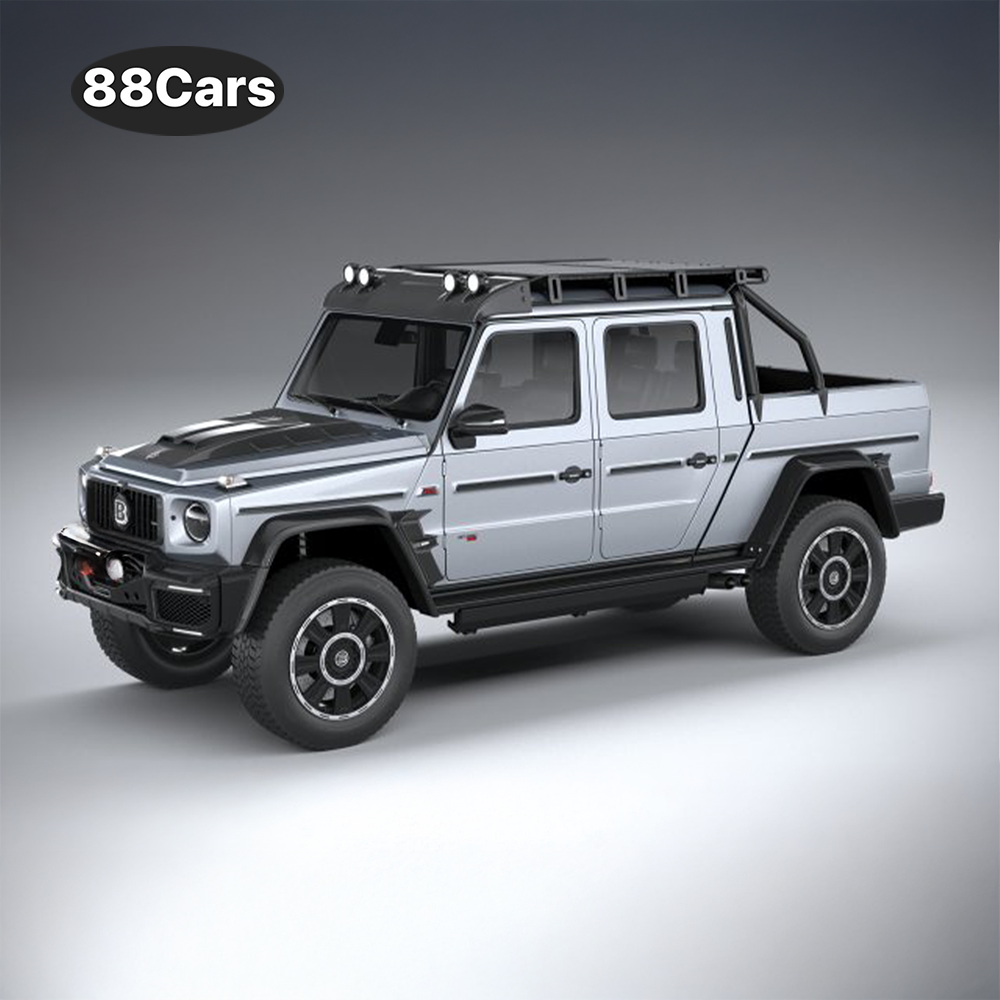
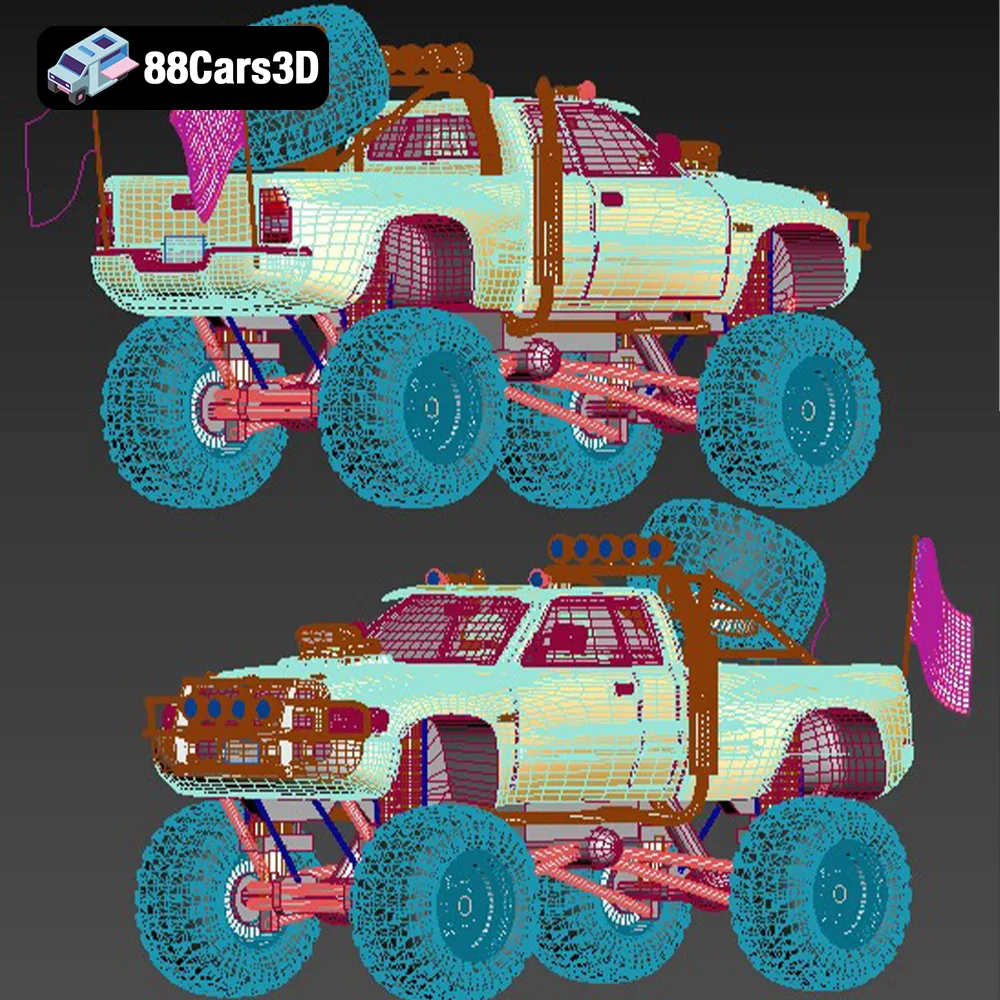
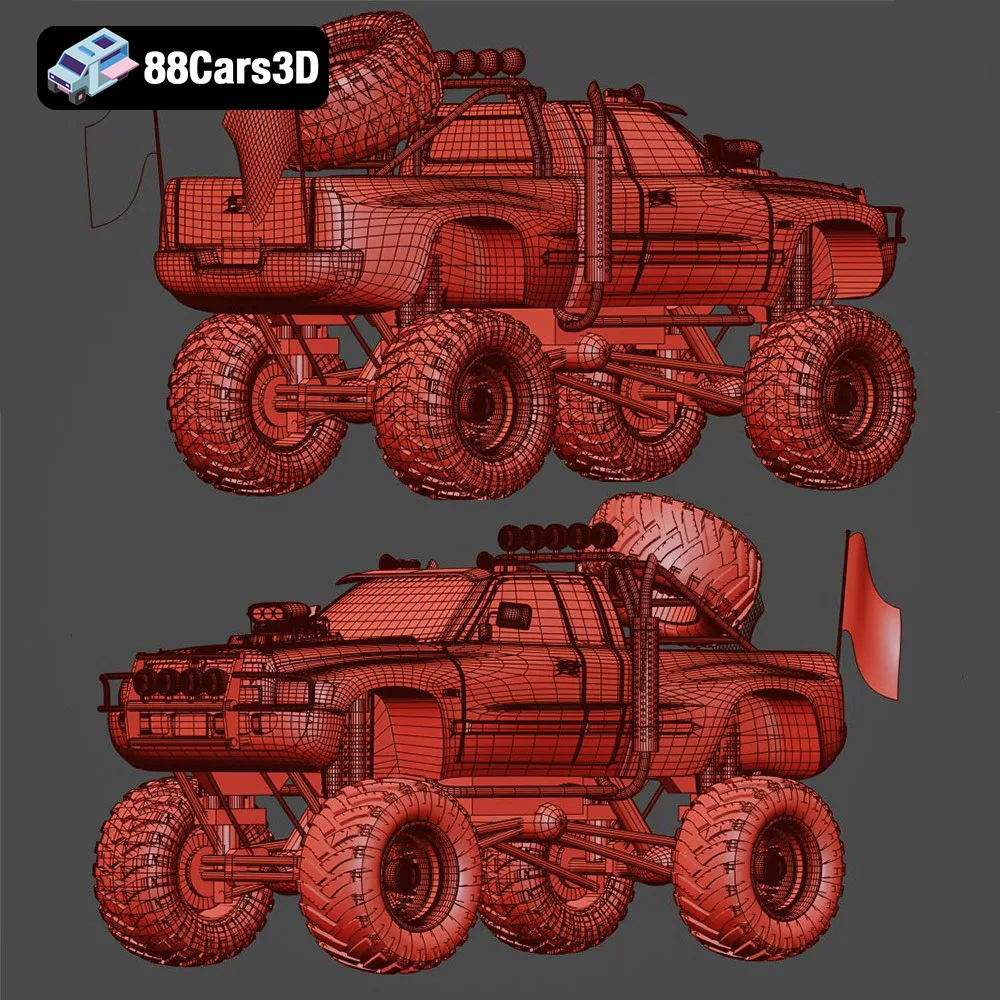
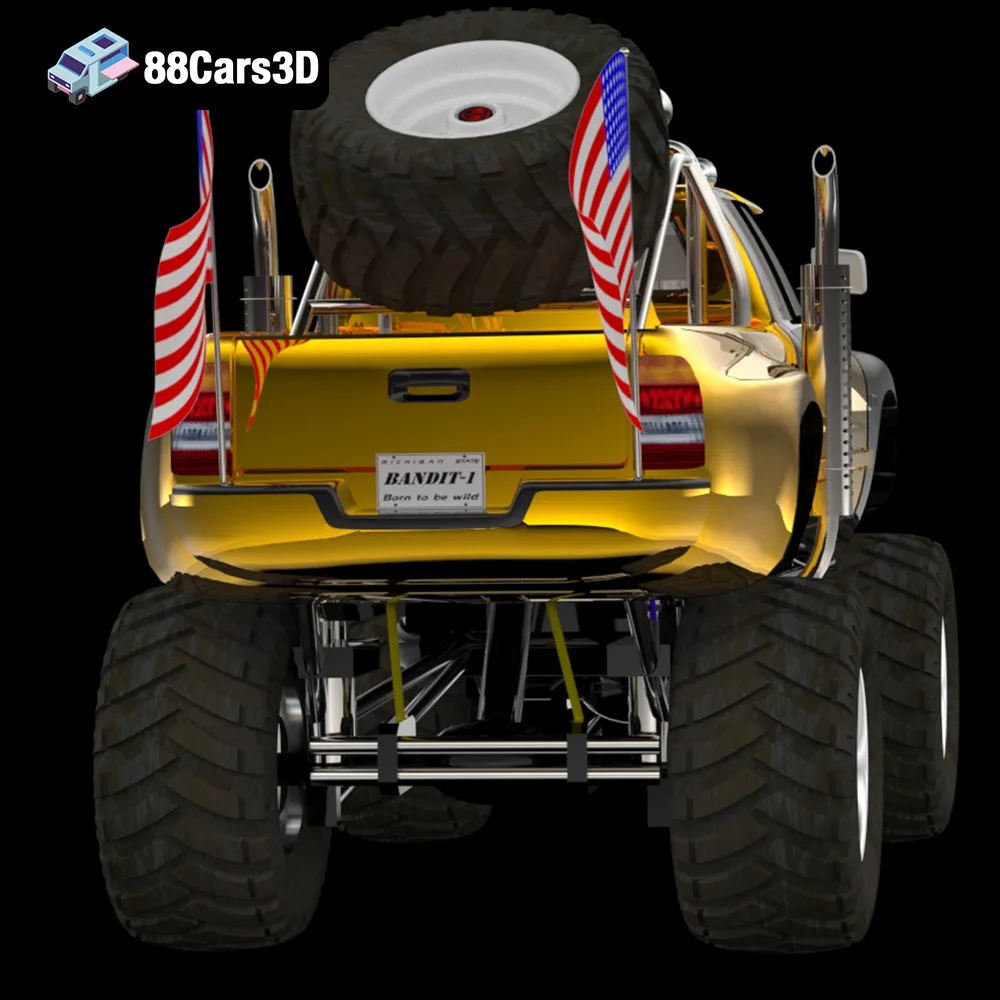
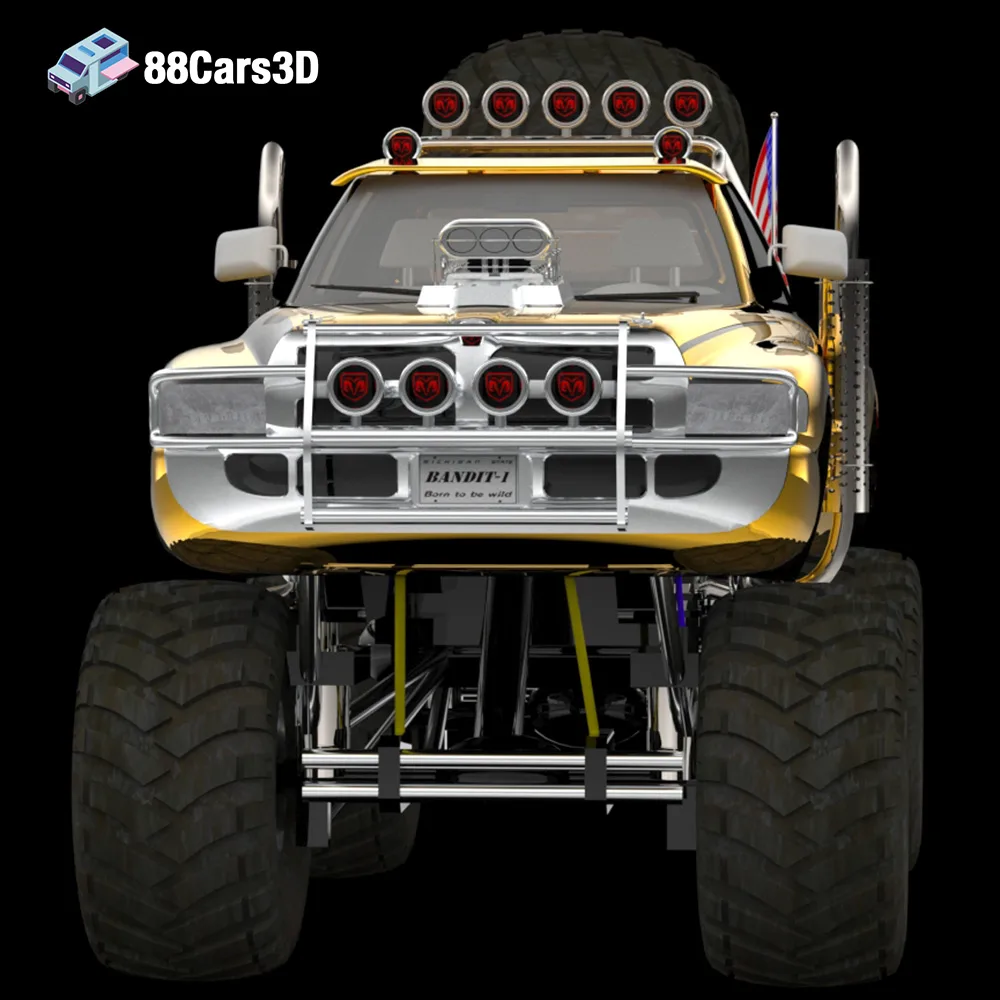
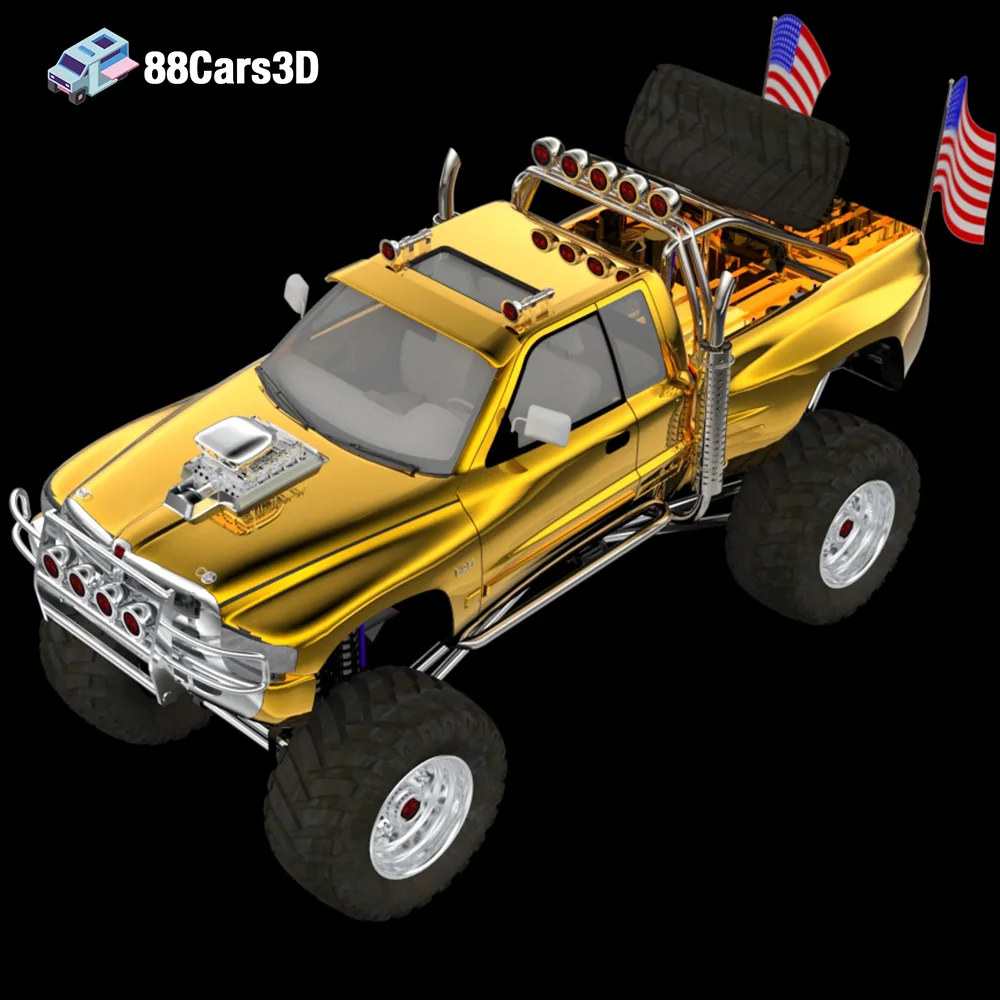
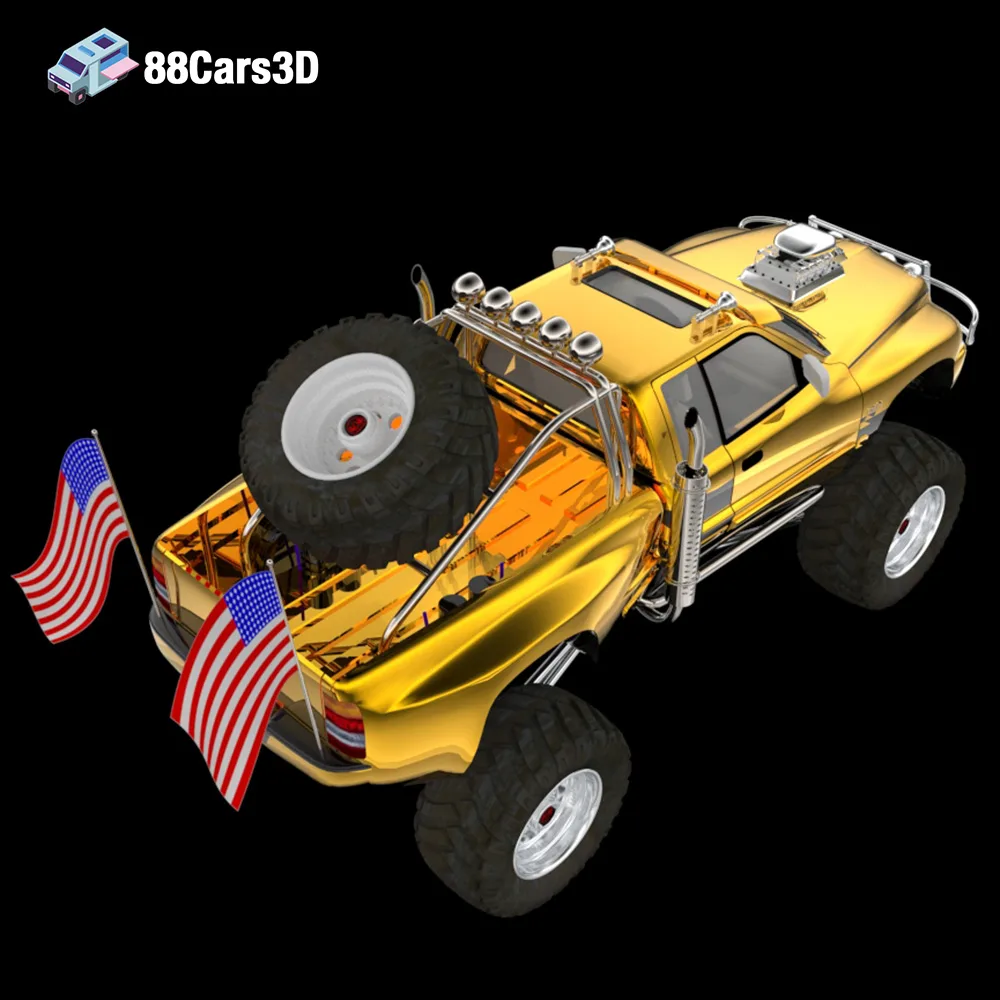
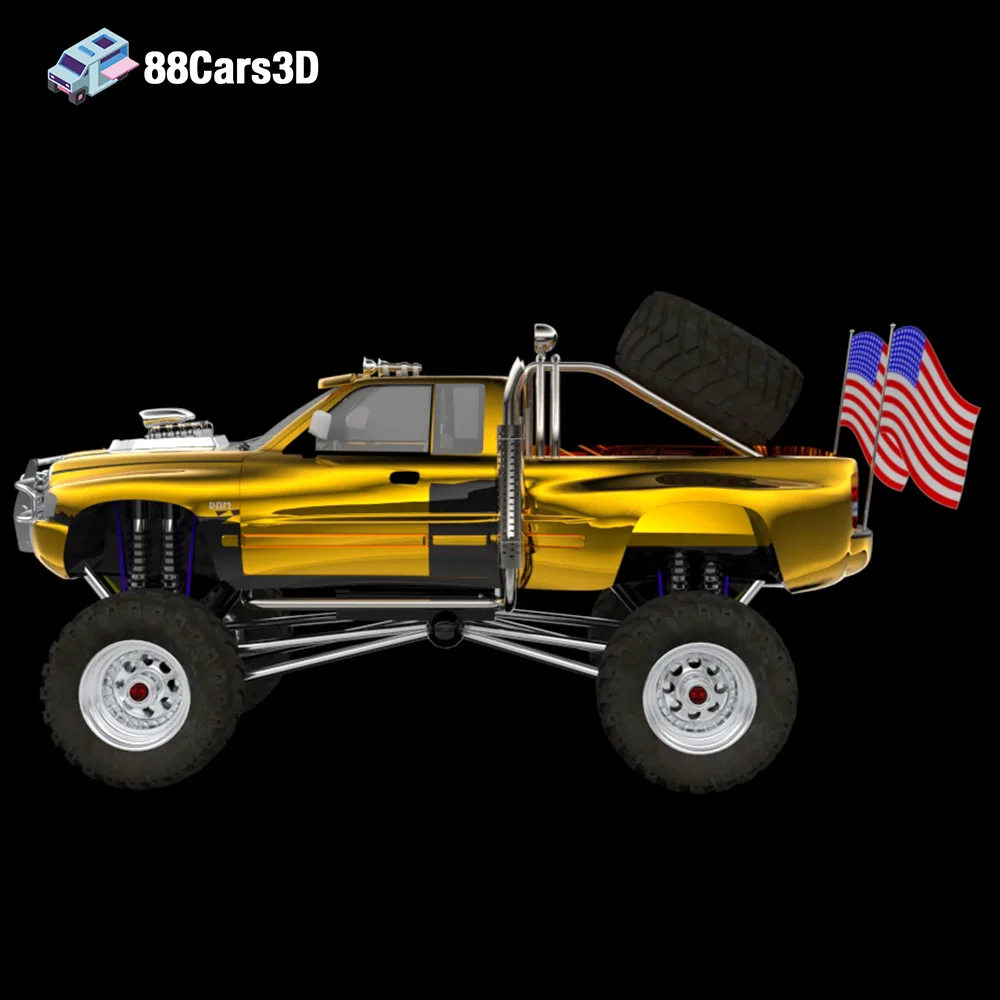
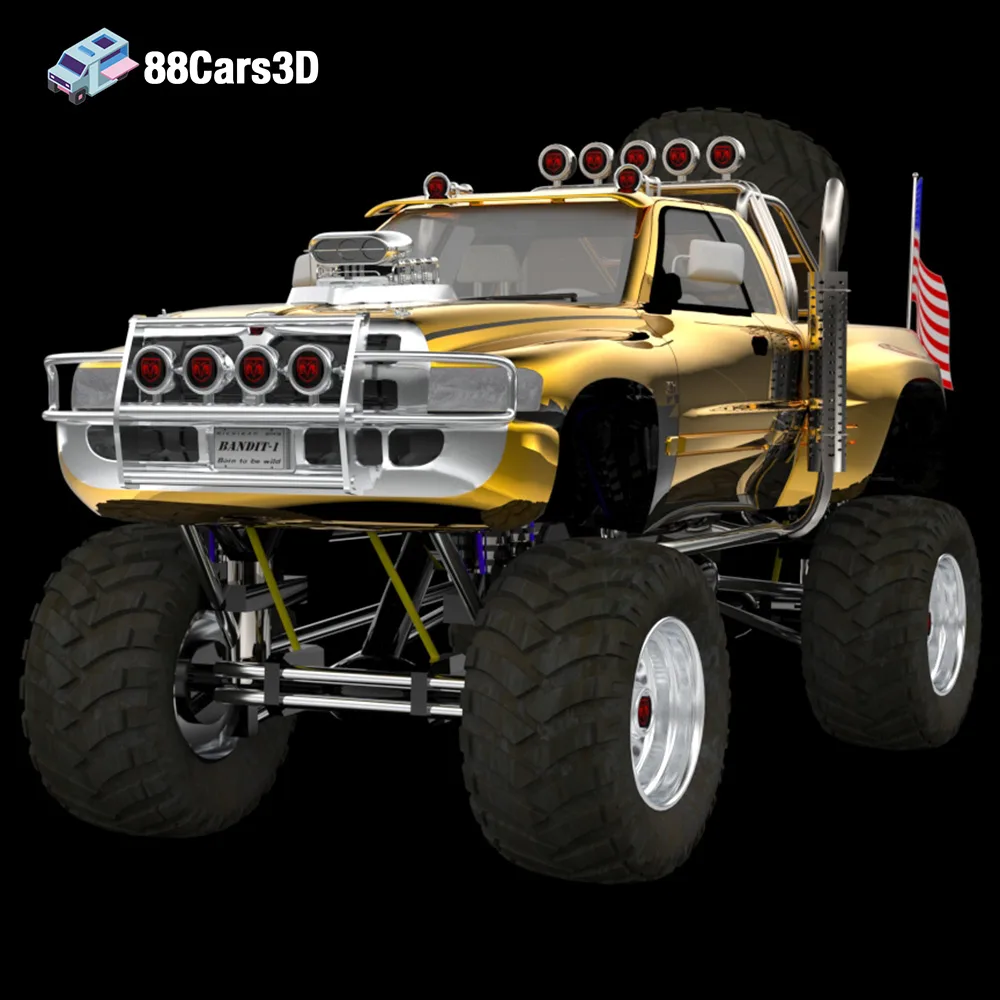
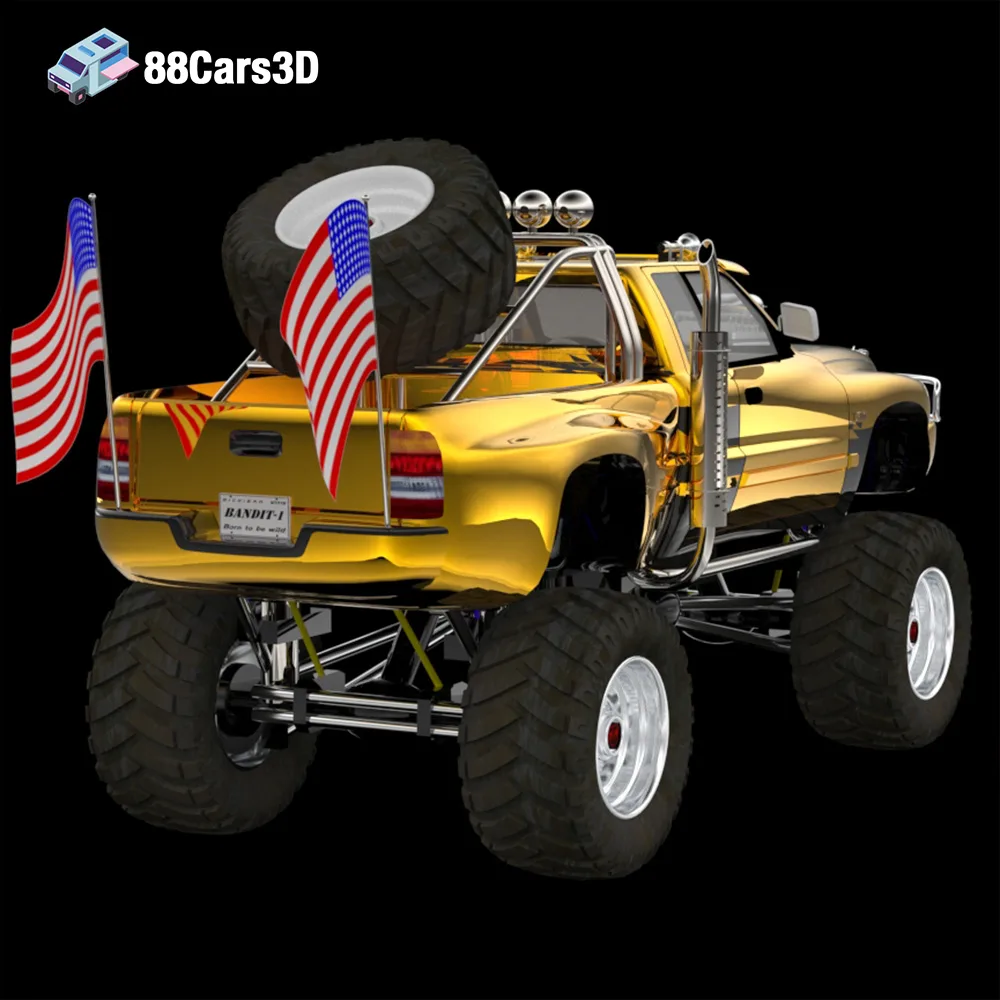
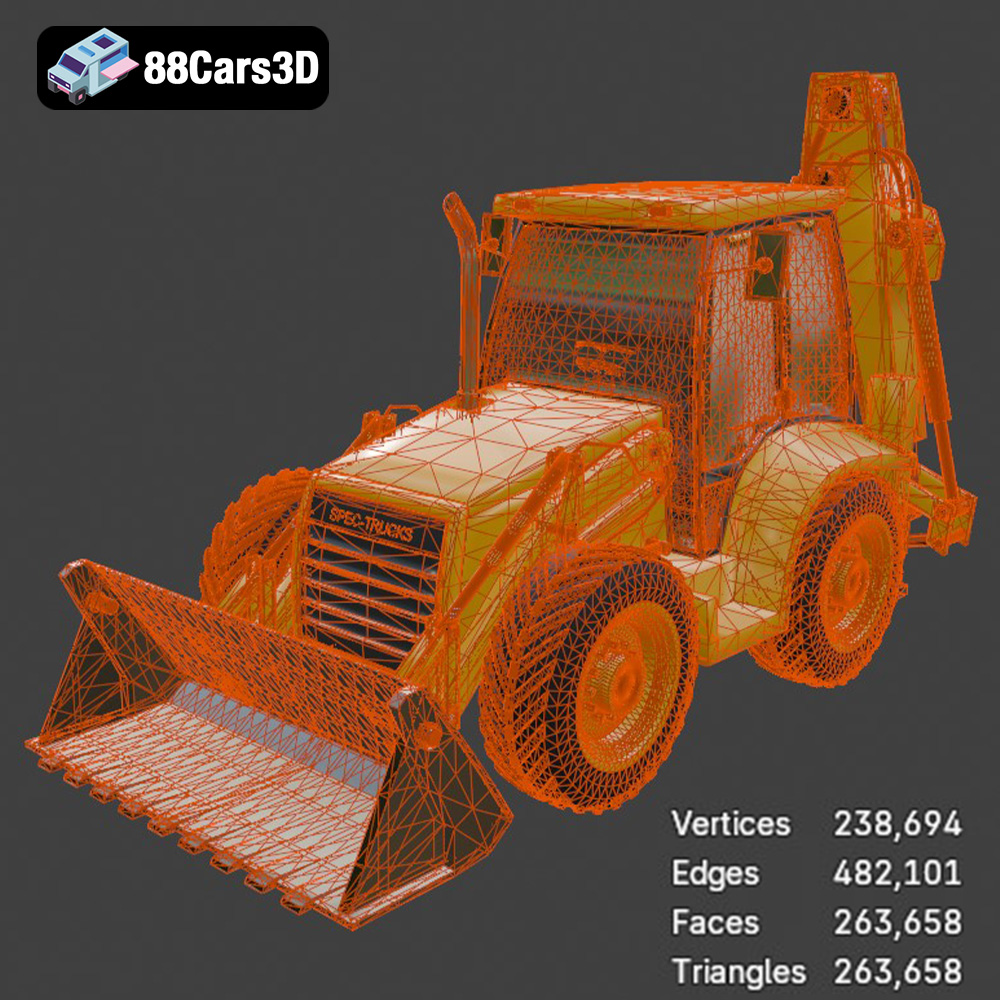
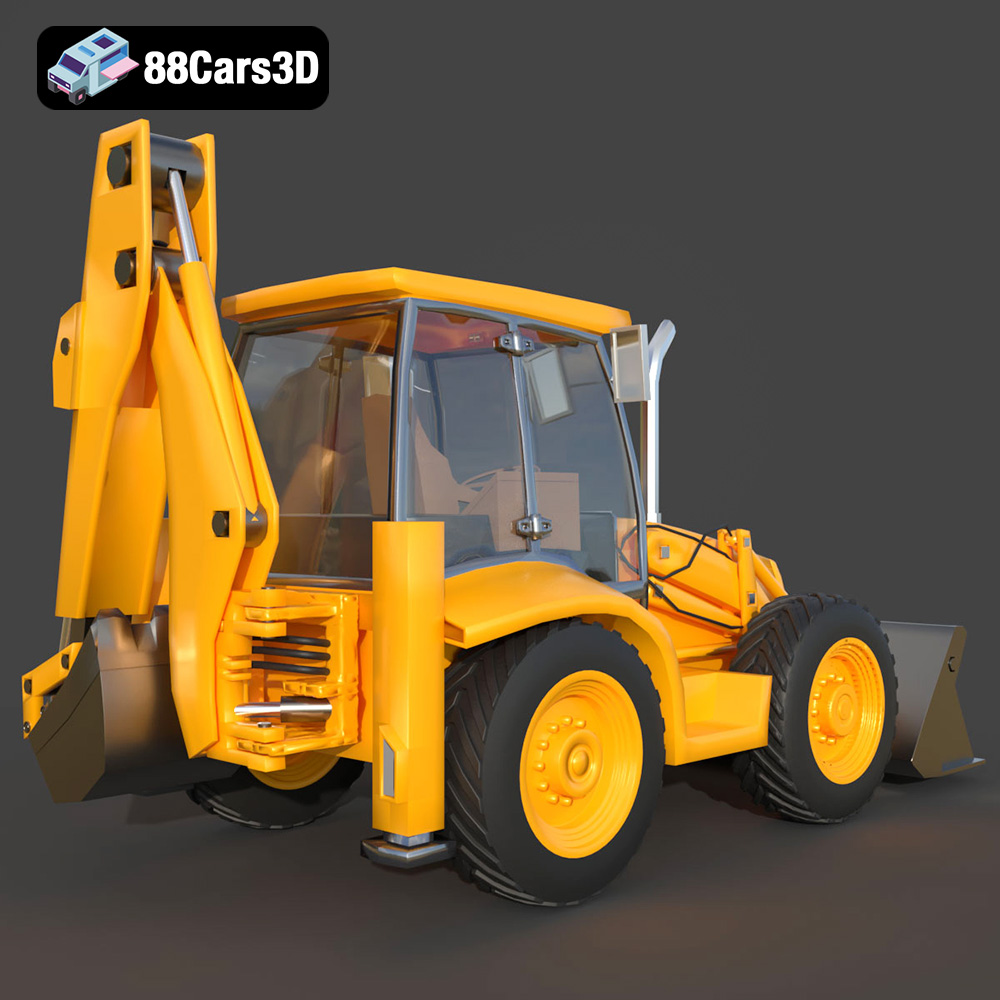
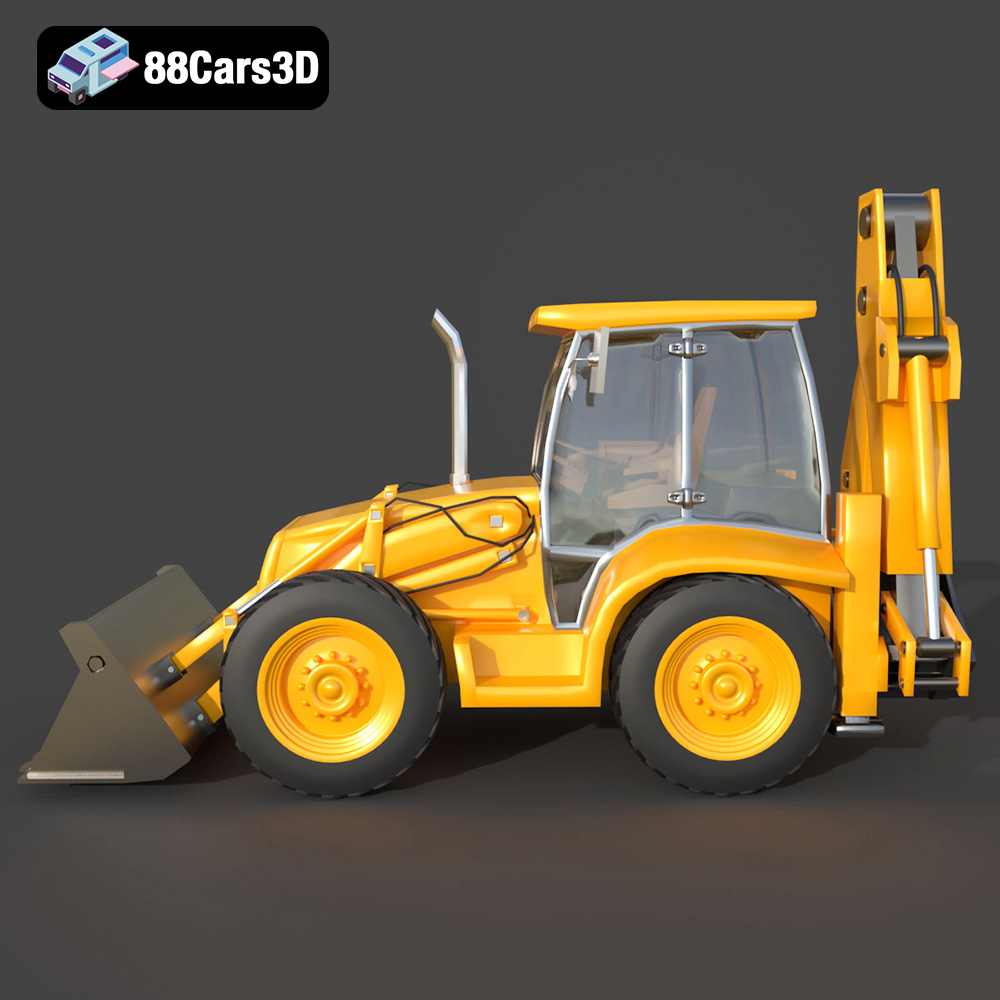
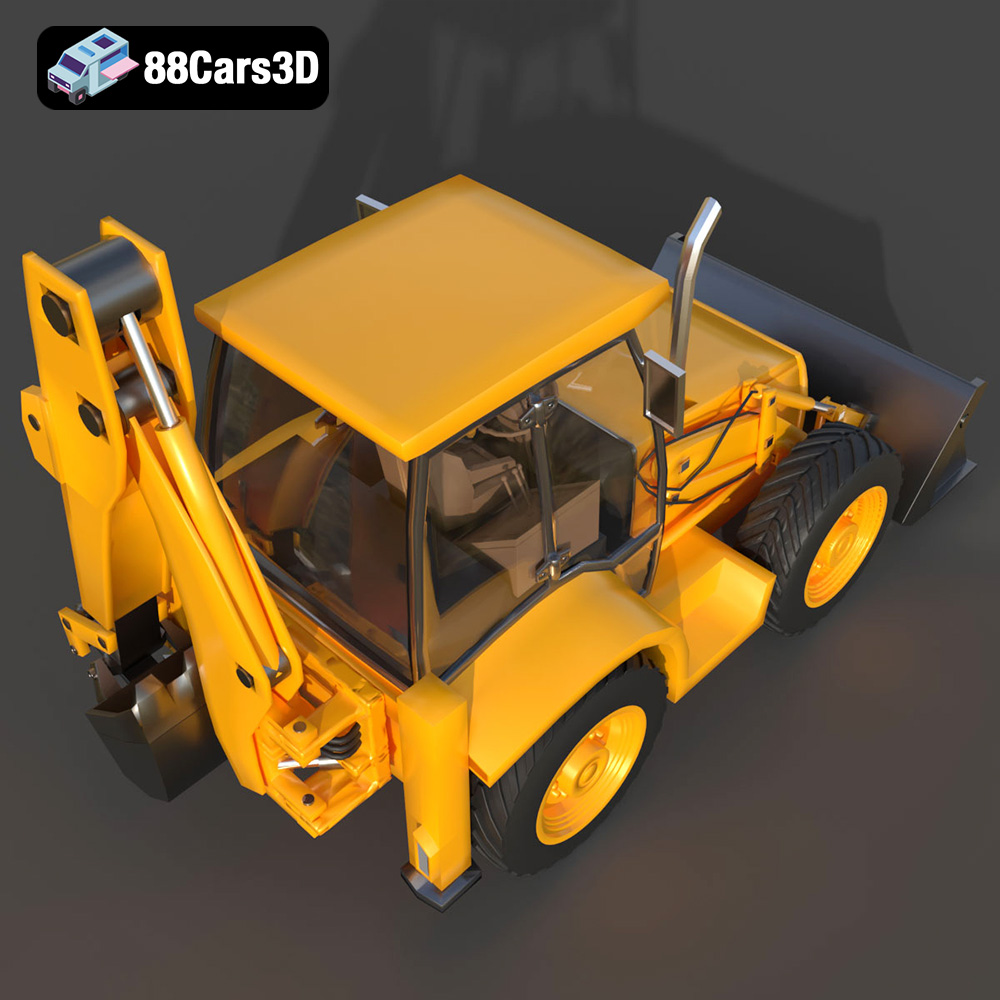
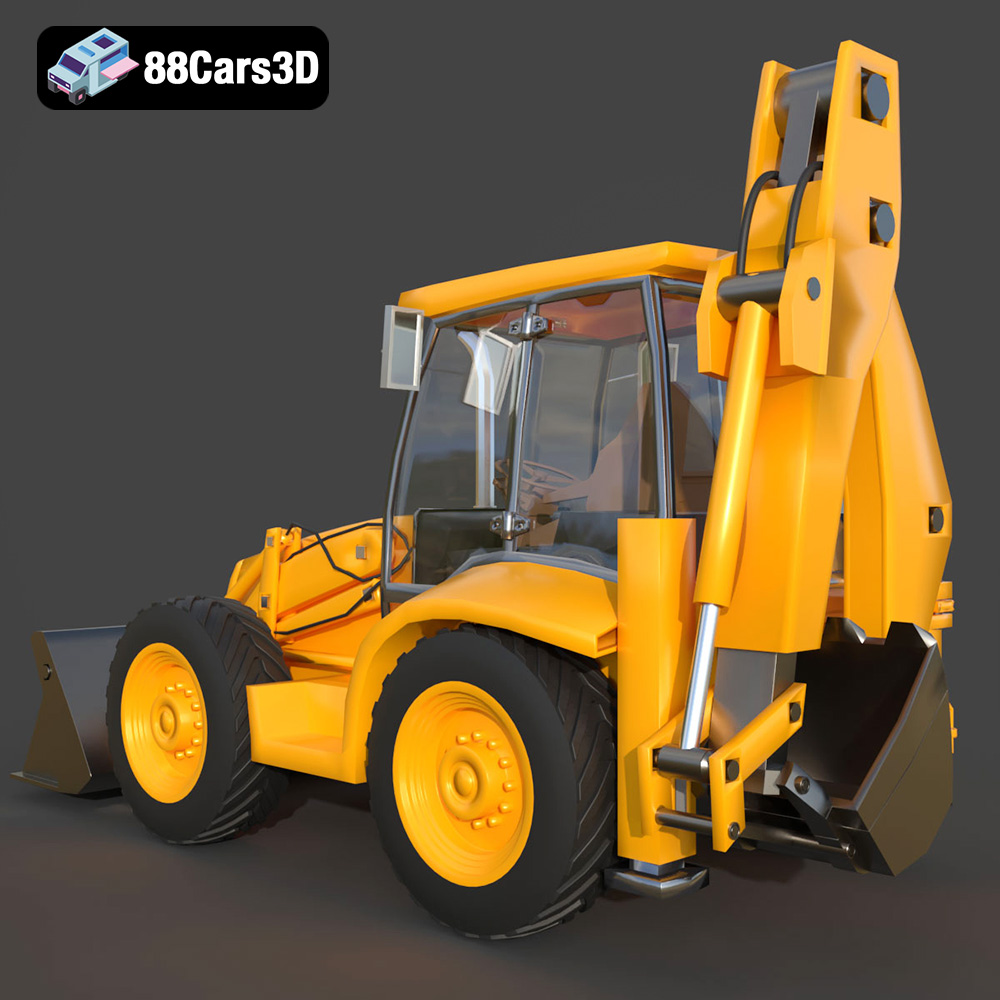
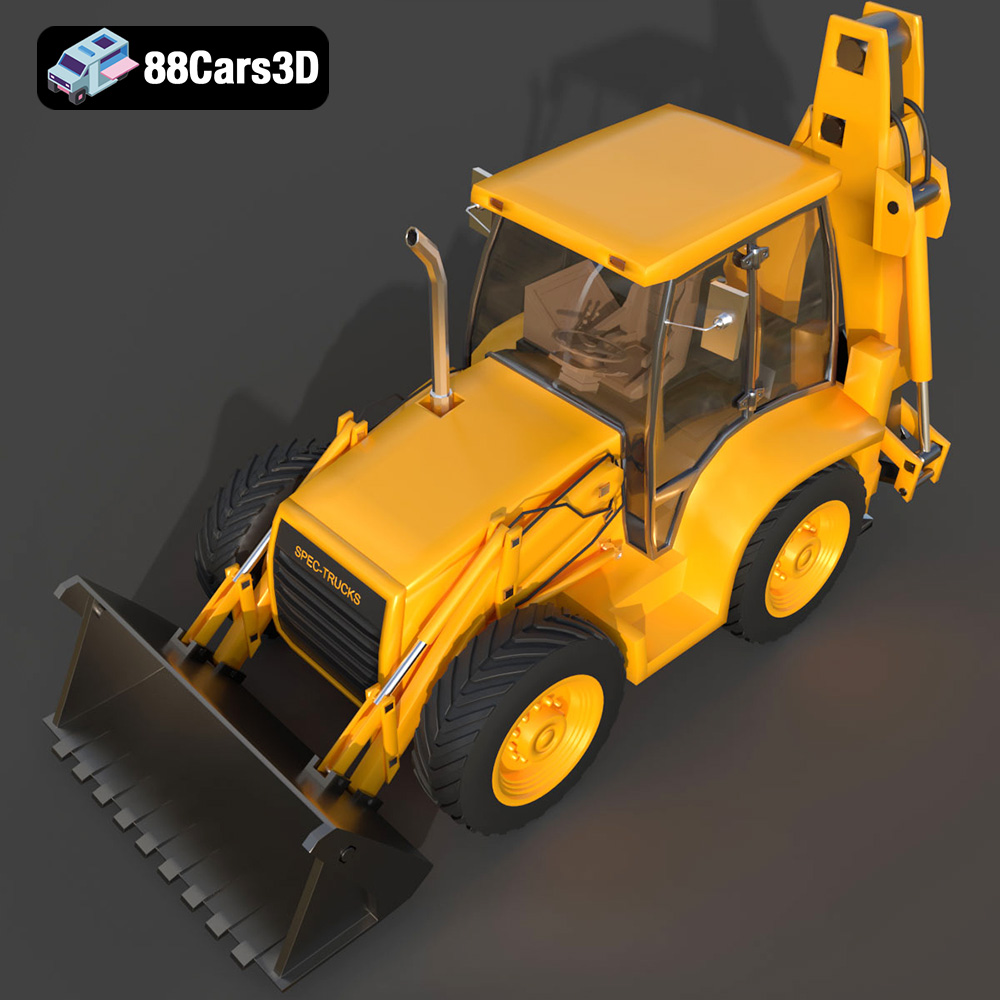
The Extreme Off-Road & Survival 3D Models Bundle from 88cars3d.com is a dream come true for anyone passionate about off-roading, survival scenarios, or simply the thrill of building something incredible. This 4-in-1 pack offers a diverse range of vehicles, from the luxurious Brabus 800 Adventure XLP G Wagon to the monstrous Dodge Ram Bigfoot, the rugged Spec Truck, and the essential Caravan. But these aren’t just digital models; they’re meticulously crafted STL files ready to be brought to life through the magic of 3D printing. This article will serve as your comprehensive guide to successfully 3D printing these impressive models, covering everything from choosing the right material to mastering post-processing techniques. Get ready to transform your digital dreams into tangible realities!
Before diving into the specifics of 3D printing the Extreme Off-Road & Survival Bundle, it’s crucial to understand the different file formats included and how they relate to the 3D printing process. While the bundle includes a variety of formats for different applications, the STL format is the workhorse for 3D printing.
The STL (Stereolithography) file format is the industry standard for 3D printing. It represents the surface geometry of a 3D object as a collection of triangles. It’s a simple format, storing only the surface information without color, texture, or material properties. This simplicity makes it universally compatible with slicing software, which translates the 3D model into a series of instructions for your 3D printer. For the Extreme Off-Road & Survival Bundle, the provided STL files are optimized for printing, meaning the meshes are clean, watertight, and designed to be easily sliced.
When working with STL files, it’s essential to be aware of mesh quality. A model with too few triangles will appear faceted and lack detail, while a model with too many triangles can be unnecessarily large and computationally expensive to process. The STL files from 88cars3d.com are carefully balanced to provide a high level of detail without sacrificing printability.
While STL is the primary format for 3D printing, the bundle also includes other file types that can be useful in the pre-printing workflow:
* **.obj:** This format supports color and texture information, making it useful for models intended for rendering or visualization. While some 3D printers can print in multiple colors, this is less common, and the STL format is generally preferred for printing due to its simplicity.
* **.ply:** Similar to OBJ, PLY supports color and other properties, and is often used for storing data from 3D scanners.
* **.blend:** This is the native file format for Blender, a popular open-source 3D modeling software. Having the .blend file allows you to directly modify the model before exporting it as an STL for printing.
* **.fbx:** Often used for transferring models between different 3D software packages, FBX can contain animation data and material information.
* **.glb:** This format is designed for efficient transmission and loading of 3D models, often used for augmented reality (AR) applications.
* **.max:** The native file format for 3ds Max, another professional 3D modeling software. Allows for modification of the model within 3ds Max before STL export.
Regardless of the file format you initially use, you’ll eventually need to convert your model to an STL file for slicing. All popular slicing software packages, such as Cura, Simplify3D, PrusaSlicer, and Chitubox, support the STL format. These programs take the STL file and slice it into thin layers, generating the G-code instructions that your 3D printer follows. The slicing software also allows you to adjust printing parameters like layer height, infill density, support structures, and print speed, all of which significantly impact the final print quality.
The choice of material is crucial for a successful 3D print. Different materials offer varying levels of strength, flexibility, detail, and temperature resistance. For the Extreme Off-Road & Survival Bundle, consider the following options:
PLA (Polylactic Acid) is a biodegradable thermoplastic derived from renewable resources. It’s easy to print, has low warping, and produces relatively good detail. PLA is an excellent choice for beginners and for printing parts that don’t require high strength or temperature resistance. It’s suitable for the body panels and interior components of the vehicles in the bundle. However, PLA is not ideal for parts that will be exposed to direct sunlight or high temperatures, as it can soften and deform.
* **Recommended Settings for PLA:**
* Nozzle Temperature: 200-220°C
* Bed Temperature: 60-70°C
* Print Speed: 40-60 mm/s
* Layer Height: 0.1-0.2 mm
PETG (Polyethylene Terephthalate Glycol-modified) offers a good balance of strength, flexibility, and temperature resistance. It’s stronger than PLA and less prone to warping than ABS, making it a versatile choice for many 3D printing projects. PETG is suitable for printing the chassis, suspension components, and wheels of the vehicles in the bundle, as these parts require higher strength and durability.
* **Recommended Settings for PETG:**
* Nozzle Temperature: 230-250°C
* Bed Temperature: 70-80°C
* Print Speed: 30-50 mm/s
* Layer Height: 0.1-0.2 mm
Resin 3D printing (SLA or DLP) offers the highest level of detail and precision, making it ideal for printing small, intricate parts like the suspension components, wheels, and decorative details of the vehicles in the bundle. Resin prints are typically stronger and more rigid than FDM prints, but they can be more brittle and require more post-processing. Resin printing is highly recommended to capture the intricate suspension and tire treads for the smaller scale models.
* **Recommended Settings for Resin:**
* Layer Height: 0.02-0.05 mm
* Exposure Time: Varies depending on the resin and printer (consult the resin manufacturer’s recommendations)
* Lift Speed: Moderate (to prevent layer separation)
Once you’ve chosen your material, the next step is to prepare the STL files for printing using slicing software. This involves orienting the models, adding supports, and adjusting printing parameters to optimize print quality and minimize the risk of failure.
The orientation of your model on the build plate can significantly impact print quality, strength, and the amount of support material required. For the vehicles in the Extreme Off-Road & Survival Bundle, consider the following:
* **Body Panels:** Orient the body panels at an angle (e.g., 45 degrees) to minimize the visibility of layer lines and improve surface finish. This may require more support material but will result in a smoother, more aesthetically pleasing print.
* **Chassis and Suspension Components:** Print these parts vertically to maximize their strength in the Z-axis. Ensure that the parts are oriented so that they are stable and don’t require excessive support material.
* **Wheels:** Print the wheels vertically with the tire tread facing up. This will allow you to capture the intricate details of the tread and minimize the need for support material on the visible surfaces.
Support structures are essential for printing overhangs and complex geometries. Choose a support pattern that provides adequate support without being too difficult to remove.
* **FDM Printing (PLA/PETG):** Use tree supports or line supports with a low density to minimize material usage and make removal easier. Adjust the support settings to ensure that the supports are strong enough to hold the overhangs but not so strong that they are difficult to remove.
* **Resin Printing:** Use light supports with a small contact point to minimize the risk of damaging the model during removal. Experiment with different support settings to find the optimal balance between support strength and ease of removal.
The slicing parameters you choose will significantly impact the print quality, strength, and print time.
* **Layer Height:** A lower layer height (e.g., 0.1 mm) will result in a smoother surface finish and greater detail, but it will also increase print time. A higher layer height (e.g., 0.2 mm) will reduce print time but may result in a less detailed surface.
* **Infill Density:** The infill density determines the amount of material inside the model. A higher infill density will increase the strength of the model but also increase print time and material usage. For most parts of the vehicles in the bundle, an infill density of 15-25% is sufficient. However, for parts that require high strength, such as the chassis and suspension components, consider increasing the infill density to 50-75%.
* **Print Speed:** A slower print speed will generally result in better print quality, but it will also increase print time. Experiment with different print speeds to find the optimal balance between quality and speed.
Once the parts are printed, they will require post-processing to remove support structures, smooth the surface, and add the finishing touches.
Carefully remove the support structures using pliers, clippers, or a hobby knife. Take your time and avoid damaging the model. For resin prints, soaking the model in warm water can help soften the supports and make them easier to remove.
Sand the surface of the printed parts to remove any layer lines and smooth out imperfections. Start with a coarse grit sandpaper (e.g., 220 grit) and gradually work your way up to a finer grit sandpaper (e.g., 400 grit, 600 grit, and 800 grit). For a smoother finish, consider using wet sanding.
Apply a primer to the sanded parts to create a smooth, uniform surface for painting. Choose a primer that is compatible with the material you printed with. Once the primer is dry, paint the parts using acrylic paints or spray paints. Apply multiple thin coats of paint for a smooth, even finish. Consider modern Volvo factory colors (like Sage Green, Glacier Silver, or Crystal White) paired with a gloss black roof.
Assemble the printed parts using glue or screws. Refer to the original 3D model or reference images to ensure that the parts are assembled correctly.
Even with careful preparation, 3D printing can sometimes be challenging. Here are some common issues and how to address them:
* **Warping:** This occurs when the corners of the print lift off the build plate. To prevent warping, ensure that your build plate is level and clean, and use a heated bed.
* **Layer Separation:** This occurs when the layers of the print don’t adhere properly. To prevent layer separation, increase the nozzle temperature and reduce the print speed.
* **Stringing:** This occurs when the nozzle oozes material while moving between parts. To prevent stringing, reduce the nozzle temperature and increase the retraction distance.
* **Support Structure Issues:** If supports are too difficult to remove, reduce the support density and contact point size. If supports are not providing adequate support, increase the support density and contact point size.
To get the best possible results when 3D printing the Extreme Off-Road & Survival Bundle, consider the following tips:
* **Scale the models appropriately:** The recommended scale is 1:24, 1:32, or 1:43. Choose a scale that is appropriate for your printer and the level of detail you want to achieve.
* **Print in separate parts:** Print the body panels, chassis, suspension components, and wheels separately for maximum detail and ease of assembly.
* **Use high-quality filament or resin:** The quality of the material will significantly impact the final print quality.
* **Experiment with different settings:** Don’t be afraid to experiment with different printing parameters to find the optimal settings for your printer and material.
* **Take your time with post-processing:** The post-processing steps are crucial for achieving a professional-looking finish.
The Extreme Off-Road & Survival 3D Models Bundle available at 88cars3d.com offers an incredible opportunity to create your own miniature off-road vehicles. By following the tips and techniques outlined in this article, you can successfully 3D print these models and bring your digital dreams to life.
The Extreme Off-Road & Survival 3D Models Bundle is the ultimate toolkit for digital adventurers, survival game developers, and architectural visualization artists crafting wilderness escapes. When your 3D scene demands raw power, rugged terrain capabilities, and outdoor lifestyle aesthetics, ordinary vehicles simply won’t work.
$149.99
archviz-cabin
brabus-800-xlp
car-bundle
caravan-3d
dodge-ram
g-wagon-3d
monster-truck
mud-runner
off-grid-vehicles
off-road-3d-model
survival-game-assets