Get 50% OFF All Premium 3D & STL Models!

“`html
The world of 3D printing offers incredible flexibility, allowing enthusiasts and professionals alike to create intricate objects with impressive precision. When it comes to printing detailed car models, like those found on platforms like 88cars3d.com, selecting the right nozzle size and print bed dimensions is crucial for achieving optimal results. This comprehensive guide will delve into the intricacies of nozzle selection, bed size considerations, and how these choices impact the final quality and success of your 3D printed car models. We’ll explore everything from FDM printing nuances to resin printer limitations, providing you with the knowledge to make informed decisions and elevate your 3D printing game.
Whether you’re a seasoned maker or just starting your 3D printing journey, understanding these fundamental aspects is key to unlocking the full potential of your printer and achieving stunning, detailed replicas of your favorite vehicles. So, buckle up and get ready to explore the critical role of nozzle and bed size in the world of 3D printed car models.
The nozzle is the heart of your FDM (Fused Deposition Modeling) 3D printer, dictating the resolution and speed at which material is deposited. Choosing the correct nozzle size is paramount for balancing detail, print time, and structural integrity, especially when printing intricate car models. A smaller nozzle allows for finer details but increases print time, while a larger nozzle sacrifices detail for speed.
The nozzle diameter directly affects the minimum feature size you can accurately print. A standard 0.4mm nozzle is a versatile choice, offering a good balance for most prints. However, for highly detailed models, such as the complex grilles or intricate emblems often featured on car models from 88cars3d.com, a 0.25mm or even a 0.15mm nozzle might be necessary. Smaller nozzles create thinner layers and finer lines, resulting in a smoother surface finish and more accurate reproduction of fine details. Keep in mind that smaller nozzles also require slower print speeds to ensure proper material flow and adhesion.
Nozzle size directly impacts material flow rate. A larger nozzle allows for a higher flow rate, enabling faster print speeds. However, simply increasing the print speed with a smaller nozzle can lead to under-extrusion, resulting in weak and brittle prints. It’s crucial to adjust your slicer settings (e.g., flow rate, temperature) to compensate for the nozzle size. For example, when switching from a 0.4mm to a 0.25mm nozzle, you’ll need to significantly reduce your print speed and potentially increase the extrusion temperature to ensure the filament melts properly and adheres to the previous layer. Failure to do so can result in layer adhesion issues and a weakened model.
The size of your 3D printer’s build plate, or print bed, determines the maximum dimensions of the objects you can print. For car models, this is a critical factor in deciding the scale of your prints and whether you’ll need to divide the model into smaller, printable parts. Larger print beds offer the flexibility to print larger models in a single piece, reducing the need for assembly and potential weak points.
Before purchasing a model from a marketplace like 88cars3d.com, carefully consider the dimensions of your print bed. Measure the printable area accurately, taking into account any limitations imposed by the printer’s mechanics or software. Once you know your maximum printable volume, you can determine the largest scale at which you can print the car model in one piece. For example, if your print bed is 200mm x 200mm x 200mm, you can print a car model that fits within those dimensions. If the model is larger, you’ll need to scale it down or split it into multiple parts.
When a model exceeds your printer’s bed size, you’ll need to split it into smaller, printable parts. Software like Meshmixer or Blender can be used to divide the model along strategic planes, creating separate components that can be printed individually and then assembled. When splitting a model, consider the assembly process. Design the parts with interlocking features or alignment pins to ensure accurate and strong connections. Also, plan for post-processing, such as sanding and gluing, to seamlessly join the parts together. Remember to orient each part in your slicer to maximize bed adhesion and minimize the need for support structures. For example, splitting the body of a car model along the roofline and the chassis allows for easier printing and assembly, while also hiding the seam lines.
The type of filament you choose significantly influences the required nozzle temperature, print speed, and overall print quality. Different materials have different melting points and flow characteristics, requiring specific nozzle settings. Matching the right filament to your nozzle is critical for successful 3D printing.
PLA (Polylactic Acid) is a commonly used, beginner-friendly filament known for its low printing temperature (around 200-220°C) and ease of use. ABS (Acrylonitrile Butadiene Styrene), on the other hand, requires a higher printing temperature (around 230-260°C) and a heated bed to prevent warping. PETG (Polyethylene Terephthalate Glycol) bridges the gap between PLA and ABS, offering good strength and flexibility with a moderate printing temperature (around 220-250°C). When printing with PLA, a standard brass nozzle is generally sufficient. However, for ABS or PETG, consider using a hardened steel nozzle, especially if you’re printing abrasive filaments like carbon fiber-infused materials. Adjusting your print speed based on the filament type is also essential. PLA can typically be printed at moderate speeds (40-60mm/s), while ABS and PETG may require slower speeds (30-50mm/s) to ensure proper layer adhesion and prevent warping. For car models, PETG often provides a good balance of strength and ease of printing, making it suitable for structural components and body panels.
Abrasive filaments, such as those infused with carbon fiber, metal particles, or glow-in-the-dark additives, can quickly wear down standard brass nozzles. The abrasive particles erode the nozzle’s inner diameter, leading to inconsistent extrusion and reduced print quality. To combat this, use a hardened steel or wear-resistant nozzle. Hardened steel nozzles are significantly more durable and can withstand the abrasive nature of these specialized filaments, ensuring consistent performance and extending the nozzle’s lifespan. When printing car models with carbon fiber-infused filaments, for example, a hardened steel nozzle is essential to maintain the model’s dimensional accuracy and prevent nozzle damage.
Slicing software translates your 3D model into a set of instructions that your printer can understand. Optimizing slicing parameters based on your nozzle size is crucial for achieving the desired print quality, strength, and detail. Layer height, line width, and infill density are key parameters that need to be carefully adjusted.
Layer height is a critical parameter that directly affects the resolution and surface finish of your 3D prints. A smaller layer height results in smoother surfaces and finer details, but it also increases print time. The optimal layer height is typically between 25% and 75% of your nozzle diameter. For example, with a 0.4mm nozzle, a layer height of 0.1mm to 0.3mm is generally recommended. When printing detailed car models, using a smaller layer height (e.g., 0.1mm with a 0.4mm nozzle or 0.05mm with a 0.2mm nozzle) can significantly improve the definition of intricate features like panel lines, grilles, and emblems. However, be mindful of the increased print time and potential for layer adhesion issues if the layer height is too small. Experiment with different layer heights to find the optimal balance between detail and print speed.
Line width determines the thickness of the extruded filament line. In most slicers, the default line width is set to be equal to the nozzle diameter. However, you can experiment with slightly wider or narrower line widths to fine-tune your prints. A wider line width can improve layer adhesion and increase the strength of your prints, while a narrower line width can improve the definition of small features. Infill density refers to the amount of material used to fill the interior of your 3D print. A higher infill density results in a stronger and more rigid model, but it also increases print time and material consumption. For car models, the appropriate infill density depends on the intended use of the model. For display models, a lower infill density (e.g., 10-15%) may be sufficient. For functional models or those that will be subjected to stress, a higher infill density (e.g., 20-50%) is recommended. Choose an infill pattern that provides adequate support and strength while minimizing print time and material usage. Gyroid and honeycomb infill patterns are popular choices for their strength and efficiency.
Support structures are temporary structures that provide support for overhanging features during 3D printing. They are essential for printing complex geometries, but they also add to the print time and require post-processing for removal. Choosing the right support settings and removal techniques is crucial for achieving a clean and professional finish on your 3D printed car models.
Strategic support placement is key to minimizing material waste and ensuring easy removal. Analyze your car model carefully to identify areas that require support, such as overhangs, bridges, and complex curves. Use your slicer’s support generation tools to place supports only where they are needed. Adjust the support density to provide adequate support without over-supporting the model. A higher support density will provide more stability but will also be more difficult to remove. A lower support density will be easier to remove but may not provide sufficient support for large overhangs. Experiment with different support densities to find the optimal balance. Consider using tree supports or hybrid supports, which are designed to minimize material usage and provide easier removal. For example, when printing the roof of a car model, tree supports can be strategically placed to provide support without leaving excessive marks on the surrounding surfaces.
Removing support structures can be a delicate process, especially for intricate car models. Use a combination of tools, such as pliers, flush cutters, and sandpaper, to carefully remove the supports without damaging the model. Start by gently breaking away the larger support structures, then use flush cutters to trim the remaining support material close to the model’s surface. Be careful not to cut into the model itself. After removing the supports, use sandpaper to smooth out any remaining bumps or imperfections. Start with a coarse grit sandpaper and gradually move to finer grits to achieve a smooth and polished surface. For hard-to-reach areas, consider using small files or rotary tools with sanding attachments. If necessary, fill any gaps or imperfections with putty or filler and sand them smooth. Finally, prime and paint the model to achieve a professional finish. When removing supports from delicate features like mirrors or antennas, be extra cautious to avoid breakage. Softening the supports with heat from a heat gun or hairdryer can make them easier to remove.
Proper printer calibration and regular maintenance are essential for achieving consistent and high-quality 3D prints. A well-calibrated printer ensures accurate dimensions, proper layer adhesion, and reliable performance. Regular maintenance prevents issues such as clogs, jams, and mechanical failures.
Bed leveling is the process of ensuring that the print bed is perfectly level and parallel to the printer’s nozzle. An unlevel bed can lead to poor bed adhesion, warping, and inconsistent layer heights. Most 3D printers have either manual or automatic bed leveling systems. For manual bed leveling, use a piece of paper or a feeler gauge to adjust the bed’s leveling screws until the nozzle is just barely touching the bed at each corner. For automatic bed leveling, follow your printer’s instructions to run the auto-leveling routine. Z-offset is the distance between the nozzle and the bed at the start of the print. Adjusting the Z-offset is crucial for achieving proper bed adhesion. If the Z-offset is too high, the filament will not adhere to the bed. If the Z-offset is too low, the nozzle will scrape against the bed, potentially damaging both the nozzle and the bed surface. Fine-tune the Z-offset until you achieve a smooth and consistent first layer. When printing car models, a perfectly level bed and a properly adjusted Z-offset are essential for ensuring that the model adheres to the bed and prints without warping or delamination.
A clogged nozzle can disrupt the flow of filament and lead to failed prints. To prevent clogs, regularly clean your nozzle using a nozzle cleaning needle or a cold pull technique. For a cold pull, heat the nozzle to its printing temperature, then manually push some filament through the nozzle. Allow the nozzle to cool down to room temperature, then quickly pull the filament out. This will often remove any debris or clogs that are lodged inside the nozzle. Proper filament storage is also essential for preventing clogs and ensuring consistent print quality. Filament absorbs moisture from the air, which can lead to bubbling, stringing, and poor layer adhesion. Store your filament in a dry, airtight container with desiccant packs to absorb moisture. If your filament has already absorbed moisture, you can dry it out using a filament dryer or an oven set to a low temperature. When printing car models, using clean, dry filament is crucial for achieving smooth surfaces and accurate details. You can also find STL files optimized for 3D printing on sites like 88cars3d.com.
Choosing the right nozzle and bed size are crucial steps in achieving successful 3D prints, especially when dealing with the intricate details of car models. Understanding the relationship between nozzle diameter, material flow, and print speed, along with the importance of print bed dimensions and their impact on model scale, is key to unlocking the full potential of your 3D printer. By carefully considering these factors and optimizing your slicing parameters, you can create stunning, high-quality car models that showcase the beauty and precision of 3D printing.
Remember to calibrate your printer regularly, maintain your equipment properly, and experiment with different settings to find what works best for your specific printer and filament. Don’t be afraid to try new techniques and push the boundaries of what’s possible with 3D printing. The world of 3D printed car models is vast and exciting, and with the right knowledge and tools, you can create incredible replicas that will impress even the most discerning automotive enthusiasts. So, download some STL files, like those available on 88cars3d.com, and start experimenting today!
“`

Texture: Yes
Material: Yes
Download the Volvo Trucks Benz GT-001 3D Model featuring clean geometry, realistic detailing, and a fully modeled interior. Includes .blend, .fbx, .obj, .glb, .stl, .ply, .unreal, and .max formats for rendering, simulation, and game development.
Price: $29.99
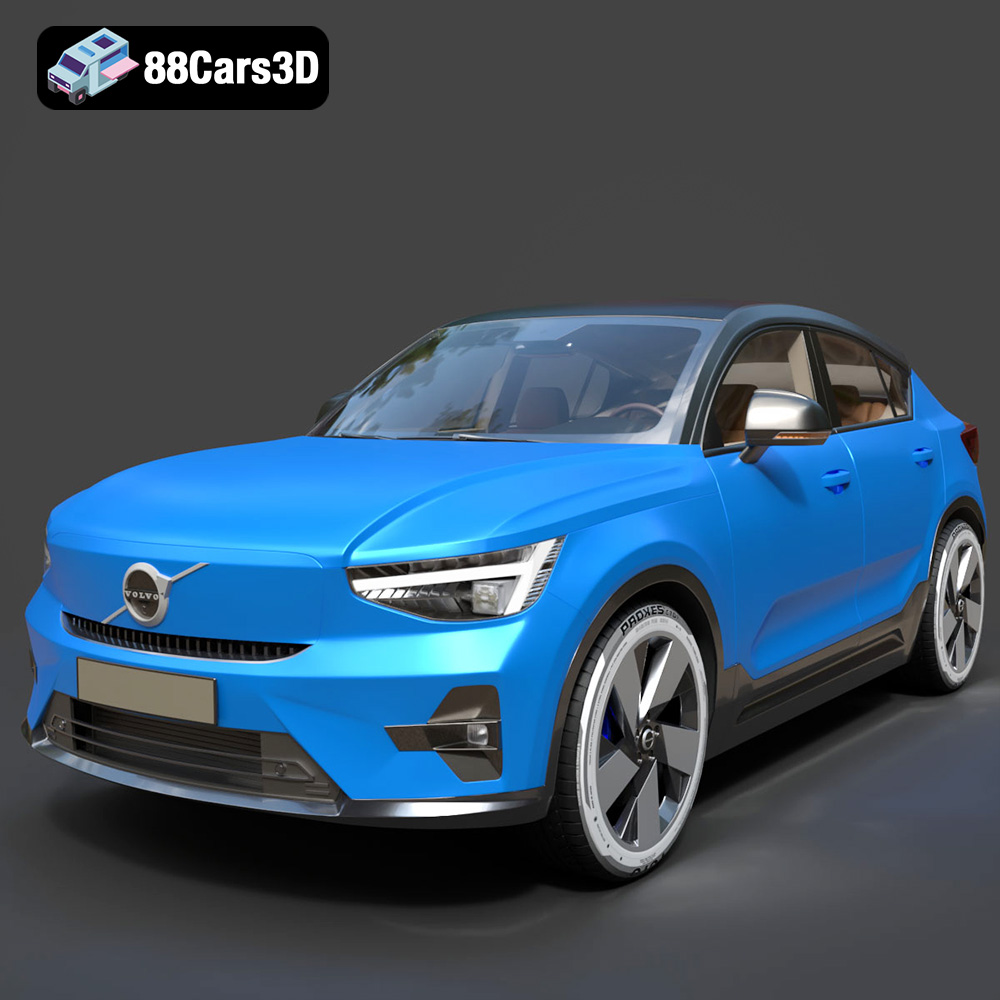
Texture: Yes
Material: Yes
Download the Volvo C40 Recharge 3D Model featuring clean geometry, realistic detailing, and a fully modeled interior. Includes .blend, .fbx, .obj, .glb, .stl, .ply, .unreal, and .max formats for rendering, simulation, and game development.
Price: $19.99
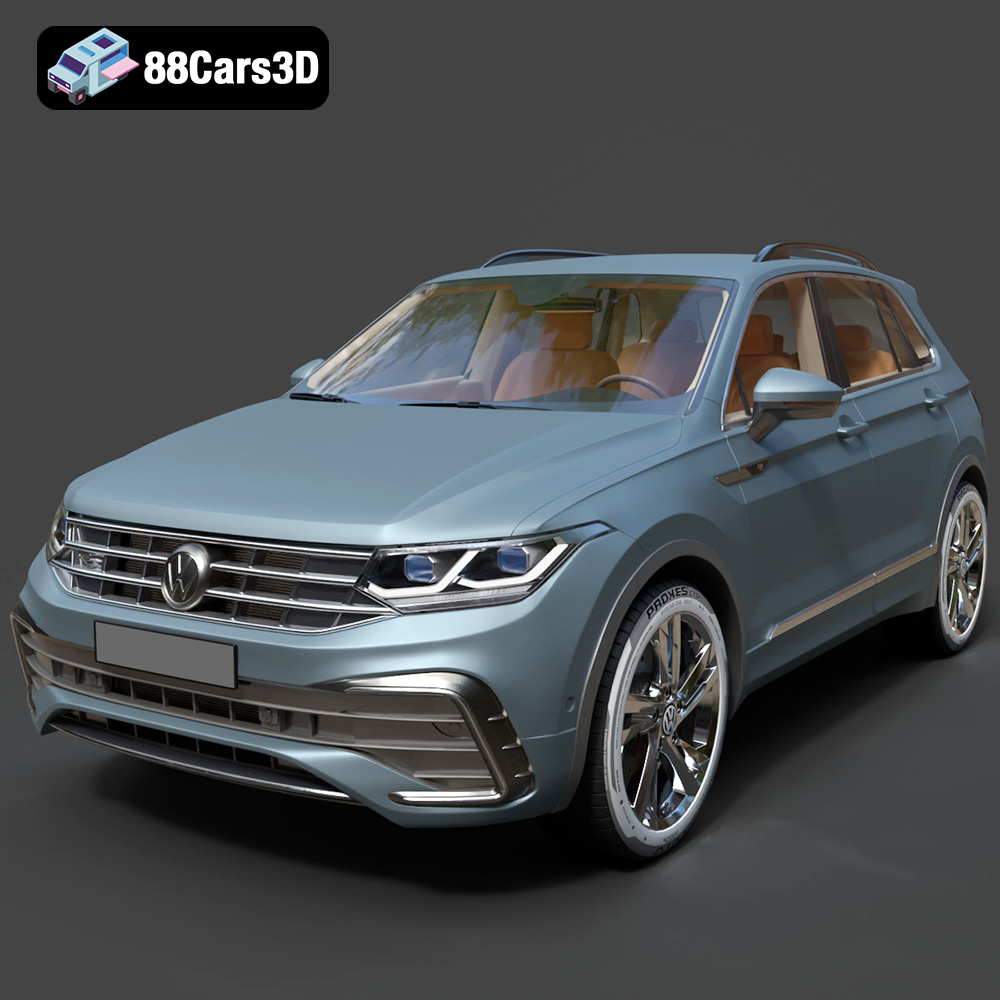
Texture: Yes
Material: Yes
Download the Volkswagen Tiguan 2021 3D Model featuring clean geometry, realistic detailing, and a fully modeled interior. Includes .blend, .fbx, .obj, .glb, .stl, .ply, .unreal, and .max formats for rendering, simulation, and game development.
Price: $19.99
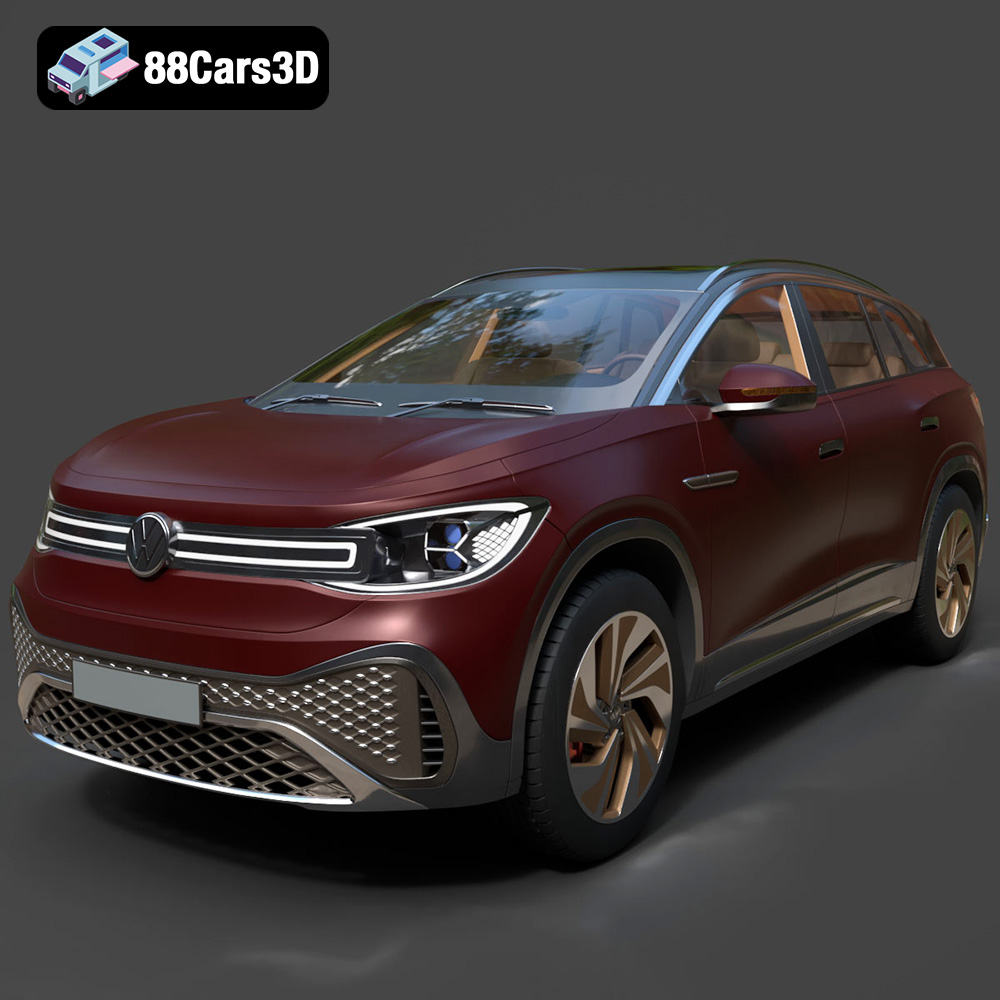
Texture: Yes
Material: Yes
Download the Volkswagen ID6 CROZZ 2022 3D Model featuring clean geometry, realistic detailing, and a fully modeled interior. Includes .blend, .fbx, .obj, .glb, .stl, .ply, .unreal, and .max formats for rendering, simulation, and game development.
Price: $19.99
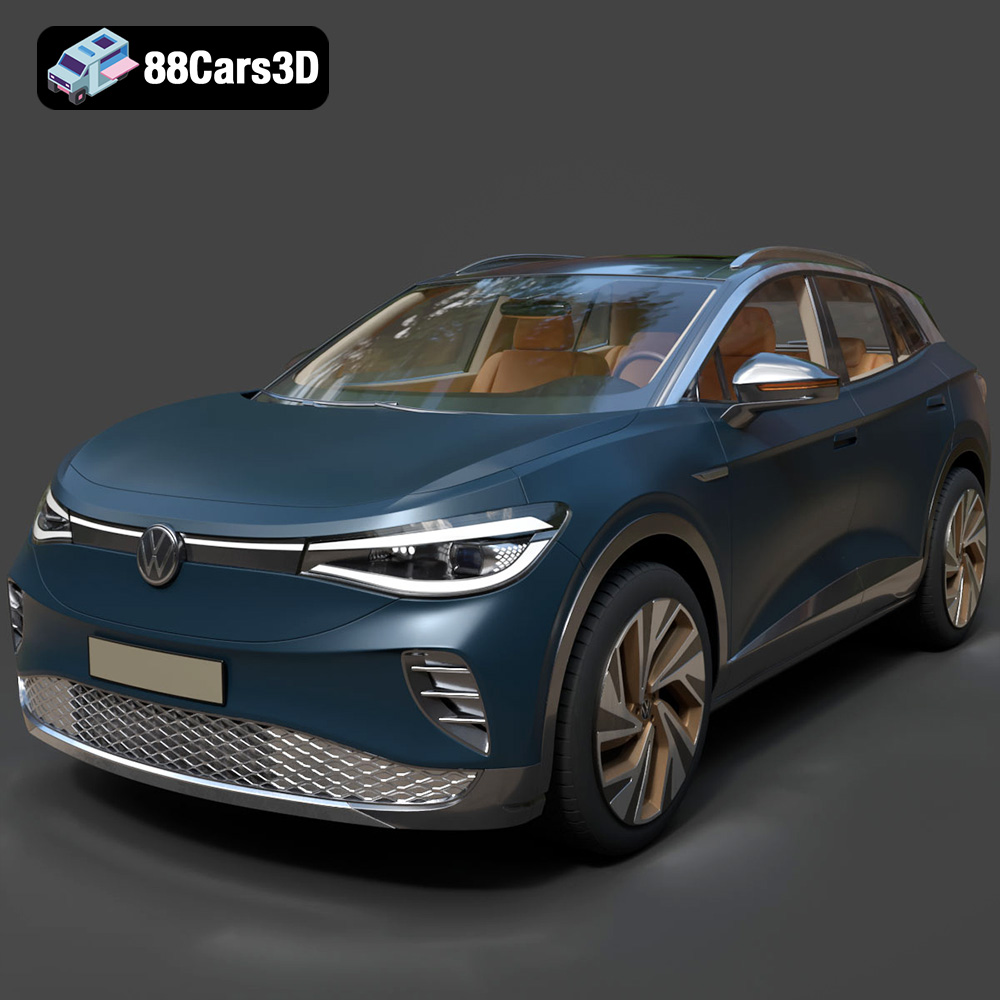
Texture: Yes
Material: Yes
Download the Volkswagen ID4 2021 3D Model featuring clean geometry, realistic detailing, and a fully modeled interior. Includes .blend, .fbx, .obj, .glb, .stl, .ply, .unreal, and .max formats for rendering, simulation, and game development.
Price: $19.99
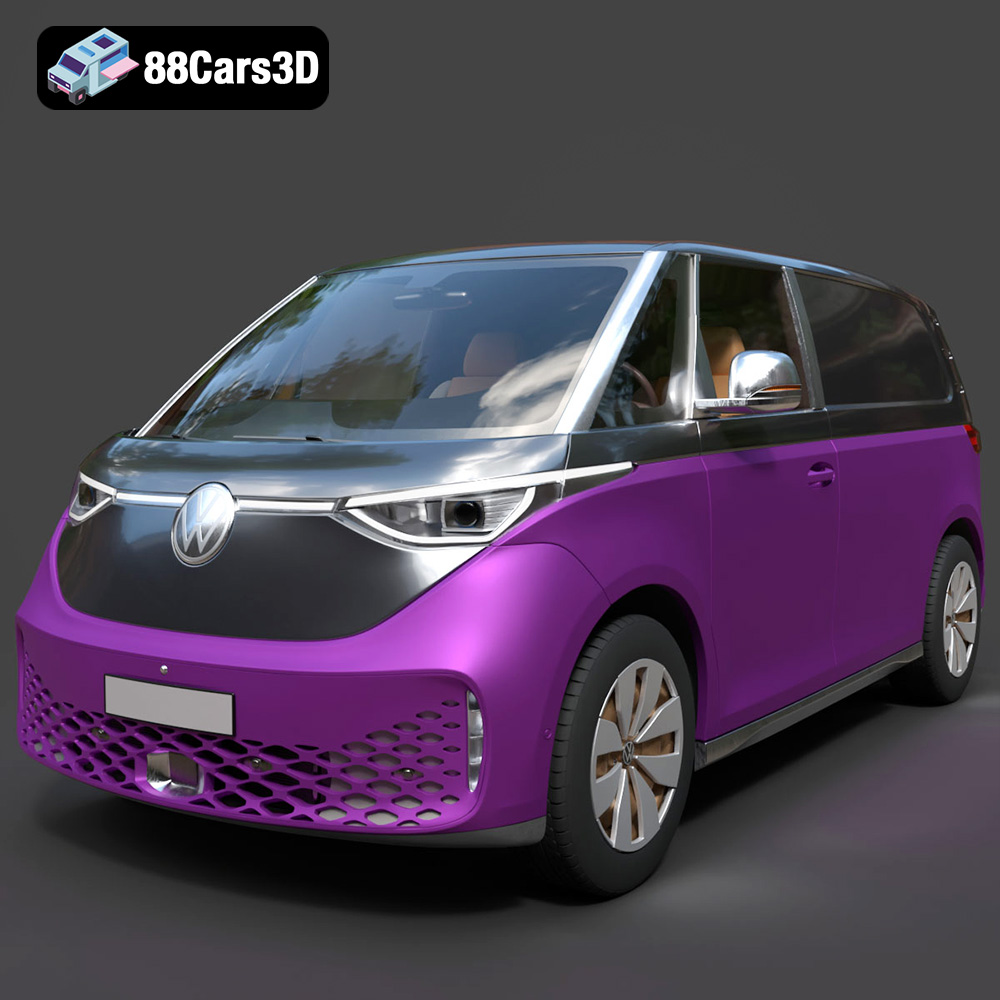
Texture: Yes
Material: Yes
Download the Volkswagen ID. Buzz Cargo 2023 3D Model featuring clean geometry, realistic detailing, and a fully modeled interior. Includes .blend, .fbx, .obj, .glb, .stl, .ply, .unreal, and .max formats for rendering, simulation, and game development.
Price: $19.99
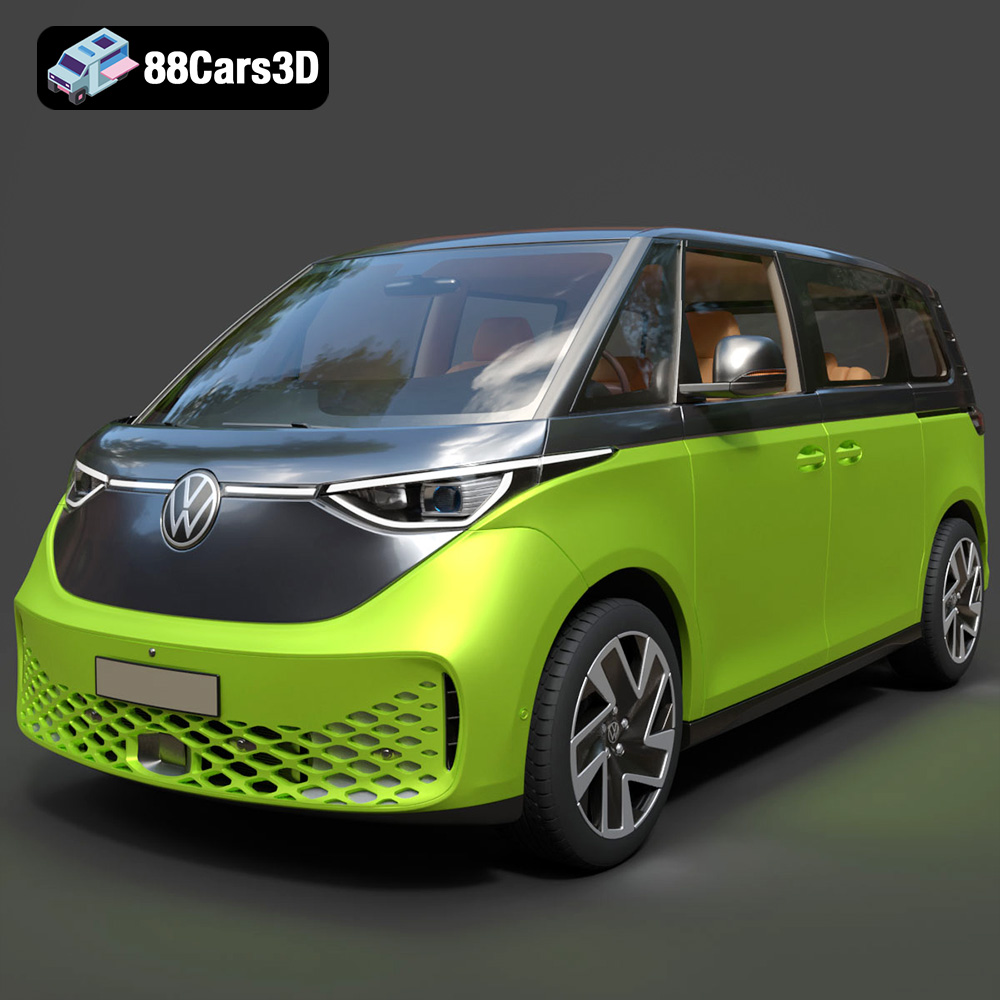
Texture: Yes
Material: Yes
Download the Volkswagen ID. Buzz 2023 3D Model featuring clean geometry, realistic detailing, and a fully modeled interior. Includes .blend, .fbx, .obj, .glb, .stl, .ply, .unreal, and .max formats for rendering, simulation, and game development.
Price: $19.99
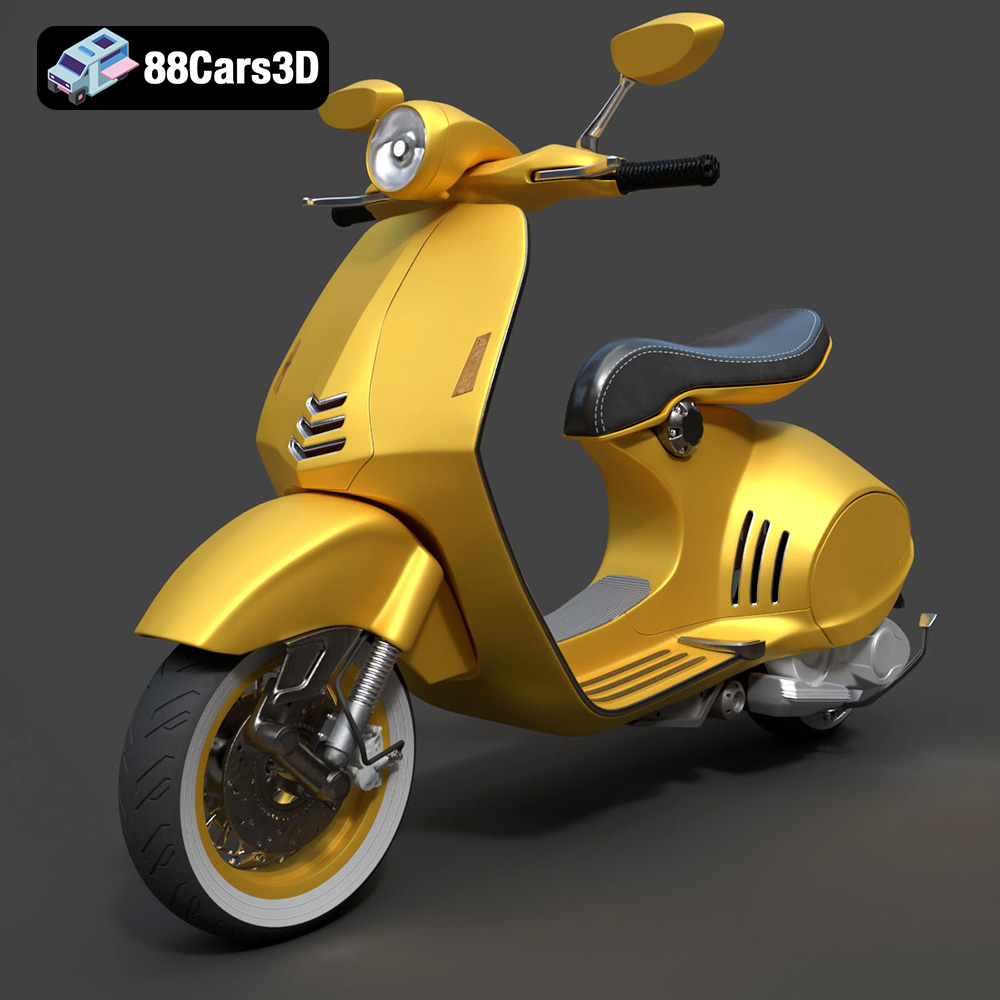
Texture: Yes
Material: Yes
Download the Vespa 946 3D Model featuring clean geometry, realistic detailing, and a fully modeled interior. Includes .blend, .fbx, .obj, .glb, .stl, .ply, .unreal, and .max formats for rendering, simulation, and game development.
Price: $19.99

Texture: Yes
Material: Yes
Download the Toyota Yaris Cross 3D Model featuring clean geometry, realistic detailing, and a fully modeled interior. Includes .blend, .fbx, .obj, .glb, .stl, .ply, .unreal, and .max formats for rendering, simulation, and game development.
Price: $19.99

Texture: Yes
Material: Yes
Download the Volkswagen Amarok 2019 3D Model featuring clean geometry, realistic detailing, and a fully modeled interior. Includes .blend, .fbx, .obj, .glb, .stl, .ply, .unreal, and .max formats for rendering, simulation, and game development.
Price: $19.99

