Get 50% OFF All Premium 3D & STL Models!

“`html
For automotive enthusiasts and model makers, the ability to 3D print highly detailed vehicle models opens up a world of possibilities. Whether you’re creating a scale replica of a classic car, designing a futuristic concept vehicle, or simply enjoying the hobby of model making, the quality of your 3D printer is paramount. This article dives deep into the best 3D printers for achieving exceptional detail and accuracy in your printed car models, covering both FDM and resin technologies, essential settings, and best practices for stunning results. You’ll learn how to choose the right printer based on your needs and budget, how to optimize your slicing parameters, and how to troubleshoot common printing challenges. We’ll also cover post-processing techniques to give your finished models a professional touch. By the end of this guide, you’ll be equipped with the knowledge to select the ideal 3D printer and master the art of printing incredibly detailed vehicle models.
The two dominant 3D printing technologies for detailed models are Fused Deposition Modeling (FDM) and Stereolithography (SLA), commonly known as resin printing. Each has its strengths and weaknesses, impacting the final quality, cost, and workflow of your 3D printed car models. Understanding these differences is crucial for selecting the right printer for your specific needs.
FDM printers work by extruding a thermoplastic filament, typically PLA, ABS, or PETG, layer by layer to build the object. FDM printers are generally more affordable and easier to maintain than resin printers. They are also capable of printing larger models. However, FDM printers typically produce parts with noticeable layer lines and less fine detail compared to resin printers. This can be mitigated by using smaller nozzle sizes (0.2mm or 0.4mm), lower layer heights (0.1mm or less), and higher resolution settings in your slicing software. PLA is a popular choice for car models due to its ease of printing and biodegradability. PETG offers greater strength and temperature resistance, while ABS provides superior durability but requires a heated enclosure to prevent warping. A good starting point for FDM settings is a layer height of 0.12mm, a print speed of 40-50mm/s, and an infill density of 15-20% for structural support. When preparing STL files, ensure your model is oriented correctly to minimize support structures, which can be difficult to remove from intricate details.
Resin printers use a liquid resin that is cured by a UV light source layer by layer. This process allows for incredibly high resolution and smooth surface finishes, making resin printers ideal for printing highly detailed car models with intricate features and complex geometries. Resin printers, like those well-suited for models from platforms like 88cars3d.com, excel at capturing fine details often lost in FDM printing. However, resin printing can be messier and requires more post-processing, including washing and curing the printed parts. Resin printers also have a smaller build volume compared to FDM printers. Common resin types include standard resin, tough resin, and flexible resin. Standard resin is suitable for general-purpose printing, while tough resin offers increased impact resistance and durability. Flexible resin can be used for tires or other flexible components. A typical resin printing workflow involves setting a layer height of 0.05mm or less, exposure times optimized for your specific resin, and careful support placement to avoid damaging delicate details. Remember to wear gloves and eye protection when handling resin, and work in a well-ventilated area.
While resin printers generally offer superior detail, advancements in FDM technology have made it possible to achieve impressive results with the right printer and settings. Several FDM printers stand out for their ability to produce detailed car models.
The Prusa i3 MK3S+ is known for its reliability, precision, and ease of use. Its automatic bed leveling and filament sensor make it a great choice for both beginners and experienced users. With a 0.4mm nozzle and optimized slicing profiles, you can achieve excellent detail on car models. Consider upgrading to a 0.25mm nozzle for even finer details. When using a Prusa i3 MK3S+ for car models, pay close attention to the first layer calibration to ensure good bed adhesion. A slightly higher bed temperature (65-70°C for PLA) can also help. In PrusaSlicer, experiment with different infill patterns, such as gyroid or honeycomb, to optimize strength and weight. For overhangs, enable support structures with a low density to minimize material usage and simplify removal. Regular maintenance, including cleaning the nozzle and lubricating the lead screws, will ensure consistent print quality.
The Creality Ender 3 V3 SE offers excellent value for money and is a popular choice for hobbyists. While it may require some initial tweaking and upgrades, it is capable of producing surprisingly detailed car models. Upgrading to a direct drive extruder can improve filament control and reduce stringing. A glass bed can also enhance bed adhesion and provide a smoother surface finish. Common upgrades include installing a BLTouch auto-leveling sensor and replacing the stock hotend with an all-metal version. When slicing models for the Ender 3 V3 SE in Cura, use a layer height of 0.1mm to 0.15mm and a print speed of 40-50mm/s. Enable retraction to minimize stringing and set the retraction distance to 5-6mm. Experiment with different support settings, such as tree supports, to optimize support removal and minimize surface damage. Regularly check and tighten belts and screws to maintain print accuracy.
The Ultimaker S3 is a high-end FDM printer known for its precision and reliability. It features dual extrusion, allowing you to print with multiple materials or colors. This can be particularly useful for car models, where you might want to print the body in one color and the interior in another. The Ultimaker S3 also has a heated build plate and enclosed build chamber, making it suitable for printing with a wider range of materials, including ABS and nylon. Ultimaker Cura provides optimized profiles for a variety of materials, simplifying the printing process. For car models, consider using a layer height of 0.06mm to 0.1mm for maximum detail. Experiment with different infill patterns to optimize strength and weight. The Ultimaker S3 also features advanced bed leveling and error detection, ensuring consistent print quality. Regular maintenance, including cleaning the nozzles and lubricating the axes, is essential for maintaining optimal performance.
Resin printers excel at producing intricate details and smooth surfaces, making them the preferred choice for highly detailed car models. Several resin printers stand out for their performance and ease of use.
The Elegoo Mars 4 Ultra offers impressive resolution and detail at an affordable price point. It features a monochrome LCD screen, which allows for faster curing times and increased print speeds. The Elegoo Mars 4 Ultra is a great choice for beginners who want to explore the world of resin printing. When using the Elegoo Mars 4 Ultra, pay close attention to the resin exposure settings. Experiment with different exposure times to find the optimal setting for your specific resin. Overexposure can lead to loss of detail, while underexposure can result in incomplete prints. Proper support placement is also crucial for successful resin printing. Use a combination of light, medium, and heavy supports to ensure that all parts of the model are adequately supported. After printing, wash the model thoroughly in isopropyl alcohol (IPA) to remove any remaining resin. Then, cure the model in a UV curing station to fully harden the resin. Platforms such as 88cars3d.com offer high-quality models optimized for resin printing workflows.
The Anycubic Photon Mono X 6K offers a larger build volume and higher resolution than the Elegoo Mars 4 Ultra, making it suitable for printing larger car models or multiple models at once. Its 6K resolution LCD screen delivers exceptional detail and clarity. The Anycubic Photon Mono X 6K features a user-friendly interface and a variety of advanced features, such as resin detection and automatic bed leveling. When printing with the Anycubic Photon Mono X 6K, pay close attention to the resin level in the vat. Ensure that there is enough resin to cover the entire build platform. Use a resin filter to remove any debris or contaminants from the resin. Experiment with different support settings to optimize support removal and minimize surface damage. After printing, wash the model thoroughly in IPA and cure it in a UV curing station.
For the ultimate in detail and resolution, the Phrozen Sonic Mini 8K S is the top choice. Its 8K resolution LCD screen delivers unparalleled clarity and precision, allowing you to capture even the finest details on your car models. The Phrozen Sonic Mini 8K S is a professional-grade resin printer designed for experienced users. When using the Phrozen Sonic Mini 8K S, pay close attention to the resin temperature. Ensure that the resin is at the recommended temperature before printing. Use a resin heater to maintain a consistent temperature. Experiment with different exposure settings and support settings to optimize print quality. The Phrozen Sonic Mini 8K S requires careful calibration and maintenance to ensure optimal performance. Regular cleaning of the LCD screen and resin vat is essential. After printing, wash the model thoroughly in IPA and cure it in a UV curing station. The exceptional detail achievable with the Phrozen Sonic Mini 8K S makes it ideal for creating museum-quality car models.
Slicing software converts your 3D model into a set of instructions that your 3D printer can understand. The slicing parameters you choose can have a significant impact on the quality and detail of your printed car models.
Layer height is the thickness of each layer of material that your 3D printer deposits. Lower layer heights result in smoother surfaces and finer details, but they also increase print time. For FDM printing, a layer height of 0.1mm to 0.15mm is a good starting point for detailed car models. For resin printing, a layer height of 0.05mm or less is recommended. Experiment with different layer heights to find the optimal balance between detail and print time. Resolution refers to the level of detail that your 3D printer can capture. Higher resolution settings result in sharper edges and finer details. However, they also increase file size and processing time. In slicing software, you can adjust the resolution settings to optimize print quality. When downloading models from marketplaces such as 88cars3d.com, the STL files are often pre-optimized, but fine-tuning these settings can still yield improvements.
Support structures are temporary structures that are printed to support overhangs and other unsupported areas of your model. Proper support placement is crucial for successful 3D printing, especially for complex car models with intricate geometries. Use a combination of light, medium, and heavy supports to ensure that all parts of the model are adequately supported. Experiment with different support patterns and densities to optimize support removal and minimize surface damage. Bed adhesion refers to the ability of the first layer to stick to the build platform. Poor bed adhesion can result in warping or delamination. To improve bed adhesion, you can use a heated build plate, apply a layer of adhesive (such as glue stick or hairspray), or use a raft or brim. Rafts and brims are additional layers of material that are printed around the base of your model to increase the surface area and improve adhesion. Properly preparing the build plate is essential for optimal first-layer adhesion.
Infill density refers to the amount of material that is printed inside your model. Higher infill densities result in stronger and more durable models, but they also increase print time and material usage. For car models that are primarily for display purposes, a lower infill density (15-20%) is usually sufficient. For car models that will be handled or subjected to stress, a higher infill density (25-50%) may be necessary. Infill pattern refers to the shape of the infill structure. Different infill patterns offer different levels of strength, weight, and print time. Common infill patterns include grid, honeycomb, gyroid, and rectilinear. Experiment with different infill patterns to find the optimal balance between strength, weight, and print time for your specific car model.
Post-processing is the process of cleaning, finishing, and assembling your 3D printed car models. Proper post-processing techniques can significantly enhance the appearance and quality of your finished models.
Support removal is the first step in post-processing. Carefully remove the support structures from your model using a sharp knife, pliers, or other tools. Be careful not to damage the model during support removal. After removing the support structures, you may need to smooth the surface of the model to remove any remaining support marks or imperfections. This can be done using sandpaper, files, or other abrasive tools. Start with a coarse grit sandpaper and gradually work your way up to a finer grit sandpaper for a smooth, polished finish. For resin prints, use wet sanding techniques to prevent dust and improve surface finish.
Priming is the process of applying a layer of primer to the model to create a smooth, even surface for painting. Primer also helps the paint adhere to the model and prevents it from chipping or peeling. Apply a thin, even coat of primer to the model using a spray can or airbrush. Allow the primer to dry completely before painting. Painting is the process of applying a layer of paint to the model to give it its final color and finish. Use high-quality paints that are designed for use on plastic. Apply thin, even coats of paint to the model using a spray can or airbrush. Allow each coat of paint to dry completely before applying the next coat. For intricate details, use fine-tipped brushes for precise application. Consider using automotive-grade paints and clear coats for a durable and professional finish.
If your car model consists of multiple parts, you will need to assemble them after painting. Use glue, screws, or other fasteners to attach the parts together. Be careful to align the parts correctly and avoid using too much glue, which can damage the model. After assembly, add any finishing touches, such as decals, chrome trim, or other details. These details can significantly enhance the realism and appearance of your car model. Consider using waterslide decals for intricate designs and apply a clear coat to protect the decals and paint. Polishing the finished model with a soft cloth can add a final touch of shine and gloss.
The material you choose for 3D printing your car models will significantly impact the final product’s appearance, durability, and functionality. FDM and resin printing utilize different materials, each with its own set of properties.
For FDM printing, PLA (Polylactic Acid) is a popular choice due to its ease of use and biodegradability. It offers good detail and is suitable for models that are primarily for display. However, PLA is not very heat-resistant and can warp in high temperatures. ABS (Acrylonitrile Butadiene Styrene) is a stronger and more heat-resistant material than PLA. It is suitable for car models that will be subjected to handling or stress. However, ABS requires a heated build plate and enclosed build chamber to prevent warping. PETG (Polyethylene Terephthalate Glycol) combines the best of both PLA and ABS. It is easy to print, strong, and heat-resistant. PETG is a good all-around choice for car models. Consider the environmental conditions your model will be exposed to and the required strength when selecting your filament.
Resin printing offers a wider range of material options, each with unique properties. Standard resin is suitable for general-purpose printing and offers good detail. Tough resin is more impact-resistant and durable than standard resin, making it suitable for car models that will be handled frequently. Flexible resin can be used to create tires or other flexible components. Experiment with different resin types to find the best option for your specific needs. When working with resin, always follow the manufacturer’s safety guidelines and wear appropriate personal protective equipment. Properly dispose of used resin and cleaning supplies according to local regulations.
Choosing the right 3D printer and mastering the art of slicing and post-processing are essential for printing highly detailed vehicle models. Whether you opt for the affordability and versatility of FDM printing or the unmatched detail of resin printing, understanding the nuances of each technology will enable you to achieve stunning results. Remember to optimize your slicing parameters, experiment with different materials, and practice proper post-processing techniques to create professional-quality car models. By applying the knowledge and techniques outlined in this guide, you can unlock the full potential of 3D printing and bring your automotive dreams to life. Explore platforms like 88cars3d.com for a wide selection of print-ready STL files to get started on your next project. The journey of 3D printing detailed car models is one of continuous learning and refinement, so embrace experimentation and enjoy the process of creating your own unique pieces. Take the next step and start experimenting with the settings and techniques described above to improve your 3D printed car models today!
“`

Texture: Yes
Material: Yes
Download the Volvo Trucks Benz GT-001 3D Model featuring clean geometry, realistic detailing, and a fully modeled interior. Includes .blend, .fbx, .obj, .glb, .stl, .ply, .unreal, and .max formats for rendering, simulation, and game development.
Price: $29.99
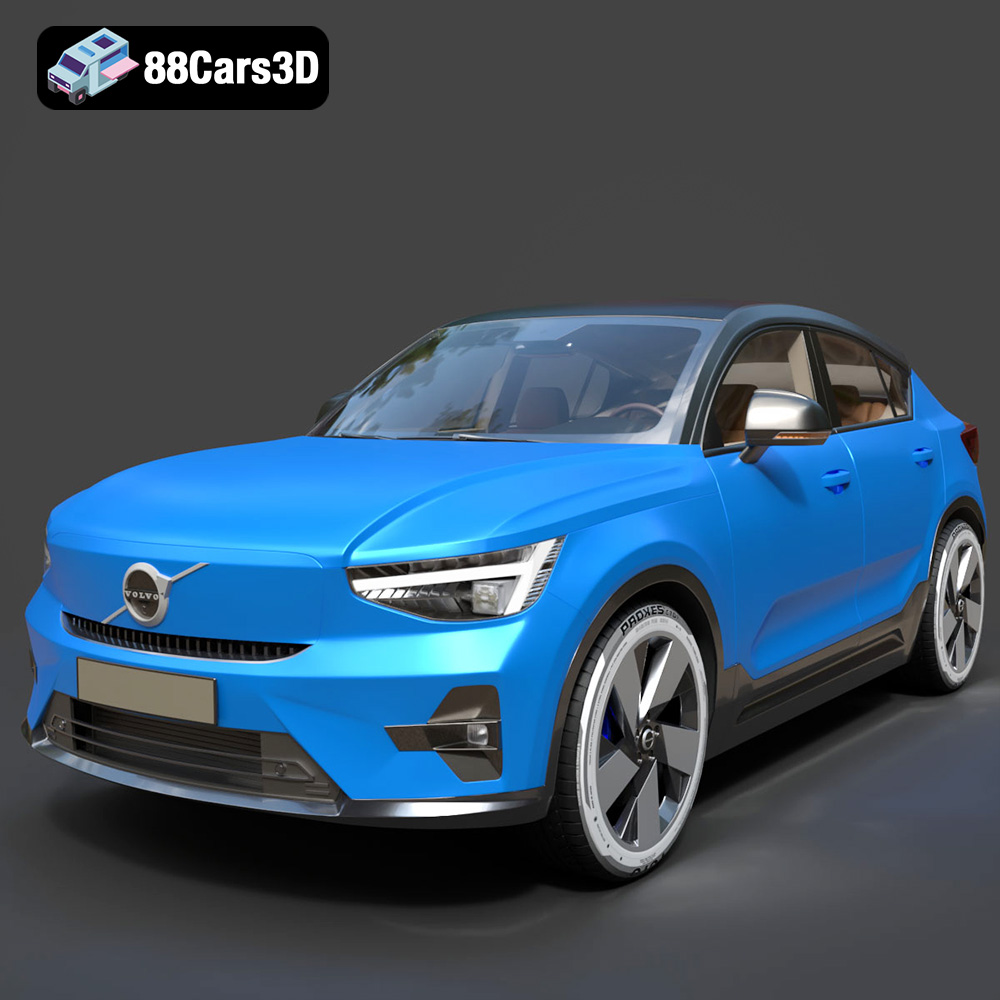
Texture: Yes
Material: Yes
Download the Volvo C40 Recharge 3D Model featuring clean geometry, realistic detailing, and a fully modeled interior. Includes .blend, .fbx, .obj, .glb, .stl, .ply, .unreal, and .max formats for rendering, simulation, and game development.
Price: $19.99
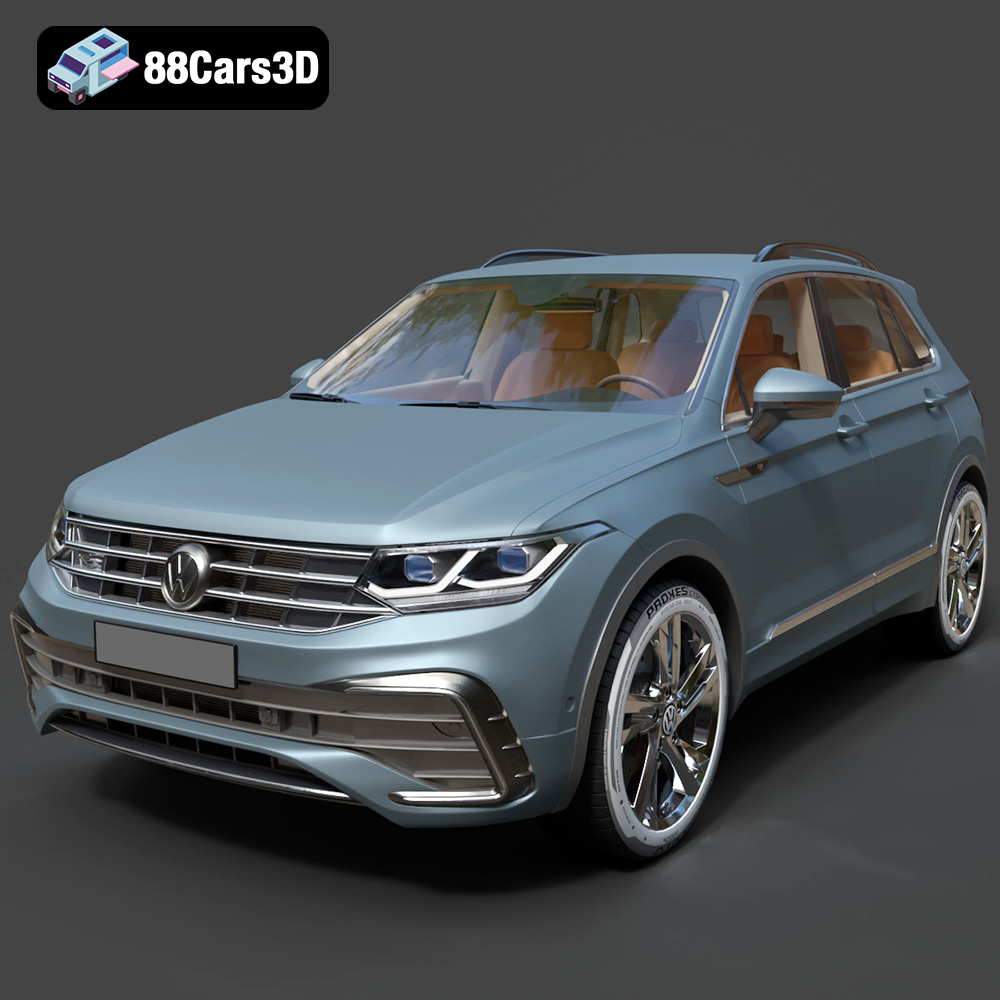
Texture: Yes
Material: Yes
Download the Volkswagen Tiguan 2021 3D Model featuring clean geometry, realistic detailing, and a fully modeled interior. Includes .blend, .fbx, .obj, .glb, .stl, .ply, .unreal, and .max formats for rendering, simulation, and game development.
Price: $19.99
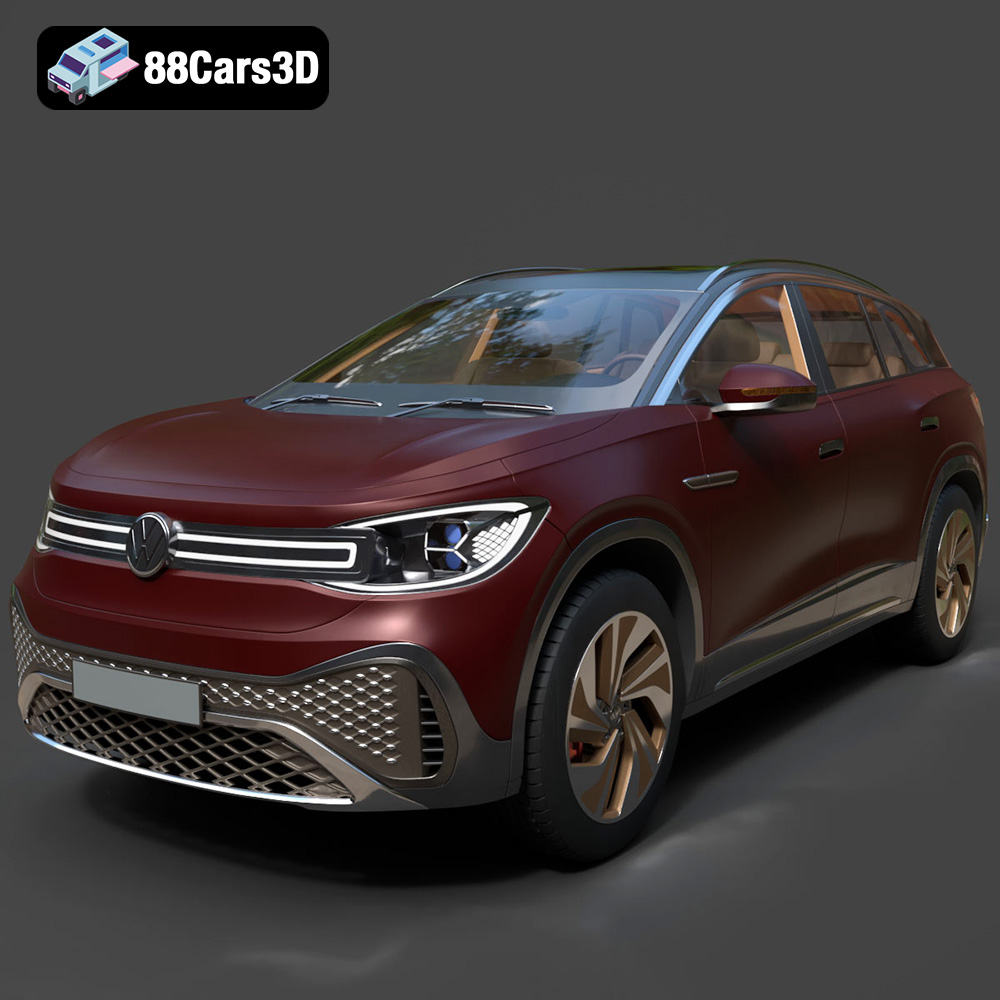
Texture: Yes
Material: Yes
Download the Volkswagen ID6 CROZZ 2022 3D Model featuring clean geometry, realistic detailing, and a fully modeled interior. Includes .blend, .fbx, .obj, .glb, .stl, .ply, .unreal, and .max formats for rendering, simulation, and game development.
Price: $19.99
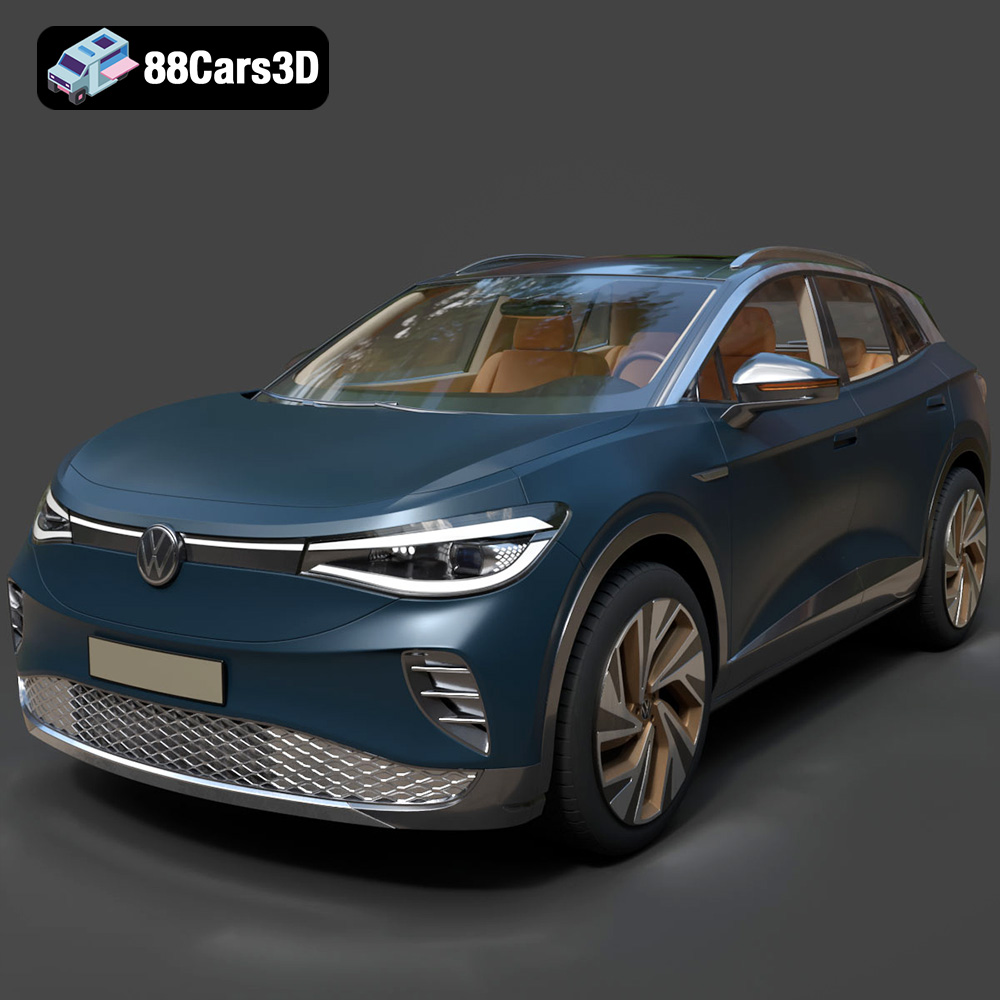
Texture: Yes
Material: Yes
Download the Volkswagen ID4 2021 3D Model featuring clean geometry, realistic detailing, and a fully modeled interior. Includes .blend, .fbx, .obj, .glb, .stl, .ply, .unreal, and .max formats for rendering, simulation, and game development.
Price: $19.99
Texture: Yes
Material: Yes
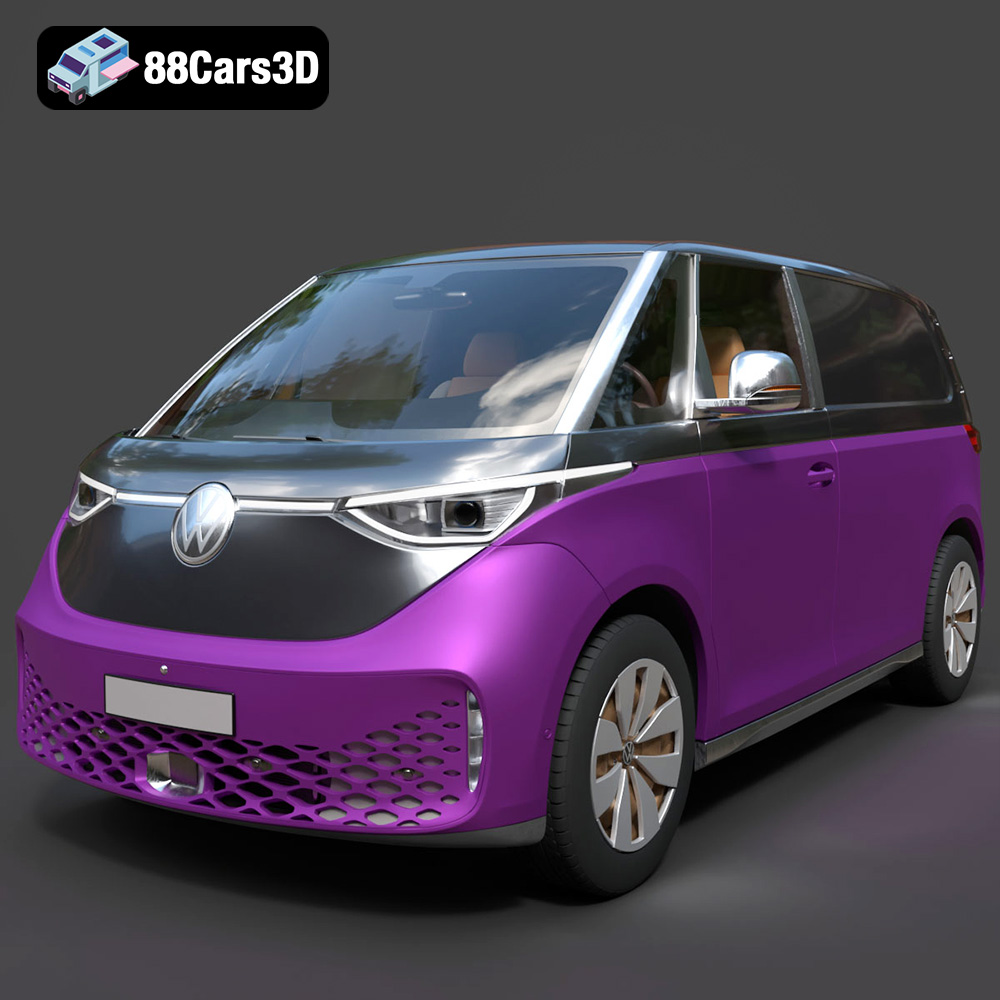
Download the Volkswagen ID. Buzz Cargo 2023 3D Model featuring clean geometry, realistic detailing, and a fully modeled interior. Includes .blend, .fbx, .obj, .glb, .stl, .ply, .unreal, and .max formats for rendering, simulation, and game development.
Price: $19.99
Texture: Yes
Material: Yes
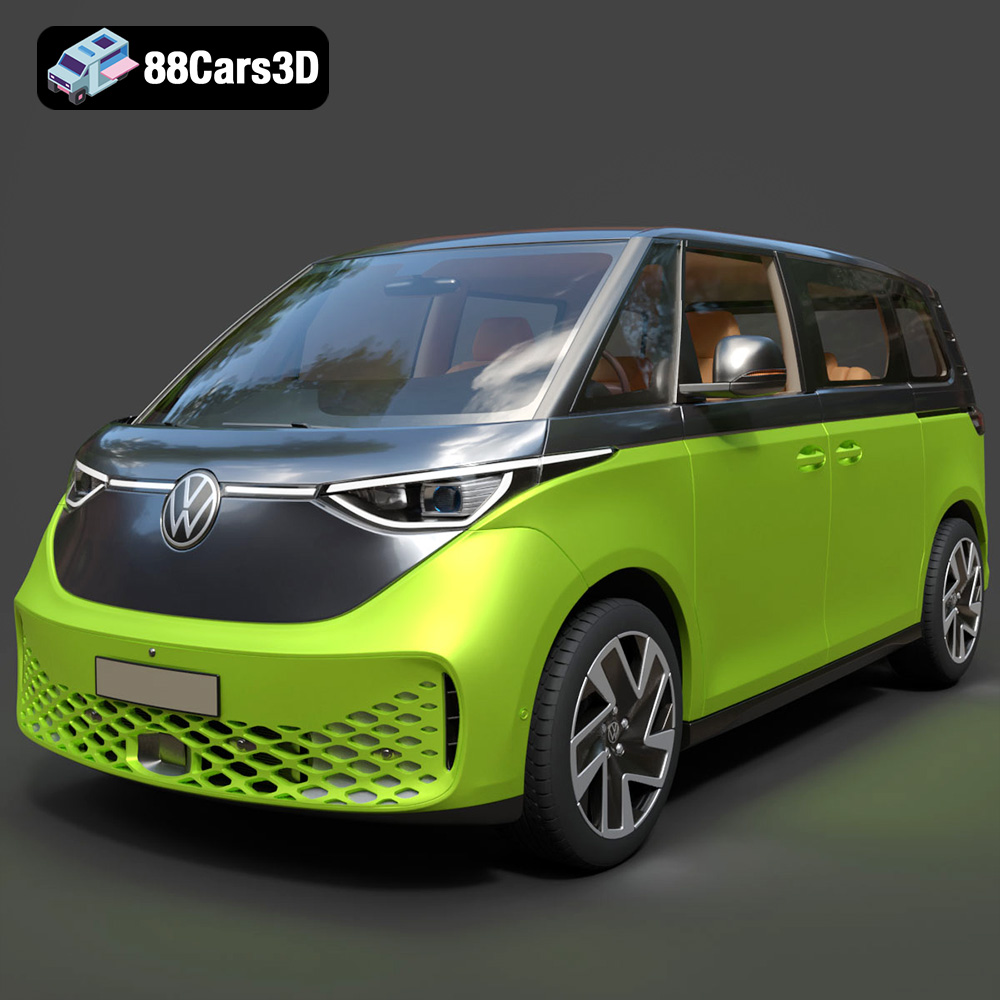
Download the Volkswagen ID. Buzz 2023 3D Model featuring clean geometry, realistic detailing, and a fully modeled interior. Includes .blend, .fbx, .obj, .glb, .stl, .ply, .unreal, and .max formats for rendering, simulation, and game development.
Price: $19.99
Texture: Yes
Material: Yes
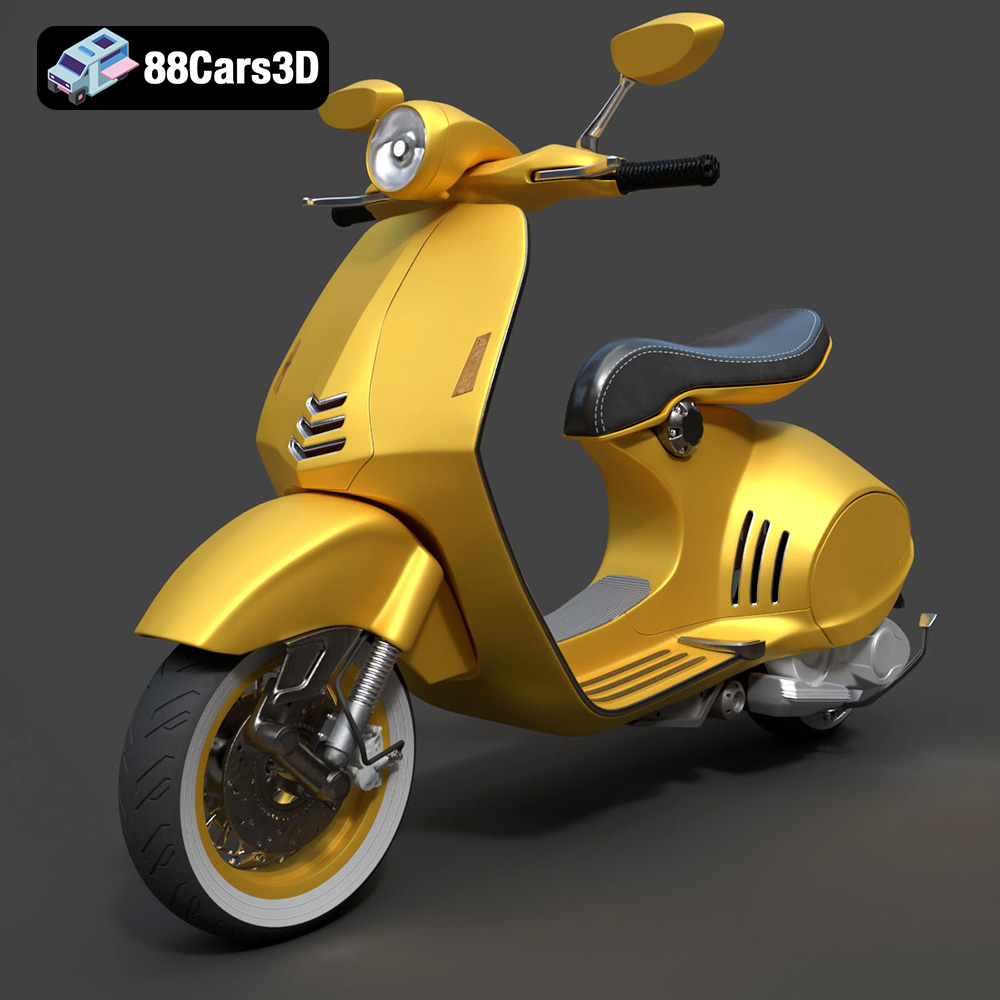
Download the Vespa 946 3D Model featuring clean geometry, realistic detailing, and a fully modeled interior. Includes .blend, .fbx, .obj, .glb, .stl, .ply, .unreal, and .max formats for rendering, simulation, and game development.
Price: $19.99

Texture: Yes
Material: Yes
Download the Toyota Yaris Cross 3D Model featuring clean geometry, realistic detailing, and a fully modeled interior. Includes .blend, .fbx, .obj, .glb, .stl, .ply, .unreal, and .max formats for rendering, simulation, and game development.
Price: $19.99

Texture: Yes
Material: Yes
Download the Volkswagen Amarok 2019 3D Model featuring clean geometry, realistic detailing, and a fully modeled interior. Includes .blend, .fbx, .obj, .glb, .stl, .ply, .unreal, and .max formats for rendering, simulation, and game development.
Price: $19.99

