Get 50% OFF All Premium 3D & STL Models!

“`html
The allure of owning a miniature replica of your dream car, painstakingly crafted to capture every curve and detail, is a powerful draw for automotive enthusiasts and model makers alike. Thanks to advancements in 3D printing technology and the availability of high-quality STL files, this dream is now more accessible than ever. This guide will walk you through the entire process of 3D printing realistic car models from STL files, covering everything from file preparation and slicing to printing and post-processing. Whether you’re a seasoned 3D printing expert or a curious beginner, this article will provide you with the knowledge and techniques needed to create stunning, realistic car models. We’ll explore best practices for FDM and resin printing, delve into essential slicing parameters, and offer tips for achieving a professional finish. Get ready to transform digital designs into tangible works of art!
Before diving into the printing process, it’s crucial to understand the foundation of 3D printing: the STL (Stereolithography) file format. STL files represent 3D models as a collection of interconnected triangles, forming a mesh that approximates the object’s surface. The density and distribution of these triangles directly impact the model’s resolution and print quality. When downloading models from marketplaces such as 88cars3d.com, you are essentially acquiring a set of instructions in the form of an STL file for your 3D printer to follow.
An STL file contains a list of triangles, each defined by the coordinates of its three vertices and a normal vector that indicates the triangle’s orientation. The more triangles in the model, the smoother and more detailed it will appear. However, a higher triangle count also increases the file size and processing time during slicing. Carefully consider the level of detail required for your car model and choose an STL file with an appropriate triangle count.
For successful 3D printing, your STL file must represent a “manifold” mesh, meaning that it’s a closed, watertight surface with no holes or self-intersections. Non-manifold geometry can cause slicing errors and lead to print failures. Software like Meshmixer or Netfabb can be used to identify and repair common mesh issues, such as:
Repairing these issues ensures that your slicer can accurately interpret the model and generate a valid toolpath.
The slicing process converts your STL file into a series of instructions (G-code) that your 3D printer can understand. These instructions dictate the printer’s movements, extrusion rate, and temperature settings. Choosing the right slicing parameters is essential for achieving optimal print quality, especially when printing intricate car models. Popular slicers include Cura, PrusaSlicer, Simplify3D, and others, each offering a range of customizable settings. Here, we’ll focus on parameters critical for realistic car models:
Layer height determines the thickness of each printed layer. Lower layer heights result in smoother surfaces and finer details but also increase printing time. For car models, a layer height between 0.1mm and 0.2mm is generally recommended for FDM printing, striking a balance between quality and speed. For resin printing, layer heights can go even lower, down to 0.025mm or even 0.01mm, allowing for exceptional detail.
Infill refers to the internal structure of the printed object. A higher infill density increases strength and rigidity but also consumes more material and time. For car models, an infill density of 15-25% is often sufficient, using a rectilinear, gyroid, or cubic infill pattern. For parts requiring greater strength (e.g., axles or chassis components), consider increasing the infill density to 50% or higher. Experimenting with different infill patterns can also affect the model’s overall weight and structural integrity.
Print speed and temperature settings depend on the material being used and the printer’s capabilities. Slower print speeds generally improve print quality, especially for intricate details and overhangs. Start with a print speed of 40-60mm/s for PLA and 30-50mm/s for ABS or PETG. Adjust the nozzle temperature according to the manufacturer’s recommendations for your chosen filament. Bed adhesion is also critical, ensuring the first layer sticks properly to the print bed. For PLA, a bed temperature of 60°C is usually sufficient, while ABS may require 100-110°C. Using a brim or raft can further improve bed adhesion.
Support structures are often necessary when printing car models with overhangs or intricate geometries. These structures provide temporary support during printing, preventing the model from collapsing or warping. Generating and removing supports effectively is crucial for achieving a clean and aesthetically pleasing final product. Platforms like 88cars3d.com offer print-ready STL files that may already have optimized support structures designed for minimal material usage and ease of removal.
Most slicing software offers automatic support generation, which analyzes the model and automatically places supports where needed. However, automatic supports may not always be optimal, especially for complex geometries. Manual support placement allows for greater control over the location and density of supports, minimizing material usage and improving surface finish. Consider using a combination of automatic and manual support generation to achieve the best results.
Some printers offer the option to use a separate support material, such as PVA (polyvinyl alcohol), which is water-soluble. This makes support removal much easier, as the supports can simply be dissolved in water. When using the same material for both the model and supports, consider adding an interface layer between the supports and the model. This interface layer has different properties (e.g., lower density or different extrusion rate) that make it easier to separate the supports from the model without damaging the surface.
Careful support removal is essential to avoid damaging the printed model. Use specialized tools like pliers, cutters, and scrapers to remove supports gradually and cleanly. For delicate areas, consider using a heat gun to soften the supports before removal. After removing the supports, sanding and polishing can be used to smooth out any remaining imperfections and improve the surface finish.
The choice between FDM (Fused Deposition Modeling) and resin printing significantly impacts the materials you can use and the level of detail you can achieve. FDM printing uses thermoplastic filaments, while resin printing uses liquid photopolymers that are cured by UV light. Each technology has its own advantages and disadvantages, making it important to choose the right one for your specific needs.
FDM printing is a versatile and cost-effective option for printing car models. PLA (Polylactic Acid) is a biodegradable thermoplastic known for its ease of use and low warping. PETG (Polyethylene Terephthalate Glycol) offers increased strength and temperature resistance compared to PLA. ABS (Acrylonitrile Butadiene Styrene) is a durable and heat-resistant material commonly used in automotive applications. However, ABS is more prone to warping and requires a heated bed and enclosure for successful printing. When choosing a filament, consider the model’s intended use, the level of detail required, and your printer’s capabilities.
Resin printing offers exceptional detail and smooth surfaces, making it ideal for printing highly detailed car models. SLA (Stereolithography), DLP (Digital Light Processing), and LCD (Liquid Crystal Display) are all types of resin printing technologies that use UV light to cure liquid photopolymers. Resin printing can achieve layer heights as low as 0.01mm, resulting in incredibly smooth and detailed prints. However, resin printing is generally more expensive than FDM printing, and the resins can be toxic and require proper handling and disposal. Post-processing steps, such as washing and curing, are also necessary to fully harden the resin.
When selecting a material for your car model, consider the following factors:
Post-processing is the final step in the 3D printing process, transforming a raw print into a polished and professional-looking car model. Post-processing techniques include sanding, painting, assembly, and clear coating. These steps can significantly enhance the model’s aesthetics and durability.
Sanding is used to remove layer lines and imperfections from the printed surface. Start with coarse sandpaper (e.g., 220 grit) and gradually move to finer grits (e.g., 400, 600, 800, and 1000 grit) to achieve a smooth finish. Wet sanding can help to prevent the sandpaper from clogging and produce a smoother surface. For hard-to-reach areas, consider using small sanding sponges or files. After sanding, polishing compounds can be used to further smooth and refine the surface.
Painting is used to add color and detail to the car model. Apply a primer coat to the sanded surface to improve paint adhesion. Use acrylic or enamel paints designed for model making. Apply multiple thin coats of paint, allowing each coat to dry completely before applying the next. Use masking tape to create clean lines and separate different colors. For intricate details, consider using a fine-tipped brush or an airbrush. Applying decals can further enhance the model’s realism.
Many car models consist of multiple parts that need to be assembled after printing. Use glue or adhesive to join the parts together. Ensure that the parts are properly aligned before the glue dries. Consider using clamps or jigs to hold the parts in place while the glue cures. After assembly, apply a clear coat to protect the paint and add a glossy finish. The clear coat also helps to smooth out any remaining imperfections and improve the model’s overall appearance.
Even with careful preparation and optimized settings, 3D printing can sometimes present challenges. Understanding common printing issues and how to troubleshoot them is essential for achieving consistent and reliable results. Let’s examine some frequent problems you might encounter when 3D printing car models:
Warping occurs when the printed part contracts and lifts off the print bed, especially with materials like ABS. Poor bed adhesion is often the root cause. Solutions include:
Stringing (thin strands of plastic between parts) and blobs (excess plastic deposits) are often caused by incorrect temperature or retraction settings. Try:
Layer shifting occurs when the print head moves out of alignment during printing, resulting in misaligned layers. This can be caused by:
Carefully inspect your printer for any mechanical issues and adjust the print speed accordingly.
3D printing realistic car models from STL files is a rewarding and engaging hobby that combines technical skill with artistic creativity. By understanding the nuances of STL files, mastering slicing parameters, and employing effective post-processing techniques, you can transform digital designs into stunning, tangible replicas. Remember to choose the right printing technology and material for your specific needs, and don’t be afraid to experiment with different settings to achieve optimal results. From troubleshooting common printing issues to fine-tuning your workflow, continuous learning and practice are key to improving your 3D printing skills. Now, armed with this knowledge, explore the vast collection of printable car models available and embark on your 3D printing journey! Don’t forget to explore marketplaces like 88cars3d.com for high-quality STL files that will bring your automotive dreams to life.
“`

Texture: Yes
Material: Yes
Download the Volvo Trucks Benz GT-001 3D Model featuring clean geometry, realistic detailing, and a fully modeled interior. Includes .blend, .fbx, .obj, .glb, .stl, .ply, .unreal, and .max formats for rendering, simulation, and game development.
Price: $29.99
Texture: Yes
Material: Yes
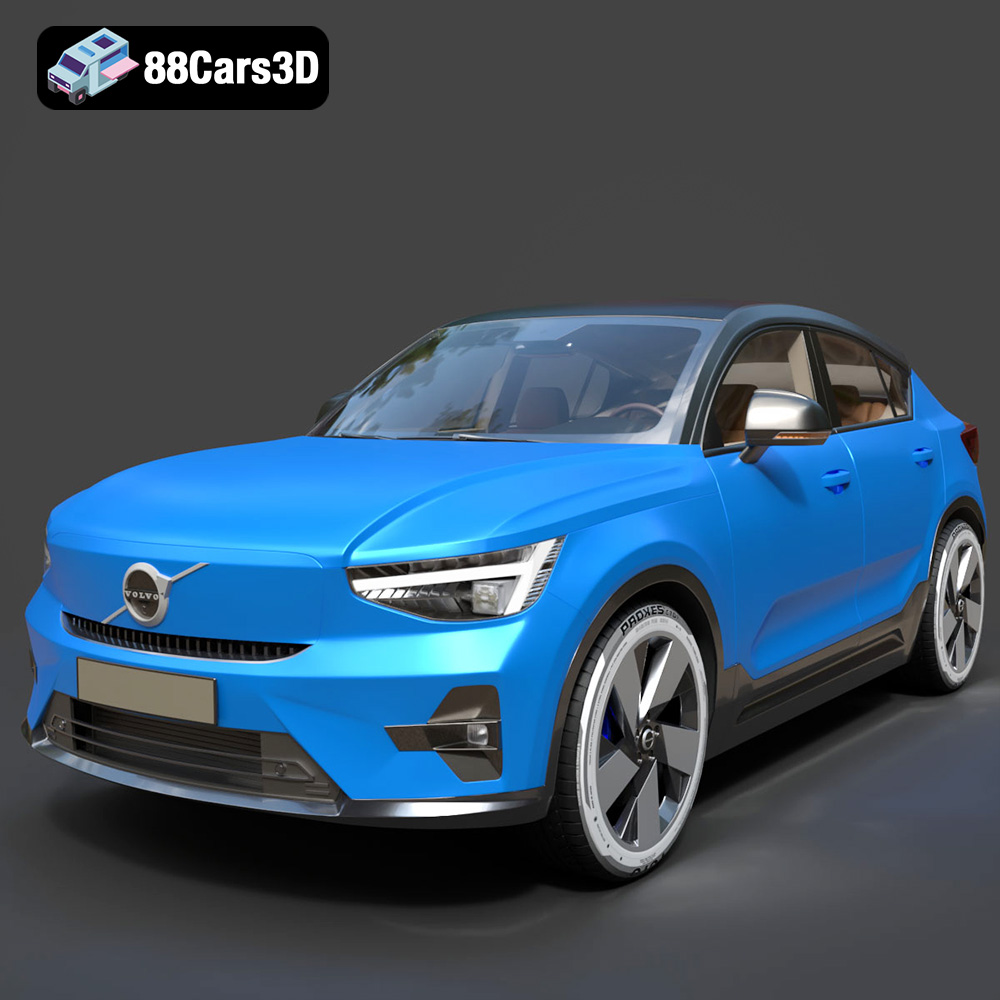
Download the Volvo C40 Recharge 3D Model featuring clean geometry, realistic detailing, and a fully modeled interior. Includes .blend, .fbx, .obj, .glb, .stl, .ply, .unreal, and .max formats for rendering, simulation, and game development.
Price: $19.99
Texture: Yes
Material: Yes
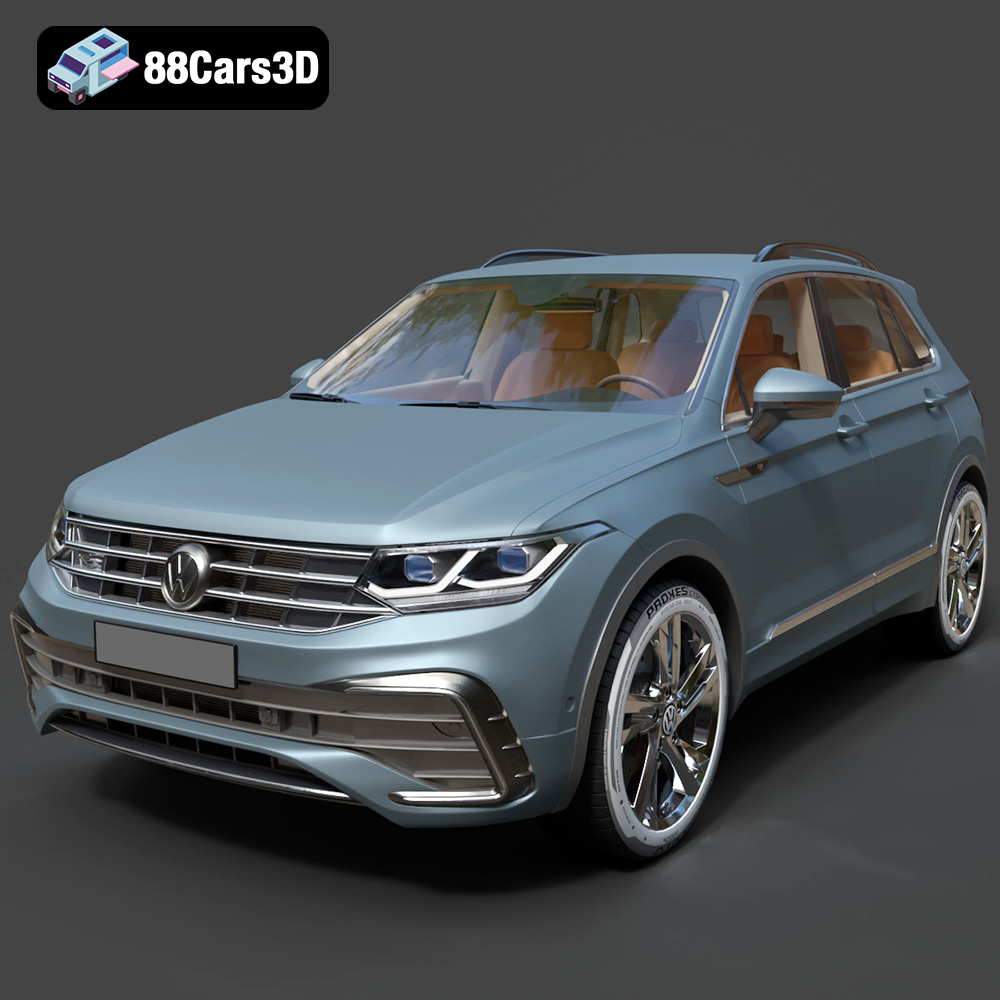
Download the Volkswagen Tiguan 2021 3D Model featuring clean geometry, realistic detailing, and a fully modeled interior. Includes .blend, .fbx, .obj, .glb, .stl, .ply, .unreal, and .max formats for rendering, simulation, and game development.
Price: $19.99
Texture: Yes
Material: Yes
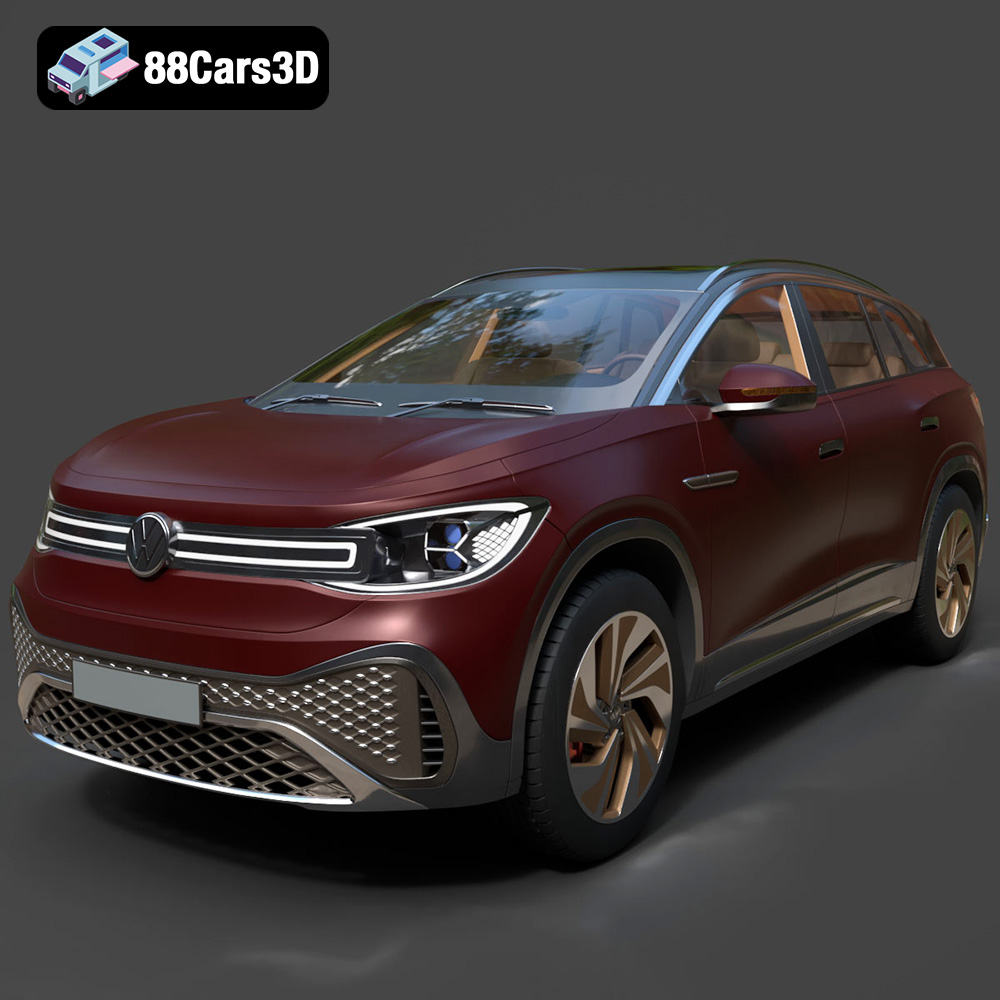
Download the Volkswagen ID6 CROZZ 2022 3D Model featuring clean geometry, realistic detailing, and a fully modeled interior. Includes .blend, .fbx, .obj, .glb, .stl, .ply, .unreal, and .max formats for rendering, simulation, and game development.
Price: $19.99
Texture: Yes
Material: Yes
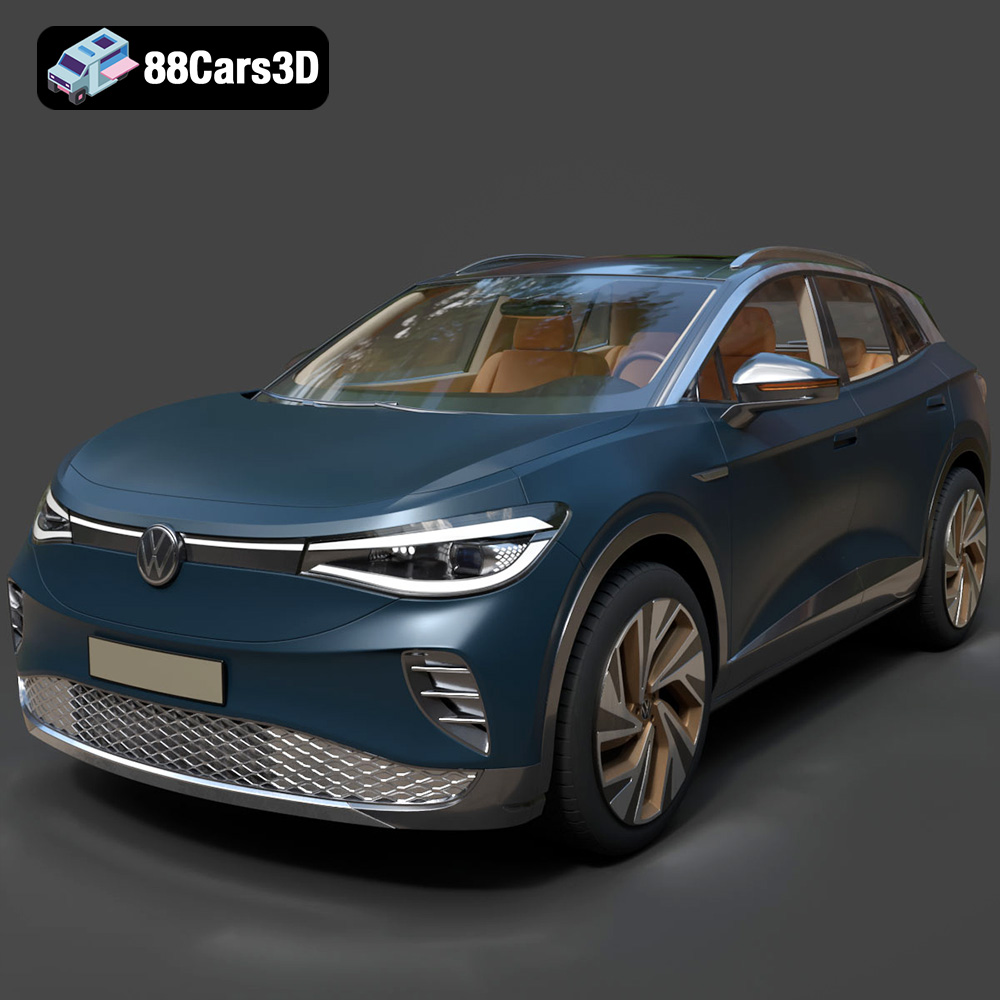
Download the Volkswagen ID4 2021 3D Model featuring clean geometry, realistic detailing, and a fully modeled interior. Includes .blend, .fbx, .obj, .glb, .stl, .ply, .unreal, and .max formats for rendering, simulation, and game development.
Price: $19.99
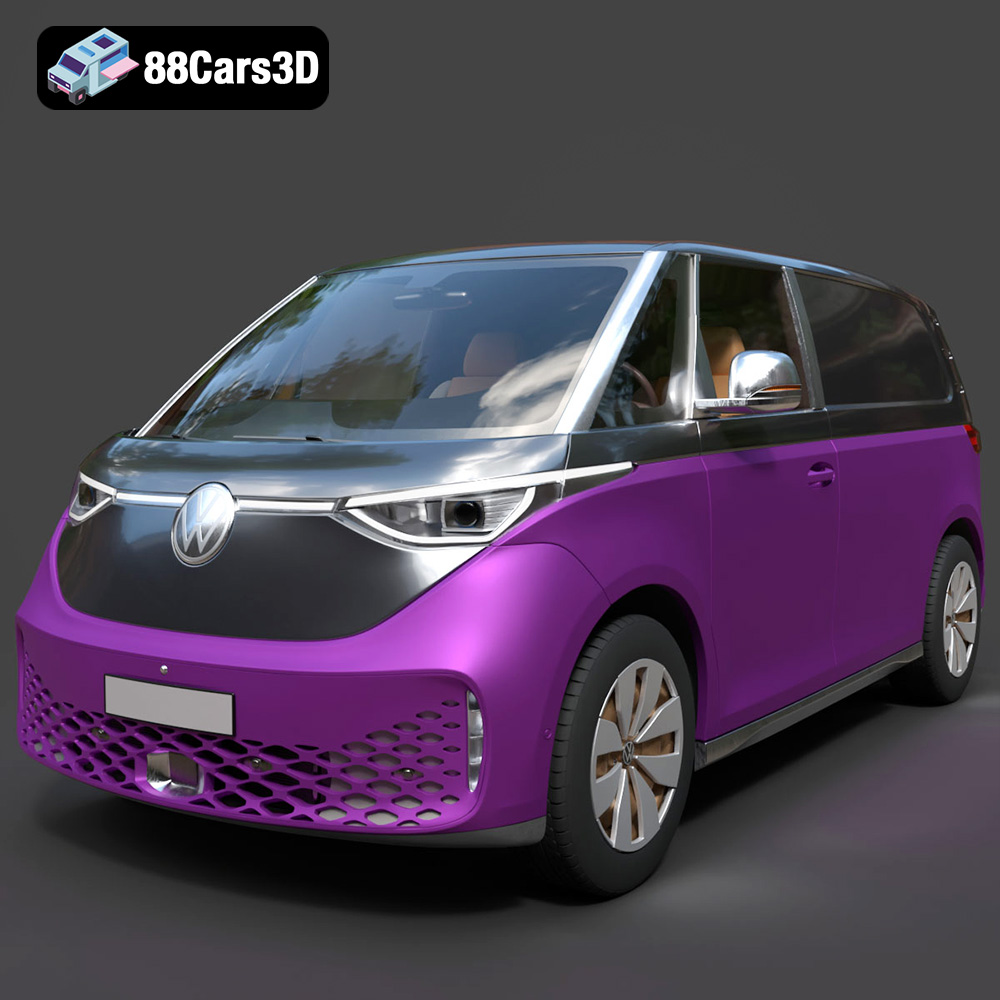
Texture: Yes
Material: Yes
Download the Volkswagen ID. Buzz Cargo 2023 3D Model featuring clean geometry, realistic detailing, and a fully modeled interior. Includes .blend, .fbx, .obj, .glb, .stl, .ply, .unreal, and .max formats for rendering, simulation, and game development.
Price: $19.99
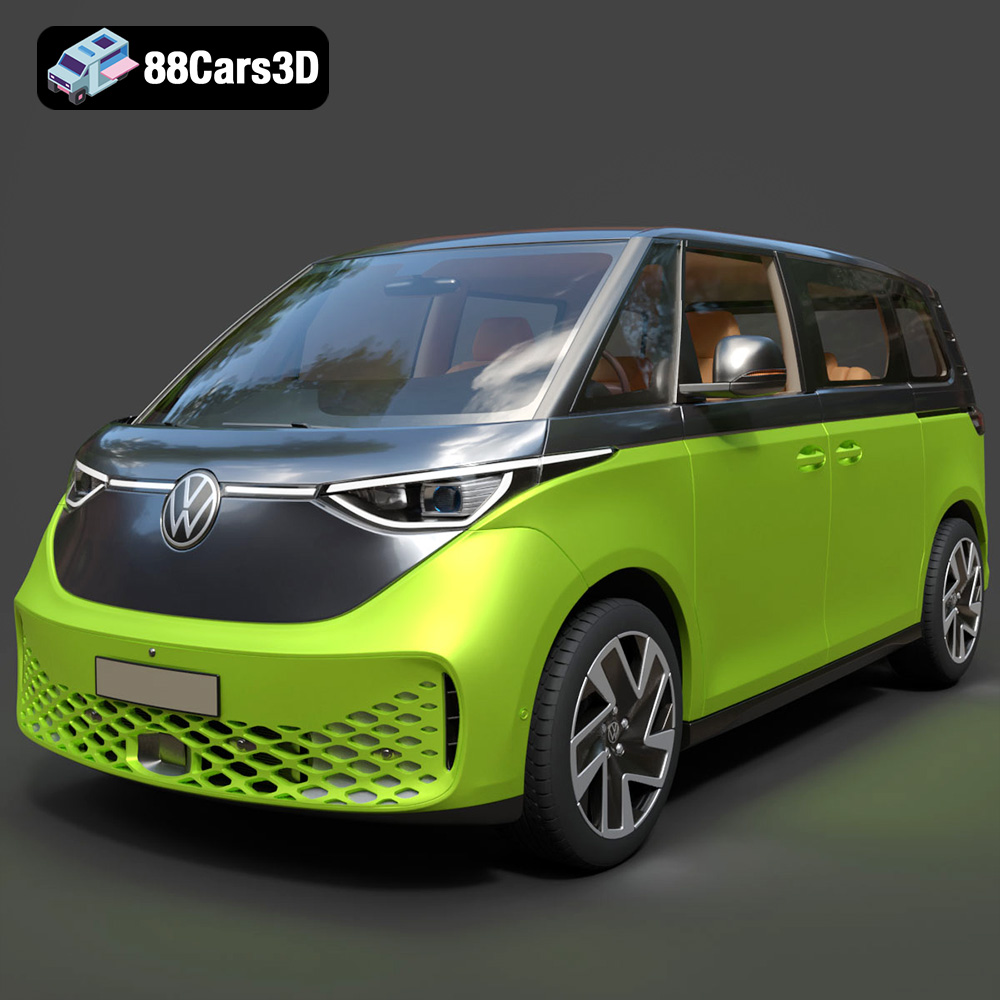
Texture: Yes
Material: Yes
Download the Volkswagen ID. Buzz 2023 3D Model featuring clean geometry, realistic detailing, and a fully modeled interior. Includes .blend, .fbx, .obj, .glb, .stl, .ply, .unreal, and .max formats for rendering, simulation, and game development.
Price: $19.99
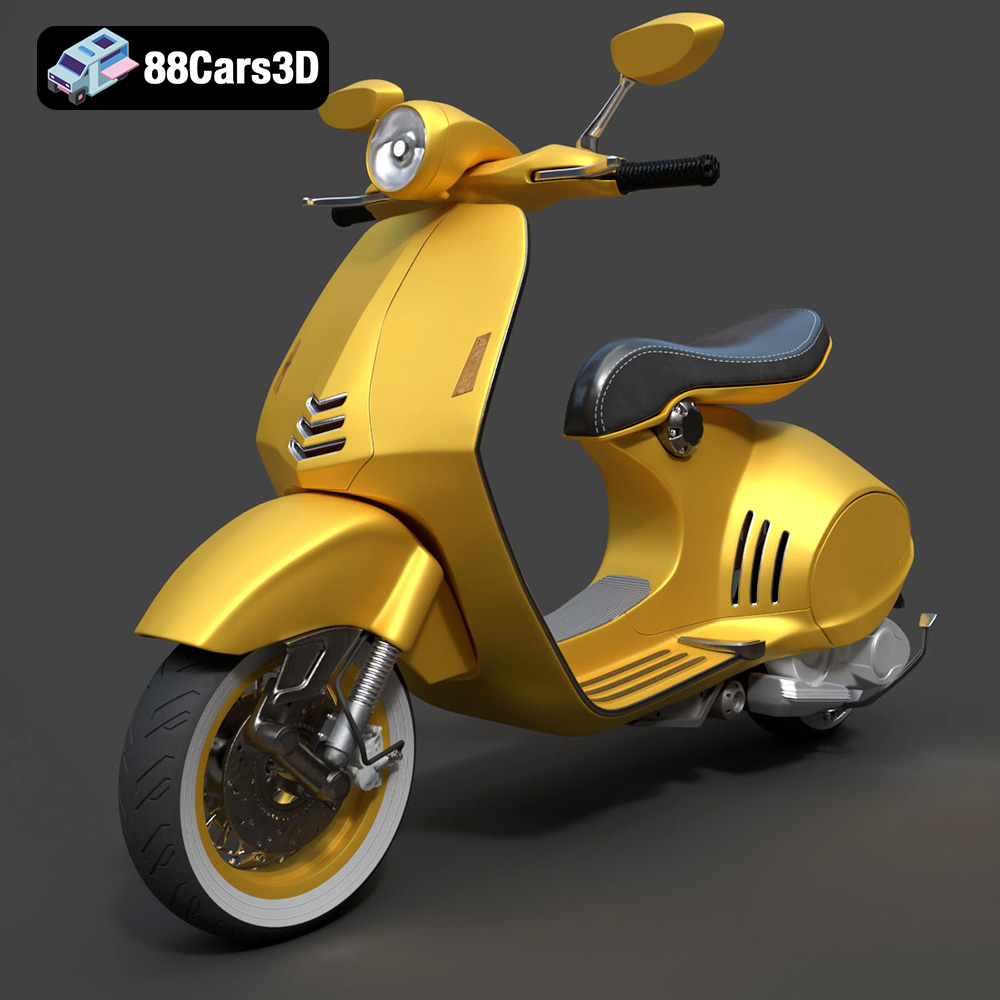
Texture: Yes
Material: Yes
Download the Vespa 946 3D Model featuring clean geometry, realistic detailing, and a fully modeled interior. Includes .blend, .fbx, .obj, .glb, .stl, .ply, .unreal, and .max formats for rendering, simulation, and game development.
Price: $19.99

Texture: Yes
Material: Yes
Download the Toyota Yaris Cross 3D Model featuring clean geometry, realistic detailing, and a fully modeled interior. Includes .blend, .fbx, .obj, .glb, .stl, .ply, .unreal, and .max formats for rendering, simulation, and game development.
Price: $19.99

Texture: Yes
Material: Yes
Download the Volkswagen Amarok 2019 3D Model featuring clean geometry, realistic detailing, and a fully modeled interior. Includes .blend, .fbx, .obj, .glb, .stl, .ply, .unreal, and .max formats for rendering, simulation, and game development.
Price: $19.99

