Get 50% OFF All Premium 3D & STL Models!

The Suzuki Super Carry 1000 Microvan, a utilitarian workhorse from the 80s and 90s, holds a special place in automotive history. Its compact size, cabover design, and incredible practicality made it a global icon. Now, thanks to advancements in 3D printing technology, you can bring this classic vehicle to life in miniature form. This guide provides a comprehensive overview of how to 3D print the Suzuki Super Carry 1000 Microvan 3D model successfully, covering everything from printer settings to post-processing. The model from 88cars3d.com is especially well-suited for this endeavor.
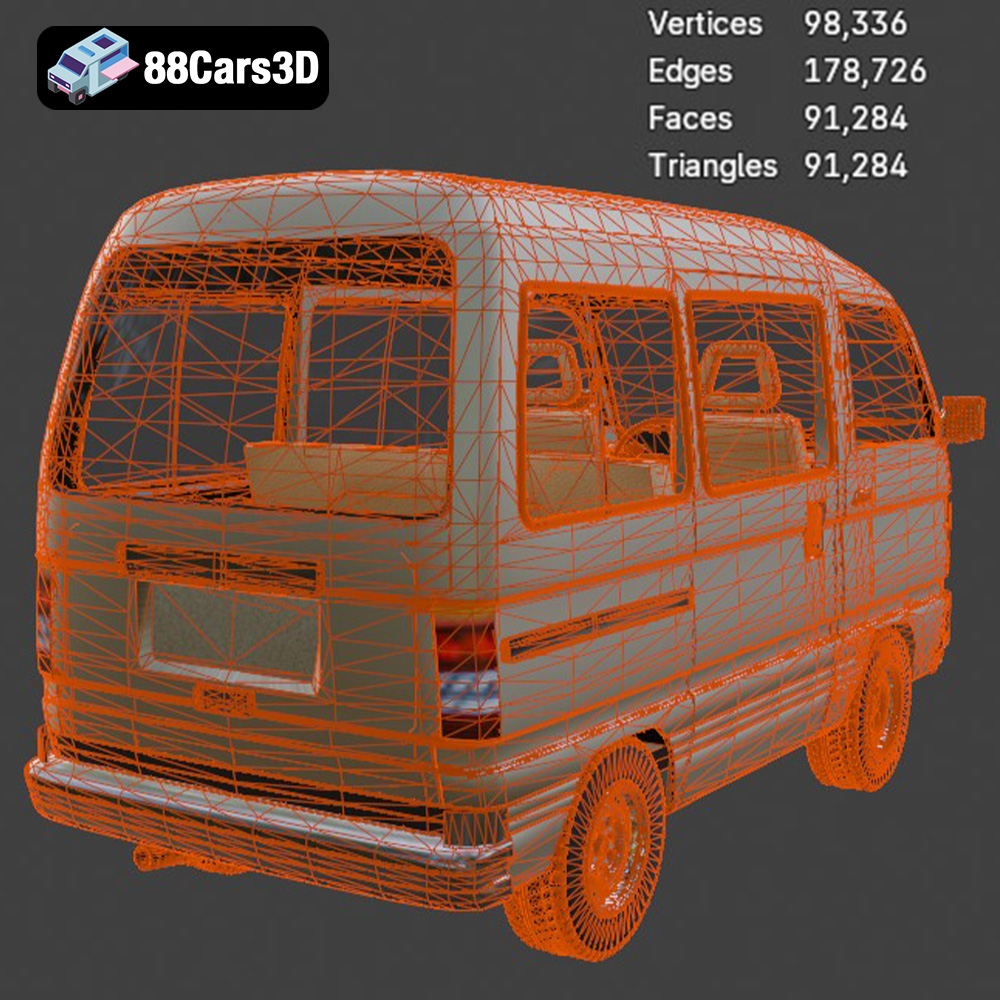
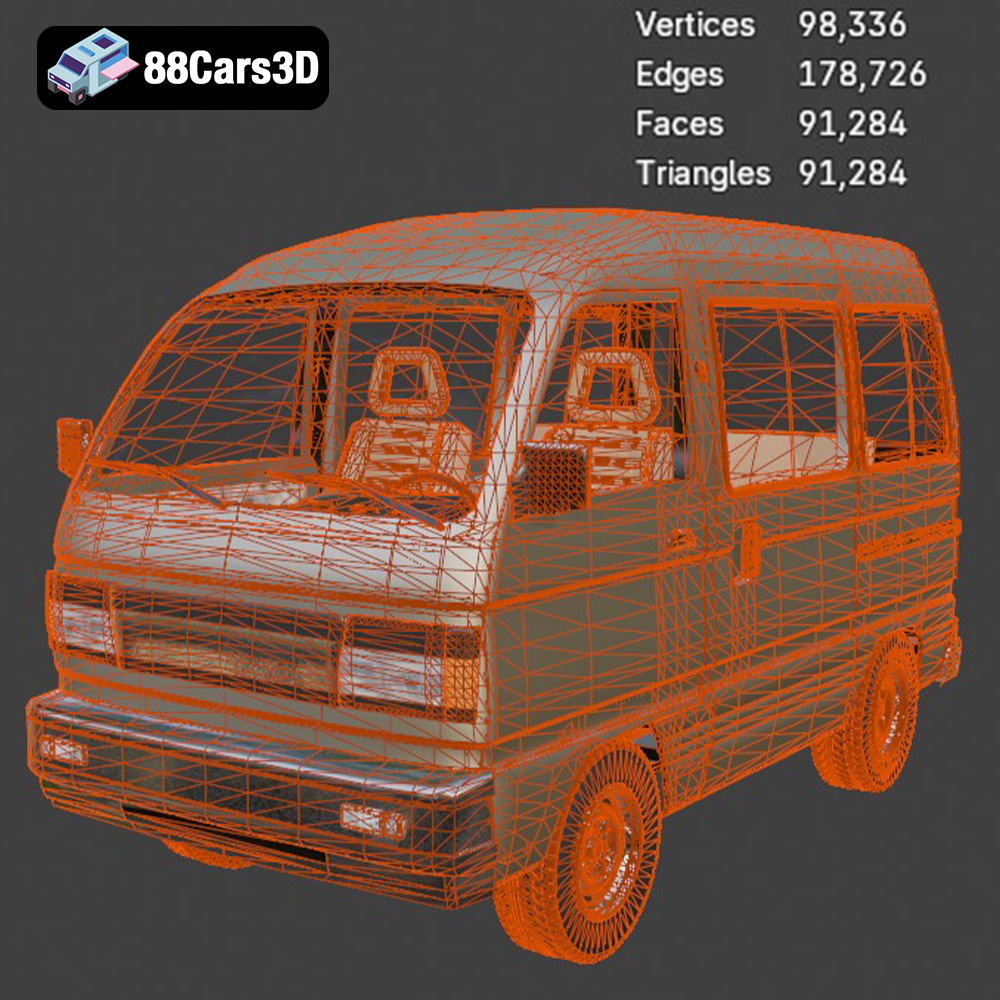
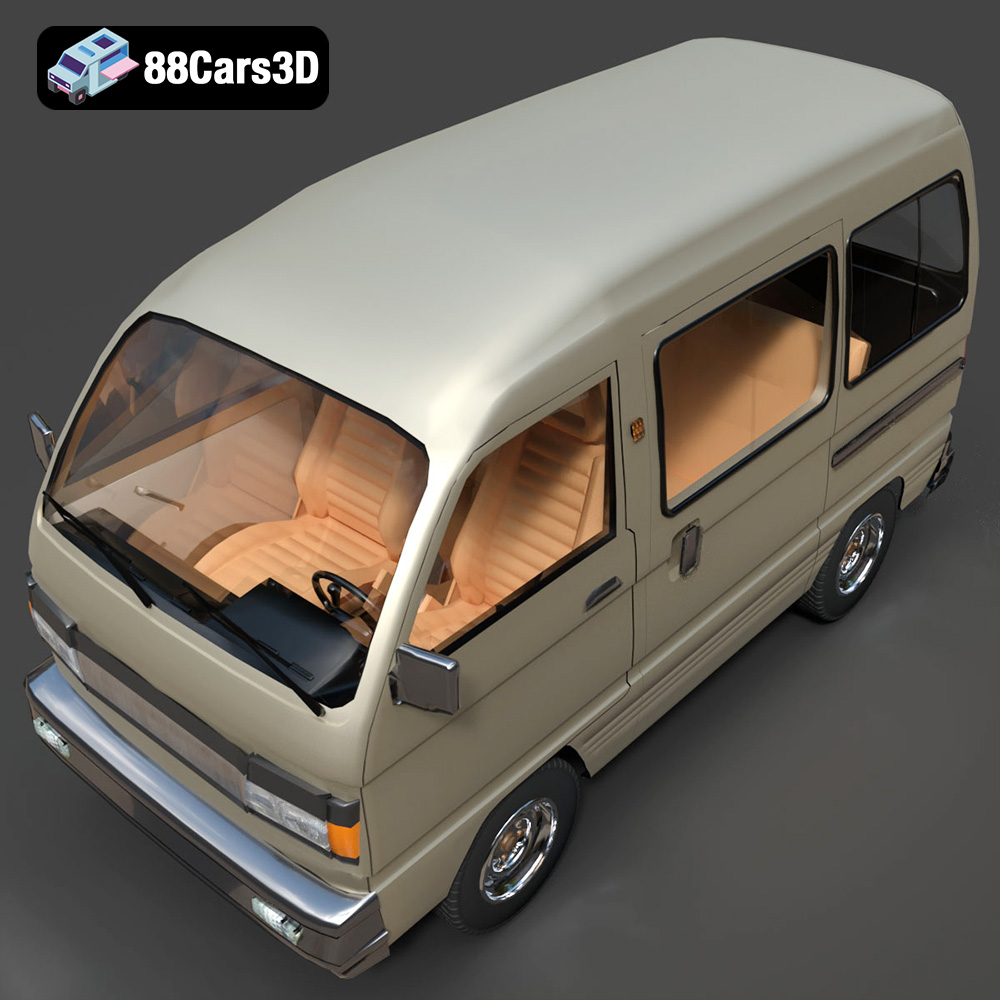
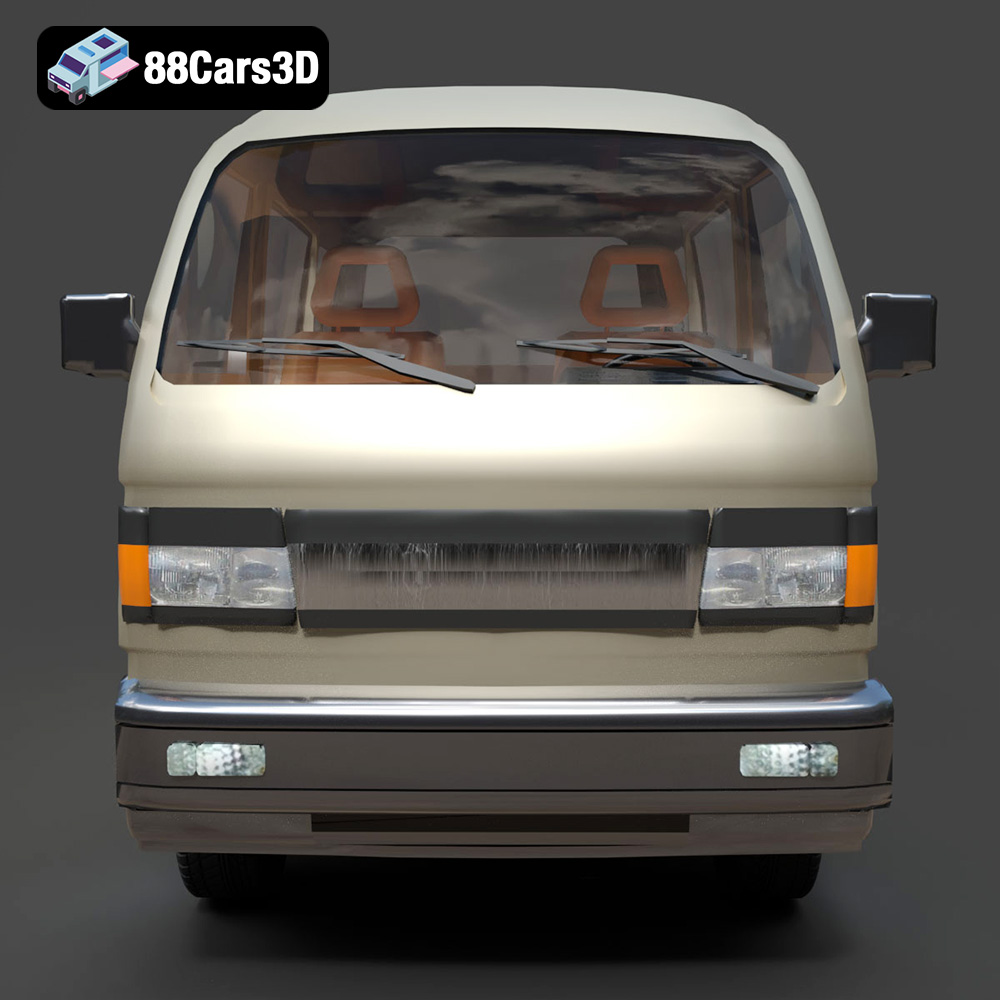
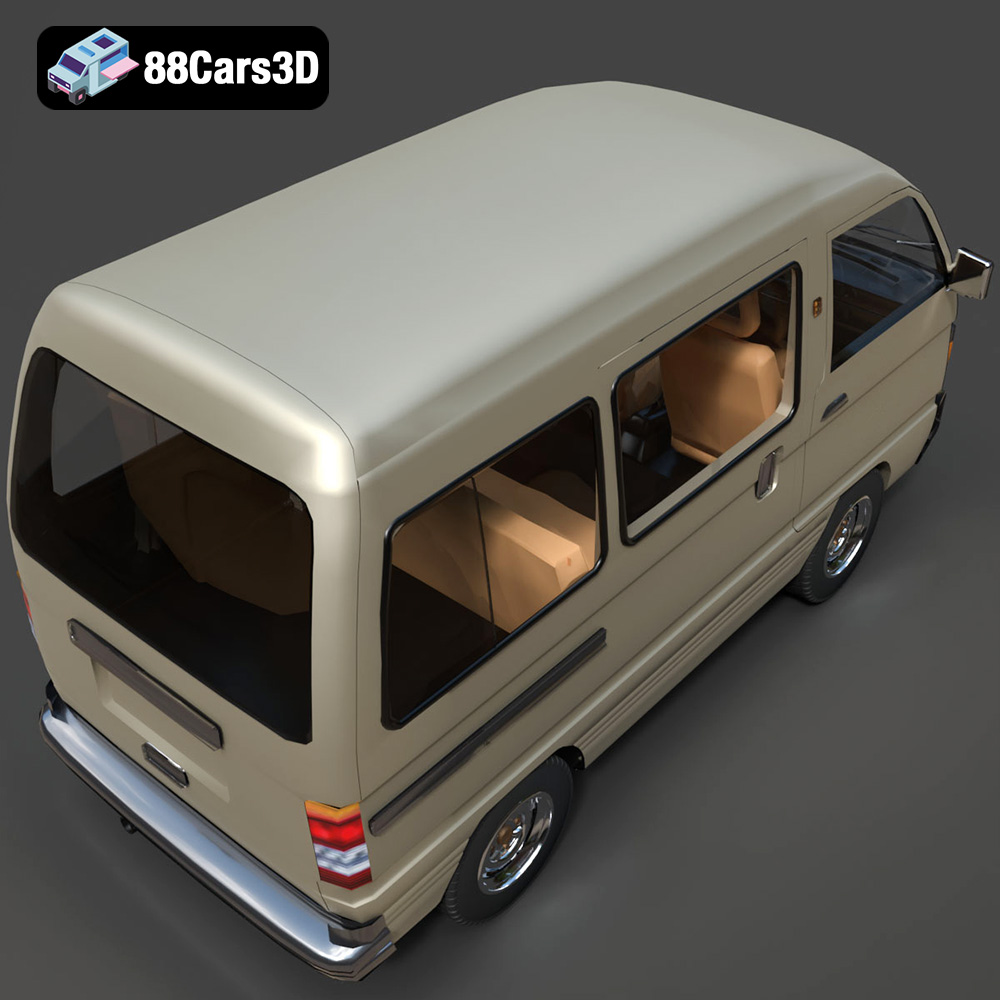
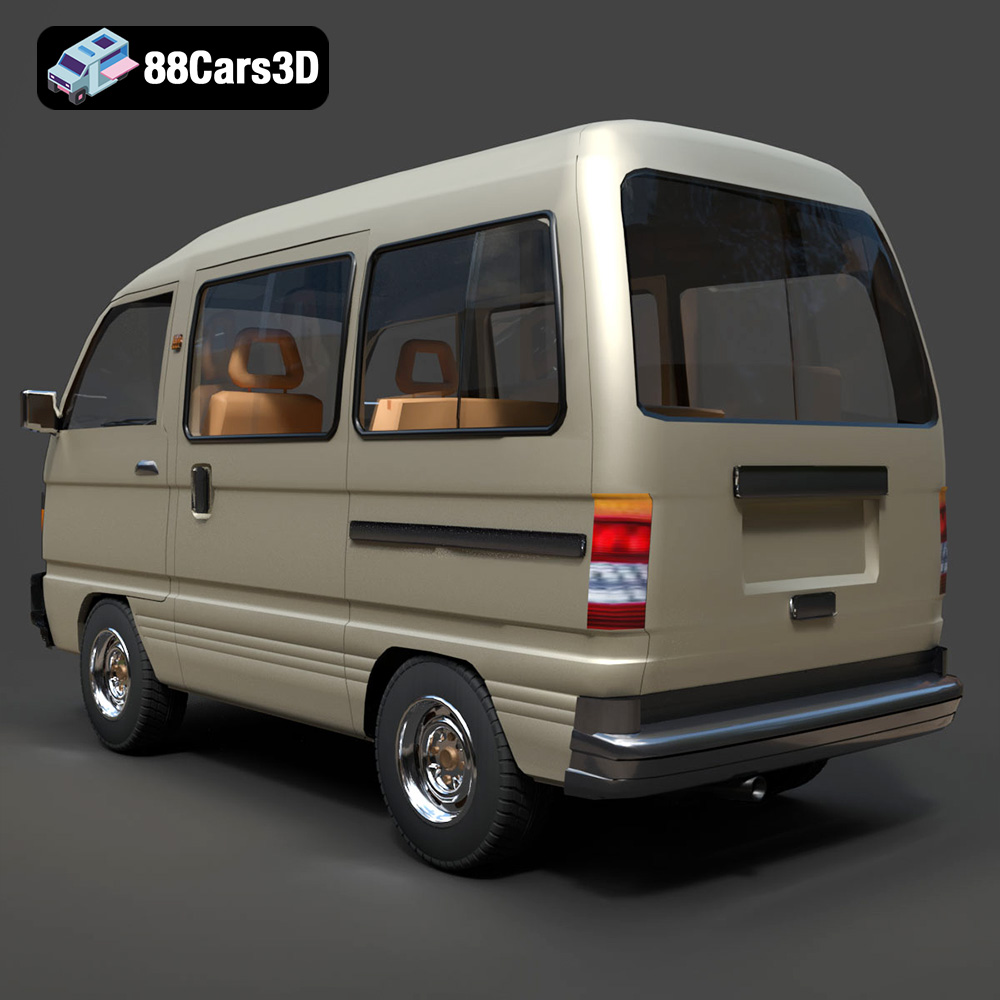
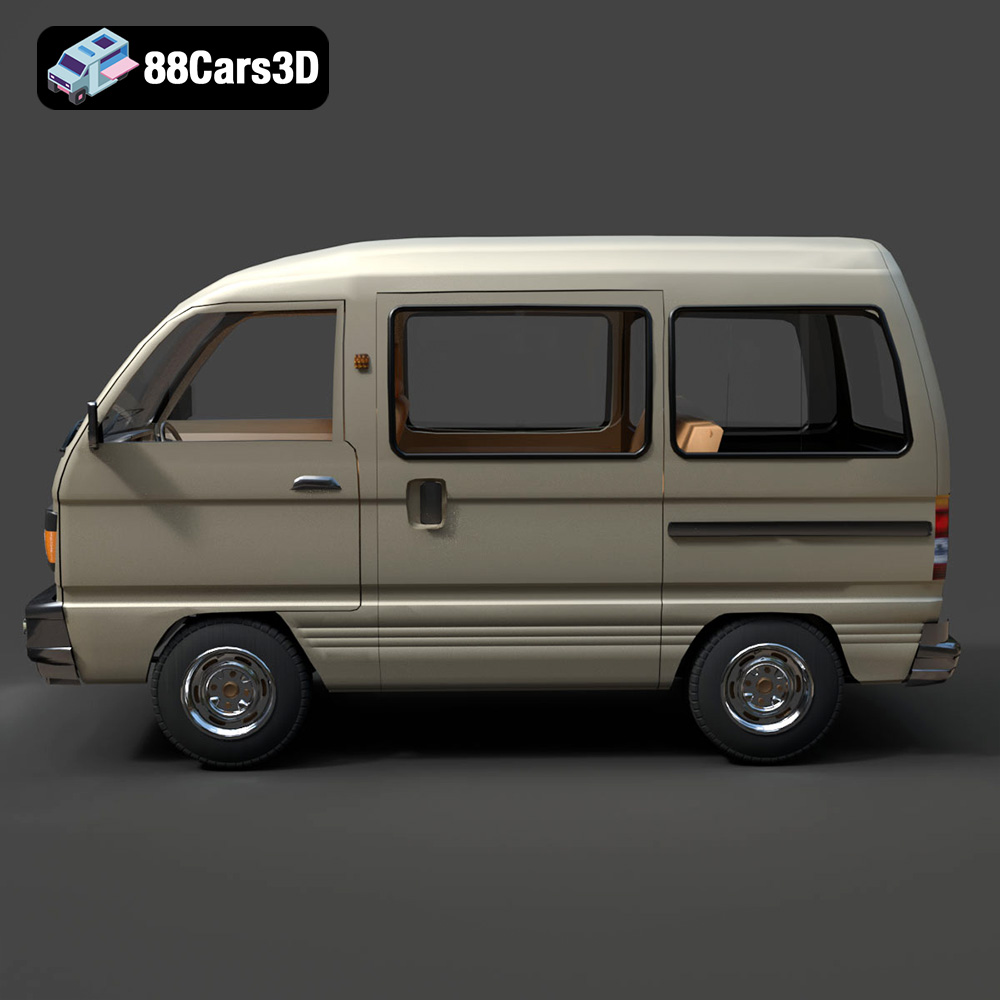
Before diving into the 3D printing process, it’s crucial to understand the intricacies of the 3D model itself. The Suzuki Super Carry 1000 Microvan 3D Model from 88cars3d.com boasts a high level of detail, accurately capturing the iconic features of the vehicle. This includes the boxy silhouette, flat front fascia, detailed headlight housings, dual sliding side doors, and even the utilitarian 12-inch steel wheels. With approximately 985,400 vertices, 1,950,200 edges and 965,800 faces/polygons, the model is suitable for high-resolution printing, ensuring a faithful recreation of the original vehicle.
The model also features separate components like wheels, steering, and doors, allowing for potential animation or customization after printing. The detailed interior, with its minimalist dashboard and basic upholstery, adds another layer of realism to the final product. Whether you’re aiming for a display-scale model or a component in a larger diorama, understanding the model’s features is key to a successful 3D printing project.
Choosing the right file format is paramount for successful 3D printing. While several formats exist, each with its own strengths and weaknesses, some are better suited for additive manufacturing than others. The Suzuki Super Carry 1000 Microvan 3D Model on 88cars3d.com comes in various formats, but understanding how they translate to 3D printing is essential.
The STL (stereolithography) format is the de facto standard for 3D printing. It represents the surface geometry of a 3D object as a collection of triangles. This simplicity makes it universally compatible with slicing software. However, STL files only contain mesh data; they don’t store color, texture, or material information.
When working with STL files, mesh quality is crucial. A high-resolution STL will have smaller triangles, resulting in a smoother printed surface. However, excessively high resolution can lead to larger file sizes and slower slicing times. Slicing software often allows you to adjust the mesh resolution to balance detail and performance. Repairing the STL file, to fix flipped normals or non-manifold edges, within the slicing software is often a needed process before the printing process begins.
OBJ files, unlike STL, can store color and texture information, making them suitable for printing models with multiple colors or intricate surface details. However, not all 3D printers support multi-color printing, and even those that do may require specific filament types and settings. While the Suzuki Super Carry model may benefit from the texture support offered by OBJ for rendering purposes, it may be too complex to try and recreate with additive manufacturing.
PLY (Polygon File Format) is designed to store 3D data acquired from 3D scanners. It can represent color, transparency, and other properties, along with the geometry. While PLY can support high-detail prints, it’s not as widely supported by slicing software as STL.
.blend files are native to Blender, a popular open-source 3D modeling software. This format allows for extensive customization of the 3D model before exporting it to a printable format like STL. You can modify the geometry, add details, or even split the model into separate parts for easier printing and assembly.
FBX (Filmbox) is a proprietary format developed by Autodesk. It supports a wide range of data, including geometry, textures, materials, and animation. While FBX files can be imported into some slicing software, they are primarily used for transferring models between different 3D applications.
GLB (GL Transmission Format Binary) is a binary file format that represents 3D models in a compact and efficient way. It’s commonly used for displaying 3D models on the web and in augmented reality (AR) applications. While GLB files are not directly used for 3D printing, they can be helpful for previewing the model before committing to a print.
.max files are associated with 3ds Max, a professional 3D modeling, animation, and rendering software developed by Autodesk. This file format contains all the data related to a 3D scene created in 3ds Max, including geometry, textures, materials, lighting, camera settings, and animation data. If you have access to 3ds Max, you can use this format to modify the Suzuki Super Carry 1000 Microvan 3D model before exporting it to a 3D printable format like STL.
Once you’ve chosen the STL file, the next step is to prepare it for 3D printing using slicing software. This software converts the 3D model into a series of layers that the printer can understand. Here are some crucial pre-print preparation and slicing tips:
Before slicing, inspect the STL file for any errors, such as non-manifold edges or holes. Most slicing software includes tools to automatically repair these issues. Properly orienting the model on the print bed is essential for achieving the best results. Consider printing the body of the Suzuki Super Carry 1000 Microvan at an angle to minimize the need for supports and improve the surface finish. Separate components like wheels should be printed flat for optimal adhesion.
The right slicing settings can make a significant difference in the final print quality. Key settings to consider include:
* **Layer Height:** A lower layer height (e.g., 0.08-0.16 mm) will result in finer details and smoother surfaces but will increase print time.
* **Infill Density:** Adjust the infill density based on the desired strength and weight of the model. A density of 15-25% is generally sufficient for display models.
* **Wall Thickness:** Increasing the wall thickness (e.g., 1.2-2.0 mm) will improve the structural integrity of the print.
* **Support Structures:** Add supports to overhangs and complex areas like the side mirrors, bumpers, and wheel arches. Experiment with different support types (e.g., tree supports) to minimize material usage and improve surface finish.
The Suzuki Super Carry 1000 Microvan 3D Model can be scaled to your desired size. Common scales for model cars include 1:18, 1:24, and 1:32. Before printing, consider customizing the model to your liking. You can modify the exterior color, interior configuration, or even add custom decals.
The choice of material significantly impacts the appearance, strength, and durability of the 3D printed Suzuki Super Carry 1000 Microvan. Here are some recommendations:
PLA is a biodegradable thermoplastic that is easy to print and offers good detail resolution. It’s a great option for beginners and for creating display models. PLA is relatively inexpensive and comes in a wide range of colors.
PETG offers a good balance of strength, flexibility, and ease of printing. It’s more durable than PLA and has better heat resistance. PETG is a good choice for parts that need to withstand some stress or exposure to sunlight.
Resin 3D printing (SLA or DLP) offers the highest level of detail and surface finish. Resin is ideal for printing small, intricate parts like the headlight housings or interior details of the Suzuki Super Carry 1000 Microvan. However, resin prints tend to be more brittle than FDM prints and require post-processing, such as washing and curing.
The actual 3D printing process requires careful attention to detail and adherence to the chosen settings. Here’s a breakdown of the recommended settings:
* **Printer:** Any FDM 3D printer with a build volume of at least 200 x 200 x 200 mm
* **Material:** PLA or PETG
* **Layer Height:** 0.08-0.16 mm
* **Infill Density:** 15-25%
* **Wall Thickness:** 1.2-2.0 mm
* **Print Speed:** 40-60 mm/s
* **Bed Temperature:** 60-70°C (for PLA), 70-80°C (for PETG)
* **Nozzle Temperature:** 200-220°C (for PLA), 230-250°C (for PETG)
* **Support Structures:** Enabled for overhangs and complex areas
* **Adhesion:** Brim or raft recommended for better bed adhesion
* **Printer:** Any resin 3D printer with a build volume appropriate for the scaled model
* **Material:** Standard or tough resin
* **Layer Height:** 0.025-0.05 mm
* **Exposure Time:** Varies depending on the resin and printer (refer to the resin manufacturer’s recommendations)
* **Support Structures:** Enabled for overhangs and complex areas
* **Post-Processing:** Washing in isopropyl alcohol (IPA) and curing with UV light
Post-processing is essential for achieving a professional-looking finish on your 3D printed Suzuki Super Carry 1000 Microvan. Here are some common techniques:
Carefully remove the support structures using pliers or a sharp knife. Be gentle to avoid damaging the model.
Sand the surface of the print to remove layer lines and imperfections. Start with coarse sandpaper (e.g., 220 grit) and gradually move to finer grits (e.g., 400, 600, 800). For resin prints, wet sanding is recommended.
Apply a primer to the sanded surface to create a smooth base for painting. Use multiple thin coats of primer, allowing each coat to dry completely before applying the next.
Paint the model with your desired colors. Consider using an airbrush for a smooth and even finish. Apply multiple thin coats of paint, allowing each coat to dry completely before applying the next.
Assemble the separate components, such as the wheels, steering wheel, and doors, using glue or fasteners. Ensure that all parts fit together properly.
Even with careful preparation, 3D printing can sometimes present challenges. Here are some common issues and their solutions:
Warping occurs when the print detaches from the build plate due to uneven cooling. To prevent warping, ensure that the build plate is properly leveled, use a heated bed, and apply an adhesive like glue stick or hairspray.
Stringing is caused by excess material oozing from the nozzle during travel moves. To reduce stringing, adjust the retraction settings in your slicing software.
Layer shifting occurs when the printer’s axes skip steps, resulting in misaligned layers. Check the belt tension and stepper motor drivers to ensure they are properly calibrated.
Elephant’s foot is a phenomenon where the bottom layers of the print are slightly wider than the rest of the model. This can be caused by excessive bed adhesion or a too-high bed temperature.
The Suzuki Super Carry 1000 Microvan 3D Model is a high-detail digital recreation of the legendary compact utilitarian workhorse from the 1980s and 1990s. Known for its incredible space efficiency and rugged simplicity, the Super Carry (often associated with the SK410 generation) combines a classic cabover design with highly practical proportions, making it a global icon of urban logistics and everyday transport.
$9.99
3D printing the Suzuki Super Carry 1000 Microvan is a rewarding project that combines historical appreciation with cutting-edge technology. By carefully preparing the model, choosing the right materials and settings, and employing post-processing techniques, you can create a stunning miniature replica of this iconic vehicle. Remember to explore the diverse range of 3D printed models available on 88cars3d.com for your next project. With patience and attention to detail, you’ll be able to add a touch of retro charm to your collection.
.automotive
.blend
.cabover
.fbx
.obj
.rendering
.stl
.suzuki
1000cc
3d printing
car-3d-model
game asset
high poly
kei-van
microvan
retro-van
super-carry
utility-vehicle