Get 50% OFF All Premium 3D & STL Models!

The roar of a V8 engine, the sleek lines of a bygone era – the American muscle car is an icon. Thanks to 88cars3d.com, you can now bring these legends to life with the “American Muscle & Classics Pack,” a stunning collection of 3D models ready for additive manufacturing. This article is your comprehensive guide to successfully 3D printing these beauties, covering everything from pre-print preparation to post-processing perfection. We’ll dive into optimal settings, material choices, and techniques to ensure your 3D printed models capture the raw power and nostalgic charm of these automotive icons.
The “American Muscle & Classics Pack” includes some incredibly detailed models, so selecting the right printer and material is crucial for achieving a high-quality result. The product description recommends SLA/Resin printing, particularly for smaller scales, to capture the intricate details. However, FDM printing can also produce satisfactory results with the right settings and post-processing.
* **Advantages:** Resin printing excels at producing highly detailed parts with smooth surfaces. This is ideal for the intricate grilles, badges, and rims of these classic cars.
* **Disadvantages:** Resin printers typically have a smaller build volume than FDM printers, which might require splitting larger parts. Resin can also be more expensive and requires careful handling due to its toxicity.
* **Recommended Materials:** Standard resin, ABS-like resin, or tough resin. Choose a resin that balances detail resolution with durability.
* **Printer Recommendations:** Any resin printer with a decent resolution (50 microns or less) will work. Popular choices include Elegoo Mars, Anycubic Photon, and Creality LD series.
* **Advantages:** FDM printers are generally more affordable and have larger build volumes. Materials like PLA and PETG are readily available and easier to work with than resin.
* **Disadvantages:** FDM printing can struggle with fine details and layer lines can be more visible. This requires careful calibration and post-processing.
* **Recommended Materials:** PLA is a good starting point due to its ease of use and biodegradability. PETG offers improved strength and heat resistance. ABS can be used for higher temperature environments, but it’s more prone to warping.
* **Printer Recommendations:** Ender 3, Prusa i3 MK3S+, or similar printers with good calibration and temperature control. A smaller nozzle (0.4mm or even 0.25mm) is recommended for finer details.
The “American Muscle & Classics Pack” conveniently includes a variety of file formats, giving you flexibility in how you prepare and utilize the models. However, some formats are better suited for 3D printing than others. Let’s explore these formats in detail:
The STL (Stereolithography) format is the workhorse of 3D printing. It represents a 3D object as a collection of triangles, forming a mesh. This simplicity makes it universally compatible with slicing software and 3D printers. For 3D printing the “American Muscle & Classics Pack,” STL files are your primary go-to.
* **Advantages:** Universal compatibility, small file size, fast processing by slicing software.
* **Disadvantages:** STL files only store geometry, lacking color, texture, or material information. The resolution of the mesh is fixed during export, so a low-resolution STL can result in a faceted, less smooth print.
* **Slicing Compatibility:** All slicing software supports STL files.
* **Mesh Quality:** Ensure the STL files are exported with sufficient resolution to capture the fine details of the car models. Too few triangles will result in a blocky appearance. Aim for a balance between detail and file size. It’s better to start with the highest resolution available and then reduce it if needed, than to try and increase it later.
OBJ (Object) is a more versatile format than STL, capable of storing color and texture information in addition to geometry. While not as widely used for pure 3D printing, it’s essential if you plan to create colored prints using multi-material printers or apply textures in post-processing.
* **Advantages:** Supports color and texture information.
* **Disadvantages:** Larger file sizes than STL, slightly less universal compatibility with some slicing software.
* **Slicing Compatibility:** Most slicing software supports OBJ, but ensure the software can handle the associated texture files (usually .mtl).
* **Mesh Quality:** Similar to STL, mesh resolution is crucial for capturing details.
PLY (Polygon File Format) is designed for storing 3D data acquired from scanning devices. It can represent points, triangles, and polygons, and supports color, texture, and other properties. It excels at accurately capturing intricate details.
* **Advantages:** High-precision mesh representation, supports color and other properties.
* **Disadvantages:** Larger file sizes, less common than STL or OBJ, may require specialized software for manipulation.
* **Slicing Compatibility:** Compatibility varies. Some advanced slicing software might support PLY, but it’s not as universal as STL.
* **Mesh Quality:** PLY files often contain very dense meshes, which can be computationally expensive to process.
BLEND files are native to Blender, a popular open-source 3D modeling software. This format allows you to open and modify the 3D models directly, giving you complete control over customization. You can adjust geometry, add details, or prepare the models for specific printing needs. After making changes, you can export the model to STL for 3D printing.
* **Advantages:** Fully editable, allows for complete customization.
* **Disadvantages:** Requires Blender software, learning curve for using Blender.
* **Slicing Compatibility:** Not directly compatible. You must export the model to STL or another printable format from Blender.
FBX (Filmbox) is a proprietary format developed by Autodesk. It supports a wide range of data, including geometry, animation, materials, and textures. While primarily used for game development and animation, FBX can be useful for transferring models between different software packages, preserving material information where supported.
* **Advantages:** Supports complex data, including materials and animation.
* **Disadvantages:** Larger file sizes, potential compatibility issues with some slicing software.
* **Slicing Compatibility:** Some advanced slicing software supports FBX, allowing you to import models with materials.
GLB (GL Transmission Format Binary) is designed for efficient transmission and loading of 3D models in web applications and augmented reality (AR) experiences. It’s a binary format that combines geometry, textures, and animations into a single file.
* **Advantages:** Optimized for real-time rendering, supports AR preview.
* **Disadvantages:** Not directly used for 3D printing.
* **Slicing Compatibility:** Not compatible. GLB is used for visualization, not fabrication.
.MAX files are native to 3ds Max, another industry-standard 3D modeling and rendering software package. Opening the .max files allows for extensive modification and customization of the 3D models.
* **Advantages:** Fully editable in 3ds Max, providing complete design control.
* **Disadvantages:** Requires 3ds Max software, learning curve for users unfamiliar with 3ds Max.
* **Slicing Compatibility:** Not directly compatible. Models must be exported from 3ds Max into a compatible format like .STL for 3D printing.
**For 3D printing the “American Muscle & Classics Pack,” STL files are the most practical choice due to their universal compatibility and ease of use.** Ensure the STL files are exported with sufficient resolution to capture the fine details of the cars. If you plan to add color or textures, OBJ or FBX might be useful, but STL remains the primary format for fabrication. Before exporting to STL, inspect the mesh in Blender or 3ds Max to correct any errors or inconsistencies that could cause print failures.
Once you’ve chosen your printer and material, the next step is preparing the 3D models for printing. This involves using slicing software to convert the 3D model into a series of instructions that the printer can understand. It also includes optimizing the model for printability.
Slicing software takes your 3D model (usually in STL format) and divides it into thin horizontal layers, generating the G-code instructions for your printer. Popular slicing software options include:
* **Cura:** Free, user-friendly, and widely used.
* **PrusaSlicer:** Feature-rich, open-source, and known for its excellent support generation.
* **Simplify3D:** Paid software with advanced features and customization options.
* **Chitubox:** Specialized for resin printing, offering excellent control over resin settings.
Before slicing, it’s crucial to inspect the 3D model for any errors that could lead to print failures. Common issues include:
* **Non-manifold geometry:** This means the model has holes or self-intersections.
* **Inverted normals:** This means the surface of the model is facing the wrong direction.
* **Floating geometry:** Small parts that are not connected to the main body.
Many slicing software packages have built-in tools for repairing these issues. Alternatively, you can use dedicated mesh editing software like MeshMixer or Blender. Also, if you intend to scale the model, do so before slicing.
Achieving optimal 3D prints of the “American Muscle & Classics Pack” requires careful attention to print settings. These settings will depend on your chosen printer and material, but here are some general guidelines:
* **Resin Printing:** A layer height of 0.04-0.05 mm is recommended to capture the intricate details.
* **FDM Printing:** Use a layer height of 0.1-0.2 mm for a good balance between print speed and detail. A smaller nozzle (0.25mm or 0.4mm) can improve detail resolution.
* For display models, a low infill density (10-20%) is sufficient.
* For functional parts or models that need to withstand stress, increase the infill density to 30-50%.
* Choose an infill pattern that provides good support, such as gyroid or honeycomb.
* **Resin Printing:** Supports are crucial for resin printing, especially for overhangs and intricate details. Use a support density that provides adequate support without being too difficult to remove.
* **FDM Printing:** Use supports sparingly to minimize scarring on the model surface. Optimize support placement to target only the areas that need it most. Consider using soluble support material for complex geometries.
* The product description suggests printing the bodies angled backwards to ensure flawless hoods. Experiment with different orientations to minimize support usage and improve surface finish.
* Print wheels and spoilers separately for better detail and ease of post-processing.
Each model in the “American Muscle & Classics Pack” might benefit from slightly different material choices and tuning strategies.
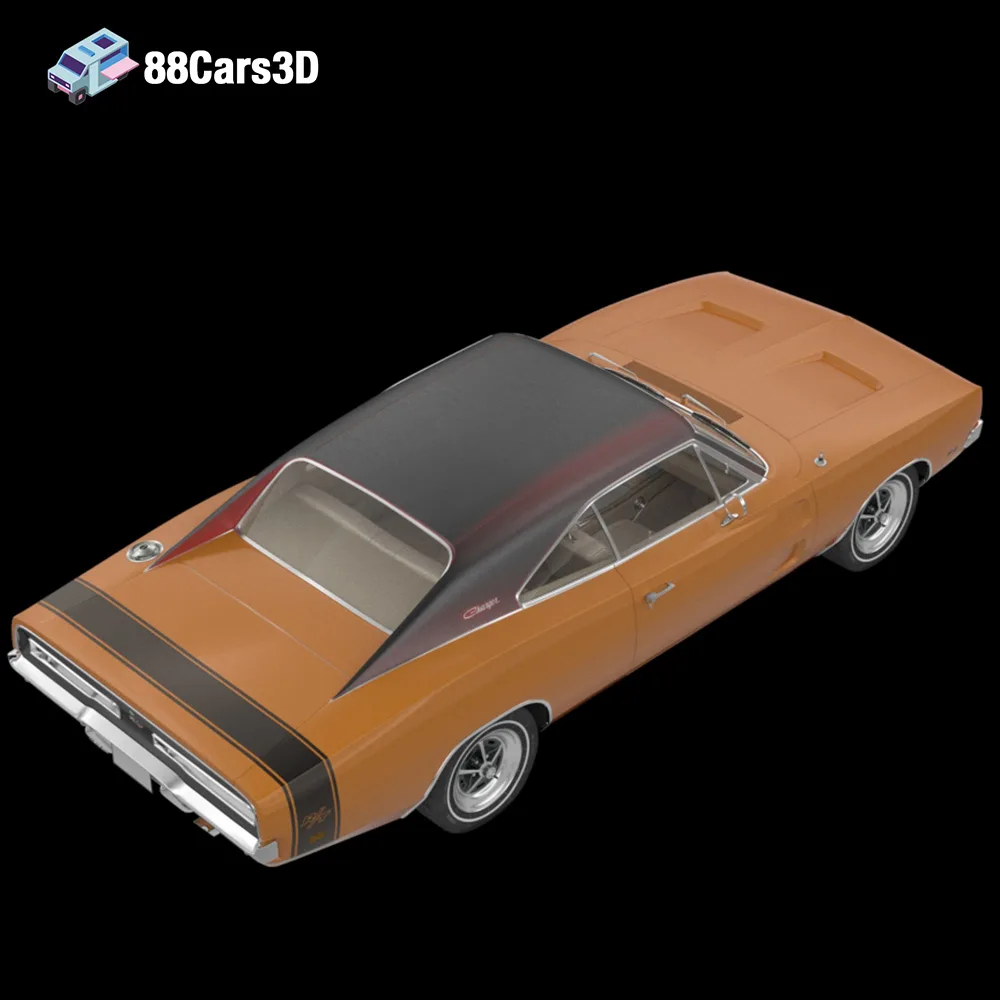
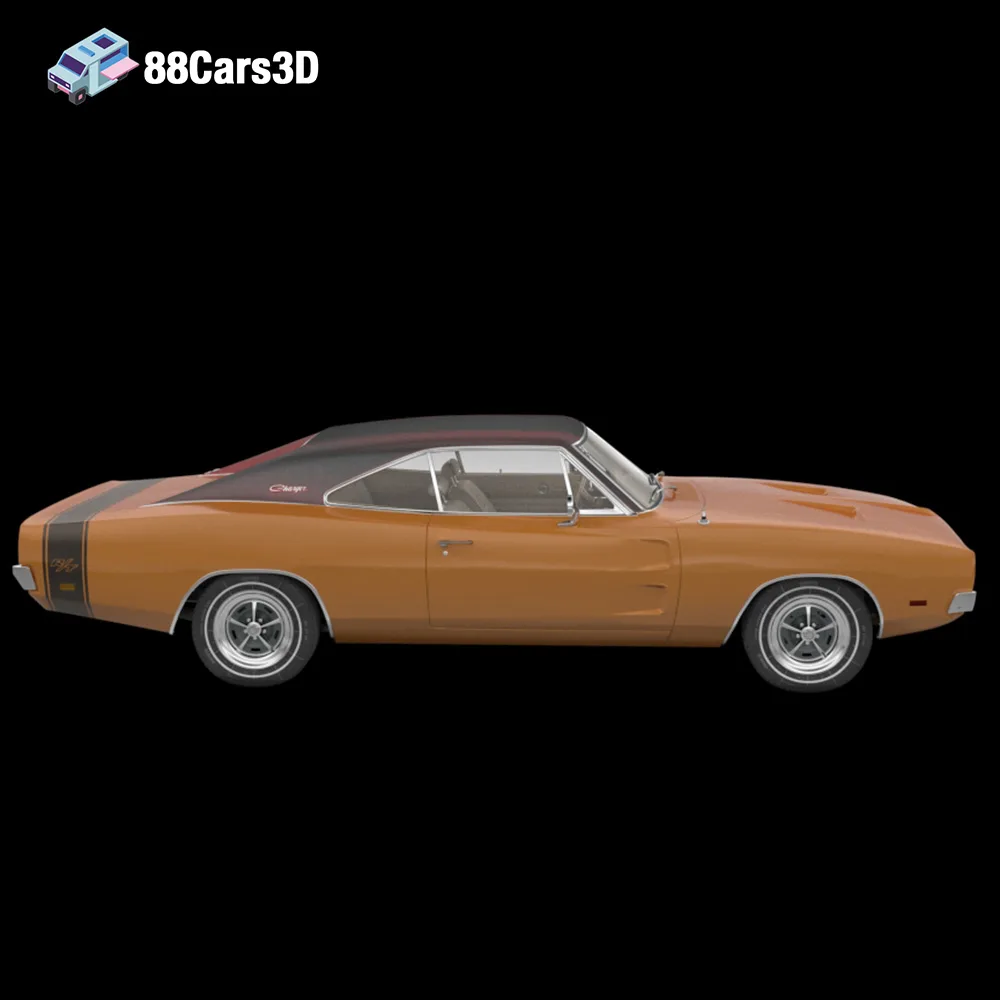
* Consider using a high-temperature resistant material like ABS or ASA if you plan to display this model in a hot environment.
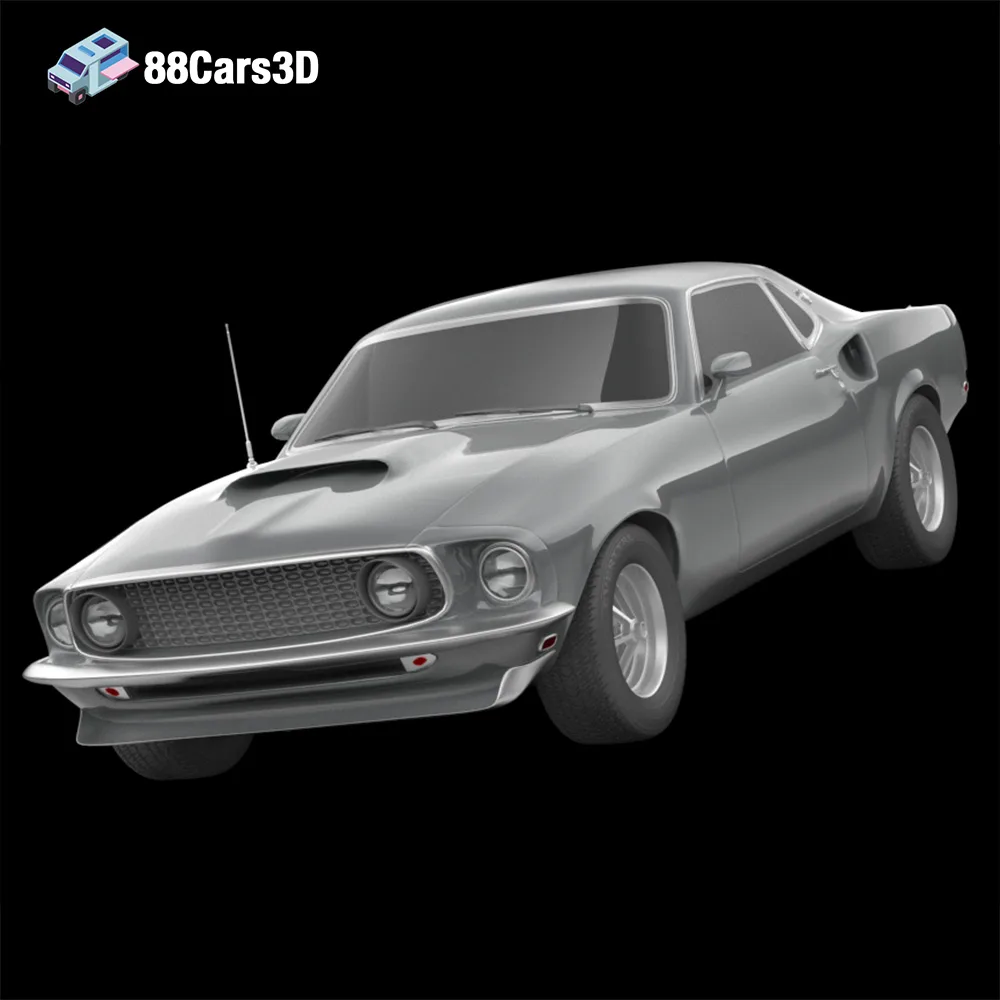
* Pay special attention to the front grille, which requires fine detail settings.
* The modern aerodynamic body kit might require additional support structures.
* Use a flexible material like TPU for the tires to add a realistic touch.
* Focus on capturing the distinct front bumper and side-exit exhausts.
* Experiment with different shades of gray to replicate the Eleanor’s iconic paint job.
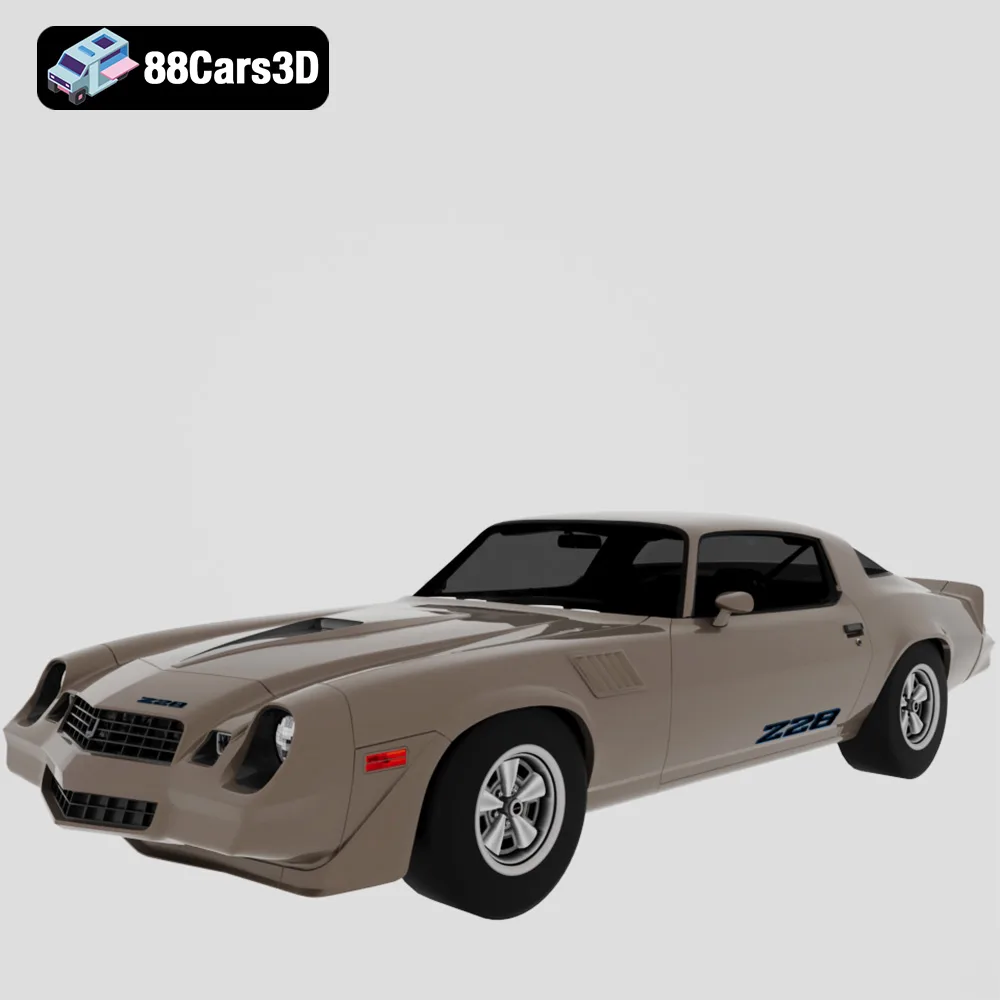
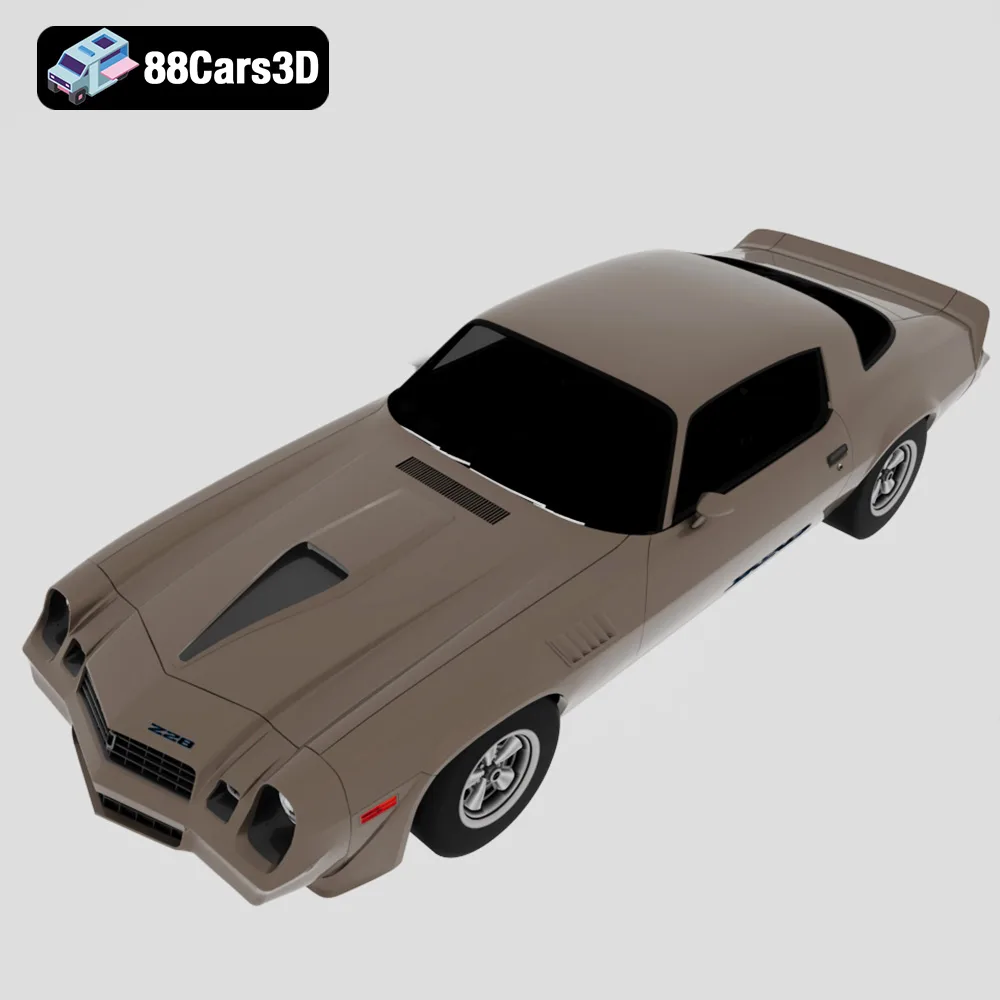
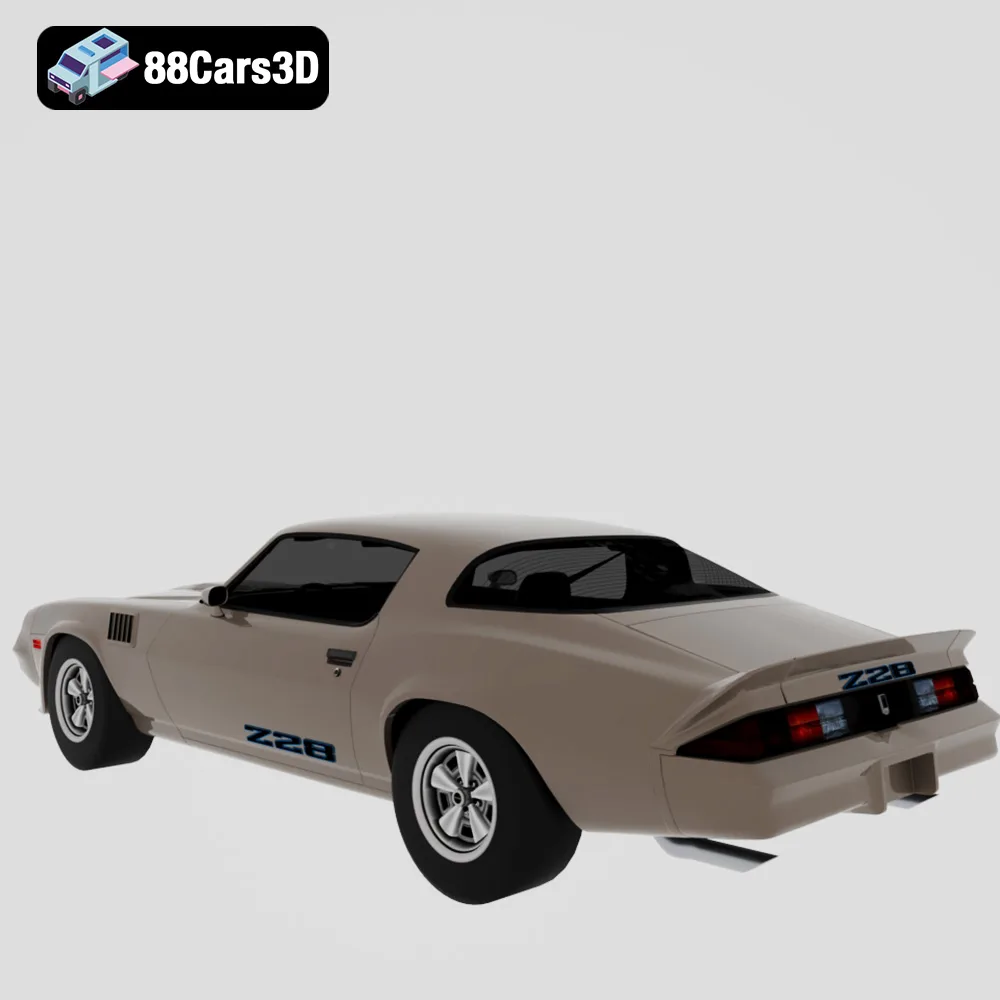
* The sharp nose and aerodynamic front spoiler require careful orientation and support placement.
* Use a glossy material to replicate the car’s late-70s shine.
Post-processing is essential for transforming a raw 3D print into a polished masterpiece.
Carefully remove support structures and rafts using pliers, a hobby knife, or specialized support removal tools. Take your time to avoid damaging the model surface.
Sand the model surface with progressively finer grits of sandpaper to remove layer lines and imperfections. Start with a coarse grit (e.g., 220) and gradually move to finer grits (e.g., 400, 600, 800).
Apply a primer coat to create a smooth, uniform surface for painting. Use automotive-grade paints and clear coats for a professional finish. Consider using masking techniques to create intricate paint schemes.
Assemble the printed parts using glue, screws, or other fasteners. Ensure proper alignment and fit before permanently attaching the parts.
Even with careful preparation, you might encounter some common 3D printing issues. Here are some tips for troubleshooting:
* **Warping:** Ensure your print bed is properly leveled and heated. Use a brim or raft to improve bed adhesion.
* **Stringing:** Adjust retraction settings in your slicing software. Reduce printing temperature.
* **Layer Separation:** Increase printing temperature. Ensure proper bed adhesion.
* **Support Failure:** Increase support density. Adjust support placement.
* **Elephant’s Foot:** Adjust initial layer height and flow rate.
By following these guidelines and experimenting with different settings, you can successfully 3D print the stunning models in the “American Muscle & Classics Pack” from 88cars3d.com and bring these automotive legends to life.
The American Muscle & Cinematic Classics 3D Models Bundle is a high-octane, premium collection built for automotive rendering artists, game developers, and cinematic VFX studios. There is nothing quite like the aggressive stance, bold lines, and nostalgic raw power of classic American muscle cars. Whether you are building a retro 1970s street environment, a high-speed racing game, or a virtual collector’s dream garage, this pack delivers absolute perfection.
$149.99
american-muscle-bundle
camaro-z28
car-pack
classic-car-3d
dodge-charger-1968
ford-mustang-69
game-ready-cars
muscle-car-3d-model
mustang-eleanor
retro-cars
vfx-vehicles