Get 50% OFF All Premium 3D & STL Models!

“`html
3D printing has revolutionized the automotive modeling world, allowing enthusiasts to create incredibly detailed and accurate replicas of their favorite vehicles. Whether you’re a hobbyist building a collection, an engineer prototyping new designs, or an educator demonstrating automotive principles, 3D printing offers unprecedented flexibility. This guide focuses specifically on printing wheels, tires, and other car parts using STL files, diving deep into the technical aspects of file preparation, printer settings, material selection, and post-processing. We’ll cover everything from ensuring your STL files are print-ready to optimizing your slicer settings for the best possible results. By the end of this guide, you’ll have the knowledge and skills to confidently produce high-quality, detailed car parts for your 3D printing projects. From choosing the right material for your tires to perfecting the intricate details of a custom wheel design, we’ll guide you through each step. Platforms like 88cars3d.com offer print-ready STL files specifically designed for this purpose, significantly simplifying the process.
The STL (Stereolithography) file format is the standard for 3D printing. It represents the surface geometry of a 3D object as a collection of triangles. For automotive parts, particularly wheels and tires, the quality of the STL file is crucial. A well-designed STL will have a high triangle count in areas of detail, ensuring smooth curves and sharp edges. However, excessively high triangle counts can lead to large file sizes and slower slicing times. Finding the right balance is key.
The mesh topology refers to how the triangles are arranged to form the 3D model. Poor mesh topology can result in printing artifacts or even prevent the part from being printable. Look for STL files with clean, uniform triangle distributions, especially around curved surfaces. When dealing with intricate wheel designs, higher resolution is a must. For example, a complex spoke design necessitates a significantly higher triangle count compared to a simple, solid wheel.
“Manifold” geometry is a critical concept. A manifold mesh is one that is completely closed and without any holes, self-intersections, or non-contiguous edges. Non-manifold geometry will cause significant problems during slicing. Mesh repair tools can automatically identify and fix many of these issues, such as inverted normals, duplicate vertices, and holes in the mesh. Software like Netfabb or the built-in repair tools in PrusaSlicer are excellent for this purpose. Always prioritize repairing any errors before attempting to slice the STL file.
The choice of 3D printer and material heavily influences the final quality and durability of your printed car parts. FDM (Fused Deposition Modeling) printers and resin printers (SLA, DLP, LCD) offer different advantages and disadvantages. For wheels and tires, consider the desired level of detail, flexibility, and impact resistance.
FDM printers are a popular choice due to their affordability and ease of use. PLA is a good starting point for beginners, offering excellent print quality and ease of printing. However, it’s not ideal for parts that require high impact resistance or heat resistance. PETG offers a good balance of strength, flexibility, and heat resistance, making it a versatile option for many car parts. ABS is known for its high strength and durability but requires a heated bed and enclosure to prevent warping. A common configuration for FDM printing wheels is using PETG with settings like a 0.4mm nozzle, 0.15mm layer height, 20% infill (Gyroid pattern), and a print speed of 50mm/s. Bed temperature should be around 70°C, and nozzle temperature 235°C.
Resin printers excel at producing highly detailed parts with smooth surfaces. This makes them ideal for intricate wheel designs and other small, detailed components. However, resin parts tend to be more brittle than FDM parts and may require post-curing to achieve optimal strength. Different types of resins offer varying levels of flexibility and impact resistance. For tires, consider using a flexible resin to mimic the properties of rubber. Standard resin settings include a layer height of 0.05mm, exposure time of 8 seconds, and lift speed of 60mm/min. Remember that resin printing requires post-processing steps such as washing and curing.
Slicer software converts the STL file into a set of instructions for the 3D printer. Optimizing slicer settings is crucial for achieving high-quality prints. Key parameters include layer height, infill density, print speed, and support generation.
Layer height directly affects the resolution of the printed part. Lower layer heights (e.g., 0.1mm) result in smoother surfaces and finer details but increase print time. Higher layer heights (e.g., 0.2mm) print faster but may sacrifice detail. Print speed also plays a significant role. Slower print speeds generally improve print quality, especially for intricate details. However, excessively slow speeds can lead to stringing or overheating. Experiment to find the optimal balance for your specific printer and material. For wheel hubs needing high precision, consider reducing speed to 30mm/s or even lower.
Infill density determines the amount of material inside the printed part. Higher infill densities increase strength but also increase print time and material usage. For wheels, a moderate infill density (e.g., 20-30%) is usually sufficient. The infill pattern also affects strength and weight. Common patterns include rectilinear, grid, gyroid, and honeycomb. Gyroid infill offers excellent strength-to-weight ratio and is a good choice for wheels. Tires typically don’t require infill and can be printed with 0% infill and a thicker shell (perimeter) to maintain shape and flexibility.
Support structures are necessary for printing overhanging features. Properly generating and removing supports is essential for achieving clean, accurate prints. The placement, density, and type of support structures can significantly impact the final result. Using the right support settings is crucial to avoid damage to the part during removal. 88cars3d.com may offer pre-supported STL files, significantly simplifying this step.
Most slicer software offers automatic support generation, which analyzes the model and automatically adds supports where needed. However, automatic supports may not always be optimal and can sometimes be difficult to remove. Manual support generation allows for more control over the placement and type of supports, enabling you to minimize their impact on the surface finish. Software like Meshmixer allows for very fine control over support placement. Consider using tree supports or light supports in areas where surface finish is critical.
Careful support removal is crucial to avoid damaging the printed part. Use specialized tools like flush cutters, hobby knives, and sandpaper to remove supports cleanly. For FDM prints, heating the supports slightly with a heat gun can make them easier to remove. For resin prints, soaking the part in warm water can soften the supports. Always take your time and be gentle to avoid breaking delicate features. Support removal is best done slowly and methodically to avoid snapping off pieces of the model itself. For PLA supports, consider using a deburring tool for the final cleanup.
Post-processing enhances the appearance and functionality of 3D-printed car parts. Common techniques include sanding, painting, and assembly. The specific steps will depend on the material and desired finish.
Sanding smooths the surface of the printed part, removing layer lines and imperfections. Start with coarse sandpaper (e.g., 220 grit) and gradually move to finer grits (e.g., 400, 600, 800 grit). Priming fills in any remaining imperfections and provides a smooth surface for painting. Use a high-quality automotive primer for best results. Apply thin, even coats of paint, allowing each coat to dry completely before applying the next. Clear coating protects the paint and adds a glossy finish. Consider using 2K automotive clear coat for maximum durability. Always wear appropriate safety gear, including a respirator, when sanding and painting.
Many car parts consist of multiple components that need to be assembled. Use adhesives like super glue or epoxy to join the parts together. Pay attention to alignment and ensure a strong bond. Add finishing touches like decals, chrome trim, and rubber tires to enhance the realism of your model. Consider using photo-etched parts for extra detail. For wheels, carefully painting the brake calipers and adding lug nuts can significantly enhance the appearance. Use reference photos to accurately replicate the details of the real car.
Even with careful preparation, 3D printing can sometimes present challenges. Understanding common issues and how to solve them is essential for successful printing. Addressing these issues early on will save time and material.
Warping occurs when the printed part pulls away from the build plate due to uneven cooling. This is more common with materials like ABS. To prevent warping, ensure the build plate is properly leveled and heated. Use bed adhesion aids like glue stick or hairspray. An enclosure can also help maintain a consistent temperature. “Elephant’s foot” is a phenomenon where the bottom layers of the print are wider than the rest of the part. This can be caused by excessive bed adhesion or incorrect Z-offset. Adjust the Z-offset slightly to reduce the effect. Adding a “brim” in your slicer settings can dramatically improve bed adhesion, particularly with large parts.
Stringing occurs when the printer extrudes material while moving between different parts of the print. This can be caused by excessive retraction distance or temperature. Increase retraction distance or lower the printing temperature. Blobs and zits are small imperfections on the surface of the print. These can be caused by inconsistent extrusion or moisture in the filament. Dry the filament before printing and calibrate the extruder. Ensure the filament is feeding smoothly and consistently. Reduce the “coasting” or “wiping” settings in your slicer.
3D printing wheels, tires, and car parts in STL format offers incredible possibilities for automotive enthusiasts and professionals alike. By understanding the intricacies of STL file preparation, printer settings, material selection, and post-processing, you can create high-quality, detailed replicas that capture the essence of your favorite vehicles. Remember to carefully inspect and repair your STL files, choose the right printer and material for your project, optimize your slicer settings for the best possible results, and master essential post-processing techniques. Practice, experimentation, and attention to detail are key to achieving success. Whether you’re building a collection, prototyping designs, or simply exploring the creative potential of 3D printing, the possibilities are endless. Remember to start with readily available resources. Marketplaces such as 88cars3d.com provide access to a vast library of high-quality, validated STL files, which can save countless hours in the design and preparation phases. Now, armed with this comprehensive guide, go forth and bring your automotive visions to life through the power of 3D printing!
“`

Texture: Yes
Material: Yes
Download the Volvo Trucks Benz GT-001 3D Model featuring clean geometry, realistic detailing, and a fully modeled interior. Includes .blend, .fbx, .obj, .glb, .stl, .ply, .unreal, and .max formats for rendering, simulation, and game development.
Price: $29.99
Texture: Yes
Material: Yes
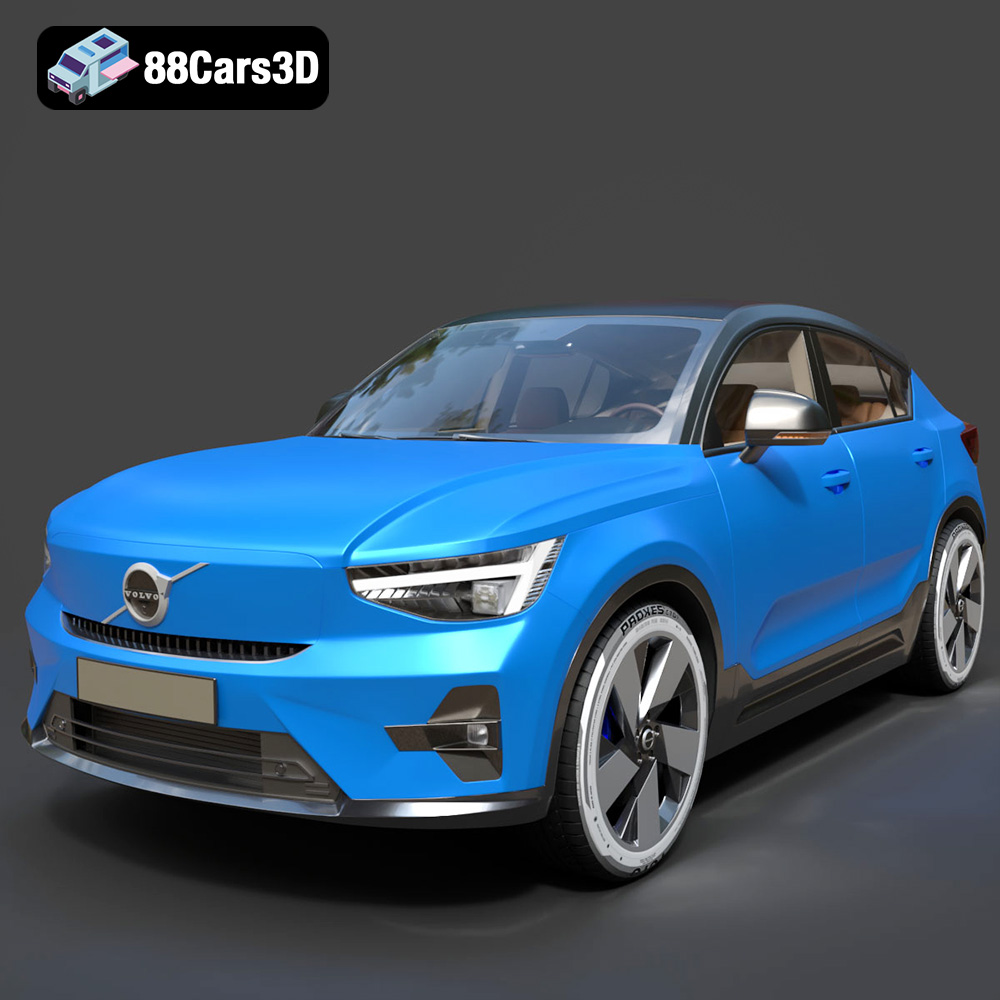
Download the Volvo C40 Recharge 3D Model featuring clean geometry, realistic detailing, and a fully modeled interior. Includes .blend, .fbx, .obj, .glb, .stl, .ply, .unreal, and .max formats for rendering, simulation, and game development.
Price: $19.99
Texture: Yes
Material: Yes
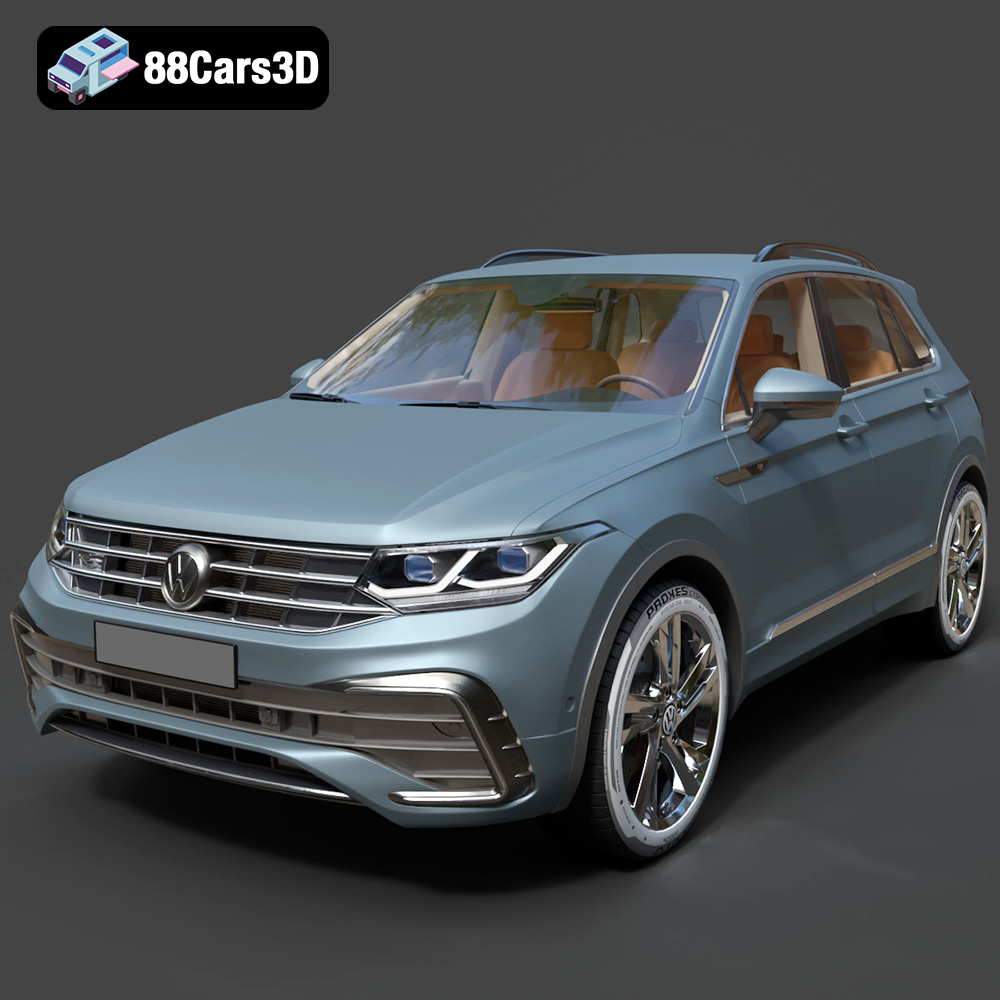
Download the Volkswagen Tiguan 2021 3D Model featuring clean geometry, realistic detailing, and a fully modeled interior. Includes .blend, .fbx, .obj, .glb, .stl, .ply, .unreal, and .max formats for rendering, simulation, and game development.
Price: $19.99
Texture: Yes
Material: Yes
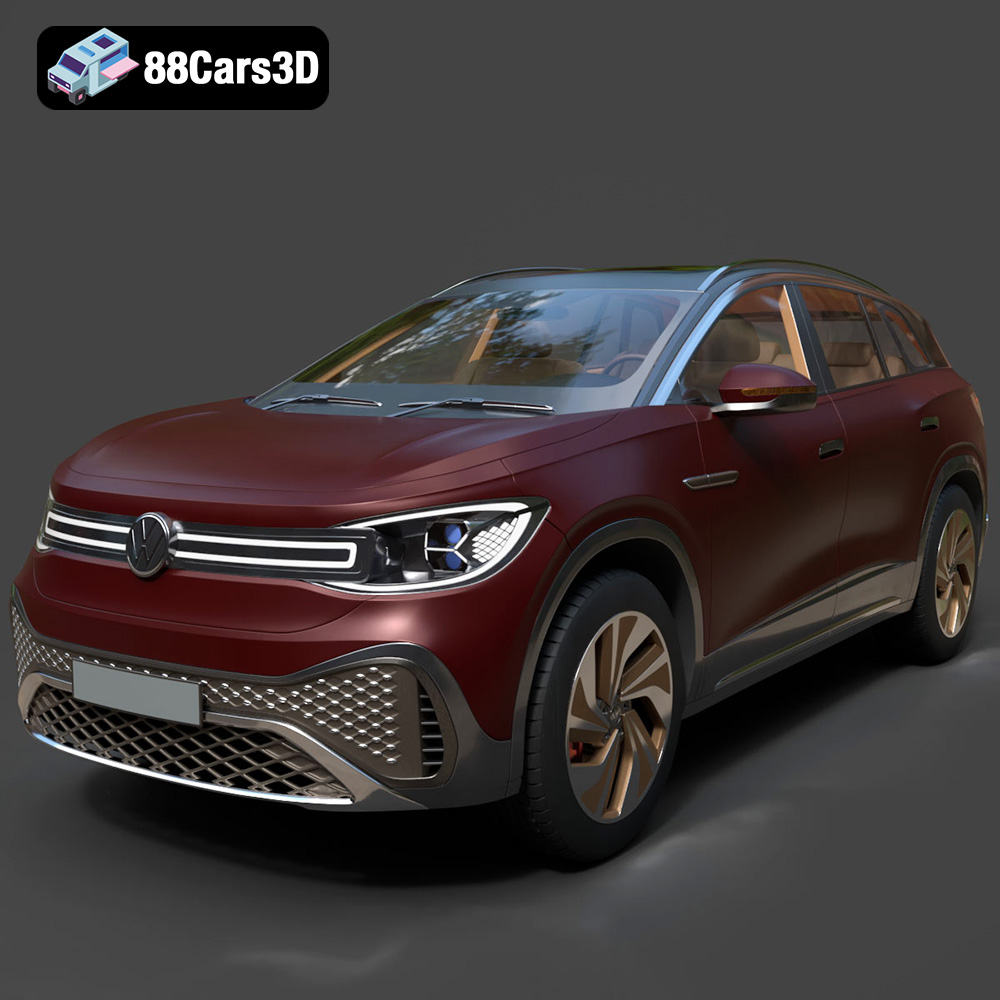
Download the Volkswagen ID6 CROZZ 2022 3D Model featuring clean geometry, realistic detailing, and a fully modeled interior. Includes .blend, .fbx, .obj, .glb, .stl, .ply, .unreal, and .max formats for rendering, simulation, and game development.
Price: $19.99

Texture: Yes
Material: Yes
Download the Volkswagen ID4 2021 3D Model featuring clean geometry, realistic detailing, and a fully modeled interior. Includes .blend, .fbx, .obj, .glb, .stl, .ply, .unreal, and .max formats for rendering, simulation, and game development.
Price: $19.99
Texture: Yes
Material: Yes
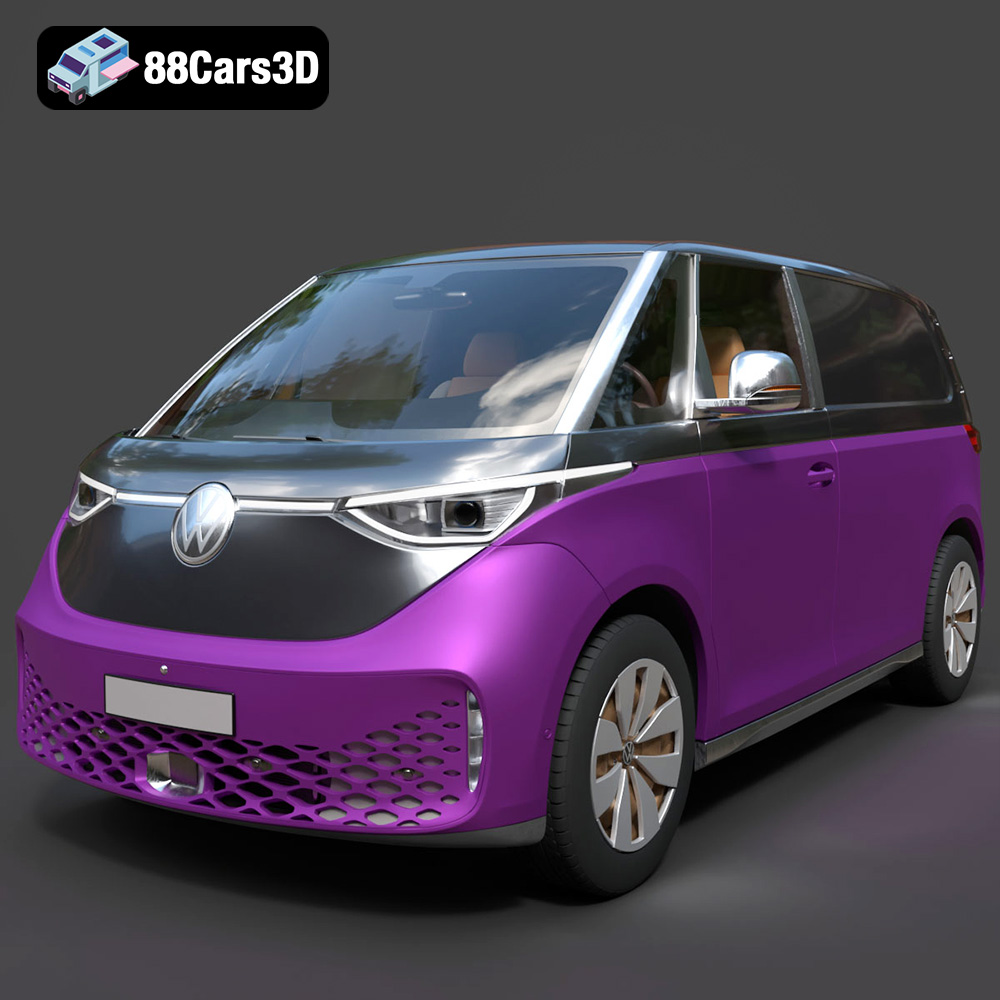
Download the Volkswagen ID. Buzz Cargo 2023 3D Model featuring clean geometry, realistic detailing, and a fully modeled interior. Includes .blend, .fbx, .obj, .glb, .stl, .ply, .unreal, and .max formats for rendering, simulation, and game development.
Price: $19.99
Texture: Yes
Material: Yes
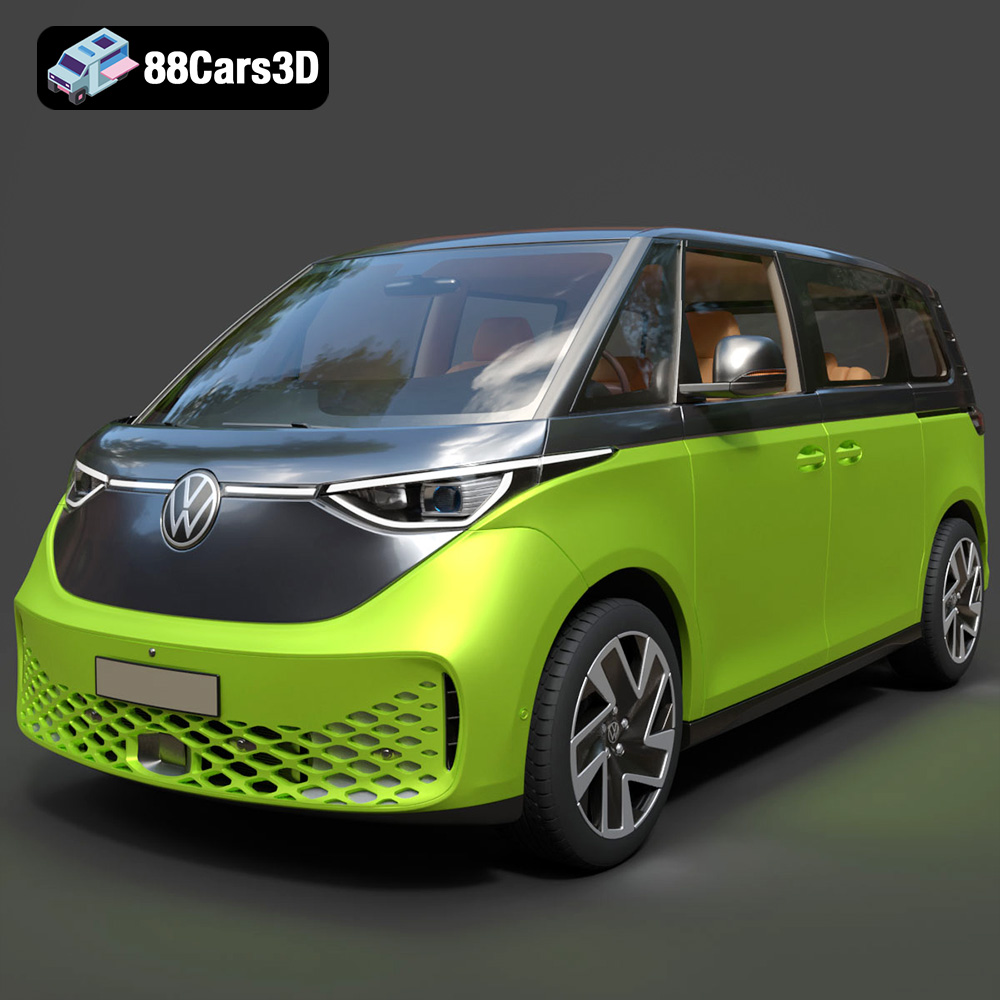
Download the Volkswagen ID. Buzz 2023 3D Model featuring clean geometry, realistic detailing, and a fully modeled interior. Includes .blend, .fbx, .obj, .glb, .stl, .ply, .unreal, and .max formats for rendering, simulation, and game development.
Price: $19.99
Texture: Yes
Material: Yes
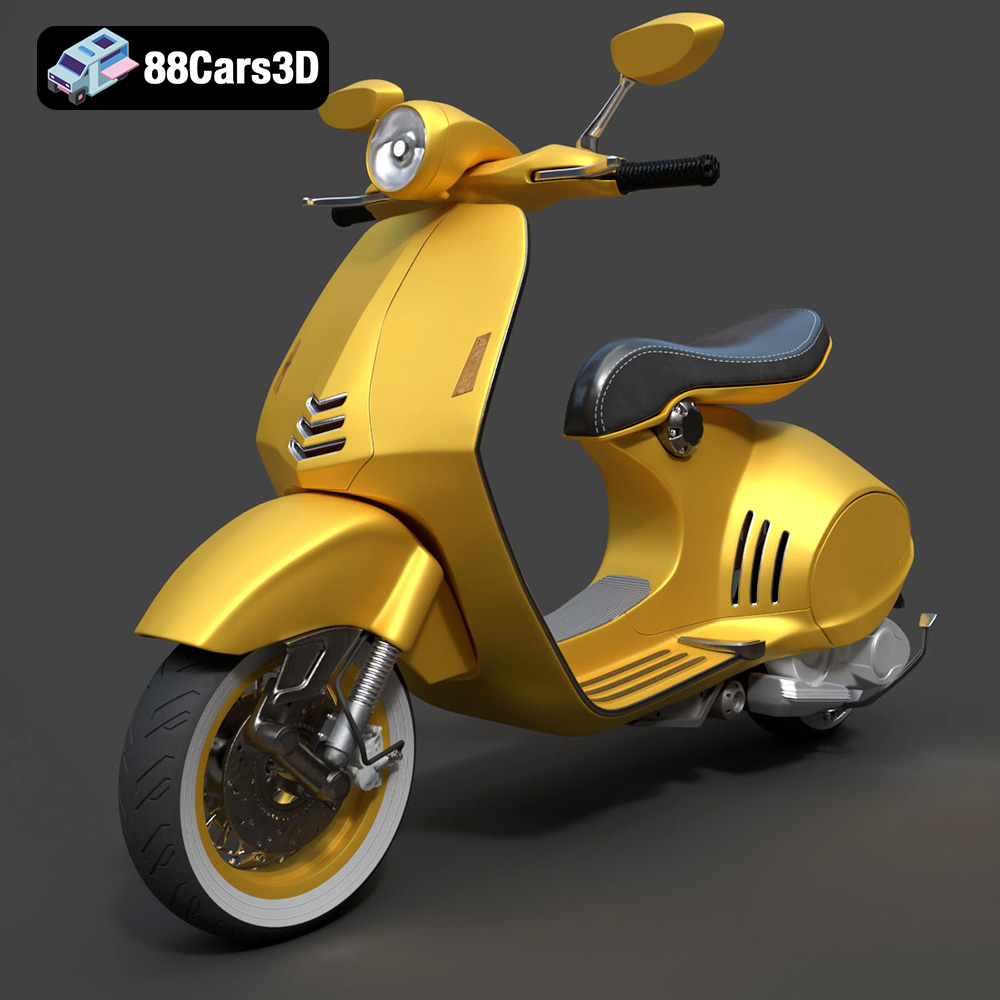
Download the Vespa 946 3D Model featuring clean geometry, realistic detailing, and a fully modeled interior. Includes .blend, .fbx, .obj, .glb, .stl, .ply, .unreal, and .max formats for rendering, simulation, and game development.
Price: $19.99

Texture: Yes
Material: Yes
Download the Toyota Yaris Cross 3D Model featuring clean geometry, realistic detailing, and a fully modeled interior. Includes .blend, .fbx, .obj, .glb, .stl, .ply, .unreal, and .max formats for rendering, simulation, and game development.
Price: $19.99

Texture: Yes
Material: Yes
Download the Volkswagen Amarok 2019 3D Model featuring clean geometry, realistic detailing, and a fully modeled interior. Includes .blend, .fbx, .obj, .glb, .stl, .ply, .unreal, and .max formats for rendering, simulation, and game development.
Price: $19.99

