Get 50% OFF All Premium 3D & STL Models!

“`html
3D printing has revolutionized the automotive industry, allowing for rapid prototyping, custom part creation, and even the production of end-use components. Whether you’re a hobbyist printing detailed car models from platforms like 88cars3d.com or a professional engineer developing functional prototypes, the choice of material is crucial. This guide will explore the best resins and filaments for automotive 3D prints, delving into their properties, applications, and optimal printing parameters. We’ll cover everything from achieving stunning visual fidelity to creating parts that can withstand demanding mechanical loads and environmental conditions. Get ready to dive deep into the world of automotive 3D printing materials and discover how to achieve exceptional results.
Before selecting a resin or filament, it’s essential to understand the material properties that are critical for automotive applications. These properties influence the part’s performance, durability, and suitability for its intended use. Key considerations include:
The choice between resin (SLA/DLP/LCD) and filament (FDM) 3D printing depends on the specific requirements of your automotive project. Resin printing excels at producing parts with exceptional detail, smooth surfaces, and intricate geometries. Filament printing, on the other hand, is generally more cost-effective and suitable for larger, functional parts that require higher strength and durability. Consider the trade-offs between resolution, material properties, and cost when making your decision. When downloading models from marketplaces such as 88cars3d.com, consider the intended print technology and optimize your file preparation accordingly.
Fused Deposition Modeling (FDM) is a popular 3D printing technology that uses filaments, which are thermoplastic materials extruded through a heated nozzle. Here are some of the best FDM filaments for automotive applications:
ABS is a widely used filament known for its good impact resistance, heat resistance, and machinability. It’s suitable for printing interior car parts, housings, and enclosures. However, ABS requires a heated bed and an enclosed printing environment to prevent warping. It also emits fumes during printing, so proper ventilation is necessary.
PETG offers a good balance of strength, flexibility, and ease of printing. It has better impact resistance and chemical resistance than PLA and is less prone to warping than ABS. PETG is a great choice for printing functional parts, brackets, and connectors. It’s also food-safe, although this is typically less relevant for automotive applications.
Nylon is a high-strength, durable filament with excellent chemical resistance and abrasion resistance. It’s suitable for printing gears, bushings, and other parts that require high mechanical strength and wear resistance. Nylon is hygroscopic, meaning it absorbs moisture from the air, so it needs to be stored in a dry environment and dried before printing.
Resin 3D printing, also known as stereolithography (SLA), digital light processing (DLP), or masked stereolithography (MSLA/LCD), uses liquid resins that are cured by UV light. Resin printing offers superior detail and surface finish compared to FDM, making it ideal for creating intricate automotive parts and models.
Standard resin is a general-purpose resin that offers good detail and a smooth surface finish. It’s suitable for printing non-functional prototypes and display models. Standard resin is typically not very strong or heat-resistant and can be brittle.
Tough resin is formulated to be more durable and impact-resistant than standard resin. It’s suitable for printing functional prototypes and parts that need to withstand some stress and strain. Tough resin still offers good detail and a smooth surface finish.
High-temperature resin is designed to withstand elevated temperatures without deforming or softening. It’s suitable for printing parts that will be exposed to heat, such as engine components or exhaust system parts. This resin often requires post-curing to achieve its maximum temperature resistance.
Proper slicing is crucial for achieving optimal print quality and performance. Slicing software converts the 3D model into a series of layers that the printer can understand. Here are some key slicing parameters to consider:
Layer height affects the resolution and surface finish of the print. Lower layer heights result in smoother surfaces and finer details, but they also increase print time. Higher layer heights are faster but result in more visible layer lines. For automotive models, a layer height of 0.1-0.2mm is a good starting point for FDM, while 0.025-0.05mm is typical for resin. Consider the trade-off between print time and desired quality when choosing your layer height.
Infill density affects the strength and weight of the print. Higher infill densities result in stronger and heavier parts, while lower infill densities are faster and use less material. For functional automotive parts, an infill density of 20-50% is generally sufficient. Infill patterns also affect the strength and weight of the print. Common infill patterns include grid, honeycomb, and gyroid.
Support structures are necessary for printing overhangs and complex geometries. Proper support placement and settings are crucial for preventing print failures and ensuring a good surface finish. Consider using automatic support generation features in your slicing software, but also manually adjust support placement to optimize for your specific model. For resin printing, support structures are almost always required due to the nature of the printing process.
Post-processing is the final step in the 3D printing process and involves cleaning, finishing, and assembling the printed parts. Common post-processing techniques include:
Carefully remove support structures using pliers, cutters, or a deburring tool. Be careful not to damage the printed part during support removal. For resin prints, soaking the part in warm water can soften the supports and make them easier to remove. Sanding the support contact points can further improve the surface finish.
Sanding is used to remove layer lines and smooth the surface of the print. Start with coarse sandpaper and gradually move to finer grits. For ABS and PETG, vapor smoothing can be used to achieve a very smooth surface finish.
Painting is used to add color and protect the surface of the print. Use a primer to prepare the surface for painting and apply multiple thin coats of paint. Clear coats can be used to add gloss and protect the paint from scratches and UV damage.
If your automotive model consists of multiple parts, assemble them using glue, screws, or other fasteners. Ensure that the parts fit together properly and are securely fastened. Consider using alignment pins or other features to aid in assembly.
Even with careful preparation and proper settings, 3D printing can sometimes encounter issues. Here are some common problems and their solutions:
Warping occurs when the corners of the print lift off the build plate. This is often caused by poor bed adhesion or uneven cooling. To prevent warping, ensure that the build plate is clean and level, use a heated bed, and consider using an enclosure to maintain a consistent temperature. Applying a bed adhesive, such as glue stick or hairspray, can also improve bed adhesion.
Stringing occurs when thin strands of filament are left between parts of the print. This is often caused by excessive nozzle temperature, slow retraction speed, or insufficient retraction distance. To prevent stringing, lower the nozzle temperature, increase the retraction speed and distance, and ensure that the filament is dry.
Layer delamination occurs when the layers of the print separate from each other. This is often caused by insufficient nozzle temperature, poor layer adhesion, or weak infill. To prevent layer delamination, increase the nozzle temperature, ensure that the bed is properly leveled, and increase the infill density.
Resin printing can fail due to various reasons, including insufficient exposure time, improper leveling, or issues with the resin itself. Ensure your build plate is perfectly level. Check the resin’s expiration date and shake the bottle well before use. Increase exposure times slightly if parts are not fully curing, and ensure proper ventilation during the printing process.
Choosing the right resin or filament is paramount for achieving successful automotive 3D prints. By understanding the material properties, printing technologies, and slicing parameters discussed in this guide, you can create high-quality, functional parts and stunning models. Remember to consider the specific requirements of your project, experiment with different materials and settings, and don’t be afraid to troubleshoot any issues that arise. Platforms like 88cars3d.com provide a fantastic starting point with high-quality STL files designed to be easily printable. With the right knowledge and materials, you can unlock the full potential of 3D printing for automotive applications. The next step is to select a car model that you like, choose the correct material for the job and start printing!
“`

Texture: Yes
Material: Yes
Download the Volvo Trucks Benz GT-001 3D Model featuring clean geometry, realistic detailing, and a fully modeled interior. Includes .blend, .fbx, .obj, .glb, .stl, .ply, .unreal, and .max formats for rendering, simulation, and game development.
Price: $29.99
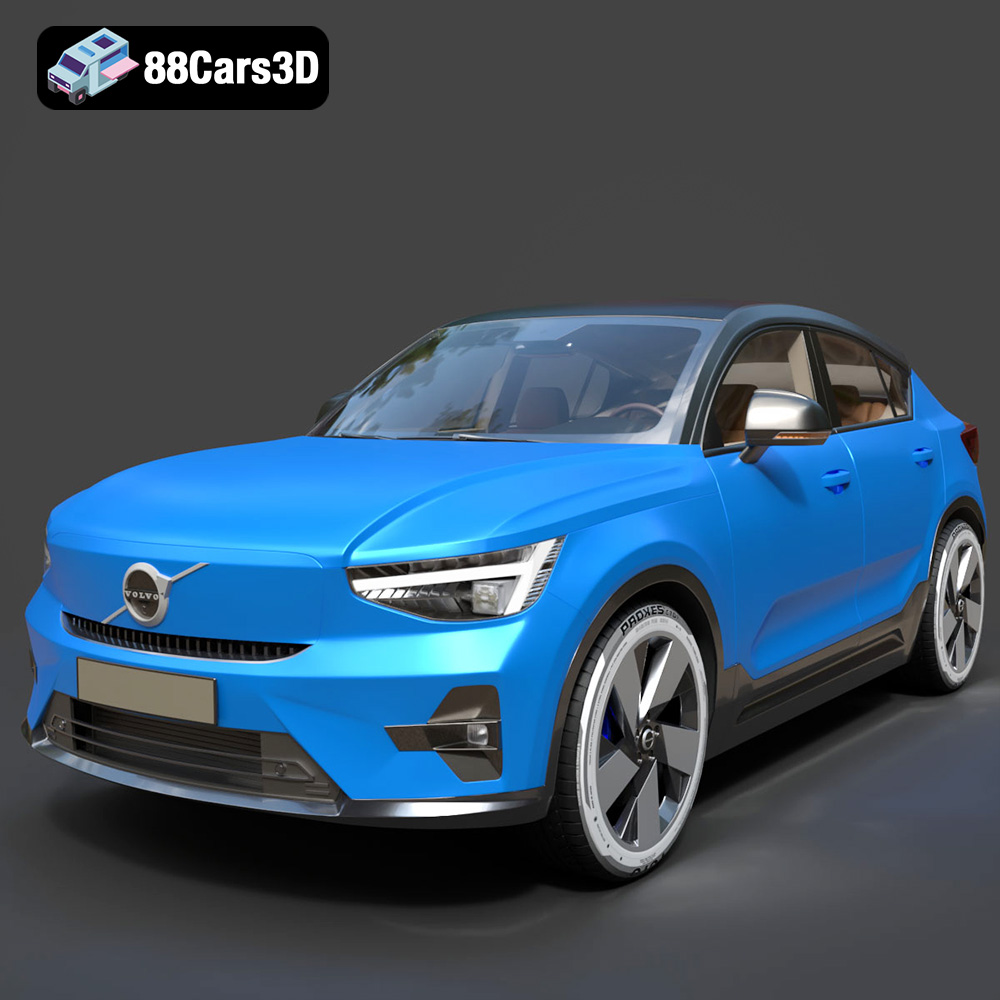
Texture: Yes
Material: Yes
Download the Volvo C40 Recharge 3D Model featuring clean geometry, realistic detailing, and a fully modeled interior. Includes .blend, .fbx, .obj, .glb, .stl, .ply, .unreal, and .max formats for rendering, simulation, and game development.
Price: $19.99
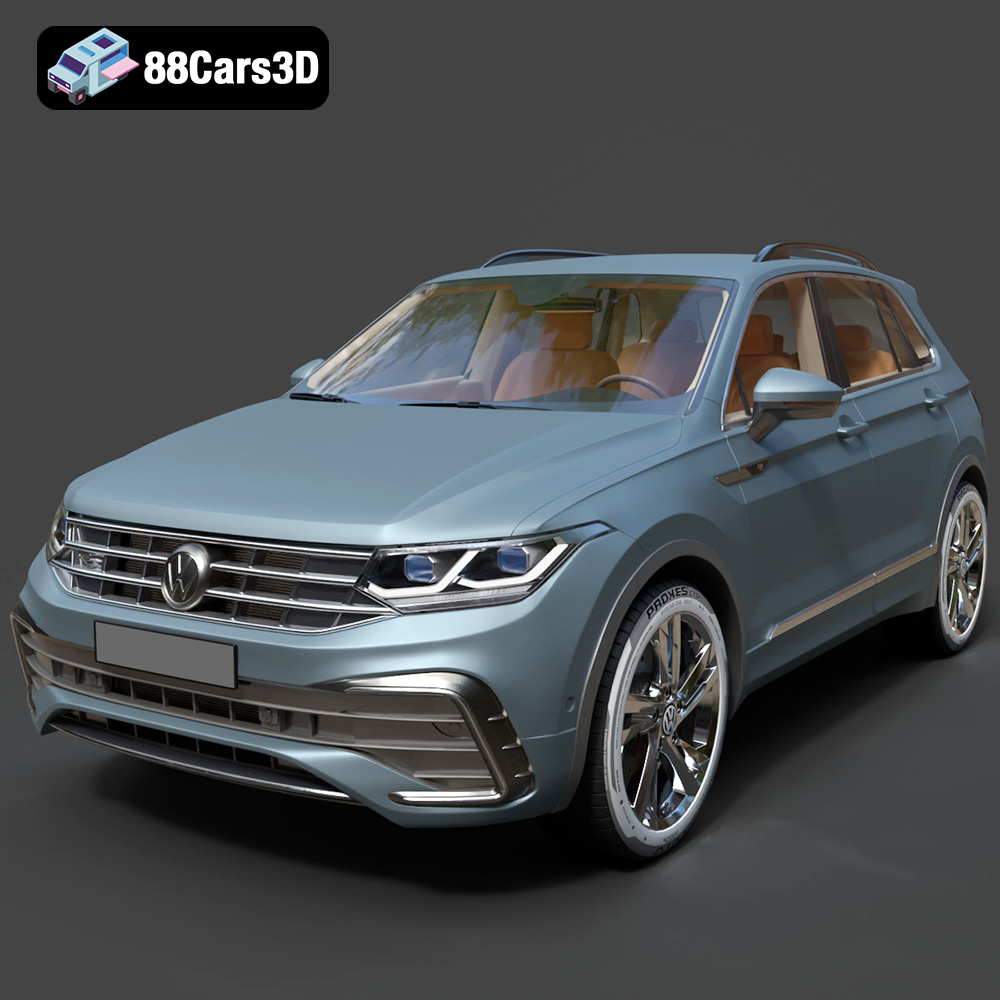
Texture: Yes
Material: Yes
Download the Volkswagen Tiguan 2021 3D Model featuring clean geometry, realistic detailing, and a fully modeled interior. Includes .blend, .fbx, .obj, .glb, .stl, .ply, .unreal, and .max formats for rendering, simulation, and game development.
Price: $19.99

Texture: Yes
Material: Yes
Download the Volkswagen ID6 CROZZ 2022 3D Model featuring clean geometry, realistic detailing, and a fully modeled interior. Includes .blend, .fbx, .obj, .glb, .stl, .ply, .unreal, and .max formats for rendering, simulation, and game development.
Price: $19.99

Texture: Yes
Material: Yes
Download the Volkswagen ID4 2021 3D Model featuring clean geometry, realistic detailing, and a fully modeled interior. Includes .blend, .fbx, .obj, .glb, .stl, .ply, .unreal, and .max formats for rendering, simulation, and game development.
Price: $19.99
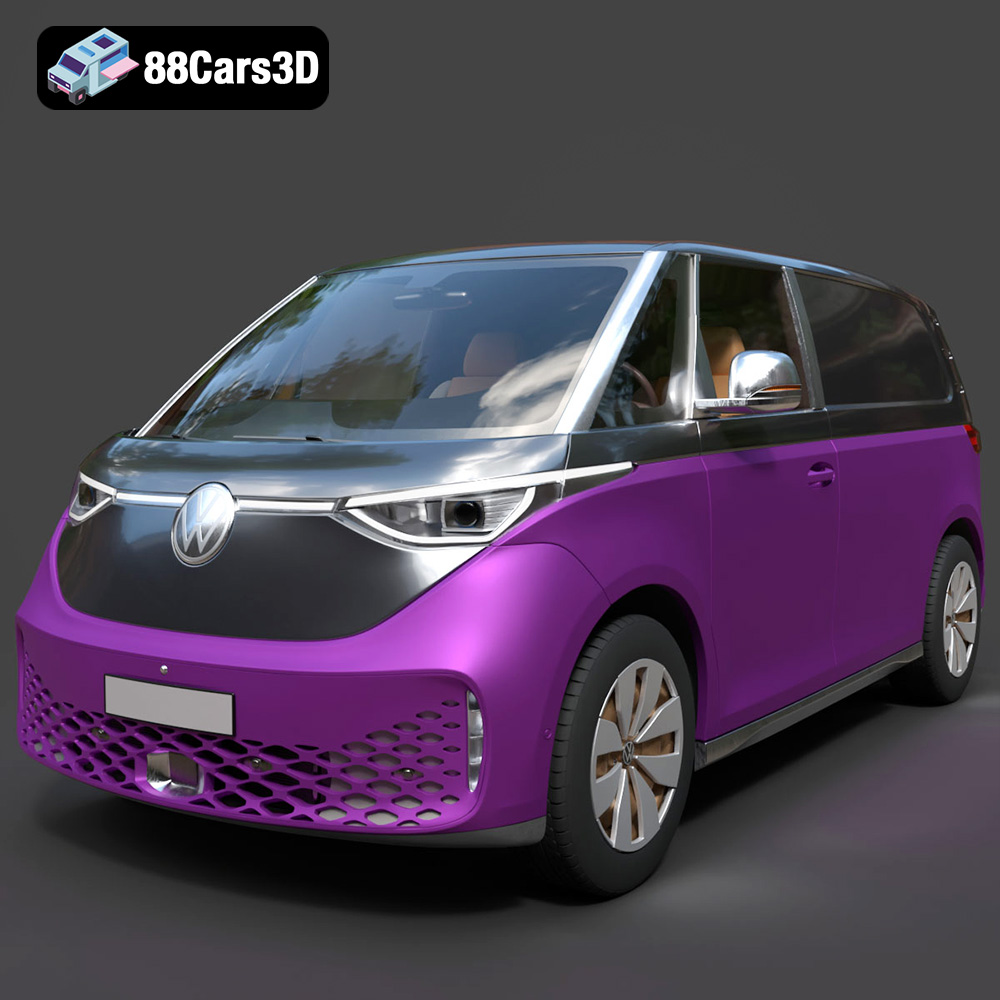
Texture: Yes
Material: Yes
Download the Volkswagen ID. Buzz Cargo 2023 3D Model featuring clean geometry, realistic detailing, and a fully modeled interior. Includes .blend, .fbx, .obj, .glb, .stl, .ply, .unreal, and .max formats for rendering, simulation, and game development.
Price: $19.99
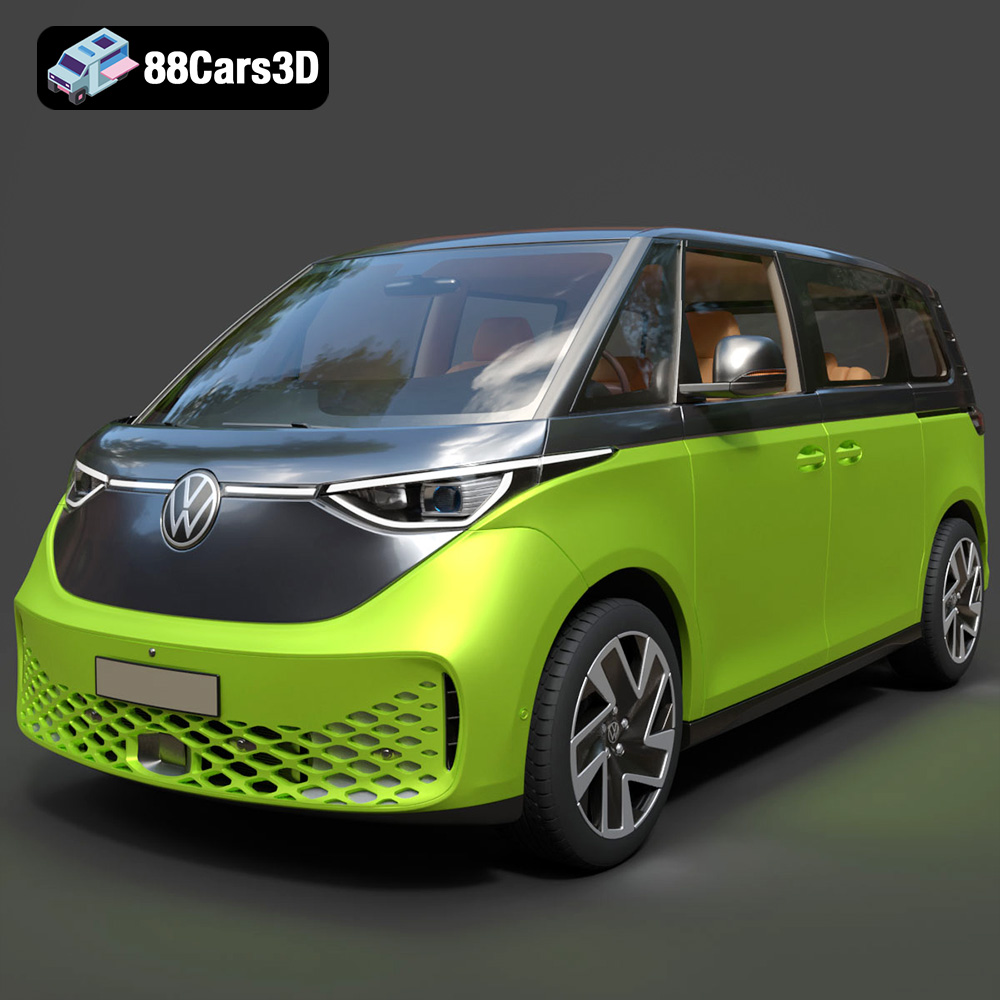
Texture: Yes
Material: Yes
Download the Volkswagen ID. Buzz 2023 3D Model featuring clean geometry, realistic detailing, and a fully modeled interior. Includes .blend, .fbx, .obj, .glb, .stl, .ply, .unreal, and .max formats for rendering, simulation, and game development.
Price: $19.99
Texture: Yes
Material: Yes
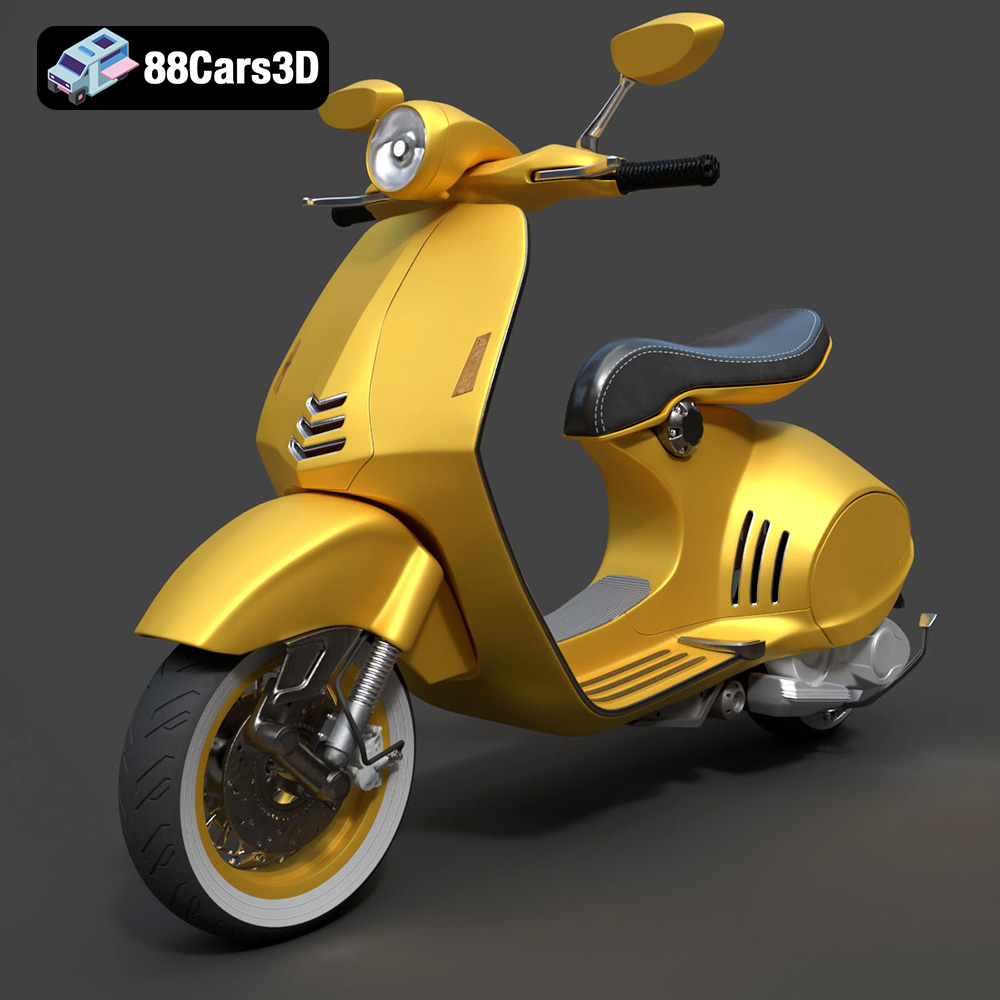
Download the Vespa 946 3D Model featuring clean geometry, realistic detailing, and a fully modeled interior. Includes .blend, .fbx, .obj, .glb, .stl, .ply, .unreal, and .max formats for rendering, simulation, and game development.
Price: $19.99

Texture: Yes
Material: Yes
Download the Toyota Yaris Cross 3D Model featuring clean geometry, realistic detailing, and a fully modeled interior. Includes .blend, .fbx, .obj, .glb, .stl, .ply, .unreal, and .max formats for rendering, simulation, and game development.
Price: $19.99

Texture: Yes
Material: Yes
Download the Volkswagen Amarok 2019 3D Model featuring clean geometry, realistic detailing, and a fully modeled interior. Includes .blend, .fbx, .obj, .glb, .stl, .ply, .unreal, and .max formats for rendering, simulation, and game development.
Price: $19.99

