Get 50% OFF All Premium 3D & STL Models!

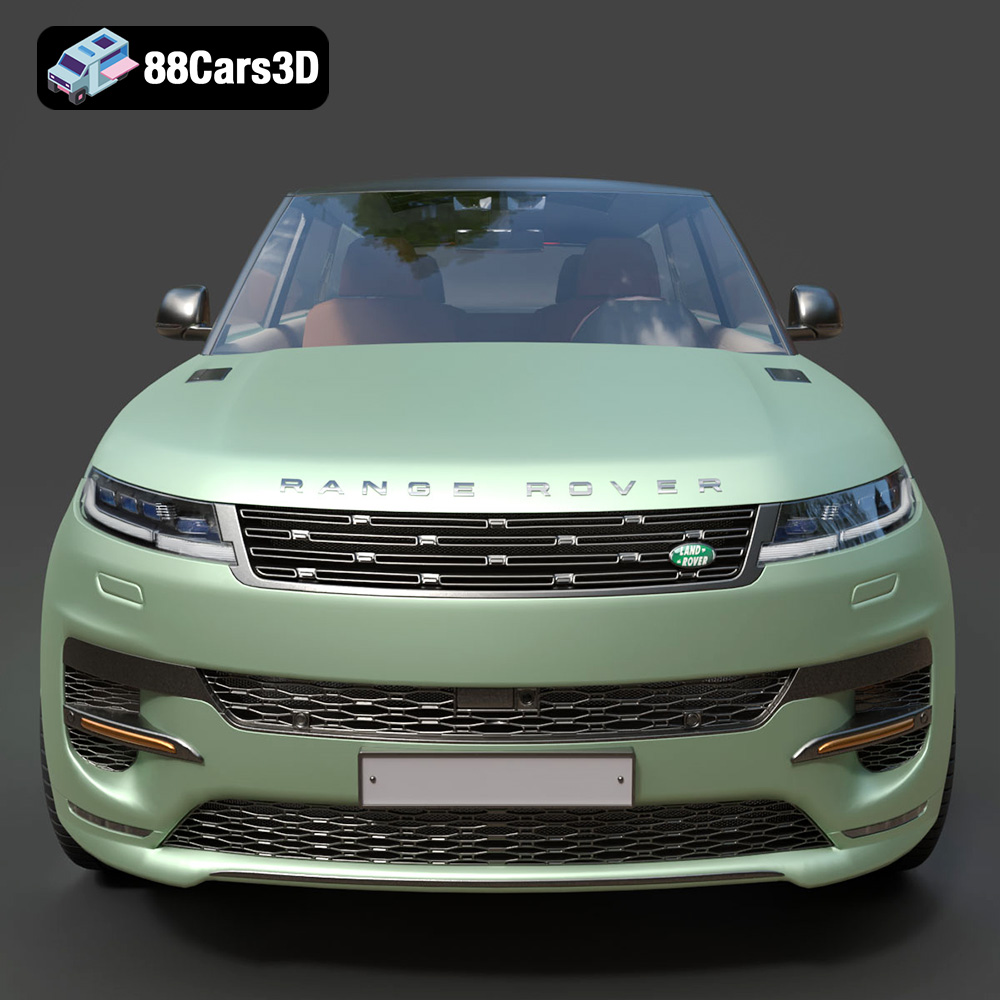
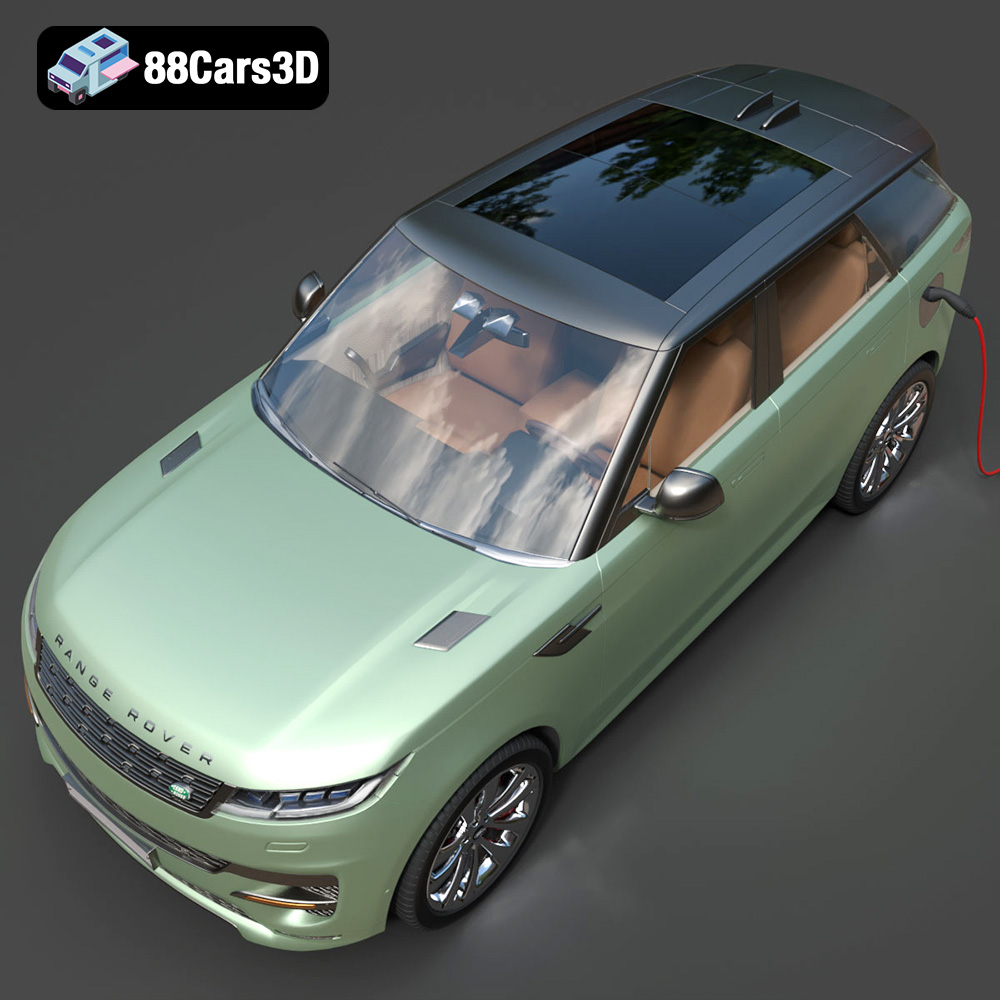
The Range Rover Sport Hybrid PHEV 2023 is a marvel of modern automotive engineering, blending luxury, performance, and environmental consciousness. Now, thanks to the detailed 3D model available at 88cars3d.com, you can bring this impressive vehicle to life through the power of 3D printing. This comprehensive guide will walk you through the entire process, from choosing the right materials and settings to post-processing your finished print. We’ll cover everything you need to know to successfully 3D print your own Range Rover Sport Hybrid PHEV 2023 model, transforming a digital design into a tangible reality. Get ready to embark on an exciting additive manufacturing journey!
The success of your 3D printing project hinges on selecting the appropriate printer and materials. The Range Rover Sport Hybrid PHEV 2023 model, with its intricate details, requires careful consideration.
* **FDM (Fused Deposition Modeling):** FDM printers are a popular choice for hobbyists and professionals alike due to their affordability and ease of use. They work by extruding molten plastic filament layer by layer to create the final object. While FDM printers are suitable for this project, achieving the fine details of the Range Rover Sport Hybrid PHEV 2023 model might require a printer with a smaller nozzle and optimized settings.
* **Resin Printing (SLA/DLP/MSLA):** Resin printers offer superior detail and surface finish compared to FDM printers. They use liquid resin that is cured by UV light, allowing for much finer layers and intricate features. If you prioritize a smooth, highly detailed replica of the Range Rover Sport Hybrid PHEV 2023, a resin printer is the preferred choice. However, resin printing often requires more post-processing and careful handling of the resin.
* **PLA (Polylactic Acid):** PLA is a biodegradable thermoplastic known for its ease of printing and low warping. It’s a good option for beginners and for creating prototypes. For the Range Rover Sport Hybrid PHEV 2023, PLA is best suited for larger parts that don’t require high strength or temperature resistance.
* **PETG (Polyethylene Terephthalate Glycol-modified):** PETG offers a good balance of strength, flexibility, and ease of printing. It’s more durable than PLA and has better temperature resistance. PETG is a solid choice for parts that need to withstand some stress, such as the chassis or wheels.
* **Resin:** As mentioned earlier, resin provides the best detail and surface finish. Standard resin is suitable for display models, while tougher resins can be used for parts that require more durability. If you’re using a resin printer, consider using different resin types for different parts of the model to optimize the final result. For example, a high-detail resin could be used for the body, while a more durable resin is used for the wheels and axles.
Choosing the right file format is crucial for a seamless 3D printing experience. The Range Rover Sport Hybrid PHEV 2023 model is available in several formats, each with its own strengths and weaknesses. Understanding these formats will help you select the best one for your specific needs and workflow.
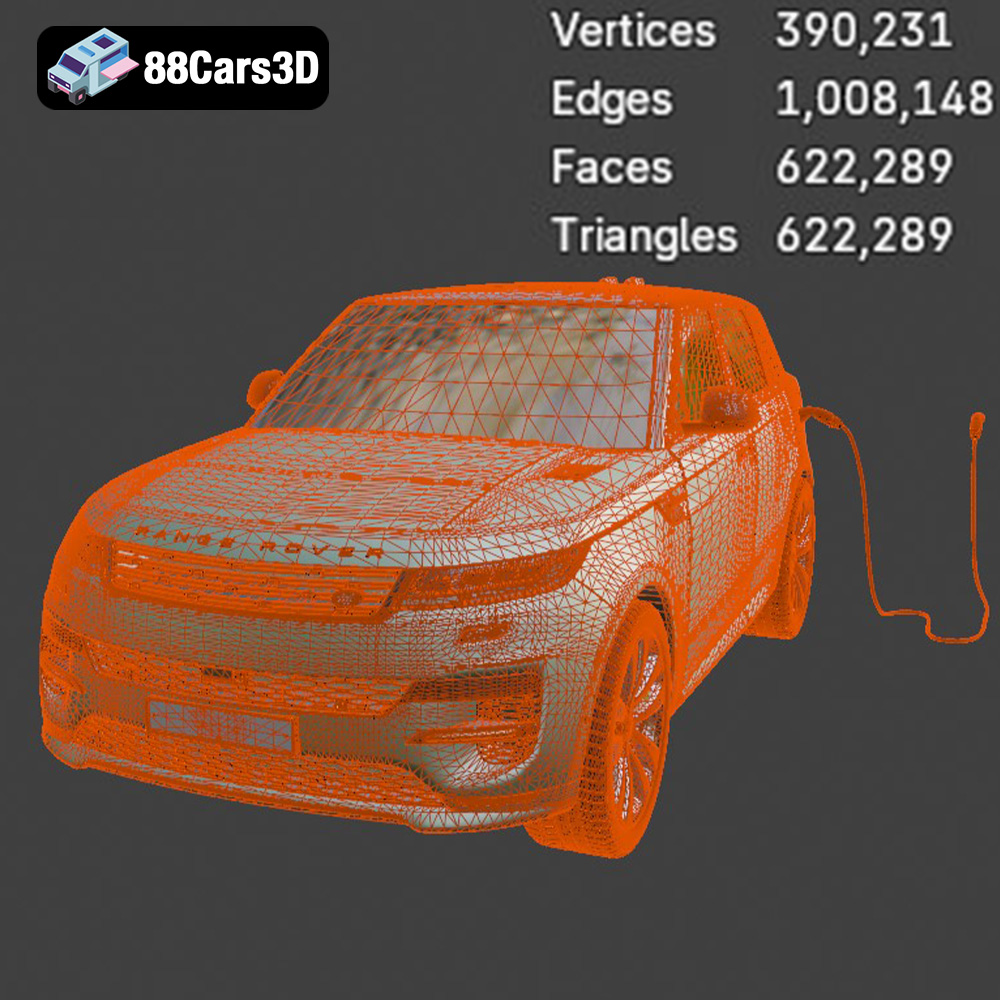
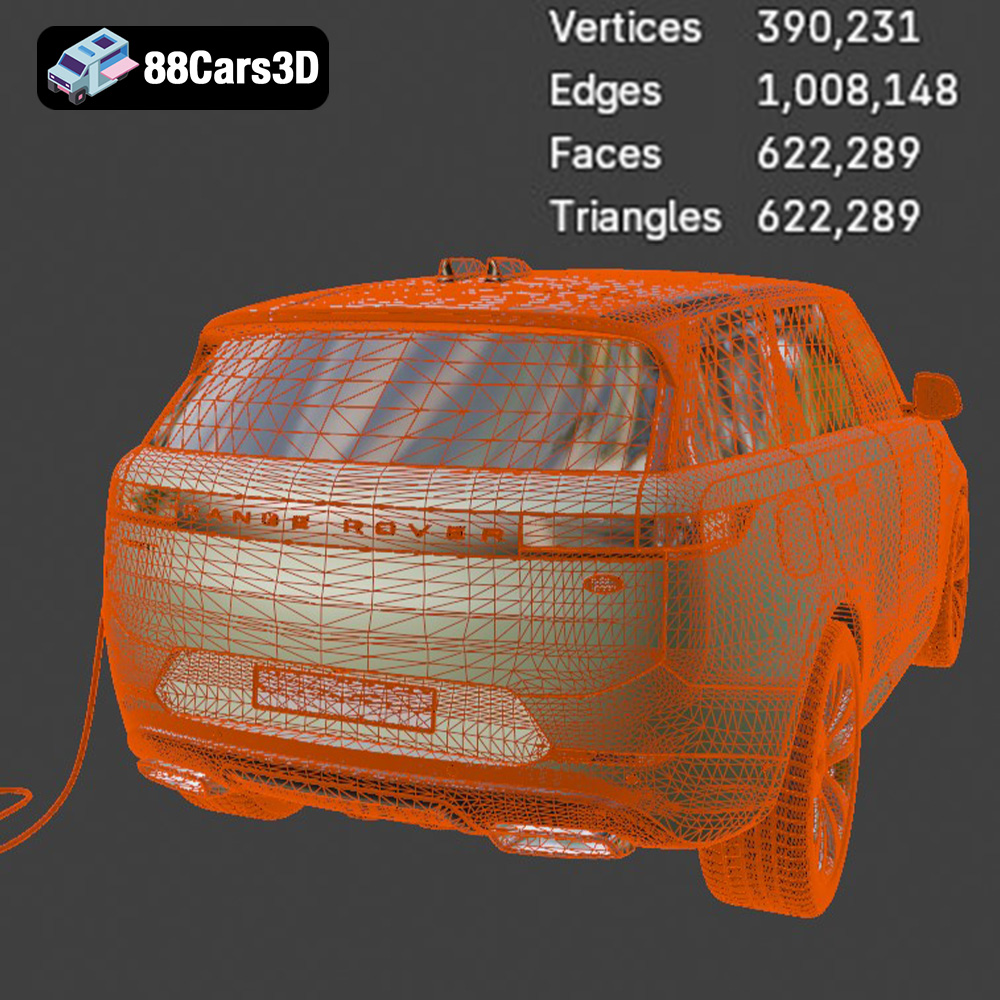
The .stl (Stereolithography) format is the undisputed king of 3D printing. It represents the surface geometry of a 3D object as a collection of triangles. This simplicity makes it universally compatible with virtually all slicing software and 3D printers. The .stl format focuses solely on the mesh geometry, meaning it does not store information about color, textures, or materials. This limitation is generally not a problem for 3D printing, as these attributes are typically defined within the slicing software. The key advantage of .stl is its widespread adoption, ensuring compatibility across different platforms and software. However, .stl files can sometimes be large, especially for complex models like the Range Rover Sport Hybrid PHEV 2023, due to the high number of triangles required to represent the curves and details accurately. Mesh quality in an .stl file is critical; a poorly generated .stl can lead to faceted surfaces and printing artifacts. It’s always a good idea to check the .stl file for errors using a mesh repair tool before slicing. For printing the Range Rover, ensuring the STL is watertight (no gaps in the mesh) is important for proper slicing.
.obj is a more versatile format than .stl, as it can store information about color, textures, and materials. This makes it suitable for applications beyond 3D printing, such as rendering and game development. While .obj files can be used for 3D printing, they are not as widely supported as .stl, and some slicing software may have limited compatibility. Additionally, the texture and material information stored in .obj files are typically ignored by slicing software, unless you are using a specialized printer capable of multi-material or color printing.
.ply (Polygon File Format) is designed for storing 3D data acquired from 3D scanners and other high-resolution capture devices. It can represent color, normals, and other surface properties with high precision. While .ply files can be used for 3D printing, they are less common than .stl or .obj. Some slicing software may not support .ply directly, requiring you to convert it to .stl first. The high level of detail stored in .ply files can also result in large file sizes.
.blend files are native to Blender, a popular open-source 3D modeling software. This format contains the entire Blender scene, including the model geometry, materials, textures, lighting, and camera settings. If you want to customize the Range Rover Sport Hybrid PHEV 2023 model before printing it, the .blend file is the ideal starting point. You can modify the model’s design, add details, or split it into smaller parts for easier printing. After making your changes, you can export the model to .stl for 3D printing.
.fbx (Filmbox) is a proprietary format developed by Autodesk. It’s widely used in the game development and animation industries for exchanging 3D models between different software packages. .fbx supports a wide range of data, including geometry, materials, textures, animations, and rigging. While .fbx is primarily used for real-time applications, it can sometimes be used for 3D printing, especially if you want to preserve material information for multi-material printing.
.glb (GL Transmission Format Binary) is designed for efficient transmission and loading of 3D models in web-based applications and augmented reality (AR) environments. It’s a compact format that can store geometry, textures, and animations. .glb files are not typically used directly for 3D printing, but they can be useful for previewing the model in AR before you commit to printing it. This allows you to get a sense of the model’s size and appearance in the real world.
.max files are native to 3ds Max, another popular 3D modeling software from Autodesk. Similar to .blend files, .max files contain the entire scene, including the model geometry, materials, textures, lighting, and camera settings. If you are a 3ds Max user, the .max file allows you to fully customize the Range Rover Sport Hybrid PHEV 2023 model before exporting it to .stl for 3D printing.
Before you can start 3D printing, you need to prepare the model using slicing software. This software converts the 3D model into a series of layers that the printer can understand. It also allows you to adjust various settings, such as layer height, infill density, and support structures.
Popular slicing software options include:
* **Cura:** A free and open-source slicer that’s easy to use and offers a wide range of features.
* **PrusaSlicer:** Another excellent open-source slicer with advanced features and support for multiple printer brands.
* **Simplify3D:** A commercial slicer that offers precise control over printing parameters.
* **Orientation:** The orientation of the model on the build plate can significantly impact print quality and the amount of support material required. For the Range Rover Sport Hybrid PHEV 2023, consider orienting the model with the flattest side down to minimize the need for supports. However, this might not be the optimal orientation for preserving details on the top surfaces. Experiment with different orientations to find the best compromise.
* **Support Structures:** Support structures are necessary to prevent overhangs from collapsing during printing. Slicing software can automatically generate supports, but it’s often necessary to manually adjust them to optimize their placement and minimize material usage. Focus supports under the bumpers, side mirrors, and other protruding parts of the Range Rover Sport Hybrid PHEV 2023.
* **Scaling:** You can scale the model up or down to suit your needs. Keep in mind that scaling the model up will increase print time and material consumption, while scaling it down might make it difficult to print fine details.
* **Hollowing:** If you’re printing with resin, hollowing the model can significantly reduce material usage and print time. However, you need to add drainage holes to allow resin to escape during printing. For the Range Rover Sport Hybrid PHEV 2023, consider hollowing the body and chassis while leaving the wheels and smaller parts solid.
Achieving a high-quality 3D print of the Range Rover Sport Hybrid PHEV 2023 requires careful attention to printer settings. These settings will vary depending on your printer, material, and desired level of detail.
* **Layer Height:** A smaller layer height will result in a smoother surface finish and finer details, but it will also increase print time. For FDM printing, a layer height of 0.1mm to 0.2mm is a good starting point. For resin printing, you can go even lower, down to 0.025mm or even 0.01mm for exceptional detail.
* **Resolution:** Adjust the resolution settings in your slicing software to match the desired level of detail. Higher resolution settings will result in more accurate prints but will also increase processing time.
* **Infill Density:** Infill density determines the amount of material used inside the model. A higher infill density will make the model stronger but will also increase print time and material consumption. For a display model of the Range Rover Sport Hybrid PHEV 2023, an infill density of 15-20% is usually sufficient.
* **Infill Pattern:** The infill pattern affects the strength and weight of the model. Common infill patterns include grid, lines, and gyroid. Gyroid infill provides a good balance of strength and weight and is recommended for parts that need to withstand some stress.
* **Print Speed:** Printing at a slower speed will generally result in better print quality, especially for intricate details. However, it will also increase print time. Experiment with different speeds to find the optimal balance between quality and speed.
* **Temperature:** The optimal printing temperature will depend on the material you’re using. Refer to the manufacturer’s recommendations for the specific material you’ve chosen.
Post-processing is an essential step in the 3D printing process, especially for achieving a professional-looking finish. This involves removing support structures, sanding the surface, and potentially painting the model.
* **Support Removal:** Carefully remove the support structures using pliers, cutters, or a deburring tool. Take your time and avoid damaging the model’s surface.
* **Sanding:** Sand the surface of the model to smooth out any imperfections and layer lines. Start with a coarse grit sandpaper and gradually move to finer grits until you achieve the desired smoothness. Wet sanding can help to reduce dust and improve the surface finish.
* **Priming:** Apply a primer to the model to create a smooth, uniform surface for painting. Primer also helps the paint to adhere better.
* **Painting:** Use acrylic paints or automotive paints to paint the model. Apply multiple thin coats for the best results. Consider using an airbrush for a professional-looking finish. Apply masking tape to create clean lines and separate different colored areas.
The Range Rover Sport Hybrid PHEV 2023 model may consist of multiple parts that need to be assembled after printing. Use glue or epoxy to join the parts together. Ensure proper alignment before the adhesive sets.
Even with careful preparation and optimized settings, you may encounter some issues during the 3D printing process. Here are some common problems and their solutions:
* **Problem:** The corners of the model lift off the build plate during printing.
* **Solution:** Use a heated bed, apply a bed adhesion agent (such as hairspray or glue stick), and ensure proper bed leveling.
* **Problem:** Thin strands of plastic are left between different parts of the model.
* **Solution:** Reduce the printing temperature, increase retraction settings, and decrease travel speed.
* **Problem:** Layers are misaligned during printing.
* **Solution:** Check belt tension, ensure the printer is stable, and reduce printing speed.
* **Problem:** Gaps or missing sections in the printed layers.
* **Solution:** Increase the printing temperature, reduce printing speed, and ensure proper filament flow.
By following these tips and troubleshooting techniques, you can overcome common challenges and achieve a stunning 3D printed replica of the Range Rover Sport Hybrid PHEV 2023. Remember to experiment with different settings and materials to find what works best for your printer and your desired level of detail. You can find excellent 3D models for printing, including this Range Rover model, at sites like 88cars3d.com.
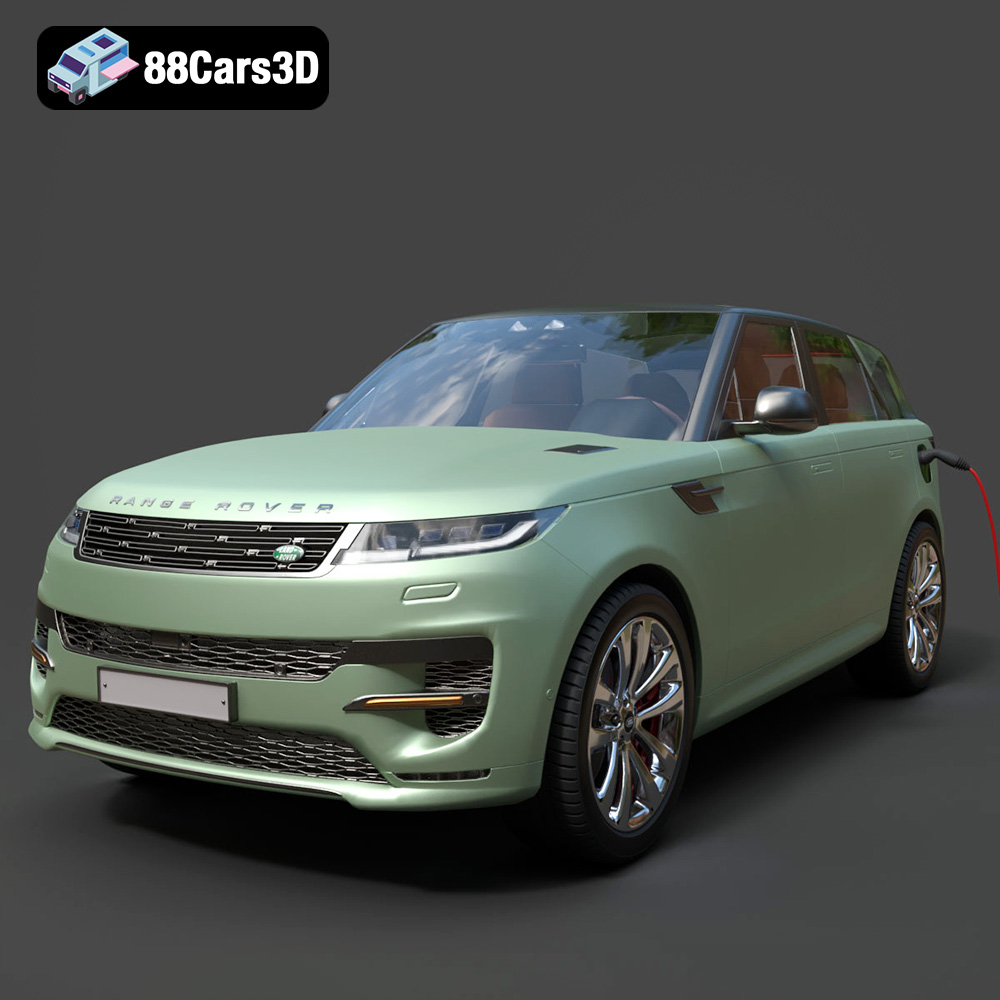
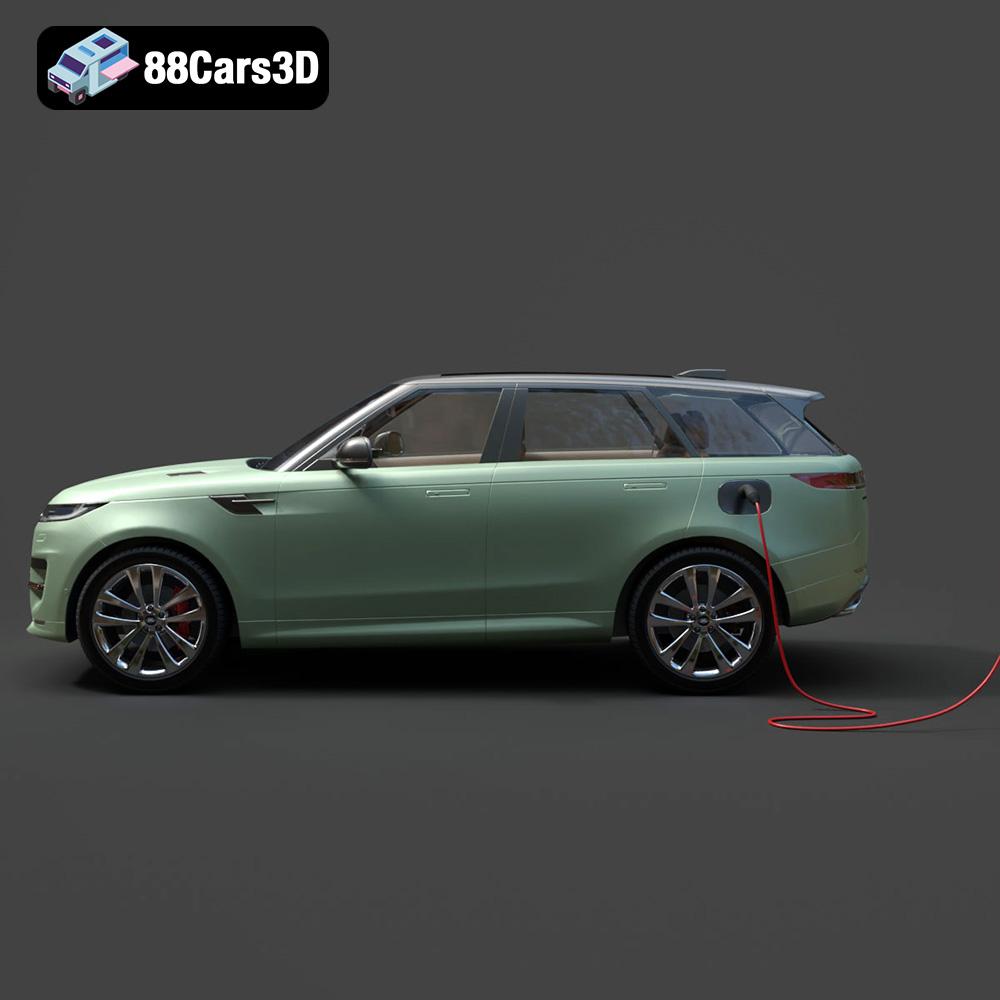
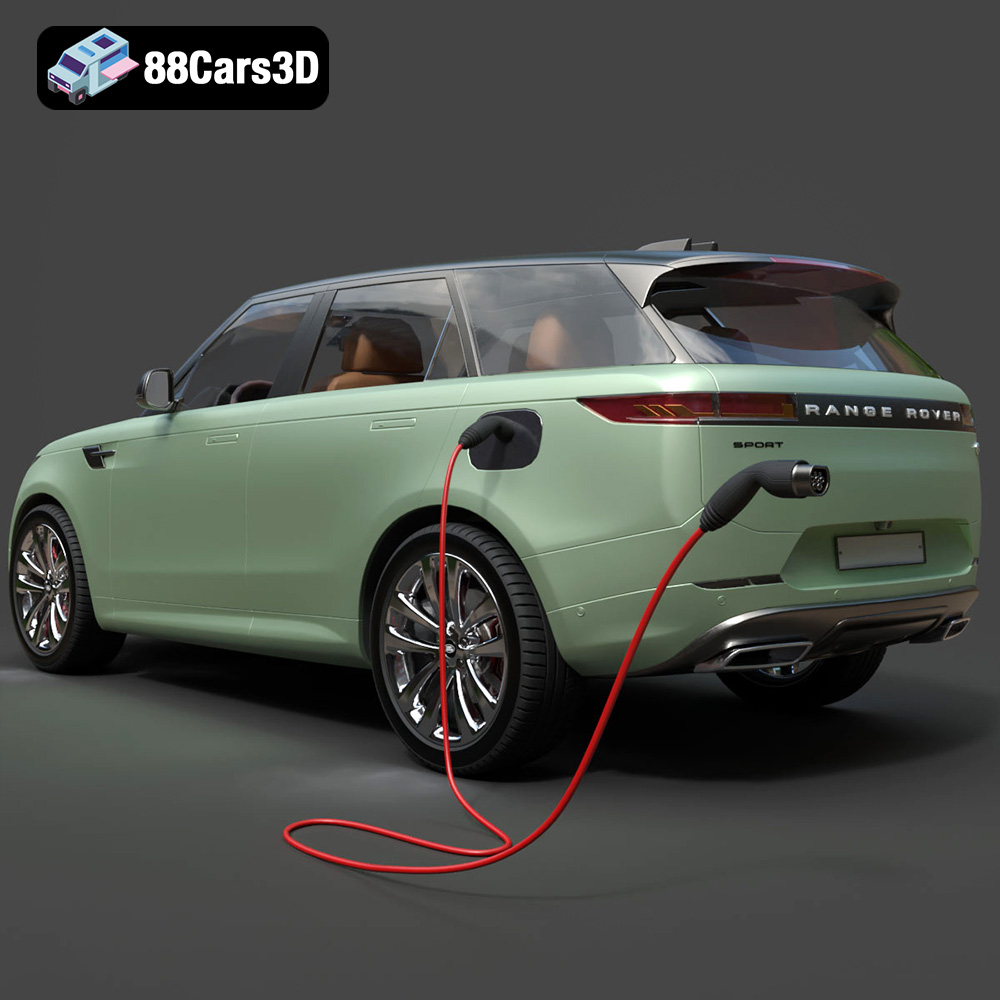
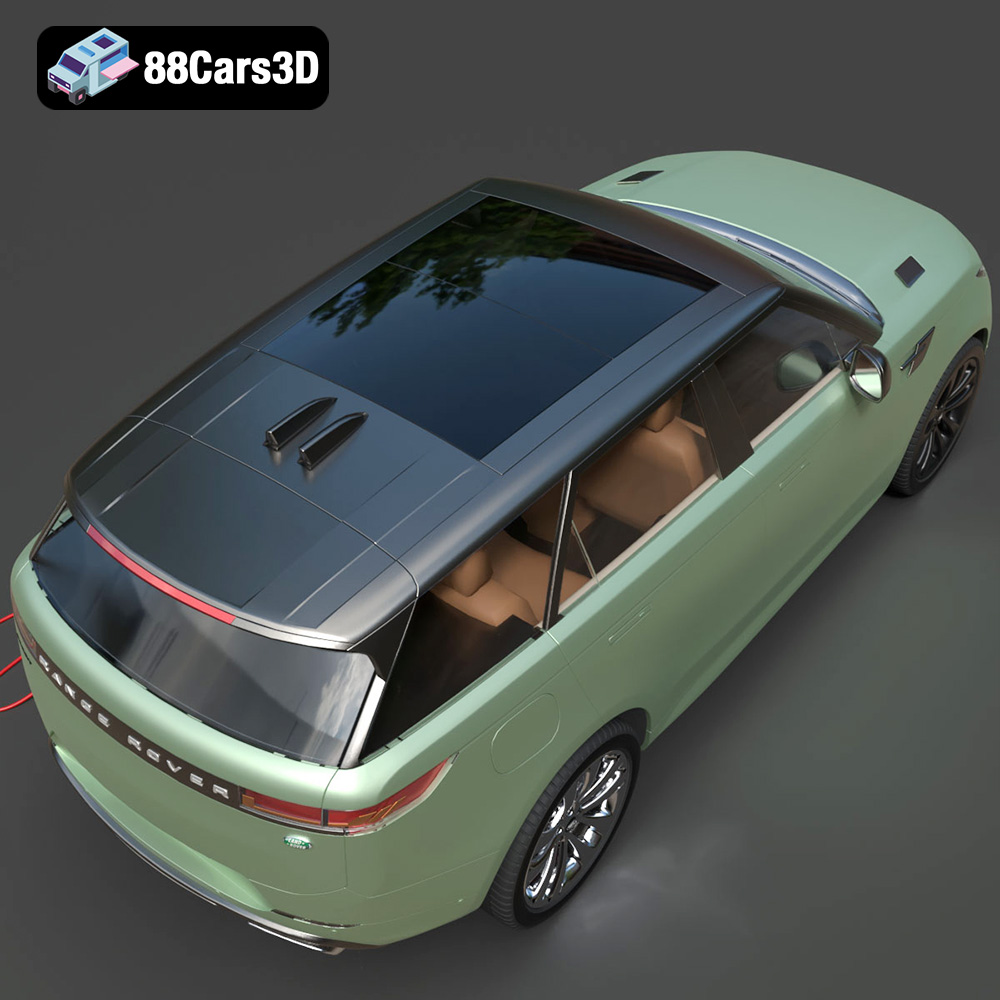
The Range Rover Sport Hybrid PHEV 2023 3D Model brings an incredible level of realism to your digital projects. Accurately modeled to reflect the sophisticated design and dynamic stance of the real vehicle, this asset features a meticulously detailed exterior and a fully modeled interior. Designed with clean geometry and professional-grade polygon topology, this model ensures optimal performance across various platforms.
$19.99
.arvr
.blend
.car3dmodel
.fbx
.gameasset
.glb
.hybrid
.landrover
.luxurycar
.max
.obj
.phev
.ply
.rangerover
.rendering
.simulation
.sport
.sporthybrid
.stl
.unreal
SUV