Get 50% OFF All Premium 3D & STL Models!

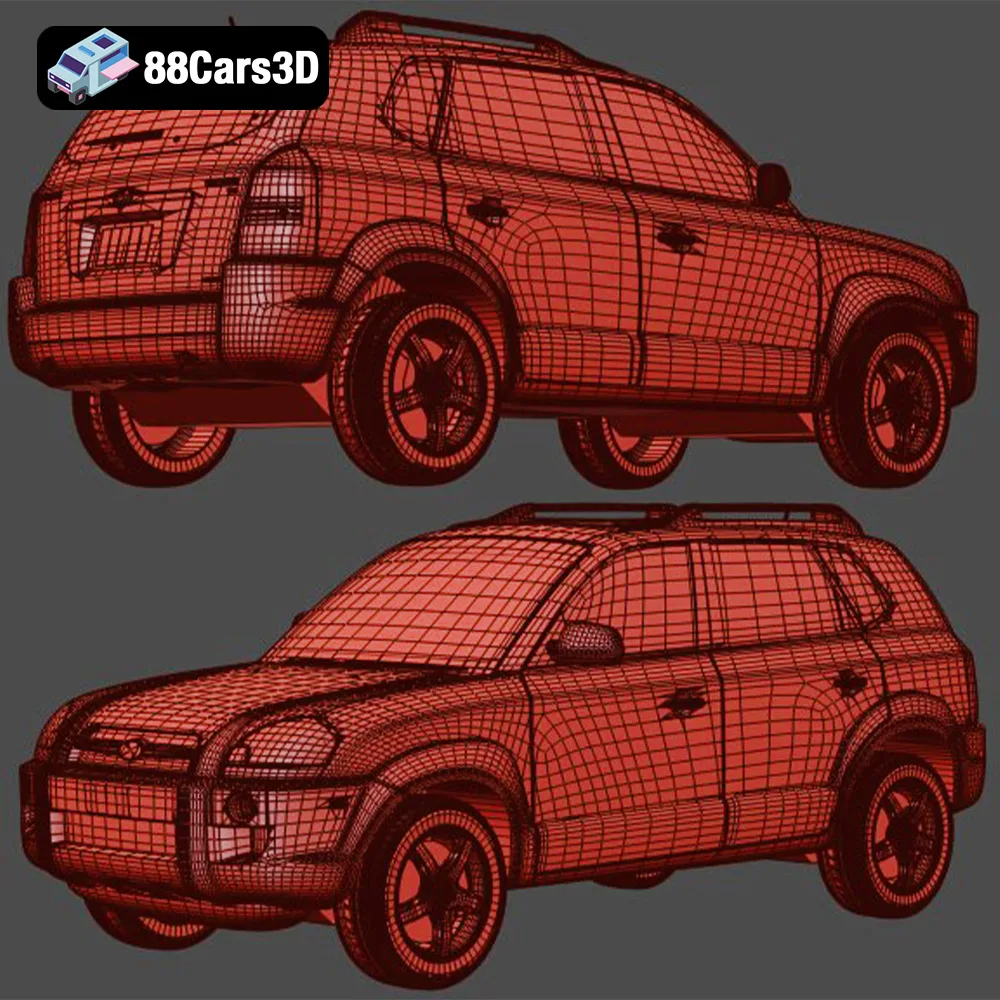
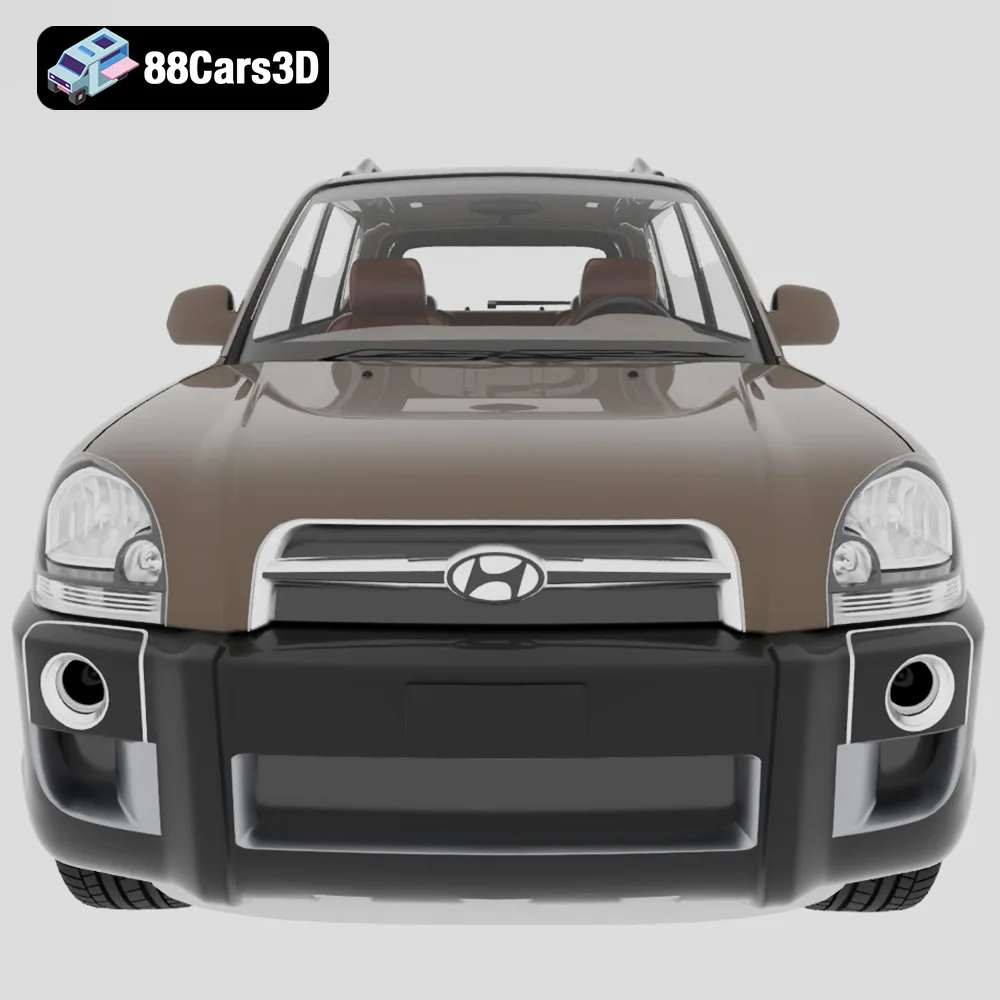
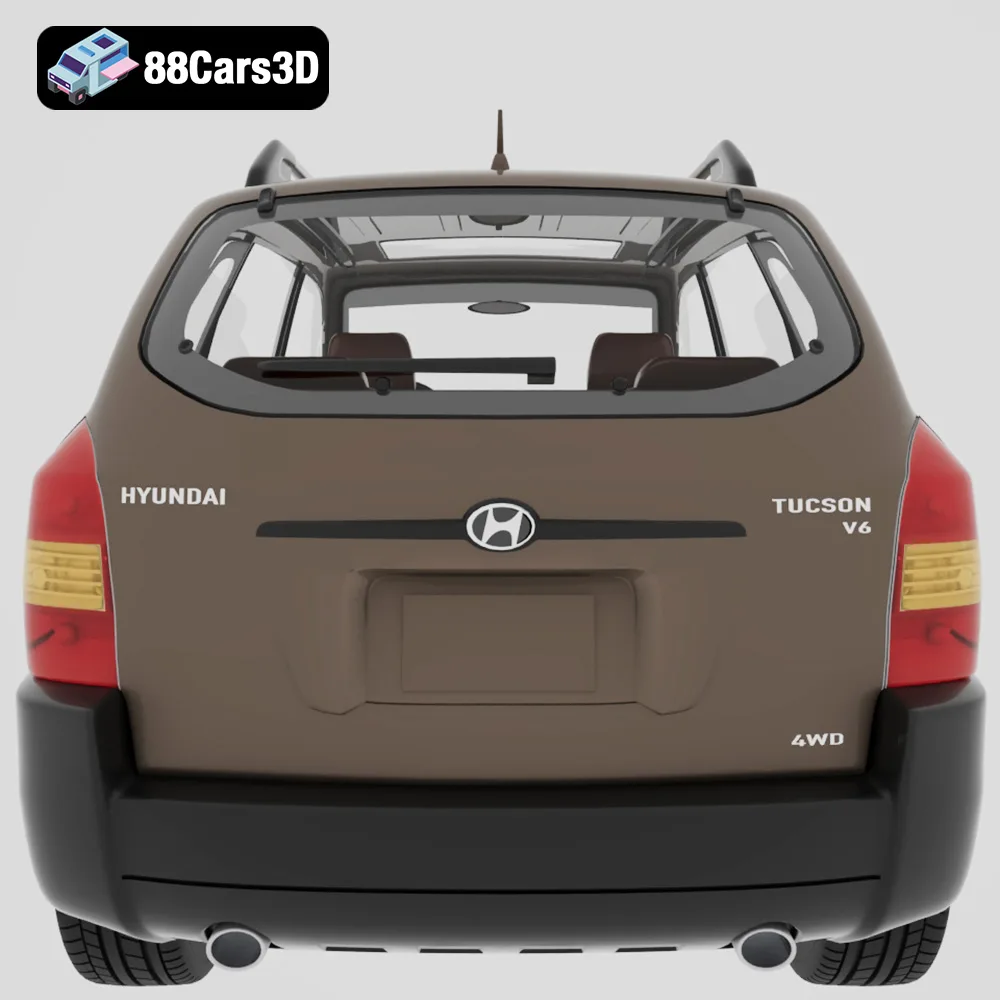
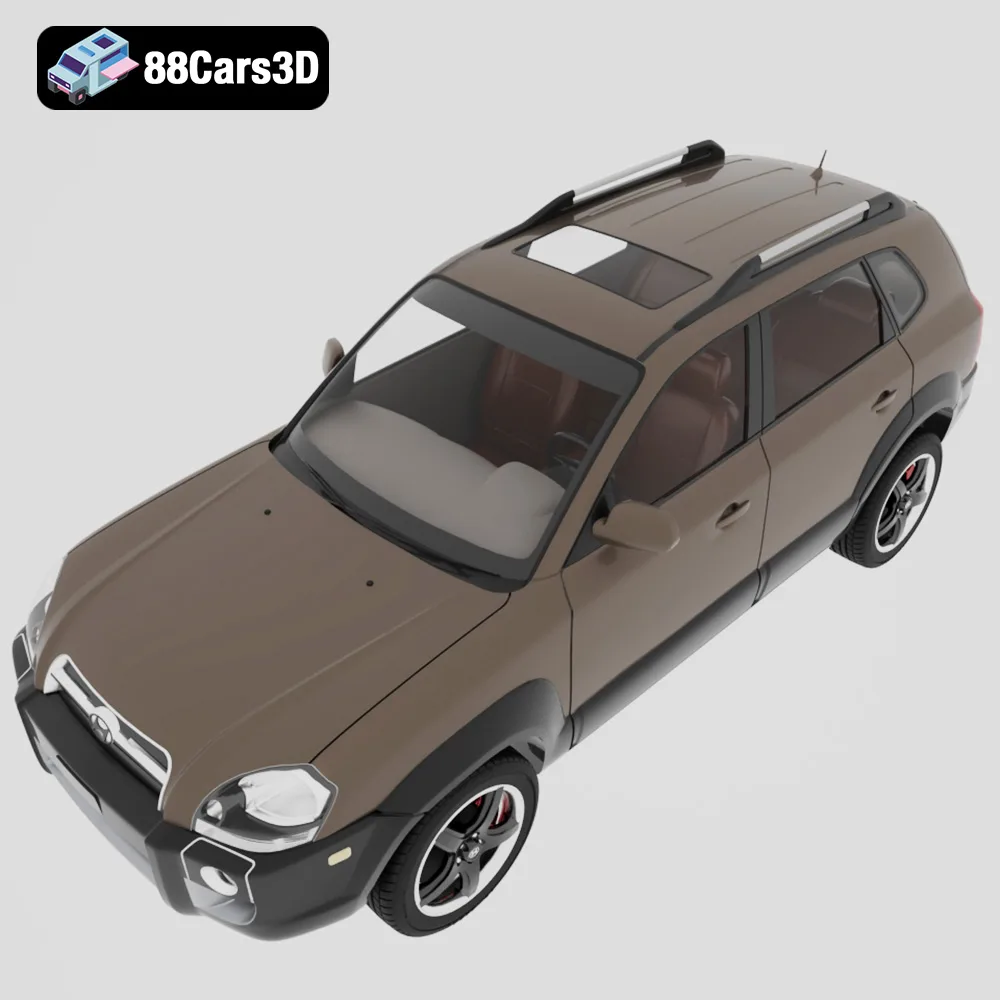
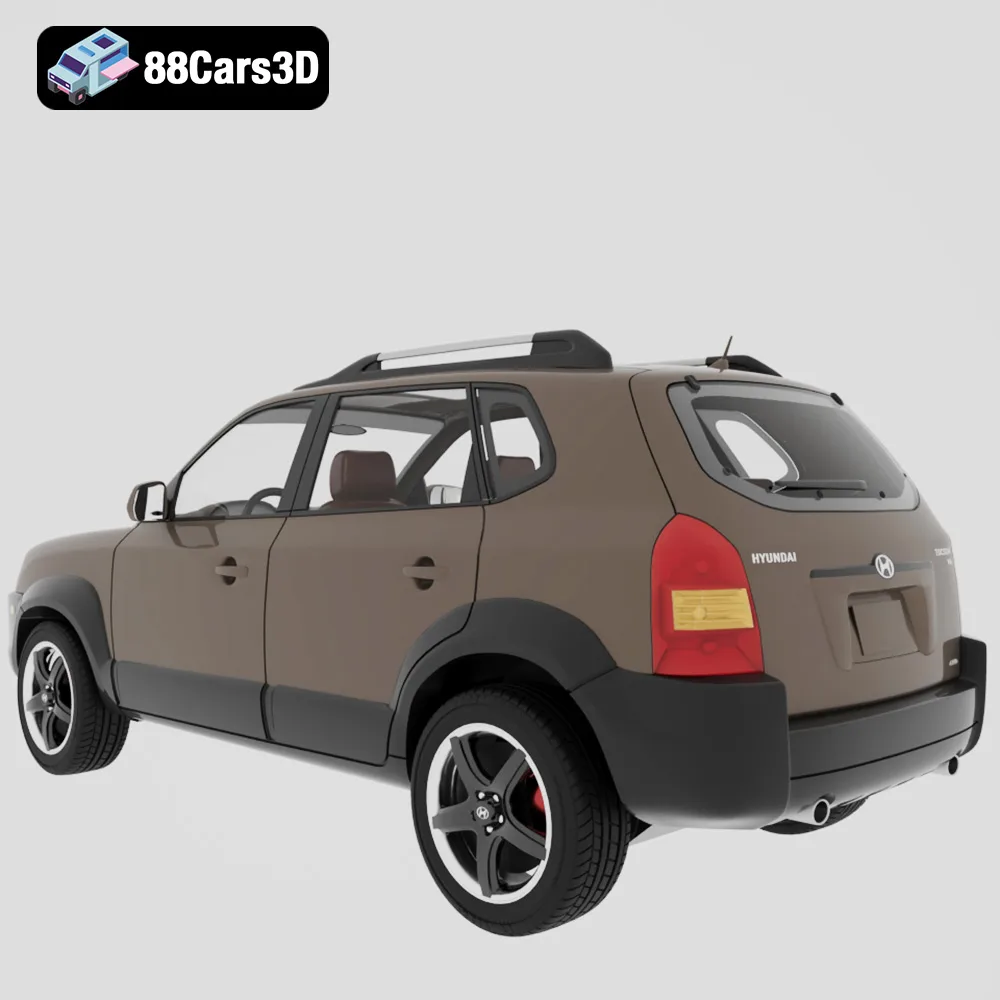
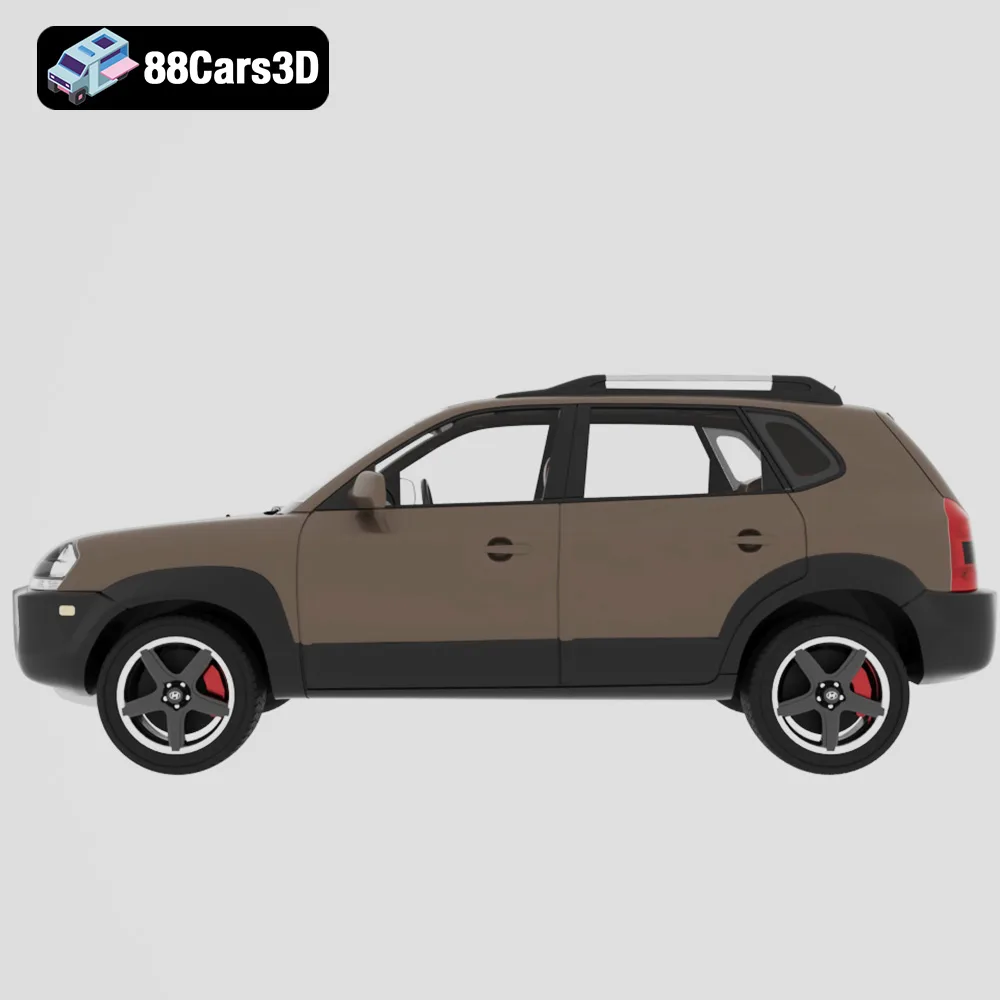
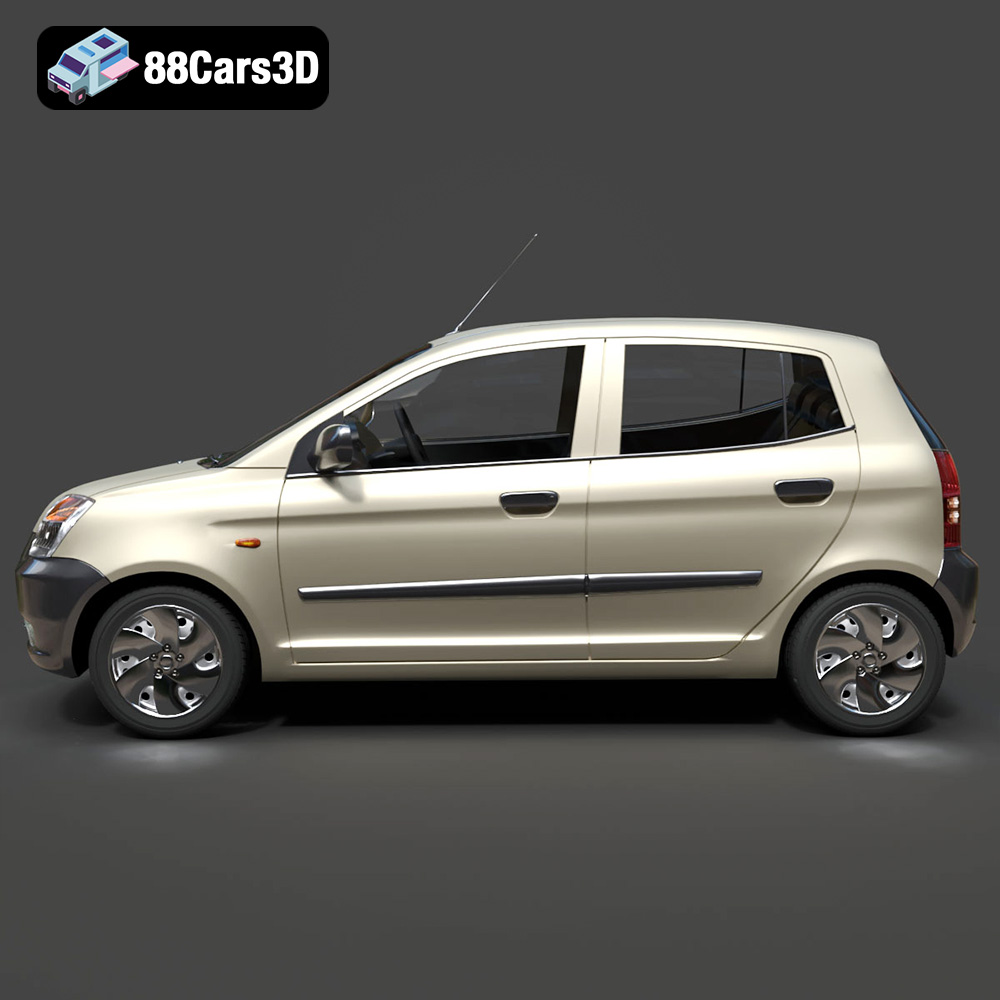
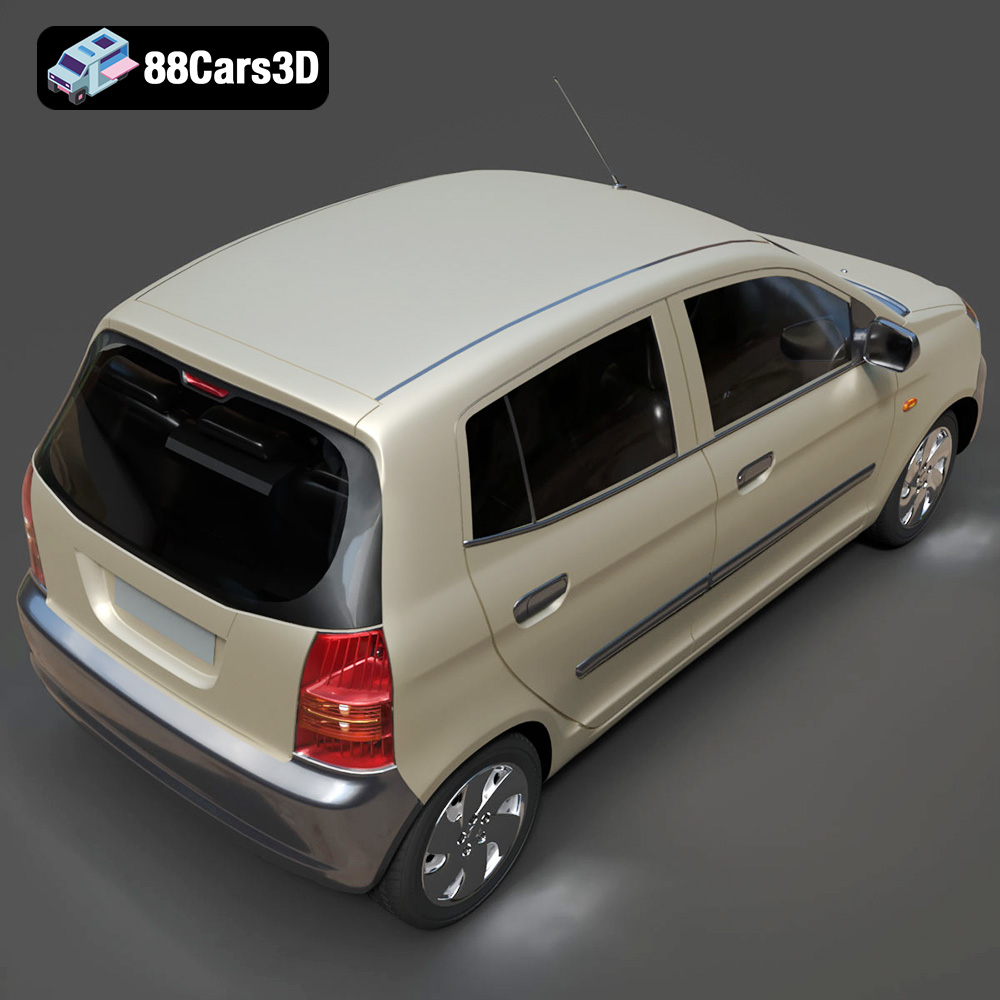
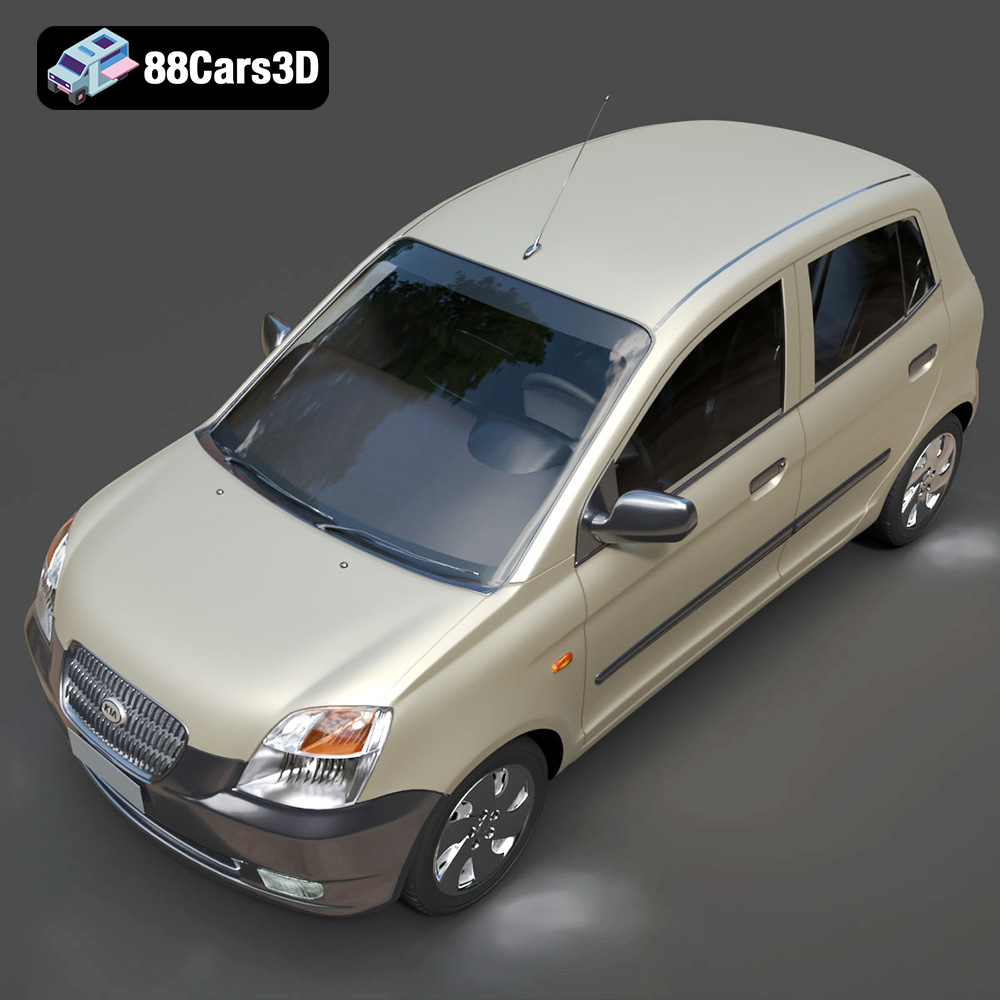
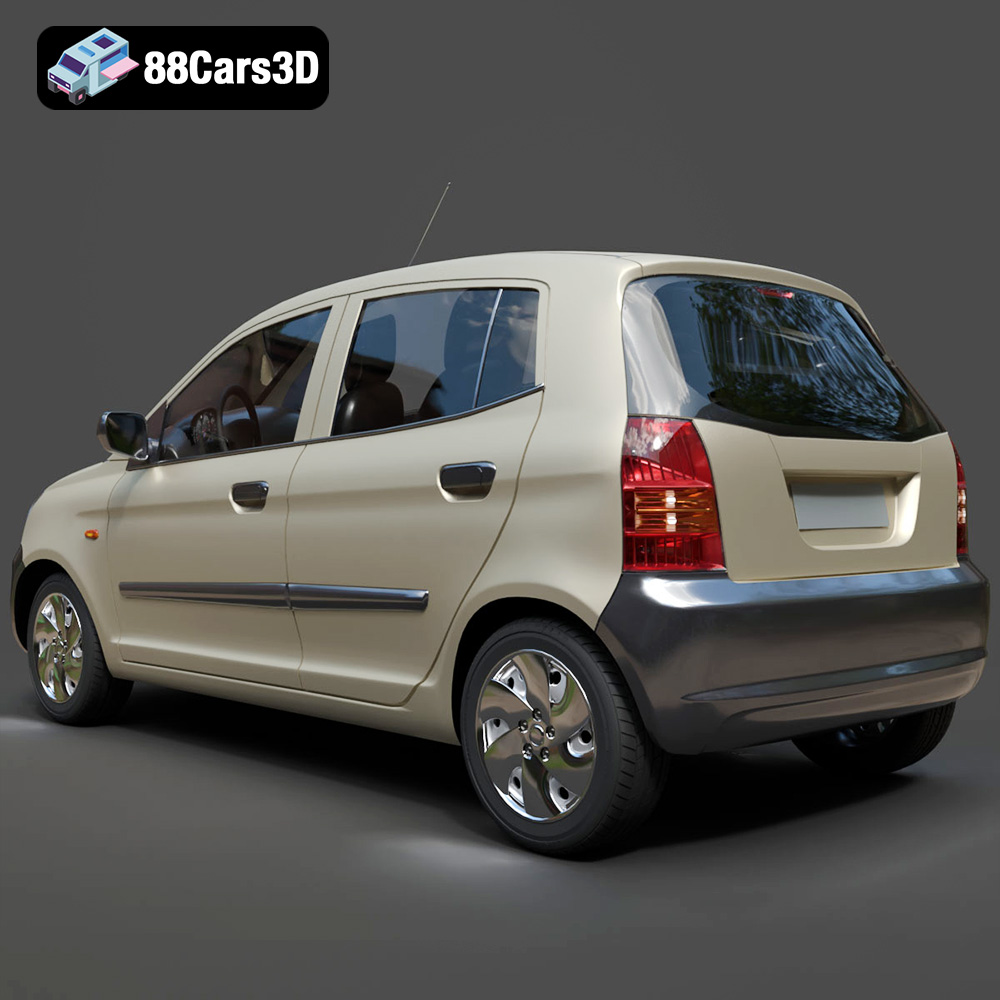
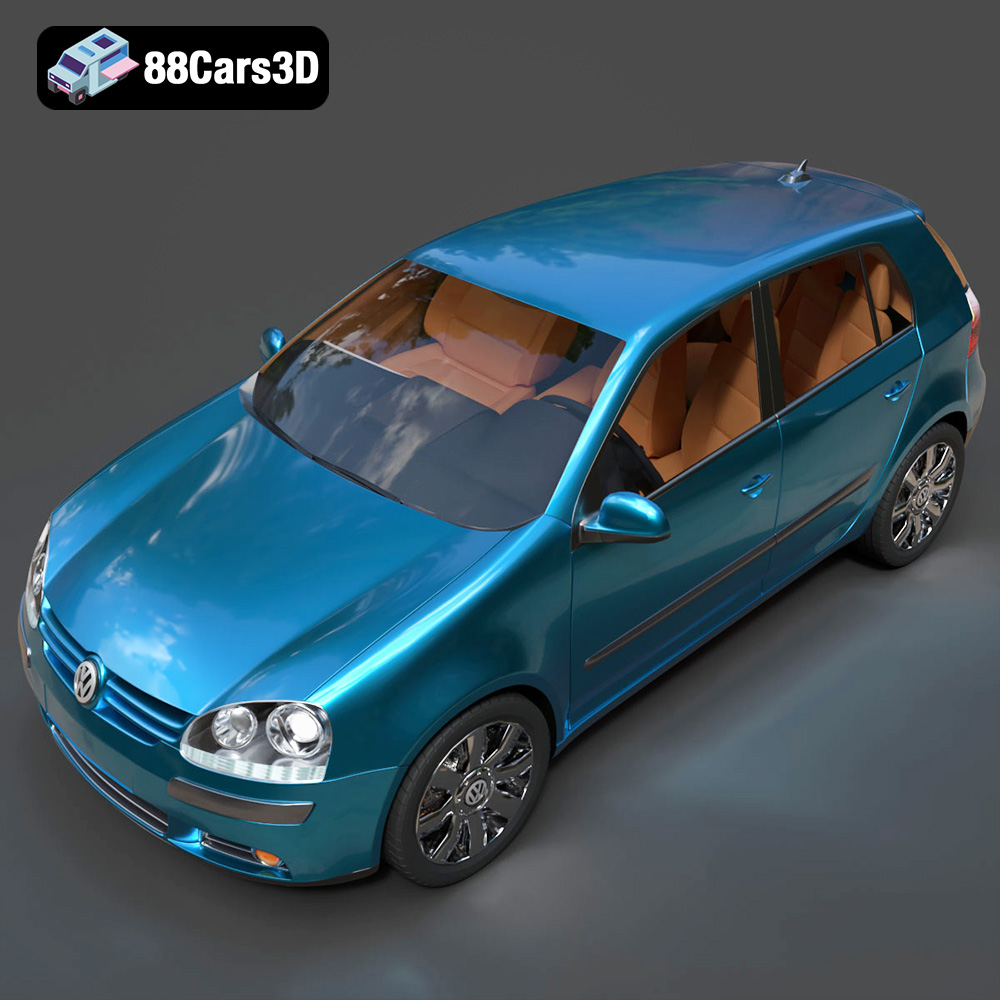
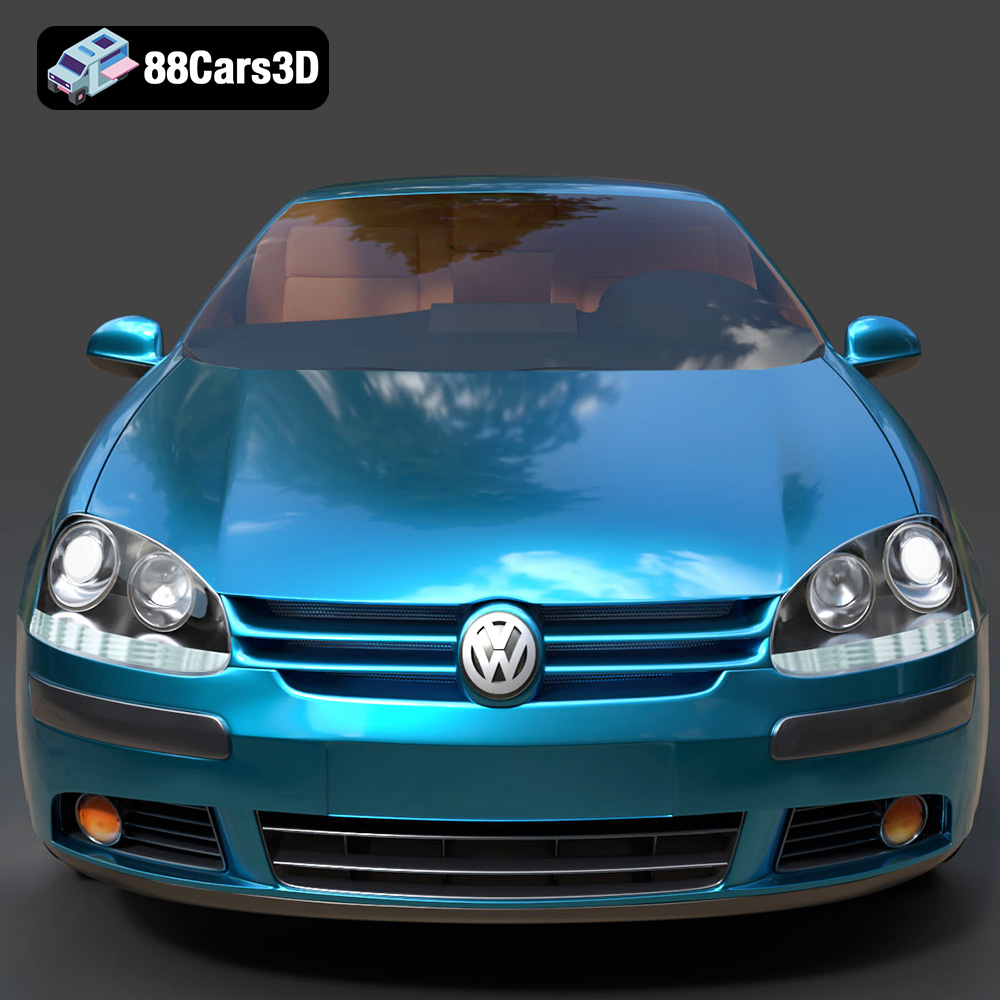
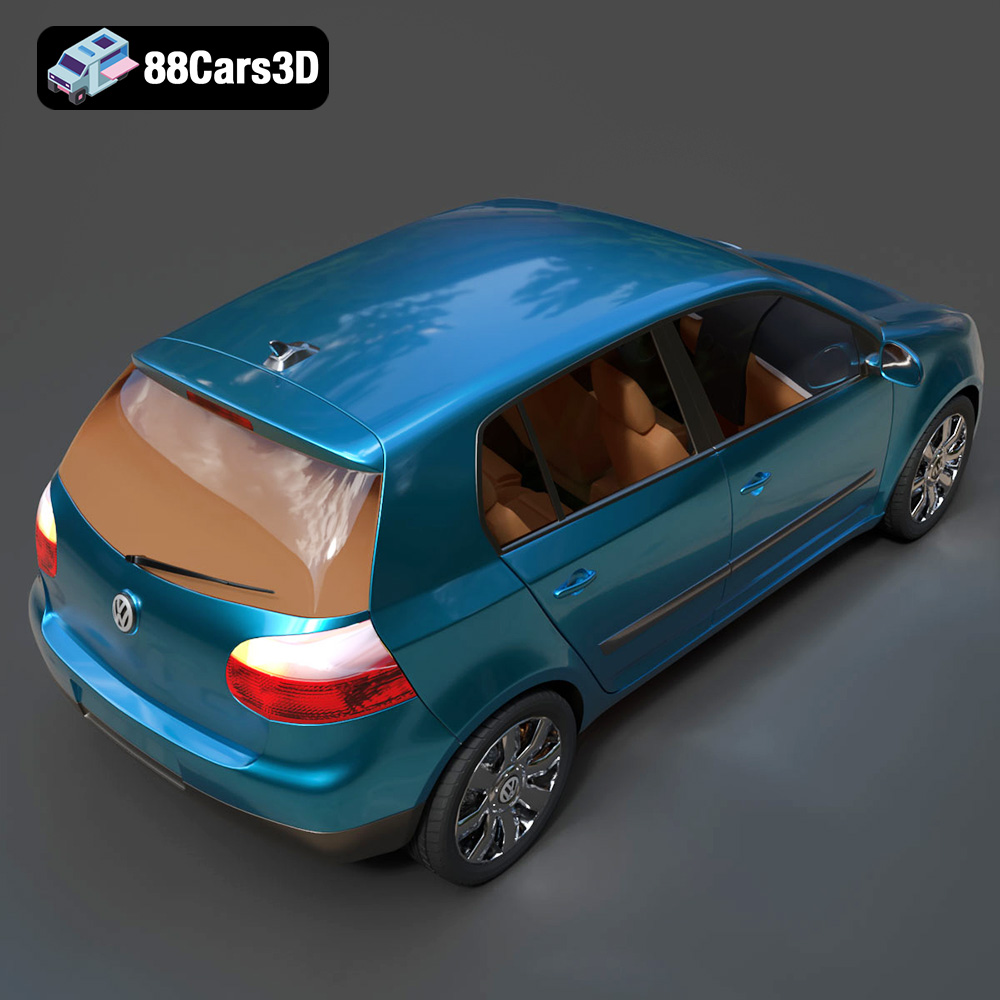
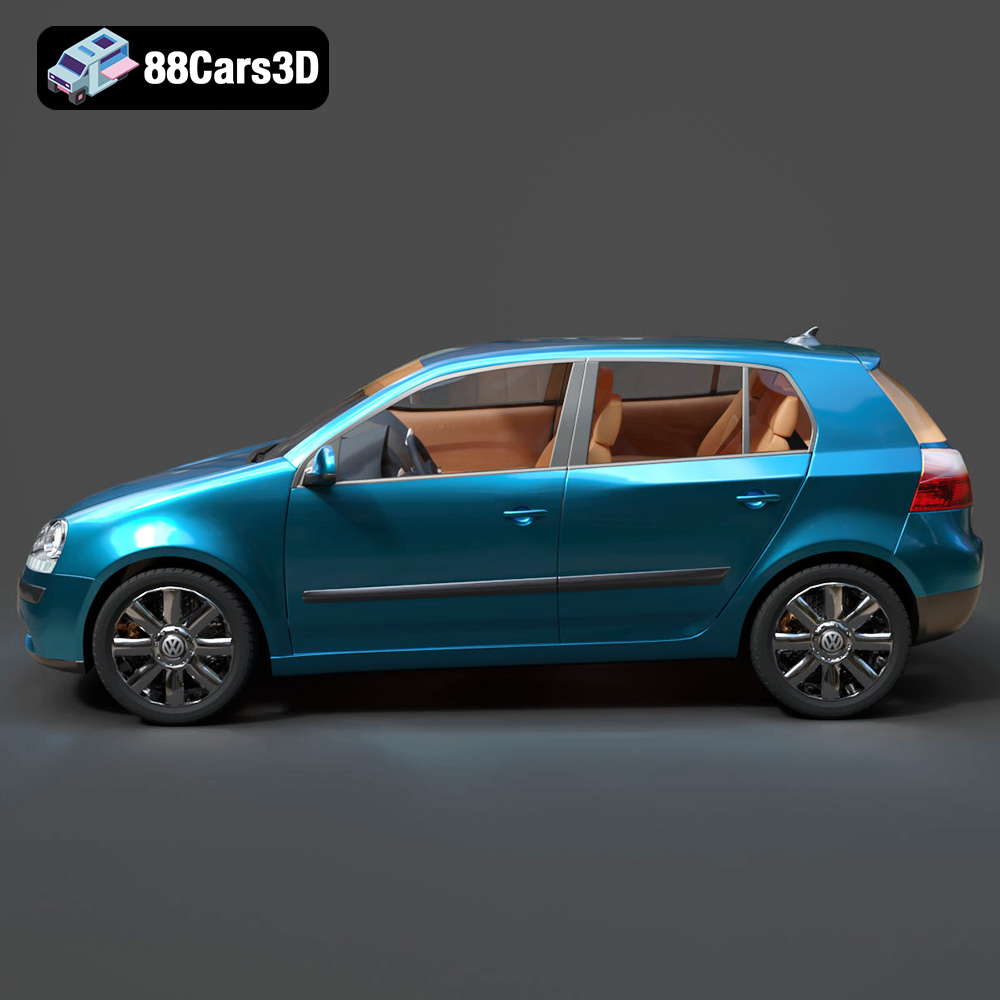
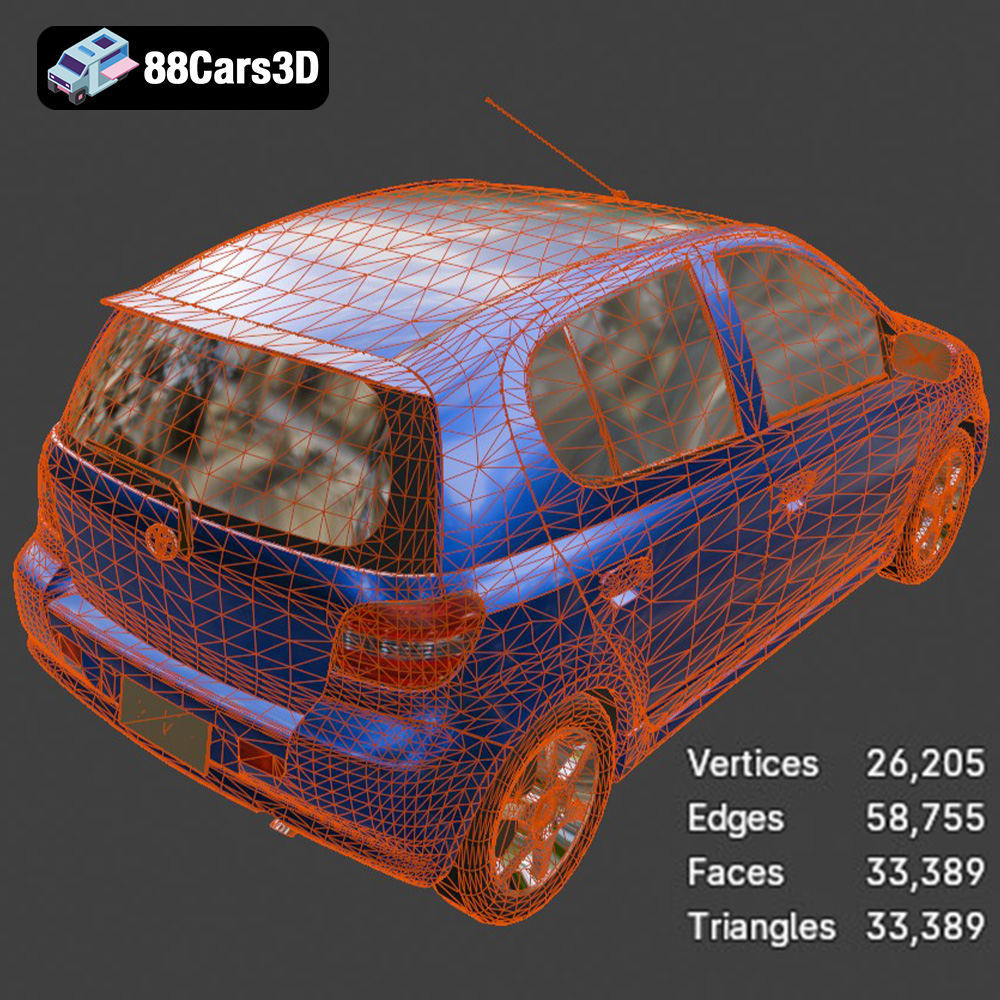
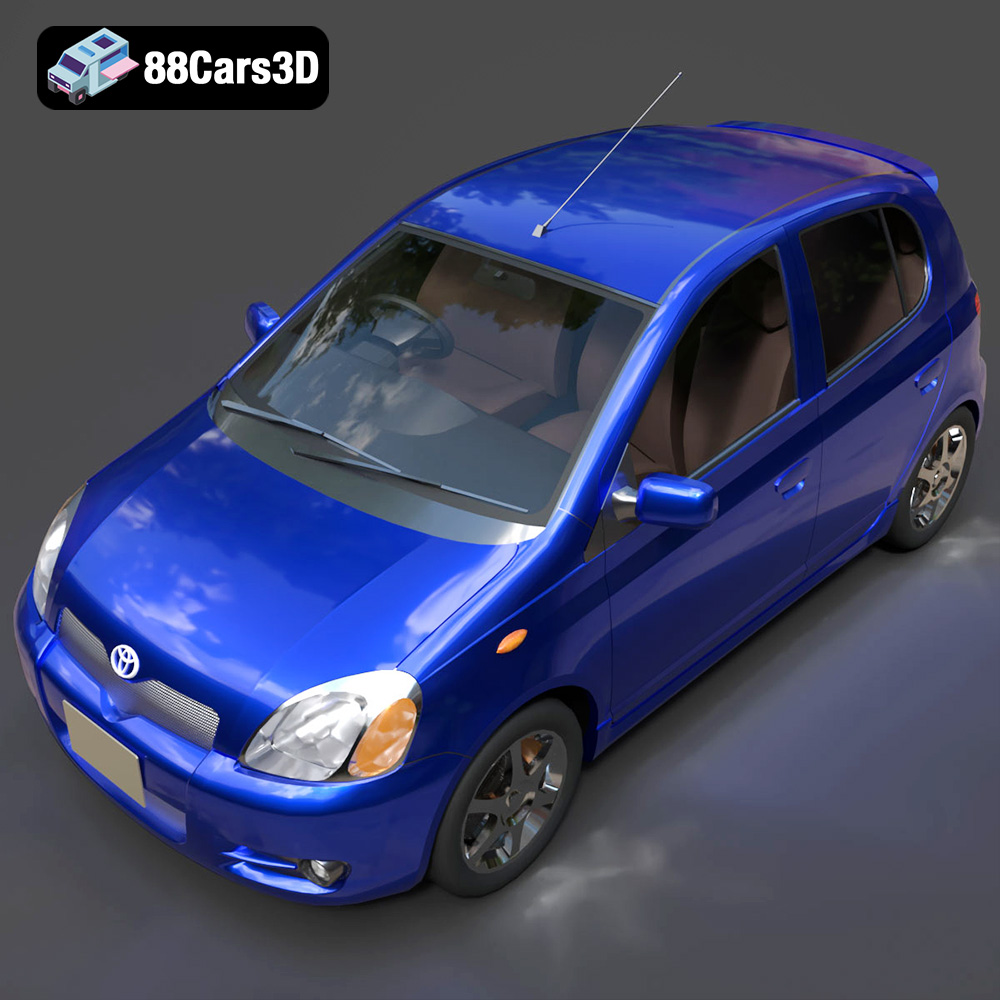
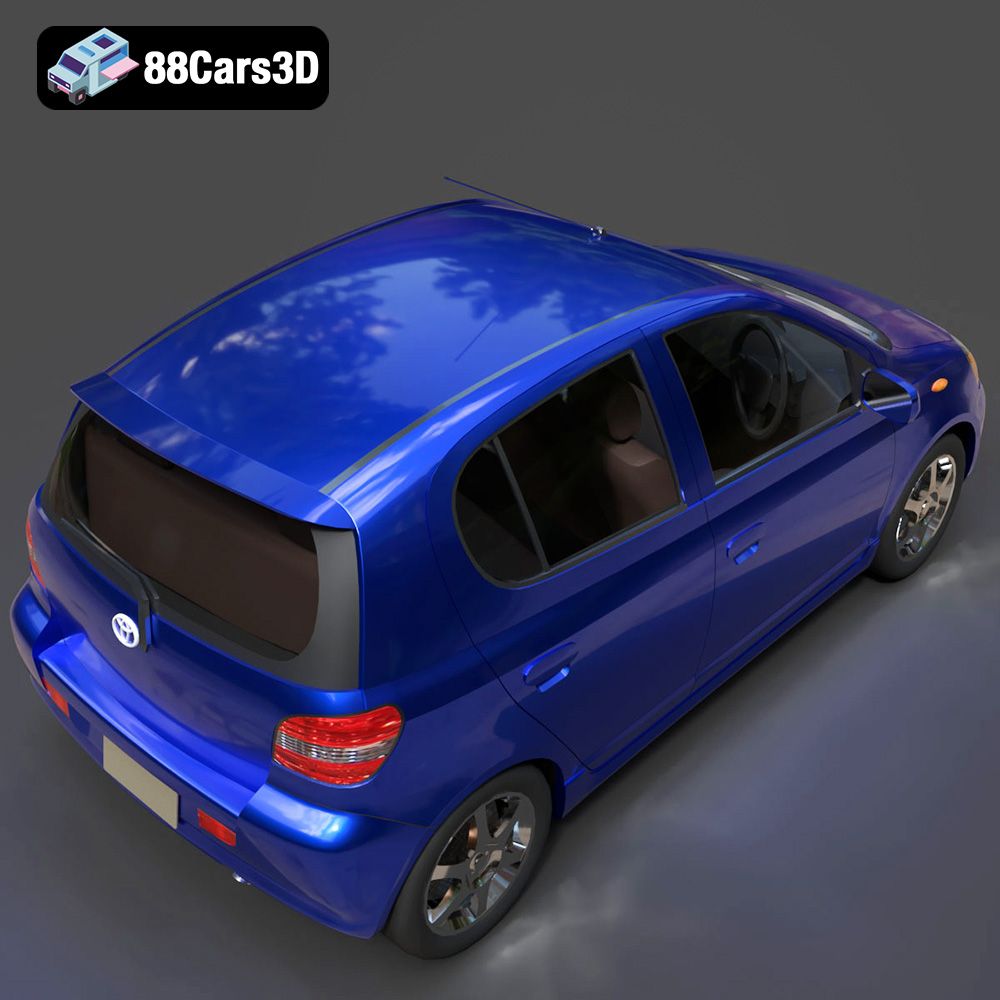
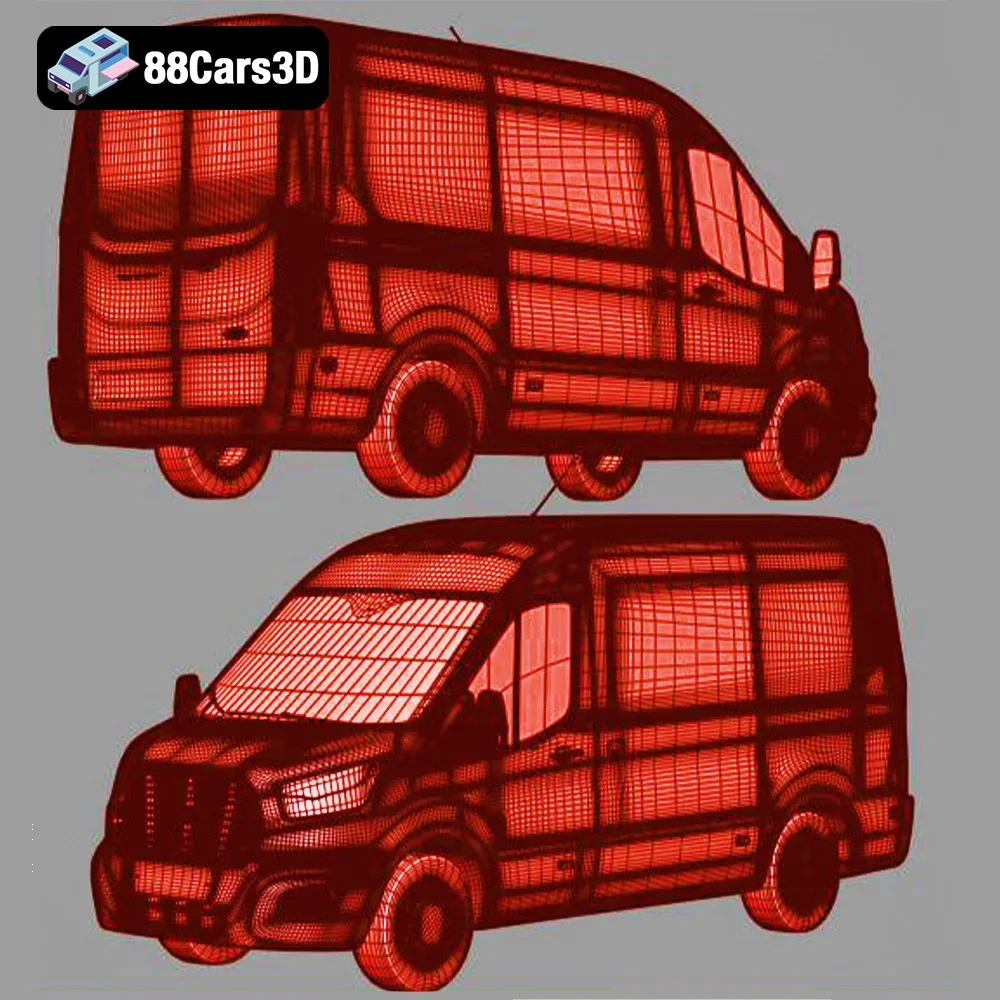
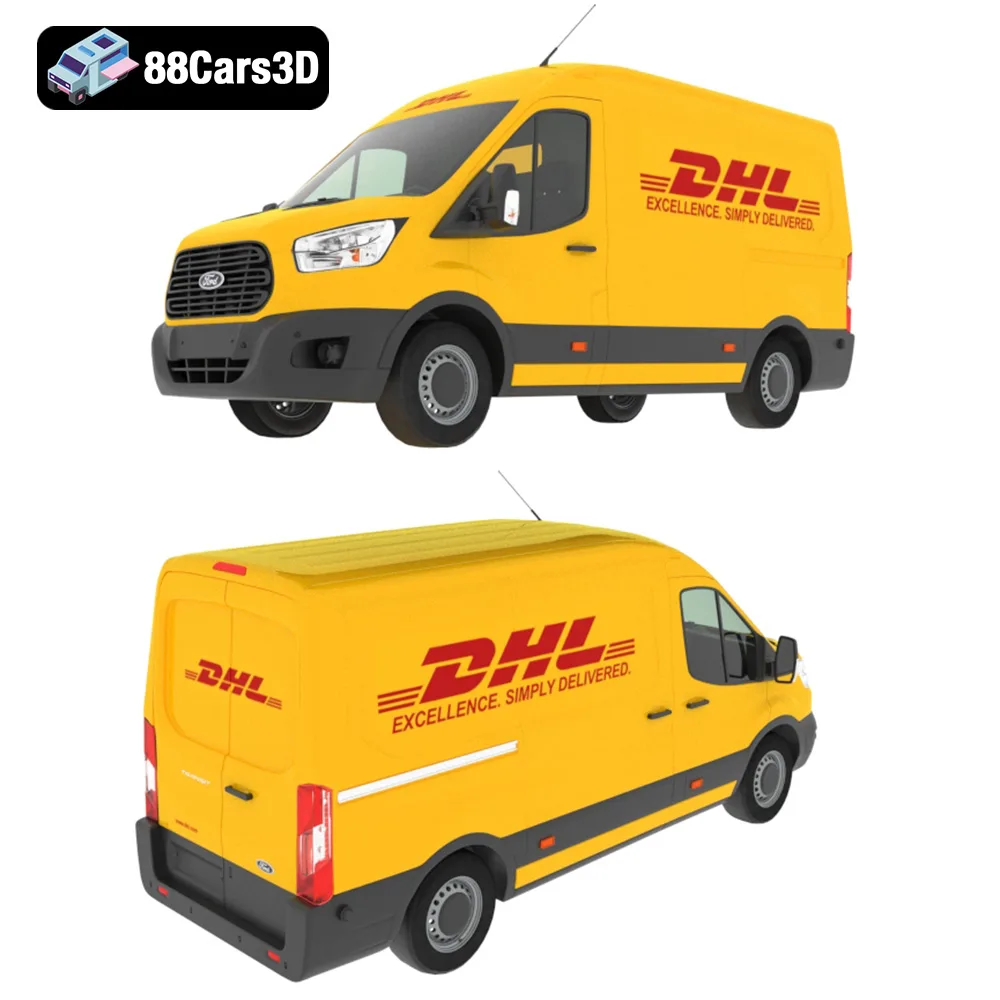
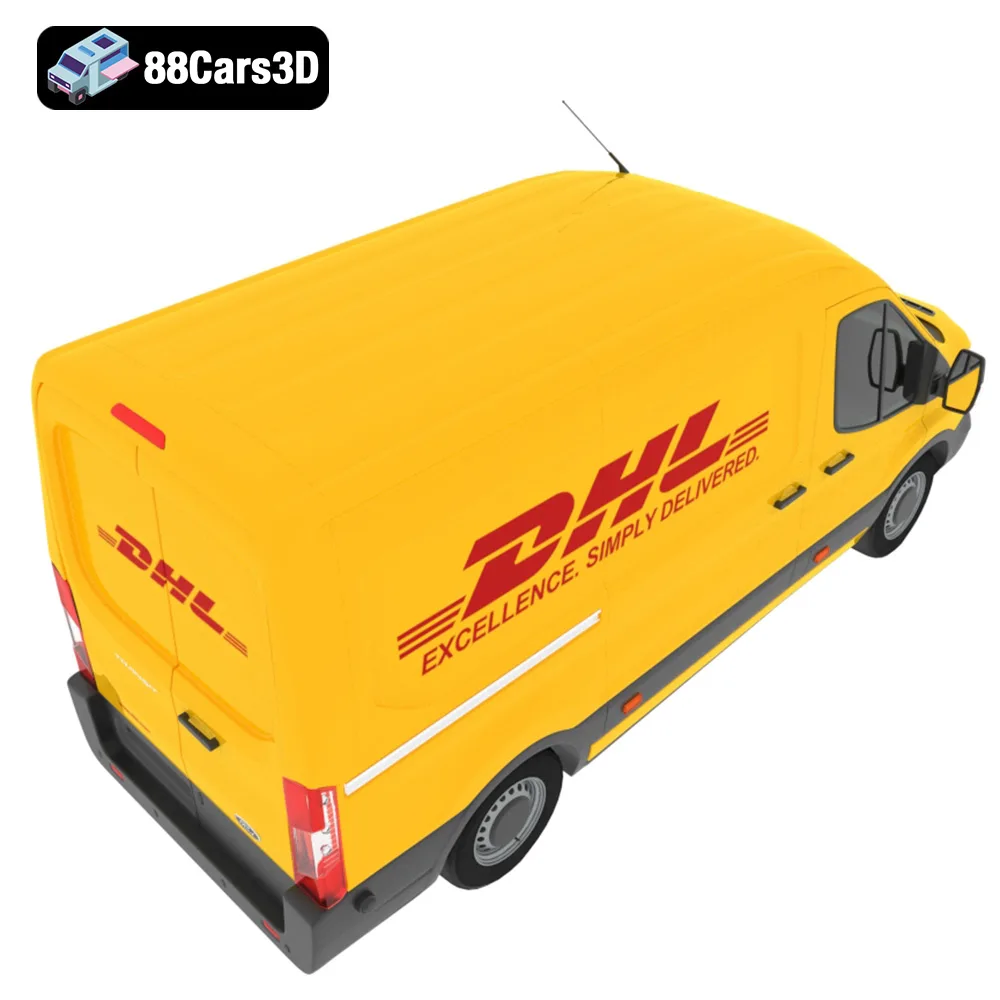
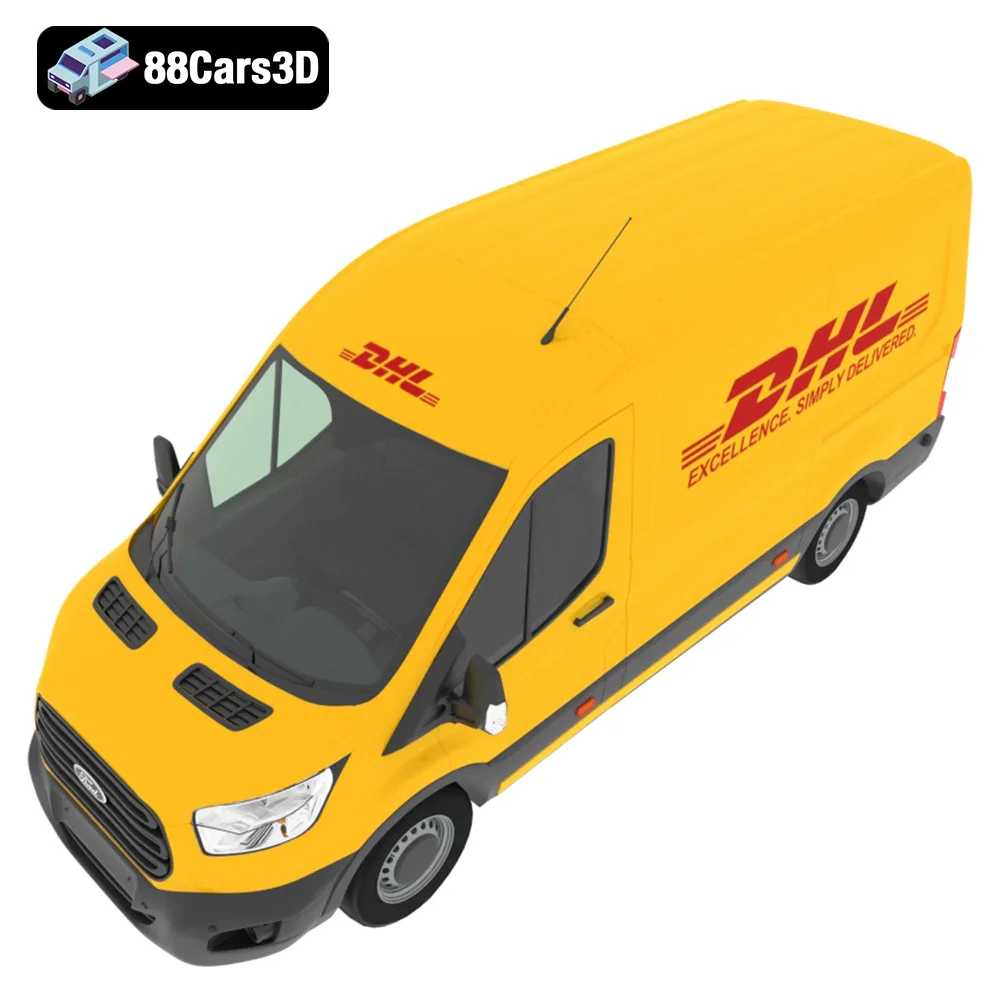
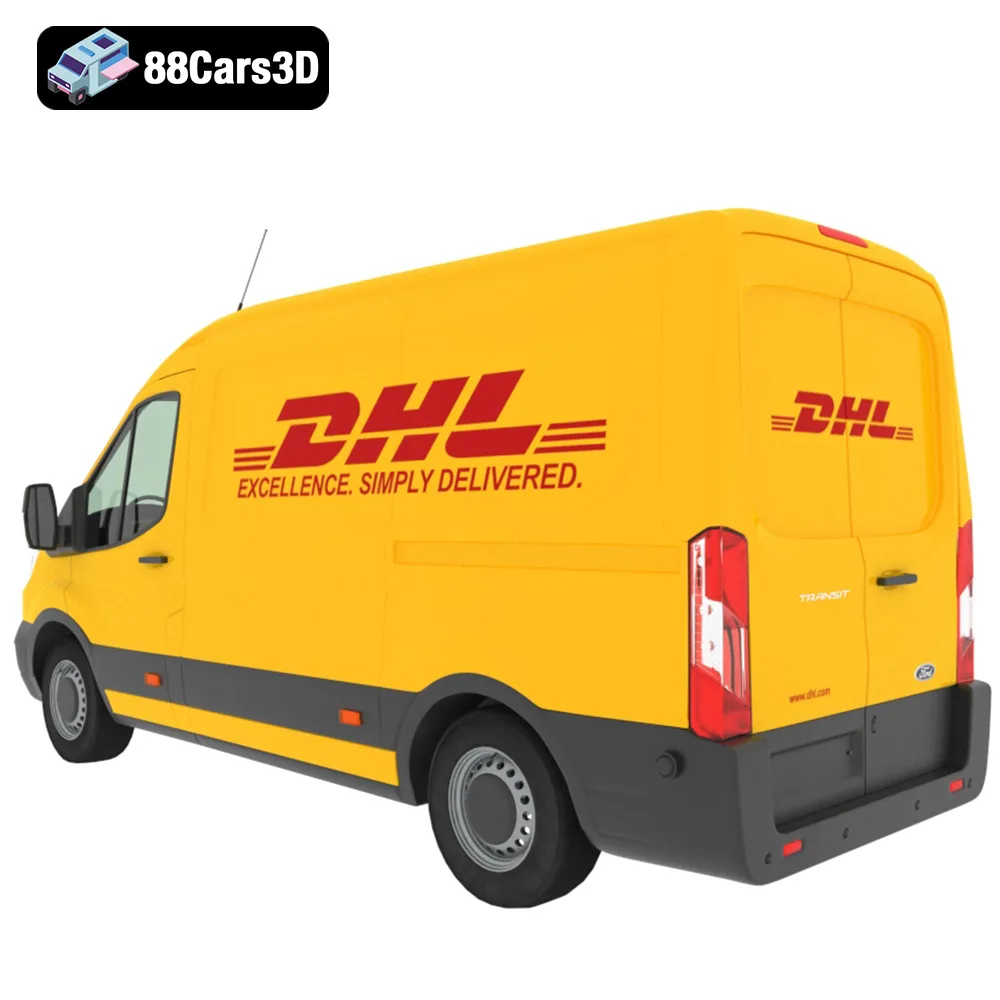
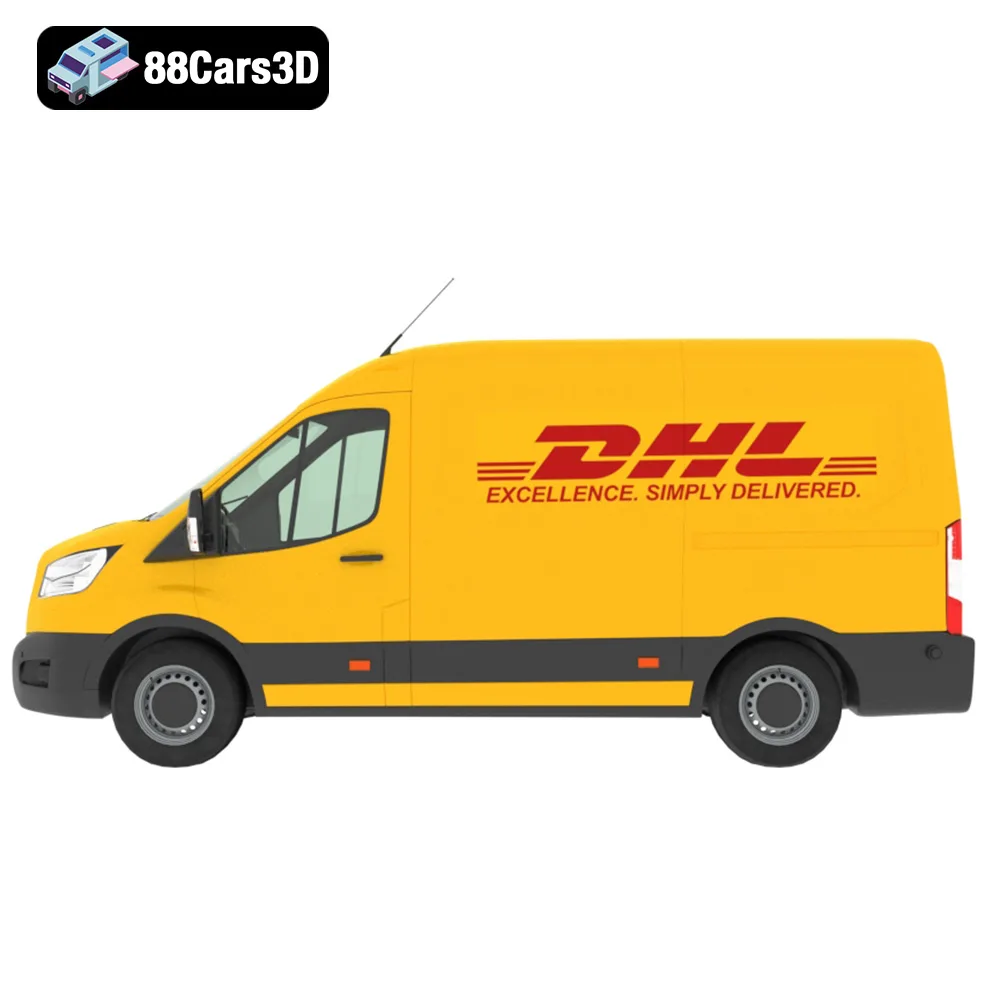
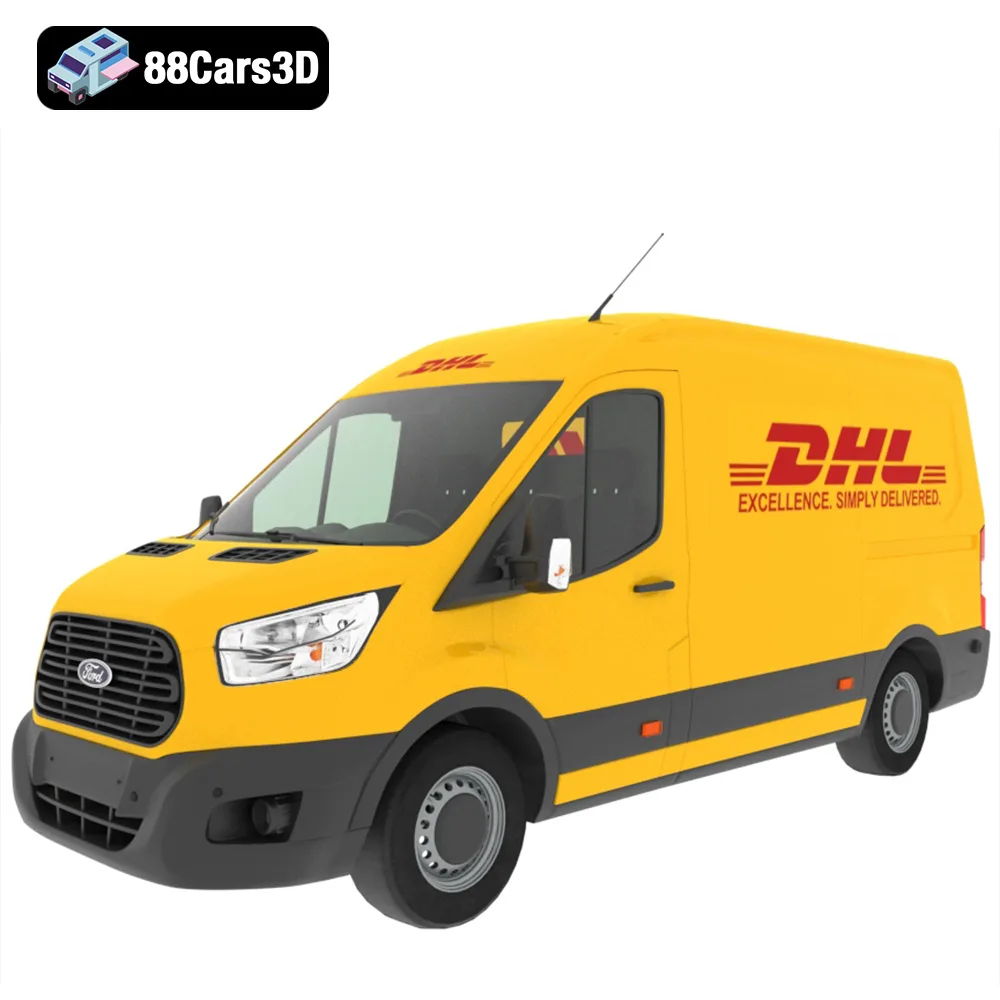
The allure of scale modeling, architectural visualization, and game development often hinges on realism. While high-performance vehicles grab attention, a virtual city needs believable, everyday traffic to truly immerse viewers. The Everyday City Traffic Essentials pack from 88cars3d.com provides a fantastic starting point, offering a diverse range of vehicles from a Hyundai Tucson to a Ford Transit DHL van, all in detailed 3D models. This blog post will guide you through the process of successfully 3D printing these models, covering everything from pre-print preparation to post-processing. These models, designed with meticulous detail, can be brought to life using additive manufacturing, allowing you to hold miniature versions of familiar vehicles in your hand.
Before diving into the specifics of 3D printing the Everyday City Traffic Essentials pack, it’s crucial to understand the various file formats included and their implications for the printing process. Choosing the right format and understanding its properties can significantly impact the quality and ease of your printing experience.
The .stl (Stereolithography) file format is the industry standard for 3D printing. It represents the surface geometry of a 3D object using a mesh of triangles. The simplicity and widespread support of .stl make it universally compatible with almost all 3D printers and slicing software. When preparing the Everyday City Traffic Essentials pack for printing, the .stl files are the primary format you’ll be working with.
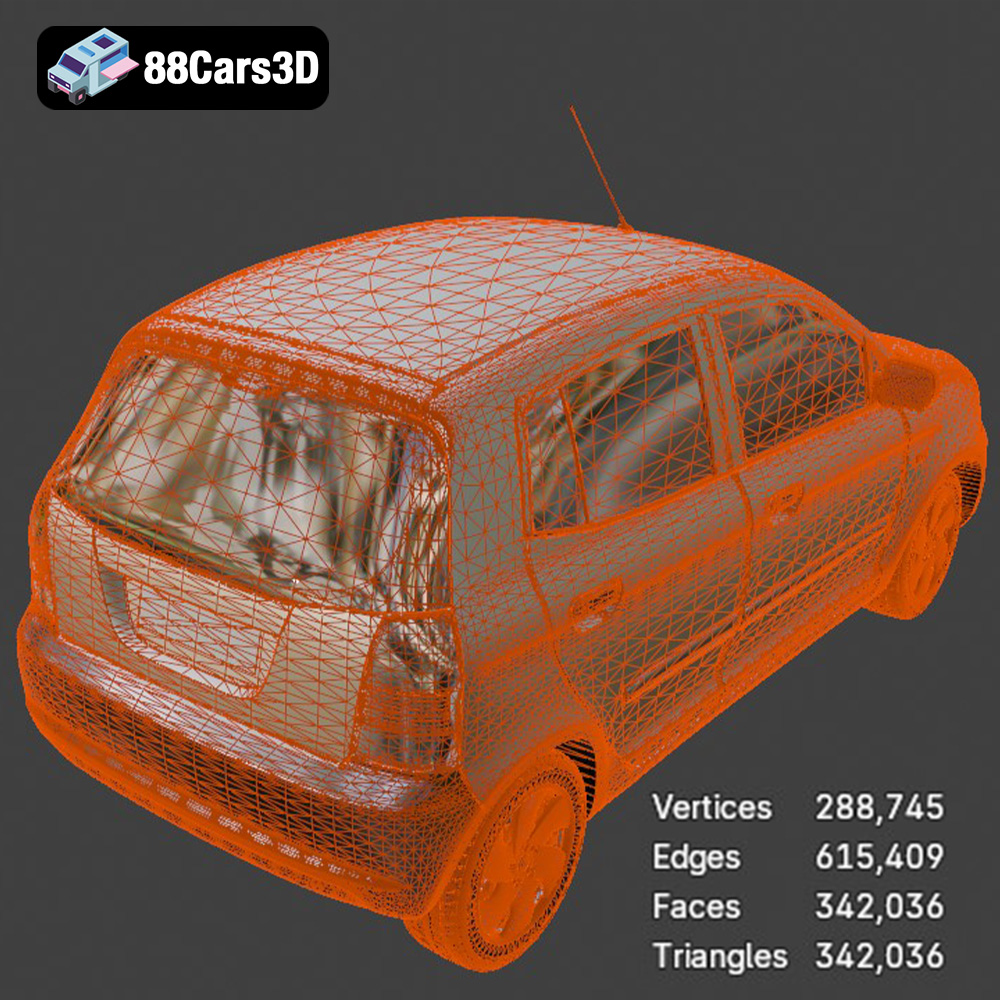
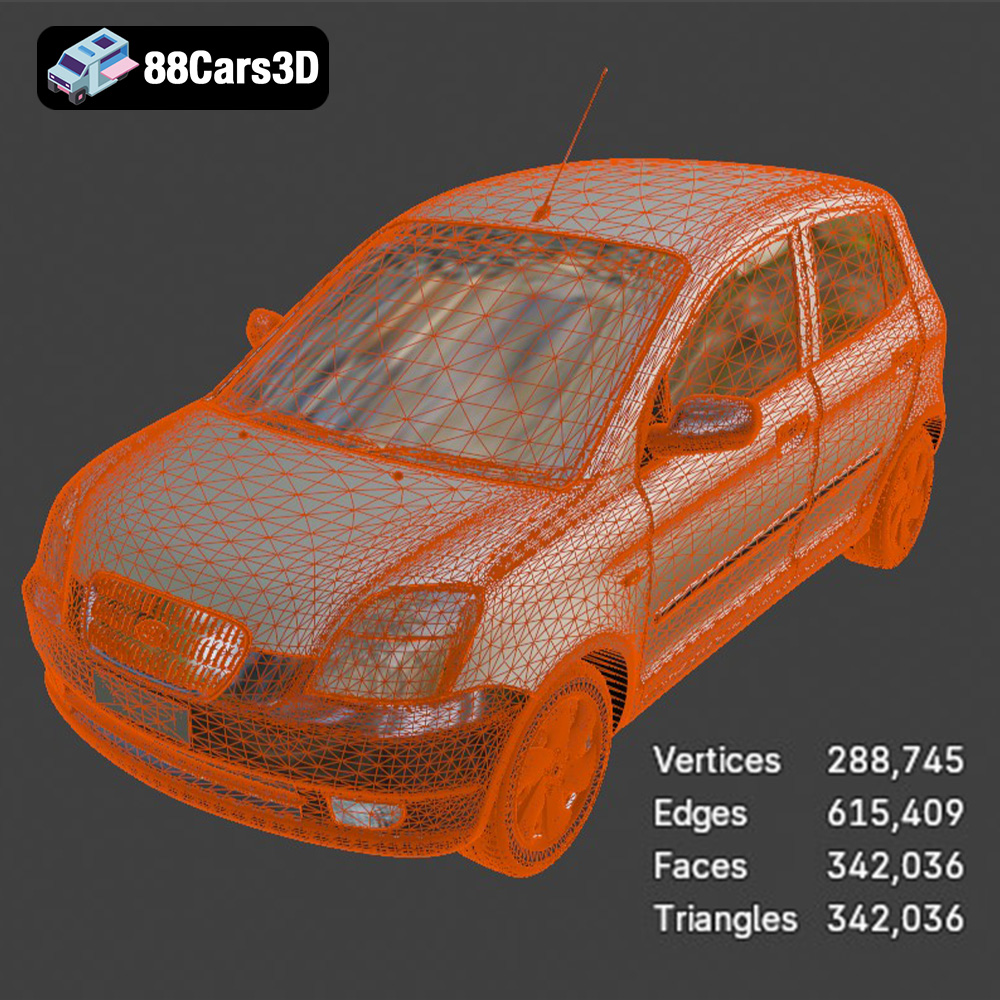
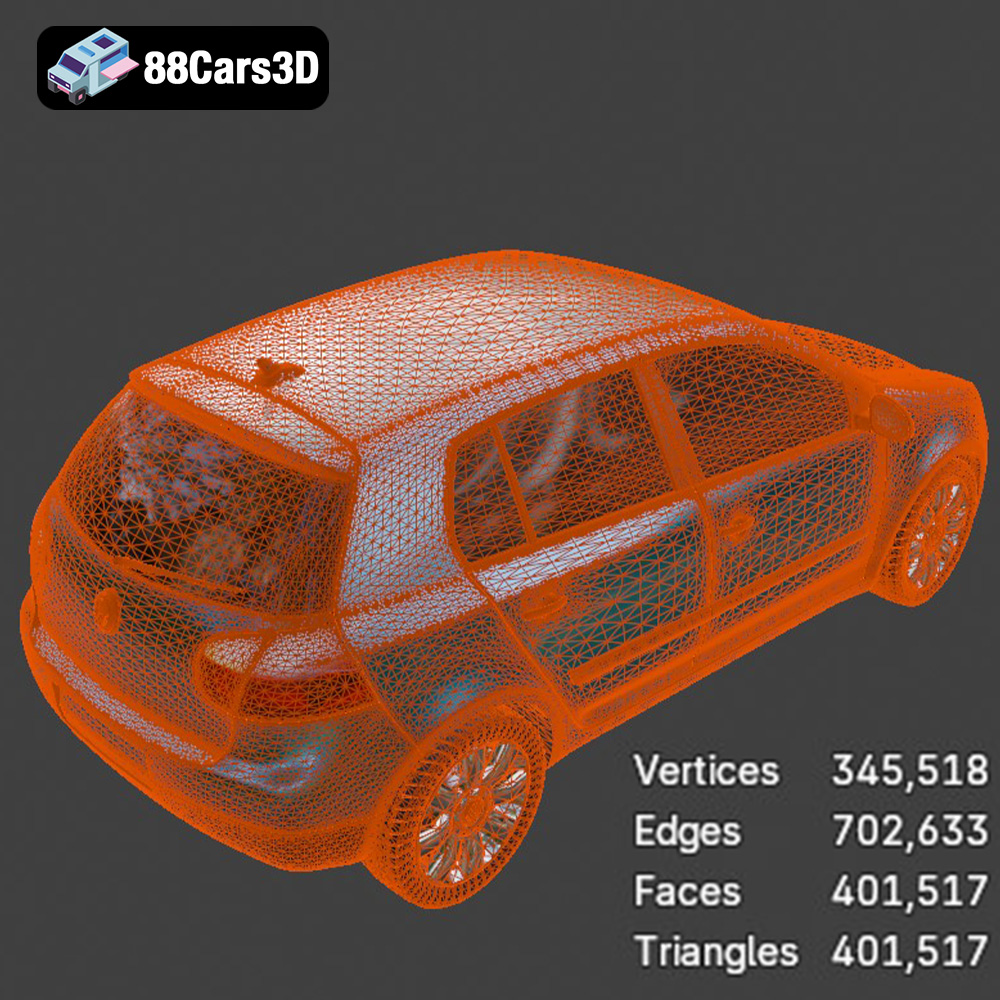
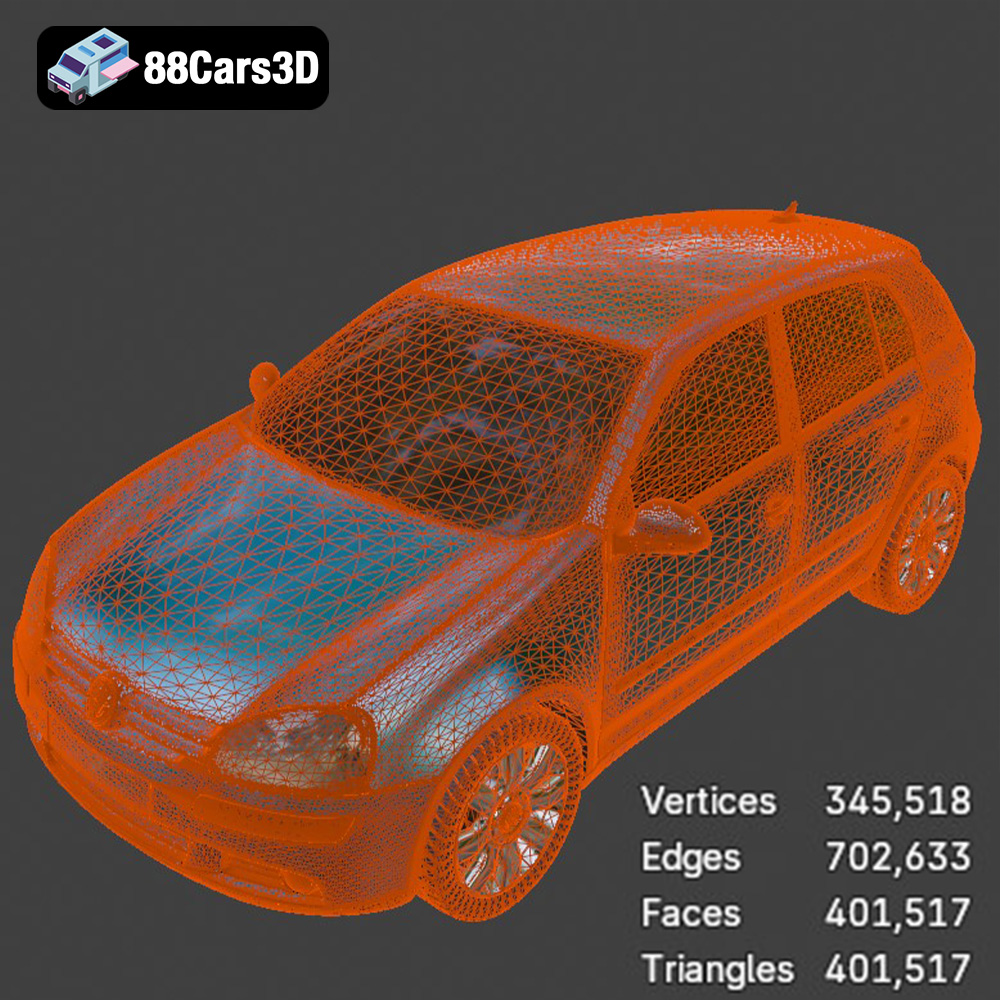
The quality of an .stl file is directly related to the number of triangles used to represent the model. A higher triangle count results in a smoother, more detailed surface, but also a larger file size and potentially longer processing times in your slicing software. When downloading .stl files from 88cars3d.com, you can be assured that they are optimized for 3D printing, balancing detail and file size for optimal results.
When importing the .stl files into your slicing software, be mindful of the model’s scale. While the models are designed in real-world scale, you may need to adjust them based on your desired output size (e.g., 1:43 or 1:64 for diorama use as recommended).
The .obj (Object) file format is another common 3D model format. Unlike .stl, .obj supports storing color and texture information. This makes it suitable for 3D printing in full color, provided you have a multi-material or full-color 3D printer. If you plan to paint your 3D printed models, the .obj format is not as crucial as the information it contains will not be translated directly into your print but can serve as a visual reference.
The .ply (Polygon File Format) is designed for storing 3D data acquired from 3D scanners. It’s known for its ability to represent complex geometries with high precision, making it suitable for detailed models. While .ply can be used for 3D printing, .stl is generally preferred due to its wider compatibility and optimization for the additive manufacturing process.
The .blend (Blender), .max (3ds Max), .fbx (Filmbox), and .glb (GL Transmission Format) file formats are primarily used for editing and preparing the 3D models before 3D printing. They are not directly used for printing, but they provide access to the original model data for customization and optimization.
* **.blend and .max:** These are native file formats for Blender and 3ds Max, respectively. They contain the complete scene data, including geometry, materials, textures, and lighting. If you have access to these software packages, you can use these files to modify the models, such as adding details, adjusting the geometry, or creating custom variations.
* **.fbx:** This is a versatile format for exchanging 3D data between different software applications. It supports geometry, materials, textures, and animations. You can import .fbx files into slicing software to prepare the models for printing.
* **.glb:** This format is designed for efficient transmission and loading of 3D models in real-time applications, such as AR and VR. It’s a binary format that includes geometry, textures, and animations in a single file. While not directly used for 3D printing, .glb files can be useful for previewing the models before printing, especially if you want to visualize them in AR.
In summary, the .stl format is the most important for 3D printing the Everyday City Traffic Essentials pack. Ensure the .stl files are high-quality and optimized for printing, and use the other formats for editing and preparation as needed.
The choice of 3D printer and material significantly impacts the final quality of your 3D printed models. For the Everyday City Traffic Essentials pack, both FDM (Fused Deposition Modeling) and resin-based (SLA/DLP) printers can be used, each with its own advantages and disadvantages.
FDM printers are more common and generally more affordable than resin printers. They work by extruding molten plastic filament layer by layer.
* Material Recommendations: PLA (Polylactic Acid) is a popular choice for FDM printing due to its ease of use, biodegradability, and wide availability. PETG (Polyethylene Terephthalate Glycol) offers greater strength and temperature resistance compared to PLA. ABS (Acrylonitrile Butadiene Styrene) is another option, known for its durability, but it requires a heated bed and good ventilation due to fumes.
* Printer Settings:
* Layer Height: 0.1mm – 0.2mm. Smaller layer heights produce smoother surfaces but increase print time.
* Infill: 15-25% for a balance of strength and material usage.
* Supports: Essential for overhangs, especially for wheel arches, side mirrors, and the DHL van’s roof.
* Orientation: Printing the car bodies at a 45-degree angle can improve surface finish. Wheels should be printed separately.
* Pros: Lower cost, larger build volume, easier post-processing (sanding).
* Cons: Lower detail resolution compared to resin printing, visible layer lines.
Resin printers use liquid resin that is cured by UV light. This technology allows for much finer detail and smoother surfaces.
* Material Recommendations: Standard resin is suitable for general-purpose printing. ABS-like resin offers increased strength and impact resistance. Flexible resin can be used for tires or other parts that require some flexibility.
* Printer Settings:
* Layer Height: 0.04mm – 0.05mm. This is crucial for capturing the intricate details of the car models, especially at smaller scales (1:43 or 1:64).
* Exposure Time: Follow the resin manufacturer’s recommendations.
* Supports: Essential for all parts, including the bodies and wheels. Use a light support density to minimize scarring during removal.
* Orientation: Angling the models can reduce the cross-sectional area and improve print success.
* Pros: High detail resolution, smooth surfaces, ideal for small parts.
* Cons: Higher cost, smaller build volume, requires careful post-processing (washing and curing), resin can be messy and requires proper handling.
Once you’ve chosen your printer and material, the next step is to prepare the 3D models for printing using slicing software. Popular options include Cura, PrusaSlicer, Simplify3D, and Chitubox (for resin printers).
Before slicing, it’s essential to inspect the .stl files for any errors, such as non-manifold geometry or holes. Many slicing programs have built-in repair tools that can automatically fix these issues. Meshmixer is a free program that provides advanced tools for model repair and modification.
* Orientation: As mentioned earlier, the orientation of the model on the build plate can significantly impact the print quality. Angling the car bodies can minimize the need for supports on visible surfaces.
* Supports: Generate supports strategically to provide adequate support for overhangs while minimizing the impact on surface finish. Use tree supports or light supports to make removal easier.
* Layer Height: Choose the layer height based on your desired level of detail and print time.
* Infill: Adjust the infill density based on the desired strength and weight of the model. For display models, a lower infill percentage is sufficient.
* Wall Thickness: A wall thickness of 1.2mm – 2.0mm is recommended for FDM printing.
* Adhesion: Use a brim or raft to improve adhesion to the build plate, especially for models with small footprints.
The Everyday City Traffic Essentials pack is designed in real-world scale. If you’re printing models for dioramas, you’ll need to scale them appropriately. Common scales for car models include 1:24, 1:32, 1:43, and 1:64. Most slicing software allows you to scale the models uniformly.
Once you’ve prepared the models and configured the slicing settings, you’re ready to start the 3D printing process.
It’s important to monitor the print during the first few layers to ensure proper adhesion and support generation. Watch for any signs of warping, delamination, or support failure.
Many 3D printers allow you to adjust settings such as print speed, temperature, and fan speed during the print. If you notice any issues, you can tweak these settings to improve the print quality.
* Warping: This is a common issue with FDM printing, especially with ABS. Use a heated bed, enclosure, and brim to prevent warping.
* Delamination: This occurs when layers separate during printing. Increase the print temperature and reduce the print speed to improve layer adhesion.
* Support Failure: If supports fail, increase the support density and thickness.
* Stringing: This is when thin strands of plastic are left between parts. Reduce the print temperature and retraction settings to minimize stringing.
* Resin Printing Failures: Common issues include parts not adhering to the build plate or supports failing. Ensure proper bed leveling, adequate exposure times, and well-supported models.
After the 3D printing is complete, the models require post-processing to achieve a polished and realistic look.
Carefully remove the supports using pliers or a hobby knife. Take your time to avoid damaging the model.
Sand the model to remove any imperfections, such as layer lines or support scars. Start with coarse sandpaper and gradually move to finer grits.
Apply a primer to the model to create a smooth surface for painting. Primer also helps the paint adhere better.
Paint the model using acrylic paints or spray paints. Use masking tape to create clean lines and details. The product description mentions modern Volvo factory colors as an example. Researching the specific paint codes for the vehicles in the Everyday City Traffic Essentials pack will improve accuracy.
Assemble the individual parts, such as the wheels and body. Use glue or adhesive to attach the parts securely.
Apply a clear coat to protect the paint and give the model a glossy or matte finish.
The print time and material costs for the Everyday City Traffic Essentials pack depend on several factors, including the size of the models, the layer height, the infill density, and the type of material used.
* Print Time: A single car model can take anywhere from 4 to 24 hours to print, depending on the complexity and size. Printing the entire pack could take several days.
* Material Costs: A 1kg spool of PLA or PETG costs around $20-$30. Resin typically costs more, around $30-$50 per liter. The material cost for the entire pack could range from $10 to $50, depending on the material and print settings.
3D printing the Everyday City Traffic Essentials pack offers a rewarding experience for scale model enthusiasts, architectural visualization artists, and game developers. By carefully selecting the right printer and material, preparing the models using slicing software, and following the best practices for printing and post-processing, you can create realistic and detailed miniature vehicles that will enhance your projects. Remember to visit 88cars3d.com for more high-quality 3D models optimized for 3D printing. The key takeaways are:
* The .stl format is your primary format for printing; ensure high quality.
* Resin printing provides superior detail but requires more care.
* Proper pre-print preparation is crucial for success.
* Post-processing is essential for a polished look.
* Monitor your prints closely and adjust settings as needed.
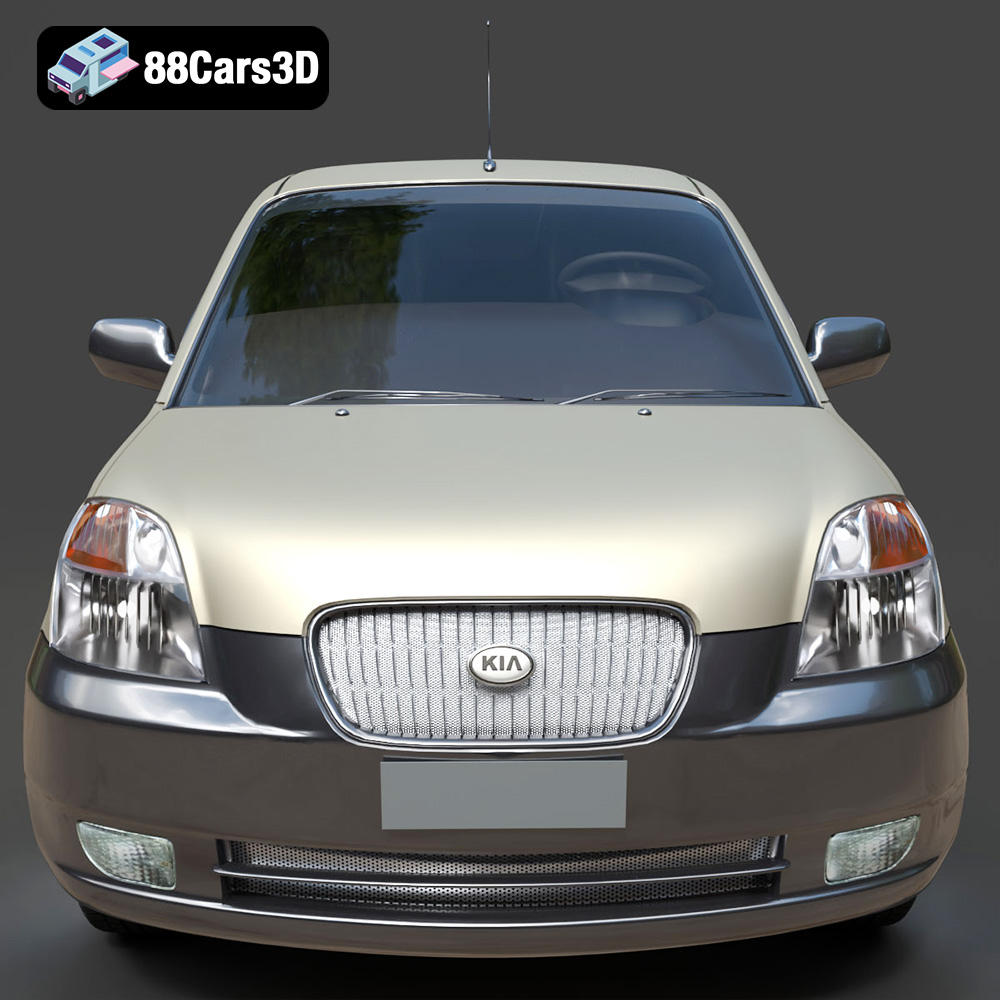
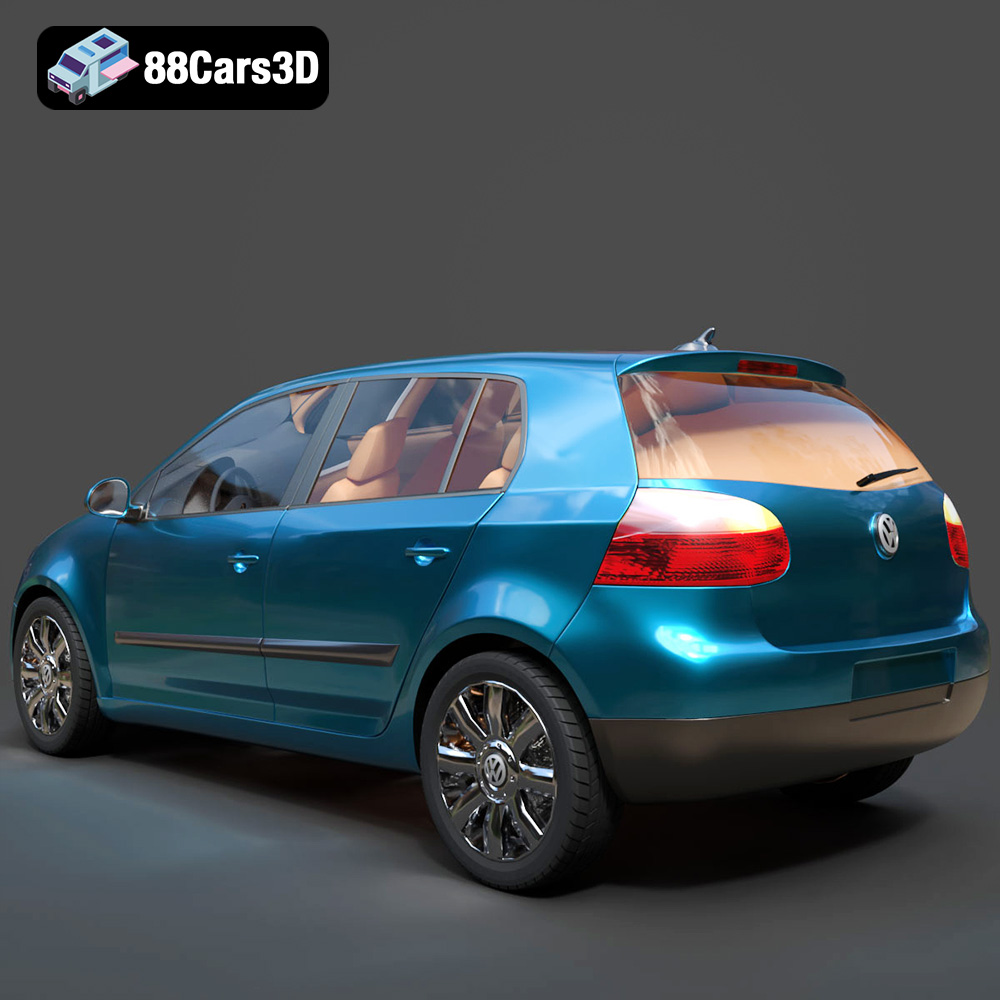
The Everyday City Traffic 3D Models Bundle is the ultimate “realism toolkit” for architectural visualization (ArchViz) artists, game developers, and VFX studios. Includes the VW Golf, Kia Picanto, Hyundai Tucson, Toyota Yaris, and a DHL Ford Transit Van. Save big on this 5-in-1 pack, perfectly optimized for realistic ArchViz streets and game traffic.
$99.99
archviz-traffic
background-vehicles
city-traffic-bundle
everyday-cars-3d
ford-transit-dhl
game-ready
hyundai-tucson
kia-picanto
npc-cars
toyota-yaris
urban-environment
vw-golf