Get 50% OFF All Premium 3D & STL Models!

The Smart 1 Brabus, with its distinctive design and sporty flair, is a head-turner on the streets. Now, thanks to 88cars3d.com, you can bring this iconic vehicle to life in miniature form through the magic of 3D printing. This blog post will guide you through the entire process, from preparing the STL files to achieving a showroom-worthy finish on your 3D printed Smart 1 Brabus model. Whether you’re a seasoned 3D printing enthusiast or just starting out, this comprehensive guide will provide the knowledge and techniques needed to create a stunning replica.
Before hitting “print,” meticulous preparation is key. The quality of your 3D printed Smart 1 Brabus will largely depend on how well you prepare the STL files. This involves inspecting the model, making any necessary repairs, and strategically orienting it for optimal printing.
* **Mesh Analysis:** Use software like MeshLab or Netfabb Basic to analyze the STL file for errors such as non-manifold edges, holes, and flipped normals. These imperfections can lead to print failures or a substandard final product.
* **Repairing Geometry:** Repair tools within the software can automatically fix many common errors. Ensure the model is watertight (no holes) and has a consistent surface normal direction. Small gaps can be patched, and intersecting faces can be resolved. For more complex issues, consider using Blender to manually edit the mesh.
* **Scaling Considerations:** Determine the desired size of your 3D printed Smart 1 Brabus. Keep in mind that scaling the model too small might compromise fine details, while scaling it too large could exceed your printer’s build volume or increase print time significantly.
* **Optimal Orientation:** Experiment with different orientations in your slicing software. The ideal orientation minimizes the need for support structures, reduces overhangs, and aligns the strongest axis of the model with the printing direction. Orienting the car with the roof facing upwards will require a lot of support material for the body, consider laying the car flat on its side.
The world of 3D models utilizes a variety of file formats, each designed with specific applications and capabilities in mind. Understanding these formats is crucial for ensuring seamless compatibility and optimal results when 3D printing your Smart 1 Brabus model.
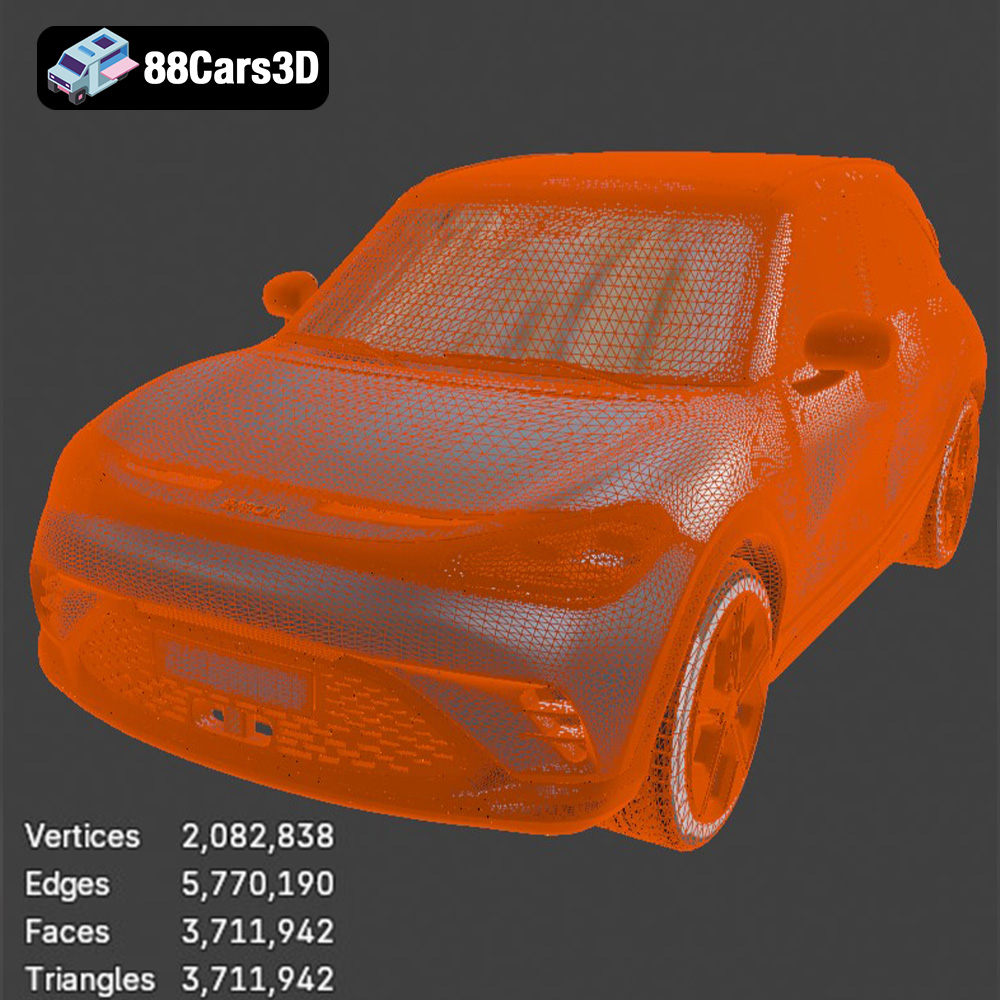
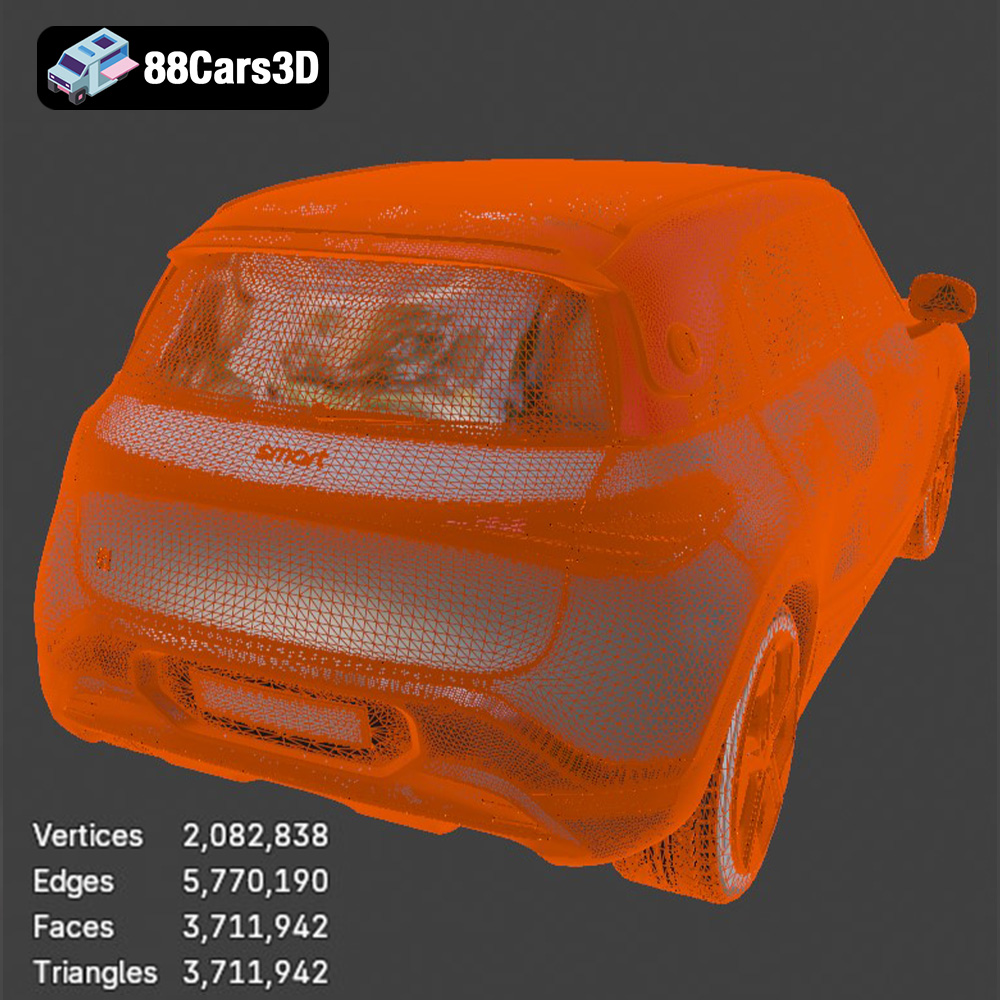
The STL (stereolithography) file format is the workhorse of 3D printing. It represents the surface geometry of a 3D object as a collection of triangles. This simplicity makes it universally compatible with slicing software and 3D printers. However, STL files only store geometric data; they do not contain information about color, texture, or materials. When working with STL files, it’s important to consider the mesh resolution. A low-resolution STL will result in a faceted, blocky print, while an excessively high-resolution STL can lead to unnecessarily large file sizes and longer processing times. 88cars3d.com provides optimized STL files for their models, including the Smart 1 Brabus, ensuring a good balance between detail and printability. Most slicing programs can read and interpret STL files directly, making it a near universal format for 3D printing.
The OBJ format is another widely used 3D model format. Unlike STL, OBJ files can store color and texture information, in addition to geometric data. This makes them suitable for colored 3D prints or for applications where visual fidelity is paramount. OBJ files can be more complex than STL files, which can sometimes cause issues with slicing software compatibility or performance. OBJ files for the Smart 1 Brabus could be useful if you want to apply custom textures before 3D printing using specialized printers.
PLY (Polygon File Format) is designed for storing 3D data acquired from 3D scanners. It supports a wide range of data types, including color, transparency, and surface normals, making it ideal for representing complex and highly detailed objects. PLY files are less common in 3D printing than STL or OBJ files, but they can be useful for reproducing intricate scanned objects.
The .blend file format is native to Blender, a popular open-source 3D modeling software. It stores the entire Blender scene, including the object’s geometry, materials, textures, lighting, and animation data. This format is extremely useful for making modifications to the Smart 1 Brabus 3D model before exporting it to a printable format like STL. You can adjust the model’s design, add custom features, or optimize it specifically for 3D printing within Blender.
FBX (Filmbox) is a proprietary file format developed by Autodesk. It’s commonly used for exchanging 3D data between different software applications, particularly in the game development and animation industries. FBX files can store geometric data, materials, textures, and animation data. While some slicing software can import FBX files, compatibility can vary depending on the software version and the complexity of the file. FBX could be helpful if the user wants to retain material information for use in specialized multi-material 3D printers, though this is less common.
GLB is a binary file format that represents 3D models in the glTF (GL Transmission Format) standard. GLB files are designed to be compact and efficient, making them ideal for web-based applications, augmented reality (AR), and virtual reality (VR). They can store geometric data, textures, and animations. With the Smart 1 Brabus model, GLB files let you preview the model in AR on your phone or tablet before committing to a physical 3D print.
.max is the native file format for Autodesk 3ds Max, a professional 3D modeling, animation, and rendering software. It contains all the information about the scene, including geometry, materials, lighting, and animation. The Smart 1 Brabus model available in .max format allows for extensive modifications and customization within 3ds Max before exporting for 3D printing or other applications.
Slicing software is the bridge between your 3D model and your 3D printer. It converts the STL file into a series of instructions (G-code) that the printer can understand. The slicer settings you choose will significantly impact the quality, strength, and printing time of your Smart 1 Brabus model.
* **Layer Height Selection:** Lower layer heights (e.g., 0.1mm) produce smoother surfaces and capture finer details, ideal for showcasing the Smart 1 Brabus’s sleek lines. However, they also increase print time. Higher layer heights (e.g., 0.2mm) print faster but result in more visible layer lines.
* **Adaptive Layer Height:** Some slicers offer adaptive layer height features, which automatically adjust the layer height based on the model’s geometry. This allows you to optimize for both detail and speed.
* **Infill for Strength:** Infill provides internal support for the model. For a display piece, a lower infill density (e.g., 15-20%) may suffice. For a more durable model, increase the infill density (e.g., 30-50%).
* **Infill Pattern Choice:** Different infill patterns offer varying levels of strength and material usage. Gyroid, cubic, and honeycomb patterns are popular choices for their balance of strength and efficiency.
* **Support Placement:** Strategically place supports to prevent overhangs from collapsing during printing. Consider using tree supports, which are more efficient in terms of material usage and easier to remove than traditional linear supports.
* **Support Settings:** Adjust the support density, overhang angle, and interface layer settings to optimize support structure adhesion and removal.
The choice of filament significantly affects the final appearance, strength, and heat resistance of your 3D printed Smart 1 Brabus model.
* **Ease of Printing:** PLA (Polylactic Acid) is a biodegradable thermoplastic known for its ease of printing, low warping, and wide availability. It’s an excellent choice for beginners.
* **Cosmetic Applications:** PLA is ideal for creating visually appealing models like the Smart 1 Brabus, where aesthetics are paramount. However, it has lower heat resistance compared to other materials.
* **Increased Strength:** PETG (Polyethylene Terephthalate Glycol-modified) offers a good balance of strength, flexibility, and heat resistance. It’s more durable than PLA and less prone to cracking.
* **Functional Parts:** If you plan to use the 3D printed Smart 1 Brabus for functional purposes, such as a remote-controlled car body, PETG is a suitable option.
* **Unmatched Resolution:** Resin printing, using materials like standard resin or ABS-like resin, offers unparalleled detail and surface finish. This is perfect for capturing the intricate design elements of the Smart 1 Brabus.
* **Post-Processing Requirements:** Resin prints require post-processing, including washing in isopropyl alcohol and curing under UV light.
Post-processing is the final step in transforming your 3D printed Smart 1 Brabus from a raw print into a polished masterpiece.
* **Careful Removal:** Gently remove support structures using pliers or a sharp knife. Be careful not to damage the model’s surface.
* **Progressive Sanding:** Start with coarse sandpaper (e.g., 220 grit) to remove large imperfections, then gradually move to finer grits (e.g., 400, 600, 800 grit) to smooth the surface. Wet sanding can help prevent dust buildup and achieve a smoother finish.
* **Priming for Adhesion:** Apply a primer coat to the model. This creates a uniform surface for paint to adhere to and helps fill in any remaining imperfections.
* **Multiple Paint Coats:** Apply several thin coats of paint, allowing each coat to dry completely before applying the next. This prevents drips and ensures even coverage. Consider using an airbrush for a professional-looking finish. Use masking tape to achieve sharp lines for the Brabus design elements.
Even with careful preparation, 3D printing can sometimes present challenges. Here are some common issues and their solutions:
* **Causes:** Warping occurs when the first layer of the print doesn’t adhere properly to the build plate.
* **Solutions:** Ensure the build plate is clean and level. Use a heated bed to maintain a consistent temperature. Apply an adhesive like glue stick or hairspray to the build plate.
* **Causes:** Stringing occurs when molten filament oozes from the nozzle during travel moves.
* **Solutions:** Increase retraction distance and speed in your slicer settings. Lower the printing temperature. Ensure the filament is dry.
* **Causes:** Layer separation occurs when layers don’t bond properly to each other.
* **Solutions:** Increase the printing temperature. Decrease the layer height. Ensure the bed adhesion is strong.
By understanding these troubleshooting techniques, you can overcome common 3D printing challenges and achieve a successful print of your Smart 1 Brabus model. Remember to always refer to the specific documentation for your 3D printer and filament for optimal results. With patience and practice, you’ll be able to create stunning 3D printed models that showcase your skills and passion for additive manufacturing. And with high-quality models available at 88cars3d.com, you can explore a wide range of vehicles and bring your favorite cars to life.
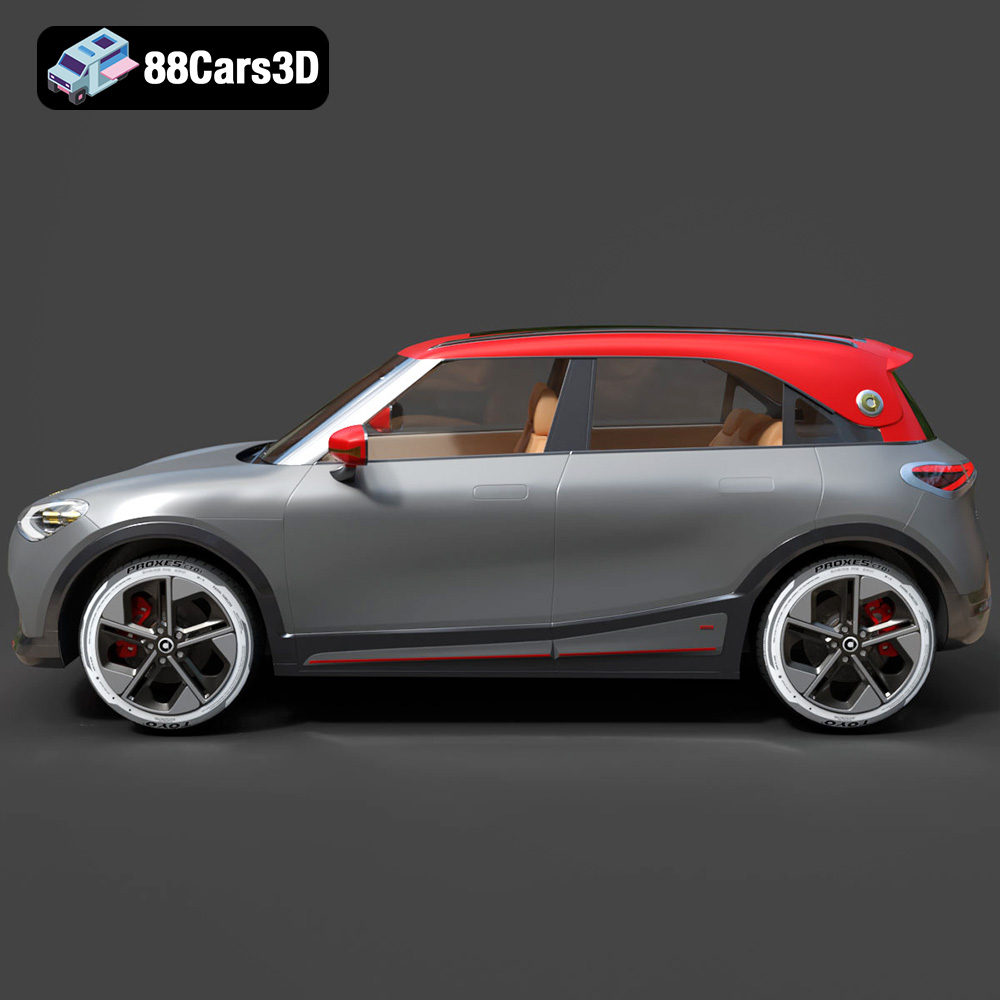
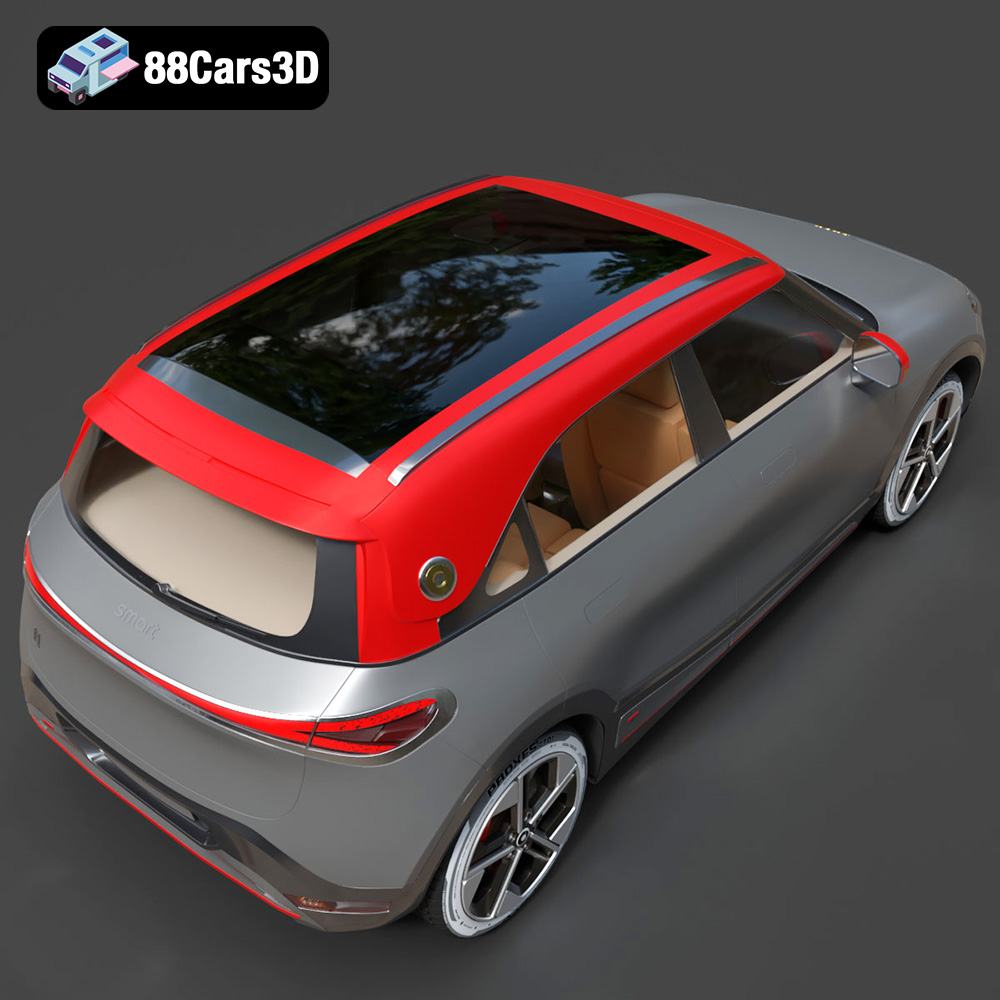
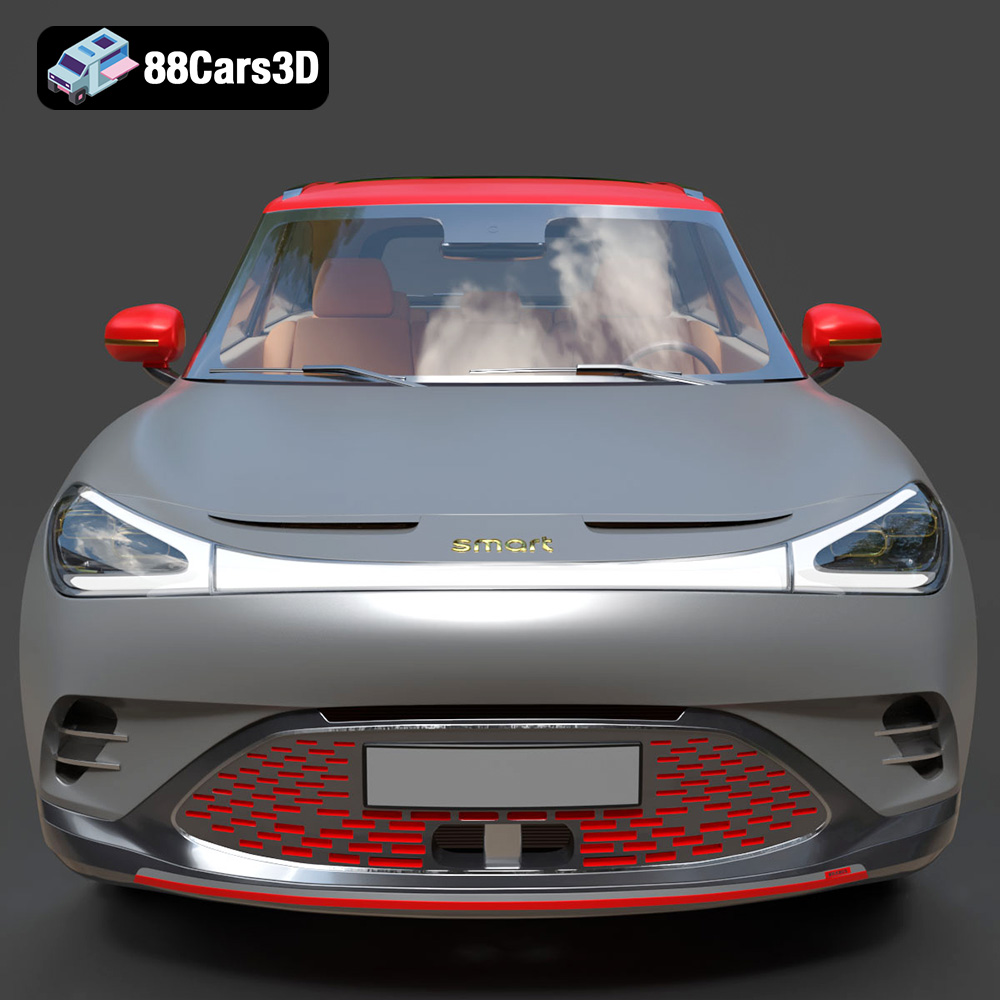
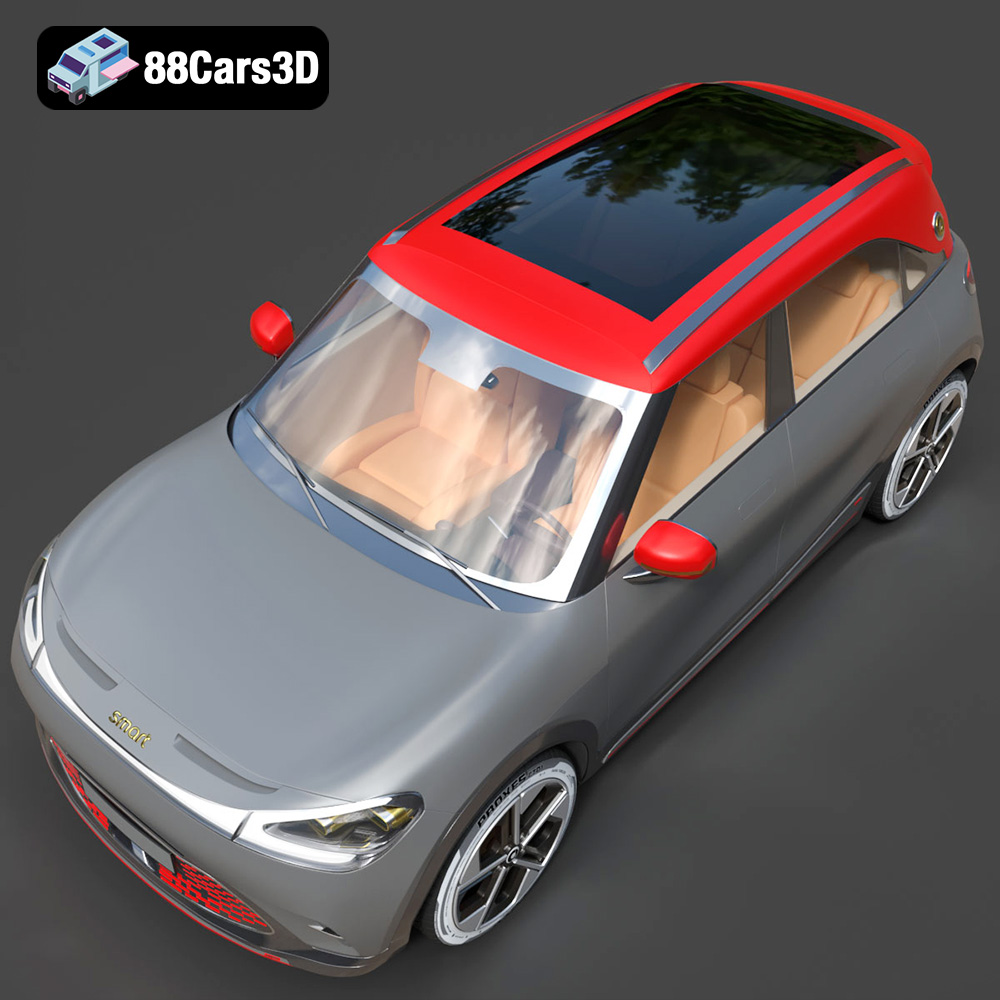
Experience the impressive realism of the Smart 1 Brabus 3D Model. Carefully crafted with precision, this model captures the dynamic stance, signature design elements, and detailed interior of the original vehicle. Built to meet professional standards, it serves as an exceptional digital twin for any demanding project.
$19.99
.1brabus
.arvr
.blend
.car3dmodel
.crossover
.electricvehicle
.fbx
.gameasset
.glb
.max
.obj
.ply
.rendering
.simulation
.smart
.stl
.unreal
SUV