Get 50% OFF All Premium 3D & STL Models!

The Fantic Caballero 500 Scrambler, a modern classic that perfectly blends retro aesthetics with contemporary engineering, has captured the hearts of motorcycle enthusiasts worldwide. Now, thanks to 88cars3d.com, you can bring this iconic bike to life in miniature form through the magic of 3D printing. This blog post will serve as your comprehensive guide to successfully 3D printing the Fantic Caballero 500 Scrambler 3D model, covering everything from pre-print preparation to post-processing techniques.
Before you even think about hitting that “print” button, careful preparation of the 3D model is essential. This ensures a smooth and successful 3D printing experience. The Fantic Caballero 500 Scrambler 3D Model from 88cars3d.com is already optimized, but a few tweaks can make a big difference.
Even optimized 3D models can sometimes have minor imperfections that can cause printing issues. Use a mesh editing software like MeshMixer, Netfabb, or Blender to inspect the STL file for any errors. Look for:
Most mesh editing software offers automated repair tools that can quickly fix these common issues. For example, MeshMixer has a “Make Solid” function that can automatically repair non-manifold edges and fill small holes. Netfabb offers advanced repair features for more complex problems.
The recommended scales for 3D printing the Fantic Caballero 500 Scrambler 3D model are 1:12, 1:10, and 1:8. Choosing the right scale depends on the size of your 3D printer and the level of detail you want to achieve. Smaller scales (e.g., 1:12) will require finer layer heights and more precise printing to capture intricate details like the spoked wheels and engine fins.
Orientation is another critical factor. The product description suggests printing the frame angled for structural integrity and printing the spoked wheels separately. This is an excellent starting point. Consider the following:
Choosing the right file format is a crucial step in preparing your 3D model for printing. Different file formats have different strengths and weaknesses, impacting the quality and compatibility of your print. The Fantic Caballero 500 Scrambler 3D Model is available in several formats, but some are more suitable for 3D printing than others.
The .stl (stereolithography) file format is the undisputed industry standard for 3D printing. It represents the surface geometry of a 3D object as a collection of triangles. This simplicity makes it universally compatible with virtually all 3D printers and slicing software. When you download the Fantic Caballero 500 Scrambler 3D model from 88cars3d.com, the .stl file is your primary format for 3D printing.
The key advantage of .stl is its widespread adoption. Every slicing software, from Cura and Simplify3D to PrusaSlicer and IdeaMaker, supports .stl files. This means you can seamlessly import the model and begin preparing it for printing without worrying about compatibility issues.
However, the .stl format has limitations. It only stores the mesh geometry; it doesn’t contain any information about color, textures, or materials. This means that all .stl models will be printed in a single color, and you’ll need to apply any desired colors or textures during post-processing.
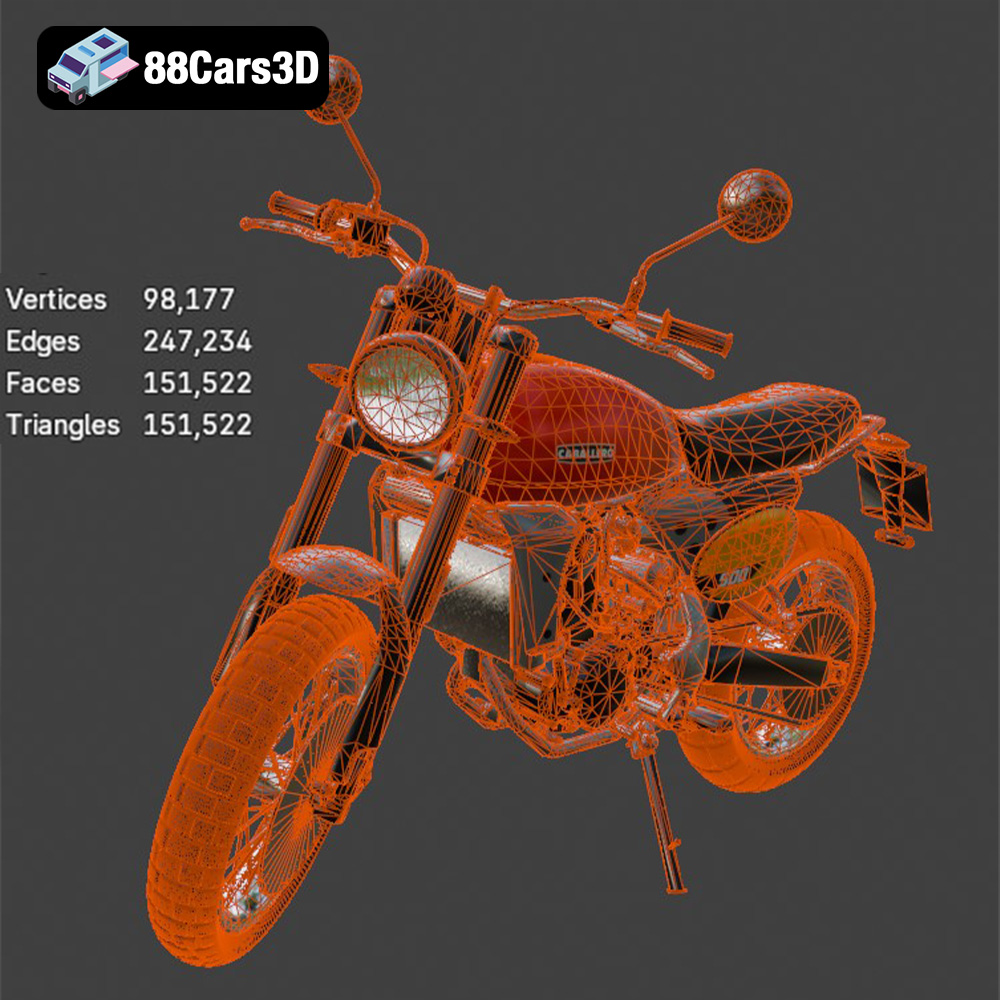
Mesh quality is paramount when working with .stl files. A higher triangle count results in a smoother, more detailed surface. However, it also increases the file size and processing time. The Fantic Caballero 500 Scrambler 3D model boasts a triangle count of 151,522, striking a balance between visual fidelity and performance.
The .obj (object) file format is another common 3D model format. Unlike .stl, .obj supports color and texture information. This makes it suitable for applications where visual appearance is critical, such as rendering and game development. However, its texture support is less useful for most 3D printing applications, as most 3D printers still print in single colors.
The .ply (polygon) file format is designed for storing 3D data acquired from 3D scanners. It’s known for its ability to represent complex geometries with high precision. While .ply can be used for 3D printing, it’s less widely supported than .stl. It is ideal for preserving the fine details of the model.
The .blend file format is the native format for Blender, a popular open-source 3D modeling software. If you want to customize the Fantic Caballero 500 Scrambler 3D model before printing, the .blend file gives you complete control over the geometry, materials, and textures. You can modify the design, add details, or split the model into separate parts for easier printing and assembly.
The .fbx (Filmbox) file format is widely used for exchanging 3D data between different software applications. It supports various types of data, including geometry, textures, materials, and animations. While some advanced slicing software can import .fbx files, it’s primarily used for game development and animation rather than 3D printing directly.
The .glb (GL Transmission Format Binary) file format is designed for efficient transmission and loading of 3D models, especially in web and mobile applications. It’s often used for Augmented Reality (AR) applications, allowing you to preview the Fantic Caballero 500 Scrambler 3D model in a real-world environment before printing it. This is not needed for 3D printing itself.
The .max file format is the native format for 3ds Max, another professional 3D modeling software. Similar to .blend, the .max file provides access to the complete project, allowing for extensive customization and modification of the Fantic Caballero 500 Scrambler 3D model.
In conclusion, for 3D printing the Fantic Caballero 500 Scrambler 3D model, the .stl format is the most practical and widely supported choice. Ensure that your slicing software is compatible with .stl files and that the mesh quality is sufficient for your desired level of detail.
The material you select will significantly impact the final appearance, strength, and durability of your 3D printed Fantic Caballero 500 Scrambler. Here are some recommendations:
Resin printing is highly recommended for capturing the intricate details of the Fantic Caballero 500 Scrambler, especially at smaller scales. The fine layer resolution of resin printers (typically 25-50 microns) allows for incredibly smooth surfaces and sharp details, making it ideal for the spoked wheels, engine fins, and other delicate features.
Fused Deposition Modeling (FDM) printing is a more affordable and accessible option. While it can’t match the detail of resin printing, FDM can still produce excellent results, especially at larger scales (1:8 or larger). PLA and PETG are the most common FDM materials.
Your slicing software translates the 3D model into instructions for your 3D printer. Optimizing these settings is crucial for achieving the best possible print quality.
The recommended layer height for resin printing is 0.04-0.12 mm, as stated in the product description. For FDM printing, a layer height of 0.1-0.2 mm is a good starting point. Lower layer heights result in smoother surfaces but increase print time.
An infill density of 20-30% is sufficient for most parts of the Fantic Caballero 500 Scrambler. For parts that require extra strength, such as the frame, consider increasing the infill density to 40-50%. Choose an infill pattern that provides good structural support, such as gyroid or cubic.
Support structures are essential for printing overhangs and complex geometries. Use automatic support generation in your slicing software, but carefully review the placement and adjust as needed. Minimize the contact area of the supports to make removal easier and reduce surface imperfections. Consider using tree supports for a more organic and less intrusive support structure.
Post-processing is the final stage of the 3D printing process, where you refine the printed parts to achieve the desired appearance and functionality. The product description recommends sanding, priming, and painting the Fantic Caballero 500 Scrambler 3D model with classic Fantic Red for the tank, matte black for the frame, and metallic finishes for the Arrow exhaust.
Sanding removes layer lines and imperfections from the printed surfaces. Start with a coarse grit sandpaper (e.g., 220 grit) and gradually move to finer grits (e.g., 400, 600, 800 grit) to achieve a smooth finish. Wet sanding can help to reduce dust and improve the sanding process.
Priming provides a smooth and uniform surface for painting. Apply several thin coats of primer, allowing each coat to dry completely before applying the next. Once the primer is dry, you can begin painting the model with your desired colors. Use masking tape to create clean lines and separate different color areas.
The Fantic Caballero 500 Scrambler 3D model may be printed in multiple parts, such as the frame, wheels, handlebars, and exhaust. Use super glue or epoxy to assemble the parts. Ensure that the parts are properly aligned and securely bonded together.
Even with careful preparation and optimized settings, you may encounter some challenges during the 3D printing process. Here are some common issues and their solutions:
Warping occurs when the printed part lifts off the build plate, especially at the corners. To prevent warping, ensure that your build plate is properly leveled and heated. Use a build plate adhesive, such as glue stick or hairspray, to improve adhesion. Enclosing your 3D printer can also help to maintain a consistent temperature and reduce warping.
Stringing occurs when thin strands of filament are left between different parts of the print. To prevent stringing, reduce the printing temperature, increase retraction distance, and decrease travel speed.
Support structures can sometimes be difficult to remove, leaving behind surface imperfections. To minimize support structure issues, optimize the support placement, reduce the support density, and use dissolvable support materials.
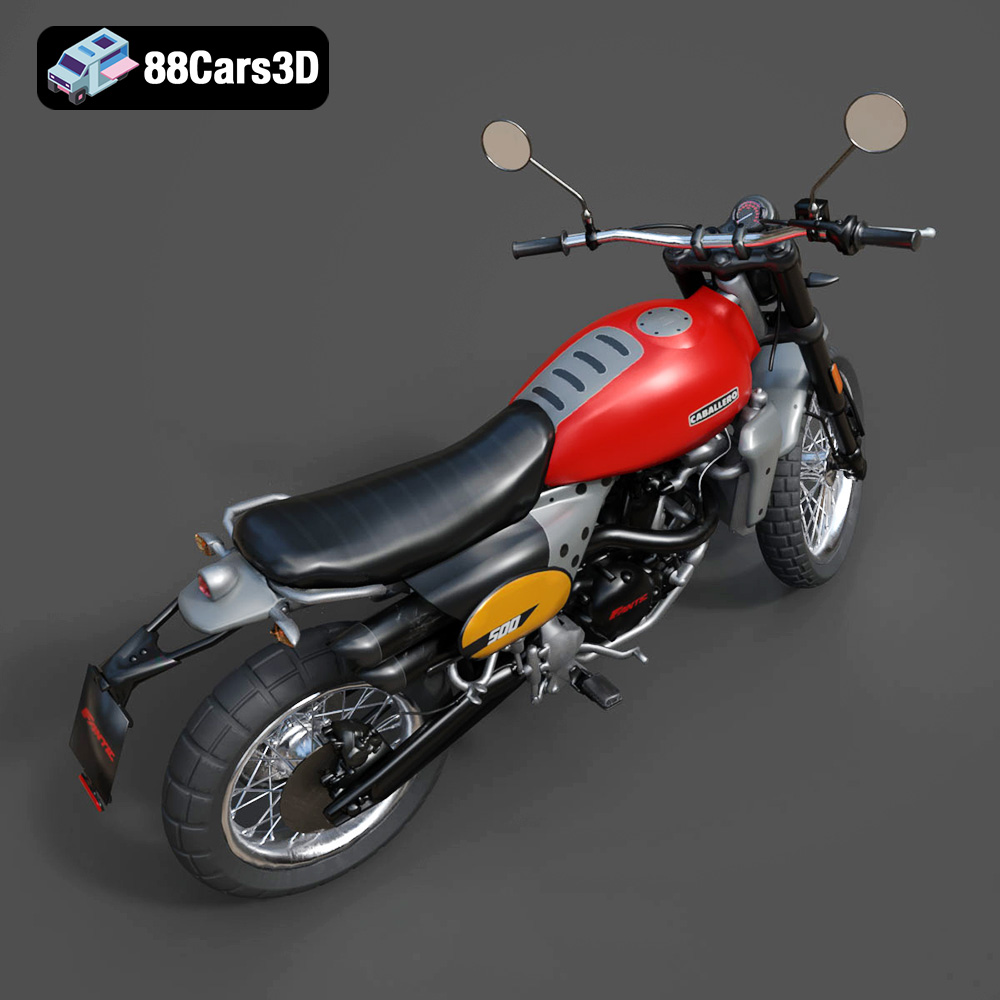
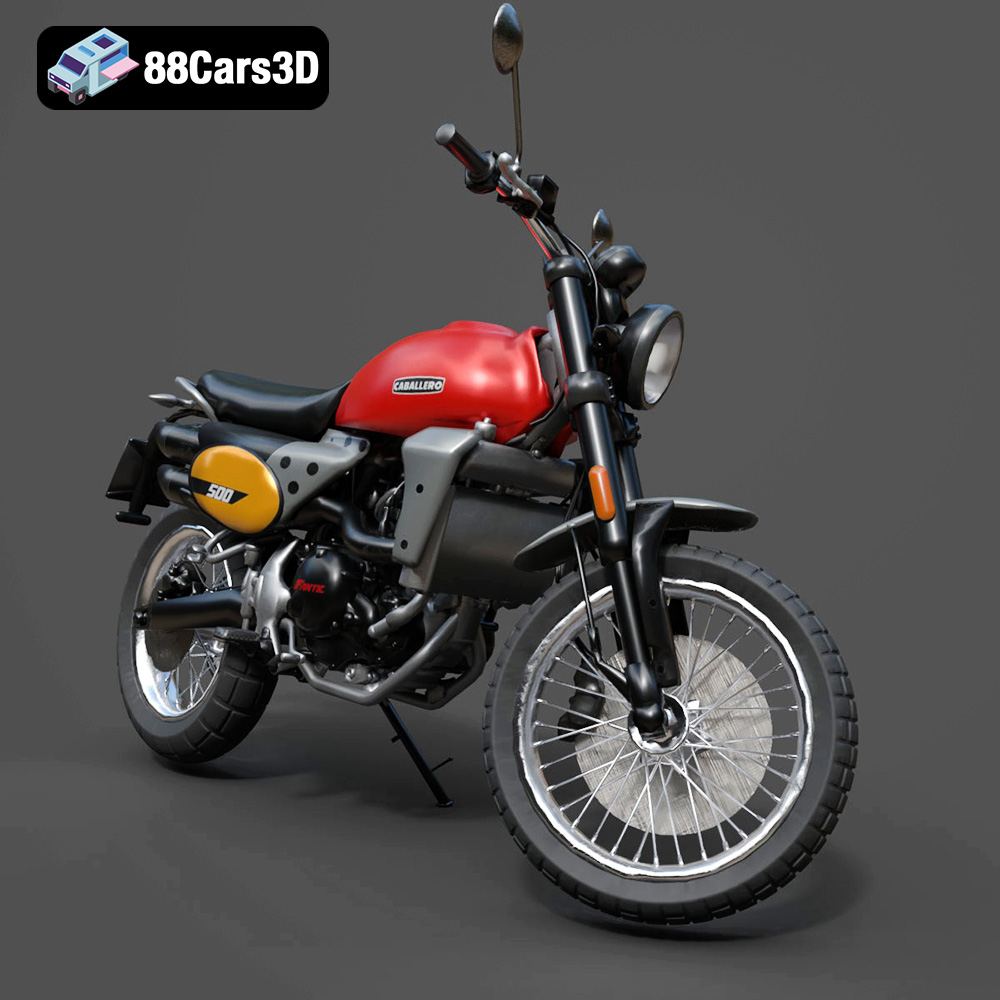
The Fantic Caballero 500 Scrambler 3D Model is a highly detailed, optimized digital recreation of the iconic Italian modern-classic motorcycle. Blends 1970s retro dirt-track aesthetics with contemporary engineering, the Caballero 500 is famous for its rugged off-road stance, punchy single-cylinder engine, signature dual Arrow exhaust, and aggressive knobby tires.
$9.99
3D printing the Fantic Caballero 500 Scrambler 3D model is a rewarding project that allows you to create a stunning replica of this iconic motorcycle. By following the tips and techniques outlined in this guide, you can overcome common printing challenges and achieve exceptional results. Remember to:
With a little patience and attention to detail, you can create a 3D printed Fantic Caballero 500 Scrambler that you’ll be proud to display. Head over to 88cars3d.com today and download the STL files to get started on your own 3D printing adventure!
.blend
.fbx
.obj
.rendering
.scrambler
caballero-500
dirt-bike
fantic
flat-tracker
game asset
game-ready
low-poly
motorcycle-3d-model
optimized
retro-motorcycle
VR/AR