Get 50% OFF All Premium 3D & STL Models!

“`html
3D printing has revolutionized model making, prototyping, and even hobbyist collections. The journey from a digital design to a tangible object hinges on proper preparation of your 3D model. This is especially crucial when dealing with intricate designs like printable car models. At 88cars3d.com, we understand the importance of high-quality STL files, but even the best model requires careful handling before hitting the “print” button. This comprehensive guide will walk you through each step, from understanding STL file structure to mastering slicing techniques, ensuring your 3D prints are a resounding success. We’ll cover everything from basic mesh repair to advanced support generation strategies, making your experience with 3D printing, and especially with models from platforms like 88cars3d.com, smooth and rewarding. Prepare to dive deep into the world of 3D model preparation!
The STL (Stereolithography) file format is the backbone of 3D printing. It represents the surface geometry of a 3D object as a collection of triangles. A well-structured STL file is crucial for successful printing. Problems in the mesh, such as non-manifold geometry or intersecting faces, can lead to print failures. When downloading models from marketplaces such as 88cars3d.com, you can generally expect a certain level of quality, but it’s always good practice to double-check.
STL files contain data about each triangle: the coordinates of its three vertices and the normal vector, which indicates the triangle’s orientation. The normal vector is critical; it tells the printer which side of the triangle faces outwards. Incorrect normals can cause sections of the model to be printed inside-out. ASCII and binary are two formats for STL. ASCII is human-readable but results in larger file sizes. Binary is more compact and faster to process. Most modern slicers handle both formats seamlessly, but binary is generally preferred for larger, more complex models.
A “manifold” mesh is one that is watertight and self-consistent, meaning it represents a physically realizable object. Each edge in a manifold mesh is shared by exactly two triangles. Non-manifold geometry, where edges are shared by more or fewer than two triangles, or where there are holes in the mesh, can cause serious issues during slicing. Using mesh repair software like MeshMixer or Netfabb to correct these errors is a crucial step in preparing STL files for 3D printing. Think of it like patching up holes in a bucket before you try to fill it with water – if the mesh has holes, the slicer won’t know what’s “inside” and “outside” the model.
Slicing is the process of converting a 3D model into a series of layers that the 3D printer can understand. The slicing software takes the STL file and generates G-code, which contains instructions for the printer’s movements, temperature settings, and extrusion rates. The chosen slicing parameters directly impact the print’s quality, strength, and printing time. The most common slicing softwares are Cura and PrusaSlicer, known for their versatility and user-friendly interface. Correctly configuring these parameters is essential for successful prints, especially for detailed models like the printable car models available on 88cars3d.com.
Layer height determines the thickness of each printed layer. Smaller layer heights (e.g., 0.1mm) result in smoother surfaces and finer details, but significantly increase printing time. Larger layer heights (e.g., 0.3mm) print faster but sacrifice detail. For automotive models, a layer height of 0.15mm to 0.2mm is a good compromise between detail and print speed for most FDM printers. Resin printers can achieve even finer details with layer heights as low as 0.025mm.
Infill refers to the internal structure of the 3D print. 100% infill results in a solid object, but it’s often unnecessary and wastes material. Lower infill percentages (e.g., 15-20%) create a lightweight but still reasonably strong object. The infill pattern also affects the strength and print time. Common infill patterns include grid, lines, triangles, and gyroid. Gyroid infill offers excellent strength-to-weight ratio and is often preferred for functional parts. For aesthetic models, like car models, the infill pattern is less critical; a simple grid or lines pattern is usually sufficient.
Support structures are temporary scaffolding used to support overhanging features during printing. Without supports, these features would simply collapse. Generating effective support structures is crucial for successful printing, especially for complex geometries. Removing supports cleanly without damaging the printed model can be a challenge, so optimizing support placement and type is essential.
Automatic support generation algorithms in slicing software often place supports in suboptimal locations. Manual support placement allows for greater control and can reduce material usage and print time. Focus on supporting areas with significant overhangs (greater than 45 degrees). Avoid placing supports on surfaces that require a smooth finish. Tree supports, which branch out from the build plate, are often a good option for complex models as they use less material and are easier to remove.
Some 3D printers can print with multiple materials, allowing for the use of soluble support materials that dissolve in water or other solvents. This eliminates the need for manual support removal and results in a cleaner surface finish. If using the same material for supports and the model, consider using a lower density for the support structures to make them easier to remove. Interface layers, printed between the support structure and the model, can also improve support removal and surface finish. Experiment with different interface layer settings to find what works best for your printer and material.
Print orientation significantly affects the strength, surface finish, and support requirements of a 3D print. Proper bed adhesion is crucial for preventing warping and detachment during printing. Choosing the optimal orientation and ensuring good bed adhesion are fundamental steps in preparing a 3D model for printing.
Orient the model to minimize the need for supports, especially on visible surfaces. Consider the direction of applied forces during use and orient the model so that the layers are aligned with those forces. For example, if a part will be subjected to bending forces, orient it so that the layers run perpendicular to the direction of the bend. For aesthetic models, prioritize the surface finish of visible surfaces. Orienting the model so that these surfaces are parallel to the build plate will often result in the smoothest finish, but may require more supports.
Poor bed adhesion is a common cause of print failures. Several techniques can improve bed adhesion:
For larger models, a raft or brim is often necessary to prevent warping. For smaller models, a skirt may be sufficient.
Post-processing refers to the steps taken after printing to improve the appearance, strength, or functionality of the 3D printed object. This can include support removal, sanding, painting, and assembly. Mastering post-processing techniques can transform a raw 3D print into a polished and professional-looking product.
Careful support removal is crucial to avoid damaging the printed model. Use sharp tools, such as pliers, cutters, or knives, to gently remove the support structures. Start by removing the bulk of the supports and then use finer tools to remove any remaining fragments. For soluble support materials, simply soak the model in the appropriate solvent until the supports dissolve.
Sanding is used to smooth out layer lines and other imperfections on the surface of the 3D print. Start with coarse sandpaper (e.g., 220 grit) and gradually move to finer grits (e.g., 400, 600, 800, 1000 grit). Wet sanding, using water with the sandpaper, can help to reduce clogging and produce a smoother finish. After sanding, apply a primer to fill in any remaining imperfections and create a uniform surface for painting.
Painting can add color and detail to your 3D printed model. Use acrylic paints or model paints designed for plastics. Apply thin, even coats of paint to avoid drips and runs. For complex models, consider using masking tape to create clean lines and separate different colored areas. Assembly may involve gluing together multiple parts to create a larger model. Use a strong adhesive, such as cyanoacrylate (super glue) or epoxy, to bond the parts together. Consider models offered on 88cars3d.com, which often require careful assembly and painting to truly shine.
The choice of printing material dramatically impacts the strength, flexibility, temperature resistance, and overall aesthetic of the final printed object. Different materials require different printer settings and may be better suited for specific applications. Proper printer calibration is also essential for achieving accurate and consistent results. A well-calibrated printer will produce parts that are dimensionally accurate and free from defects.
The most common 3D printing filaments are PLA, PETG, and ABS.
For printing car models, PLA is often a good choice for its ease of use and smooth finish. However, PETG or ABS may be preferred for parts that will be exposed to high temperatures or stress.
Regular printer calibration is essential for maintaining print quality. Key calibration steps include:
By carefully calibrating your 3D printer, you can ensure that your prints are accurate, consistent, and of high quality.
Even with careful preparation, 3D printing failures can occur. Understanding the common causes of these failures and how to troubleshoot them is essential for a successful printing experience. From bed adhesion issues to extruder problems, knowing how to diagnose and fix these problems can save you time, material, and frustration.
Warping, where the corners of the print lift off the build plate, is a common problem, especially with larger models or materials like ABS. Causes include:
Solutions include: using a raft or brim, increasing the bed temperature, and enclosing the printer.
Extrusion problems, such as clogging or under-extrusion, can result in incomplete or weak prints. Causes include:
Solutions include: cleaning the nozzle, untangling the filament, and adjusting the temperature settings.
Preparing 3D models for printing is a multi-faceted process that requires attention to detail and a solid understanding of the underlying technologies. From understanding STL file structure and mesh topology to mastering slicing parameters, support generation, print orientation, and post-processing techniques, each step plays a crucial role in the final outcome. By carefully selecting materials, calibrating your printer, and troubleshooting common printing failures, you can significantly improve your 3D printing success rate. Resources like 88cars3d.com provide excellent starting points with optimized STL files, but remember that proper preparation is key. So, take the time to learn and experiment, and you’ll be well on your way to creating stunning 3D printed objects. Now, go forth and print!
“`

Texture: Yes
Material: Yes
Download the Volvo Trucks Benz GT-001 3D Model featuring clean geometry, realistic detailing, and a fully modeled interior. Includes .blend, .fbx, .obj, .glb, .stl, .ply, .unreal, and .max formats for rendering, simulation, and game development.
Price: $29.99

Texture: Yes
Material: Yes
Download the Volvo C40 Recharge 3D Model featuring clean geometry, realistic detailing, and a fully modeled interior. Includes .blend, .fbx, .obj, .glb, .stl, .ply, .unreal, and .max formats for rendering, simulation, and game development.
Price: $19.99

Texture: Yes
Material: Yes
Download the Volkswagen Tiguan 2021 3D Model featuring clean geometry, realistic detailing, and a fully modeled interior. Includes .blend, .fbx, .obj, .glb, .stl, .ply, .unreal, and .max formats for rendering, simulation, and game development.
Price: $19.99

Texture: Yes
Material: Yes
Download the Volkswagen ID6 CROZZ 2022 3D Model featuring clean geometry, realistic detailing, and a fully modeled interior. Includes .blend, .fbx, .obj, .glb, .stl, .ply, .unreal, and .max formats for rendering, simulation, and game development.
Price: $19.99

Texture: Yes
Material: Yes
Download the Volkswagen ID4 2021 3D Model featuring clean geometry, realistic detailing, and a fully modeled interior. Includes .blend, .fbx, .obj, .glb, .stl, .ply, .unreal, and .max formats for rendering, simulation, and game development.
Price: $19.99
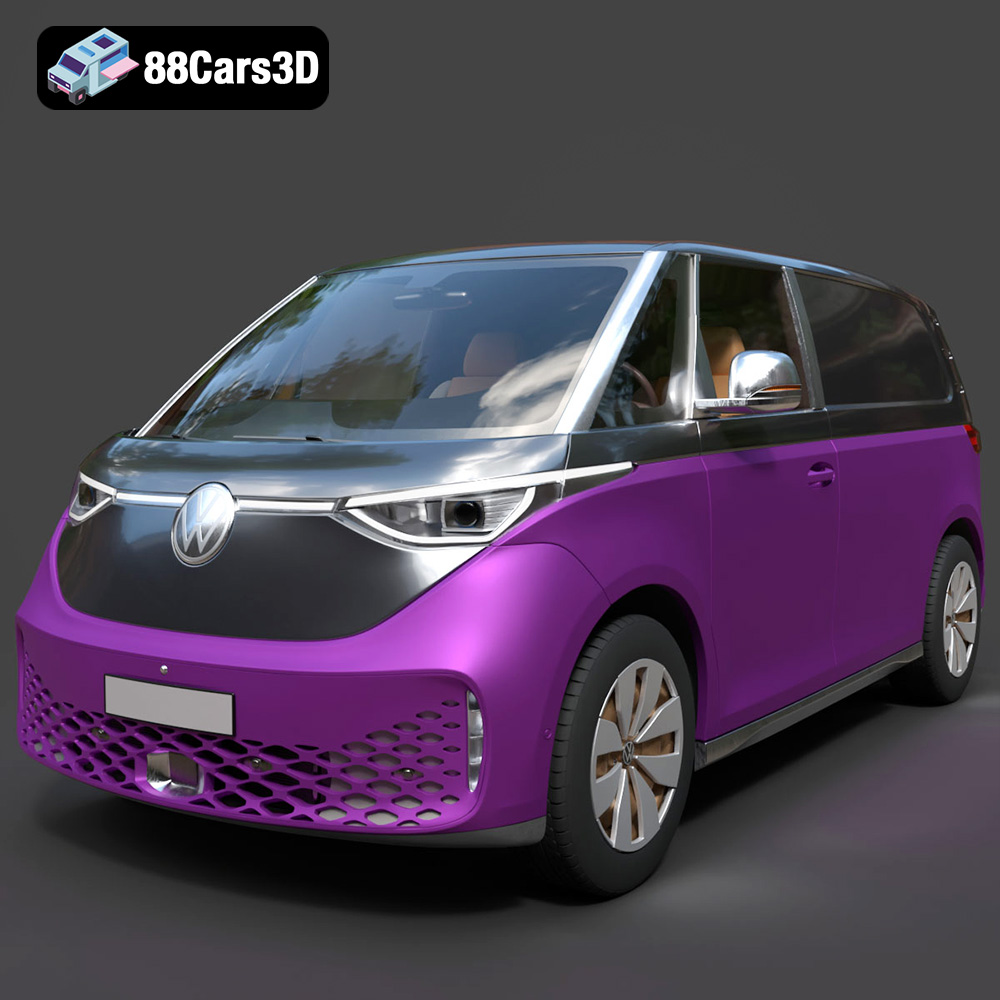
Texture: Yes
Material: Yes
Download the Volkswagen ID. Buzz Cargo 2023 3D Model featuring clean geometry, realistic detailing, and a fully modeled interior. Includes .blend, .fbx, .obj, .glb, .stl, .ply, .unreal, and .max formats for rendering, simulation, and game development.
Price: $19.99
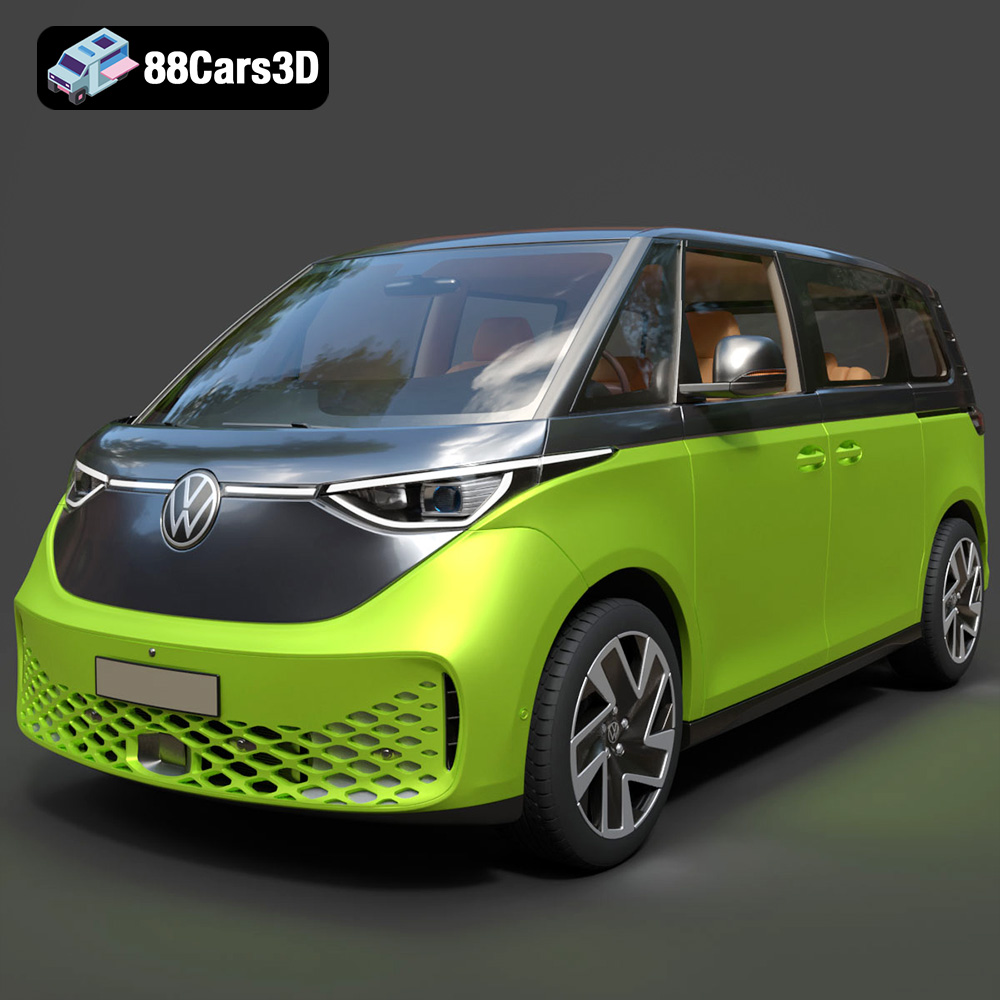
Texture: Yes
Material: Yes
Download the Volkswagen ID. Buzz 2023 3D Model featuring clean geometry, realistic detailing, and a fully modeled interior. Includes .blend, .fbx, .obj, .glb, .stl, .ply, .unreal, and .max formats for rendering, simulation, and game development.
Price: $19.99
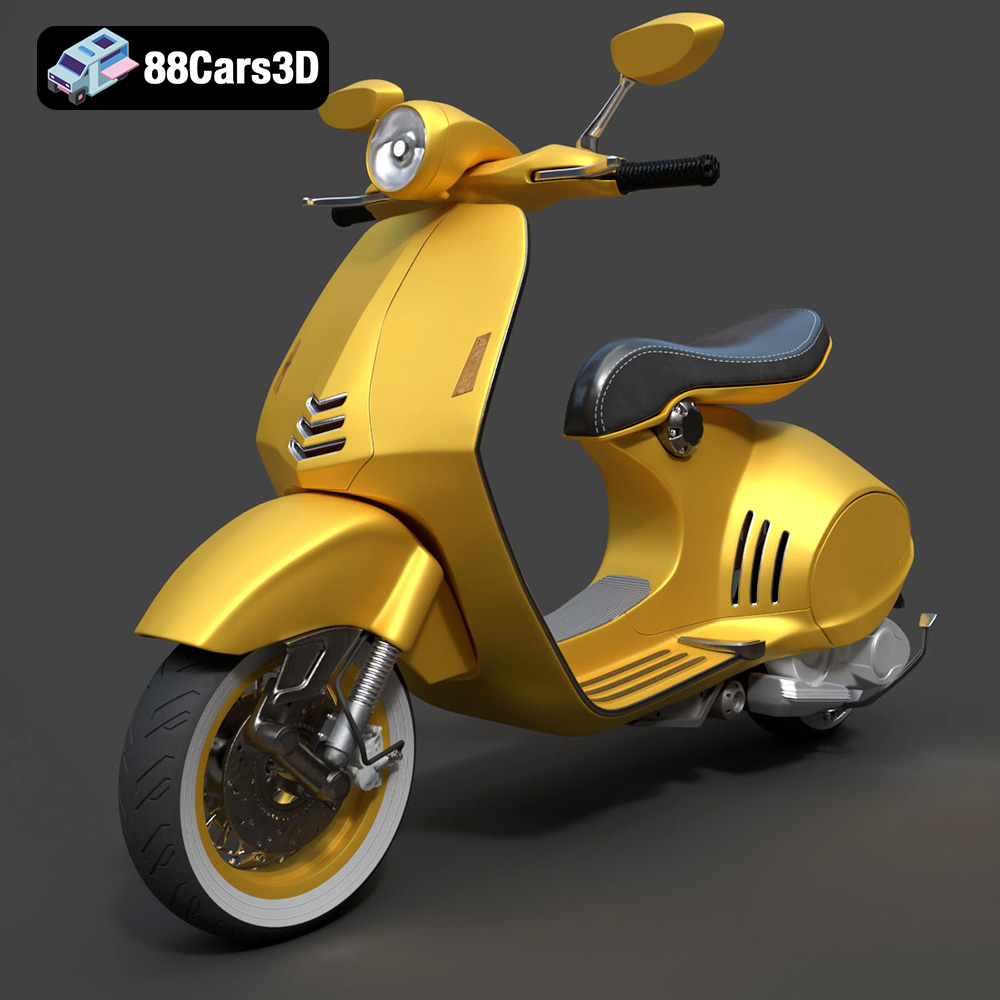
Texture: Yes
Material: Yes
Download the Vespa 946 3D Model featuring clean geometry, realistic detailing, and a fully modeled interior. Includes .blend, .fbx, .obj, .glb, .stl, .ply, .unreal, and .max formats for rendering, simulation, and game development.
Price: $19.99

Texture: Yes
Material: Yes
Download the Toyota Yaris Cross 3D Model featuring clean geometry, realistic detailing, and a fully modeled interior. Includes .blend, .fbx, .obj, .glb, .stl, .ply, .unreal, and .max formats for rendering, simulation, and game development.
Price: $19.99

Texture: Yes
Material: Yes
Download the Volkswagen Amarok 2019 3D Model featuring clean geometry, realistic detailing, and a fully modeled interior. Includes .blend, .fbx, .obj, .glb, .stl, .ply, .unreal, and .max formats for rendering, simulation, and game development.
Price: $19.99

