Get 50% OFF All Premium 3D & STL Models!

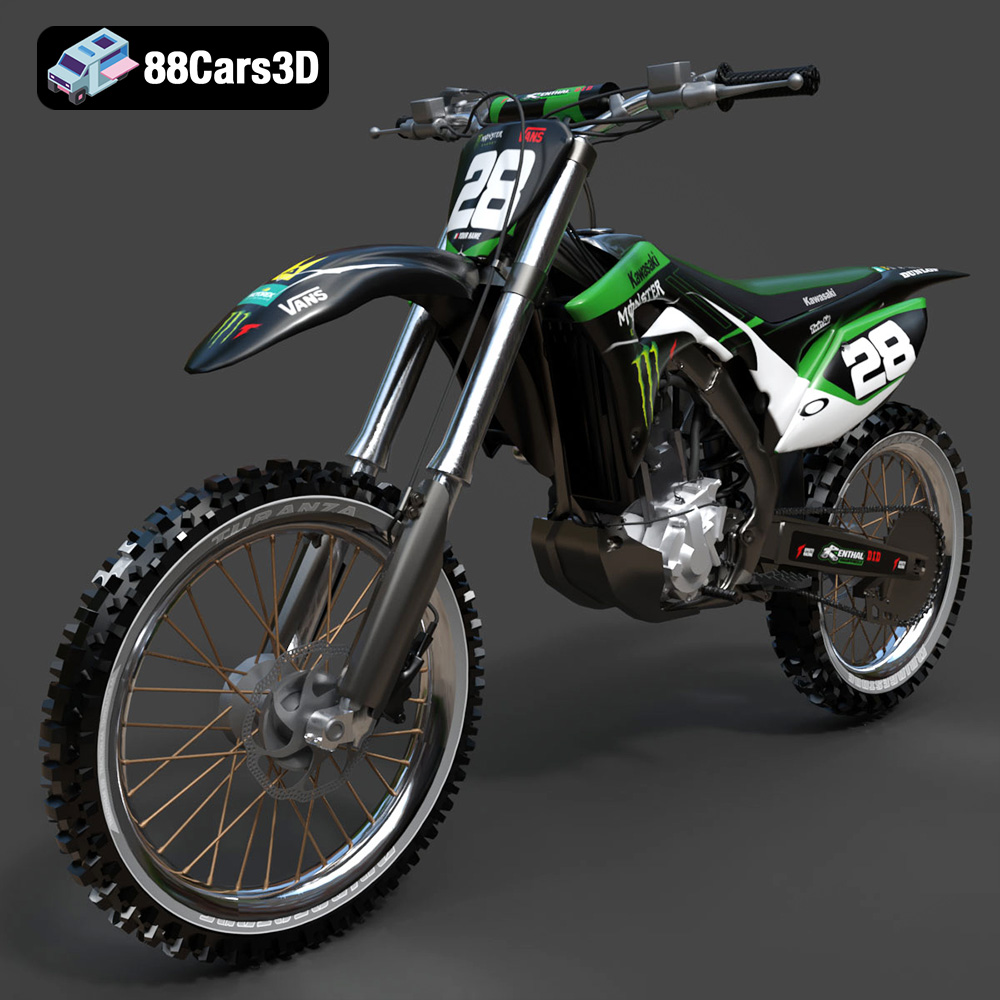
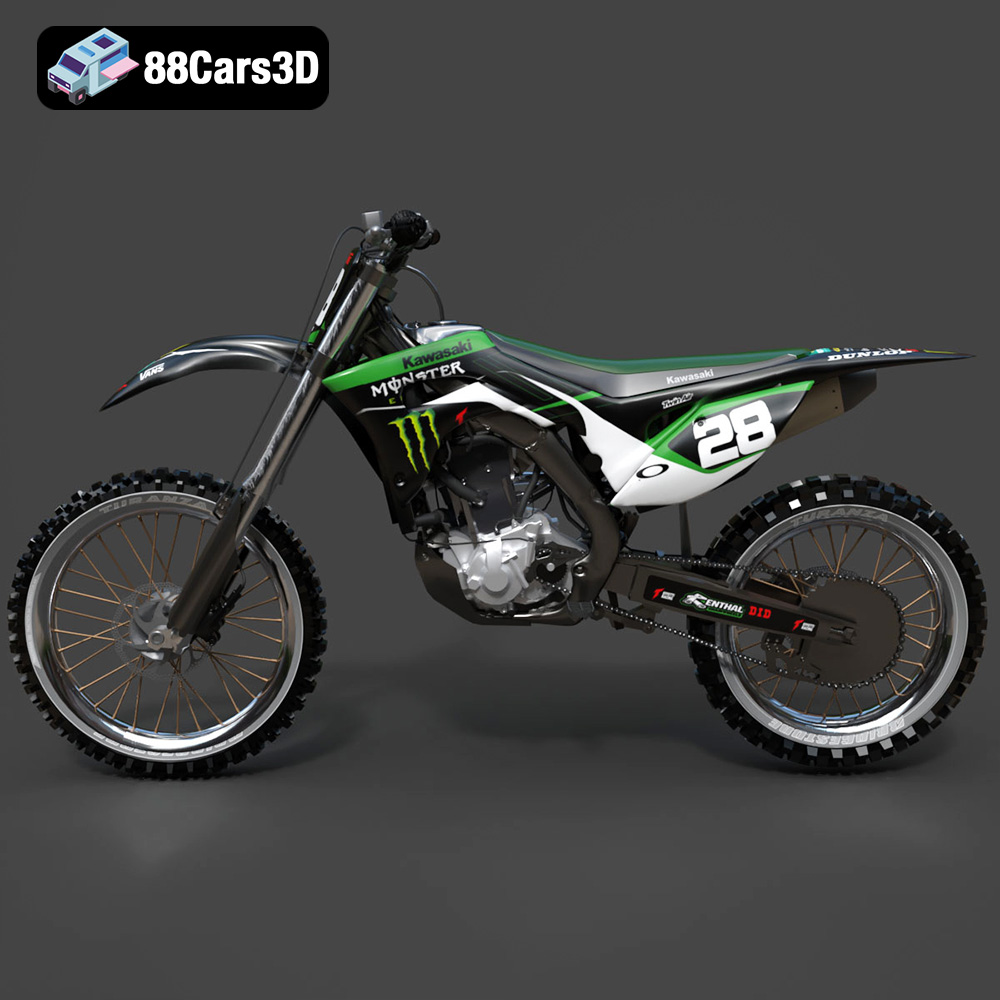
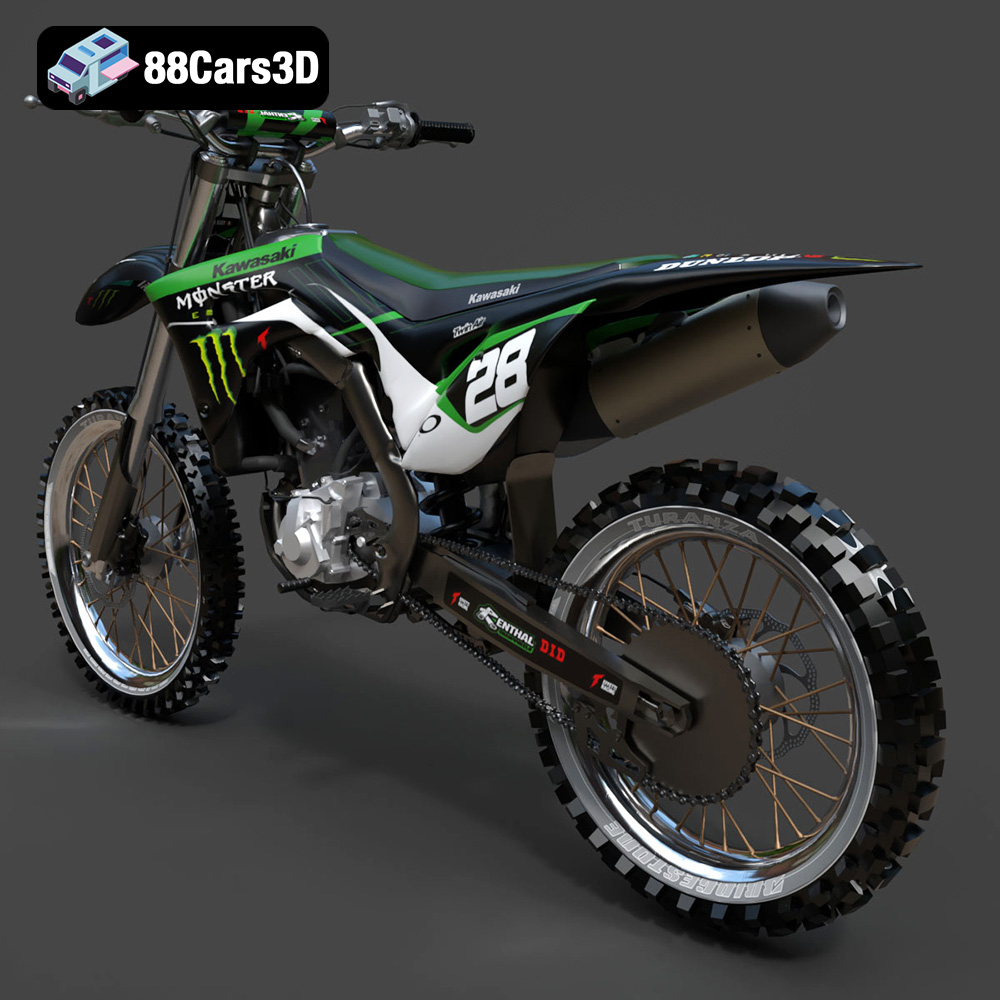
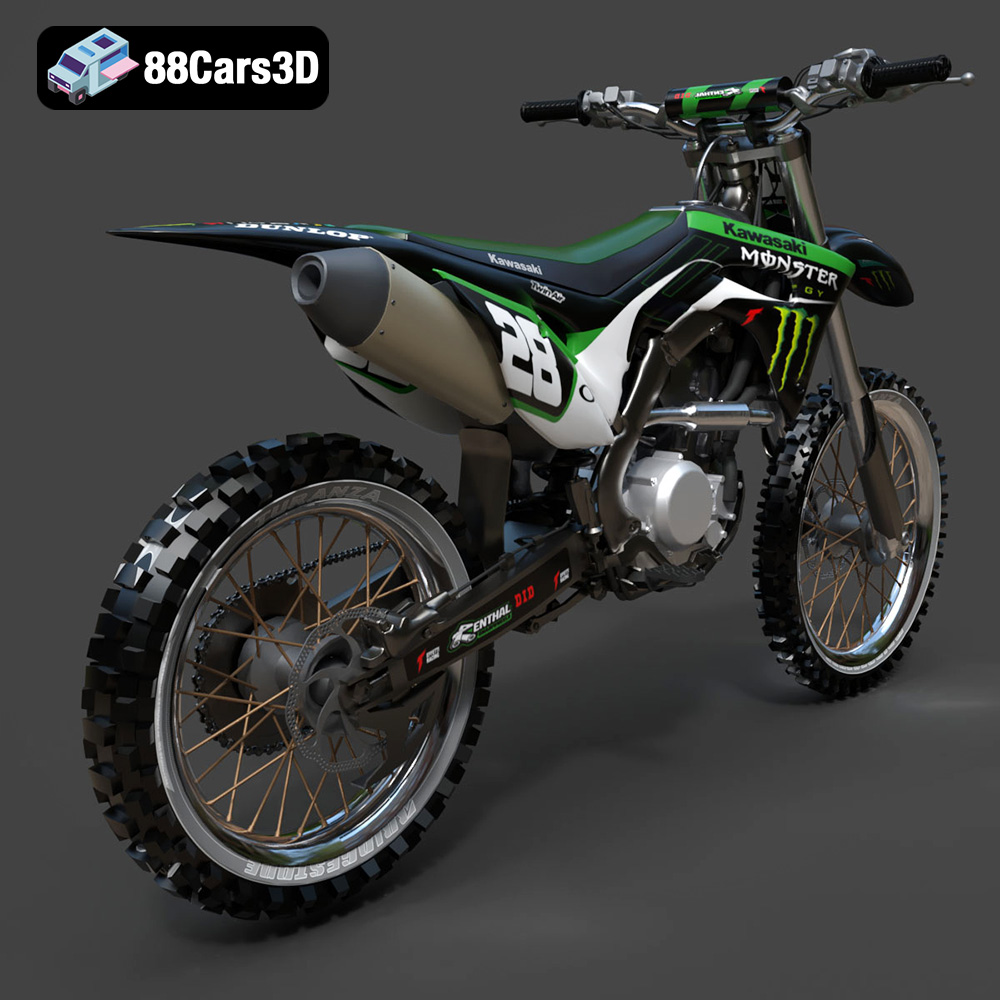
The roar of a Kawasaki engine, the sleek lines of its design – these are experiences many admire. Now, thanks to 3D printing, you can bring a piece of that iconic engineering into your own home. The Kawasaki Motorcycle-001 3D model available at 88cars3d.com offers an incredibly detailed representation, perfect for printing and displaying. But before you hit “print,” this guide will walk you through the process of achieving a stunning 3D printed replica, covering everything from file preparation to post-processing. Let’s get started!
The Kawasaki Motorcycle-001 3D model is intricate, so selecting the appropriate 3D printing technology is crucial. Both Fused Deposition Modeling (FDM) and Stereolithography (SLA) printers are viable options, but each has its strengths and weaknesses.
FDM printers, known for their affordability and ease of use, extrude molten plastic layer by layer. For larger components of the motorcycle model, an FDM printer with a nozzle size of 0.4mm is a good starting point. Consider a lower layer height (0.1mm-0.15mm) to capture finer details, albeit with longer print times. Infill percentage will affect the model’s weight and strength; 15-20% is often sufficient for display models. PLA is a suitable material, offering ease of printing and a good surface finish. PETG provides greater durability and heat resistance if the model will be exposed to higher temperatures.
SLA printers utilize liquid resin cured by UV light, allowing for much higher resolution and intricate details. This is particularly advantageous for the Kawasaki Motorcycle-001’s smaller, more complex parts. If you opt for resin printing, make sure to choose a resin specifically designed for detailed models. Layer heights as low as 0.025mm can reveal incredible levels of detail. Remember that resin prints require post-processing steps like washing and curing, and that resin materials tend to be more brittle than FDM printed parts.
When preparing your Kawasaki Motorcycle-001 3D model for printing, understanding the different file formats is essential. The model from 88cars3d.com comes with a variety of formats, each suited for different purposes. However, for 3D printing, one format stands out as the primary choice: STL.
The STL (Stereolithography) format is the workhorse of 3D printing. It represents the 3D model’s surface geometry as a collection of triangles, forming a mesh. This simplicity makes it universally compatible with slicing software, the programs that translate the 3D model into instructions for your 3D printer. However, the STL format only stores the geometric data – it does not contain information about color, texture, or materials.
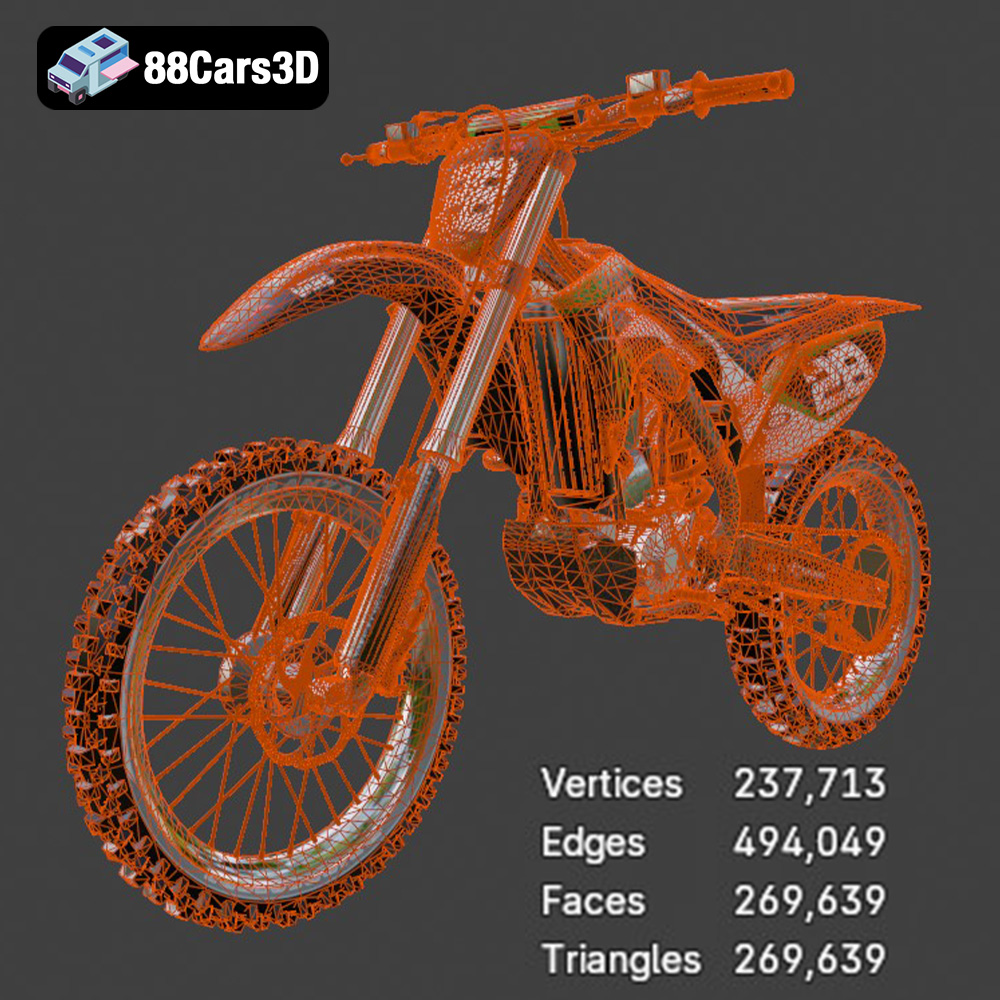
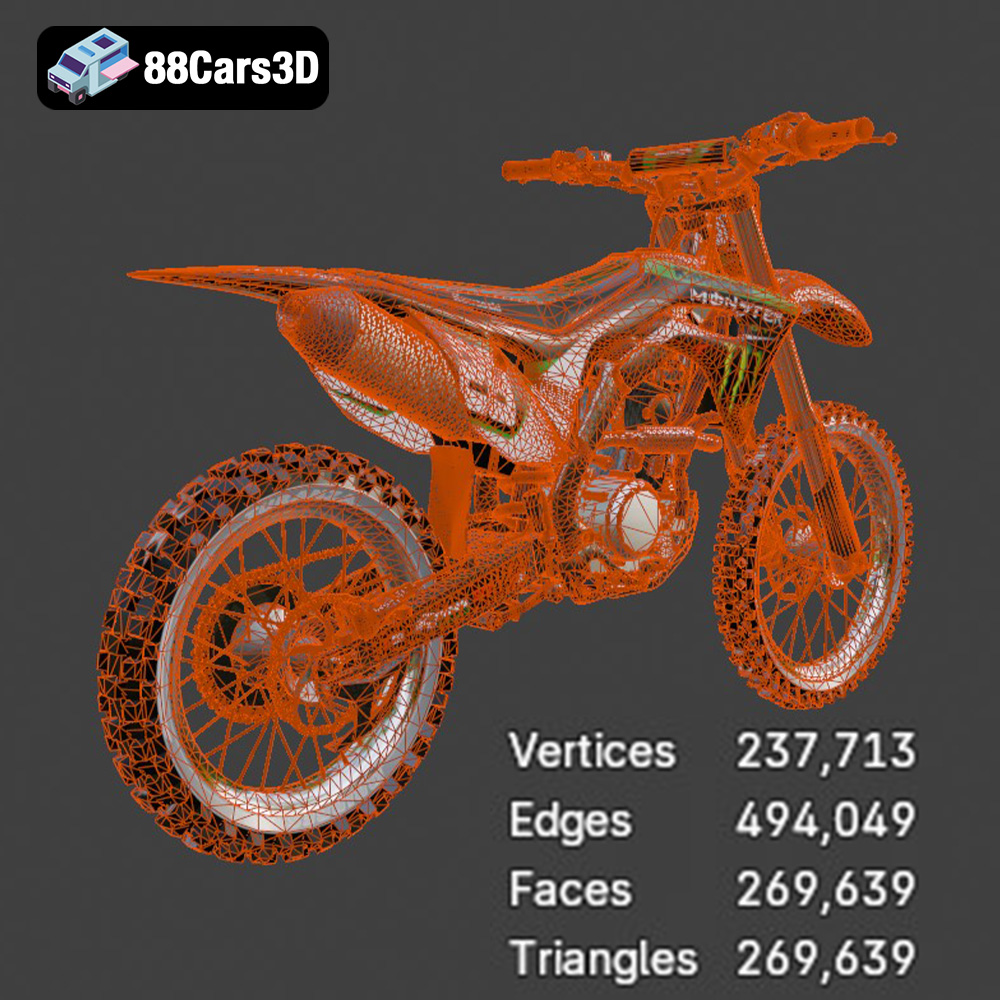
The quality of an STL file is directly related to the density of its triangular mesh. A higher triangle count results in a smoother, more accurate representation of the model, but also increases the file size and processing time. Most slicing software allows you to control the mesh resolution when importing an STL file. For the Kawasaki Motorcycle-001, aim for a balance between detail and practicality. Too low a resolution will result in a faceted, unrealistic print. Too high, and your slicer might struggle to process the file efficiently.
When you download the Kawasaki Motorcycle-001 model from 88cars3d.com, the STL file is optimized for 3D printing, meaning the mesh is already well-defined. However, it’s always a good practice to inspect the file in your slicing software for any potential issues such as non-manifold edges or holes in the mesh. These issues can be addressed using mesh repair tools within the slicer or with dedicated software like MeshMixer or Netfabb.
While not primarily used for standard 3D printing, the OBJ format is significant because it can store color and texture information. This opens the door for multi-material or full-color 3D printing, which is becoming increasingly common. However, the majority of desktop 3D printers do not support color printing, so the primary benefit of the OBJ format for the Kawasaki Motorcycle-001 lies in its potential for rendering and visualization after printing.
The PLY format is another mesh-based format, similar to STL, but capable of storing additional information such as vertex normals and color data. While it can be used for 3D printing, it is less common than STL due to its more complex structure. It may be preferable for high-resolution scans where the model needs to retain as much detail as possible.
The BLEND format is the native file format for Blender, a powerful and free 3D modeling software. This is useful if you want to modify the Kawasaki Motorcycle-001 before printing, such as adding custom details or splitting the model into smaller, more manageable parts. After making your changes, you’ll need to export the model as an STL file for 3D printing.
The FBX format is primarily used for exchanging 3D data between different software applications. While it can store material information, most slicing software ignores this data during import. For 3D printing purposes, the FBX file for the Kawasaki Motorcycle-001 would primarily be used if it was the only format available, and even then, exporting as STL is usually preferable.
The GLB format is designed for efficient transmission and loading of 3D scenes, particularly in AR and VR applications. It’s a binary format that includes textures and animations. While not directly used for 3D printing, it can be valuable for previewing the Kawasaki Motorcycle-001 model in a virtual environment before committing to the print.
Similar to the BLEND format for Blender, the MAX format is the native file format for 3ds Max, another popular 3D modeling and rendering software. You can use the .max file to open the Kawasaki Motorcycle-001 model in 3ds Max, make modifications, and then export it as an STL file for 3D printing.
Before you can print the Kawasaki Motorcycle-001, you need to prepare the STL file using slicing software. This software converts the 3D model into a series of layers that your printer can understand. Popular choices include Cura, Simplify3D, and PrusaSlicer.
The orientation of the model on the print bed significantly impacts the print quality, support requirements, and overall success. Consider these factors:
* **Minimize Support Structures:** Orient the model to reduce the need for support structures. Overhanging features require supports, which can leave blemishes on the finished print.
* **Showcase Key Details:** Position the model to highlight the most important details on the top-facing surfaces, as these will generally have the best finish.
* **Stability:** Ensure the model has a stable base to prevent it from tipping over during printing.
For the Kawasaki Motorcycle-001, consider printing the frame with the wheels facing downwards. This minimizes support material needed on the curved surfaces. Smaller, intricate parts like the handlebars and mirrors might benefit from being printed separately in a vertical orientation to maximize detail.
Once oriented, configure your slicing software with the appropriate settings:
* **Layer Height:** As mentioned earlier, a lower layer height (0.1-0.15mm for FDM, 0.025-0.05mm for SLA) yields finer details.
* **Infill Density:** For a display model, 15-20% infill is adequate. Increase the density for added strength.
* **Support Structure:** Choose support settings carefully. Tree supports are often a good option as they use less material and are easier to remove. Adjust support density and placement to avoid damaging delicate features.
* **Print Speed:** A slower print speed typically results in better quality. Start with a moderate speed and adjust as needed.
* **Temperature:** Follow the manufacturer’s recommendations for your chosen material.
* **Adhesion:** Use a brim or raft to improve bed adhesion, especially for parts with small contact areas.
Choosing the right material is vital for achieving the desired aesthetics and functionality of your 3D printed Kawasaki Motorcycle-001.
PLA (Polylactic Acid) is a biodegradable thermoplastic known for its ease of printing and wide availability. It’s a great option for beginners due to its low printing temperature and minimal warping. PLA provides a decent surface finish and is suitable for display models. However, it’s not very heat-resistant and can become brittle over time.
PETG (Polyethylene Terephthalate Glycol-modified) offers a good balance of strength, flexibility, and heat resistance. It’s more durable than PLA and less prone to warping than ABS, making it a solid choice for parts that might be subjected to stress or higher temperatures. PETG typically requires slightly higher printing temperatures than PLA.
For intricate details and a smooth surface finish, resin is the way to go. However, resin prints are typically more brittle than FDM prints and require careful handling. Choose a resin specifically formulated for detailed models. Remember that resin printing also involves post-processing steps like washing and curing.
* **PLA:** Best for aesthetic models, easy to print, limited durability.
* **PETG:** Good balance of properties, more durable than PLA.
* **Resin:** Highest detail, more brittle, requires post-processing.
The choice depends on your priorities: ease of printing, durability, or level of detail.
Once the printing is complete, post-processing is essential to achieve a polished and professional-looking Kawasaki Motorcycle-001 model.
Carefully remove support structures using pliers or a sharp knife. Be gentle to avoid damaging the model. Sand the surfaces to remove any blemishes left by the supports and smooth out layer lines. Start with coarse sandpaper and gradually move to finer grits for a smooth finish.
Apply a primer to the model to create a uniform surface for painting. Choose a primer that is compatible with your chosen paint. Once the primer is dry, apply several thin coats of paint, allowing each coat to dry completely before applying the next. Consider using automotive paints for a durable and realistic finish.
If you printed the model in separate parts, carefully assemble them using glue or adhesive. Add any additional details, such as decals or weathering effects, to enhance the realism of the model.
Even with careful preparation, you may encounter some challenges during the 3D printing process. Here are some common issues and their solutions:
Warping occurs when the first layer of the print detaches from the build plate. To prevent warping:
* Ensure the build plate is properly leveled.
* Use a brim or raft to improve bed adhesion.
* Increase the bed temperature.
* Reduce the print speed for the first layer.
Stringing occurs when thin strands of plastic are left between different parts of the print. To reduce stringing:
* Decrease the printing temperature.
* Increase retraction settings in your slicing software.
* Ensure the filament is dry.
Layer shifting occurs when the layers of the print are misaligned. To prevent layer shifting:
* Check that the belts and pulleys of your printer are properly tensioned.
* Reduce the print speed.
* Ensure the printer is placed on a stable surface.
By addressing these common issues, you can improve the quality and reliability of your 3D prints. Remember that 3D printing is an iterative process, and it may take some experimentation to find the optimal settings for your printer and material.
The print time and material cost for the Kawasaki Motorcycle-001 3D model will vary depending on the size of the model, the chosen material, the printer settings, and whether you are printing it as one piece or multiple pieces. However, here are some rough estimates:
* **Print Time (FDM):** 20-50 hours, depending on size and settings.
* **Print Time (Resin):** 10-30 hours, depending on size and layer height.
* **Material Cost (FDM):** $10-$30, depending on the material and infill.
* **Material Cost (Resin):** $20-$50, depending on the resin type and volume.
These are just estimates, and the actual values may vary. It’s always a good idea to do a test print of a small section of the model to get a more accurate estimate before printing the entire thing.
With the Kawasaki Motorcycle-001 3D model from 88cars3d.com, you can bring a piece of automotive artistry to life through the magic of 3D printing. By following these guidelines and experimenting with different settings and materials, you can create a stunning replica that you’ll be proud to display. Happy printing!
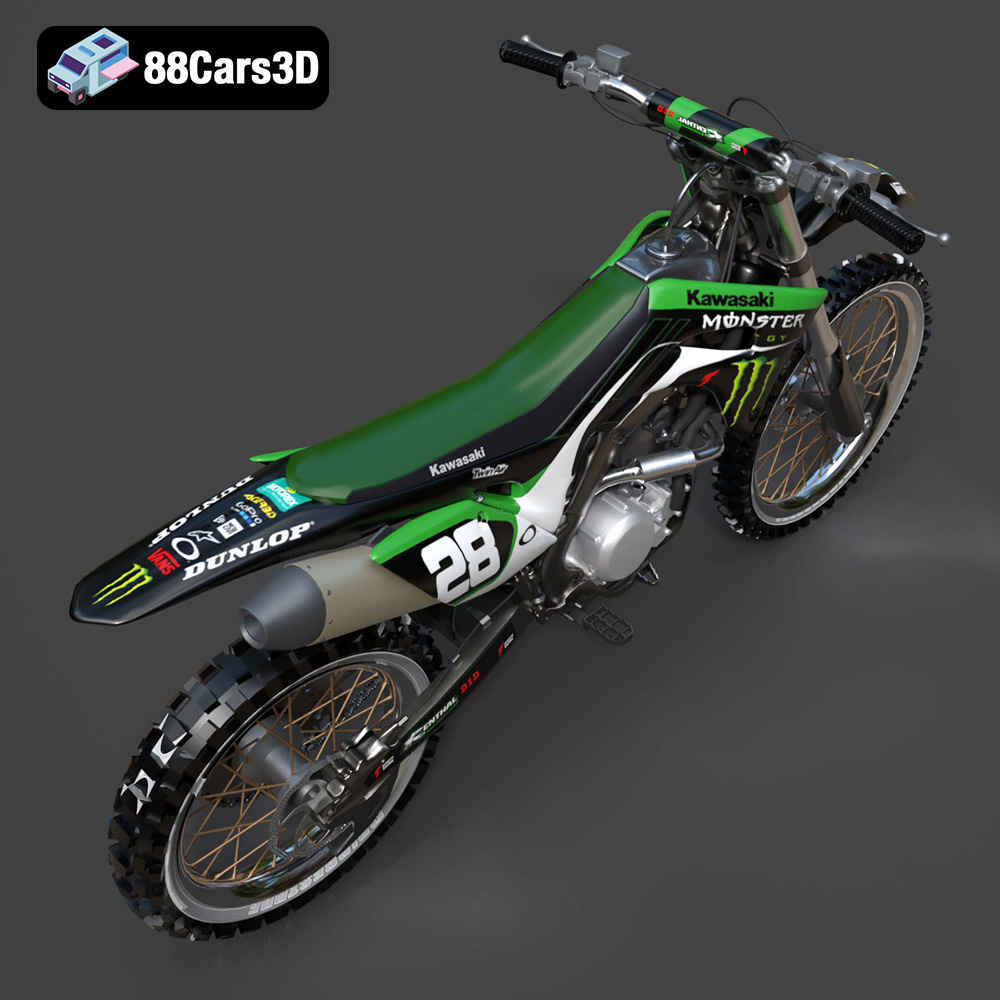
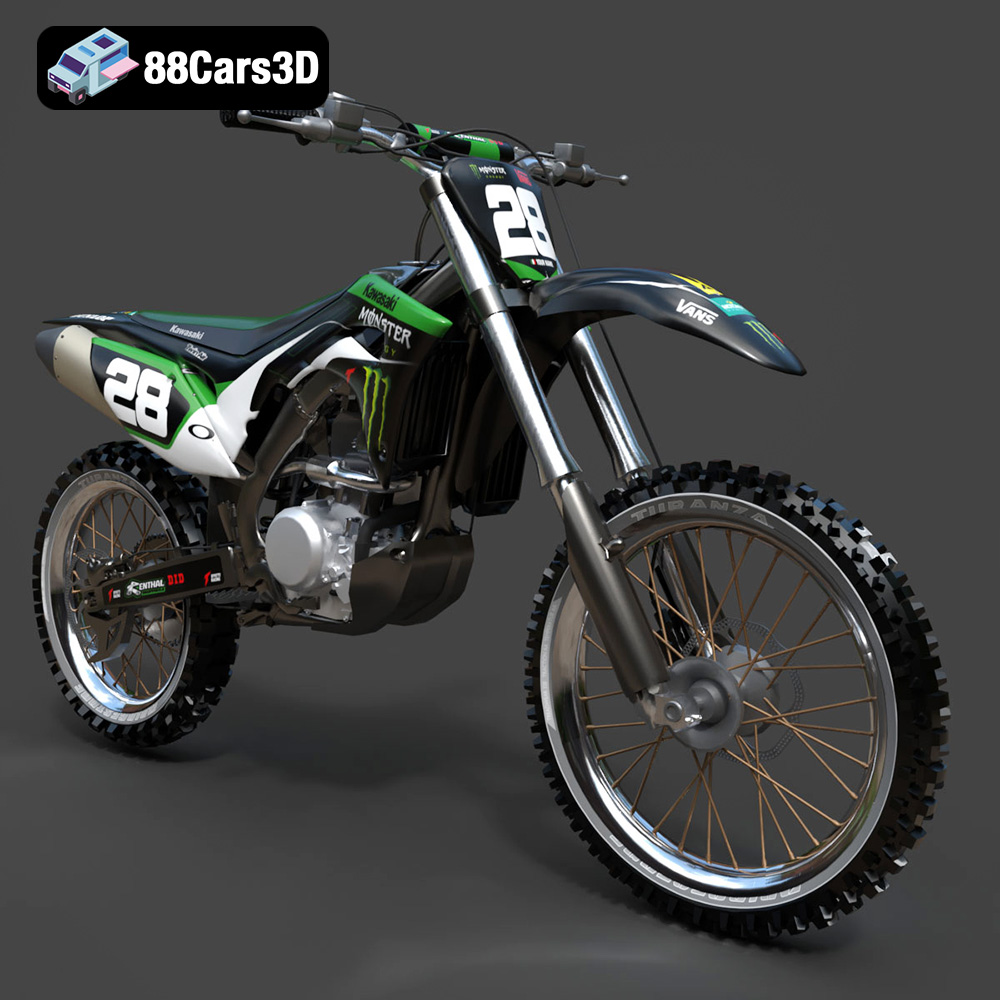
This meticulously crafted 3D model captures the essence of the Kawasaki Motorcycle-001, delivering a high level of realism and detail. Every component is modeled with precision to mirror the actual motorcycle, making it ideal for a variety of applications.
$19.99
.arvr
.blend
.car3dmodel
.fbx
.gameasset
.glb
.kawasaki
.max
.motorcycle
.motorcycle001
.obj
.ply
.rendering
.simulation
.stl
.unreal