Get 50% OFF All Premium 3D & STL Models!

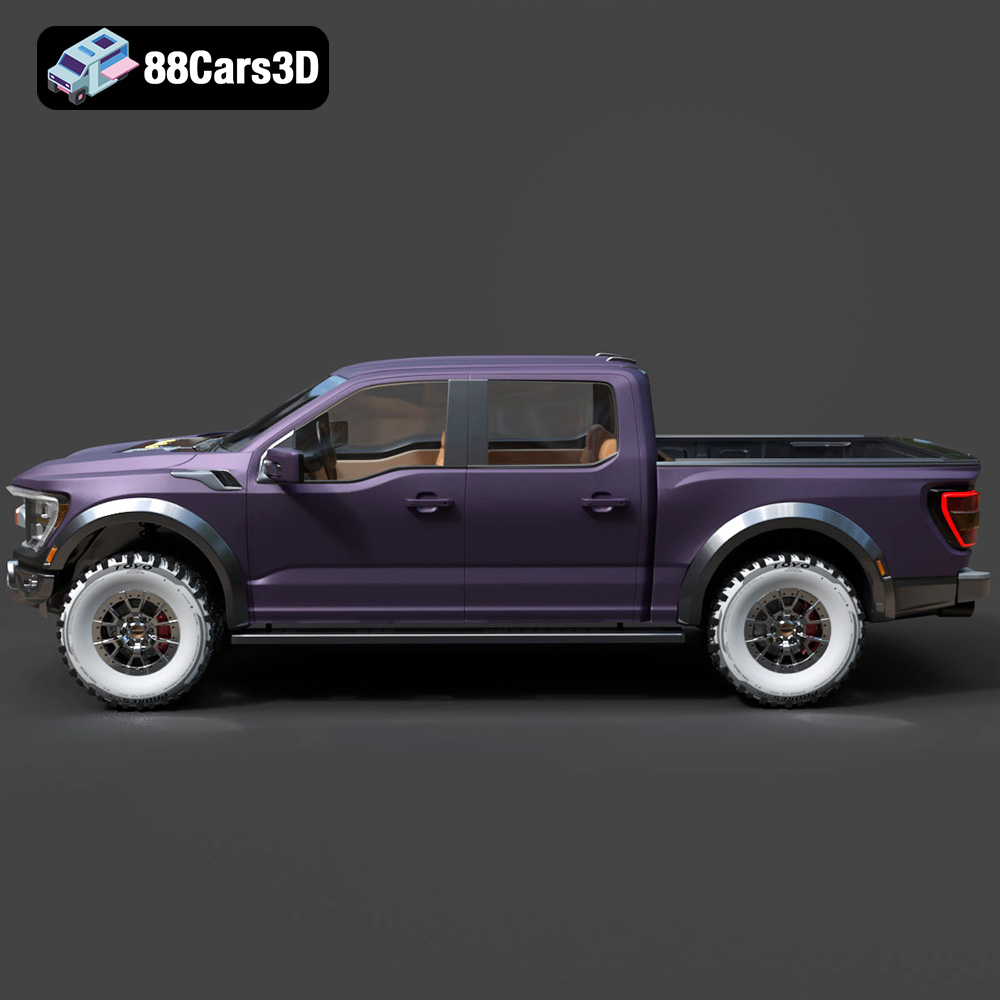
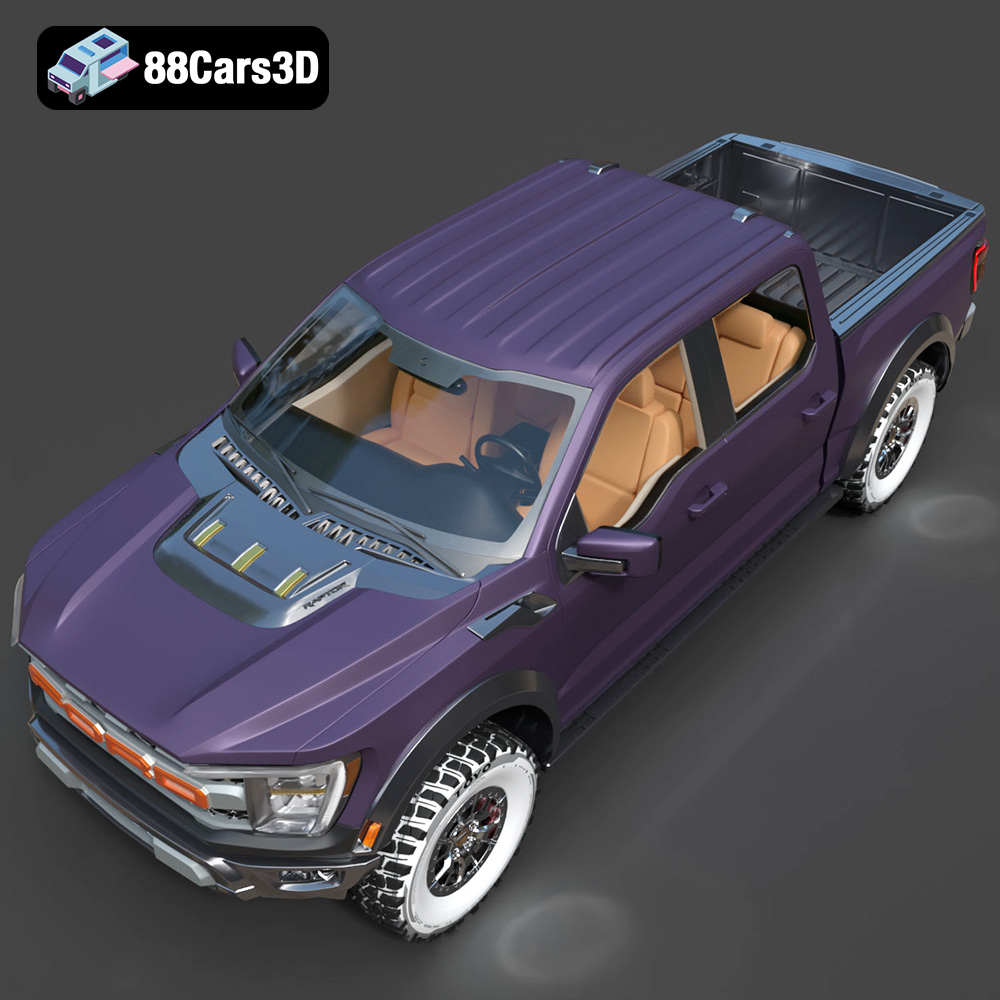
The Ford F-150 Raptor is a beast, a symbol of off-road dominance. Now, thanks to the detailed 3D model available at 88cars3d.com, you can bring this iconic truck to life on your 3D printer. This isn’t just any model; it’s an ultra-high-poly recreation, boasting incredible detail from the aggressive widebody to the intricate Fox Live Valve suspension. This blog post is your comprehensive guide to successfully 3D printing this incredible model, transforming digital data into a tangible piece of automotive art.
The level of detail in the Ford F-150 Raptor 2021 3D model demands careful consideration when choosing your 3D printing technology. Both Fused Deposition Modeling (FDM) and Stereolithography (SLA) printing can be used, but one will yield superior results.
FDM printing, which uses filaments like PLA or PETG, is more accessible and cost-effective. However, achieving the fine details of the Raptor, such as the grille mesh, suspension springs, and interior elements, can be challenging. You’ll need a printer with good resolution and consider using a smaller nozzle (0.25mm or less) for intricate parts. Post-processing, including sanding and filling, will be crucial to smooth layer lines and bring out the details. While FDM is possible, it requires patience and significant post-processing effort.
SLA printing, also known as resin printing, is the preferred choice for this model. Resin printers offer significantly higher resolution, capable of capturing the finest details of the Raptor. The smooth surface finish minimizes layer lines, resulting in a more accurate and visually appealing replica. The ability to print intricate parts like the suspension components and complex grille geometry makes SLA the ideal technology for bringing this model to its full potential. Consider using a high-resolution resin for even greater detail capture.
Choosing the right file format is crucial for successful 3D printing. The Ford F-150 Raptor 2021 3D model from 88cars3d.com is available in several formats, each suited to different applications. Understanding these formats is key to optimizing your printing workflow.
The .stl (Stereolithography) file format is the industry standard for 3D printing. It represents the 3D model as a mesh of triangles, defining the surface geometry. STL files are universally compatible with slicing software, the programs that prepare the model for 3D printing by converting it into a series of instructions for the printer. When dealing with high-poly models like the Raptor, the STL file size can be significant. Ensure your slicing software can handle large files efficiently. For optimal results, start with the provided STL and inspect it for any mesh errors before slicing. Repairing any errors in software like Meshmixer or Netfabb will ensure a smooth printing process.
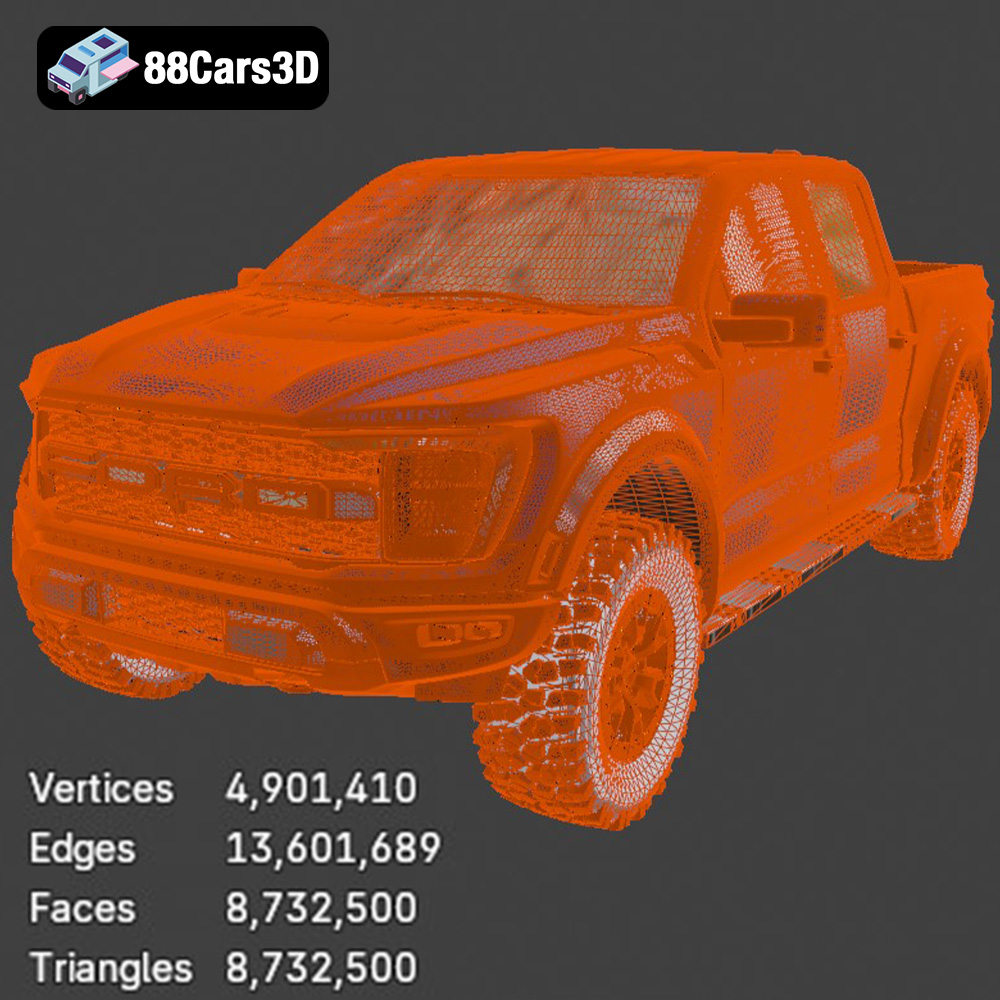
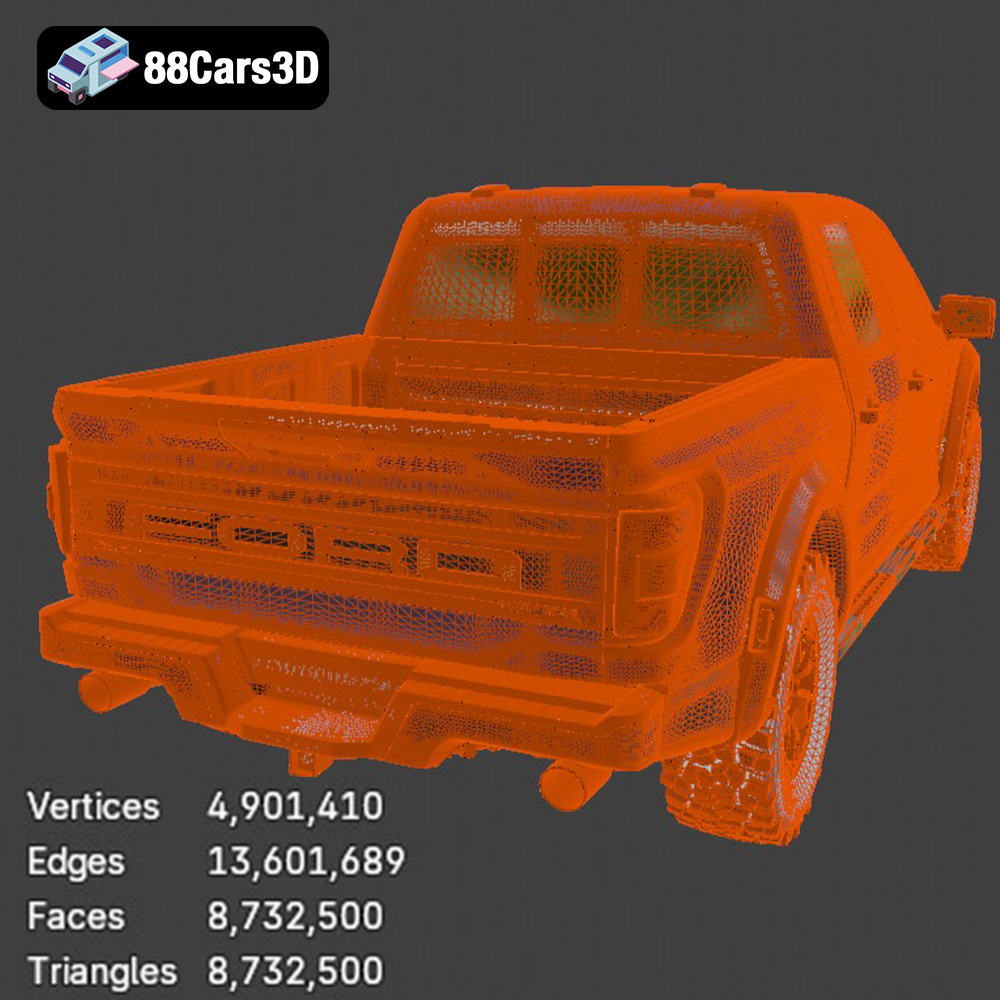
Regardless of the file format you choose (though STL remains the top recommendation for 3D printing), the quality of the mesh is paramount. The Ford F-150 Raptor model, with its 8.7 million triangles, boasts exceptional detail, but this also means a very dense mesh. This density can strain your slicing software and printer. Before slicing, consider simplifying the mesh slightly if you’re printing on a less powerful machine. Slicing software compatibility is also critical. Popular options include Cura, PrusaSlicer, Simplify3D, and Chitubox (for resin printing). Each software has its strengths and weaknesses, so experiment to find the one that best suits your printer and workflow.
Proper pre-print preparation is essential for maximizing print quality and minimizing potential failures. This involves slicing the model, choosing the optimal print orientation, and adding necessary supports.
Slicing software converts the 3D model into a series of layers that the printer will build upon. Key slicing settings include layer height, infill density, and support generation. For the Raptor, a layer height of 0.04-0.08mm is recommended, especially for resin printing, to capture the fine details. Choose an infill density of 20-30% to provide structural support without adding excessive weight or material. Experiment with different infill patterns to find the best balance between strength and print time.
Print orientation significantly affects surface finish and the need for supports. For the Raptor’s body, printing at an angle is recommended to achieve a smoother surface finish on the curved surfaces. This will, however, require more extensive support structures. Orient the wheels, chassis, and suspension components separately to optimize their individual print quality and minimize support usage. Consider the visibility of layer lines when choosing the orientation of each part.
The complex undercarriage, Fox shocks, side steps, and mirrors of the Raptor require extensive support structures. Slicing software offers various support options, including linear supports, tree supports, and hybrid approaches. Experiment with different support settings to find the optimal balance between support strength, ease of removal, and surface finish. Pay particular attention to areas with overhangs or bridging, where supports are critical to prevent sagging or deformation. Resin printing often allows for finer, more easily removed supports compared to FDM.
The choice of material impacts the final appearance, strength, and durability of your 3D printed Ford F-150 Raptor. Different materials offer distinct advantages and disadvantages.
PLA (Polylactic Acid) is a popular and affordable thermoplastic that’s easy to print with. It’s a good option for initial prototypes or display models. However, PLA is relatively brittle and has a low heat resistance, making it less suitable for functional parts or models exposed to high temperatures. If using PLA, choose a high-quality filament and optimize your printing settings to maximize strength and detail.
PETG (Polyethylene Terephthalate Glycol-modified) offers a good balance between strength, durability, and ease of printing. It’s more flexible and impact-resistant than PLA and has better heat resistance. PETG is a good choice for parts that require some flexibility or are subject to wear and tear. It also provides a decent surface finish, making it suitable for both display and functional components of the Raptor.
For SLA printing, resin is the only option. Various types of resins are available, each with different properties. Standard resins offer excellent detail and smooth surface finish. Tough resins are more impact-resistant, making them suitable for parts that require durability. Flexible resins can be used for components like tires or suspension bushings. Experiment with different resins to achieve the desired properties for your Raptor model.
Post-processing is where you transform a raw 3D print into a refined and polished masterpiece. It involves removing supports, sanding surfaces, and applying paint and finishes.
Carefully remove the support structures using specialized tools like flush cutters or pliers. Take your time to avoid damaging the model’s surface. Once the supports are removed, use sandpaper of varying grits (starting with a coarser grit and gradually moving to finer grits) to smooth out any imperfections or layer lines. For resin prints, you may need to cure the model further under UV light after support removal.
Apply a primer coat to the entire model to create a smooth and uniform surface for painting. Choose a primer that’s compatible with your chosen paint. For the Ford F-150 Raptor, consider using the iconic factory colors like Code Orange, Velocity Blue, or Lead Foot. Apply multiple thin coats of paint for a smooth and even finish. Use masking tape to create clean lines for the matte black trim detailing. Once the paint is dry, apply a clear coat to protect the finish and add a glossy or matte sheen.
Assemble the various components of the Raptor model, such as the body, chassis, wheels, and suspension components. Use glue or fasteners to securely attach the parts. Add finishing touches like decals, badges, or custom graphics to personalize your model. Consider adding functional elements like LED lights or RC components to create a truly unique and impressive replica.
Even with careful planning and preparation, 3D printing can sometimes present challenges. Here are some common issues and their solutions.
Warping occurs when the corners of the print lift off the build plate due to uneven cooling. Ensure your build plate is properly leveled and heated. Use a brim or raft to increase bed adhesion. For FDM printing, try using a heated enclosure to maintain a consistent temperature. For resin printing, ensure the build plate is clean and free of any residue.
Stringing occurs when molten filament oozes from the nozzle during travel moves, leaving thin strands of plastic between parts. Blobs are excess plastic that accumulates on the surface of the print. Reduce the printing temperature and retraction distance to minimize stringing. Increase the travel speed and adjust the coasting settings to prevent blobs. Ensure your filament is dry and free of moisture.
Layer shifting occurs when the printer’s axes move out of alignment, resulting in a visible shift in the print layers. Ensure the belts and pulleys are properly tightened and lubricated. Reduce the printing speed and acceleration to minimize vibrations. Check for any obstructions that may be hindering the movement of the printer’s axes.
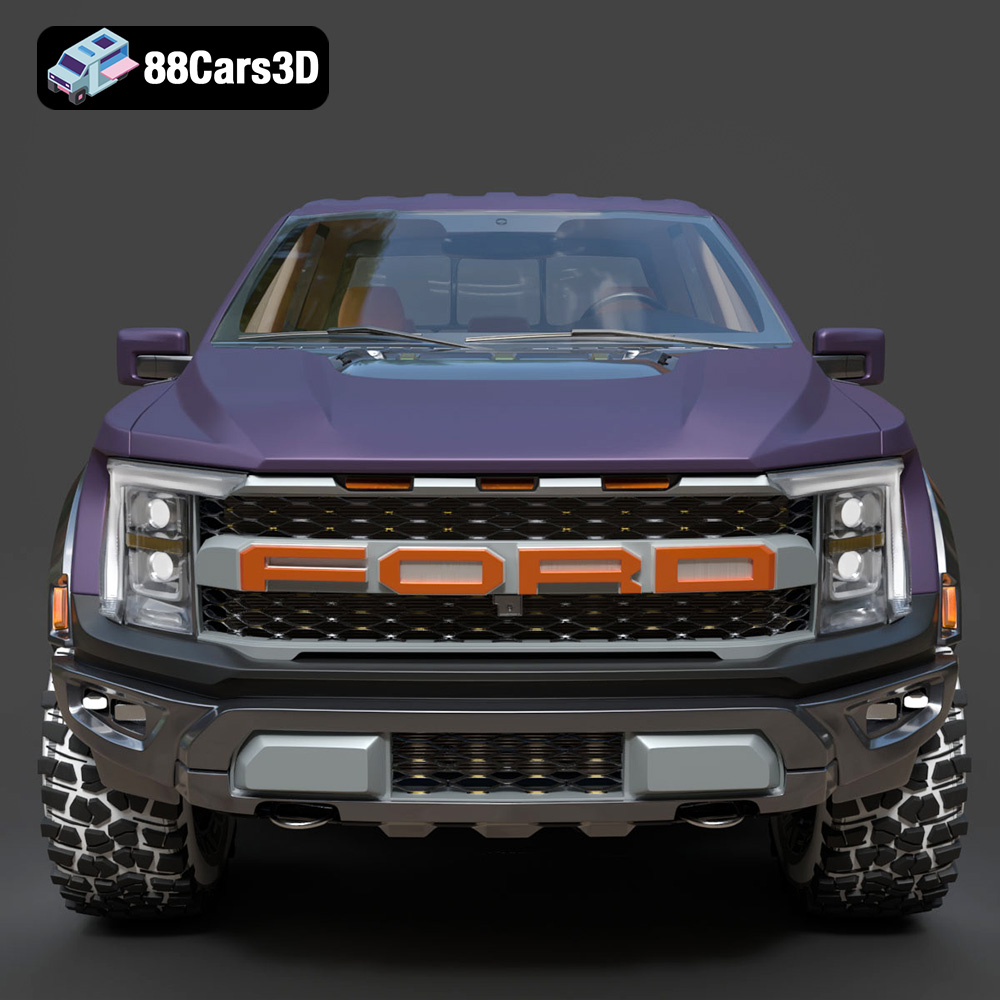
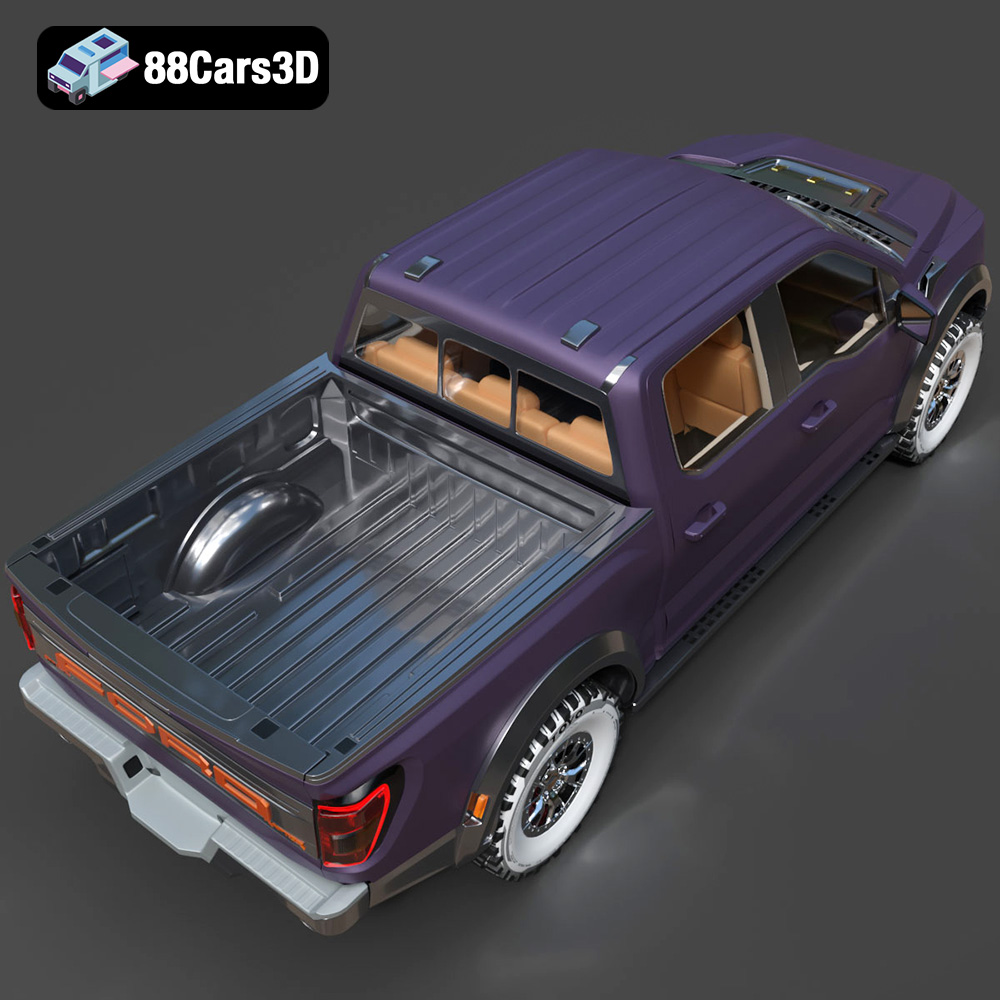
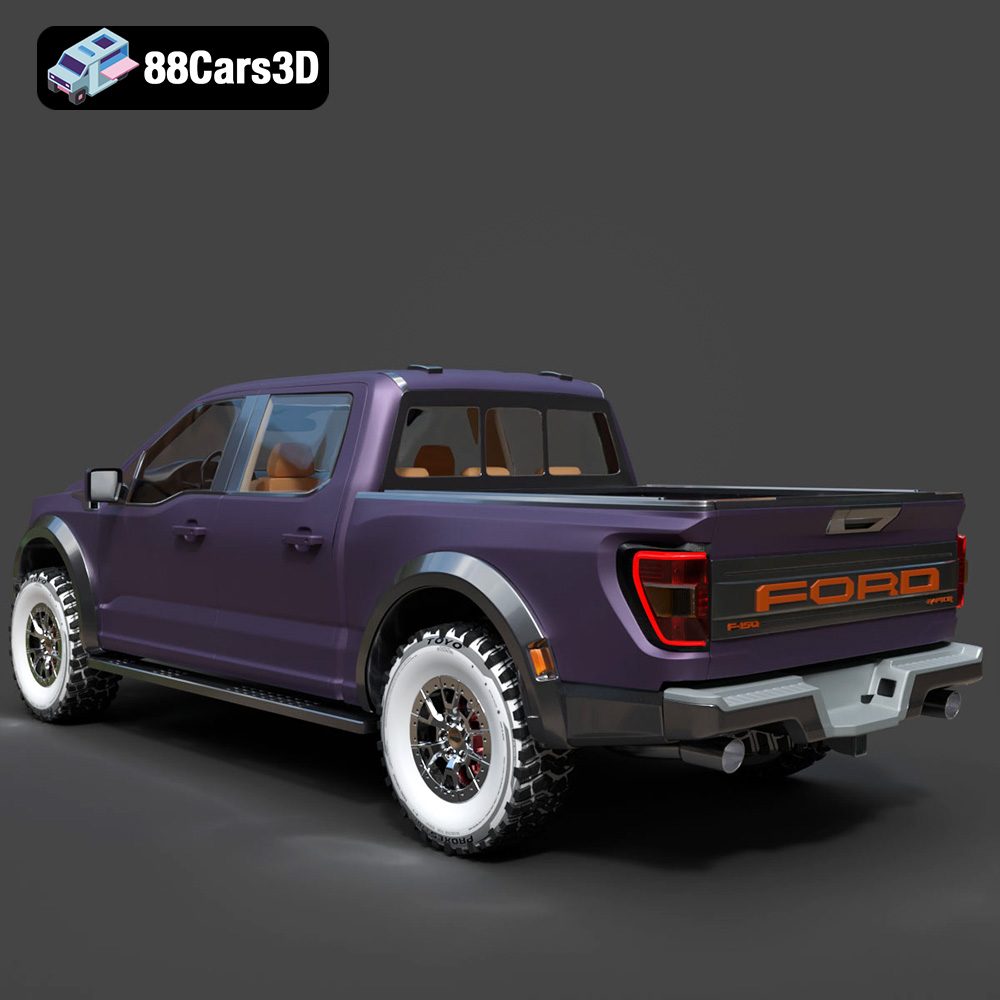
The Ford F-150 Raptor 2021 3D Model is an uncompromising, ultra-high-detail digital recreation of the third-generation apex desert predator. Built to conquer the harshest off-road environments at high speeds, the 2021 Raptor marries trophy-truck capability with an aggressive, jet-inspired widebody design.
$29.99
3D printing the Ford F-150 Raptor 2021 3D model from 88cars3d.com is a rewarding project that allows you to create a stunning replica of this iconic truck. By carefully considering the printing technology, material selection, and post-processing techniques, you can achieve exceptional results. Remember to choose the right file format, optimize your slicing settings, and troubleshoot any issues that may arise. With patience and attention to detail, you can bring the Raptor to life in miniature form, showcasing its aggressive design and impressive engineering.
.4×4
.automotive
.blend
.fbx
.ford
.obj
.raptor
.rendering
2021-ford
3d printing
car-3d-model
f-150
f150-raptor
hero-car
high poly
off-road
pickup-truck
vfx