Get 50% OFF All Premium 3D & STL Models!

“`html
The world of 3D printing offers incredible opportunities for automotive enthusiasts, model makers, and hobbyists. Imagine holding a perfectly scaled replica of your dream car, meticulously crafted with your own hands (and a 3D printer, of course!). But before you can bring these automotive visions to life, you need to navigate the crucial process of converting vehicle models into printable STL files. This comprehensive guide will walk you through the intricacies of this process, ensuring your journey from digital design to tangible masterpiece is smooth and successful. We’ll cover everything from understanding STL files to optimizing your models for FDM and resin printing, giving you the knowledge and skills to create stunning 3D printed car models.
This guide will cover these key topics: understanding the STL file format, preparing models for 3D printing (including mesh repair), optimizing slicing parameters, choosing the right printer settings, and exploring post-processing techniques. Whether you’re a seasoned 3D printing expert or just starting out, this article is designed to elevate your skills and help you create truly impressive 3D printed car models. You’ll also learn how platforms like 88cars3d.com offer print-ready STL files to significantly reduce preparation time.
The STL (Stereolithography) file format is the workhorse of 3D printing. It represents a 3D object’s surface geometry using a collection of triangles. Think of it as a digital mosaic, where smaller triangles create more detail and smoother curves. However, understanding the nuances of STL files is crucial for successful 3D printing, especially when dealing with complex vehicle models.
STL files store information about each triangle, including the coordinates of its vertices (corners) and the normal vector (direction perpendicular to the surface). This data allows 3D printing software (slicers) to interpret the model’s shape and generate instructions for your printer. A well-structured STL file is essential for accurate and efficient 3D printing. When downloading models from marketplaces such as 88cars3d.com, you are benefiting from files that have ideally already gone through some level of validation. Keep in mind, however, that this doesn’t guarantee a perfect print – printer calibration and material settings also play critical roles.
The arrangement and quality of the triangles in an STL file directly impact the print quality. A dense mesh (lots of small triangles) can capture intricate details but increases file size and processing time. Conversely, a sparse mesh (fewer, larger triangles) reduces file size but can lead to faceted surfaces and loss of detail, especially on curved areas like car bodies. Good mesh topology also avoids issues like overlapping triangles, self-intersections, and non-manifold geometry (where edges connect to more than two faces). These errors can cause slicing failures and print defects. Aim for a balanced mesh density that captures the essential details without overwhelming your printer.
Before you hit “print,” it’s crucial to prepare your vehicle model for 3D printing. This often involves repairing mesh errors and optimizing the model for your specific printer and material. Neglecting this step can lead to frustrating print failures and wasted filament or resin.
Mesh errors are common in downloaded or converted 3D models. These errors can include: open edges (gaps in the mesh), non-manifold geometry (mentioned above), flipped normals (surfaces facing the wrong way), and intersecting faces. Software like Meshmixer, Netfabb, and Blender offer powerful tools for identifying and repairing these issues. Meshmixer’s “Make Solid” function is particularly useful for converting complex models into printable solids. Netfabb is often considered the industry standard, with robust repair algorithms. Blender offers more manual control but requires a steeper learning curve. Always run a mesh analysis and repair any errors before proceeding to slicing. Without proper mesh repair, your slicer may misinterpret the geometry, leading to unexpected voids, missing sections, or even a complete print failure.
The orientation of your vehicle model on the print bed significantly affects print quality, support structure requirements, and bed adhesion. Consider the model’s geometry and identify areas that will require support. Orient the model to minimize the amount of support needed, especially on visible surfaces. For FDM printing, orient the model to minimize overhangs (areas that extend beyond the previous layer without support). For resin printing, orient the model at an angle (typically 30-45 degrees) to reduce the surface area of each layer and prevent suction forces that can cause print failures. Support structures are essential for printing overhangs and complex geometries. Slicing software like Cura and PrusaSlicer offer automatic support generation, but manual placement may be necessary for optimal results. Aim for a balance between adequate support and easy removal, as excessive support can damage the model’s surface during removal.
Slicing is the process of converting your 3D model into a series of instructions that your 3D printer can understand. These instructions dictate the movement of the print head, the amount of material to extrude, and other critical parameters. The right slicing parameters can dramatically improve print quality, reduce print time, and minimize material waste.
Layer height is the thickness of each layer of material that your printer deposits. Smaller layer heights result in smoother surfaces and finer details, but they also increase print time. Larger layer heights print faster but can lead to visible layer lines and a loss of detail. For highly detailed vehicle models, a layer height of 0.1mm to 0.15mm is generally recommended for FDM printing. For resin printing, layer heights can be even smaller, typically ranging from 0.025mm to 0.05mm, allowing for exceptional detail. Experiment with different layer heights to find the optimal balance between print quality and print time for your specific model and printer.
Infill refers to the internal structure of your 3D print. It provides strength and stability while minimizing material usage. Infill density is the percentage of the model’s interior that is filled with material. A higher infill density results in a stronger but heavier print. Infill patterns, such as grid, gyroid, and honeycomb, affect the print’s strength and flexibility. For vehicle models, an infill density of 15% to 25% is typically sufficient for most parts. For parts that need to withstand stress or impact, such as axles or suspension components, a higher infill density may be necessary. Gyroid infill is a good choice for its isotropic strength (equal strength in all directions). Rectilinear infill is faster to print but less strong. Choosing the right infill pattern and density depends on the specific part and its intended use.
The choice between FDM (Fused Deposition Modeling) and resin printing significantly impacts the level of detail, surface finish, and material properties of your 3D printed vehicle model. Understanding the strengths and weaknesses of each technology is crucial for achieving the desired results.
FDM printing uses a heated nozzle to extrude thermoplastic filament layer by layer. Key settings include nozzle size, printing temperature, and bed adhesion. A smaller nozzle (e.g., 0.4mm or 0.25mm) allows for finer details but increases print time. The optimal printing temperature depends on the filament type. PLA typically prints at 190-220°C, while ABS requires higher temperatures (230-260°C). Proper bed adhesion is essential to prevent warping and ensure that the first layer sticks to the build plate. Techniques for improving bed adhesion include using a heated bed, applying adhesive (e.g., glue stick or hairspray), and adjusting the Z-offset (distance between the nozzle and the bed). Ensure your bed is level before printing for the best adhesion. Warping is a common issue with larger prints, especially when using ABS. Enclosing the printer can help maintain a consistent temperature and reduce warping.
Resin printing uses a UV light source to cure liquid resin layer by layer. Key settings include exposure time, lift speed, and support strategy. Exposure time determines how long each layer is exposed to UV light. Longer exposure times result in stronger layers but can also lead to over-curing and loss of detail. The optimal exposure time depends on the resin type and the printer’s light source. Lift speed affects the print speed and the likelihood of print failures. Slower lift speeds reduce suction forces but increase print time. Support structures are essential for resin printing, especially for overhangs and complex geometries. Resin printers generally require more support than FDM printers due to the nature of the printing process. Careful placement and optimization of supports are crucial for successful resin printing. Hollow the models to save on resin. Be sure to create drain holes for the resin.
Once your vehicle model is printed, post-processing is often necessary to achieve a professional finish. This may involve sanding, painting, assembling multiple parts, and adding finishing touches.
Sanding is used to remove layer lines and imperfections from the surface of the 3D print. Start with a coarse grit sandpaper (e.g., 220 grit) and gradually move to finer grits (e.g., 400, 600, 800 grit). Wet sanding (using water with the sandpaper) can help to prevent clogging and produce a smoother finish. For FDM prints, consider using a filler primer to fill in layer lines before sanding. For resin prints, sanding is generally easier due to the smoother surface finish. Be careful not to sand too aggressively, as this can damage the model’s details. A rotary tool with sanding attachments can speed up the sanding process, but use it with caution to avoid removing too much material.
Painting can transform your 3D printed vehicle model into a stunning replica. Start by applying a primer to create a smooth and uniform surface for the paint to adhere to. Use multiple thin coats of paint to avoid runs and drips. Allow each coat to dry completely before applying the next. Acrylic paints are a good choice for their durability and ease of use. Automotive-grade paints can provide a more realistic finish. Apply a clear coat to protect the paint and add a glossy or matte finish. Add details such as decals, chrome trim, and realistic lighting to enhance the model’s appearance. 3D printed parts can also be metalized for a unique finish.
Even with careful planning and preparation, 3D printing failures can occur. Understanding the common causes of these failures and knowing how to troubleshoot them can save you time, money, and frustration.
Warping occurs when the corners of the print lift off the build plate. This is often caused by temperature differences between the printed part and the surrounding environment. Improving bed adhesion, enclosing the printer, and using a heated bed can help to prevent warping. Bed adhesion problems can also be caused by an uneven build plate, incorrect Z-offset, or insufficient adhesive. Layer delamination occurs when the layers of the print separate. This can be caused by insufficient printing temperature, poor bed adhesion, or drafts. Increasing the printing temperature, improving bed adhesion, and enclosing the printer can help to prevent layer delamination.
Support structure issues can include supports that are too weak, too difficult to remove, or that damage the model’s surface. Optimizing the support settings in your slicing software can help to improve support structure performance. Stringing occurs when the printer extrudes filament while moving between different parts of the print. This is often caused by excessive printing temperature, retraction settings that are too low, or moisture in the filament. Reducing the printing temperature, increasing the retraction settings, and drying the filament can help to prevent stringing. Platforms such as 88cars3d.com often provide models with optimized support structures to minimize such issues.
Converting vehicle models into printable STL files is a multifaceted process that requires a blend of technical understanding and practical experience. By mastering the principles of STL file structure, mesh repair, slicing parameters, printer settings, and post-processing techniques, you can unlock the full potential of 3D printing and create stunning automotive replicas. Remember to experiment with different settings, learn from your mistakes, and continuously refine your workflow. When starting out, consider using professionally prepared STL files from resources like 88cars3d.com to get a feel for optimized models. With dedication and perseverance, you can transform your digital designs into tangible masterpieces that capture the beauty and engineering of the automotive world.
Your next steps should involve exploring different slicing software options (Cura, PrusaSlicer, Simplify3D), experimenting with different filament or resin types, and practicing basic post-processing techniques like sanding and painting. Don’t be afraid to start with simple models and gradually work your way up to more complex designs. The journey of 3D printing is one of continuous learning and improvement, so embrace the challenges and celebrate your successes along the way.
“`

Texture: Yes
Material: Yes
Download the Volvo Trucks Benz GT-001 3D Model featuring clean geometry, realistic detailing, and a fully modeled interior. Includes .blend, .fbx, .obj, .glb, .stl, .ply, .unreal, and .max formats for rendering, simulation, and game development.
Price: $29.99
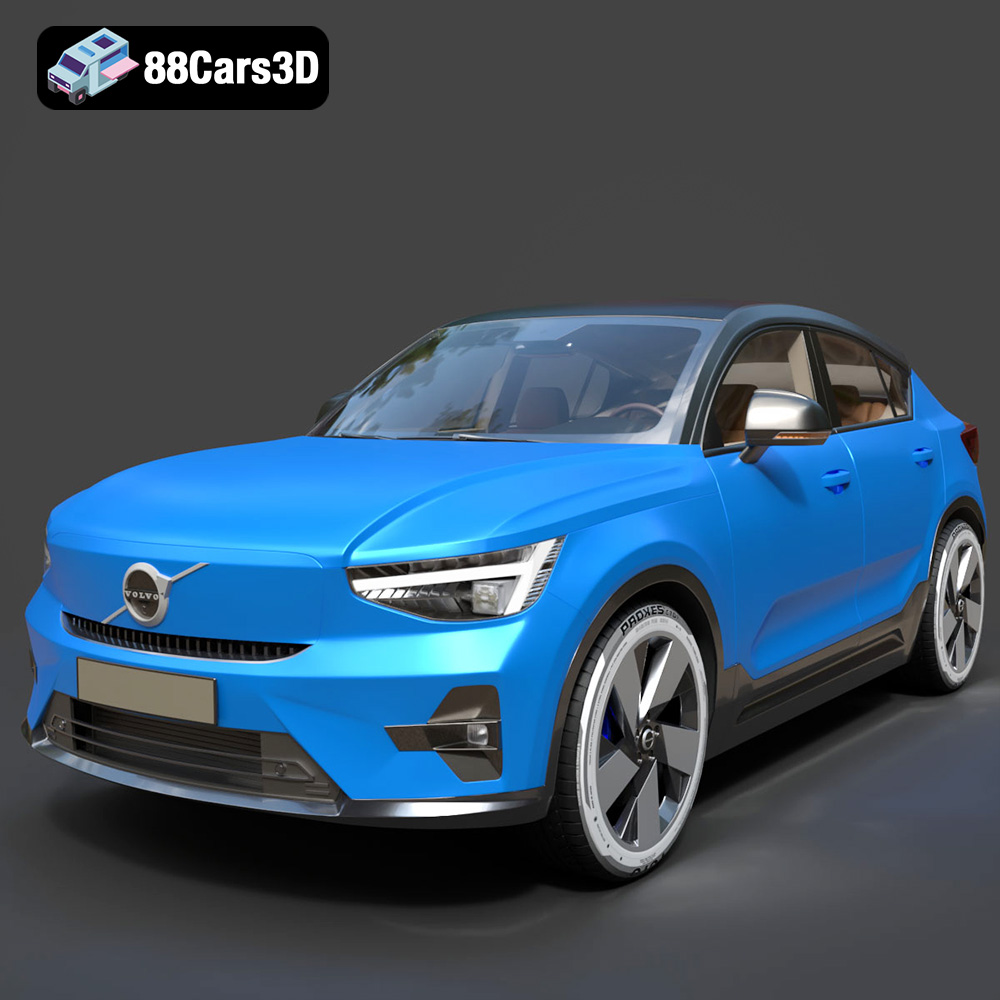
Texture: Yes
Material: Yes
Download the Volvo C40 Recharge 3D Model featuring clean geometry, realistic detailing, and a fully modeled interior. Includes .blend, .fbx, .obj, .glb, .stl, .ply, .unreal, and .max formats for rendering, simulation, and game development.
Price: $19.99
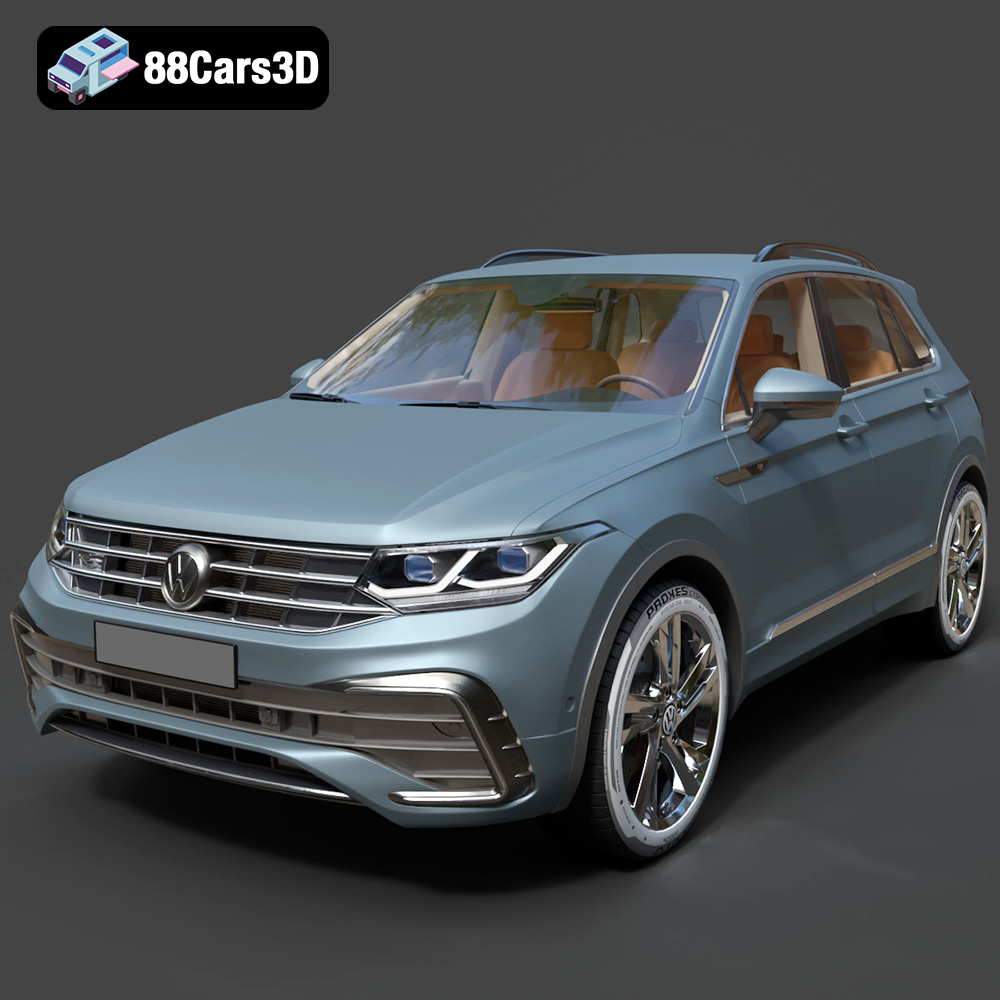
Texture: Yes
Material: Yes
Download the Volkswagen Tiguan 2021 3D Model featuring clean geometry, realistic detailing, and a fully modeled interior. Includes .blend, .fbx, .obj, .glb, .stl, .ply, .unreal, and .max formats for rendering, simulation, and game development.
Price: $19.99
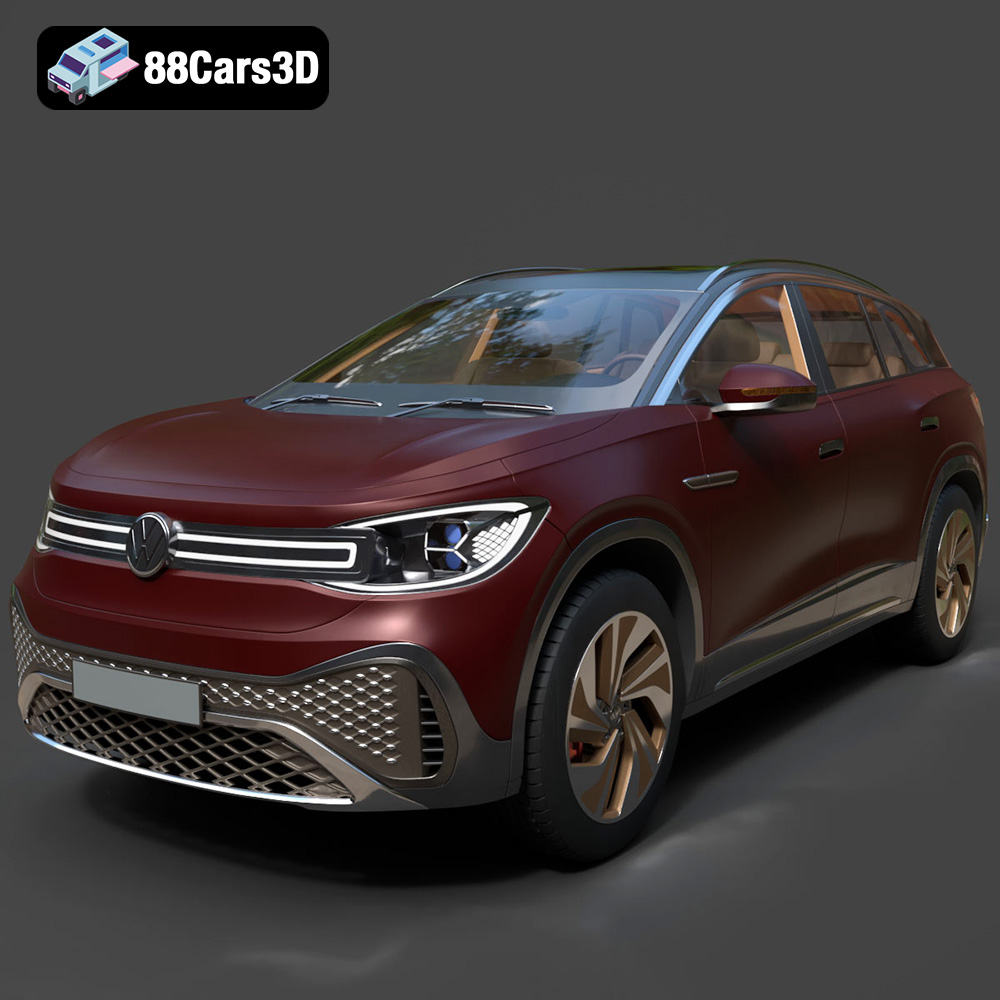
Texture: Yes
Material: Yes
Download the Volkswagen ID6 CROZZ 2022 3D Model featuring clean geometry, realistic detailing, and a fully modeled interior. Includes .blend, .fbx, .obj, .glb, .stl, .ply, .unreal, and .max formats for rendering, simulation, and game development.
Price: $19.99

Texture: Yes
Material: Yes
Download the Volkswagen ID4 2021 3D Model featuring clean geometry, realistic detailing, and a fully modeled interior. Includes .blend, .fbx, .obj, .glb, .stl, .ply, .unreal, and .max formats for rendering, simulation, and game development.
Price: $19.99
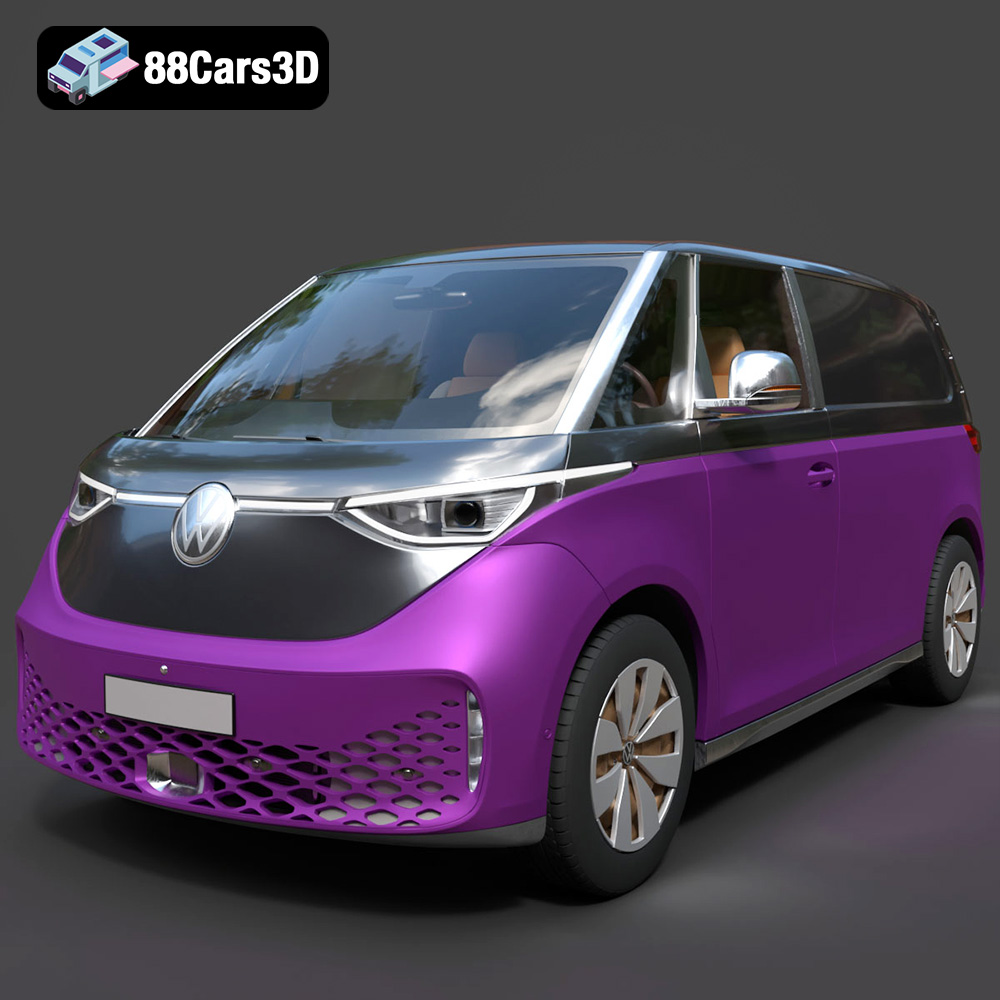
Texture: Yes
Material: Yes
Download the Volkswagen ID. Buzz Cargo 2023 3D Model featuring clean geometry, realistic detailing, and a fully modeled interior. Includes .blend, .fbx, .obj, .glb, .stl, .ply, .unreal, and .max formats for rendering, simulation, and game development.
Price: $19.99
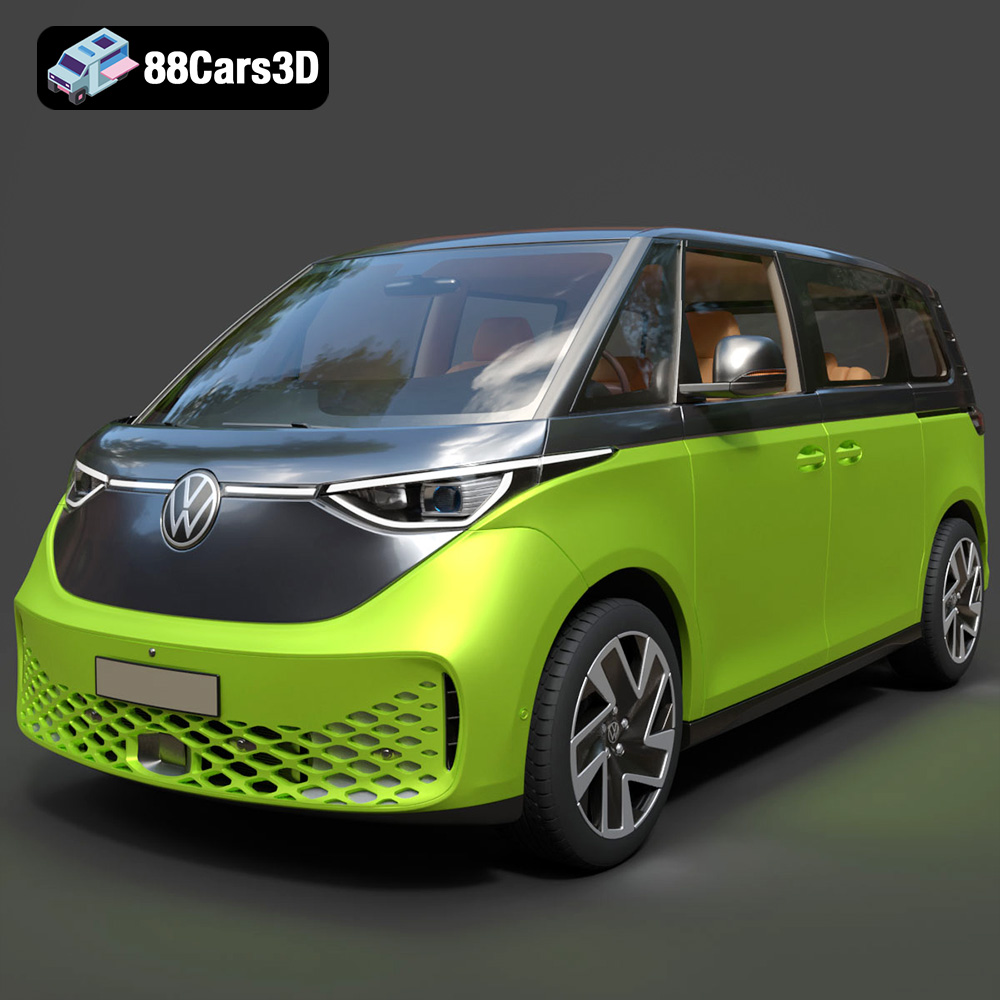
Texture: Yes
Material: Yes
Download the Volkswagen ID. Buzz 2023 3D Model featuring clean geometry, realistic detailing, and a fully modeled interior. Includes .blend, .fbx, .obj, .glb, .stl, .ply, .unreal, and .max formats for rendering, simulation, and game development.
Price: $19.99
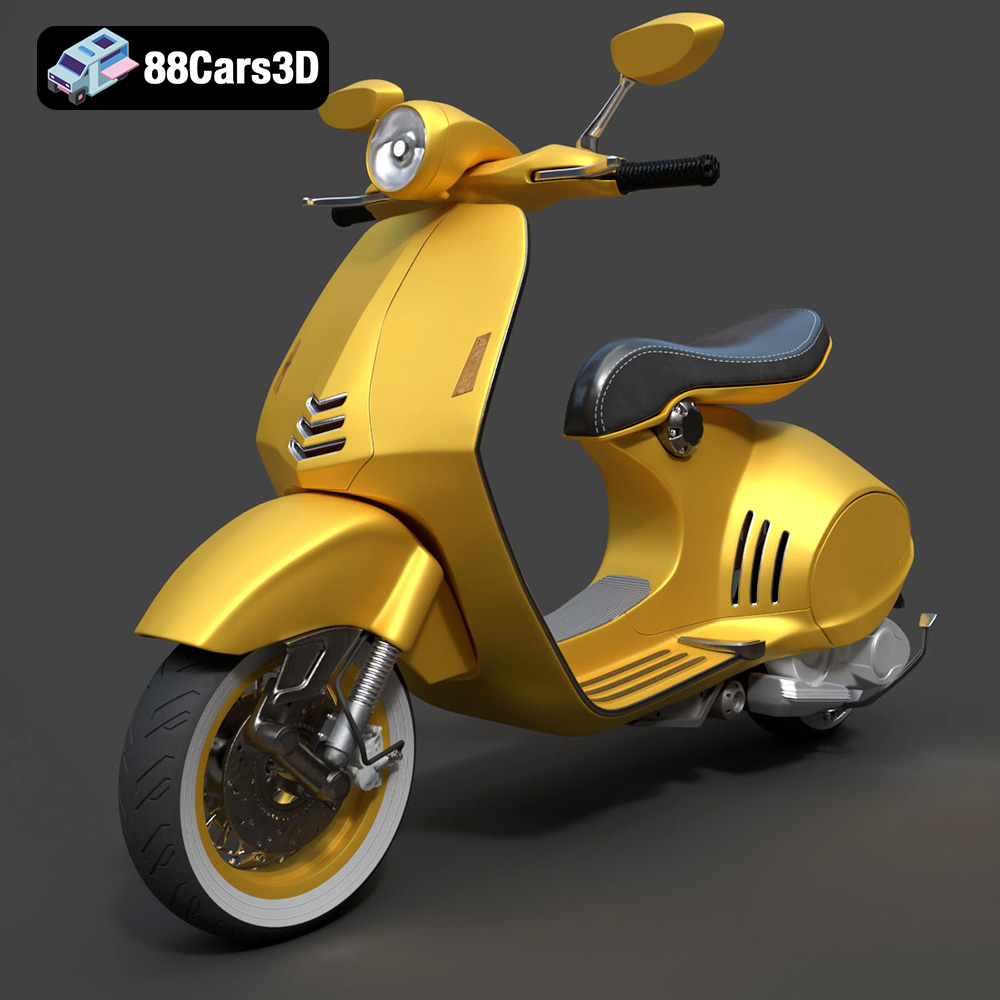
Texture: Yes
Material: Yes
Download the Vespa 946 3D Model featuring clean geometry, realistic detailing, and a fully modeled interior. Includes .blend, .fbx, .obj, .glb, .stl, .ply, .unreal, and .max formats for rendering, simulation, and game development.
Price: $19.99

Texture: Yes
Material: Yes
Download the Toyota Yaris Cross 3D Model featuring clean geometry, realistic detailing, and a fully modeled interior. Includes .blend, .fbx, .obj, .glb, .stl, .ply, .unreal, and .max formats for rendering, simulation, and game development.
Price: $19.99

Texture: Yes
Material: Yes
Download the Volkswagen Amarok 2019 3D Model featuring clean geometry, realistic detailing, and a fully modeled interior. Includes .blend, .fbx, .obj, .glb, .stl, .ply, .unreal, and .max formats for rendering, simulation, and game development.
Price: $19.99

