Get 50% OFF All Premium 3D & STL Models!

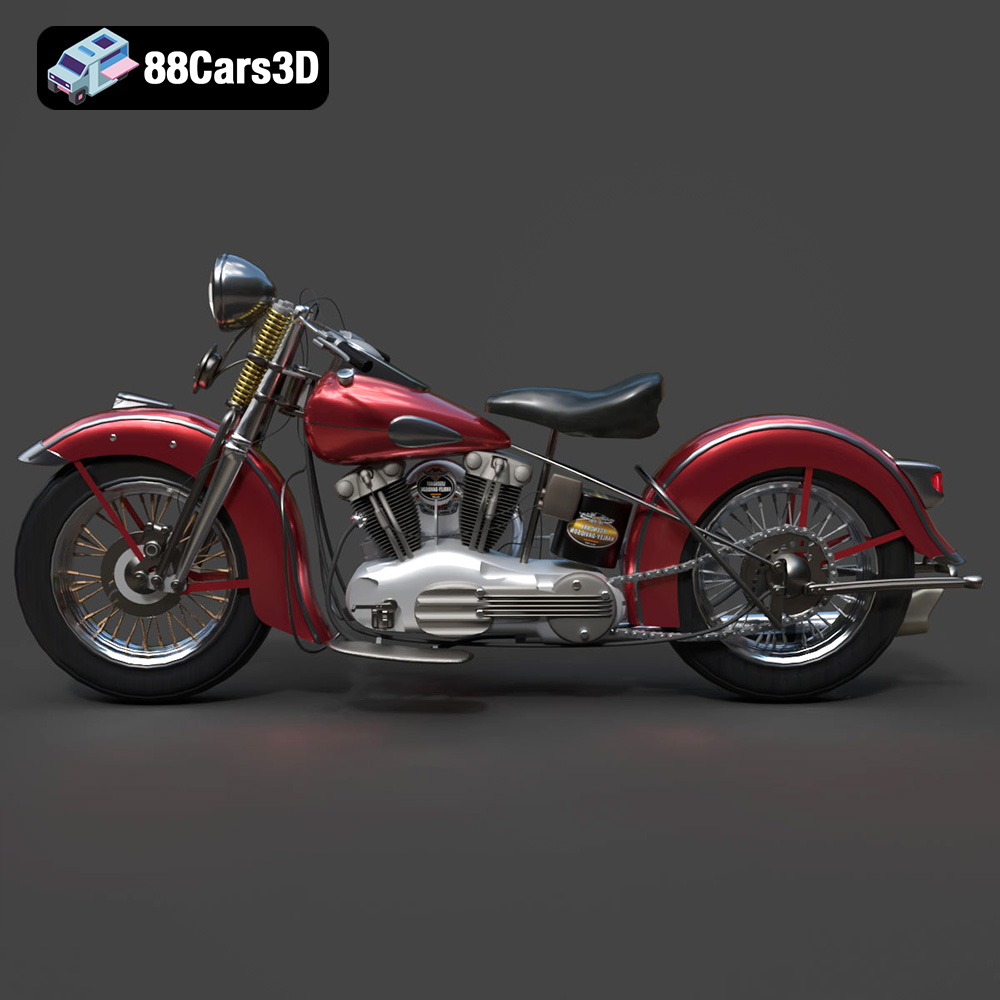
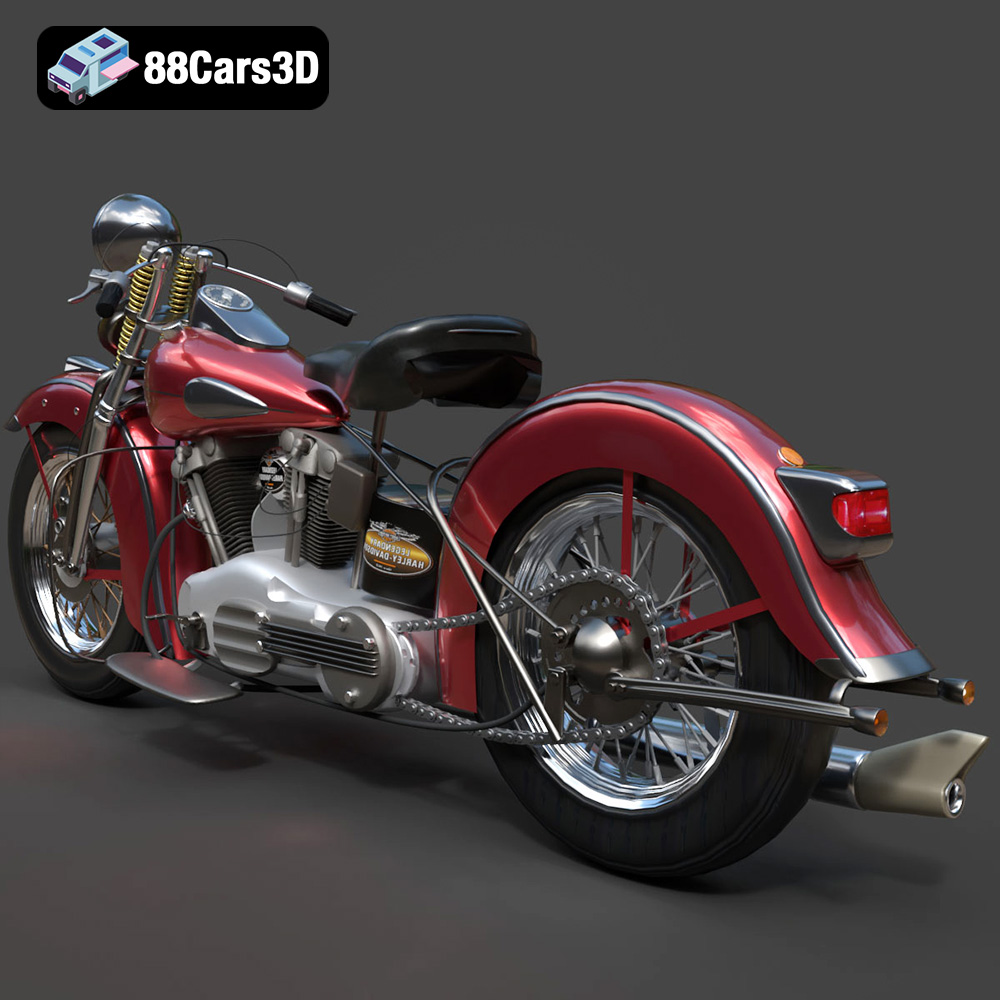
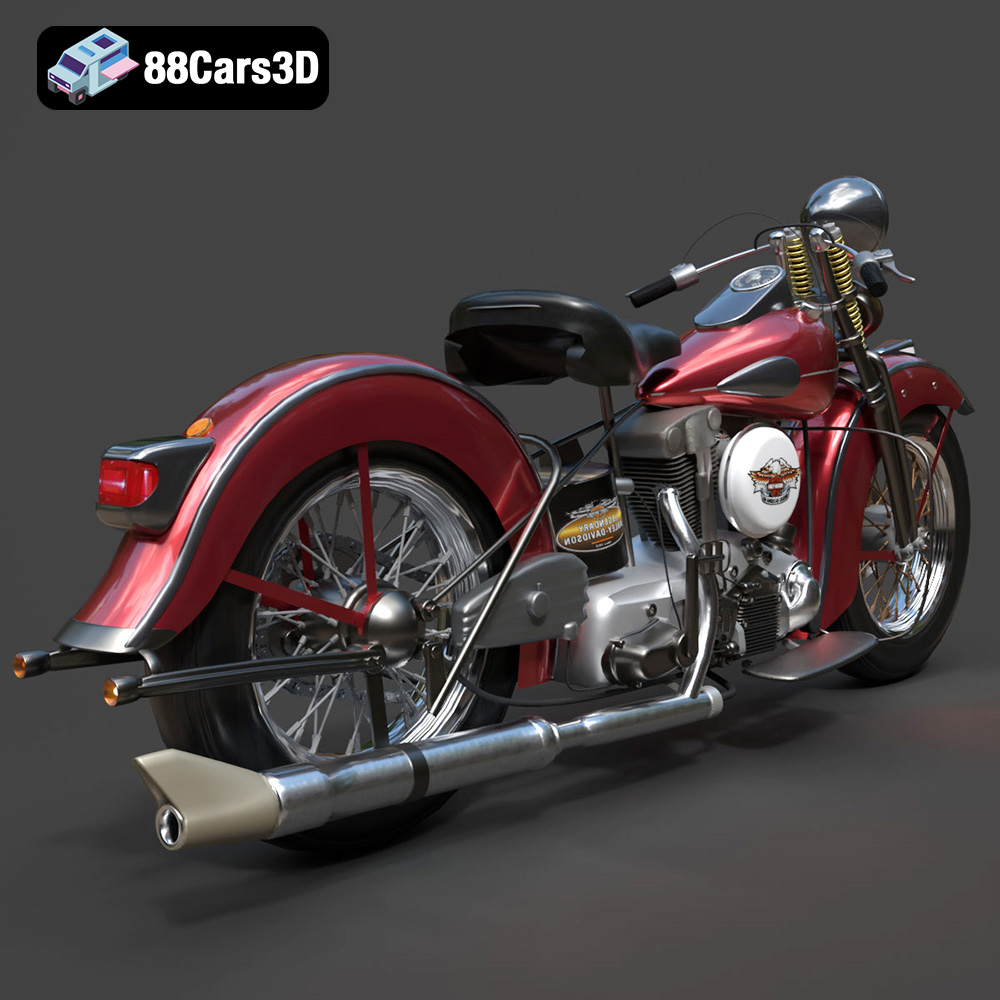
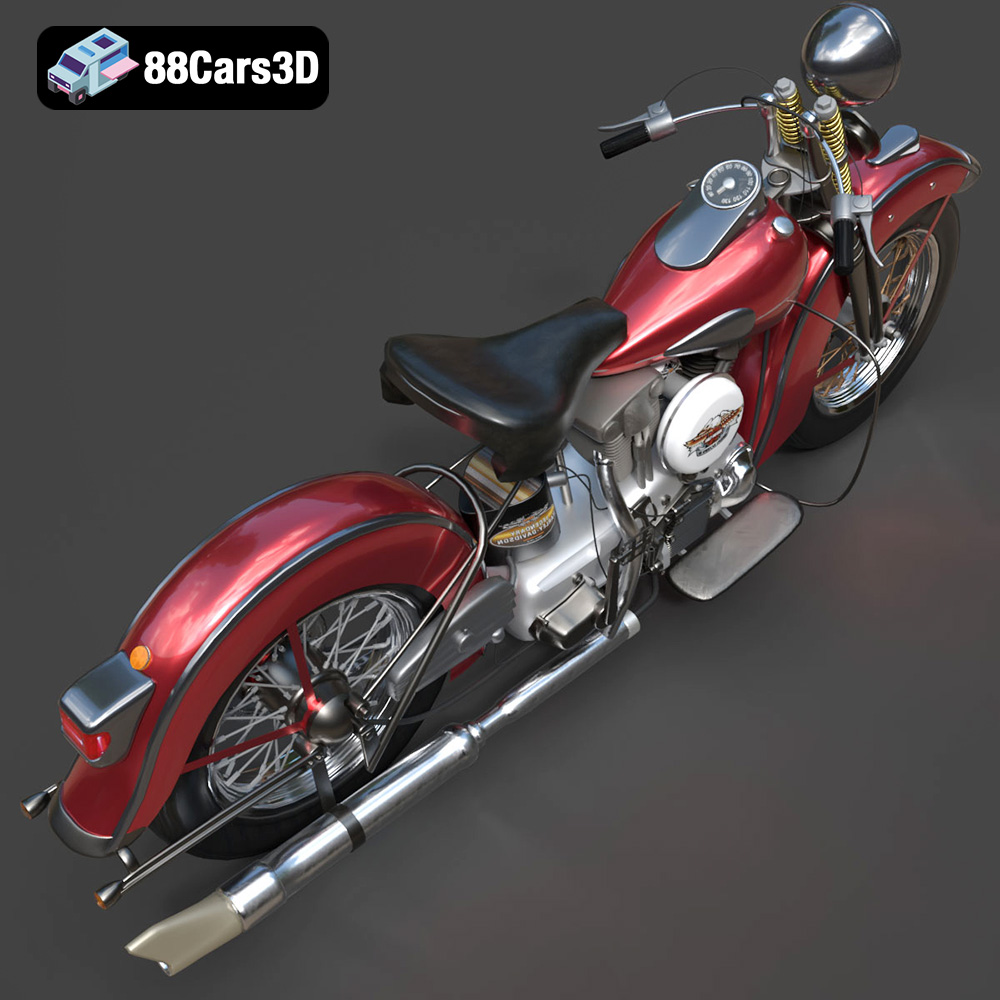
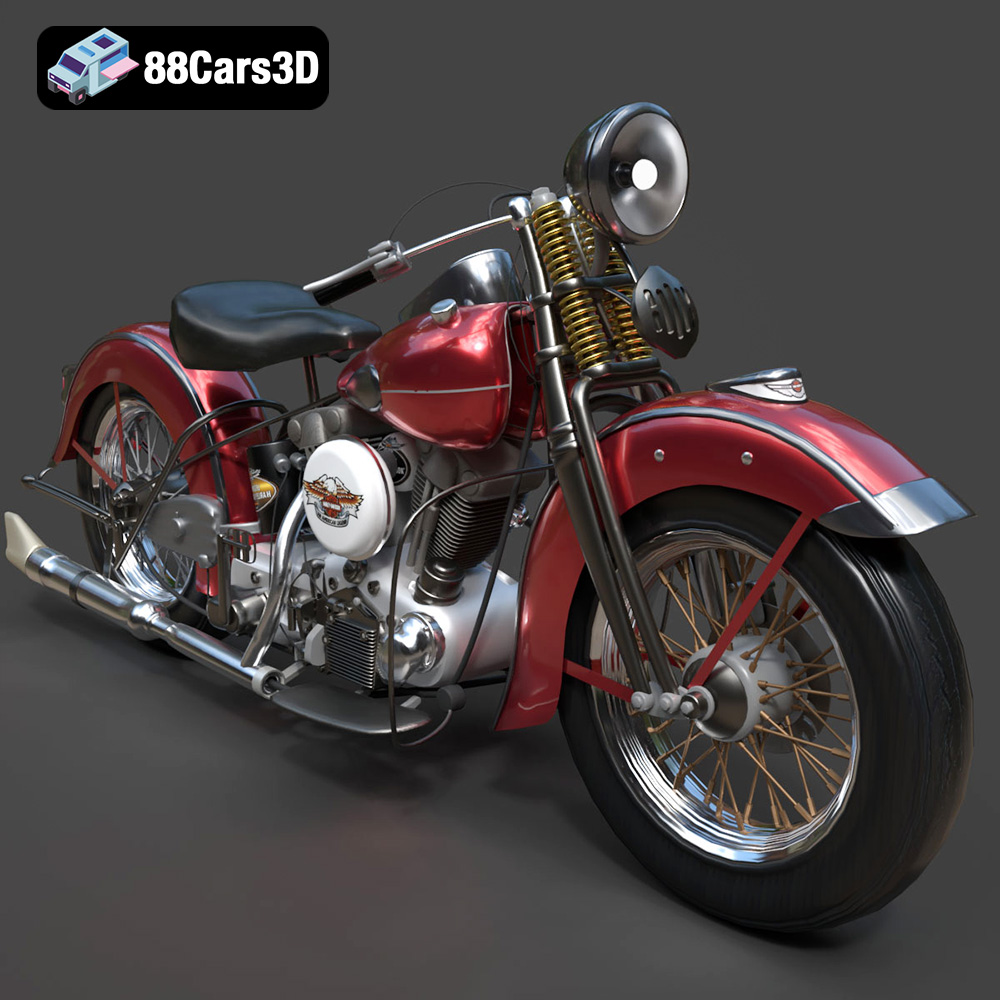
The Harley Davidson F 1946 is a legendary motorcycle, a symbol of American engineering and classic design. Now, thanks to 88cars3d.com, you can bring this iconic machine to life in your own home through the magic of 3D printing. This guide will walk you through the entire process, from selecting the right materials and preparing the STL files to fine-tuning your printer settings and post-processing your finished model. Get ready to embark on a rewarding additive manufacturing project!
Before diving into the specifics of printing your Harley Davidson F 1946 model, it’s crucial to understand the various file formats available and their suitability for 3D printing. While 88cars3d.com provides a range of formats for different applications, including rendering and game development, the .STL format is the workhorse of 3D printing.
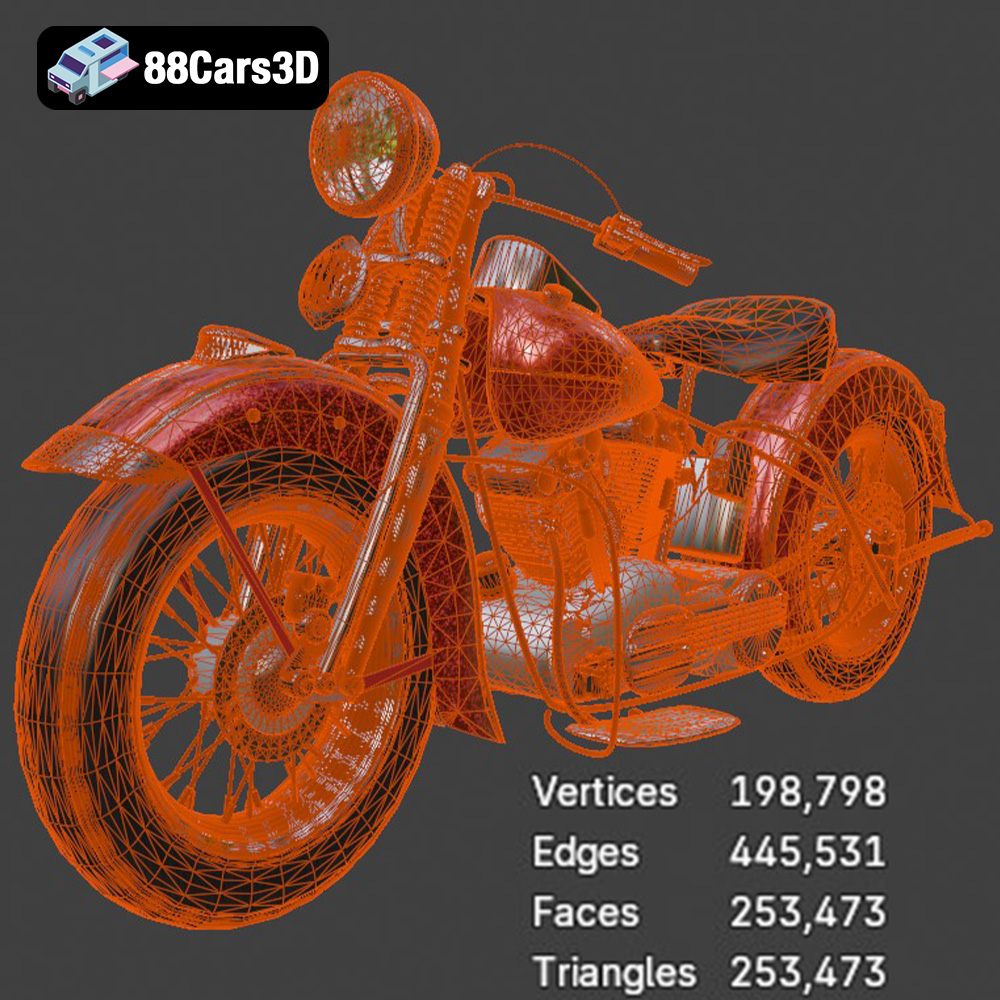
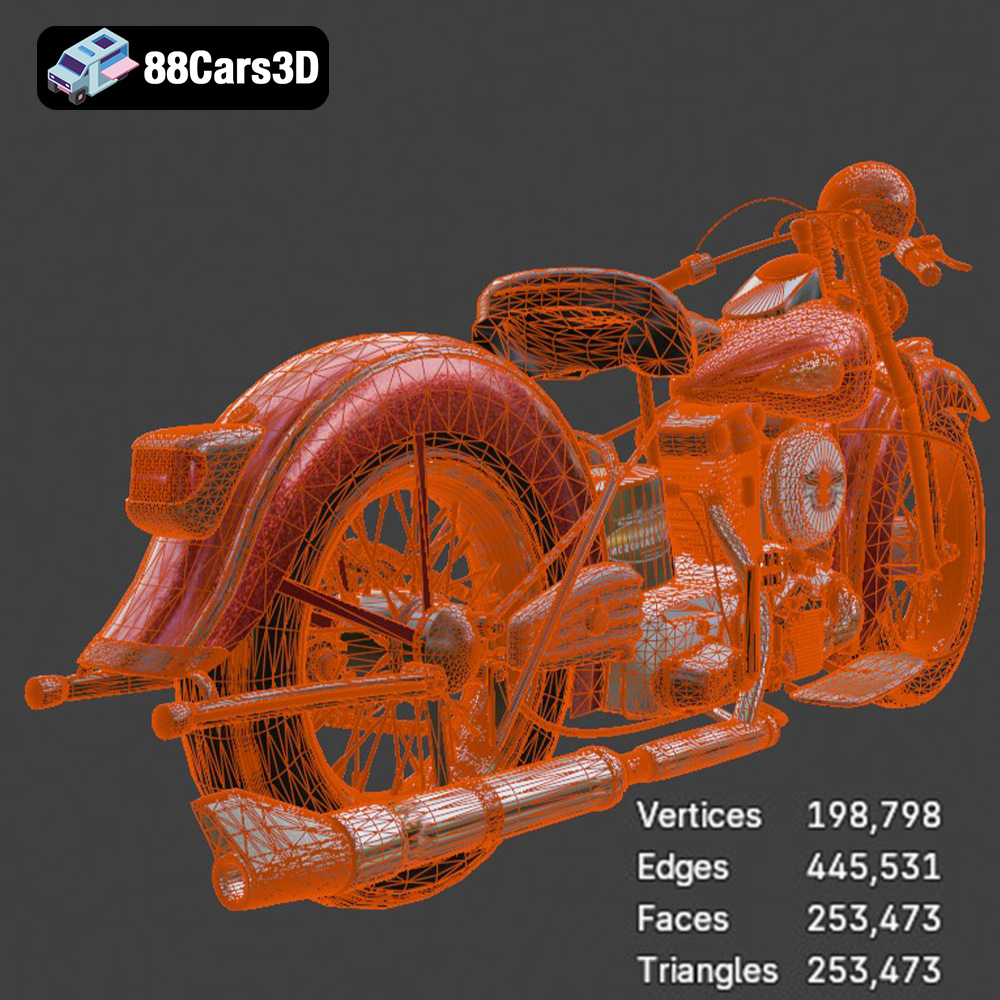
The STL (Stereolithography) file format is the most widely used format in the 3D printing world. It represents the surface geometry of a 3D object as a collection of triangles. This simplicity makes it highly compatible with virtually all slicing software and 3D printers. However, STL files only contain information about the shape of the object; they do not store color, texture, or material properties. When preparing an STL file for printing, ensure that the mesh is watertight (i.e., has no holes or gaps) and that the triangles are properly oriented. Many free software tools can repair STL files and optimize them for printing. Finer triangle meshes will result in smoother printed surfaces, but they will also increase file size and processing time. The Harley Davidson F 1946’s STL file available from 88cars3d.com is already optimized, but it’s always good practice to inspect it before printing.
OBJ files are another popular format, known for supporting color and texture information. This makes them useful for 3D models intended for rendering or visualization where appearance is paramount. However, not all 3D printers can handle OBJ files directly, especially when color information is included. If you plan to attempt color 3D printing (which requires specialized hardware), ensure that your printer and slicing software support OBJ files with color data.
PLY (Polygon File Format) is designed to store 3D data acquired from 3D scanners. It’s capable of representing high-detail meshes with color and texture information. While PLY files can be used for 3D printing, they often require significant processing due to their complexity. The Harley Davidson F 1946’s .ply file is primarily intended for analysis and visualization where the highest level of detail is needed, not necessarily for direct printing.
The .blend format is the native file format for Blender, a free and open-source 3D creation suite. It contains the entire Blender scene, including the 3D model, materials, textures, lighting, and animation data. If you’re familiar with Blender, you can use the .blend file to customize the Harley Davidson F 1946 model before exporting it as an STL file for printing. This allows you to make modifications to the design, add details, or split the model into separate parts for easier printing.
FBX (Filmbox) is a proprietary file format developed by Autodesk. It’s commonly used for exchanging 3D data between different software applications, particularly in the game development industry. FBX files can store geometry, materials, textures, animation, and other scene data. While some advanced slicing software may be able to import FBX files, it’s generally recommended to convert them to STL for 3D printing.
GLB is a binary file format representing 3D models in the GL Transmission Format (glTF). It’s designed for efficient transmission and loading of 3D scenes, making it ideal for AR/VR applications and web-based visualization. While GLB files are not directly used for 3D printing, they can be helpful for previewing the Harley Davidson F 1946 model in augmented reality before you commit to printing it.
.MAX is the native file format for Autodesk 3ds Max, a professional 3D modeling, animation, and rendering software. Similar to .blend, it contains the entire scene setup. If you have access to 3ds Max and are proficient in using it, you can leverage the .max file to customize the Harley Davidson F 1946 model. After making the desired modifications, you will need to export the model as an .stl file for 3D printing.
For 3D printing the Harley Davidson F 1946 model, the STL format is the most suitable choice due to its widespread compatibility, simplicity, and ease of use. Ensure that the STL file is properly prepared and optimized for your specific printer and slicing software.
Once you’ve downloaded the STL file for the Harley Davidson F 1946 from 88cars3d.com, the next step is to prepare it for printing using slicing software. This software converts the 3D model into a series of layers that your 3D printer can understand. Choosing the right orientation, generating supports, and optimizing your slicing settings are crucial for a successful print.
The orientation of the model on the print bed significantly impacts the print quality, support requirements, and overall success of the print. For the Harley Davidson F 1946, consider the following:
* **Minimize overhangs:** Position the model to minimize the amount of unsupported areas, especially intricate details like the handlebars or the engine components.
* **Reduce support material:** Experiment with different orientations to find one that requires the least amount of support material. This will save time, material, and post-processing effort.
* **Consider aesthetics:** Think about which surfaces you want to be the smoothest. Surfaces printed directly on the build plate will typically be the flattest, while surfaces printed on supports may require more post-processing. Orient the model to prioritize the appearance of key features.
* **Balance:** Ensure the model is stable during printing. A wide base can prevent warping and ensure good adhesion.
For the Harley Davidson F 1946, printing the model with the wheels facing down and the body angled slightly back might be a good starting point. This can reduce the need for supports under the fuel tank and seat.
Your slicing software provides a wide range of settings that affect the final print. Here are some key settings to consider for the Harley Davidson F 1946:
* **Layer Height:** A lower layer height (e.g., 0.1mm or 0.15mm) will result in a smoother surface finish and more detail, but it will also increase print time. A higher layer height (e.g., 0.2mm or 0.25mm) will print faster but with less detail. Start with 0.15mm for a good balance of detail and print time.
* **Infill Density:** Infill density affects the strength and weight of the print. For a display model, a low infill density (e.g., 10-15%) is sufficient. If you want a more robust model, increase the infill density to 20-30%.
* **Infill Pattern:** Choose an infill pattern that provides good strength and support, such as gyroid, cubic, or honeycomb.
* **Support Structure:** Decide whether you need supports to ensure the model can print correctly. Tree supports are often preferred for complex models like the Harley Davidson F 1946 because they use less material and are easier to remove. Carefully analyze which parts of the model need support, focusing on overhangs exceeding 45 degrees.
* **Bed Adhesion:** Use a brim or raft to improve bed adhesion, especially for models with small contact areas. This will help prevent warping and ensure the print stays firmly attached to the build plate.
* **Print Speed:** Adjust the print speed according to your printer and material. A slower print speed (e.g., 40-50mm/s) can improve print quality and reduce the risk of errors.
The choice of material greatly influences the final look, feel, and durability of your 3D printed Harley Davidson F 1946 model. Several options are available, each with its own advantages and disadvantages.
PLA (Polylactic Acid) is a biodegradable thermoplastic derived from renewable resources like cornstarch or sugarcane. It’s easy to print, doesn’t require a heated bed (although it helps), and produces minimal odor. PLA is a good choice for beginners and for models that don’t require high heat resistance or impact strength. The Harley Davidson F 1946 printed in PLA is perfect for display purposes. PLA comes in a wide range of colors, making it easy to achieve the desired look for your model.
PETG (Polyethylene Terephthalate Glycol-modified) is a stronger and more durable alternative to PLA. It has good impact resistance, heat resistance, and chemical resistance. PETG is also relatively easy to print, although it may require a heated bed and slightly higher temperatures than PLA. PETG is a good choice for parts that need to withstand some stress or exposure to the elements.
Resin 3D printing offers unparalleled detail and smooth surfaces. SLA (Stereolithography) and DLP (Digital Light Processing) printers use liquid resin that is cured by UV light. Resin is a good choice for intricate models with fine details, such as the Harley Davidson F 1946. However, resin prints can be brittle and may require more post-processing than FDM prints.
When choosing a material, consider the following factors:
* **Desired appearance:** Do you want a smooth, glossy finish or a matte finish?
* **Durability:** Will the model be handled frequently or exposed to stress?
* **Heat resistance:** Will the model be exposed to high temperatures?
* **Ease of printing:** Are you a beginner or an experienced 3D printer?
For the Harley Davidson F 1946, PLA is a good starting point for beginners. If you want a more durable model, consider PETG. For the highest level of detail, resin is the way to go.
Achieving a high-quality 3D print of the Harley Davidson F 1946 requires careful attention to your printer settings. These settings will vary depending on your printer model and the material you’re using, but here are some general guidelines:
* **PLA:** Nozzle temperature: 200-220°C, Bed temperature: 50-60°C (optional)
* **PETG:** Nozzle temperature: 230-250°C, Bed temperature: 70-80°C
* **Resin:** Follow the manufacturer’s recommendations for exposure time, layer height, and other settings.
* **Print speed:** 40-60mm/s
* **Travel speed:** 100-150mm/s
* **Initial layer speed:** 20-30mm/s
* **Retraction distance:** 5-7mm (Bowden extruder), 1-2mm (Direct drive extruder)
* **Retraction speed:** 40-60mm/s
* **PLA:** Enable cooling fan at 100% after the first few layers.
* **PETG:** Reduce cooling fan speed to 20-40%.
* **Resin:** Cooling is not applicable for resin printing.
It’s important to perform test prints to fine-tune these settings for your specific printer and material. Start with the recommended settings and adjust them gradually until you achieve the desired print quality.
Once your Harley Davidson F 1946 model is printed, you can enhance its appearance and functionality through post-processing. This may involve removing supports, sanding the surface, painting, and assembling multiple parts.
* **Support Removal:** Carefully remove the support structures using pliers, cutters, or a hobby knife. Take your time to avoid damaging the model.
* **Sanding:** Sand the surface of the model to remove any imperfections and layer lines. Start with a coarse grit sandpaper (e.g., 220 grit) and gradually move to finer grits (e.g., 400 grit, 600 grit, 800 grit) for a smooth finish. Wet sanding can help to reduce dust and improve the smoothness of the surface.
* **Priming:** Apply a primer to the model to create a uniform surface for painting. This will help the paint adhere better and provide a smoother finish.
* **Painting:** Use acrylic paints or spray paints to paint the model. Apply multiple thin coats for best results. Consider using stencils or masking tape to create intricate designs.
* **Clear Coating:** Apply a clear coat to protect the paint and give the model a glossy or matte finish.
* If the Harley Davidson F 1946 model is printed in multiple parts, assemble them using glue or fasteners. Use a strong adhesive, such as epoxy or super glue, to ensure a secure bond.
3D printing can be a challenging process, and it’s common to encounter issues along the way. Here are some common problems and their solutions:
* **Warping:** Warping occurs when the corners of the print lift off the build plate. To prevent warping, use a heated bed, apply a bed adhesion agent (e.g., hairspray or glue stick), and ensure that the build plate is level.
* **Stringing:** Stringing occurs when the printer extrudes filament while moving between different parts of the print. To reduce stringing, increase retraction distance and speed, lower the nozzle temperature, and ensure that the filament is dry.
* **Layer Shifting:** Layer shifting occurs when the printer suddenly shifts its position during printing. To prevent layer shifting, tighten the belts and screws on your printer, reduce the print speed, and ensure that the printer is stable.
* **Under-Extrusion:** Under-extrusion occurs when the printer doesn’t extrude enough filament. To fix under-extrusion, increase the nozzle temperature, increase the flow rate, and ensure that the nozzle is not clogged.
* **Clogging:** Clogging occurs when the nozzle becomes blocked with filament. To prevent clogging, use high-quality filament, clean the nozzle regularly, and ensure that the nozzle temperature is correct.
By understanding these common issues and their solutions, you can troubleshoot problems and improve your 3D printing success rate.
3D printing the Harley Davidson F 1946 model is a rewarding project that combines technical skill with artistic expression. By carefully selecting your materials, optimizing your printer settings, and applying post-processing techniques, you can create a stunning replica of this iconic motorcycle. Remember to download the STL file from 88cars3d.com and take advantage of the detailed model provided. With patience and practice, you’ll be able to bring this piece of automotive history to life in your own home. Happy printing!
Immerse yourself in the detailed world of the Harley Davidson F 1946 3D Model. This meticulously crafted model replicates the iconic motorcycle with stunning realism, capturing every curve and detail.
$19.99
.arvr
.blend
.car3dmodel
.classicmotorcycle
.f
.fbx
.gameasset
.glb
.harleydavidson
.harleydavidsonf
.max
.motorcycle
.obj
.ply
.rendering
.simulation
.stl
.unreal