Get 50% OFF All Premium 3D & STL Models!

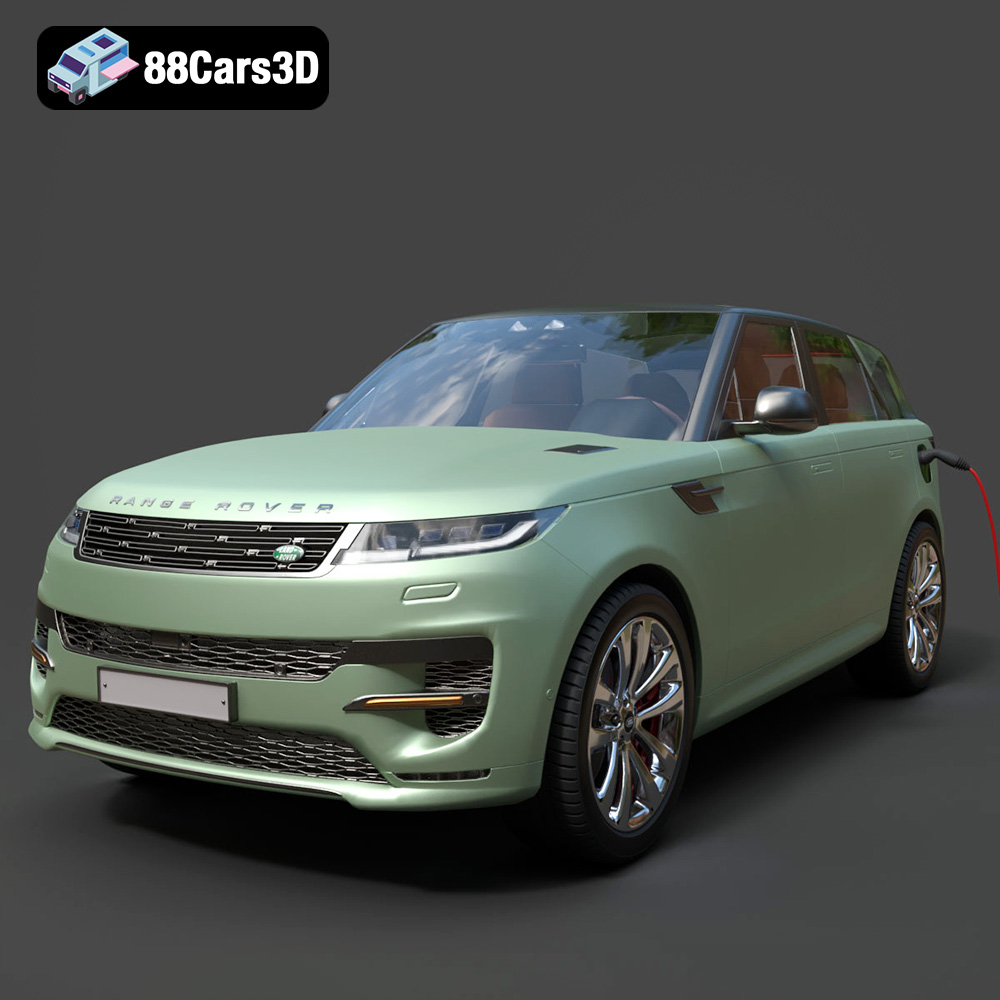
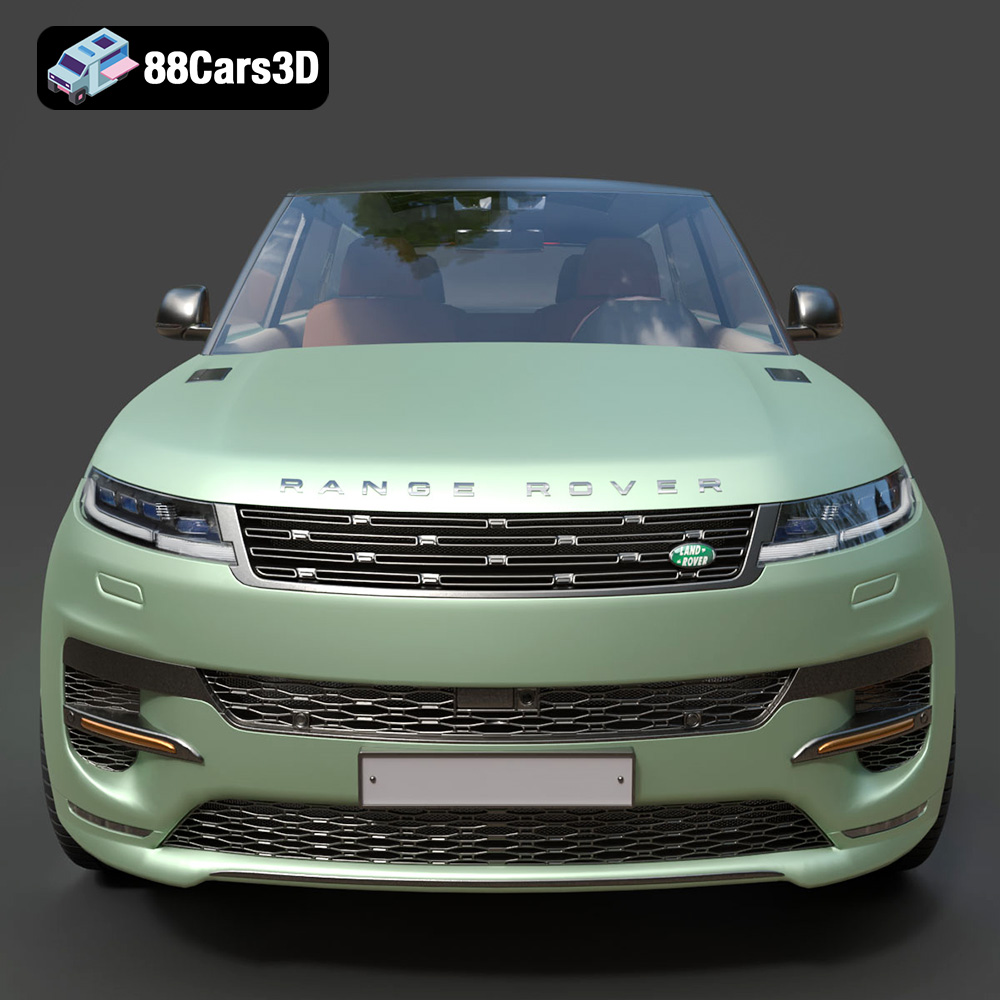
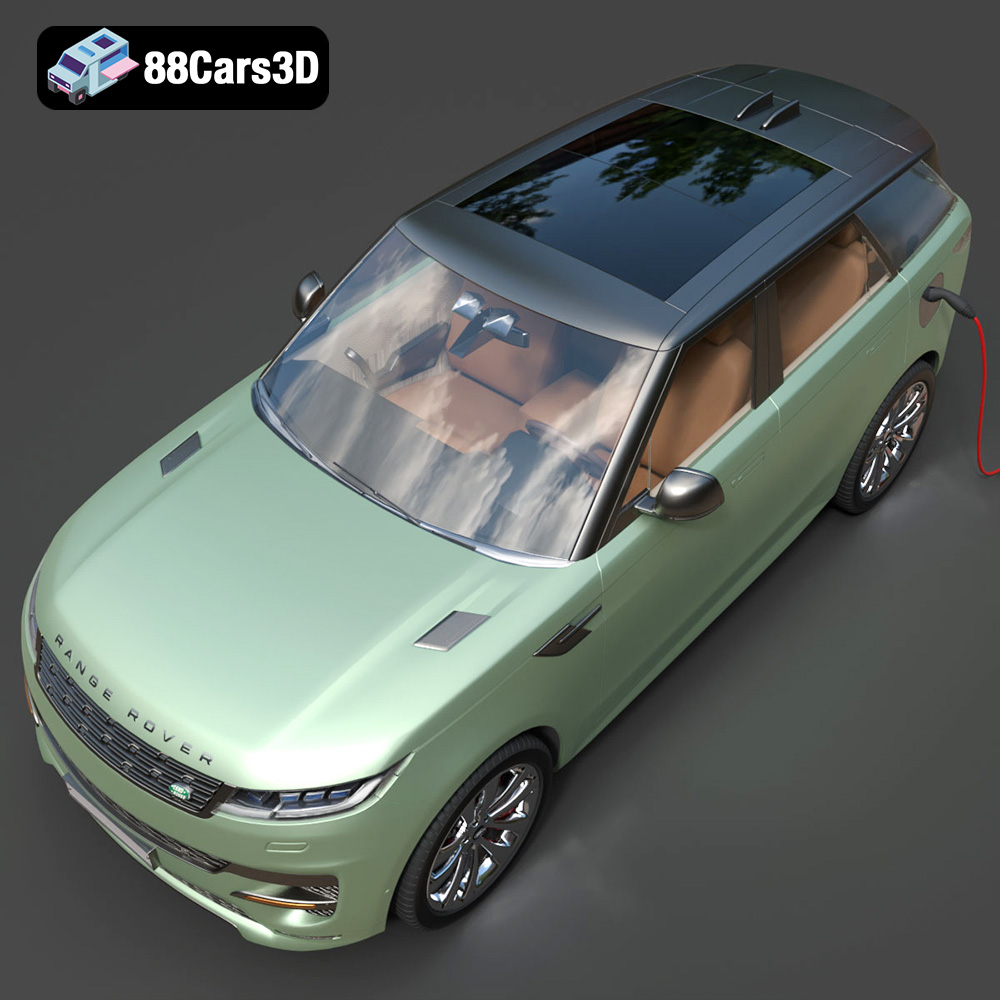
The Range Rover Sport Hybrid PHEV 2023 embodies luxury and performance. Now, thanks to the detailed 3D model available at 88cars3d.com, you can bring this iconic vehicle to life with additive manufacturing. This guide will walk you through the entire 3D printing process, from choosing the right materials and settings to post-processing techniques that will result in a stunning replica. Whether you’re a seasoned 3D printing enthusiast or a beginner, this article provides the insights needed to successfully 3D print your own Range Rover Sport Hybrid PHEV 2023 model.
Before diving into the printing process, proper preparation of the 3D model is crucial. This includes inspecting the model for errors, choosing the right orientation, and selecting appropriate support structures. The STL file provided by 88cars3d.com is a great starting point, but some fine-tuning might be necessary for optimal 3D printing results.
The first step is to inspect the STL file for any potential errors, such as non-manifold edges, holes, or inverted normals. Software like MeshLab, Netfabb, or even the built-in repair tools in your slicing software can help identify and fix these issues. A watertight mesh is essential for successful 3D printing; otherwise, you might encounter unexpected gaps or deformations in the final print. Ensure that the model is scaled appropriately for your printer’s build volume at this stage. Decide if you want a large display model or a smaller, more manageable print.
Orientation plays a significant role in the print’s structural integrity and surface finish. For the Range Rover Sport Hybrid PHEV 2023 model, consider printing the body with the roof facing upwards. This minimizes the need for supports on the visible surfaces, resulting in a smoother finish. However, this might require extensive supports inside the body. Alternatively, printing the body on its side could reduce support usage but might compromise the surface quality of the sides. Experimentation with different orientations is key to finding the best balance.
Support structures are necessary to hold up overhanging parts of the model during printing. In your slicing software, carefully configure the support settings. Consider using tree supports, which are easier to remove and leave fewer marks than traditional linear supports. Adjust the support density and interface layer settings to strike a balance between sufficient support and ease of removal. Focus on strategically placing supports in areas that are less visible or easier to sand and smooth.
Choosing the right file format is critical for a smooth 3D printing workflow. While numerous formats exist, some are better suited for additive manufacturing than others. The Range Rover Sport Hybrid PHEV 2023 model from 88cars3d.com is provided in several formats, but the STL format is the workhorse for 3D printing.
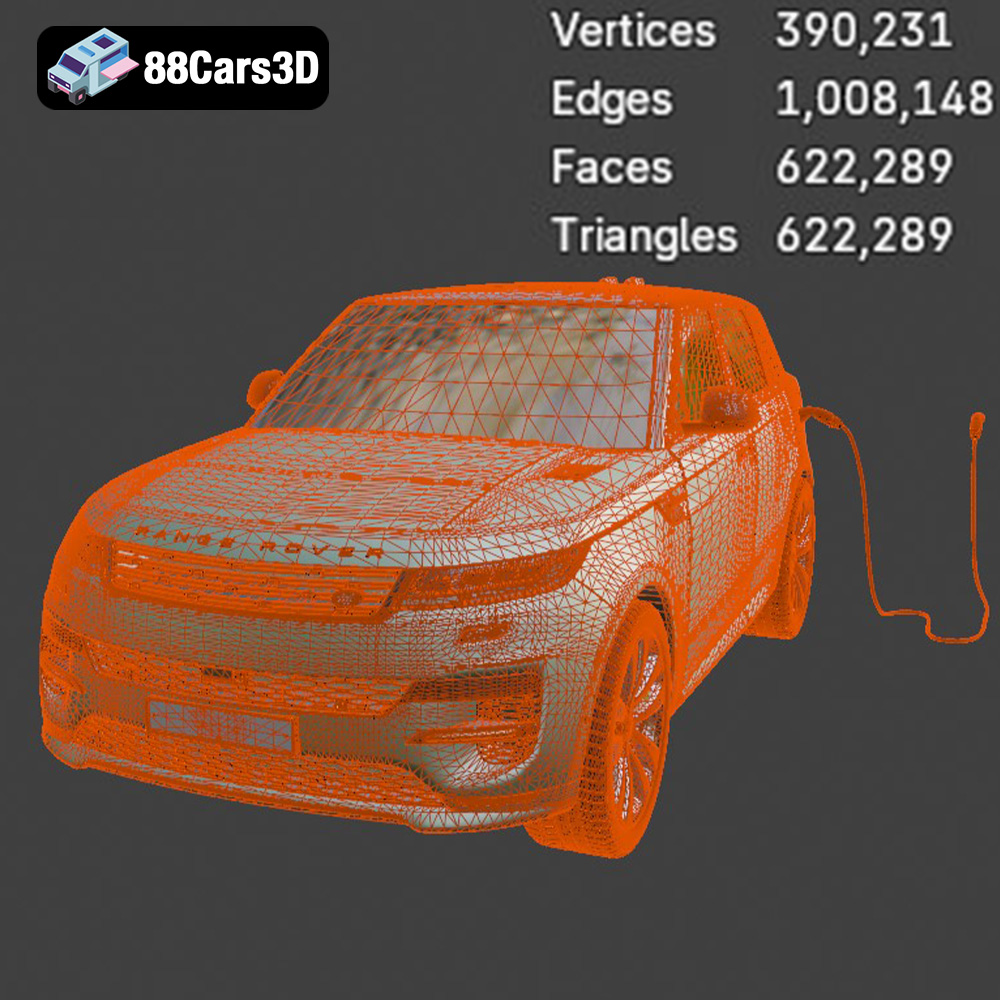
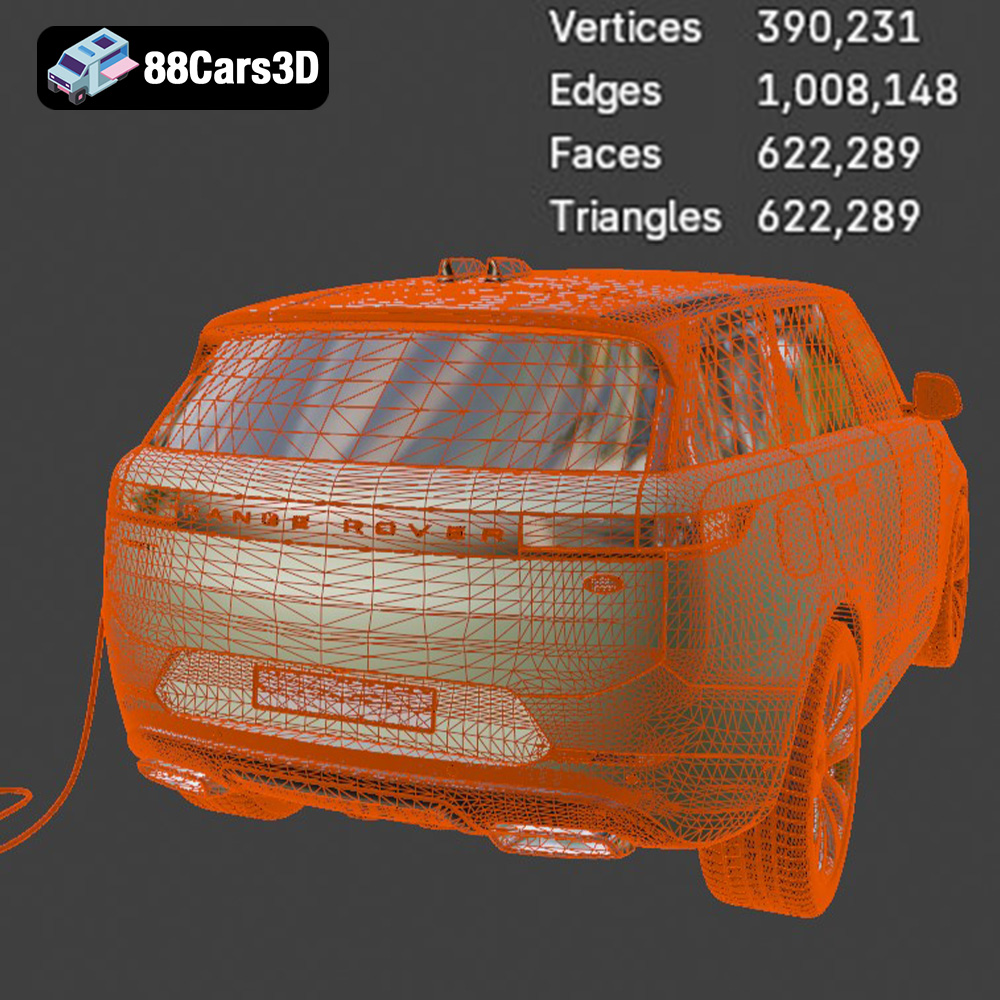
The STL (stereolithography) file format is the most widely used format in 3D printing. It represents the surface geometry of a 3D object as a collection of triangles. While simple, this format is universally compatible with slicing software and 3D printers. When working with STL files, ensure that the mesh resolution (number of triangles) is high enough to capture the details of the Range Rover Sport Hybrid PHEV 2023 model, but not so high that it becomes computationally expensive to process.
The OBJ format is another popular choice, offering the advantage of storing color and texture information along with the geometry. This can be useful if you plan to paint the 3D printed model, as you can use the OBJ file as a reference for color placement. However, for the basic 3D printing process where you are only interested in the shape of the model, STL remains the preferred choice.
PLY files store 3D data, including color and surface normals, often generated by 3D scanners. They’re good for maintaining high detail, but can result in large file sizes and are not always supported as widely as STL. If the Range Rover model has been scanned and you’re trying to reproduce minute details, PLY might be suitable if your slicer supports it well.
The .blend file is the native format for Blender, a powerful and free 3D modeling software. This format allows you to directly edit the 3D model, making it ideal for customization before exporting it to a 3D printable format. You can modify the design, add details, or split the model into multiple parts for easier printing and assembly. Once you’ve made your changes, export the model as an STL file for 3D printing.
FBX is typically used for exchanging models between different 3D software packages, often carrying animation or material information. While some advanced slicing software might be able to import FBX files directly, it’s generally better to export to STL for 3D printing. The material data is usually not relevant for printing unless you have a multi-material printer.
GLB is a binary file format representing 3D models, often used for AR/VR and web applications. It’s designed for efficient transmission and loading. While not directly used for 3D printing, you can use the GLB file to preview the model in augmented reality before committing to a print, allowing you to visualize the size and details in a real-world context.
Similar to .blend, .max is the native file format for 3ds Max. It allows for extensive editing and modification of the 3D model before exporting it for 3D printing. This is great for professional users who want to customize the model for a specific project before printing.
Ultimately, for the purpose of 3D printing the Range Rover Sport Hybrid PHEV 2023 model, the STL file is the most appropriate and universally supported format. Ensure that the STL file is properly prepared and optimized for your specific 3D printer and slicing software.
The choice of material significantly impacts the final appearance, strength, and durability of your 3D printed Range Rover Sport Hybrid PHEV 2023. Each material has its own set of properties, advantages, and disadvantages.
PLA (Polylactic Acid) is a biodegradable thermoplastic derived from renewable resources like cornstarch or sugarcane. It’s easy to print, requires relatively low printing temperatures, and produces minimal warping. PLA is a great choice for beginners and for models that don’t require high strength or heat resistance. However, PLA is brittle and not suitable for outdoor use or applications where it will be exposed to high temperatures.
PETG (Polyethylene Terephthalate Glycol-modified) offers a good balance of strength, flexibility, and ease of printing. It’s more durable and heat-resistant than PLA, making it suitable for functional parts or models that might be subjected to some stress. PETG also has good layer adhesion, resulting in stronger prints. It’s a great all-around material for the Range Rover Sport Hybrid PHEV 2023 model, especially if you want a slightly more robust replica.
Resin 3D printing, using technologies like SLA (Stereolithography) or DLP (Digital Light Processing), offers exceptional detail and smooth surfaces. Resin is ideal for printing intricate parts and models that require a high level of precision. The Range Rover Sport Hybrid PHEV 2023 model would benefit from resin printing if you want to capture every detail, especially for smaller-scale models. However, resin prints tend to be more brittle than FDM (Fused Deposition Modeling) prints and require post-processing, such as washing and curing.
ABS (Acrylonitrile Butadiene Styrene) is a strong and heat-resistant thermoplastic commonly used in automotive and industrial applications. It’s more durable than PLA and PETG, making it suitable for functional parts or models that need to withstand higher temperatures. However, ABS is more challenging to print than PLA and PETG, as it requires higher printing temperatures and is prone to warping.
Slicer settings are the parameters that control how your 3D printer interprets the STL file and creates the physical object. These settings can significantly impact the quality, strength, and printing time of your Range Rover Sport Hybrid PHEV 2023 model.
Layer height determines the resolution of your print. A lower layer height results in finer details and smoother surfaces, but it also increases the printing time. For the Range Rover Sport Hybrid PHEV 2023 model, a layer height of 0.1mm to 0.2mm is a good starting point for balancing detail and printing speed. Experiment with different layer heights to find the optimal setting for your specific printer and material.
Infill refers to the internal structure of your 3D printed model. A higher infill density results in a stronger model but also increases material usage and printing time. For the Range Rover Sport Hybrid PHEV 2023 model, an infill density of 15% to 25% is generally sufficient for display purposes. Choose an infill pattern that provides good structural support, such as grid, honeycomb, or gyroid.
Print speed affects both the quality and the printing time of your model. Printing too fast can lead to poor layer adhesion, warping, and other issues. Printing too slow can unnecessarily prolong the printing process. The optimal print speed depends on your printer, material, and layer height. Start with a print speed of 40mm/s to 60mm/s and adjust as needed.
Post-processing is the set of techniques used to refine the surface finish, improve the appearance, and assemble the 3D printed parts of your Range Rover Sport Hybrid PHEV 2023 model.
The first step in post-processing is to carefully remove the support structures. Use pliers, cutters, or a sharp knife to detach the supports from the model. Be careful not to damage the surface of the print. Once the supports are removed, use sandpaper to smooth any remaining blemishes or support marks. Start with a coarse grit sandpaper (e.g., 220 grit) and gradually move to finer grits (e.g., 400 grit, 600 grit, 800 grit) to achieve a smooth surface.
Priming is an essential step before painting your 3D printed model. Primer helps to fill in any remaining imperfections and provides a smooth, uniform surface for the paint to adhere to. Apply several thin coats of primer, allowing each coat to dry completely before applying the next. Once the primer is dry, you can paint the model with your desired colors. Use spray paint or acrylic paints for best results. Consider using stencils or masking tape to create intricate details and patterns.
If you printed the Range Rover Sport Hybrid PHEV 2023 model in multiple parts, you’ll need to assemble them. Use glue or epoxy to bond the parts together. Ensure that the parts are properly aligned before the glue sets. You can also use screws or other fasteners for a more secure connection.
Even with careful preparation and optimized settings, you might encounter some challenges during the 3D printing process. Here are some common issues and their solutions:
Warping occurs when the corners of your print lift from the build plate. This is often caused by uneven cooling or poor bed adhesion. To prevent warping, ensure that your build plate is clean and level. Use a bed adhesive, such as glue stick or hairspray, to improve adhesion. You can also enclose your printer to maintain a more consistent temperature.
Stringing refers to the thin strands of filament that can form between different parts of your print. This is often caused by excessive retraction or high printing temperatures. To eliminate stringing, adjust your retraction settings in your slicing software. Lower the printing temperature and increase the travel speed.
Poor layer adhesion can result in weak prints that easily break apart. This is often caused by low printing temperatures, insufficient cooling, or incorrect layer height. To improve layer adhesion, increase the printing temperature, reduce cooling, and ensure that your layer height is appropriate for your nozzle size.
By following these tips and techniques, you can successfully 3D print a stunning replica of the Range Rover Sport Hybrid PHEV 2023. Remember that experimentation is key to finding the optimal settings for your specific printer and material. With patience and persistence, you’ll be able to create a 3D printed model that you can be proud of. Remember to check out 88cars3d.com for more high-quality 3D car models.
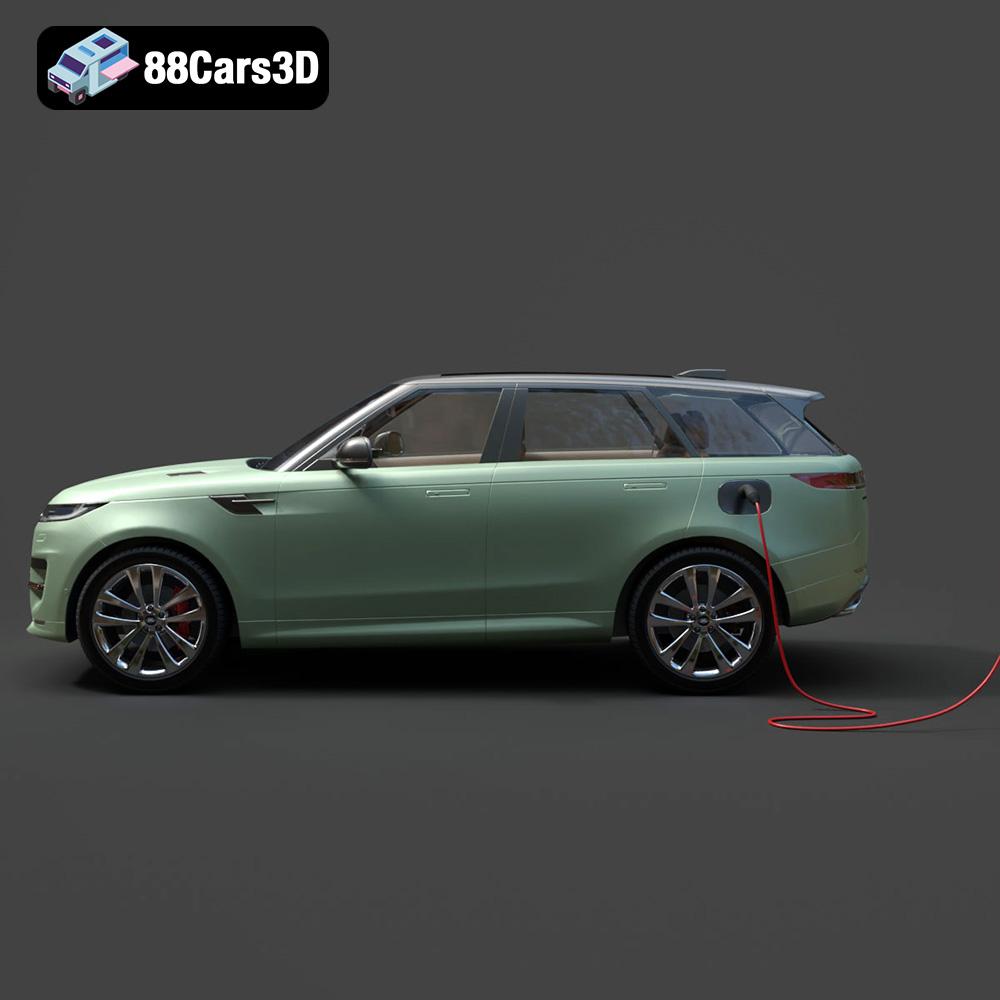
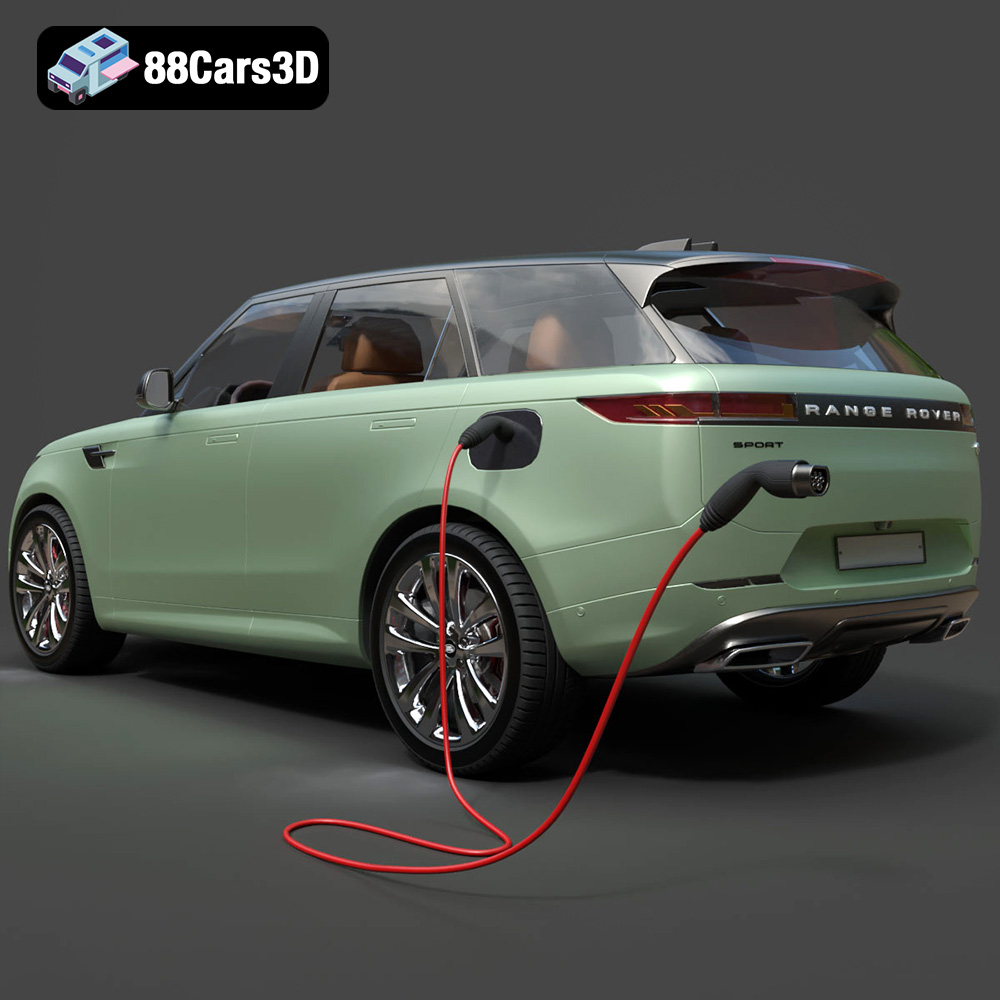
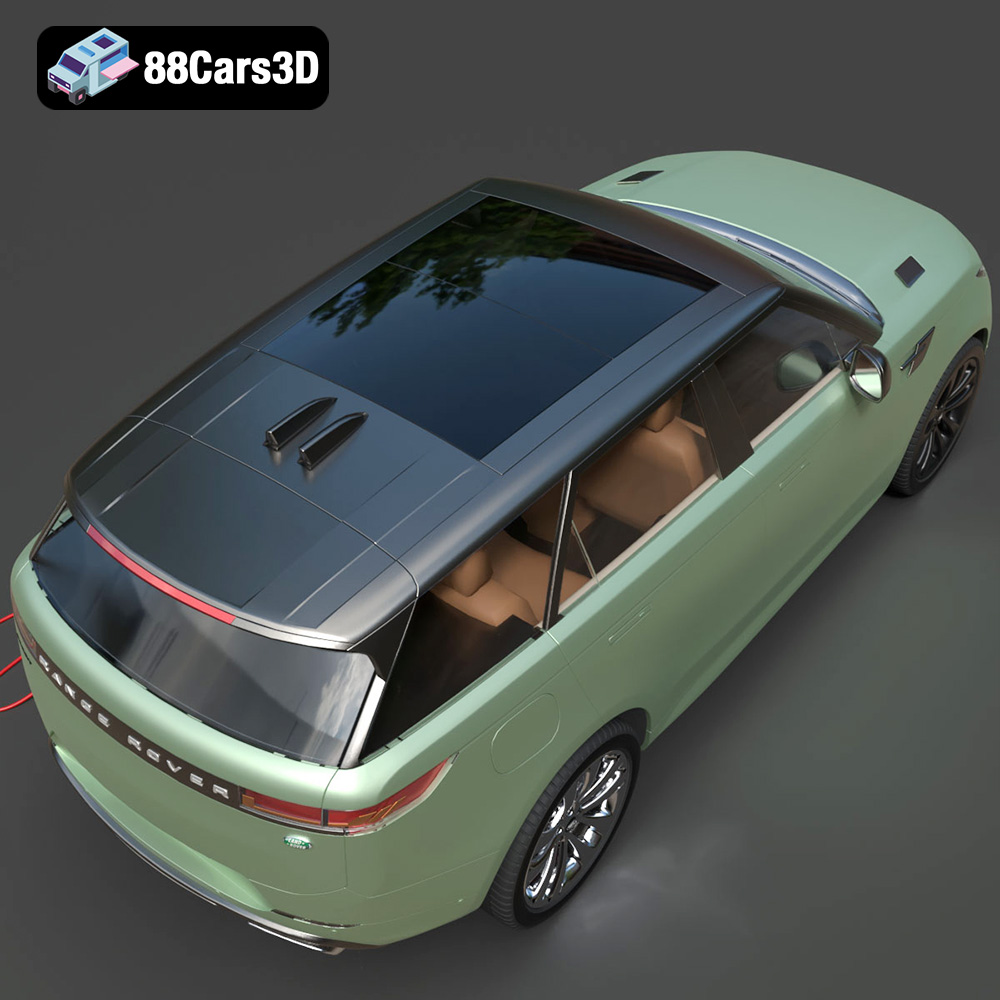
The Range Rover Sport Hybrid PHEV 2023 3D Model brings an incredible level of realism to your digital projects. Accurately modeled to reflect the sophisticated design and dynamic stance of the real vehicle, this asset features a meticulously detailed exterior and a fully modeled interior.
$19.99
.arvr
.blend
.car3dmodel
.fbx
.gameasset
.glb
.hybrid
.landrover
.luxurycar
.max
.obj
.phev
.ply
.rangerover
.rendering
.simulation
.sport
.sporthybrid
.stl
.unreal
SUV