Get 50% OFF All Premium 3D & STL Models!

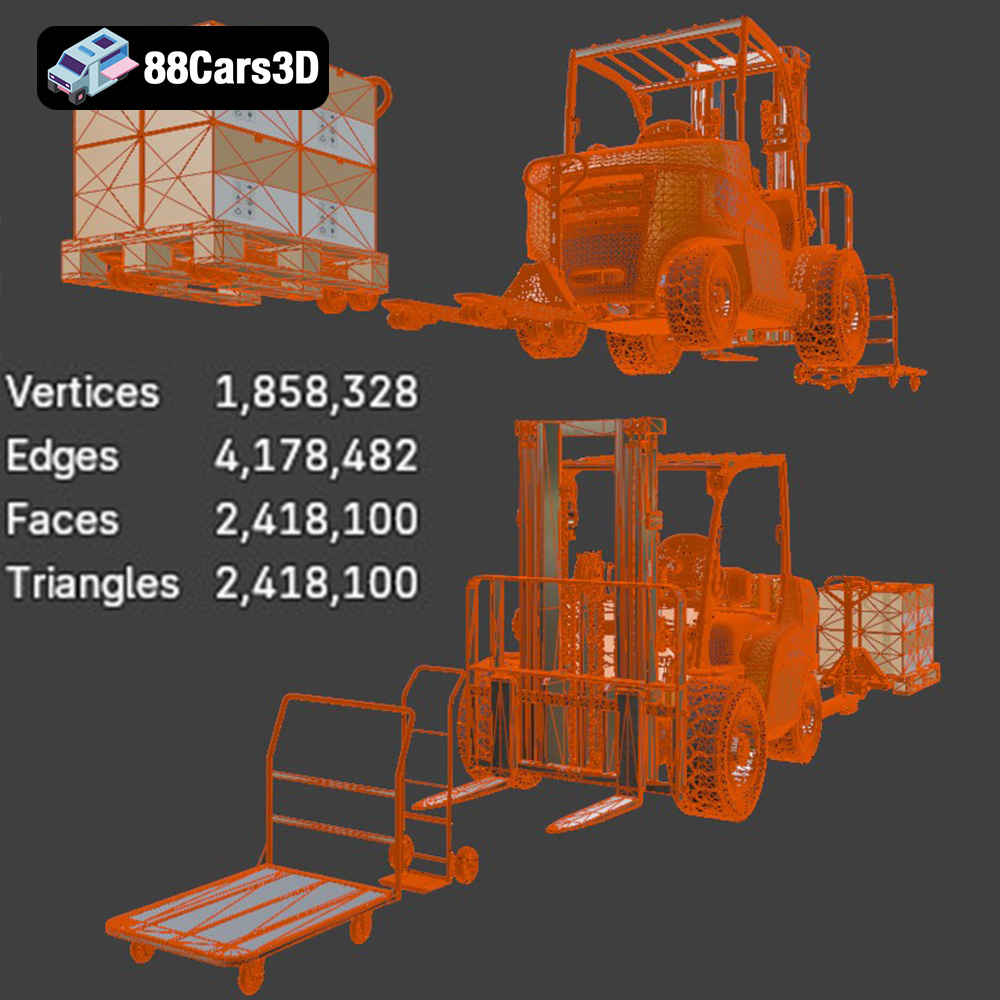
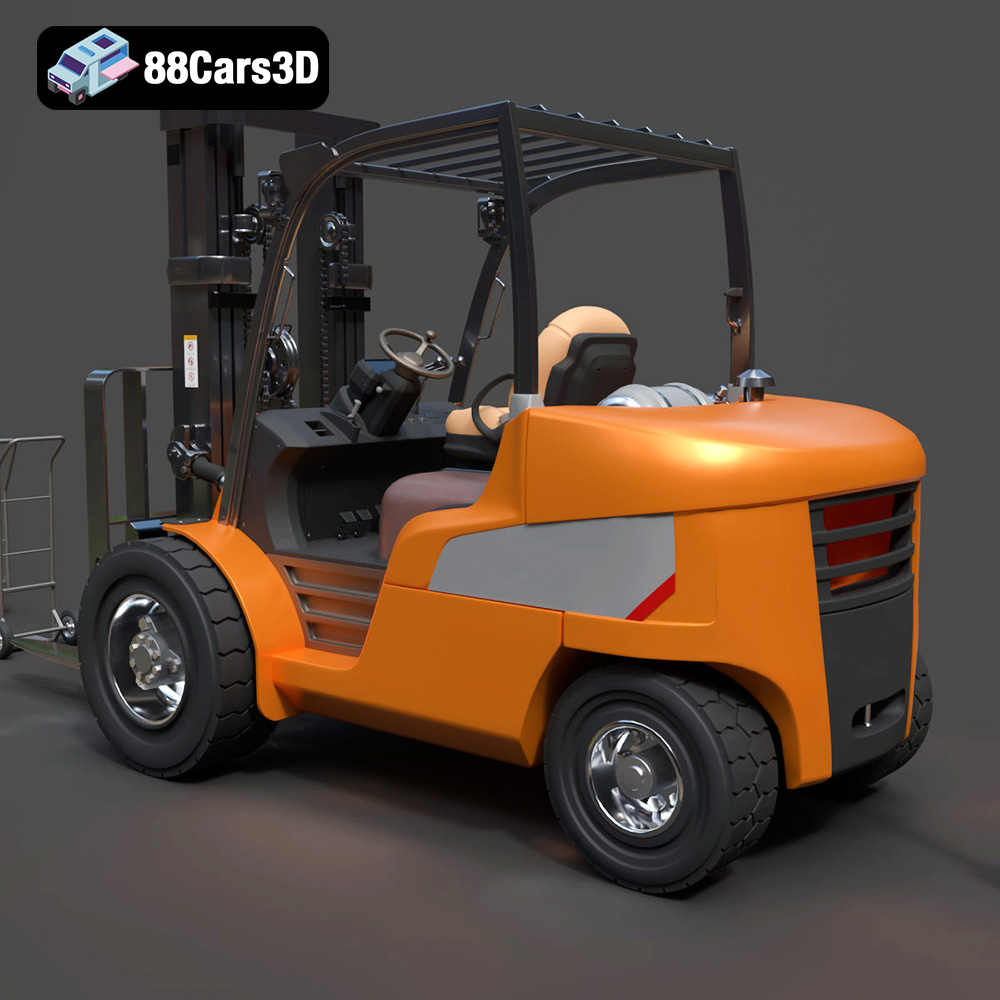
The CAT Forklift Manual Loader & Warehouse Carts Kit 3D Model from 88cars3d.com offers a fantastic opportunity to bring industrial realism to your projects. Whether you’re creating a diorama, designing a miniature construction site, or just appreciate the intricate design of industrial equipment, 3D printing this kit allows you to hold a tangible piece of engineering in your hands. However, given the model’s high level of detail (over 2.4 million triangles!) and intended applications, successful 3D printing requires careful planning and execution. This guide will walk you through the process, providing the technical knowledge you need to get the best possible results.
Before you even think about loading your model into a slicing software, it’s crucial to understand the different file formats available and their implications for 3D printing. The CAT Forklift kit, like many models on 88cars3d.com, comes in multiple formats, but some are better suited for additive manufacturing than others.
The .stl (stereolithography) format is the industry standard for 3D printing. It represents the surface geometry of a 3D object as a collection of triangles. This simplicity makes it universally compatible with slicing software and 3D printers. However, .stl files only store the mesh data; they don’t contain information about color, textures, or materials. For the CAT Forklift, the .stl format will provide the essential geometrical data needed for printing. When working with .stl files, pay close attention to the mesh quality. A poorly constructed mesh with holes, self-intersections, or non-manifold edges will cause problems during slicing and printing.
The .obj (object) format is another common 3D model format. Unlike .stl, .obj can store color and texture information, making it suitable for colored 3D prints. However, most 3D printers don’t yet fully leverage the color data in .obj files. Slicing software compatibility is generally good, but .obj files can sometimes be larger than their .stl counterparts.
The .ply (polygon file format) is designed for storing 3D data acquired from 3D scanners. It’s capable of representing highly detailed meshes with vertex colors and other attributes. While .ply files can be imported into some slicing software, they’re not as widely supported as .stl or .obj, especially for direct 3D printing applications.
The .blend file is the native file format for Blender, a popular open-source 3D creation suite. This format contains the entire Blender scene, including the model geometry, textures, materials, lighting, and animation data. While you can’t directly 3D print a .blend file, having access to it allows for extensive customization and modification of the model before exporting it to a printable format like .stl.
The .fbx format is primarily used for animation and game development. It supports complex scenes with animations, rigs, and materials. It’s possible to import .fbx files into some slicing software, but the main purpose of this format is to transfer the model to other programs.
The .glb format is a binary file format that stores 3D models, textures, and animations. It is mainly used for Augmented Reality applications where you can preview the model in AR before printing. It is supported by many platforms and allows for efficient transmission and loading of 3D assets.
The .max file format is the native file format for 3ds Max, a professional 3D modeling and animation software. Similar to .blend files, .max files contain the entire scene data and can be used for extensive modifications before exporting to a printable format.
For 3D printing the CAT Forklift model, the .stl format is generally the best choice due to its widespread compatibility and simplicity. However, if you plan to modify the model or experiment with colored printing, the .blend or .max files, followed by exporting to .obj or .stl, might be more appropriate. Remember to carefully inspect and repair the mesh in your slicing software after importing, regardless of the chosen format.
The level of detail in the CAT Forklift Manual Loader & Warehouse Carts Kit necessitates careful consideration of the 3D printing technology and material used.
Given the model’s intricate details, especially the hydraulic valves and steering levers, resin printing is highly recommended. SLA (Stereolithography), DLP (Digital Light Processing), and MSLA (Masked Stereolithography) printers offer superior resolution and accuracy compared to FDM (Fused Deposition Modeling) printers.
* Advantages: Exceptional detail, smooth surface finish, ability to print small and complex features.
* Disadvantages: Smaller build volume, resin materials can be brittle, requires post-processing (washing and curing), more expensive than FDM printing.
* Resin Recommendations: Standard resin, ABS-like resin (for increased durability), tough resin (for functional parts).
While resin printing is preferred, FDM printing can be used if you’re willing to compromise on detail or scale up the model significantly.
* Advantages: Larger build volume, wider range of materials, lower material cost, easier post-processing.
* Disadvantages: Lower resolution, visible layer lines, difficulty printing small and complex features.
* Filament Recommendations: PLA (easy to print, good for aesthetics), PETG (more durable and heat-resistant than PLA), ABS (strong and heat-resistant, but more difficult to print).
* **Strength and Durability:** For functional parts like the forks and handle, consider using materials with higher strength and impact resistance.
* **Detail:** For intricate details, choose materials that can accurately reproduce fine features.
* **Post-Processing:** Consider how easily the material can be sanded, painted, and otherwise post-processed.
* **Color:** While the model can be painted, consider using materials that are already close to the desired color (e.g., yellow PLA or resin).
Proper pre-print preparation is crucial for a successful 3D print. This involves using slicing software to convert the 3D model into instructions for your printer and optimizing the model for printing.
Popular slicing software options include:
* **Cura:** Free and open-source, user-friendly, and widely compatible.
* **PrusaSlicer:** Another excellent free option with advanced features and support for various printers.
* **Simplify3D:** A commercial slicer with advanced control over print settings.
* **ChiTuBox/Lychee Slicer:** Popular slicers for resin printers, offering advanced support generation and resin settings.
The orientation of the model on the print bed significantly affects the print quality, strength, and support requirements.
* **Fork Body:** Print the main fork body flat on the print bed to minimize support requirements and maximize strength along the horizontal plane.
* **Handle and Pump Mechanism:** Print these parts separately, oriented to minimize support usage on critical surfaces. Consider printing the handle vertically to improve its strength.
* **Wheels:** Print the wheels flat to maintain a smooth and round finish.
Support structures are necessary to support overhanging features during printing.
* **Resin Printing:** Use automatically generated supports in your slicing software, but manually adjust them to ensure adequate support for critical areas like the handle, forks, and undercarriage wheel housings. Optimize support placement to minimize scarring on visible surfaces.
* **FDM Printing:** Use a support pattern that is easy to remove, such as tree supports or linear supports. Adjust the support density and overhang angle to optimize support removal and print quality.
Before slicing, ensure that the 3D model is free of errors such as holes, self-intersections, and non-manifold edges. Use the mesh repair tools in your slicing software or a dedicated mesh repair program like MeshLab or Netfabb.
The recommended scales for this model are 1:35, 1:24, and 1:14. Scale the model in your slicing software before printing. Be aware that scaling down the model will increase the difficulty of printing the fine details, while scaling up the model will increase print time and material consumption.
The optimal printer settings will depend on your chosen printing technology, material, and desired level of detail.
* **Layer Height:** 0.04–0.08 mm (smaller layer heights will result in finer details but longer print times)
* **Exposure Time:** Refer to your resin manufacturer’s recommendations.
* **Bottom Layer Exposure Time:** Significantly longer than normal exposure time to ensure good adhesion to the build plate.
* **Lift Speed:** Adjust lift speed to balance print speed and minimizing stress on the model.
* **Layer Height:** 0.1–0.2 mm (smaller layer heights will result in finer details but longer print times)
* **Infill:** 20–30% (adjust infill density to balance strength and weight)
* **Wall Thickness:** 1.5–2.0 mm (ensure sufficient wall thickness for strength)
* **Print Speed:** Adjust print speed based on material and printer capabilities.
* **Temperature:** Refer to your filament manufacturer’s recommendations.
* **Retraction:** Optimize retraction settings to minimize stringing and oozing.
Post-processing is an essential step in 3D printing, especially for models with intricate details like the CAT Forklift.
Carefully remove support structures using tools like flush cutters, pliers, and hobby knives. Take your time to avoid damaging the model. For resin prints, you may need to cure the model before removing supports to prevent warping.
Sand the model to remove layer lines and smooth out any imperfections. Start with coarse sandpaper and gradually move to finer grits. Wet sanding can help to reduce dust and improve the surface finish.
Apply a primer coat to the model to improve paint adhesion and fill in any remaining imperfections. Use a spray primer designed for plastic models.
Paint the model using acrylic paints or spray paints. For an authentic look, use Caterpillar Yellow paint. Consider using masking tape to create clean lines and separate different colored areas.
Apply weathering effects like washes, dry brushing, and pigment powders to simulate wear and tear. Use oil paints or acrylic washes to create shadows and highlight details. Apply dry brushing to edges and corners to simulate paint chipping. Use pigment powders to simulate dust and dirt.
If the model was printed in multiple parts, carefully assemble them using glue or epoxy. Ensure that the parts are properly aligned before the glue sets.
3D printing is not always a smooth process. Here are some common issues and their solutions.
* **Cause:** Uneven cooling, poor bed adhesion.
* **Solution:** Use a heated bed, apply a bed adhesion agent (e.g., glue stick, hairspray), enclose the printer, reduce print speed, increase bed temperature.
* **Cause:** Excessive oozing of filament during travel moves.
* **Solution:** Optimize retraction settings, decrease printing temperature, increase travel speed.
* **Cause:** Poor layer adhesion.
* **Solution:** Increase printing temperature, decrease printing speed, increase extrusion multiplier.
* **Cause:** Insufficient support, weak support structures.
* **Solution:** Increase support density, increase support thickness, adjust support angle, use a stronger support material.
* **Delamination:** Make sure the FEP film of your resin tank is clean and free of dents.
* **Prints not sticking to build plate:** Ensure the plate is properly leveled. Increase bottom layer exposure time.
* **Brittle Prints:** Adjust resin curing time.
3D printing the CAT Forklift Manual Loader & Warehouse Carts Kit is a rewarding project that requires patience, attention to detail, and a good understanding of 3D printing principles. By following the guidelines outlined in this article, you can create a stunning replica of this essential piece of industrial equipment. Remember to experiment with different settings and techniques to find what works best for your printer and material. And don’t be afraid to ask for help from the 3D printing community if you run into any problems. With careful planning and execution, you can transform the digital model from 88cars3d.com into a tangible work of art.
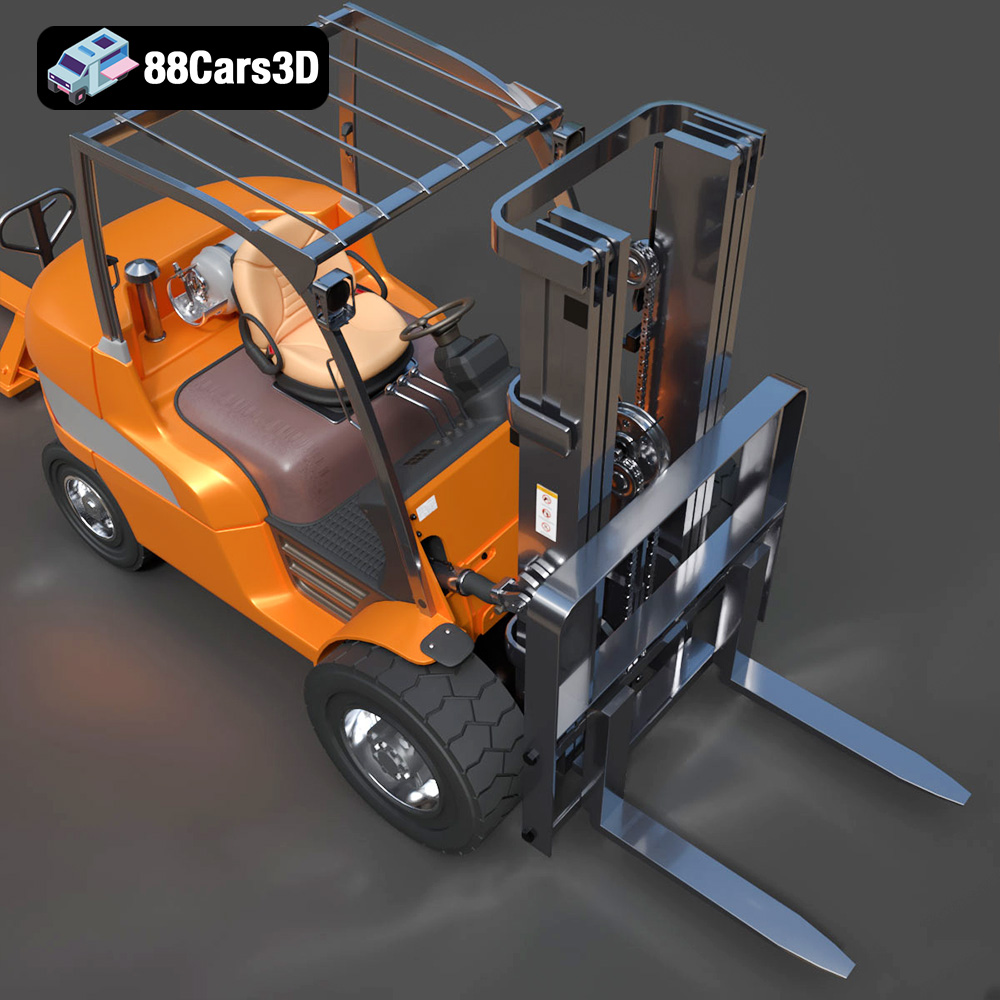
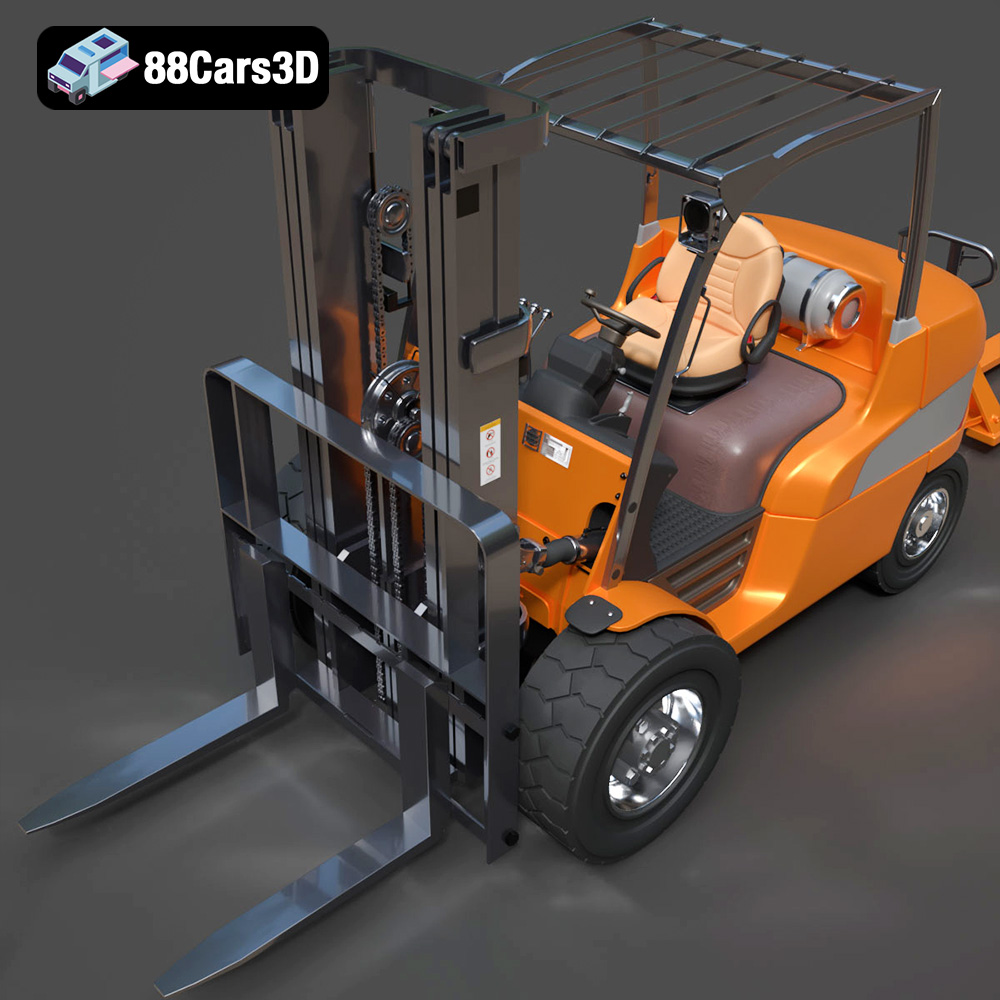
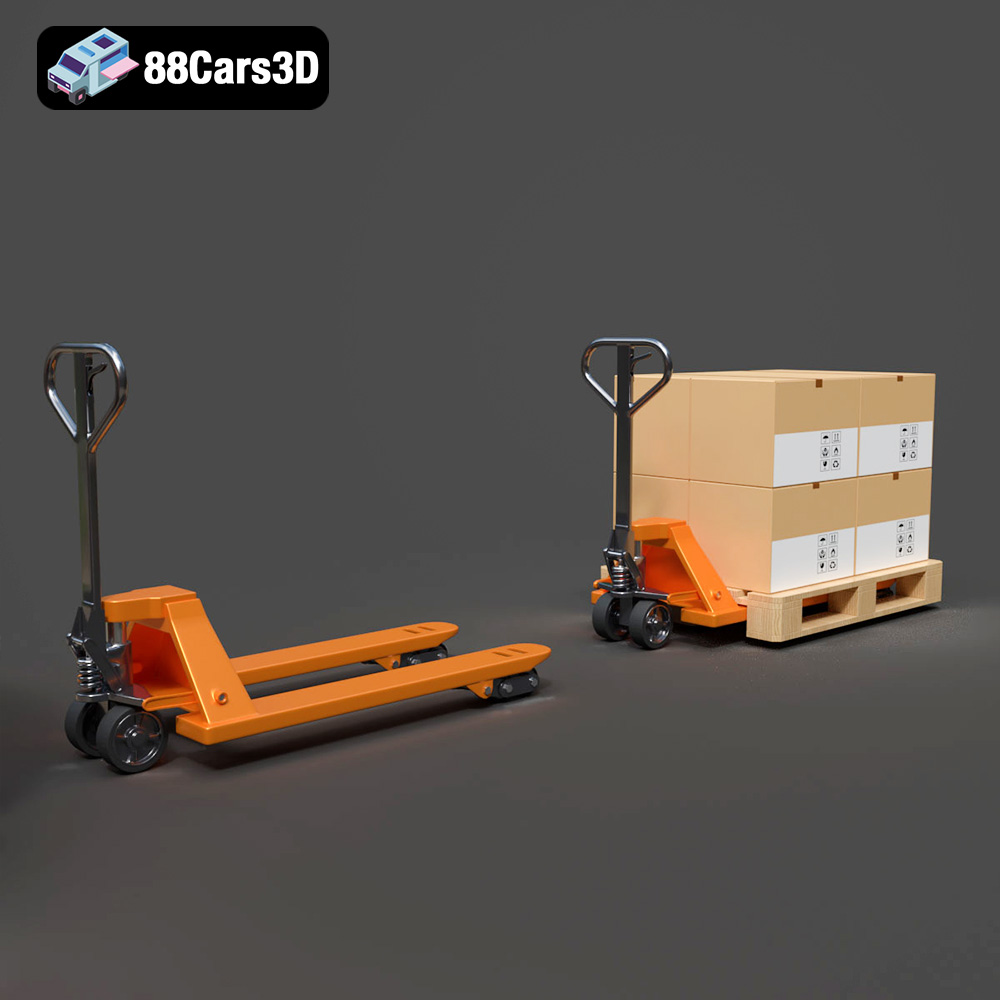
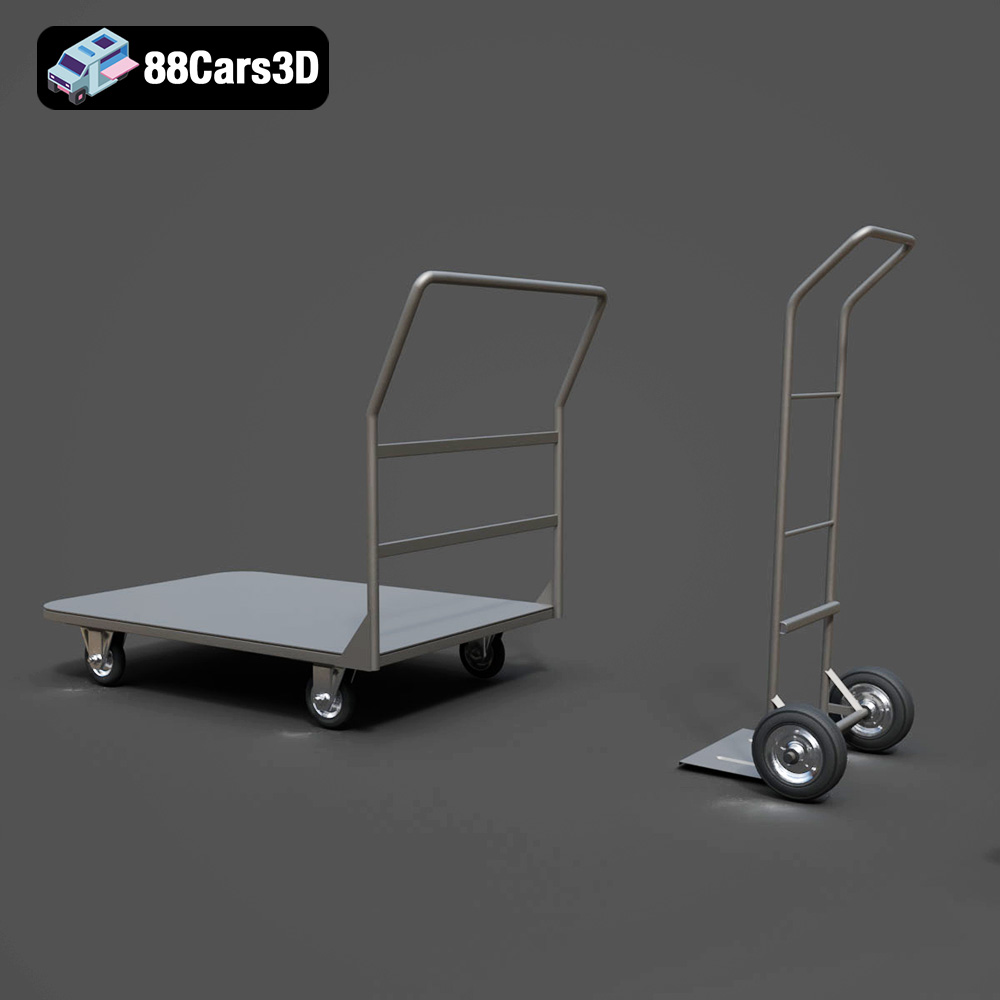
The CAT Forklift Manual Loader & Warehouse Carts Kit 3D Model is an incredibly detailed, professional-grade digital asset pack designed to bring absolute realism to industrial and logistical environments. At the heart of this kit is a meticulously modeled Caterpillar (CAT) manual pallet jack (hand pallet truck), accompanied by versatile warehouse transport carts.
$19.99
.archviz
.blend
.caterpillar
.fbx
.forklift
.industrial
.logistics
.obj
.rendering
cat
factory-3d-model
hand-truck
high poly
manual-loader
pallet-jack
warehouse-equipment